Tablets for Digital Artists
Tablets For Digital Artists offer a versatile and intuitive platform for creativity, making it easier than ever to sketch, paint, and design on the go or in the studio. Whether you're a professional illustrator or just starting your artistic journey, these tablets provide the tools you need to bring your visions to life. Explore a wide selection of models designed to support digital art, animation, and graphic design, all featuring responsive displays and compatibility with popular creative software. Find the perfect match for your workflow and elevate your creative projects with Tablets For Digital Artists.
Sort








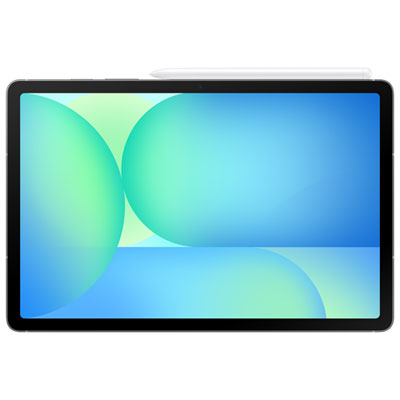
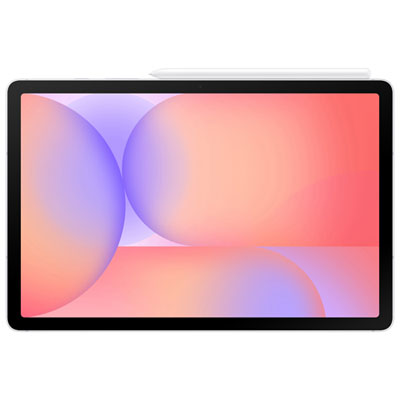
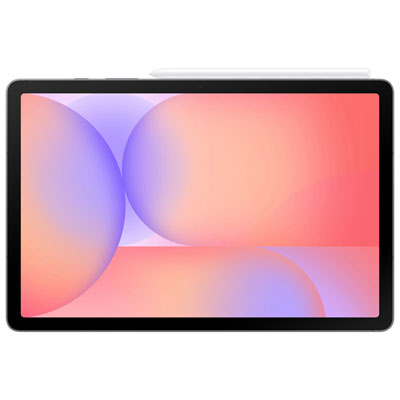
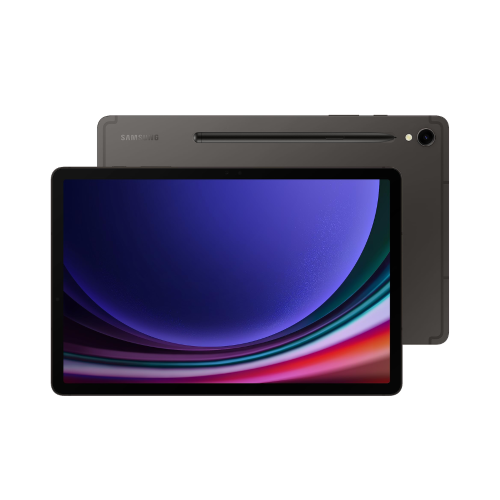
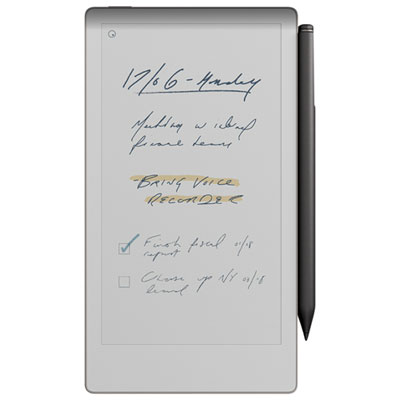
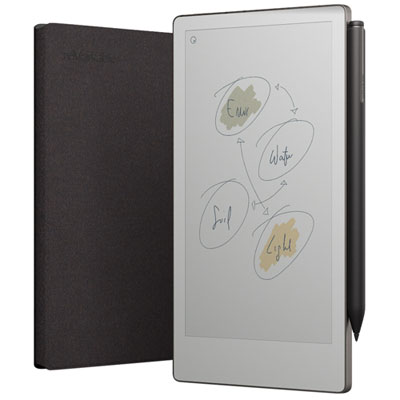
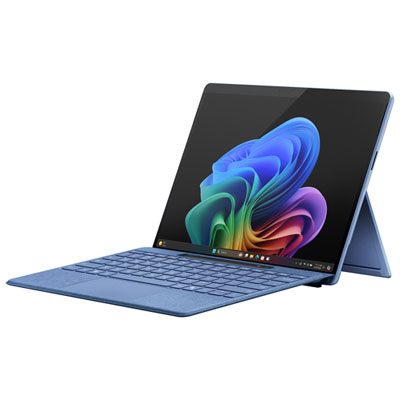
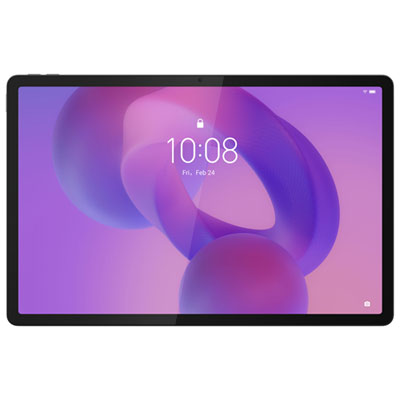
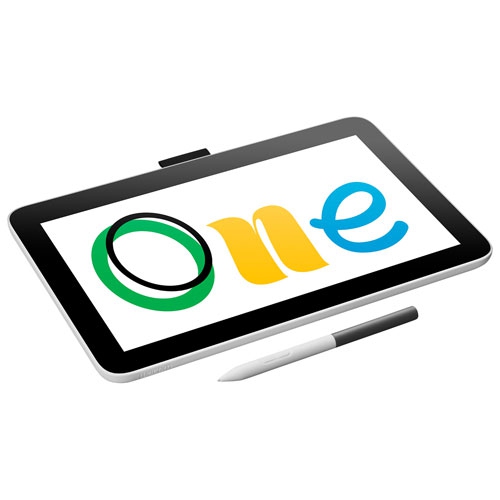
Stylus control and tablet design shape creative workflows
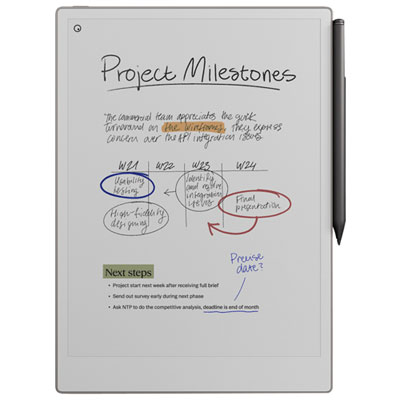
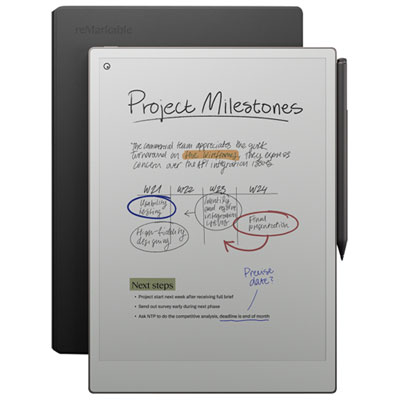
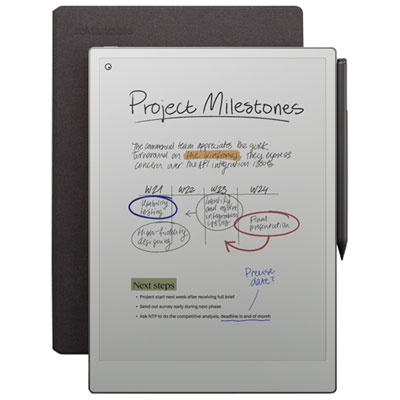
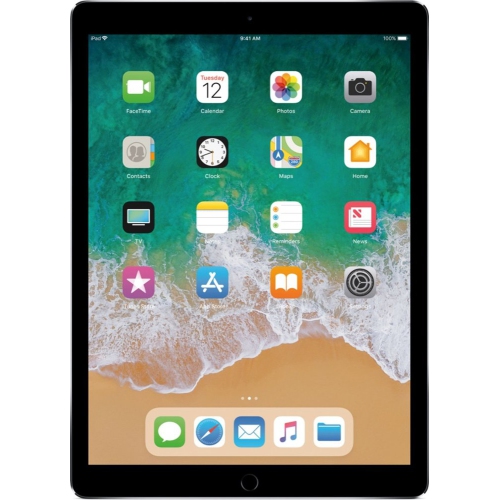
Tablets for digital artists can bring the feel of a sketchbook, paintbrush, or technical drawing pad into a digital workspace. They are used by illustrators, graphic designers, animators, photographers, architects, students, hobbyists, and anyone who enjoys creating images with a stylus. Depending on the design, a tablet may connect to a computer, function as a drawing monitor, or work as a complete computer on its own. Screenless pen tablets are compact drawing surfaces that connect to a compatible computer, allowing you to draw on the pad while viewing the results on a separate monitor. They are often a practical choice for artists who already have a desktop or laptop and want precise stylus control without adding another display to their workspace. Pen displays include a built-in screen, so the drawing surface appears directly beneath the stylus. This can feel especially natural for people who are accustomed to drawing on paper, tracing rough shapes, or painting with their hand resting beside the image. Standalone tablets combine a display, operating system, storage, and creative apps in one portable device, making them useful for sketching at a café, refining concepts on a commute, or moving between a home studio and a classroom without carrying a full computer setup. They can also make thoughtful gifts for an aspiring illustrator, design student, comic artist, or creative family member who enjoys turning ideas into finished artwork. For students comparing options for coursework, studio projects, and portfolio development, explore Tablets for Art and Design Students for additional tablet styles suited to learning and design work.
Stylus performance is one of the most important details to compare when choosing a tablet for digital art. Pressure sensitivity allows the tablet to respond to the force of each stroke, helping a light touch create a fine line and a firmer press produce a darker, broader mark. Many current drawing tablets offer thousands of pressure levels, although the overall feel also depends on the stylus, the drawing app, and the artist’s personal preferences. Tilt sensitivity can add another layer of control by recognizing the angle of the stylus, much like holding a pencil on its side to shade a wide area. This feature can be helpful for sketching, blending, calligraphy, and brush-based artwork, particularly when an artist wants expressive strokes instead of uniform digital lines. Active area is the portion of the tablet that detects the stylus and is typically measured in inches or millimetres. A smaller active area can suit a compact desk, travel bag, or quick note-taking, while a larger surface may provide more room for broad arm movements and detailed compositions. Artists who work with large canvases or multiple layers may also appreciate a spacious screen, high resolution, accurate colour reproduction, and an adjustable stand that supports a comfortable drawing angle. For screenless models, check the tablet’s compatibility with the computer and creative software, as well as the available connection type and the size of the monitor being used. For pen displays, consider cable placement, viewing angle, brightness, surface texture, and whether the screen’s proportions feel comfortable for the way you draw. A matte or textured surface may provide a little more resistance under the stylus, creating a sensation that is closer to pencil on paper, while a smoother surface may support quick gestures and easy movement across the canvas.
The best fit also depends on how and where the tablet will be used. A beginner who is learning digital illustration may prefer a straightforward setup with a responsive stylus, useful shortcut buttons, and enough active space for practising lines, shapes, lettering, and shading. An experienced artist may place more emphasis on colour accuracy, shortcut customisation, palm rejection, multi-touch controls, storage capacity, and the ability to run demanding creative software. A standalone tablet can be convenient for drawing outdoors, travelling during the cooler months, or capturing a fleeting idea before it disappears, but battery life, internal storage, operating system compatibility, and accessory support are worth reviewing. If the tablet will be used for animation, 3D modelling, photo editing, or large layered files, look for responsive performance and sufficient memory so brushes and projects load smoothly. If it will mainly be used for handwritten notes, rough storyboards, or occasional sketches, a lighter and more portable option may be easier to keep close at hand. Ergonomics matter for long sessions: a comfortable stylus shape, balanced weight, low-glare display, adjustable stand, and a desk arrangement that keeps the wrist relaxed can make a noticeable difference after several hours of work. It is also worth checking what comes in the box, since a stylus, replacement nibs, charging equipment, stand, or protective case may be included or sold separately. A tablet for digital artists can be a practical addition to a home office, a versatile tool for professional creative work, or an inviting way for a beginner to explore drawing, painting, lettering, and design. By matching the tablet type, screen size, stylus features, software compatibility, portability, and workspace needs, artists can choose a setup that feels dependable from the first rough sketch through the final polished piece.
Stylus performance is one of the most important details to compare when choosing a tablet for digital art. Pressure sensitivity allows the tablet to respond to the force of each stroke, helping a light touch create a fine line and a firmer press produce a darker, broader mark. Many current drawing tablets offer thousands of pressure levels, although the overall feel also depends on the stylus, the drawing app, and the artist’s personal preferences. Tilt sensitivity can add another layer of control by recognizing the angle of the stylus, much like holding a pencil on its side to shade a wide area. This feature can be helpful for sketching, blending, calligraphy, and brush-based artwork, particularly when an artist wants expressive strokes instead of uniform digital lines. Active area is the portion of the tablet that detects the stylus and is typically measured in inches or millimetres. A smaller active area can suit a compact desk, travel bag, or quick note-taking, while a larger surface may provide more room for broad arm movements and detailed compositions. Artists who work with large canvases or multiple layers may also appreciate a spacious screen, high resolution, accurate colour reproduction, and an adjustable stand that supports a comfortable drawing angle. For screenless models, check the tablet’s compatibility with the computer and creative software, as well as the available connection type and the size of the monitor being used. For pen displays, consider cable placement, viewing angle, brightness, surface texture, and whether the screen’s proportions feel comfortable for the way you draw. A matte or textured surface may provide a little more resistance under the stylus, creating a sensation that is closer to pencil on paper, while a smoother surface may support quick gestures and easy movement across the canvas.
The best fit also depends on how and where the tablet will be used. A beginner who is learning digital illustration may prefer a straightforward setup with a responsive stylus, useful shortcut buttons, and enough active space for practising lines, shapes, lettering, and shading. An experienced artist may place more emphasis on colour accuracy, shortcut customisation, palm rejection, multi-touch controls, storage capacity, and the ability to run demanding creative software. A standalone tablet can be convenient for drawing outdoors, travelling during the cooler months, or capturing a fleeting idea before it disappears, but battery life, internal storage, operating system compatibility, and accessory support are worth reviewing. If the tablet will be used for animation, 3D modelling, photo editing, or large layered files, look for responsive performance and sufficient memory so brushes and projects load smoothly. If it will mainly be used for handwritten notes, rough storyboards, or occasional sketches, a lighter and more portable option may be easier to keep close at hand. Ergonomics matter for long sessions: a comfortable stylus shape, balanced weight, low-glare display, adjustable stand, and a desk arrangement that keeps the wrist relaxed can make a noticeable difference after several hours of work. It is also worth checking what comes in the box, since a stylus, replacement nibs, charging equipment, stand, or protective case may be included or sold separately. A tablet for digital artists can be a practical addition to a home office, a versatile tool for professional creative work, or an inviting way for a beginner to explore drawing, painting, lettering, and design. By matching the tablet type, screen size, stylus features, software compatibility, portability, and workspace needs, artists can choose a setup that feels dependable from the first rough sketch through the final polished piece.
Top selling and popular products
-
 Your price for this item is $499.99
 -
 Your price for this item is $199.95
 -
 Your price for this item is $325
 -
 Your price for this item is $579.99
 -
 Your price for this item is $139.99
 -
 Your price for this item is $119.99
 -
 Your price for this item is $979.99
 -
 Your price for this item is $579.99
Discover more categories related to Tablets for Digital Artists

Top Collections:
Pokemon Centers, Kindle Devices, Best Budget Office Chairs, Apple iPhones 16, Best Laptops for Writers, iPhone 15 Apple, Canon G7X Cameras, Refurbished Apple Laptops, Alarm Clock, Motorola Razr Phones
Some products may be subject to Environmental Handling Fees
(EHF) depending on your province.
Learn more about EHFs.