Computers for Study
Finding the right computer for study can significantly enhance your learning experience, providing the tools you need to tackle assignments, conduct research, and stay organized. Whether you're a high school student or pursuing higher education, selecting a computer that aligns with your academic needs is crucial. From portability to performance, there are various factors to consider that ensure seamless multitasking and access to educational resources. Explore our range of computers designed to support your study endeavors and help you achieve academic success.
Sort


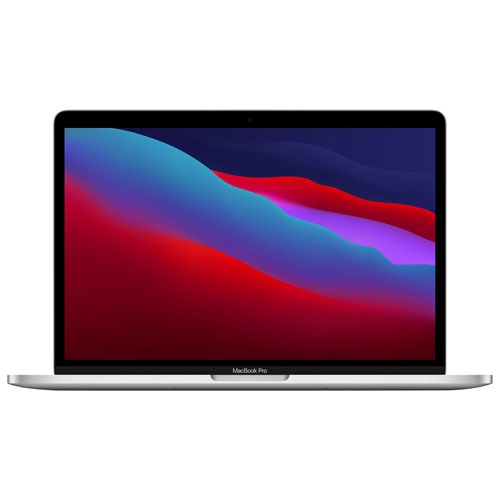
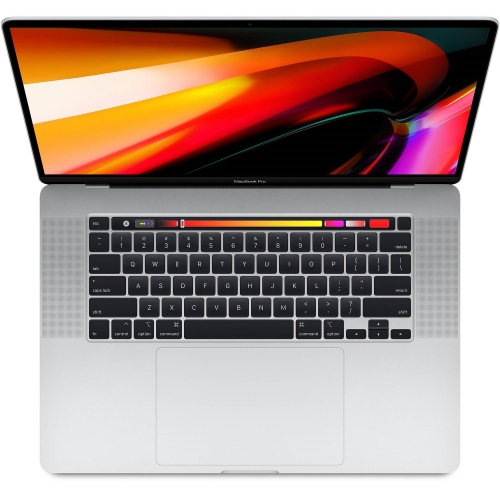

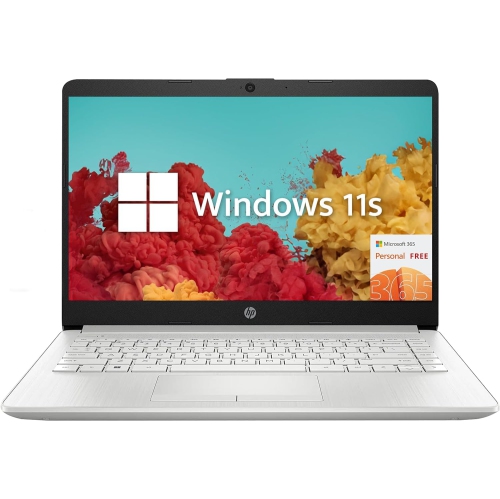
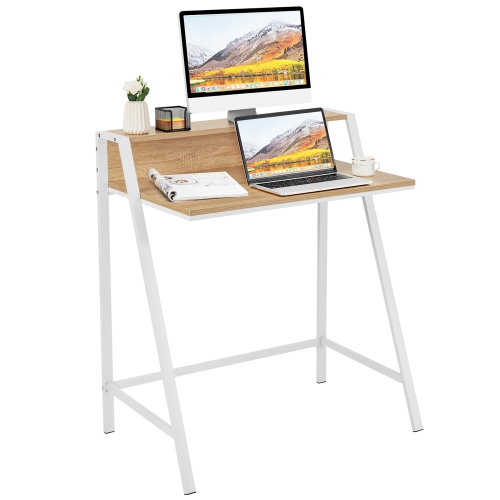

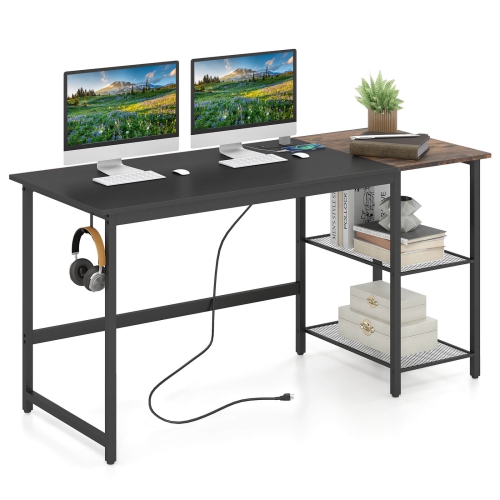
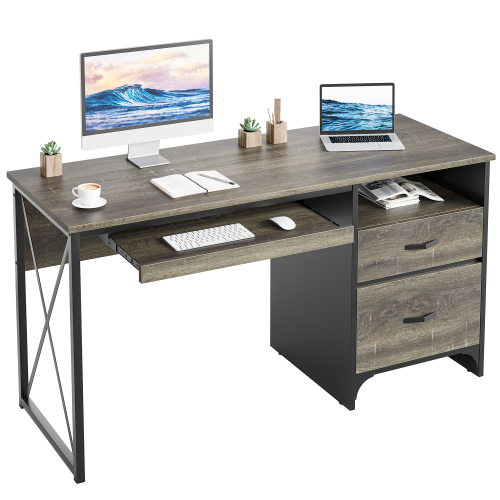
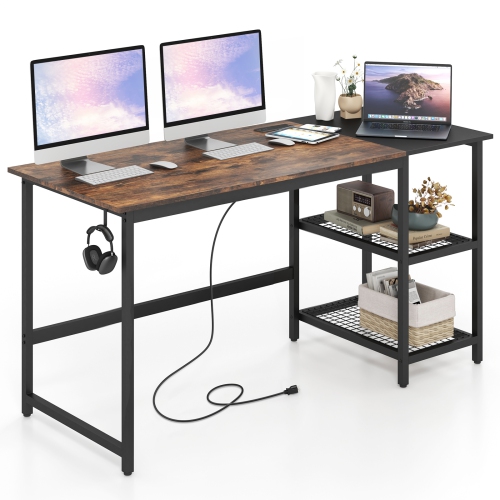
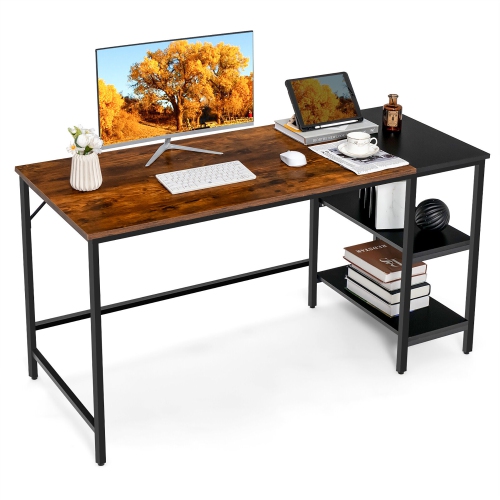
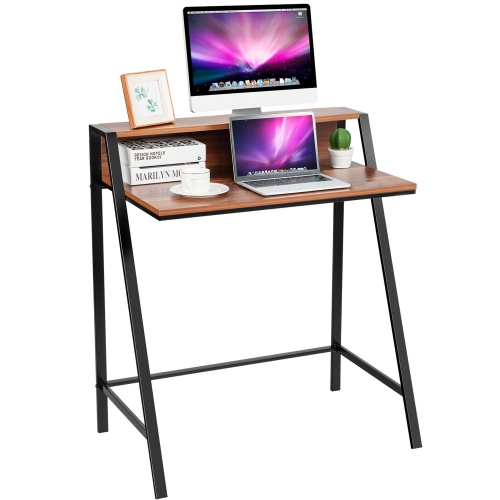
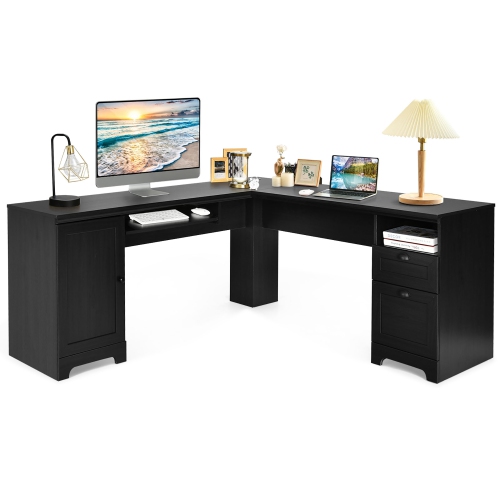
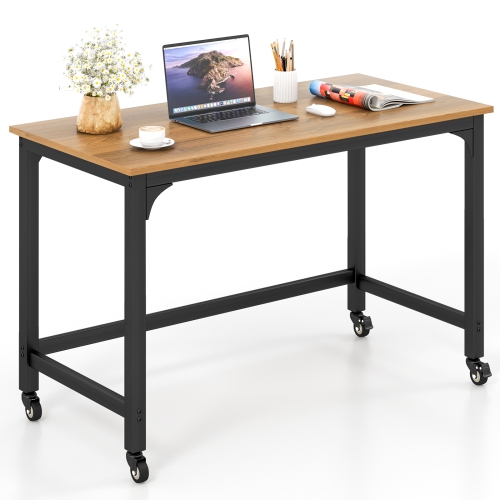
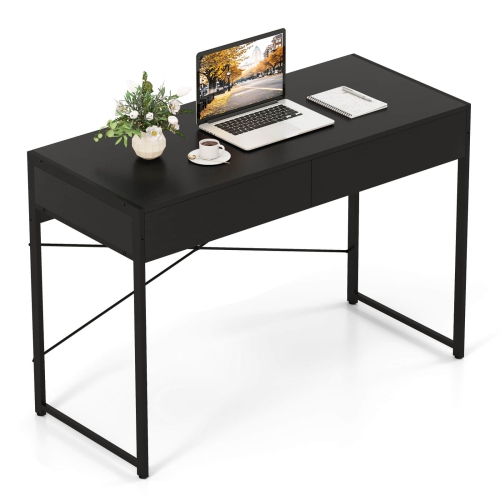
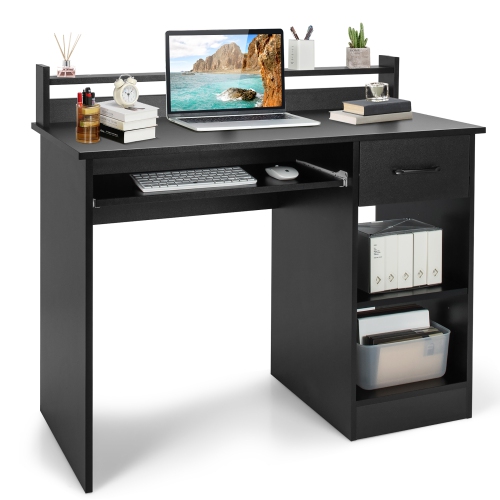

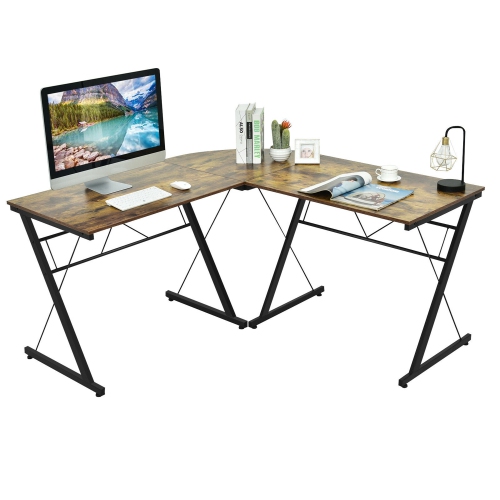
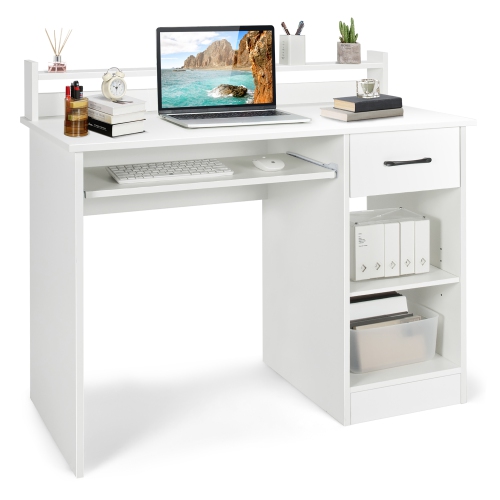
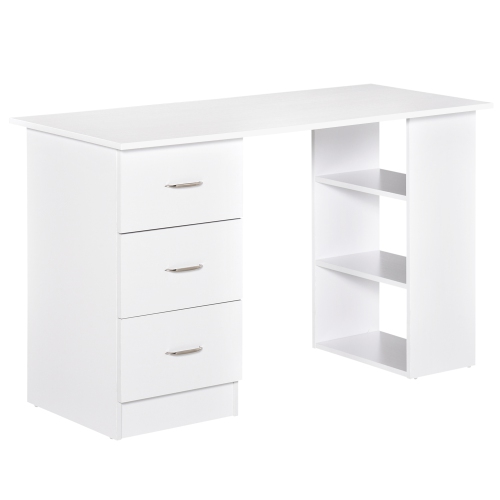
Study needs range from portable laptops to powerful desktops
Computers for study can make a meaningful difference to the way students learn, whether they are taking notes in a lecture hall, joining a virtual class from the kitchen table, researching in the library, or completing assignments at home during the cooler months. The right computer should fit both the student’s course requirements and their everyday routine. A lightweight laptop is easy to carry between classes and can be used almost anywhere there is a power outlet or Wi-Fi connection, while a desktop computer can provide a larger screen, a comfortable fixed workstation, and dependable performance for longer study sessions. Students in liberal arts, business, education, and many general programmes typically need a reliable computer for web browsing, word processing, presentations, email, video calls, online learning platforms, and research with multiple browser tabs open. For these needs, a current processor, 8GB to 16GB of RAM, and a solid-state drive with at least 256GB of storage can provide a responsive experience for everyday schoolwork. Choosing 512GB or more may be helpful for students who keep extensive course readings, downloaded lectures, photos, applications, and personal files on their computer. A 13-inch or 14-inch laptop can be a practical choice for commuting students who value portability, whereas a 15-inch or 16-inch display offers additional room for split-screen work, spreadsheets, digital textbooks, and detailed documents. A comfortable keyboard, a clear webcam, dependable speakers, and a battery that can last through a substantial portion of the school day are also worth considering. Someone who has spent an afternoon moving between a crowded campus lounge and a quiet corner of the library knows how convenient it is to have a computer that starts quickly, fits easily into a backpack, and does not interrupt a train of thought with sluggish performance or a nearly empty battery.
The student’s area of study should guide the technical specifications. Coding, engineering, architecture, computer science, animation, photography, music production, and video editing may require more processing power than basic writing and browsing. These programmes can benefit from at least 16GB of RAM, a faster processor with multiple cores, generous solid-state storage, and, depending on the software, a dedicated graphics processor. Students working with CAD, 3D models, large datasets, high-resolution images, or video projects should check the recommended requirements for their applications before choosing a computer, since software needs can vary considerably between courses. A machine with upgradeable or expandable storage may be useful for projects that grow over several semesters, although many current computers use components that cannot be replaced easily. For online classes and group projects, a strong webcam, microphone, and speakers can make conversations clearer, while a computer with several USB ports, HDMI, or modern USB-C connectivity can accommodate external displays, storage drives, drawing accessories, headsets, and other study tools. Operating system preferences matter as well. Students should confirm that required applications work with their preferred platform and that it supports the file formats used by instructors, classmates, and campus services. Touchscreen capability can be handy for annotating documents or navigating diagrams, while a traditional display may be preferable for long writing sessions. For a permanent home workstation, consider pairing a desktop computer with an appropriately sized monitor, an adjustable chair, a full-size keyboard, and a mouse that feels comfortable after several hours of use. Students who use their computers in shared spaces may also appreciate fast sign-in, privacy settings, a built-in camera shutter where available, and enough storage for keeping school files organized. Cloud storage and an external drive can add another layer of protection, but important assignments should still be backed up regularly rather than kept in only one location.
Computers for study can also be thoughtful gifts for a student beginning a new programme, moving into residence, returning to school after a break, or preparing for remote and hybrid learning. A family member choosing a computer as a gift may want to consider more than the initial purchase price, including the cost of required software, a protective case, a suitable monitor, a printer, an external webcam, or a USB hub. A student with a small desk may prefer a compact laptop that can be put away after class, while someone with a dedicated study area may get more value from the screen size and ergonomic comfort of a desktop setup. Those who travel frequently between home, campus, and part-time work may place battery life and low weight above maximum performance; students completing demanding creative or technical projects may reasonably prioritize speed, graphics capability, and cooling. Budget-conscious shoppers can often find a capable computer by matching specifications to the actual coursework instead of paying for features that will not be used. A practical starting point is to compare processor generation, RAM, storage capacity, display size, battery information, ports, operating system, and warranty coverage, then confirm the school’s requirements. For a stationary learning space, explore Desktop Computers For Home Study And Remote Learning for options suited to writing, research, video lessons, and day-to-day schoolwork. Whether the computer is used to draft an essay before sunrise, review lecture slides with a cup of tea nearby, or complete a group presentation during a long evening of study, the best choice is one that feels dependable, fits the student’s space, and supports the demands of the programme from the first assignment through the final submission.
The student’s area of study should guide the technical specifications. Coding, engineering, architecture, computer science, animation, photography, music production, and video editing may require more processing power than basic writing and browsing. These programmes can benefit from at least 16GB of RAM, a faster processor with multiple cores, generous solid-state storage, and, depending on the software, a dedicated graphics processor. Students working with CAD, 3D models, large datasets, high-resolution images, or video projects should check the recommended requirements for their applications before choosing a computer, since software needs can vary considerably between courses. A machine with upgradeable or expandable storage may be useful for projects that grow over several semesters, although many current computers use components that cannot be replaced easily. For online classes and group projects, a strong webcam, microphone, and speakers can make conversations clearer, while a computer with several USB ports, HDMI, or modern USB-C connectivity can accommodate external displays, storage drives, drawing accessories, headsets, and other study tools. Operating system preferences matter as well. Students should confirm that required applications work with their preferred platform and that it supports the file formats used by instructors, classmates, and campus services. Touchscreen capability can be handy for annotating documents or navigating diagrams, while a traditional display may be preferable for long writing sessions. For a permanent home workstation, consider pairing a desktop computer with an appropriately sized monitor, an adjustable chair, a full-size keyboard, and a mouse that feels comfortable after several hours of use. Students who use their computers in shared spaces may also appreciate fast sign-in, privacy settings, a built-in camera shutter where available, and enough storage for keeping school files organized. Cloud storage and an external drive can add another layer of protection, but important assignments should still be backed up regularly rather than kept in only one location.
Computers for study can also be thoughtful gifts for a student beginning a new programme, moving into residence, returning to school after a break, or preparing for remote and hybrid learning. A family member choosing a computer as a gift may want to consider more than the initial purchase price, including the cost of required software, a protective case, a suitable monitor, a printer, an external webcam, or a USB hub. A student with a small desk may prefer a compact laptop that can be put away after class, while someone with a dedicated study area may get more value from the screen size and ergonomic comfort of a desktop setup. Those who travel frequently between home, campus, and part-time work may place battery life and low weight above maximum performance; students completing demanding creative or technical projects may reasonably prioritize speed, graphics capability, and cooling. Budget-conscious shoppers can often find a capable computer by matching specifications to the actual coursework instead of paying for features that will not be used. A practical starting point is to compare processor generation, RAM, storage capacity, display size, battery information, ports, operating system, and warranty coverage, then confirm the school’s requirements. For a stationary learning space, explore Desktop Computers For Home Study And Remote Learning for options suited to writing, research, video lessons, and day-to-day schoolwork. Whether the computer is used to draft an essay before sunrise, review lecture slides with a cup of tea nearby, or complete a group presentation during a long evening of study, the best choice is one that feels dependable, fits the student’s space, and supports the demands of the programme from the first assignment through the final submission.
Top selling and popular products
-
 Your price for this item is $304.99
 -
 Your price for this item is $93.99
 -
 Your price for this item is $248.99
 -
 Your price for this item is $84.95
 -
 Your price for this item is $99.95
 -
 Your price for this item is $74.97
 -
 Your price for this item is $83.95
 -
 Your price for this item is $93.99
Discover more categories related to Computers for Study


Top Collections:
Pokemon Centers, Budget 4K TVs, Best Budget Office Chairs, Kindle Devices, Canon G7X Cameras, Apple iPhones 16, iPhone 15 Apple, Laptops for Business Work, Xiaomi Phones, Flip Phones
Some products may be subject to Environmental Handling Fees
(EHF) depending on your province.
Learn more about EHFs.