Cyber Monday Deals Coming Soon

Our Cyber Monday Sale returns in December 2026. In the meantime, shop our current top deals below.

Cyber Monday Refurbished Laptops

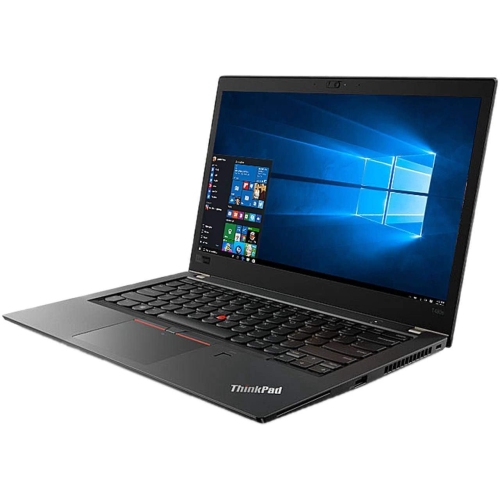
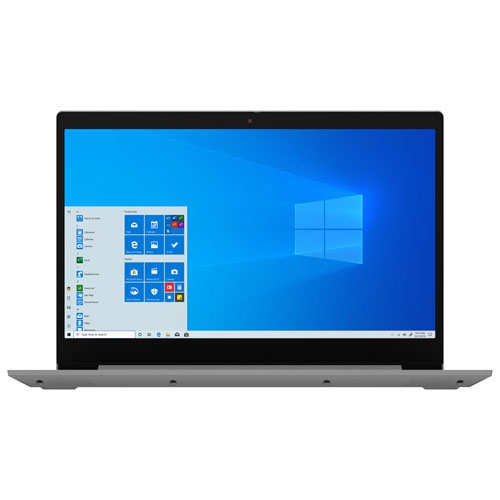
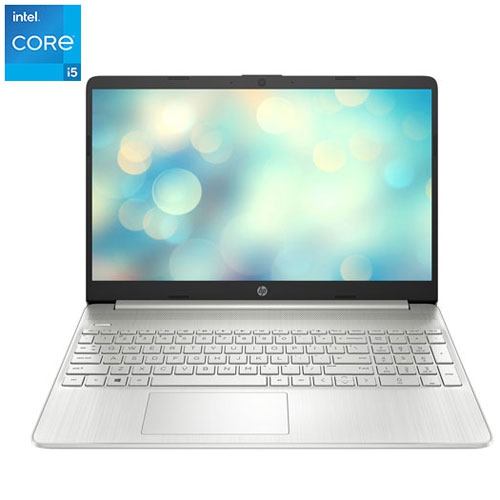
Browse Cyber Monday refurbished laptops with your budget and everyday computing needs in mind. Compare listed specifications, condition details, and warranty coverage to find a refurbished laptop for work, study, or home use, and check each listing for included accessories. Remember, our Low Price Guarantee means you can shop confidently knowing that you'll find the best price at Best Buy, all year round. We encourage you to check our website frequently for the most up-to-date information on our latest offers and savings opportunities.

Read More

Sort

Beyond cosmetic grades: what makes a refurbished laptop useful

Cyber Monday refurbished laptops can suit the everyday routines of students, remote workers, families, and anyone who needs a dependable computer for familiar tasks. A laptop might spend the morning handling documents at a kitchen table, the afternoon streaming a recorded lecture, and the evening organizing photos or joining a video call. Refurbished describes a device that has been assessed and prepared for resale, rather than simply passed along in its previous condition. The process may include inspection, functional testing, cleaning, repairs, or replacement of components, but the work performed and the standards applied depend on the refurbisher. That makes the condition description an important part of understanding a laptop. Cosmetic grades can indicate differences such as marks on the lid, wear around the palm rest, or scratches on the underside; these are separate considerations from whether the keyboard, display, charging connection, and other components work properly. A small scuff may make little difference to someone who mainly uses a laptop at a desk, while screen blemishes or loose hinges can have a greater effect on daily comfort. Battery condition also deserves attention because a refurbished laptop may not deliver the same unplugged runtime as it did when new. Any stated battery health, testing information, or replacement details help set realistic expectations for carrying it between classes or working away from an outlet. Included accessories, the keyboard layout, the operating system, and the type of power adapter are equally relevant. Packaging may differ from the original box, and included software should be clearly identified rather than assumed. Warranty coverage and return terms can vary by seller and device, so they form part of the overall picture alongside condition and specifications. For someone receiving a laptop as a gift, these practical details matter more than a flawless exterior alone: a comfortable keyboard, a readable screen, and a suitable charger are what turn a computer into something useful day after day.
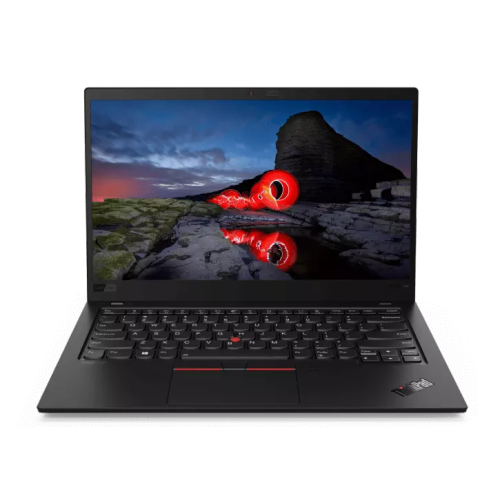
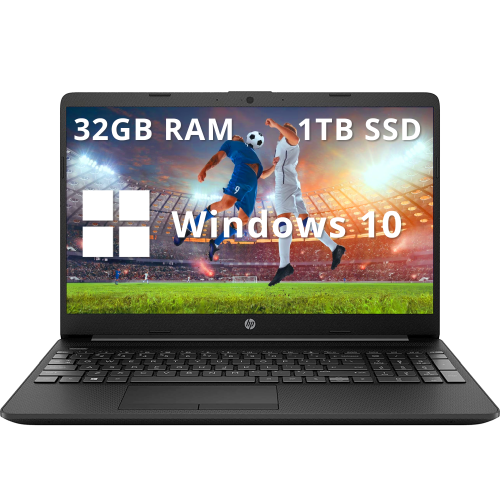
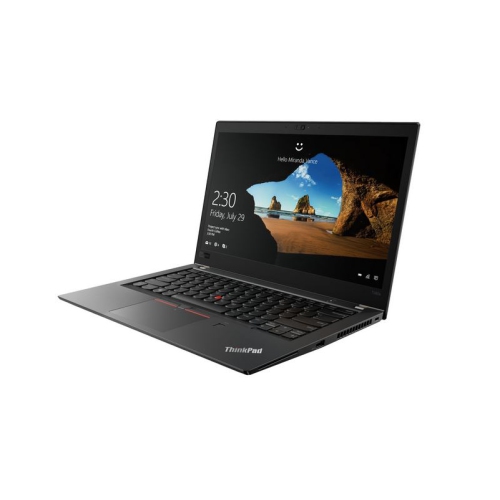
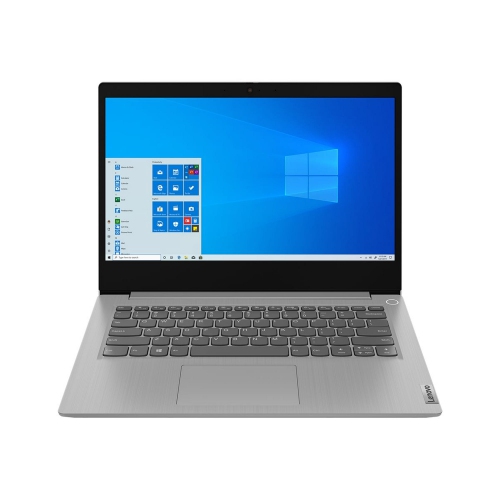
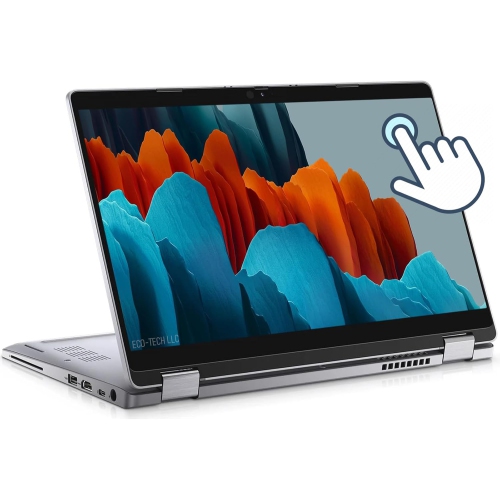
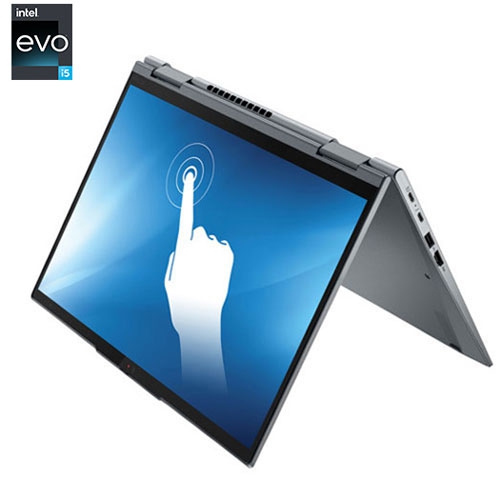
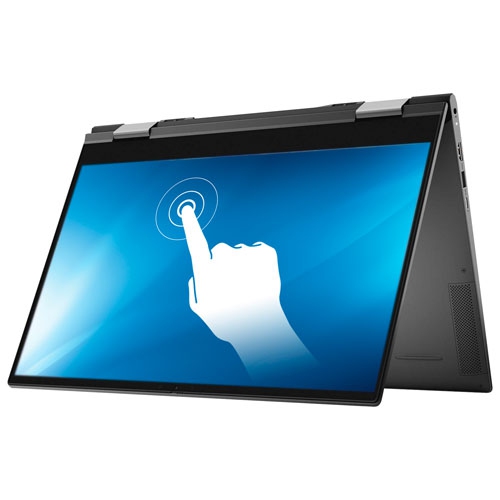
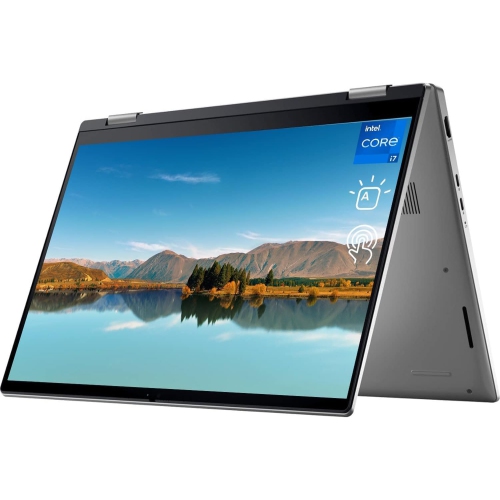
The right combination of processor, memory, and storage depends on what happens once the laptop is open. Writing assignments, managing email, browsing, and attending online meetings place different demands on a computer than editing lengthy videos, working with detailed design files, or running several demanding applications together. Memory helps support multitasking, especially when a browser full of research tabs sits beside a document and a video call. Storage capacity determines how much room there is for applications and files, while a solid-state drive can contribute to responsive startup and file access. Neither a processor name nor a large storage figure tells the whole story; the generation of the hardware, the software being used, and the balance of components all influence the experience. Display size and weight shape that experience just as much. A compact laptop is easier to carry in a backpack and open on a small desk, while a larger screen gives spreadsheets, side-by-side documents, and photo collections more breathing room. Resolution, brightness, and viewing angles affect readability, particularly when the computer moves between different rooms. Matte finishes can help reduce reflections, while touchscreens offer another way to navigate compatible applications. Shoppers whose routines call for touch controls and a screen that folds into different positions may also find Cyber Monday 2-in-1 Laptop Deals relevant when considering how they prefer to work. For a conventional laptop, the keyboard and trackpad remain central to comfort: clear key markings, consistent key response, and enough palm-rest space are particularly noticeable during long writing sessions. An aluminium or plastic chassis can influence weight and feel, though materials alone do not establish durability. Hinge stability, panel fit, and the condition of frequently handled surfaces provide useful context. Connections deserve the same attention. USB ports, display outputs, audio connections, and memory card readers support different accessories, and compatibility with a monitor or docking station depends on the capabilities of the connection, not just its shape. Wi-Fi compatibility also matters for reliable access to home, campus, or workplace networks.

A refurbished laptop often works best when its role is clear. For a student, that might mean carrying lecture notes, submitting assignments, and joining group projects without needing a separate computer for every activity. For someone working from home, the priorities may be a reliable webcam, a clear microphone, and enough performance to keep a meeting running while documents remain open. A shared household laptop can handle school forms, video chats, recipes, and personal records, while a hobbyist may need more room for photographs or enough processing capability for creative software. Applications used for work or study may have minimum hardware and operating system requirements, and checking those requirements helps avoid a mismatch. Operating system support and access to security updates are important for a computer used for personal accounts, banking, or business information; an older laptop is not automatically suitable just because it powers on. Account setup, supported updates, and a backup routine help establish a useful starting point. A gift recipient’s habits can be revealing, too: someone who types lengthy reports may appreciate a comfortable keyboard more than touch controls, while someone who travels regularly may place greater value on weight and battery condition. Day-to-day care helps protect whichever features matter most. A padded sleeve can limit scratches during transport, and a bag with a separate laptop compartment helps keep pressure from books or other belongings away from the display. Using the computer on a firm surface keeps ventilation openings clearer than resting it on bedding or a soft cushion. Cleaning with a soft cloth and following the manufacturer’s care directions helps preserve the screen and keyboard without unnecessary abrasion or moisture. Charging with a compatible adapter, keeping liquids away from the work area, and opening the lid without twisting it are simple habits that support regular use. At a desk, a separate keyboard, mouse, and monitor can make extended sessions more comfortable when the laptop supports those connections. Together, suitable specifications, clearly described condition, and thoughtful everyday care make a refurbished laptop a practical fit for the tasks it is meant to handle.
Read More

FAQ

Some products may be subject to Environmental Handling Fees (EHF) depending on your province. Learn more about EHFs.