Cyber Monday Deals Coming Soon

Our Cyber Monday Sale returns in December 2026. In the meantime, shop our current top deals below.

Cyber Monday 2-in-1 Laptop Deals

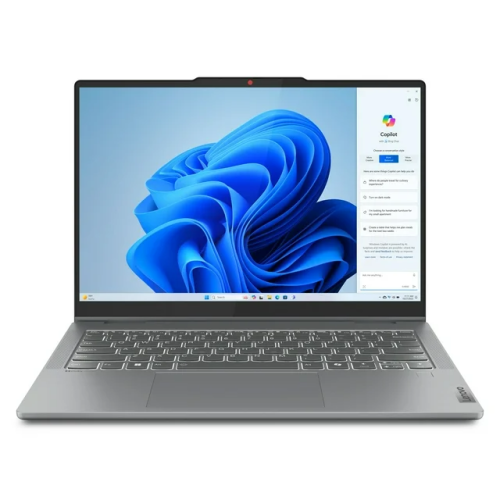
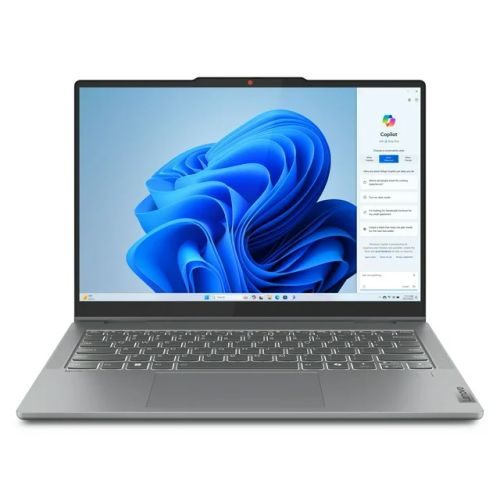
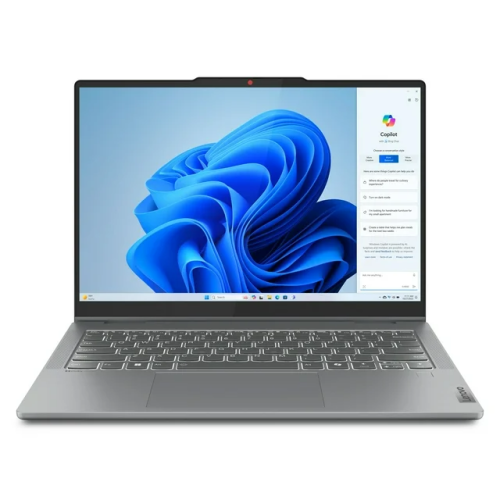
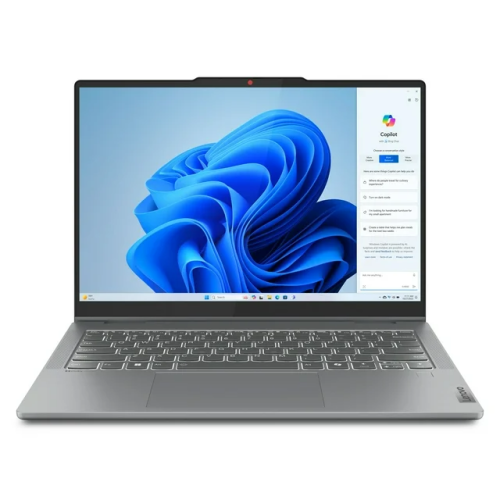
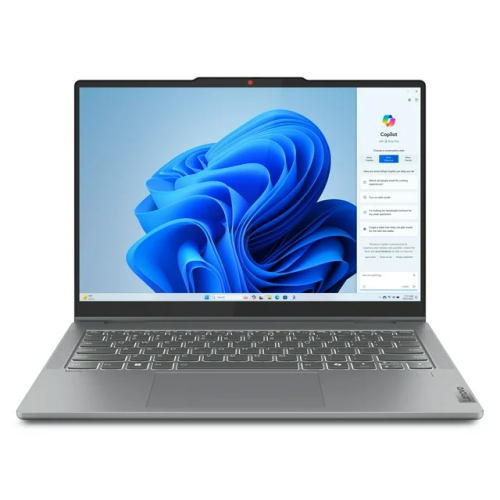
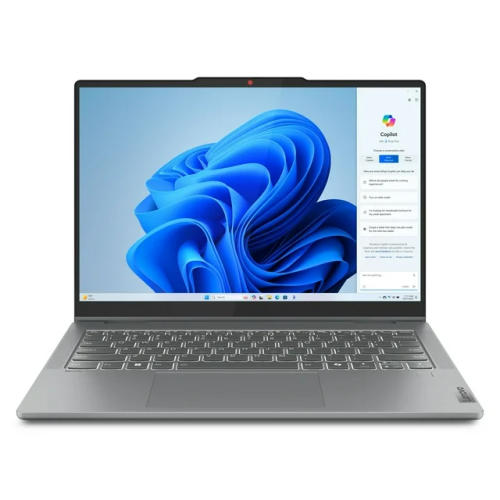
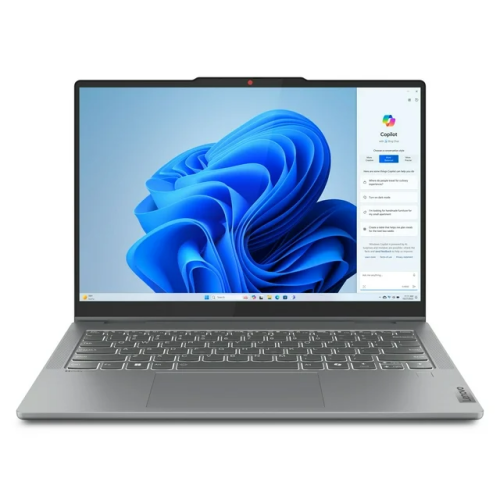
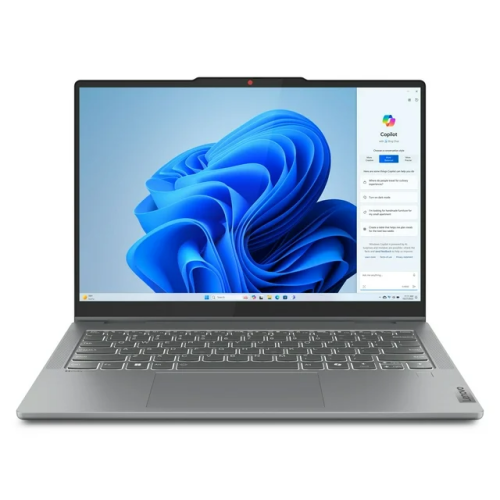
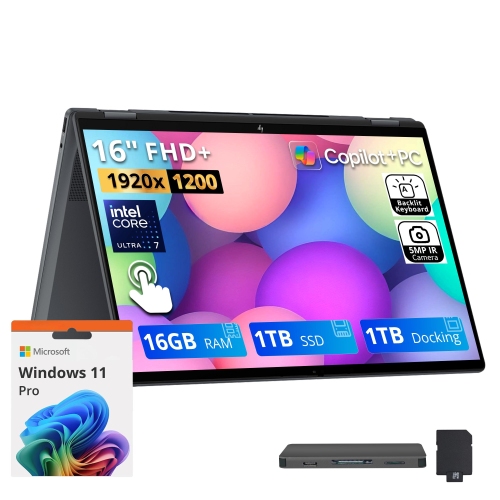
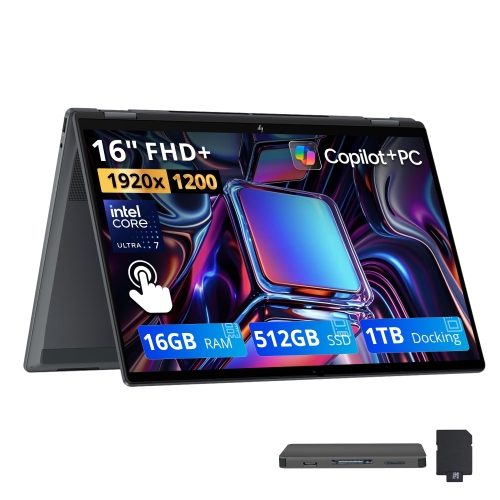
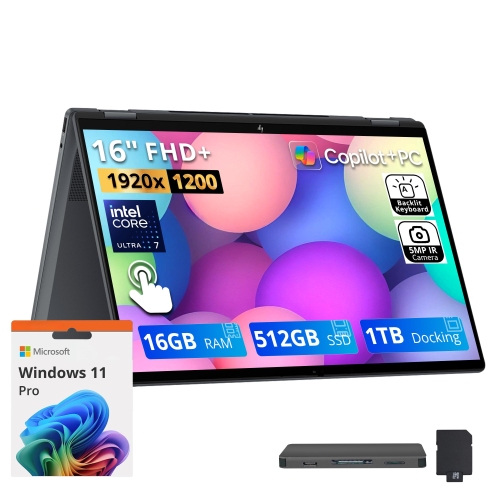
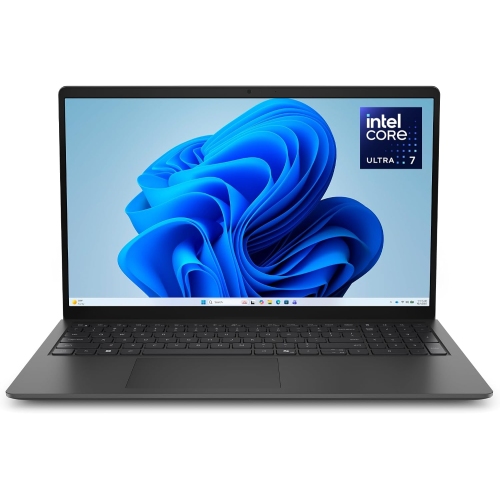
Browse Cyber Monday 2-in-1 laptop deals to find a versatile computer for work, study, and everyday use. Compare convertible and detachable laptops by screen size, processor, memory, and storage, and check how each model switches between laptop and tablet use to find the right fit for your needs and budget. Remember, our Low Price Guarantee means you can shop confidently knowing that you'll find the best price at Best Buy, all year round. We encourage you to check our website frequently for the most up-to-date information on our latest offers and savings opportunities.
Read More

Sort

There’s more to 2-in-1 laptops than a folding screen

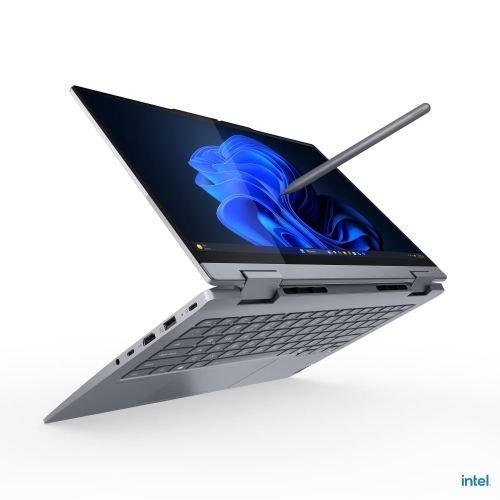
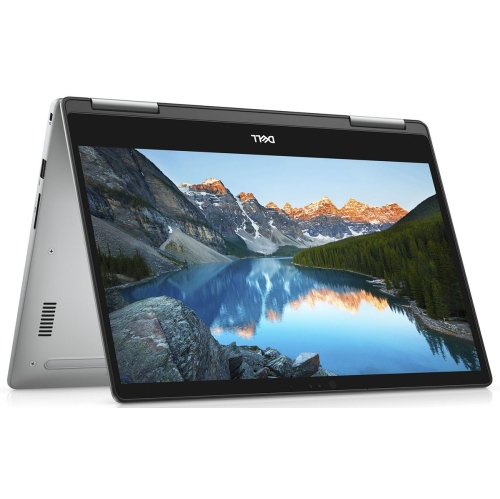
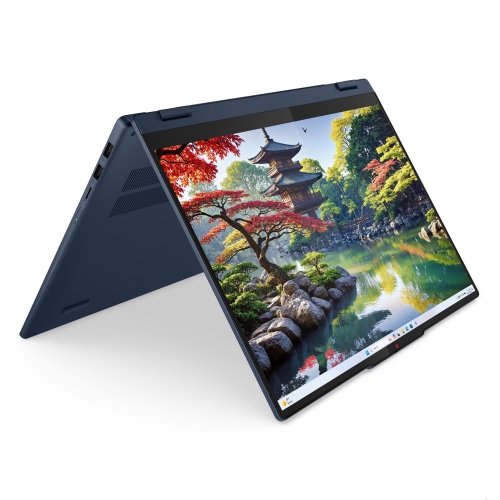
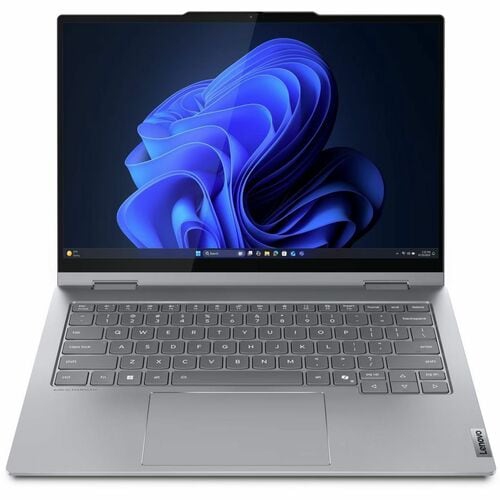
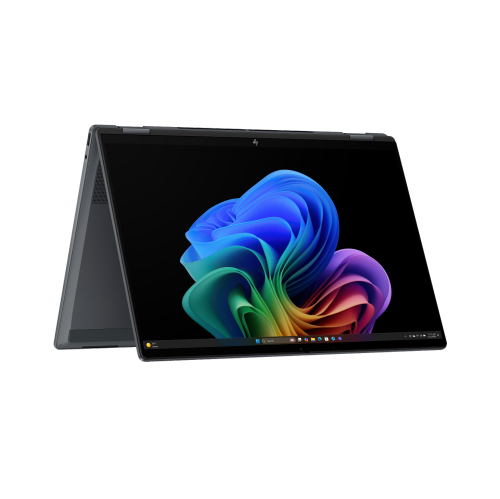
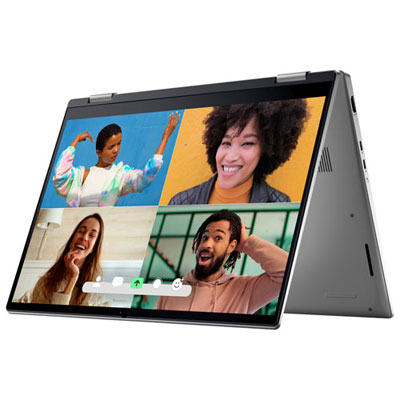
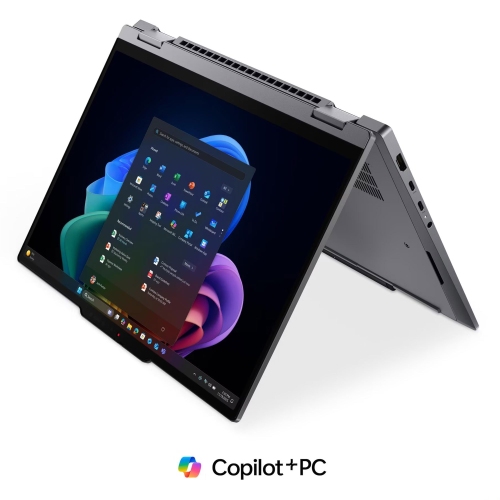
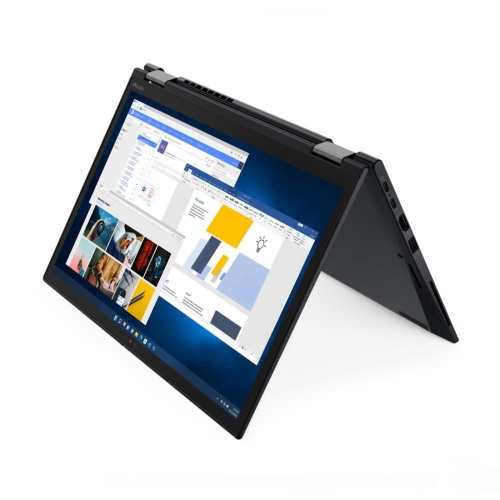
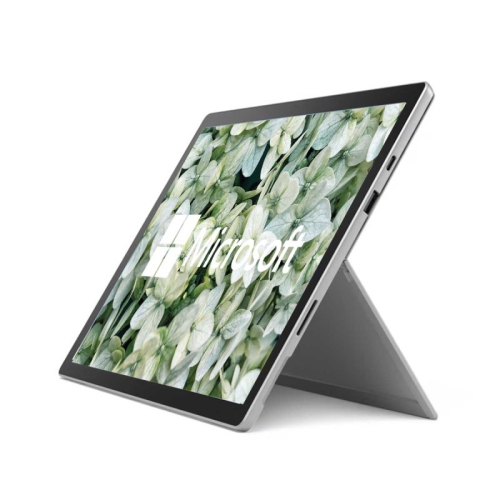
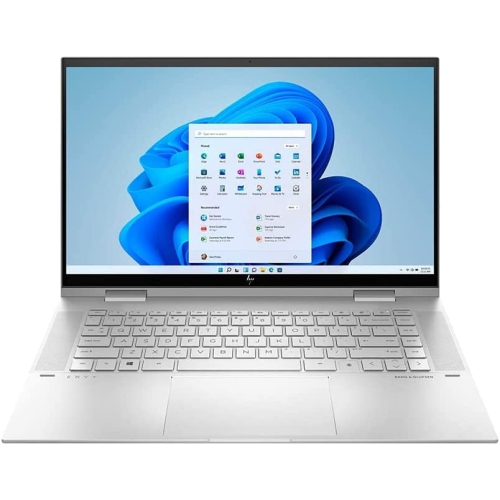
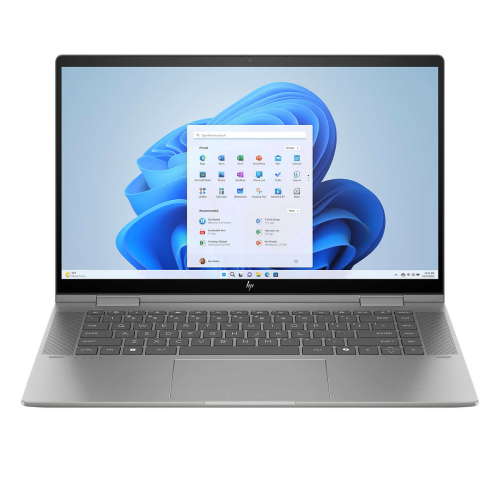
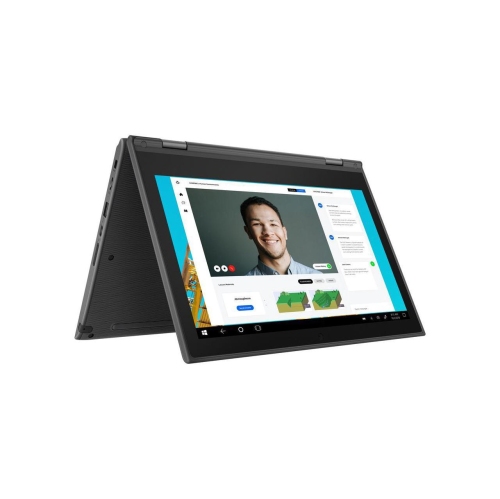
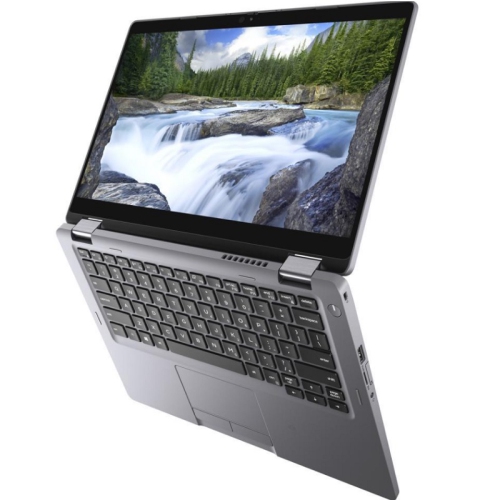
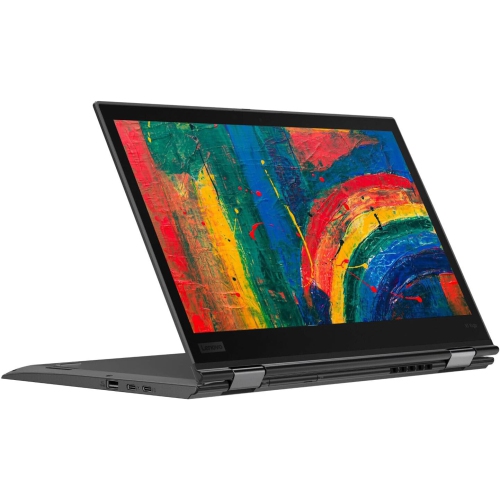
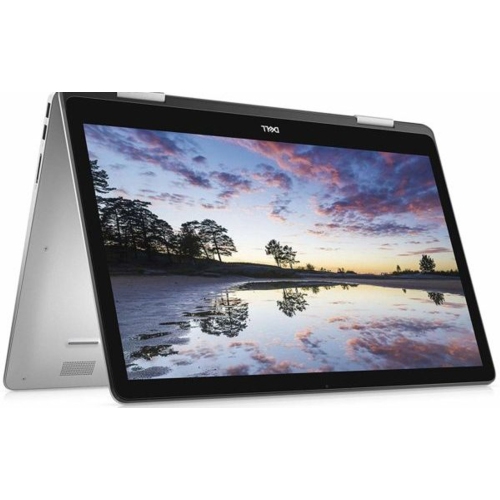
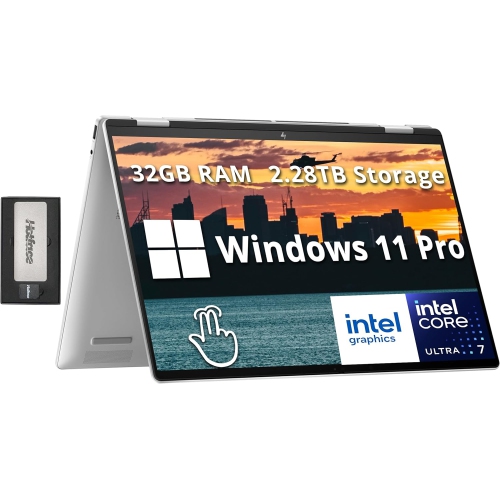
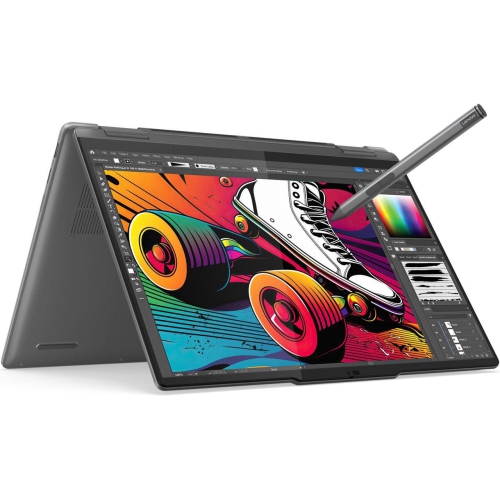
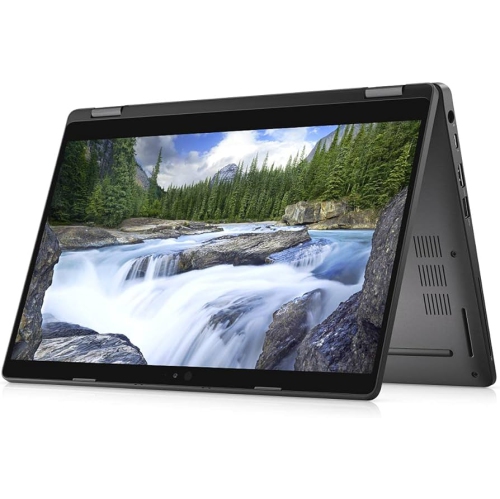
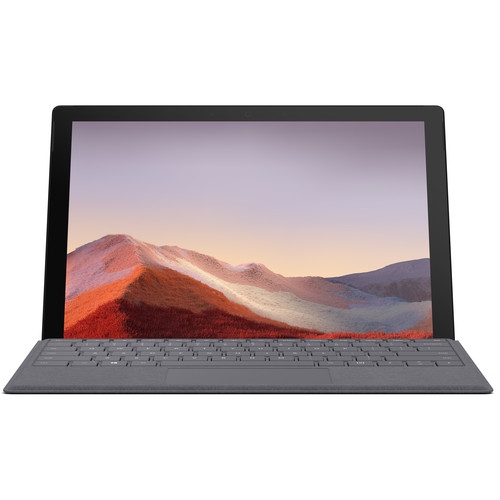
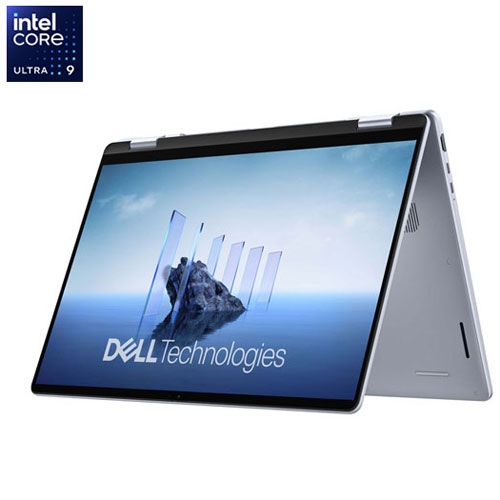
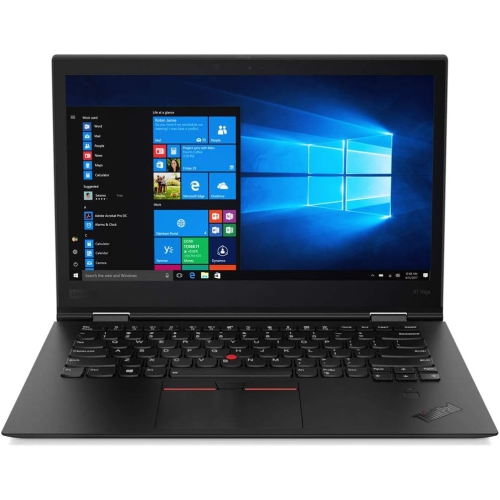
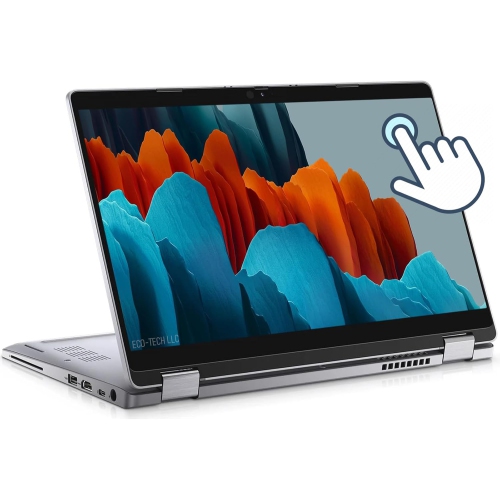
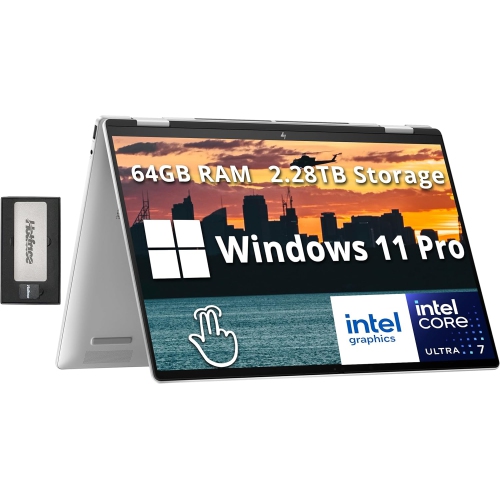
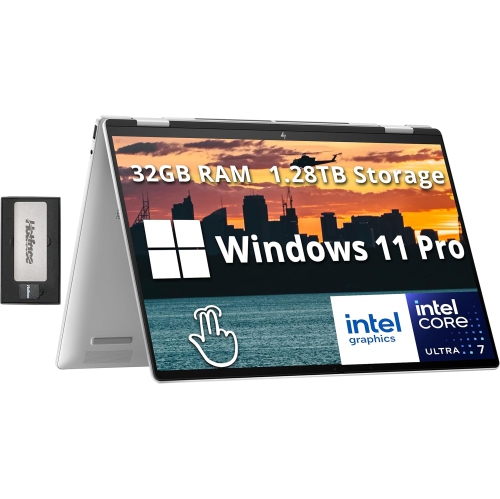
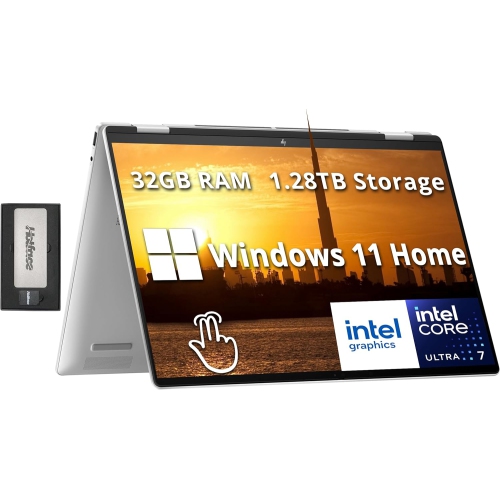
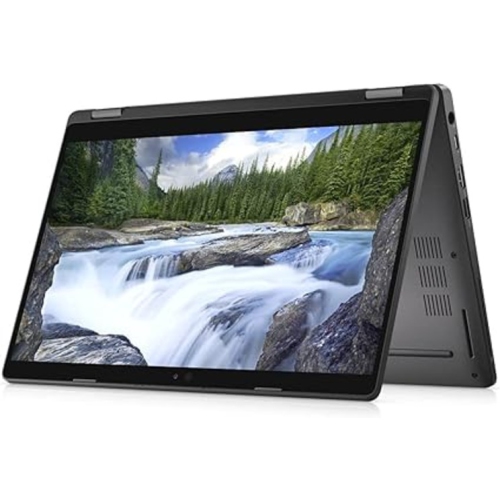
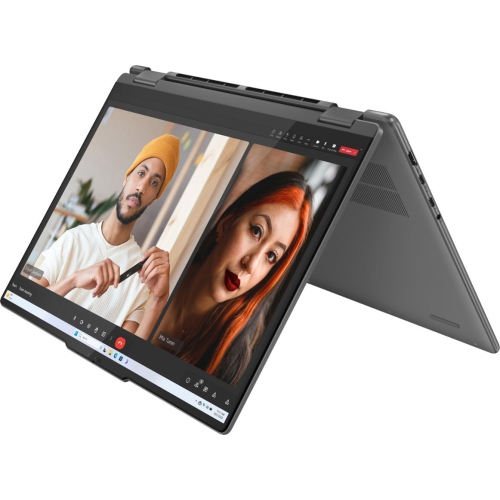
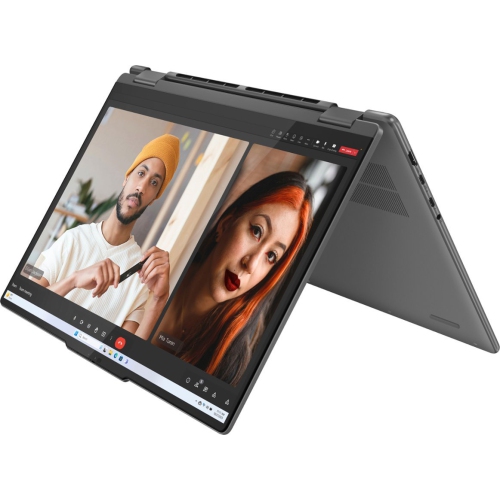
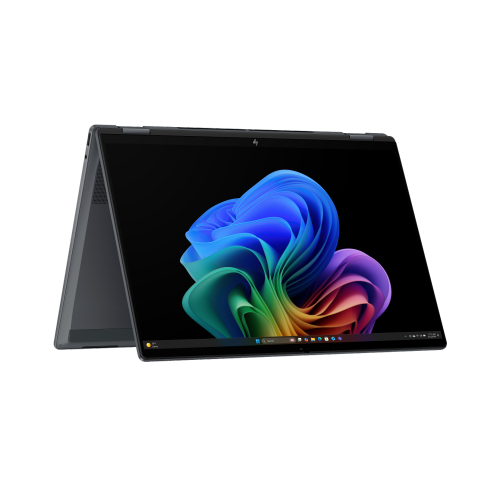
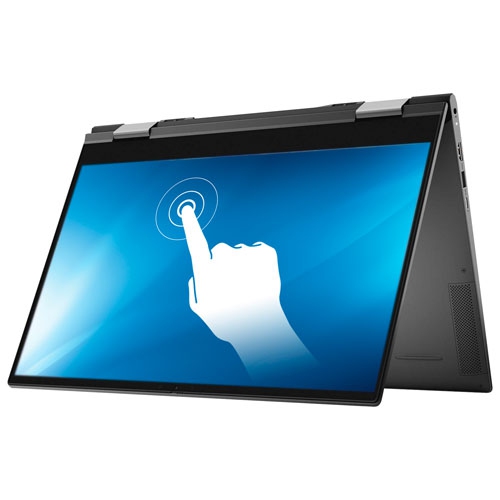
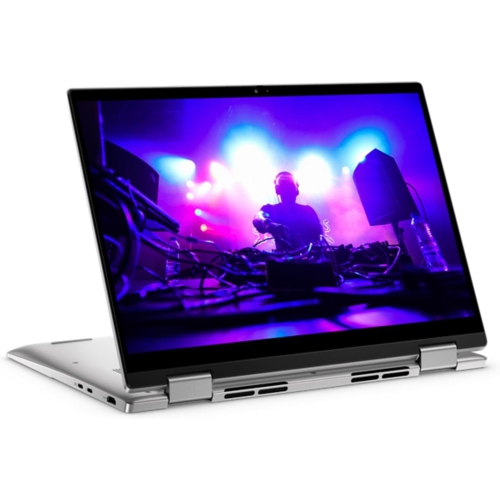
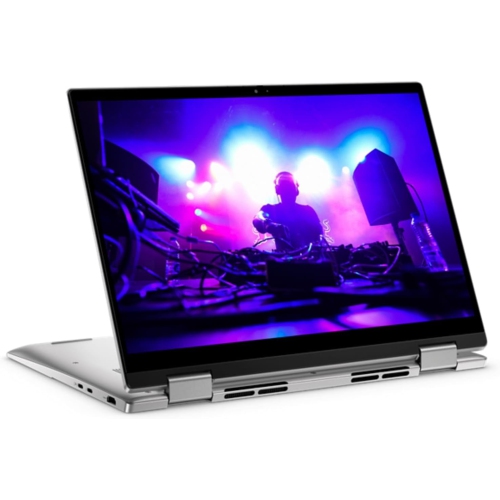
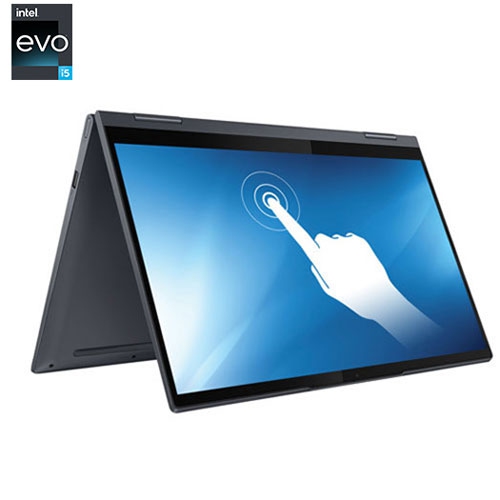
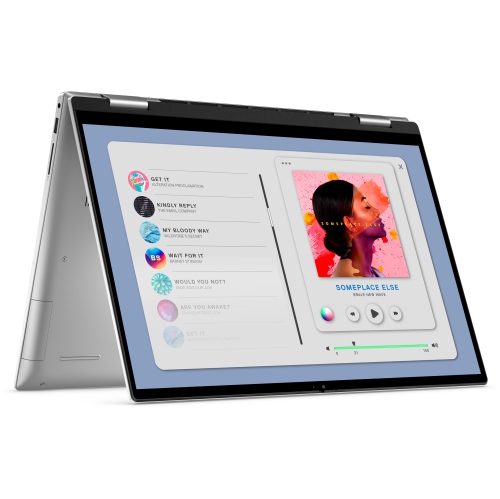
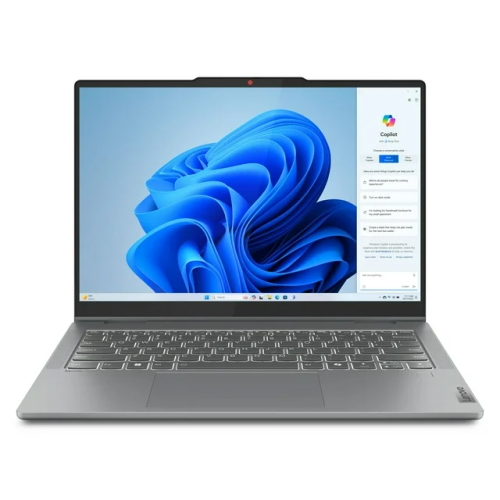
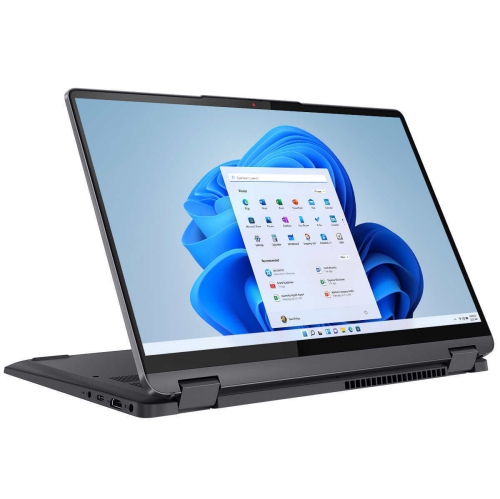
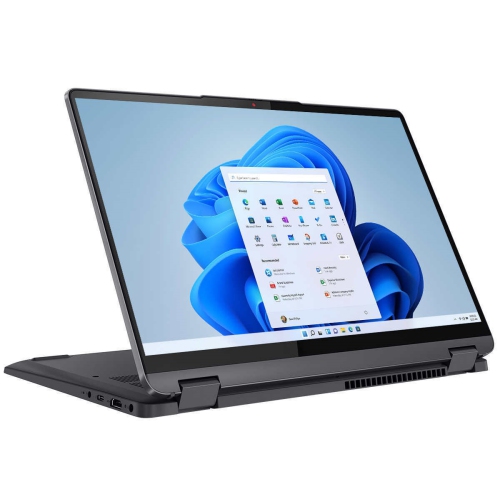
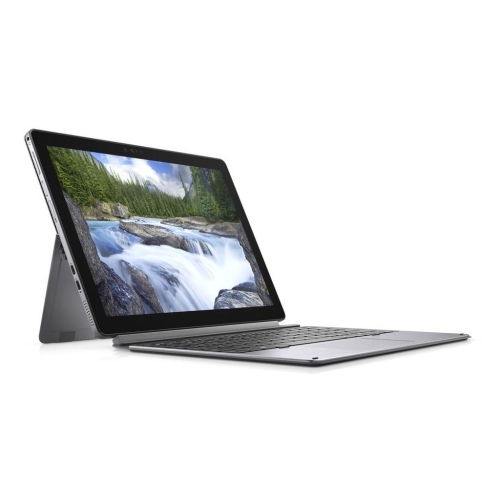
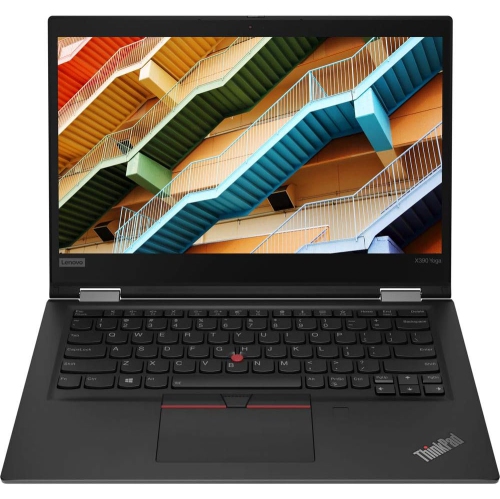
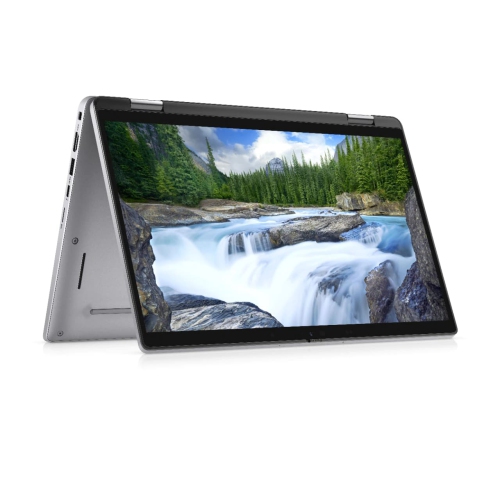
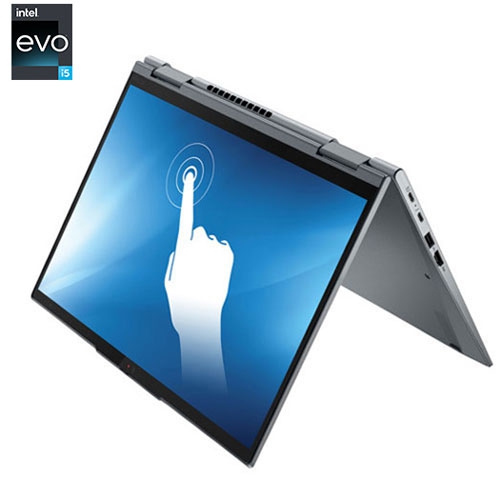
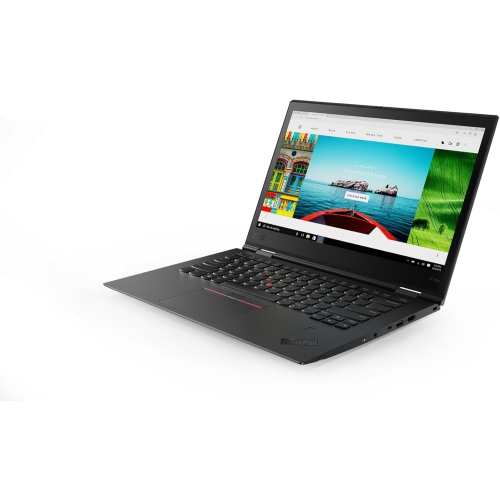
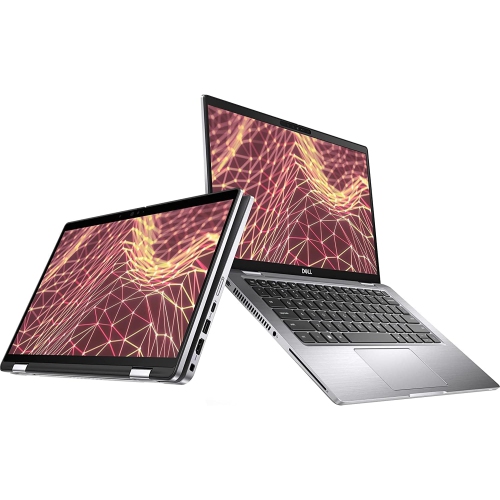
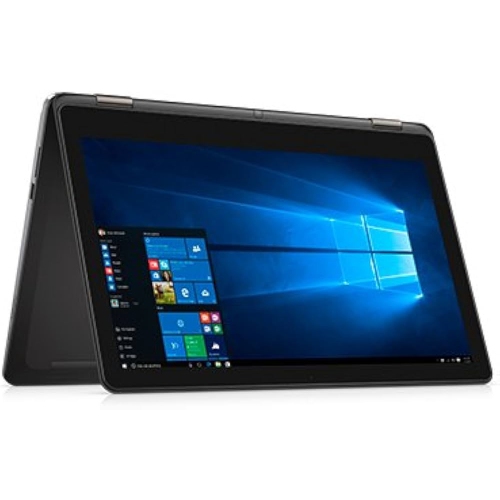
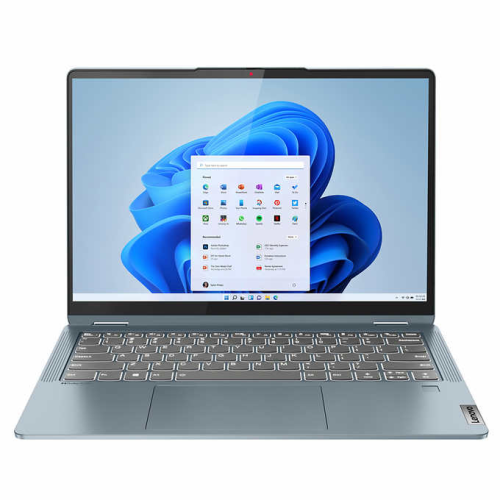
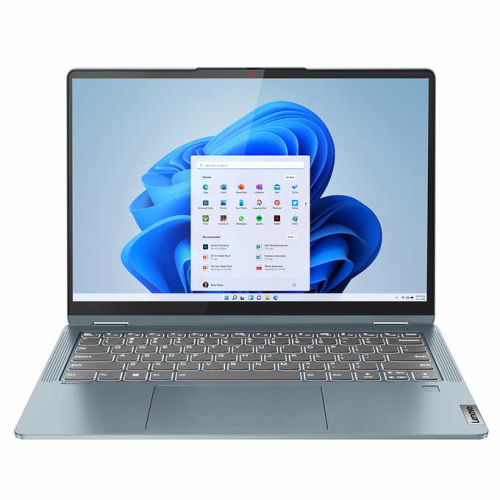
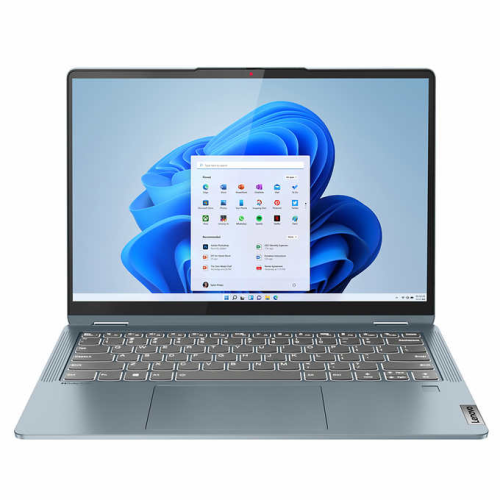
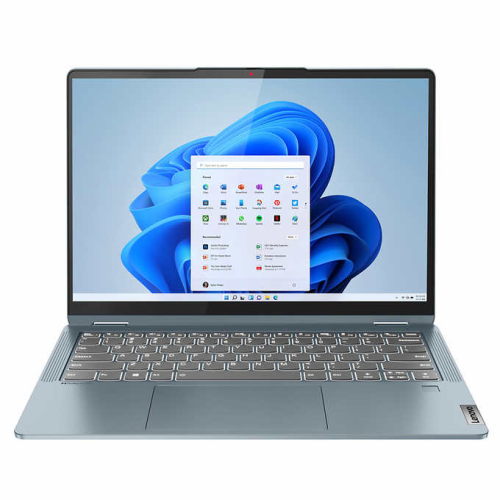
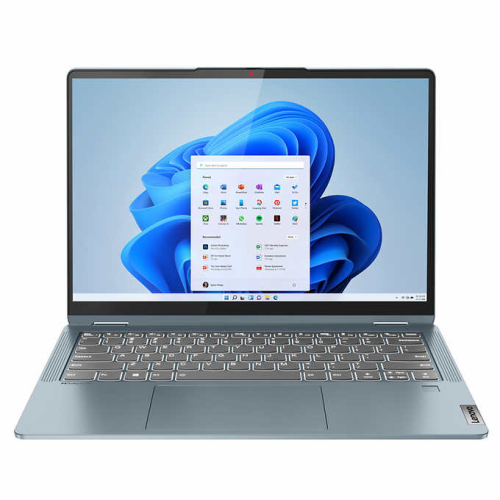
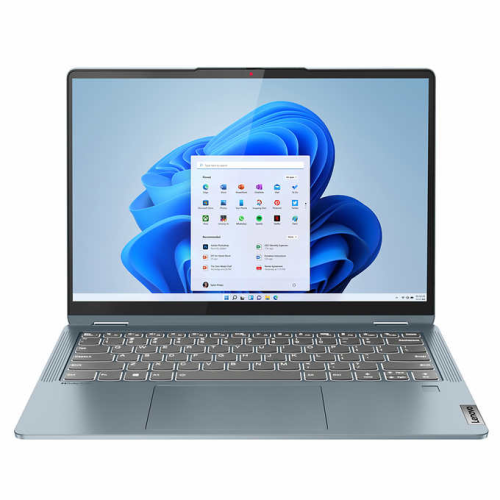
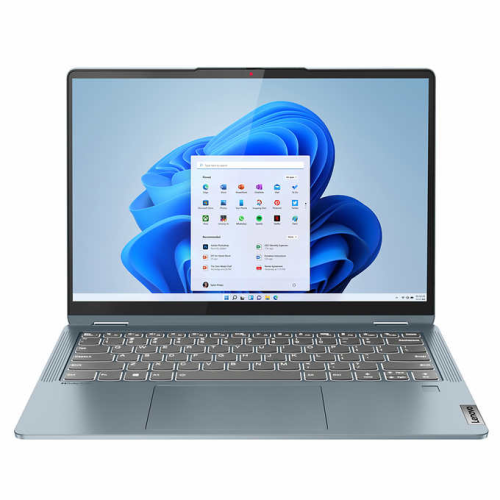
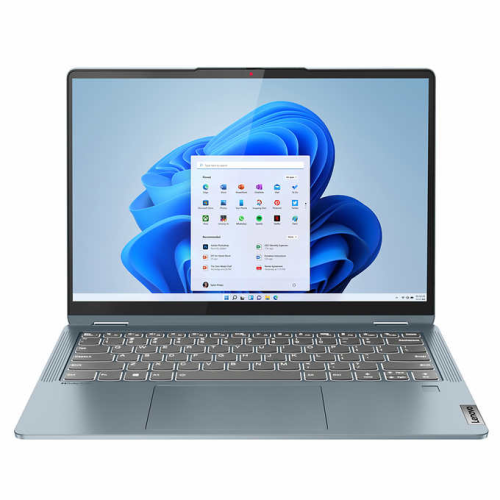
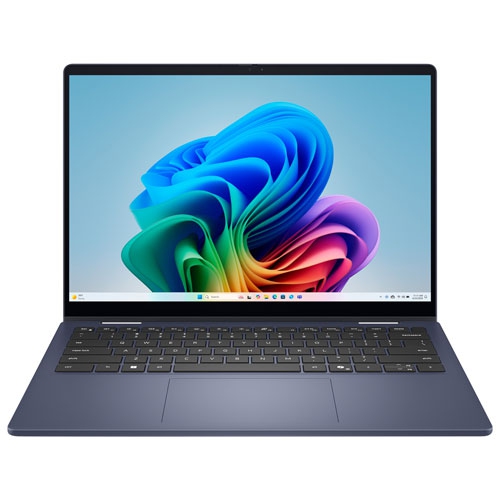
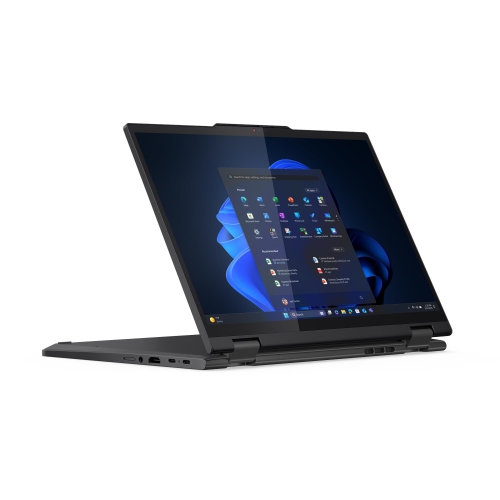
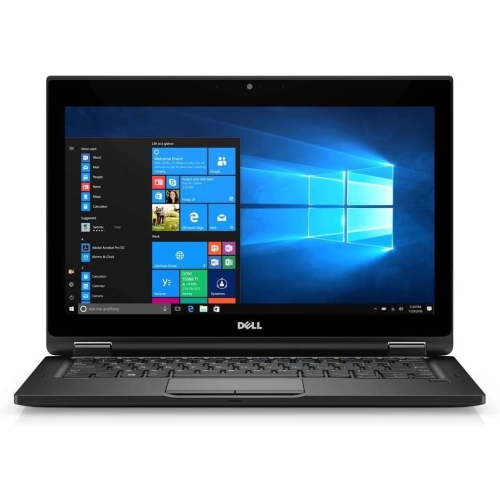
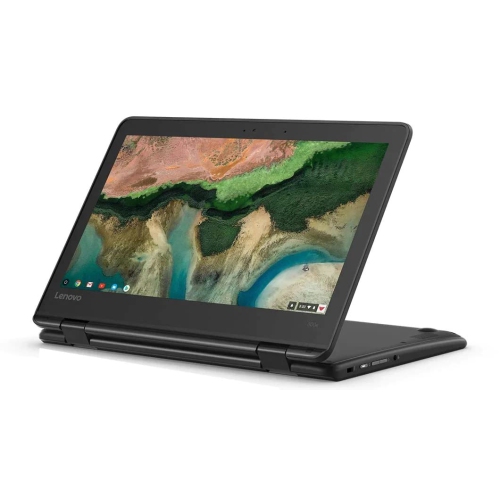
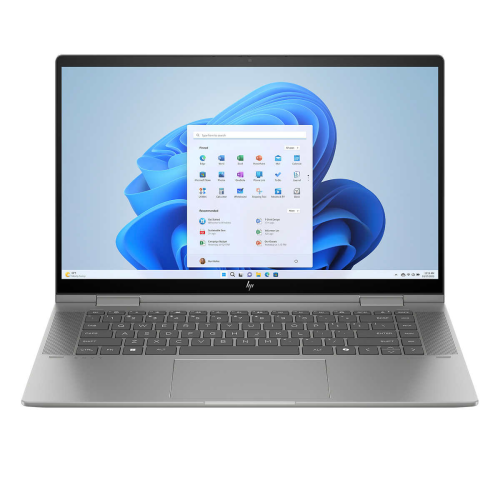
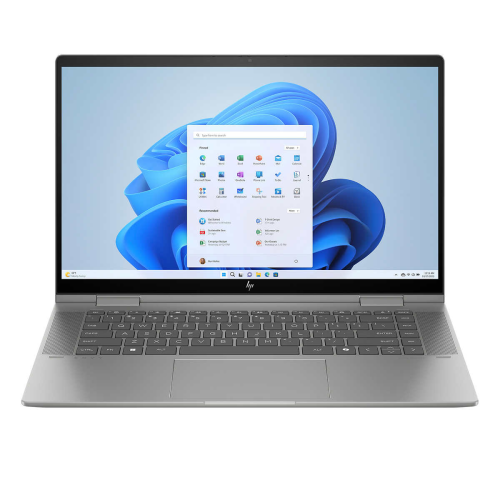
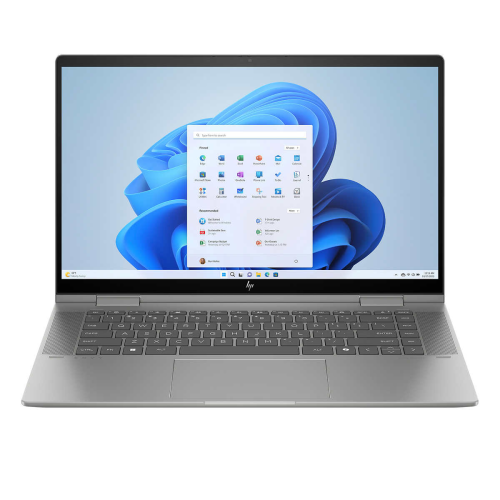
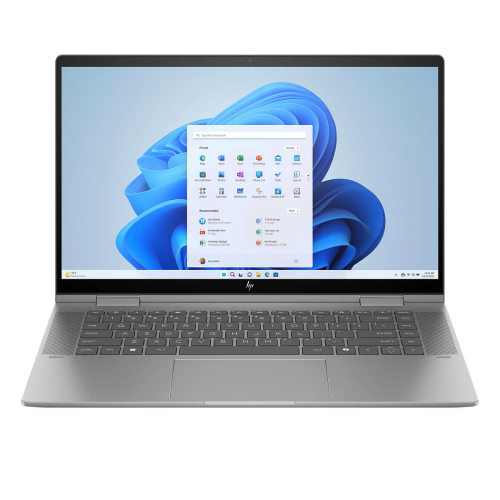
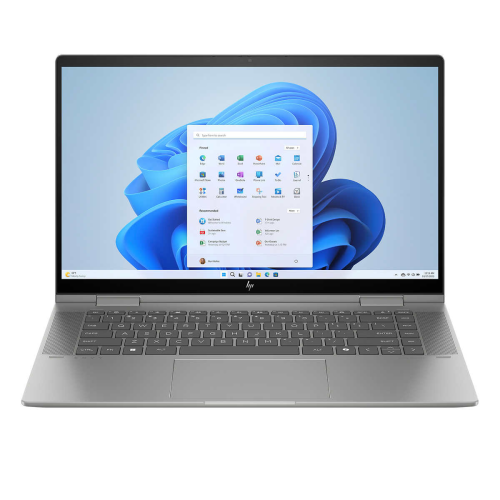
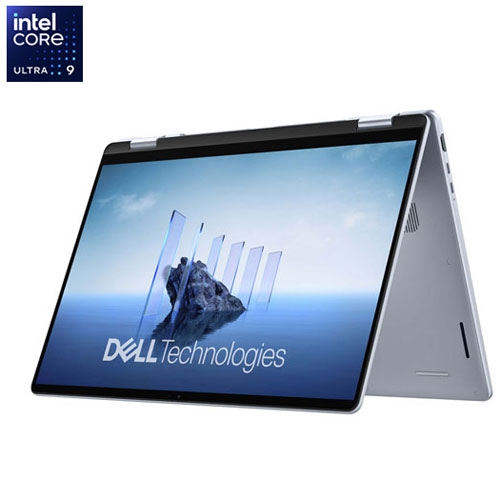
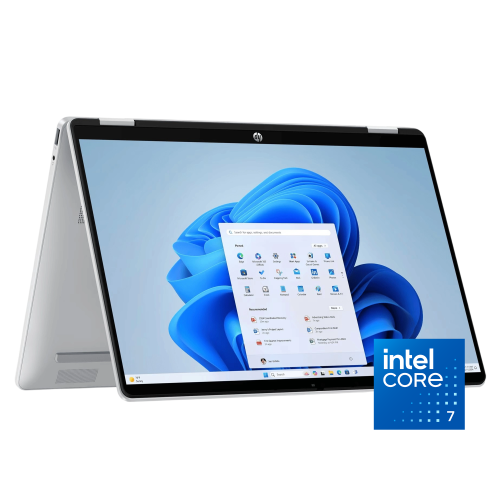
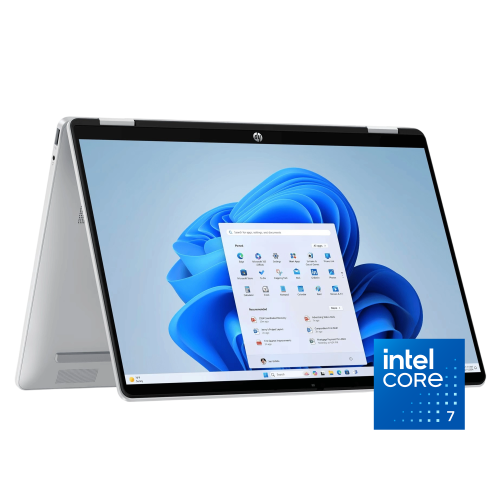
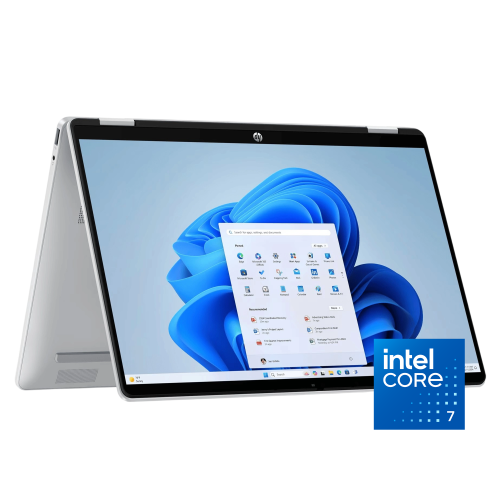
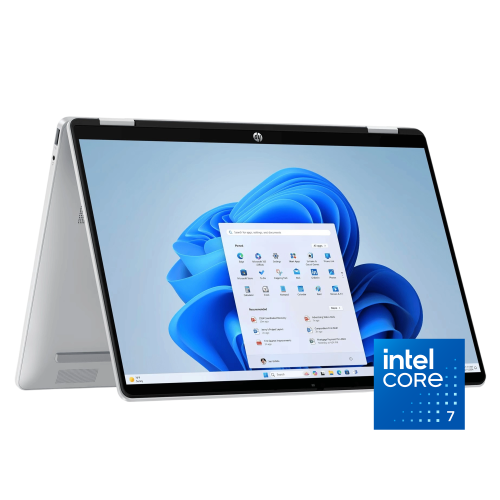
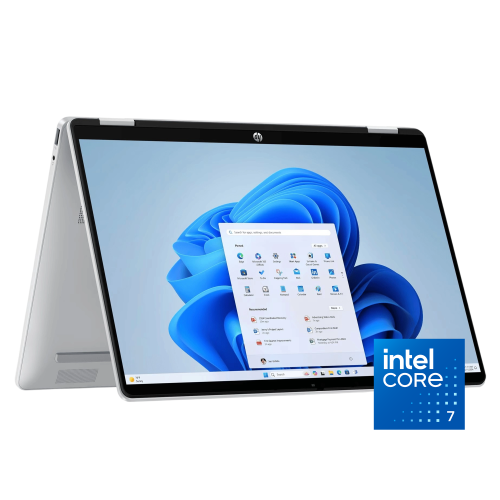
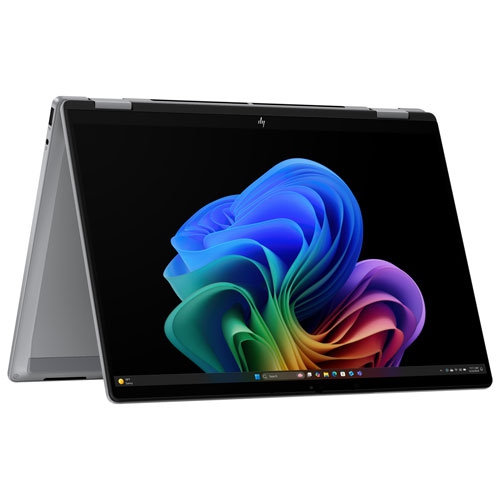
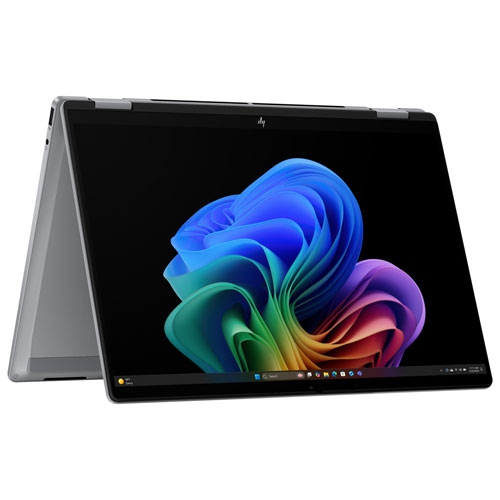
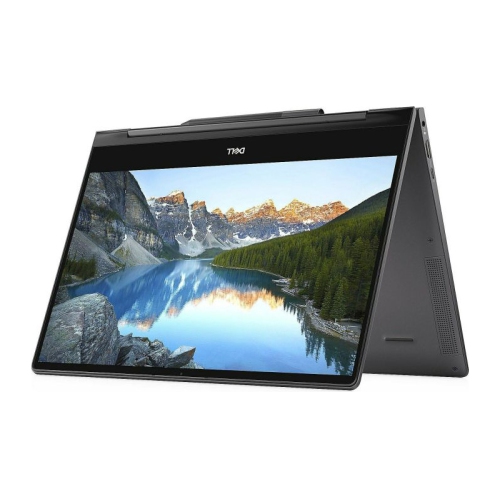
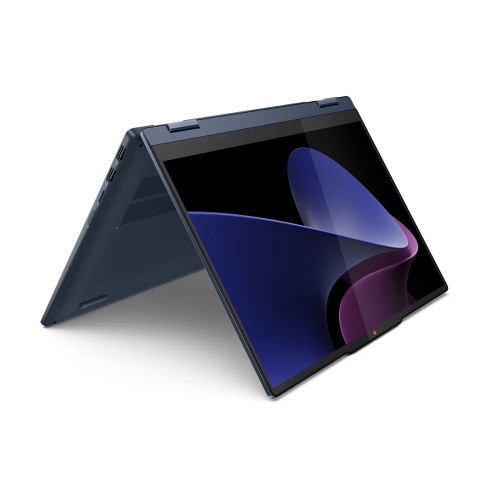
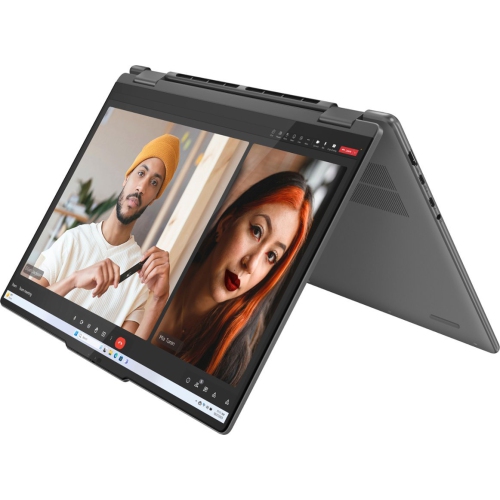
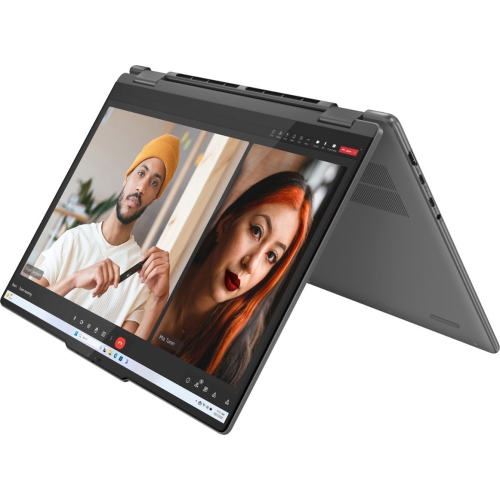
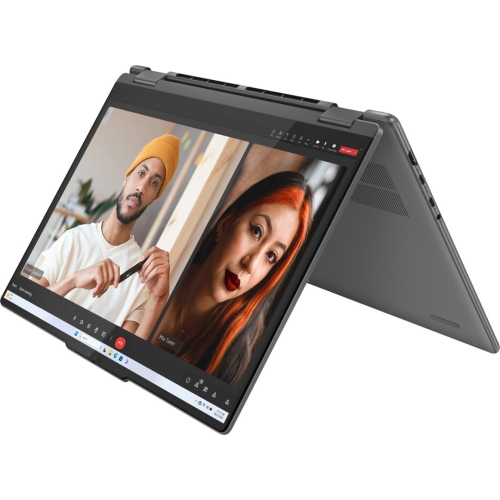
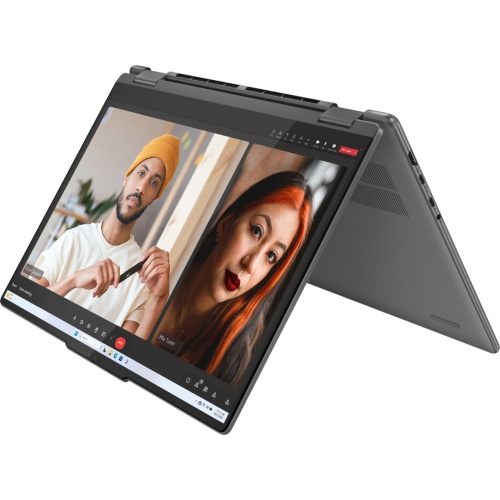
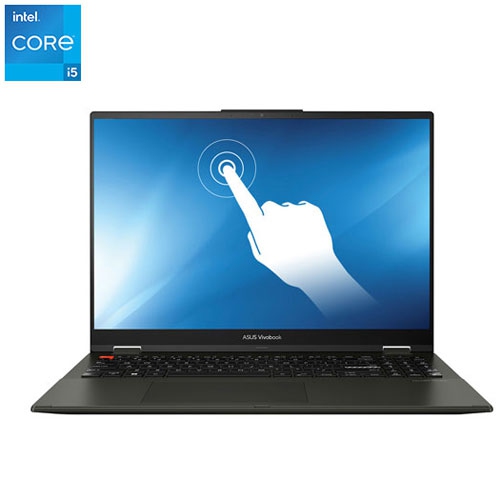
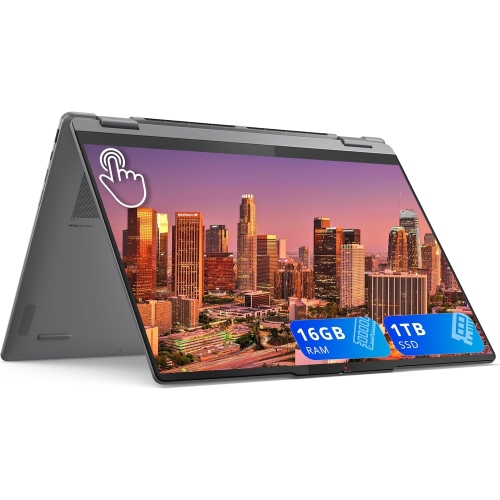
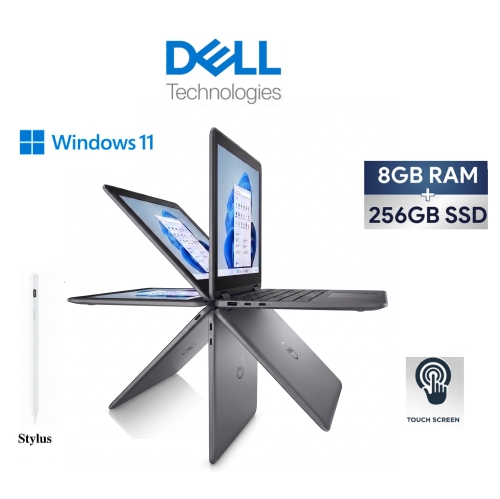
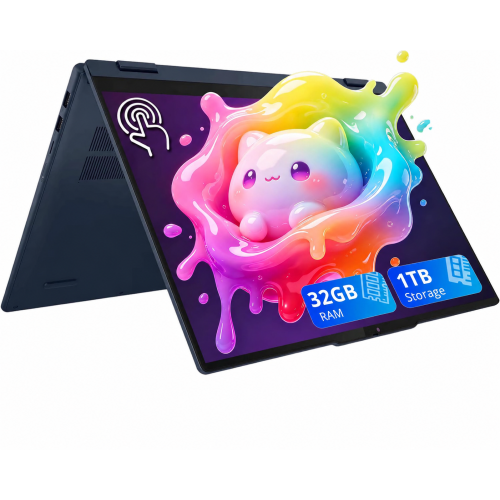
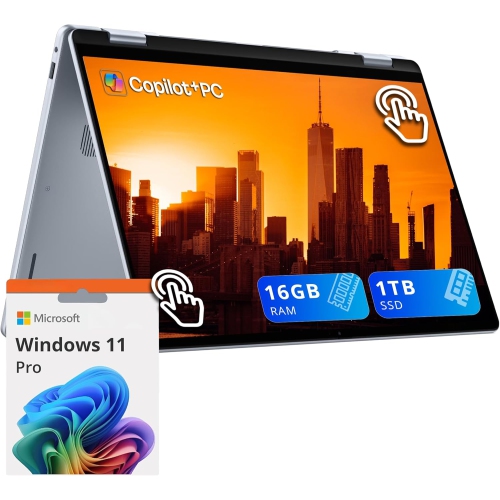
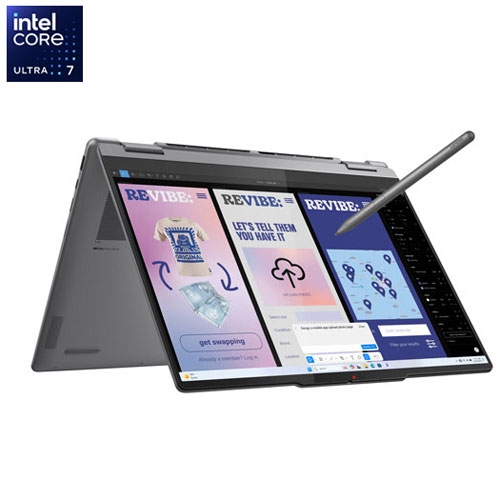
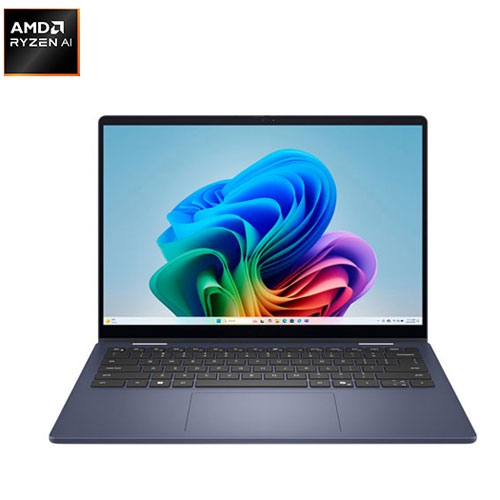
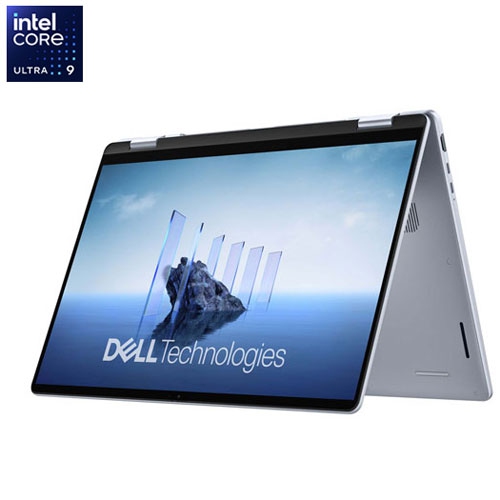
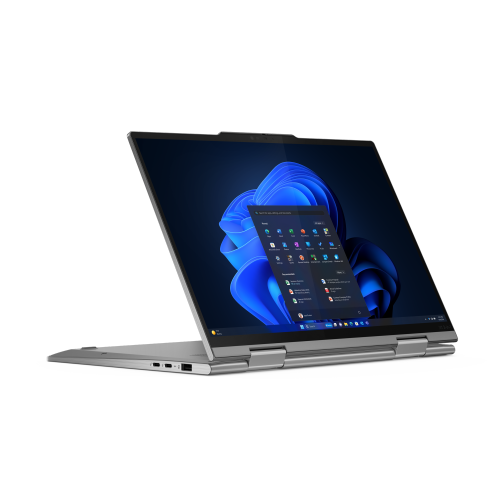
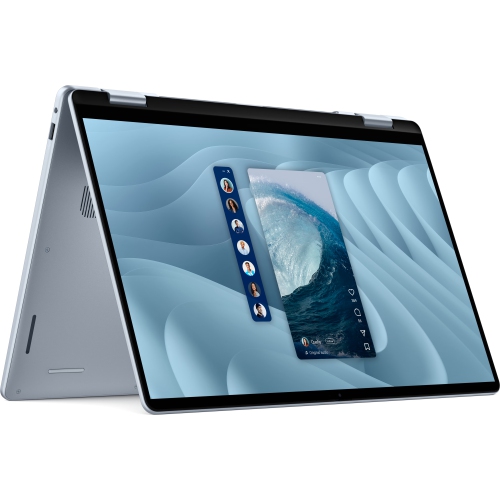
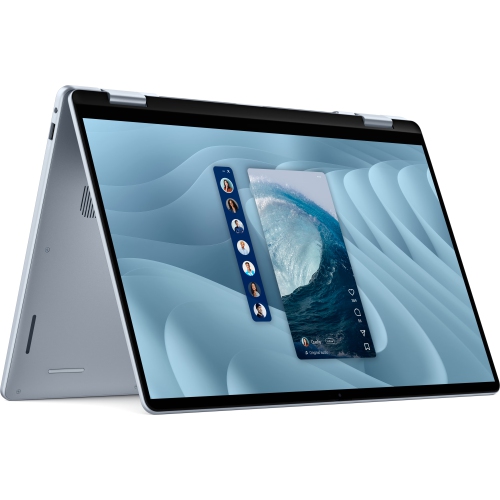
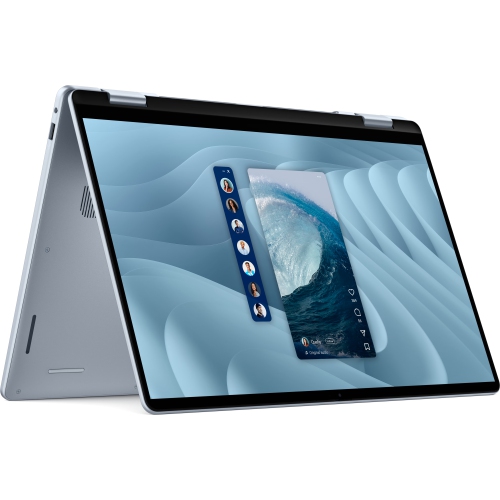
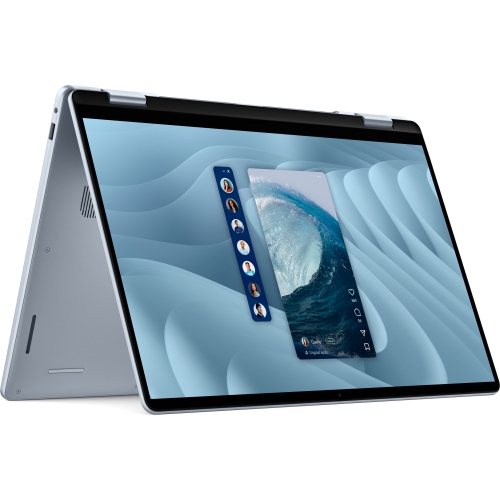
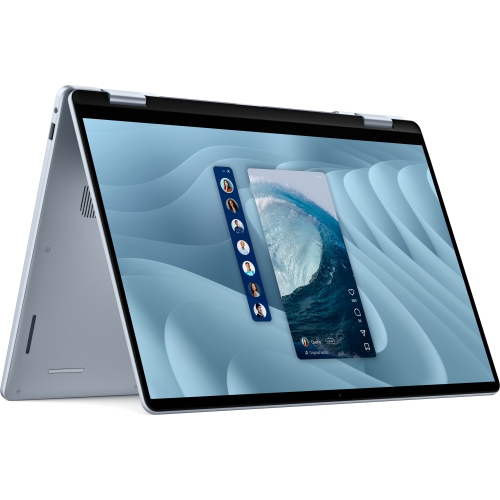
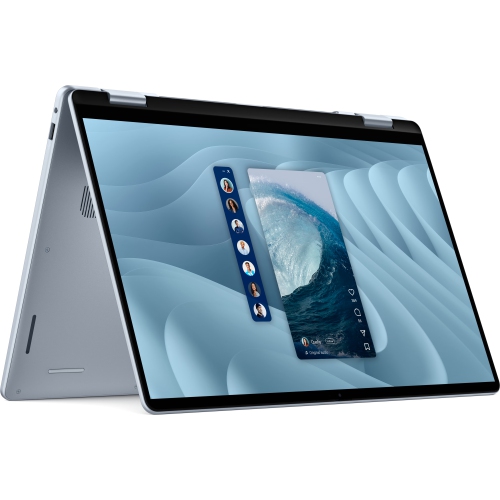
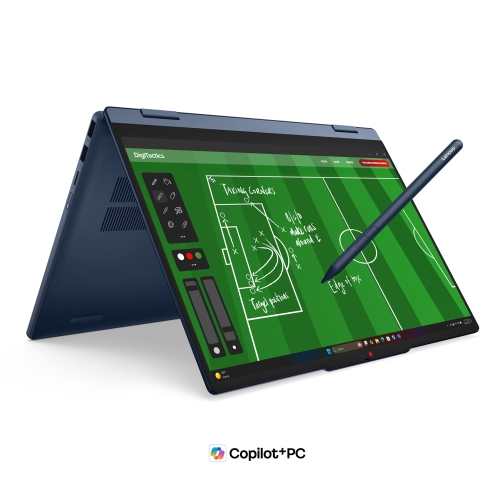
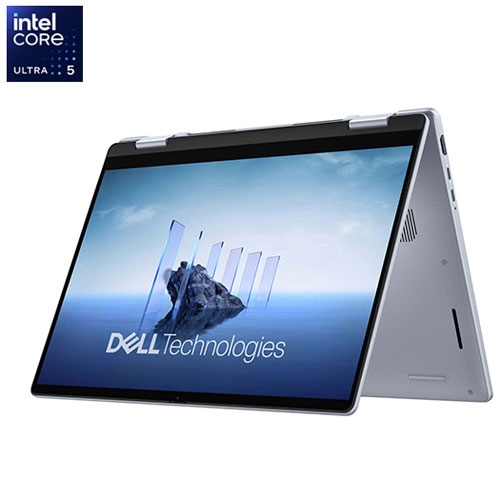
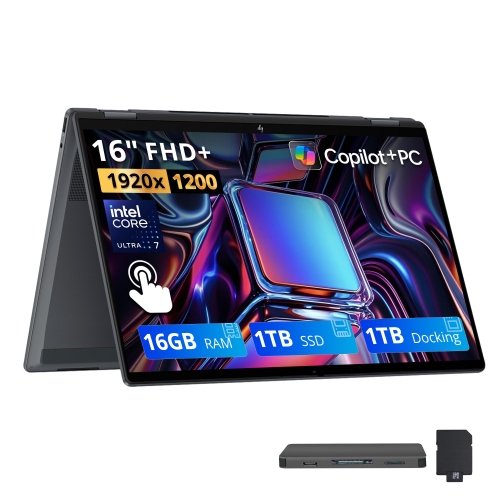
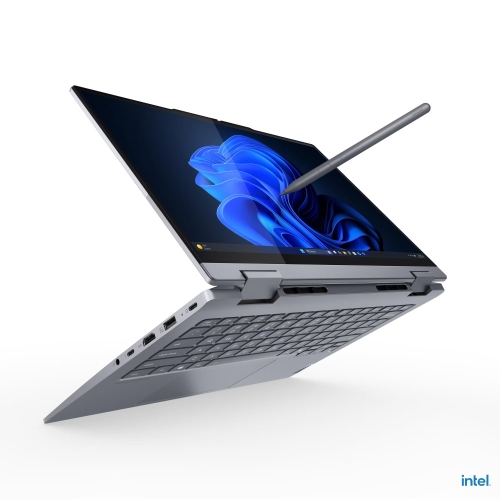
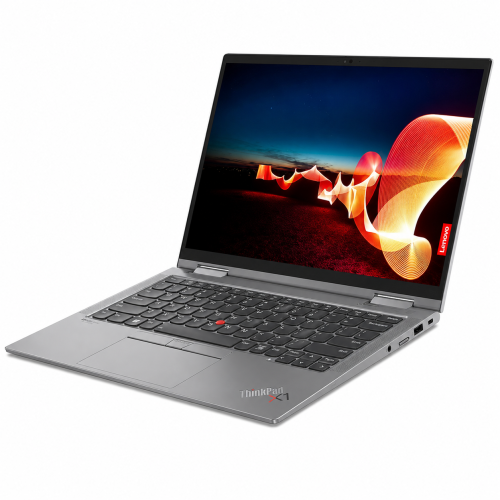
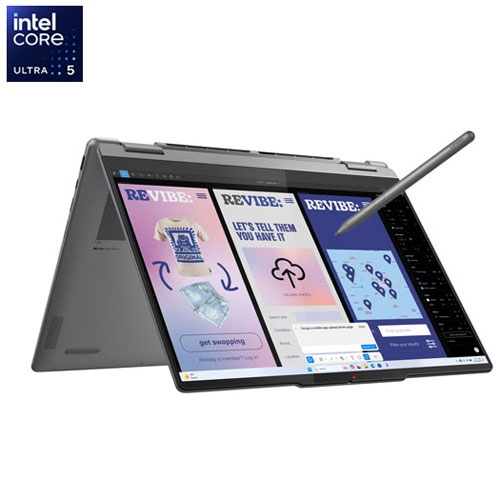
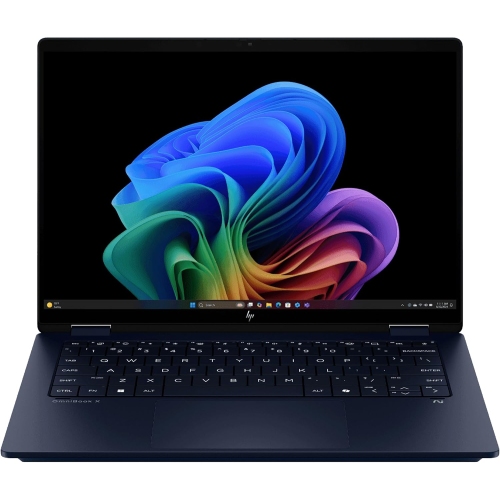
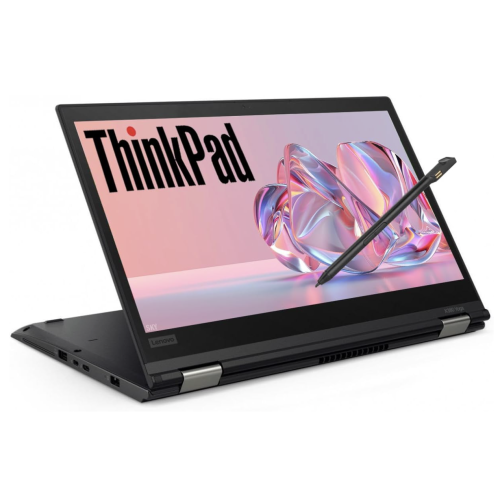
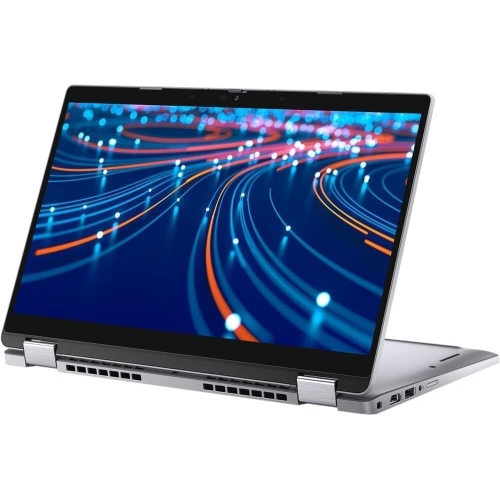
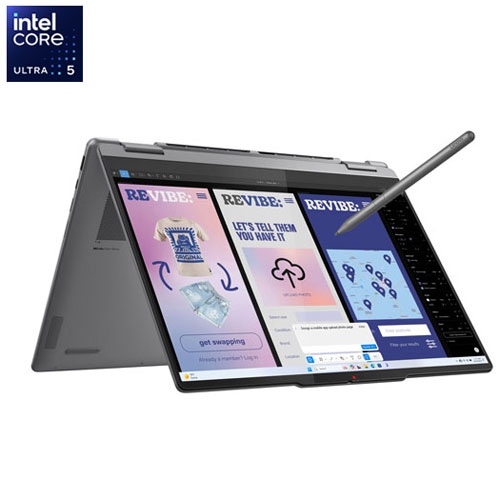
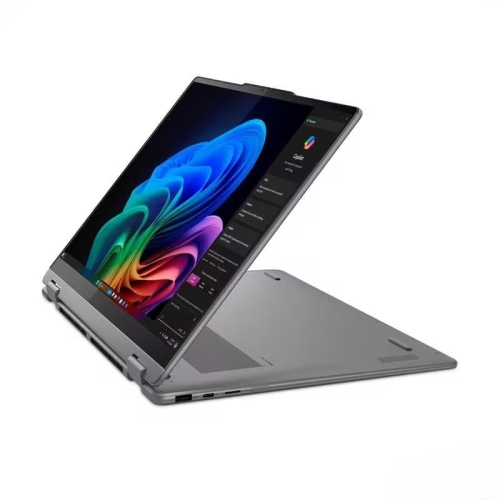
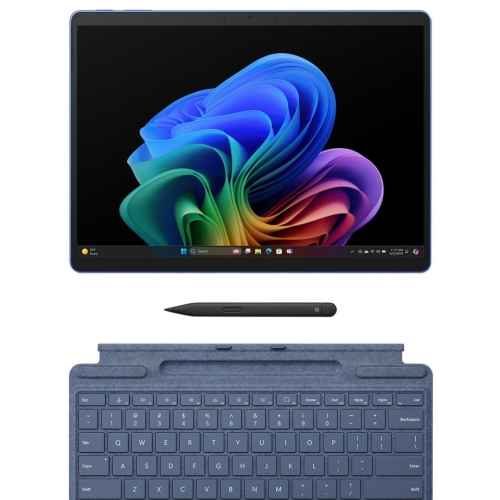
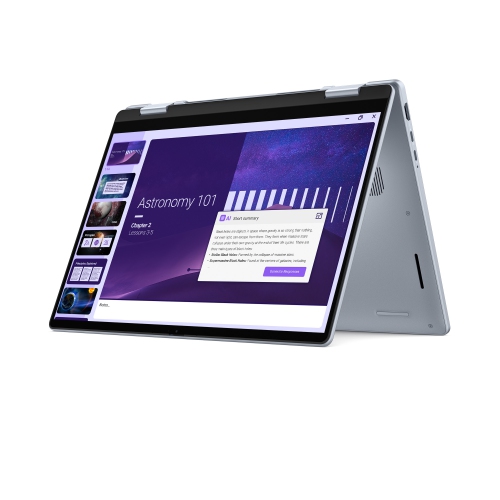
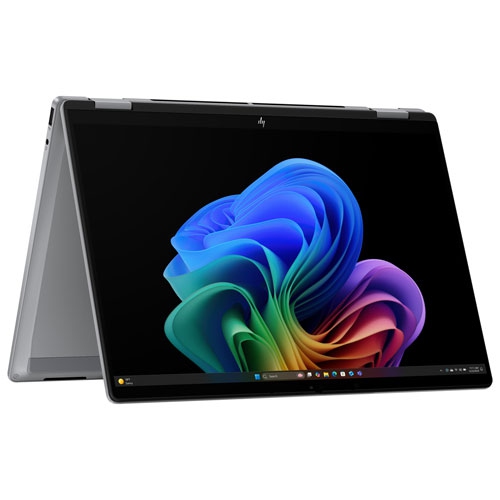
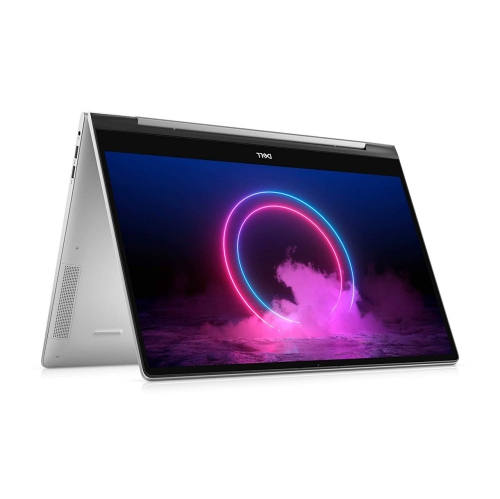
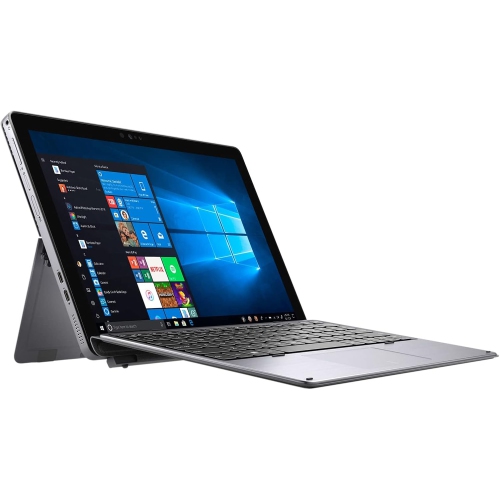
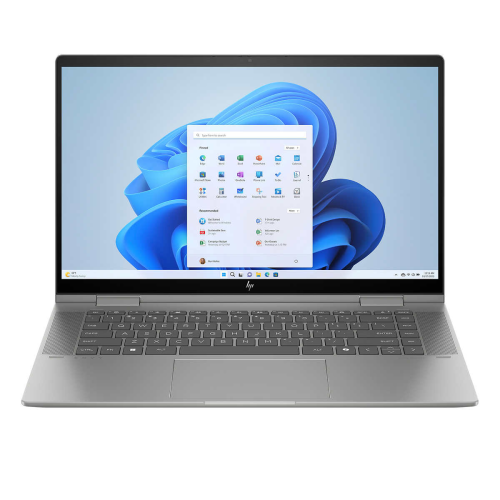
For shoppers exploring Cyber Monday Deals on Computers, 2-in-1 laptops combine familiar laptop functionality with a touchscreen that supports more hands-on interaction. A convertible design typically uses a hinge that folds the display back, allowing the same computer to move between a typing position, a tent-style setup for viewing, and a tablet-style position for reading or drawing. Detachable designs take a different approach, separating the screen from the keyboard; their suitability as a primary laptop depends on the operating system, keyboard design, and software support. That flexibility can be useful throughout an ordinary day: typing an assignment at a desk, turning the screen towards a classmate to discuss a diagram, then folding the keyboard away to read an article. For work, a convertible can handle documents and spreadsheets in laptop mode before becoming a convenient screen for presenting a proposal across a small meeting table. At home, touch controls make it easy to scroll through a recipe or pause a video without reaching for the trackpad. Screen size and overall weight influence how comfortably these different positions work. A larger display gives documents, timelines, and side-by-side windows more room, while a smaller chassis generally fits more easily into a backpack or crowded workspace. Holding a folded laptop for an extended reading session feels different from resting it on a desk, so the balance of the device matters as much as its dimensions. Keyboard spacing, palm-rest depth, and trackpad placement also shape everyday comfort. Metal construction can provide a firm feel, while reinforced plastic designs may offer a different balance of weight and rigidity. Neither material alone determines durability; hinge construction, chassis design, and careful handling all contribute. The most useful format is one that fits the tasks it will handle most often, rather than one chosen solely for the novelty of a folding screen. Someone who writes for hours may value keyboard comfort above every other feature, even if touch input is helpful between typing sessions.
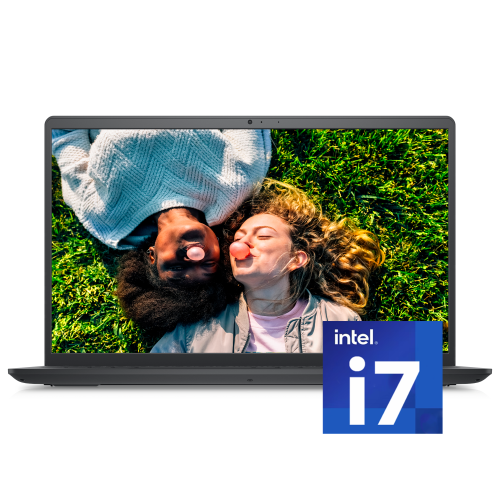
Performance and display quality help determine whether that flexible design remains useful beyond occasional browsing. Everyday activities such as email, video calls, document editing, and streaming place different demands on a computer than large spreadsheets, complex illustrations, or video editing. A processor suited to the intended workload, enough memory for regularly used applications, and adequate solid-state storage support a smoother experience. Keeping several browser tabs open alongside a presentation and a video call can be more demanding than any one of those tasks on its own. Storage needs also grow when the laptop holds downloaded lectures, photo libraries, or creative project files rather than mostly cloud-based documents. Software compatibility deserves attention, particularly for students using course-specific applications or professionals who depend on desktop programs, specialized accessories, or workplace security tools. Touch capability does not automatically mean a display supports an active pen, and pen compatibility, pressure sensitivity, and palm rejection vary. For handwritten notes, a responsive pen can make it easier to annotate a slide or sketch a diagram, but a comfortable writing angle and a stable surface matter too. Display resolution affects how clearly text and fine details appear, while brightness and reflections influence visibility under overhead lighting or beside a window. Colour accuracy is especially relevant for photo work and design, whereas a reader may care more about clear text and comfortable scaling. Connections are another practical consideration. External monitors, storage drives, headsets, and presentation equipment may require particular ports or adapters, and not every USB-C port supports the same charging, display, or data functions. Wi-Fi capability, webcam quality, microphone clarity, and speaker placement also affect everyday calls and shared viewing. Battery life varies with screen brightness, applications, and usage, so advertised figures should not be treated as a promise for every workload. A portable charger adds to the weight carried between locations, making the combined laptop-and-charger weight a useful consideration for frequent travel.
A well-suited 2-in-1 laptop should also fit the way it will be carried, maintained, and shared. A padded sleeve or properly sized laptop compartment helps separate the chassis from keys, charging plugs, and other objects that could mark the surface. Fit is important: a compartment that is too tight can put pressure on the corners, while excessive room allows the computer to shift during transport. Convertible hinges are designed for movement, but the display should still be opened and repositioned gently, without forcing it beyond its intended range. In tent or stand positions, a stable, clean surface helps keep the device secure and the keyboard clear of spills or debris. Ventilation openings need unobstructed space, especially during demanding tasks; a blanket or soft cushion can block airflow even when the screen is in a convenient viewing position. Routine cleaning is generally straightforward, using a soft, lint-free cloth and following the manufacturer’s directions for the touchscreen, keyboard, and exterior. Liquids should not be sprayed directly onto the device, and cleaning methods suitable for a desk may not be suitable for a display coating. For shared households, separate user accounts help keep files and settings organized, while supported sign-in features can make access more convenient. Automatic updates and regular backups remain important whether the computer is used for coursework, household administration, or creative projects. As a gift, a 2-in-1 laptop can suit a student who alternates between essays and handwritten notes, a frequent traveller who needs a compact workspace, or a hobbyist who enjoys drawing alongside everyday computing. The recipient’s software needs, preferred screen size, typing habits, and interest in pen input are more meaningful than appearance alone. Accessibility features such as adjustable text size, voice input, and alternative input options may also influence suitability. A thoughtful match leaves room for both familiar routines and the occasional change of position, without compromising the laptop tasks that matter most.
Read More

FAQ

Some products may be subject to Environmental Handling Fees (EHF) depending on your province. Learn more about EHFs.