Cyber Monday Deals Coming Soon
Our Cyber Monday Sale returns in December 2026. In the meantime, shop our current top deals below.

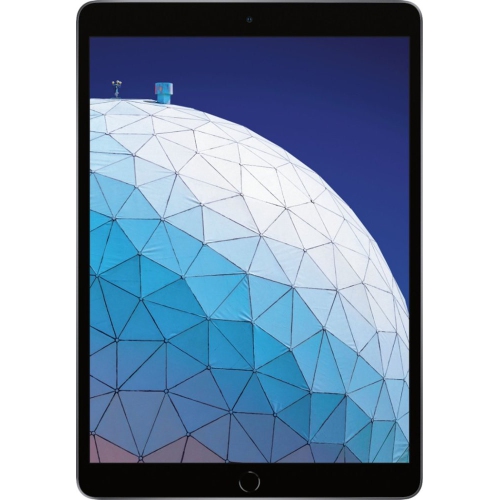
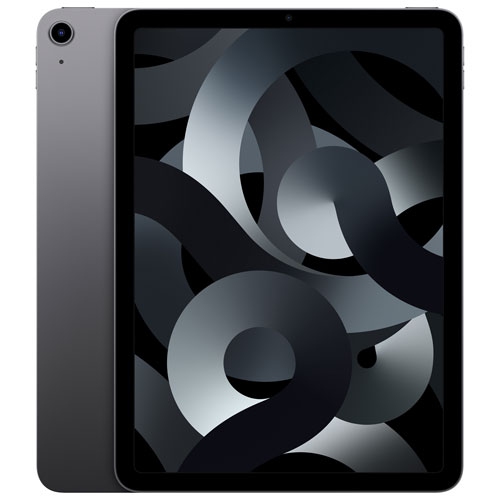
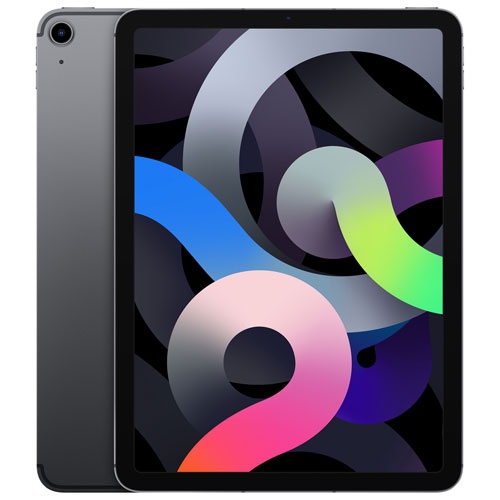
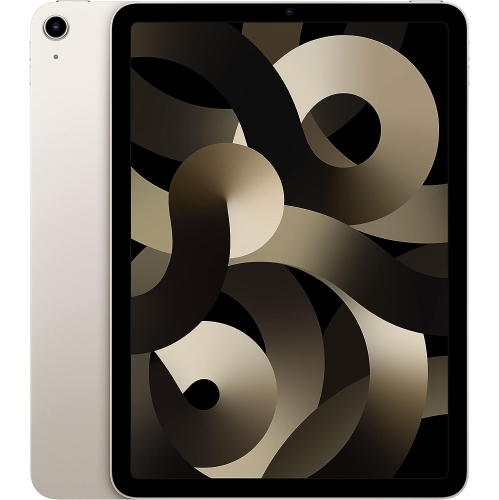
Cyber Monday Deals On iPad Air
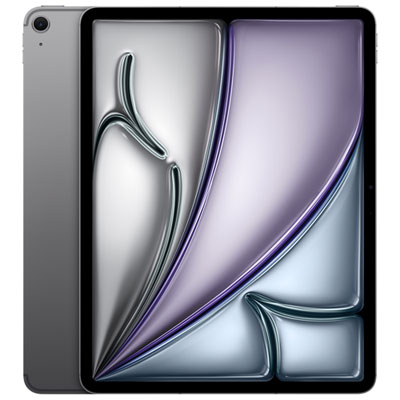
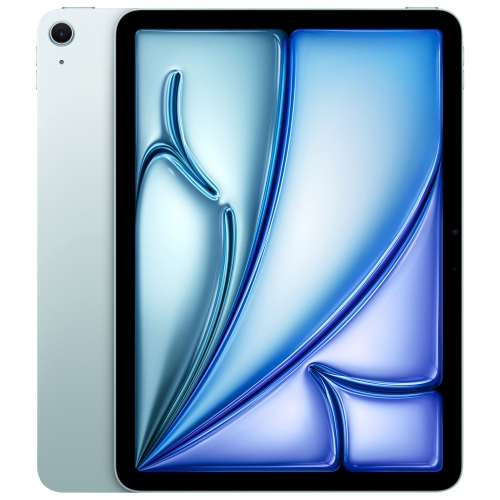
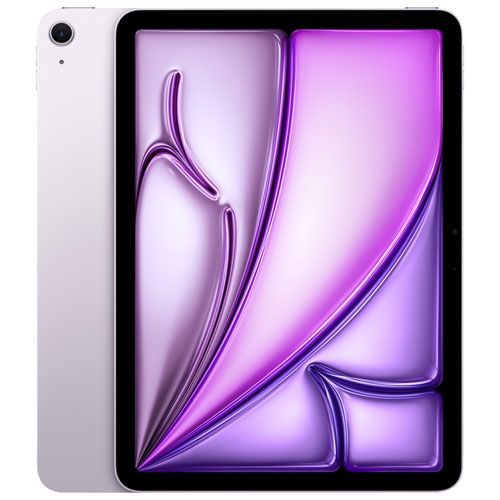
Get ready to score incredible savings on the highly sought-after iPad Air this Cyber Monday! Whether you're in need of a powerful tablet for work, school, or simply to stay entertained, we've got you covered. Best Buy is your go-to destination for all things tech, and our Cyber Monday deals on the iPad Air are no exception. With discounts and promotions that will leave you amazed, now is the perfect time to upgrade your device or surprise a loved one with the latest in cutting-edge technology. Don't miss out on these unbeatable offers—shop our Cyber Monday deals on the iPad Air today! Remember, our Low Price Guarantee means you can shop confidently knowing that you'll find the best price at Best Buy, all year round. We encourage you to check our website frequently for the most up-to-date information on our latest offers and savings opportunities.
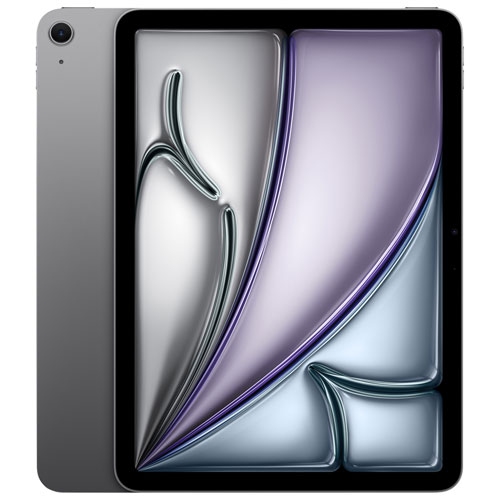
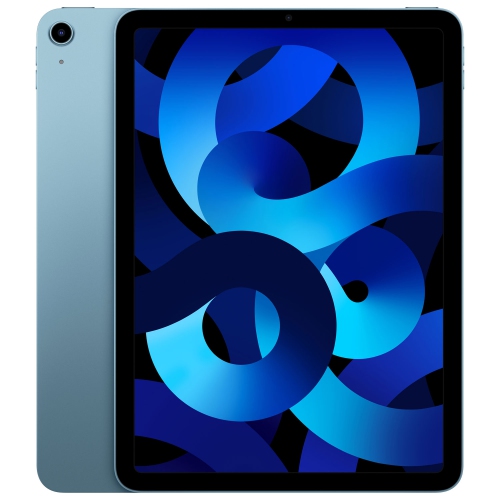
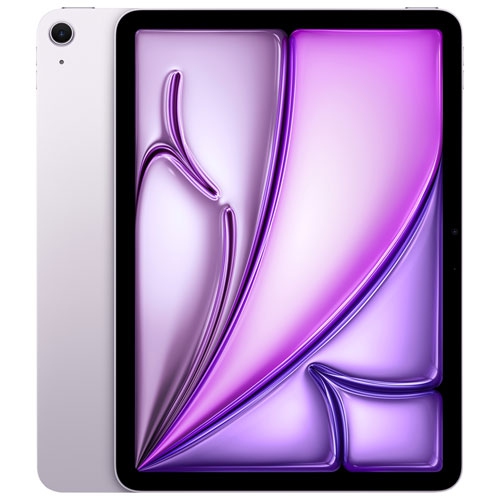





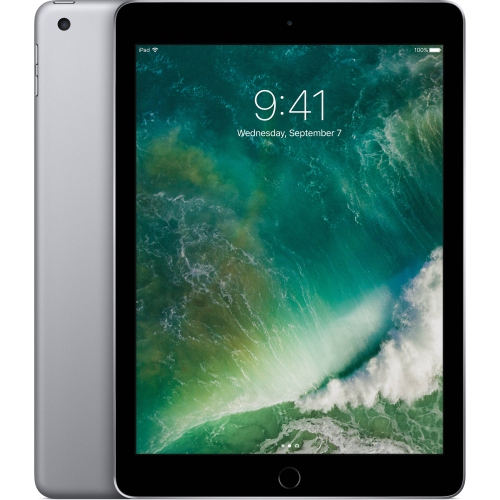
Everyday tablet comfort goes beyond screen size
Storage and connectivity shape how independently a tablet can work away from a desk. Downloaded films, large games, high-resolution photographs, and creative project files can take up considerably more space than email, ebooks, and basic documents. Built-in storage generally cannot be expanded internally after purchase, although support for external drives and online storage varies by device and app. Keeping a few favourite shows ready for a journey is a different storage commitment from carrying an entire photo library or a term’s worth of recorded lectures. Wi-Fi is suitable for use around a reliable home, school, or workplace connection; cellular-capable tablets can also connect through a compatible mobile network with an appropriate service plan. A phone hotspot may be another option, depending on the phone, plan, and signal. None of these connections makes every task dependent on internet access: downloaded books, saved documents, and certain creative apps can remain useful offline when their settings and features allow it. Battery life also depends on the activity rather than screen size alone. Video calls, demanding games, high brightness, and mobile data use can draw more power than reading a downloaded document. Charging connections, cable compatibility, and the power requirements of attached accessories are worth considering when a tablet will share space with other devices. For remote meetings and family calls, microphone clarity, speaker placement, and the position of the front-facing camera can matter more than rear-camera specifications. A camera centred along the longer edge, for example, can provide a more natural angle when the tablet sits horizontally in a keyboard case. Software deserves equal attention. Multitasking tools, accessibility settings, parental controls, and compatibility with familiar file types all influence whether a tablet feels straightforward or limiting. Some desktop workflows rely on features that mobile apps do not reproduce, so a tablet may complement a laptop rather than replace it. For shoppers also considering a phone alongside a larger touchscreen device, iPhone Air Cyber Monday Deals provides a related place to browse.
The materials and accessories surrounding a tablet have a practical role in its comfort and longevity. Metal housings can feel solid and help keep the profile slim, but exposed edges and glass screens still benefit from protection during travel. A well-fitting case should match the device’s dimensions, camera opening, buttons, speakers, and charging port rather than simply matching its advertised screen size. Corner coverage can help cushion everyday knocks, while a folio cover protects the screen inside a bag and may fold into a stand. Stand stability becomes especially noticeable when tapping through a recipe, sketching at an angle, or typing on a shallow café table. A keyboard case adds weight and thickness, so the complete setup may feel quite different from the tablet on its own. Pen users may also value a secure attachment or storage space that keeps a stylus from disappearing into the bottom of a backpack. Screen protectors offer different surface finishes: clear glass preserves a smooth feel, while textured options add friction for writing and drawing but can change the appearance of the display. Routine care is simple but important. A soft, lint-free cloth helps remove fingerprints, and cleaning should follow the device maker’s guidance rather than relying on household sprays or abrasive materials. Liquids should stay away from openings, and a padded compartment helps separate the screen from keys and other hard objects. Regular backups, software updates, and a secure screen lock protect the work and personal information stored inside. These details are particularly useful when choosing a tablet as a gift. A frequent reader may appreciate a comfortable grip and adjustable text settings; a student may need reliable document tools and pen support; someone who enjoys drawing may place greater value on display space and precise input. For a shared family device, separate app settings and appropriate content controls can help accommodate different ages. A thoughtful choice accounts for the recipient’s existing devices, preferred apps, and daily habits, making the tablet a useful part of an established routine rather than another screen to manage.
Top selling and popular products
-
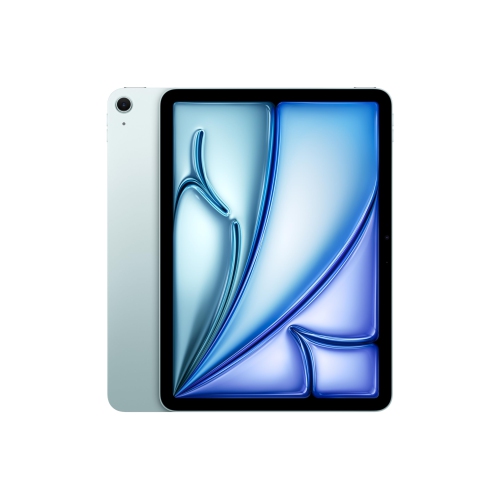 Your price for this item is $889.99
-
 Your price for this item is $949.97
-
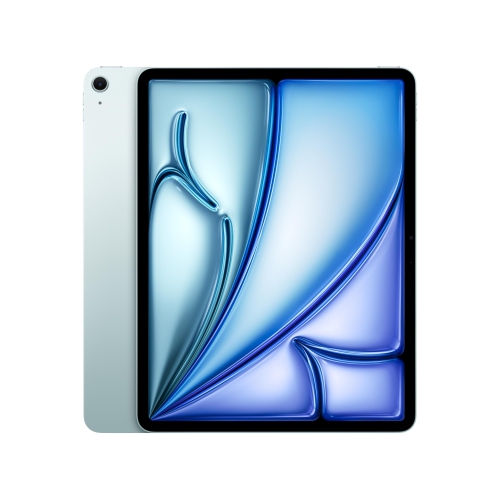 Your price for this item is $1549.99
-
 Your price for this item is $869.99
-
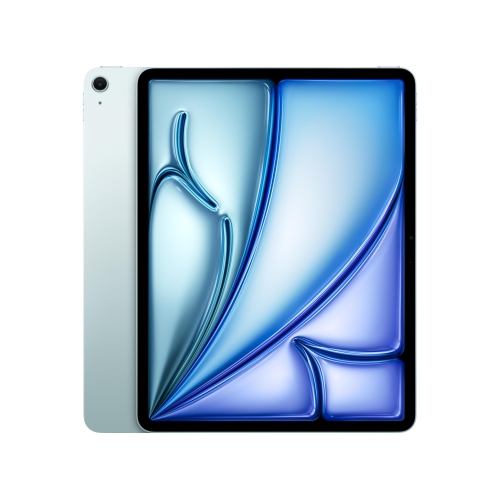 Your price for this item is $1195.99
-
 Your price for this item is $949.99
-
 Your price for this item is $949.98
-
 Your price for this item is $979.99