Cyber Monday Deals Coming Soon
Our Cyber Monday Sale returns in December 2026. In the meantime, shop our current top deals below.

Cyber Monday Deals On Apple
Unlock incredible savings with the Cyber Monday deals on Apple at Best Buy. Discover limited-time offers on a wide selection of must-have devices and accessories, perfect for upgrading your tech or finding the ideal gift. Shop now to take advantage of these exclusive Cyber Monday deals on Apple before they're gone. Remember, our Low Price Guarantee means you can shop confidently knowing that you'll find the best price at Best Buy, all year round. We encourage you to check our website frequently for the most up-to-date information on our latest offers and savings opportunities.






How Apple devices fit different parts of your day
Everyday comfort and durability depend on physical details as much as technical specifications. Aluminium housings, glass screens, hinges, buttons, and charging ports each have different points of wear, particularly on devices carried between home, school, and work. A slim laptop may feel light in a backpack, but its screen still needs protection from pressure and loose objects. A fitted sleeve helps separate it from keys and other hard edges, while a phone or tablet case can add grip and cushion incidental bumps without making the device awkward to hold. Case compatibility depends on the exact device generation and dimensions, since camera openings, button positions, and connector placement can change. For tablets used to sketch or mark up readings, stylus support and keyboard compatibility help shape the experience; not every accessory works with every model. Fit is equally important for wearable technology. A watch strap should sit securely without pinching, with a size range that suits the wearer’s wrist and a material that feels comfortable through a full day. Smooth, wipeable bands can be practical for exercise, while woven designs offer a different feel against the skin. Wireless earbuds rely on a comfortable, stable fit for listening, and headphones vary in headband pressure, ear-cushion depth, and how much space they occupy in a bag. Noise cancellation can make travel or shared study spaces more comfortable, while listening modes that admit surrounding sound can be useful when awareness matters. Care is generally straightforward but should follow the manufacturer’s directions: a soft, lint-free cloth for suitable surfaces, attention to moisture around openings, and careful handling of cables and connectors. Water resistance should not be treated as permission for every wet-weather activity, and its limits vary by device. Canadian cold also makes temperature guidance relevant, especially when electronics move from a chilly commute into a warm room. Keeping devices within their stated operating and charging temperatures supports dependable everyday use.
How devices work together can be just as important as their individual features. Someone moving between a phone, tablet, and computer may value shared calendars, access to the same documents, or the ability to continue a task on another screen. Those features can depend on compatible hardware, software versions, account settings, and an internet connection, so a familiar appearance does not guarantee identical capabilities. Home Wi-Fi supports many daily activities, while cellular features on phones, tablets, or watches may require a compatible carrier and a separate service plan. Physical connections matter too: a desk with an external display, a storage drive, and a wired keyboard needs the right ports or compatible adapters. For work and study, memory and processor capabilities influence how a computer handles demanding software and several active tasks, while the camera, microphones, and speakers shape video calls. Creative users may place more weight on display quality, responsive pen input, and space for media files. For entertainment, comfortable audio, a screen suited to the viewing distance, and enough battery capacity for time away from a socket can matter more than features intended for intensive professional work. Battery life varies with settings, connectivity, and workload, so a day of writing will not necessarily draw the same power as gaming or editing video. These distinctions also make technology a personal gift. A student may appreciate something easy to carry between classes, a frequent traveller may favour comfortable headphones, and a family member may prefer a familiar interface with clear text and accessible controls. The recipient’s existing devices, preferred screen size, wrist or ear fit, and daily habits help determine whether a gift feels useful from the start. Accessibility features such as text enlargement, voice control, captions, and screen-reading support can also make a meaningful difference, although support varies by device and application. Whether the purpose is staying in touch, building a creative routine, studying, or enjoying quieter downtime, well-matched technology earns its place through the small tasks it makes easier day after day.
Top selling and popular products
-
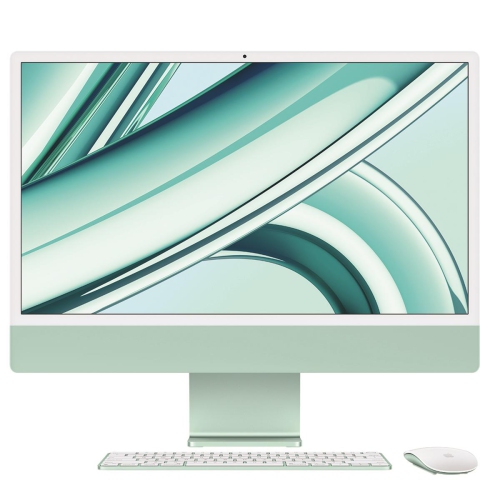
 Your price for this item is $599.99
 -
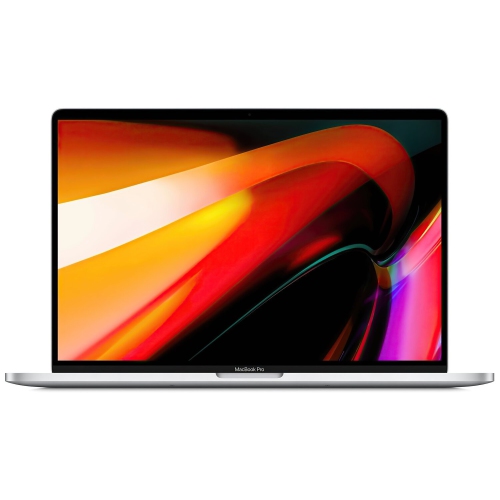
 Your price for this item is $1069
 -
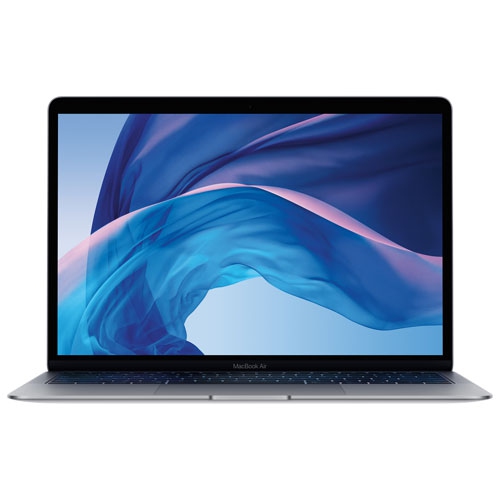
 Your price for this item is $196.99
 -
![APPLE Watch Series 8 [Gps 41Mm] Smart Watch With Starlight Aluminum Case And Starlight Sport Band - S/m In Multicolor](https://multimedia.bbycastatic.ca/multimedia/products/500x500/165/16537/16537952.jpeg) Your price for this item is $594.95
Your price for this item is $594.95 -
![APPLE Watch Series 10 [Gps 46MM Case] Smartwatch With Jet Aluminum Case With Sport Band - M/l In Black](https://multimedia.bbycastatic.ca/multimedia/products/500x500/186/18618/18618511.jpeg) Your price for this item is $529.99
Your price for this item is $529.99 -
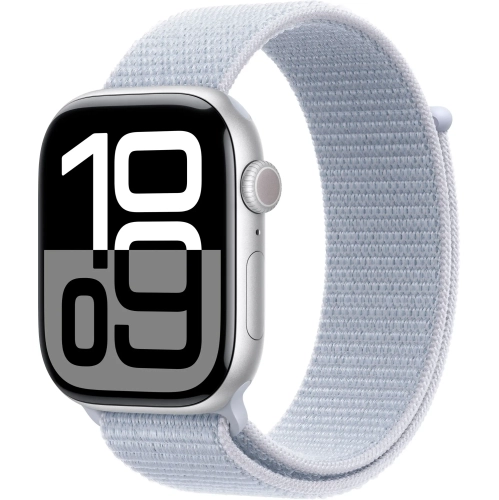
 Your price for this item is $619
 -
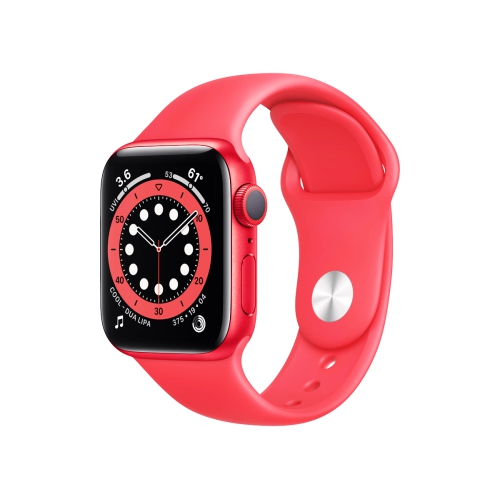 Your price for this item is $429.99
 -
![APPLE Watch Series 10 [Gps 42MM Case] Smartwatch With Rose Aluminum Case With Light Blush Sport Band - S/m In Gold](https://multimedia.bbycastatic.ca/multimedia/products/500x500/185/18596/18596693.jpeg) Your price for this item is $799.99
Your price for this item is $799.99