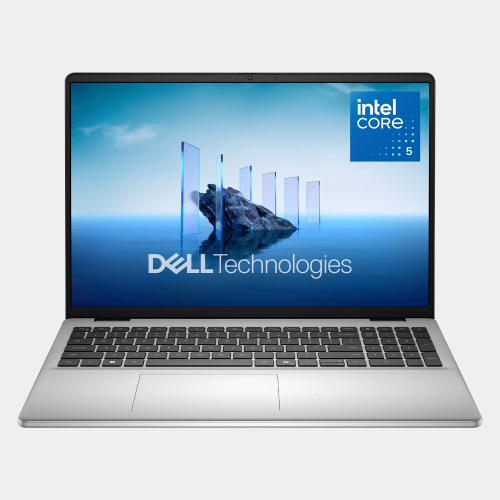
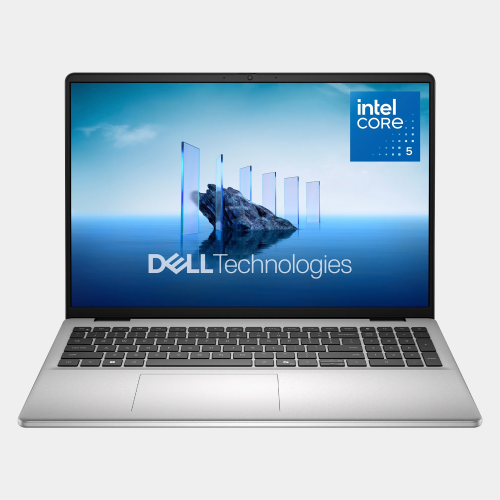
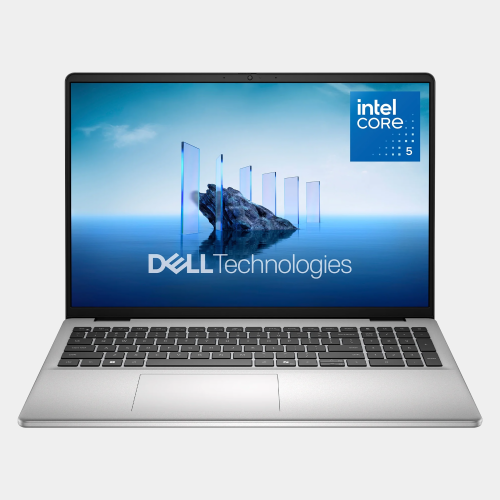
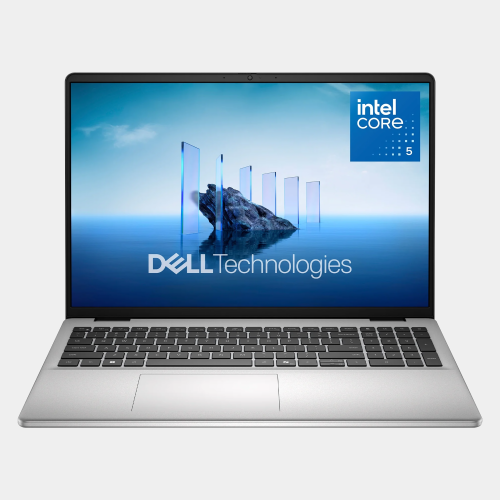
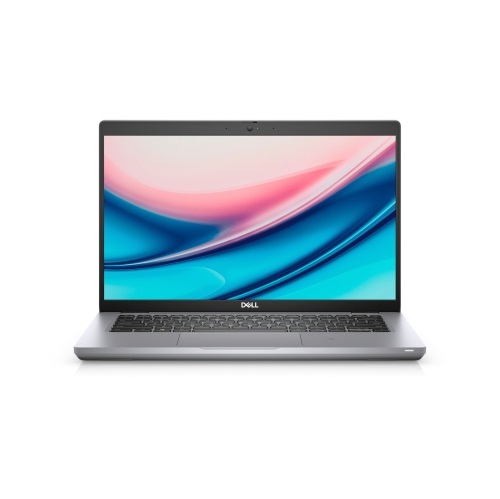
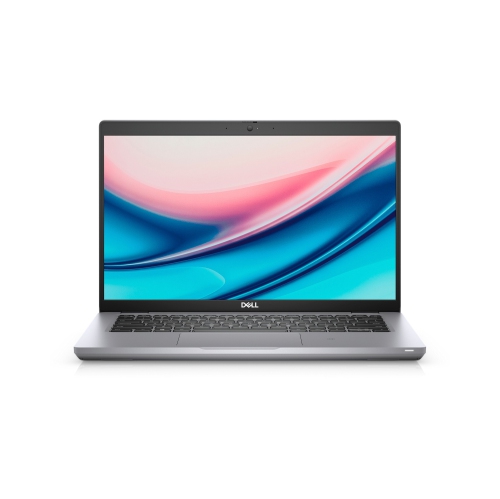
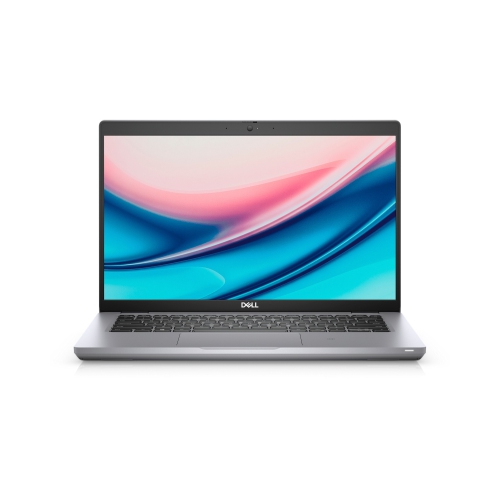
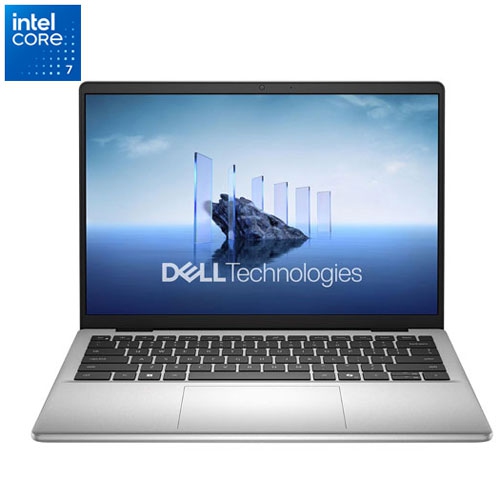
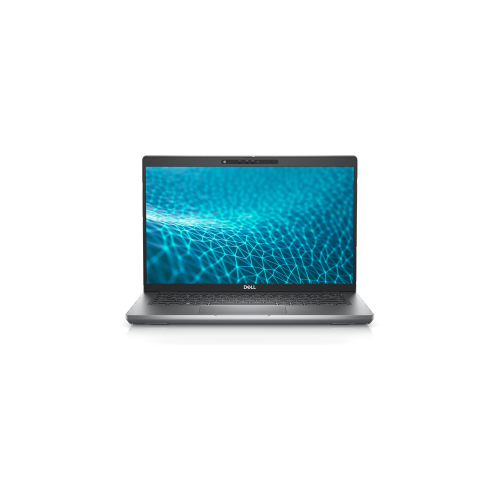
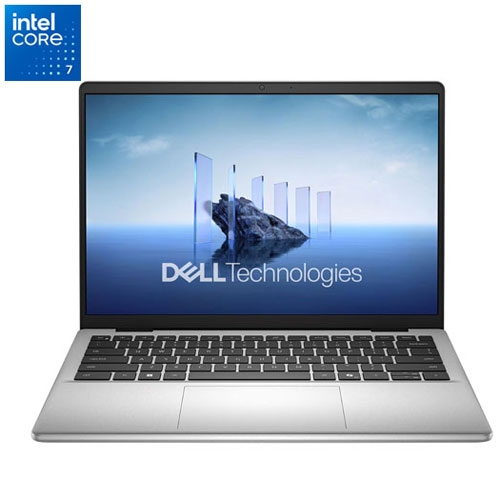
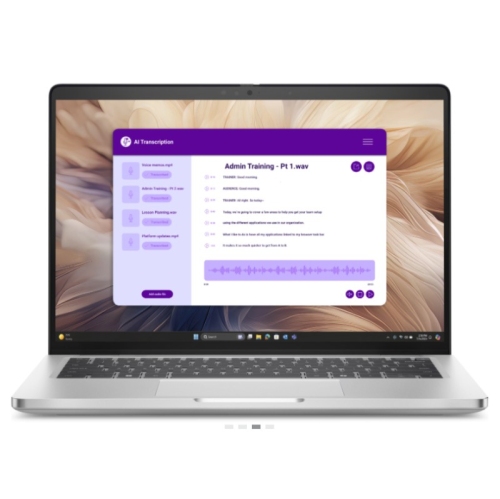
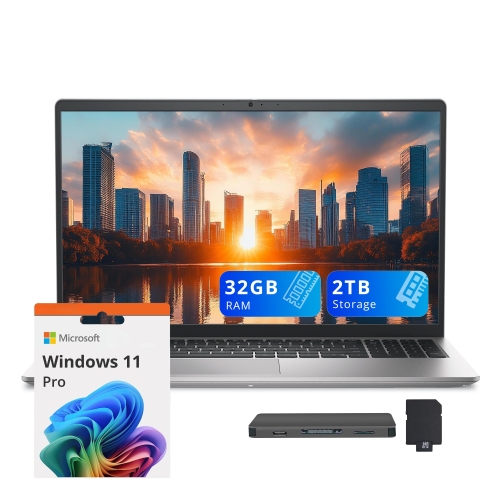
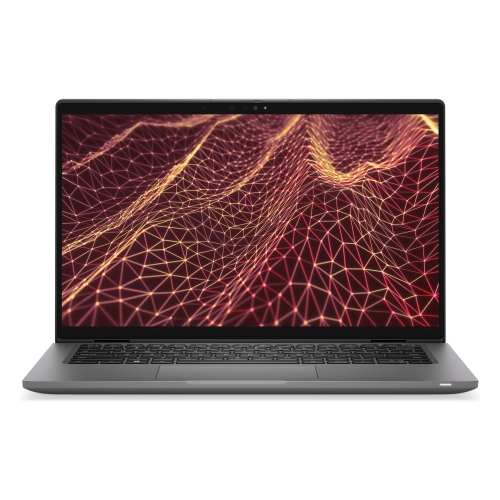
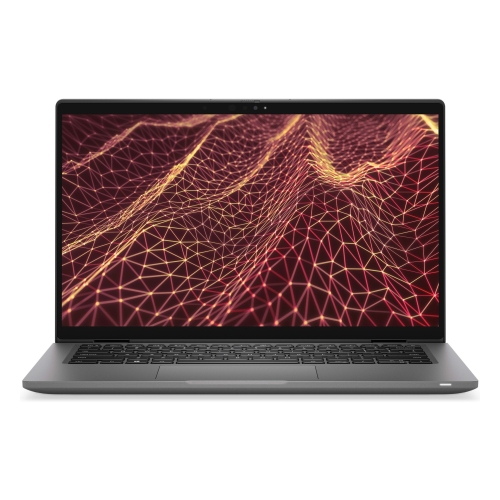
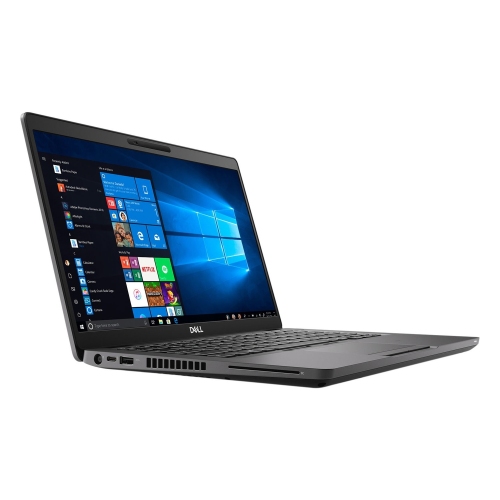
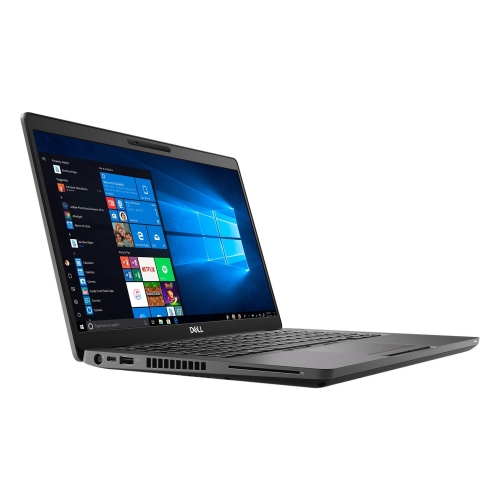
Dell Laptops Silver

Browse silver Dell laptops and compare key features such as screen size, processor, memory, and storage. Consider how you’ll use your laptop—for work, study, or everyday tasks—to choose a notebook with the right balance of performance and portability.
Sort

What matters beyond a laptop’s silver finish

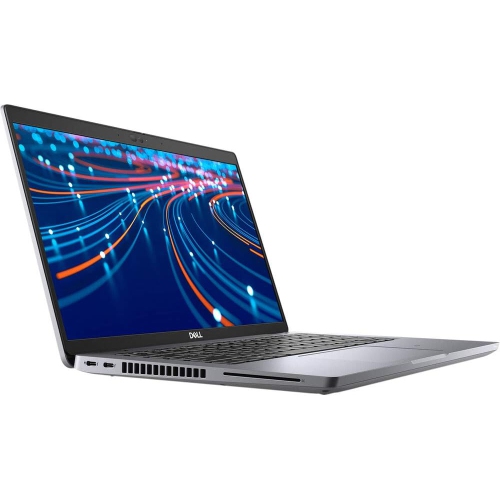
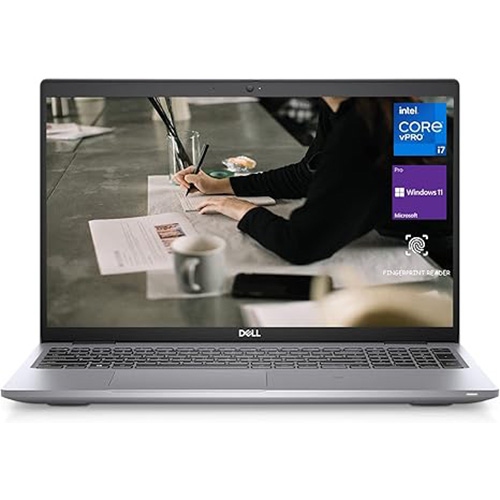
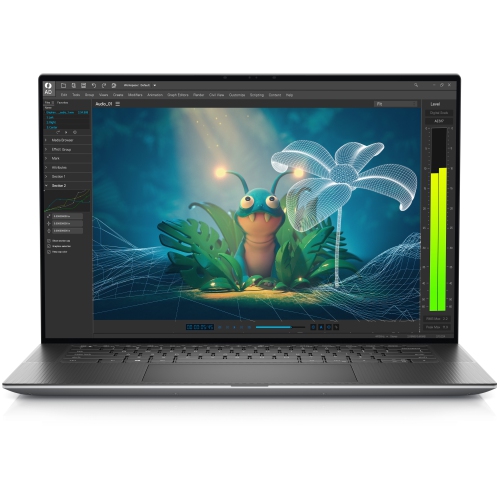
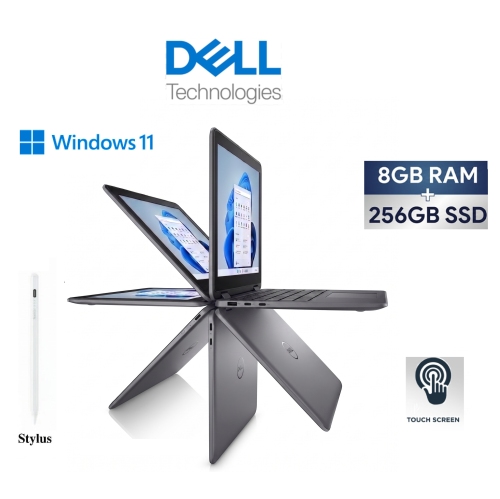
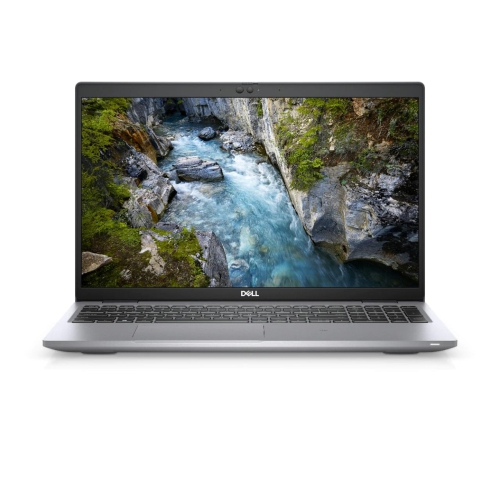
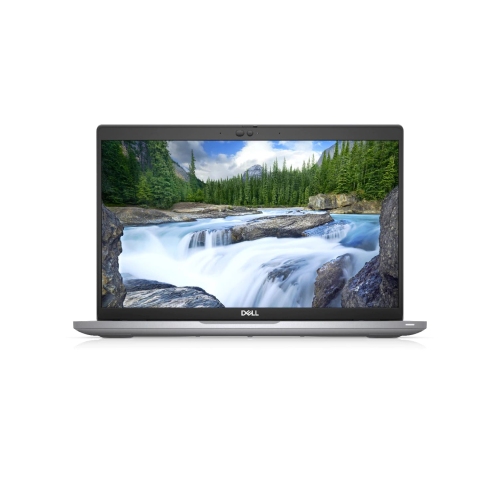
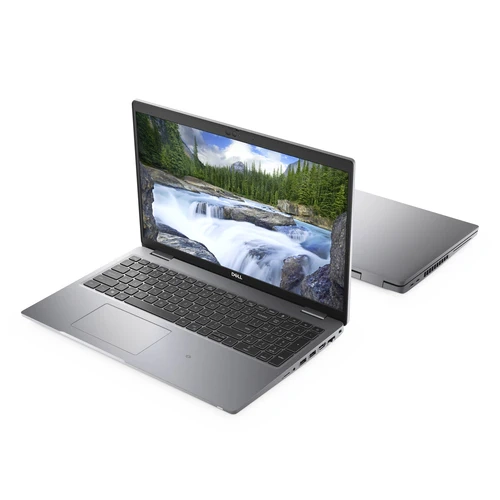
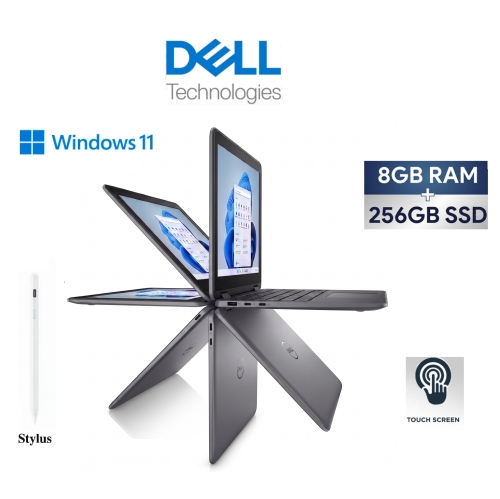
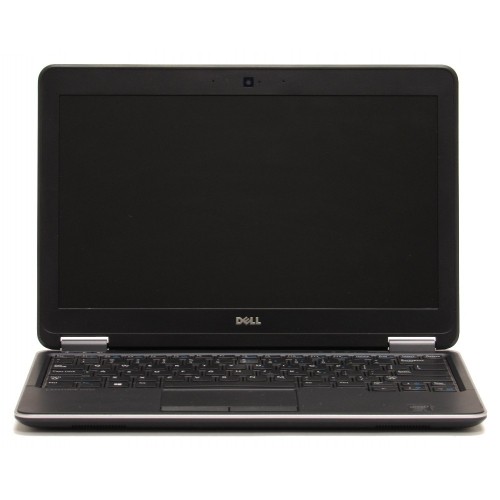
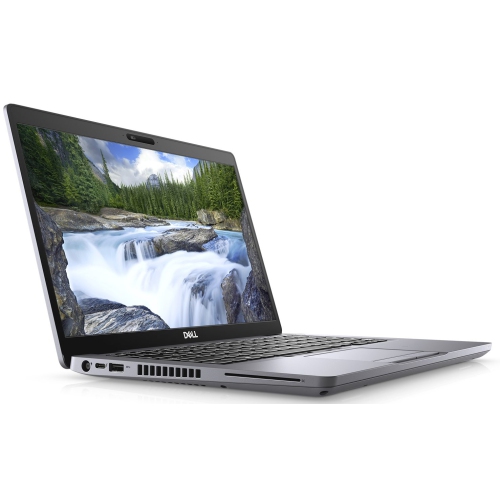
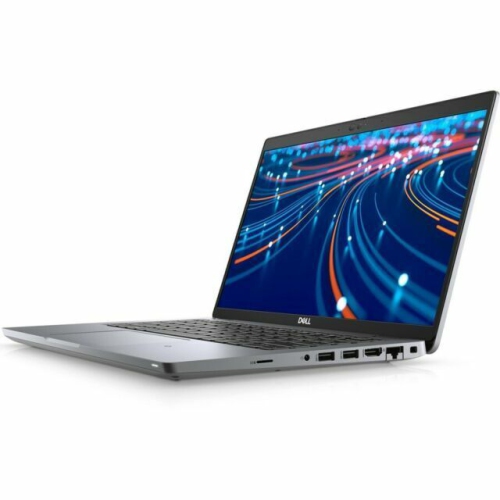
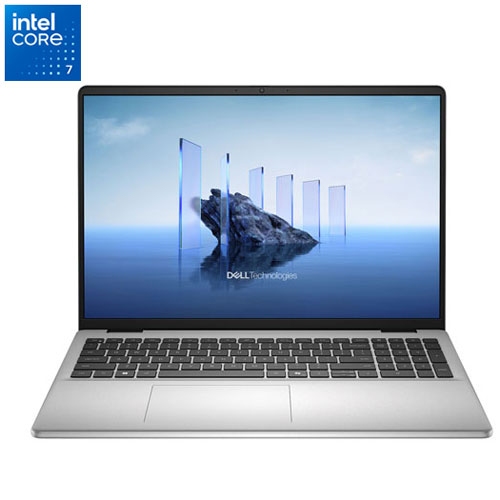
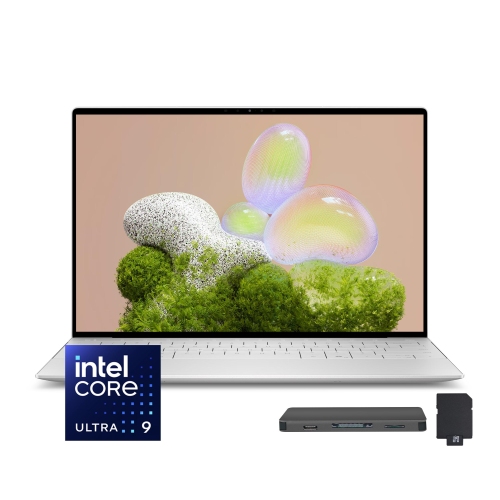
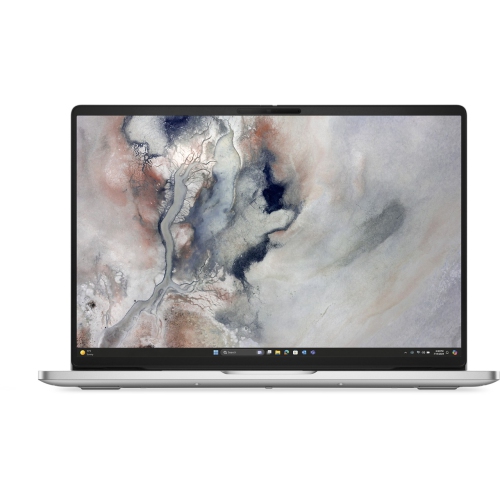
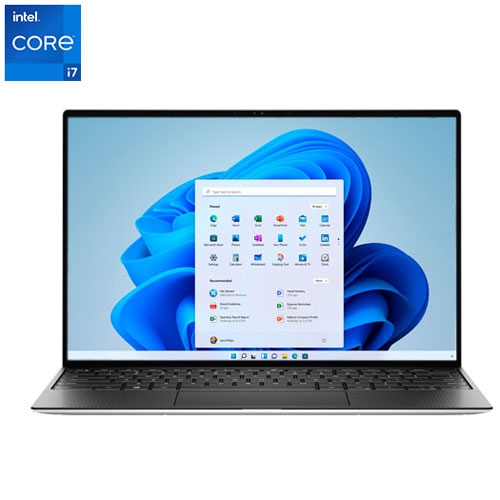
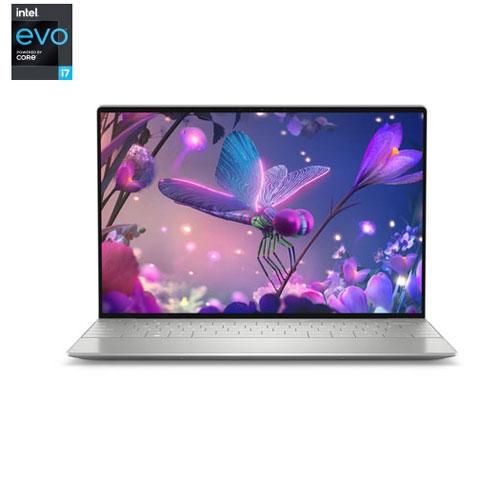
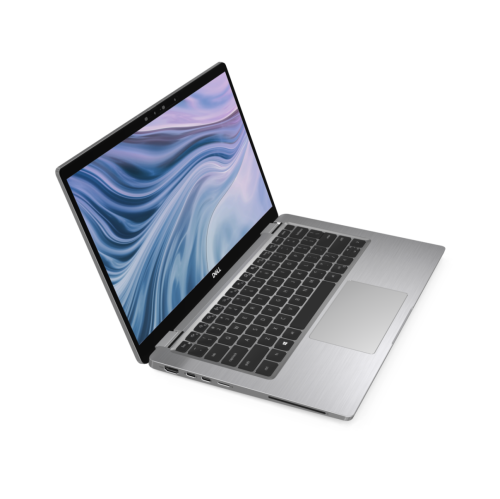
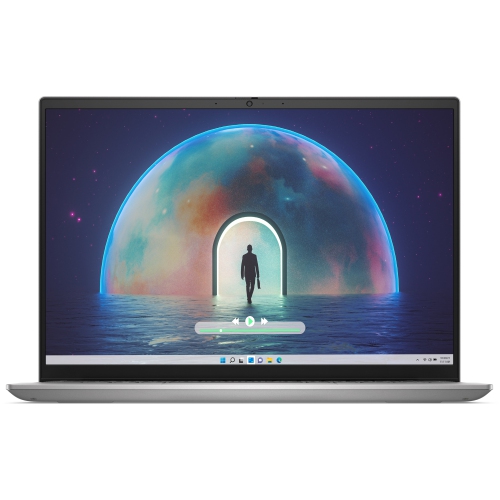
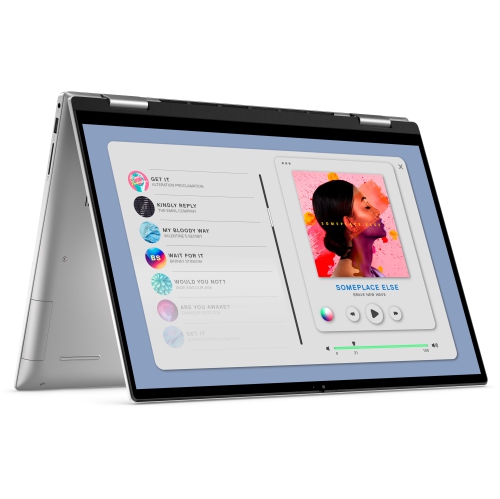
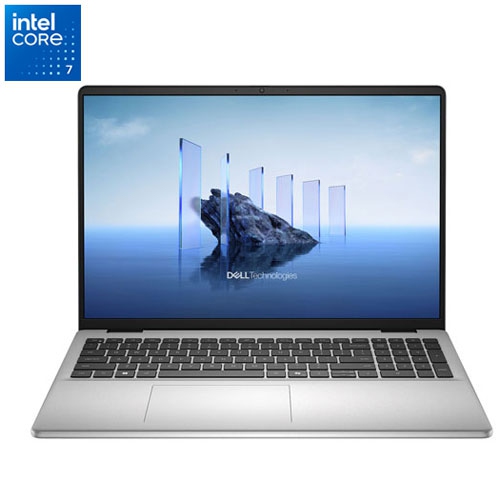
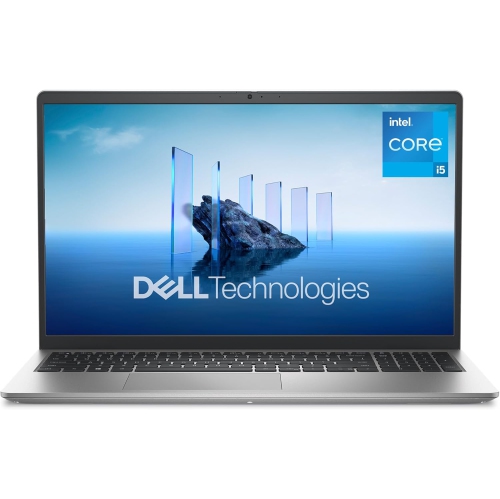
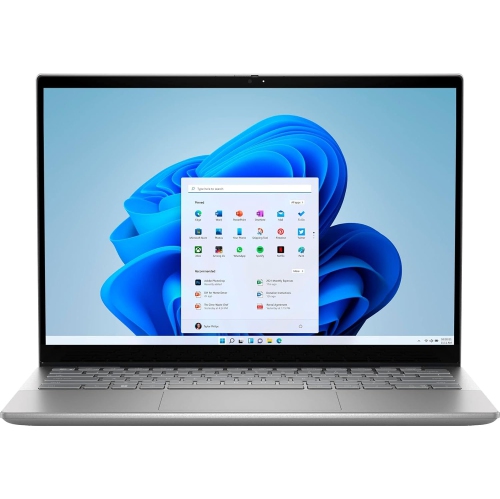
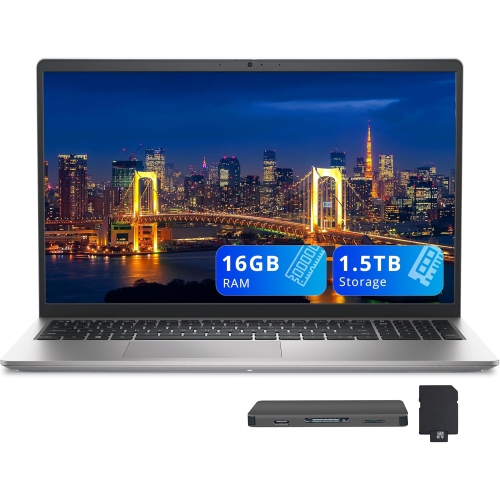
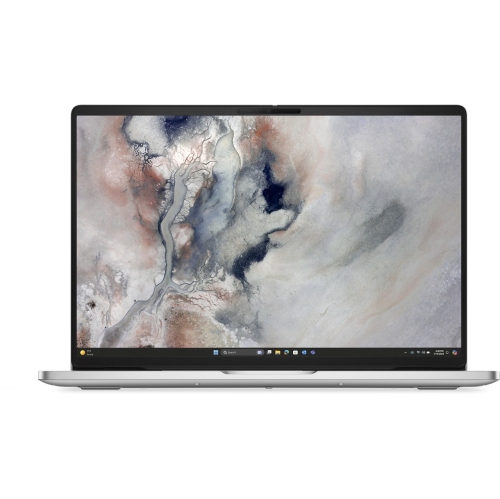
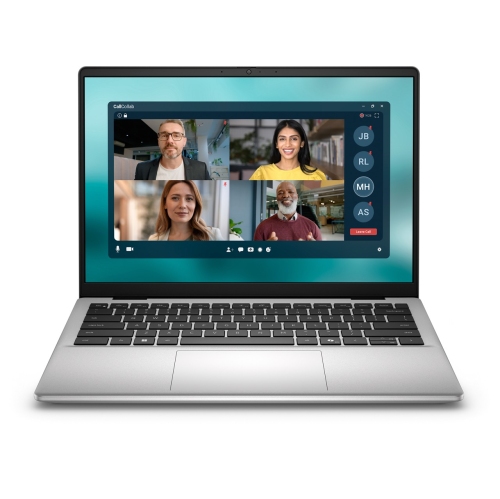
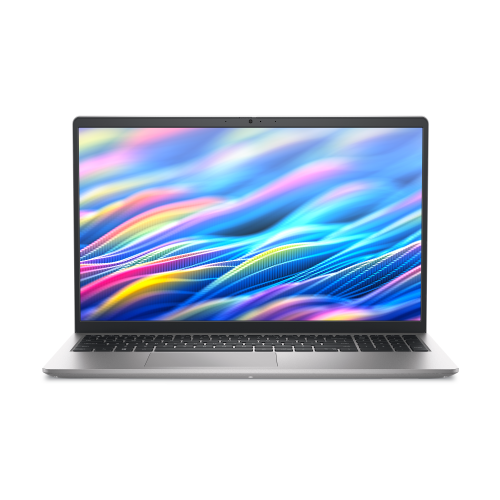
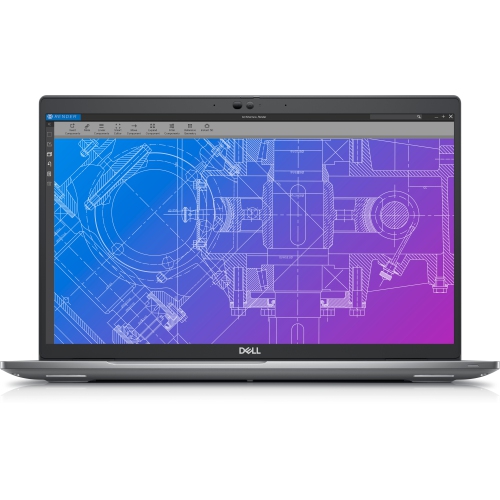
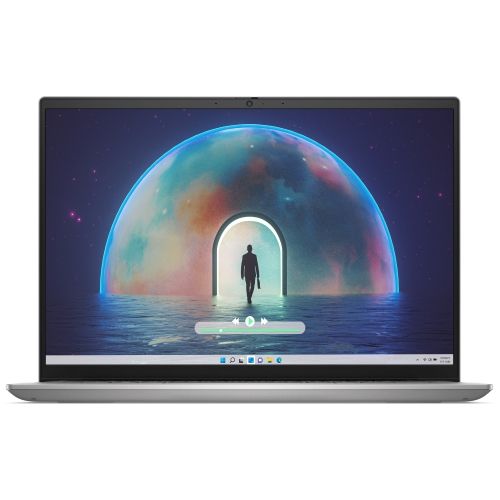
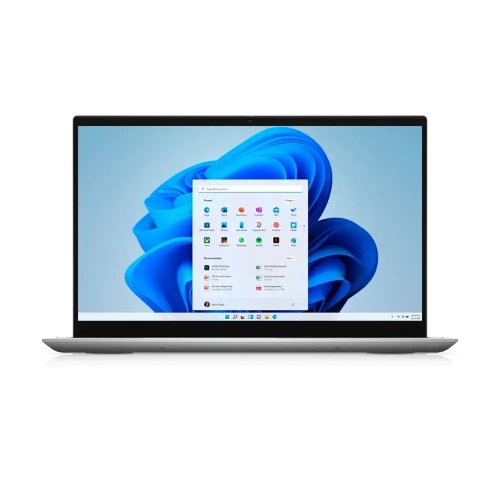
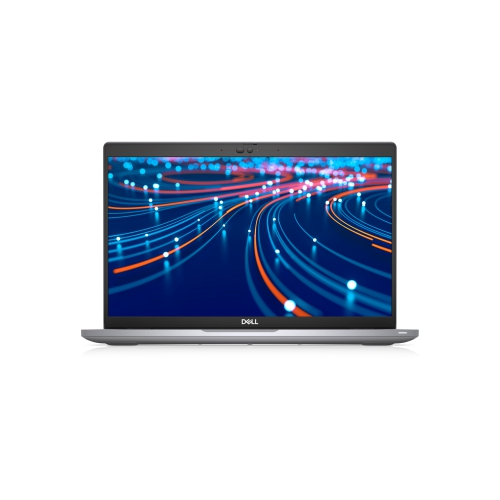
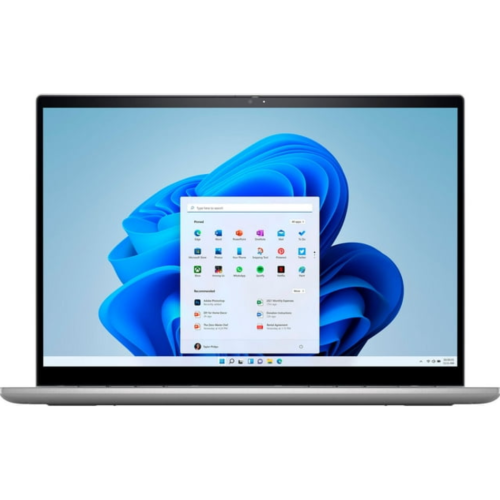
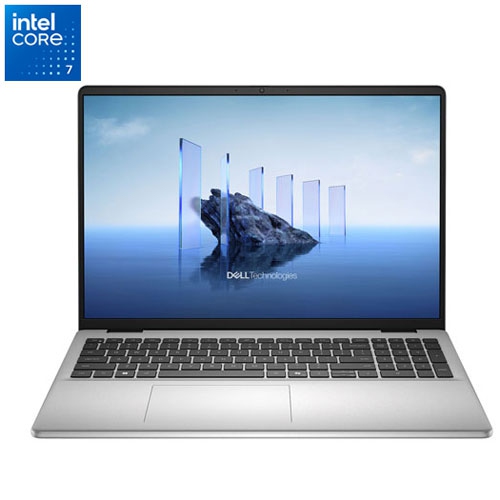
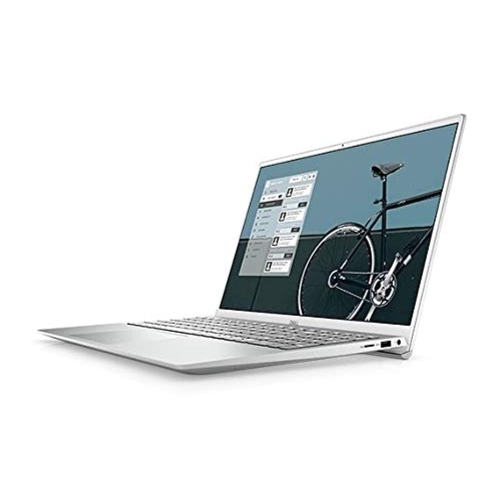
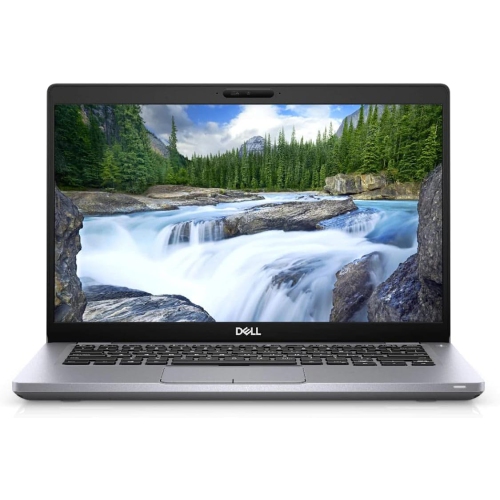
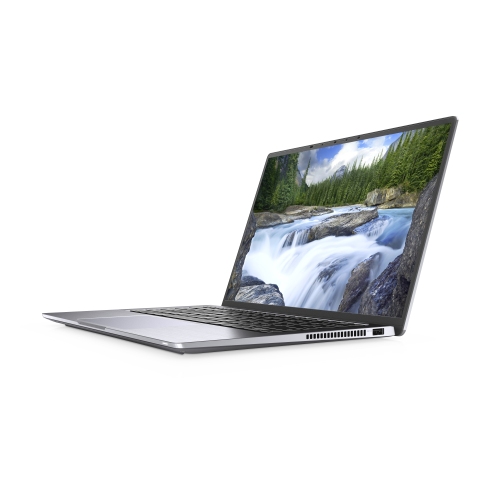
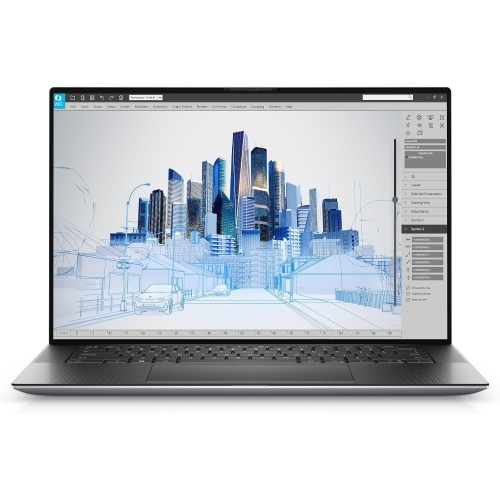
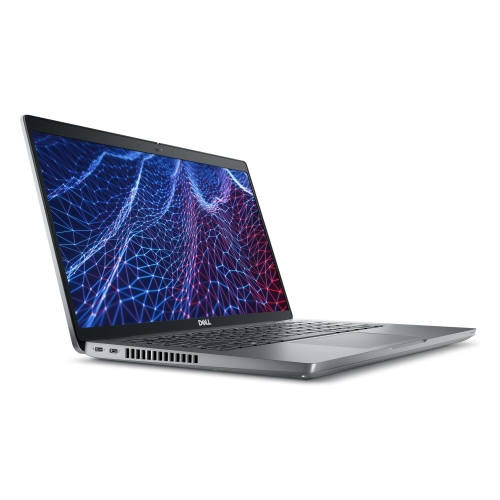
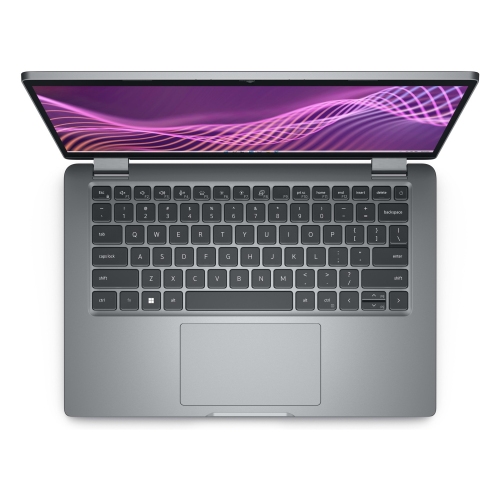
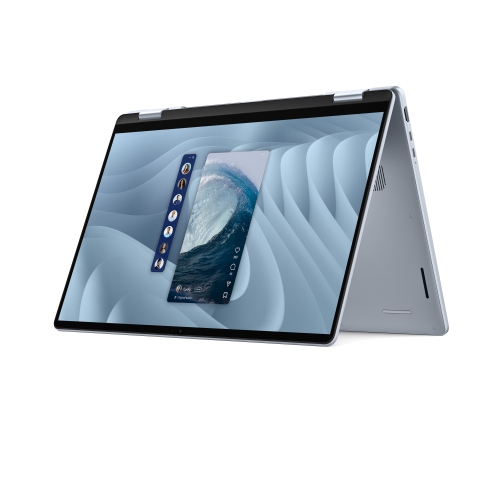
Silver laptops combine a light metallic colour with the everyday practicality of a portable computer. The finish works comfortably alongside a black monitor, a white desk, or wood furniture, making it an easy fit for shared workspaces and home offices. Silver describes the exterior colour rather than a particular level of performance or a single construction material. Depending on the model, a laptop may have an aluminum lid, other metal panels, a plastic chassis, or a combination of materials. A metallic appearance alone does not confirm that the entire body is metal. Brushed, textured, and smooth surfaces also look and feel different, with some finishes making fingerprints more noticeable than others. Details such as the palm rest, keyboard colour, hinge design, and screen border contribute to the overall appearance when the laptop is open. For a student moving between lectures or a professional carrying a computer to meetings, the physical fit matters just as much as the finish. A compact laptop takes up less room on a narrow desk or lecture-hall table, while a larger display can make spreadsheets, side-by-side documents, and video timelines easier to view. Screen size does not tell the whole portability story: weight, chassis thickness, and the size of the power adapter all affect what ends up in a bag. A protective sleeve needs to match the computer’s actual dimensions, not simply its advertised screen measurement. Display characteristics shape daily comfort, too. Resolution affects how much detail is visible, while brightness and surface treatment influence visibility near a window or beneath overhead lighting. A matte screen can reduce distracting reflections; a glossy display has a different viewing character and may show reflections more clearly. Touch support and a folding hinge are separate features, so a silver exterior does not necessarily mean a laptop can be used in tablet mode. For everyday desk use, a comfortable keyboard, an easy-to-control touchpad, and a screen that opens to a useful angle can matter more than appearance alone.
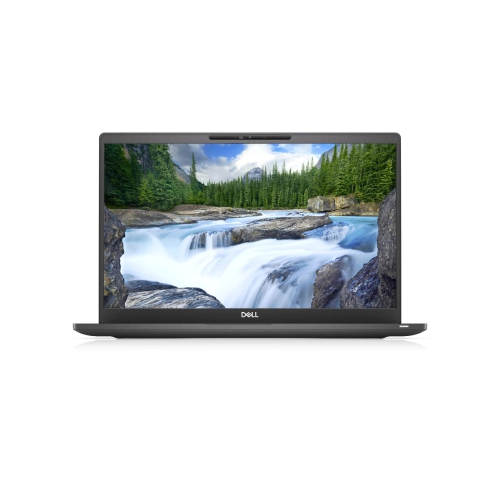
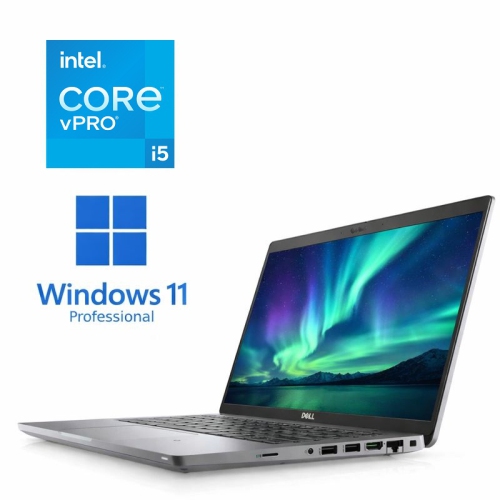
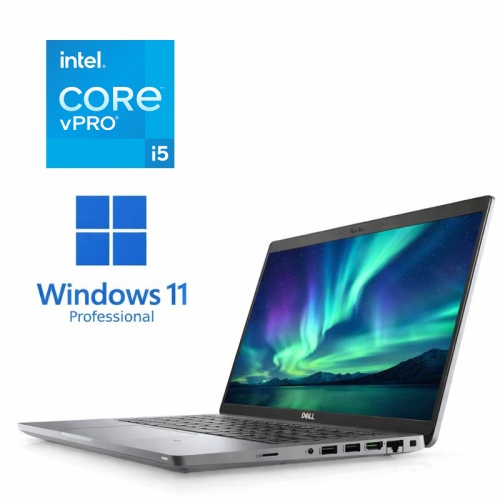
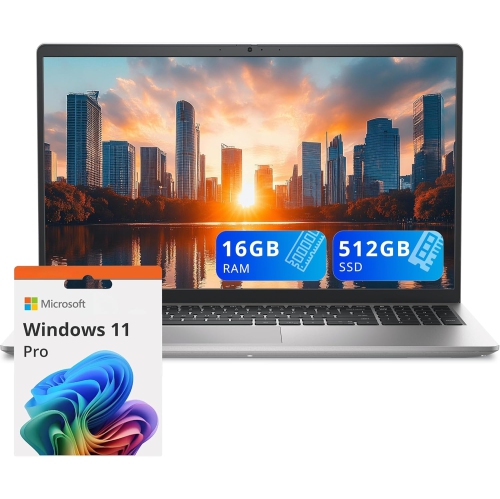
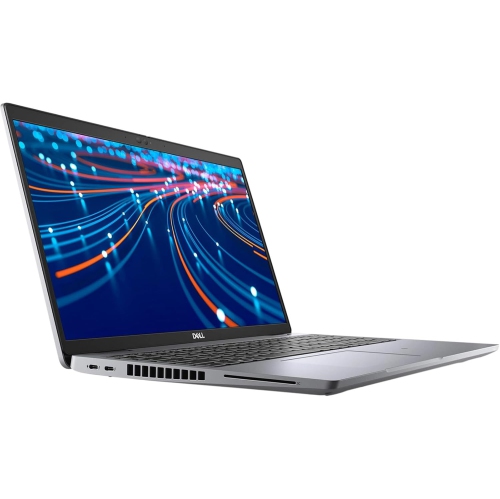
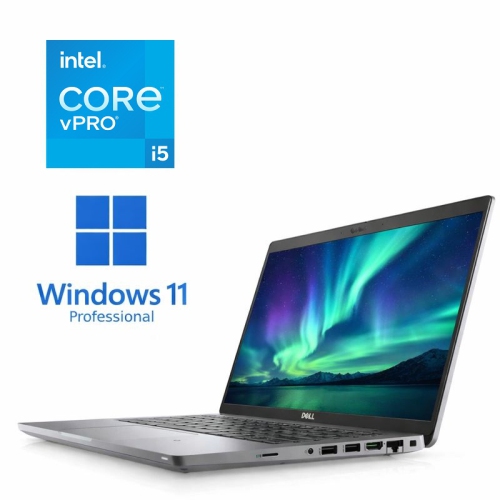
Inside a silver laptop, the processor, memory, storage, and graphics capabilities determine which tasks feel comfortable. Web browsing, writing assignments, email, and video calls have different demands from editing high-resolution footage or working with detailed three-dimensional designs. Someone who keeps a research document, several browser windows, and a meeting application open at once benefits from enough memory to support that workload without frequent slowdowns. Storage capacity matters for downloaded coursework, photographs, software, and work files, while a solid-state drive supports responsive access to applications and saved documents. The silver finish itself does not indicate whether a computer has integrated graphics or a dedicated graphics processor. That distinction can be important for gaming, visual production, and software with specific graphics requirements. Compatibility with the applications used for school or work is another practical consideration, particularly when a course or employer requires a particular operating system or hardware feature. Connections help determine how naturally a laptop fits into an existing setup. A monitor, wired headset, mouse, camera, or external drive may require different ports, and a connector’s shape does not establish every function it supports. For example, USB-C charging and video output depend on the capabilities of the particular port and computer. Wi-Fi support is useful for moving between rooms or working away from a fixed desk, although connection quality also depends on the network. For frequent video calls, camera placement, microphone clarity, speaker quality, and any available privacy shutter become part of the daily experience. Battery life varies with screen brightness, applications, wireless activity, and power settings, so a light writing session and an extended video call will not place the same demands on a charge. Charging requirements matter as well: a small travel charger is only useful when it supplies the power and connection the laptop needs. The broader range of designs on Best Dell Laptops offers another way to explore these differences beyond exterior colour.

A silver laptop can serve as a main household computer, a study companion, or a portable extension of a workstation. At a desk, an external keyboard and a raised screen can help create a more comfortable position for longer sessions; away from the desk, the built-in keyboard and touchpad become much more important. Key spacing, palm-rest depth, and the presence of a number pad can change how a laptop feels during an evening of writing or a session entering figures. Durability depends on construction, hinge design, handling, and care rather than colour alone. Metal surfaces can still scratch or dent, and a silver coating on another material may wear differently from an unpainted metal panel. A padded compartment helps keep the chassis from rubbing against keys, chargers, and other objects in a bag. Carrying the computer by its base instead of its display reduces unnecessary strain on the screen assembly. Cooling vents also need clear space: a firm, flat surface allows airflow more effectively than a blanket or cushion pressed against the underside. Routine care is straightforward but should follow the manufacturer’s directions. Powering the laptop off before cleaning, using a soft lint-free cloth, and avoiding liquid sprayed directly onto the screen or keyboard help limit accidental damage. Abrasive pads and harsh cleaners can harm finishes and display coatings, even when the surface looks sturdy. For households sharing a computer, separate user accounts can keep schoolwork, documents, and personal preferences organized. Supported security features, software updates, and regular file backups are useful parts of ownership regardless of the laptop’s colour. As a gift for a student, a family member, or someone starting a new role, a silver laptop has a versatile appearance, but the recipient’s software needs, preferred screen size, and carrying habits remain central. A computer that fits their daily routine—whether that means writing at a kitchen table, joining remote meetings, or organizing photographs—has value beyond its finish. Silver provides a consistent visual starting point; the most suitable combination of comfort, capability, and portability comes from how the laptop will actually be used.

FAQ

Some products may be subject to Environmental Handling Fees (EHF) depending on your province. Learn more about EHFs.