Digital Photo Frames with Remote Gift Preloading
Digital photo frames with remote gift preloading let you add favourite memories before the recipient opens their gift. Compare how photos are uploaded, what setup is required, and whether the frame needs to be connected before preloading, so you can plan a personal gift from a distance.







FAQ
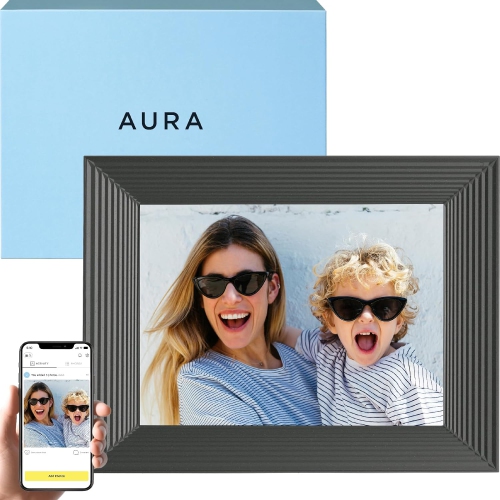
Remote gift preloading lets you prepare photos for a compatible digital photo frame before giving it to someone. Depending on the frame’s gift setup process, the photos may appear after the recipient connects the frame to Wi-Fi and completes setup.
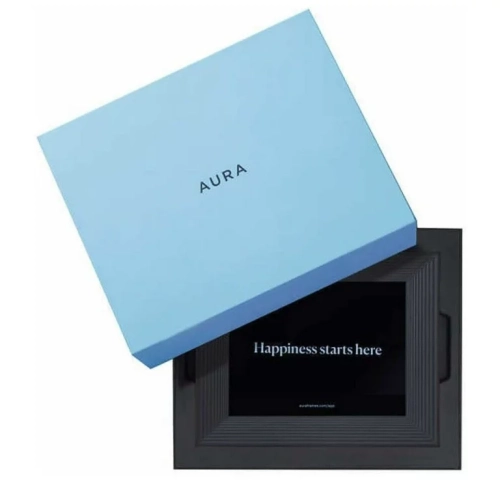
Some digital photo frames support gift setup through a code on the packaging or an online registration process, so you can prepare photos without opening the box. Others require the frame to be powered on and connected first, so check whether unopened-box gift setup is supported.
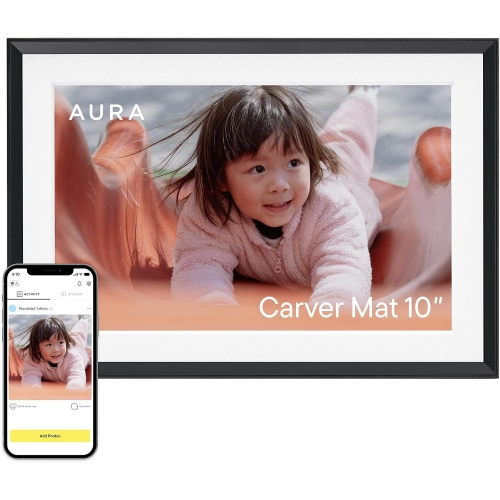
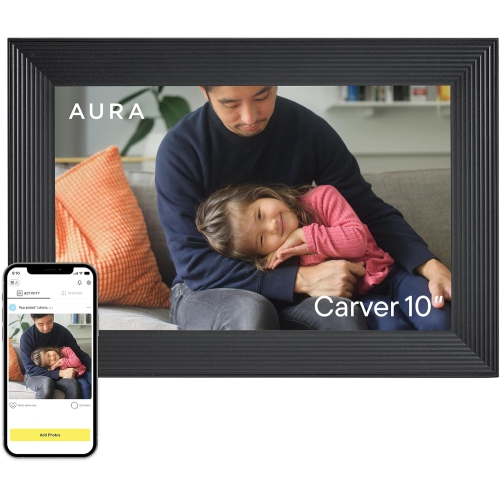
Most digital photo frames with remote sharing need an internet connection, usually through Wi-Fi, to receive new photos. Frames with built-in storage may continue displaying downloaded photos while offline, but new uploads will need a connection to arrive.
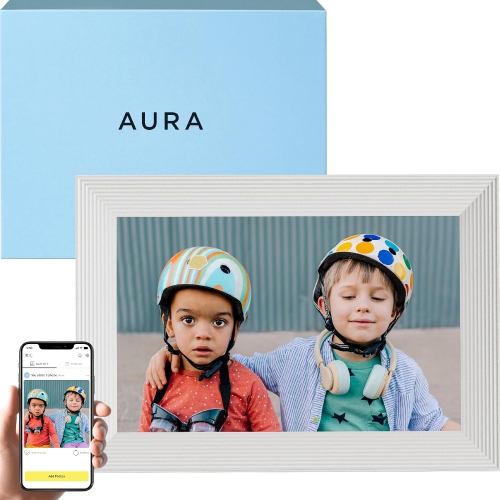
Many connected digital photo frames let the owner invite multiple contributors through a companion app or photo-sharing service. Depending on the platform, contributors may send photos directly to the frame or add them to a linked album.
Start with a collection of meaningful photos, such as family celebrations, holidays, and everyday moments. If supported, you can also add captions, arrange photos in a preferred order, or include a greeting for the recipient’s first viewing.
Top selling and popular products
Discover more categories related to Digital Photo Frames with Remote Gift Preloading
Some products may be subject to Environmental Handling Fees (EHF) depending on your province. Learn more about EHFs.