Laptop Stands for Zoom Meetings
A laptop stand is a great way to keep your laptop safe and secure while you're on the go. It also keeps your screen at the perfect angle for taking notes or showing presentations. And it frees up your hands to take notes or interact with others during meetings. Here are some of our favorite laptop stands for Zoom meetings.
Sort
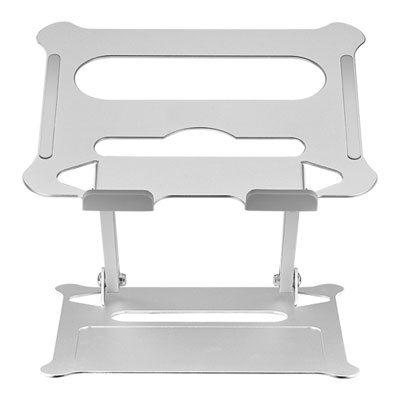

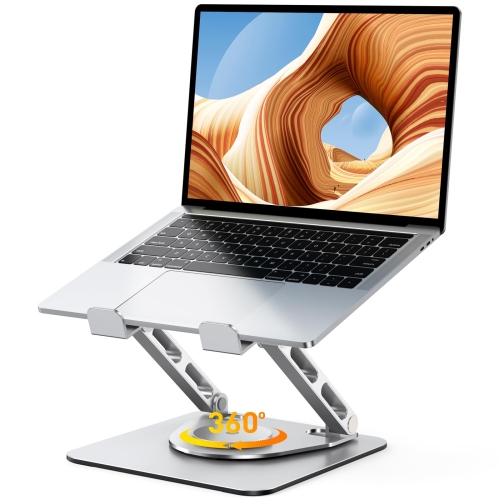


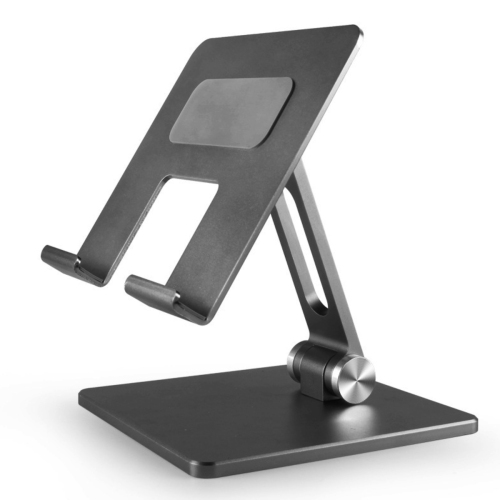
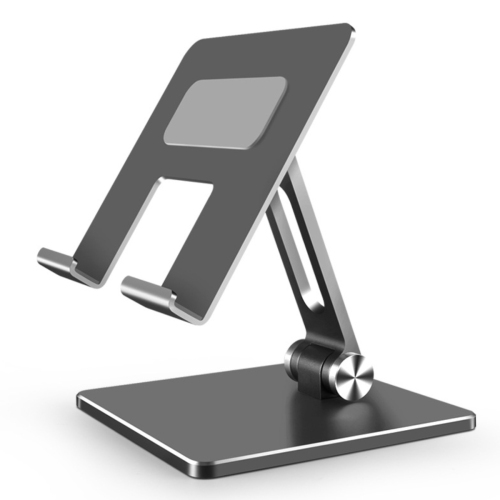




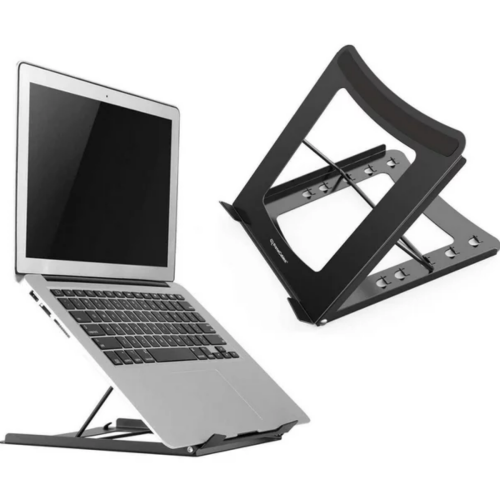


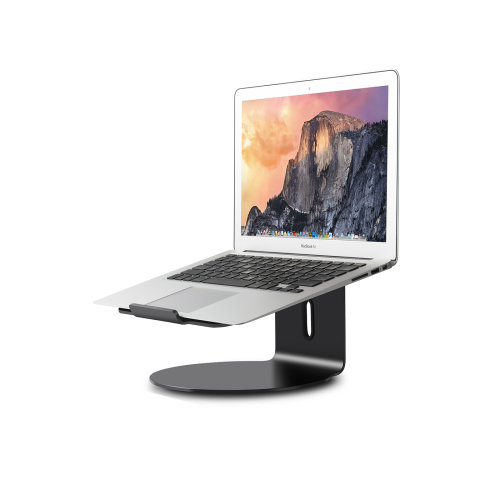
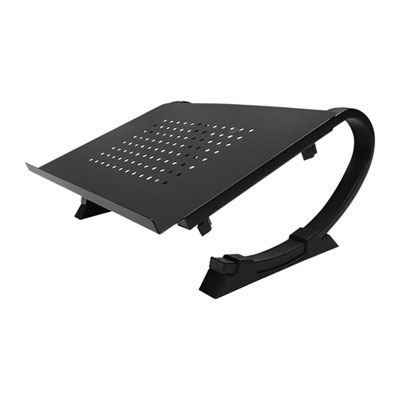
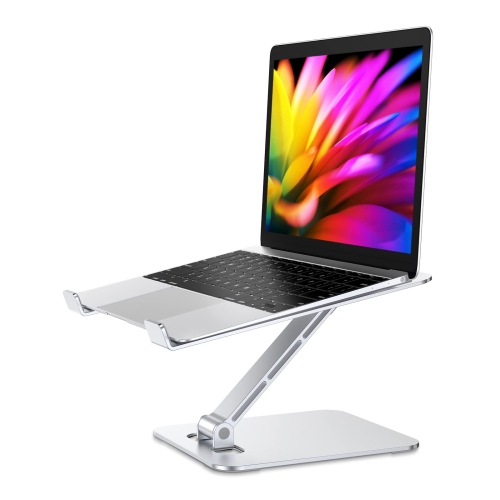

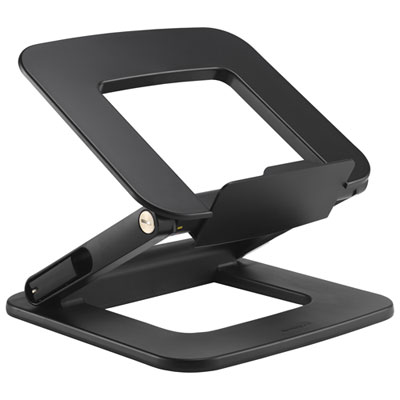
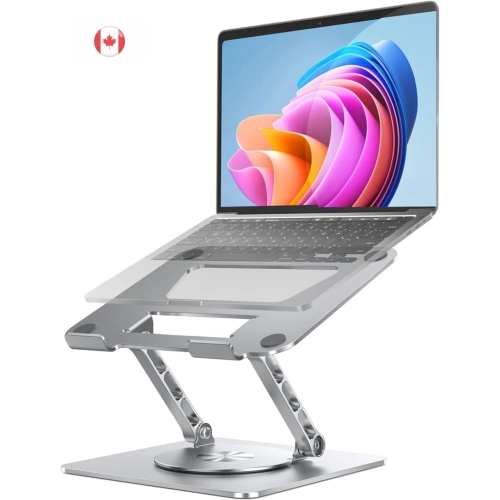
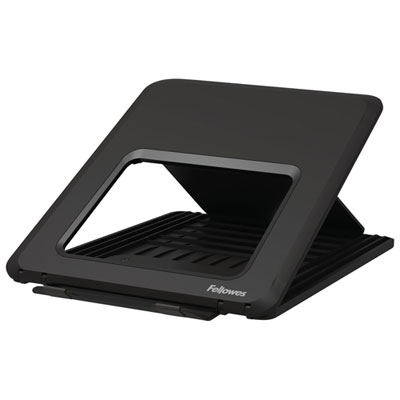

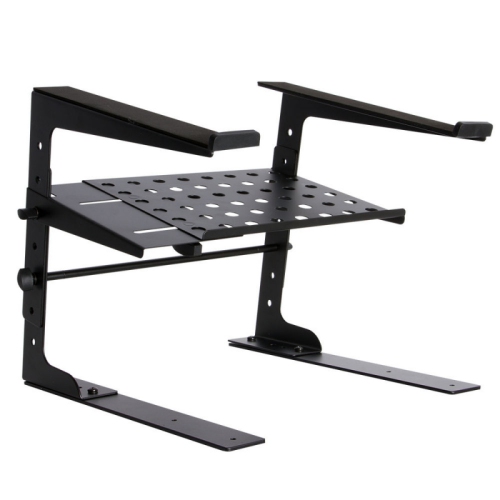






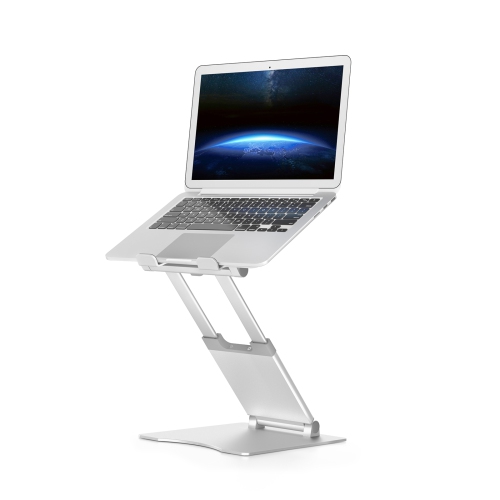
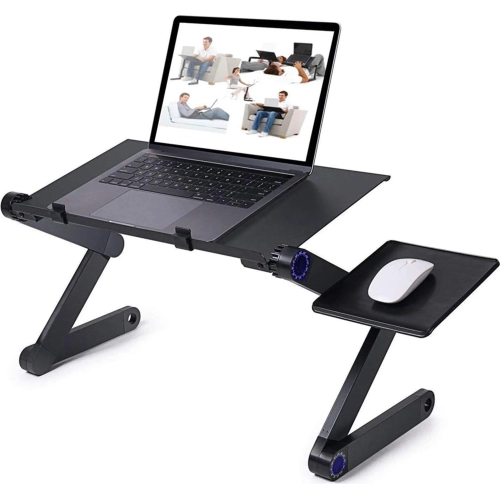
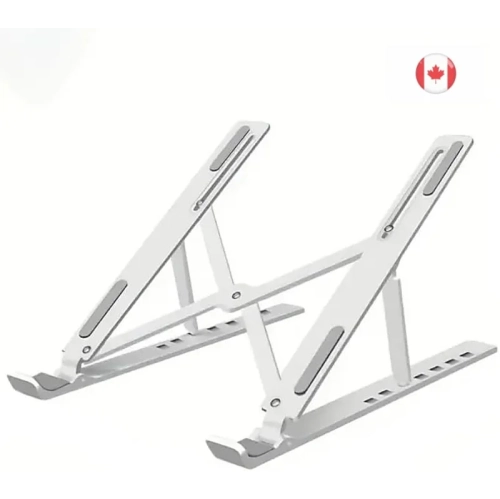
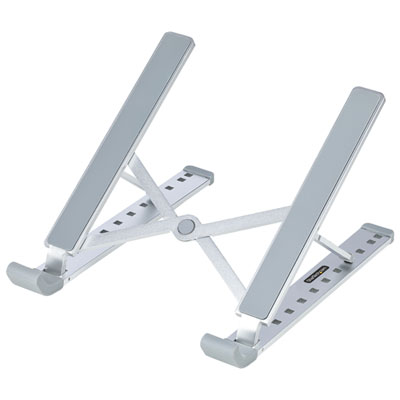

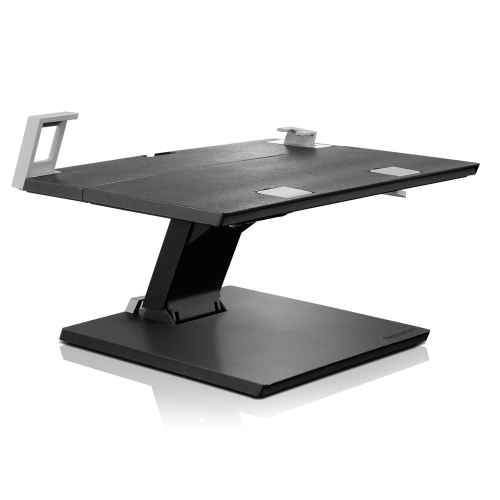

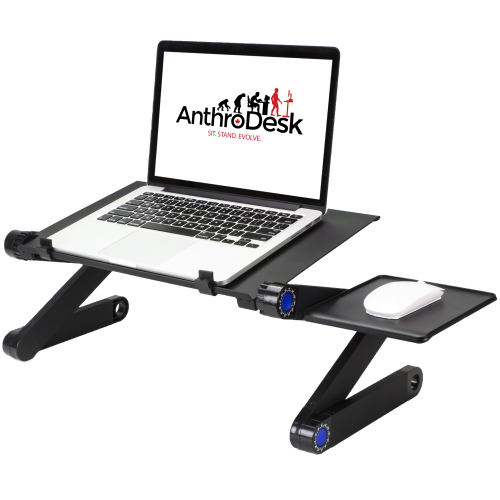
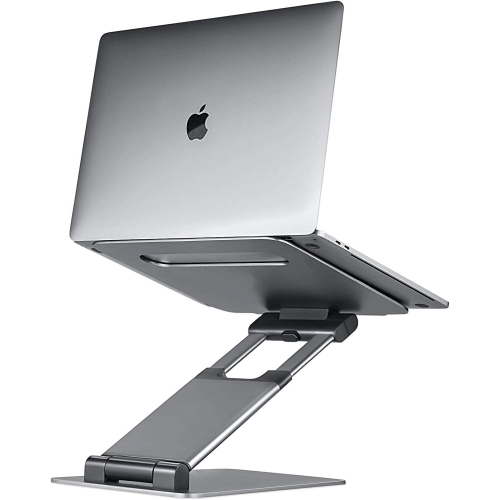
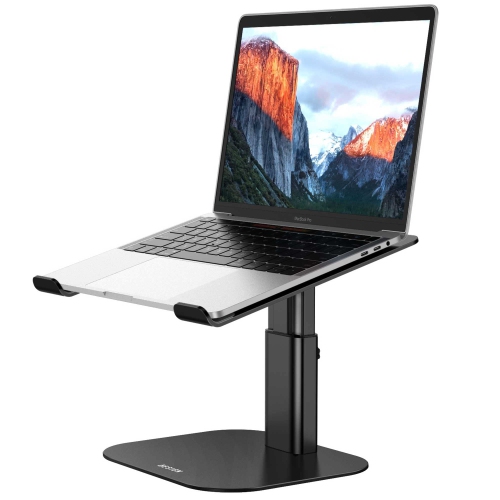
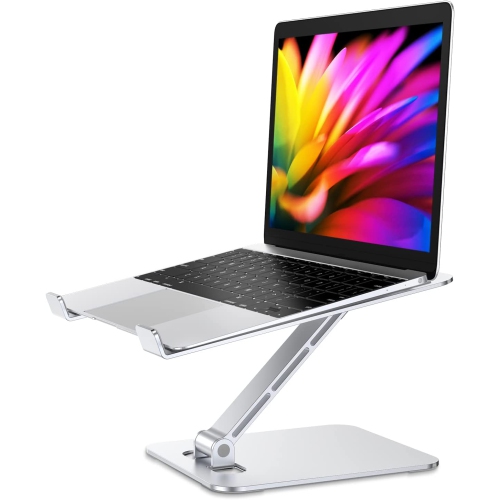
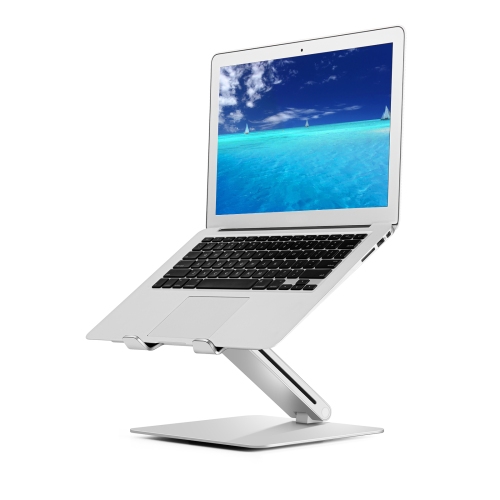
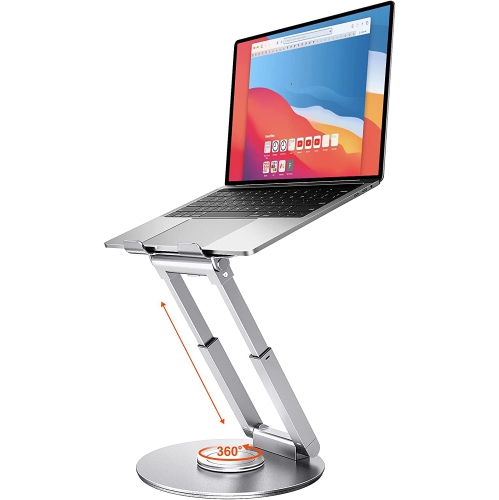
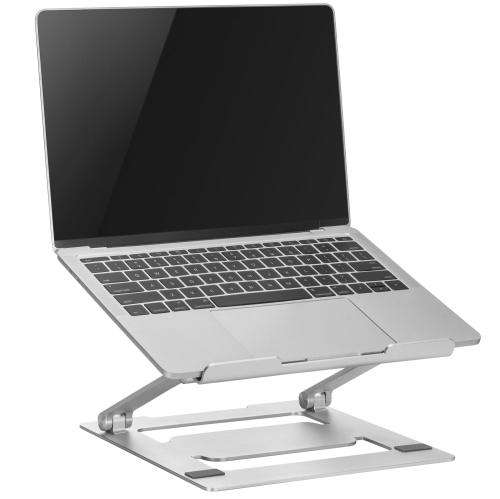
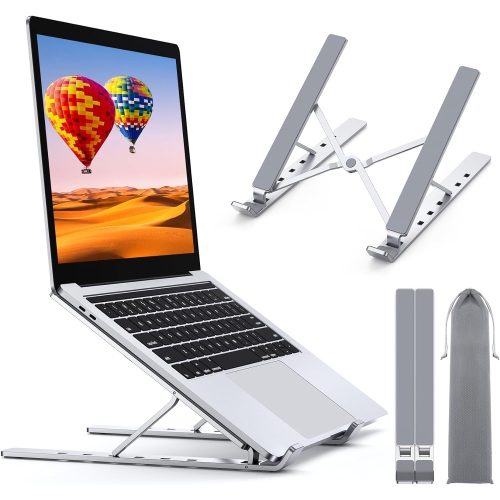
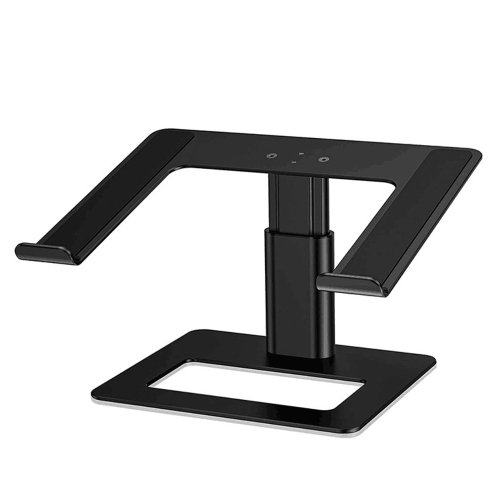
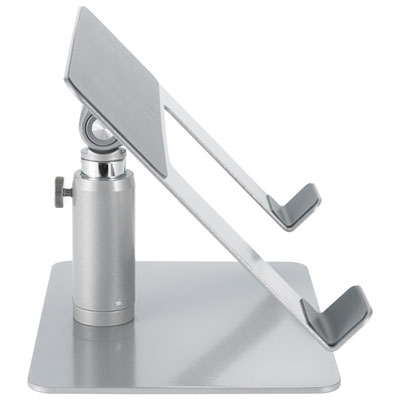
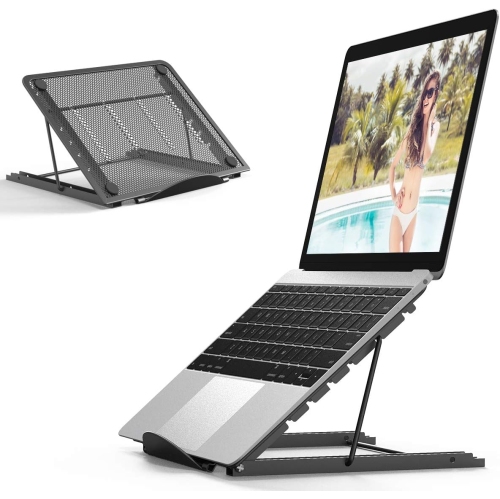

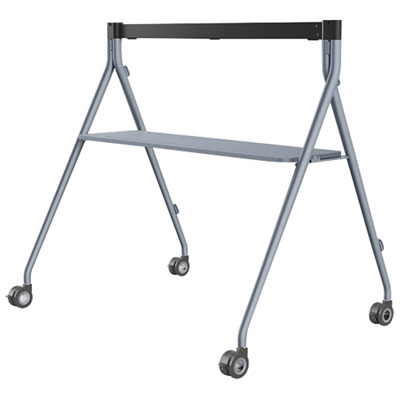
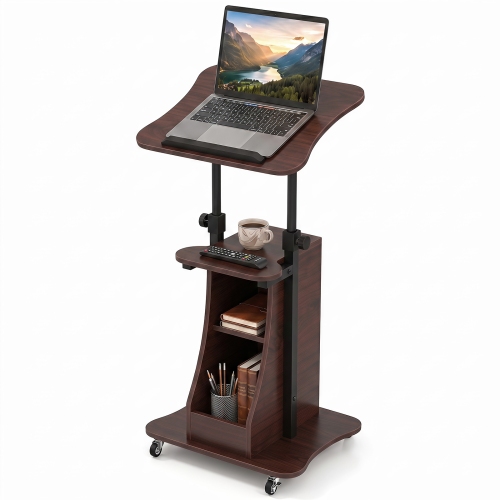
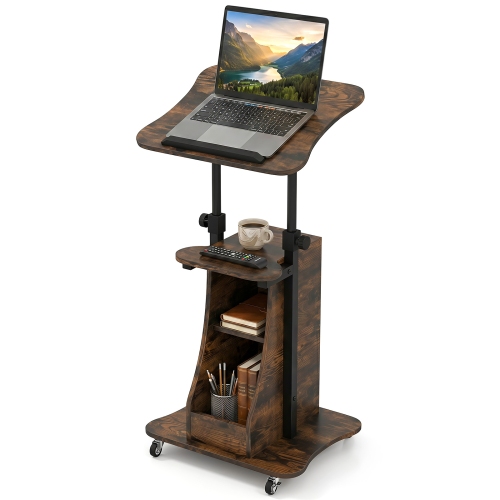
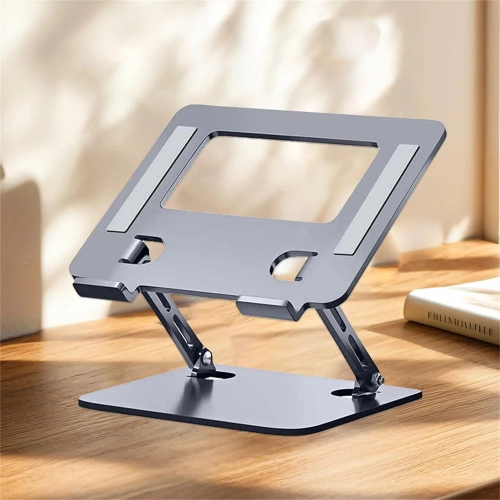




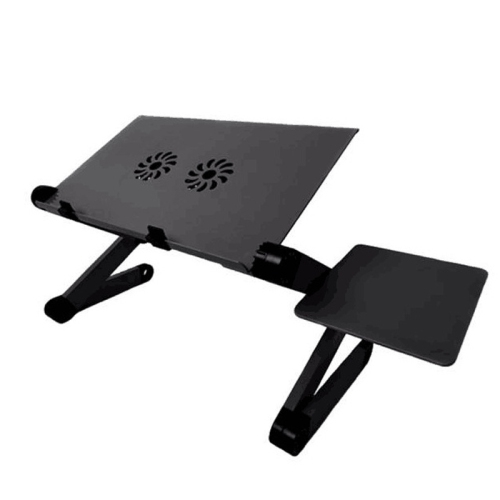
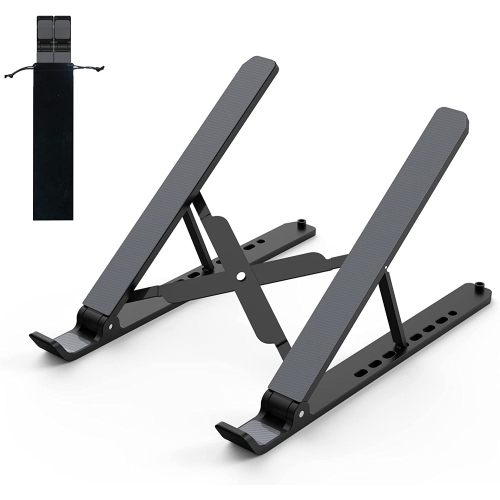
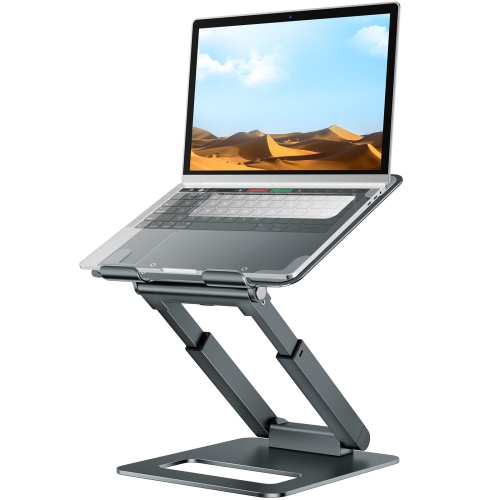


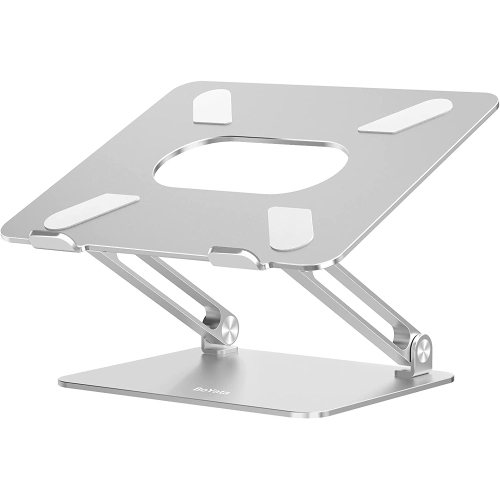
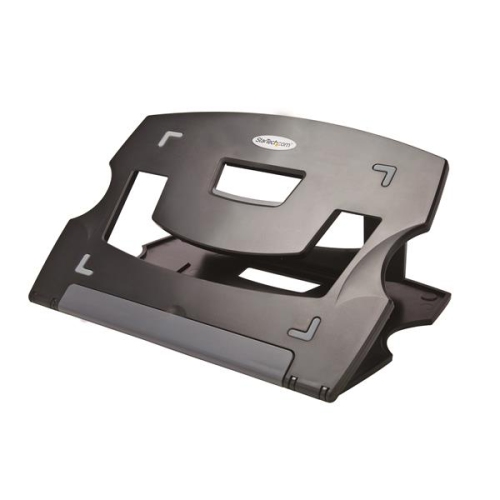

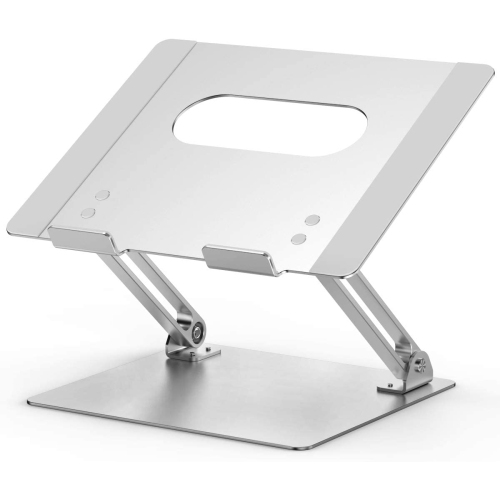

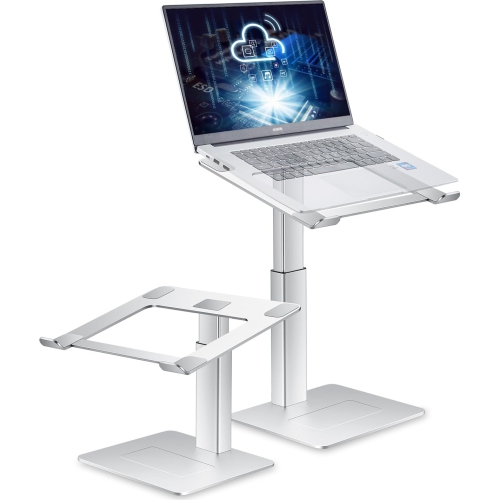
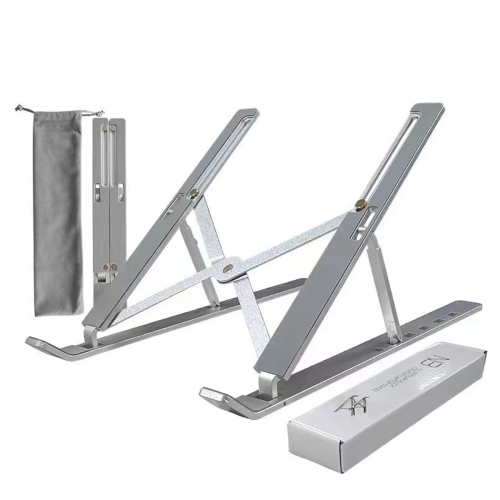


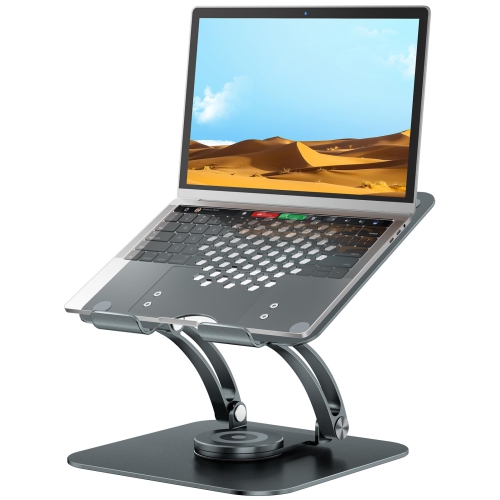
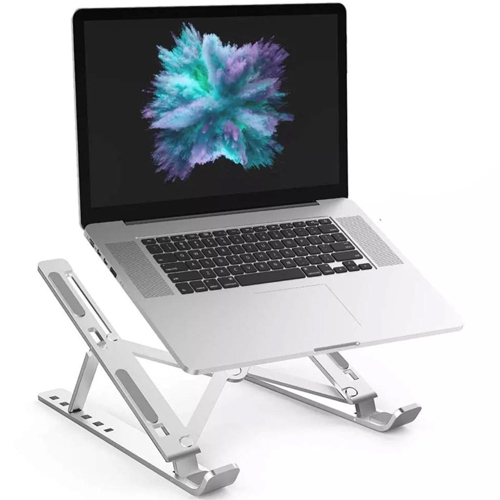
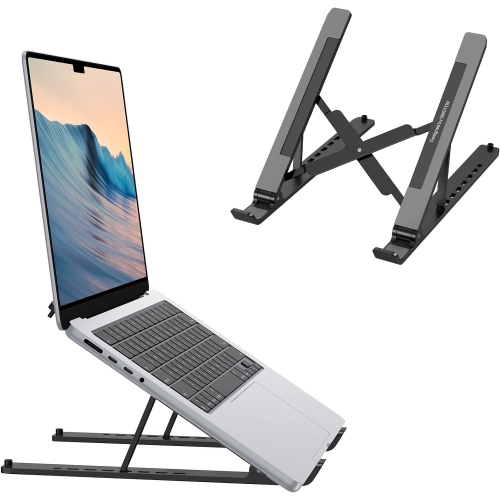
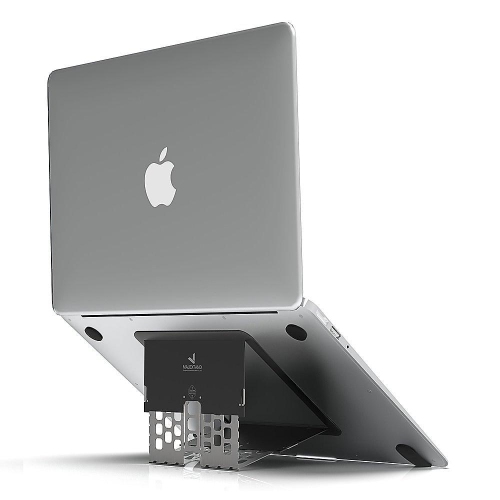
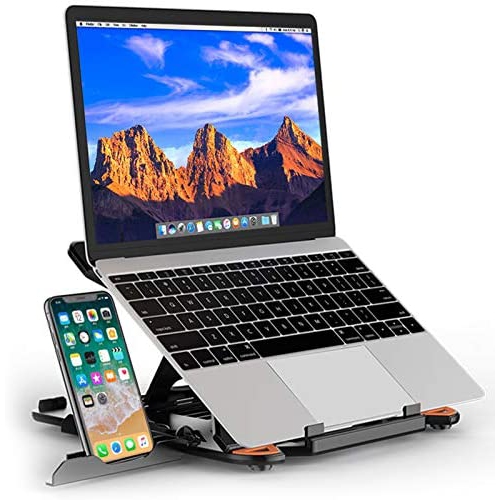
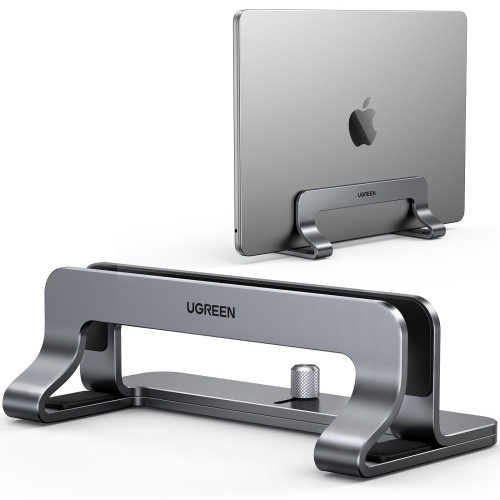
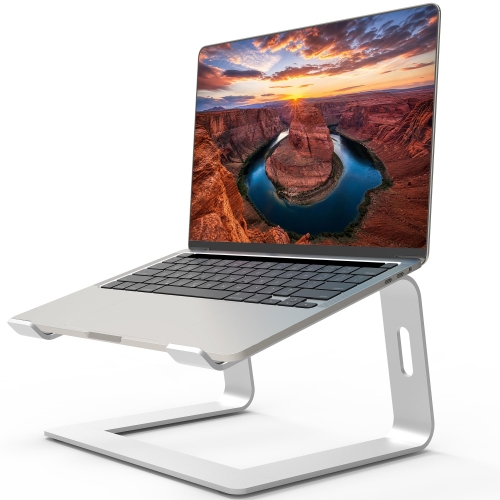
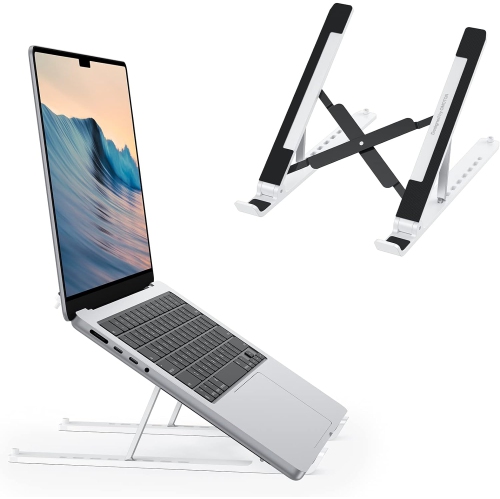
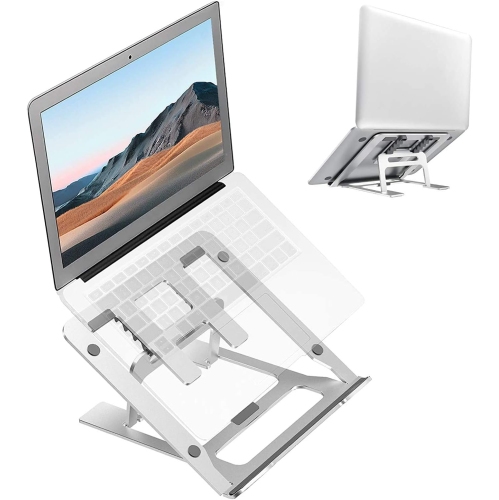

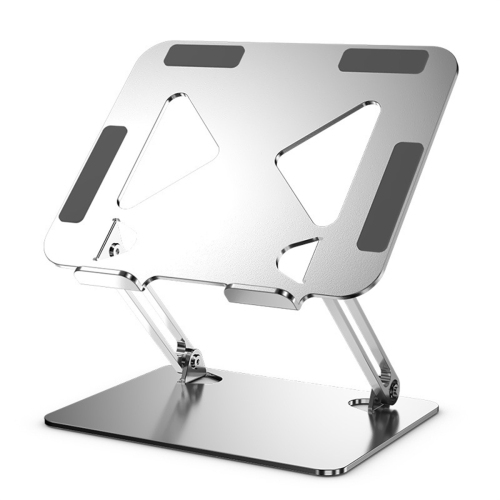
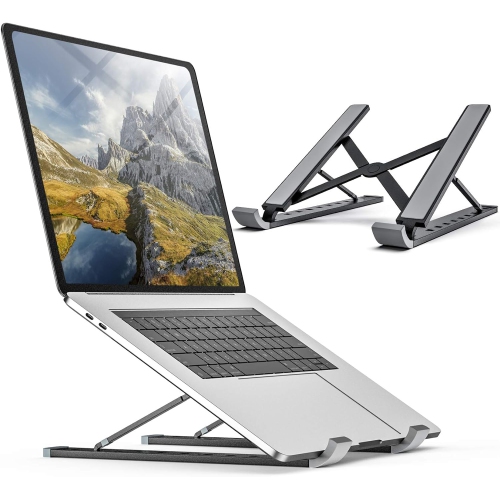
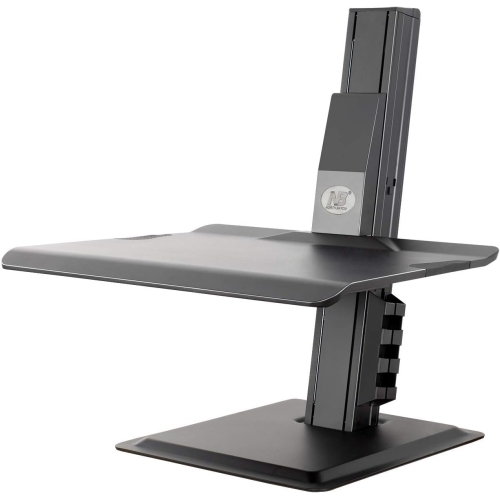

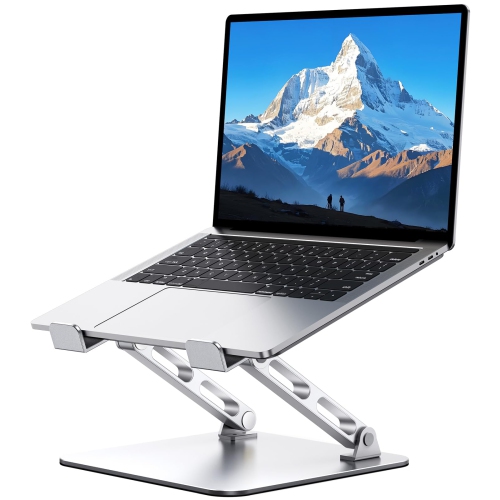

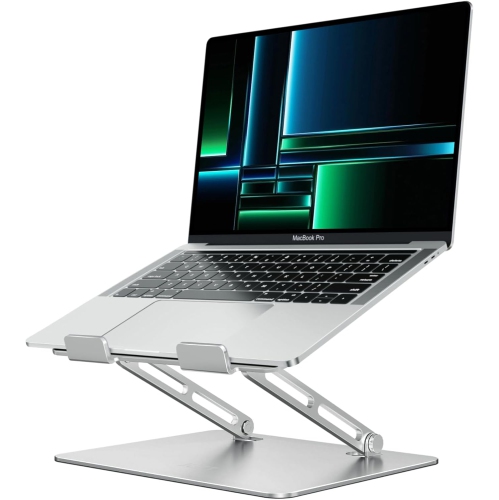
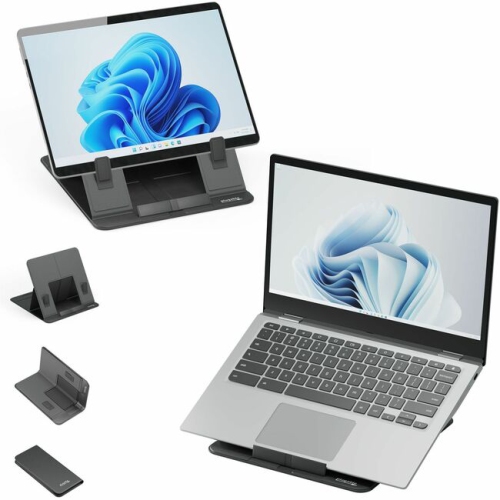


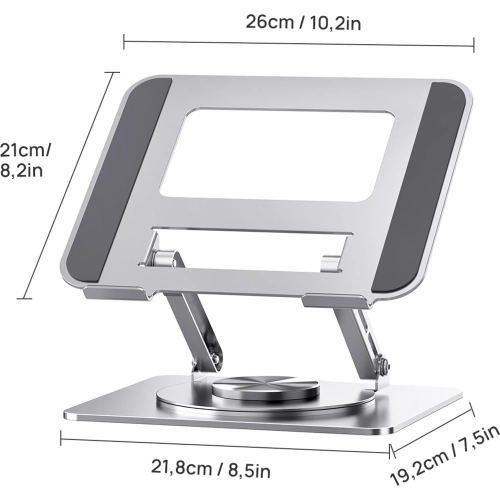
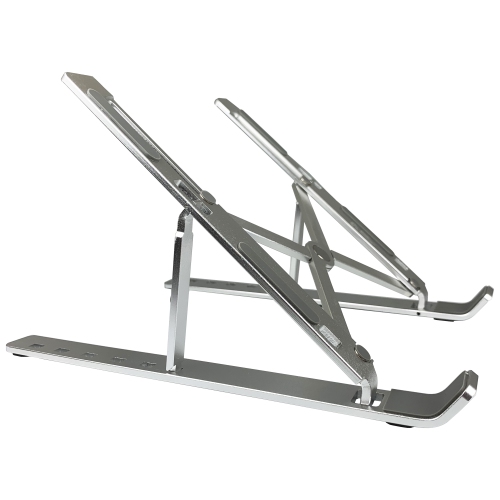

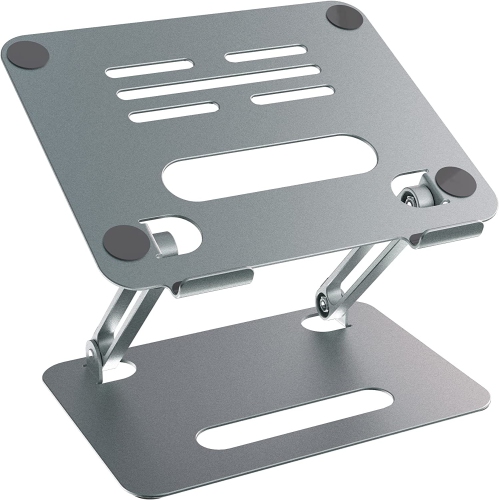
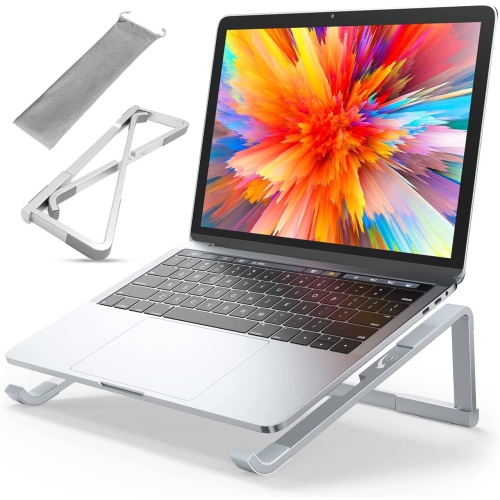

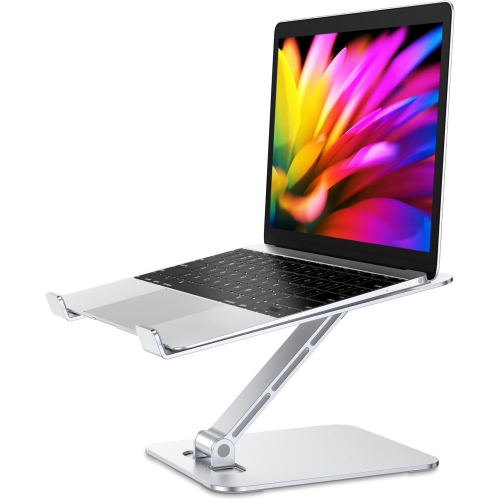


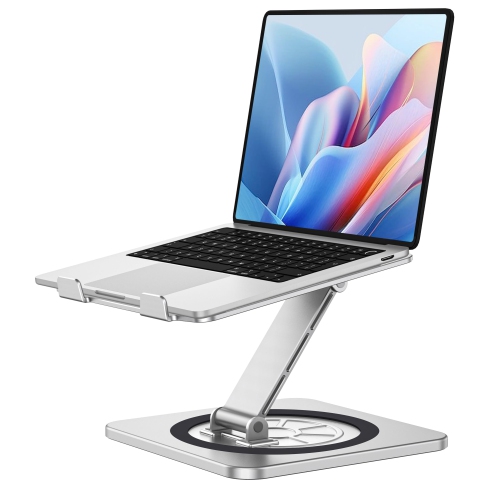
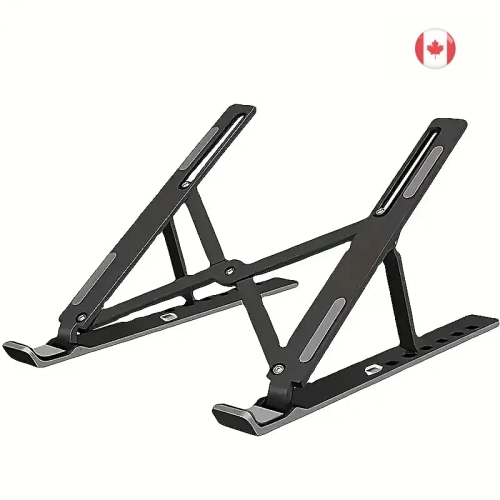

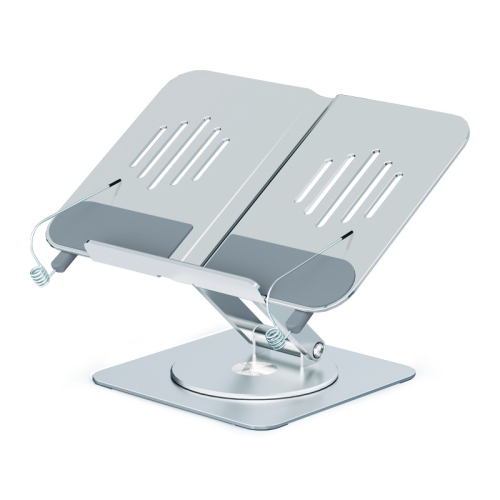


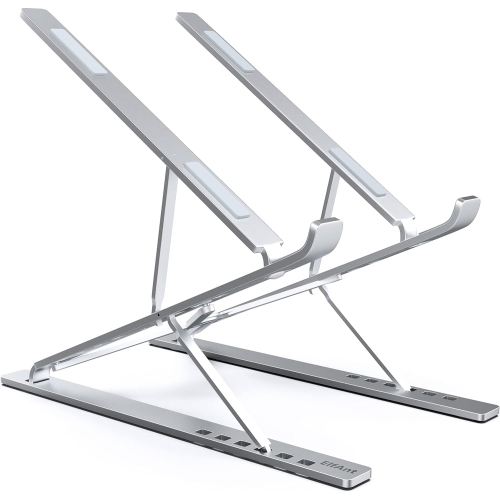

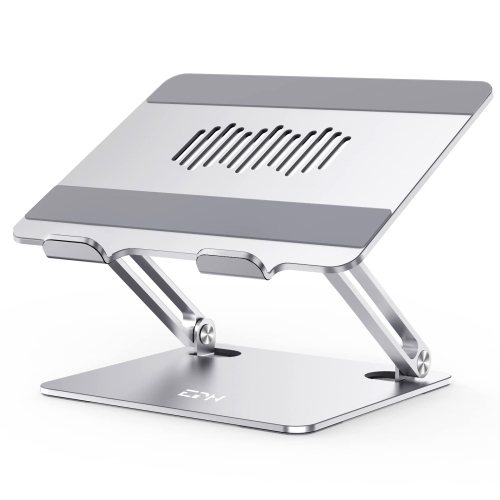
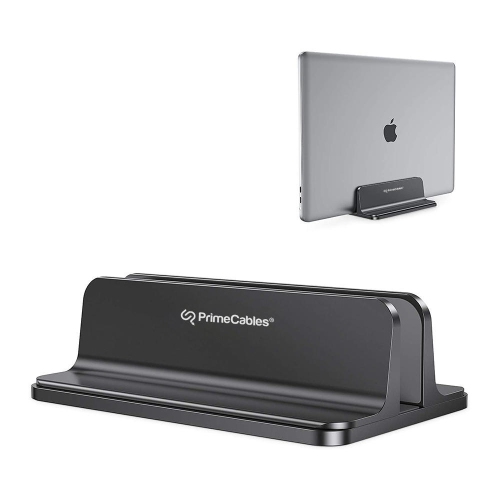
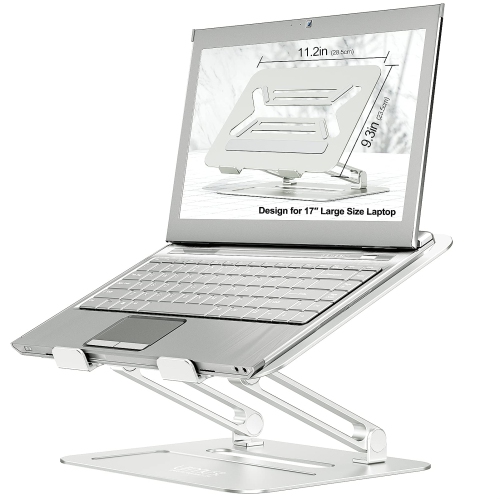

Better camera angles start with the right laptop height
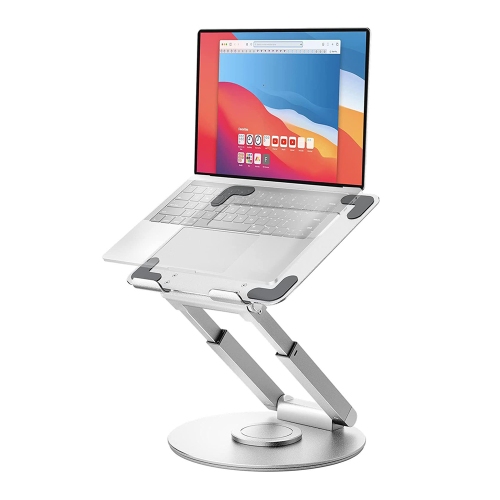
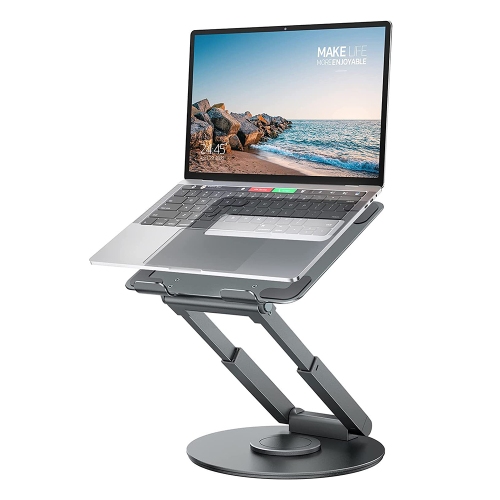
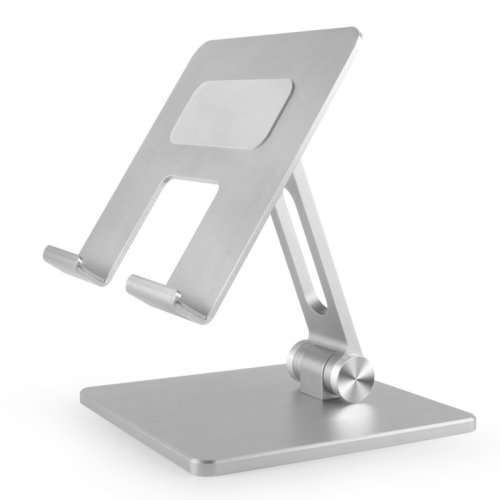
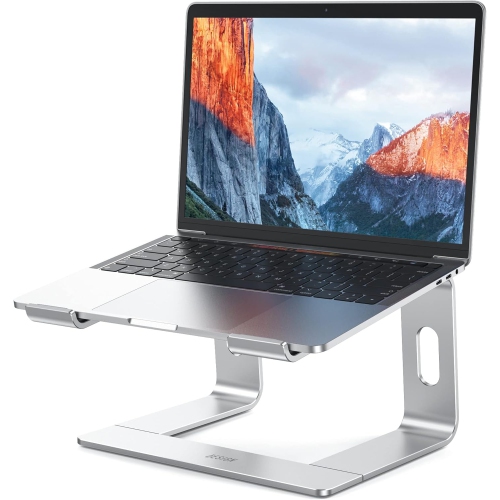
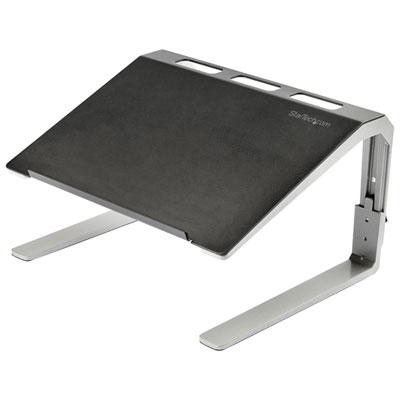
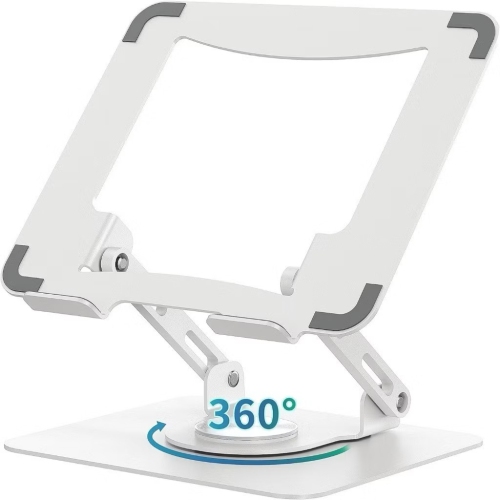
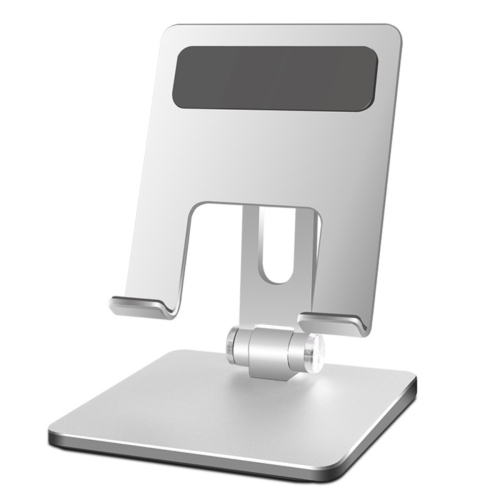
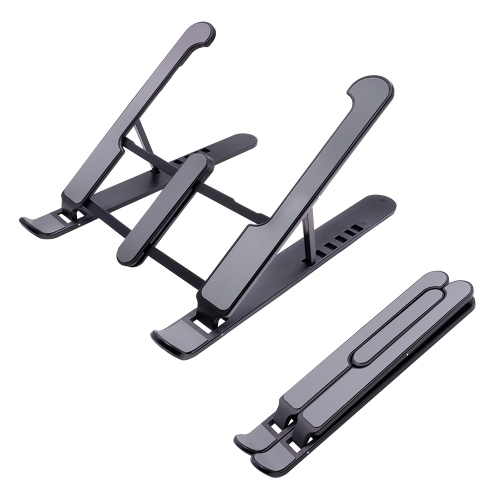
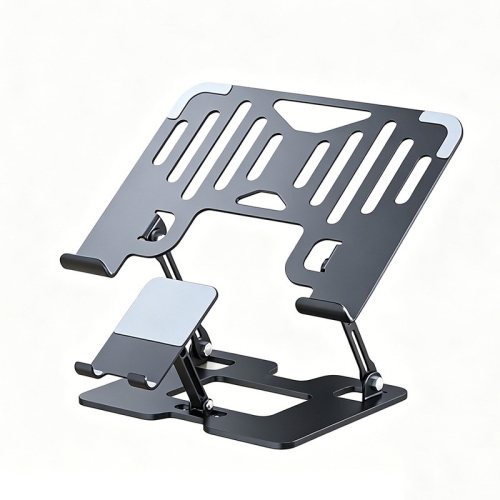
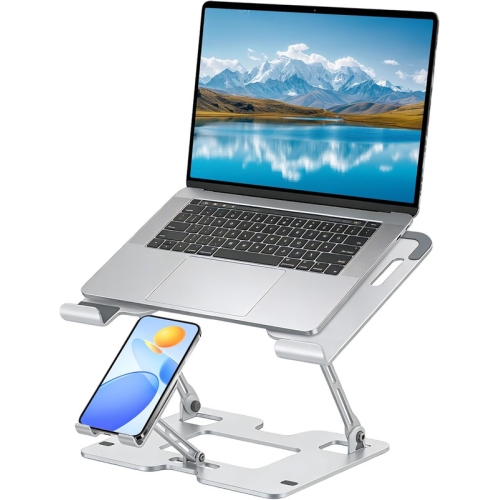
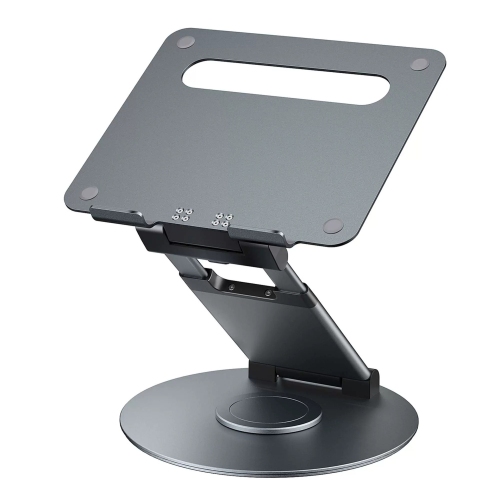
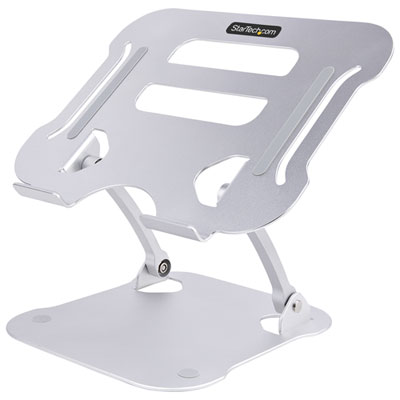
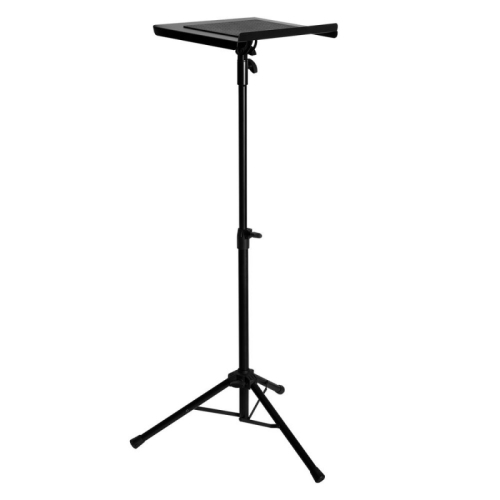
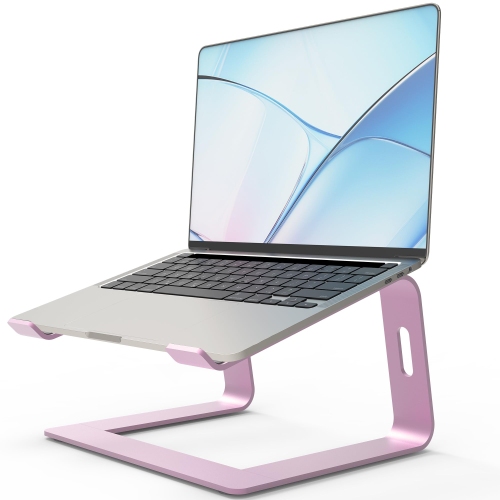
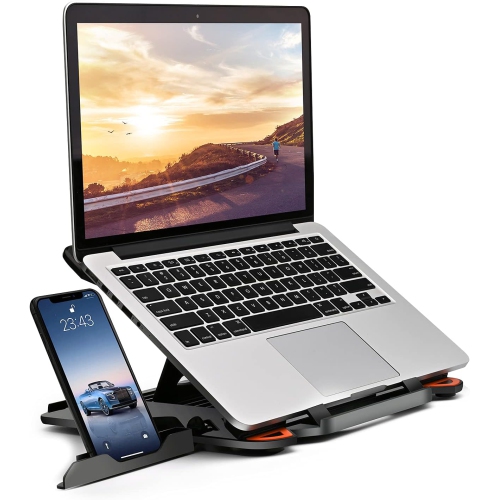
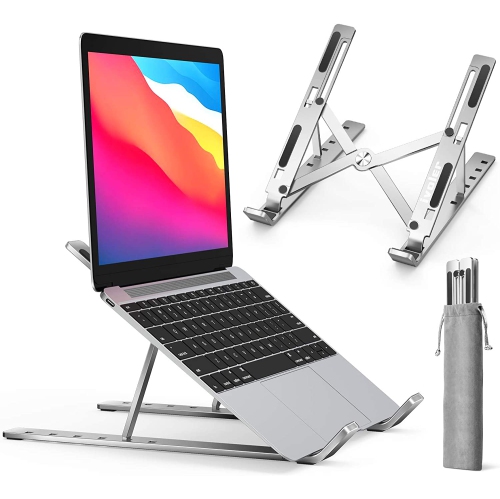
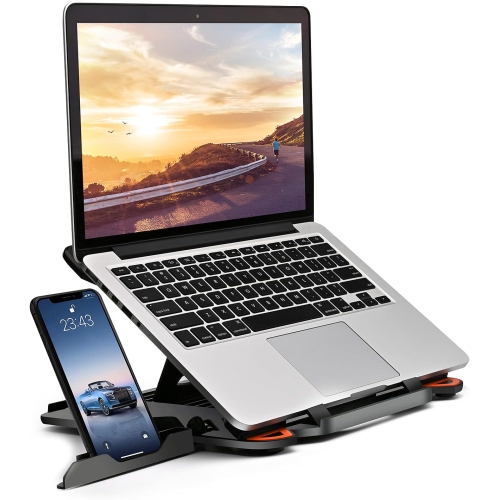
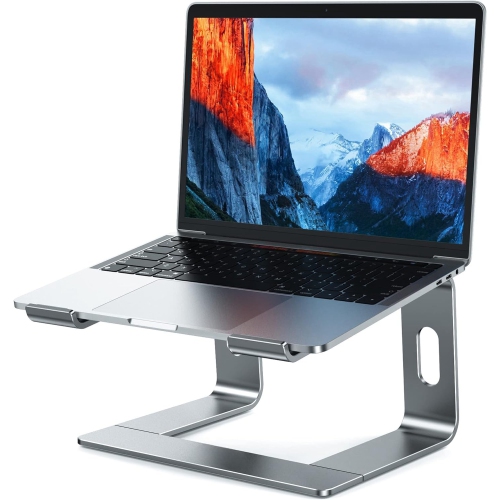
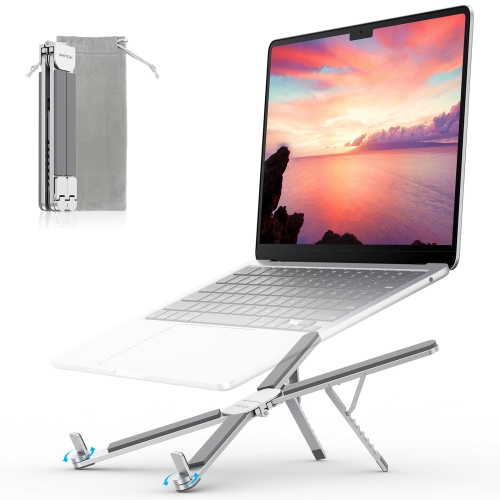
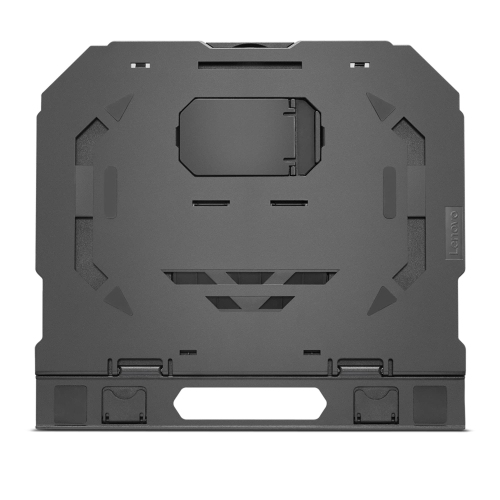
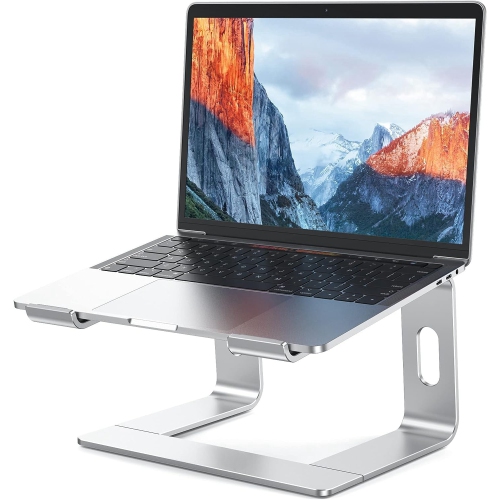
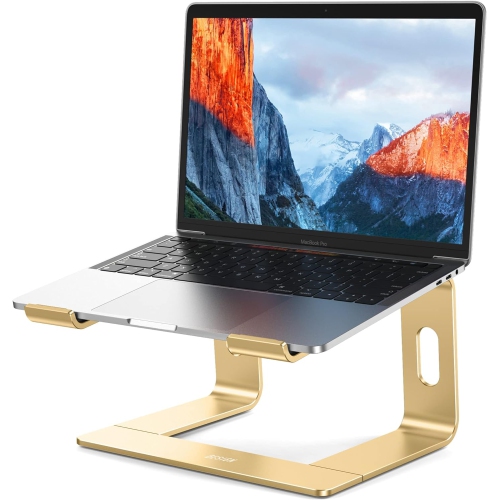
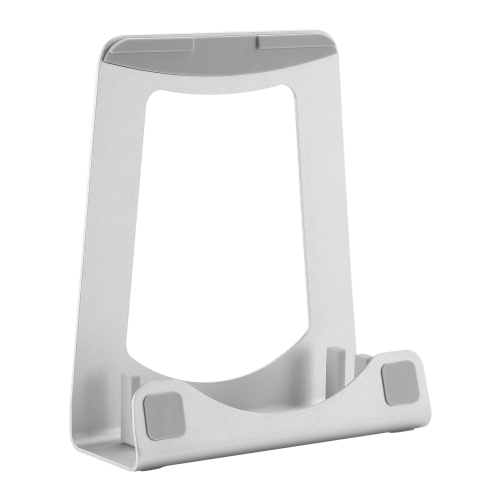
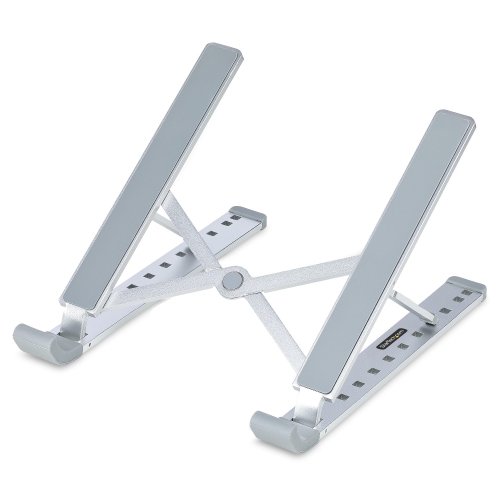
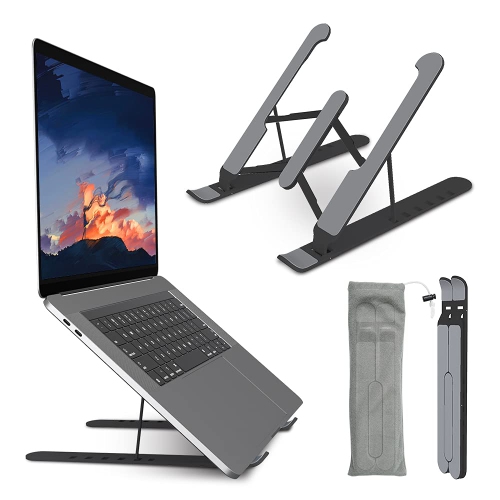
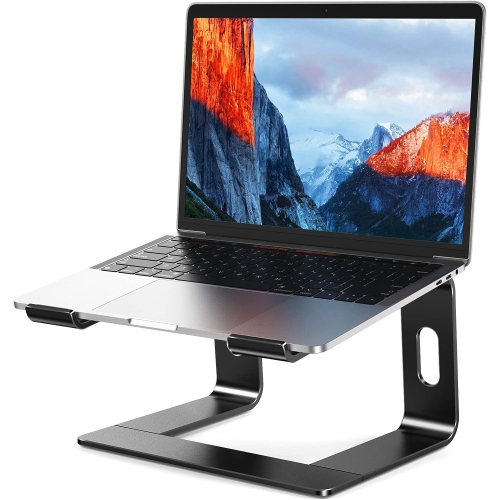
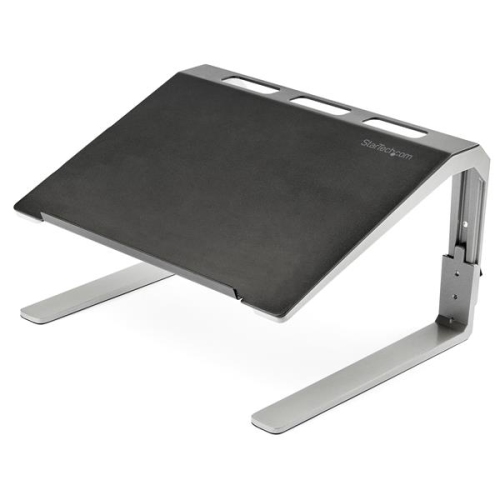
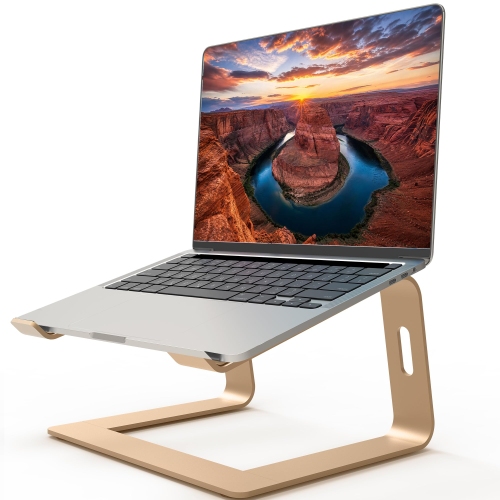
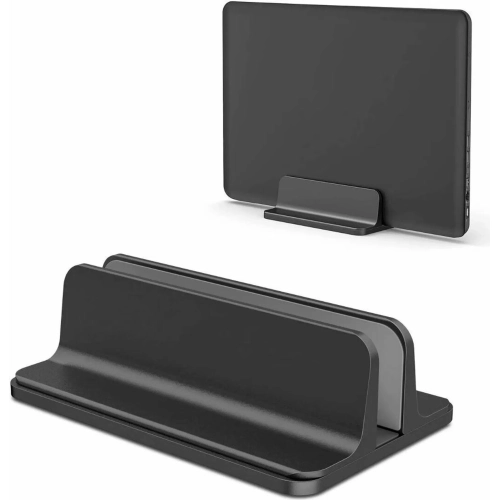
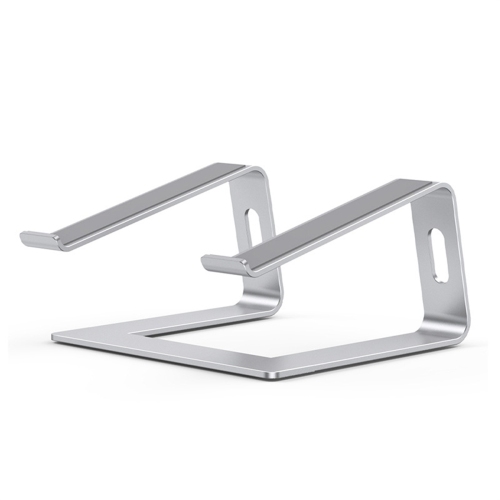
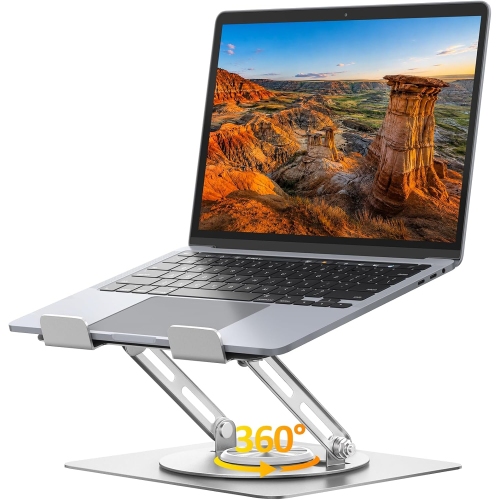
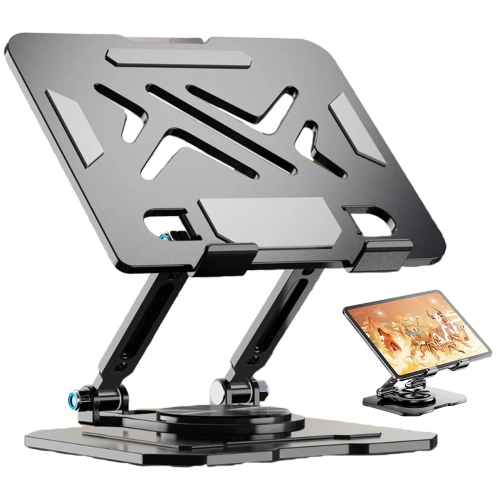
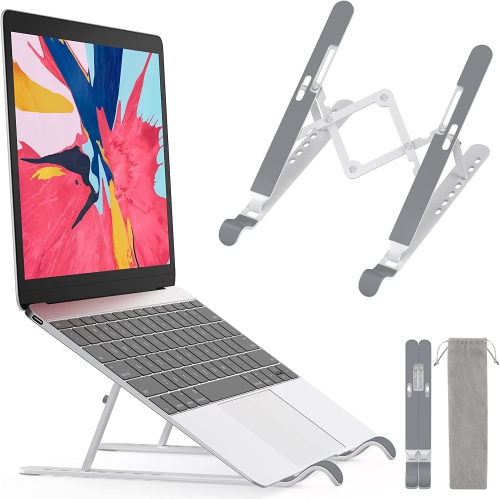
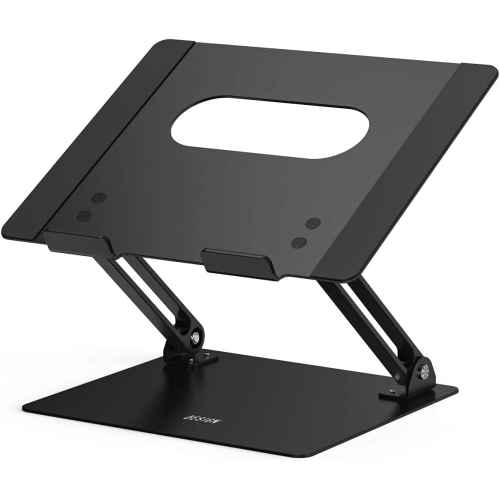
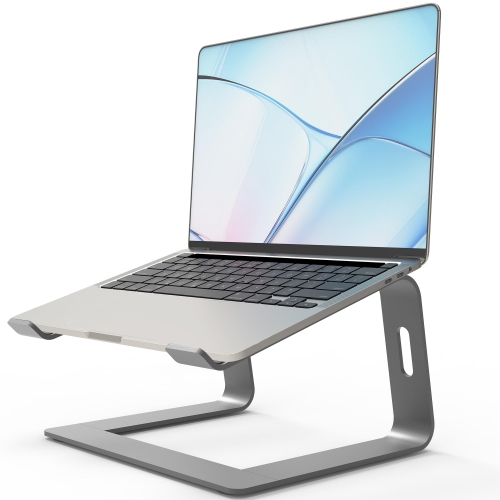
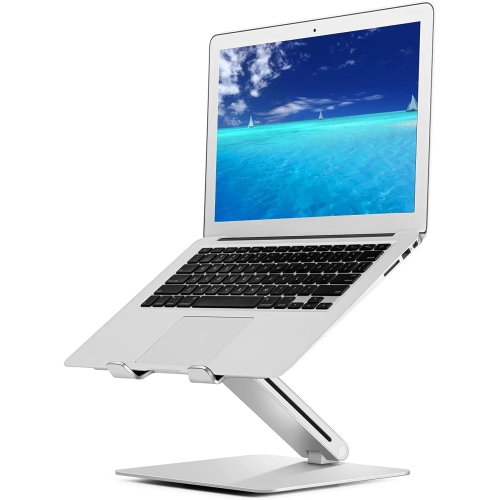
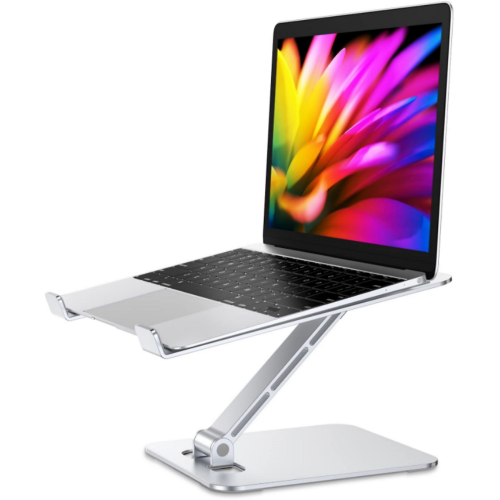
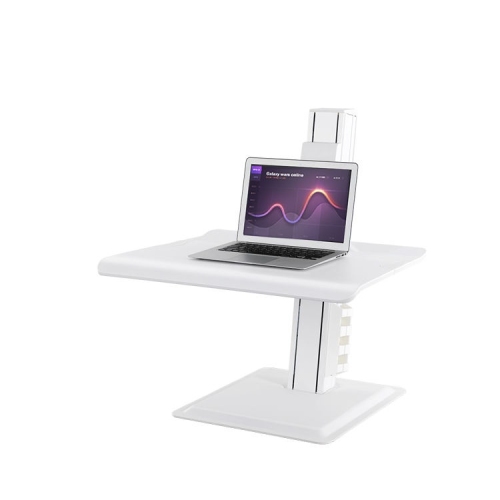
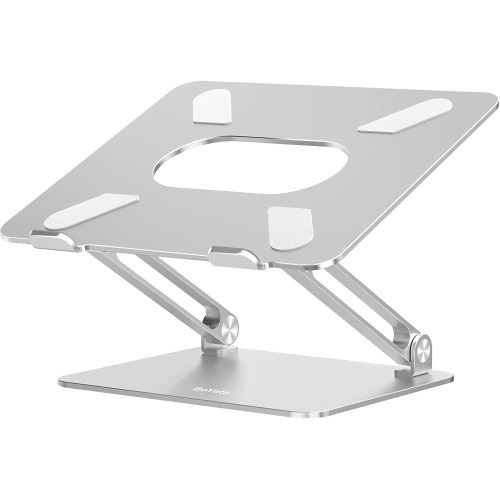
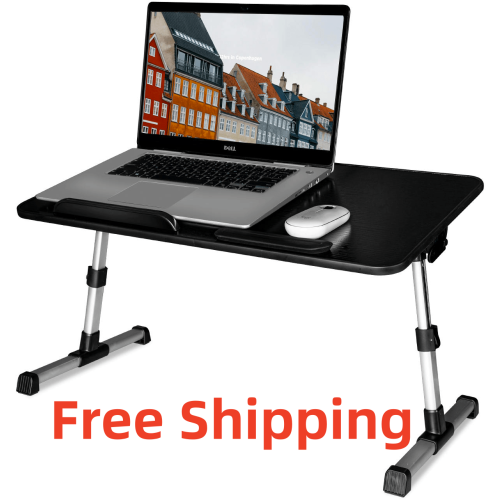
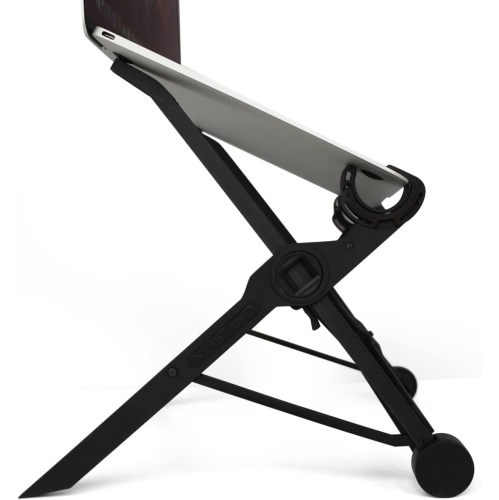
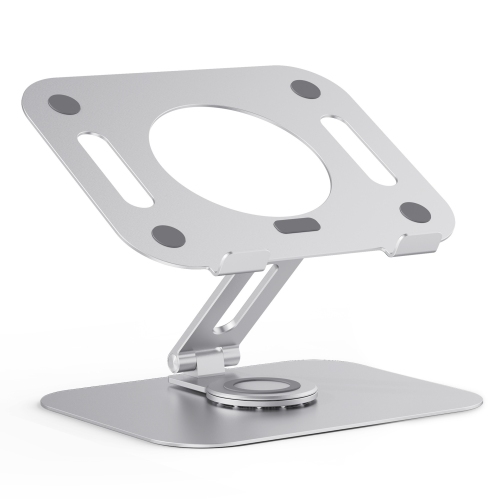
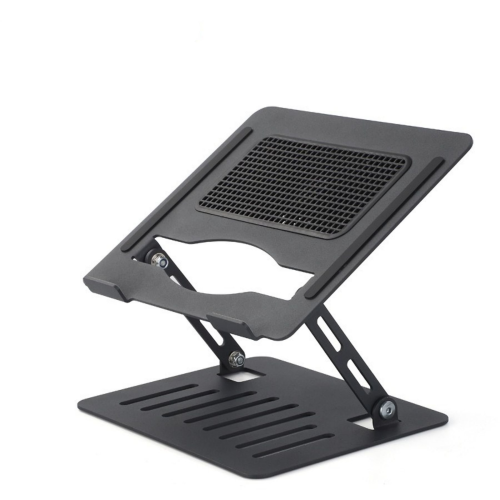
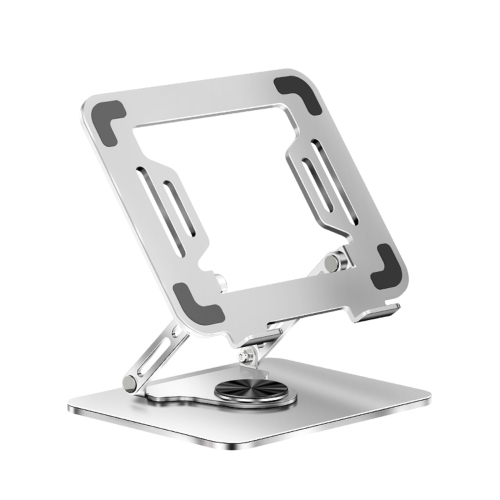
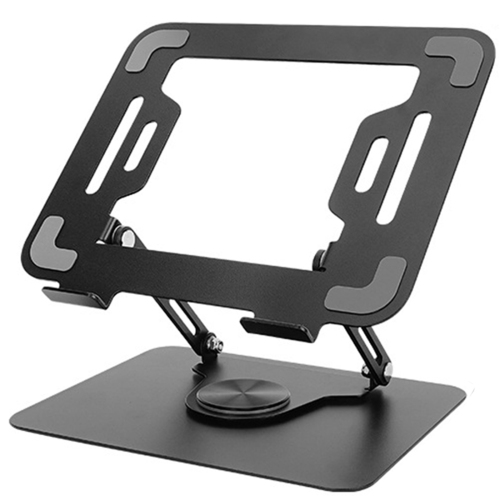
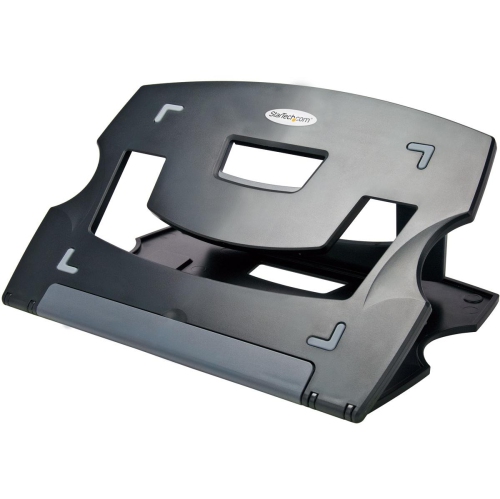
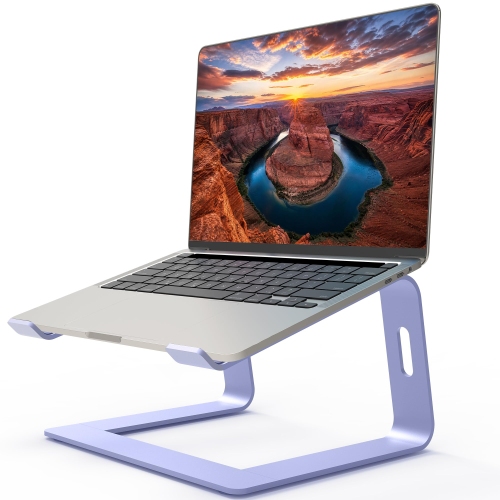
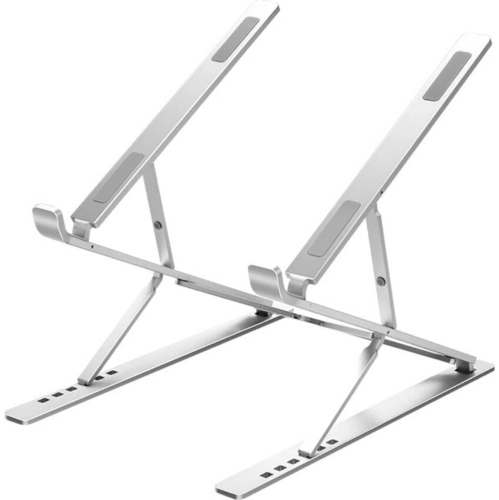
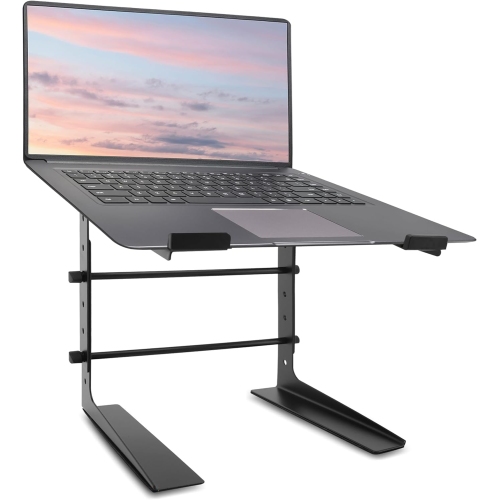
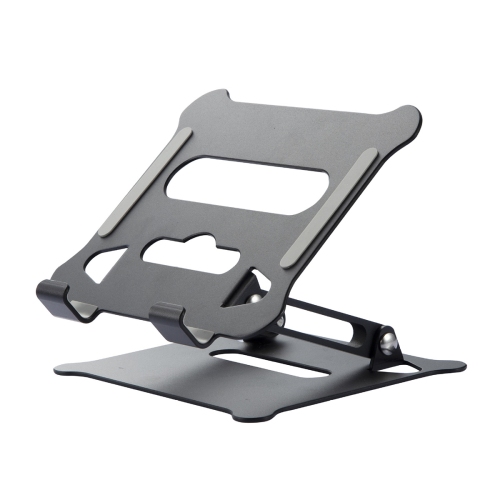
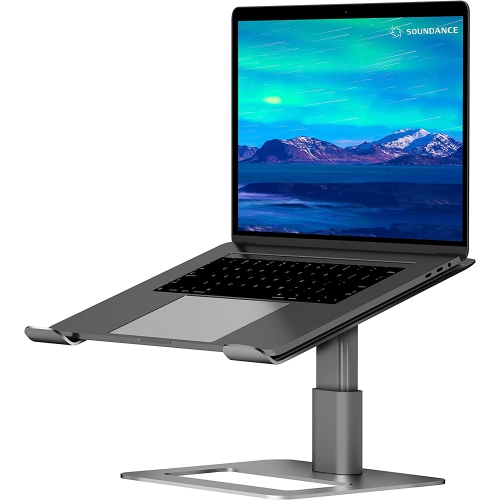
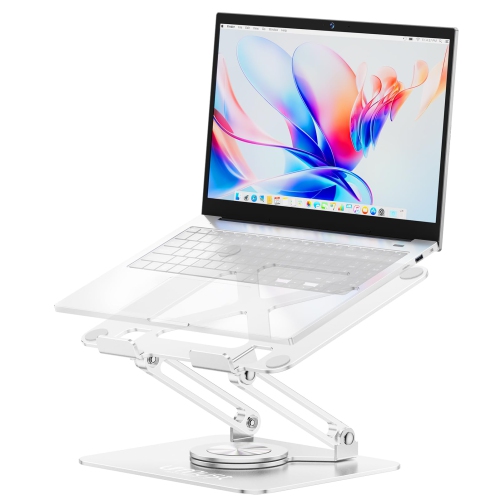
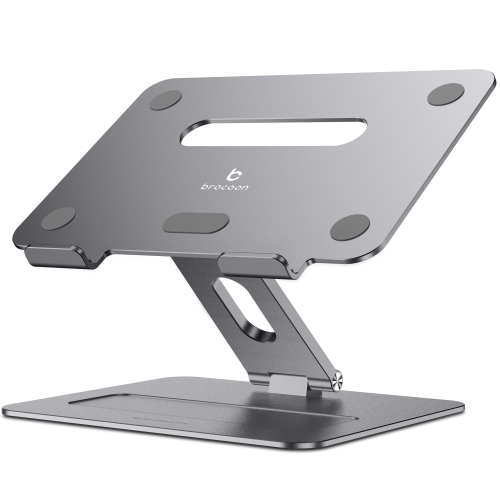
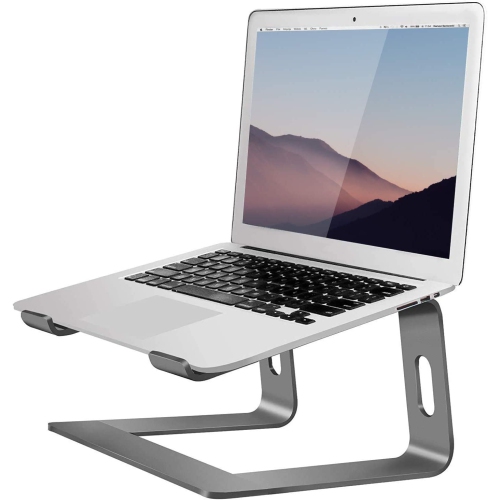
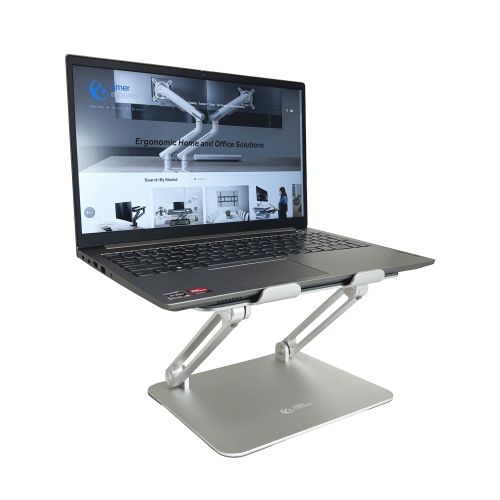
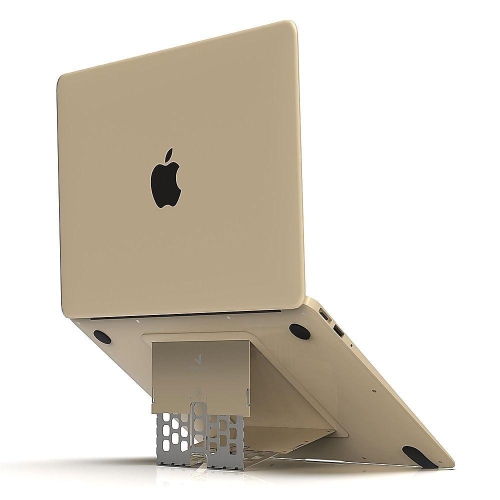
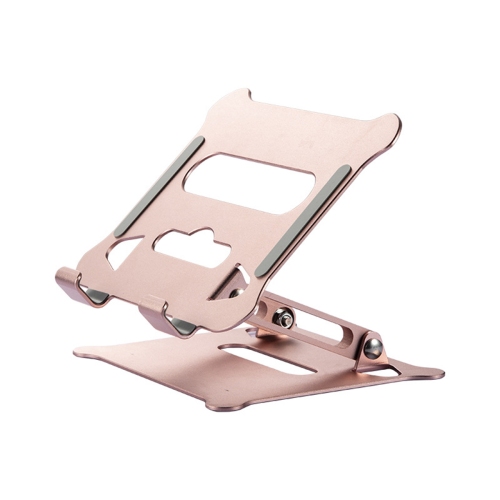
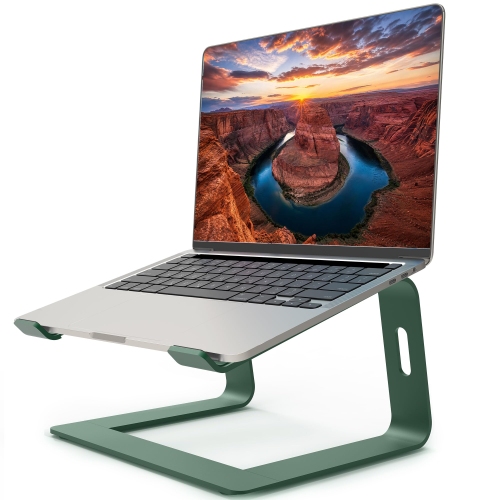
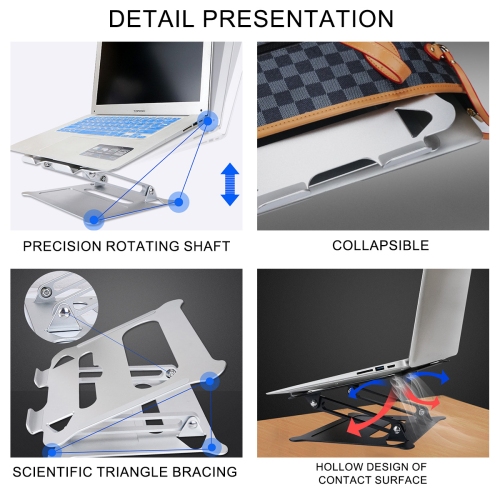
Laptop stands for video meetings raise a laptop above the desk, helping bring its built-in webcam closer to eye level for a more natural on-screen angle. Rather than looking down toward a camera near the tabletop, a raised screen can make it easier to look toward other participants while keeping notes and meeting controls in view. The right position depends on the user’s seated height, chair, desk, and laptop design; a stand that works well at a tall office desk may feel quite different at a dining table. Adjustable height and tilt give more room to refine that position, while a fixed-height stand offers a straightforward setup with fewer moving parts. For someone moving between client calls, team check-ins, and shared presentations, these differences can shape how comfortable and practical the workspace feels throughout the day. Raising a laptop also raises its keyboard and trackpad, so an external keyboard and mouse are useful companions for longer sessions. They allow the screen to sit higher while typing and navigation stay closer to desk level, without requiring an upward reach. A stand is particularly useful when a laptop is the main meeting screen, but it can also help position that screen alongside a separate monitor. Getting the displays to a similar viewing height can make switching between a shared document and a call less awkward. Camera placement remains important: lifting the screen does not change where the webcam sits within the laptop, and the lid angle may still need adjustment. A steady base, comfortable viewing distance, and a little space for notes can make an ordinary desk feel better arranged for conversation. For remote workers, tutors, consultants, and people attending virtual appointments, the appeal is a repeatable setup that keeps the screen visible and the camera angle consistent from one call to the next.
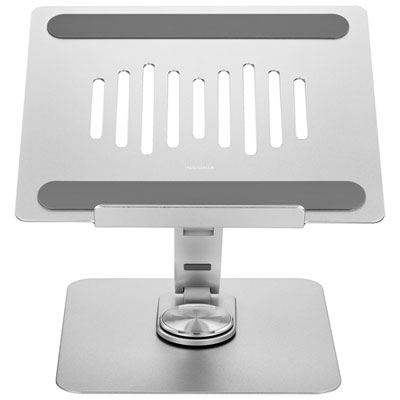
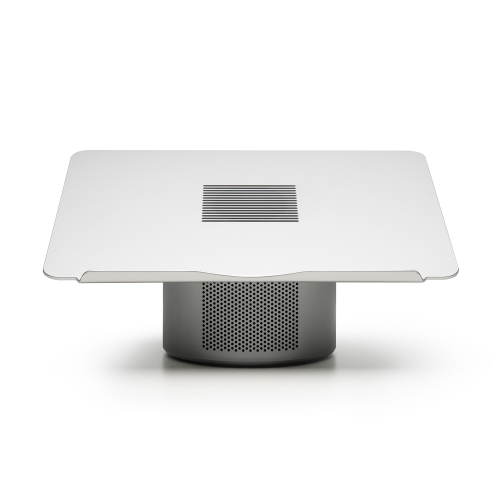
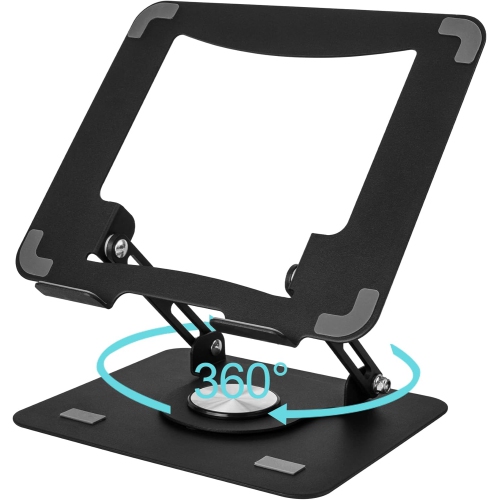
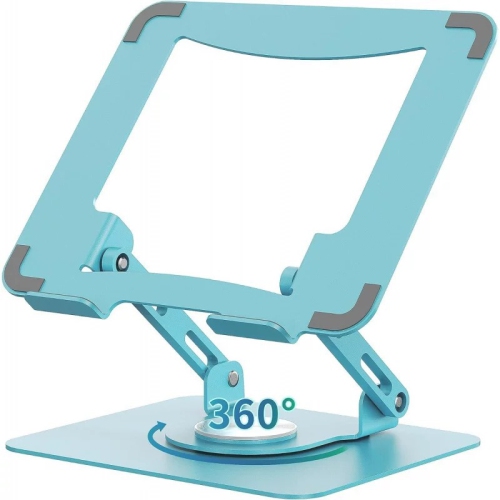
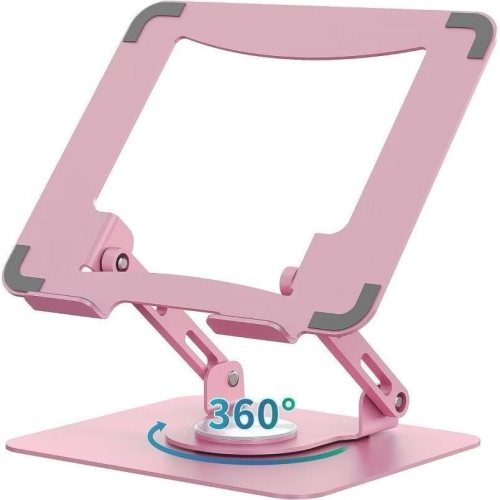
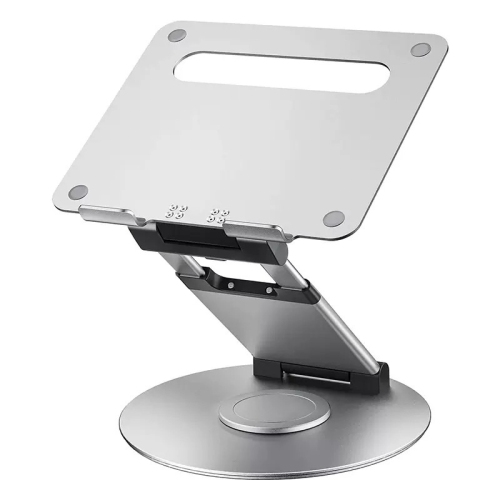
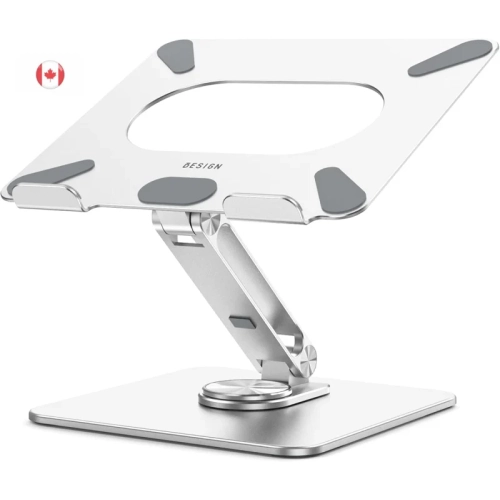
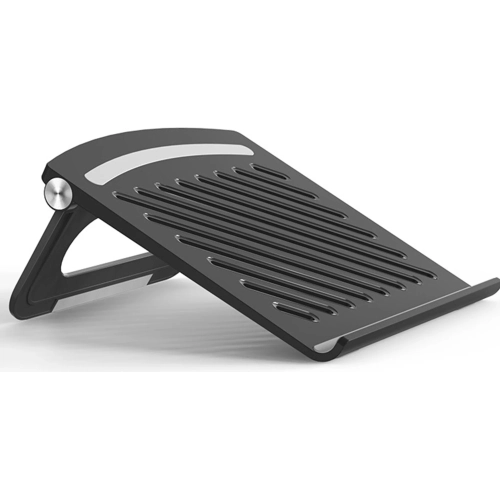
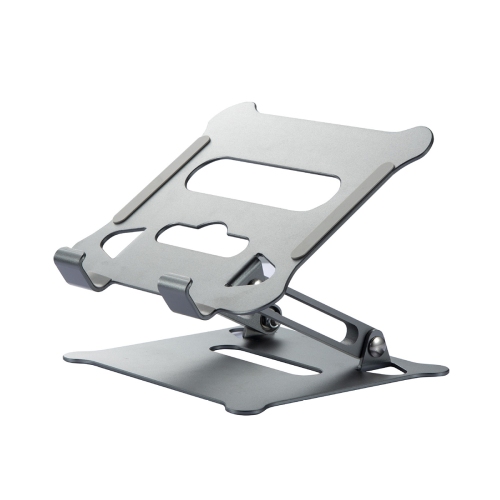
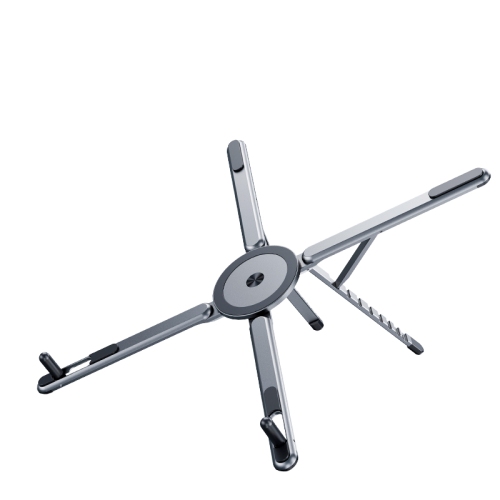
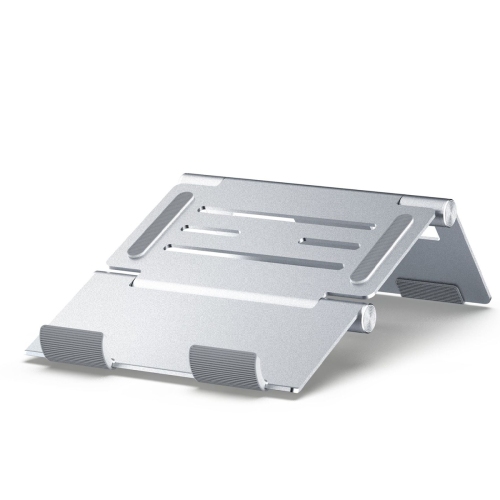
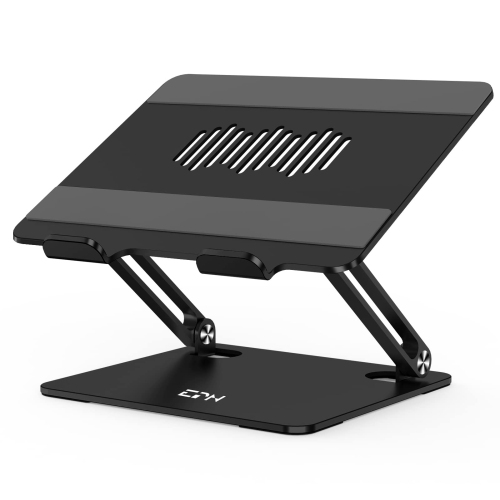
Construction and fit matter as much as height. Laptop stands may use aluminum, steel, moulded plastic, wood, or a combination of materials, with each design balancing weight, rigidity, and portability differently. A solid metal platform can feel reassuring on a permanent desk, while a lightweight folding frame may be easier to carry between a home office and a shared workspace. Material alone does not determine strength, so the stand’s stated load capacity, supported laptop dimensions, and overall construction are more useful than appearance alone. Screen size is only one part of compatibility: two 15-inch laptops can have different depths, thicknesses, weights, and underside layouts. Support arms or a platform should hold the base securely without covering essential ports, pressing against connectors, or obstructing the laptop’s vents. Open frames and ventilated platforms leave space around parts of the underside, although the effect on cooling depends on the computer’s own airflow design and workload. A stand is not a substitute for keeping vents clear. Raised front lips, silicone contact pads, and non-slip feet can help keep the laptop and stand in place, especially when the screen is tilted or a charging cable pulls gently from one side. Those retaining edges should also sit clear of the wrists if the laptop keyboard will be used briefly. Adjustable hinges need enough resistance to hold the selected position under the laptop’s weight, and a broad base can help limit wobble when the desk is bumped. For frequent typing on the laptop itself, stability becomes especially noticeable because each keystroke transfers movement through the support. Rotating bases can be useful for turning a screen toward someone beside the desk, but the position should remain steady during a call. Cable clearance deserves attention too: power leads, display cables, and headset connections need room to bend naturally rather than being pinched against an edge. Smooth edges, secure joints, and replaceable contact pads, where supported by the design, are practical details for a stand that will be handled often.
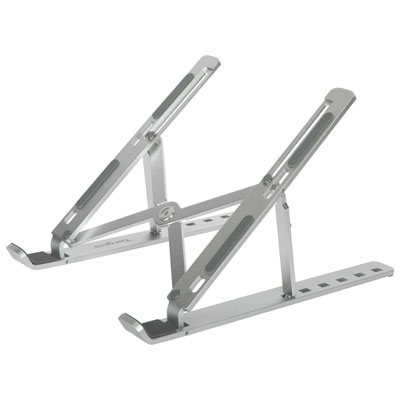
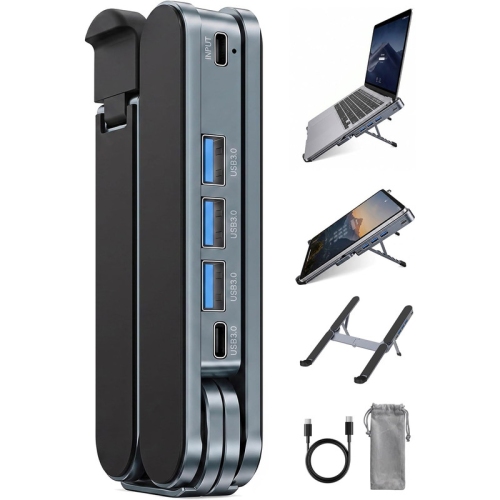
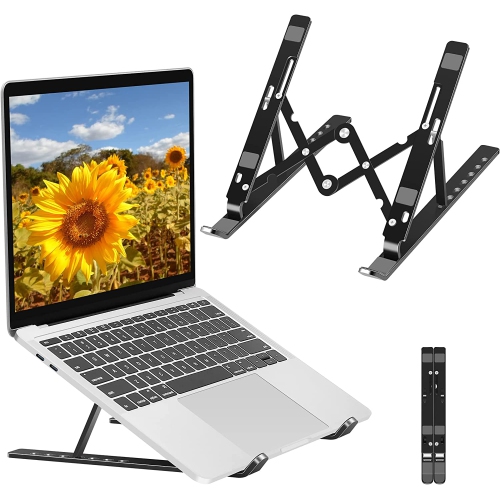
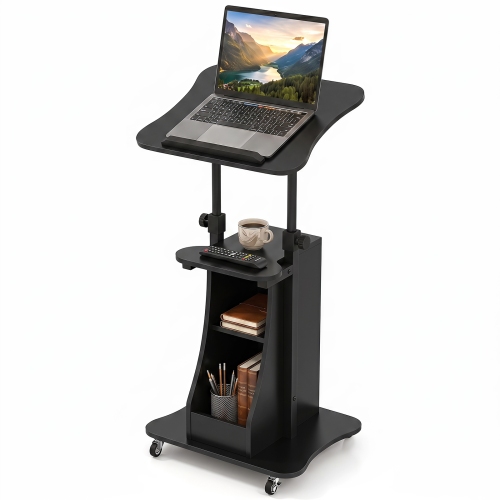
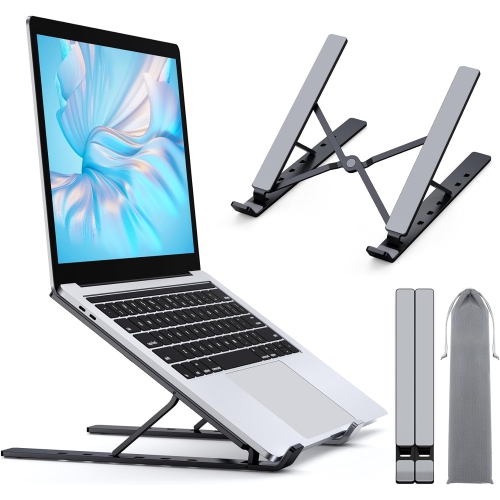
The most suitable format also depends on where meetings happen and how often the workspace changes. A folding stand can travel in a laptop bag and make a temporary desk easier to set up, provided its folded dimensions and weight suit the bag and its hinges lock or hold firmly in use. A fixed platform may be a better match for someone who leaves a keyboard, mouse, and monitor arranged on the same desk every day. Some raised designs create usable space underneath for a compact keyboard or notebook, though the stand’s footprint still needs to leave enough room for comfortable hand movement. On a small table, a support with widely spread legs may occupy more space than expected, even if the laptop itself fits neatly above it. A laptop stand also does not automatically convert a seated desk into a standing workstation; the screen and input devices both need suitable positioning for the person using them. Shared households may appreciate adjustments that can be reset for different users, while someone delivering online presentations may value a stable platform that stays in place when the screen is opened or repositioned. Students and families can find similar benefits in Laptop Stands for Online Classes, where a raised display supports lessons, group discussions, and reading alongside handwritten notes. As a practical gift for a remote worker, student, or frequent video caller, a stand is most useful when it suits the recipient’s laptop and desk rather than simply matching the room’s décor. Care is generally straightforward: remove the laptop before cleaning, follow the stand manufacturer’s directions, and use a soft cloth appropriate for the finish. Contact pads and feet benefit from occasional checks for dust, wear, or lifting edges, while adjustable joints should be inspected for looseness without overtightening them. Folding a portable stand along its intended joints and carrying it away from exposed screens helps avoid unnecessary scratches. With the right fit and thoughtful placement, a laptop stand becomes a useful part of an everyday meeting setup, keeping the display raised without making the desk harder to use.
Construction and fit matter as much as height. Laptop stands may use aluminum, steel, moulded plastic, wood, or a combination of materials, with each design balancing weight, rigidity, and portability differently. A solid metal platform can feel reassuring on a permanent desk, while a lightweight folding frame may be easier to carry between a home office and a shared workspace. Material alone does not determine strength, so the stand’s stated load capacity, supported laptop dimensions, and overall construction are more useful than appearance alone. Screen size is only one part of compatibility: two 15-inch laptops can have different depths, thicknesses, weights, and underside layouts. Support arms or a platform should hold the base securely without covering essential ports, pressing against connectors, or obstructing the laptop’s vents. Open frames and ventilated platforms leave space around parts of the underside, although the effect on cooling depends on the computer’s own airflow design and workload. A stand is not a substitute for keeping vents clear. Raised front lips, silicone contact pads, and non-slip feet can help keep the laptop and stand in place, especially when the screen is tilted or a charging cable pulls gently from one side. Those retaining edges should also sit clear of the wrists if the laptop keyboard will be used briefly. Adjustable hinges need enough resistance to hold the selected position under the laptop’s weight, and a broad base can help limit wobble when the desk is bumped. For frequent typing on the laptop itself, stability becomes especially noticeable because each keystroke transfers movement through the support. Rotating bases can be useful for turning a screen toward someone beside the desk, but the position should remain steady during a call. Cable clearance deserves attention too: power leads, display cables, and headset connections need room to bend naturally rather than being pinched against an edge. Smooth edges, secure joints, and replaceable contact pads, where supported by the design, are practical details for a stand that will be handled often.
The most suitable format also depends on where meetings happen and how often the workspace changes. A folding stand can travel in a laptop bag and make a temporary desk easier to set up, provided its folded dimensions and weight suit the bag and its hinges lock or hold firmly in use. A fixed platform may be a better match for someone who leaves a keyboard, mouse, and monitor arranged on the same desk every day. Some raised designs create usable space underneath for a compact keyboard or notebook, though the stand’s footprint still needs to leave enough room for comfortable hand movement. On a small table, a support with widely spread legs may occupy more space than expected, even if the laptop itself fits neatly above it. A laptop stand also does not automatically convert a seated desk into a standing workstation; the screen and input devices both need suitable positioning for the person using them. Shared households may appreciate adjustments that can be reset for different users, while someone delivering online presentations may value a stable platform that stays in place when the screen is opened or repositioned. Students and families can find similar benefits in Laptop Stands for Online Classes, where a raised display supports lessons, group discussions, and reading alongside handwritten notes. As a practical gift for a remote worker, student, or frequent video caller, a stand is most useful when it suits the recipient’s laptop and desk rather than simply matching the room’s décor. Care is generally straightforward: remove the laptop before cleaning, follow the stand manufacturer’s directions, and use a soft cloth appropriate for the finish. Contact pads and feet benefit from occasional checks for dust, wear, or lifting edges, while adjustable joints should be inspected for looseness without overtightening them. Folding a portable stand along its intended joints and carrying it away from exposed screens helps avoid unnecessary scratches. With the right fit and thoughtful placement, a laptop stand becomes a useful part of an everyday meeting setup, keeping the display raised without making the desk harder to use.
Top selling and popular products
-
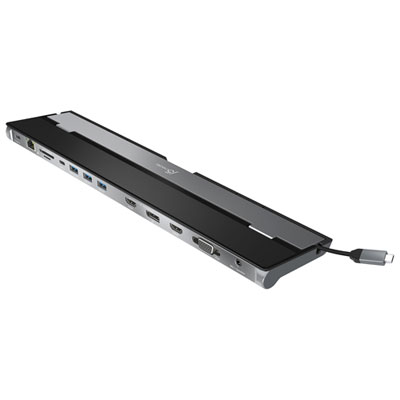 Your price for this item is $149.99
-
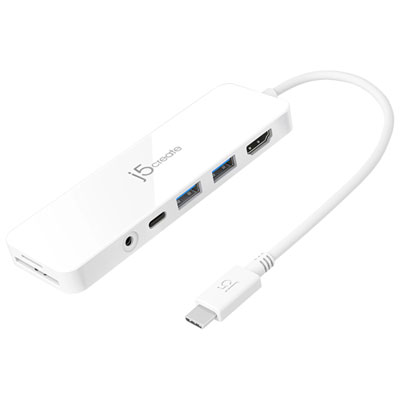 Your price for this item is $69.99
-
 Your price for this item is $87.99
-
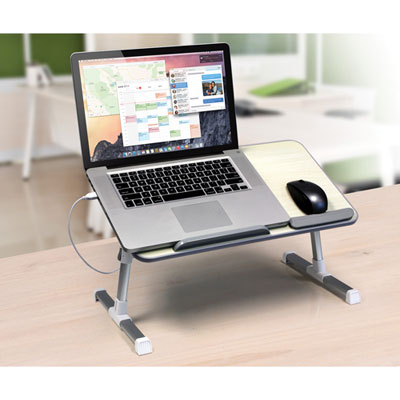 Your price for this item is $59.99
-
 Your price for this item is $96.16
-
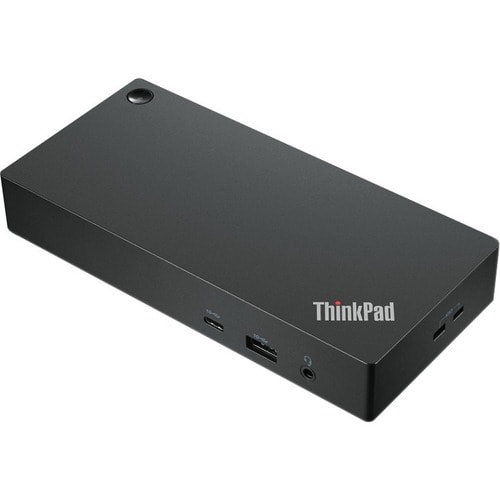 Your price for this item is $179.99
-
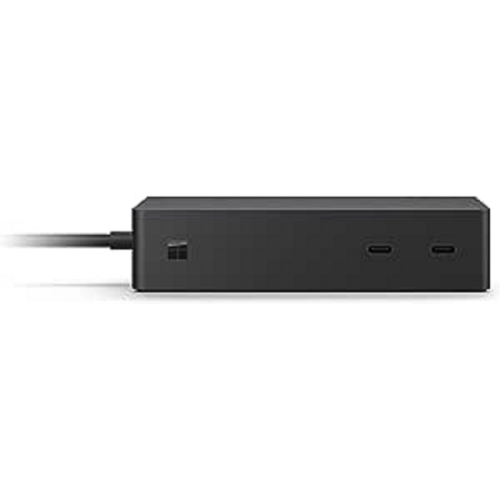 Your price for this item is $214.99
-
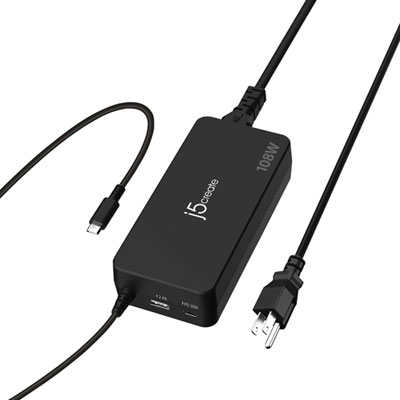 Your price for this item is $89.99
Discover more categories related to Laptop Stands for Zoom Meetings
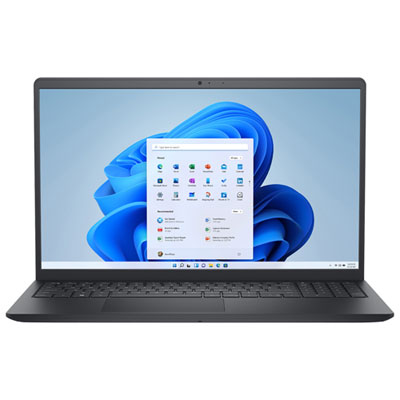
Top Collections:
Pokemon Centers, Best Black Friday Deals This Year, Best Black Friday Deals On Electronics, Kindle Devices, Best Budget Office Chairs, Best Black Friday Deals On Apple Products, Best Cameras for Sports Photography, Pokémon 30th Celebration Cards, Dyson Airwrap, Canon G7X Cameras
Some products may be subject to Environmental Handling Fees
(EHF) depending on your province.
Learn more about EHFs.