Laptop Stand Travel
If you're looking for a laptop stand that's small enough to fit in your luggage, yet strong enough to support your laptop and other items, you've come to the right place. These stands are perfect for travelers who want to be able to work on their way from one destination to another. Here are some great options.
Sort




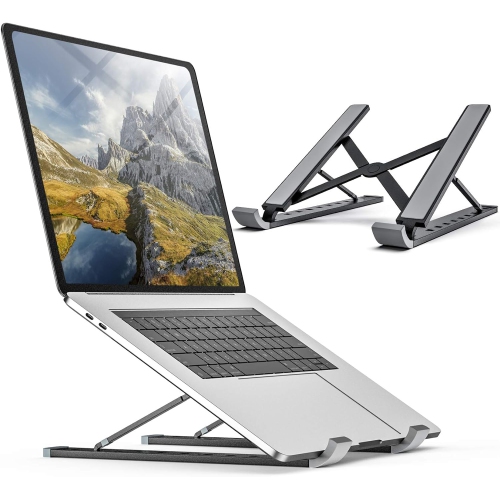

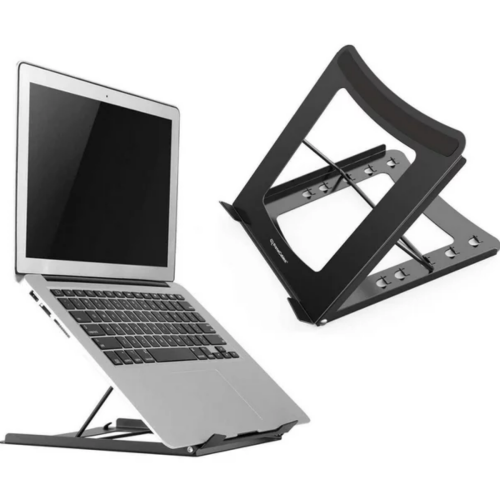

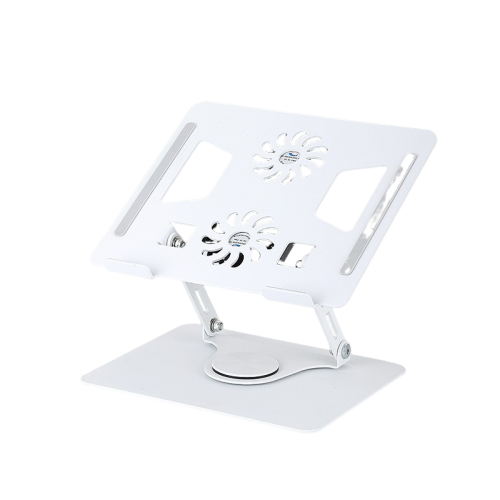
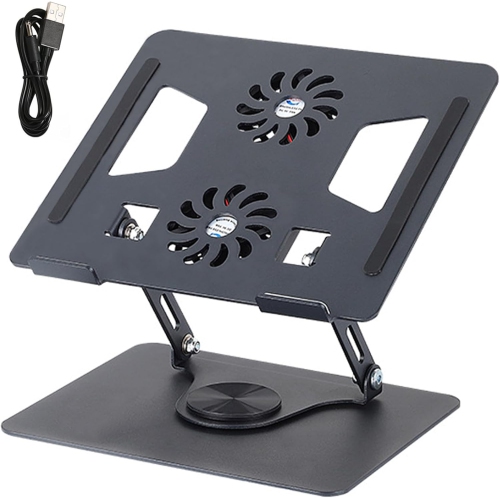
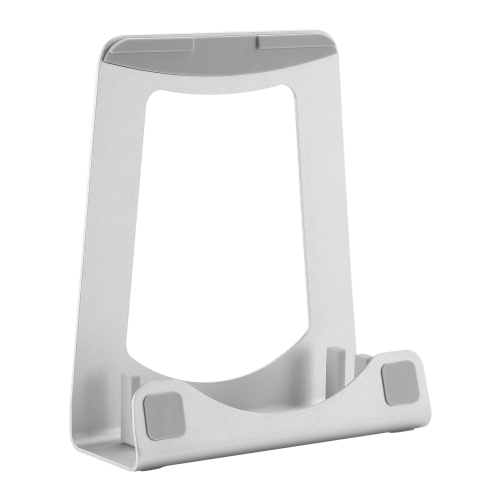

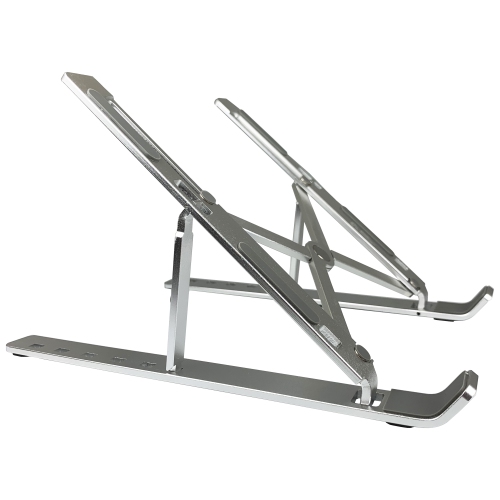

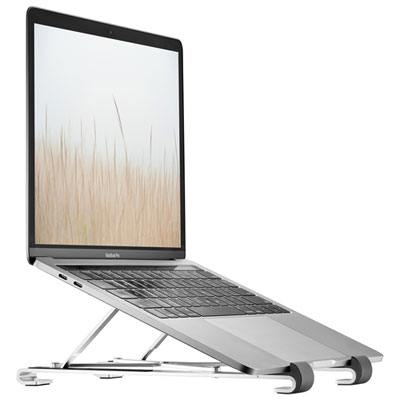
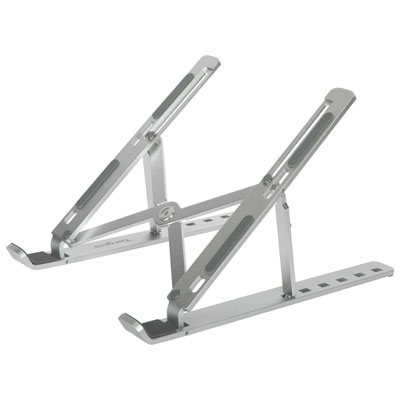




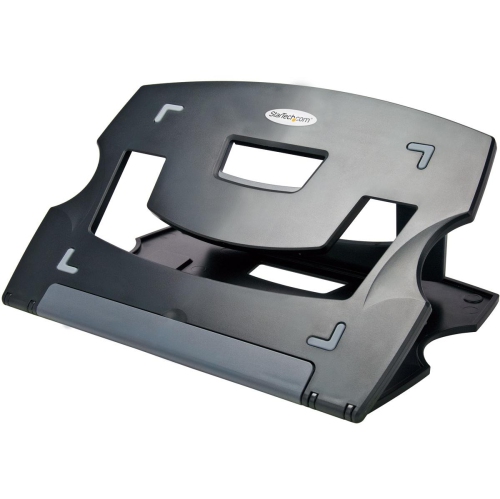
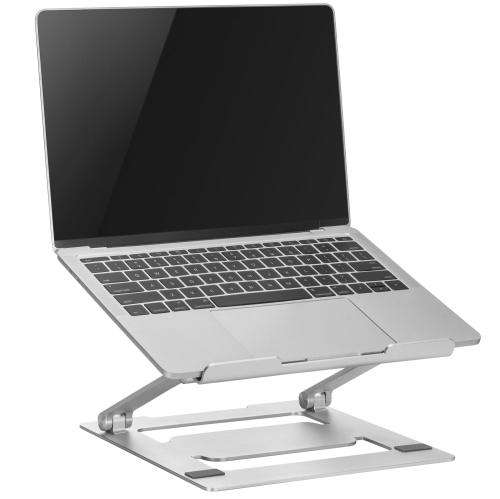
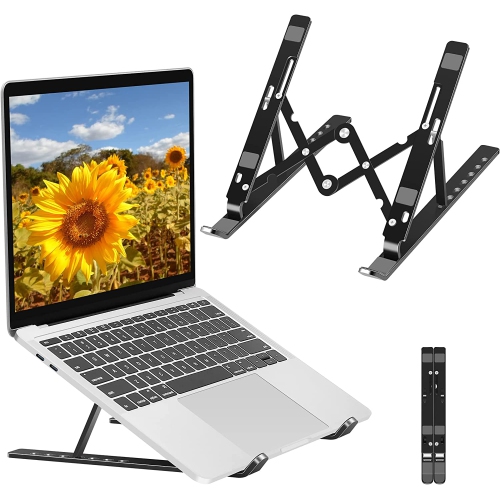

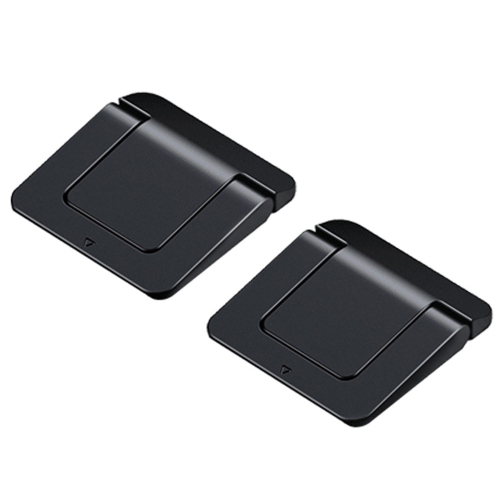
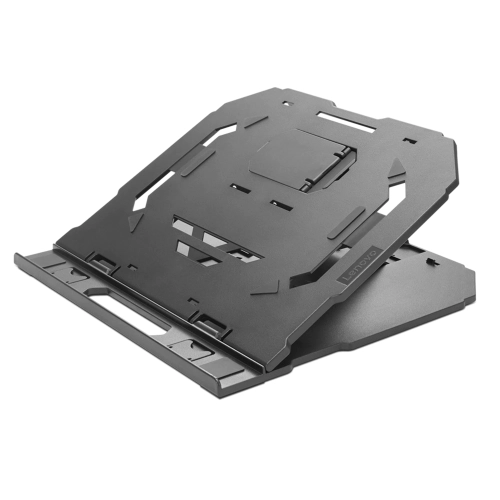
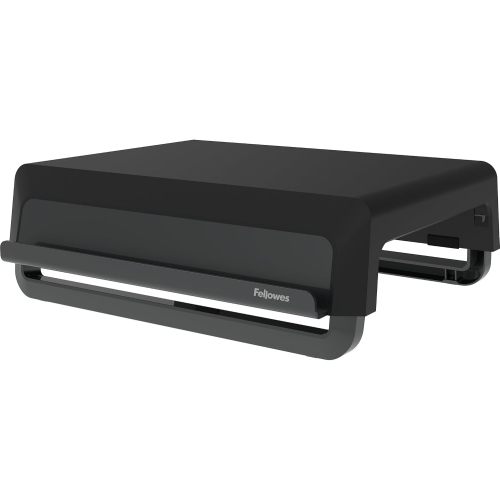

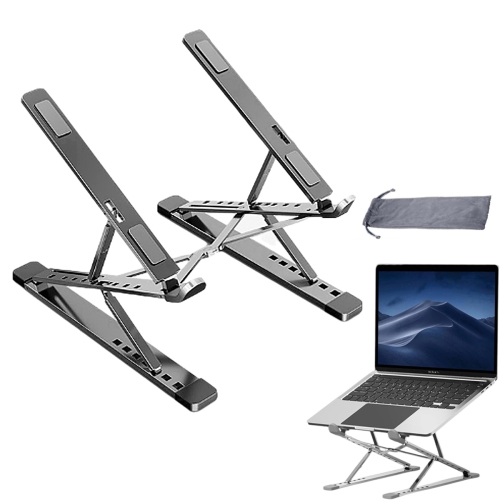
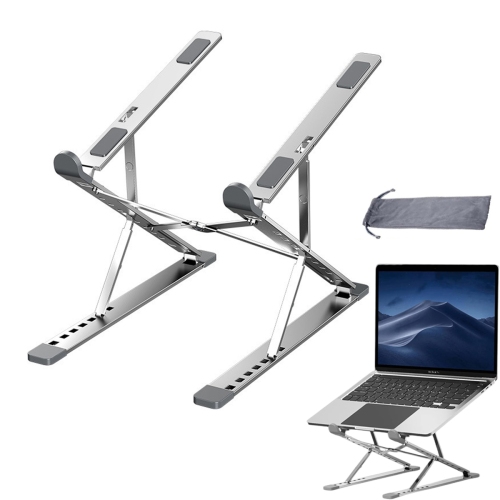
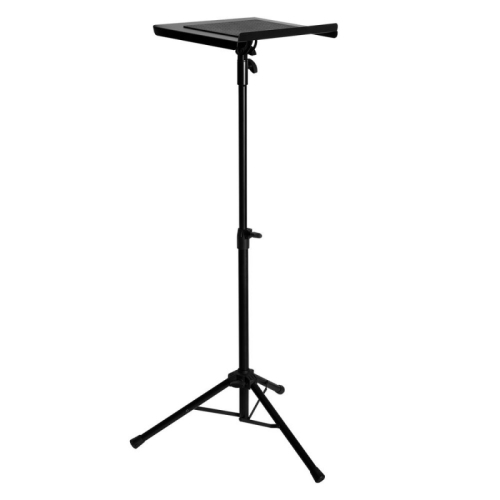
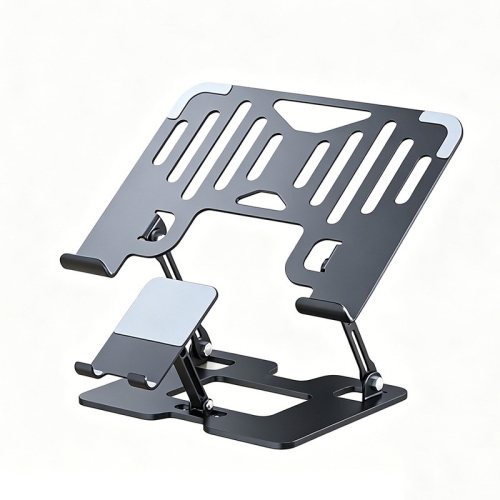
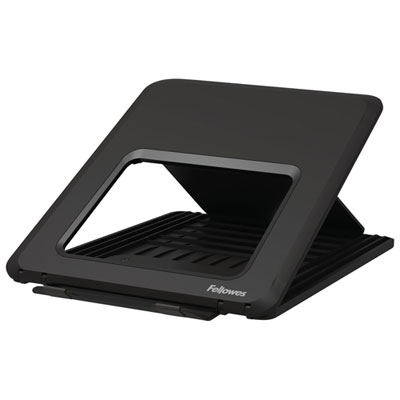
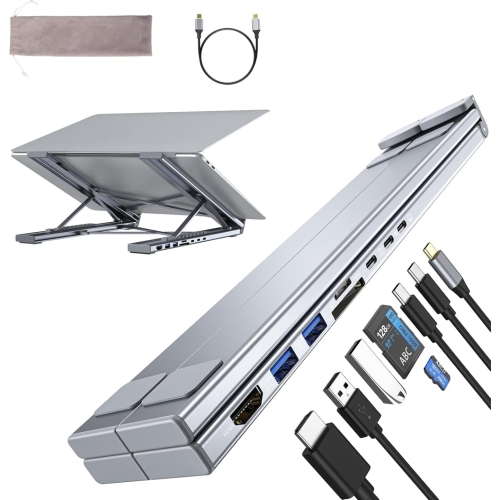

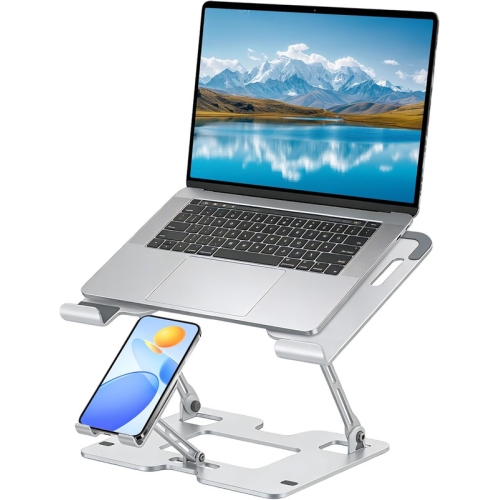
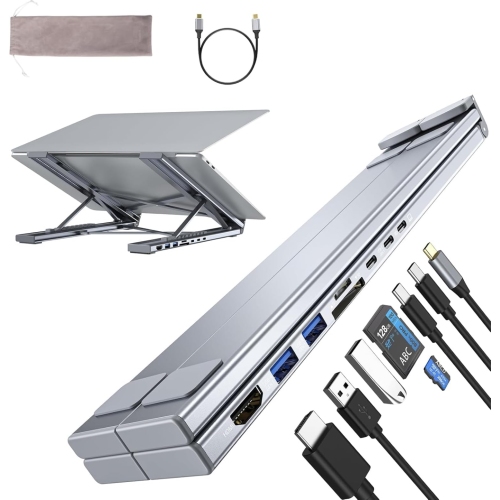

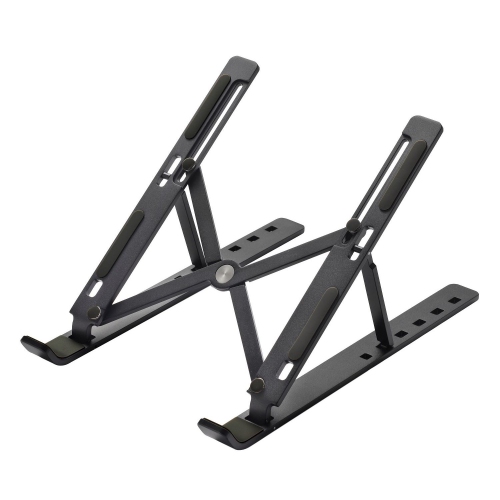
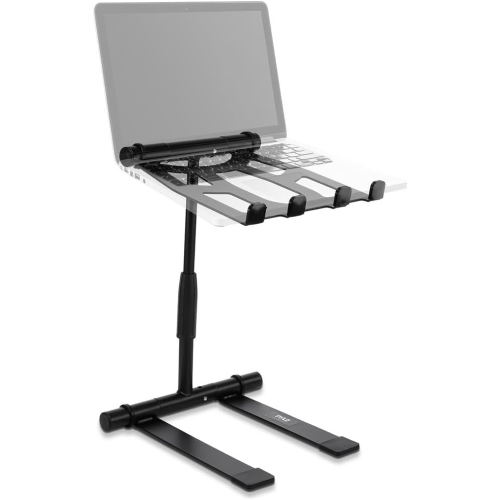


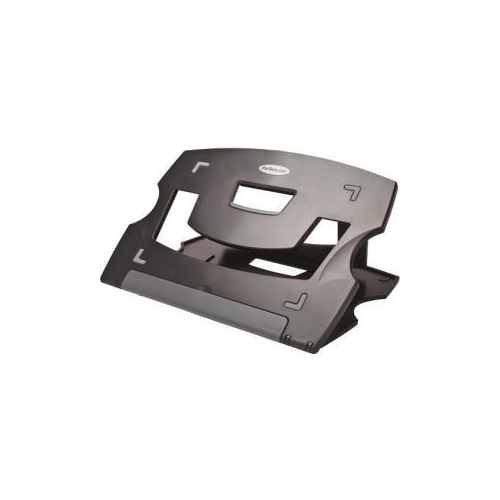
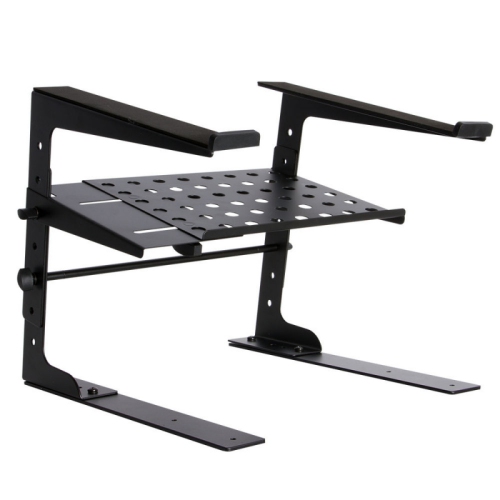

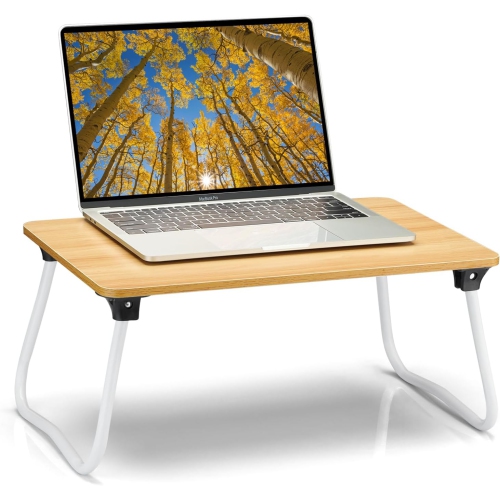
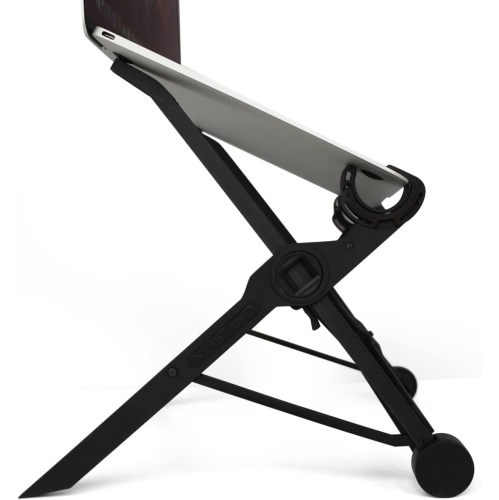

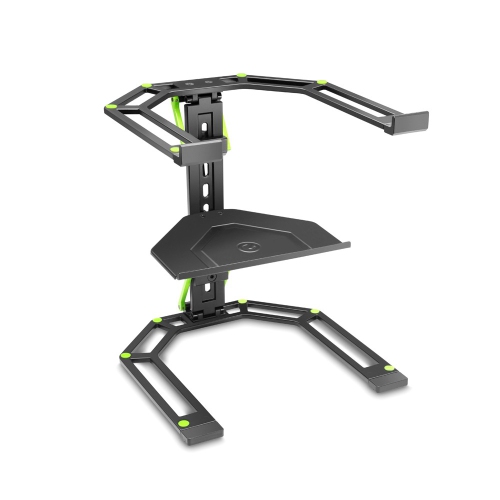
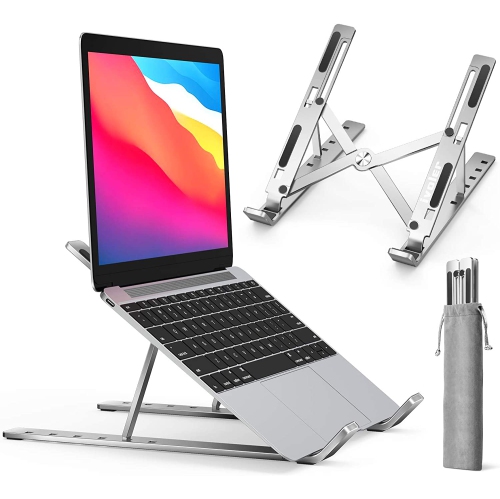
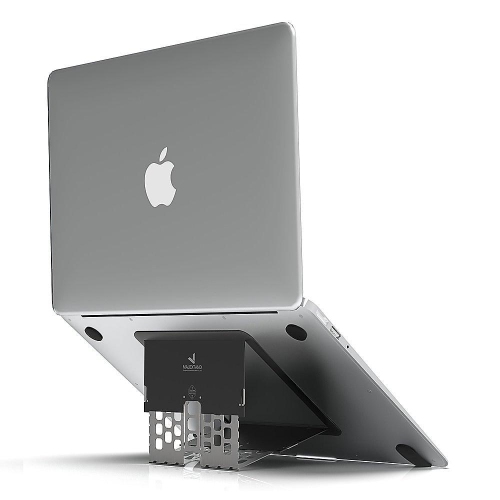
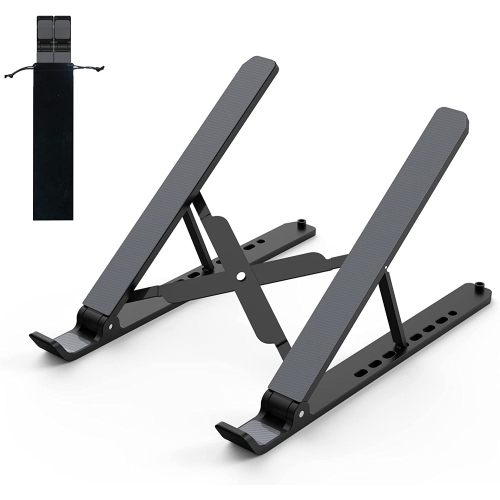
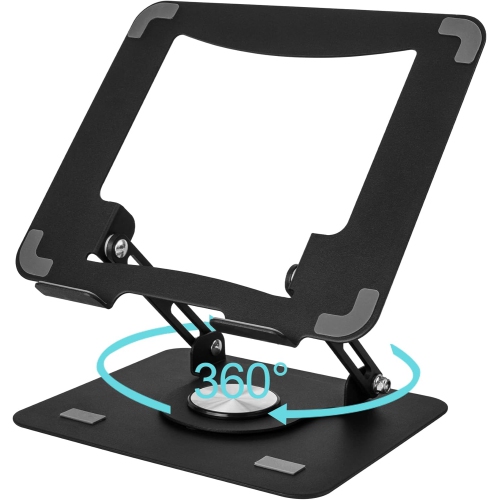

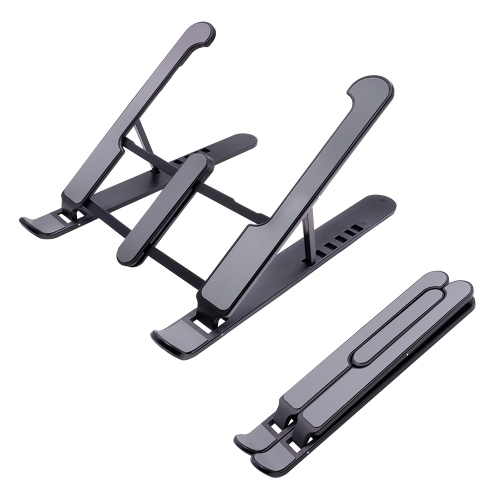
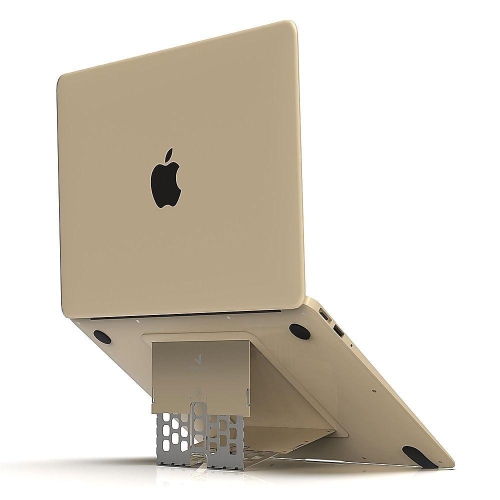
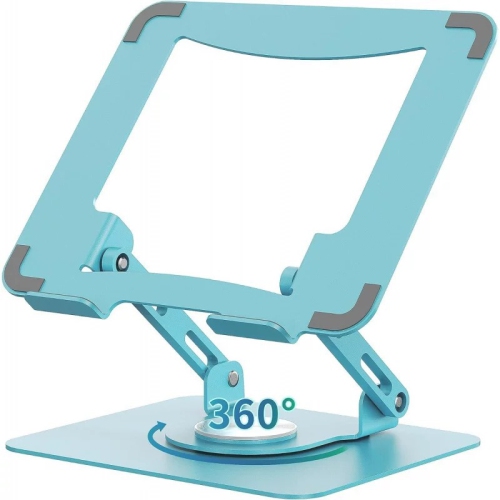

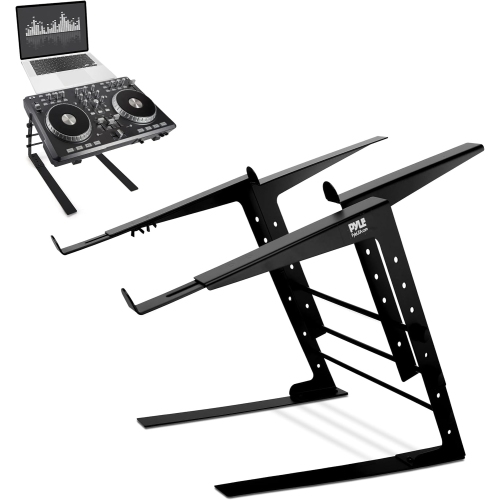
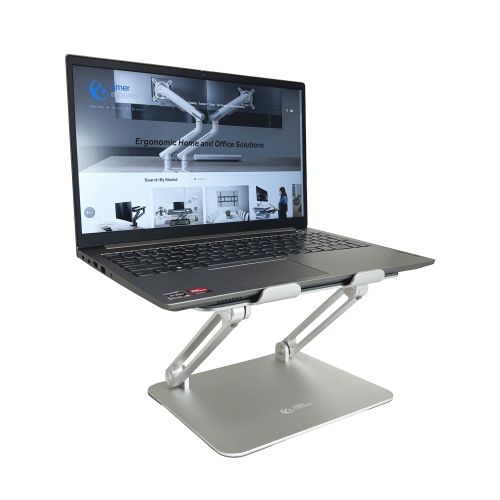
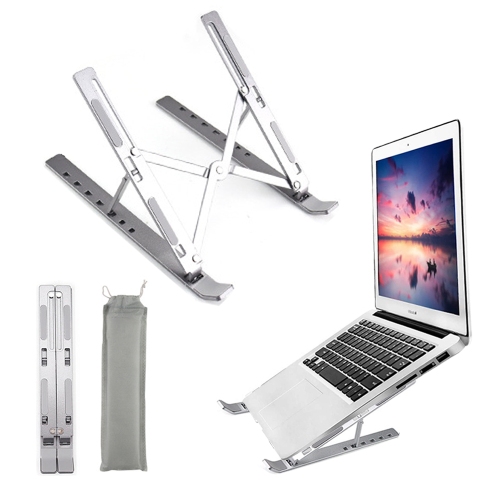
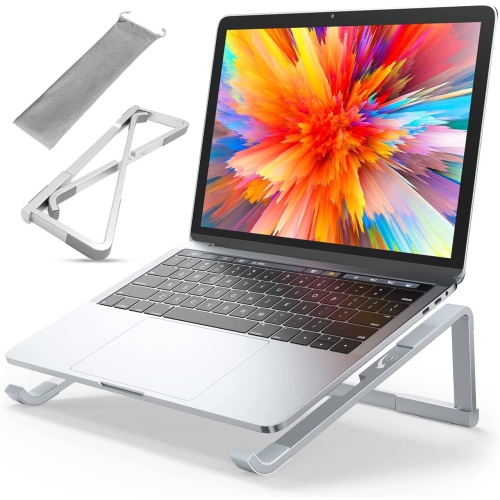

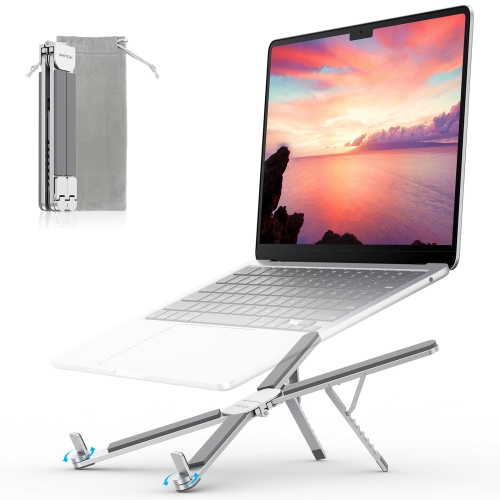



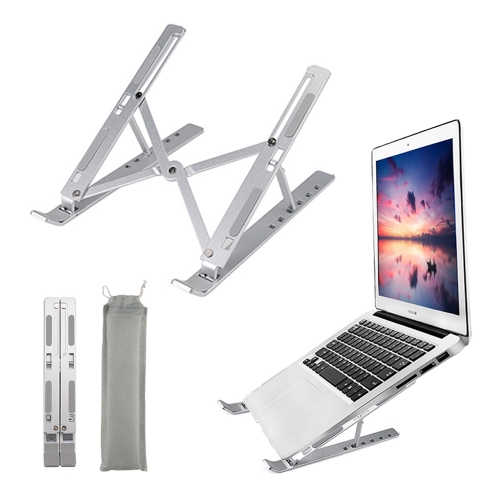
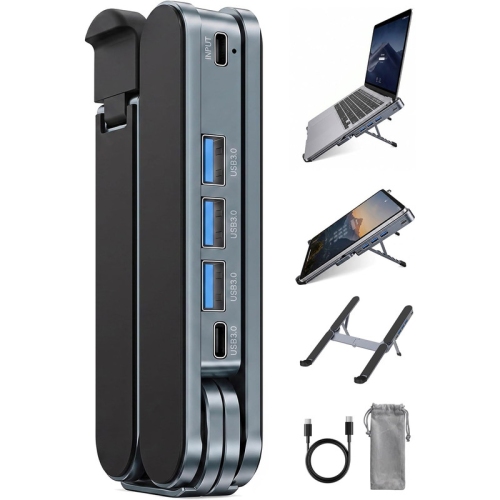
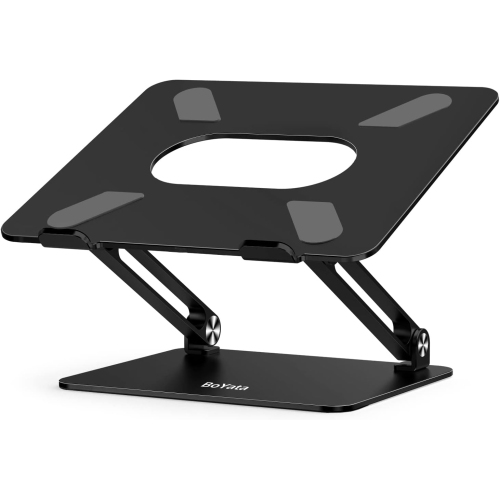
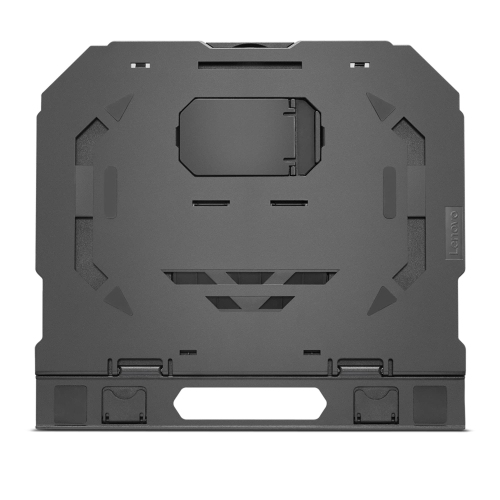

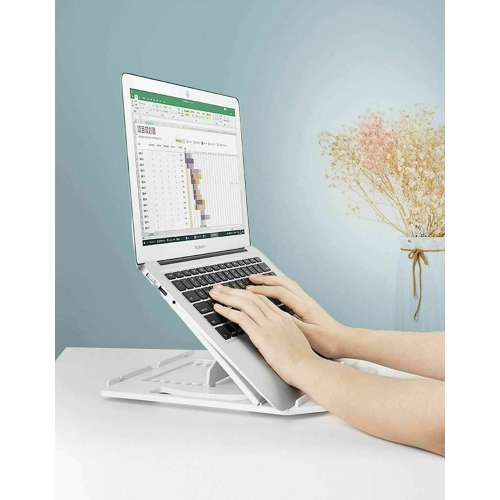

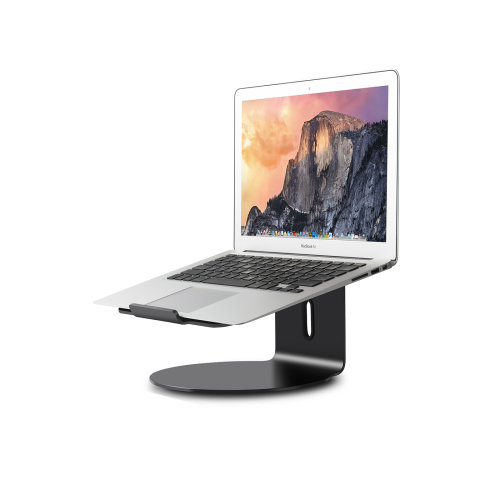

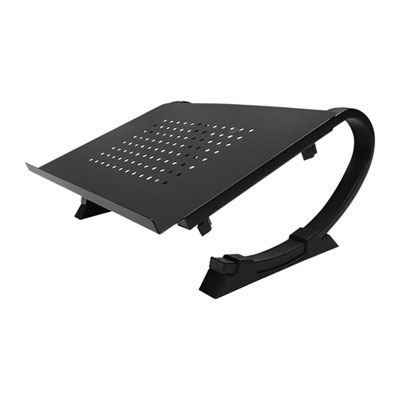
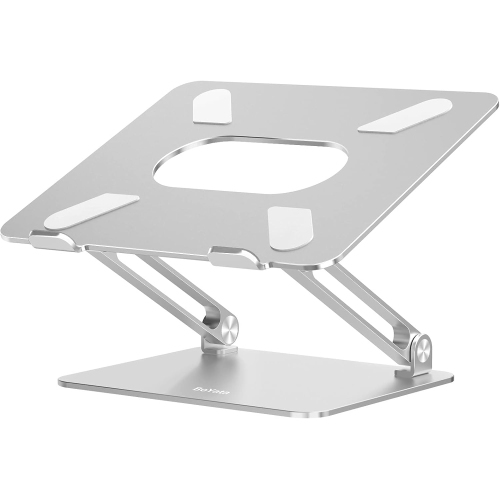
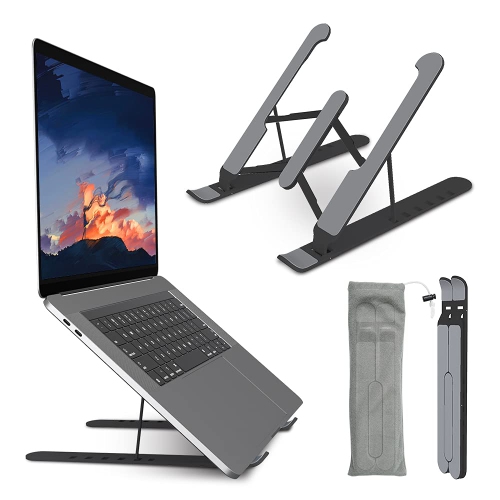

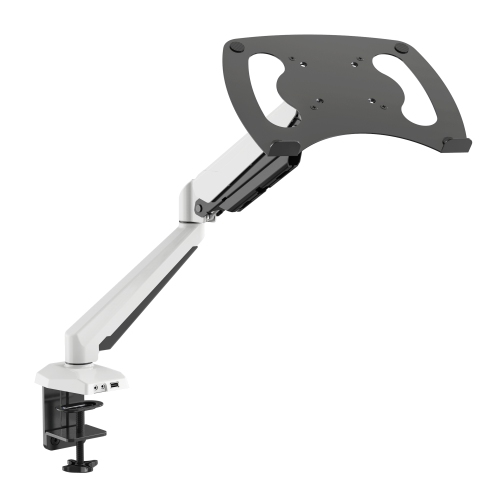
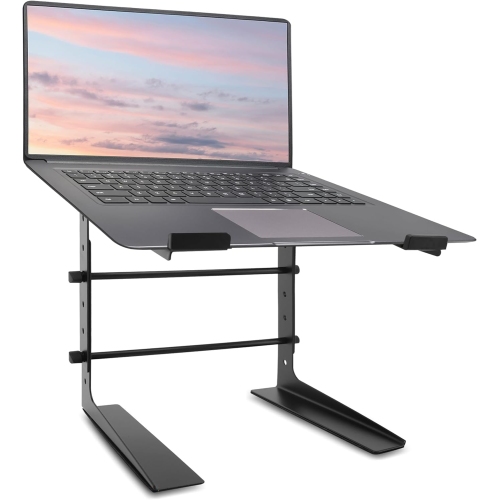
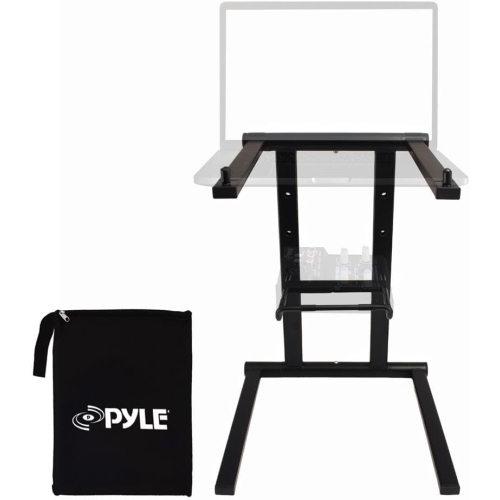
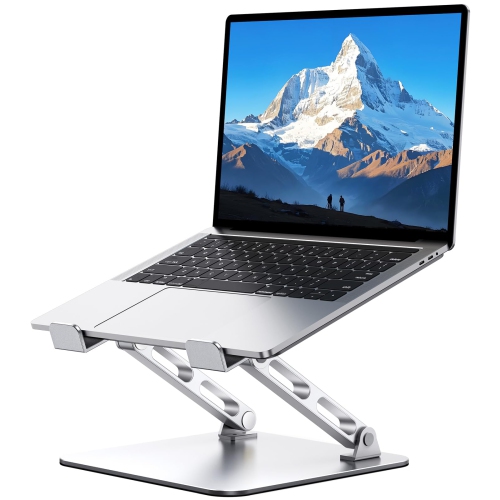


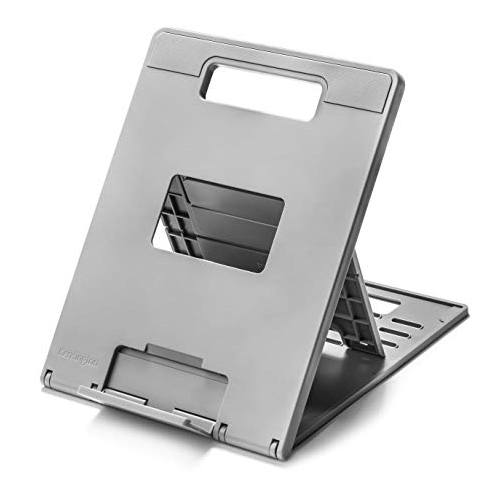
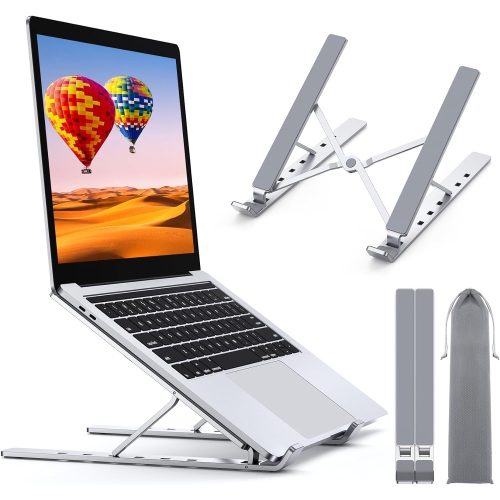




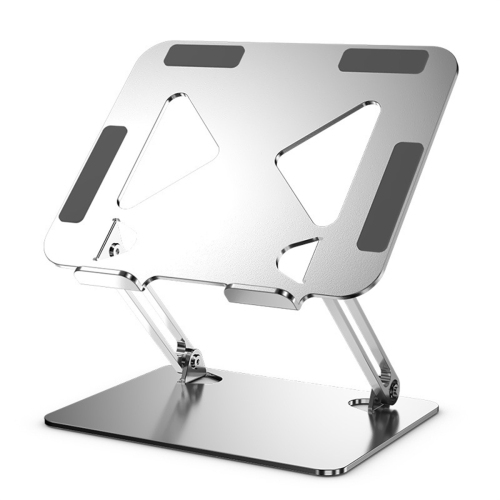
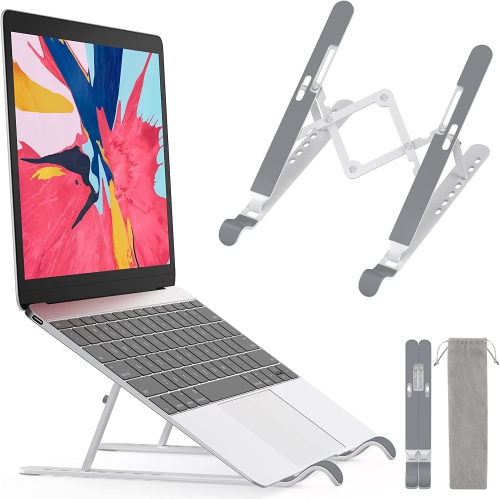
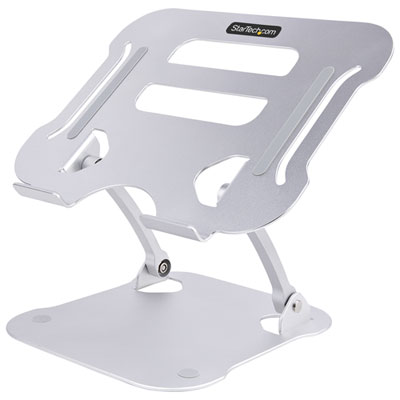
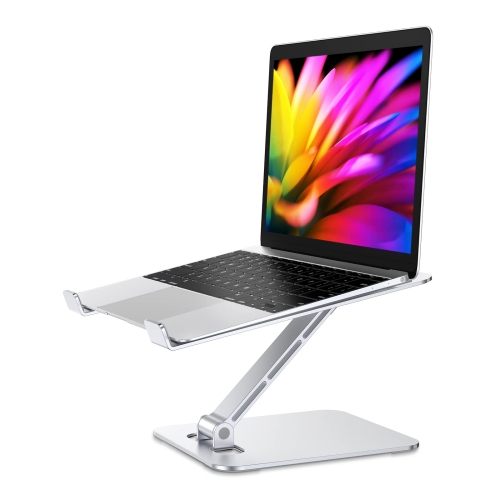



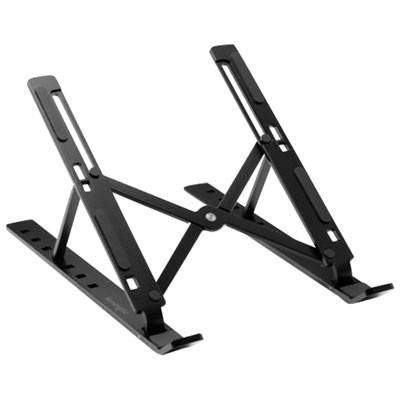
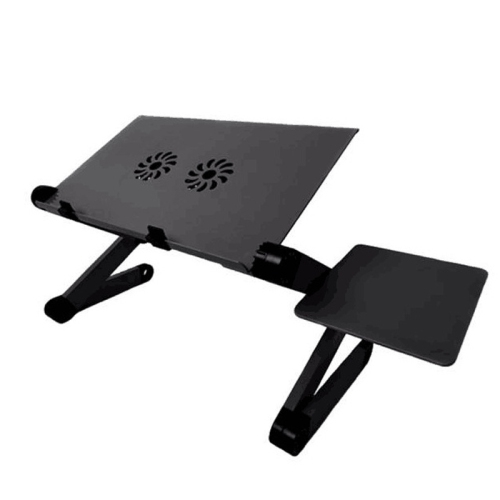
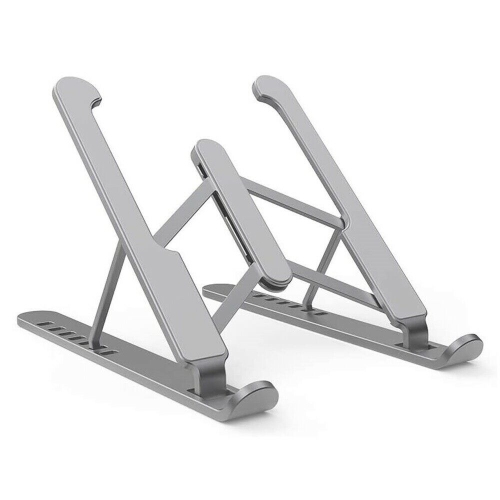
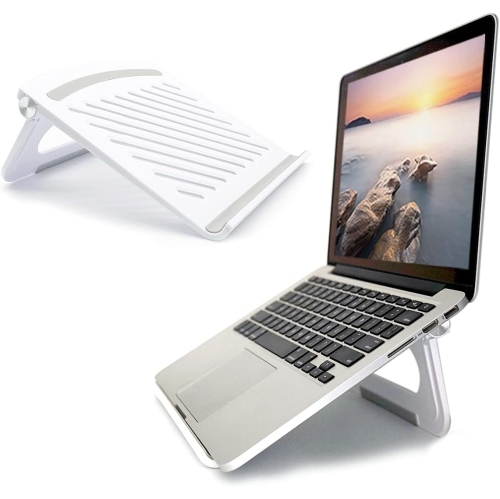


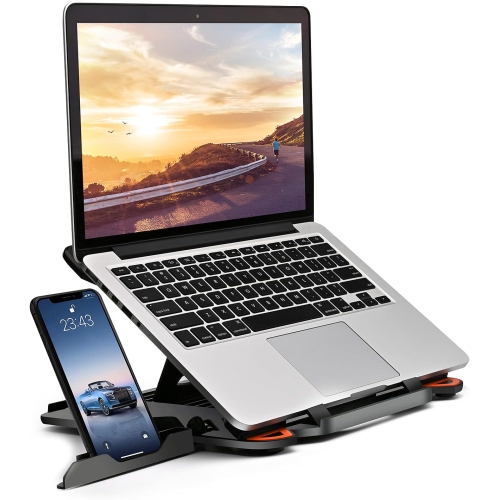
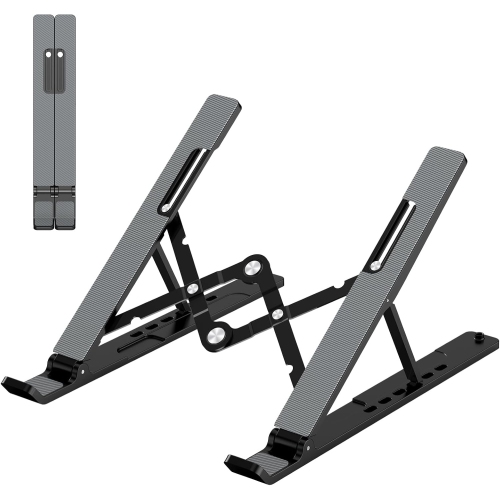


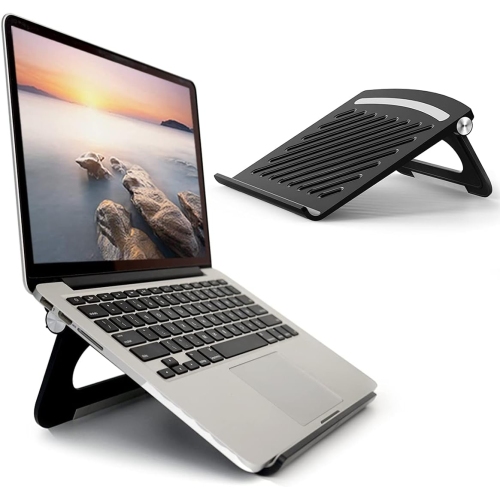

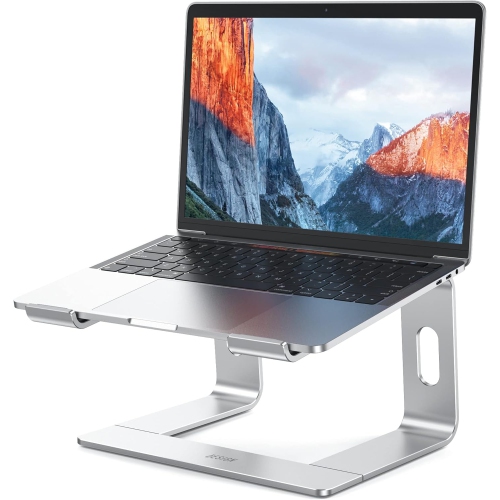
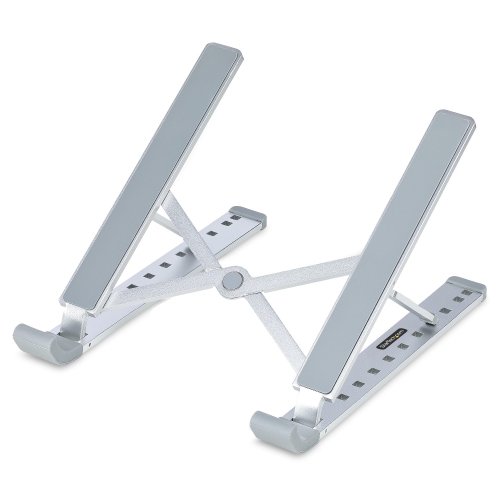
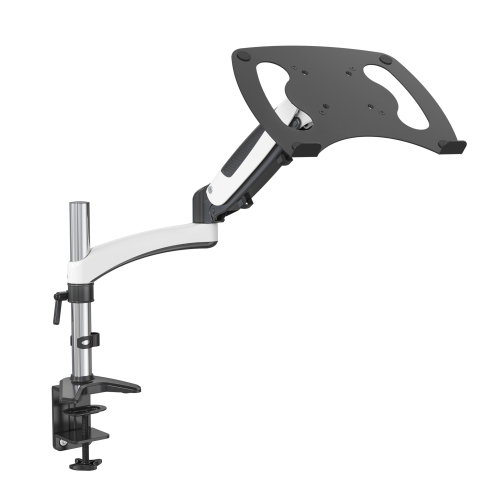
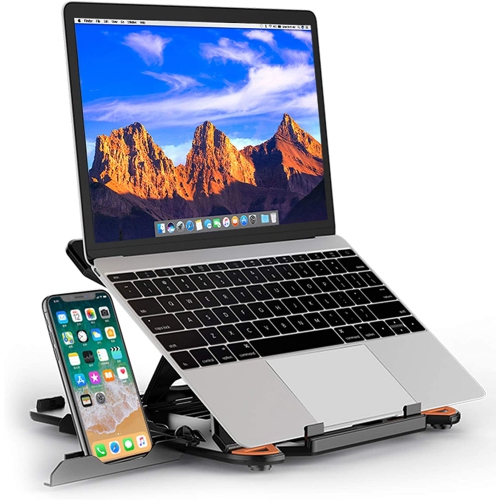

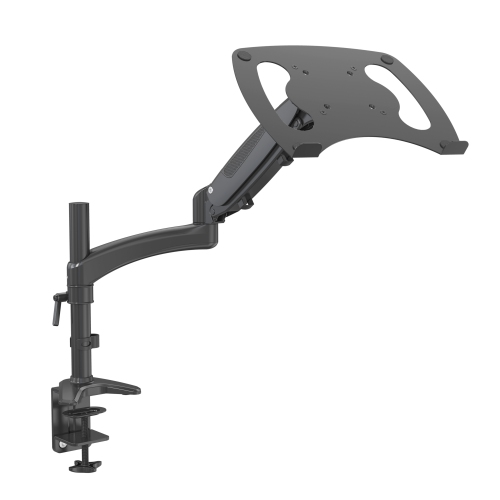
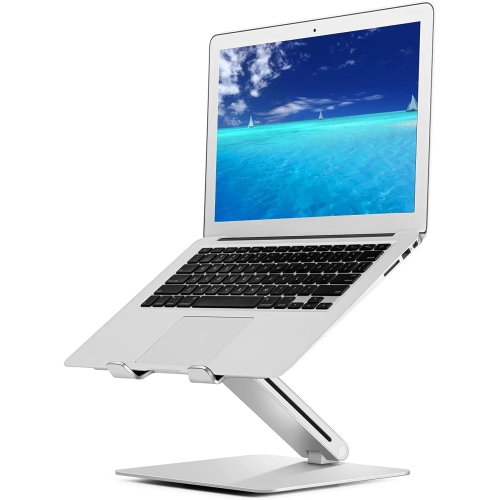


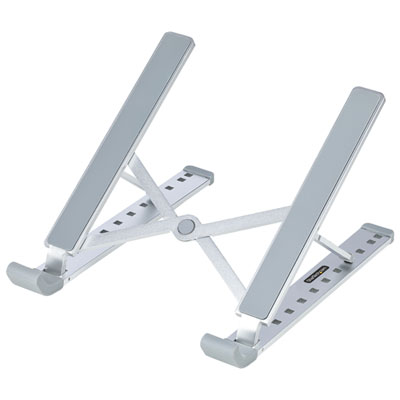


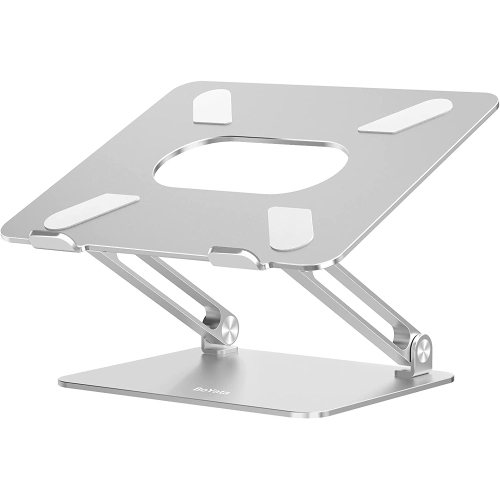
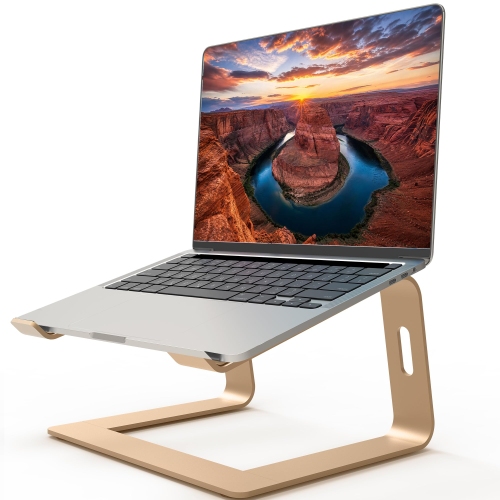
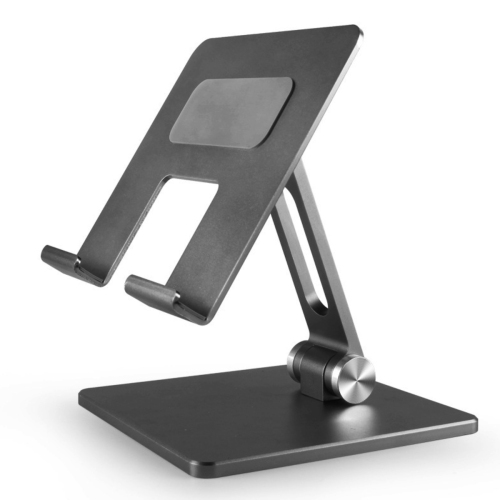
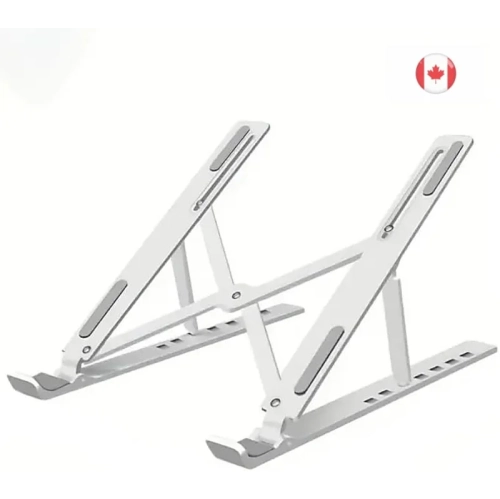
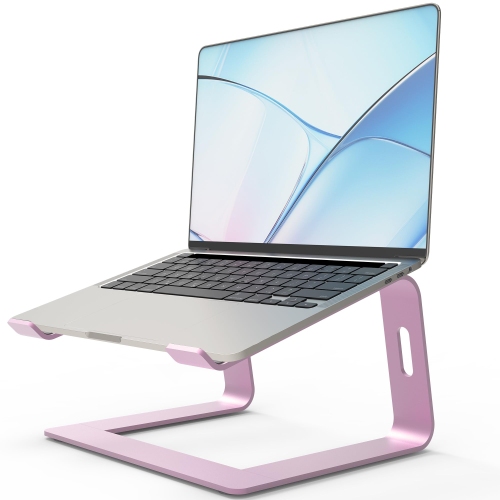
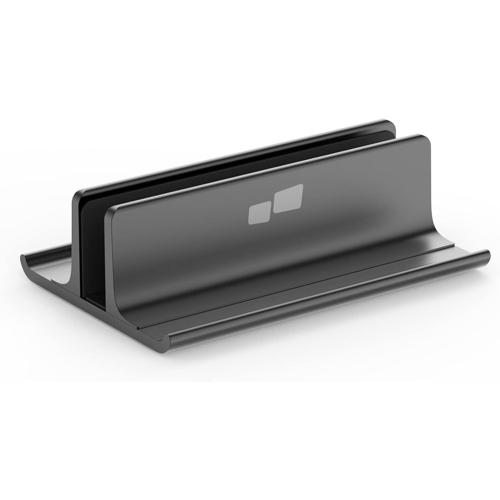
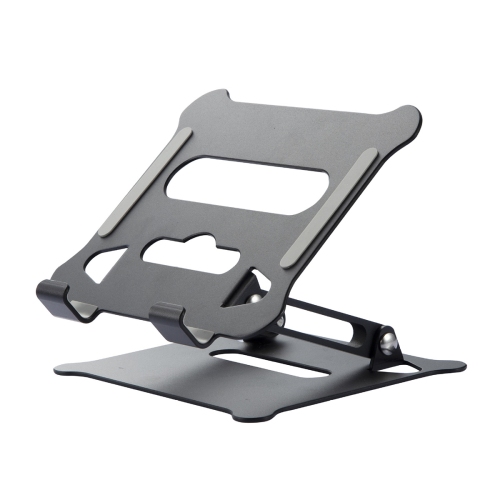

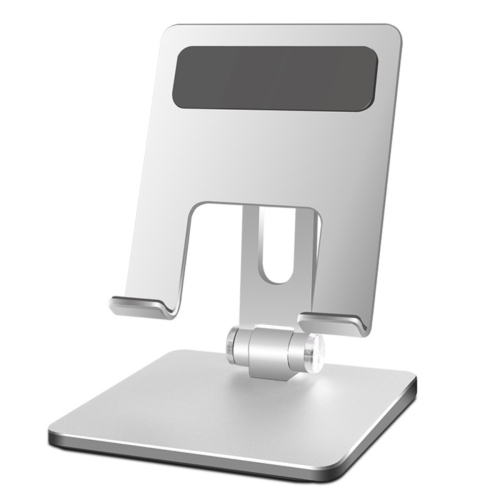
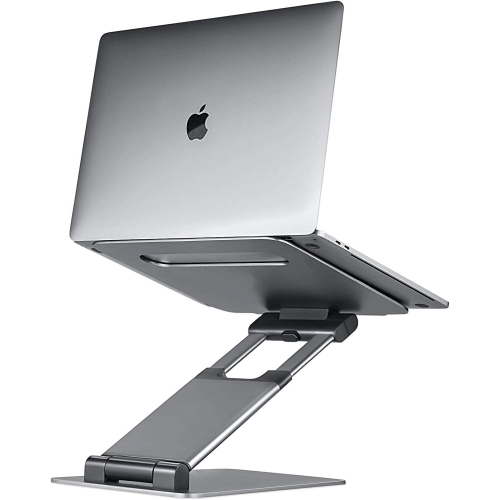

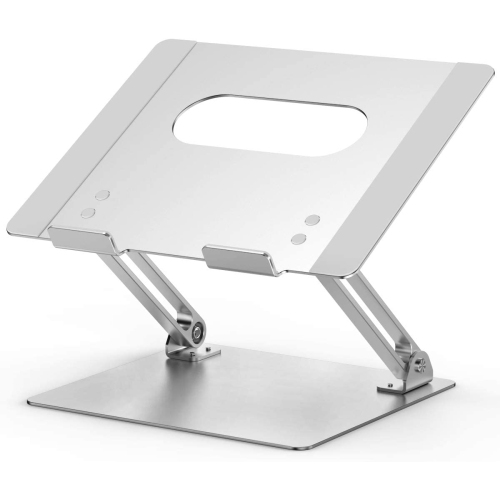
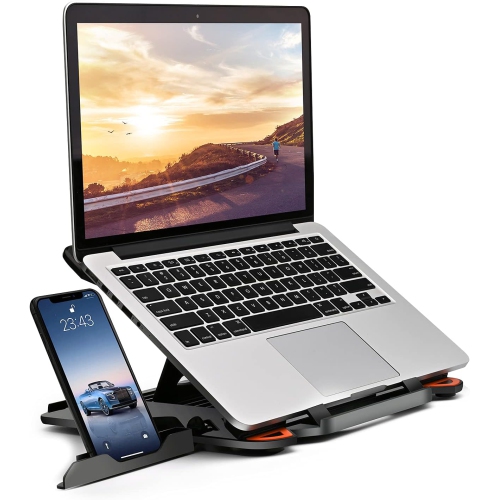
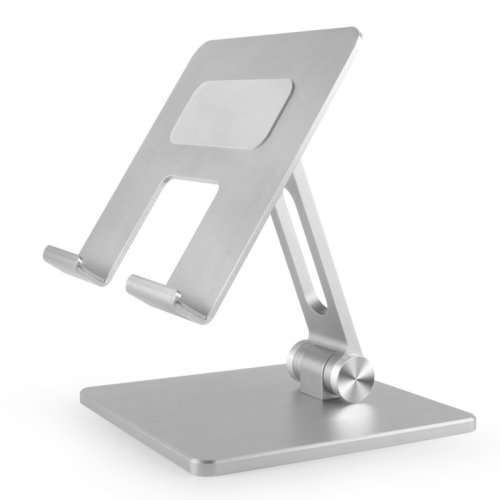


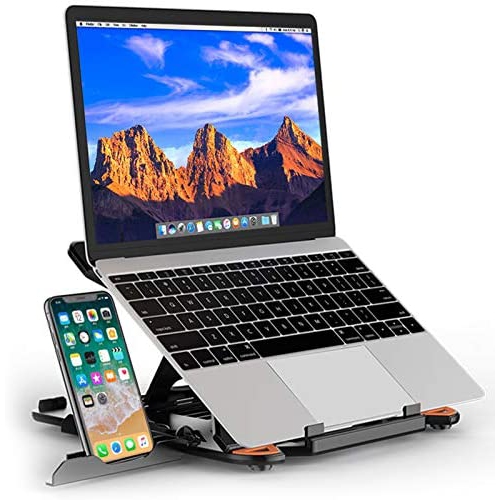
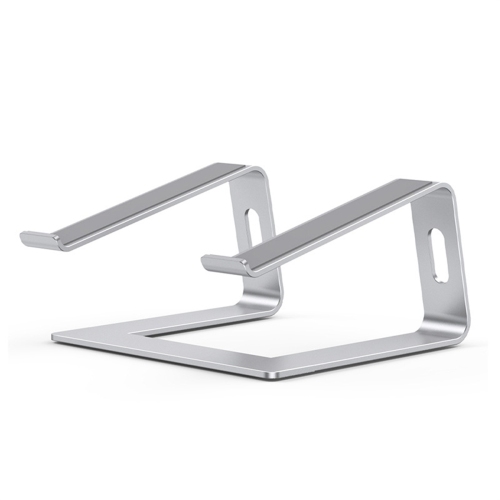
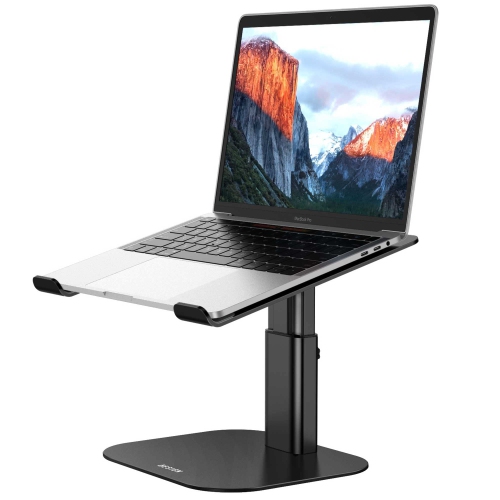


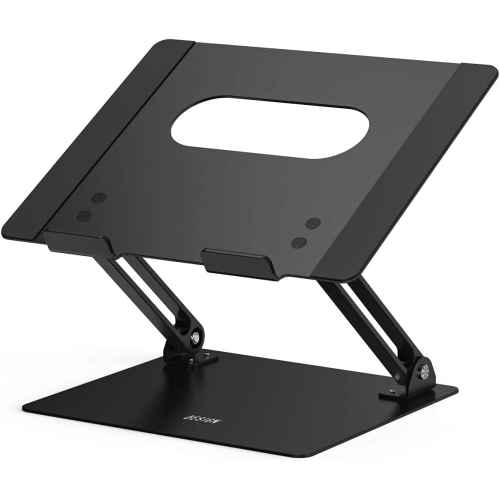

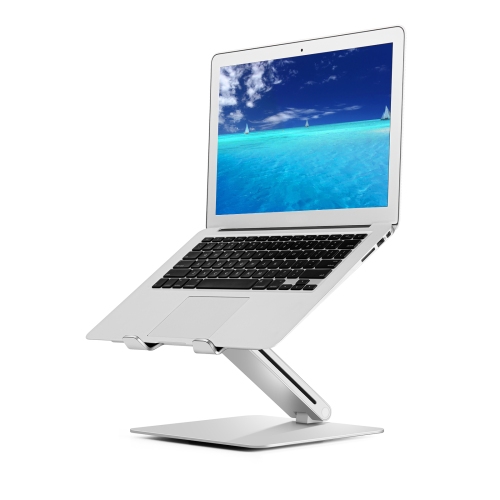

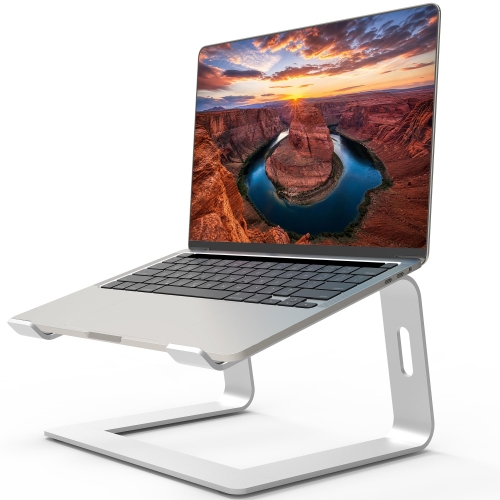
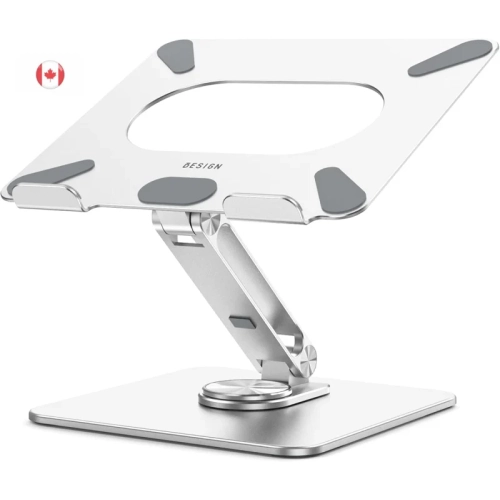
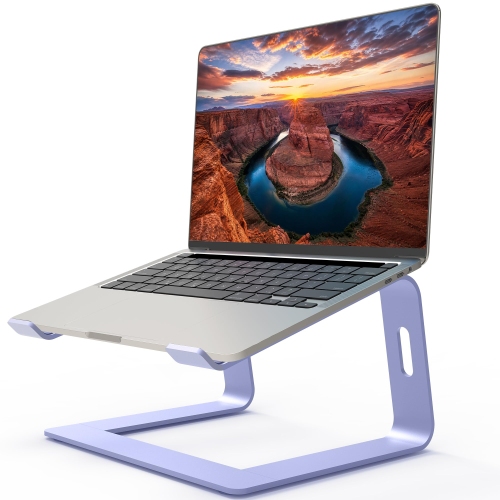
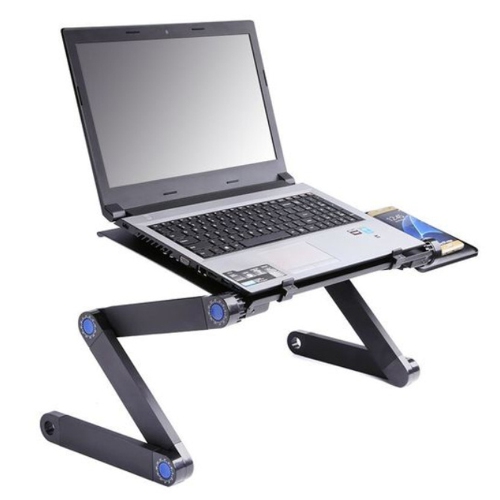

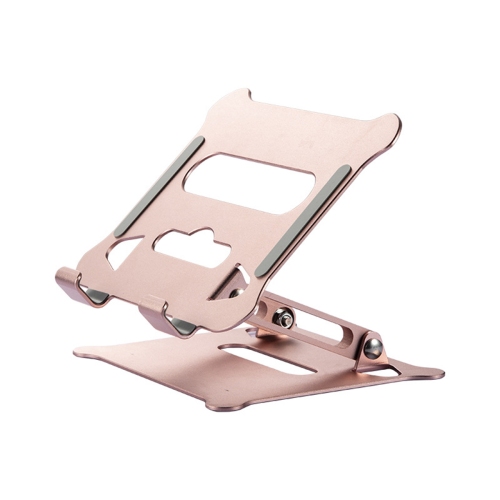
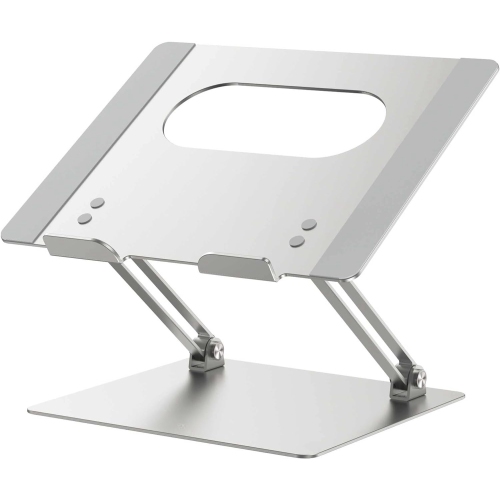
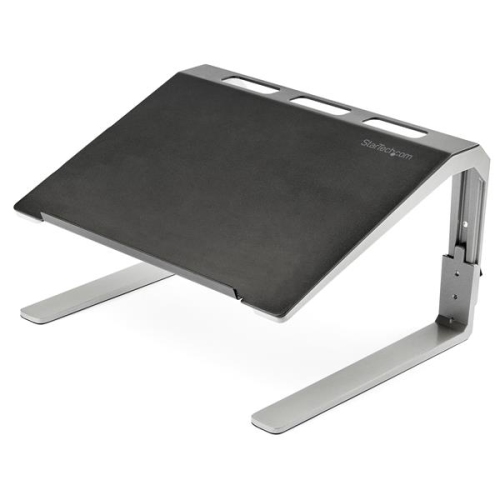
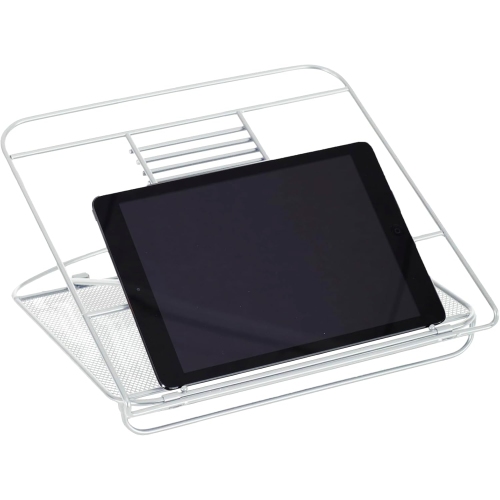
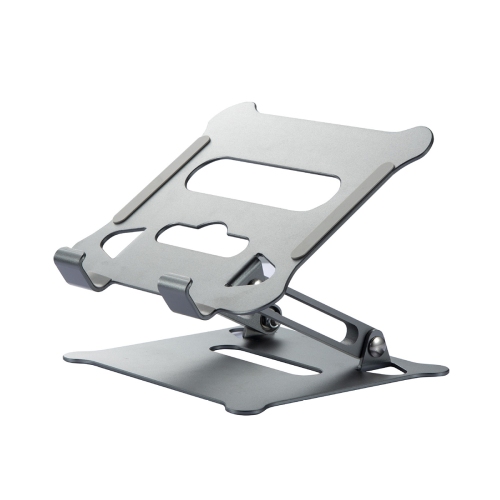
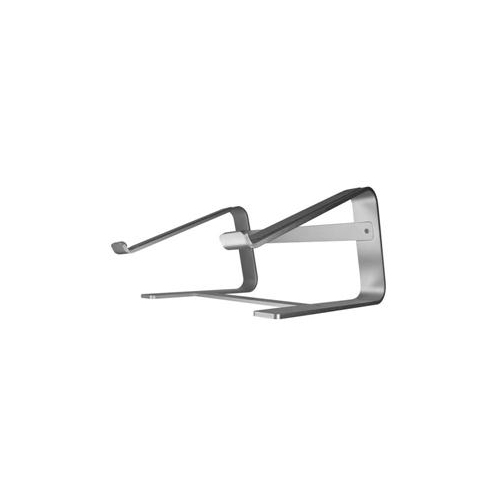
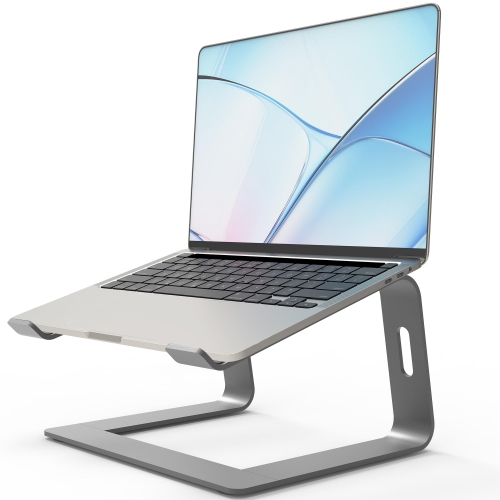
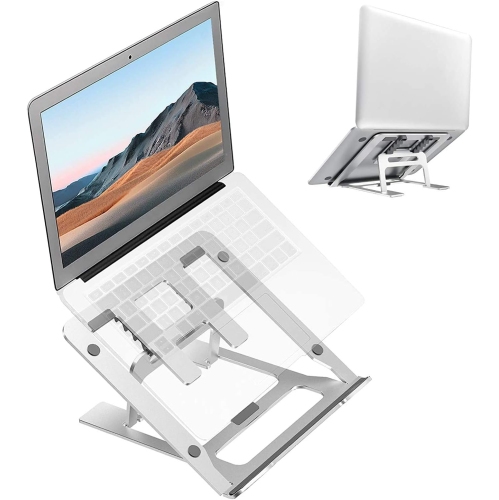
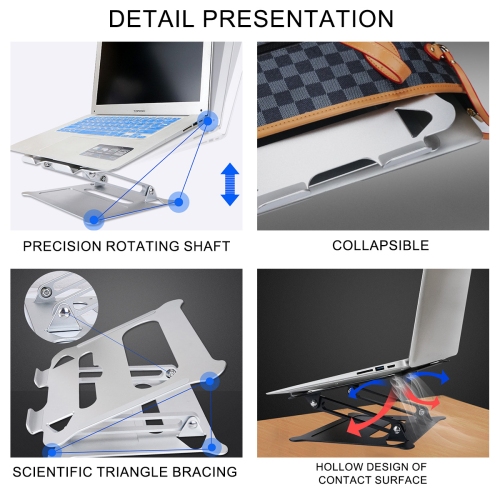
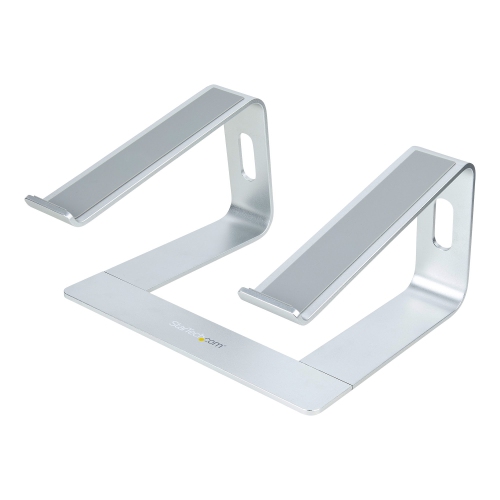
How folding stands balance portability with everyday stability
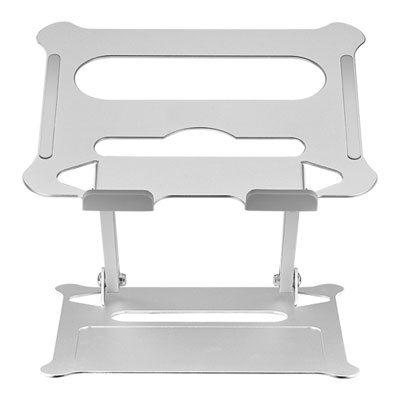
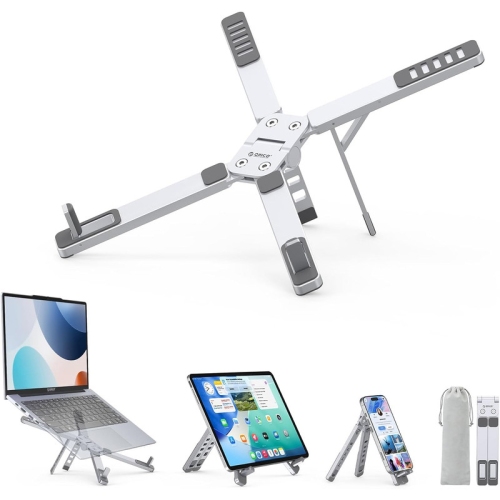
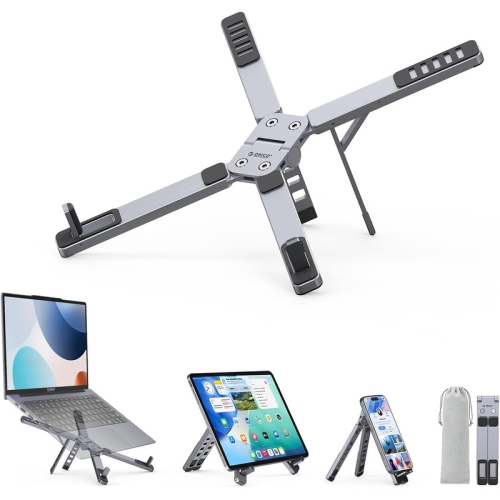
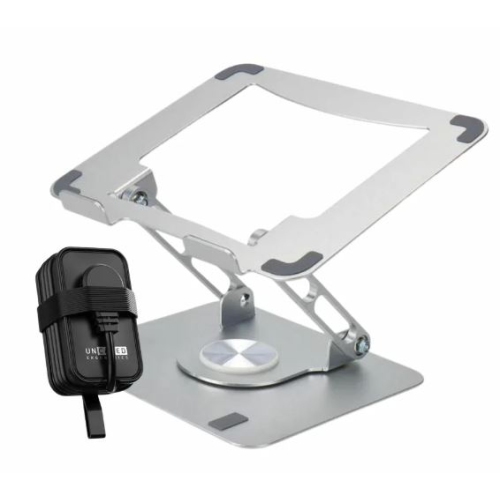
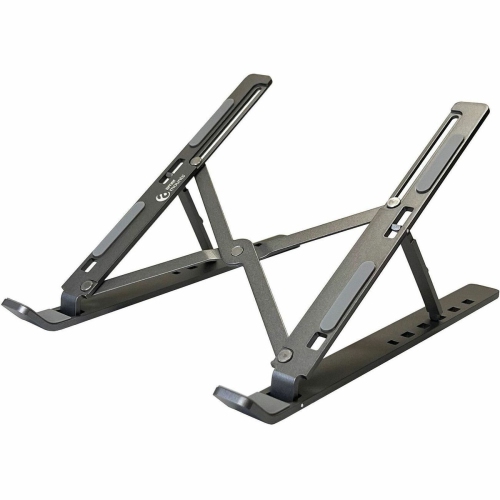
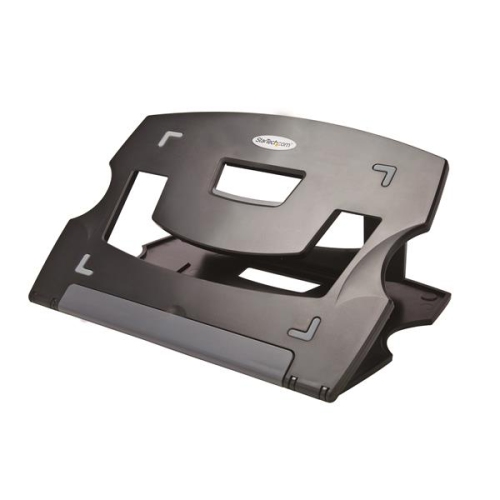
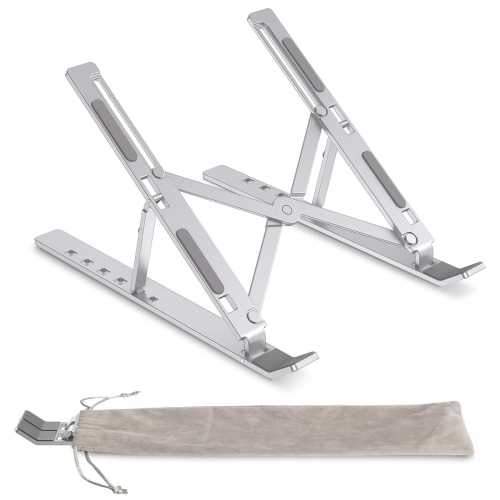
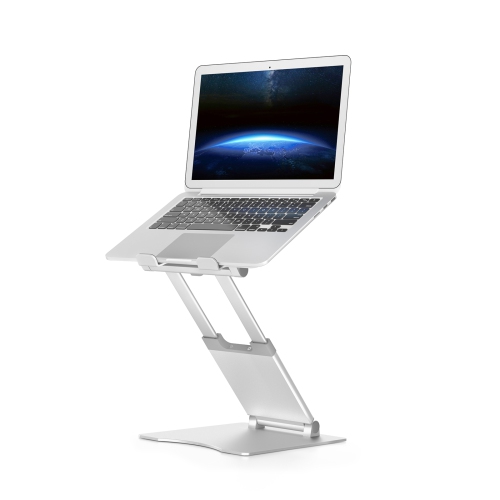
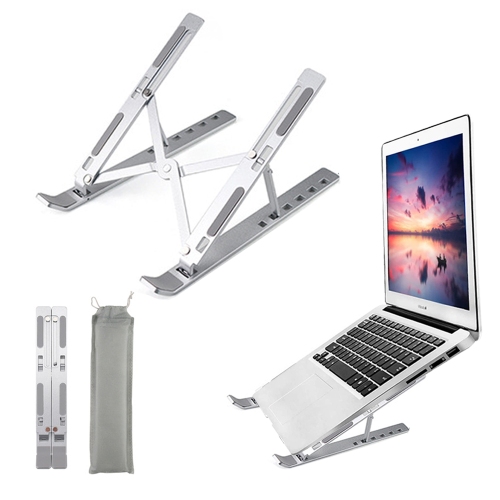
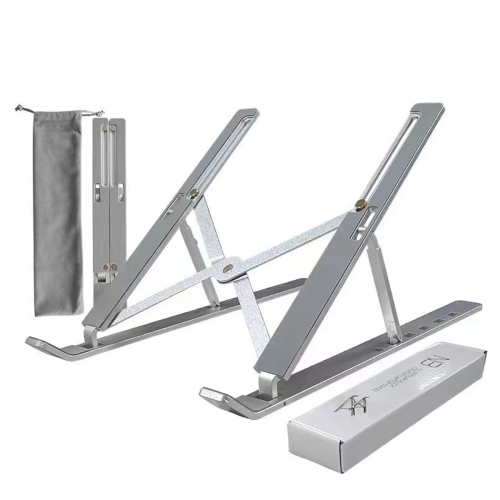
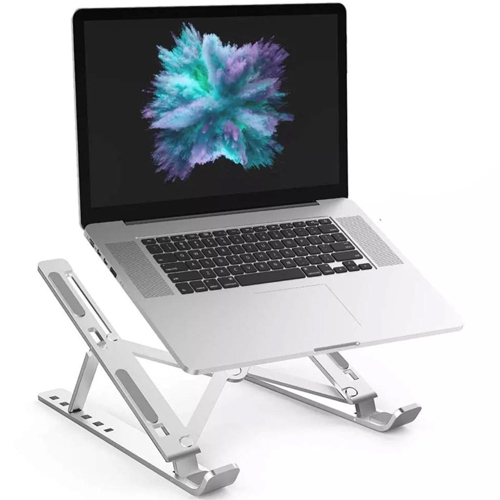
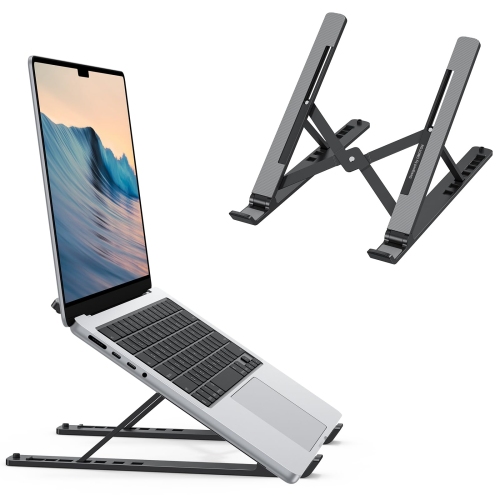
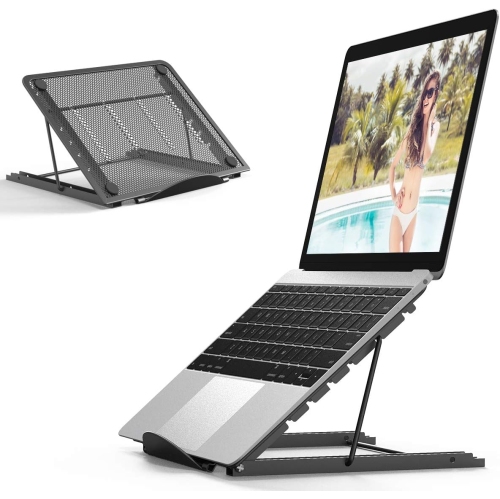
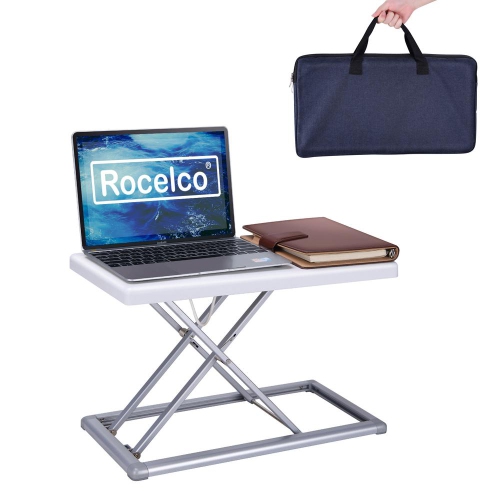
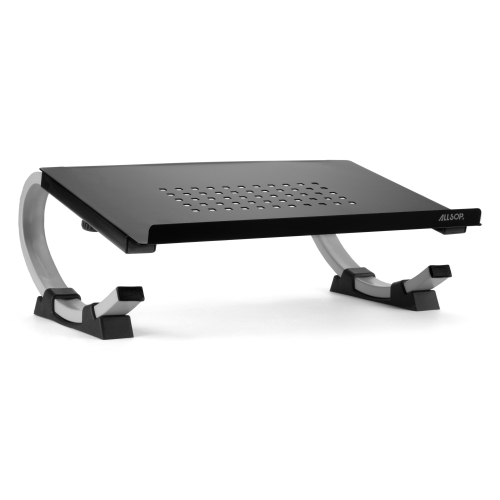
Travel laptop stands are portable supports that raise or tilt a laptop on a desk or table, then fold into a smaller shape for transport. They suit people who move between workspaces: a consultant preparing slides at a hotel desk, a student writing in the library, or a remote worker setting up at a shared office. Rather than adding another full-sized accessory to a bag, a travel stand provides a compact way to change the position of a laptop wherever a suitable work surface is available. The most useful design depends on how the laptop will be used. A low-profile riser creates a modest typing angle, while a taller adjustable stand can lift the display closer to eye level when paired with a separate keyboard and mouse. Those are different functions, so a stand that folds very small may not offer the same screen elevation as a larger hinged design. Portability also involves more than weight. Folded length, thickness, protruding supports, and the shape of the carrying pouch affect whether a stand fits beside a laptop sleeve or occupies a separate compartment. A stand weighing less than 250 grams may appeal to someone keeping a shoulder bag light, though weight alone does not establish strength or stability. For travellers comparing compact accessories, Lightweight Laptop Stands offer a related category to explore. Flat-folding designs can slide alongside notebooks, while narrow collapsible frames may fit into an accessory pocket. Designs with attached adjustment mechanisms can also make frequent setup simpler because there are fewer loose pieces to manage. For someone who opens and closes a workspace several times a day, an uncomplicated folding action and a secure position when deployed can matter as much as the stand’s smallest packed dimensions.
Fit and stability determine how well a portable laptop stand works once it leaves the bag. Screen size is a useful starting point, but the laptop’s width, depth, weight, and underside shape are just as important. Two laptops with the same display measurement can have different footprints and weight distribution, particularly when one has a thicker chassis or a heavier screen. Compatibility therefore includes both the supported size range and the stated load capacity, along with where the support arms contact the base. Front retaining lips need enough depth to hold the laptop without pressing awkwardly against the wrists during typing. Rubber or silicone contact pads can improve grip and help protect the finish, while padded feet help the stand stay in place on a smooth tabletop. A wider base may provide more resistance to movement, although it also takes up more desk space. That trade-off becomes noticeable on a narrow hotel desk already holding a charger, notebook, and mouse. Aluminum frames are common because they can combine relatively low weight with rigidity; plastic designs can be light and easy to carry, while steel components may add strength alongside additional weight. Material alone does not determine durability: hinge construction, joint movement, locking mechanisms, and the quality of contact pads all contribute. Adjustable stands may use notches, folding braces, or tension hinges, each of which needs to hold its selected position securely. Open-frame designs leave much of the laptop’s underside exposed, which can help keep ventilation openings unobstructed when the supports are correctly positioned. A stand does not replace the laptop manufacturer’s ventilation requirements, and its contact points should not cover intake vents, speakers, or access panels. Clearance around charging ports and cables matters too, especially when a connected adapter pulls sideways or when the screen is opened to a wide angle.
A travel laptop stand is most useful as part of a setup that matches the length and type of work being done. For a short session answering messages, a slight incline may be convenient, provided the keyboard remains comfortable to reach and the laptop stays steady. For longer stretches of writing, spreadsheets, or video meetings, raising the display while using a separate keyboard and mouse allows screen position and hand position to be adjusted independently. The display can then sit at a comfortable viewing height without forcing the keyboard upward with it. A stand cannot guarantee comfortable posture on its own; chair height, available legroom, screen distance, and regular changes in position still matter. Taller settings also need sufficient space behind and beneath the laptop, particularly on shallow tables. A firm, level surface is important, since most folding travel stands are not designed to balance directly on a lap or sink into bedding. Frequent travellers may appreciate rounded edges that are less likely to catch a bag lining, a protective pouch that separates the stand from other devices, and a folded shape that keeps hinges from snagging cables. Day-to-day care is usually straightforward: a soft, dry cloth removes dust, while grit on contact pads should be cleared before it can rub against the laptop. Any cleaning products need to be suitable for the stand’s materials, and hinges or adhesive pads should not be soaked. Packing the stand fully folded and away from pressure that could bend its arms helps preserve its shape. Periodic attention to loose fasteners, worn pads, or a hinge that no longer holds firmly can reveal when it needs maintenance or replacement. As a gift, a portable stand can suit a student, travelling professional, or someone who regularly carries a laptop between home and an office. Knowing the recipient’s laptop dimensions, preferred bag, and use of an external keyboard makes the choice more personal and practical, turning a small accessory into a useful part of an everyday workspace.
Fit and stability determine how well a portable laptop stand works once it leaves the bag. Screen size is a useful starting point, but the laptop’s width, depth, weight, and underside shape are just as important. Two laptops with the same display measurement can have different footprints and weight distribution, particularly when one has a thicker chassis or a heavier screen. Compatibility therefore includes both the supported size range and the stated load capacity, along with where the support arms contact the base. Front retaining lips need enough depth to hold the laptop without pressing awkwardly against the wrists during typing. Rubber or silicone contact pads can improve grip and help protect the finish, while padded feet help the stand stay in place on a smooth tabletop. A wider base may provide more resistance to movement, although it also takes up more desk space. That trade-off becomes noticeable on a narrow hotel desk already holding a charger, notebook, and mouse. Aluminum frames are common because they can combine relatively low weight with rigidity; plastic designs can be light and easy to carry, while steel components may add strength alongside additional weight. Material alone does not determine durability: hinge construction, joint movement, locking mechanisms, and the quality of contact pads all contribute. Adjustable stands may use notches, folding braces, or tension hinges, each of which needs to hold its selected position securely. Open-frame designs leave much of the laptop’s underside exposed, which can help keep ventilation openings unobstructed when the supports are correctly positioned. A stand does not replace the laptop manufacturer’s ventilation requirements, and its contact points should not cover intake vents, speakers, or access panels. Clearance around charging ports and cables matters too, especially when a connected adapter pulls sideways or when the screen is opened to a wide angle.
A travel laptop stand is most useful as part of a setup that matches the length and type of work being done. For a short session answering messages, a slight incline may be convenient, provided the keyboard remains comfortable to reach and the laptop stays steady. For longer stretches of writing, spreadsheets, or video meetings, raising the display while using a separate keyboard and mouse allows screen position and hand position to be adjusted independently. The display can then sit at a comfortable viewing height without forcing the keyboard upward with it. A stand cannot guarantee comfortable posture on its own; chair height, available legroom, screen distance, and regular changes in position still matter. Taller settings also need sufficient space behind and beneath the laptop, particularly on shallow tables. A firm, level surface is important, since most folding travel stands are not designed to balance directly on a lap or sink into bedding. Frequent travellers may appreciate rounded edges that are less likely to catch a bag lining, a protective pouch that separates the stand from other devices, and a folded shape that keeps hinges from snagging cables. Day-to-day care is usually straightforward: a soft, dry cloth removes dust, while grit on contact pads should be cleared before it can rub against the laptop. Any cleaning products need to be suitable for the stand’s materials, and hinges or adhesive pads should not be soaked. Packing the stand fully folded and away from pressure that could bend its arms helps preserve its shape. Periodic attention to loose fasteners, worn pads, or a hinge that no longer holds firmly can reveal when it needs maintenance or replacement. As a gift, a portable stand can suit a student, travelling professional, or someone who regularly carries a laptop between home and an office. Knowing the recipient’s laptop dimensions, preferred bag, and use of an external keyboard makes the choice more personal and practical, turning a small accessory into a useful part of an everyday workspace.
Top selling and popular products
-
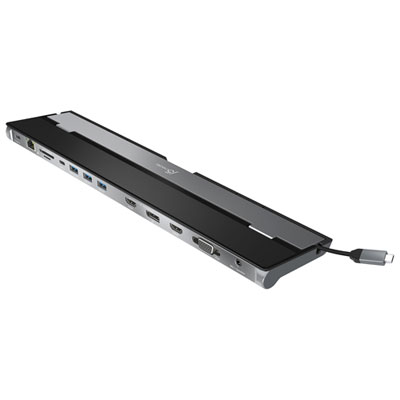 Your price for this item is $149.99
-
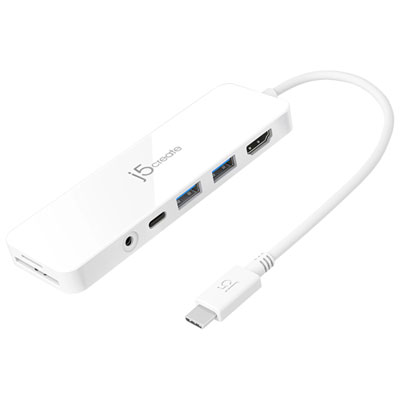 Your price for this item is $69.99
-
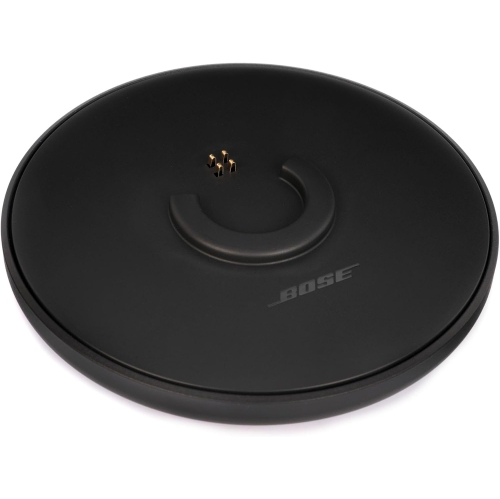 Your price for this item is $87.99
-
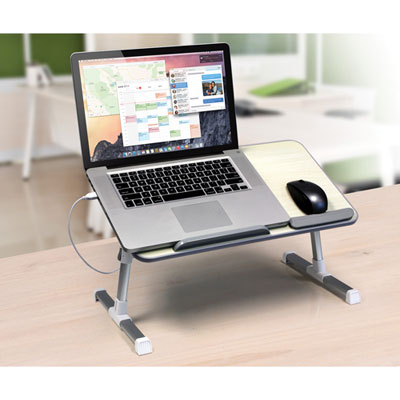 Your price for this item is $59.99
-
 Your price for this item is $96.16
-
 Your price for this item is $179.99
-
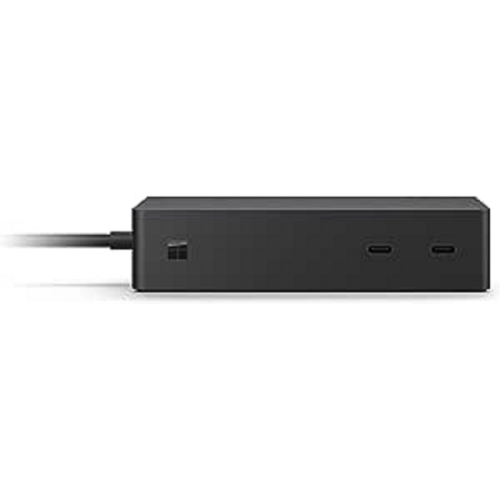 Your price for this item is $214.99
-
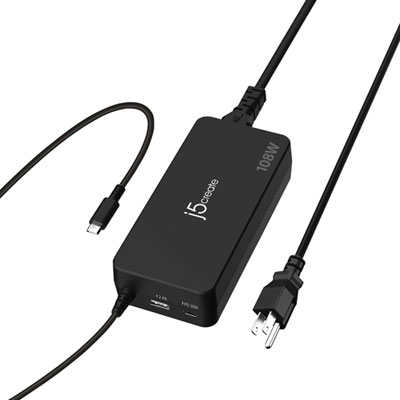 Your price for this item is $89.99
Discover more categories related to Laptop Stand Travel
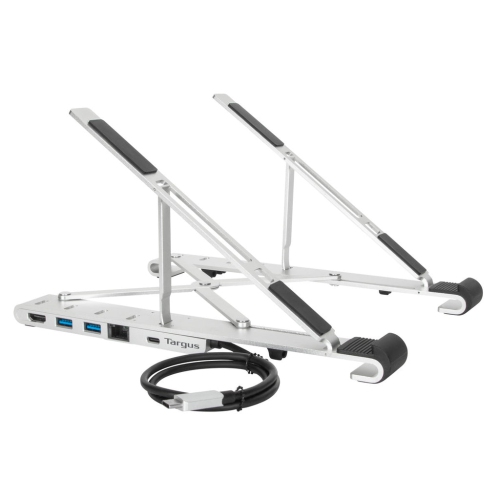
Top Collections:
Best Black Friday Deals This Year, Best Black Friday Deals On Electronics, Kindle Devices, Pokemon Centers, Best Black Friday Deals On Apple Products, Best Cameras for Sports Photography, Dyson Airwrap, Pokémon 30th Celebration Cards, Apple iPhone 17 Pro, Canon G7X Cameras
Some products may be subject to Environmental Handling Fees
(EHF) depending on your province.
Learn more about EHFs.