Aids for Low Vision
Living with low vision can present unique challenges, but there are a variety of aids available to help enhance daily life for individuals facing this condition. From magnifiers and lighting solutions to large-print keyboards and talking watches, these assistive tools can make tasks such as reading, writing, and navigating the world more manageable and enjoyable. Explore our selection of aids for low vision to find the right products that can improve independence and quality of life.
Sort



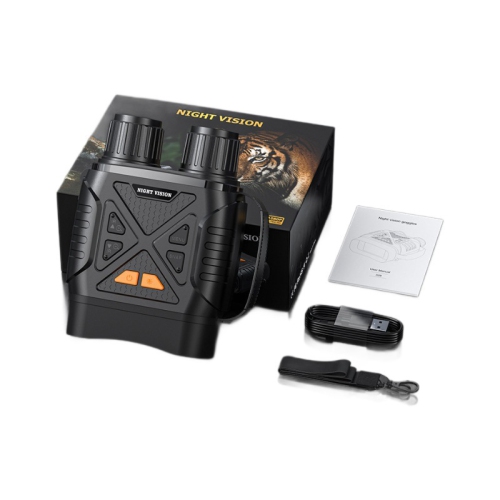
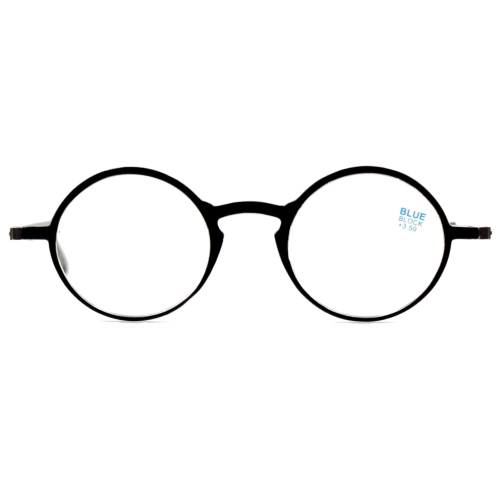
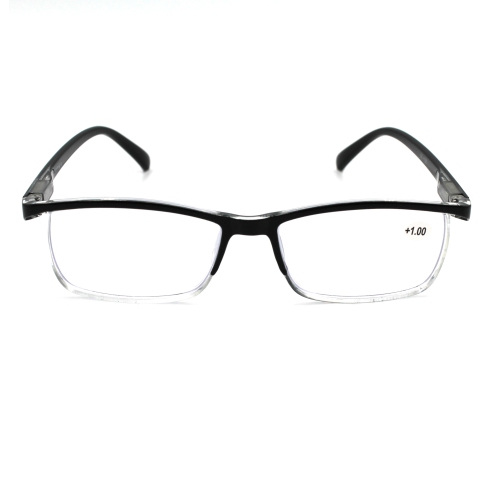
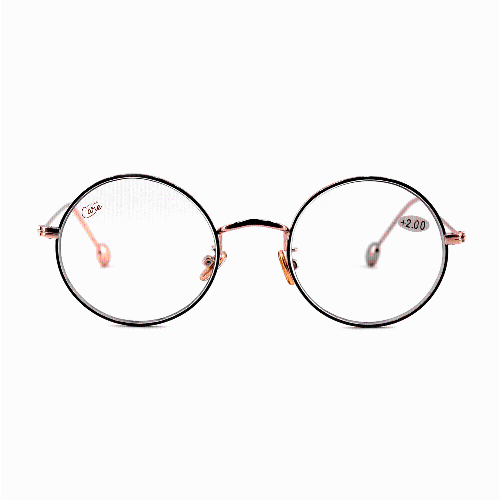



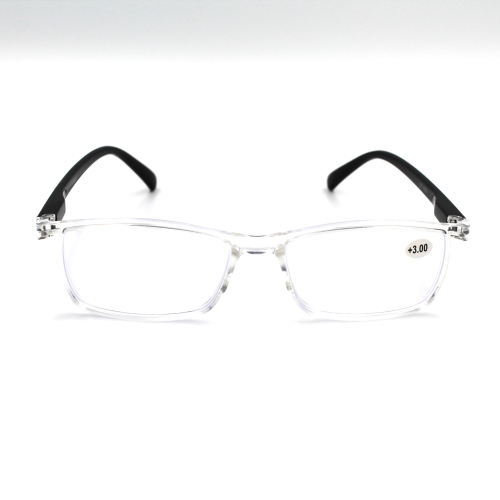
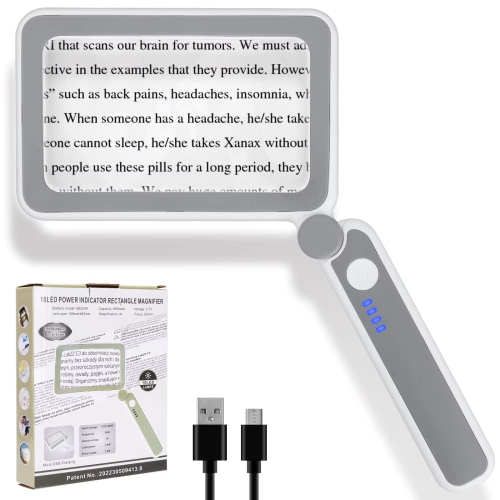
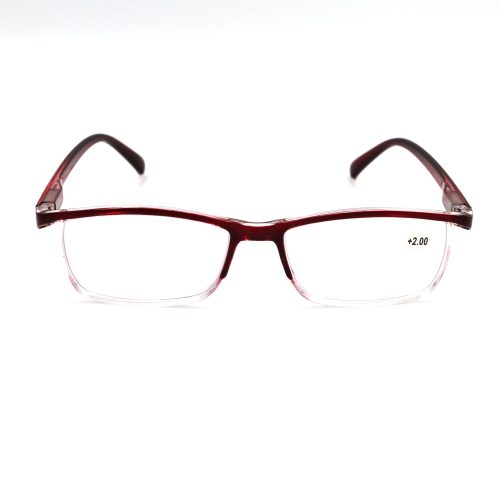
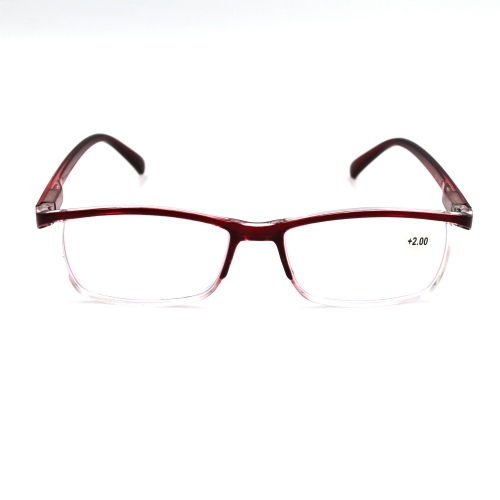
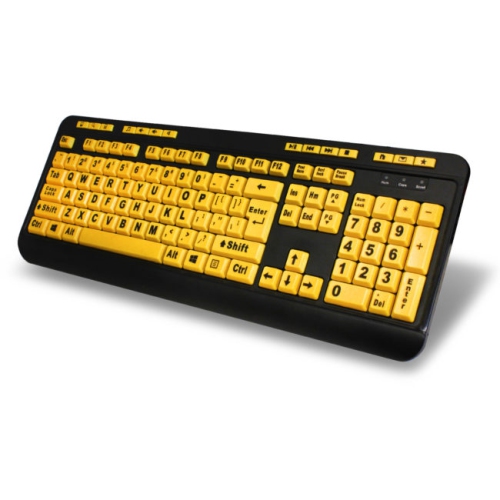
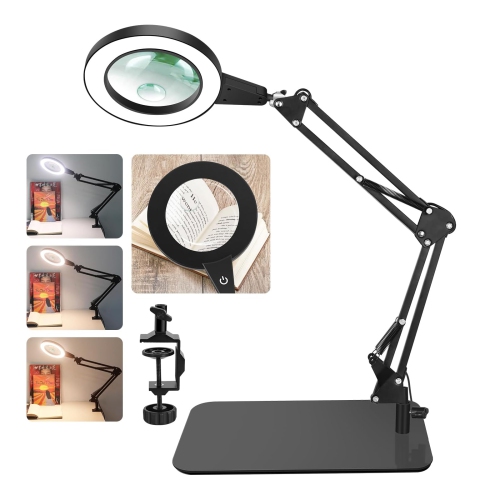
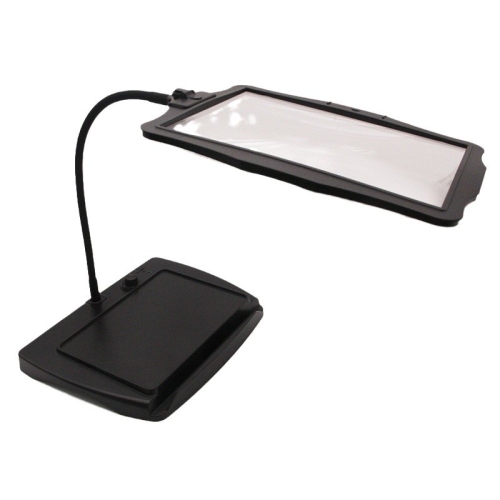










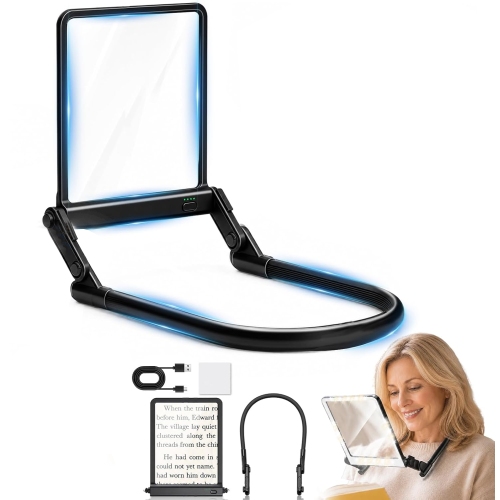


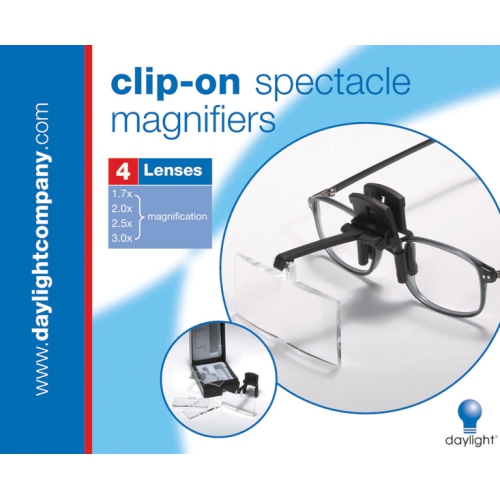
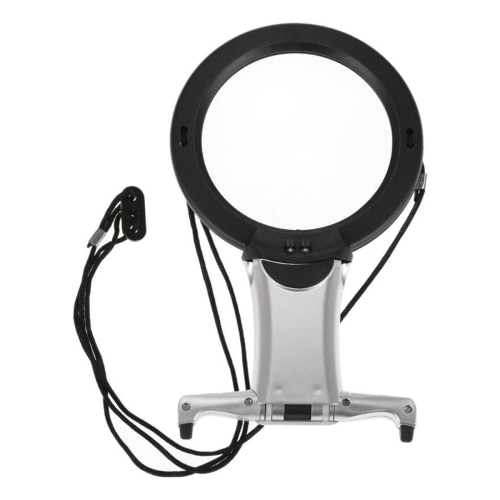
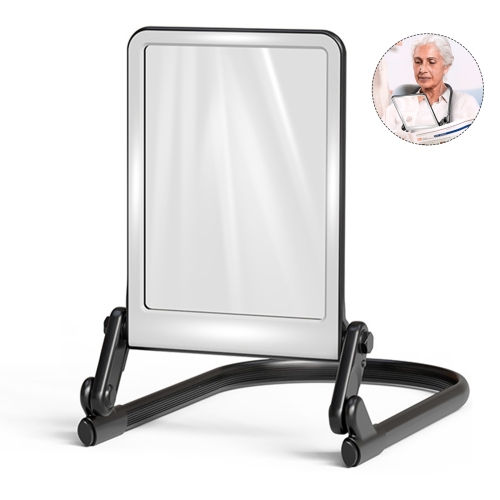




















Support for reading, routines, and everyday independence
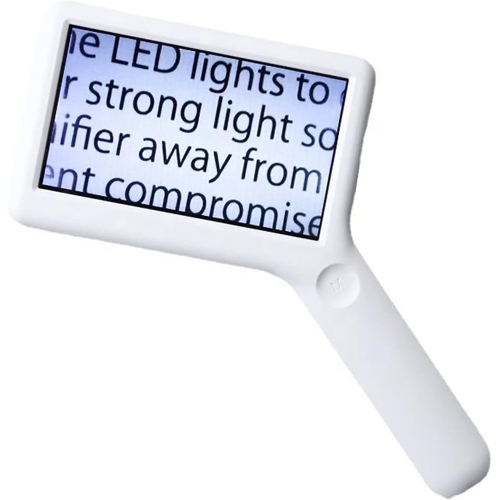
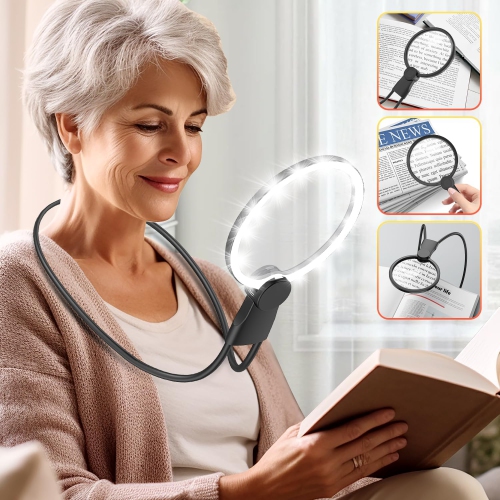
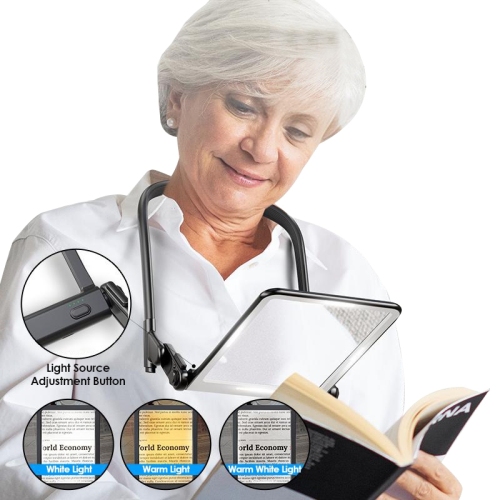
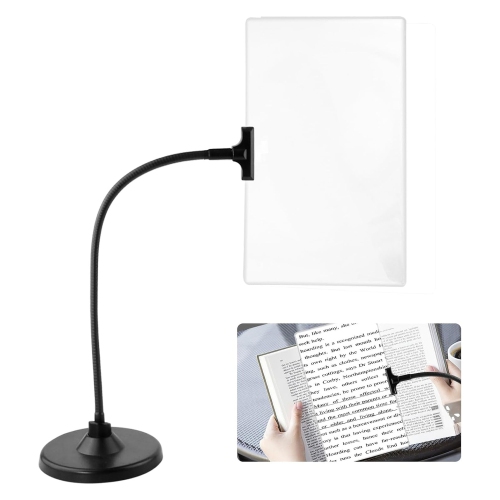
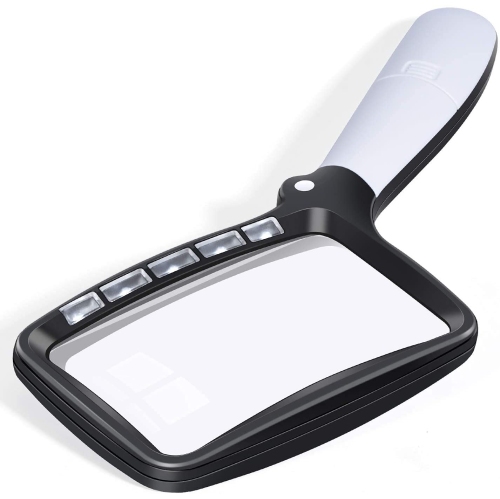
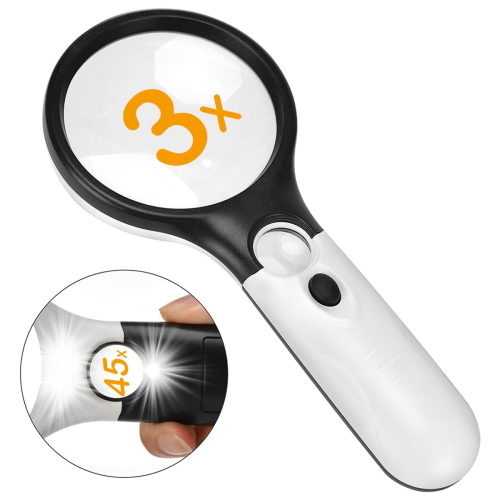
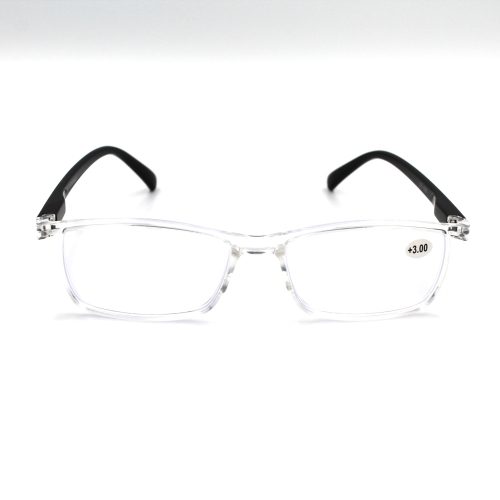
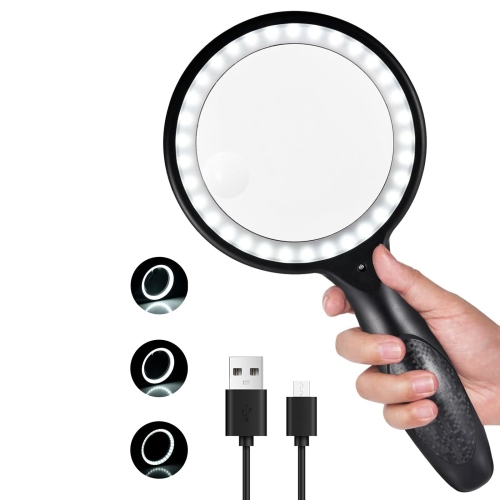
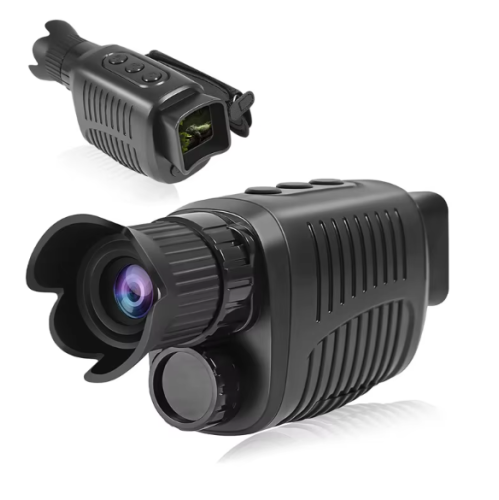
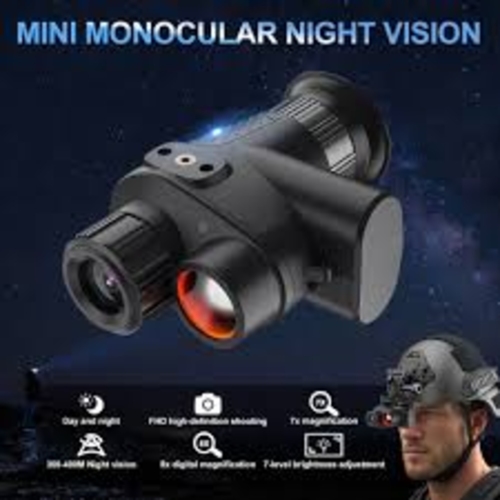
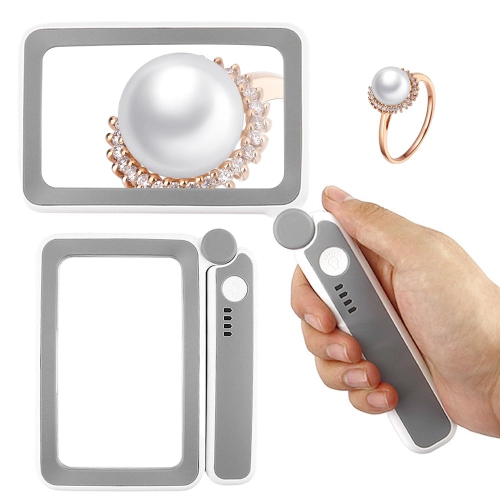
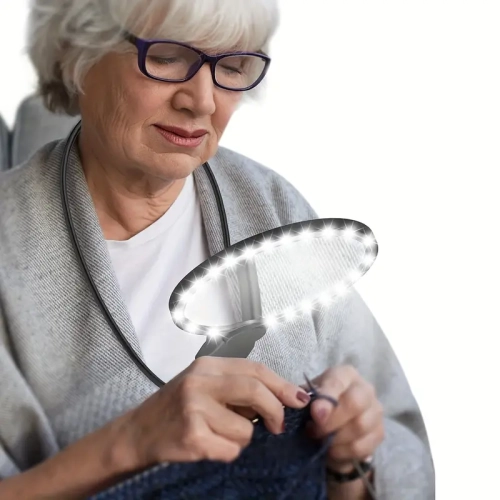
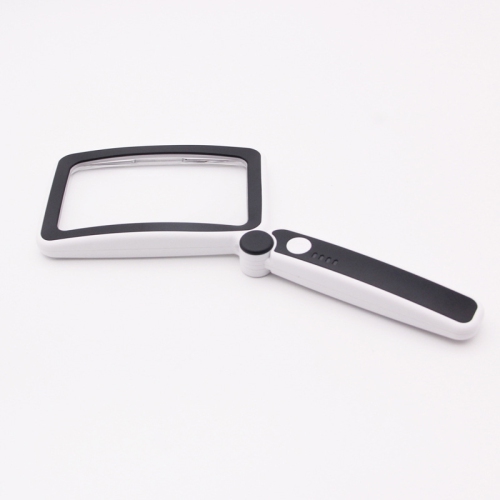
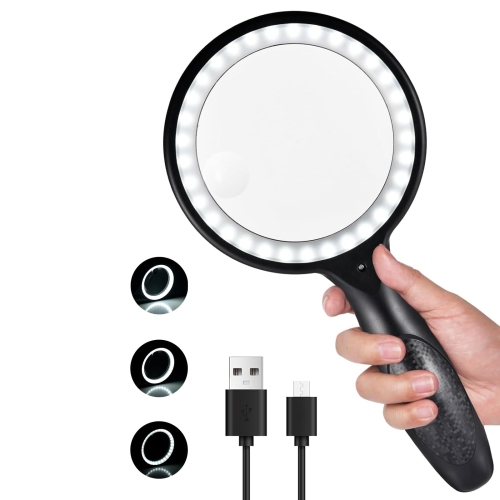
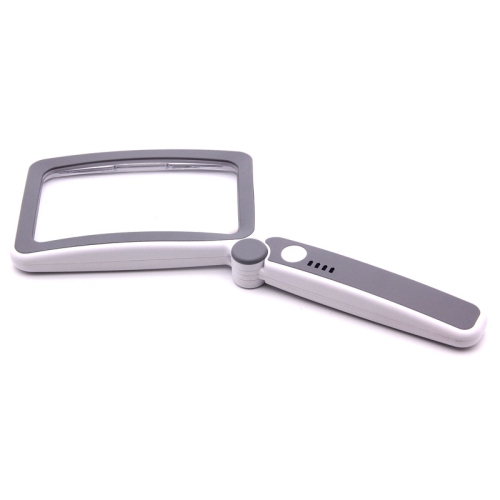
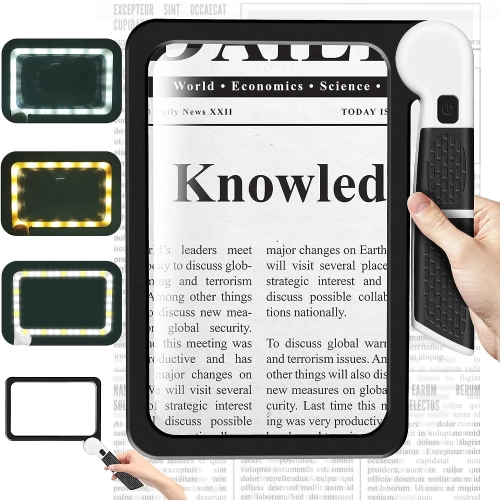
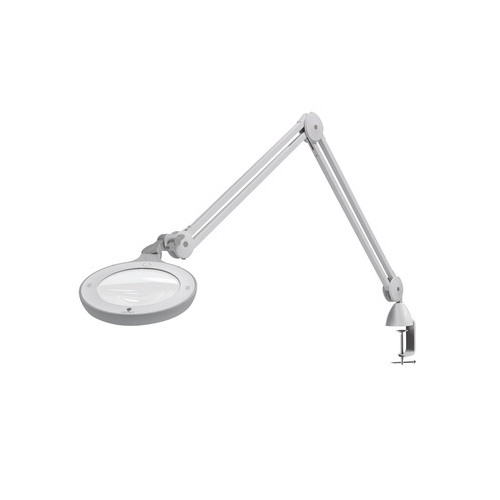
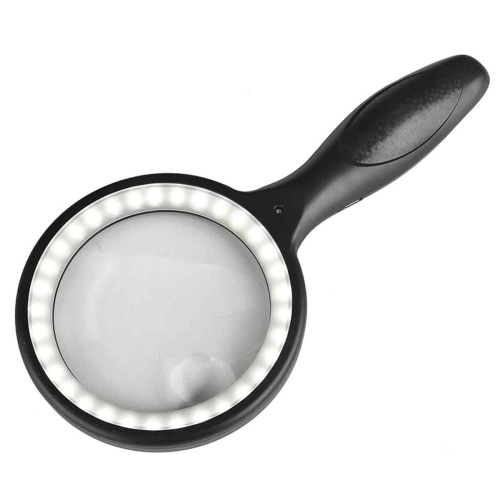
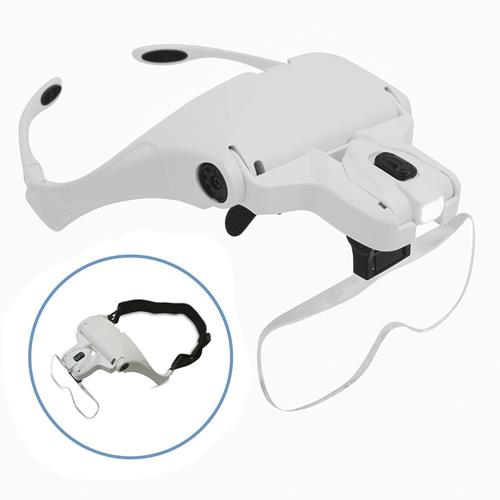
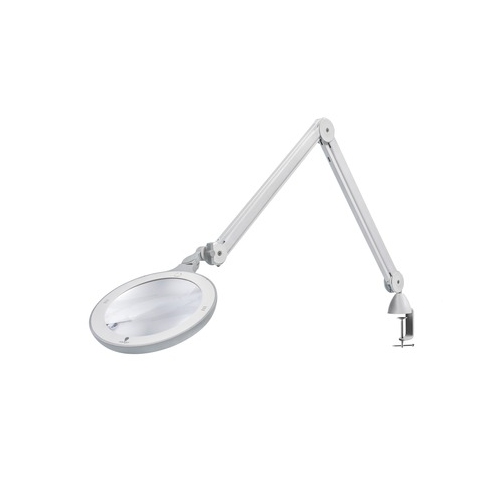
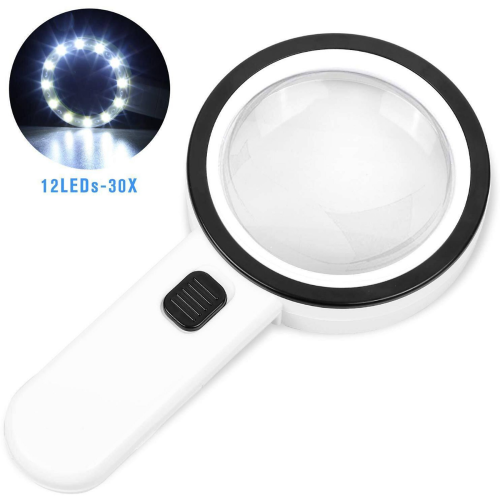
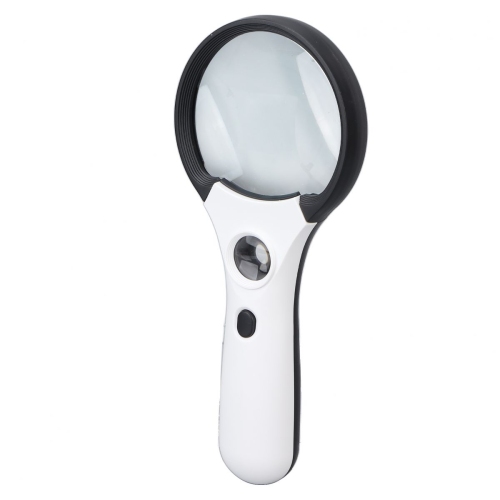
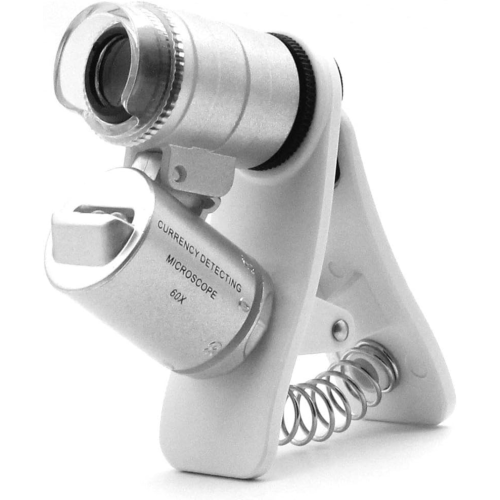
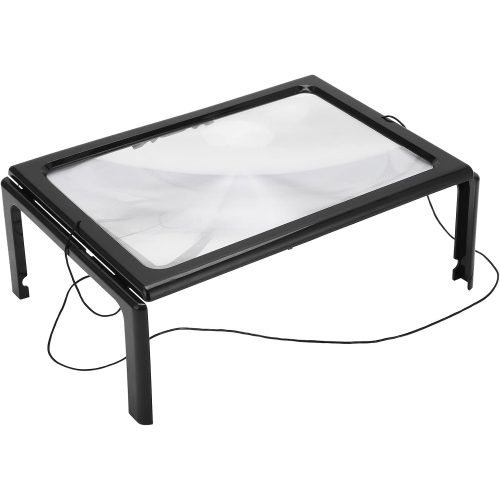
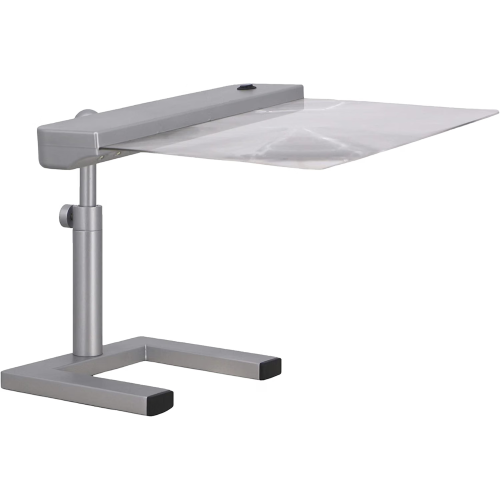
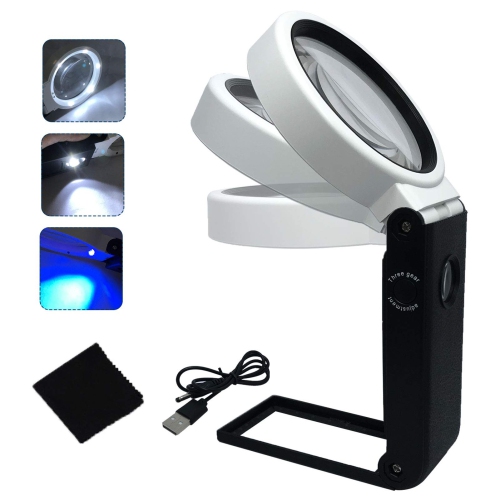
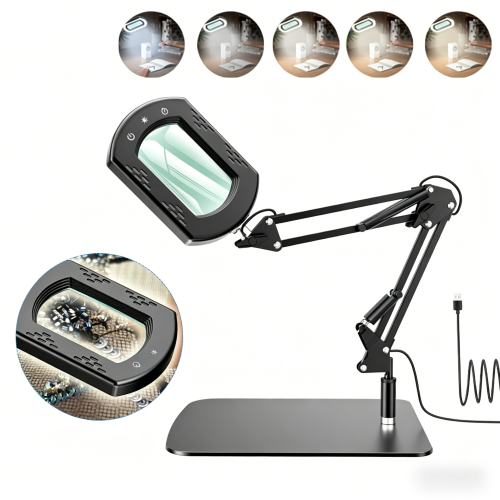
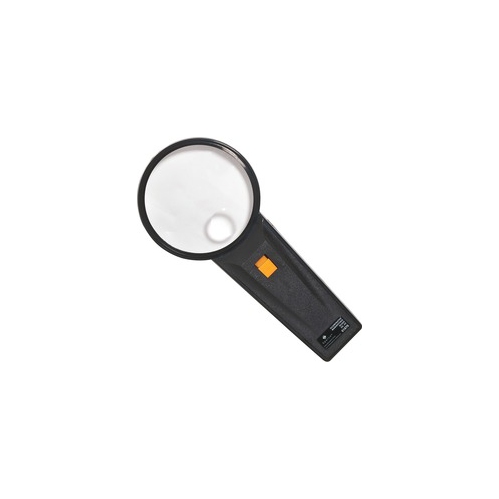
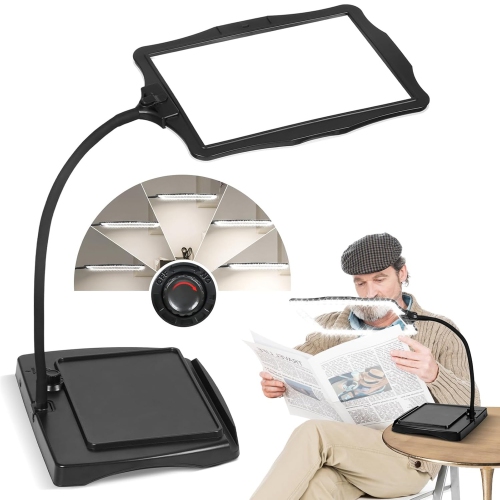
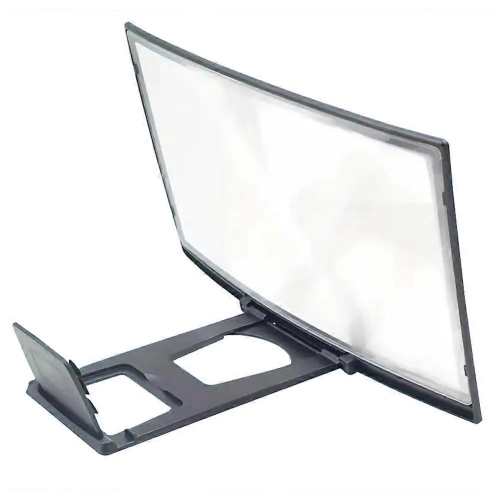
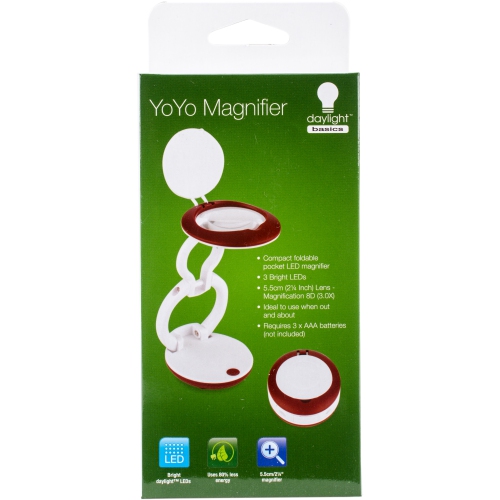
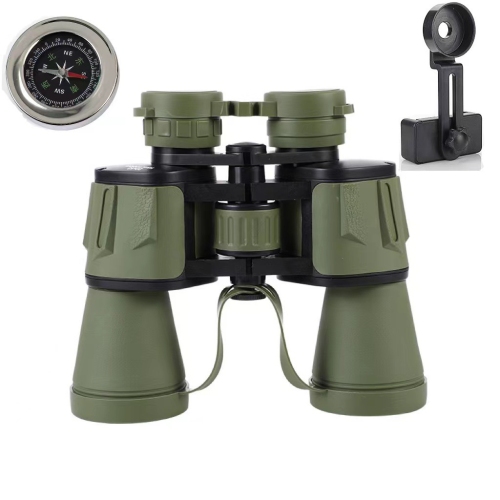
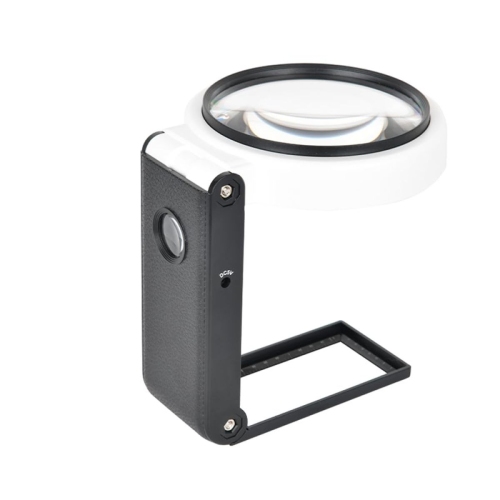
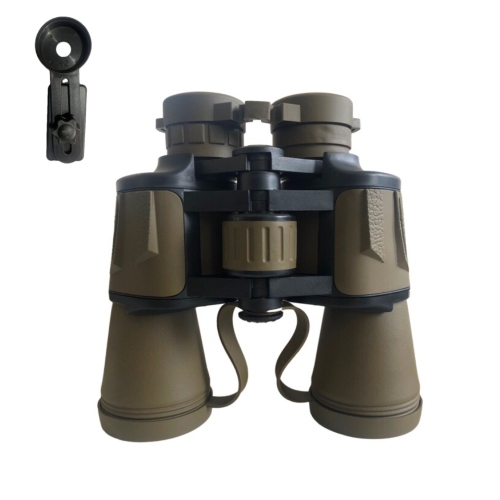
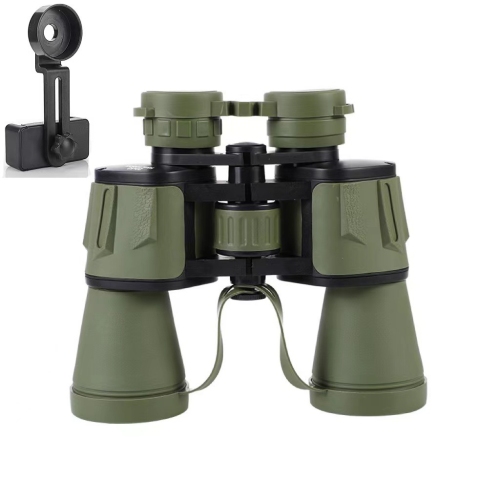
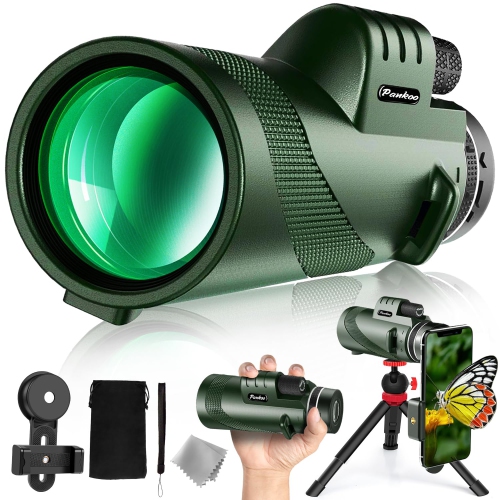
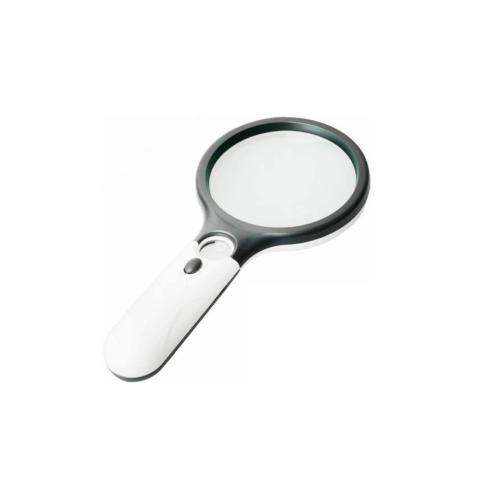
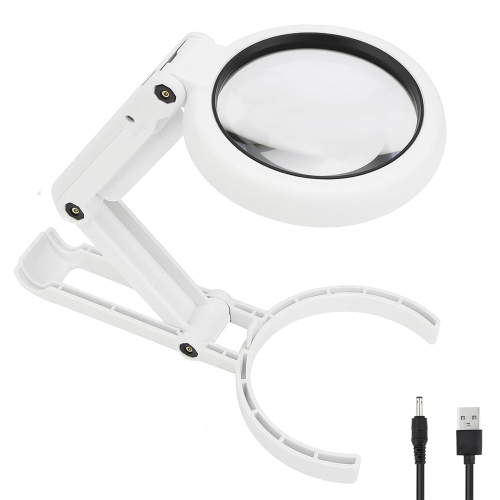
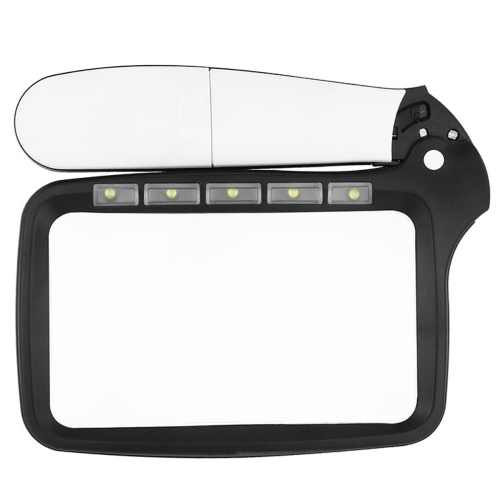
Aids for low vision are tools and devices designed to help people make better use of their remaining sight during everyday activities. Low vision can affect reading, writing, recognizing faces, preparing meals, checking labels, watching television, identifying signs, or moving confidently through familiar spaces. The right aid may enlarge an image, improve contrast, reduce glare, provide spoken information, or make important controls easier to locate by touch. Some people use these products after an eye condition has caused permanent vision loss, while others may benefit from them as vision changes gradually with age. They can also be useful for people living with conditions such as macular disease, diabetic eye disease, glaucoma, or other causes of reduced vision. Handheld magnifiers and stand magnifiers are familiar options for enlarging print in books, letters, recipes, medication instructions, craft materials, and price tags. A handheld design can travel from room to room or fit into a bag, while a stand-style magnifier can leave both hands free for reading, sewing, sorting mail, or completing a hobby. Optical magnifiers may be especially convenient for short tasks, whereas electronic magnifiers can provide adjustable enlargement, colour modes, brightness controls, and improved contrast on a screen. Portable video magnifiers can capture a page, photograph, or object and display it at a larger size, making it easier to follow a recipe at the kitchen table, inspect a family photo, or read a menu in a softly lit restaurant. Desktop electronic magnifiers, sometimes called desktop CCTVs, are intended for a more settled workspace and can project documents or other materials onto a dedicated display. They may suit someone who spends time reading, studying, managing paperwork, pursuing detailed crafts, or working from home. As with any vision aid, comfort and ease of use matter as much as magnification. A device that feels natural to hold, has controls that are easy to distinguish, and fits the available table or desk is more likely to become part of a person’s regular routine.
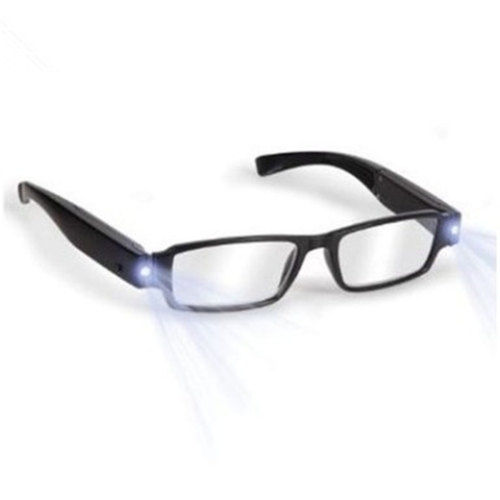
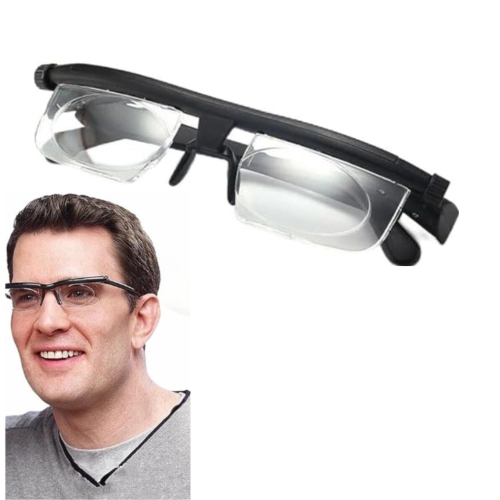
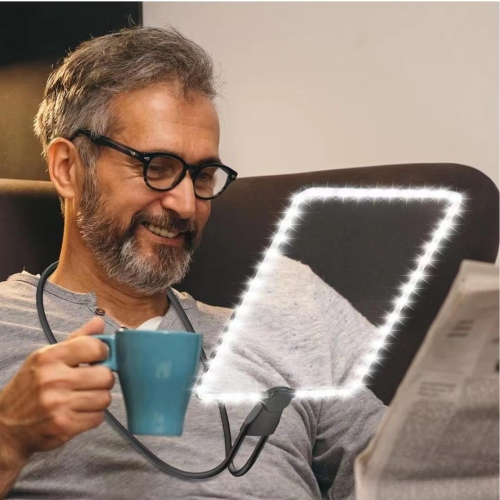
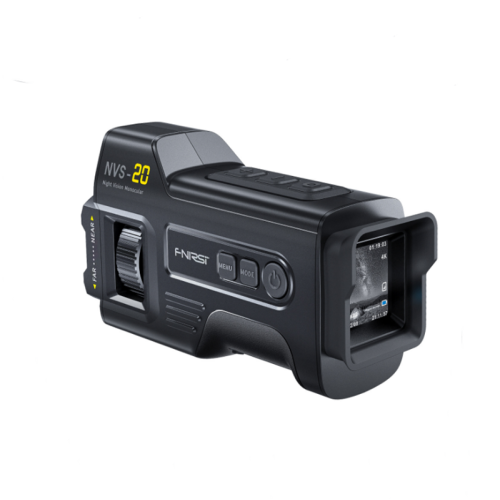
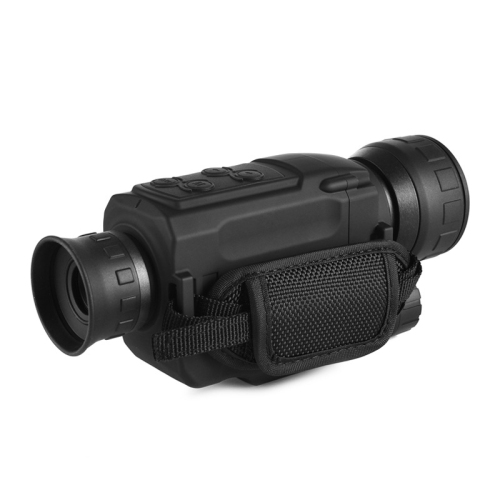
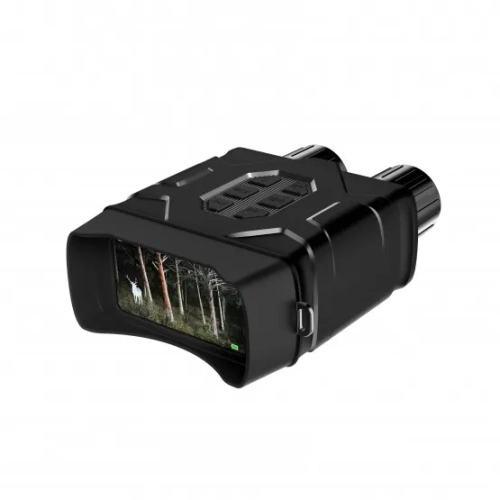
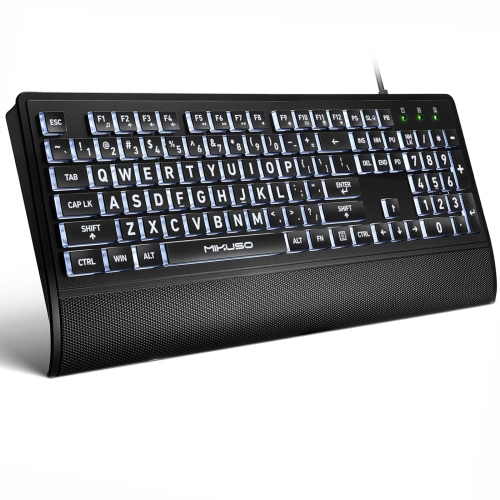
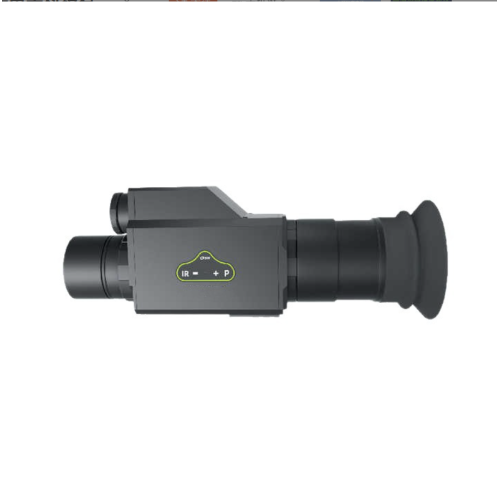
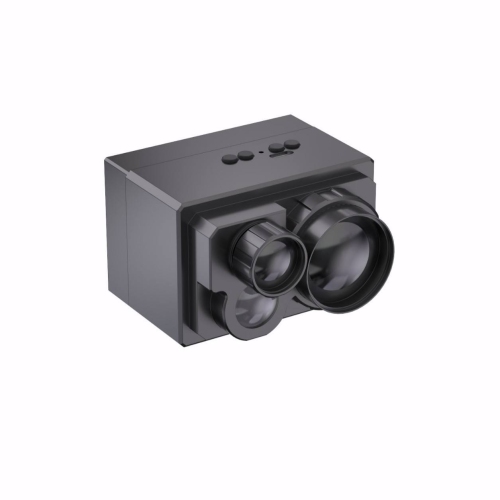
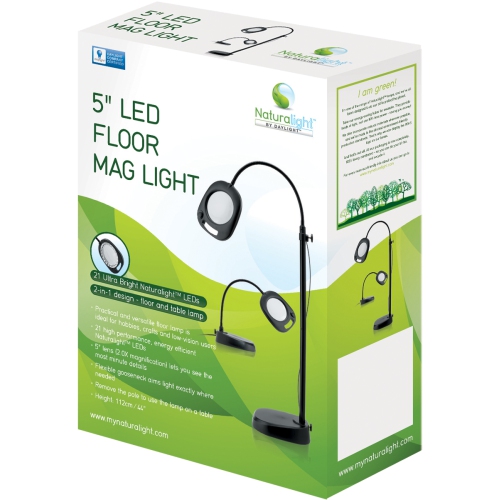
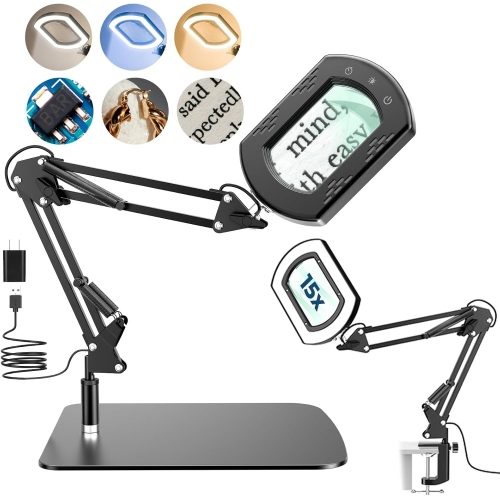
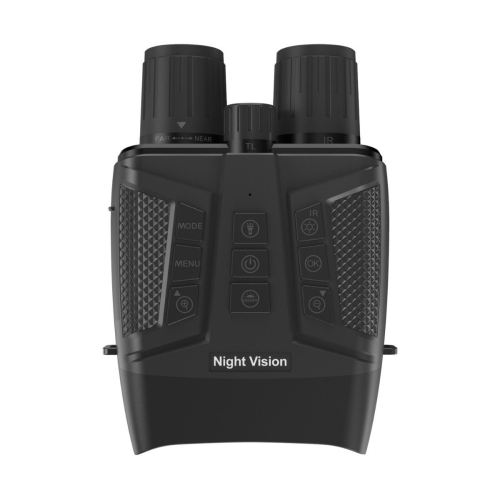
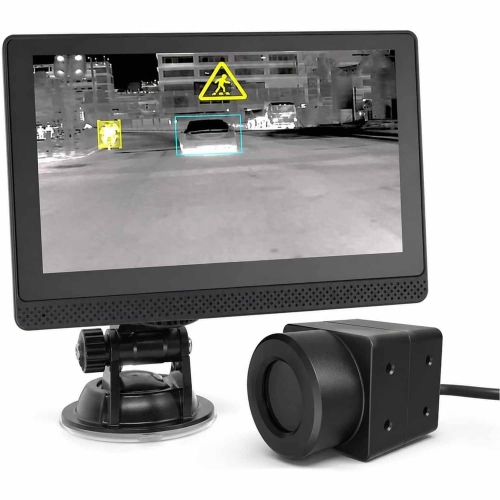
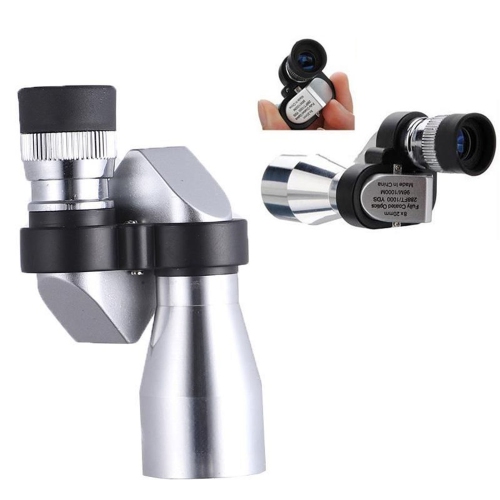
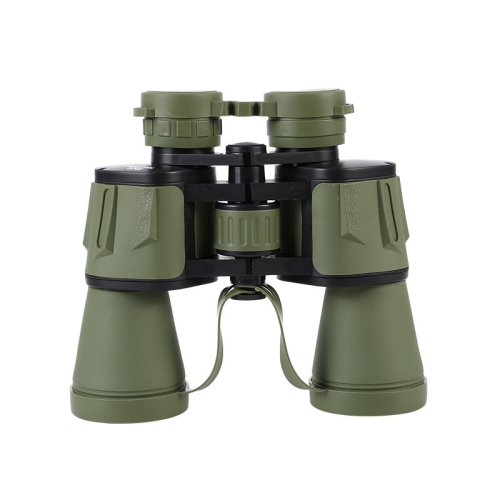
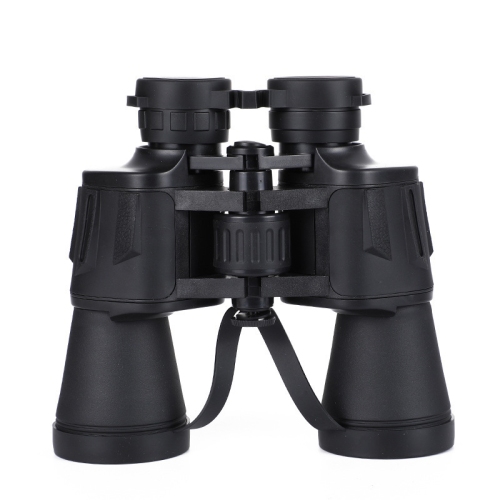
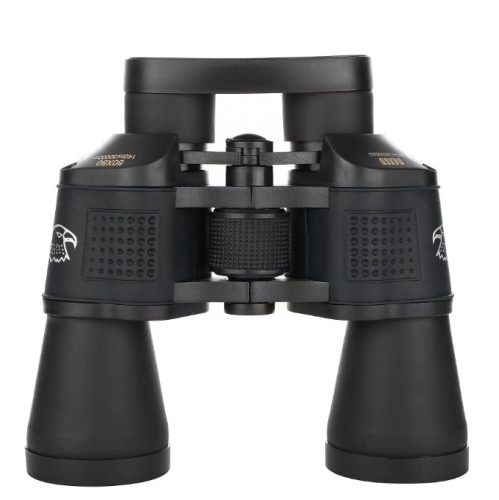
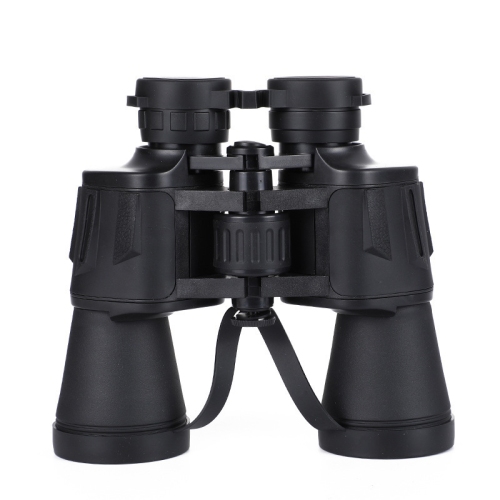
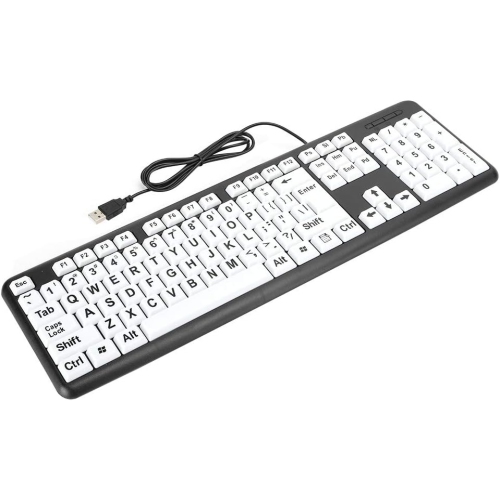
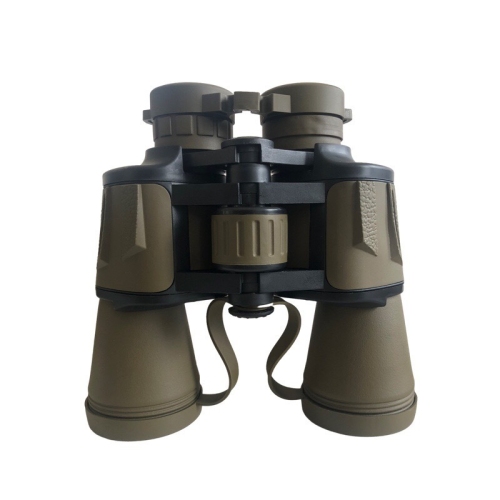
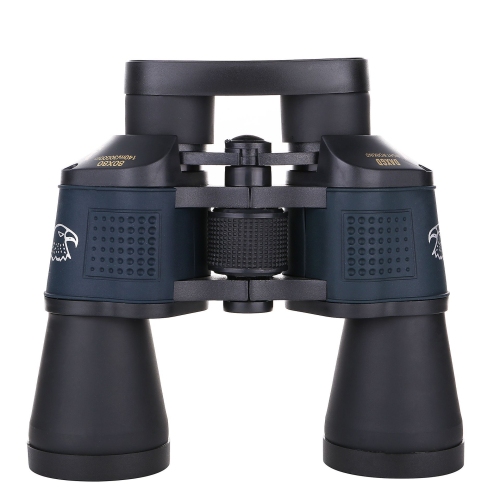
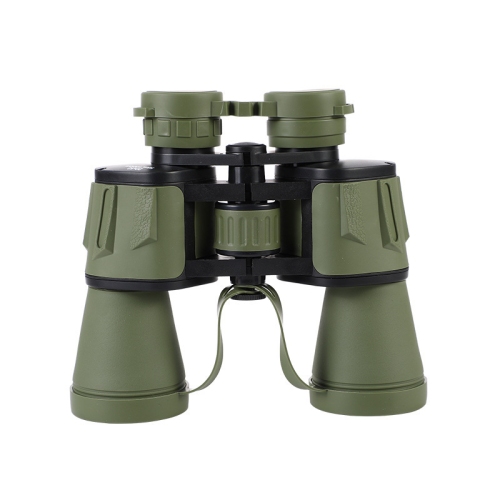
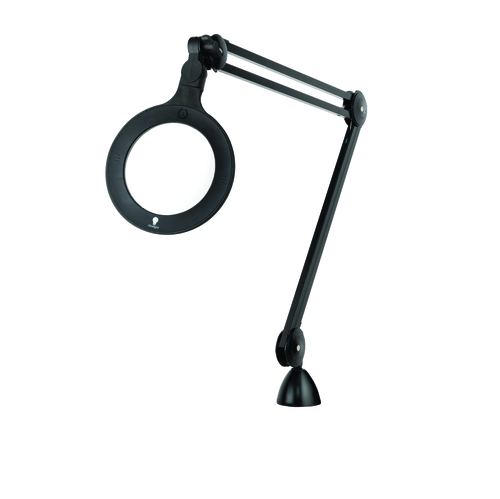
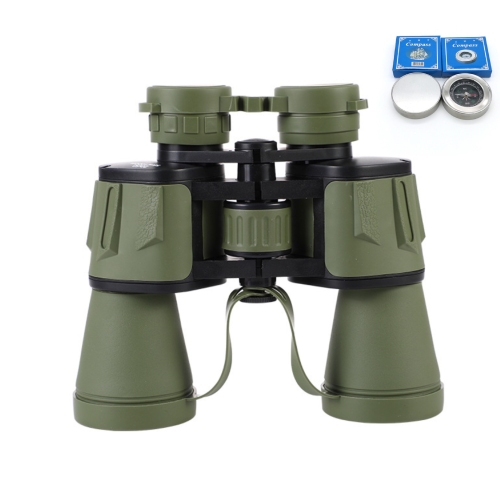
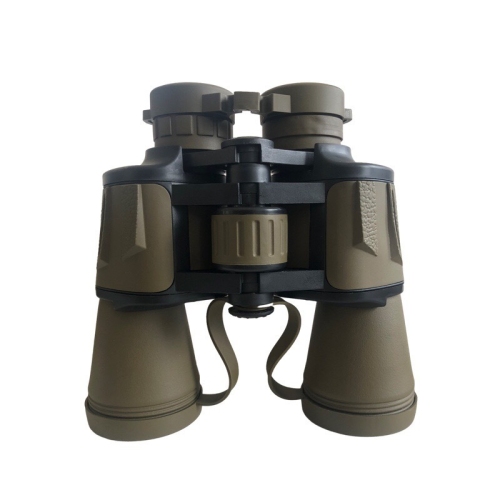
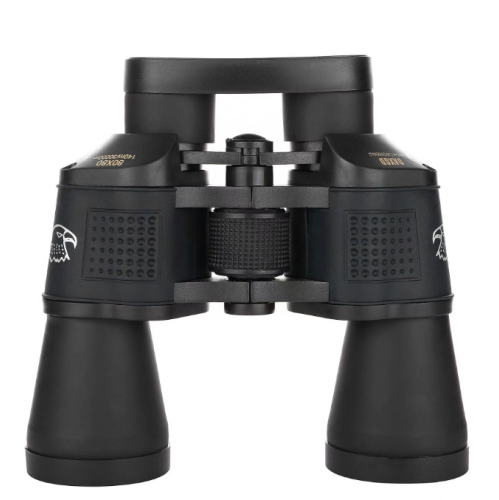
Lighting and contrast can make a noticeable difference when ordinary print or household controls are difficult to see. High-intensity task lamps with adjustable positioning can direct light onto a book, cutting board, puzzle, keyboard, or workbench, helping to illuminate details without casting a hand or page into shadow. Features such as brightness adjustment, flexible necks, and glare control can be helpful because brighter is not always better; some people find excessive glare tiring or uncomfortable. High-contrast everyday items can make familiar routines more manageable, particularly when a black mark against a pale surface or large lettering stands out more clearly than standard designs. Large-print clocks, watches, playing cards, calendars, labels, and phone interfaces can support independence in bedrooms, living rooms, kitchens, and home offices. Tactile markers, including small raised dots or textured indicators, can identify commonly used buttons and settings by touch. They may be placed on appliance controls, keyboards, remote controls, or light switches, provided they do not interfere with safe operation. Digital accessibility tools can offer another layer of support. Screen magnification enlarges text, icons, and images on compatible devices, while text-to-speech and optical character recognition can read digital or printed words aloud. Some smart tools can describe scenes, identify colours, recognize currency, or help interpret text, although available features vary by device, app, language, and operating system. When comparing electronic options, consider screen size, image clarity, magnification range, contrast settings, battery life, charging requirements, portability, sound output, and the learning curve involved. For someone who watches television from a distance, attends performances, or needs help reading signs, a small monocular or binocular telescope may offer useful distance viewing. Telescopic systems can help bring a stage, notice board, street sign, or television image closer, but they require practice and may not be suitable for every situation. Optical aids and specialized spectacles are often selected with guidance from an eye-care professional, especially when a particular working distance or field of view is needed.
Choosing an aid for low vision is most successful when it reflects the person’s habits, surroundings, and priorities rather than simply offering the highest level of magnification. Think about the tasks that cause the most frustration: reading correspondence, seeing a phone screen, measuring ingredients, recognizing visitors at the door, locating a remote, or following subtitles across a room. Someone who moves frequently between rooms may appreciate a lightweight portable option, while someone who reads for long periods may prefer a stable device with a larger viewing area and comfortable controls. A gift can be especially thoughtful when it supports a favourite activity, such as reading novels, keeping track of family photographs, playing cards, knitting, gardening, or staying connected with relatives. If the item is intended for a parent, grandparent, friend, or colleague, it is worth considering whether they prefer simple physical controls, spoken prompts, a larger display, or a device that works alongside technology they already use. For people who find conventional mobile interfaces difficult to read or navigate, accessible communication options are available in Phones for Visually Impaired, with features that may include larger displays, simplified menus, tactile buttons, amplified sound, or compatibility with accessibility settings. During the warmer months and into cooler weather, portable aids can be useful at the cottage, in the garden, while travelling, or at community activities, while desktop options can create a dependable reading station indoors. Keep frequently used devices charged, store magnifiers where they are easy to reach, and clean lenses or screens according to the manufacturer’s instructions. It is also wise to check whether a product requires an app, internet connection, batteries, a particular operating system, or enough table space for comfortable use. Low vision aids do not restore sight or replace professional care, but they can reduce strain, support familiar routines, and make information easier to access. An optometrist, ophthalmologist, low-vision specialist, or occupational therapist can help identify suitable magnification, lighting, contrast, and accessibility strategies, particularly when vision changes suddenly or daily activities become unsafe. With a thoughtful match between the aid and the task, reading a handwritten note, finding a favourite shirt, checking a recipe, or recognizing a loved one across the room can feel less demanding and more reassuring.
Lighting and contrast can make a noticeable difference when ordinary print or household controls are difficult to see. High-intensity task lamps with adjustable positioning can direct light onto a book, cutting board, puzzle, keyboard, or workbench, helping to illuminate details without casting a hand or page into shadow. Features such as brightness adjustment, flexible necks, and glare control can be helpful because brighter is not always better; some people find excessive glare tiring or uncomfortable. High-contrast everyday items can make familiar routines more manageable, particularly when a black mark against a pale surface or large lettering stands out more clearly than standard designs. Large-print clocks, watches, playing cards, calendars, labels, and phone interfaces can support independence in bedrooms, living rooms, kitchens, and home offices. Tactile markers, including small raised dots or textured indicators, can identify commonly used buttons and settings by touch. They may be placed on appliance controls, keyboards, remote controls, or light switches, provided they do not interfere with safe operation. Digital accessibility tools can offer another layer of support. Screen magnification enlarges text, icons, and images on compatible devices, while text-to-speech and optical character recognition can read digital or printed words aloud. Some smart tools can describe scenes, identify colours, recognize currency, or help interpret text, although available features vary by device, app, language, and operating system. When comparing electronic options, consider screen size, image clarity, magnification range, contrast settings, battery life, charging requirements, portability, sound output, and the learning curve involved. For someone who watches television from a distance, attends performances, or needs help reading signs, a small monocular or binocular telescope may offer useful distance viewing. Telescopic systems can help bring a stage, notice board, street sign, or television image closer, but they require practice and may not be suitable for every situation. Optical aids and specialized spectacles are often selected with guidance from an eye-care professional, especially when a particular working distance or field of view is needed.
Choosing an aid for low vision is most successful when it reflects the person’s habits, surroundings, and priorities rather than simply offering the highest level of magnification. Think about the tasks that cause the most frustration: reading correspondence, seeing a phone screen, measuring ingredients, recognizing visitors at the door, locating a remote, or following subtitles across a room. Someone who moves frequently between rooms may appreciate a lightweight portable option, while someone who reads for long periods may prefer a stable device with a larger viewing area and comfortable controls. A gift can be especially thoughtful when it supports a favourite activity, such as reading novels, keeping track of family photographs, playing cards, knitting, gardening, or staying connected with relatives. If the item is intended for a parent, grandparent, friend, or colleague, it is worth considering whether they prefer simple physical controls, spoken prompts, a larger display, or a device that works alongside technology they already use. For people who find conventional mobile interfaces difficult to read or navigate, accessible communication options are available in Phones for Visually Impaired, with features that may include larger displays, simplified menus, tactile buttons, amplified sound, or compatibility with accessibility settings. During the warmer months and into cooler weather, portable aids can be useful at the cottage, in the garden, while travelling, or at community activities, while desktop options can create a dependable reading station indoors. Keep frequently used devices charged, store magnifiers where they are easy to reach, and clean lenses or screens according to the manufacturer’s instructions. It is also wise to check whether a product requires an app, internet connection, batteries, a particular operating system, or enough table space for comfortable use. Low vision aids do not restore sight or replace professional care, but they can reduce strain, support familiar routines, and make information easier to access. An optometrist, ophthalmologist, low-vision specialist, or occupational therapist can help identify suitable magnification, lighting, contrast, and accessibility strategies, particularly when vision changes suddenly or daily activities become unsafe. With a thoughtful match between the aid and the task, reading a handwritten note, finding a favourite shirt, checking a recipe, or recognizing a loved one across the room can feel less demanding and more reassuring.
Top selling and popular products
-
 Your price for this item is $23.97
-
 Your price for this item is $24.99
-
 Your price for this item is $32.99
-
 Your price for this item is $59.5
-
 Your price for this item is $191.68
-
 Your price for this item is $23.75
-
 Your price for this item is $41.99
-
 Your price for this item is $999
Discover more categories related to Aids for Low Vision
Top Collections:
Pokemon Centers, Kindle Devices, Best Cameras for Sports Photography, Pokémon 30th Celebration Cards, Apple iPhones 16, Canon G7X Cameras, iPhone 15 Apple, Flip Phones, Samsung Galaxy Phones, Alarm Clock
Some products may be subject to Environmental Handling Fees
(EHF) depending on your province.
Learn more about EHFs.