Top 5 Gaming Chairs
If you're a gamer, you know that a good chair is essential to your well-being. A good chair can make the difference between a long gaming session and a short one. It can also help you play your best. That's why we've rounded up our favorite chairs for gamers, from budget-friendly options to high-end chairs that will help you dominate your opponents.
Sort
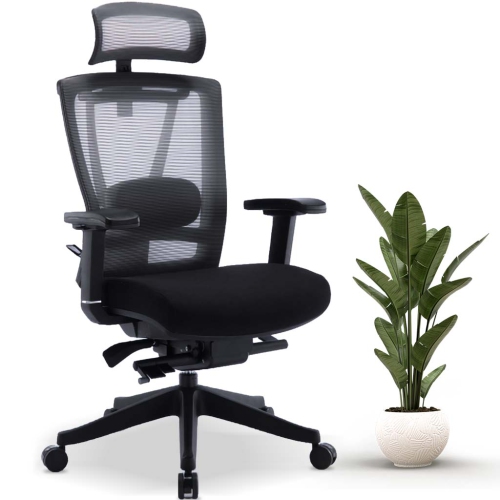
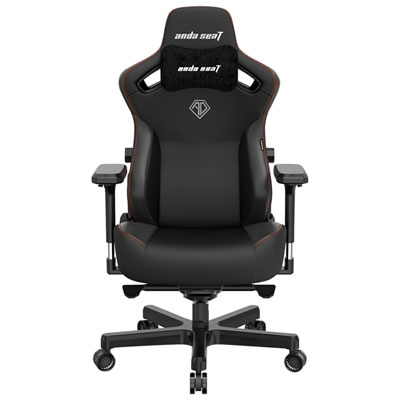
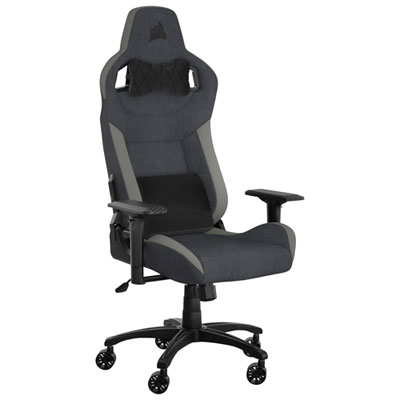
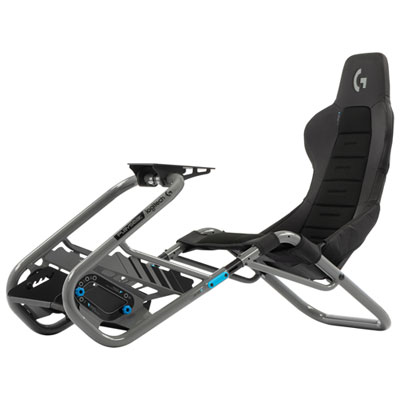
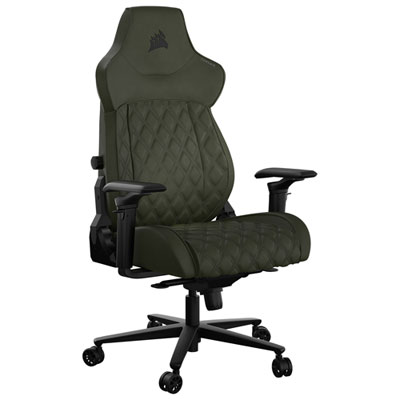
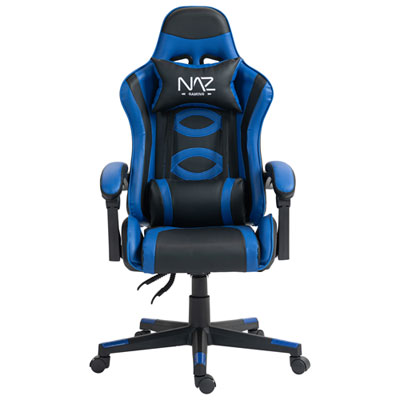
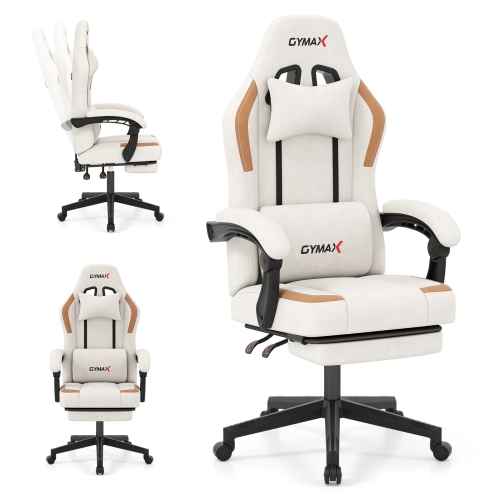
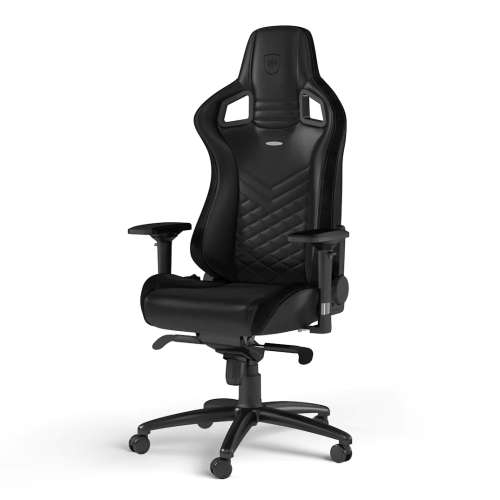
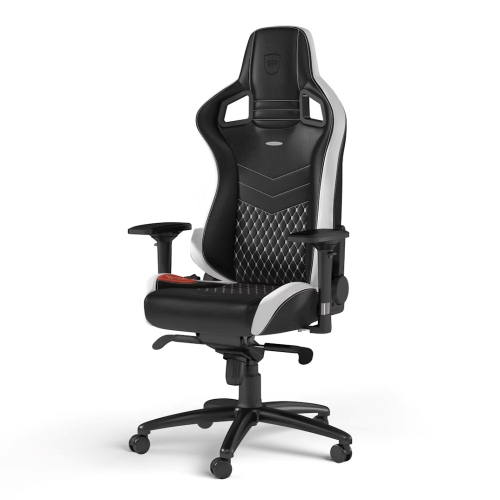
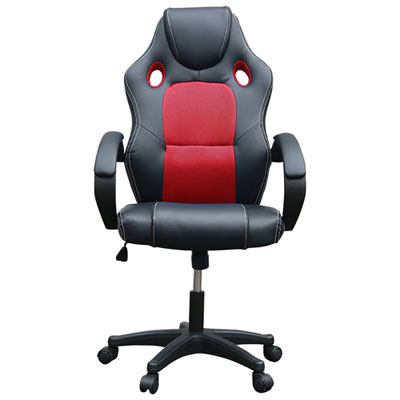

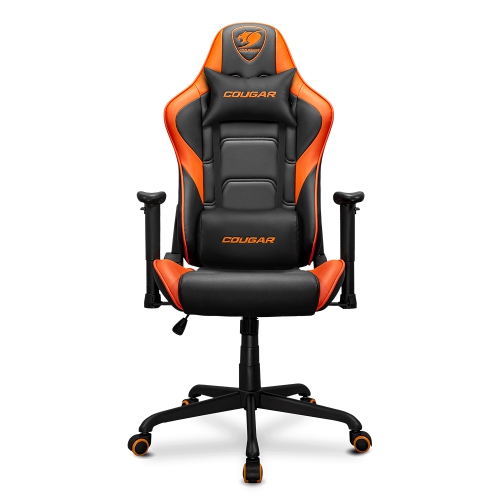
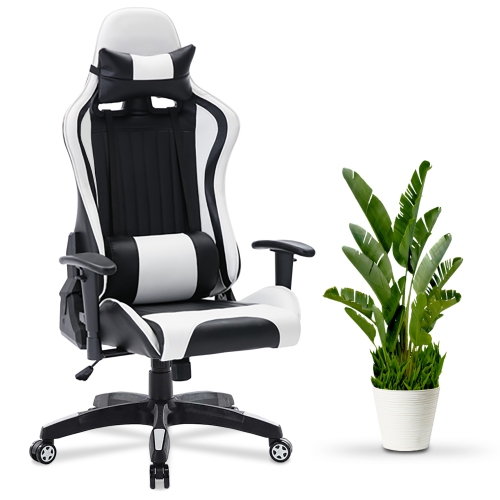
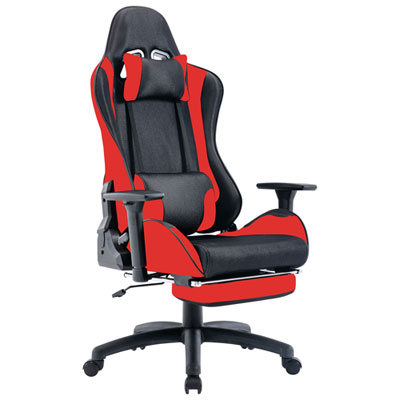
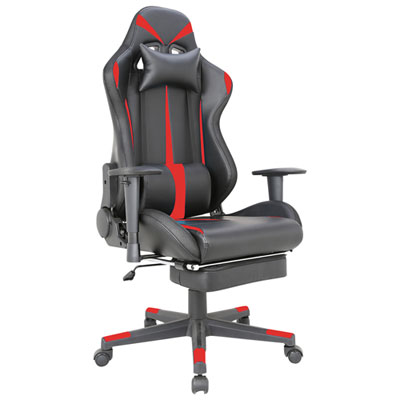
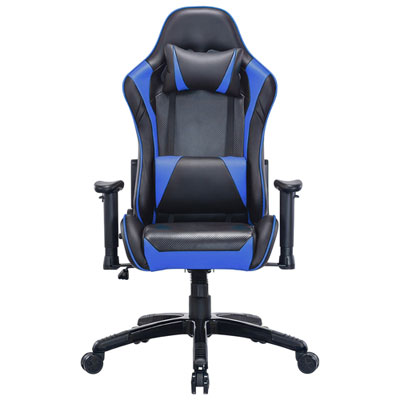
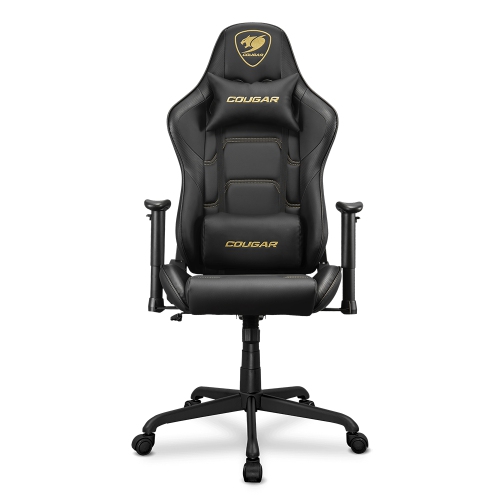
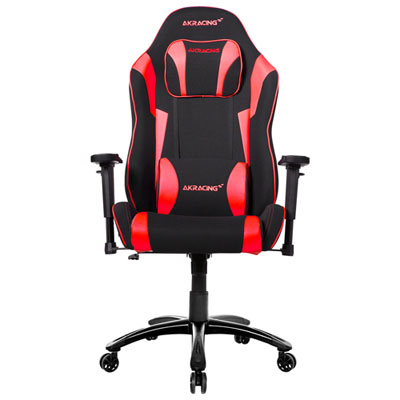
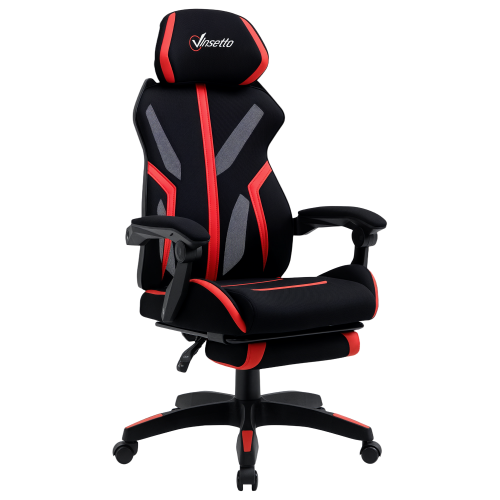
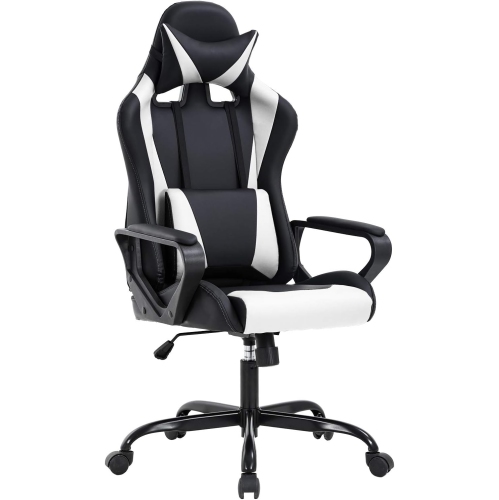
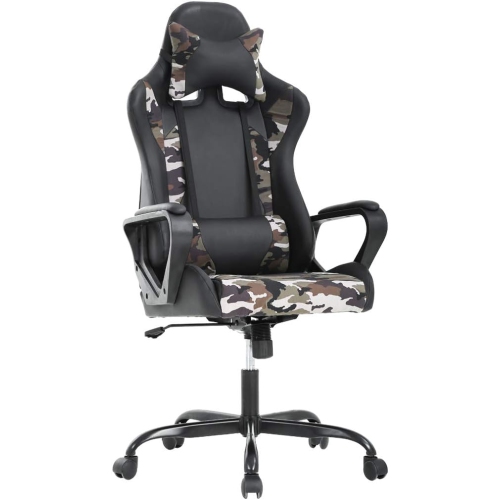
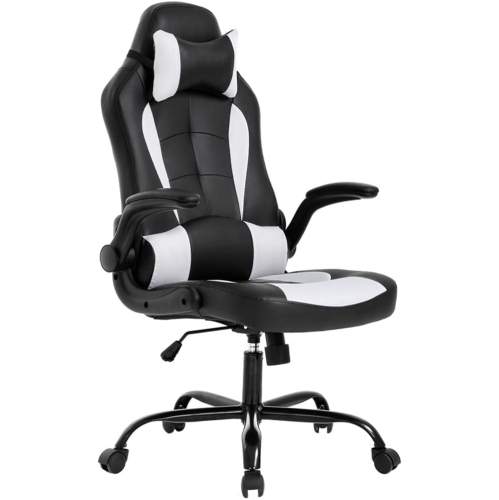
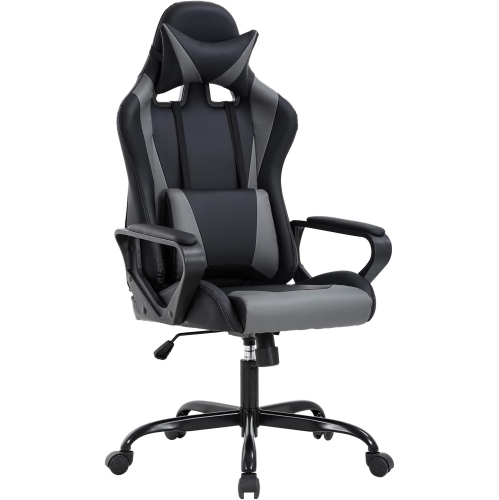
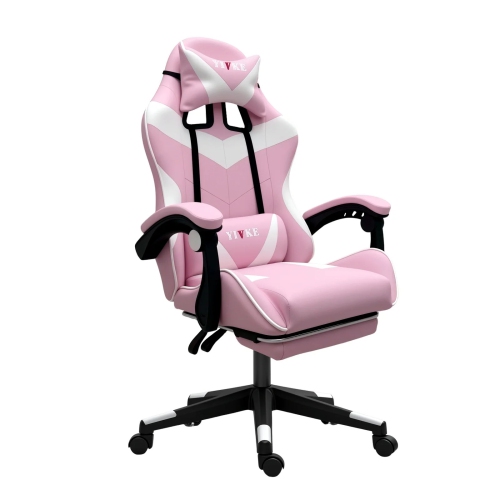
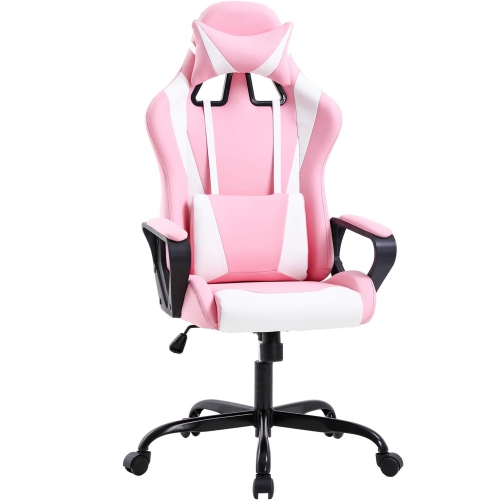
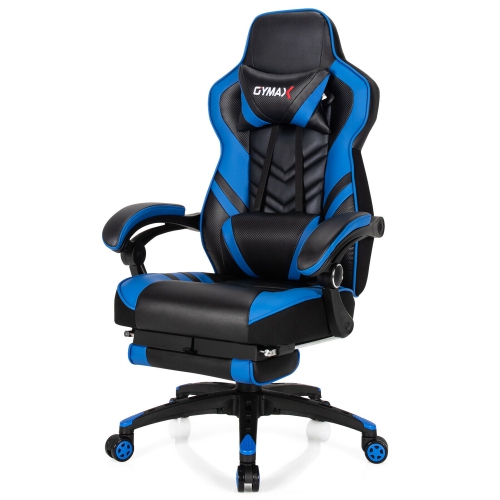
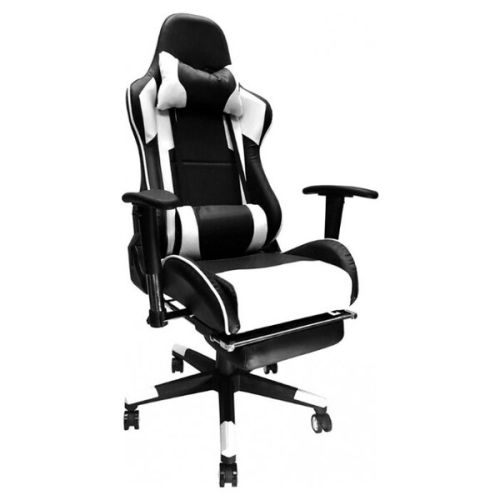
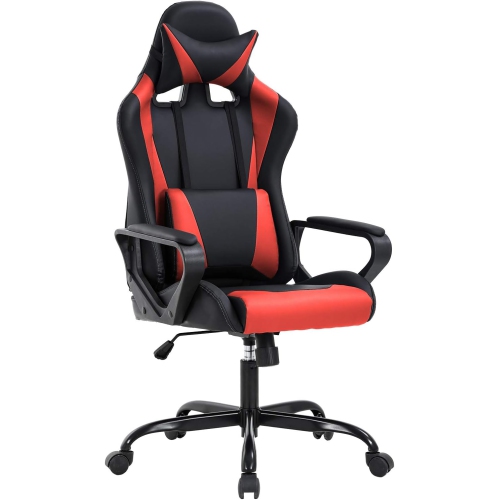
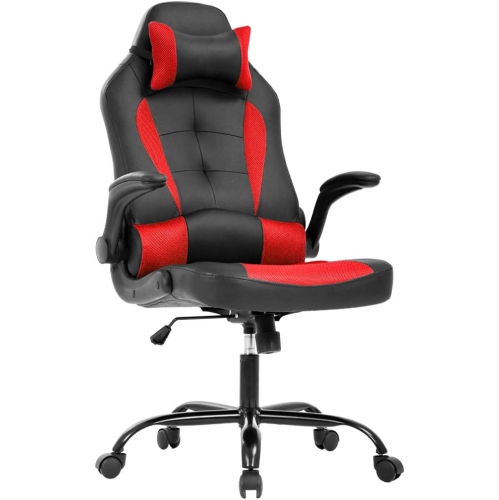
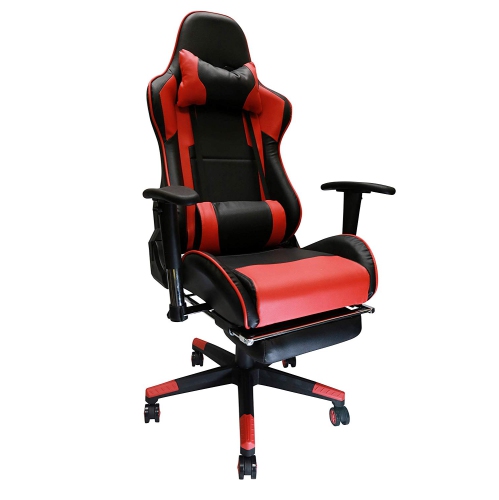
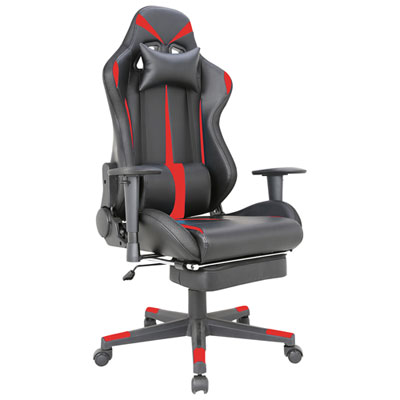
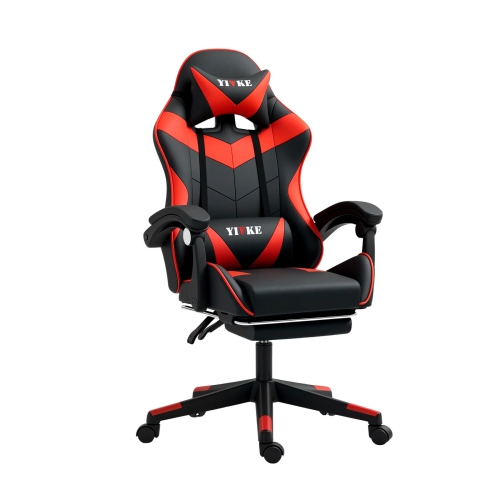
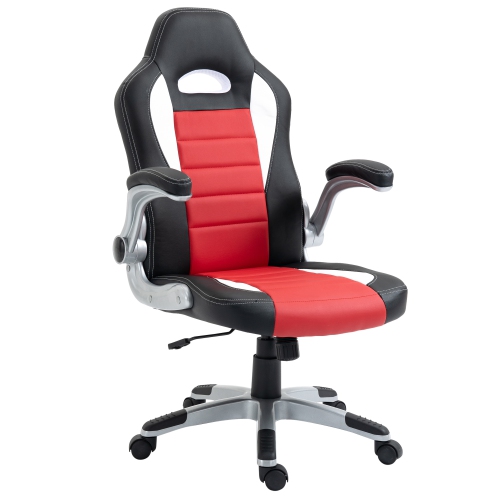
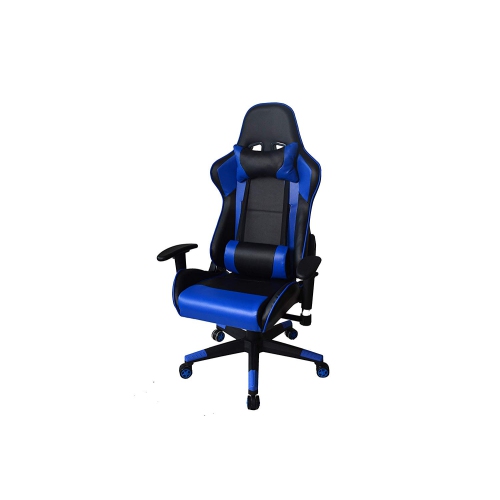
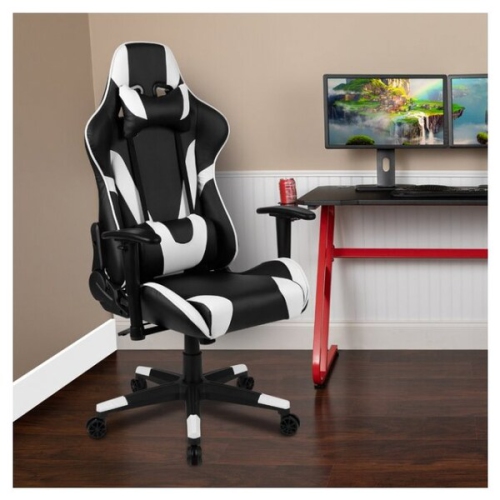
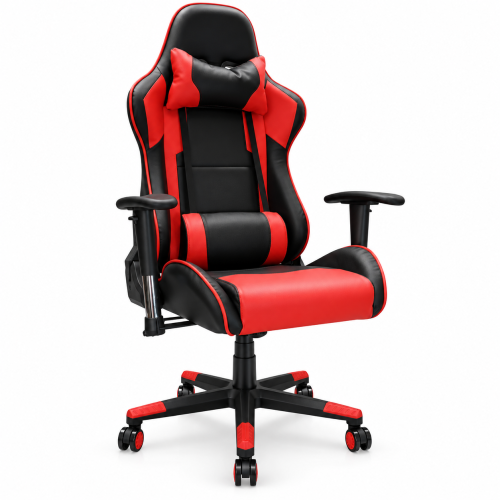
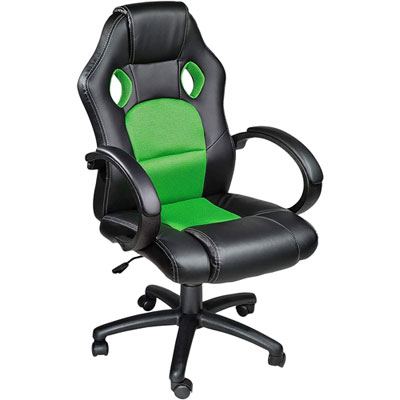
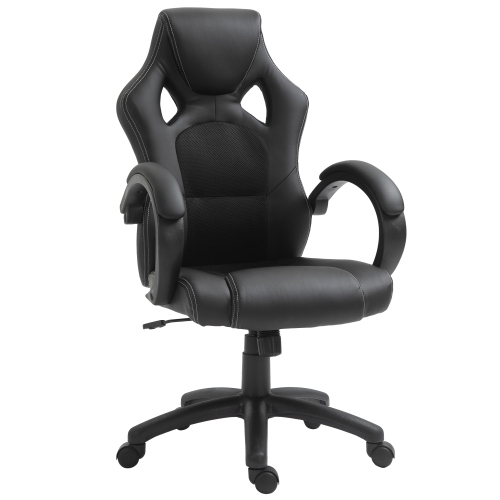
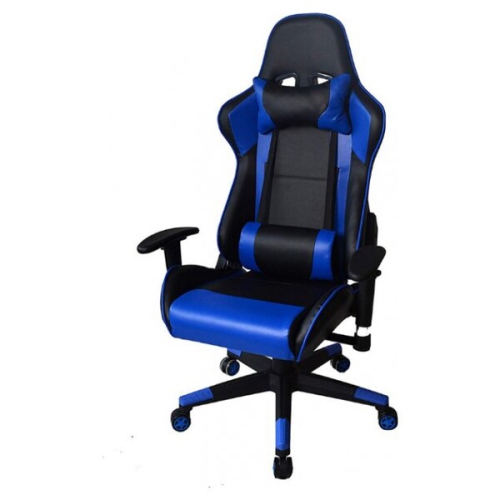
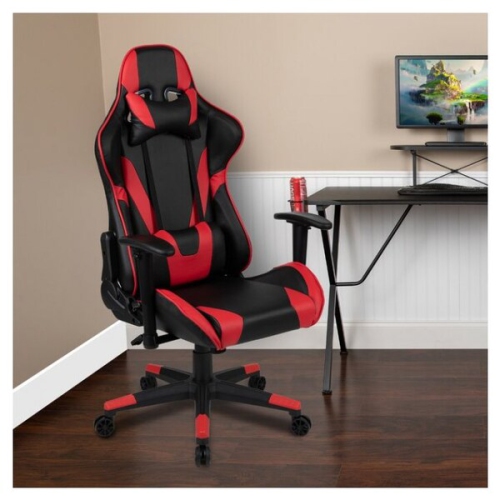
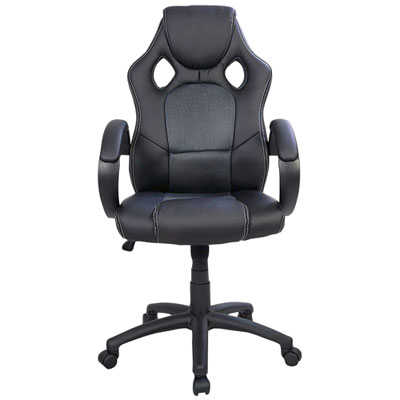
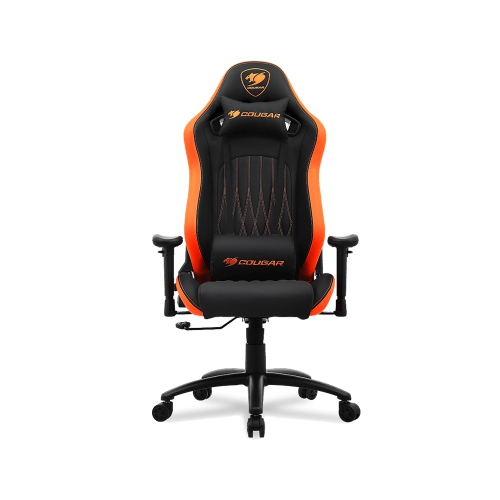
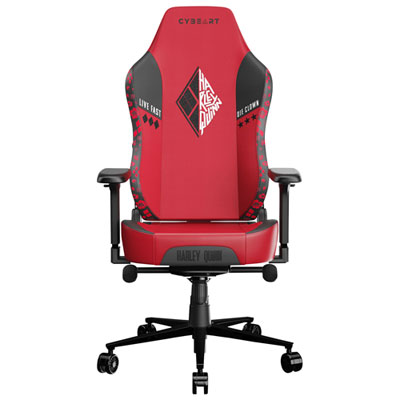
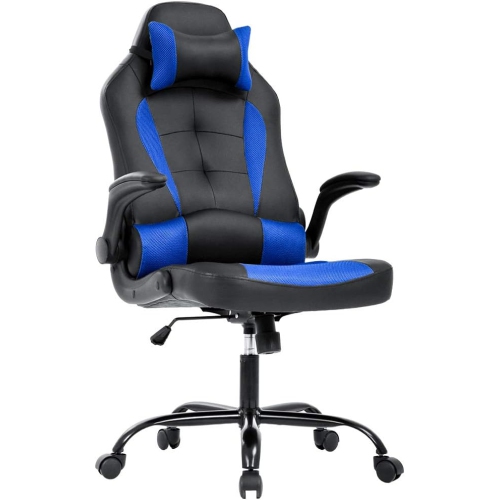
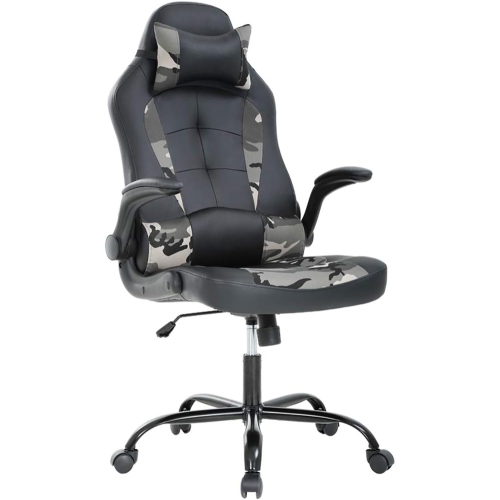
Comfort and support for longer gaming and desk sessions
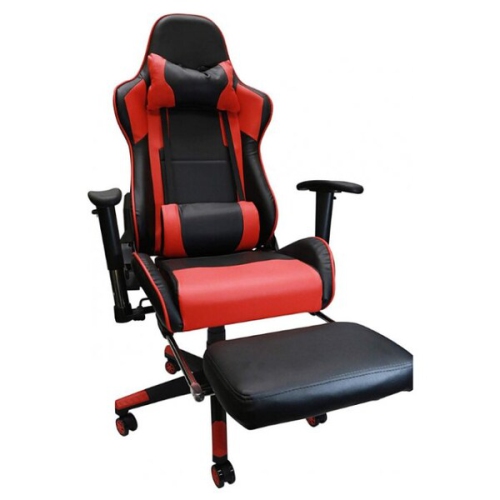
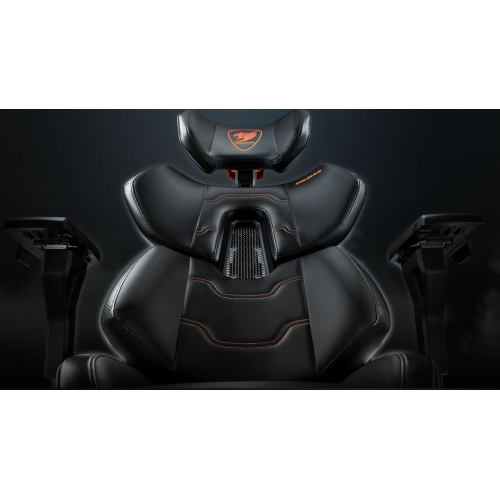
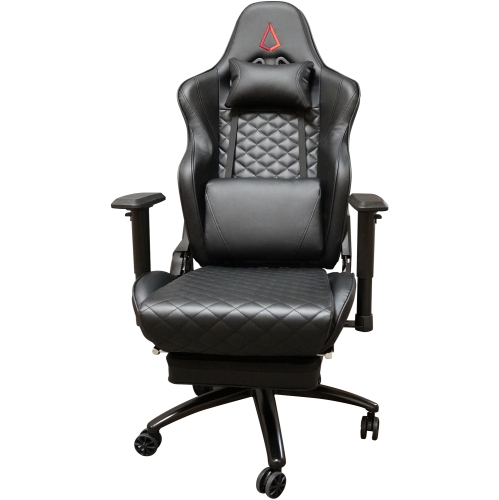
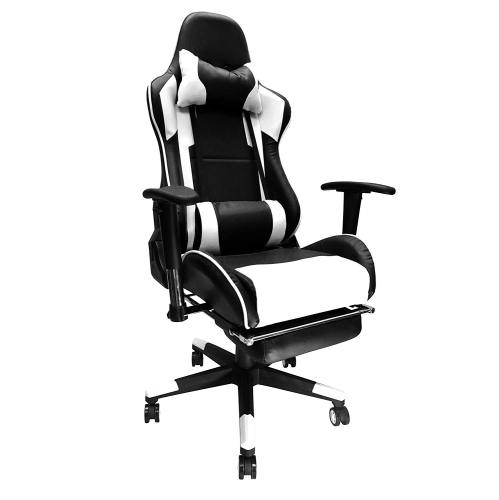
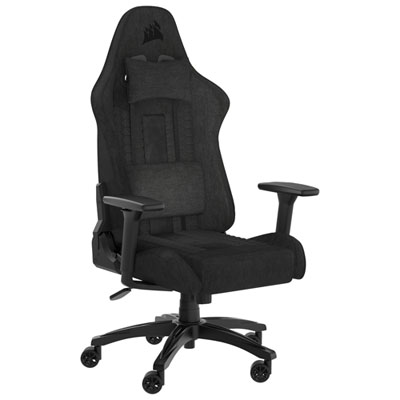
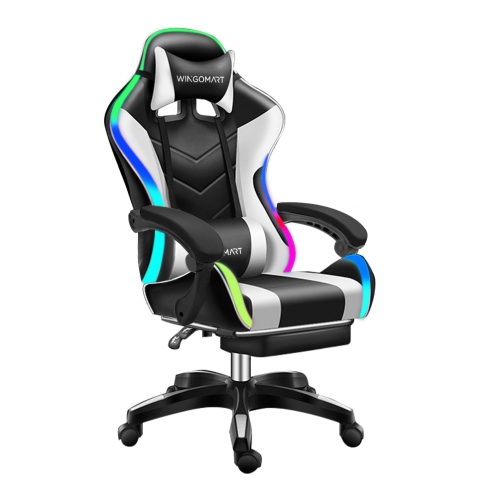
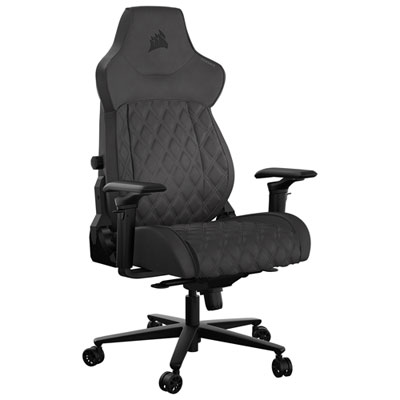
The Top 5 Gaming Chairs collection brings together seating designed for focused play, extended computer use, and comfortable downtime. A gaming chair can do more than complete the look of a gaming setup: the right design helps support a more natural seated posture while you move between matches, streams, study sessions, creative projects, and everyday browsing. Look for features that suit the way you use your space, including adjustable armrests, a height-adjustable seat, a supportive backrest, a stable five-star base, smooth-rolling casters, and a tilt mechanism that lets you change position throughout the day. Ergonomic details can make a noticeable difference during a long session. Built-in or adjustable lumbar support may help support the lower back, while a headrest or neck pillow can provide cushioning when you lean back. Some designs include adaptive lumbar systems that respond to changes in posture, while others use shaped backrests, shoulder arches, or contoured cushions to help distribute pressure more evenly. Reclining capability is also useful for taking a break between games, watching a film, or resting your eyes, with some chairs offering a wide range of recline positions. When comparing options, consider the available space beneath your desk, the height of your monitor, and whether the chair’s arms can move out of the way when you need to draw closer to the screen. For more seating focused on posture support and adjustability, explore Top Ergonomic Gaming Chairs.
Comfort depends on more than the appearance of a chair or the number of adjustment points. Pay close attention to the seat dimensions, weight capacity, backrest height, and overall chair size so the fit feels natural rather than restrictive. A compact chair may work well in a smaller bedroom, apartment office, or dorm-style setup, while a wider model can offer extra room for larger frames or anyone who likes to shift position while seated. The seat cushion can also change the experience from one chair to another. High-density foam is often chosen for resilient support, while softer padding can create a more relaxed feel. Upholstery is another practical consideration. Leather-look materials are easy to wipe clean and can provide a sleek appearance, whereas cloth upholstery may feel softer and more breathable during heated gameplay or long work periods. Mesh or ventilated sections can encourage airflow, while removable cushions and accessible surfaces make routine care easier. Think about the room’s temperature, how many hours you typically spend at your desk, and whether the chair will be shared by different people. Features such as magnetic head pillows, four-way lumbar adjustment, six-direction lumbar movement, and flexible support zones can offer a more personalized fit, but even a simpler chair can be comfortable when its proportions match the person using it. A careful measurement of desk height and available floor space before ordering can help prevent surprises, particularly when a chair has a broad base or reclines behind the desk.
Gaming chairs can be a practical choice for dedicated players, PC users, console gamers, remote workers, students, and anyone who spends regular time at a desk. They can also make thoughtful gifts for a gamer setting up a first station, a family member replacing an older office chair, or a student creating a more comfortable place for homework and entertainment during the cooler months. In a shared home, a versatile chair can move between gaming, online classes, video calls, and movie nights, making it useful well beyond a single game. Pair the chair with a suitable desk, monitor, headset, or controller to create a more organized setup, and leave enough clearance for the casters to move freely without catching on rugs or furniture. Once assembled, adjust the seat height so your feet rest comfortably on the floor, position the armrests to keep your shoulders relaxed, and set the backrest to support an upright posture without forcing you to sit rigidly. Changing position regularly and taking short movement breaks can complement the chair’s support during longer sessions. As early fall leads into winter and more time is spent indoors, a comfortable seat can make a gaming room, office, or multipurpose corner feel more inviting. The Top 5 Gaming Chairs list offers a focused starting point for comparing ergonomic support, cushioning, upholstery, adjustability, size, and reclining features in one place.
Comfort depends on more than the appearance of a chair or the number of adjustment points. Pay close attention to the seat dimensions, weight capacity, backrest height, and overall chair size so the fit feels natural rather than restrictive. A compact chair may work well in a smaller bedroom, apartment office, or dorm-style setup, while a wider model can offer extra room for larger frames or anyone who likes to shift position while seated. The seat cushion can also change the experience from one chair to another. High-density foam is often chosen for resilient support, while softer padding can create a more relaxed feel. Upholstery is another practical consideration. Leather-look materials are easy to wipe clean and can provide a sleek appearance, whereas cloth upholstery may feel softer and more breathable during heated gameplay or long work periods. Mesh or ventilated sections can encourage airflow, while removable cushions and accessible surfaces make routine care easier. Think about the room’s temperature, how many hours you typically spend at your desk, and whether the chair will be shared by different people. Features such as magnetic head pillows, four-way lumbar adjustment, six-direction lumbar movement, and flexible support zones can offer a more personalized fit, but even a simpler chair can be comfortable when its proportions match the person using it. A careful measurement of desk height and available floor space before ordering can help prevent surprises, particularly when a chair has a broad base or reclines behind the desk.
Gaming chairs can be a practical choice for dedicated players, PC users, console gamers, remote workers, students, and anyone who spends regular time at a desk. They can also make thoughtful gifts for a gamer setting up a first station, a family member replacing an older office chair, or a student creating a more comfortable place for homework and entertainment during the cooler months. In a shared home, a versatile chair can move between gaming, online classes, video calls, and movie nights, making it useful well beyond a single game. Pair the chair with a suitable desk, monitor, headset, or controller to create a more organized setup, and leave enough clearance for the casters to move freely without catching on rugs or furniture. Once assembled, adjust the seat height so your feet rest comfortably on the floor, position the armrests to keep your shoulders relaxed, and set the backrest to support an upright posture without forcing you to sit rigidly. Changing position regularly and taking short movement breaks can complement the chair’s support during longer sessions. As early fall leads into winter and more time is spent indoors, a comfortable seat can make a gaming room, office, or multipurpose corner feel more inviting. The Top 5 Gaming Chairs list offers a focused starting point for comparing ergonomic support, cushioning, upholstery, adjustability, size, and reclining features in one place.
Top selling and popular products
-
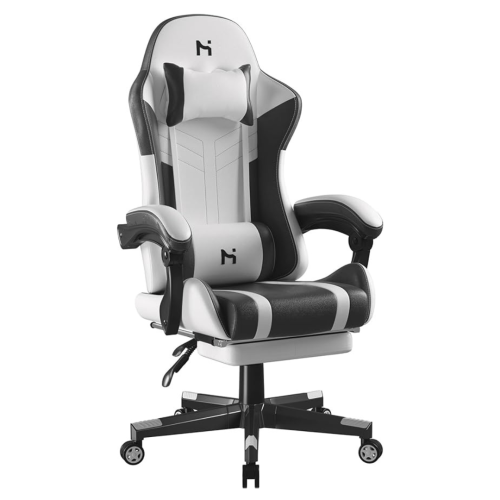 Your price for this item is $285
 -
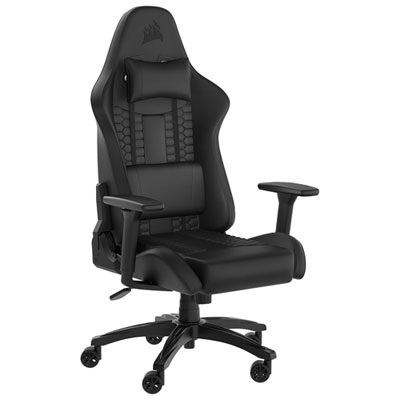 Your price for this item is $229.99
 -
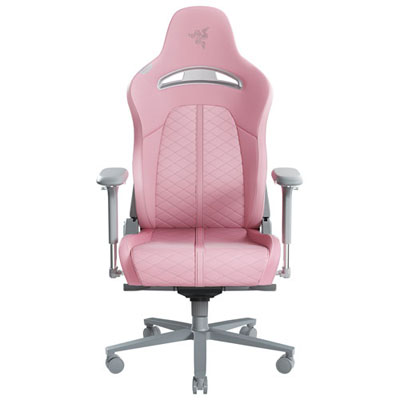 Your price for this item is $579.98
 -
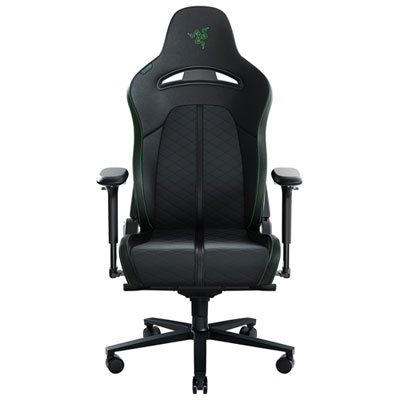 Your price for this item is $399.99
 -
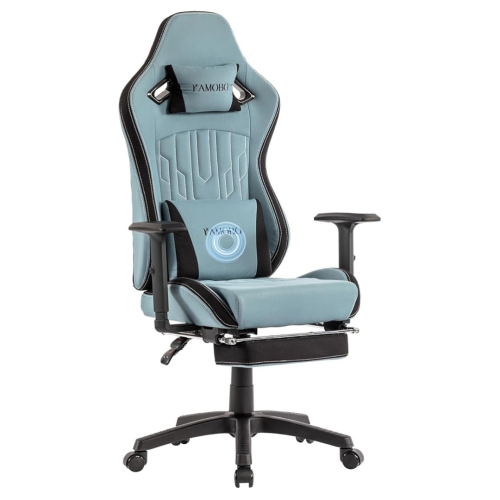 Your price for this item is $280
 -
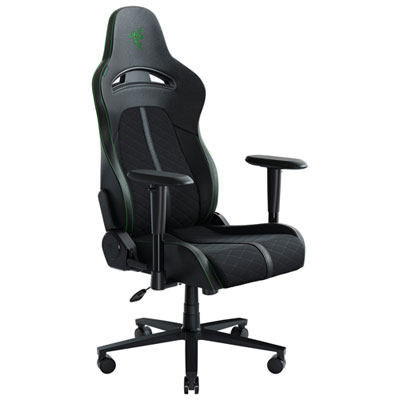 Your price for this item is $329.99
 -
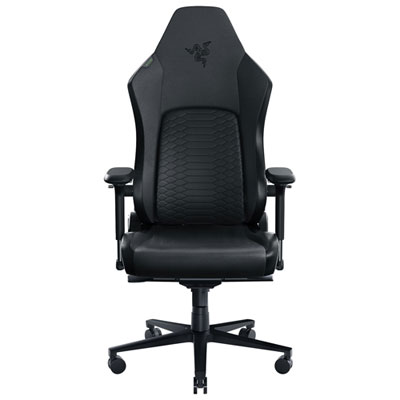 Your price for this item is $899.99
 -
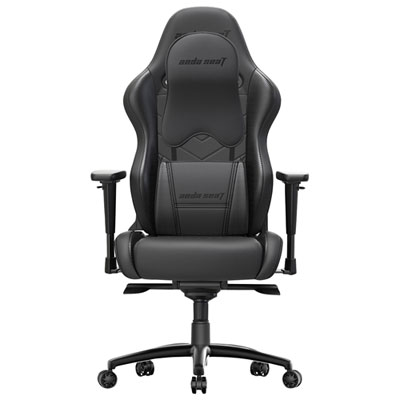 Your price for this item is $549.99
Discover more categories related to Top 5 Gaming Chairs
Top Collections:
Pokemon Centers, Kindle Devices, Best Budget Office Chairs, Apple iPhones 16, Best Laptops for Writers, iPhone 15 Apple, Canon G7X Cameras, Refurbished Apple Laptops, Alarm Clock, Motorola Razr Phones
Some products may be subject to Environmental Handling Fees
(EHF) depending on your province.
Learn more about EHFs.