Logitech Budget Gaming Mice
If you're looking for a budget gaming mouse that will keep up with your fast-paced gaming, Logitech has plenty of choices. Look no further than the Logitech gaming mouse. These gaming mice are designed to be comfortable and responsive, so you can play for hours without lagging. Here are some of the best options available for Logitech gaming mice.
Sort


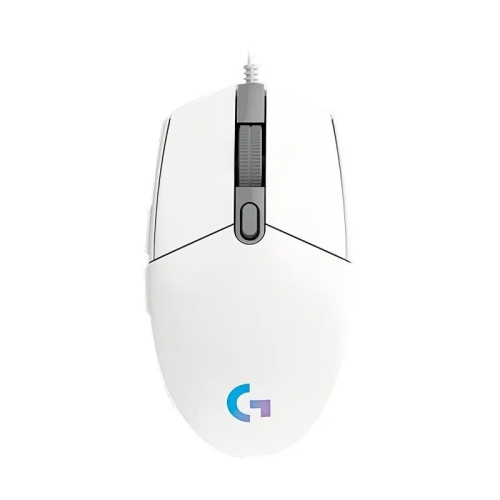
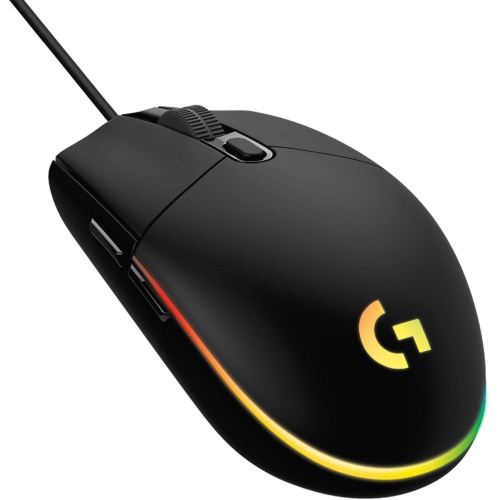
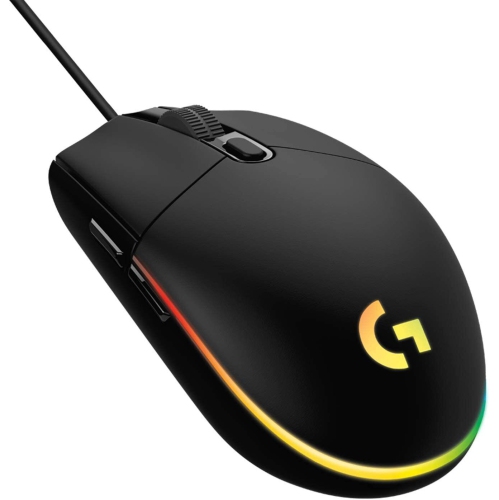
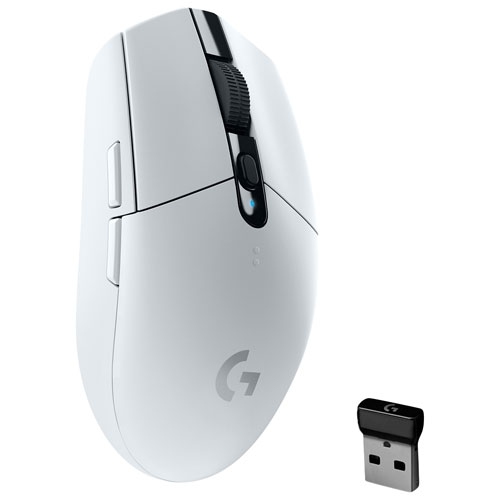
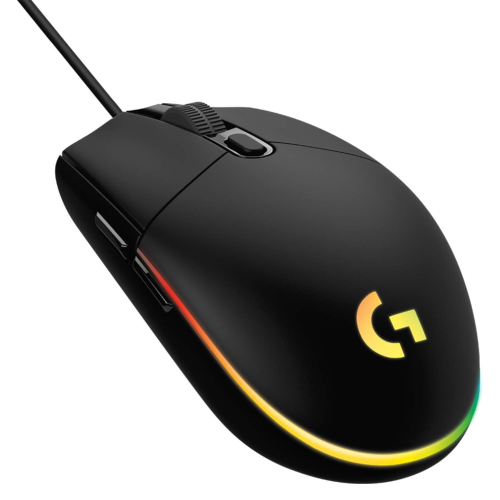
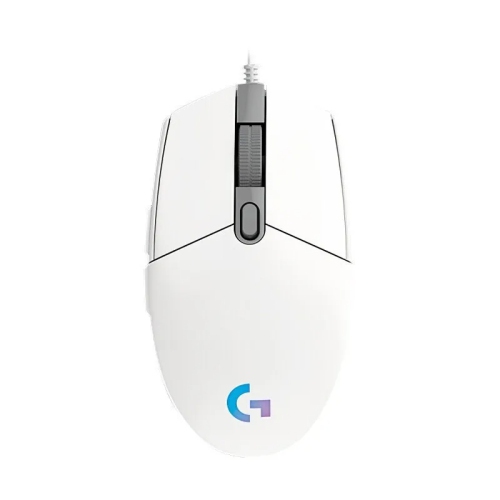
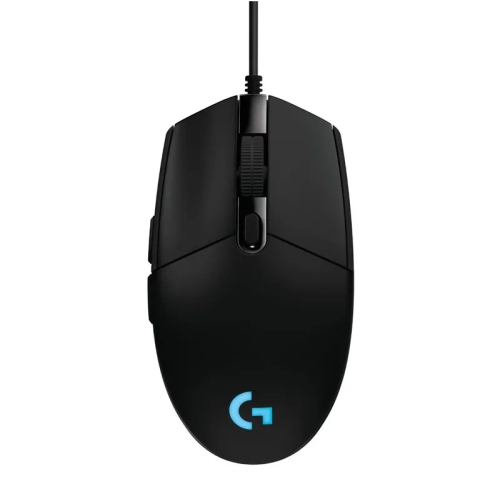
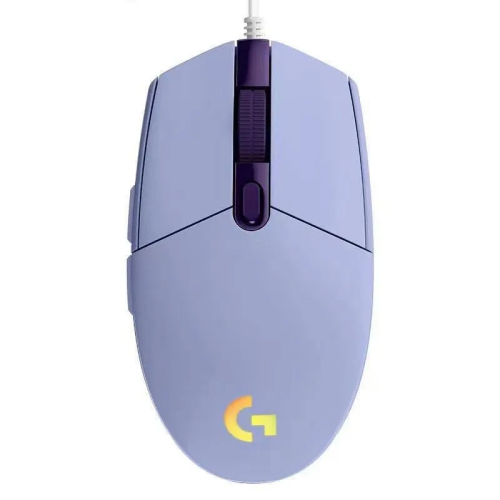
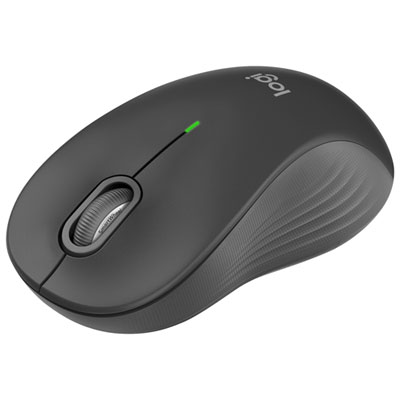
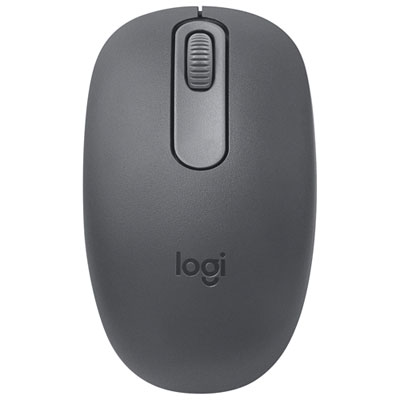
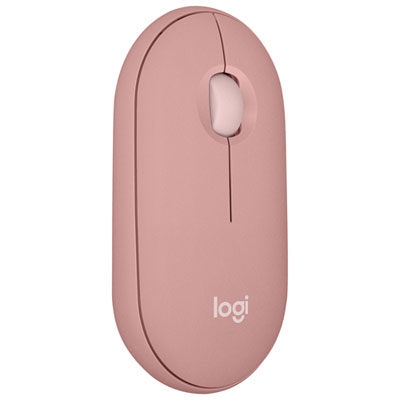
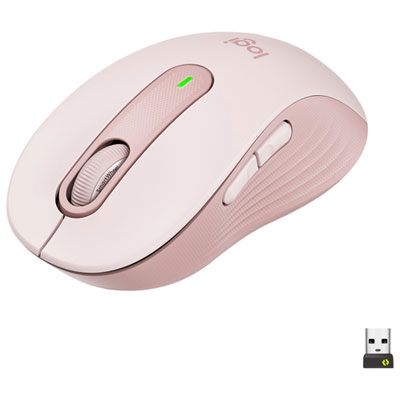
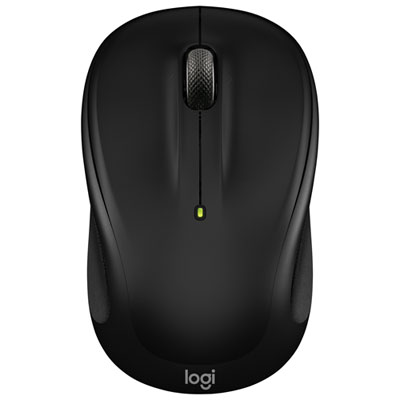
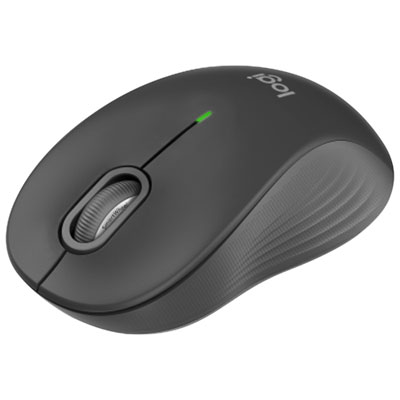
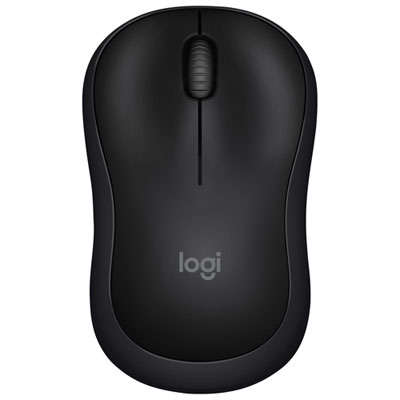
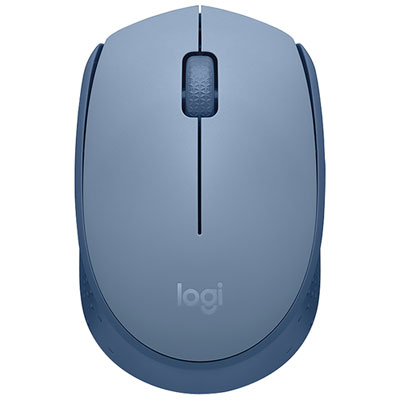
Practical features for comfortable, responsive PC gaming
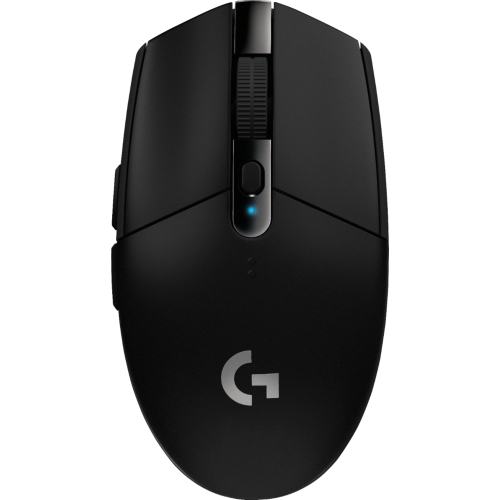
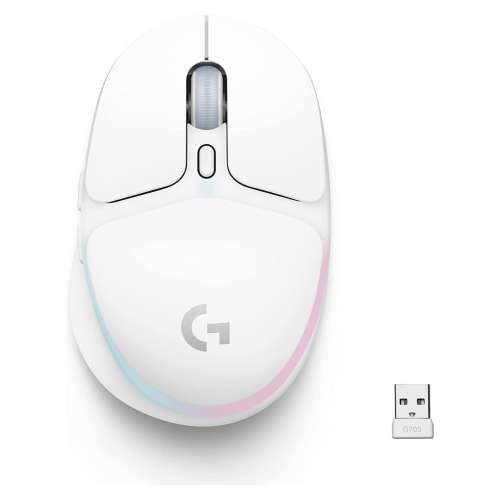
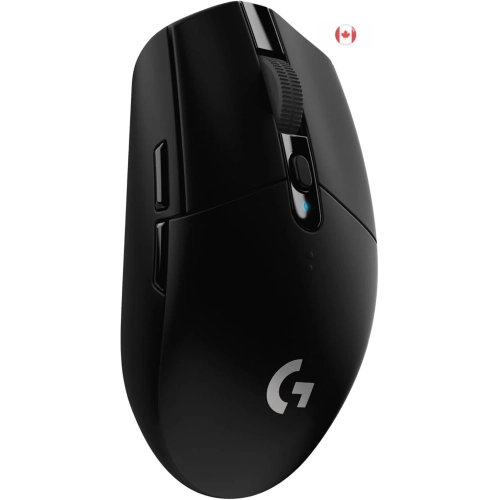
Budget gaming mice are a practical way to improve PC gaming without committing to a premium setup. They are designed to provide responsive tracking, comfortable control, and useful customization at an accessible price, making them suitable for first-time PC gamers, students building a desktop station, and experienced players adding a dependable spare. A gaming mouse can make everyday computer use feel more precise as well, from moving through creative software to navigating large spreadsheets or browsing after a long gaming session. When comparing options, start with the shape and size rather than focusing only on specifications. A compact, lightweight mouse can feel quick and easy to lift and reposition, which suits fast-paced shooters and players who use a lower sensitivity. A fuller ergonomic shape may provide more palm support during longer sessions, while a symmetrical design can work well for claw or fingertip grips and may be comfortable for a wider range of users. Consider how your hand rests naturally on the mouse, where your thumb sits, and whether the main buttons are easy to reach without stretching. Small details such as textured side panels, defined scroll-wheel steps, and well-spaced buttons can make a noticeable difference when a gaming mouse is used for several hours at a time.
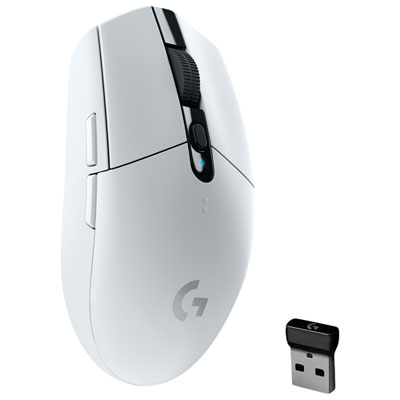
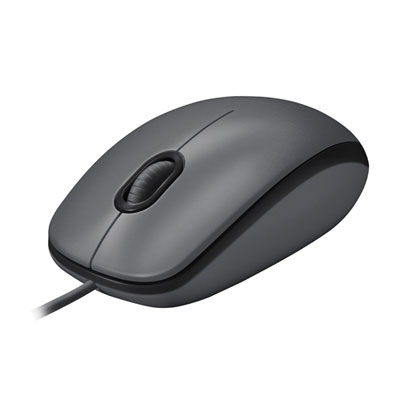
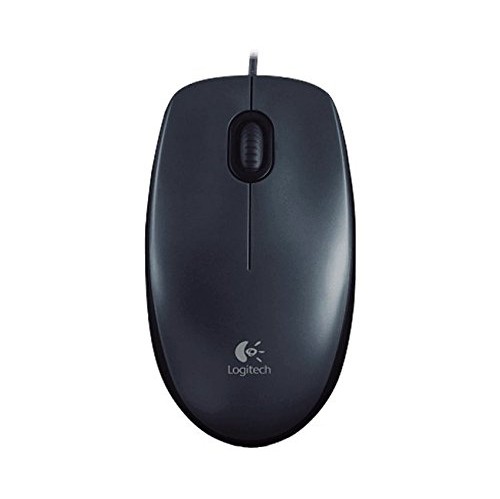
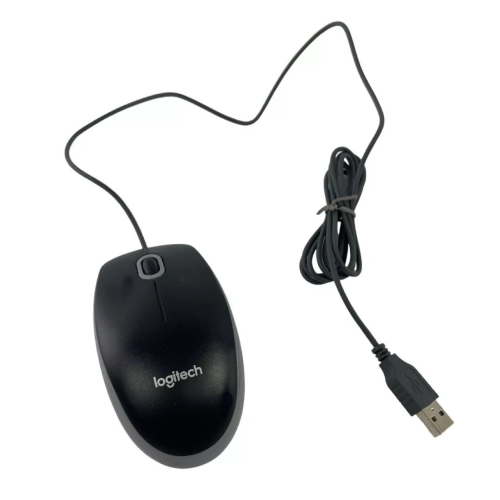
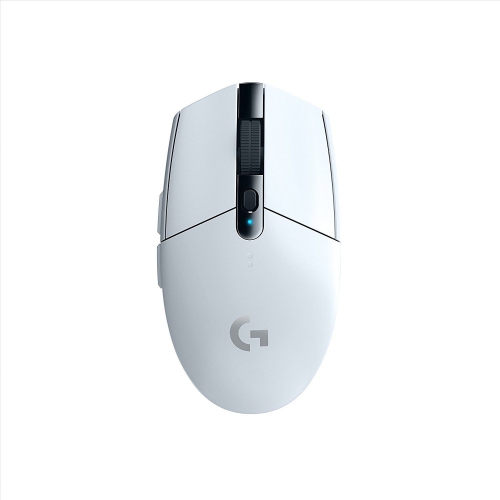
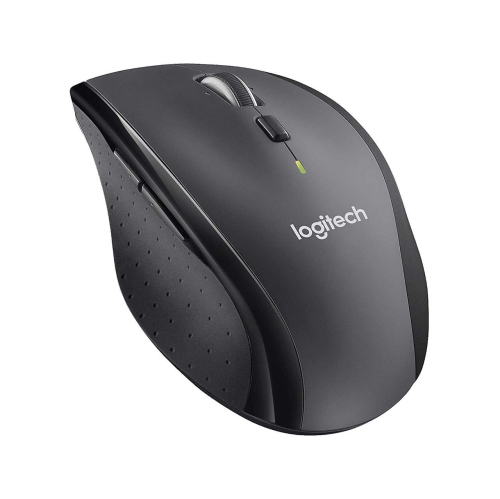
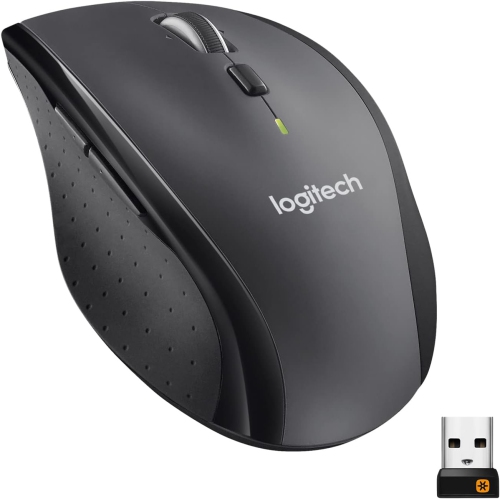
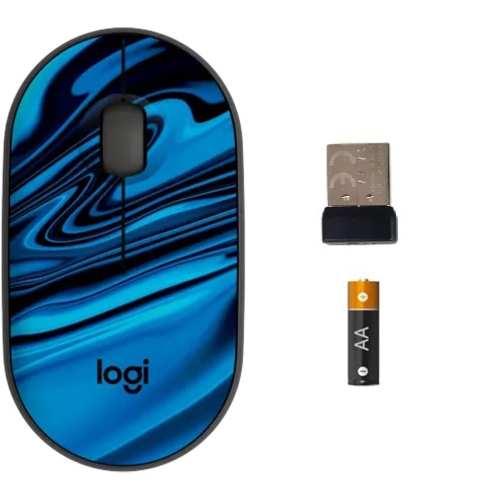
Connectivity is another important choice. A wired gaming mouse connects directly to a computer and is ready to use without pairing, charging, or replacing batteries. Its cable can be a reassuring choice for a permanent desk setup, particularly when the mouse will stay beside a desktop tower or laptop dock. A wireless gaming mouse creates a cleaner, more flexible play area and can be moved easily between a desk, a bedroom setup, and a living-room computer. Modern gaming-focused wireless connections are built for responsive play, but battery type and battery life still deserve attention. Some designs use a replaceable battery, while others recharge through a cable; the right option depends on whether convenience during travel or uninterrupted use matters more. A cable can also be helpful for keeping a wireless mouse ready during a long session. For shoppers comparing Budget Wireless Gaming Mice, look for a receiver that fits your computer’s available ports and check whether an extension adapter is included if the desktop is positioned far from the mouse. A wired model is often a straightforward choice for a younger player, a shared family computer, or a gift recipient who wants to plug in and begin playing, while wireless freedom can be especially appealing for someone who regularly rearranges their gaming space or takes a laptop between rooms.
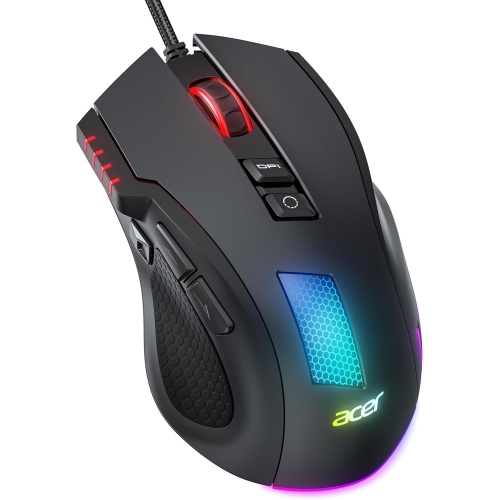
Sensor performance, button layout, and software support shape how a mouse feels in actual play. An optical sensor with adjustable DPI lets players change pointer sensitivity, whether they prefer broad, controlled movements for aiming or faster cursor travel for menus and general use. High DPI numbers are not automatically better; consistency and smooth tracking matter more than selecting the highest setting available. A reliable sensor should respond predictably when the mouse moves slowly across a desk or quickly during an intense match. Polling rate can also contribute to a responsive feel by allowing the mouse to report its position frequently, although the practical benefit depends on the computer, display, game, and personal preferences. Programmable buttons are useful for assigning actions such as melee attacks, reloads, push-to-talk, inventory access, or shortcuts in strategy and role-playing games. A model with only the essential buttons may be easier to learn and less likely to cause accidental presses, while extra side buttons can be valuable for players who enjoy massively multiplayer online games, multiplayer online battle arenas, or productivity shortcuts. Companion software may allow DPI stages, button assignments, profiles, and lighting effects to be saved for different games. Before choosing, confirm that the software is compatible with the operating system being used and decide whether onboard memory is important for moving the mouse between computers. Lighting is primarily a style feature, but it can help match a desk’s keyboard and headset or add a personal touch to a first gaming setup. These mice also make thoughtful gifts for a new PC owner, a student returning to school with a laptop, or a friend who spends cooler evenings playing with a small group online. The most satisfying choice is usually the one that fits the recipient’s hand, desk, games, and connection preferences rather than the one with the longest specification list.
Connectivity is another important choice. A wired gaming mouse connects directly to a computer and is ready to use without pairing, charging, or replacing batteries. Its cable can be a reassuring choice for a permanent desk setup, particularly when the mouse will stay beside a desktop tower or laptop dock. A wireless gaming mouse creates a cleaner, more flexible play area and can be moved easily between a desk, a bedroom setup, and a living-room computer. Modern gaming-focused wireless connections are built for responsive play, but battery type and battery life still deserve attention. Some designs use a replaceable battery, while others recharge through a cable; the right option depends on whether convenience during travel or uninterrupted use matters more. A cable can also be helpful for keeping a wireless mouse ready during a long session. For shoppers comparing Budget Wireless Gaming Mice, look for a receiver that fits your computer’s available ports and check whether an extension adapter is included if the desktop is positioned far from the mouse. A wired model is often a straightforward choice for a younger player, a shared family computer, or a gift recipient who wants to plug in and begin playing, while wireless freedom can be especially appealing for someone who regularly rearranges their gaming space or takes a laptop between rooms.
Sensor performance, button layout, and software support shape how a mouse feels in actual play. An optical sensor with adjustable DPI lets players change pointer sensitivity, whether they prefer broad, controlled movements for aiming or faster cursor travel for menus and general use. High DPI numbers are not automatically better; consistency and smooth tracking matter more than selecting the highest setting available. A reliable sensor should respond predictably when the mouse moves slowly across a desk or quickly during an intense match. Polling rate can also contribute to a responsive feel by allowing the mouse to report its position frequently, although the practical benefit depends on the computer, display, game, and personal preferences. Programmable buttons are useful for assigning actions such as melee attacks, reloads, push-to-talk, inventory access, or shortcuts in strategy and role-playing games. A model with only the essential buttons may be easier to learn and less likely to cause accidental presses, while extra side buttons can be valuable for players who enjoy massively multiplayer online games, multiplayer online battle arenas, or productivity shortcuts. Companion software may allow DPI stages, button assignments, profiles, and lighting effects to be saved for different games. Before choosing, confirm that the software is compatible with the operating system being used and decide whether onboard memory is important for moving the mouse between computers. Lighting is primarily a style feature, but it can help match a desk’s keyboard and headset or add a personal touch to a first gaming setup. These mice also make thoughtful gifts for a new PC owner, a student returning to school with a laptop, or a friend who spends cooler evenings playing with a small group online. The most satisfying choice is usually the one that fits the recipient’s hand, desk, games, and connection preferences rather than the one with the longest specification list.
Top selling and popular products
-
 Your price for this item is $29.99
 -
 Your price for this item is $50.44
 -
 Your price for this item is $39.99
 -
 Your price for this item is $49.99
 -
 Your price for this item is $159.95
 -
 Your price for this item is $44.68
 -
 Your price for this item is $44.68
 -
 Your price for this item is $31
Discover more categories related to Logitech Budget Gaming Mice

Top Collections:
Pokemon Centers, Kindle Devices, Best Budget Office Chairs, Apple iPhones 16, Best Laptops for Writers, iPhone 15 Apple, Canon G7X Cameras, Refurbished Apple Laptops, Alarm Clock, Motorola Razr Phones
Some products may be subject to Environmental Handling Fees
(EHF) depending on your province.
Learn more about EHFs.