Good Gaming Mice
If you're a gamer, you know that a good mouse can make all the difference. Whether it's a high-end gaming mouse with customizable buttons and adjustable weights or a basic model that still delivers on performance, we've got you covered.
Sort
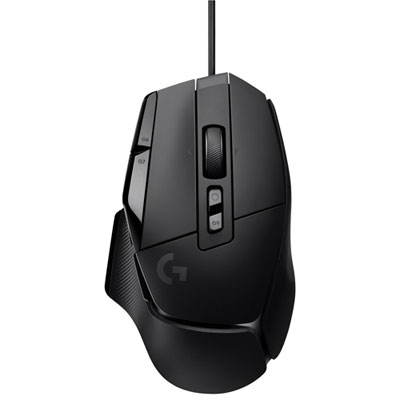
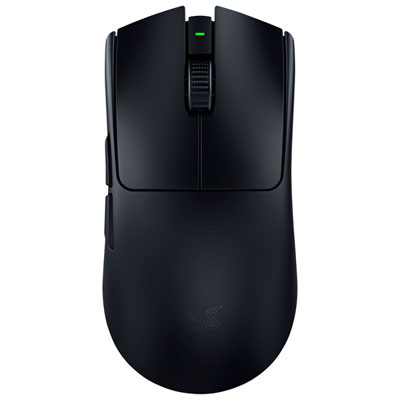

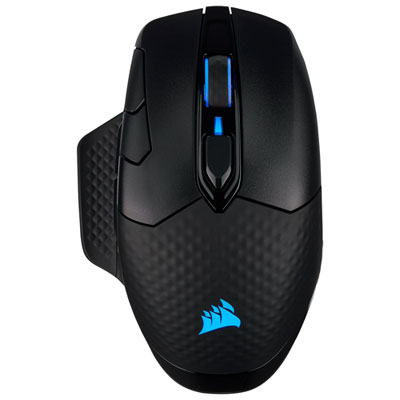
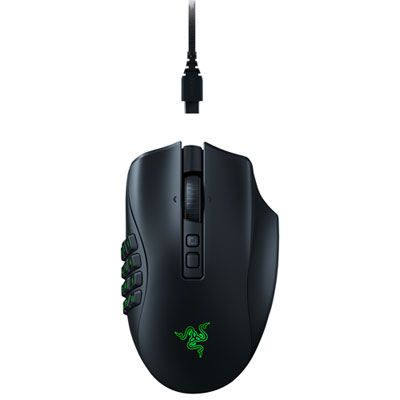


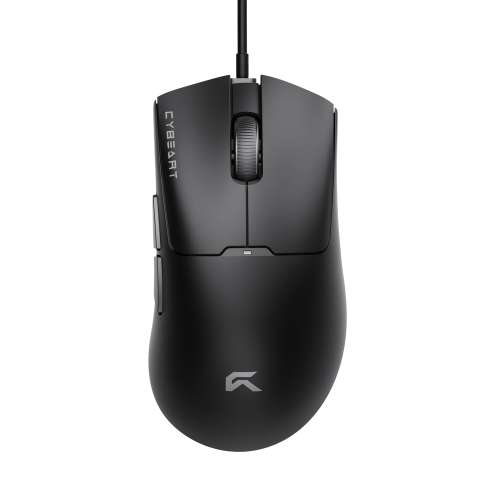
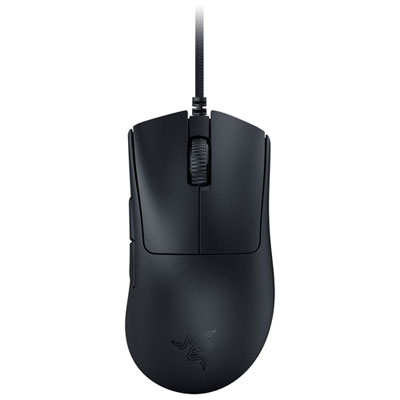

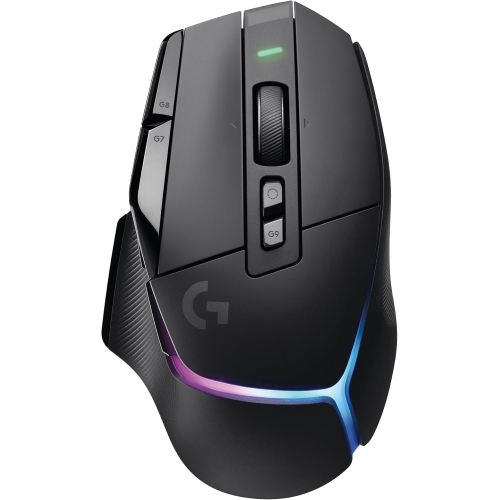

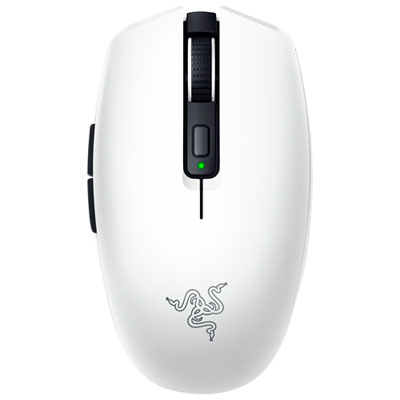
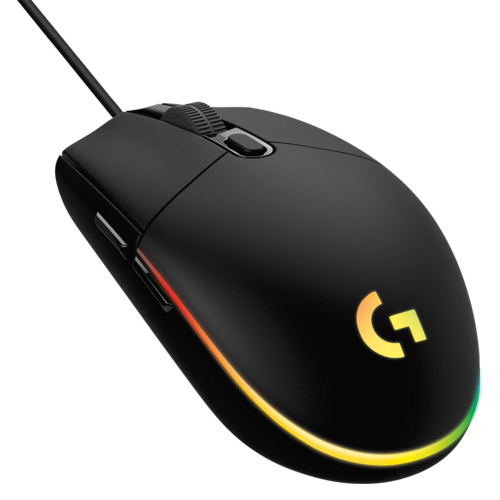
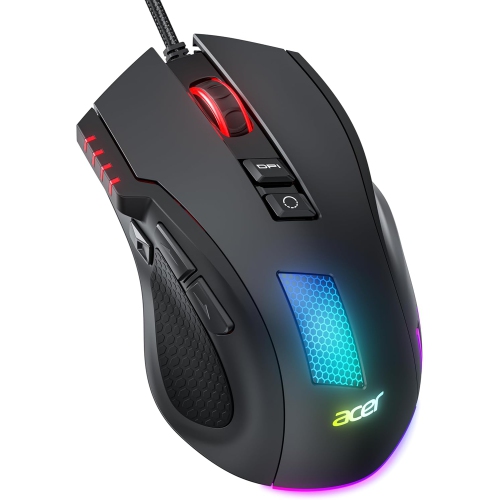
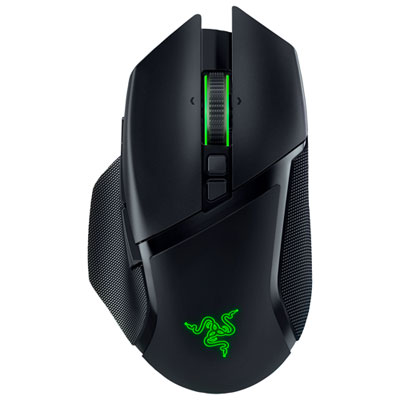

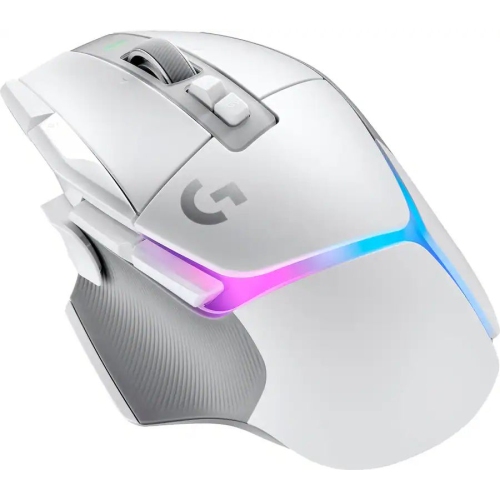


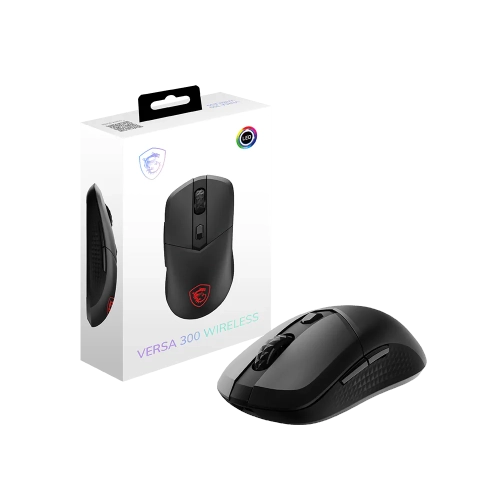
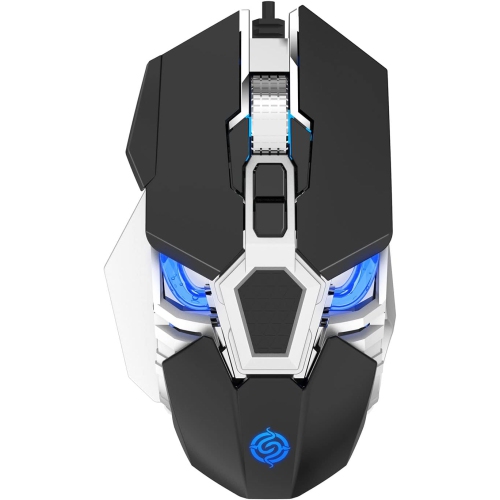
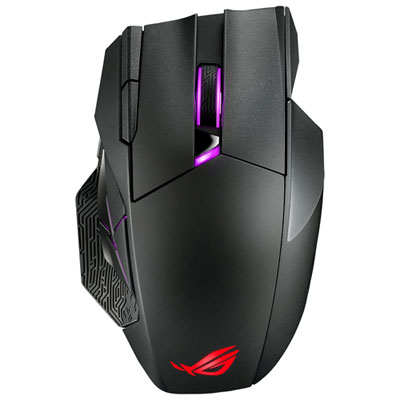


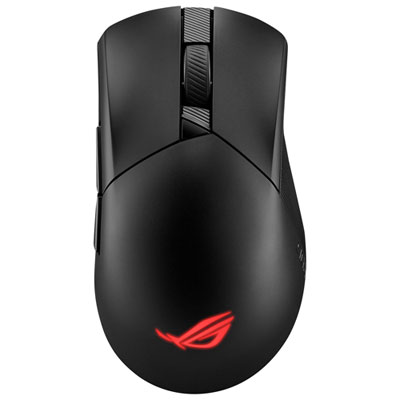










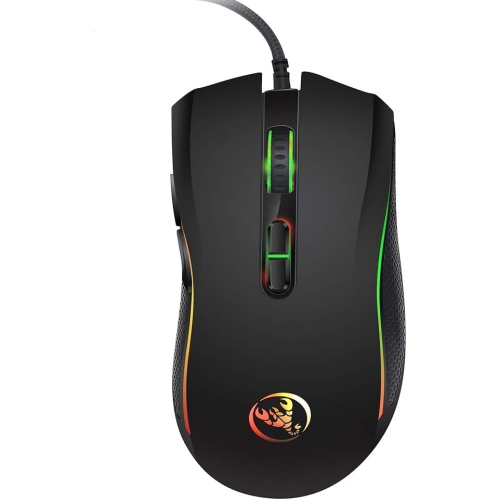
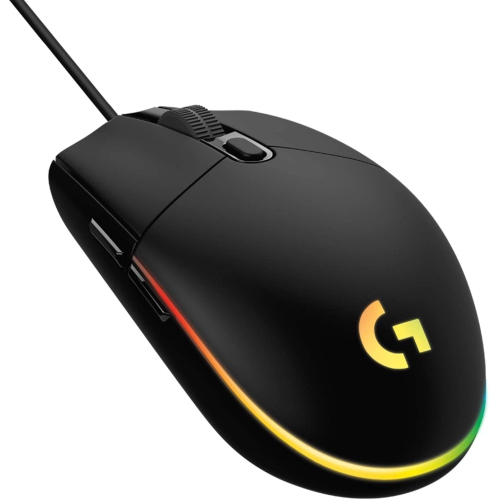


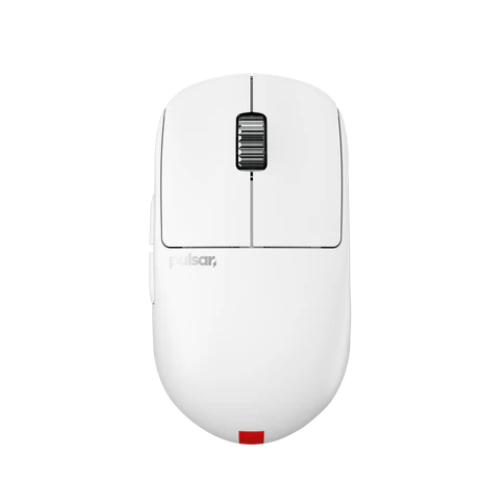


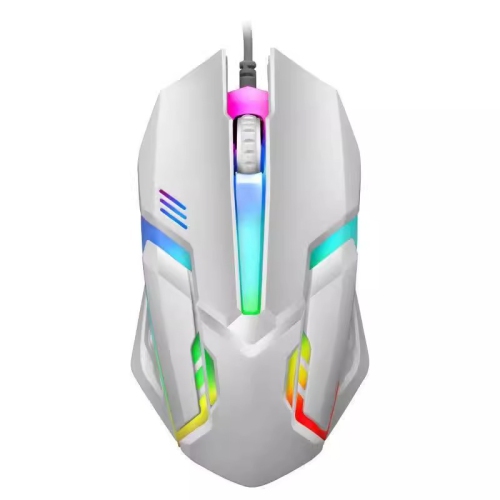











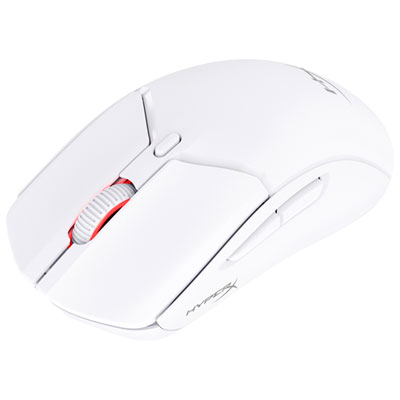
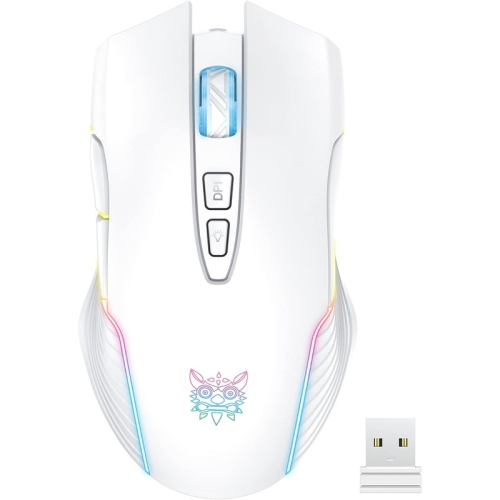


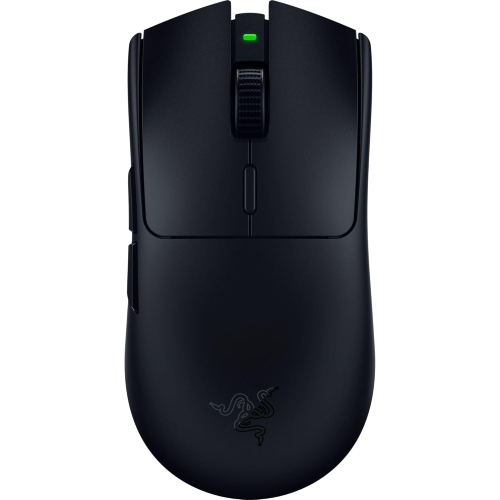
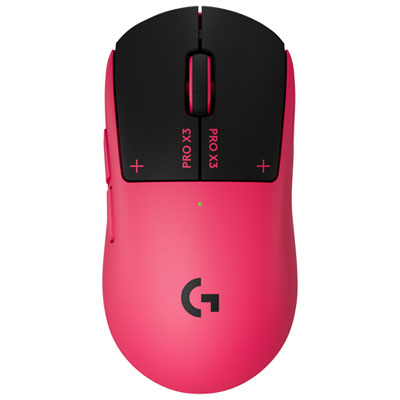






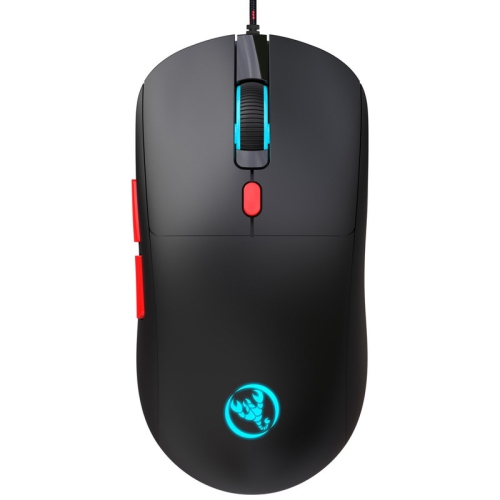
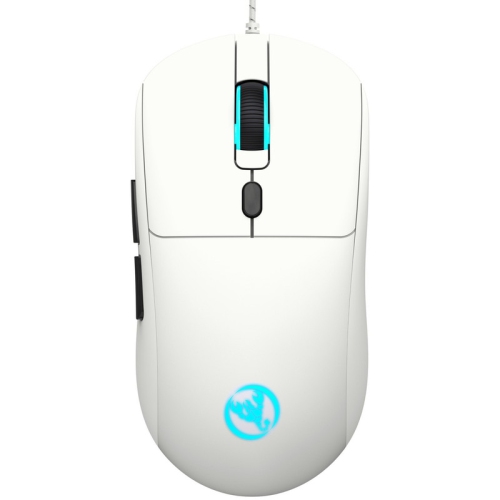
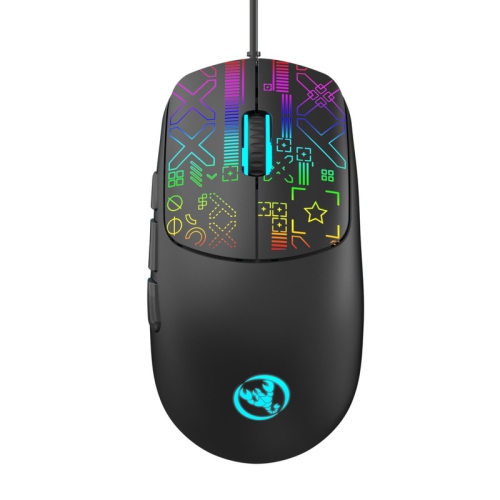
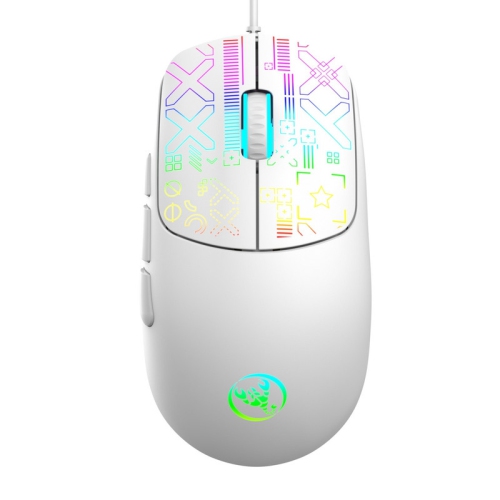

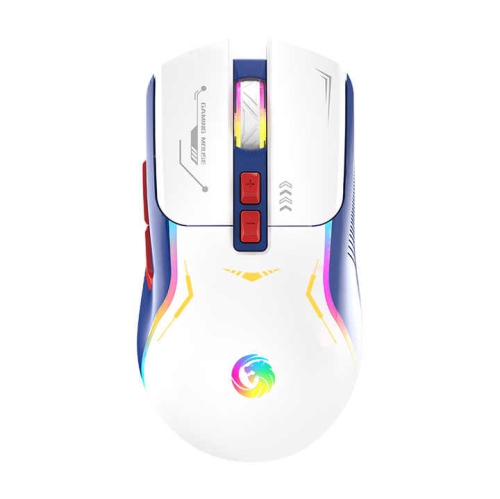

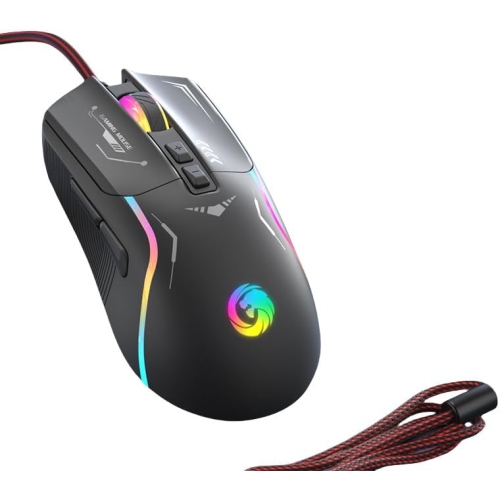
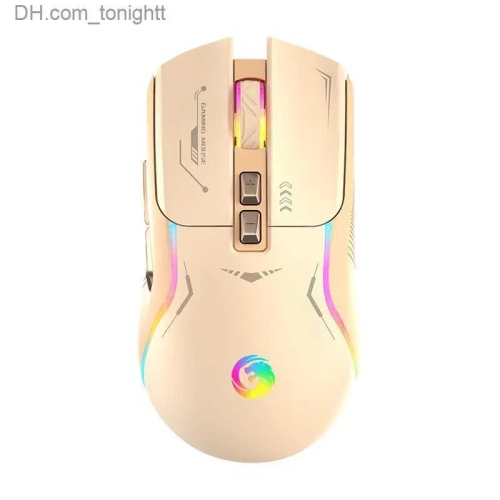
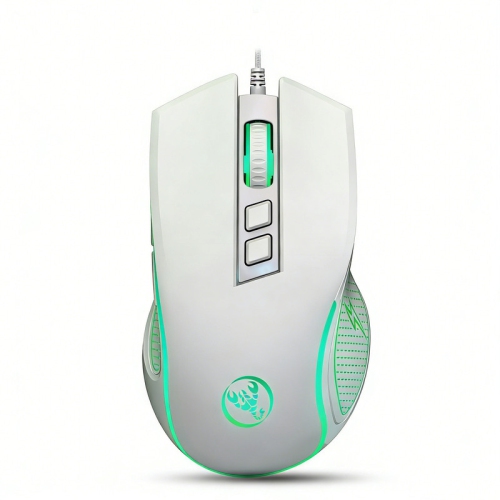
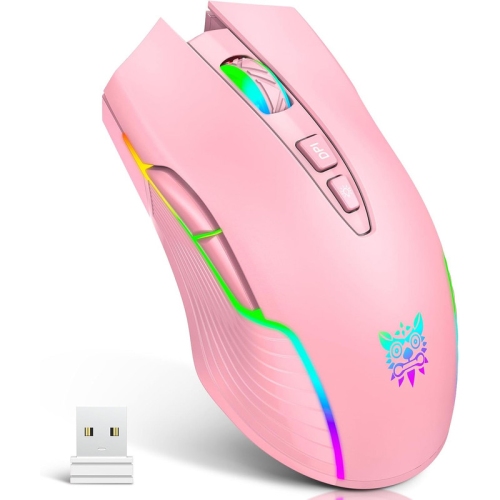

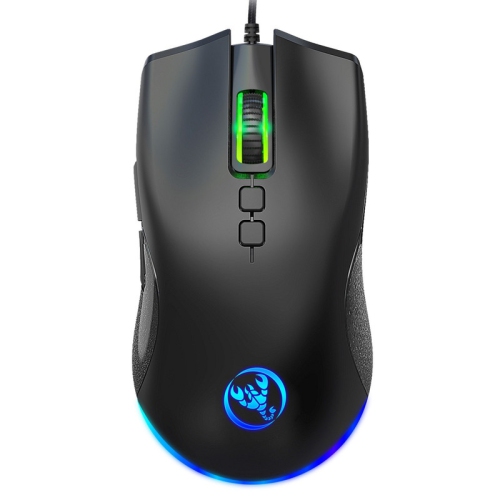
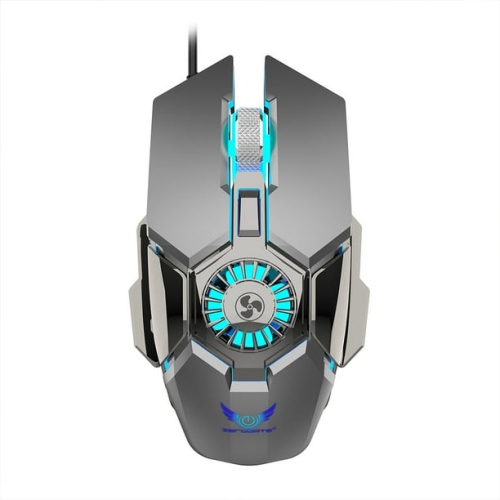
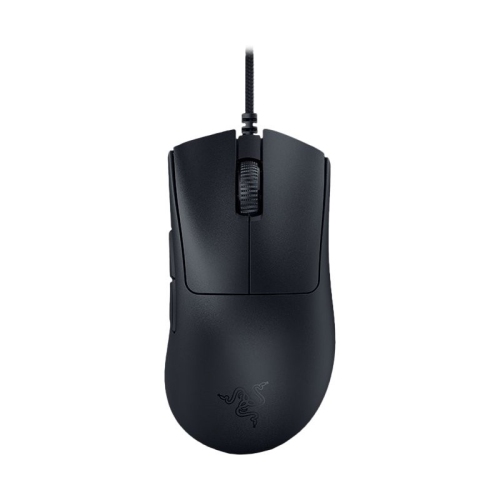

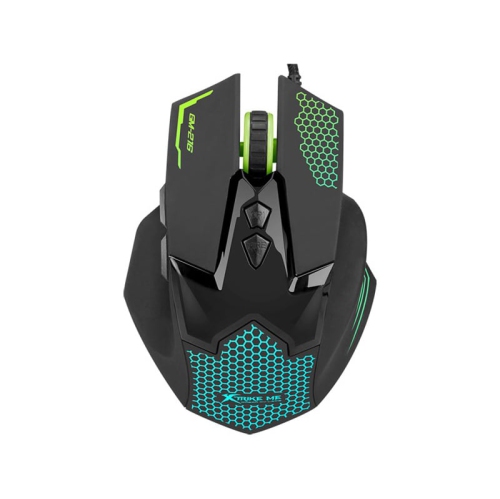
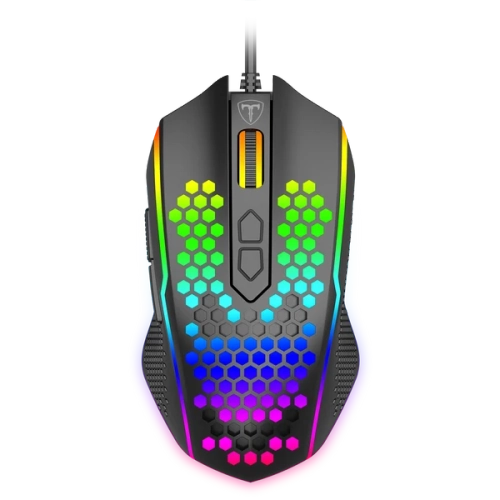
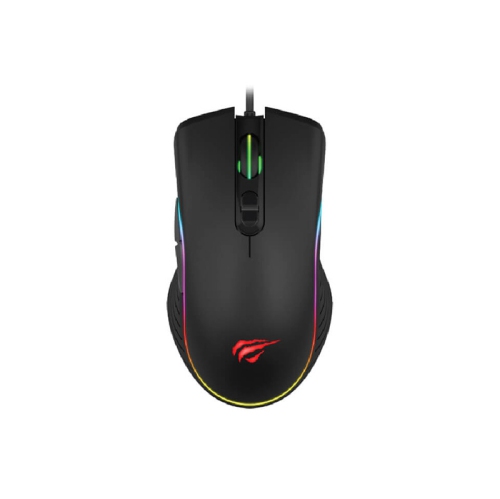

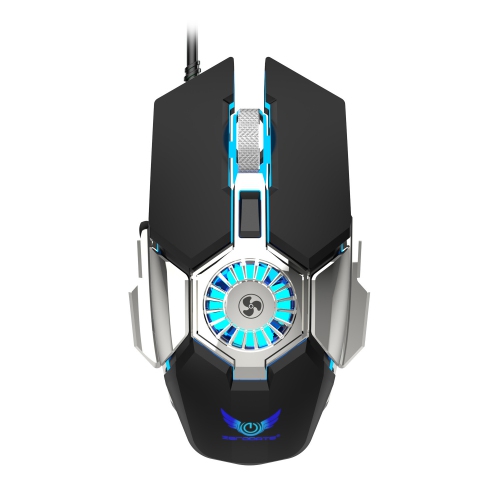



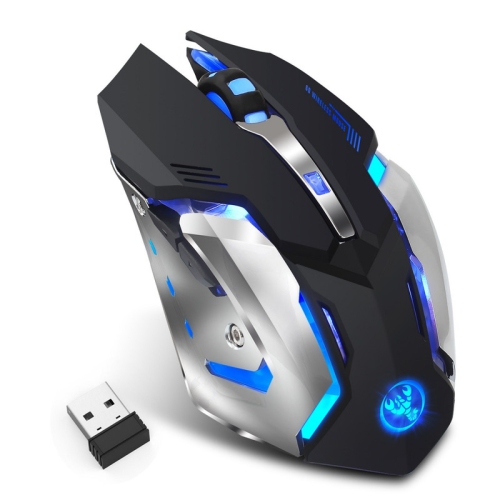
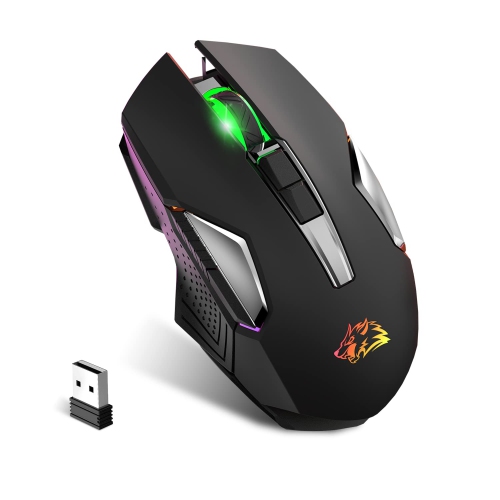
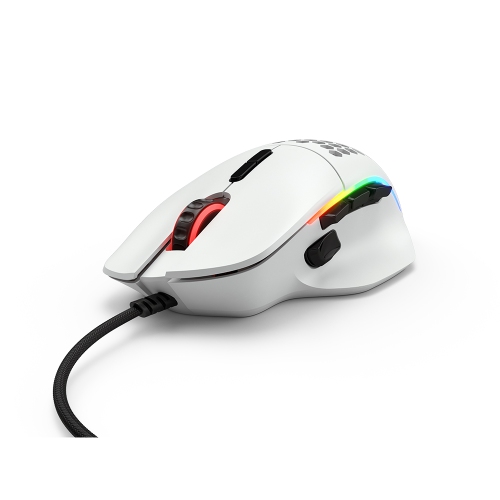
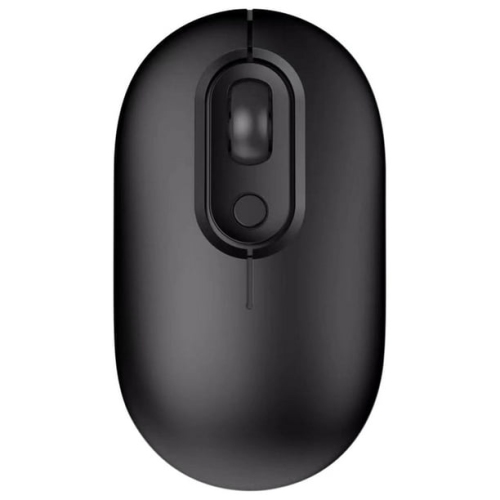
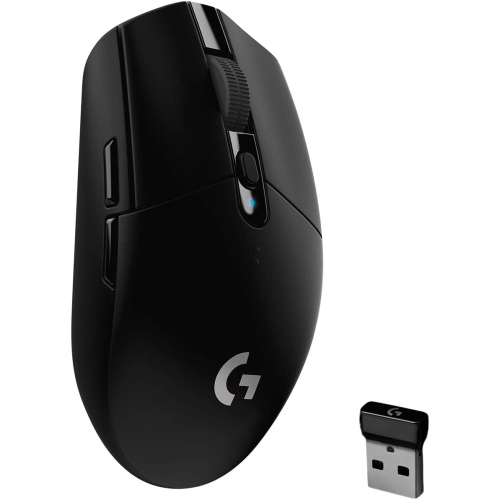

The right mouse fit goes beyond sensitivity numbers
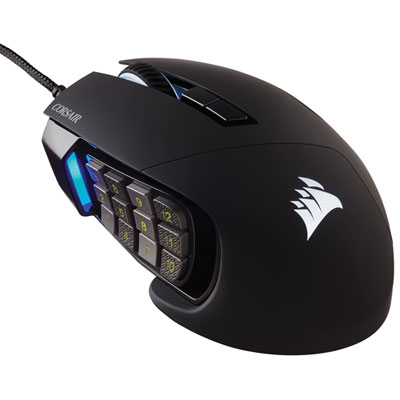
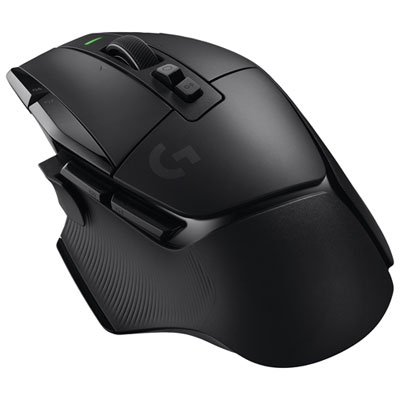
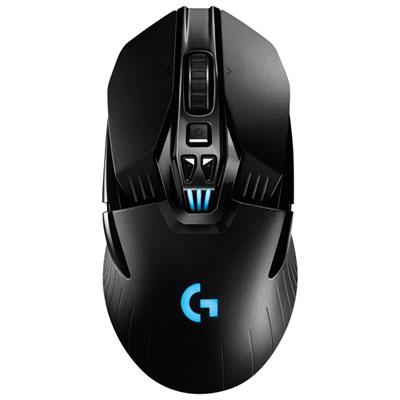
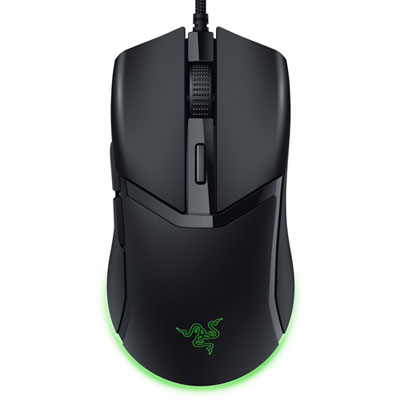
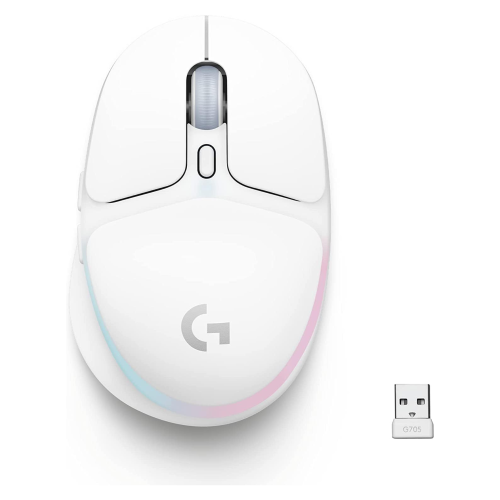
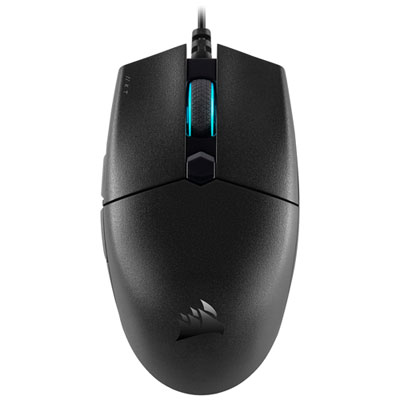
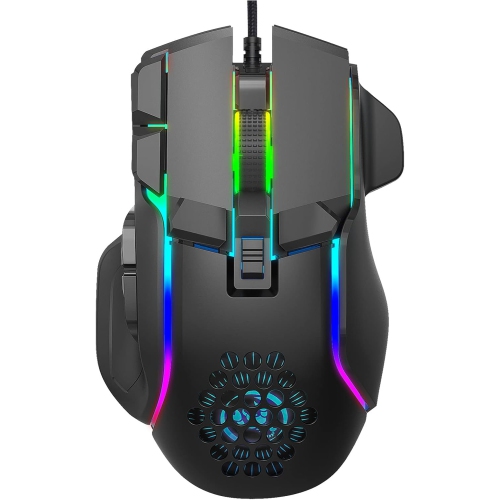
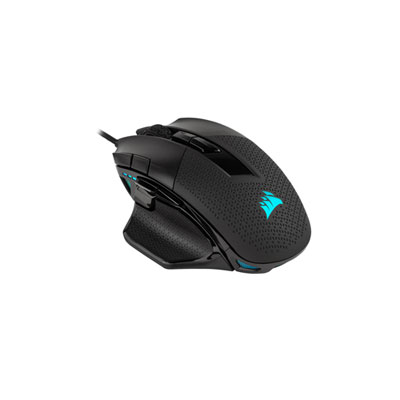
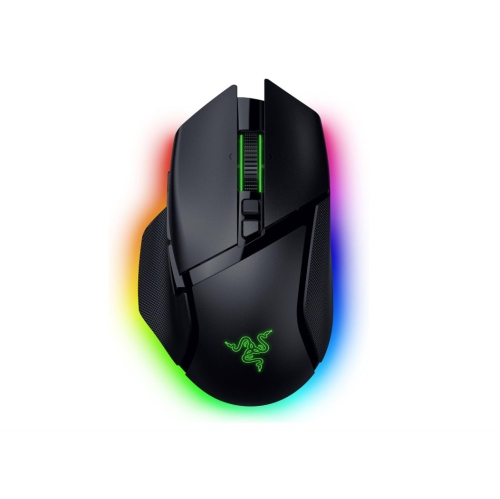
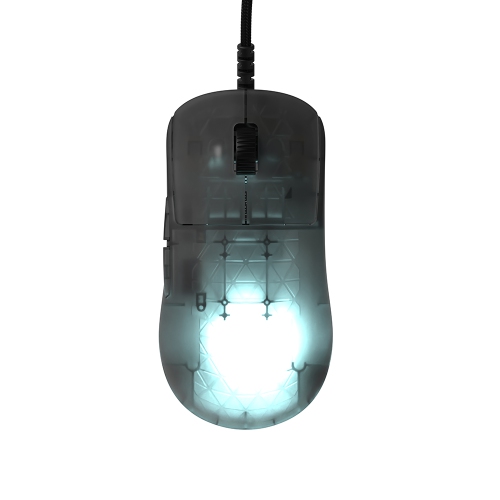
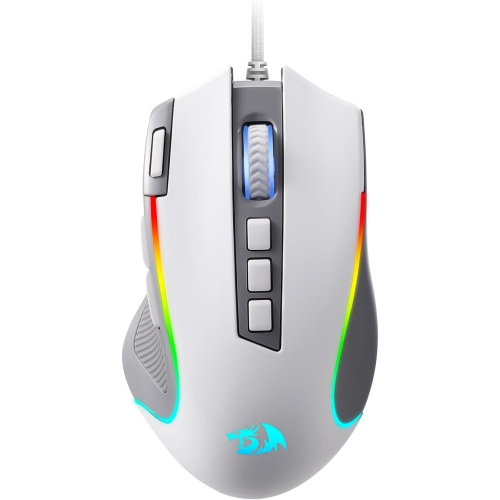
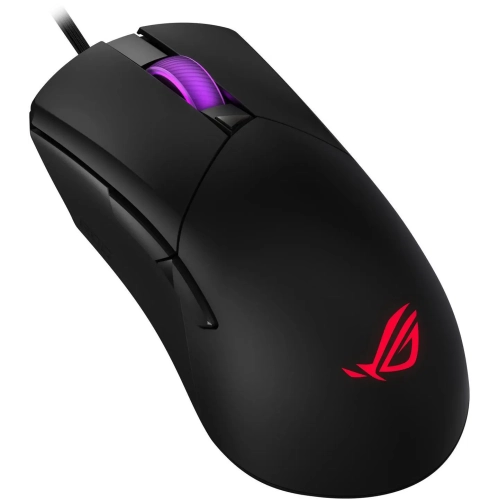
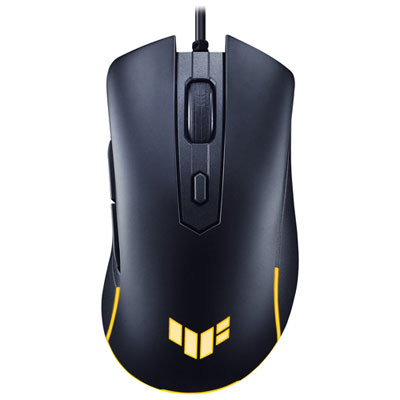
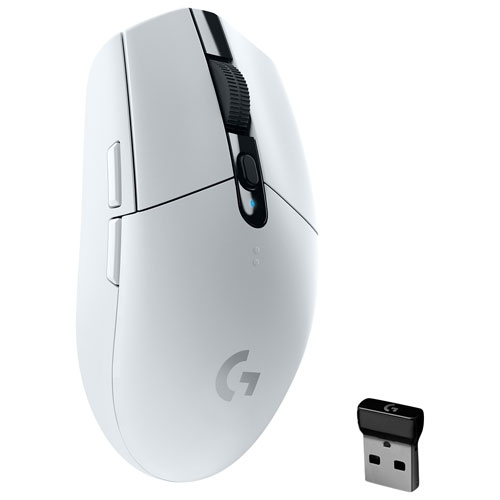
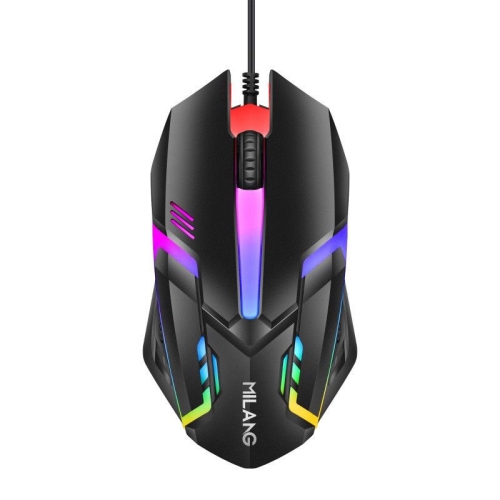
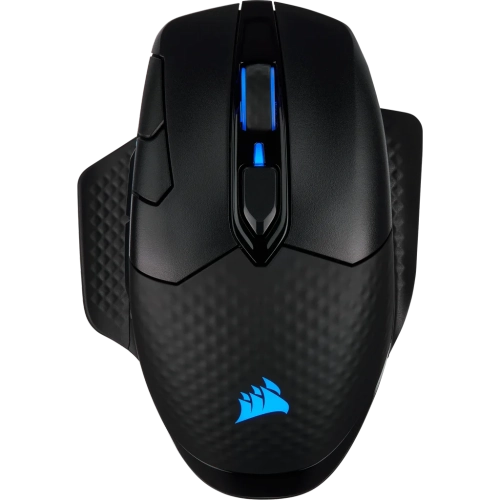
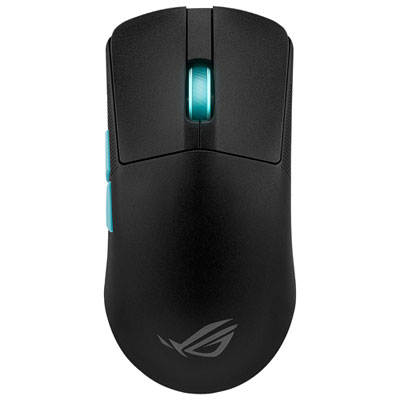
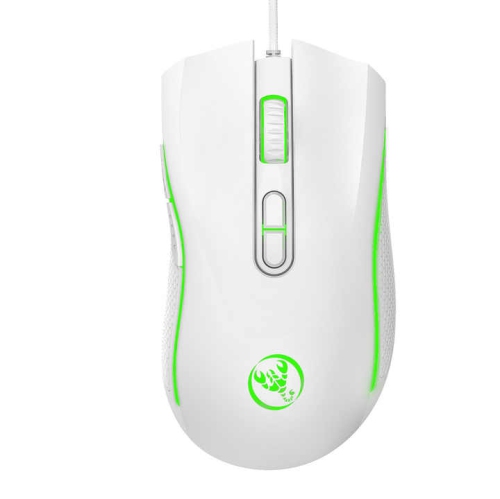
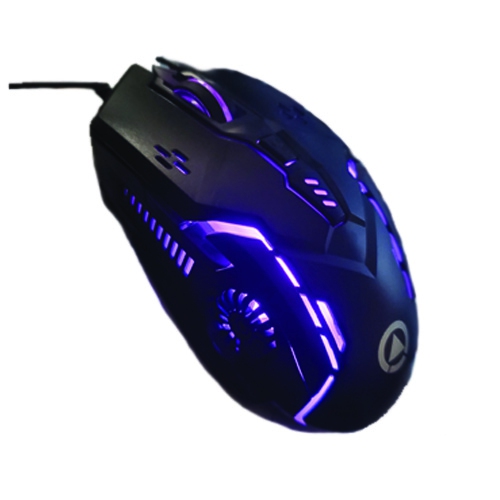
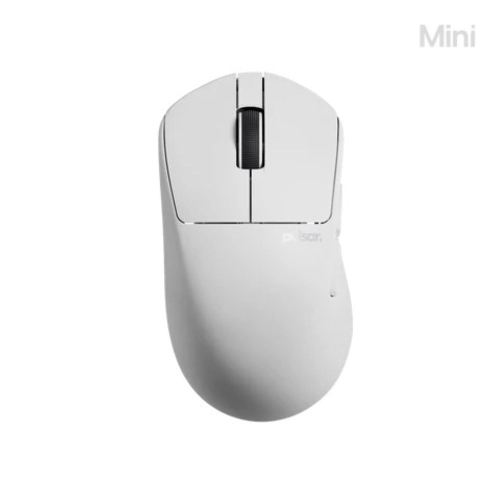
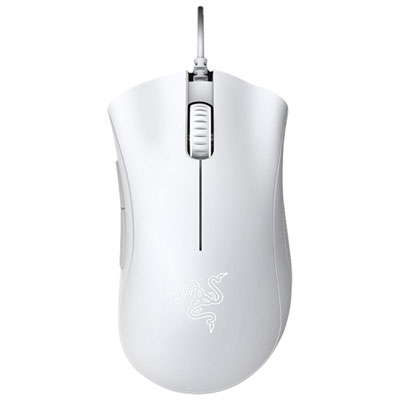
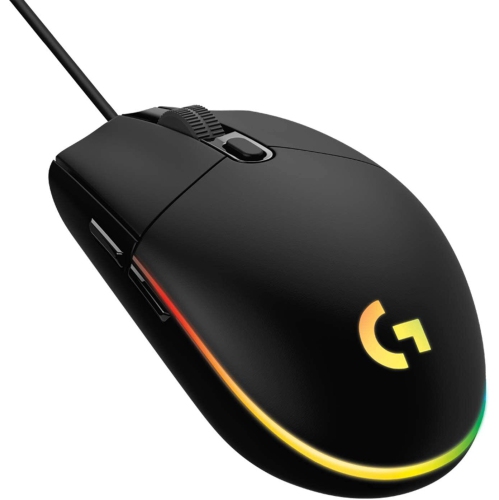
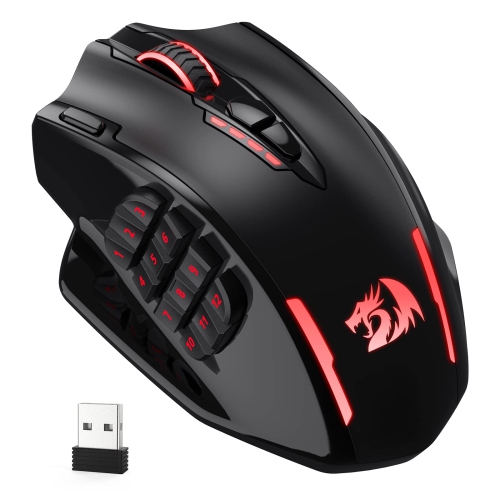
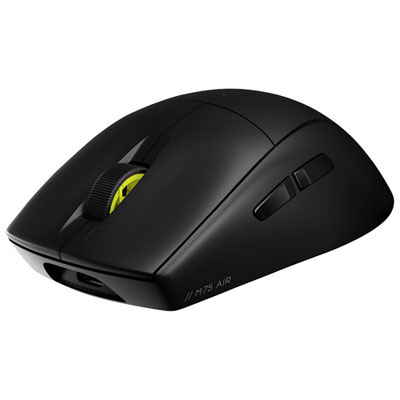
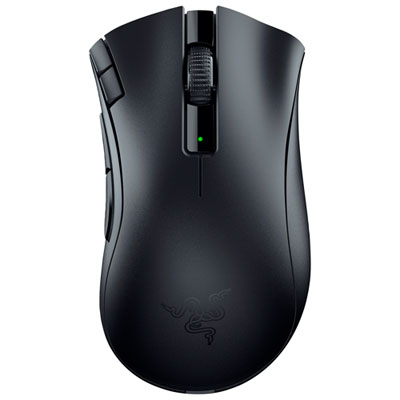
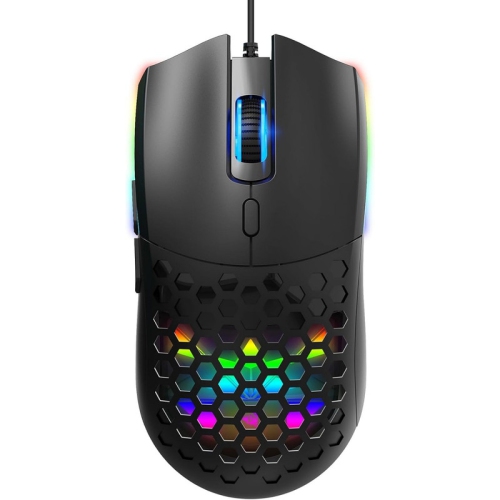
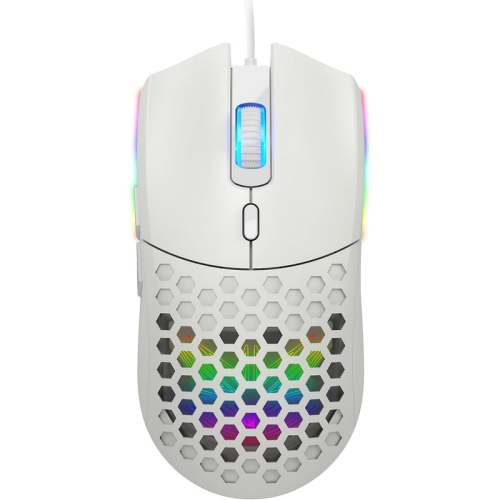
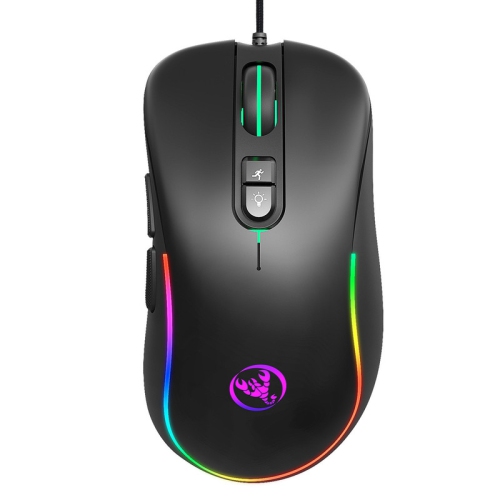
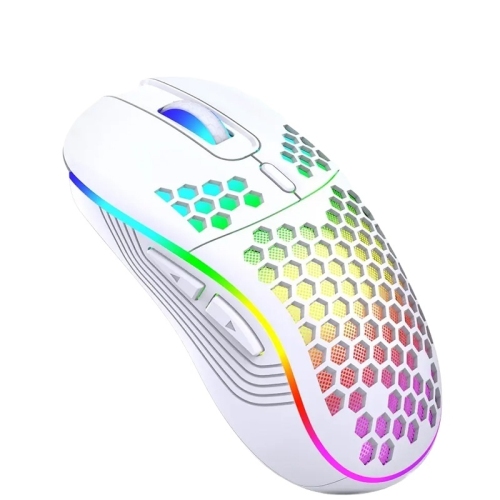
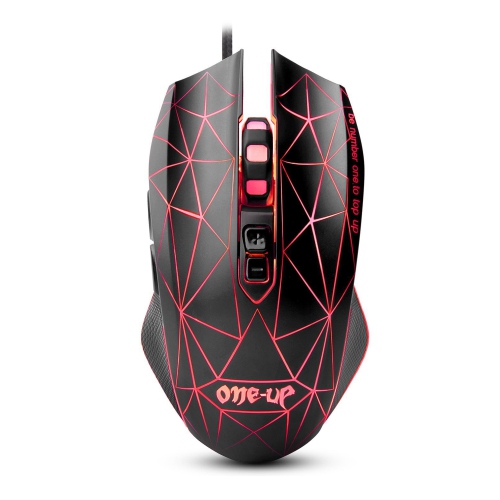
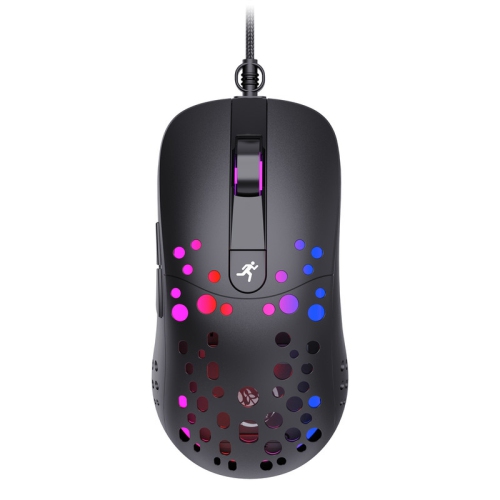
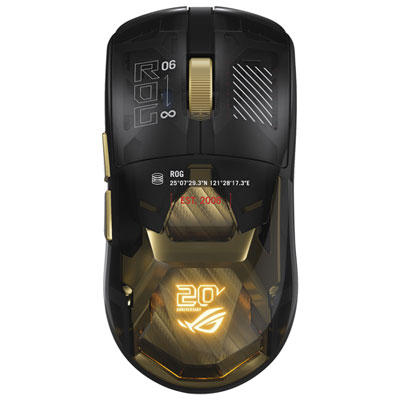
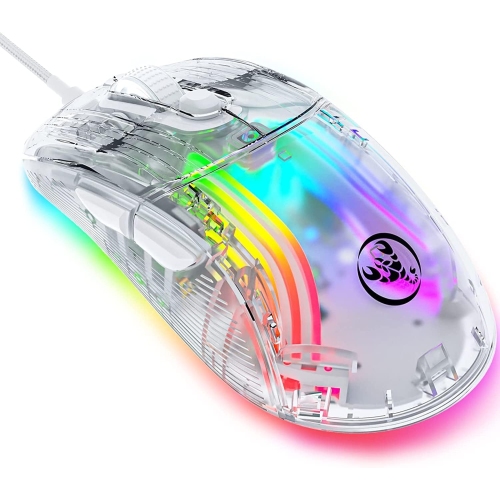
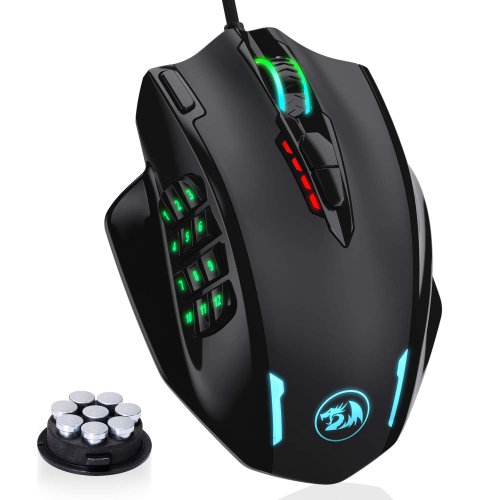
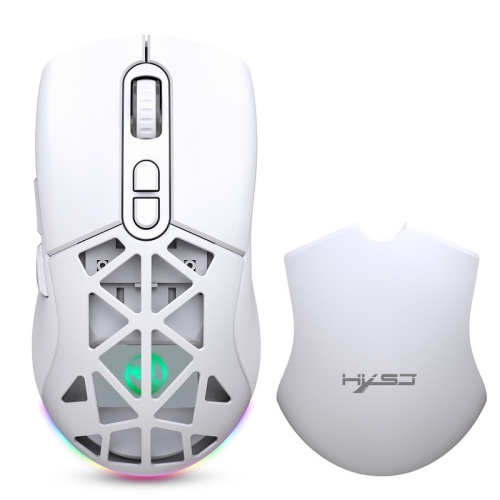
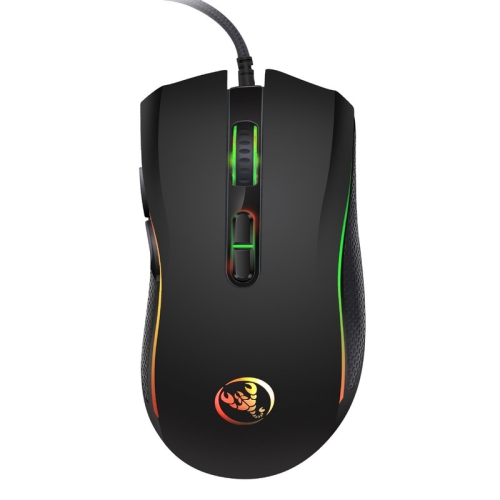
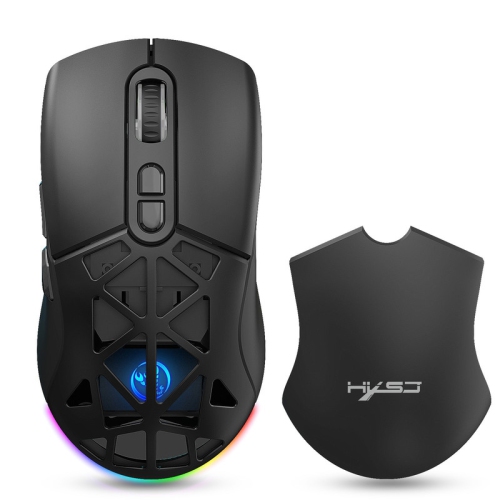
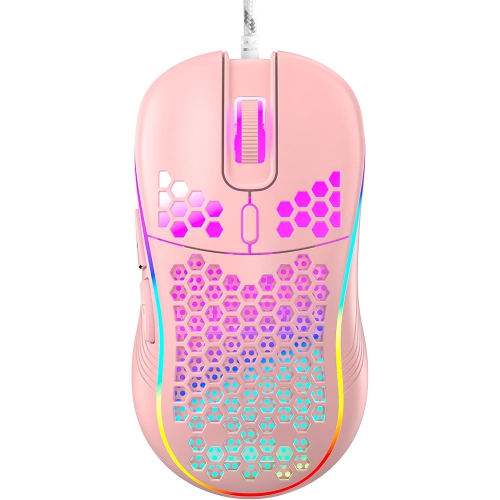
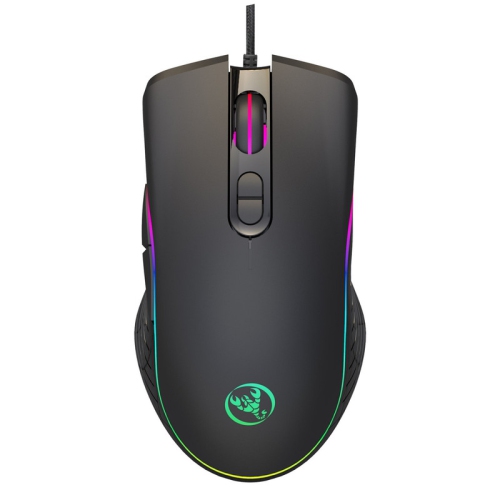
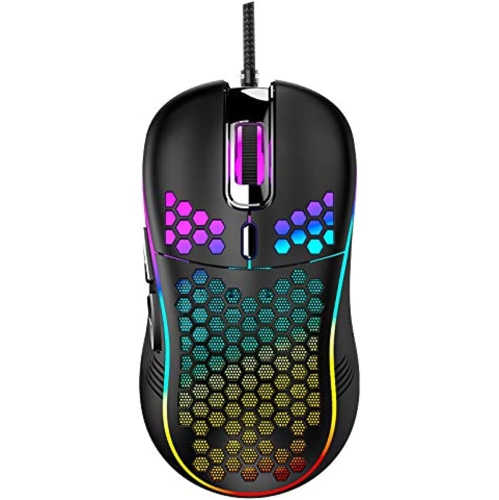
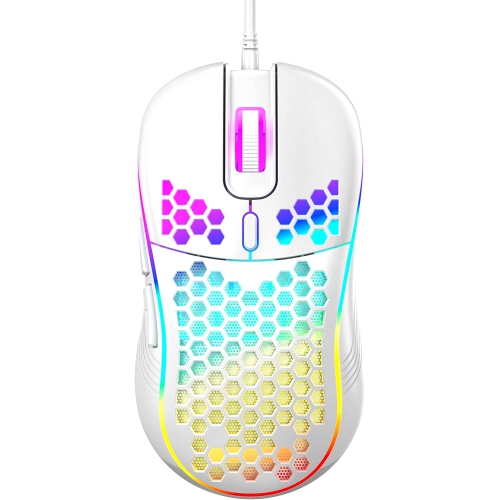
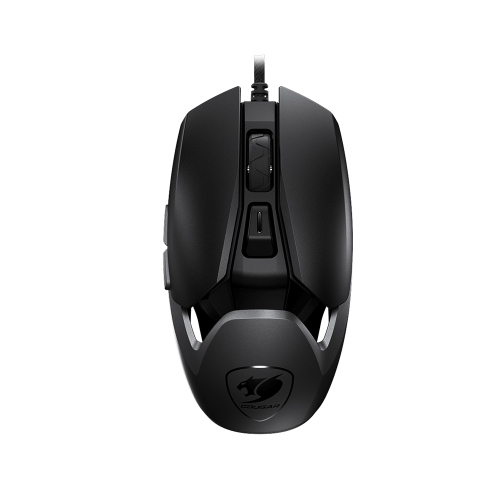
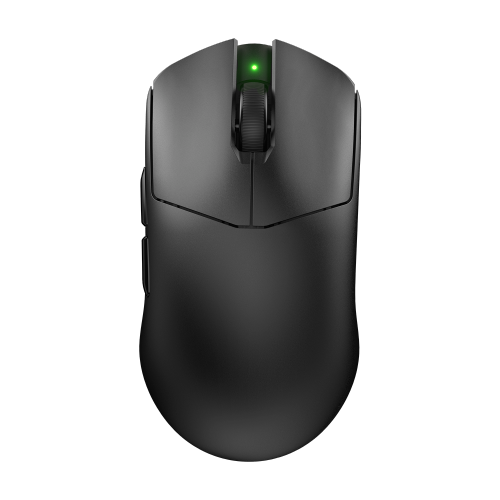
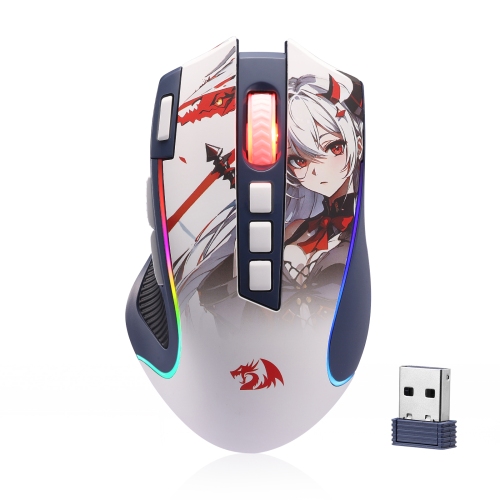
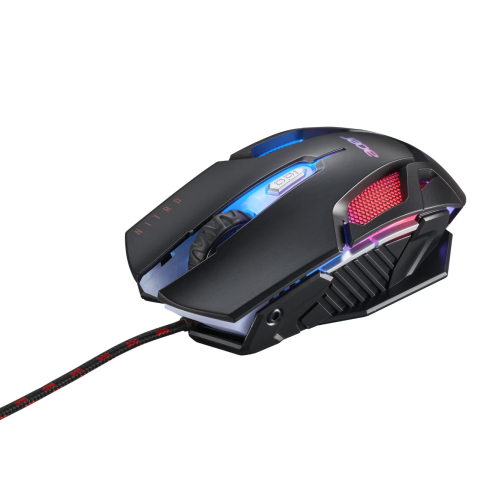
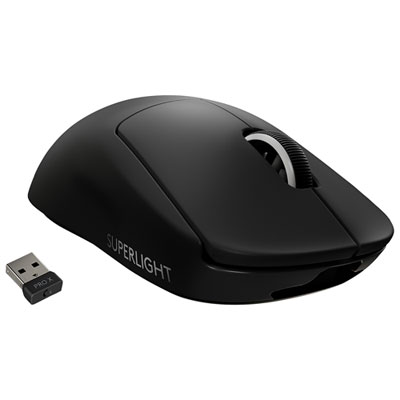
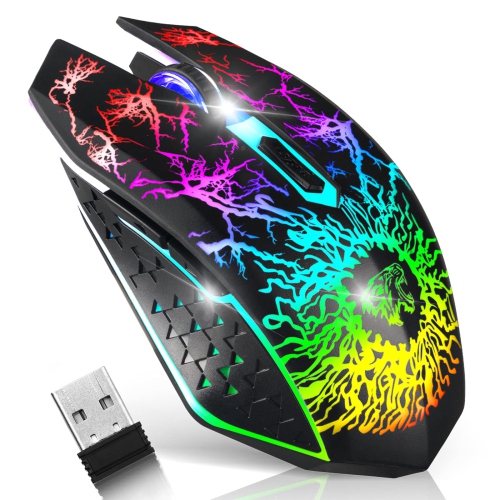
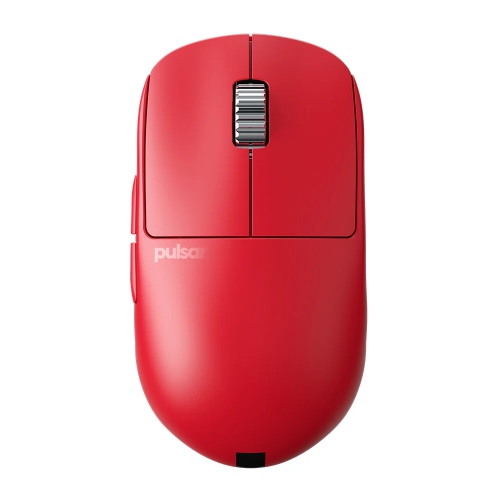
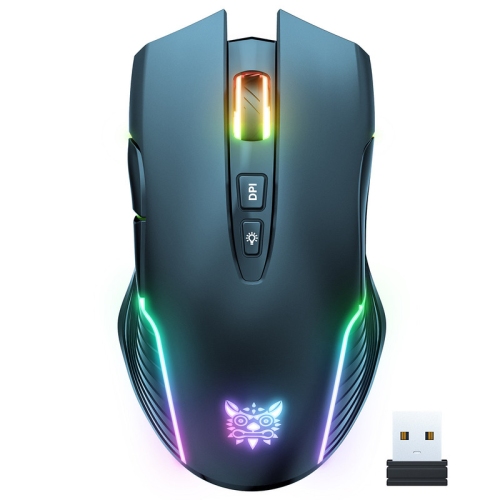
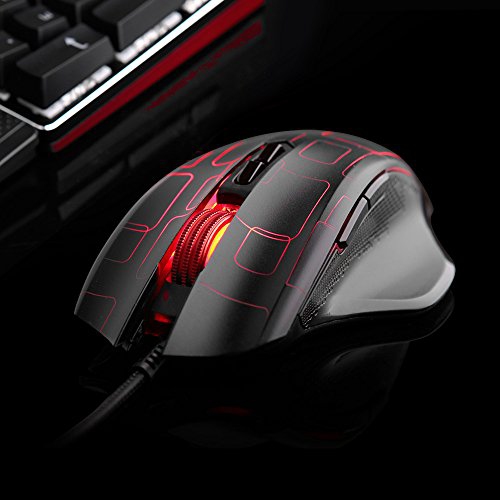
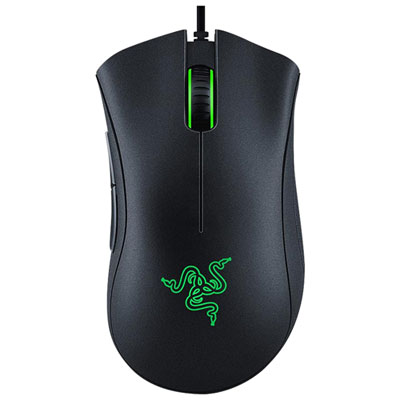
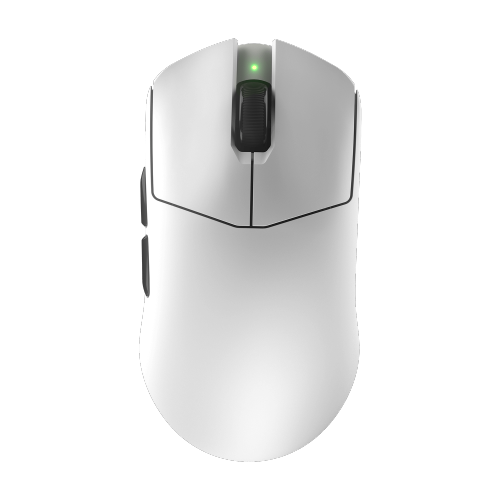
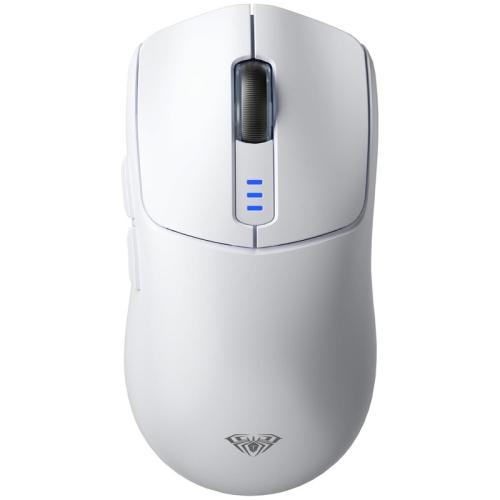
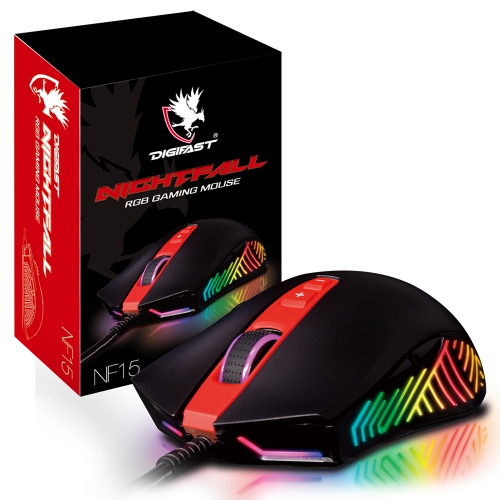
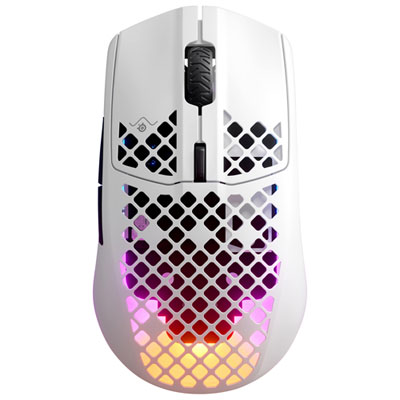
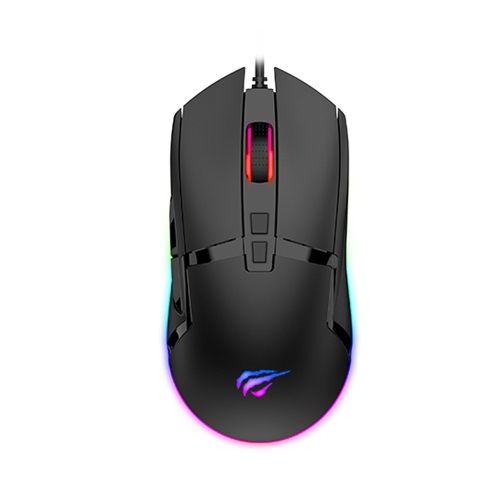
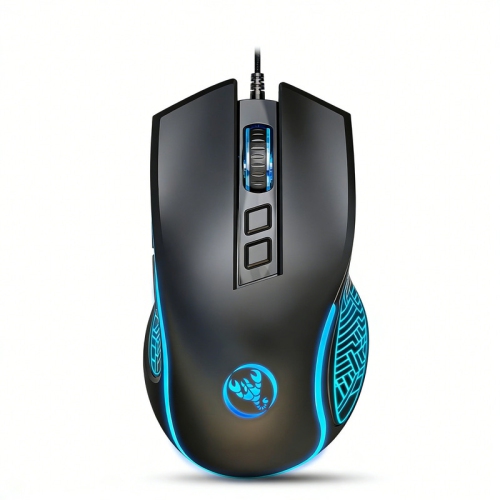
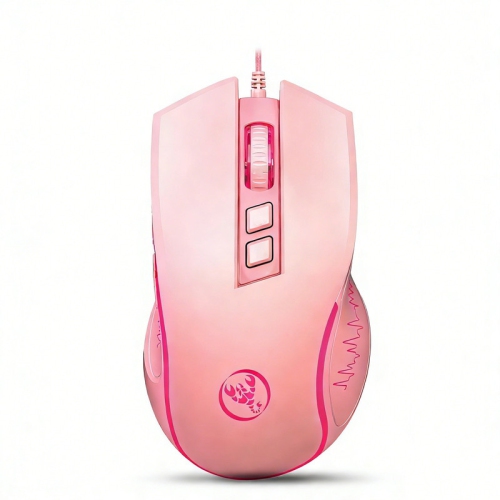
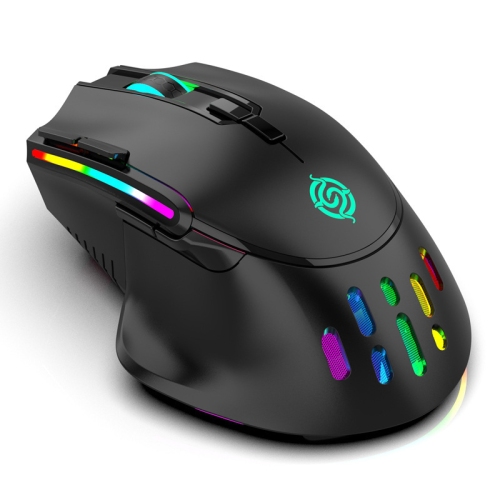
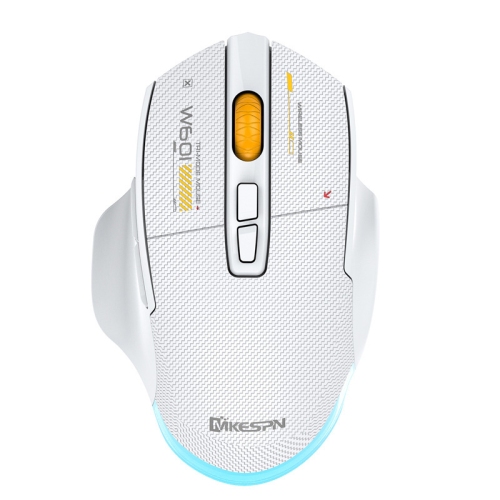
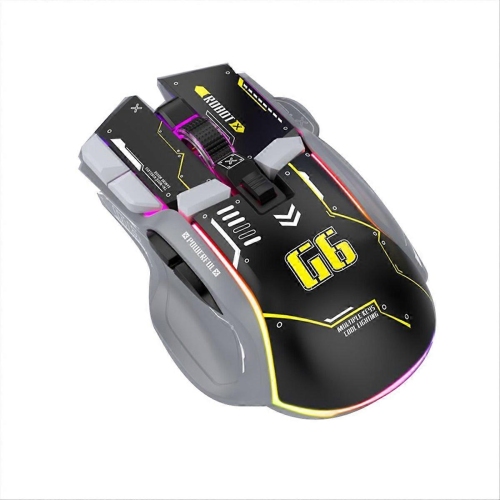
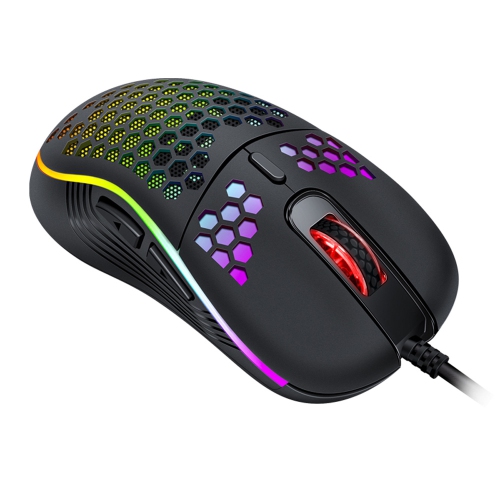
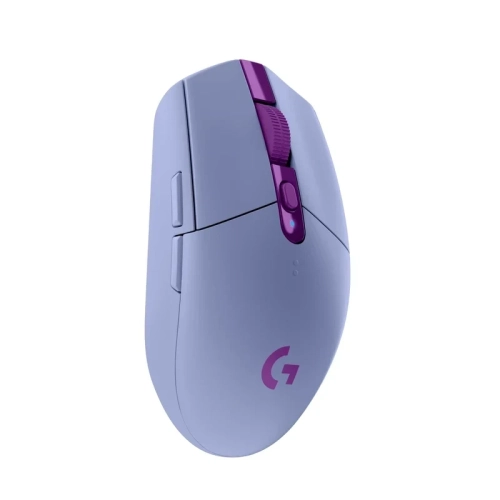
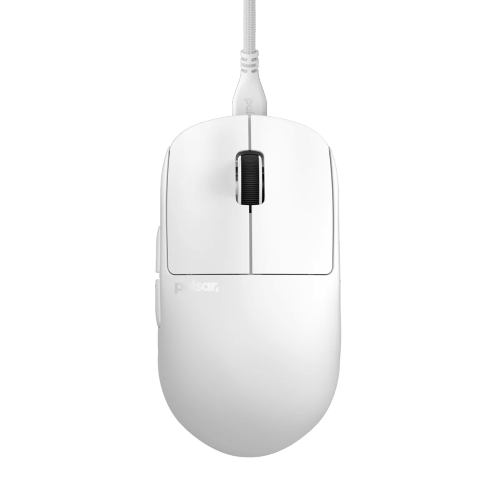
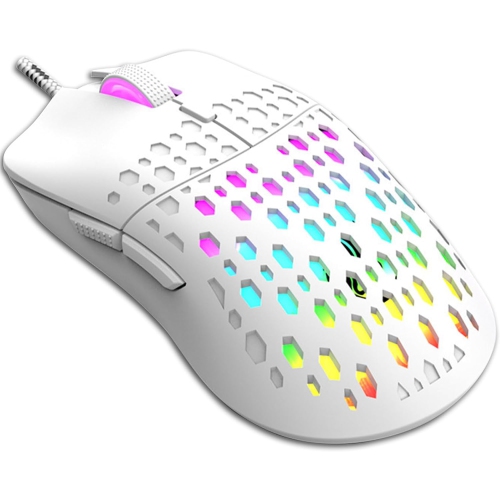
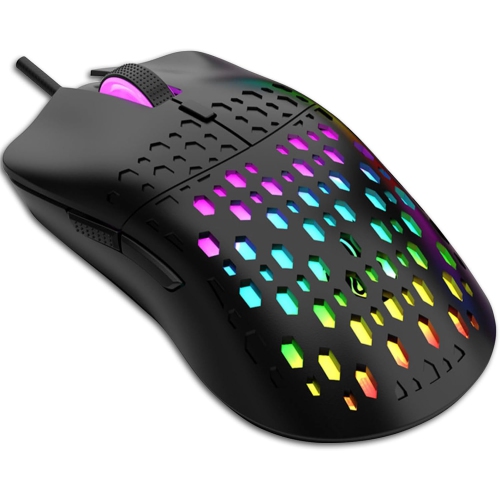
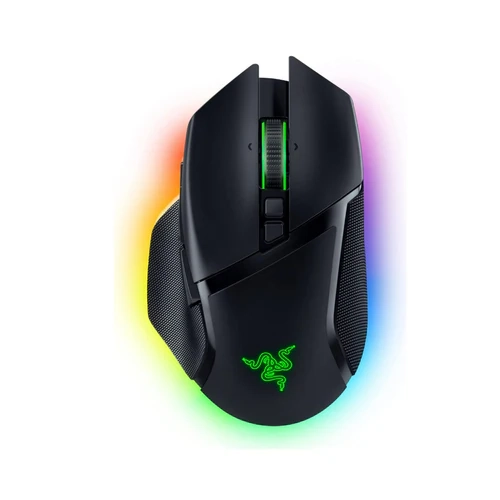
Good gaming mice combine dependable tracking, a comfortable shape, responsive buttons, and a connection suited to the setup. The best fit depends on hand size, grip style, and the games being played; a high maximum sensitivity or a long feature list does not, on its own, make a mouse better. Shape becomes especially noticeable during a long match, when fingers need to reach the main buttons naturally and the wrist needs room to move without an awkward bend. A palm grip rests much of the hand on the shell and often suits a fuller body, while claw and fingertip grips leave more space beneath the hand and may feel better with a shorter or lower-profile shape. These are starting points rather than fixed rules, since two mice with similar dimensions can feel quite different because of their hump position, side curves, and button placement. Right-handed ergonomic designs usually have a shaped thumb area, while symmetrical designs offer a different balance in the hand; neither shape alone guarantees suitable controls for a left-handed player. Weight also changes the feel of everyday movement. A lighter mouse can make repeated lifts and broad, low-sensitivity swipes feel less demanding, particularly when tracking a moving target across a large mouse pad. Players who prefer a more substantial feel can explore Heavy Gaming Mice for designs that offer greater heft during deliberate movements. Smooth plastic shells, textured finishes, and rubberized side panels each provide a different grip, especially when fingers shift position between aiming and using side buttons. Perforated shells can reduce weight, though their openings may need extra attention during cleaning. A comfortable mouse lets the hand settle into position without squeezing the sides tightly, and its main buttons remain easy to press without accidentally activating neighbouring controls. That balance matters whether the mouse is used for quick competitive rounds, an extended role-playing session, or a mix of gaming and everyday computer tasks.
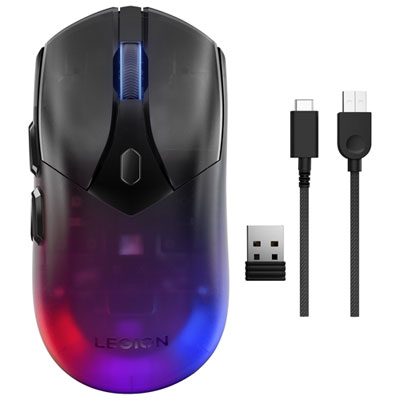
Tracking and connectivity shape how a gaming mouse responds once it is on the desk. Optical sensors are common, and their practical value lies in translating movement consistently across a suitable surface, not simply offering the largest sensitivity number. DPI describes sensitivity: increasing it generally moves the pointer farther for the same physical motion, although operating-system and game settings also affect the result. Lower settings can suit broad arm movements and careful aiming, while higher settings may suit smaller movements or navigating a large display. Easily accessible sensitivity controls can be useful when switching activities, but their placement matters if an accidental press would change the feel halfway through a match. Polling rate describes how often the mouse reports information to the computer. Higher rates can reduce the interval between reports, though the benefit depends on the game, display, system performance, and the player's ability to notice the difference; very high settings can also place more demand on the computer. Wired gaming mice provide a direct connection without a battery to recharge, and a flexible cable can help keep movement from feeling restricted. Wireless designs remove that cable from the playing surface, making wide sweeps and frequent repositioning feel less cluttered. Dedicated wireless receivers designed for gaming can offer low-latency performance, while Bluetooth is often more useful for convenient device switching and general computer use than latency-sensitive play. Battery life varies with settings such as lighting and polling rate, so charging arrangements are part of everyday usability. Controls deserve equal attention. A few well-positioned side buttons can handle voice chat or an in-game action without crowding the thumb, while a larger button array may suit games with many abilities and shortcuts. Reassignment, sensitivity profiles, and onboard memory can make one mouse useful across different activities, subject to software support, game rules, and whether those settings remain stored when moving between computers.
Build quality shows up in the small details: a scroll wheel with distinct, consistent steps, main buttons that feel predictable across their usable area, and a shell that stays solid during normal handling. Switch durability ratings describe testing conditions rather than a guaranteed lifespan, so construction and day-to-day care still matter. Low-friction feet help the mouse glide, but the desk surface or mouse pad has a strong influence on the result. A cloth pad can provide a softer feel with more resistance, while some hard surfaces allow a freer glide; neither is automatically better for every player. Enough clear space beside the keyboard helps prevent broad movements from ending against a keyboard edge or a drink. Dust and grit can affect glide, and debris around the sensor opening may interfere with tracking. Routine care generally means unplugging or switching off the mouse, removing loose debris gently, and wiping the exterior according to the manufacturer's instructions rather than spraying liquid into buttons or openings. Rubberized sections and coated finishes may need different treatment from bare plastic, and replacement feet should match the mouse's shape and dimensions. For shared desks, gaming laptops, and setups that also handle schoolwork or office tasks, quieter clicks, an easy-to-reach scroll wheel, and convenient device switching may matter as much as extra gaming controls. Compatibility includes more than a working connection: configuration software, button reassignment, and saved profiles may behave differently across operating systems. Gaming mice can also make thoughtful gifts for players building a first desktop setup or replacing a mouse that no longer feels comfortable. Hand size, preferred connection, available ports, and favourite game types provide more useful clues than appearance alone. Adjustable lighting can add colour to a desk, but a shape that fits, reliable inputs, and controls that are easy to reach are what make a mouse satisfying to use well beyond the first session.
Tracking and connectivity shape how a gaming mouse responds once it is on the desk. Optical sensors are common, and their practical value lies in translating movement consistently across a suitable surface, not simply offering the largest sensitivity number. DPI describes sensitivity: increasing it generally moves the pointer farther for the same physical motion, although operating-system and game settings also affect the result. Lower settings can suit broad arm movements and careful aiming, while higher settings may suit smaller movements or navigating a large display. Easily accessible sensitivity controls can be useful when switching activities, but their placement matters if an accidental press would change the feel halfway through a match. Polling rate describes how often the mouse reports information to the computer. Higher rates can reduce the interval between reports, though the benefit depends on the game, display, system performance, and the player's ability to notice the difference; very high settings can also place more demand on the computer. Wired gaming mice provide a direct connection without a battery to recharge, and a flexible cable can help keep movement from feeling restricted. Wireless designs remove that cable from the playing surface, making wide sweeps and frequent repositioning feel less cluttered. Dedicated wireless receivers designed for gaming can offer low-latency performance, while Bluetooth is often more useful for convenient device switching and general computer use than latency-sensitive play. Battery life varies with settings such as lighting and polling rate, so charging arrangements are part of everyday usability. Controls deserve equal attention. A few well-positioned side buttons can handle voice chat or an in-game action without crowding the thumb, while a larger button array may suit games with many abilities and shortcuts. Reassignment, sensitivity profiles, and onboard memory can make one mouse useful across different activities, subject to software support, game rules, and whether those settings remain stored when moving between computers.
Build quality shows up in the small details: a scroll wheel with distinct, consistent steps, main buttons that feel predictable across their usable area, and a shell that stays solid during normal handling. Switch durability ratings describe testing conditions rather than a guaranteed lifespan, so construction and day-to-day care still matter. Low-friction feet help the mouse glide, but the desk surface or mouse pad has a strong influence on the result. A cloth pad can provide a softer feel with more resistance, while some hard surfaces allow a freer glide; neither is automatically better for every player. Enough clear space beside the keyboard helps prevent broad movements from ending against a keyboard edge or a drink. Dust and grit can affect glide, and debris around the sensor opening may interfere with tracking. Routine care generally means unplugging or switching off the mouse, removing loose debris gently, and wiping the exterior according to the manufacturer's instructions rather than spraying liquid into buttons or openings. Rubberized sections and coated finishes may need different treatment from bare plastic, and replacement feet should match the mouse's shape and dimensions. For shared desks, gaming laptops, and setups that also handle schoolwork or office tasks, quieter clicks, an easy-to-reach scroll wheel, and convenient device switching may matter as much as extra gaming controls. Compatibility includes more than a working connection: configuration software, button reassignment, and saved profiles may behave differently across operating systems. Gaming mice can also make thoughtful gifts for players building a first desktop setup or replacing a mouse that no longer feels comfortable. Hand size, preferred connection, available ports, and favourite game types provide more useful clues than appearance alone. Adjustable lighting can add colour to a desk, but a shape that fits, reliable inputs, and controls that are easy to reach are what make a mouse satisfying to use well beyond the first session.
Top selling and popular products
-
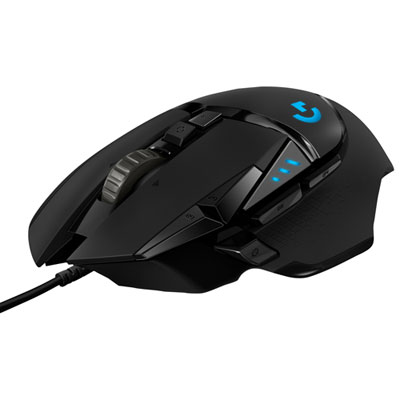 Your price for this item is $59.99
-
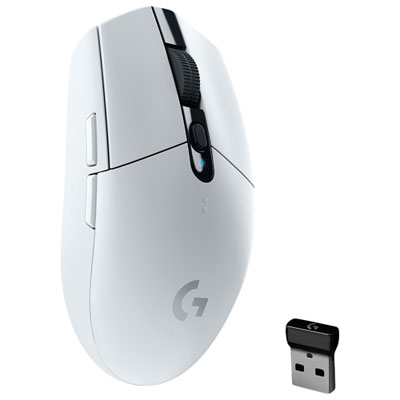 Your price for this item is $49.99
-
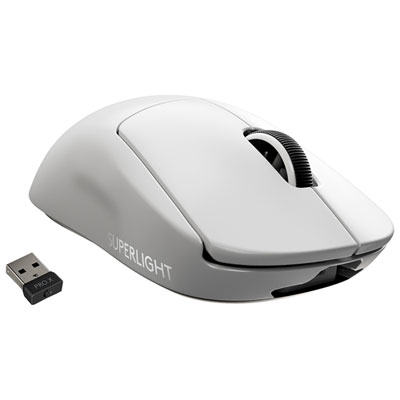 Your price for this item is $199.95
-
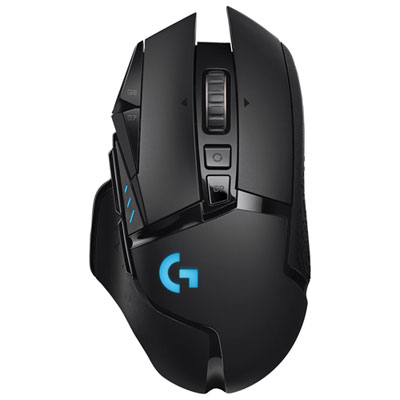 Your price for this item is $149.99
-
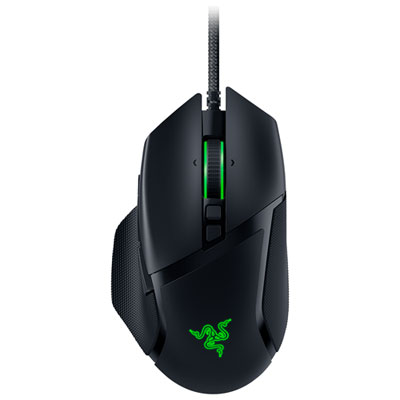 Your price for this item is $99.99
-
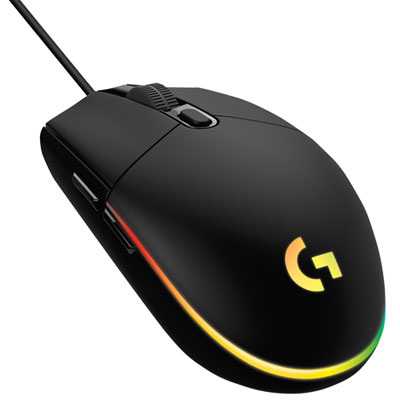 Your price for this item is $39.99
-
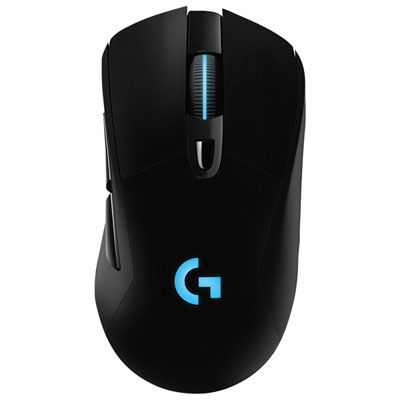 Your price for this item is $119.99
-
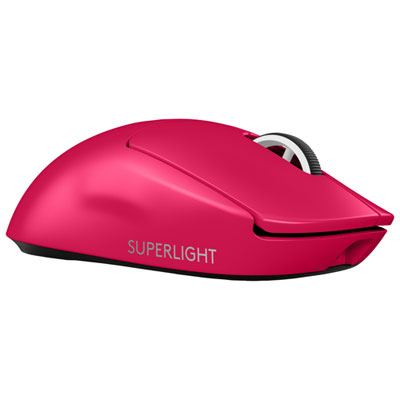 Your price for this item is $219.99
Discover more categories related to Good Gaming Mice
Top Collections:
Pokemon Centers, Pokémon 30th Celebration Cards, Best Budget Office Chairs, Kindle Devices, Best Cameras for Sports Photography, Canon G7X Cameras, Best Black Friday Deals On Electronics, Best Laptops for Writers, iPhone 15 Apple, Jackery Power Stations
Some products may be subject to Environmental Handling Fees
(EHF) depending on your province.
Learn more about EHFs.