Headphones for Skype Calls
Whether you're working from home, catching up with loved ones, or participating in online meetings, having a reliable pair of headphones for your Skype calls is essential. Crisp and clear sound quality, a comfortable fit, and noise-canceling capabilities are just a few factors to consider when choosing the perfect headphones for your communication needs. With this range of options to suit every budget and preference, finding the ideal headphones for your Skype calls has never been easier.
Sort
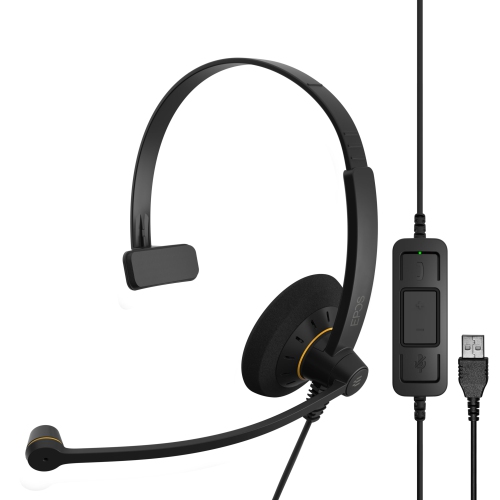
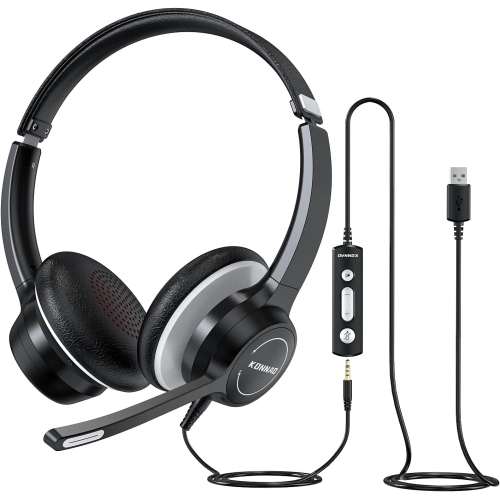
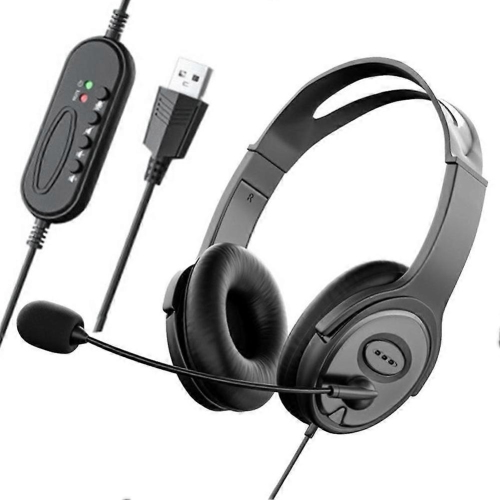
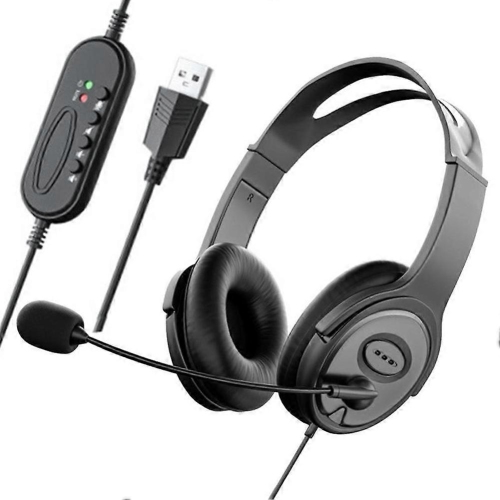
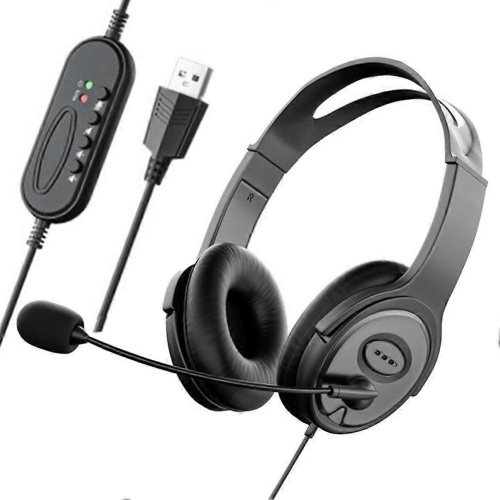
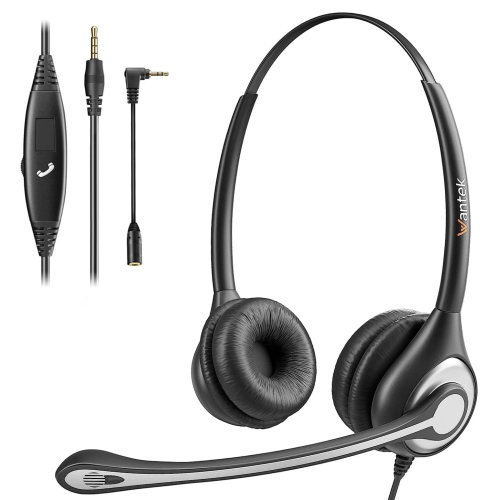
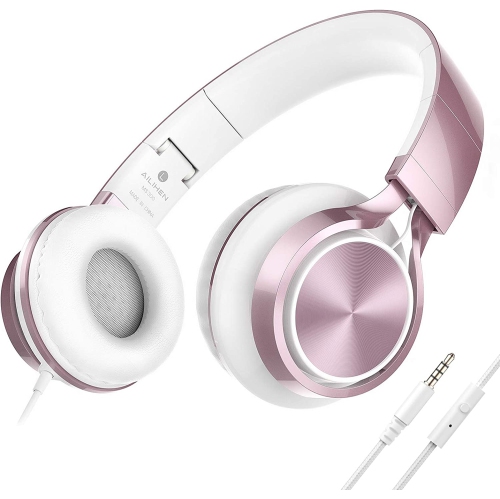
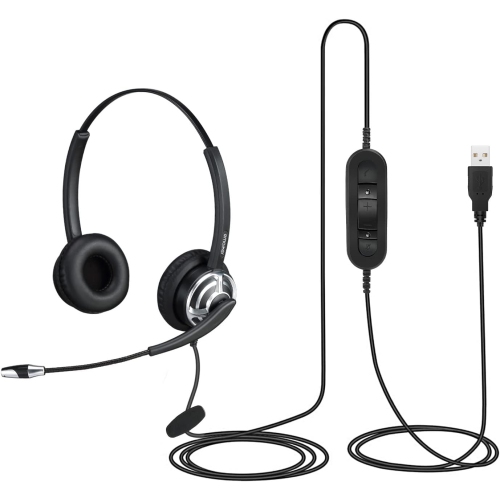


![UOLO Pulse Elite 2 True Wireless Anc/enc [Active Noise & Environmental Noise Cancelling] Bluetooth 5.3, Touch Control, Built In Mic for Phone Call -](https://multimedia.bbycastatic.ca/multimedia/products/500x500/171/17166/17166524.jpeg)

![UOLO Pulse Elite 2 True Wireless Anc/enc [Active Noise & Environmental Noise Cancelling] Bluetooth 5.3, Touch Control, Built In Mic for Phone Call -](https://multimedia.bbycastatic.ca/multimedia/products/500x500/171/17166/17166523.jpeg)
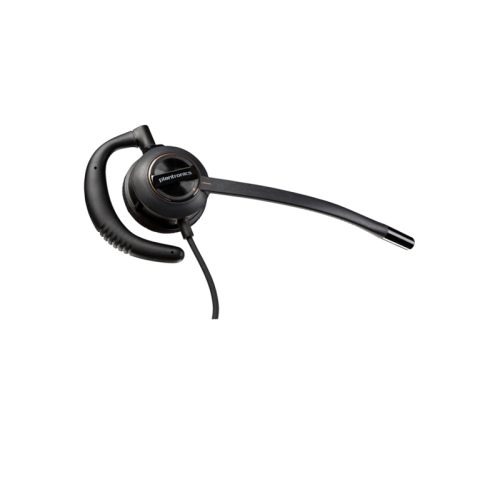
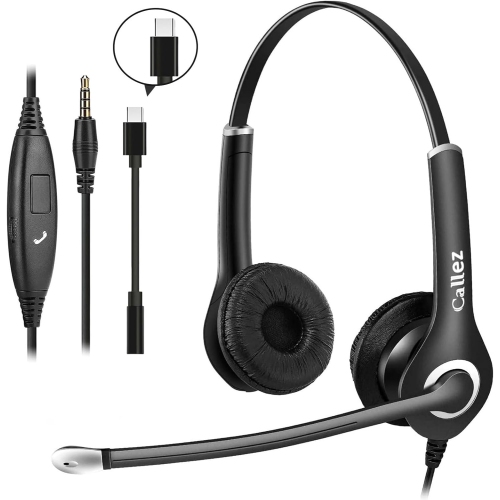
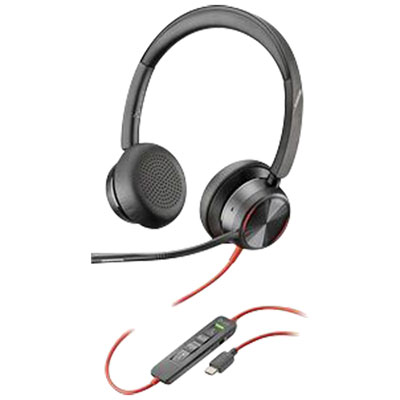
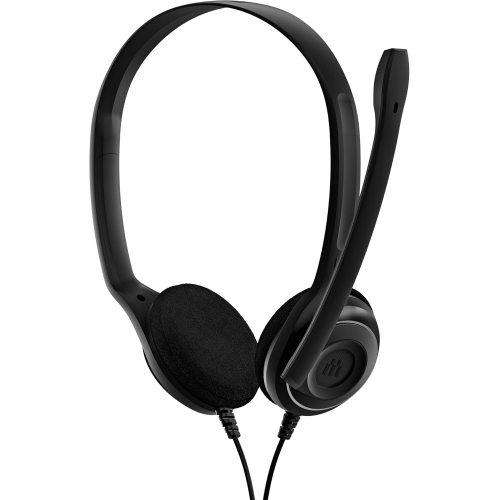
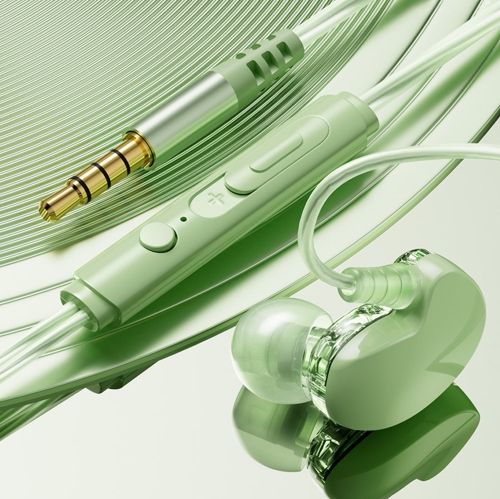



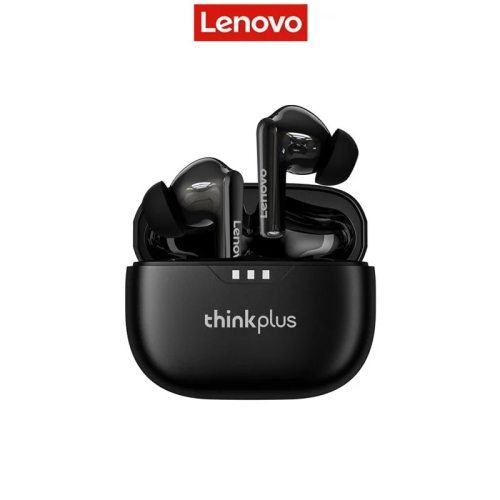
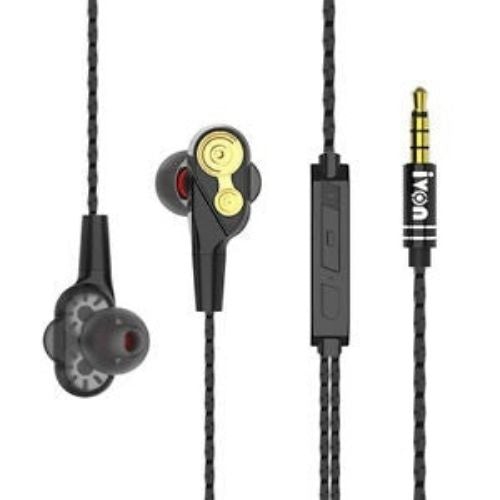
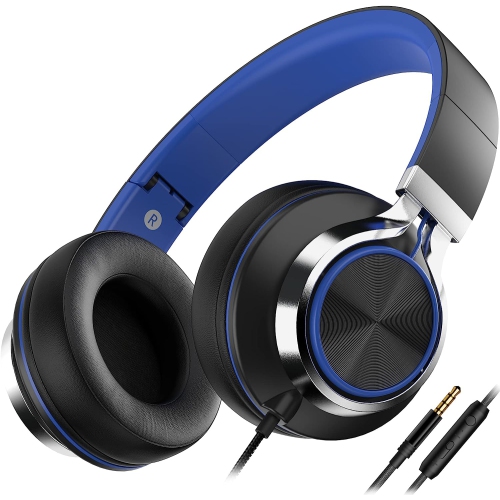

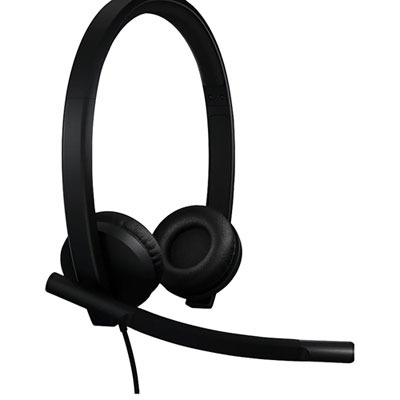

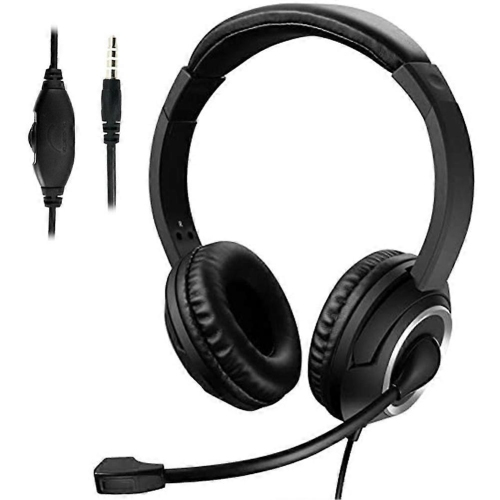
![GREEN SCENIC [Yunyan Baiyu] Hi-Fi Stereo Headphones | Protein Leather Zero-Pressure Earmuffs | Enc Call Noise Reduction | Type-C Fast Charging](https://multimedia.bbycastatic.ca/multimedia/products/500x500/192/19274/19274268.jpeg)
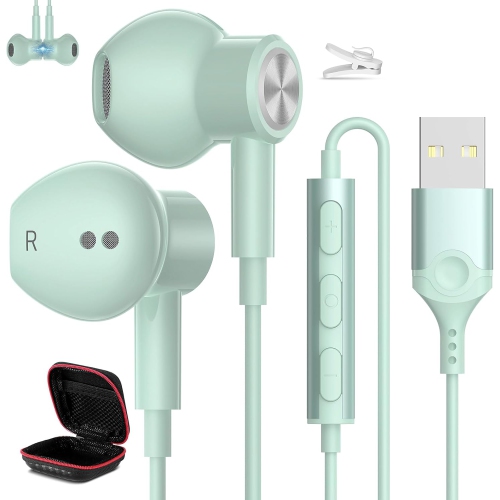
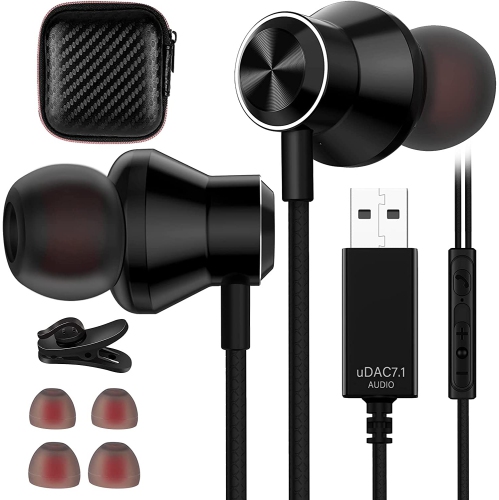
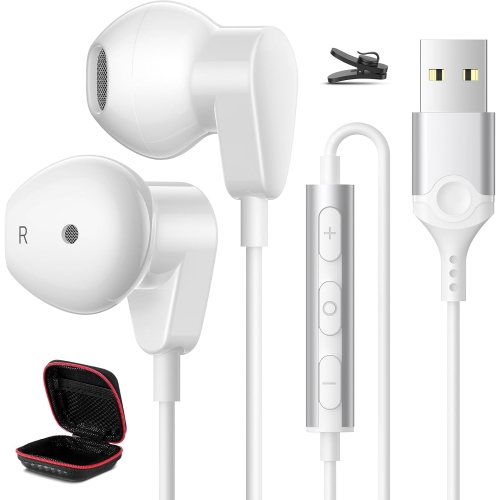
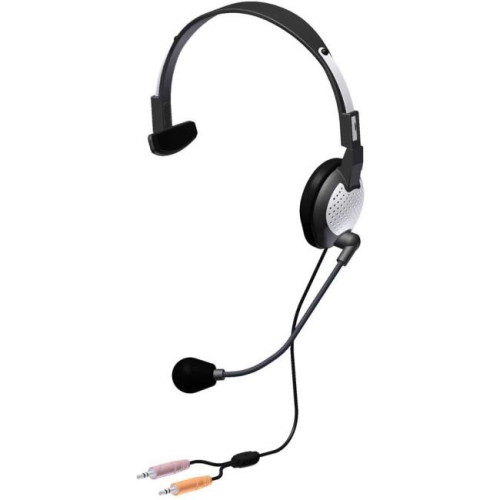
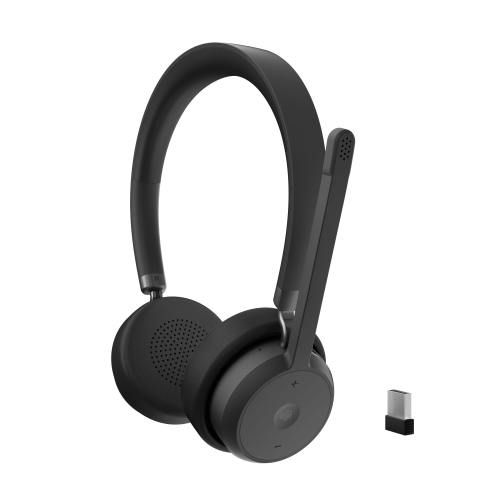
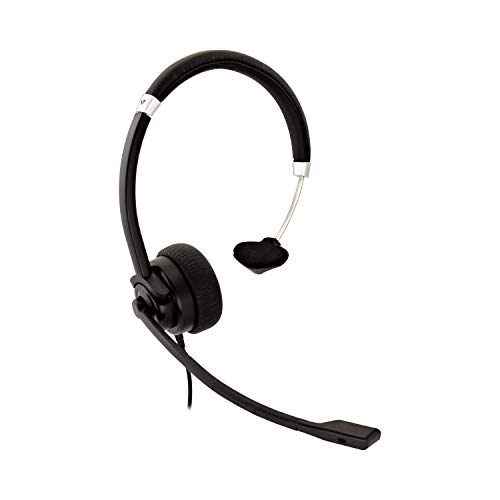
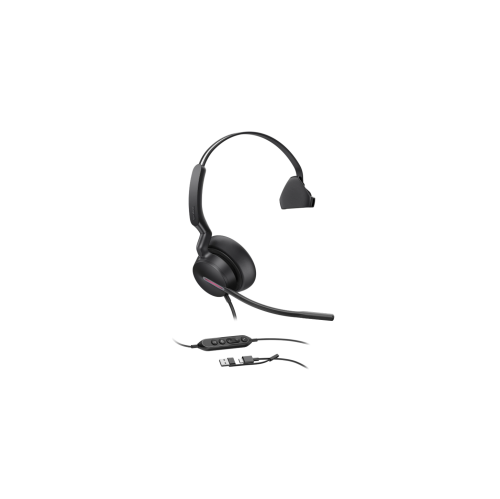
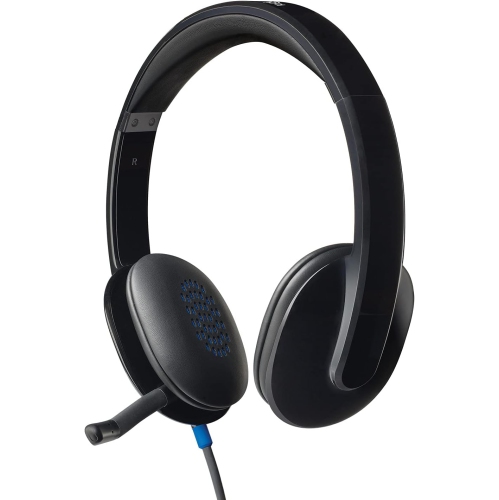
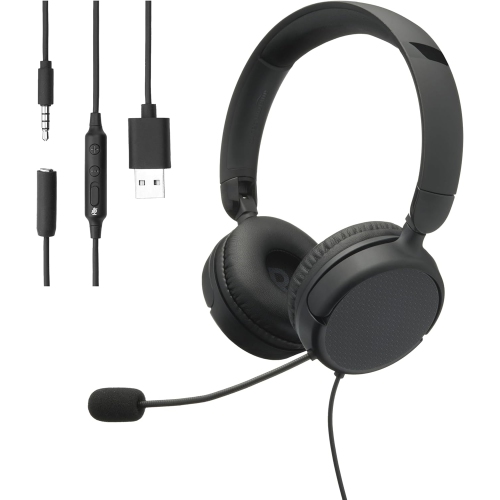
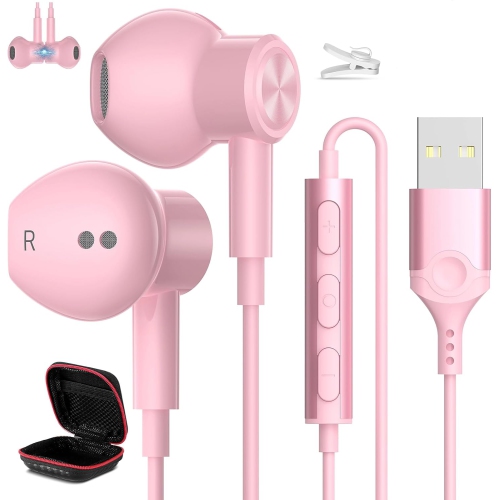
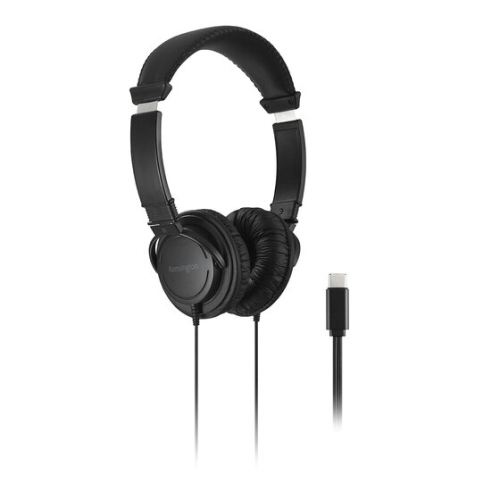
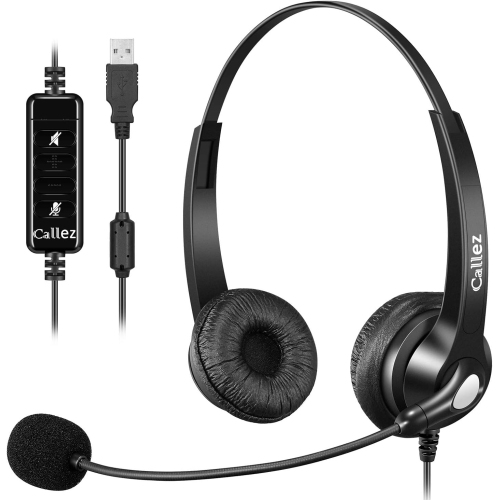
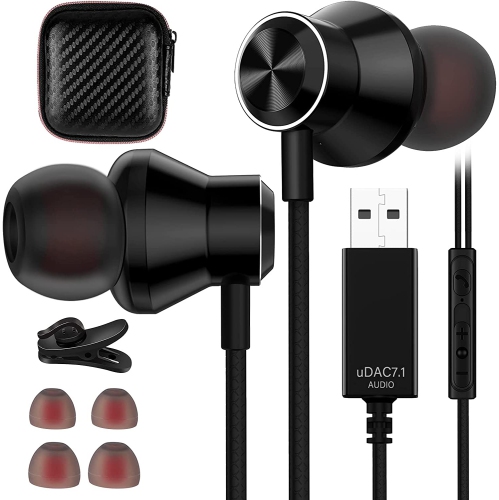
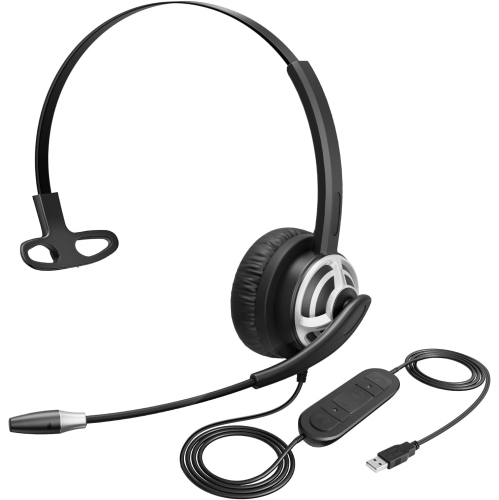
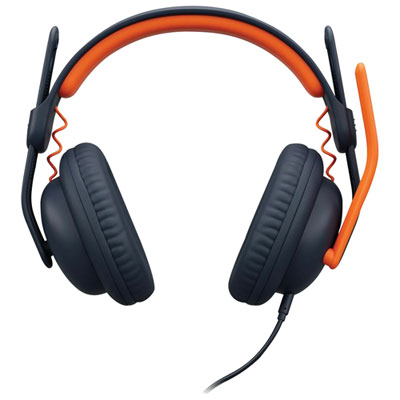
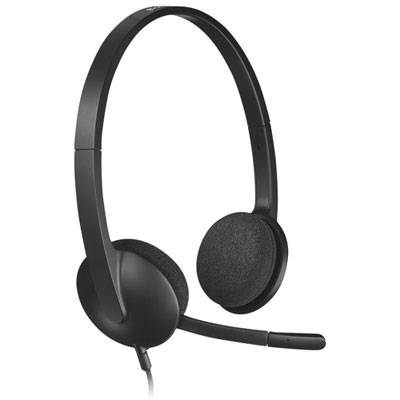
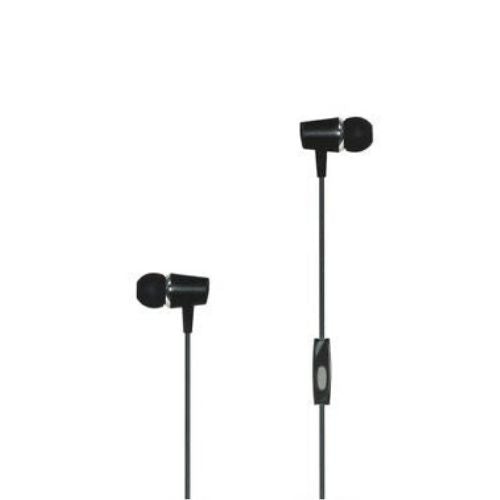
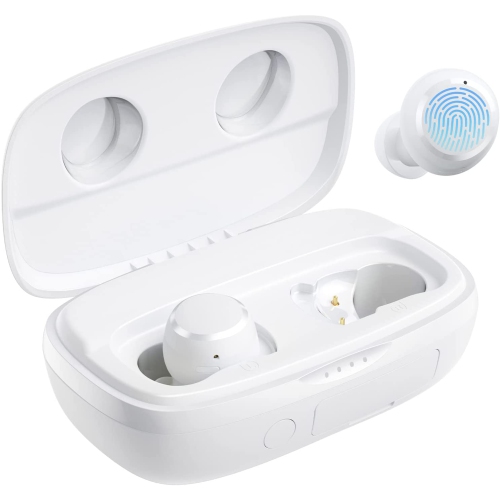
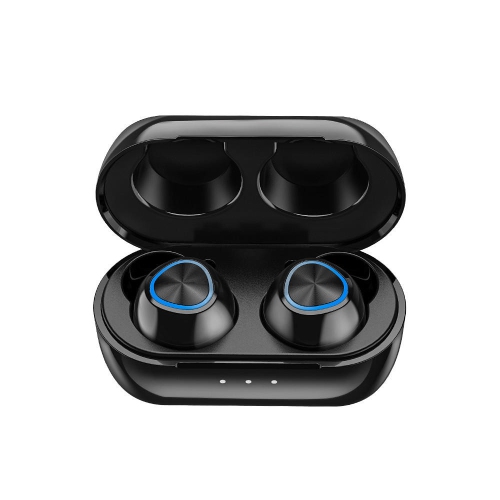
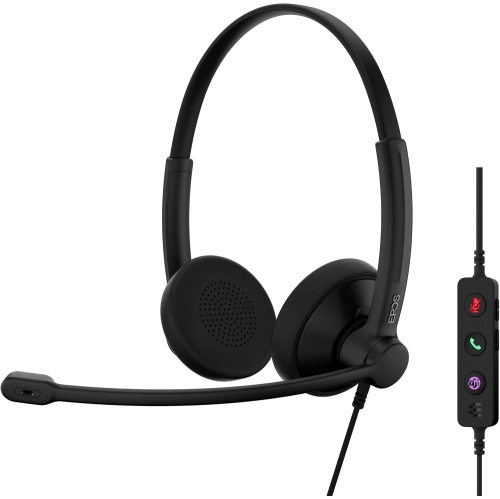
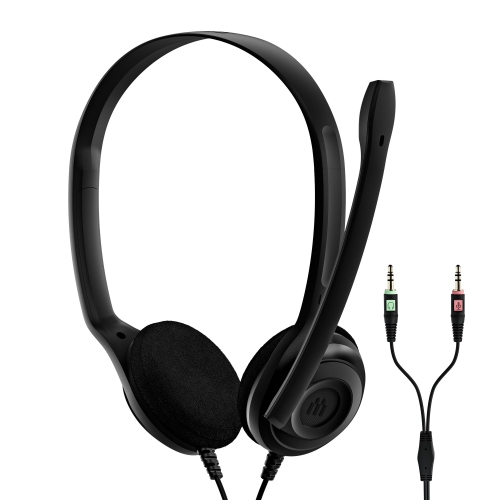
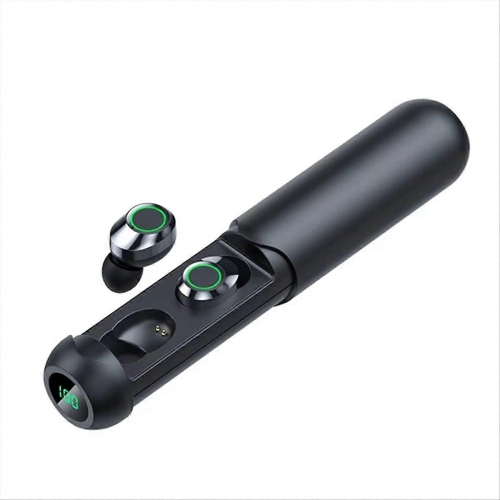
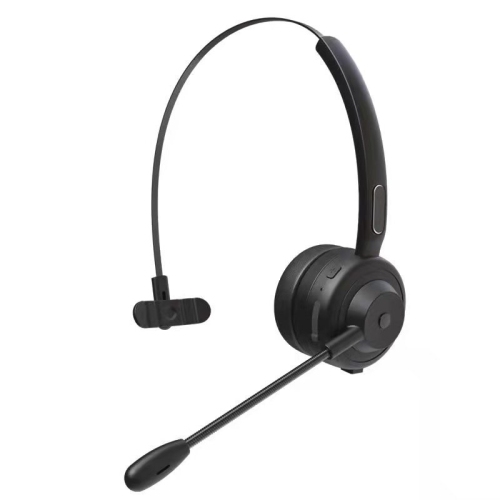
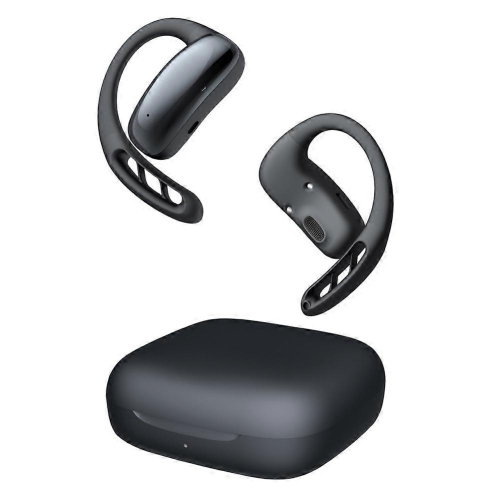
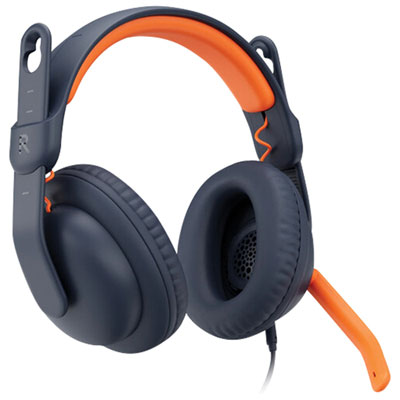
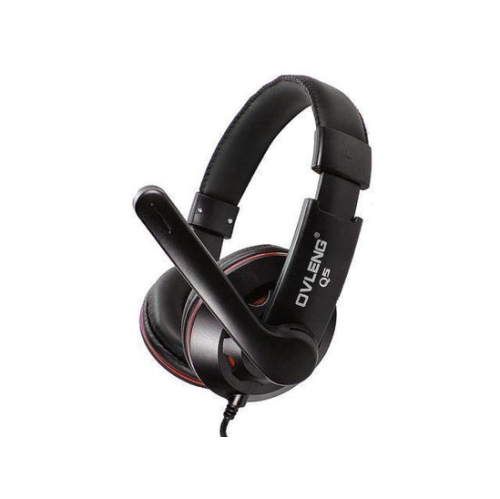
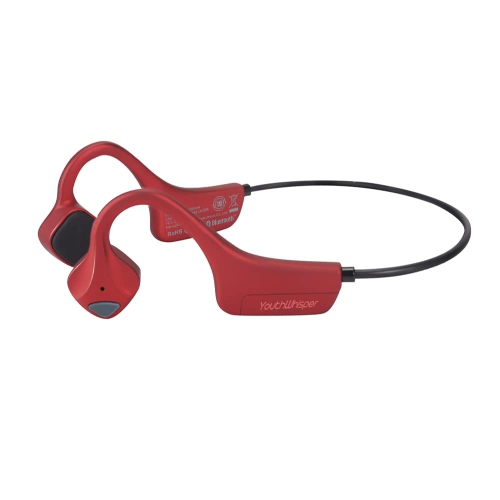
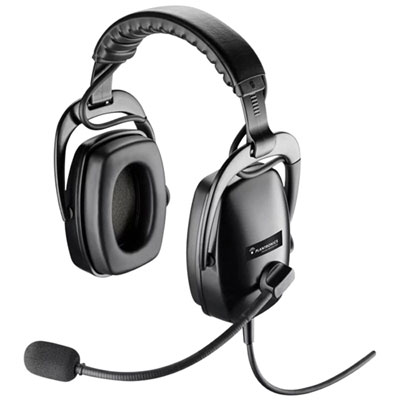
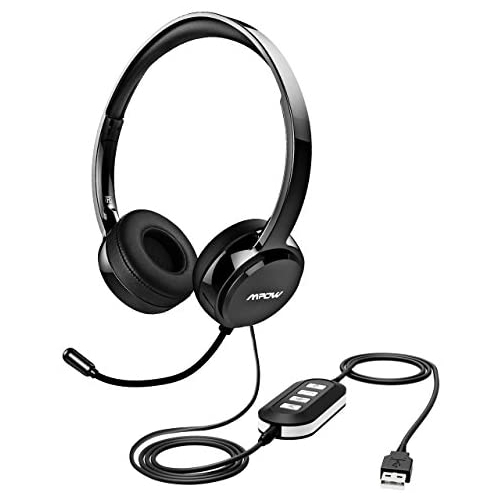
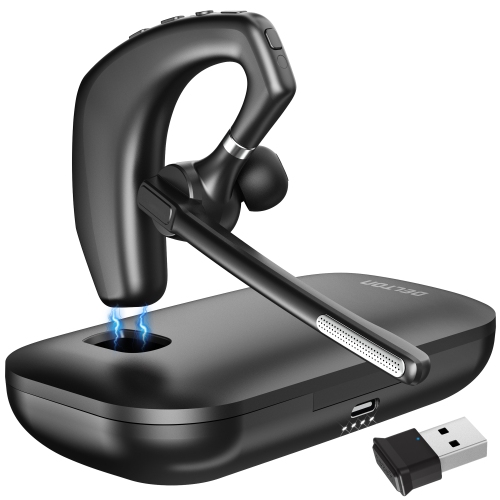
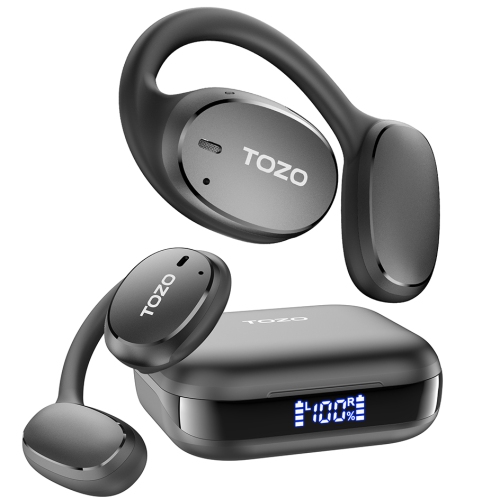
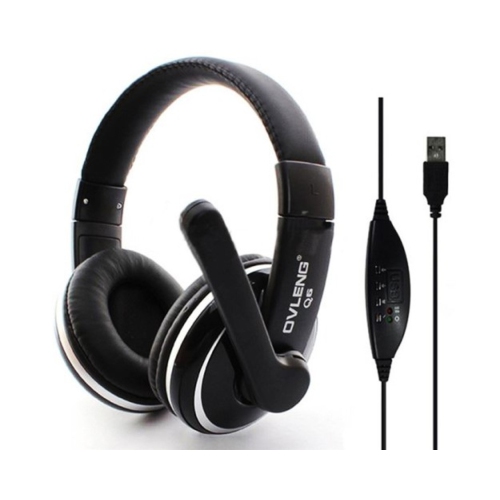
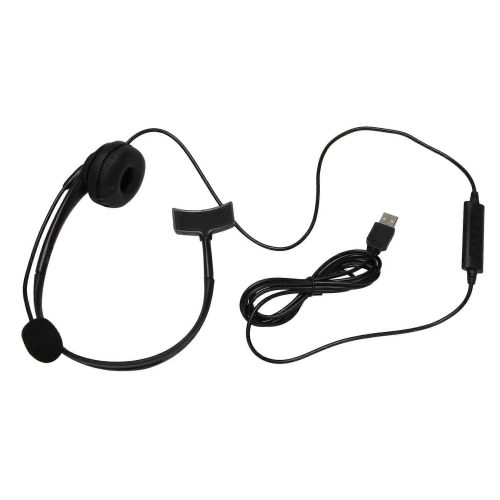
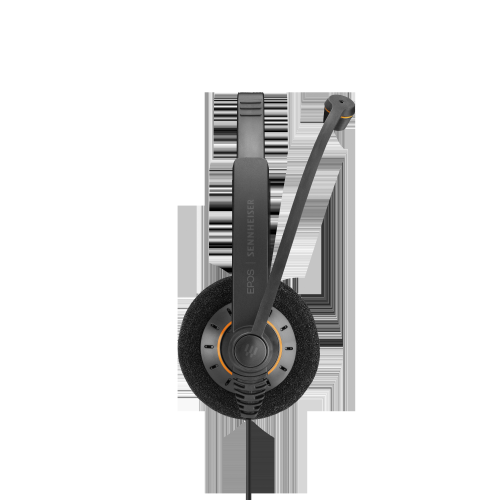
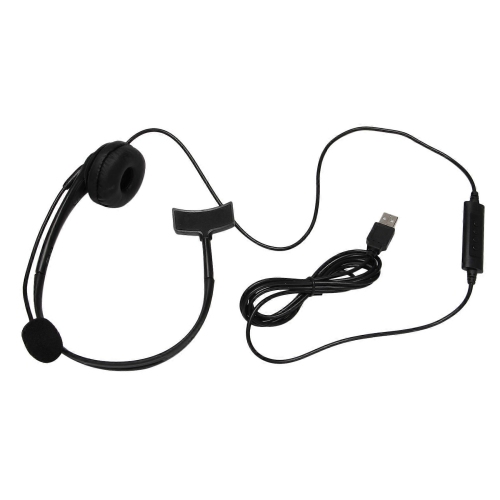

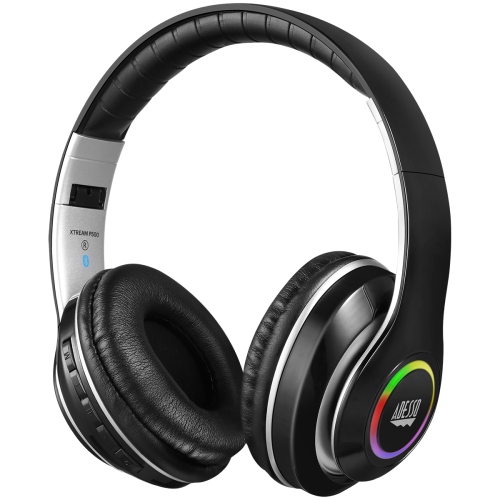
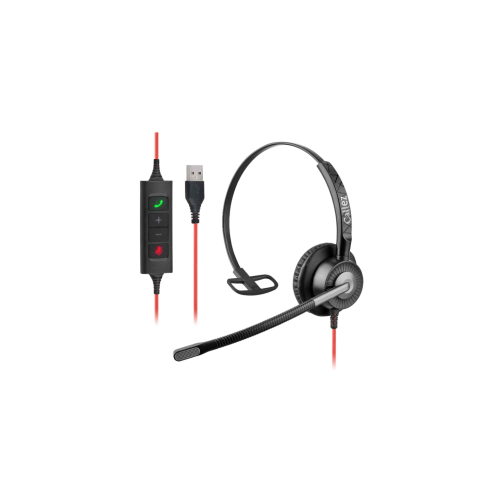
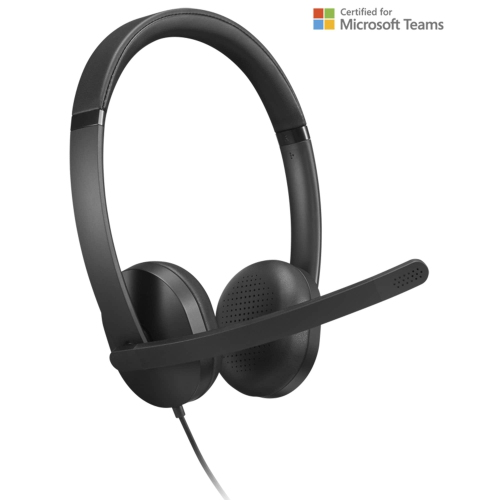
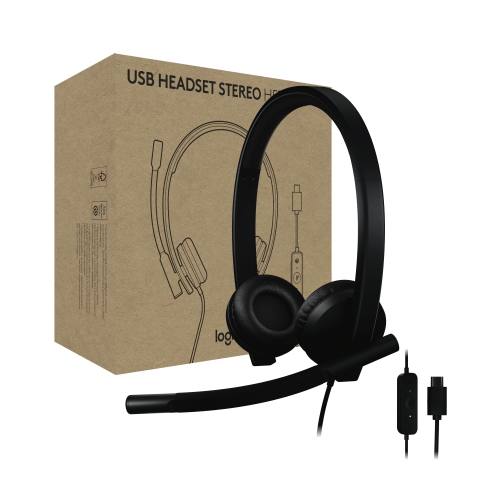
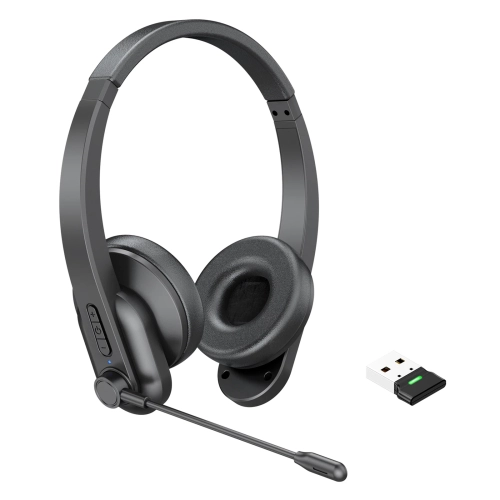
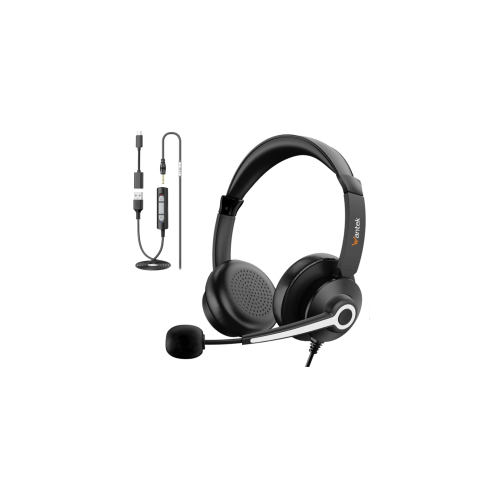
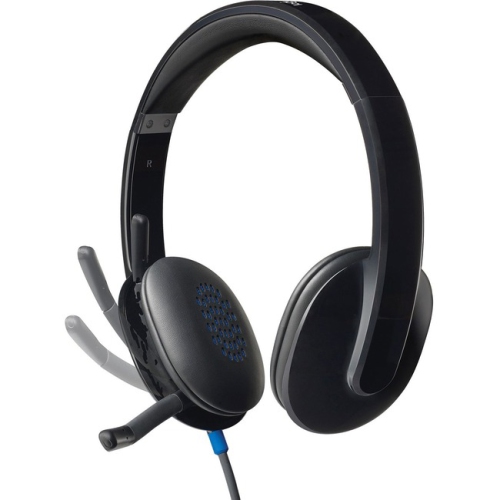
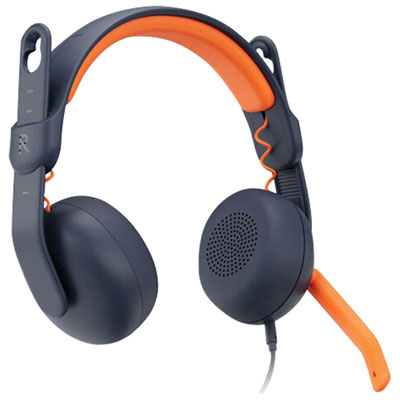

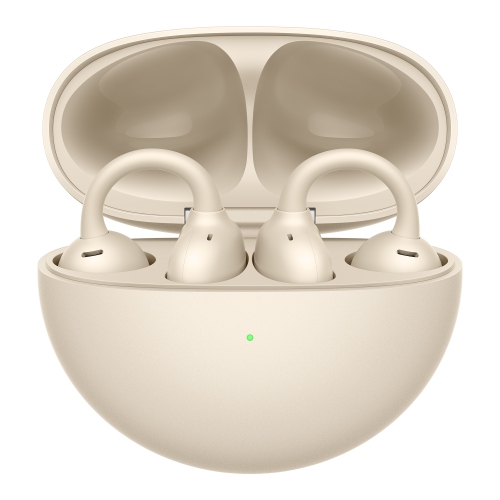
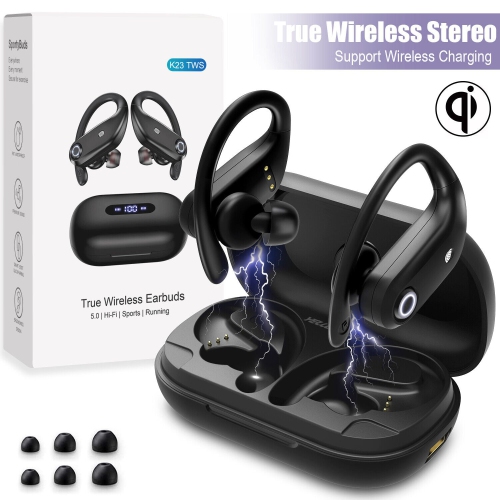
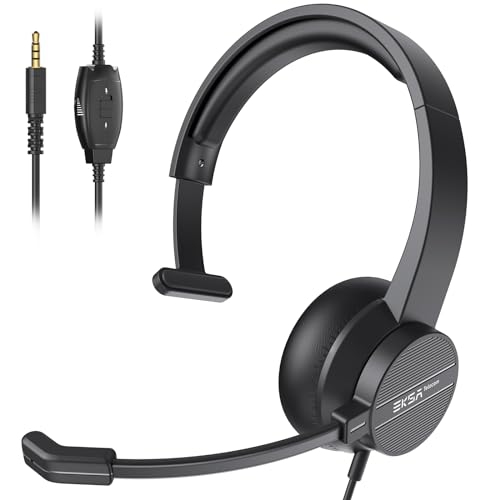
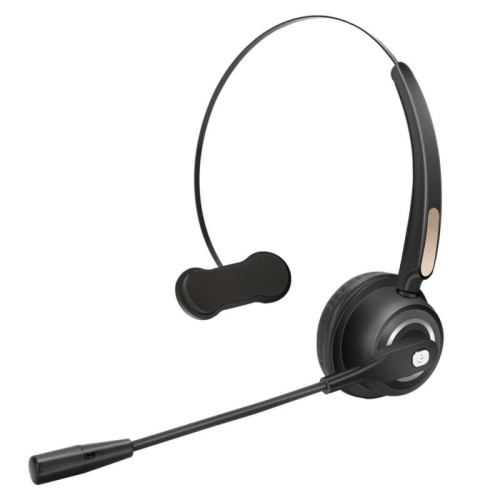
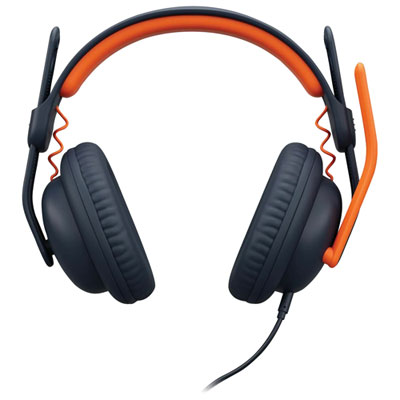
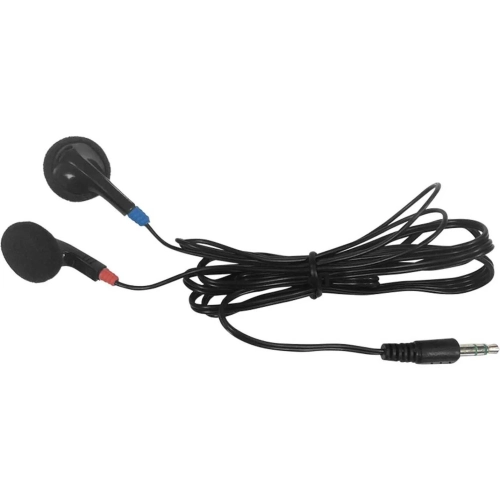
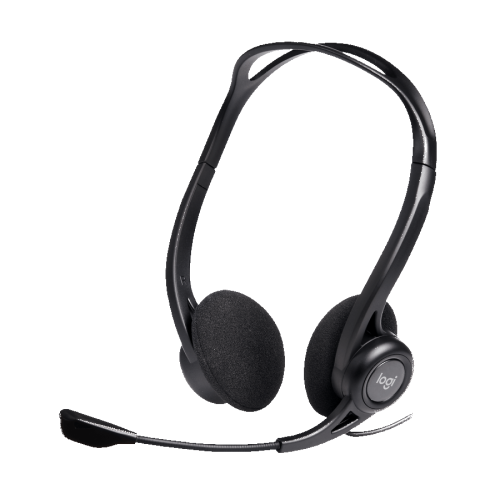
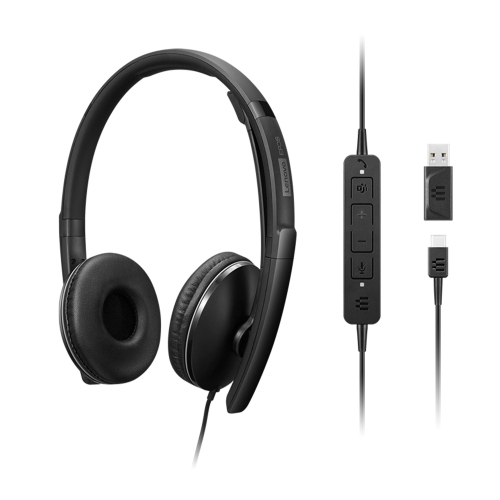
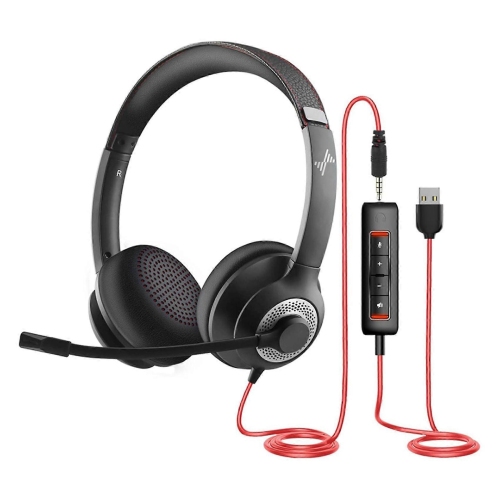
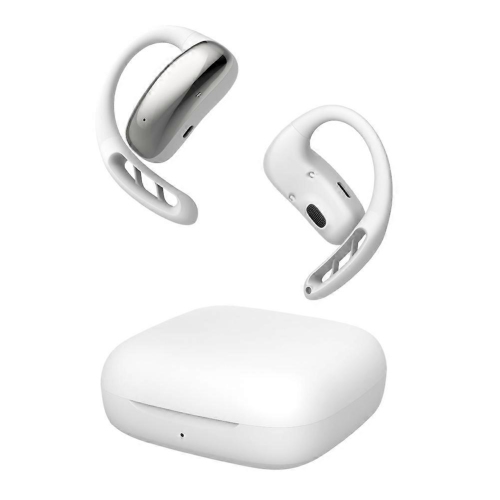
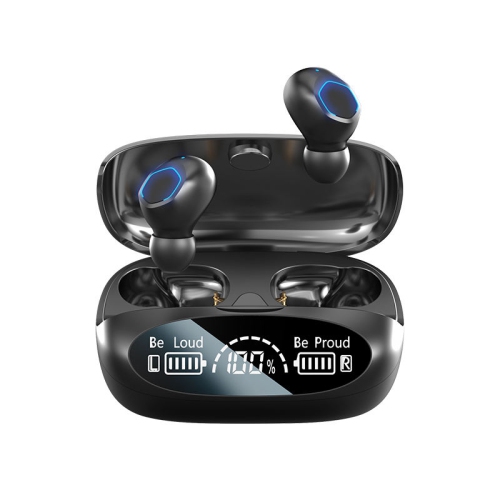
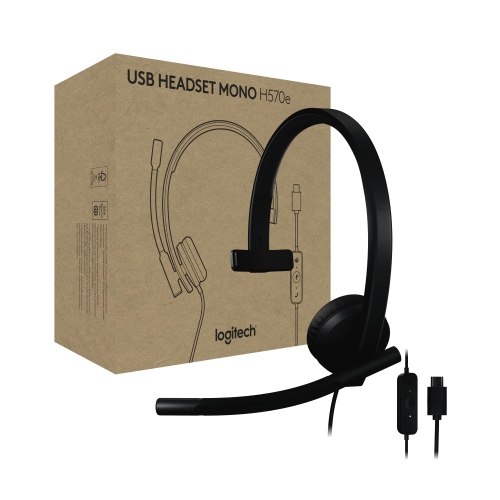
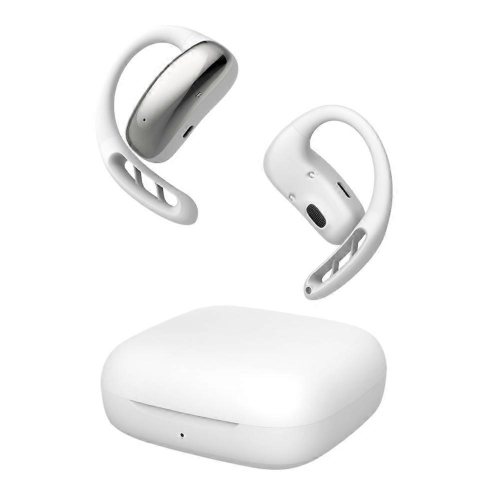
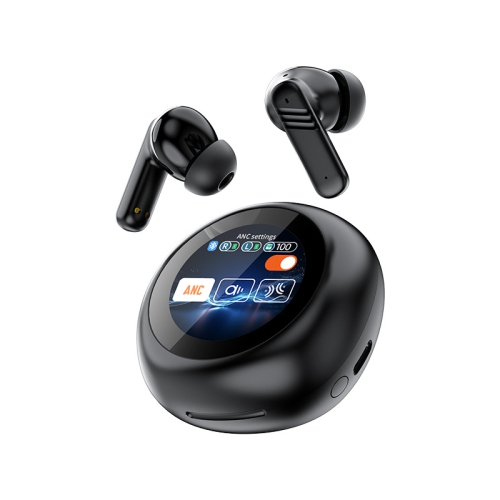
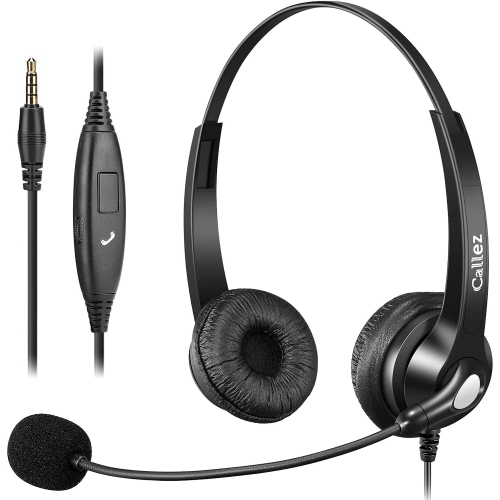
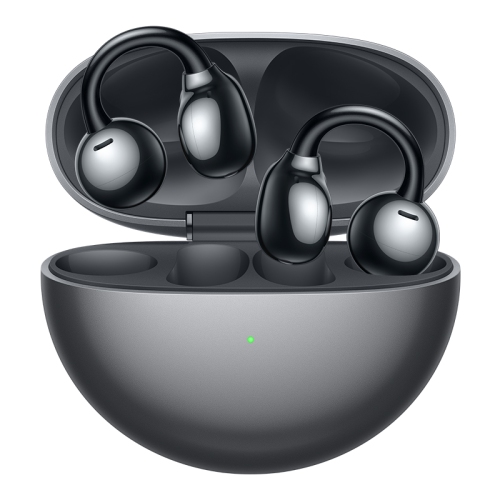
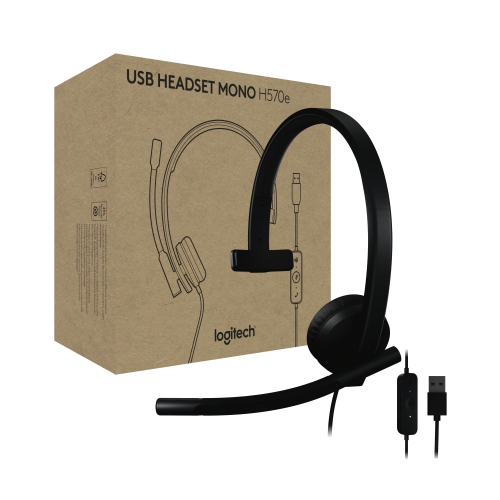
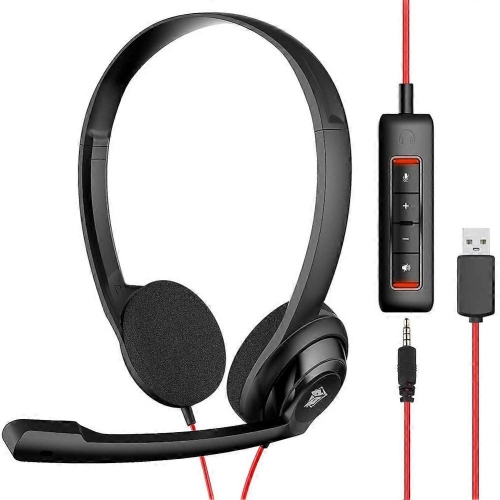
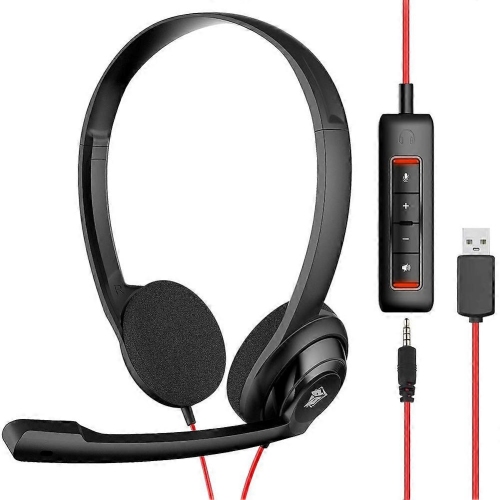
Clearer conversations start with comfort, controls, and reliable connectivity
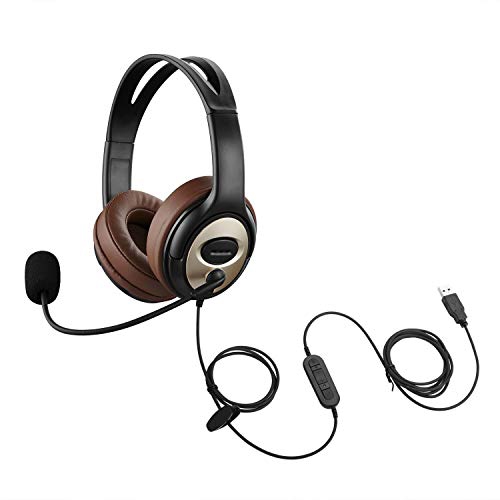
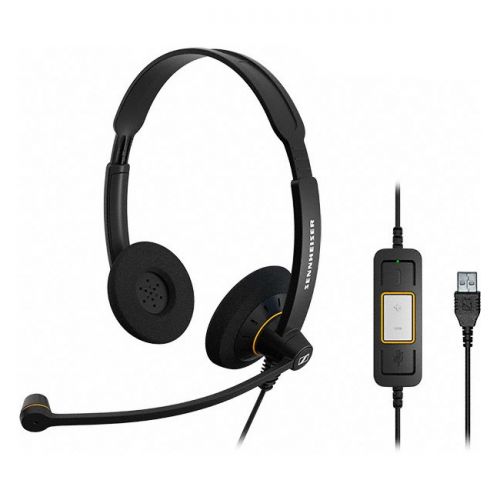
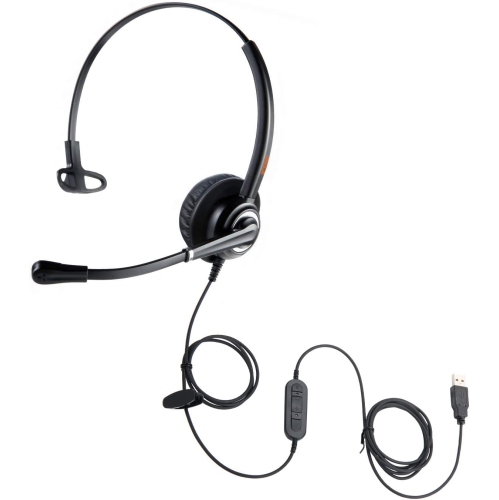
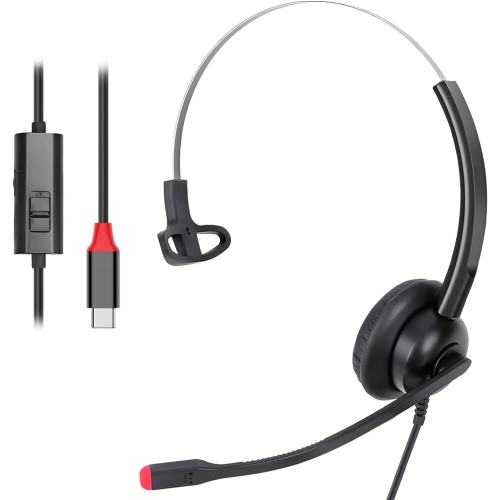
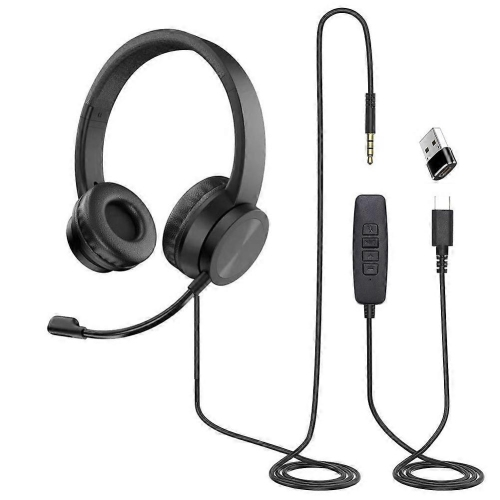
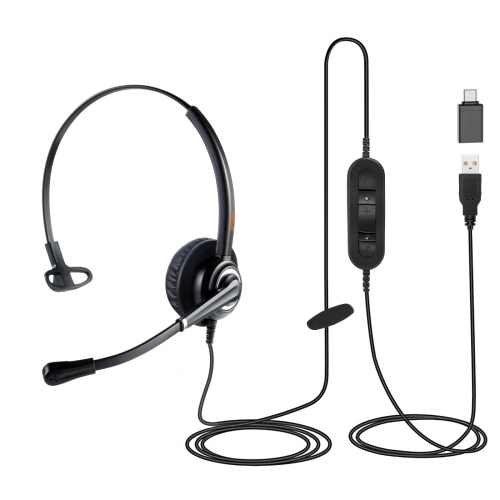
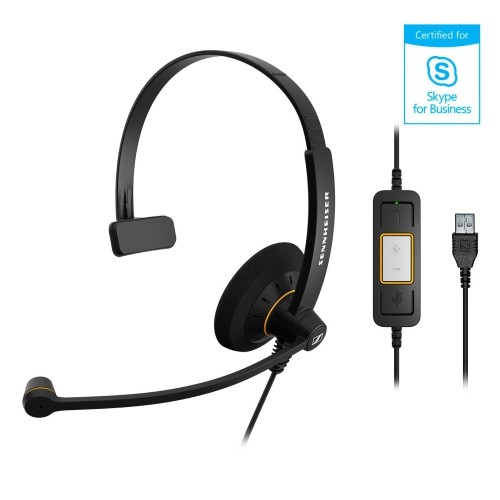
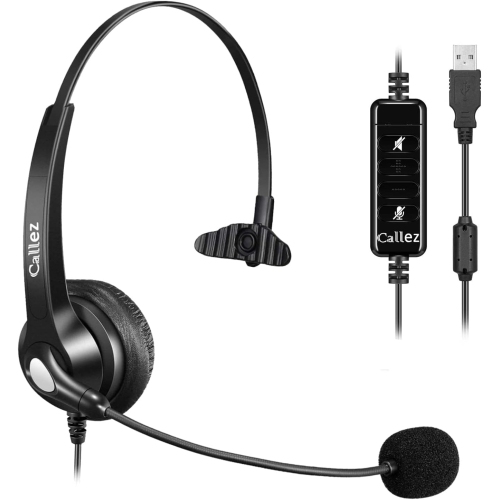
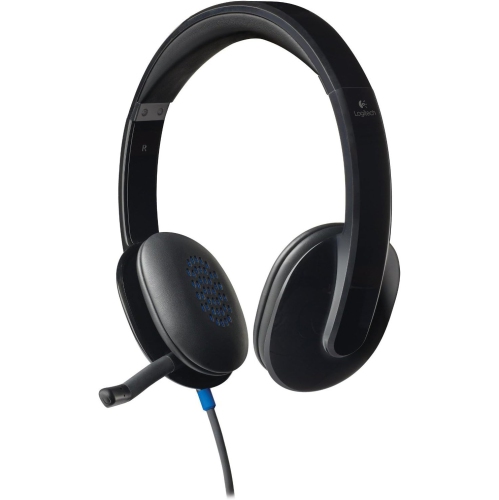
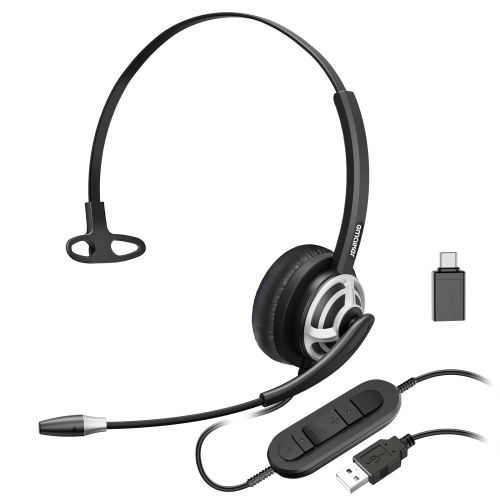
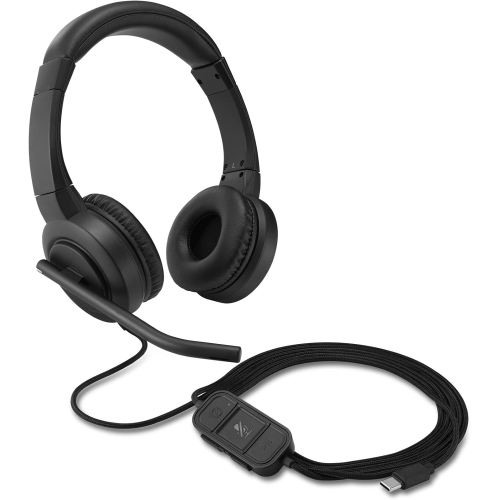
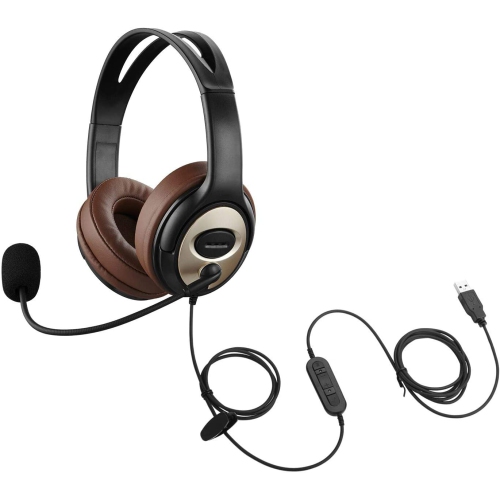
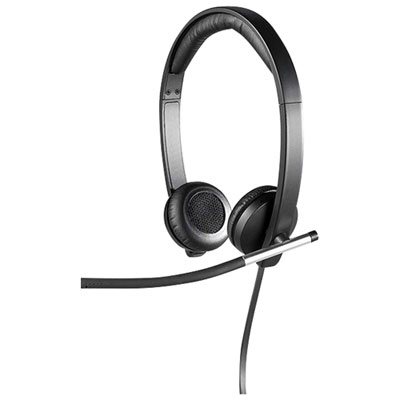
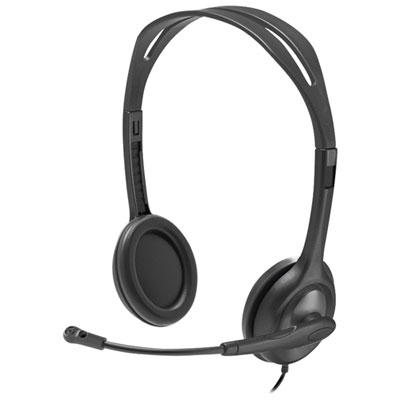
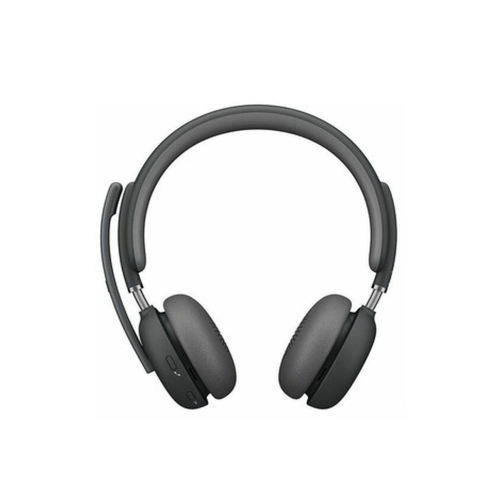
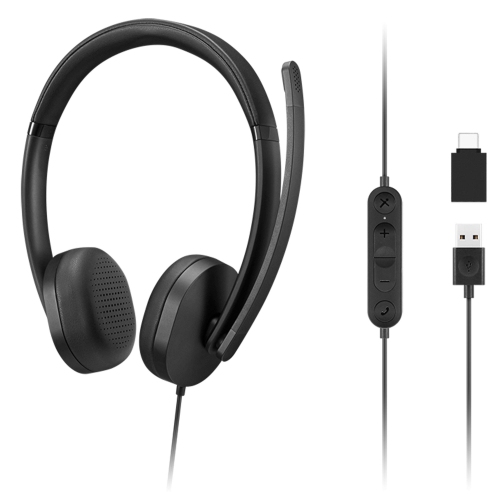
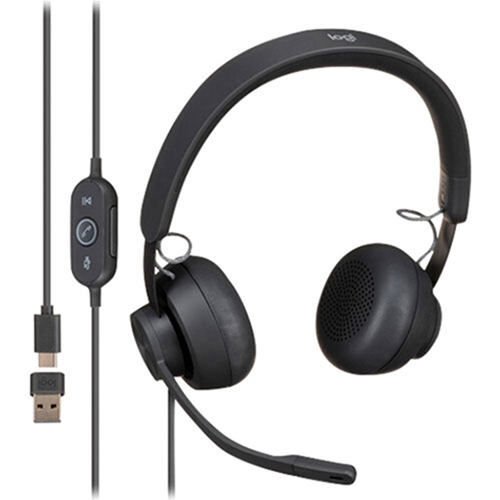
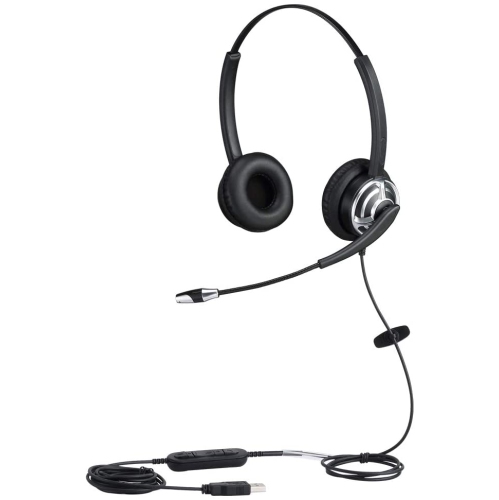
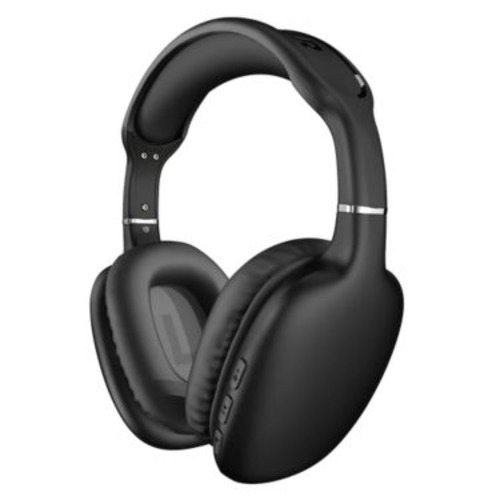
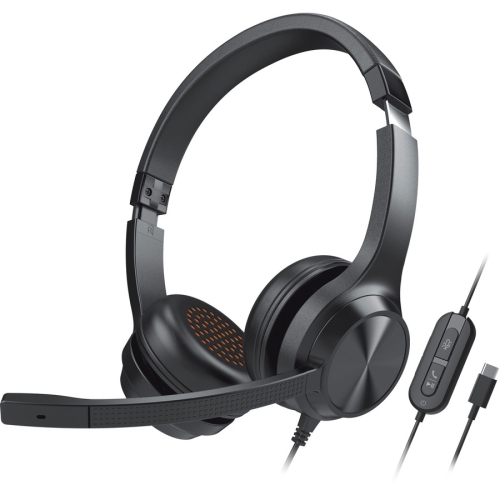
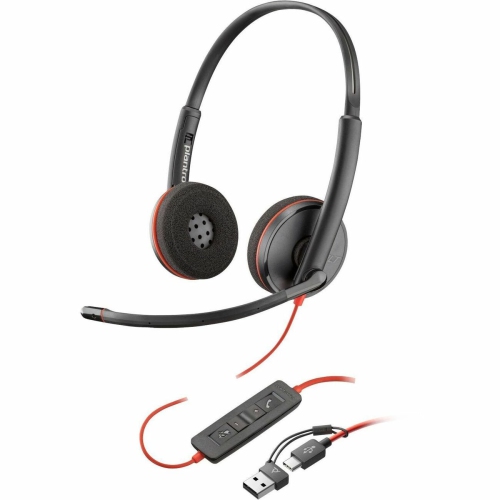
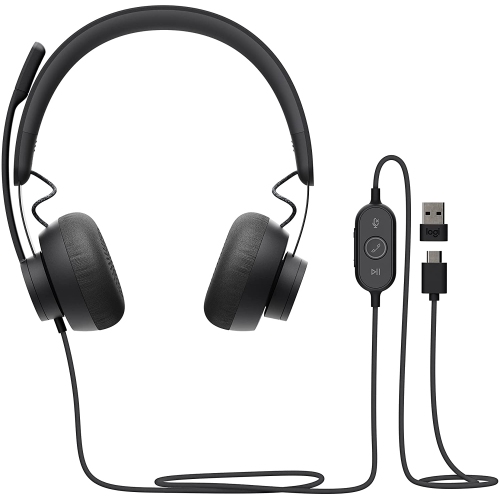
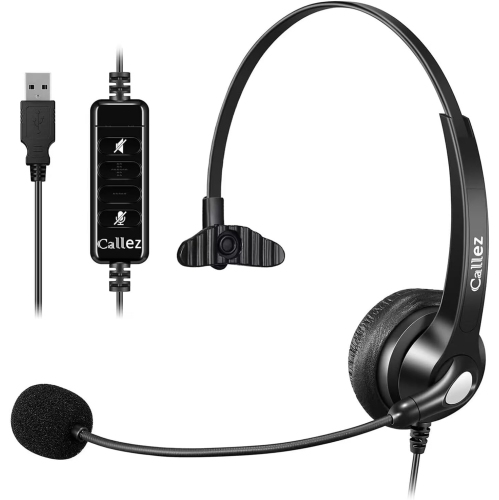
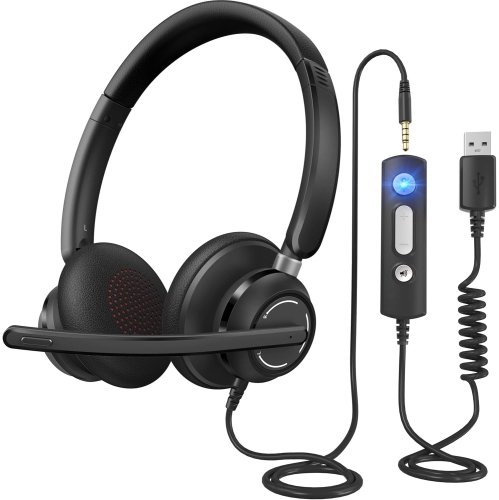
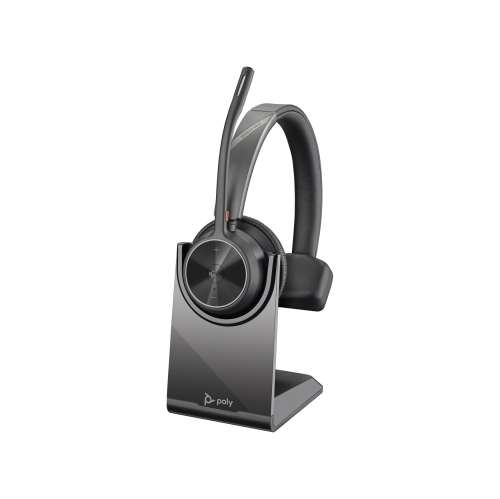
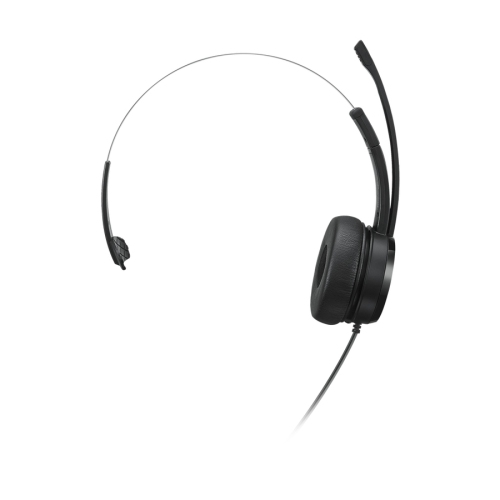
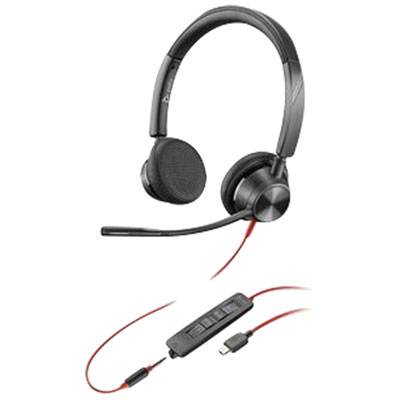
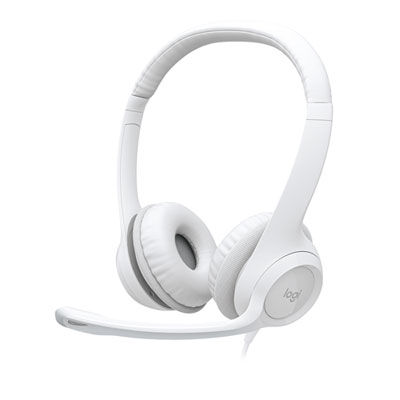
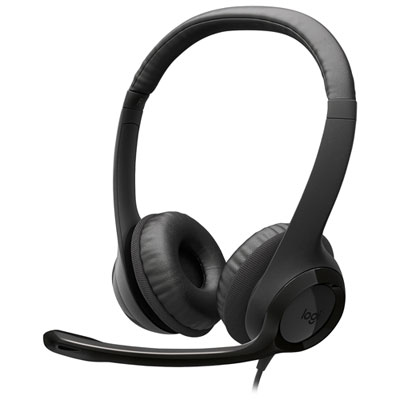
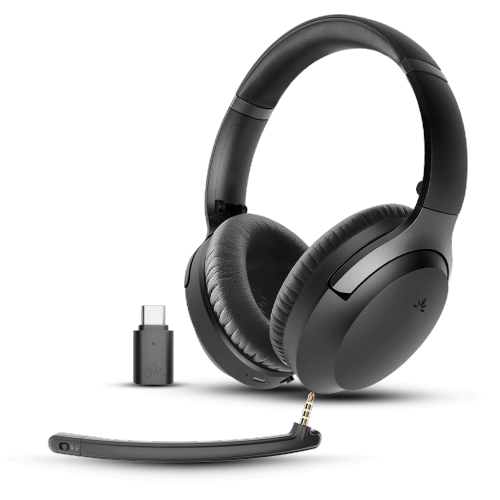
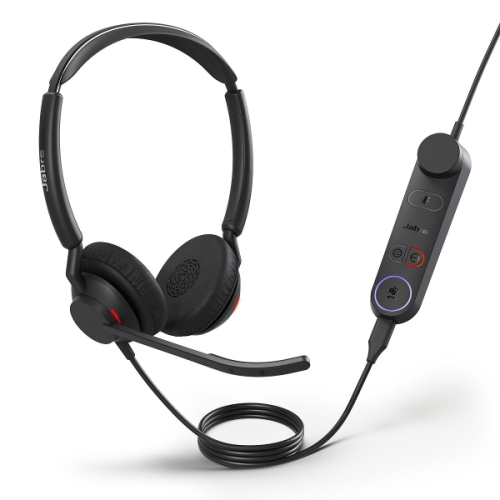
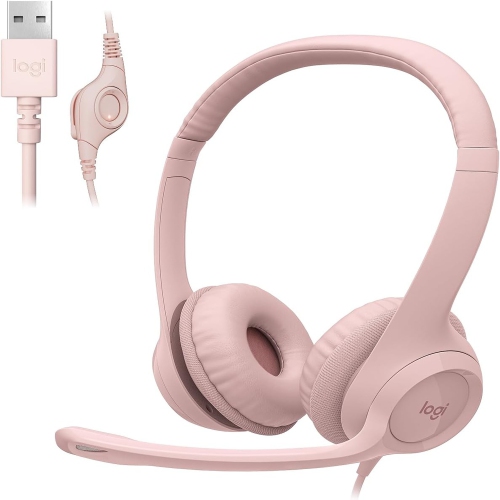
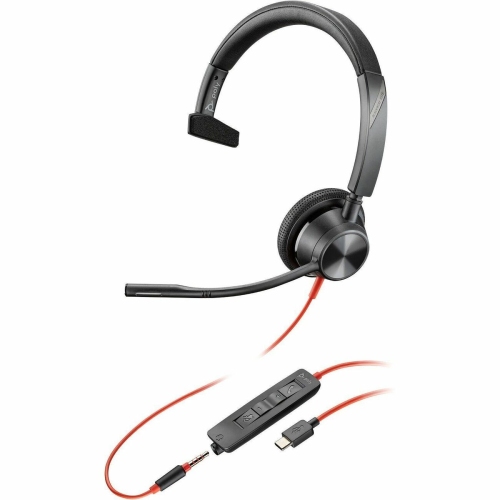
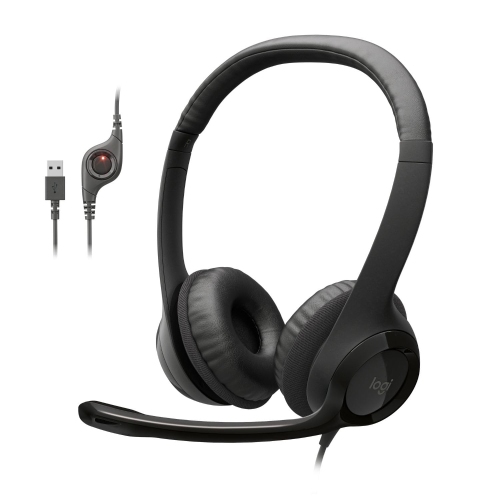
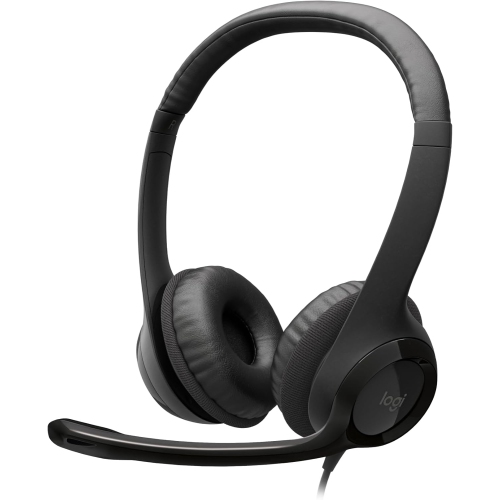
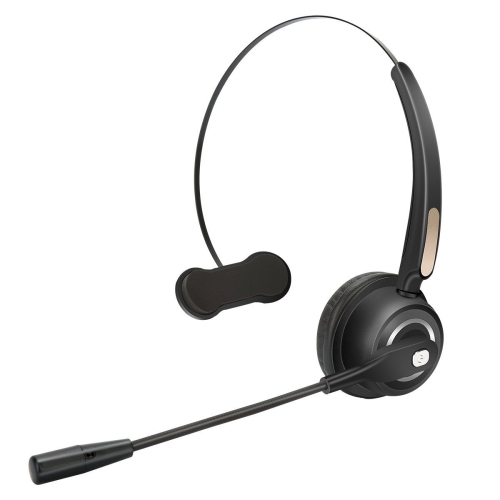
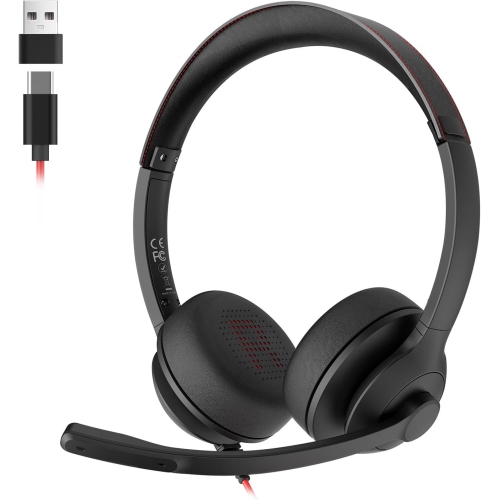
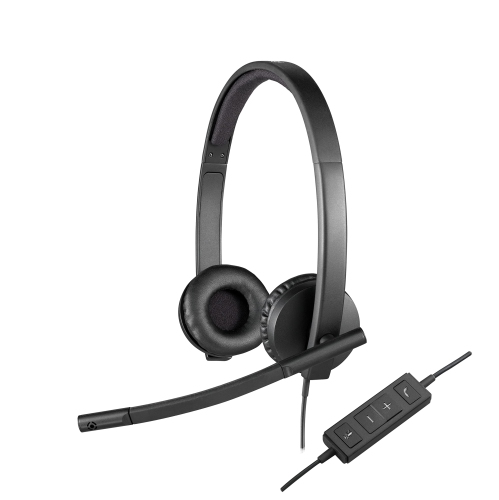
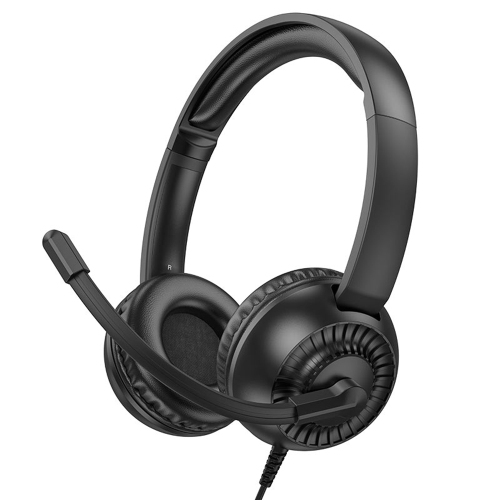
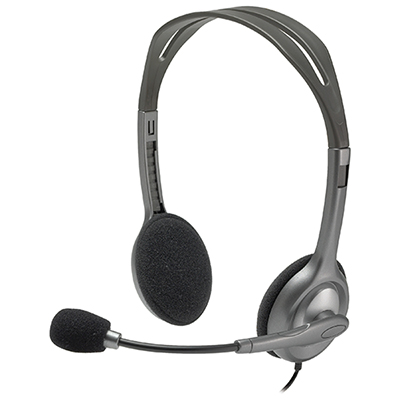
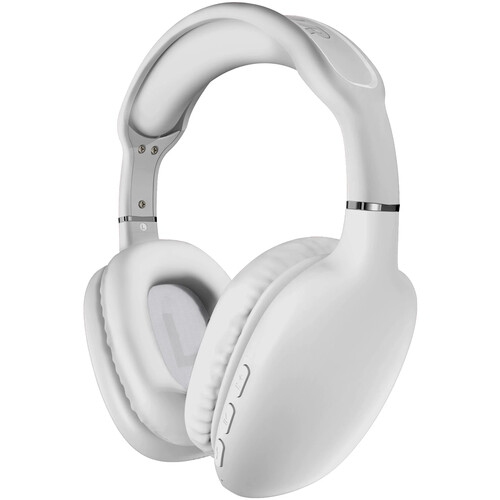
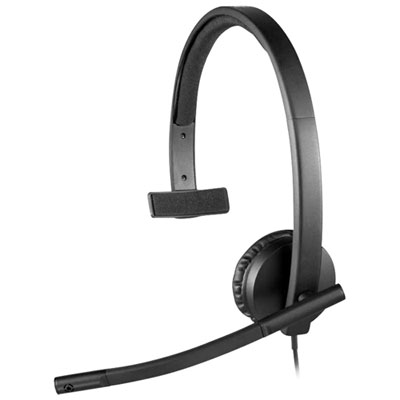
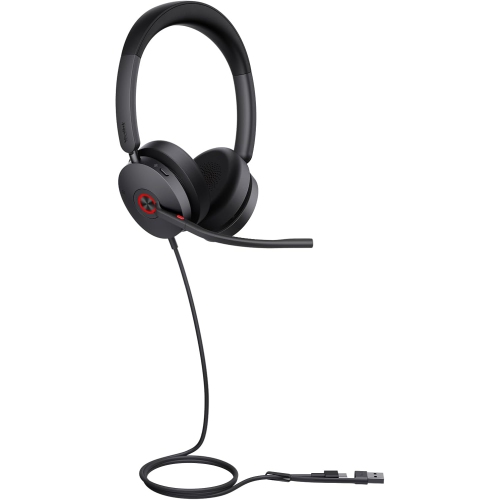
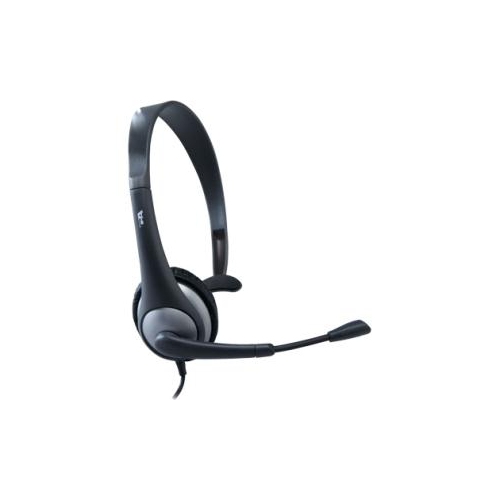
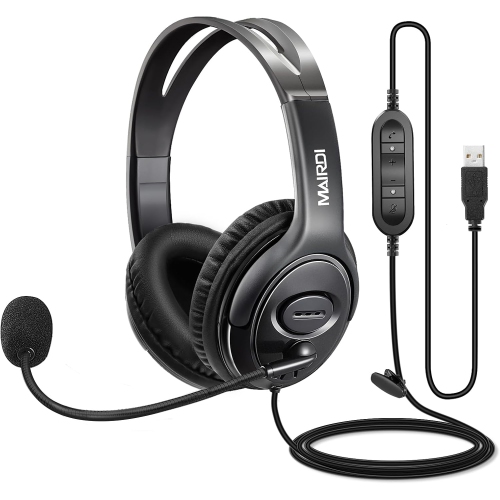
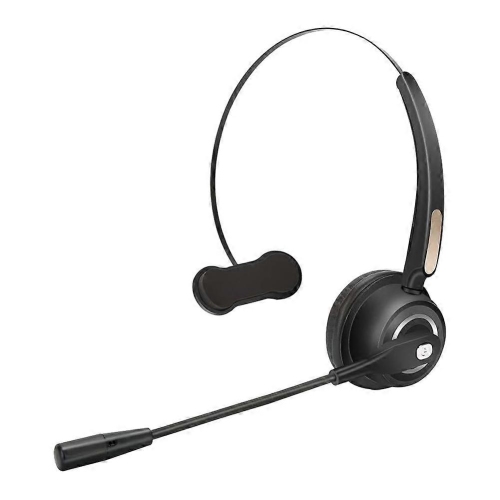
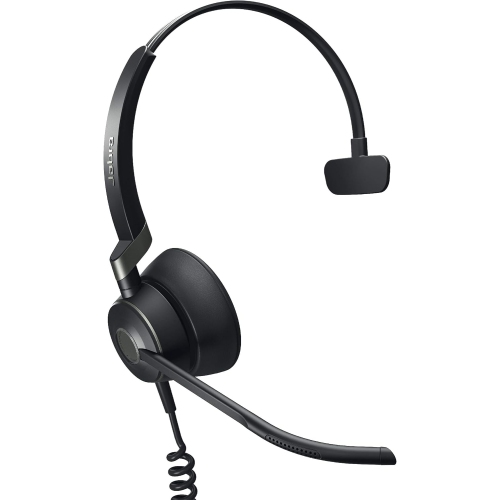
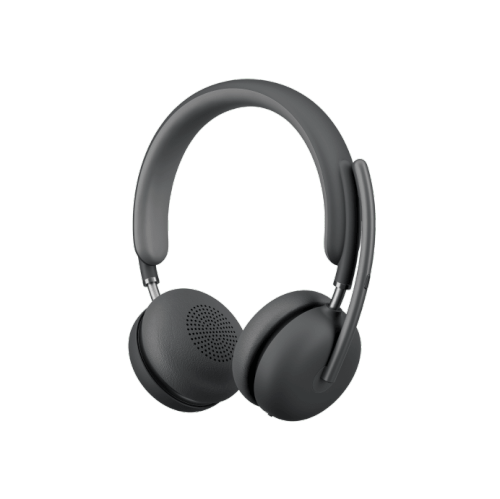
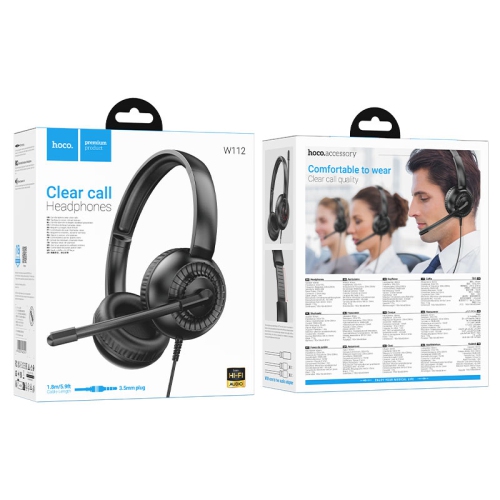
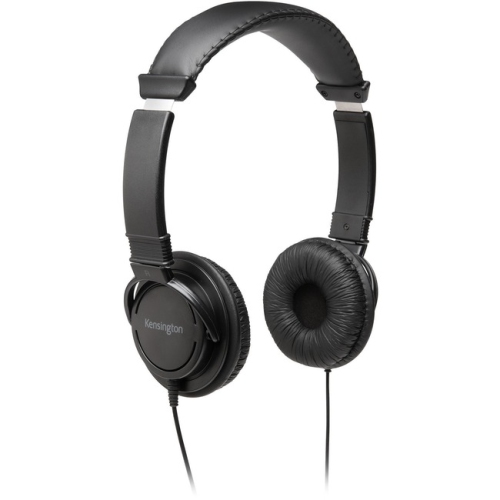
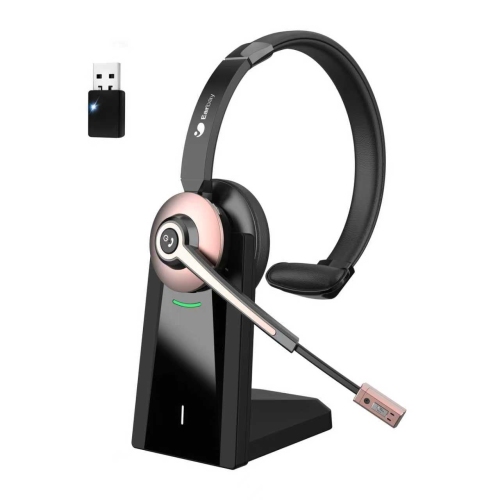
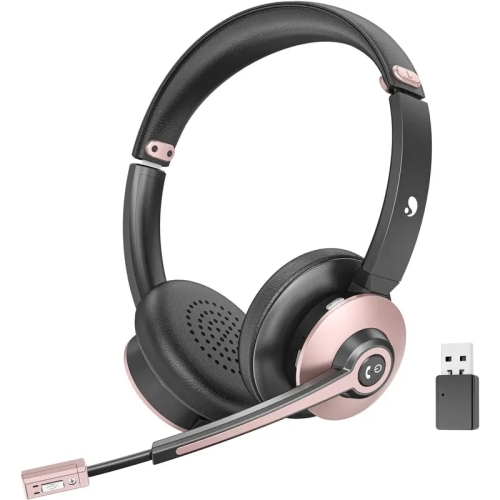
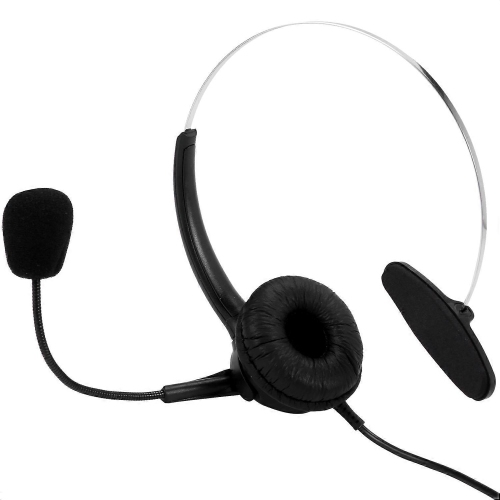
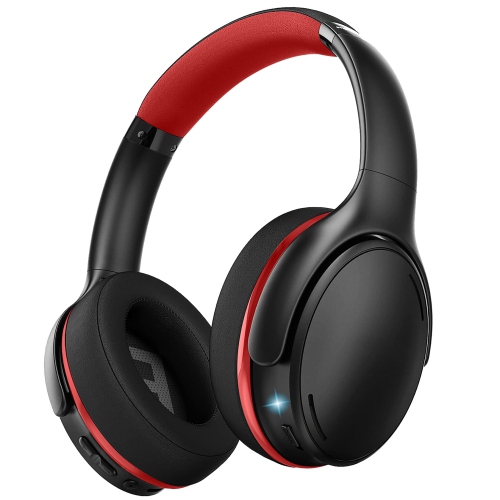
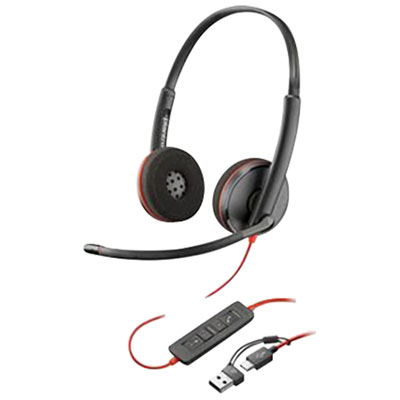
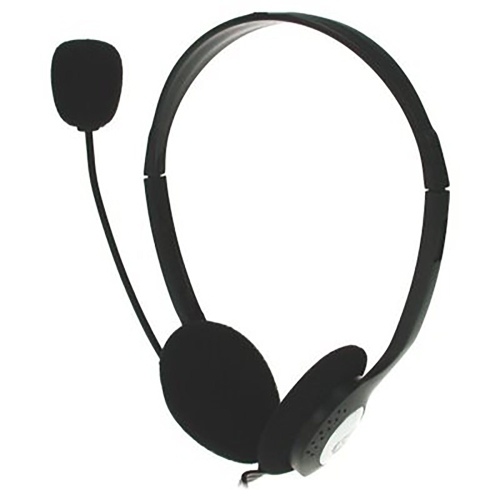
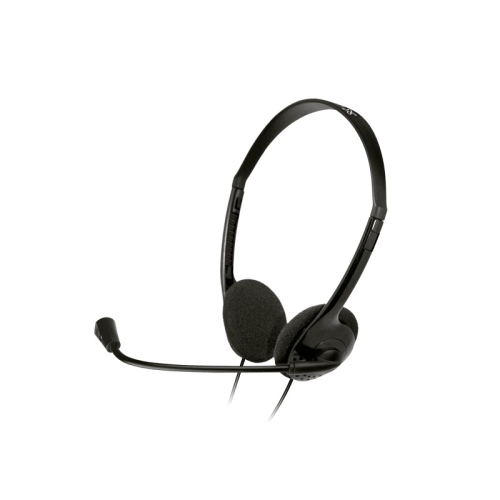
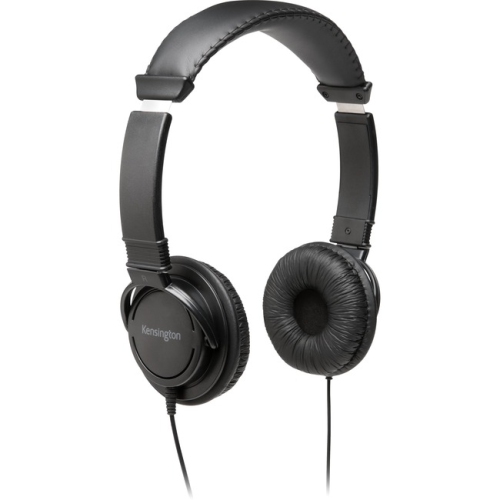
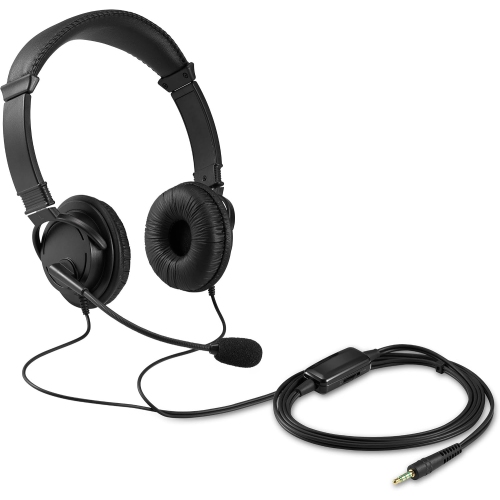
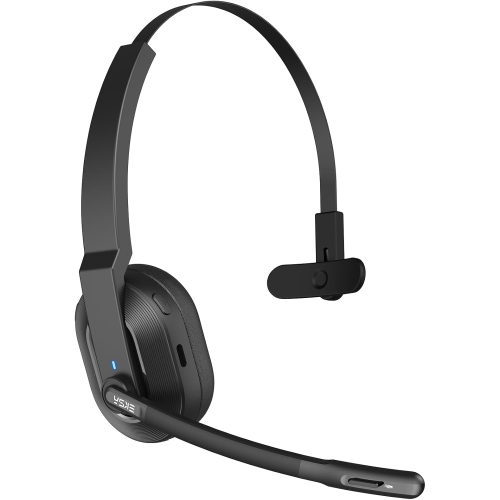
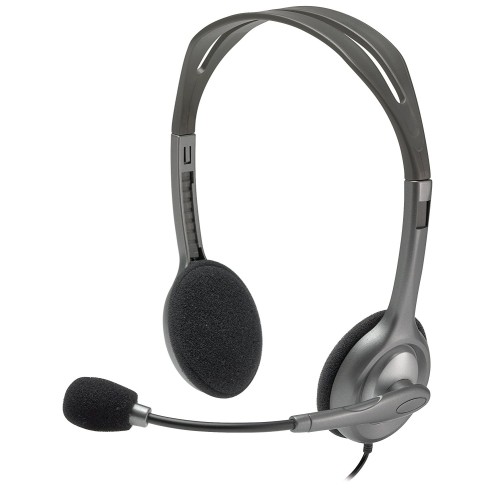
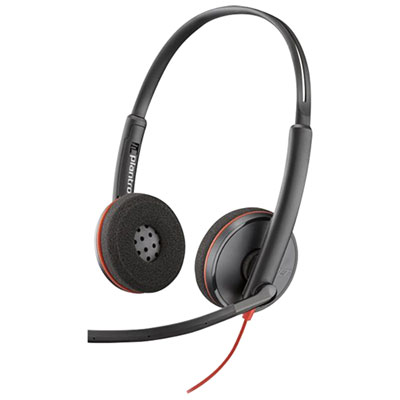
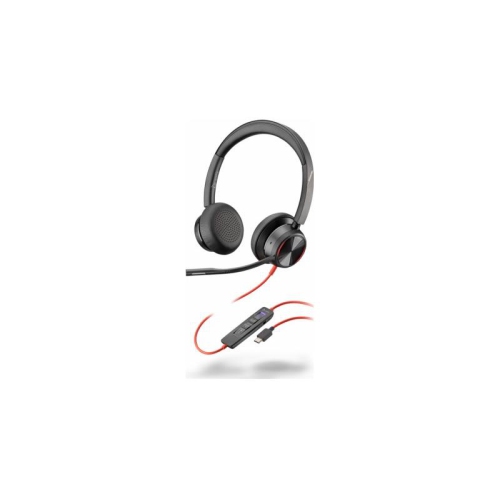
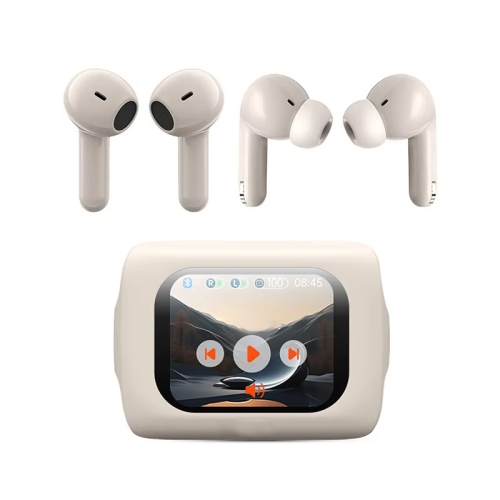
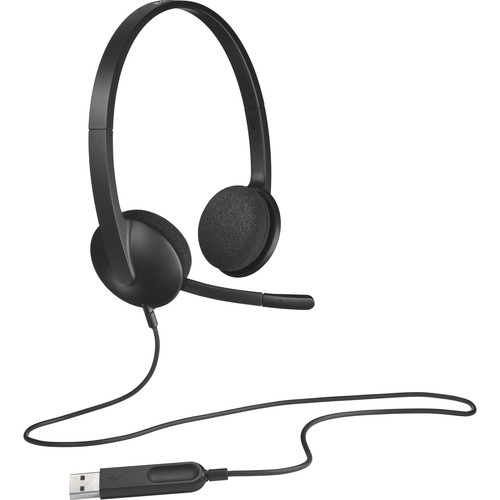
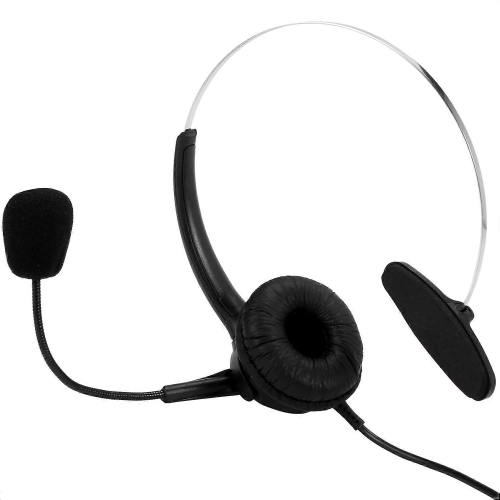
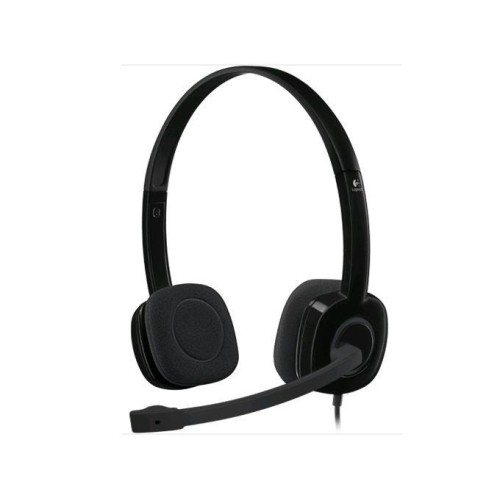
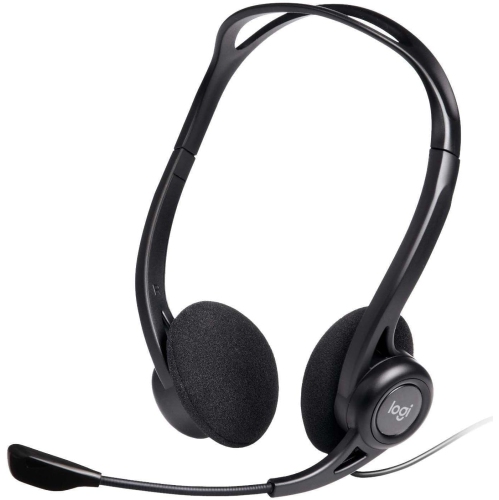
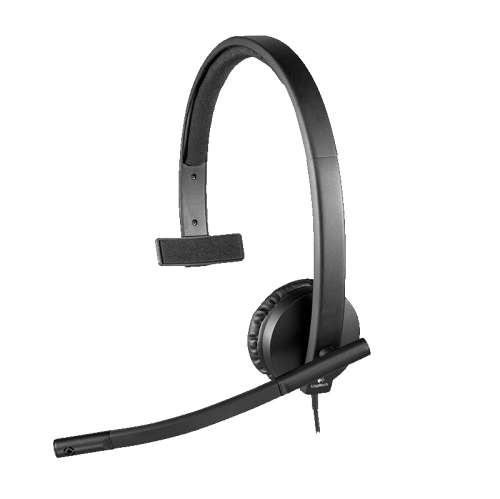
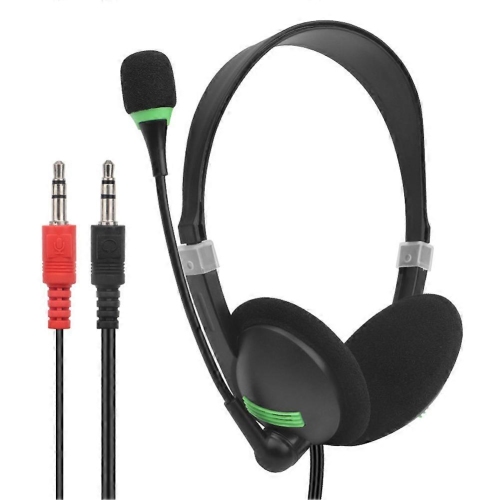
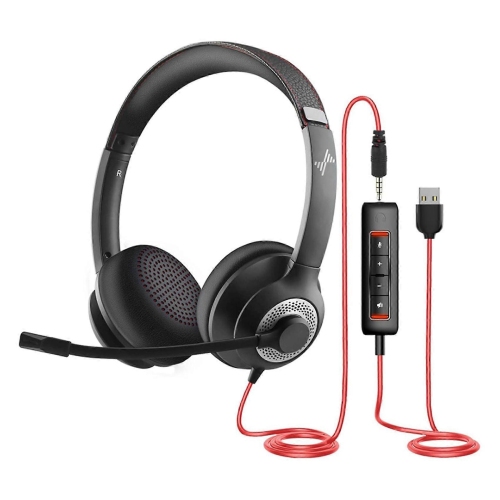
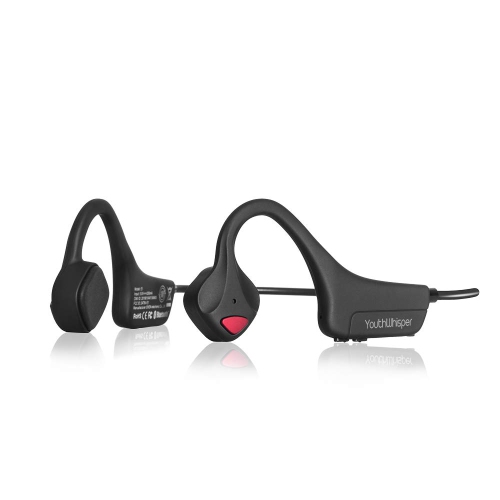
Headphones for Skype Calls can make online conversations feel more natural, focused, and comfortable, whether you are speaking with colleagues, attending an appointment, taking a class, or catching up with family from home. Unlike ordinary headphones, a headset designed for calls typically includes a built-in microphone positioned close to your mouth, helping your voice sound clearer and more consistent to the people on the other end. This can be especially useful in a busy household where a dishwasher is running, children are playing nearby, or traffic and heating systems create a steady background hum. Look for a microphone with noise-reducing features when clear speech is a priority, and consider a boom microphone that can be positioned close to your mouth for more direct voice pickup. Headphones with an adjustable headband, soft ear cushions, and a lightweight frame can also make a noticeable difference during longer conversations. A headset that feels fine for a quick call may become uncomfortable during a full morning of meetings, so padding, earcup pressure, and overall weight are worth considering alongside audio quality. On-ear designs can feel lighter and allow some awareness of your surroundings, while over-ear designs may provide a more immersive listening experience and help reduce distractions. For users who need to hear someone nearby, a design that does not fully block the room can be a practical choice.
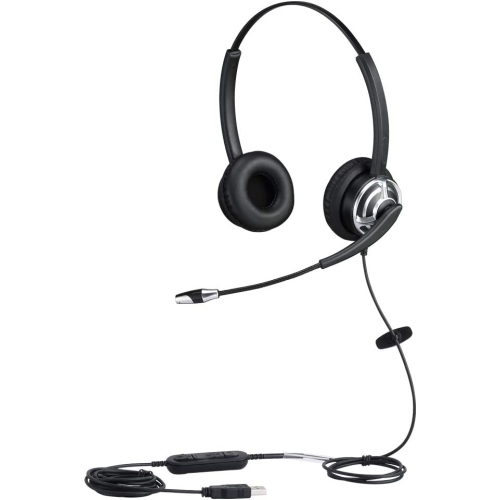
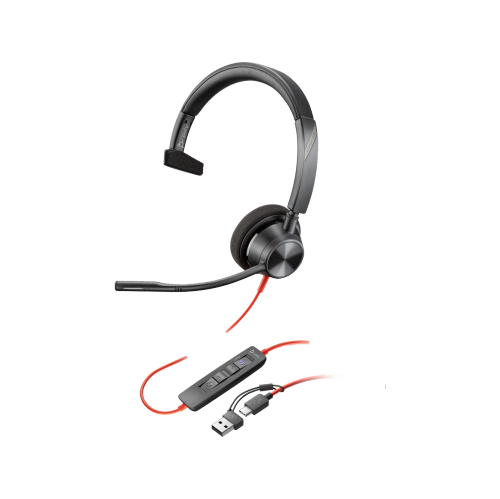
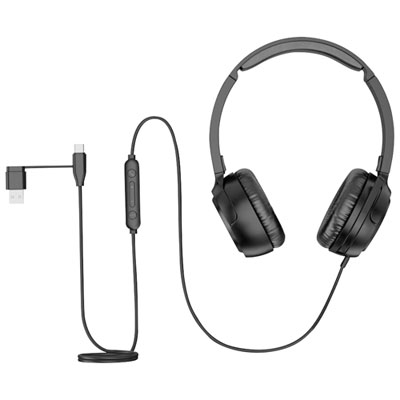
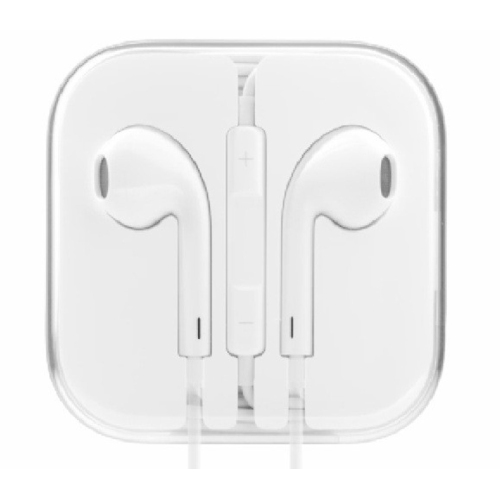
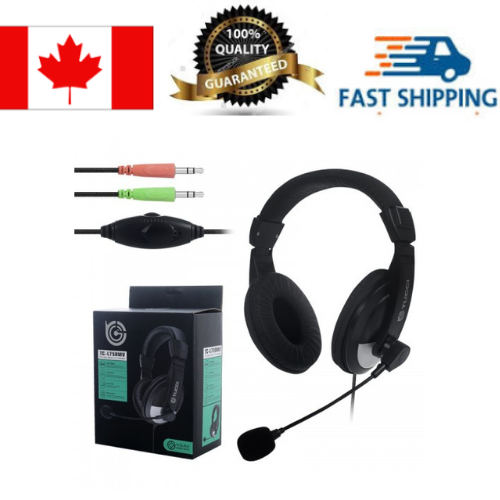
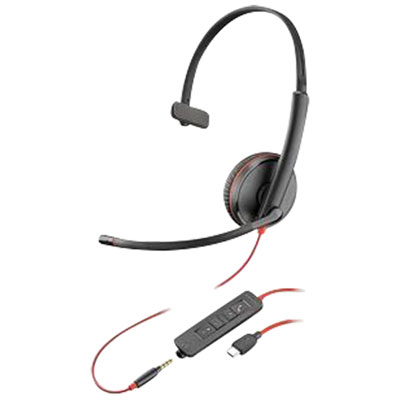
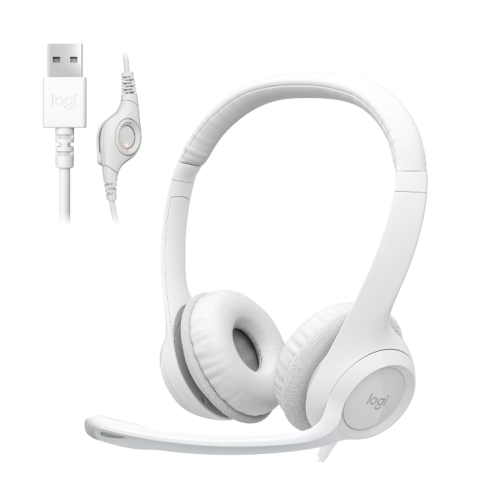
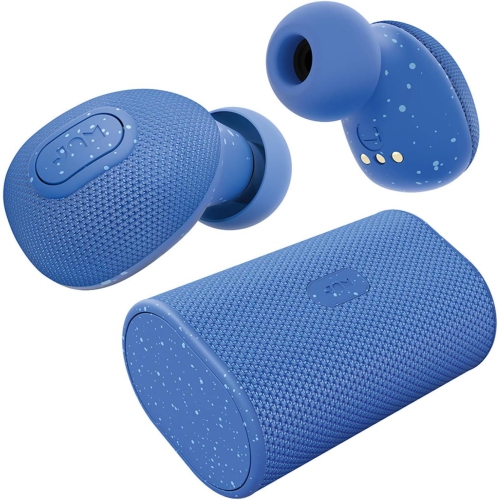
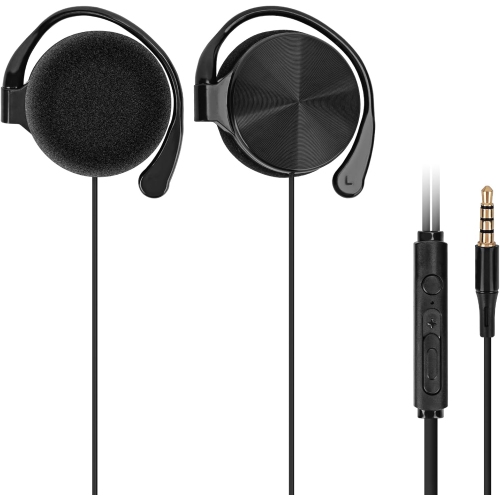
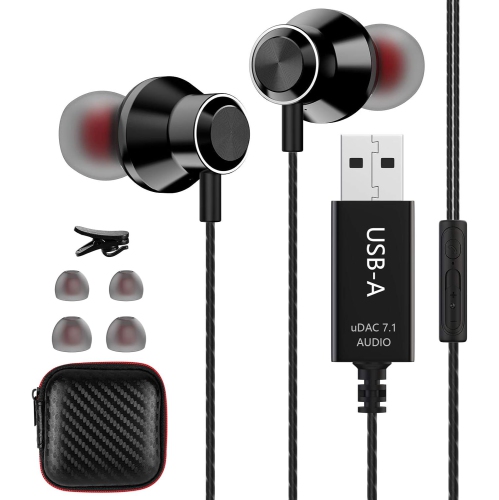
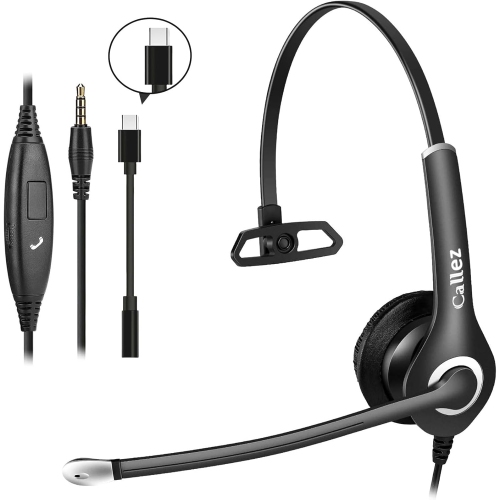
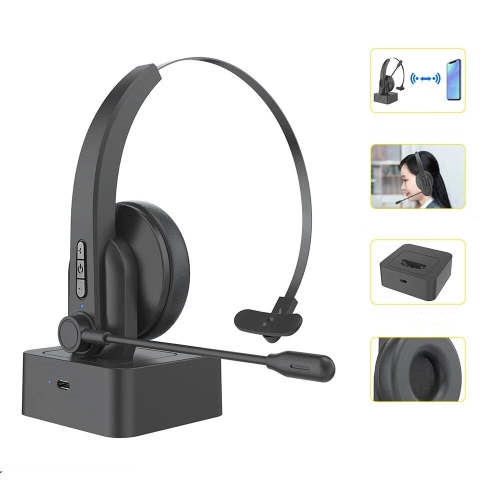
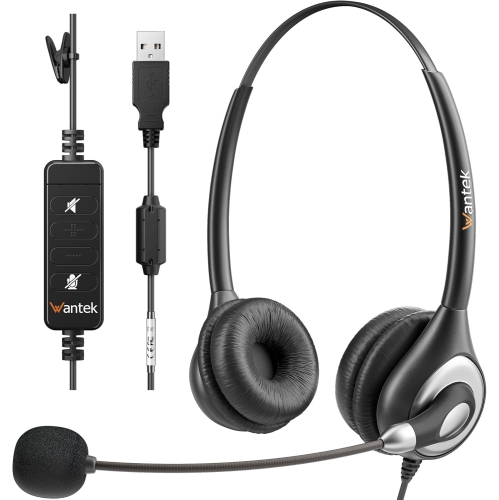
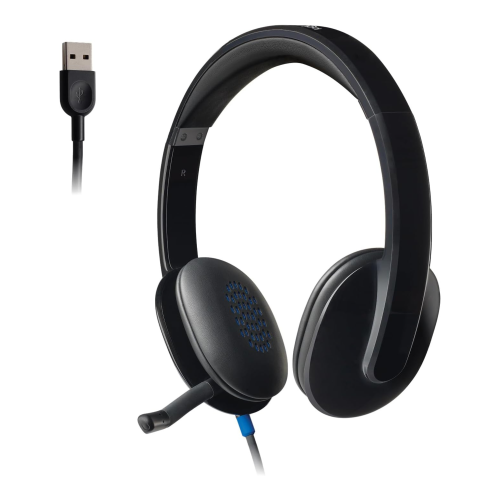
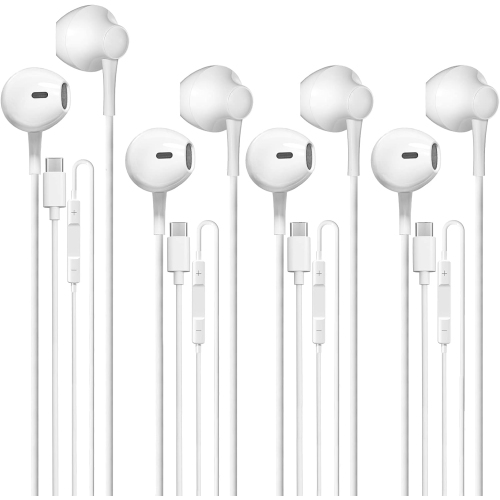
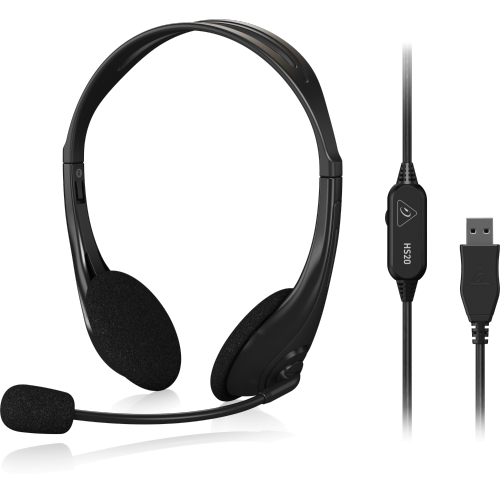
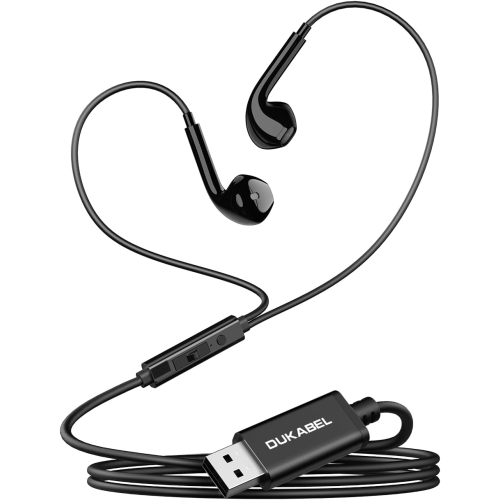
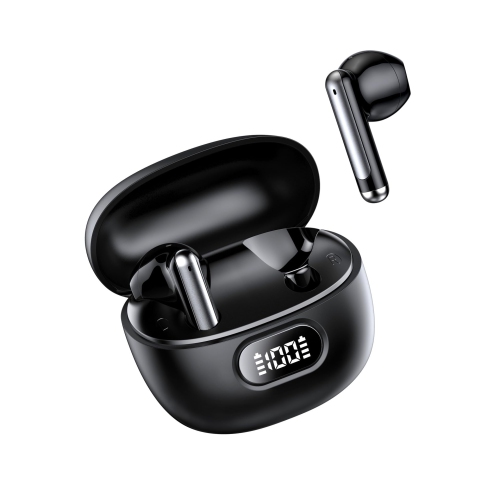
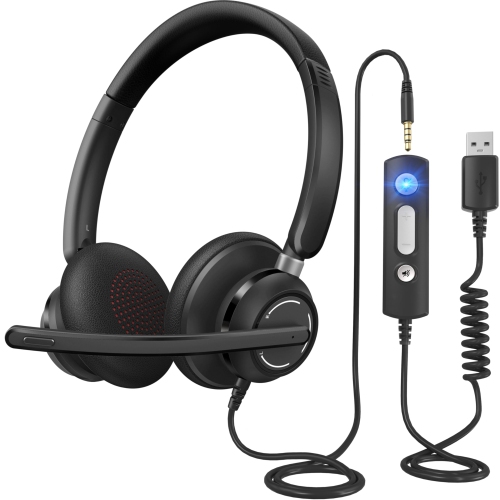
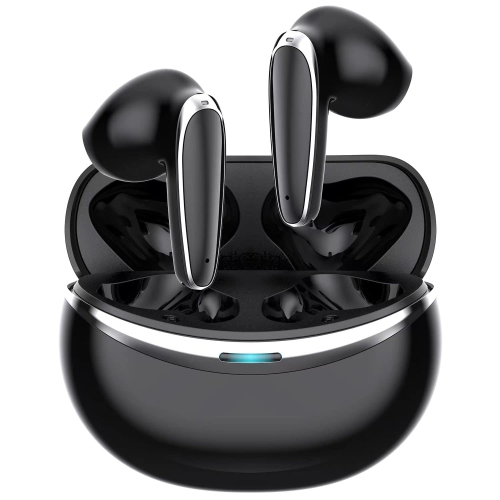
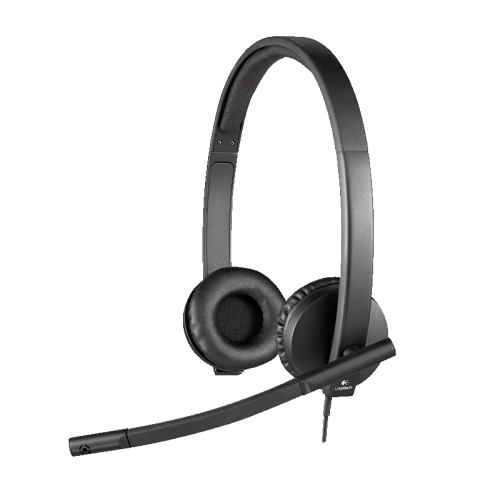
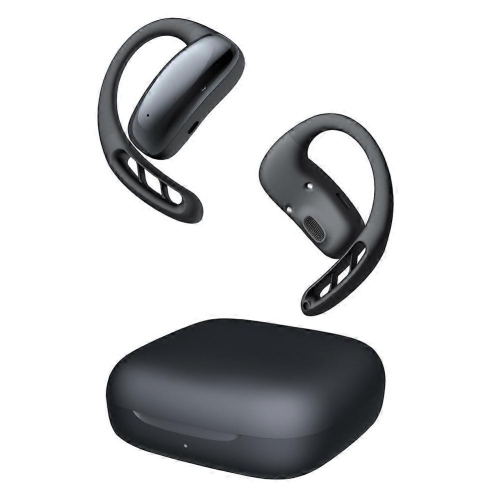
The connection type is another important consideration when choosing headphones for Skype Calls. Wired headsets with a standard 3.5 mm audio jack are often simple to use and can connect to compatible laptops, desktop computers, tablets, and other devices without charging. Their longer cables can provide flexibility at a desk, although it is helpful to check cable length and make sure the device has the appropriate audio port. USB headsets are also popular for computer-based calls because they can provide plug-and-play setup through a USB port, with some models offering volume and microphone mute controls directly on the earcup or cable. These controls are useful when a call moves quickly and you need to silence your microphone without searching through Skype menus. A visible mute indicator can provide extra reassurance, particularly during group meetings. Wireless headphones offer freedom to move around during a call, which can be convenient when stepping away from a desk to retrieve documents or adjust a room, but they require charging and may use Bluetooth or a dedicated wireless receiver. Before choosing a wireless model, confirm that it works with the computer or device used for Skype and review whether the microphone and call controls are supported as expected. Compatibility can vary between computers, tablets, operating systems, and connection methods. It is also worth checking whether the headset is intended for one device or can switch between several devices, especially for people who divide their time between a work computer and a personal phone. For more options suited to remote meetings, presentations, and everyday workplace communication, explore Headphones for Business Video Calls.
These headphones can be useful for remote employees, students, freelancers, customer service workers, telehealth participants, and anyone who regularly speaks with people online. They can help create a more private listening experience in shared spaces, keeping conversations from playing aloud through a computer speaker and making it easier to concentrate on a caller’s voice. For people who spend cooler months working or studying indoors, a comfortable headset can become a dependable part of a desk setup, placed beside a laptop and ready for the next scheduled call. They can also make a thoughtful gift for a university student attending virtual lectures, a family member who keeps in touch with relatives online, or someone beginning a hybrid or work-from-home role. When choosing a headset as a gift, a flexible design with straightforward controls is often a safe option, while someone who takes frequent calls may appreciate extra comfort, a reliable microphone, and easy mute access. Consider the recipient’s usual device, workspace, and calling habits: a compact wired headset may suit a shared office or occasional user, while a wireless design may be better for someone who moves between rooms. Sound quality matters, but call clarity depends on more than the speakers alone. Microphone placement, background-noise handling, a stable connection, and a secure fit all influence how naturally a conversation flows. For the best experience, users should position the microphone near the corner of the mouth rather than directly in front of it, keep the headset clean, and test the mute and volume controls before an important call. Checking the available ports, operating-system compatibility, microphone type, wearing style, and charging requirements before purchase helps ensure the headphones fit smoothly into an existing setup. With the right combination of comfort, clear voice pickup, practical controls, and dependable connectivity, headphones for Skype Calls can make daily conversations easier to hear and less tiring from the first greeting to the final goodbye.
The connection type is another important consideration when choosing headphones for Skype Calls. Wired headsets with a standard 3.5 mm audio jack are often simple to use and can connect to compatible laptops, desktop computers, tablets, and other devices without charging. Their longer cables can provide flexibility at a desk, although it is helpful to check cable length and make sure the device has the appropriate audio port. USB headsets are also popular for computer-based calls because they can provide plug-and-play setup through a USB port, with some models offering volume and microphone mute controls directly on the earcup or cable. These controls are useful when a call moves quickly and you need to silence your microphone without searching through Skype menus. A visible mute indicator can provide extra reassurance, particularly during group meetings. Wireless headphones offer freedom to move around during a call, which can be convenient when stepping away from a desk to retrieve documents or adjust a room, but they require charging and may use Bluetooth or a dedicated wireless receiver. Before choosing a wireless model, confirm that it works with the computer or device used for Skype and review whether the microphone and call controls are supported as expected. Compatibility can vary between computers, tablets, operating systems, and connection methods. It is also worth checking whether the headset is intended for one device or can switch between several devices, especially for people who divide their time between a work computer and a personal phone. For more options suited to remote meetings, presentations, and everyday workplace communication, explore Headphones for Business Video Calls.
These headphones can be useful for remote employees, students, freelancers, customer service workers, telehealth participants, and anyone who regularly speaks with people online. They can help create a more private listening experience in shared spaces, keeping conversations from playing aloud through a computer speaker and making it easier to concentrate on a caller’s voice. For people who spend cooler months working or studying indoors, a comfortable headset can become a dependable part of a desk setup, placed beside a laptop and ready for the next scheduled call. They can also make a thoughtful gift for a university student attending virtual lectures, a family member who keeps in touch with relatives online, or someone beginning a hybrid or work-from-home role. When choosing a headset as a gift, a flexible design with straightforward controls is often a safe option, while someone who takes frequent calls may appreciate extra comfort, a reliable microphone, and easy mute access. Consider the recipient’s usual device, workspace, and calling habits: a compact wired headset may suit a shared office or occasional user, while a wireless design may be better for someone who moves between rooms. Sound quality matters, but call clarity depends on more than the speakers alone. Microphone placement, background-noise handling, a stable connection, and a secure fit all influence how naturally a conversation flows. For the best experience, users should position the microphone near the corner of the mouth rather than directly in front of it, keep the headset clean, and test the mute and volume controls before an important call. Checking the available ports, operating-system compatibility, microphone type, wearing style, and charging requirements before purchase helps ensure the headphones fit smoothly into an existing setup. With the right combination of comfort, clear voice pickup, practical controls, and dependable connectivity, headphones for Skype Calls can make daily conversations easier to hear and less tiring from the first greeting to the final goodbye.
Top selling and popular products
-
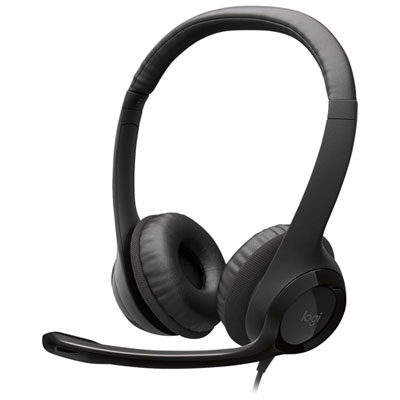 Your price for this item is $27.99
 -
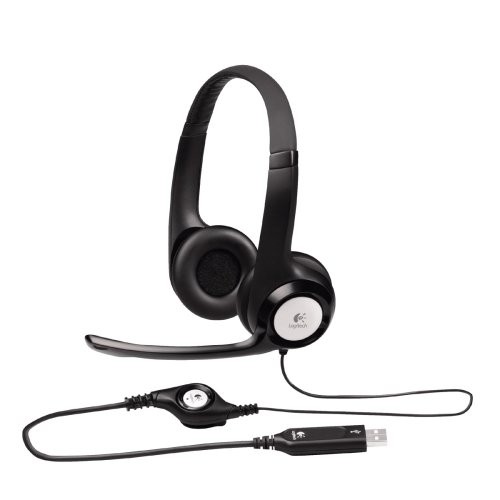 Your price for this item is $49
 -
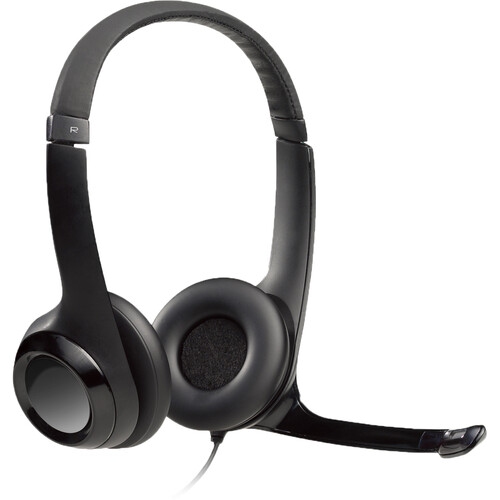 Your price for this item is $77.79
 -
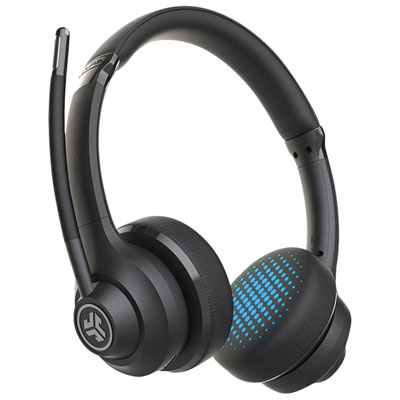 Your price for this item is $56.98
 -
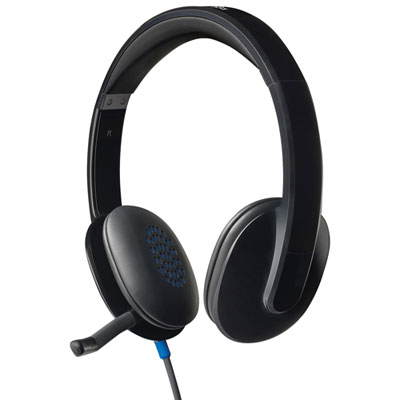 Your price for this item is $47.98
 -
 Your price for this item is $80.74
 -
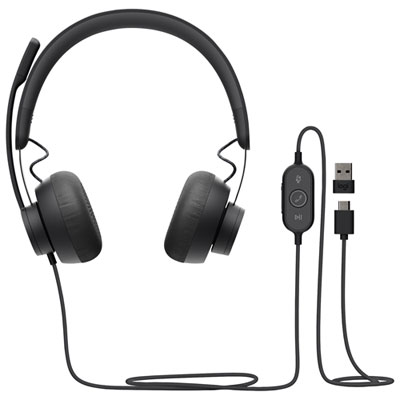 Your price for this item is $129.95
 -
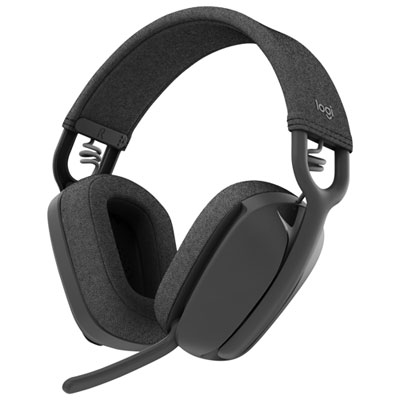 Your price for this item is $99.99
Discover more categories related to Headphones for Skype Calls
Top Collections:
Pokemon Centers, Best Cameras for Sports Photography, Kindle Devices, Samsung Galaxy Phones, Canon G7X Cameras, Pokémon 30th Celebration Cards, Refurbished Apple Laptops, iPhone 15 Apple, Laptops for Students, Budget Smartphones
Some products may be subject to Environmental Handling Fees
(EHF) depending on your province.
Learn more about EHFs.