Affordable Computer Desks
Affordable Computer Desks make it easy to create a functional workspace without stretching your budget. Whether you’re setting up a home office, study area, or gaming station, these desks offer practical solutions for organizing your computer and accessories. With a variety of sizes and styles available, finding the right fit for your space is simple. Explore options designed to help you stay productive and comfortable while keeping costs low.
Sort




Why desk dimensions tell only part of the story
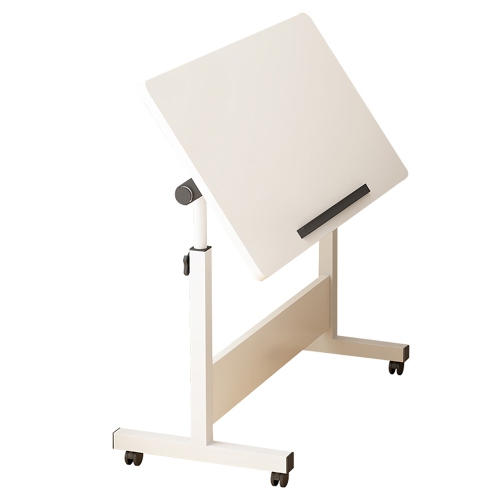
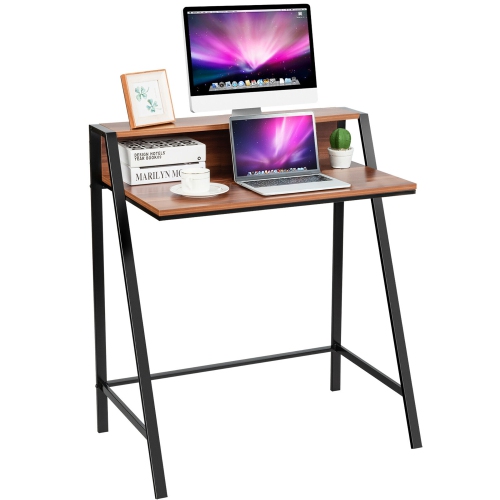
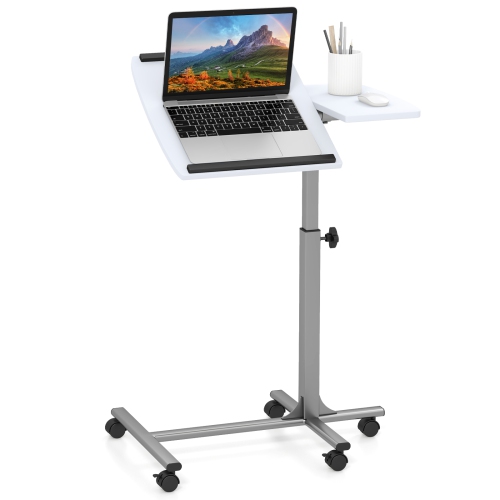
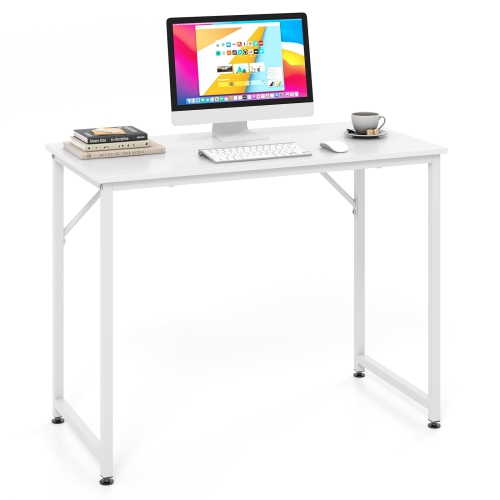
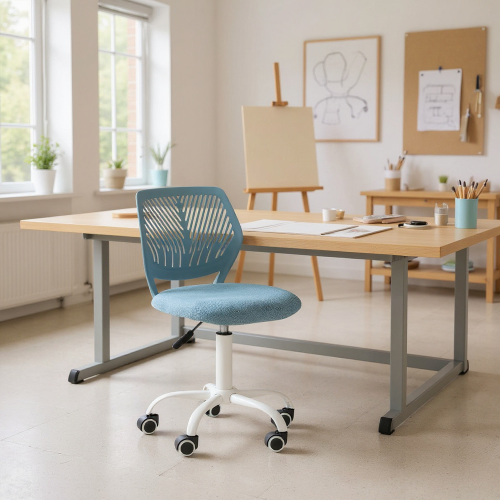
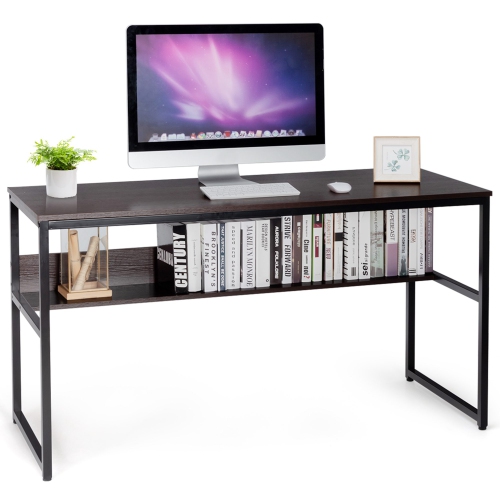
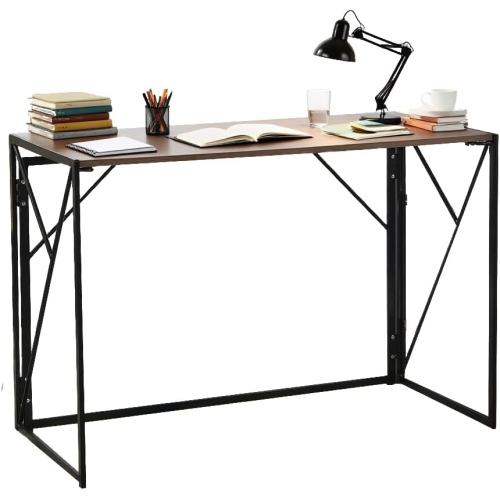
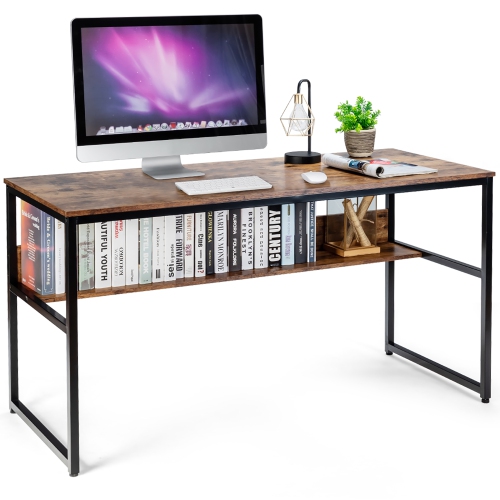
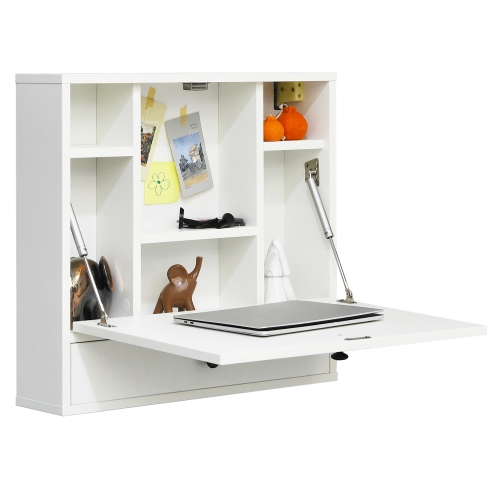
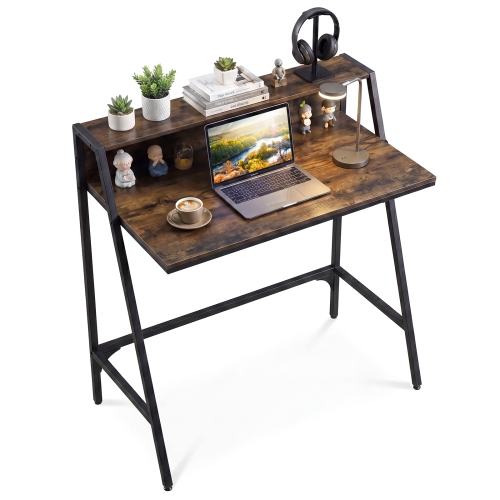
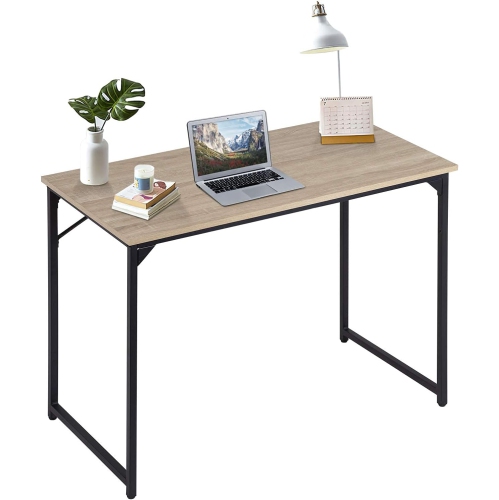
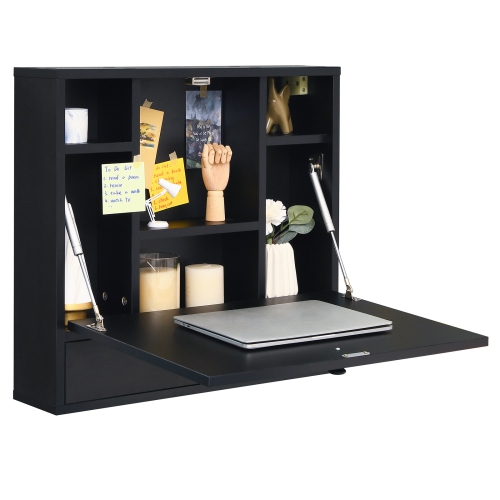
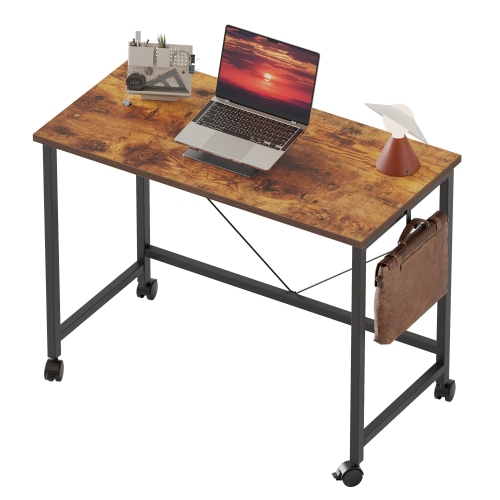
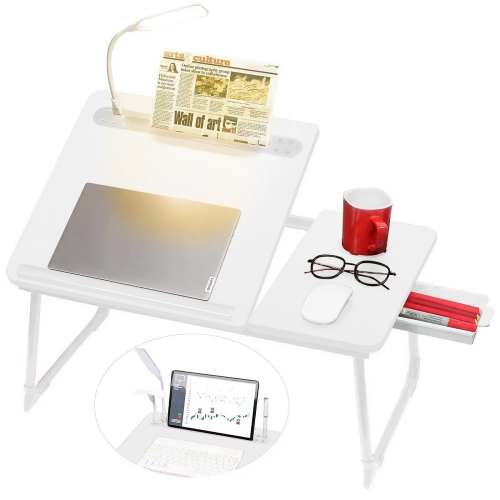
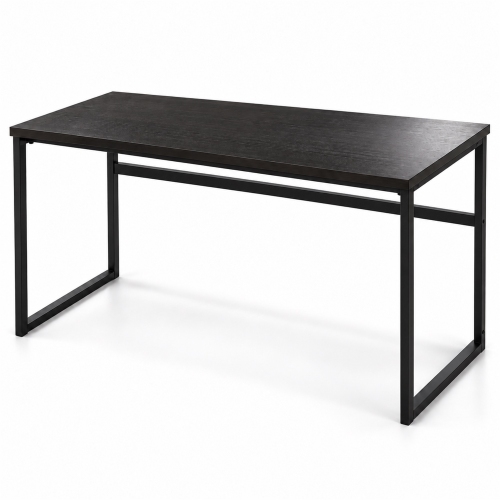
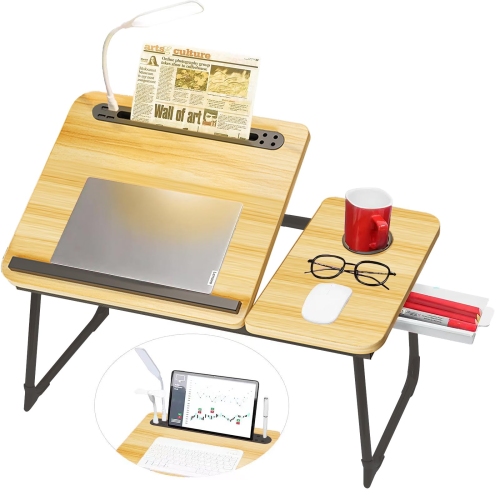
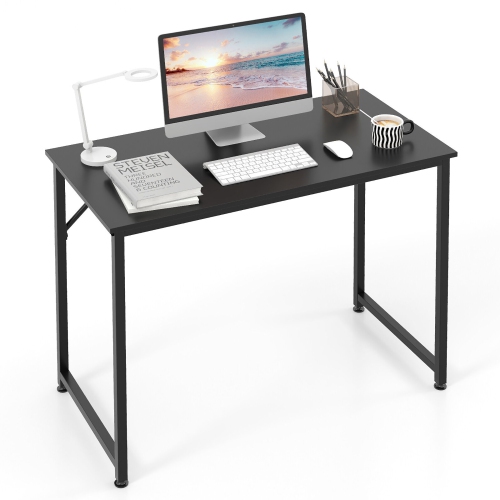
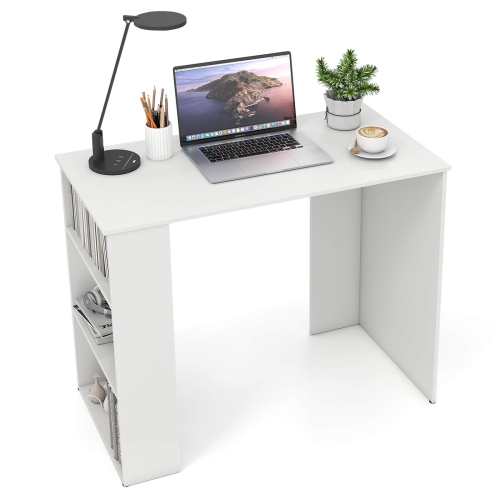
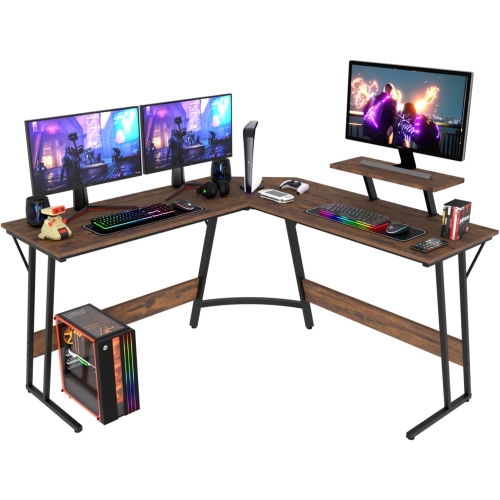
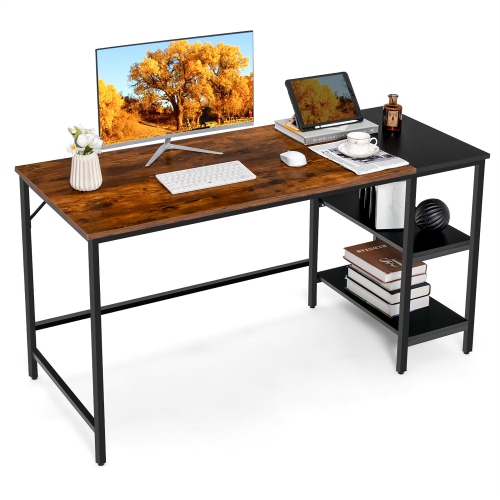
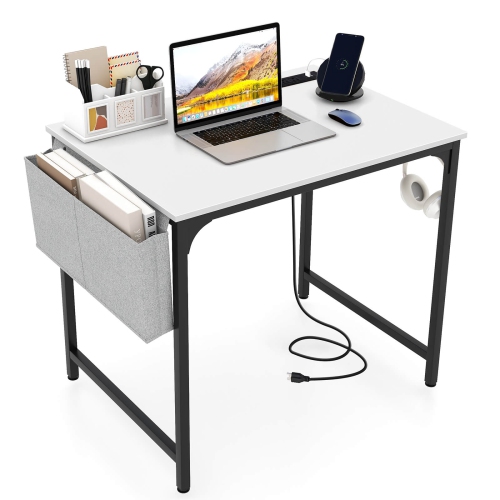
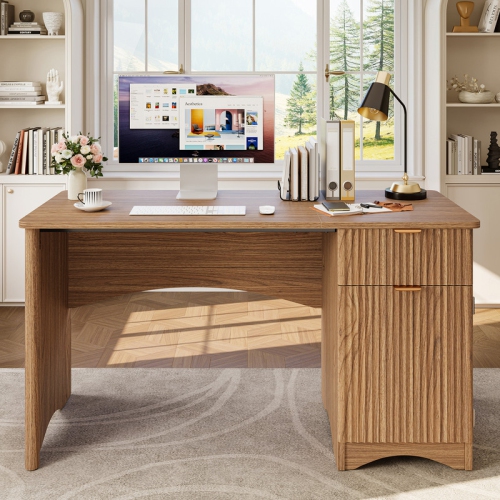
Affordable computer desks create a dedicated place for a laptop, monitor, keyboard, and everyday essentials, whether the workspace occupies a separate room or one corner of a living area. Their usefulness comes from matching the surface, shape, and storage to the way the space is used. A student working through assignments may need room for a laptop and an open textbook, while someone handling household paperwork might prefer drawers that keep documents and stationery close at hand. For regular computer work, desktop depth matters as much as width: a screen, keyboard, and mouse need enough separation to feel comfortable without leaving wrists perched along the front edge. A desktop roughly 40 to 48 inches wide can suit a compact setup, depending on the equipment, but a monitor stand, speakers, or a large keyboard can quickly change how much usable room remains. Overall dimensions tell only part of the story, since raised shelves, built-in compartments, and thick side panels can reduce the clear working area. Straight desks fit naturally along a wall, while corner and L-shaped desks can separate computer tasks from writing or paperwork when the room allows. In a bedroom or shared living space, the chair also needs room to pull out without blocking a doorway or walkway. Collections of Small Computer Desks are especially relevant when a shallow footprint or narrow width is a priority. A slim frame can keep a room feeling open, whereas enclosed sides and drawers give a more substantial, furniture-like appearance. The most practical fit leaves space not just for the desk itself, but also for chair movement, nearby outlets, and the tasks that happen around it. A desk beside a window, for example, may benefit from a position that limits screen glare, while one tucked into an alcove needs enough clearance for plugs and cables behind the desktop.
Materials and construction influence how a computer desk feels in daily use and how well it handles repeated movement, typing, and cleaning. Engineered wood, including particleboard and medium-density fibreboard, is common in desktops and storage panels, often with a laminate or other decorative finish. These surfaces offer a variety of colours and wood-look patterns, though their resistance to scratches, heat, and moisture depends on the finish. Solid wood brings natural grain and variation, while metal frames can provide support with a relatively slim profile. Glass desktops have a lighter visual appearance but tend to show fingerprints and require care around exposed edges. Material alone does not determine sturdiness: secure joints, suitable bracing, properly tightened hardware, and a level position all contribute to a desk that feels steady. Adjustable feet can help compensate for minor floor unevenness, but they do not replace correct assembly or a sound frame. Weight capacity matters when the setup includes a desktop tower, multiple displays, books, or other heavy equipment; any limits for the main surface and individual shelves need to be considered separately. Storage design makes a difference, too. Drawers keep small accessories out of sight, open shelves make frequently used supplies easy to reach, and a clear space beneath the desktop leaves more room for legs. A shelf intended for a computer tower needs suitable dimensions and ventilation clearance rather than simply enough room to squeeze the case inside. Everyday care is usually straightforward when it follows the finish manufacturer’s directions. A soft cloth, prompt attention to spills, and protection beneath hot drinks help prevent avoidable marks. Excess moisture around seams and edges can damage some engineered-wood panels, while abrasive cleaners may dull or scratch a finish. When rearranging a room, lifting a desk with suitable help rather than dragging it can reduce strain on its legs and fasteners. Checking connections after a move is particularly useful for furniture that has been disassembled and rebuilt.
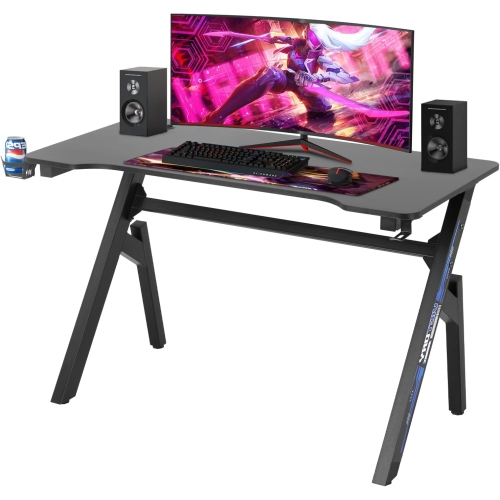
Comfort depends on how the desk works with the chair, screen, and person using it, rather than on the desktop alone. A fixed-height computer desk can suit many everyday tasks when paired with an adjustable chair, but there still needs to be enough clearance for knees and thighs beneath drawers or keyboard trays. Relaxed shoulders, supported feet, and a keyboard within easy reach are useful signs that the arrangement fits. For a laptop used over longer stretches, a separate keyboard and mouse can allow the screen to sit higher without raising the hands into an awkward position. A monitor riser can free some space underneath the display, although its footprint and weight also count towards the desk’s usable area and load limit. Clamp-mounted monitor arms need particular attention because not every desktop edge or material can support the concentrated pressure of a clamp. Cable openings, rear channels, and accessible shelves help keep charging leads from spreading across the work surface, while a power bar placed away from feet can reduce tangles beneath the desk. For gaming, room for broad mouse movements may be more useful than extra decorative shelving; for study, an uncluttered area beside the computer gives notebooks and reference materials somewhere to land. A shared household workstation may need flexible storage so one person’s paperwork does not take over another person’s study space. Sit-to-stand designs offer another way to vary working position, with height range, stability, and cable slack all affecting everyday usability. Even a simple fixed desk benefits from thoughtful placement and occasional changes in posture. For students, remote workers, and anyone setting up a place for personal projects, the strongest match is a desk that supports the actual routine: enough surface for the equipment, accessible storage for essentials, and comfortable clearance around the chair. A suitable finish and proportion help the workspace sit comfortably alongside the rest of the home, whether it is used for focused work or a few everyday tasks.
Top selling and popular products
-
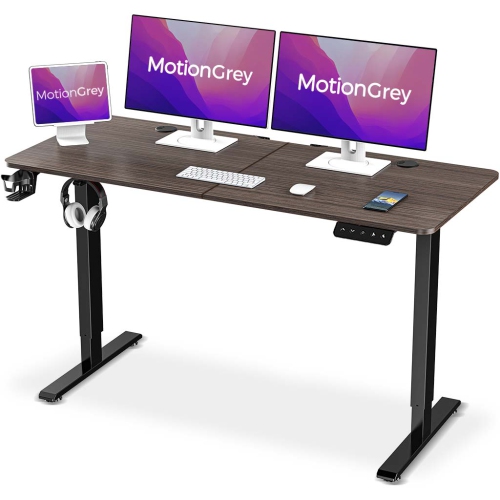 Your price for this item is $97.99
-
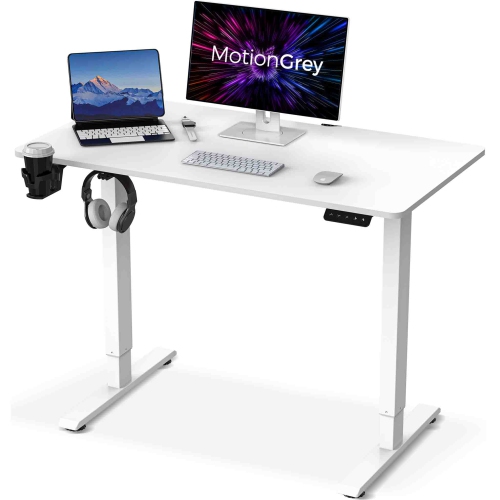 Your price for this item is $89.99
-
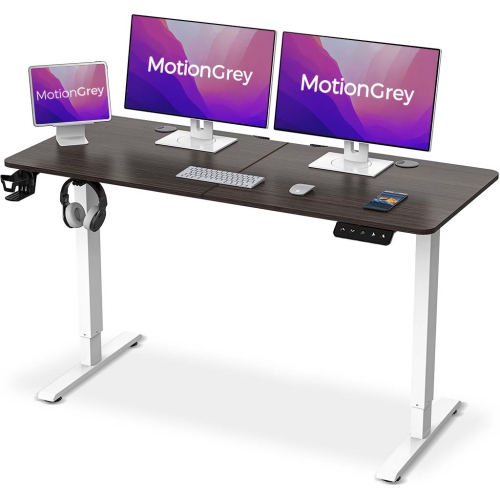 Your price for this item is $84.99
-
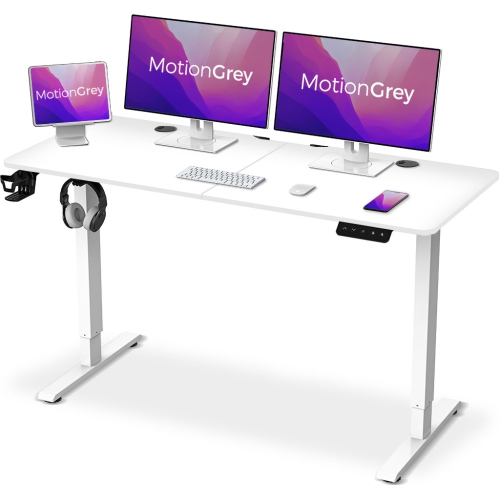 Your price for this item is $97.99
-
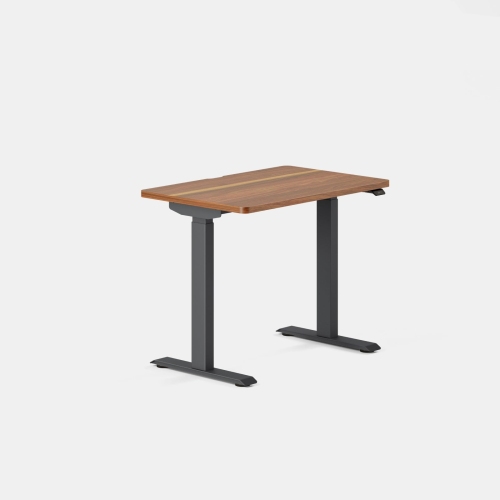 Your price for this item is $649
-
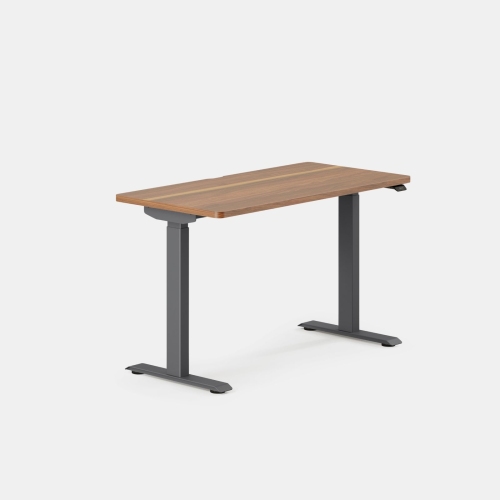 Your price for this item is $749
-
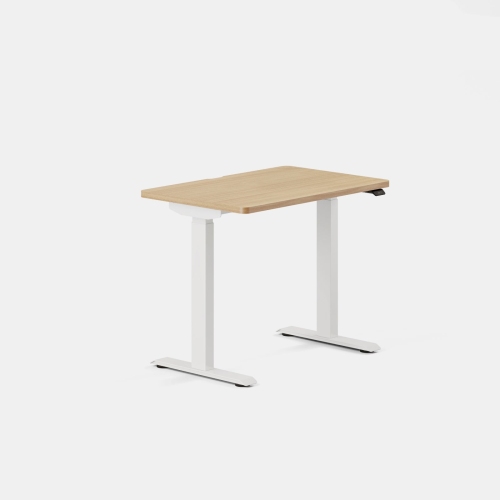 Your price for this item is $649
-
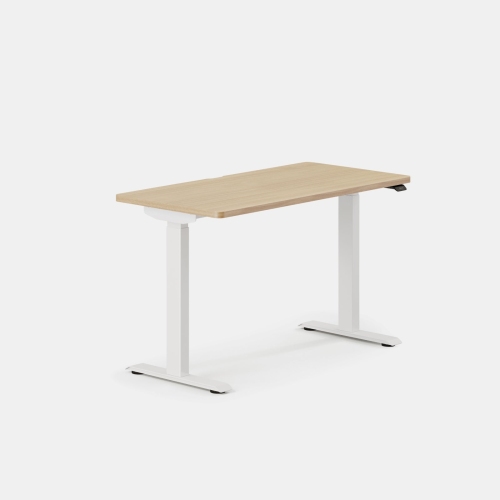 Your price for this item is $749
Discover more categories related to Affordable Computer Desks

Top Collections:
Best Black Friday Deals This Year, Best Black Friday Deals On Electronics, Kindle Devices, Pokemon Centers, Best Black Friday Deals On Apple Products, Best Cameras for Sports Photography, Dyson Airwrap, Pokémon 30th Celebration Cards, Apple iPhone 17 Pro, Canon G7X Cameras
Some products may be subject to Environmental Handling Fees
(EHF) depending on your province.
Learn more about EHFs.