Laptop Shelves
Our selection of laptop shelves offers a practical solution for creating a clutter-free desk environment. Whether you're working from home, in the office, or studying in a dorm room, these shelves are designed to provide a convenient and ergonomic setup for your laptop. With various styles and sizes available, you can find the perfect shelf to suit your needs and enhance your productivity.
Sort
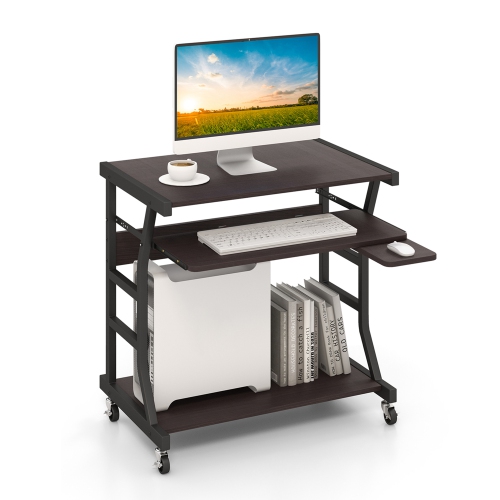
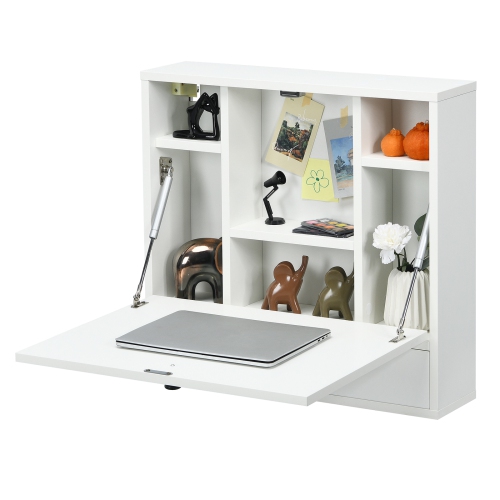
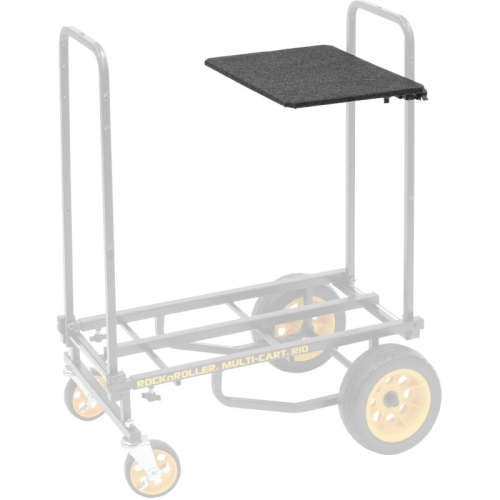
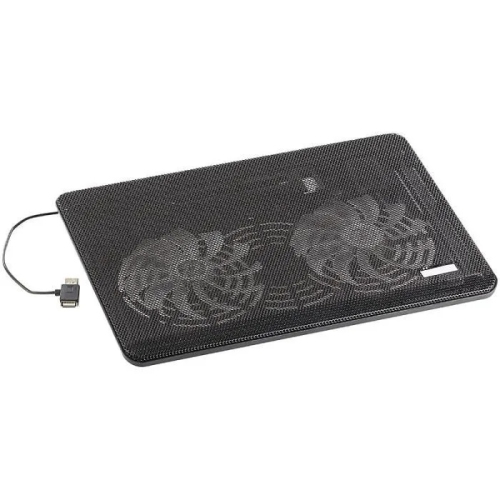
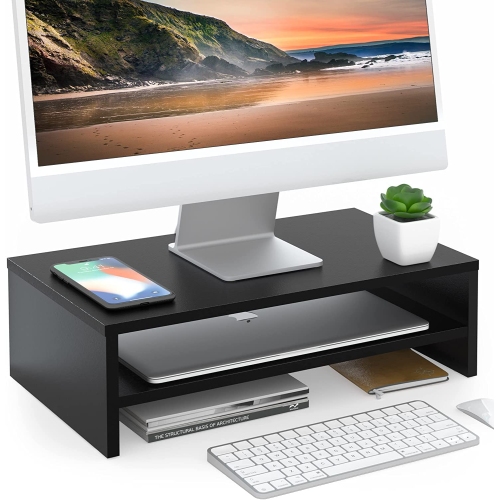
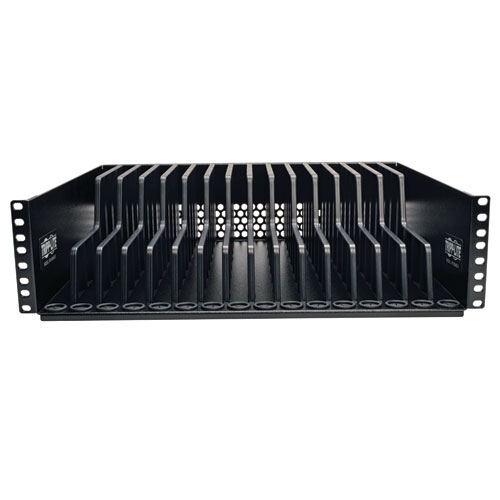
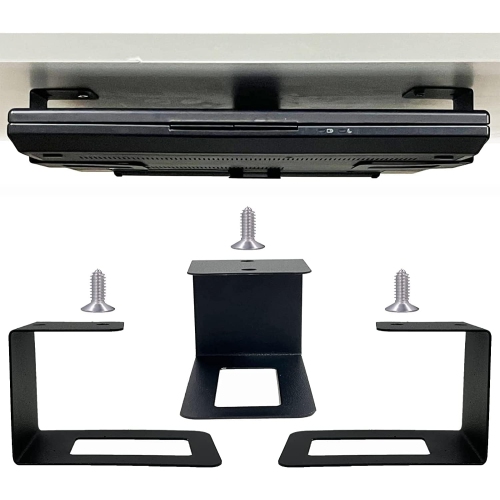
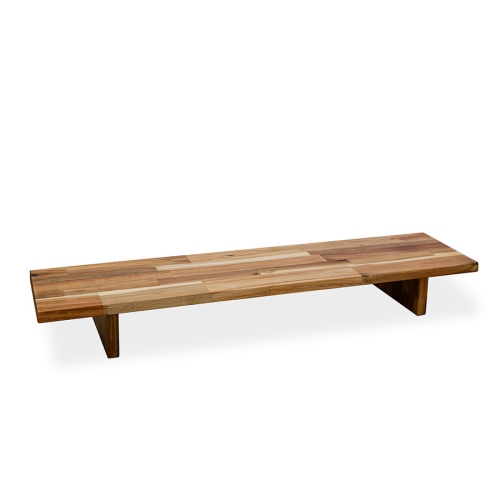
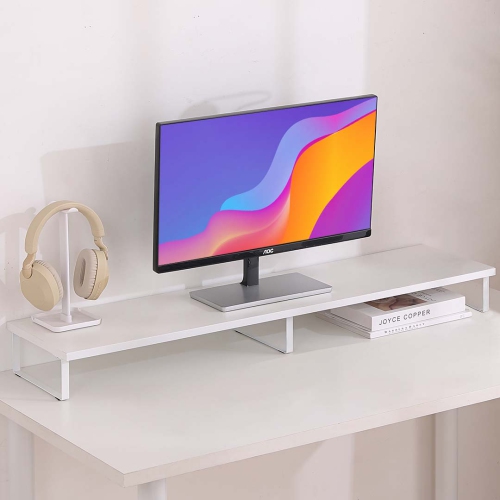
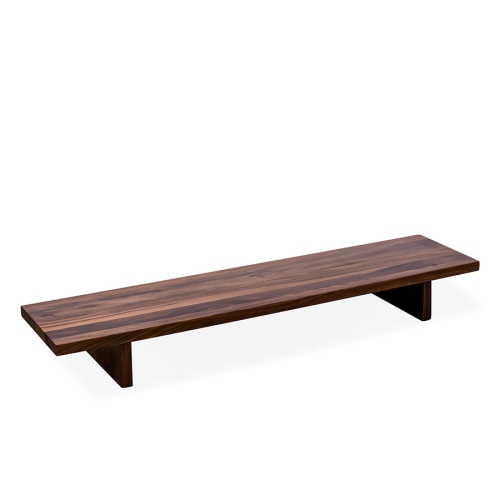
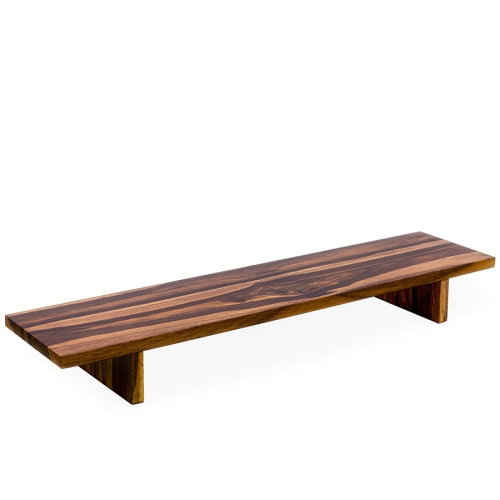
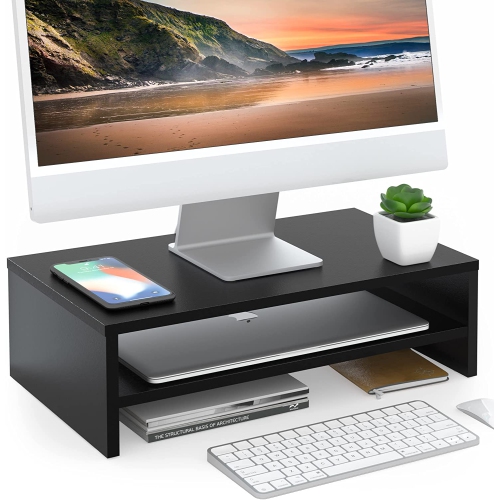
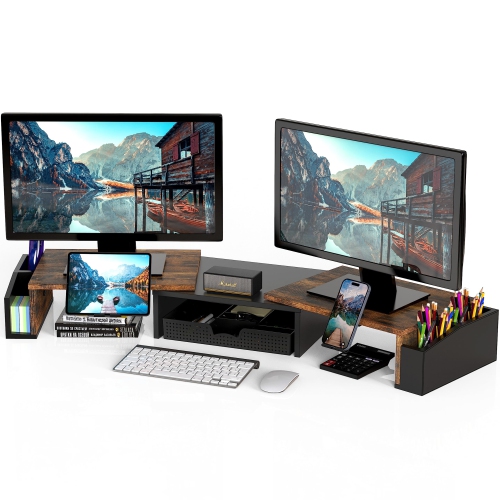
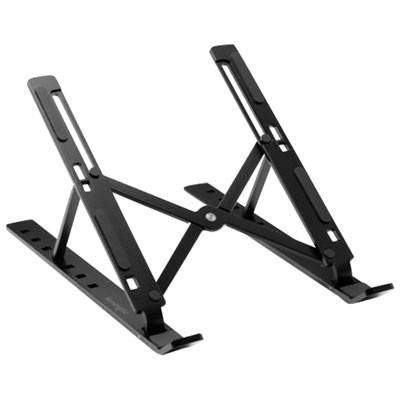
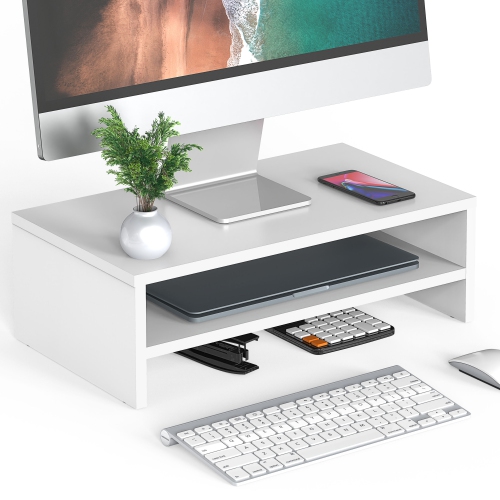
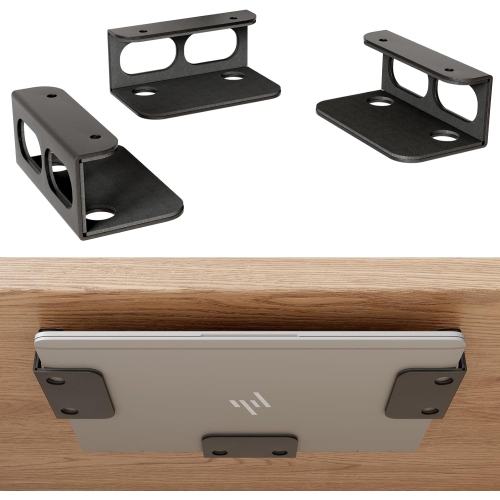
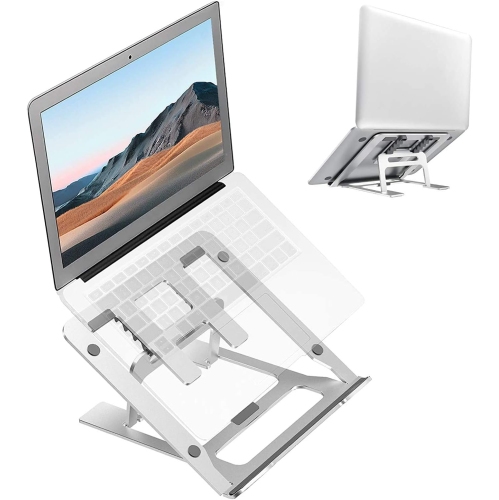
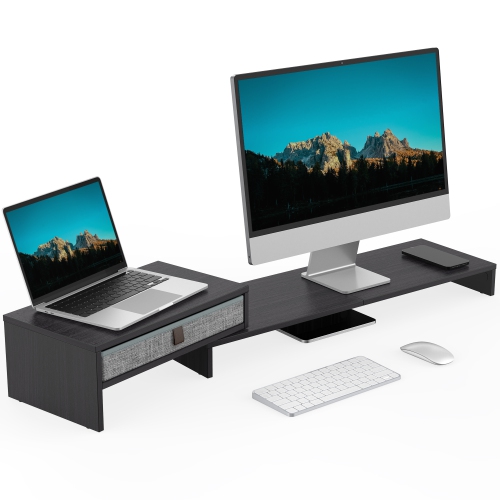
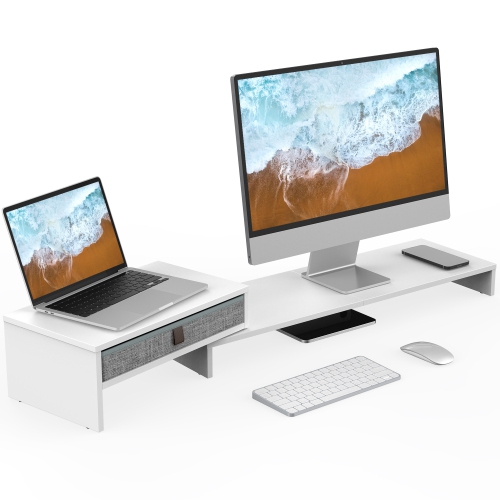
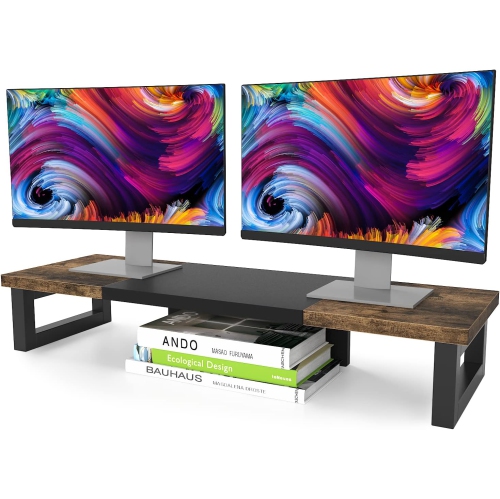
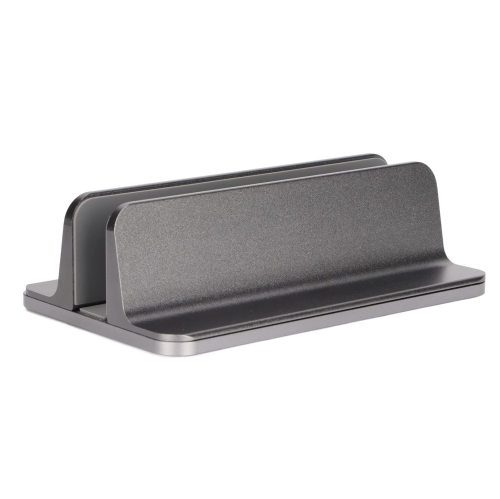
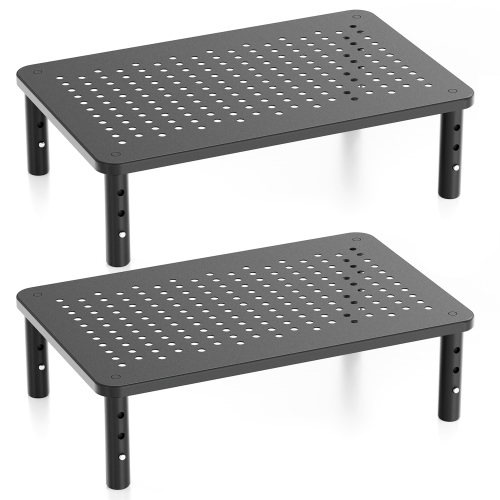
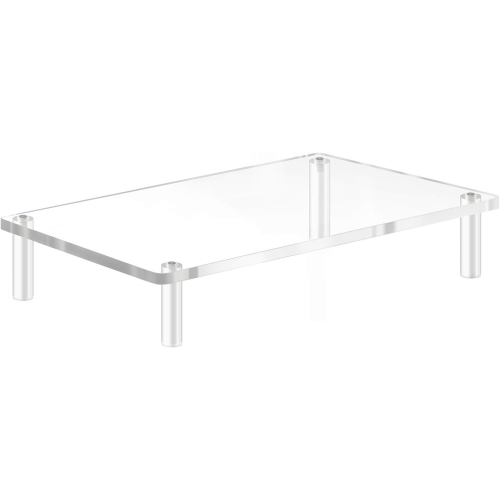
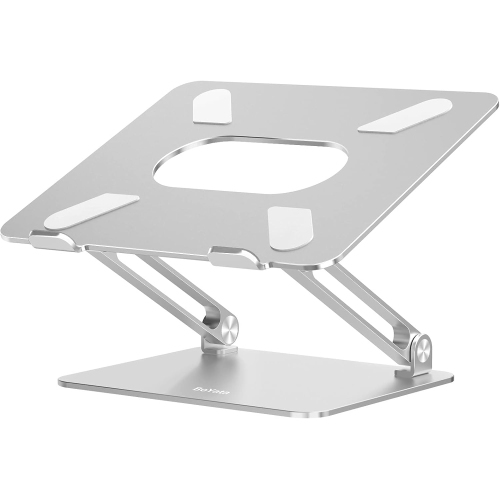
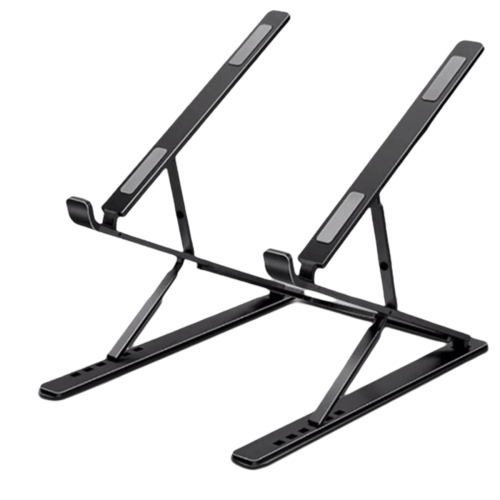
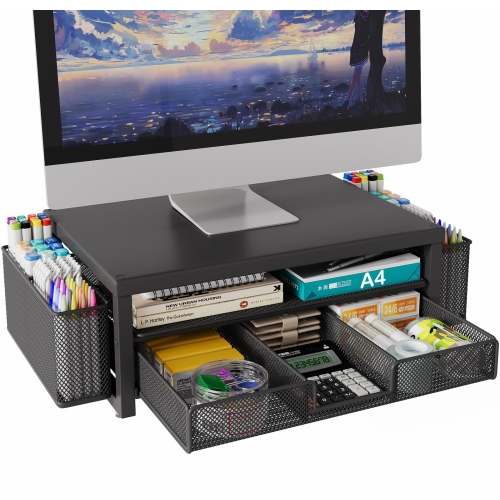
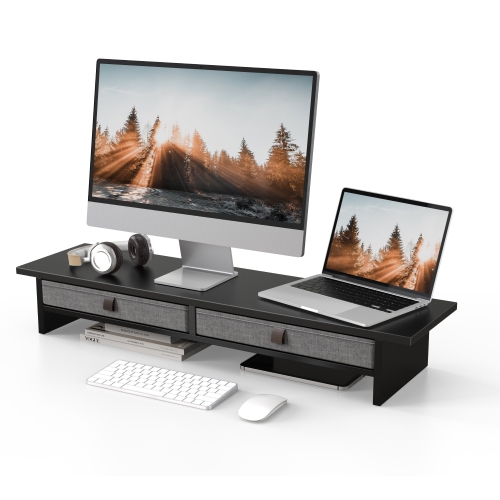
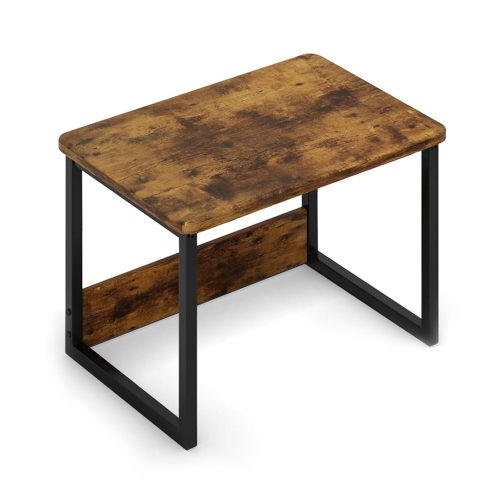
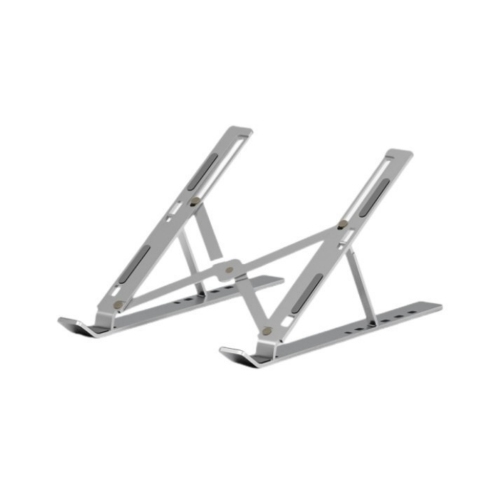
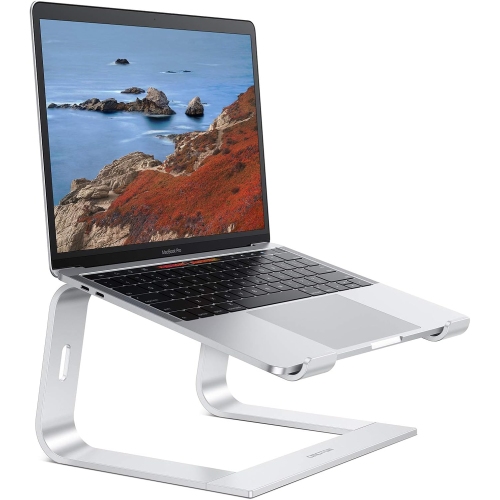
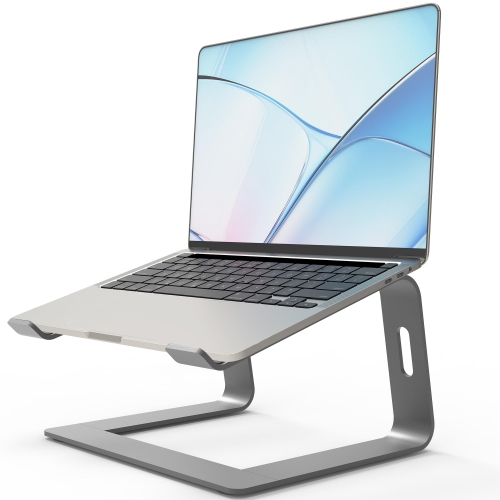
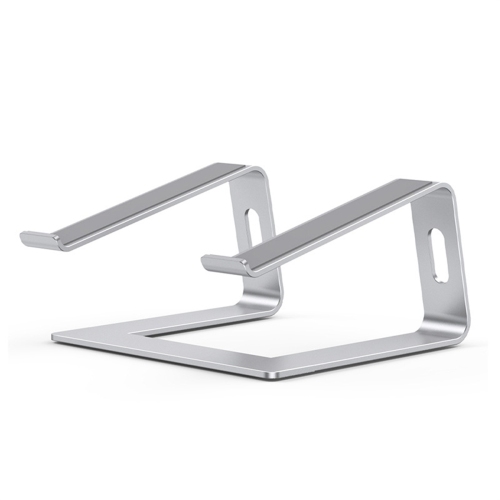
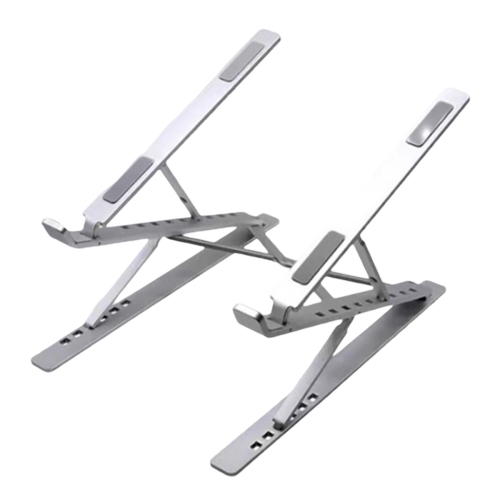
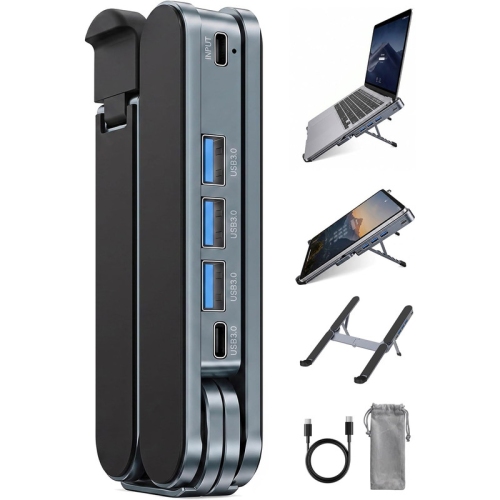
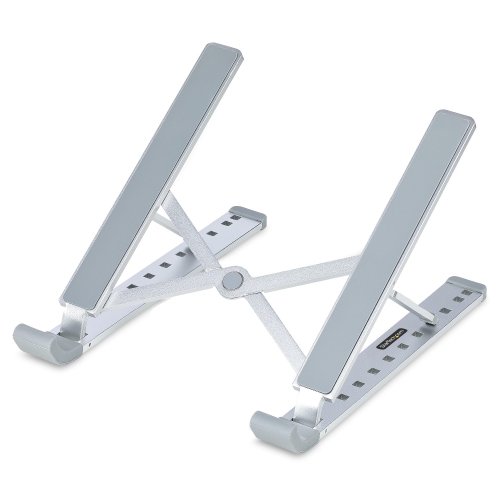
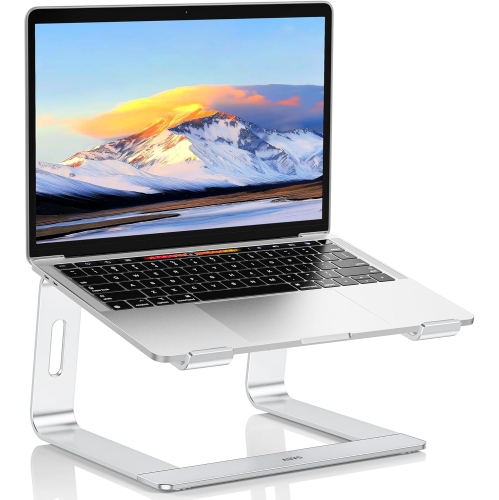
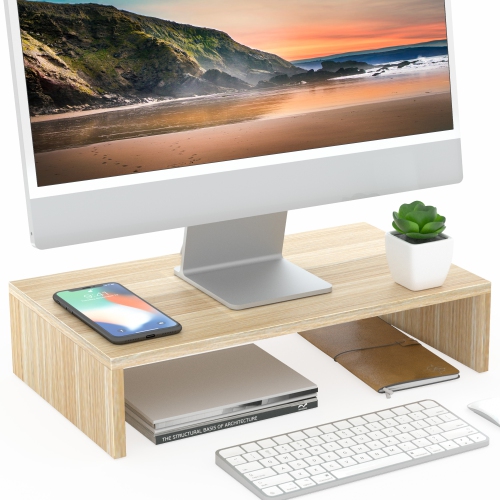
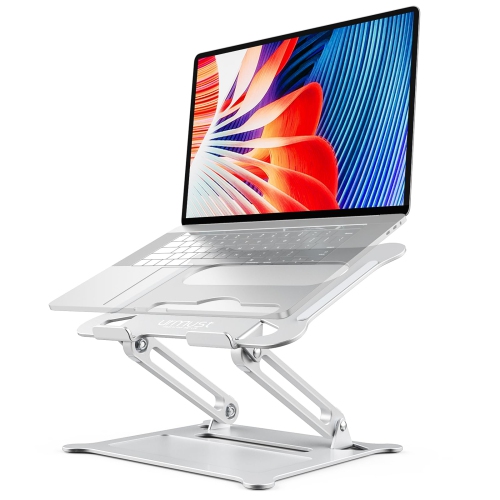
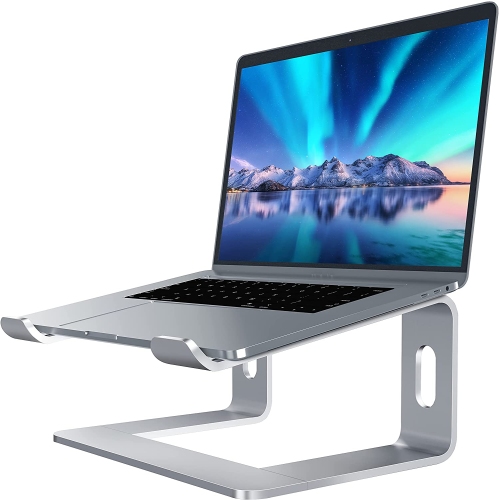
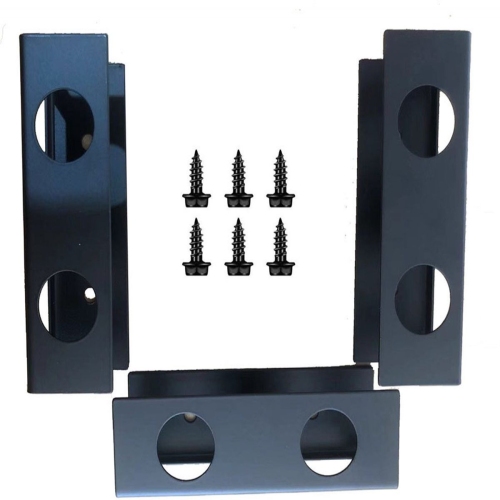
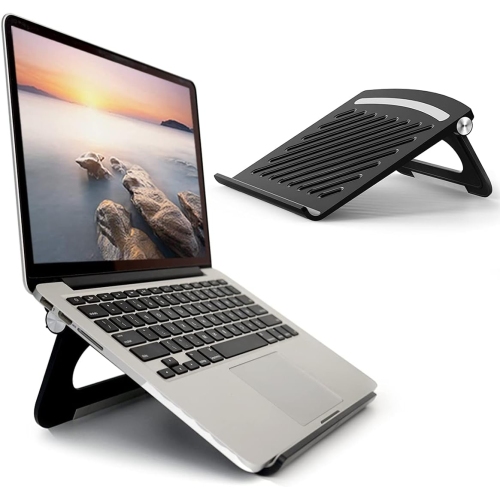
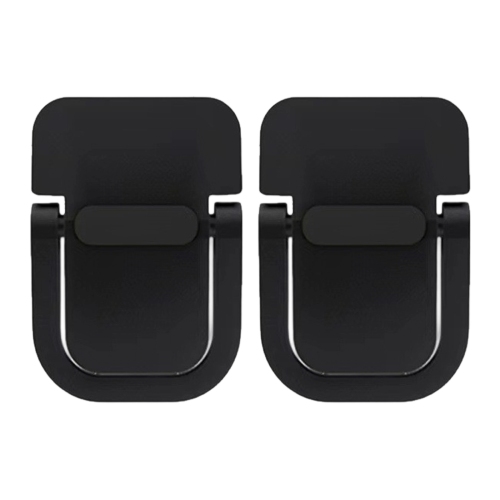
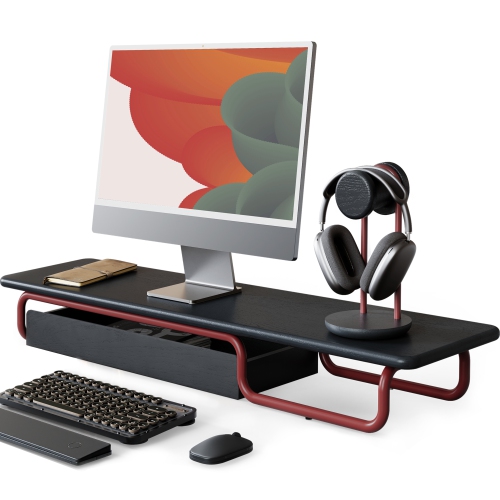
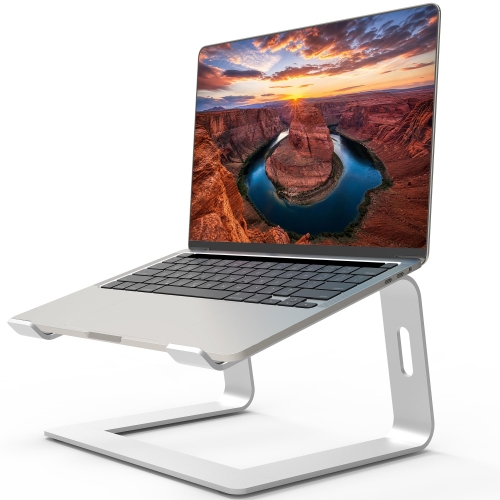
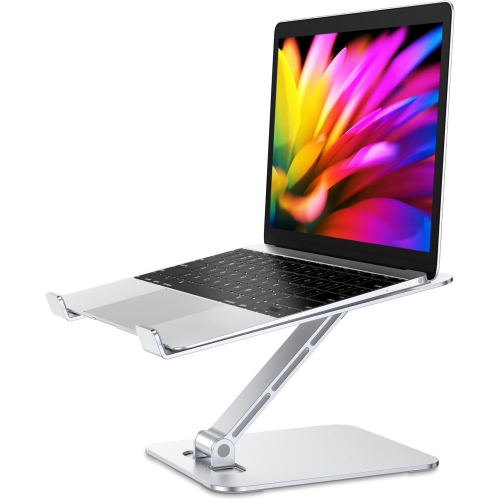
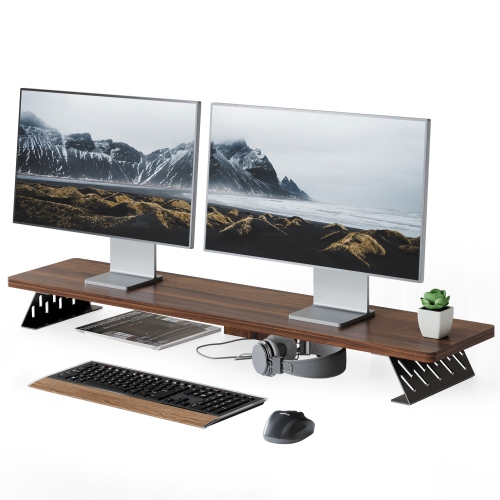
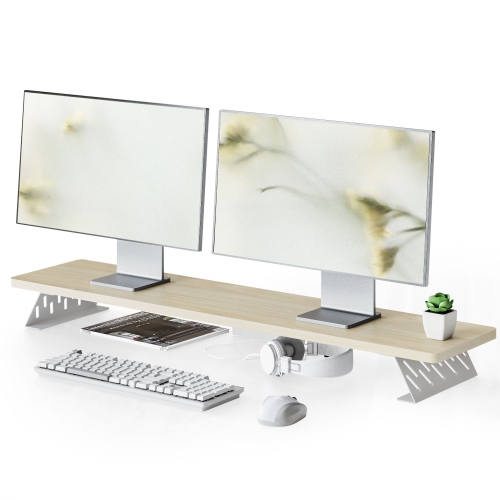
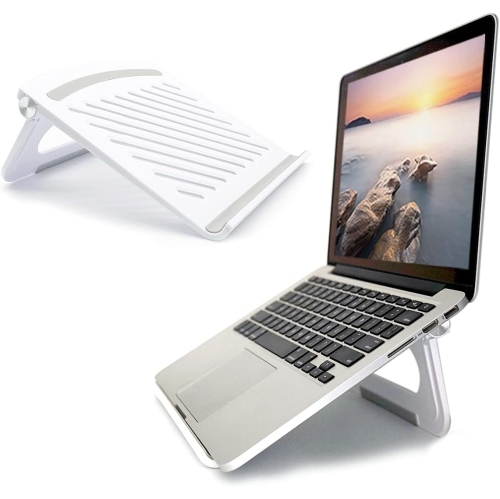
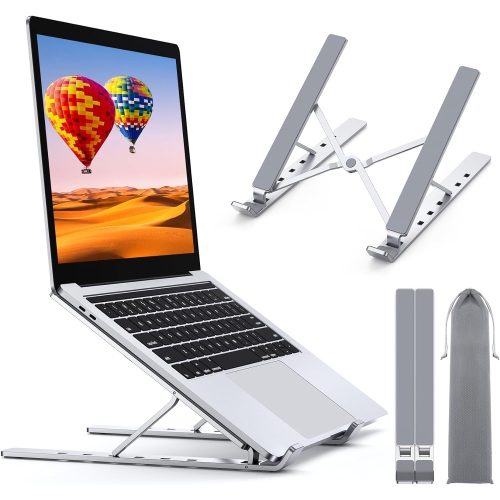
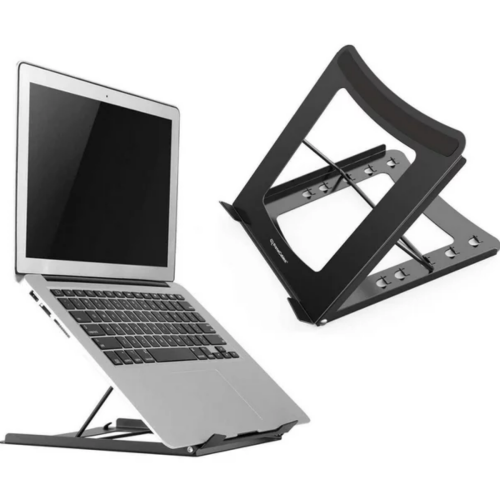
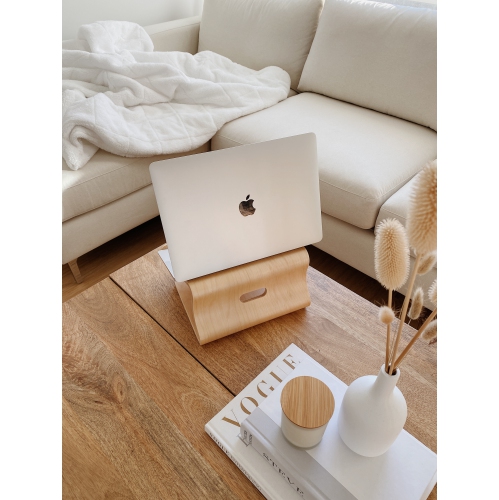
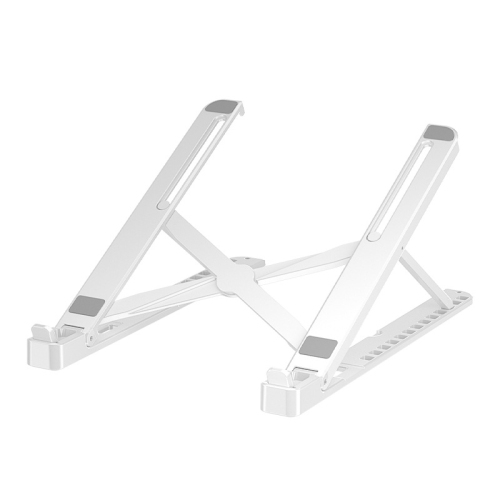
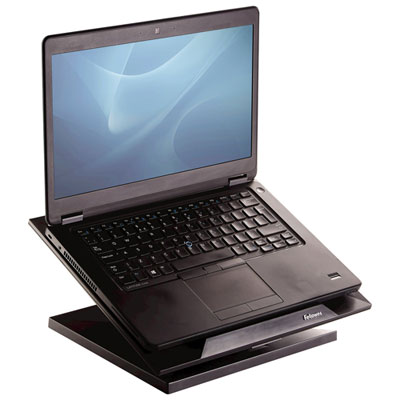
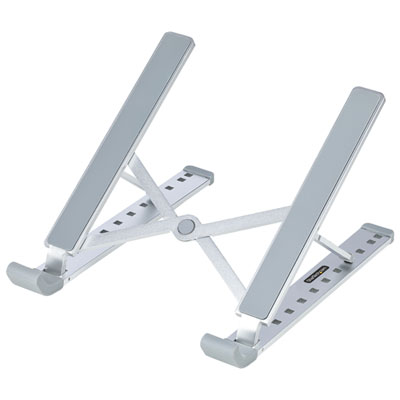
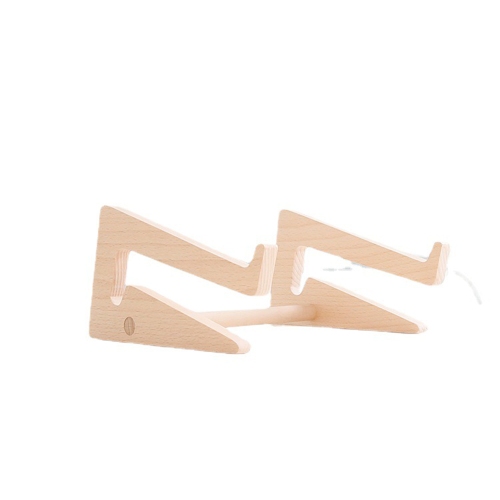
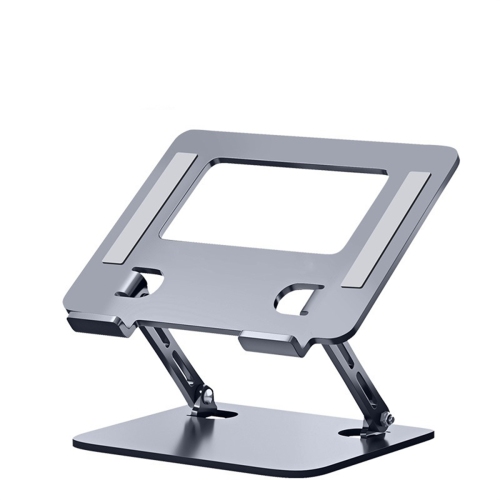
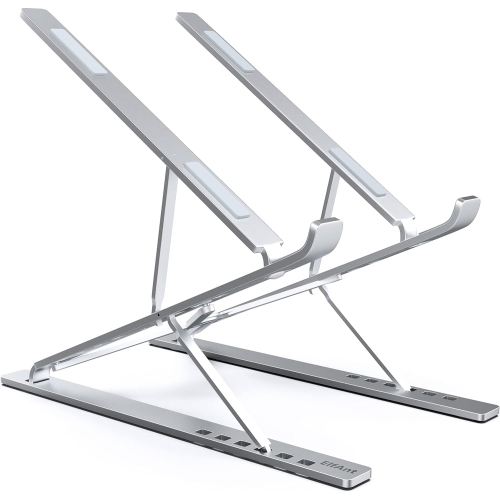
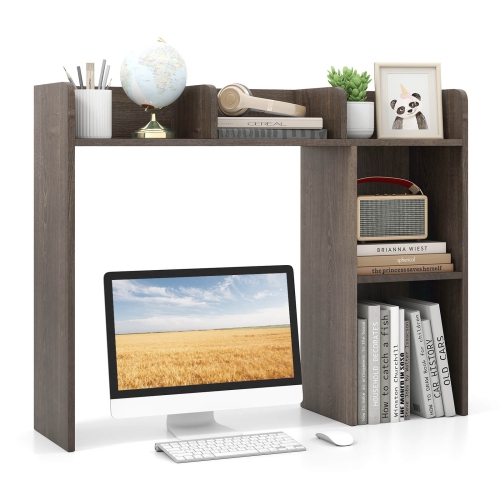
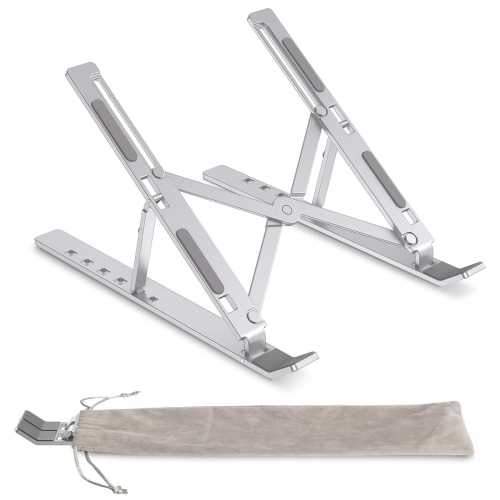
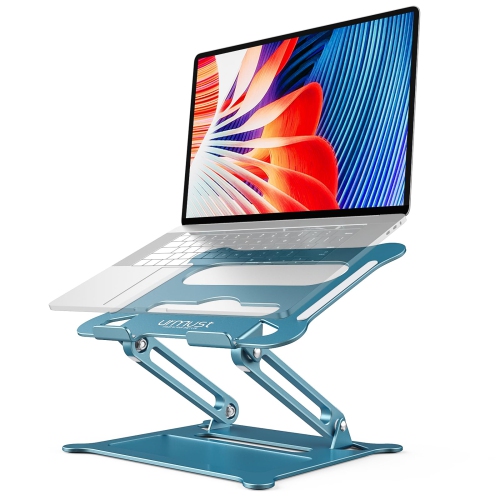
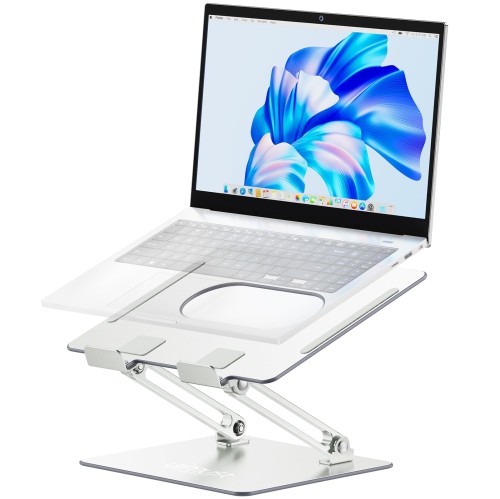
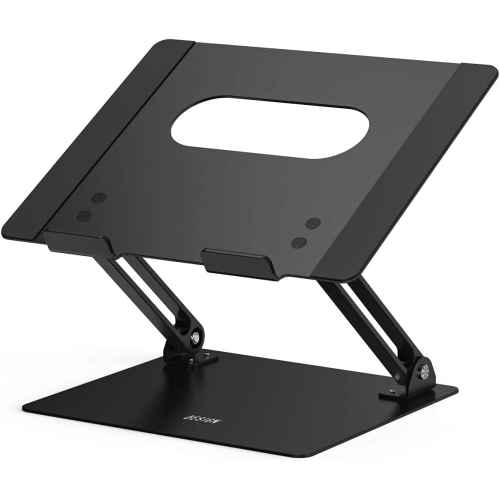
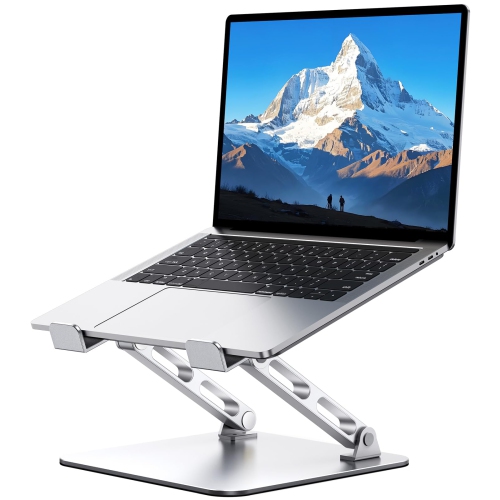
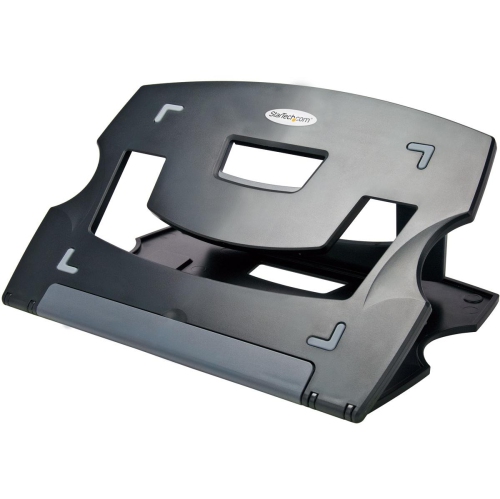
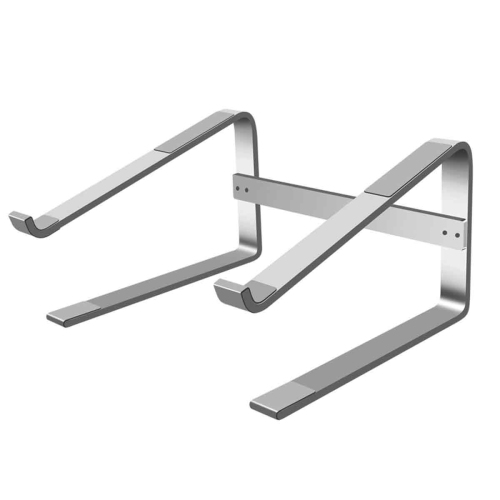
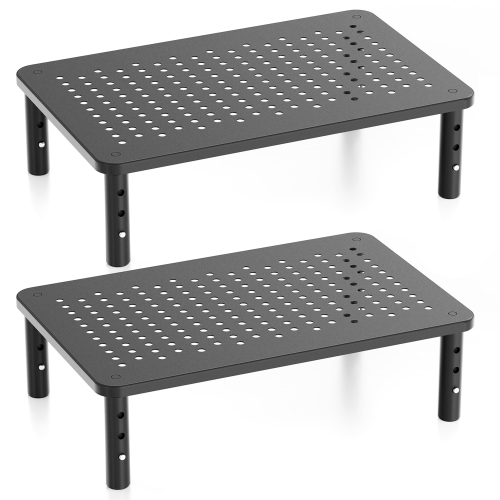
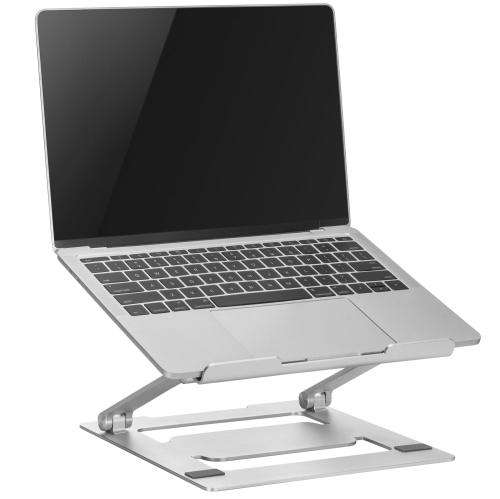
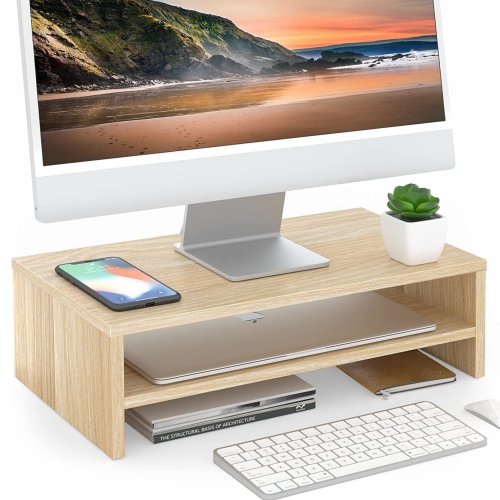

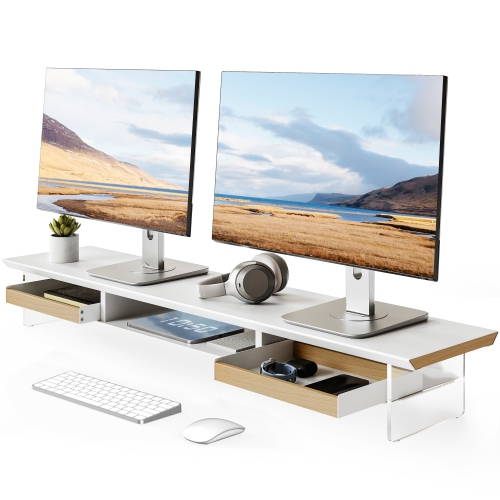
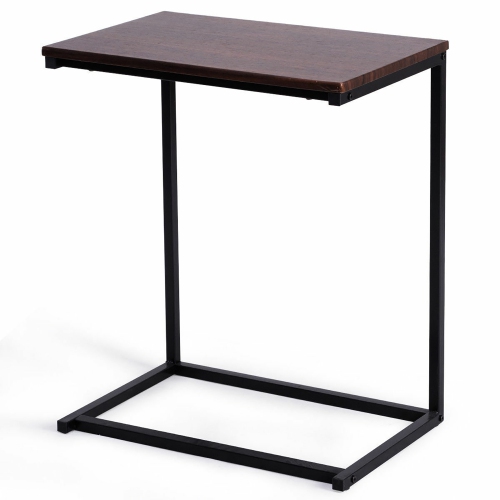
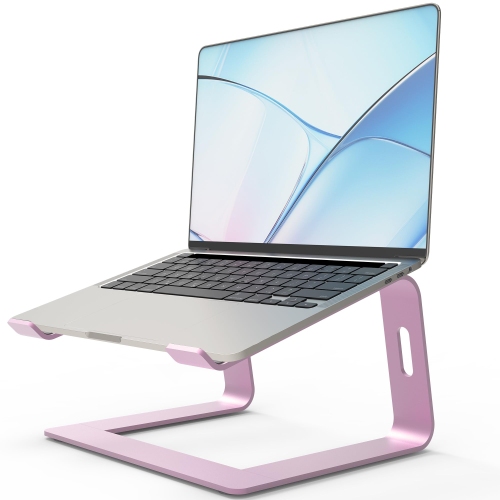
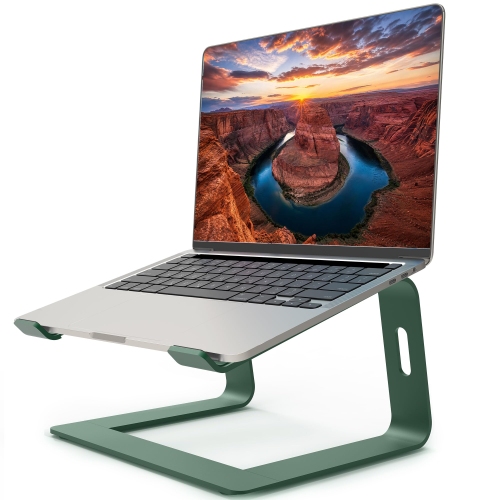

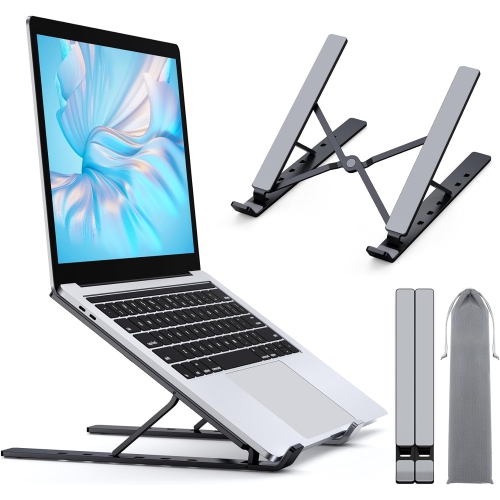
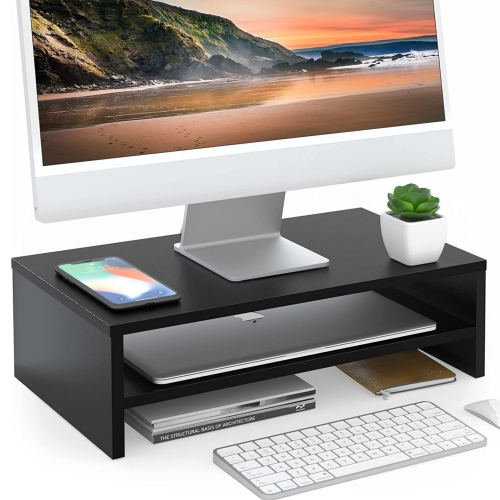
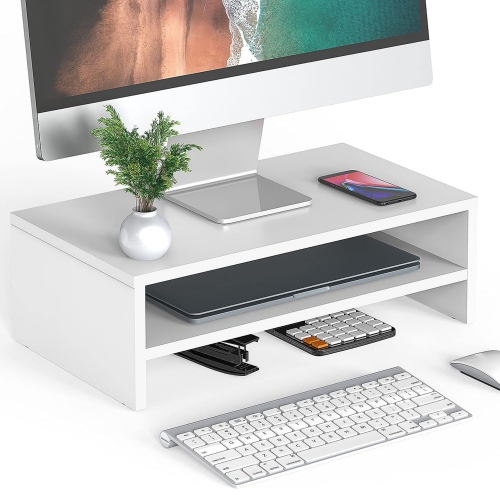
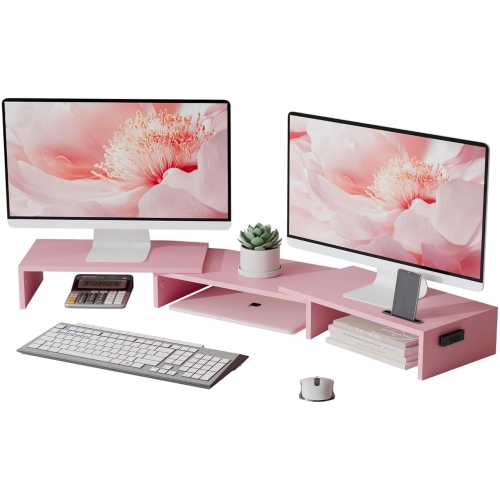

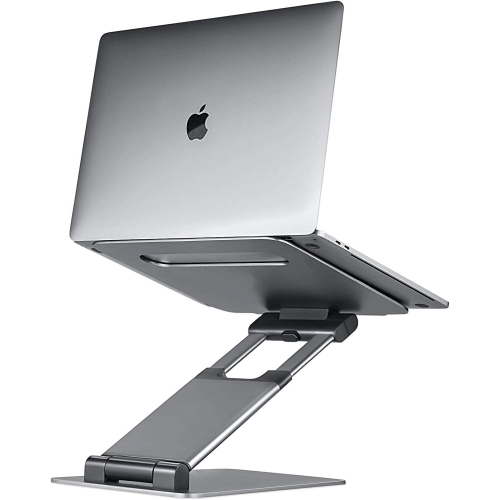
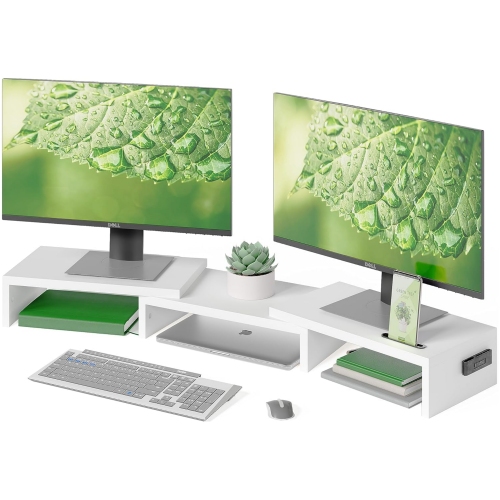
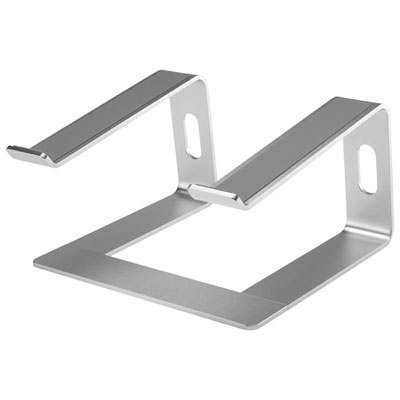
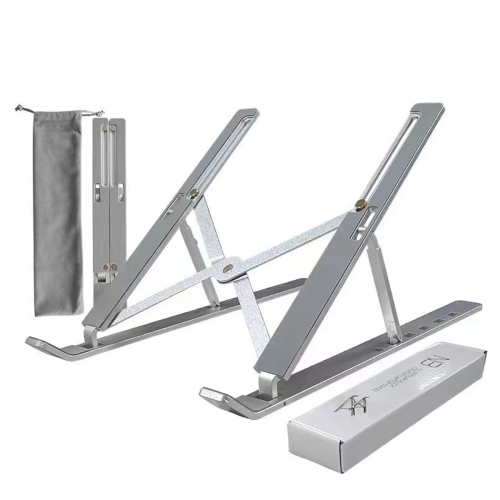
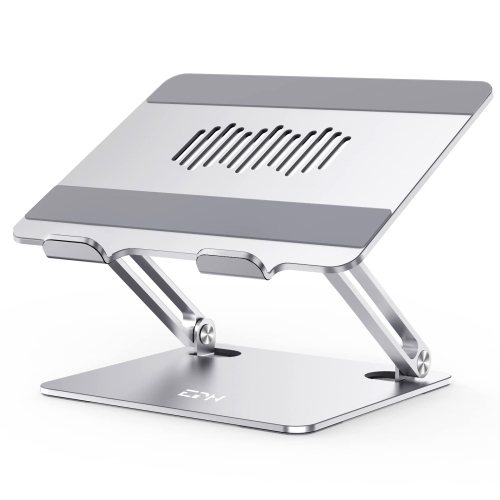
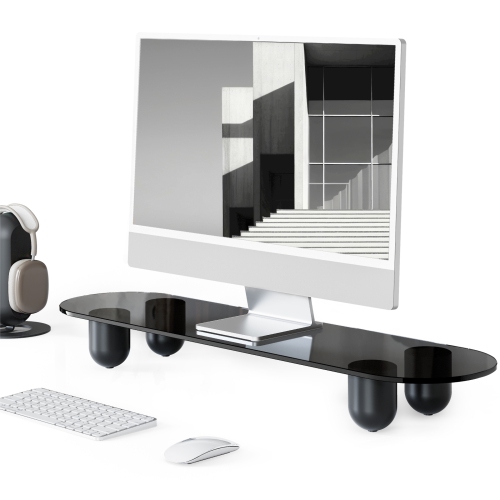
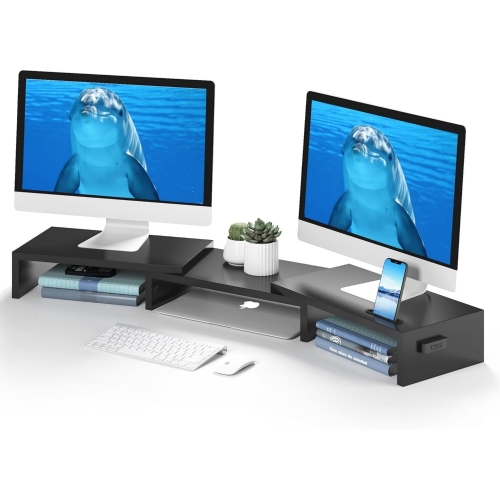
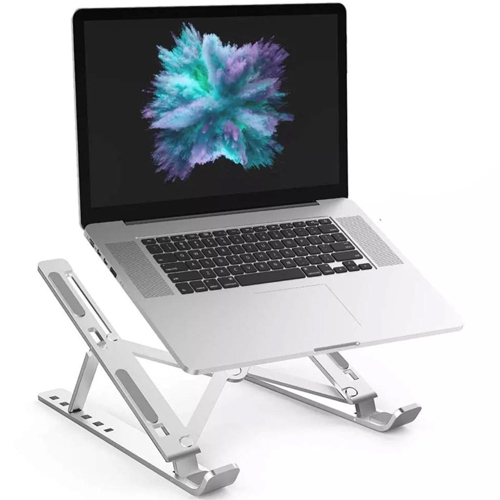
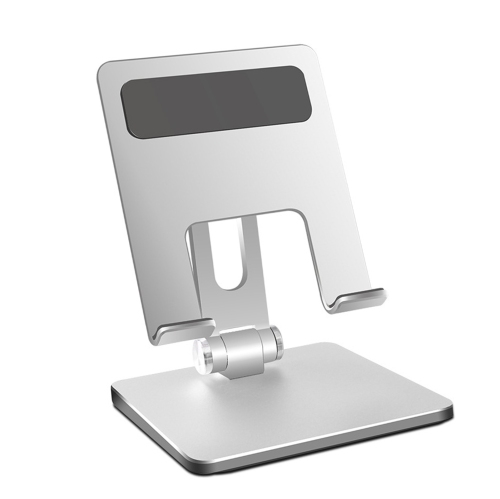
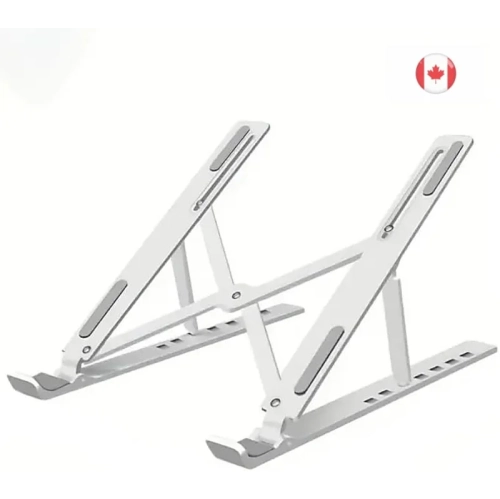
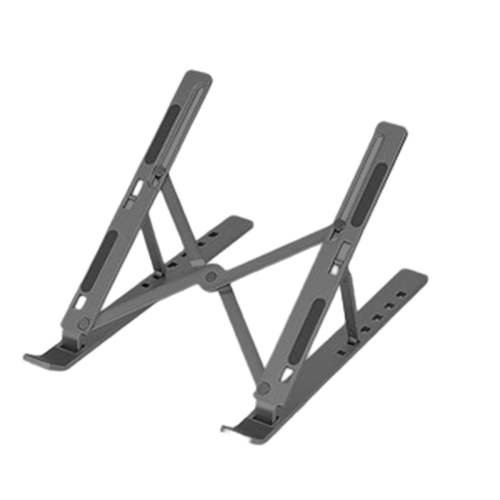
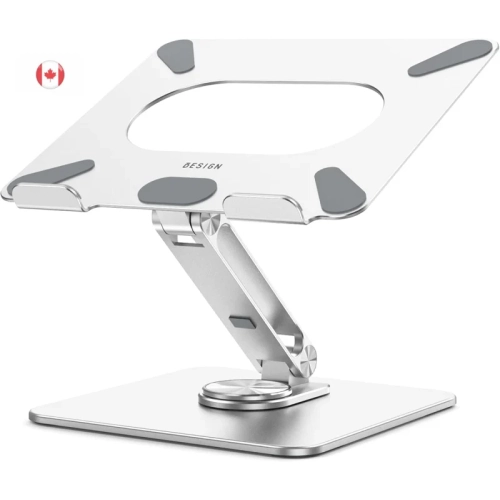
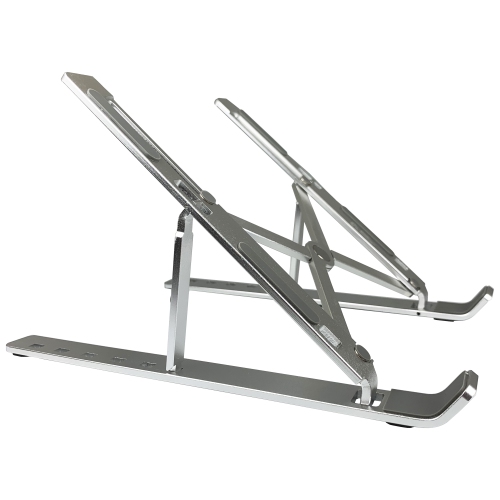
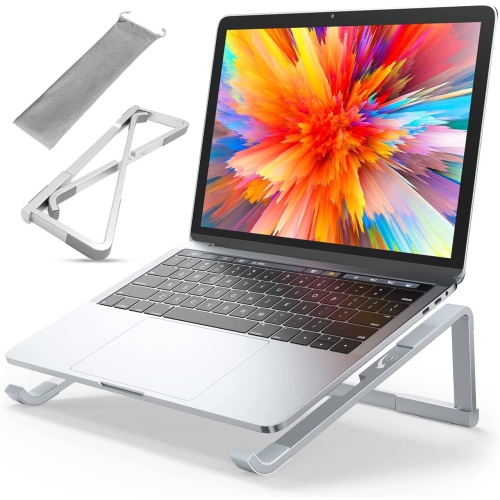
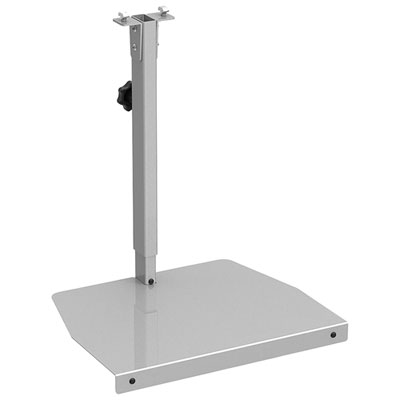
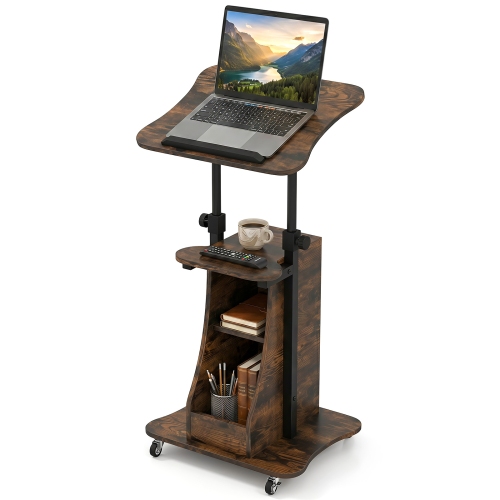
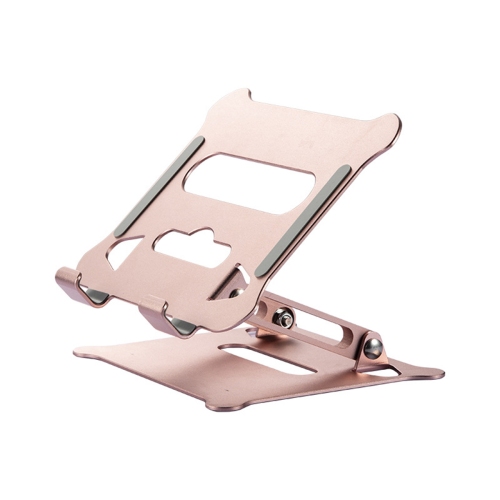
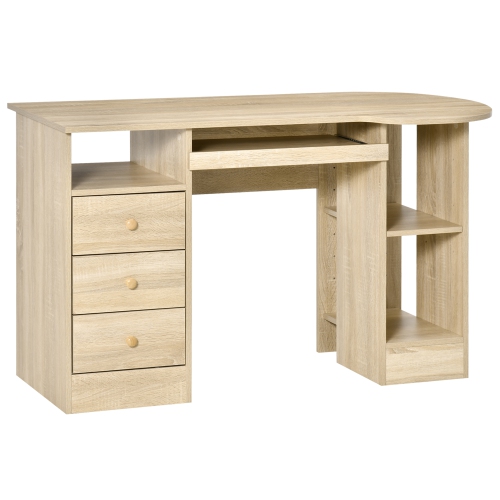
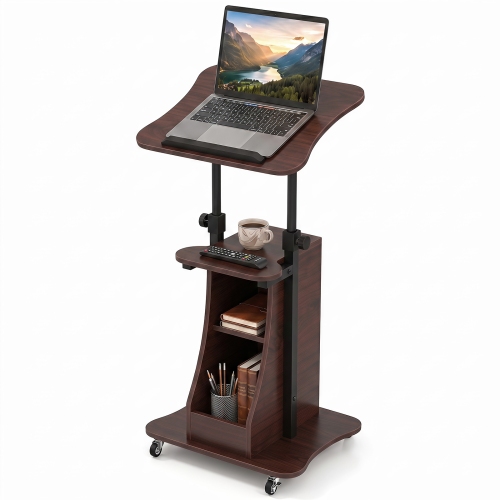
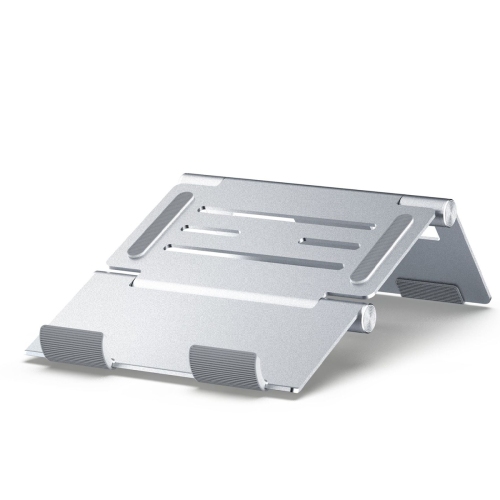
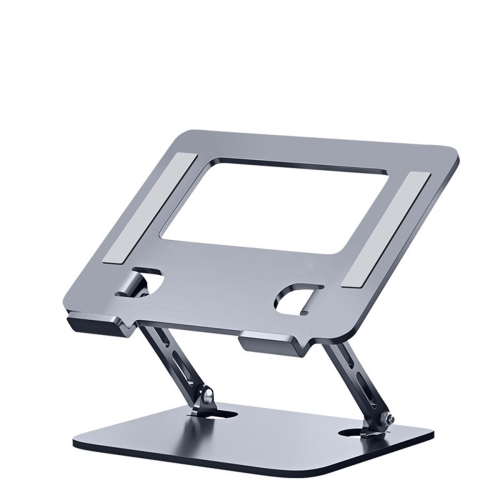
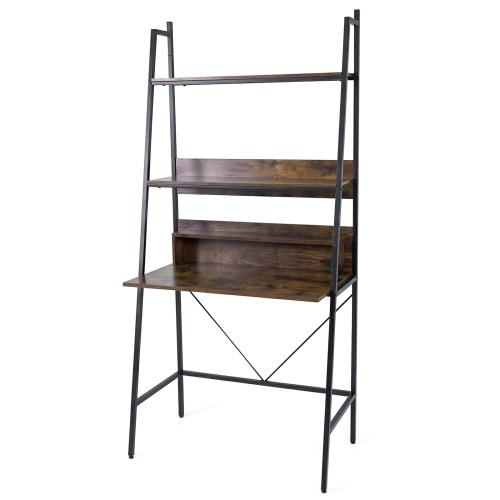

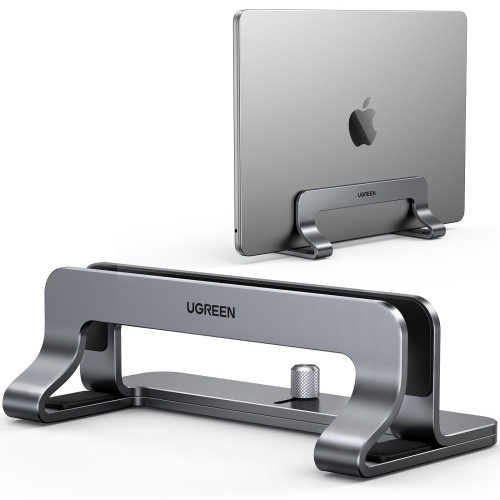
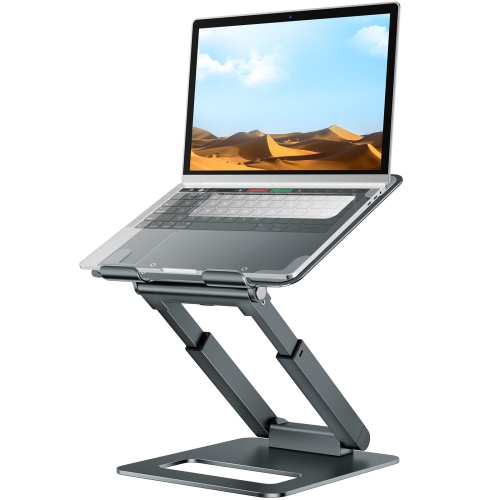
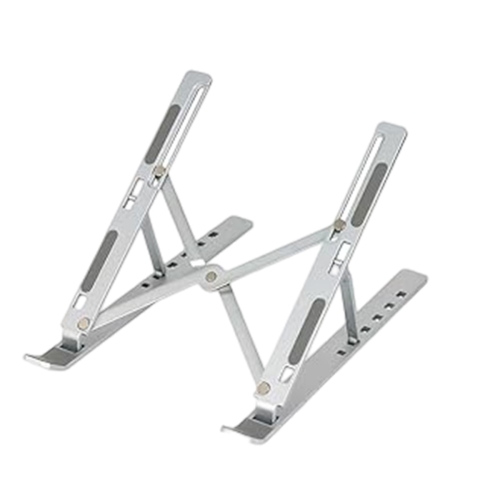
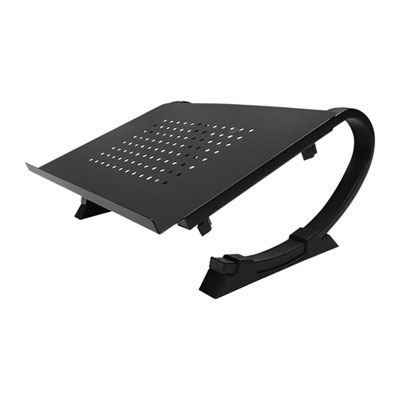
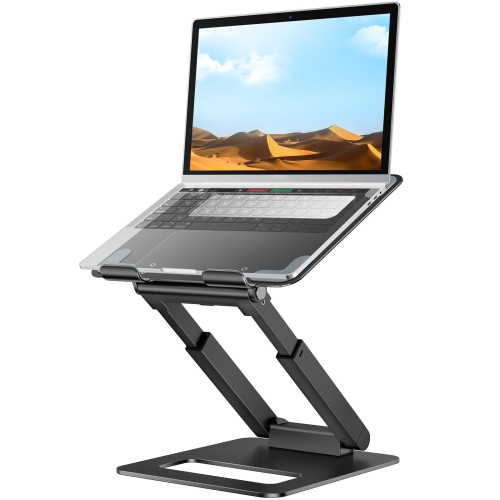
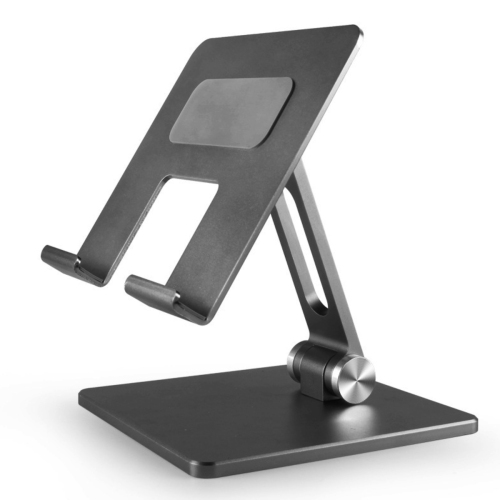
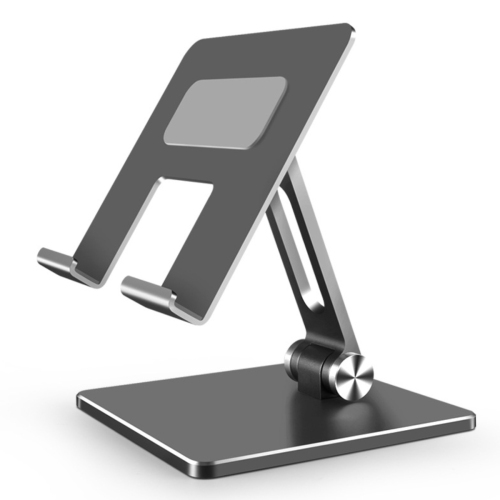
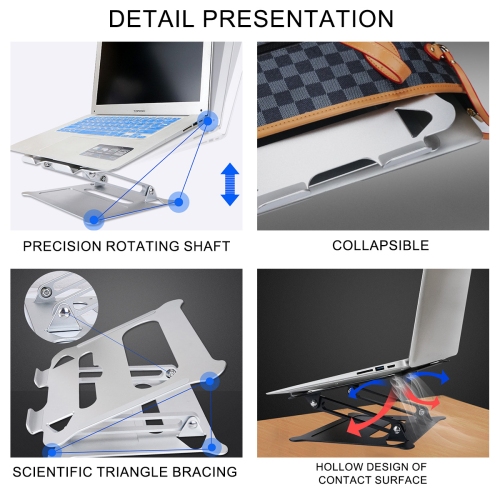
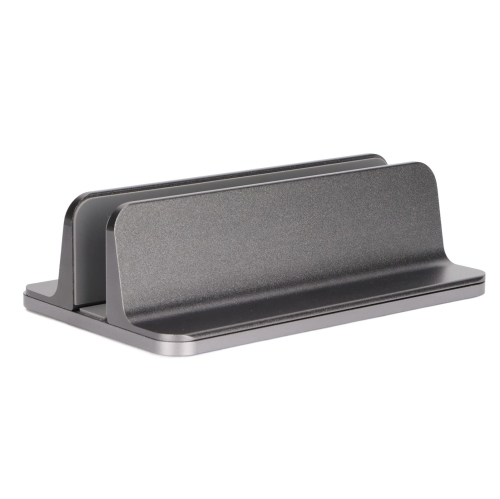
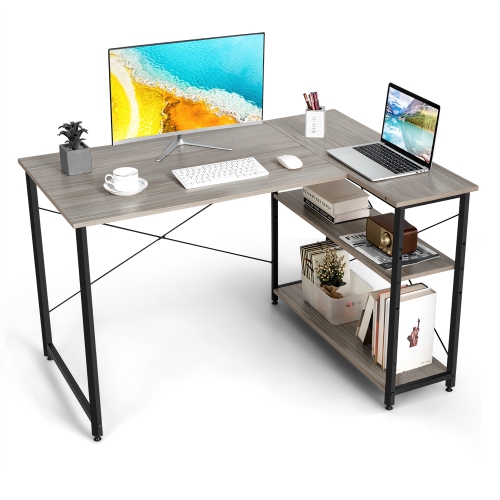
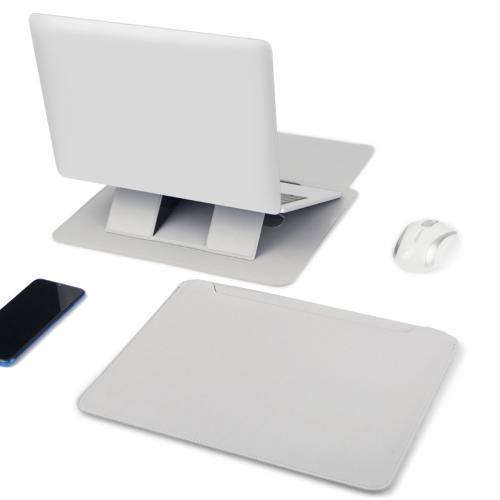
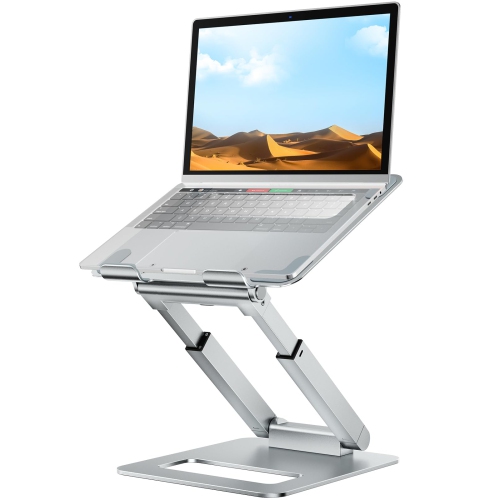
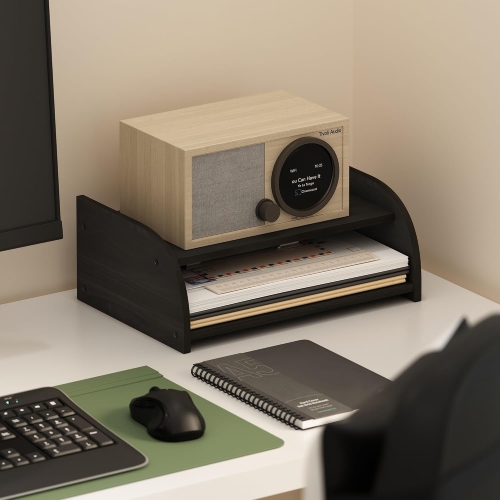
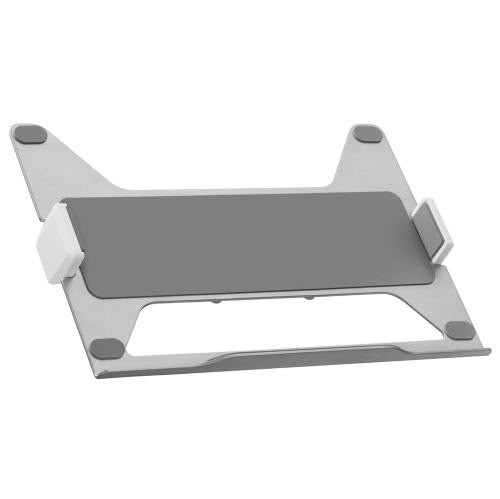
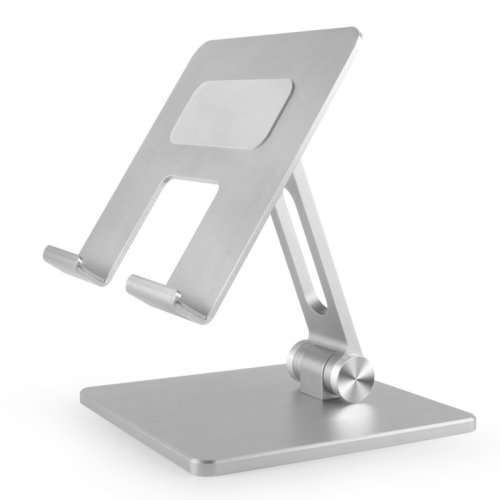
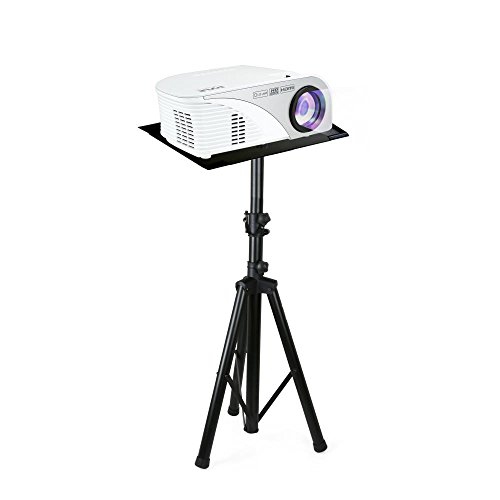
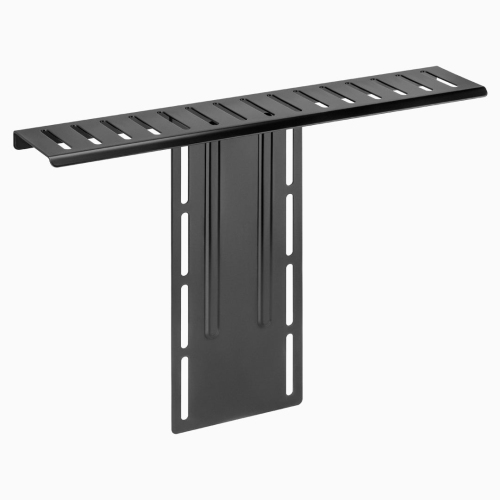
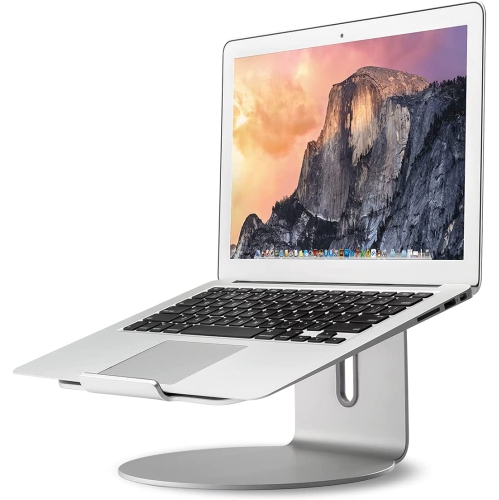
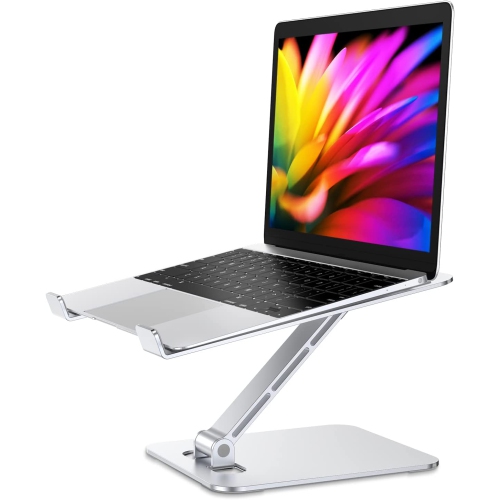
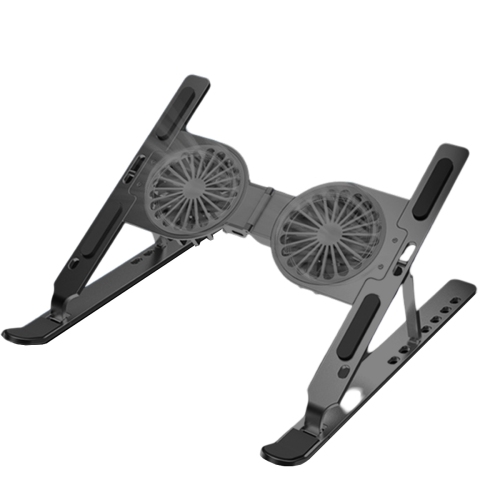
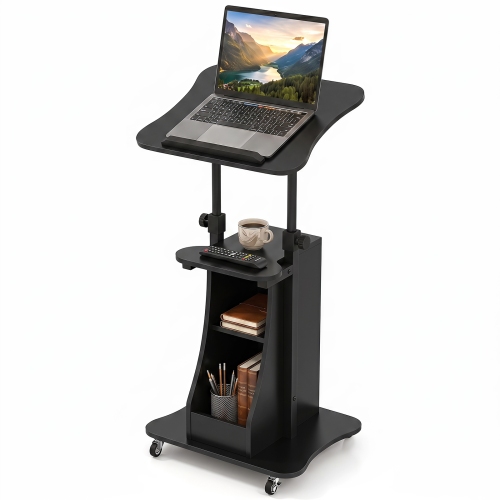
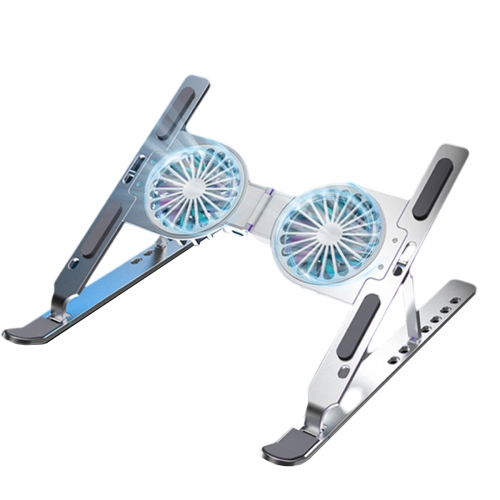
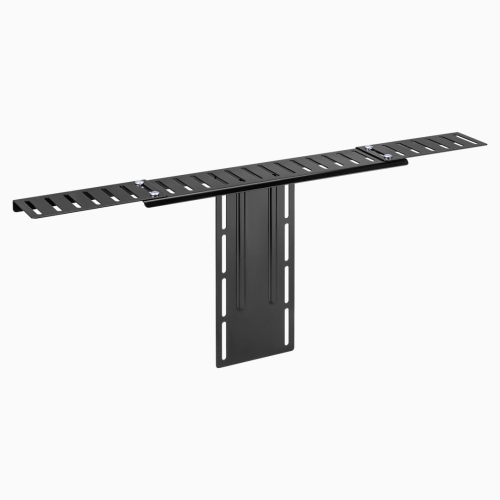
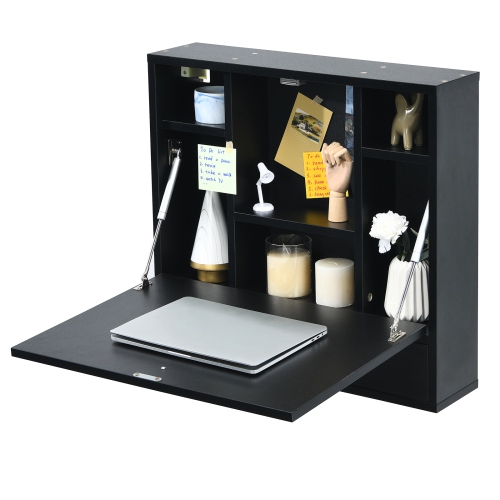
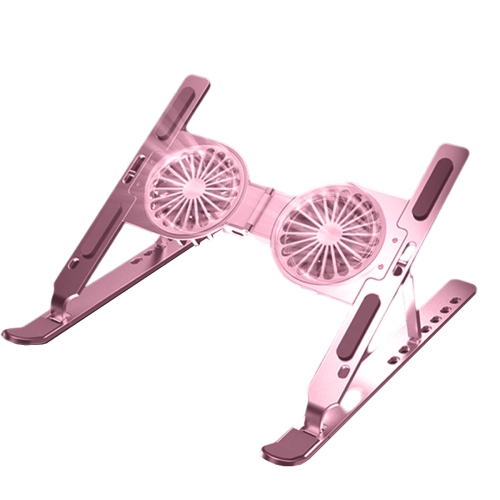
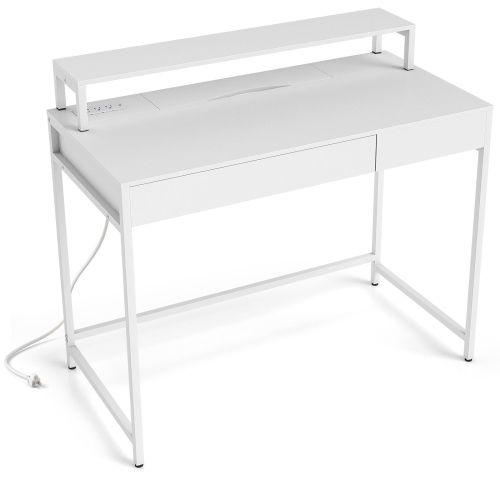
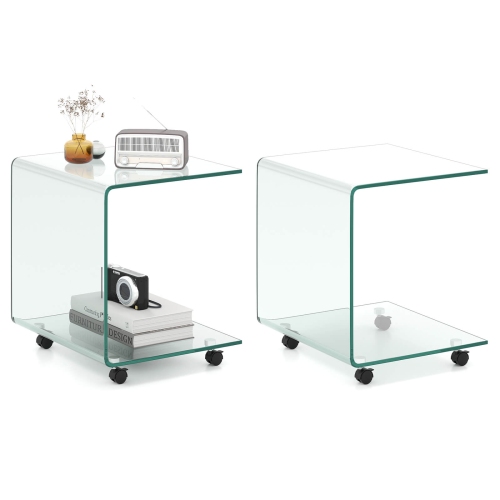
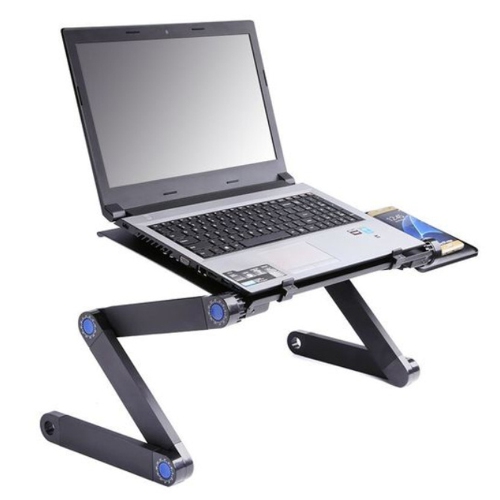
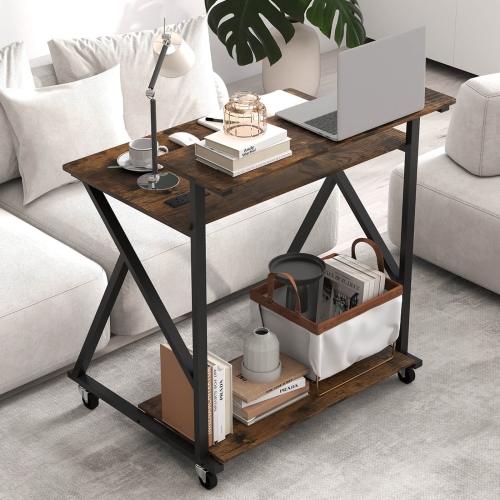
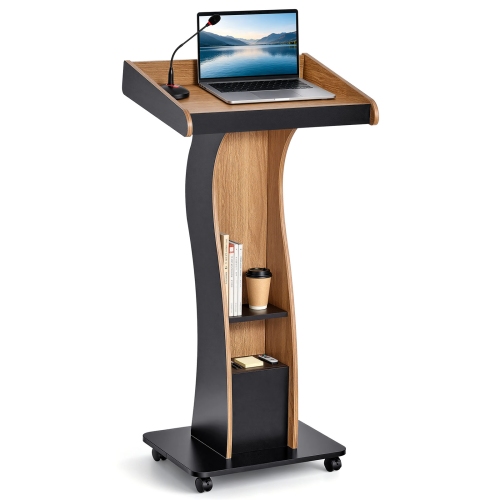
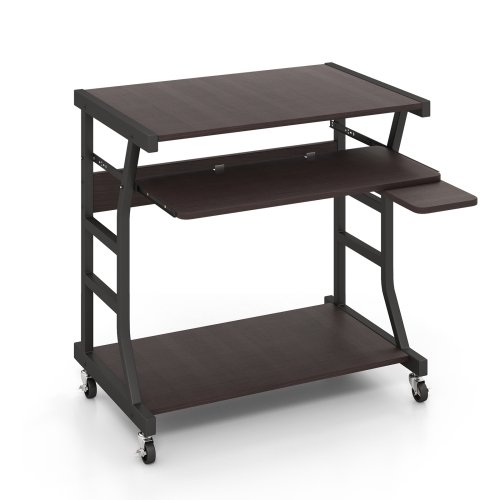
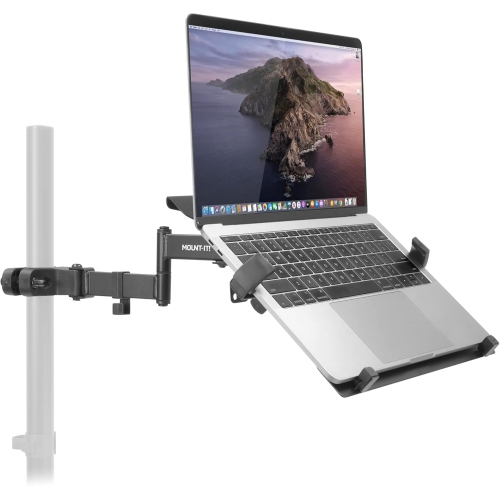
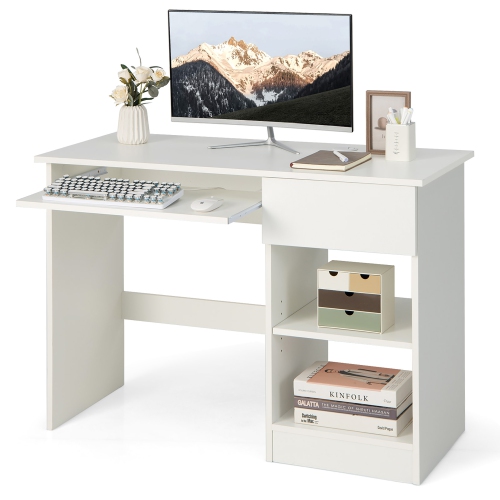
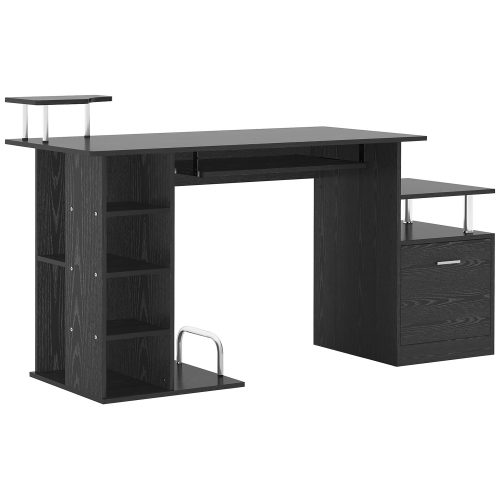

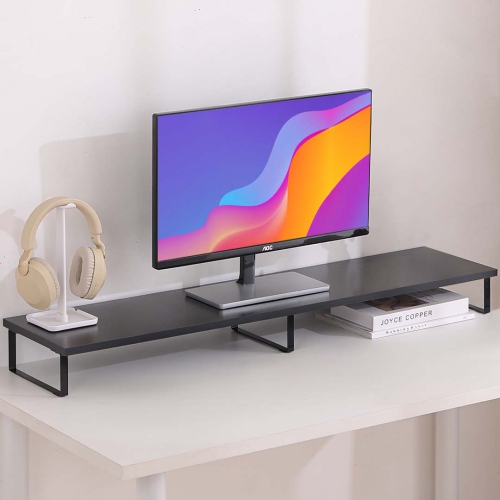
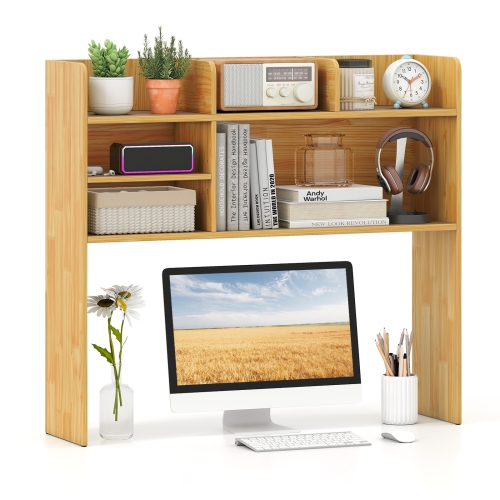
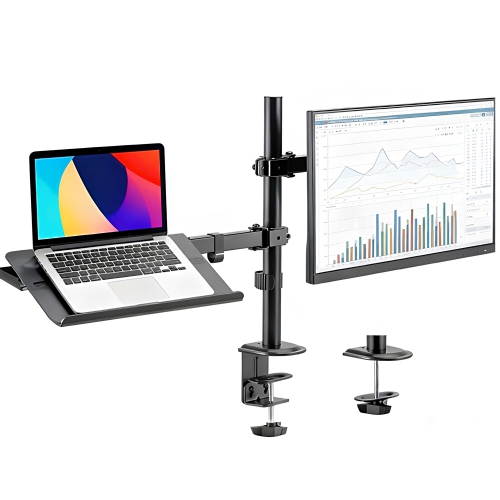
Your laptop needs more than a place to sit
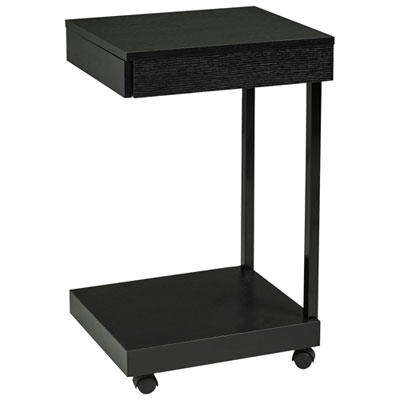
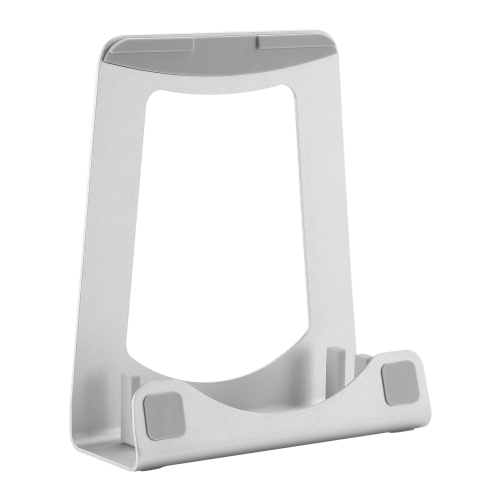
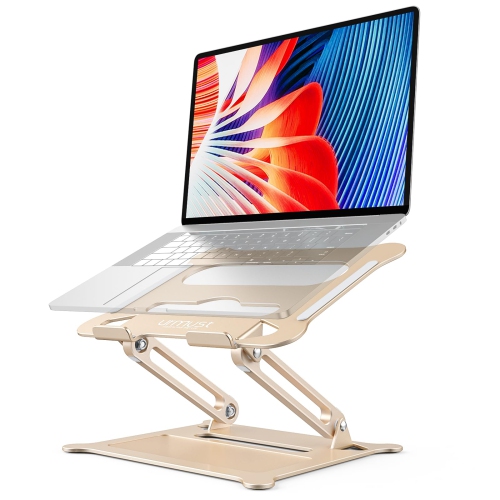
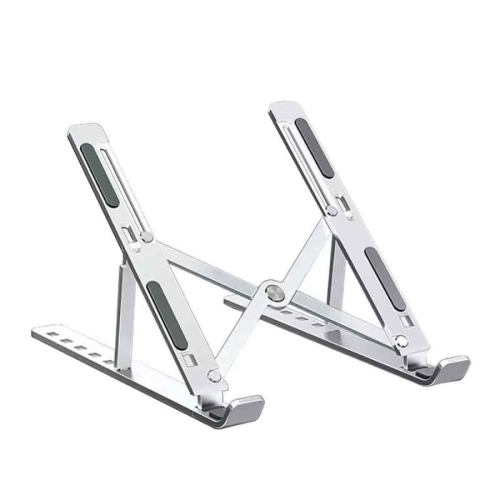
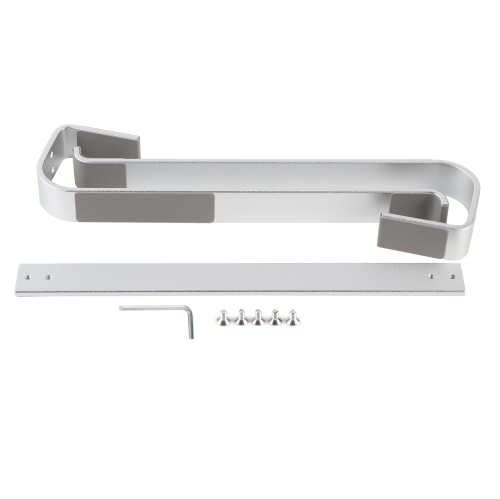
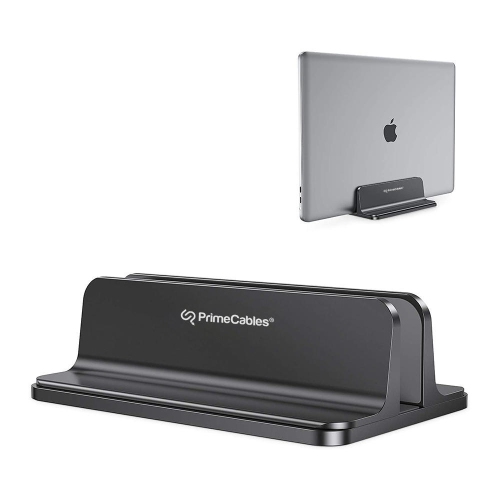
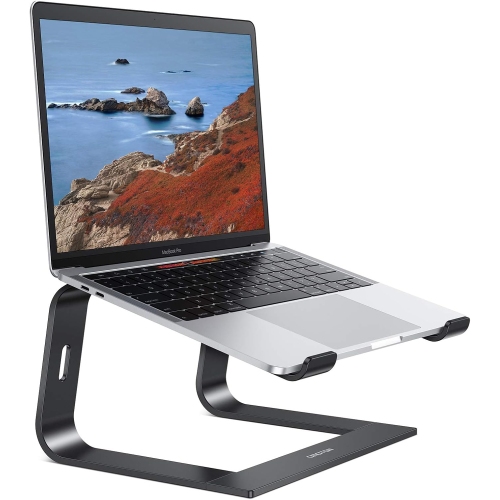
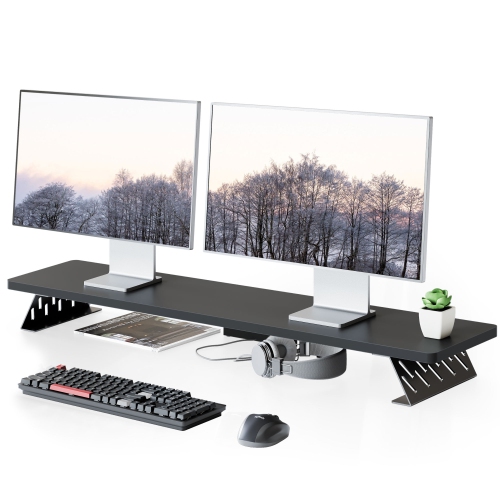
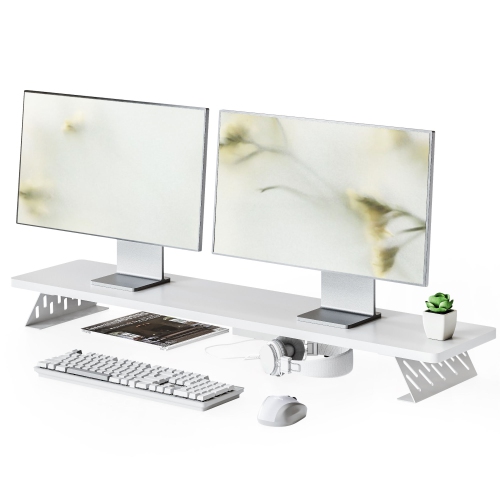
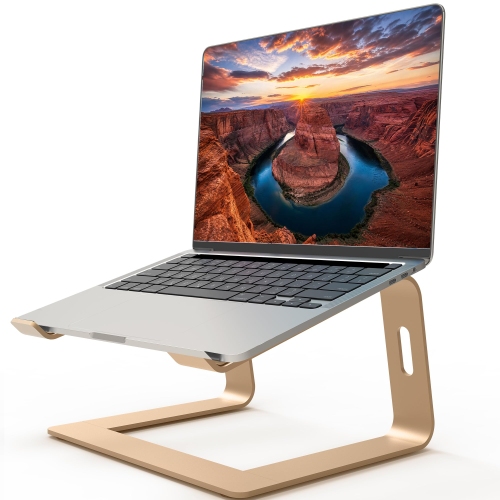
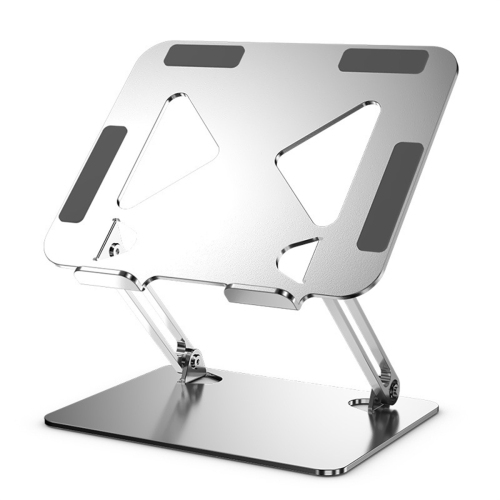
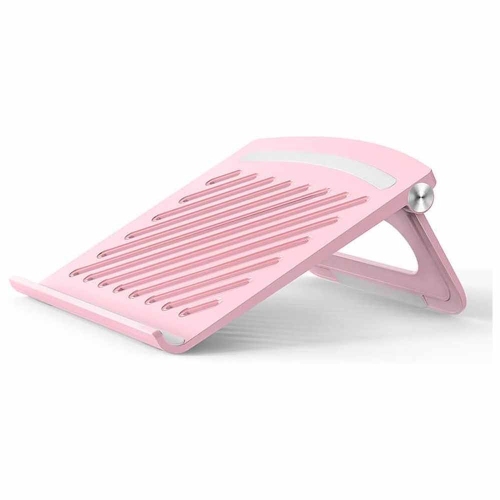
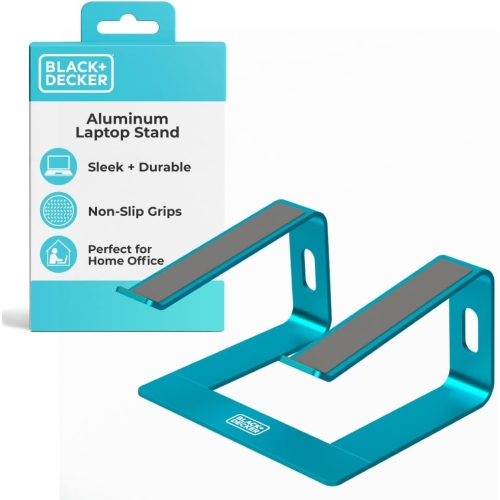
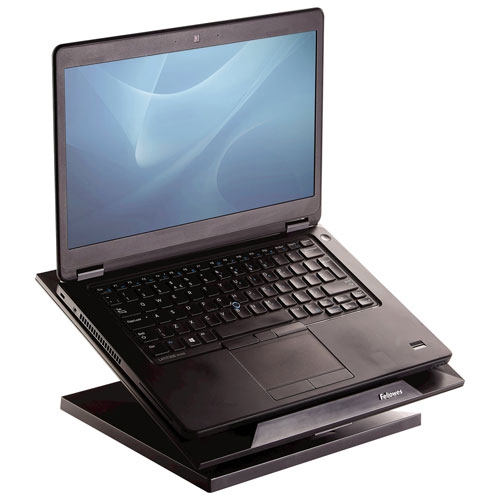
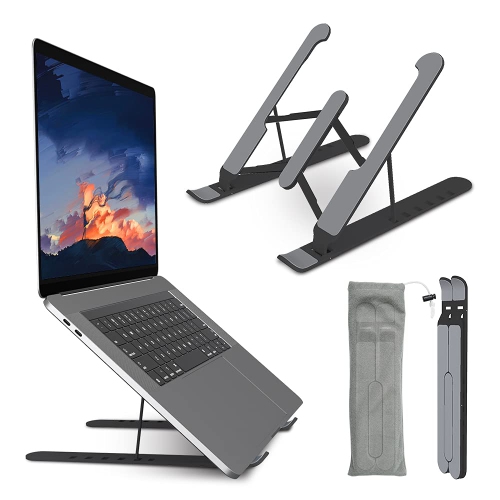
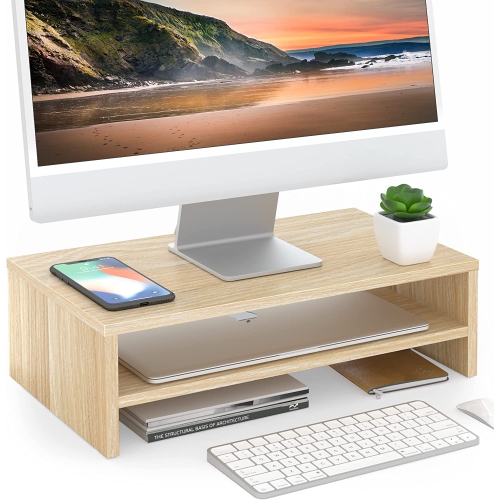
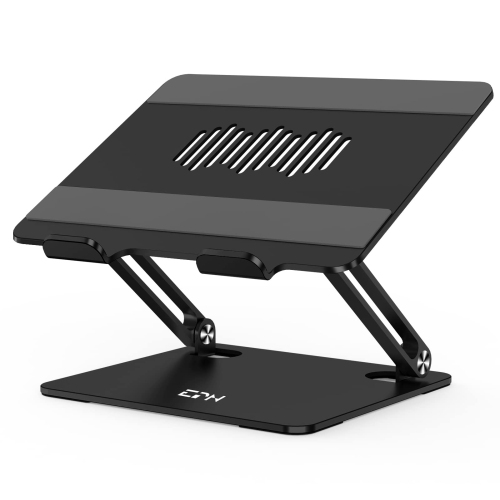
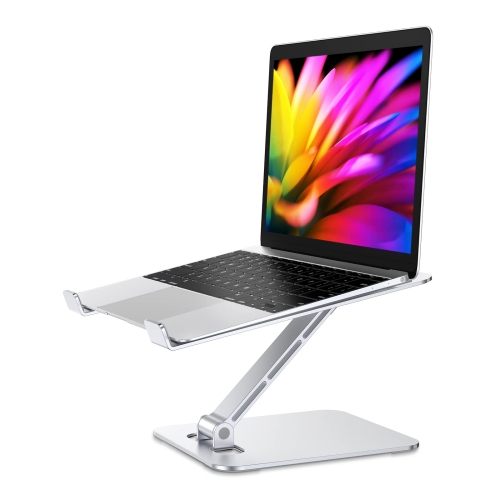
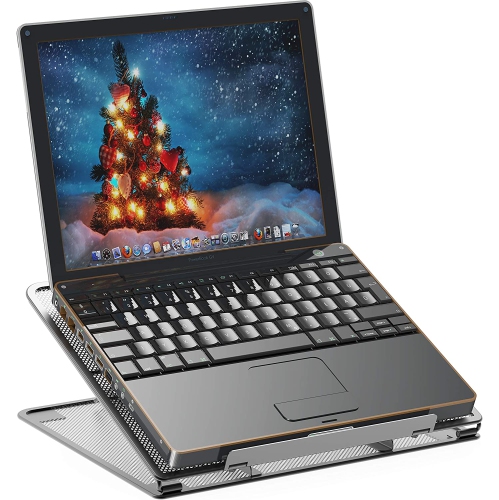
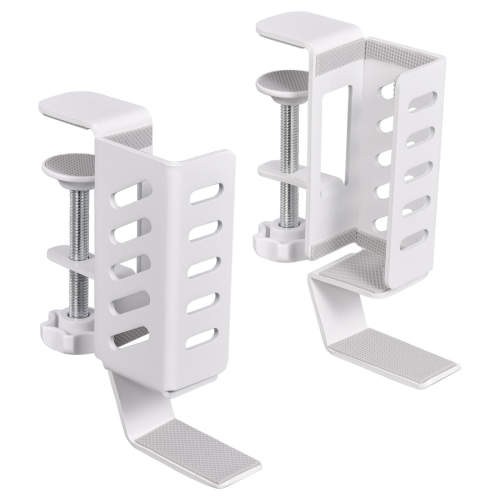
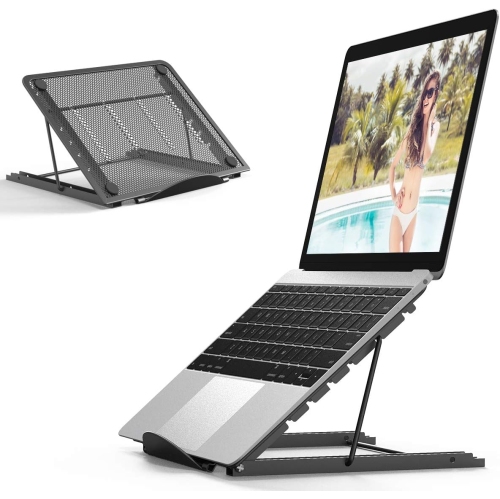
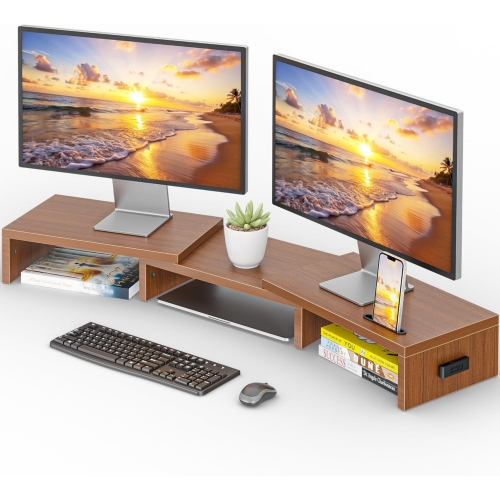
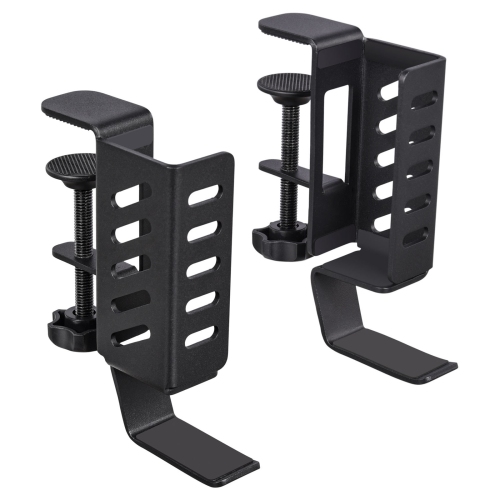
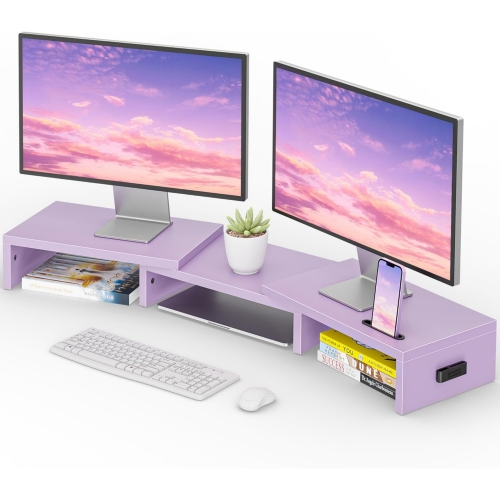
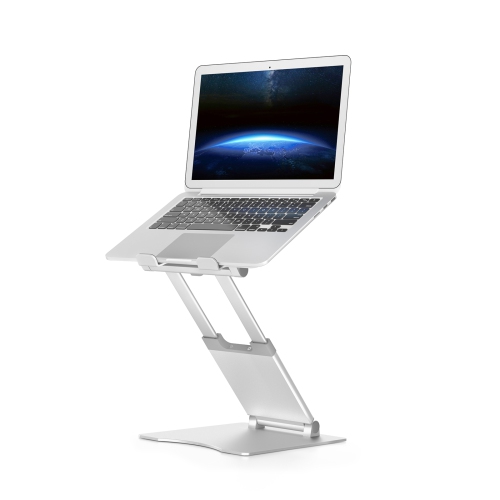
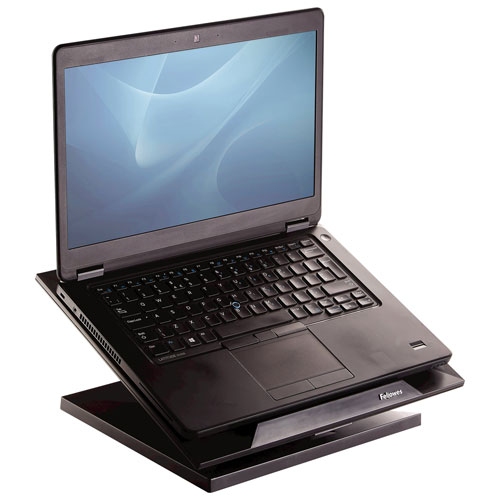
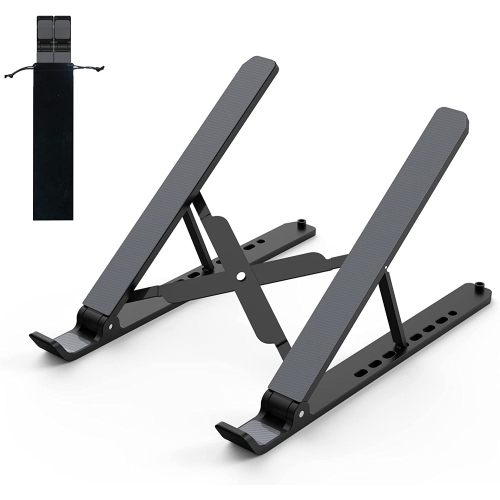
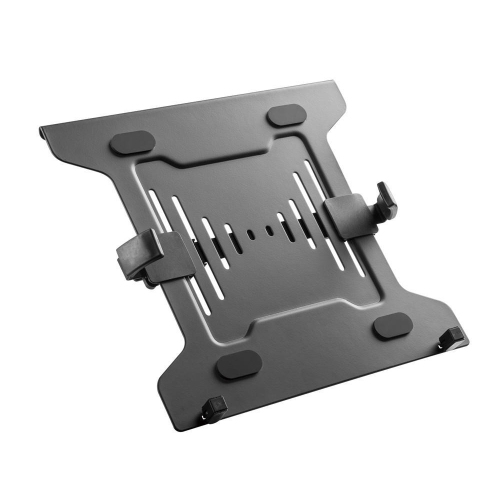
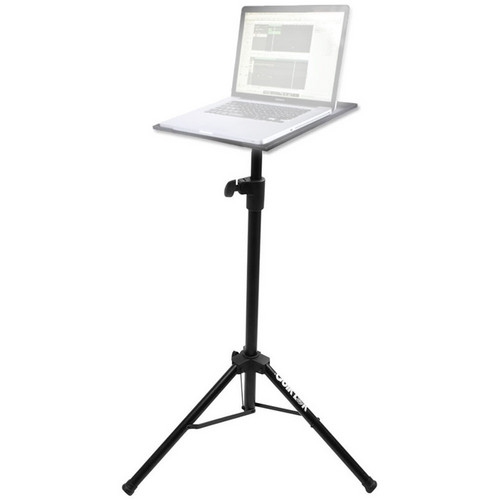
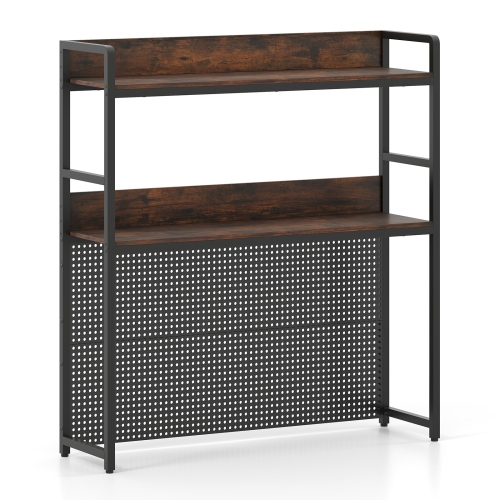
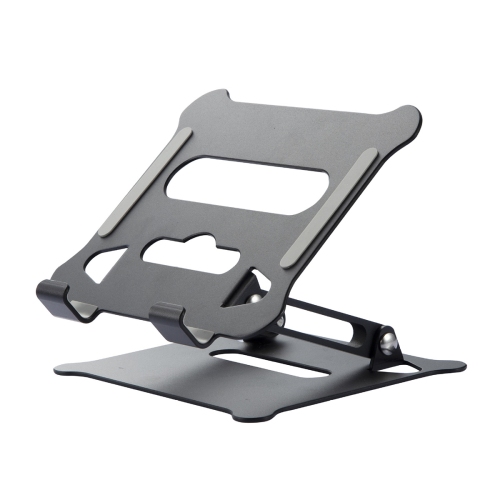
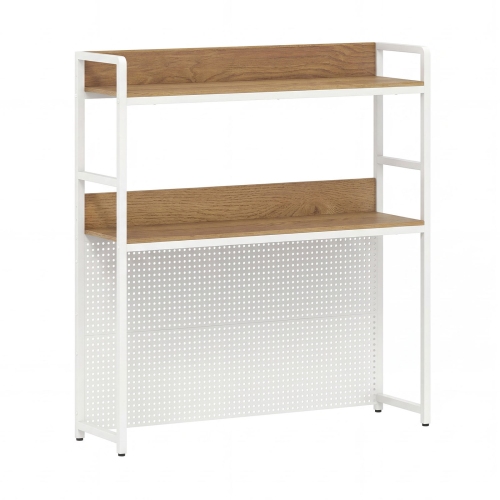
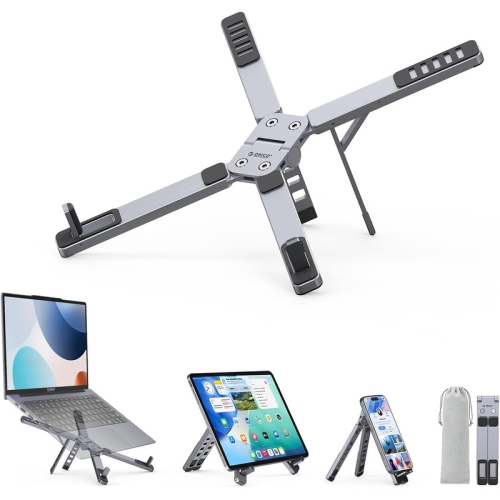
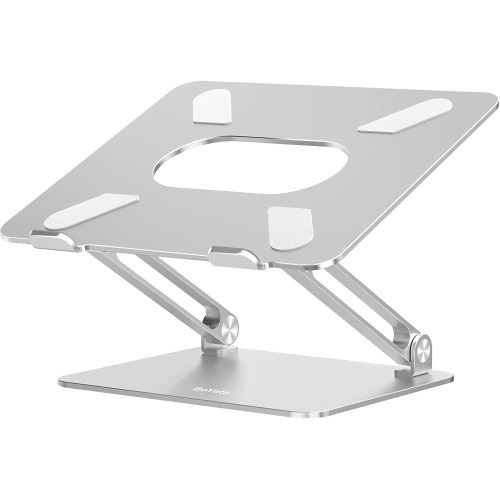
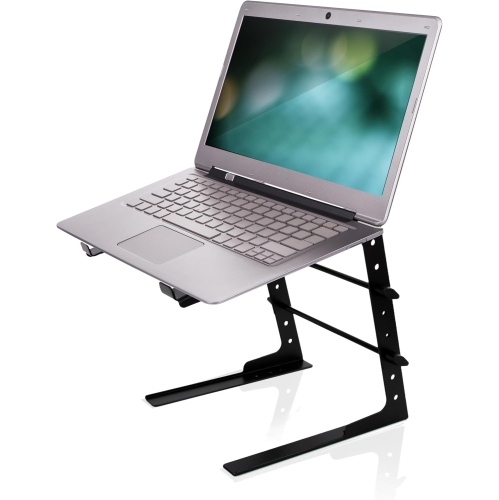
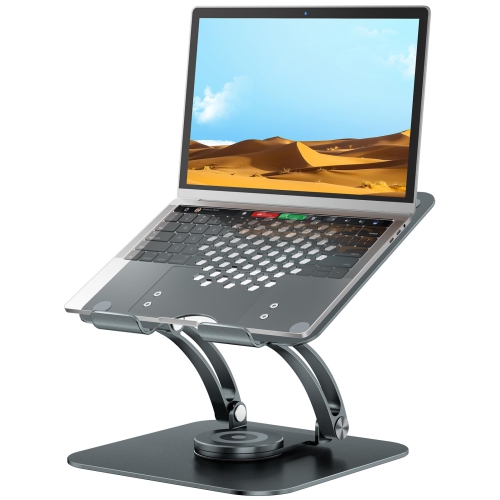
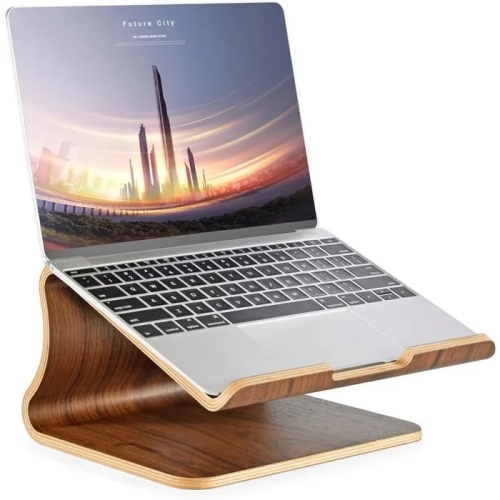
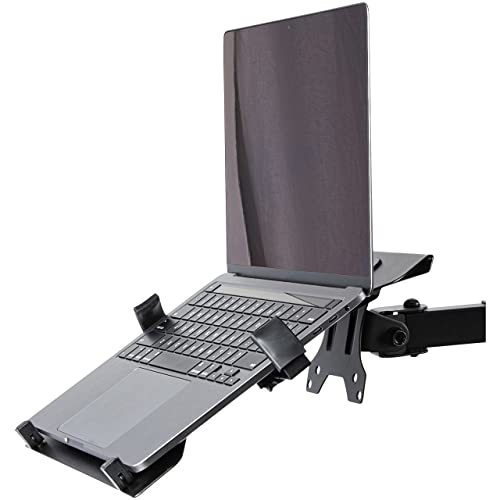
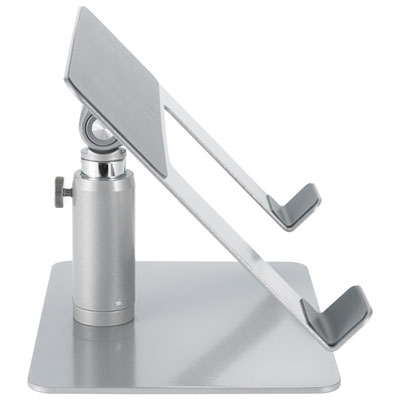
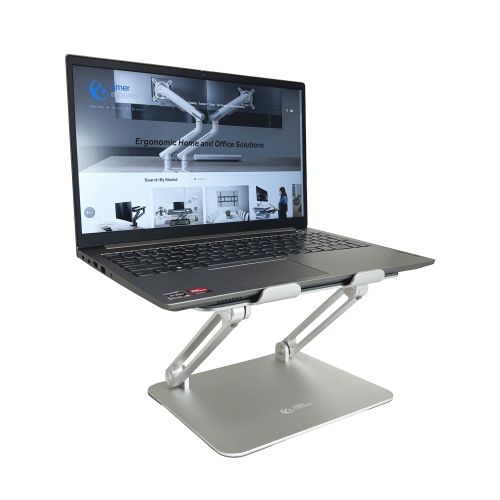
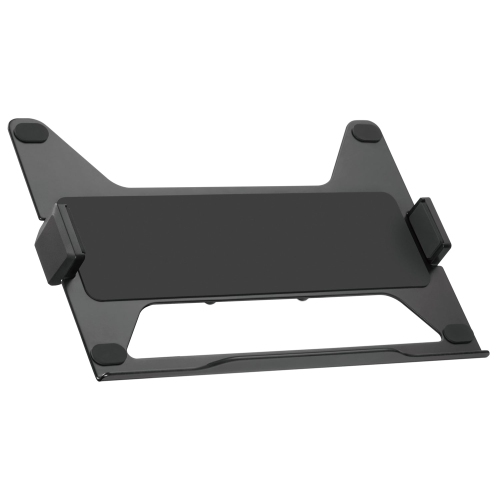
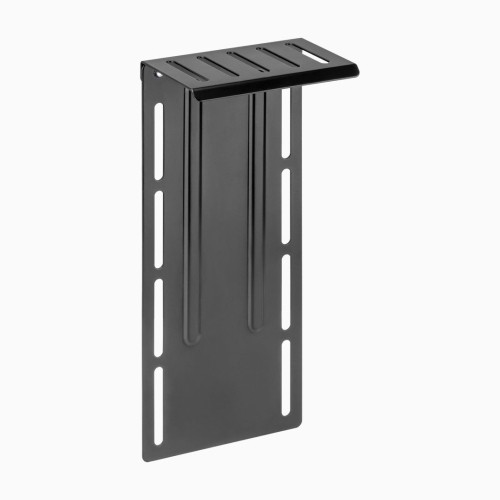
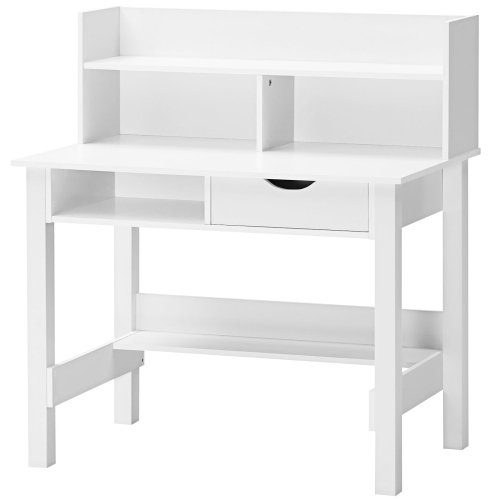
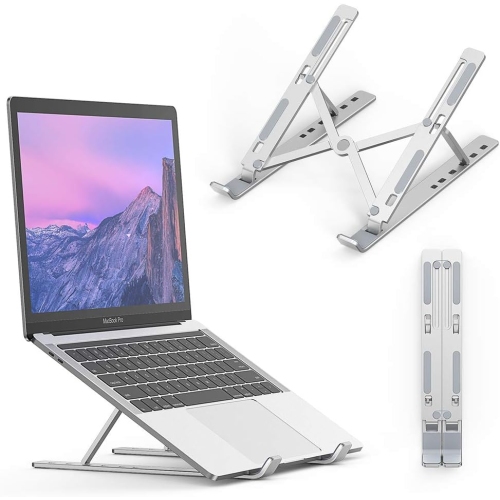
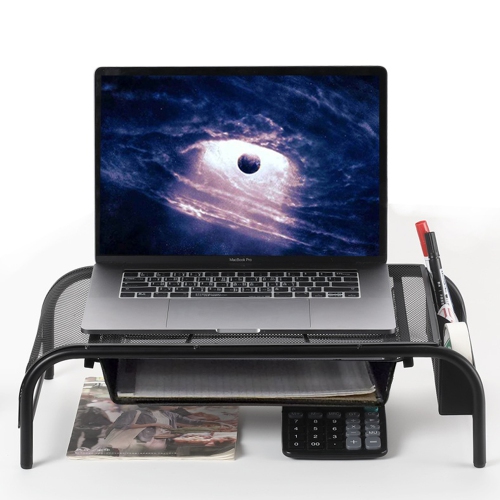
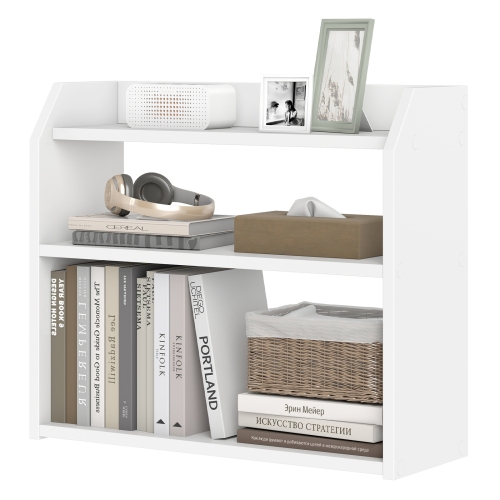
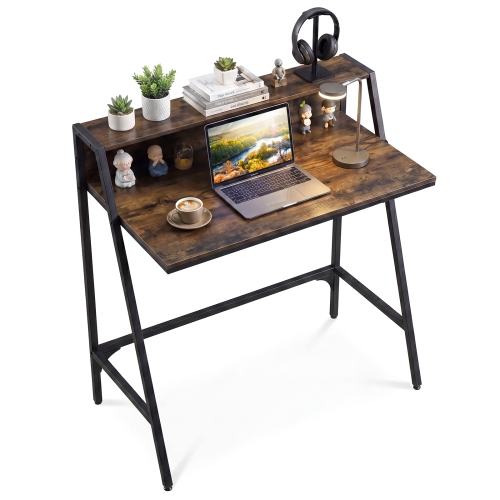
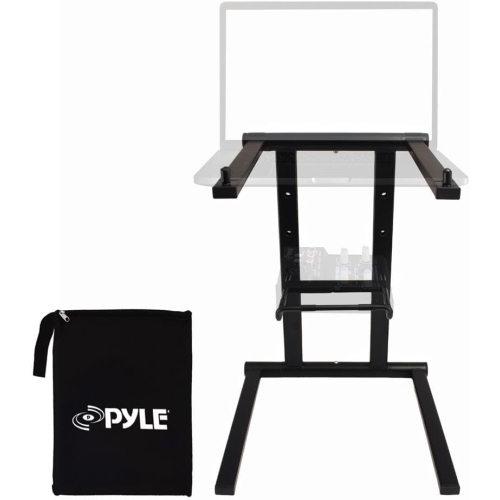
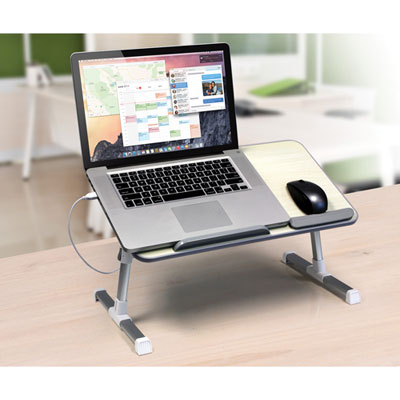
Laptop shelves are support platforms that hold a laptop above, beside, or beneath a work surface, helping organize a desk and keep the computer within reach. Common styles include freestanding desktop shelves, clamp-mounted platforms, wall-mounted shelves, and under-desk trays. Each serves a different purpose: a raised shelf can position an open laptop for viewing, while an under-desk platform can keep a closed laptop out of the way when connected to an external display. A wall-mounted shelf can create a compact computer station where a full desk would take up too much room. Unlike a simple storage shelf, a platform used while the laptop is running needs suitable support, ventilation, and access to charging and accessory connections. On a small desk, a raised platform may leave room underneath for a keyboard, notebook, or other essentials, provided its dimensions allow enough clearance. In a shared home office, that separation can make it easier to switch between computer work and paperwork without moving everything off the desktop. Screen position matters, too. Raising a laptop can bring its display closer to a comfortable viewing height, but it also raises the built-in keyboard and trackpad. For longer sessions, a separate keyboard and mouse on a suitable work surface can help keep the screen and typing area at different heights. An adjustable shelf or stand offers more flexibility when several people use the same workstation, while a fixed platform may suit a setup that rarely changes. A laptop shelf is not necessarily a standing desk converter, so its intended use and adjustment range matter. Bedside and sofa-side platforms have different demands again: their bases need to remain stable beside seating, and their trays must be designed to support a computer safely. The most useful arrangement fits the way the laptop is actually used, from short video calls to a full day connected to a monitor.
Fit involves more than matching a shelf to the laptop’s advertised screen size. The computer’s actual width and depth, the position of its feet, and the space needed to open the lid all affect how securely it sits. A platform should support the laptop as intended without leaving it balanced on a narrow edge or pressing against a hinge. Room at the sides and back is also important for charging plugs, USB accessories, display cables, and docking connections. A shelf that looks spacious with the laptop closed may feel cramped once a bulky connector or an angled power cable is attached. Weight capacity applies to the total supported load, not just the computer, and a shelf intended for a laptop should not be assumed suitable for a heavier monitor or other equipment. Desktop dimensions matter just as much as platform dimensions: shelf legs, clamps, and supporting bases can occupy space needed for a mouse, writing pad, or comfortable arm placement. Under-desk trays also need enough clearance for knees, chair arms, and any moving desk components. For setups built around a separate display or desktop equipment, Desktop Computer Shelves may address a different storage or support need, depending on the equipment and mounting arrangement. Materials influence both appearance and everyday handling. Metal platforms can provide a slim profile, while solid wood and engineered wood offer finishes that coordinate with desks and bookcases. Glass requires particular attention to its load rating, edge condition, and approved mounting method. Surface texture, rounded corners, and protective contact pads can also affect daily use. A smooth front edge is more comfortable near the wrists, while non-slip pads can help limit movement and protect finishes. Retaining lips may add security on an angled platform, but their height and position should not interfere with typing or opening the laptop.
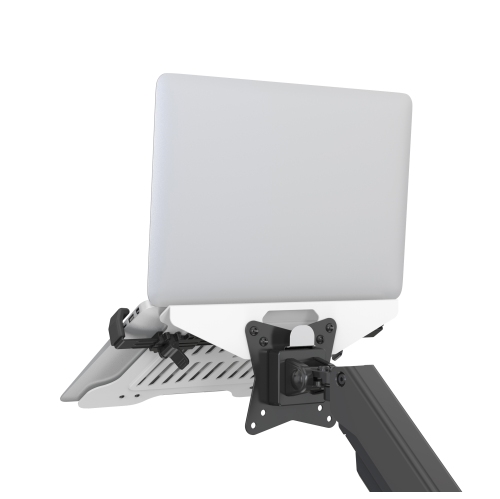
A well-planned laptop shelf leaves the computer room to operate, not simply room to fit. Vent openings should remain unobstructed, and any clearance specified by the laptop manufacturer still applies when the device is raised or stored beneath a desk. An open or perforated platform may help preserve airflow, but it does not replace the computer’s cooling system or guarantee a particular operating temperature. Cable routing deserves similar attention. A little slack allows the lid to move and an adjustable platform to change position without tugging on a port; excess cable can be gathered away from chair wheels and walkways. Mounting is another part of long-term reliability. Clamp-mounted shelves depend on a compatible desk thickness and edge shape, while wall-mounted shelves need fasteners appropriate to the wall construction and expected load. A thin desktop, damaged panel, or unsuitable mounting point can undermine an otherwise sturdy platform. Adjustable joints and locking mechanisms should hold their position during normal use, particularly when the laptop is touched during typing or calls. Care is generally straightforward, though the finish determines the details: a soft cloth can remove dust, liquids should stay away from the computer, and cleaning products should be suitable for the shelf material. Wood-based surfaces benefit from prompt attention to spills, while coated metal and glass can be scratched by abrasive cleaners. Occasional checks for loose fittings, worn pads, or damaged edges help keep a frequently used setup dependable. Laptop shelves can suit students making room for textbooks, remote workers organizing a compact office, and people who connect a notebook computer to a larger screen at home. They can also make a practical gift when the recipient’s laptop dimensions, desk layout, and preferred working position are known. Neutral colours and simple shapes can blend into an existing workspace, but physical compatibility matters more than appearance alone. The right shelf supports a familiar routine: opening the computer, connecting accessories, and settling into a workspace with enough clear surface to get things done.
Top selling and popular products
-
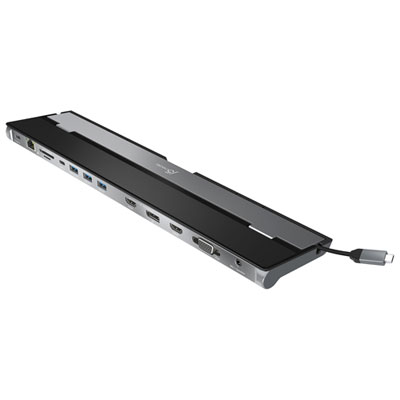 Your price for this item is $149.99
-
 Your price for this item is $69.99
-
 Your price for this item is $87.99
-
 Your price for this item is $59.99
-
 Your price for this item is $96.16
-
 Your price for this item is $179.99
-
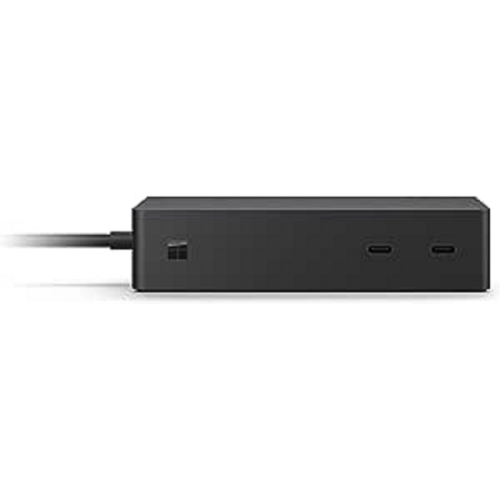 Your price for this item is $214.99
-
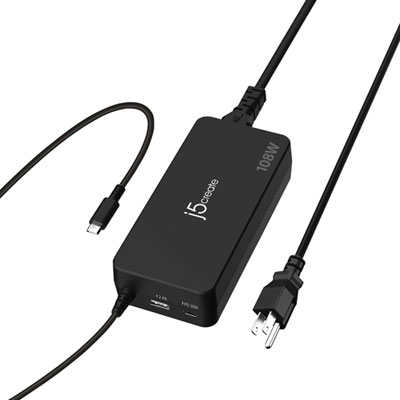 Your price for this item is $89.99
Discover more categories related to Laptop Shelves
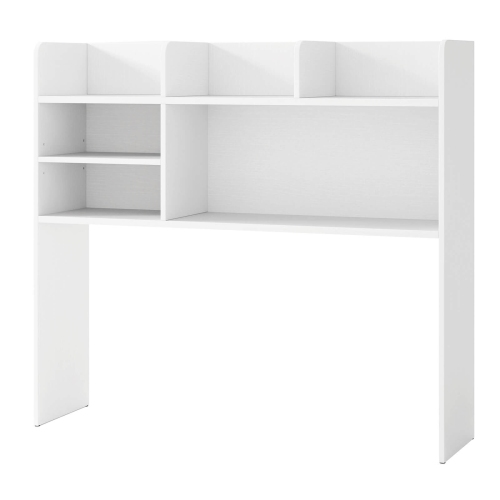
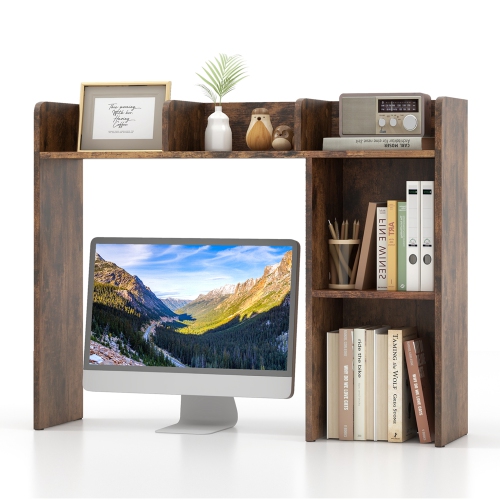
Top Collections:
Best Black Friday Deals This Year, Best Black Friday Deals On Electronics, Kindle Devices, Pokemon Centers, Best Black Friday Deals On Apple Products, Best Cameras for Sports Photography, Dyson Airwrap, Pokémon 30th Celebration Cards, Apple iPhone 17 Pro, Canon G7X Cameras
Some products may be subject to Environmental Handling Fees
(EHF) depending on your province.
Learn more about EHFs.