Digital Frames
Digital frames offer a modern way to showcase your favorite memories, adding a personal touch to any space. With a variety of styles and sizes available, digital frames make it easy to display photos and videos in high resolution. Whether you’re looking for a thoughtful gift or an upgrade for your home or office décor, digital frames provide a convenient solution for sharing and enjoying your treasured moments. Explore the latest options to find the perfect fit for your needs.
Sort


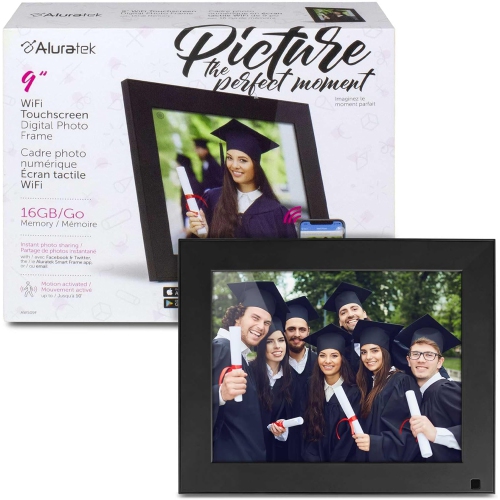
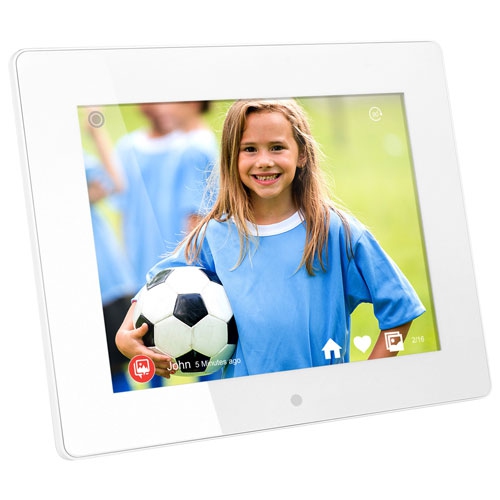

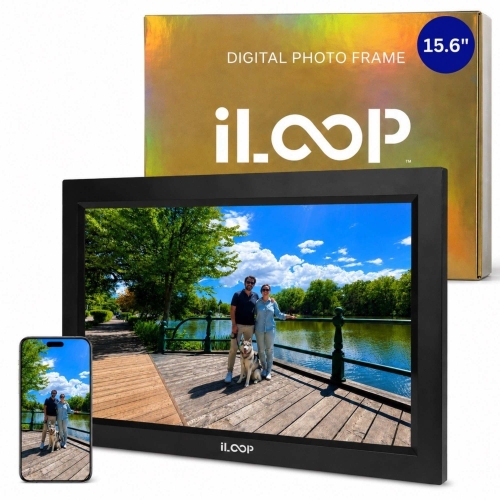
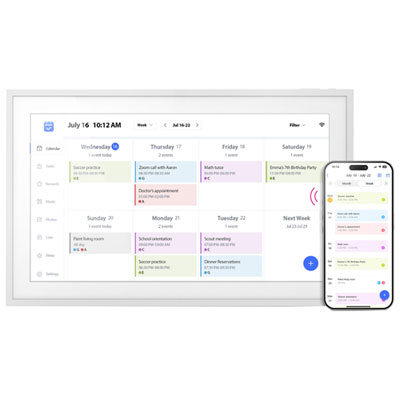

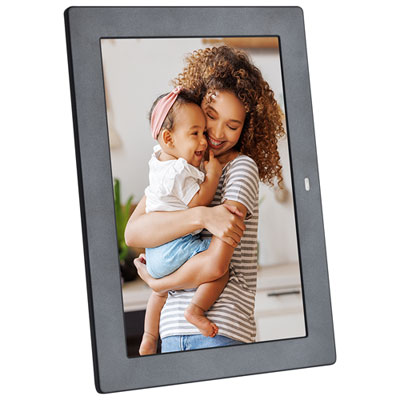





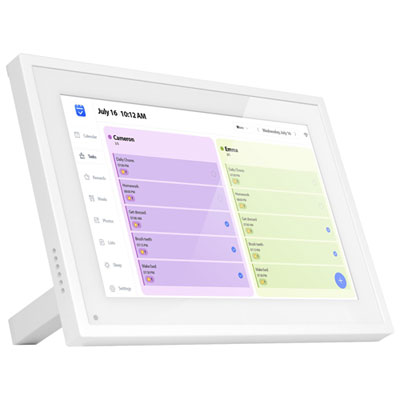
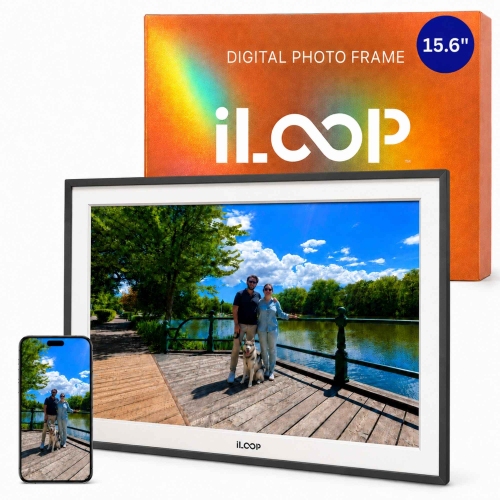
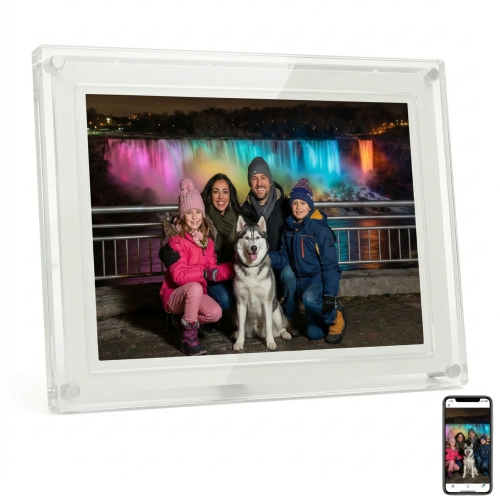

Your favourite photos deserve more than phone storage
Digital frames are electronic photo displays that show a single image or a rotating slideshow, with some models also supporting short videos and sound. They bring photographs off a phone and into everyday view, whether that means a family portrait beside the sofa, travel pictures on a bookshelf, or a changing display of children’s artwork on a desk. How pictures reach the screen is an important distinction between types of digital photo frames. Wi-Fi frames typically connect to a home network and use a compatible app or online account to receive images. Depending on the frame’s features, invited family members may be able to send photos from their own phones, making it possible to share a graduation portrait or a new baby picture without visiting in person. Other frames accept images through a memory card or USB storage device, offering an approach that does not rely on a connected sharing service. Some combine wireless sharing with local storage, although connection requirements and offline playback capabilities vary. Compatibility matters as much as convenience: supported image formats, video length limits, storage capacity, and the way photos are transferred all affect everyday use. A frame intended mainly for smartphone pictures should handle the file types used by those devices, while older photographs may need to be scanned before being added. Touchscreen controls can make it easier to browse albums or adjust settings directly on the display; other designs use buttons or a remote control. Slideshow settings may include adjustable intervals, different transitions, and the choice to keep one favourite image on screen. For a shared household display, a slower rotation gives each photograph time to be noticed rather than turning the frame into a constant distraction. Where video playback is supported, sound controls are also useful, particularly when the frame sits near a television, reading chair, or work surface. The most suitable format depends on whether the frame will be updated frequently from several phones or used for a carefully chosen collection that changes only occasionally.
Screen quality and physical design shape how a digital frame fits into a room. Display size should suit both the available space and the distance from which pictures will be viewed. A compact frame can sit comfortably on a bedside table, while a larger screen makes details easier to see from across a living room. Resolution describes the number of pixels in the display, but it is most useful when considered alongside screen size: the same resolution can appear sharper on a smaller screen than on a much larger one. Viewing angles also matter when several people will see the frame from different seats. A display that maintains consistent colour and contrast when viewed from the side is helpful on an open shelf or shared desk. Brightness controls allow the screen to be adjusted for its placement, and automatic brightness adjustment, where included, can reduce the need for manual changes. Glossy screens may show reflections from nearby windows or lamps, so positioning has a noticeable effect on visibility. Aspect ratio influences how photos fill the display. Portrait images on a landscape screen may appear with borders or need cropping, and a fill-screen setting can trim faces or details near the edges. Frames that support portrait and landscape placement offer more flexibility, though automatic rotation is a separate feature to check. The surround contributes to the overall appearance, with plastic, metal, wood, and wood-look finishes creating different effects alongside furniture and other photographs. Stand depth, overall weight, and power-cord routing deserve attention, especially on narrow shelves. Most digital frames require a nearby power outlet rather than operating like a battery-powered tablet. Wall placement requires compatible mounting support and a practical route for the cable. For everyday care, a soft, dry microfibre cloth generally suits light dusting; any further cleaning should follow the manufacturer’s directions. Spraying liquid directly onto the screen, pressing hard on the panel, or placing the frame where it may be splashed can damage the display or its housing.
Digital photo frames can suit anyone who enjoys seeing personal photographs without regularly printing and replacing them. For grandparents or relatives living farther away, a connected frame can make ordinary moments part of daily life: a child’s first bicycle ride, a pet asleep in an unusual position, or a familiar face at a family gathering. As a gift for a birthday, anniversary, wedding, or housewarming, the frame becomes more personal when it includes a thoughtful starting album rather than an empty screen. Ease of use is especially important for a recipient who prefers straightforward technology. Clear menus, readable controls, reliable photo delivery, and a setup process that matches their comfort level can matter more than a long feature list. Any account registration or app pairing is best considered alongside who will manage the frame over time, particularly if the person sending photos will not be the person viewing them. Sharing permissions also deserve attention. Frames with invitation-based sharing can help limit who contributes, while account controls and deletion options affect how personal images are managed. A display in a shared room may call for a different album from one kept in a private bedroom or home office. For desks, small shelves, and other spaces where repositioning is useful, the Lightweight Digital Photo Frames collection offers a more focused way to explore that preference. Weight should still be considered together with stand stability and the footprint of the frame. Organizing photos into albums can keep the display coherent, whether the focus is family history, favourite landscapes, or a recent celebration. Removing duplicates and checking crops before uploading helps each image look intentional. Scheduled display hours, where supported, can keep a bedroom screen dark overnight or match playback to the hours a room is used. With suitable connectivity, comfortable viewing, and manageable controls, a digital frame becomes an easy-to-enjoy place for photographs that might otherwise remain tucked away in a phone’s camera roll.
Top selling and popular products
-
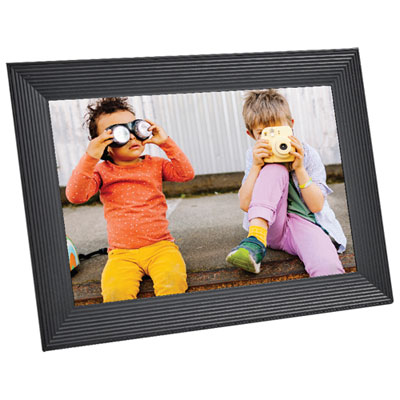 Your price for this item is $159.99
-
 Your price for this item is $199.97
-
 Your price for this item is $179.99
-
 Your price for this item is $99.99
-
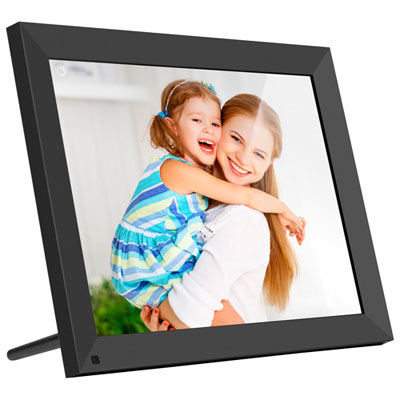 Your price for this item is $179.99
-
 Your price for this item is $120.96
-
 Your price for this item is $339.99
-
 Your price for this item is $83.94
Discover more categories related to Digital Frames
Top Collections:
Best Black Friday Deals This Year, Best Black Friday Deals On Electronics, Kindle Devices, Best Black Friday Deals On Apple Products, Best Budget Office Chairs, Best Cameras for Sports Photography, Dyson Airwrap, Canon G7X Cameras, Best Laptops for Writers, Samsung Galaxy Phones
Some products may be subject to Environmental Handling Fees
(EHF) depending on your province.
Learn more about EHFs.