File Management
Efficient file management is essential for keeping your digital world organized and accessible. Whether you're a student managing assignments, a professional handling crucial documents, or a creative storing multimedia projects, having the right tools can make all the difference. Explore an array of solutions designed to streamline your workflow, enhance productivity, and safeguard your important data. From intuitive software options to versatile hardware solutions, discover how you can simplify your life and maximize efficiency with innovative file management products.
Sort

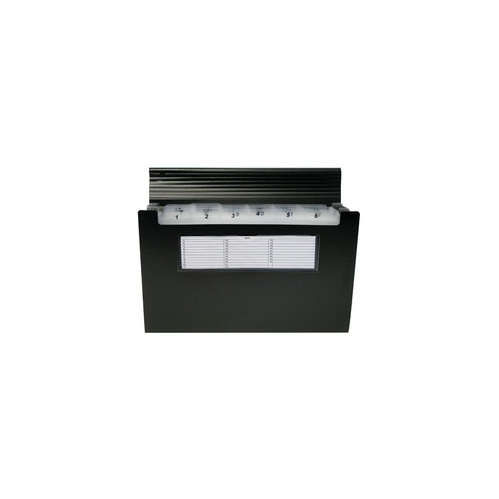
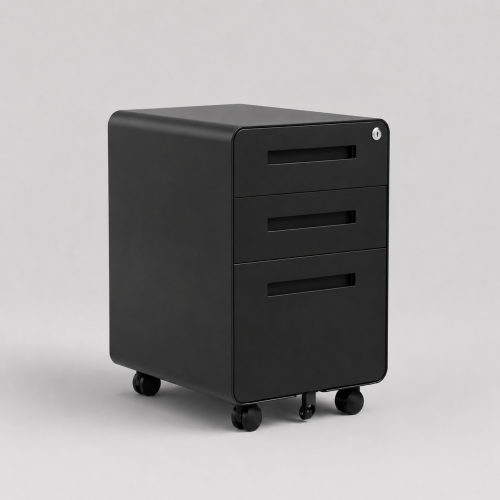
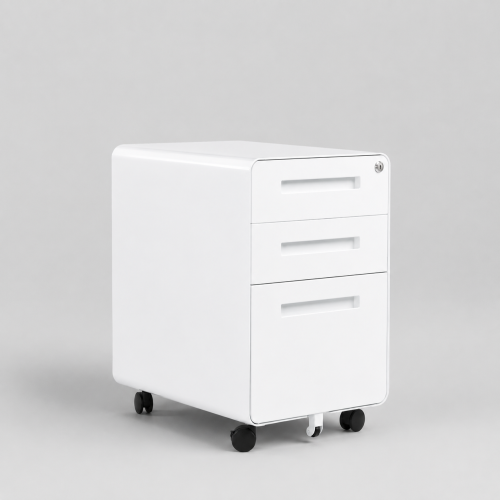

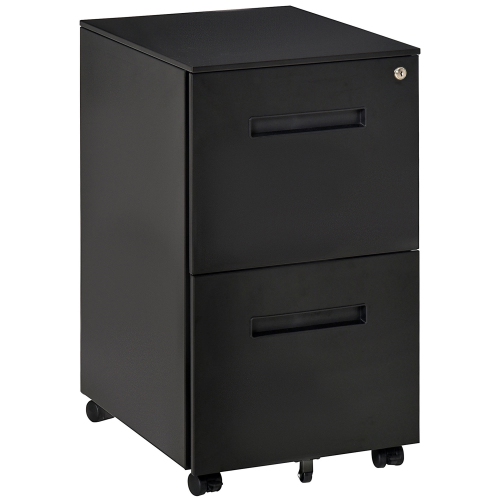

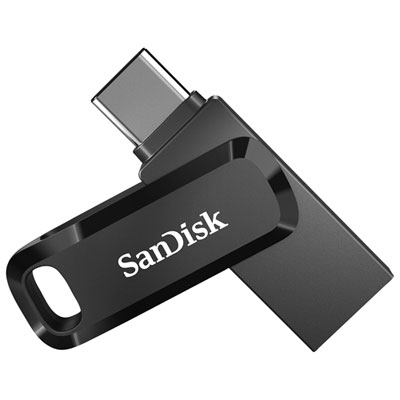
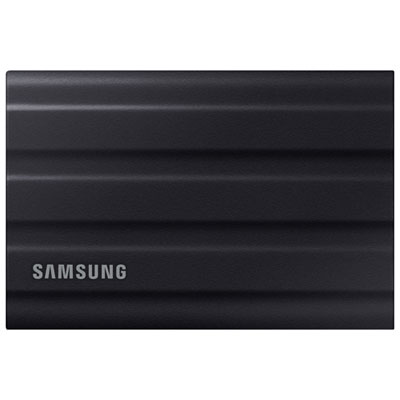
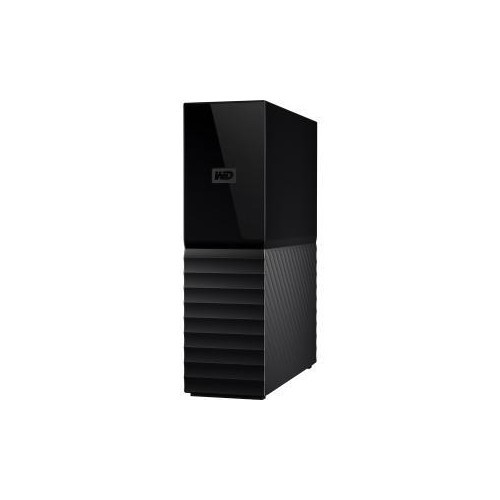

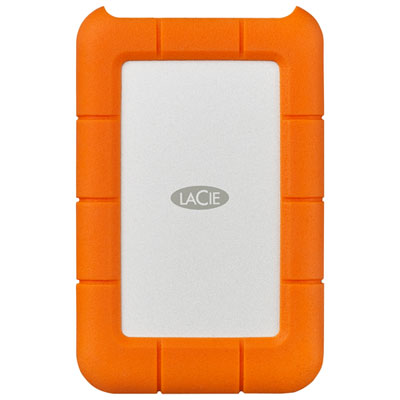


A simpler way to store, protect, and find files
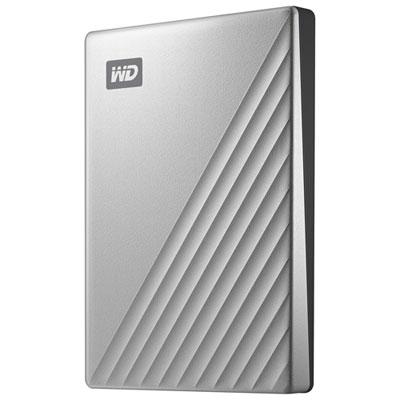
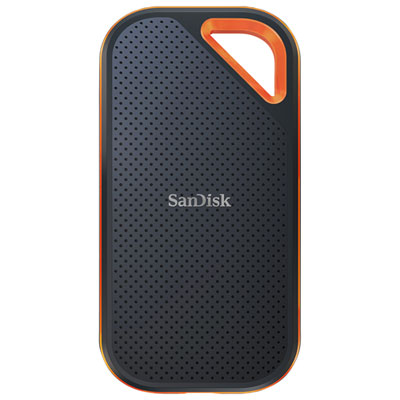
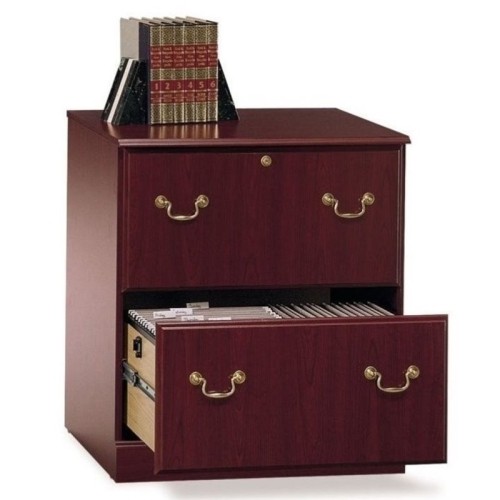
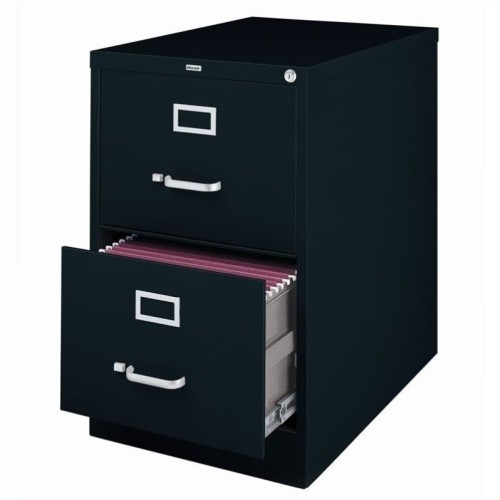
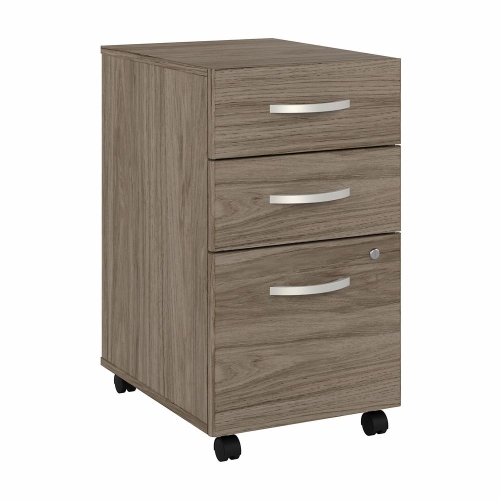
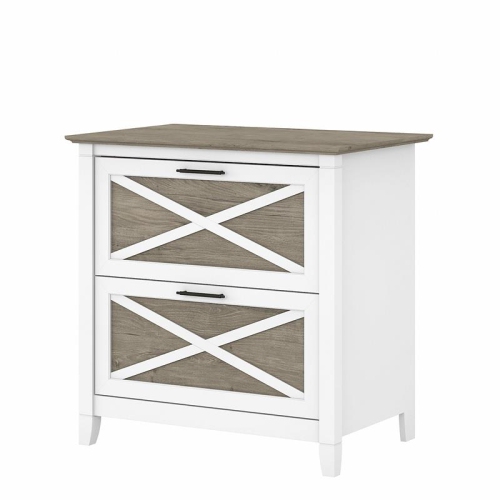
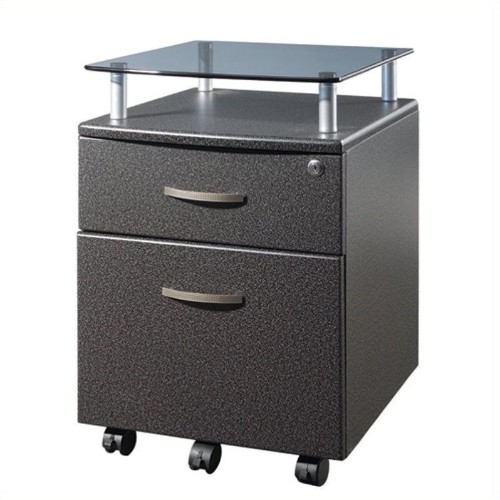
File management is the everyday process of creating, naming, organizing, storing, finding, and protecting the files that matter to you. Whether you are keeping family photos, school assignments, tax documents, work presentations, scanned receipts, or creative projects, a thoughtful system can make digital life feel far less cluttered. The right file management products can help you move files between devices, create additional storage space, maintain backup copies, and keep important information accessible when you need it. A student may use portable storage to carry research and assignments between home, campus, and the library, while a remote worker may rely on extra storage for presentations, spreadsheets, video meetings, and shared project folders. Families often use file management tools to preserve years of photographs and home videos, especially when a phone or computer begins running low on space. These products can also be practical gifts for someone starting a new job, setting up a home office, returning to school, or preparing for a move. As the weather warms and routines shift, it can be a convenient time to sort through downloads, duplicate photos, and old documents; during the cooler months, a little extra organization can make household records and personal projects easier to manage indoors. For paper records, receipts, manuals, warranties, and other documents that still need to be kept in physical form, explore Filing Systems to complement a digital organization routine.
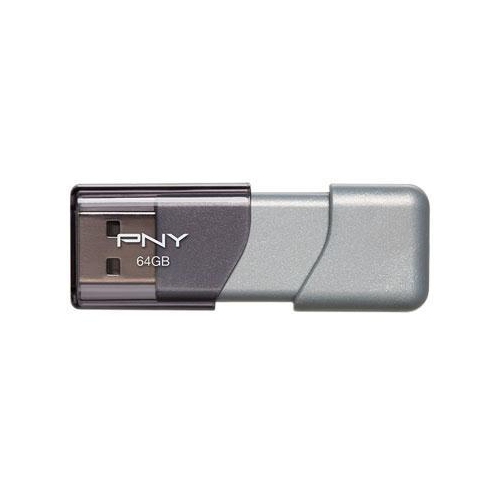
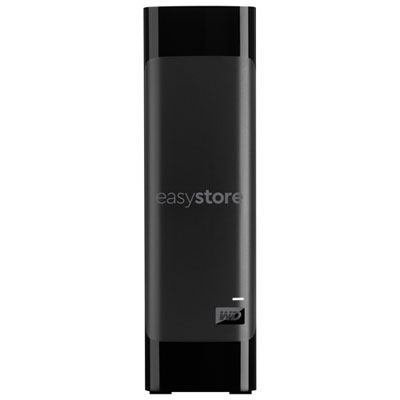
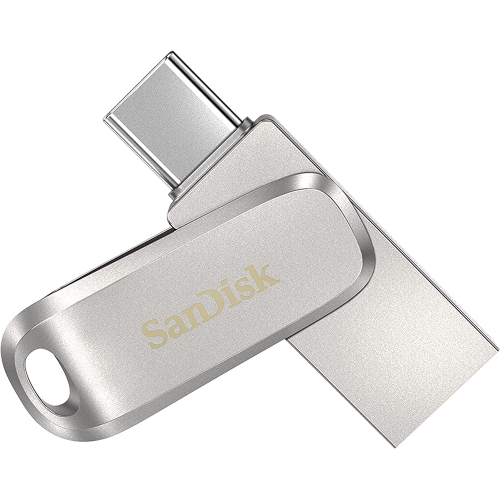
When choosing file management products, begin by considering the type, size, and frequency of the files you handle. Documents and spreadsheets generally require less storage than high-resolution photos, music libraries, design files, or long videos, so storage capacity should reflect both your current needs and the way your collection is likely to grow. Portable options are useful for transferring files between compatible devices or taking important work with you, while larger-capacity storage can suit home offices, media collections, and regular backups. Check connection types and device compatibility before buying, particularly if you plan to use the same storage with a computer, tablet, camera, or other equipment. Read and write speeds can also affect the experience: faster performance may make it easier to copy large folders, open media files, or complete backups without waiting as long. Physical design matters when storage will travel in a backpack or laptop case. A compact format can be convenient for everyday use, while a more substantial enclosure may be preferable for a dedicated desk setup. If a device will be used around children, in a busy home office, or on the go, look for construction that feels secure and easy to handle. For memory cards and other removable storage, capacity, speed rating, and compatibility with the intended device are especially important. Keeping a small amount of free space is also helpful, since a storage device that is almost full can make file organization more difficult and leave little room for new work.
Good file management is not only about buying additional storage; it is also about building habits that make files easy to locate and protect. Start with a small number of clearly named top-level folders, such as Work, School, Finances, Photos, and Personal, then use subfolders for specific projects or years. Keeping the structure to roughly five to eight main folders usually makes it easier to remember where things belong, while limiting folders to three or four levels can prevent files from becoming buried. Use clear, consistent names instead of labels such as “final,” “new,” or “document2.” A format such as “2026-08-16_ProjectName_Draft” can help files sort naturally and show their subject and status at a glance. Make a habit of moving downloads into their proper folders, deleting duplicates, and archiving completed projects before they become difficult to review. Important files should have more than one copy, ideally stored in separate locations so a lost, damaged, or malfunctioning device does not remove the only version. Portable storage can provide a convenient backup destination, while cloud storage or another separate location can add another layer of protection. Test backup copies from time to time rather than assuming every transfer worked perfectly, and keep confidential records secured with the privacy features available on your device or storage service. A simple routine—organizing new files as they arrive, backing up important folders regularly, and clearing outdated material during seasonal household resets—can save hours of searching later and help keep work, memories, and essential records within easy reach.
When choosing file management products, begin by considering the type, size, and frequency of the files you handle. Documents and spreadsheets generally require less storage than high-resolution photos, music libraries, design files, or long videos, so storage capacity should reflect both your current needs and the way your collection is likely to grow. Portable options are useful for transferring files between compatible devices or taking important work with you, while larger-capacity storage can suit home offices, media collections, and regular backups. Check connection types and device compatibility before buying, particularly if you plan to use the same storage with a computer, tablet, camera, or other equipment. Read and write speeds can also affect the experience: faster performance may make it easier to copy large folders, open media files, or complete backups without waiting as long. Physical design matters when storage will travel in a backpack or laptop case. A compact format can be convenient for everyday use, while a more substantial enclosure may be preferable for a dedicated desk setup. If a device will be used around children, in a busy home office, or on the go, look for construction that feels secure and easy to handle. For memory cards and other removable storage, capacity, speed rating, and compatibility with the intended device are especially important. Keeping a small amount of free space is also helpful, since a storage device that is almost full can make file organization more difficult and leave little room for new work.
Good file management is not only about buying additional storage; it is also about building habits that make files easy to locate and protect. Start with a small number of clearly named top-level folders, such as Work, School, Finances, Photos, and Personal, then use subfolders for specific projects or years. Keeping the structure to roughly five to eight main folders usually makes it easier to remember where things belong, while limiting folders to three or four levels can prevent files from becoming buried. Use clear, consistent names instead of labels such as “final,” “new,” or “document2.” A format such as “2026-08-16_ProjectName_Draft” can help files sort naturally and show their subject and status at a glance. Make a habit of moving downloads into their proper folders, deleting duplicates, and archiving completed projects before they become difficult to review. Important files should have more than one copy, ideally stored in separate locations so a lost, damaged, or malfunctioning device does not remove the only version. Portable storage can provide a convenient backup destination, while cloud storage or another separate location can add another layer of protection. Test backup copies from time to time rather than assuming every transfer worked perfectly, and keep confidential records secured with the privacy features available on your device or storage service. A simple routine—organizing new files as they arrive, backing up important folders regularly, and clearing outdated material during seasonal household resets—can save hours of searching later and help keep work, memories, and essential records within easy reach.
Top selling and popular products
-
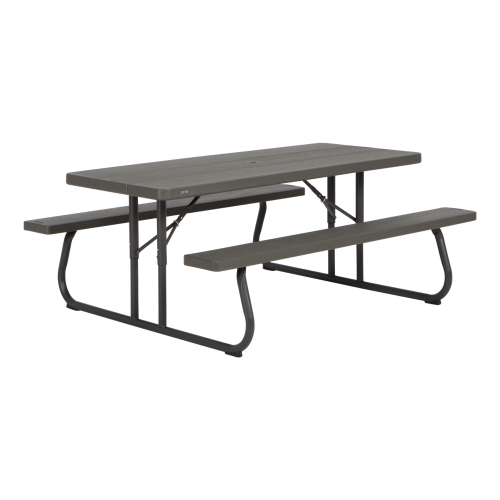 Your price for this item is $369.99
 -
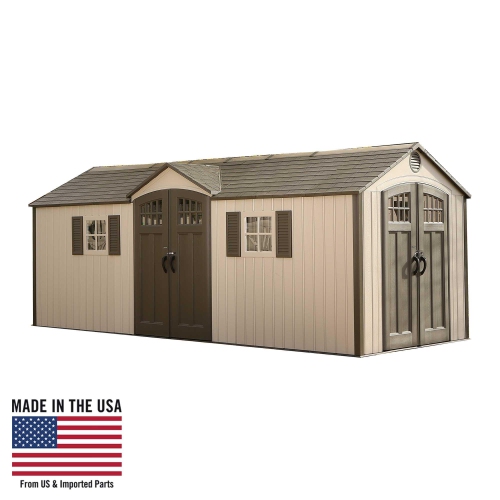 Your price for this item is $5599.99
 -
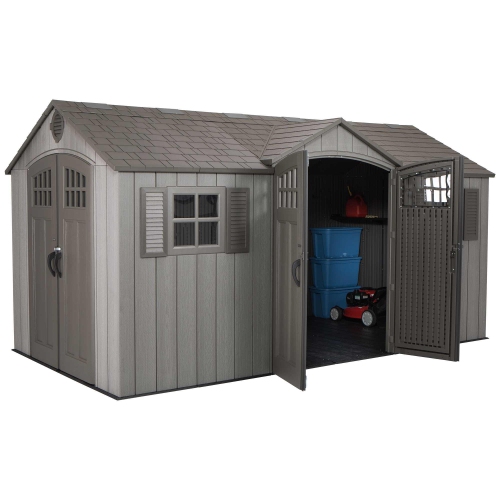 Your price for this item is $4269.99
 -
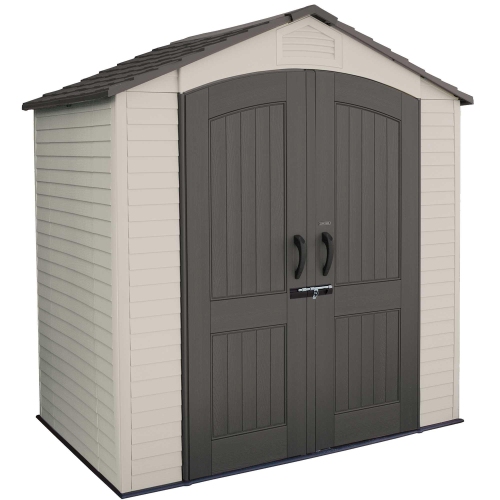 Your price for this item is $1639.99
 -
 Your price for this item is $967.99
 -
 Your price for this item is $369.99
 -
 Your price for this item is $399.93
 -
 Your price for this item is $5589.99
Discover more categories related to File Management
Top Collections:
Pokemon Centers, Kindle Devices, Best Budget Office Chairs, Apple iPhones 16, Best Laptops for Writers, iPhone 15 Apple, Canon G7X Cameras, Refurbished Apple Laptops, Alarm Clock, Motorola Razr Phones
Some products may be subject to Environmental Handling Fees
(EHF) depending on your province.
Learn more about EHFs.