File Management Tools
Organizing and managing files is essential for any busy professional or tech-savvy individual. With our wide selection of file management tools, you can streamline your digital workspace and keep your documents, photos, and videos easily accessible and neatly organized. Whether you're looking for file storage solutions, cloud-based platforms, or software that simplifies the process, we have everything you need to enhance your productivity and efficiency. Explore our range of file management tools and take control of your digital world today.
Sort



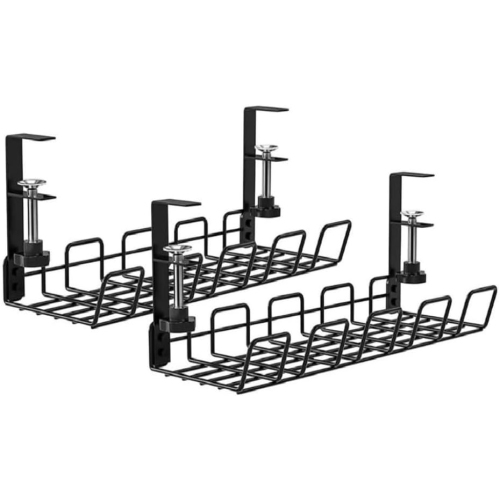
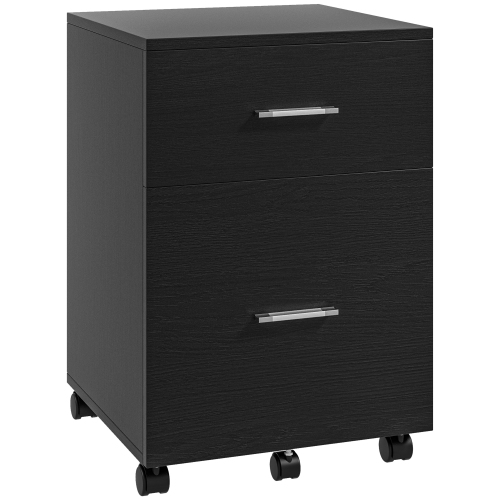
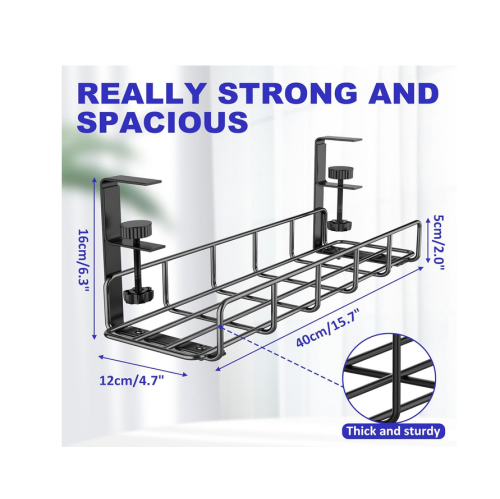


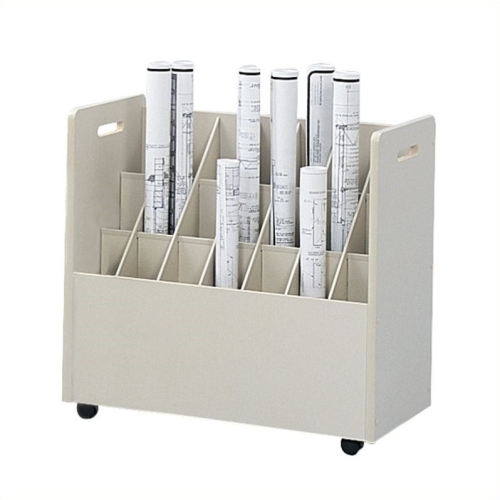
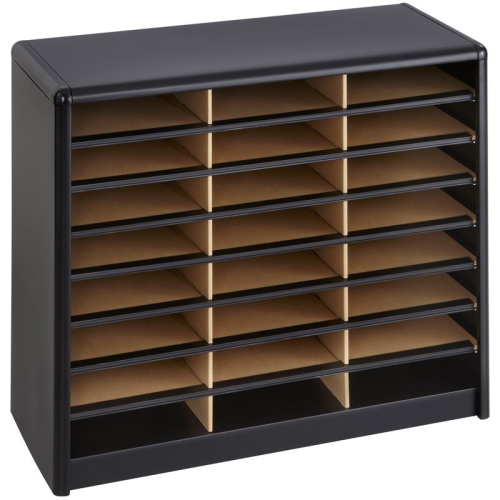
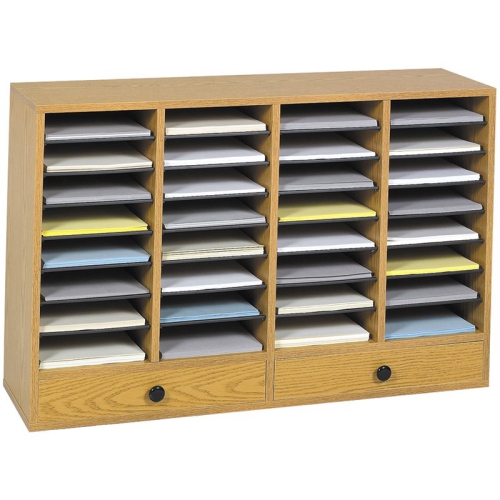
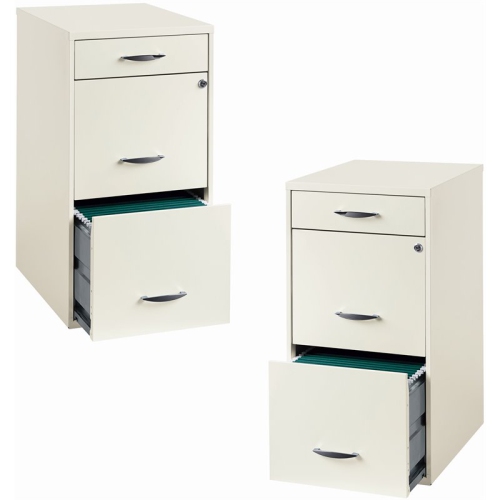
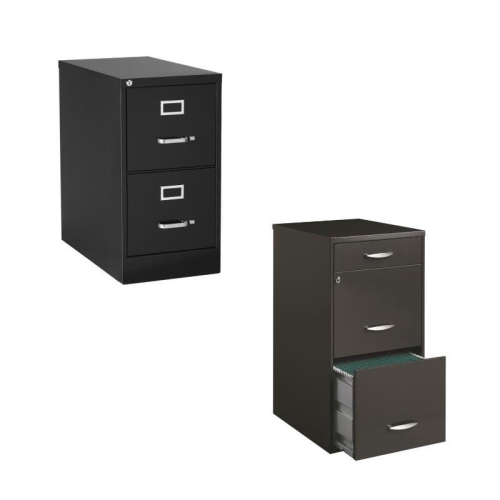
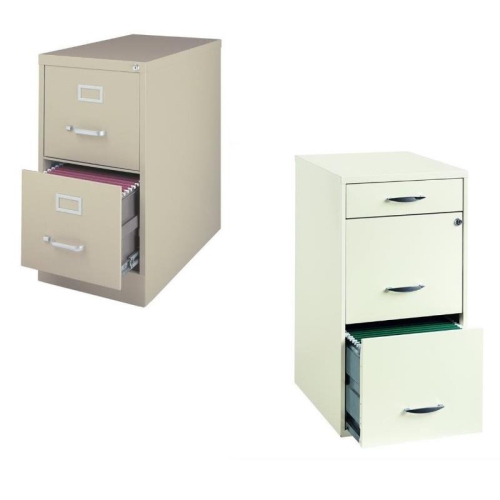
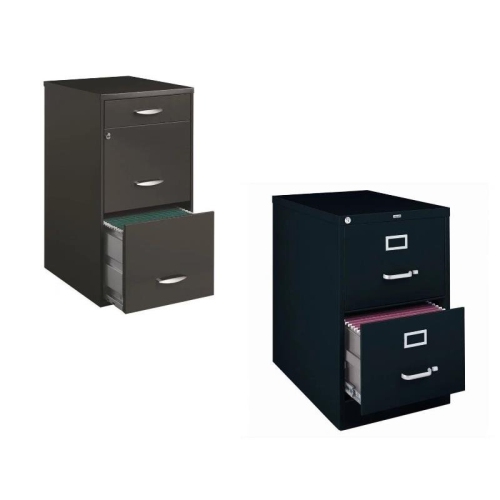

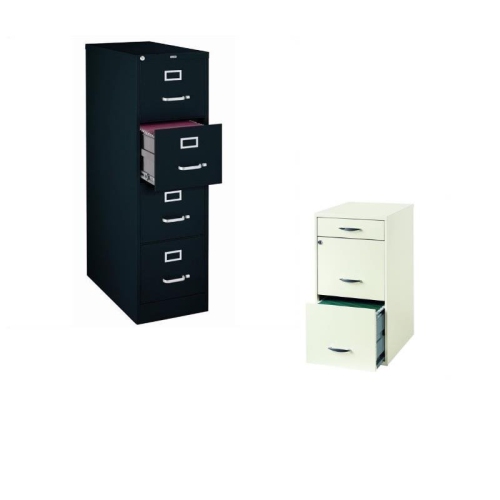
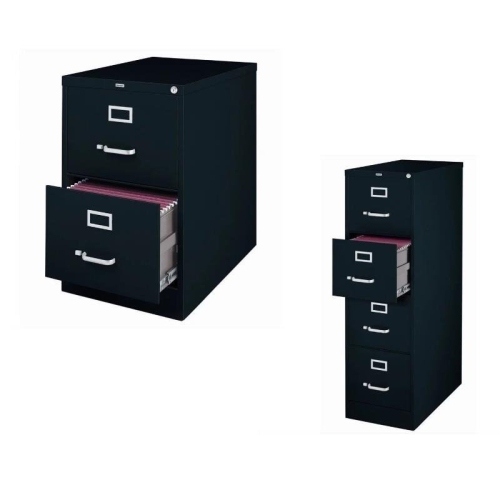
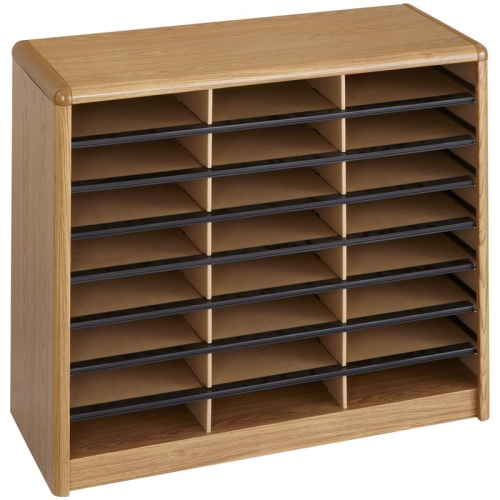
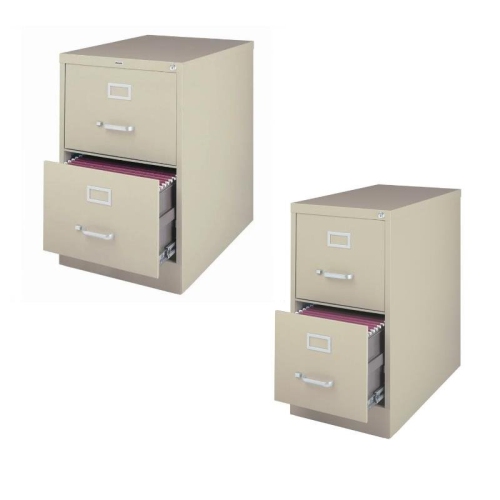
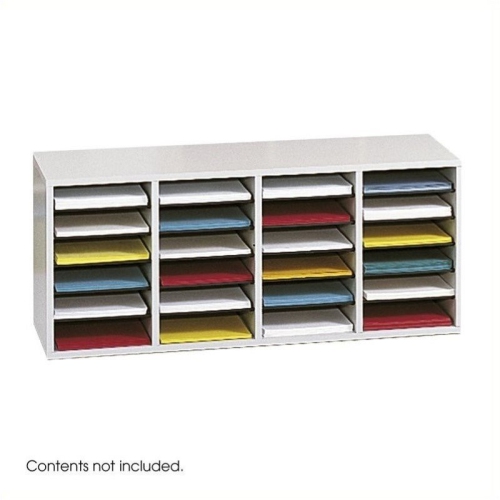

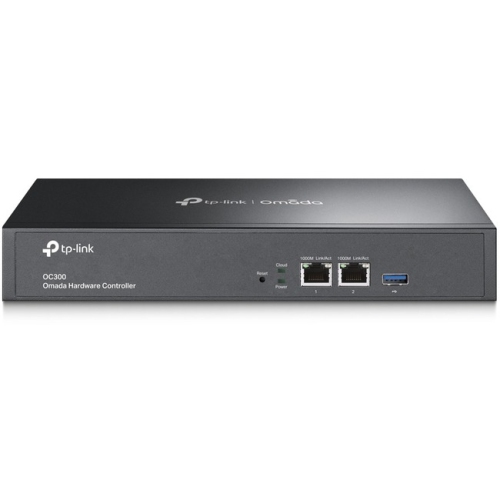
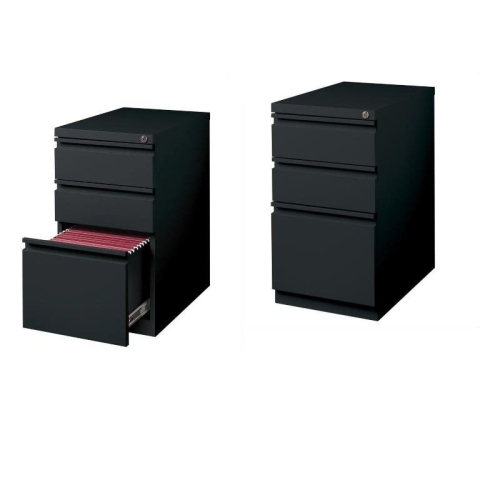
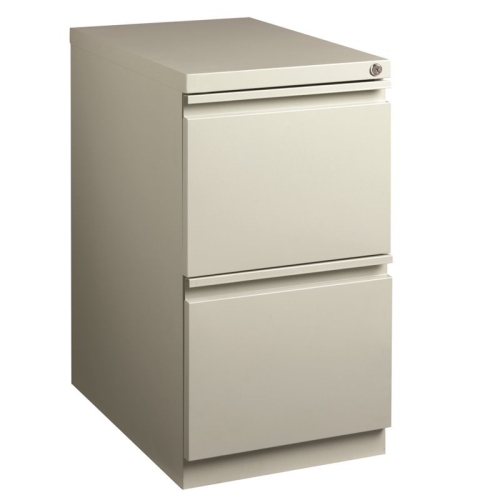
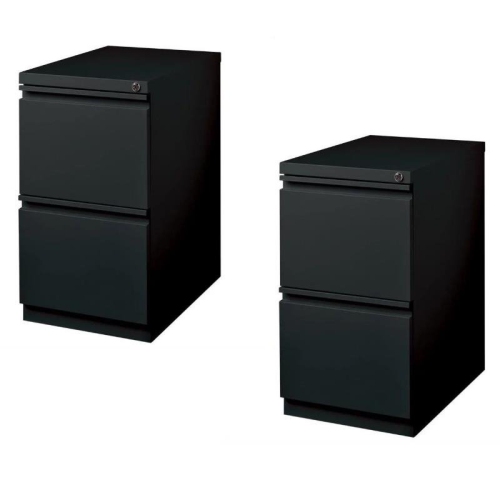

Better control for digital files and paper records
File management tools help bring order to the documents, images, spreadsheets, receipts, forms, and other digital files that collect on computers and mobile devices over time. The right option can make it easier to store information, locate it later, share it with other people, and keep track of which version is the most up to date. Some tools focus on straightforward folder organization, while others add cloud syncing, real-time collaboration, permissions, document history, approval steps, and activity records. For personal use, a simple system may be enough to sort household records, schoolwork, scanned paperwork, travel details, and important downloads into clear categories. A small business, home office, or busy household may benefit from more structured features that help several people access the same files without creating duplicate copies. When comparing file management tools, consider where files will be stored, how they will be accessed, and whether they need to be available across a computer, tablet, or phone. Cloud-based storage is convenient for people who move between locations, since files can be synchronized across supported devices and shared without sending large attachments. Offline access can also be valuable when travelling, commuting, or working in an area with an unreliable internet connection. Look for tools that make searching simple, support useful file types, and provide enough storage for both current needs and future growth. Clear navigation is just as important as capacity; an attractive interface is less helpful if it takes several steps to find an invoice or return to a document that was edited yesterday.
File organization becomes especially important when several versions of a document are in circulation. A practical file management system can use consistent names, folders, tags, dates, and project labels so that information remains understandable months after it was created. Search and filtering features can save considerable time when files are spread across different projects, clients, classes, or household responsibilities. For collaborative work, check whether a tool allows people to edit together, leave comments, assign tasks, set access permissions, and restore an earlier version if an important change is made by mistake. Businesses and organizations may also need audit trails, approval workflows, automatic metadata, retention controls, and safeguards for confidential information. These features can help teams keep contracts, records, presentations, invoices, and internal documents under control while reducing the chance of accidental sharing. Security deserves close attention as well. Consider password protection, two-step sign-in, encryption, recovery options, user permissions, and notifications for unusual activity. A tool that supports automatic backups or file history can offer reassurance after a damaged device, accidental deletion, or a misplaced folder. It is also worth checking how easily information can be exported if needs change later. Compatibility with existing operating systems, productivity software, and workplace processes can have a major effect on everyday convenience. A tool that fits naturally into familiar routines is more likely to be used consistently than one that requires a complete overhaul of how everyone saves and shares information.
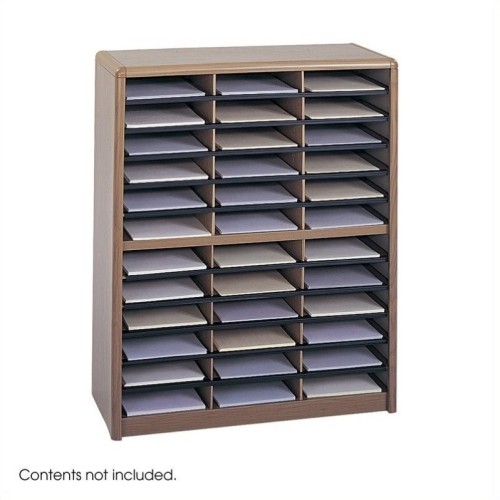
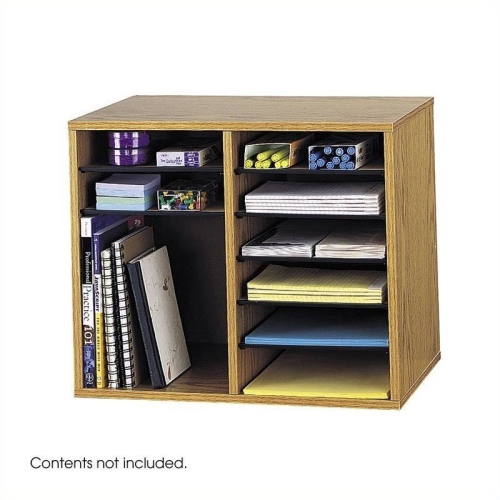
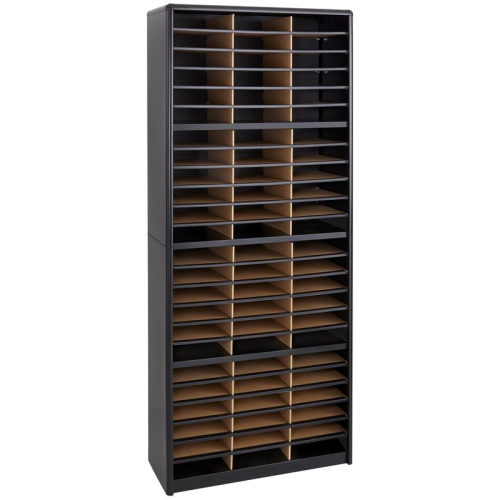
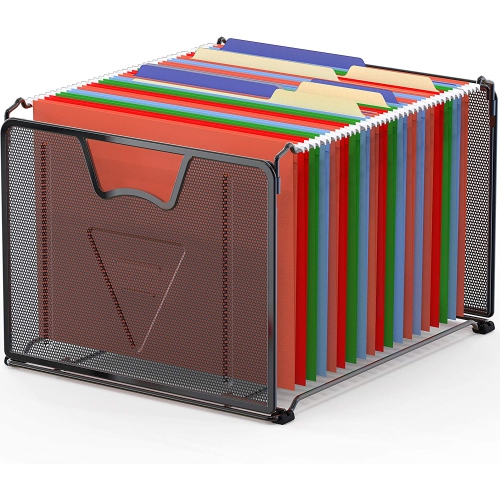
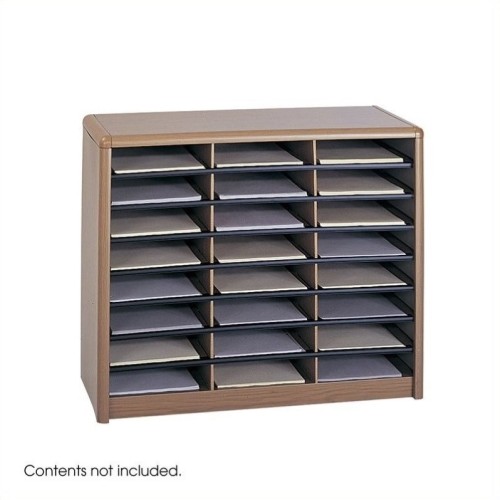
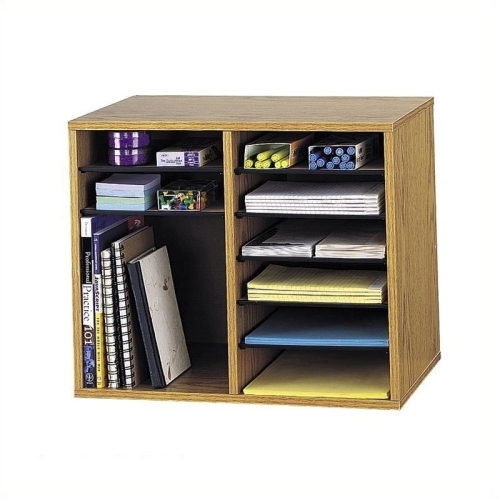
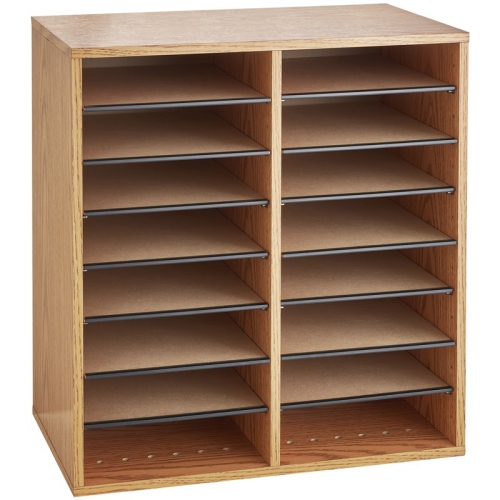
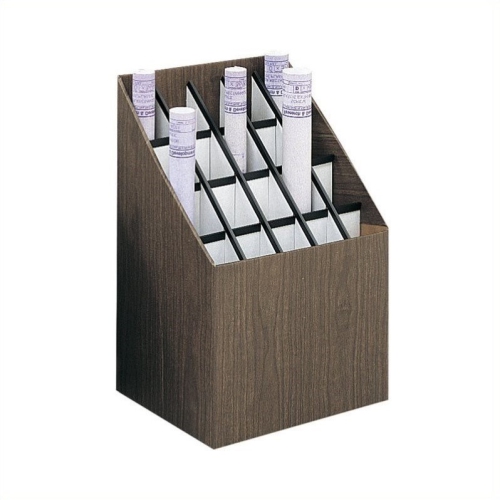
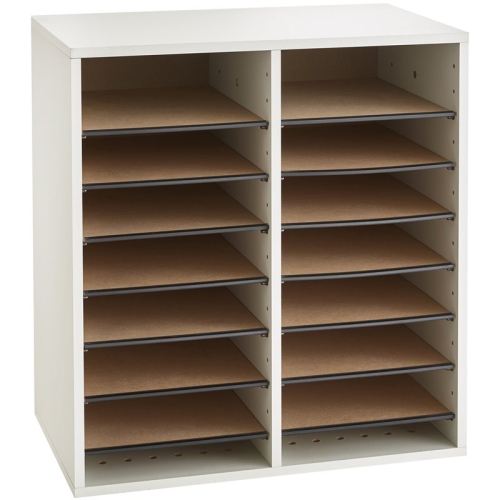
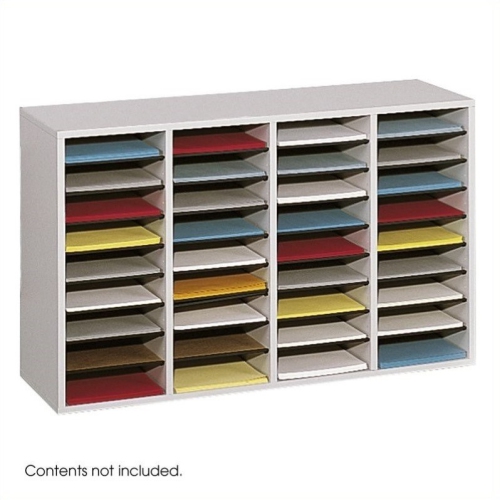
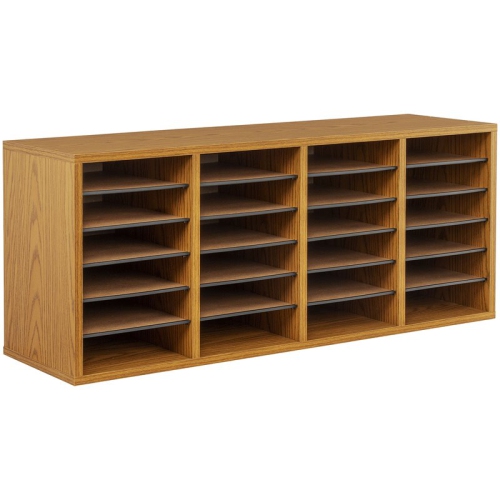
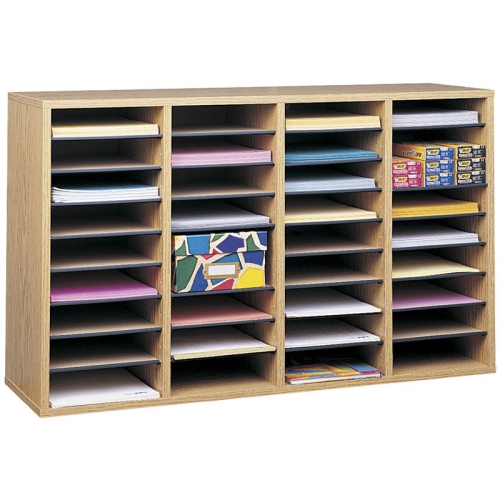
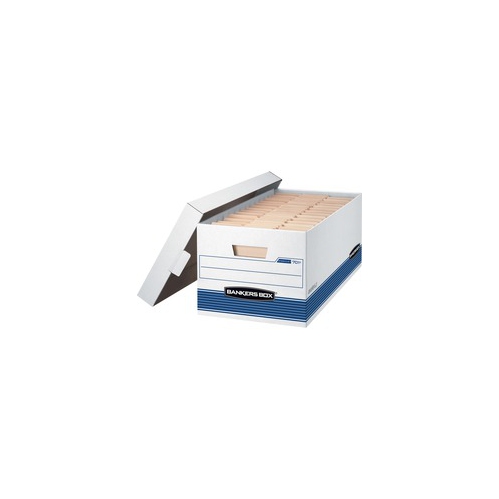
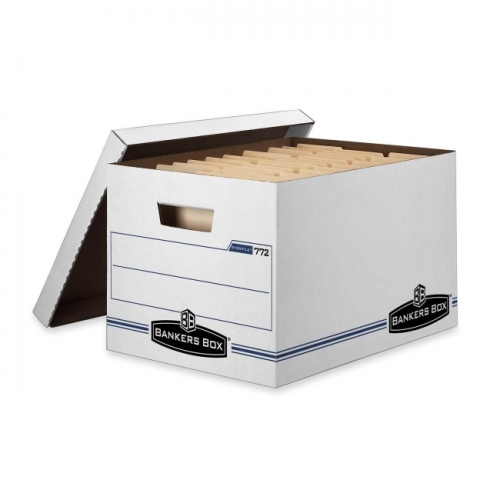
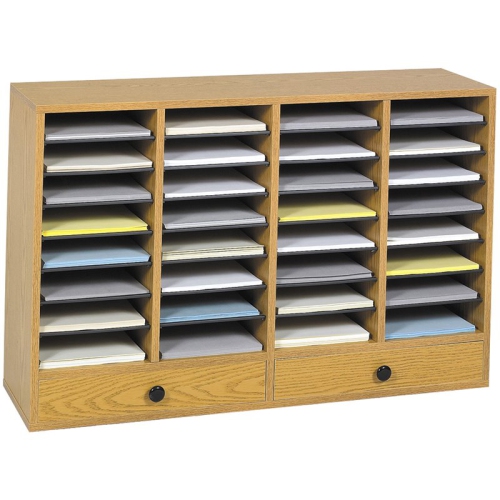
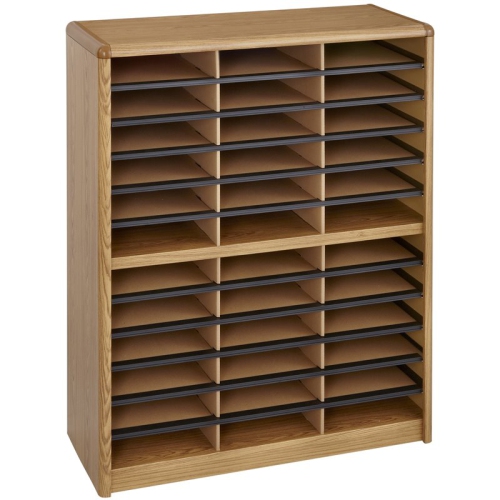
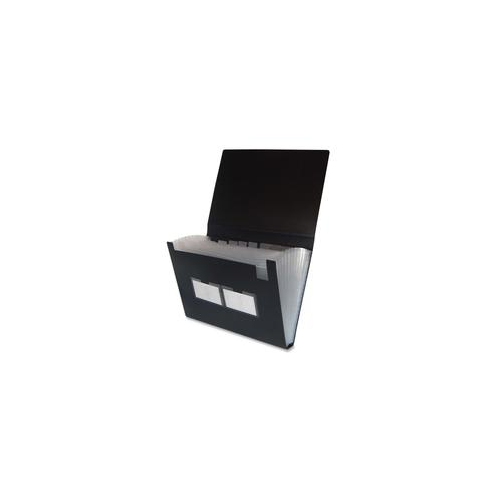
Good file management also includes the physical paperwork that sits beside a computer. Receipts, instruction manuals, school forms, printed invoices, tax records, and documents waiting to be scanned can quickly cover a desk, especially during a move, a renovation, a new school term, or a busy period at work. A desktop filing accessory can keep active papers upright and within reach, while labelled folders or sections make it easier to separate items that need action from those that are ready for reference. Browse File Organizer Desktops to find options for keeping frequently used documents visible without allowing them to spread across the work surface. When choosing a physical organizer, think about the size and weight of the papers it will hold, the available desk space, the number of sections needed, and whether the design should remain open for quick access or enclosed for a tidier appearance. These tools can be useful for students managing assignments, freelancers sorting client paperwork, families keeping medical and household records together, or anyone creating a more comfortable home office. They can also make a practical gift for someone moving into a new workspace, starting post-secondary studies, or taking on more administrative responsibilities. A simple routine often works best: name digital files consistently, place paper documents in a designated section, remove outdated duplicates, and set aside time to back up or review important information. During the cooler months, when more work and study may happen indoors, a well-organized system can make a desk feel calmer and help everyday tasks move along with fewer interruptions.
File organization becomes especially important when several versions of a document are in circulation. A practical file management system can use consistent names, folders, tags, dates, and project labels so that information remains understandable months after it was created. Search and filtering features can save considerable time when files are spread across different projects, clients, classes, or household responsibilities. For collaborative work, check whether a tool allows people to edit together, leave comments, assign tasks, set access permissions, and restore an earlier version if an important change is made by mistake. Businesses and organizations may also need audit trails, approval workflows, automatic metadata, retention controls, and safeguards for confidential information. These features can help teams keep contracts, records, presentations, invoices, and internal documents under control while reducing the chance of accidental sharing. Security deserves close attention as well. Consider password protection, two-step sign-in, encryption, recovery options, user permissions, and notifications for unusual activity. A tool that supports automatic backups or file history can offer reassurance after a damaged device, accidental deletion, or a misplaced folder. It is also worth checking how easily information can be exported if needs change later. Compatibility with existing operating systems, productivity software, and workplace processes can have a major effect on everyday convenience. A tool that fits naturally into familiar routines is more likely to be used consistently than one that requires a complete overhaul of how everyone saves and shares information.
Good file management also includes the physical paperwork that sits beside a computer. Receipts, instruction manuals, school forms, printed invoices, tax records, and documents waiting to be scanned can quickly cover a desk, especially during a move, a renovation, a new school term, or a busy period at work. A desktop filing accessory can keep active papers upright and within reach, while labelled folders or sections make it easier to separate items that need action from those that are ready for reference. Browse File Organizer Desktops to find options for keeping frequently used documents visible without allowing them to spread across the work surface. When choosing a physical organizer, think about the size and weight of the papers it will hold, the available desk space, the number of sections needed, and whether the design should remain open for quick access or enclosed for a tidier appearance. These tools can be useful for students managing assignments, freelancers sorting client paperwork, families keeping medical and household records together, or anyone creating a more comfortable home office. They can also make a practical gift for someone moving into a new workspace, starting post-secondary studies, or taking on more administrative responsibilities. A simple routine often works best: name digital files consistently, place paper documents in a designated section, remove outdated duplicates, and set aside time to back up or review important information. During the cooler months, when more work and study may happen indoors, a well-organized system can make a desk feel calmer and help everyday tasks move along with fewer interruptions.
Top selling and popular products
-
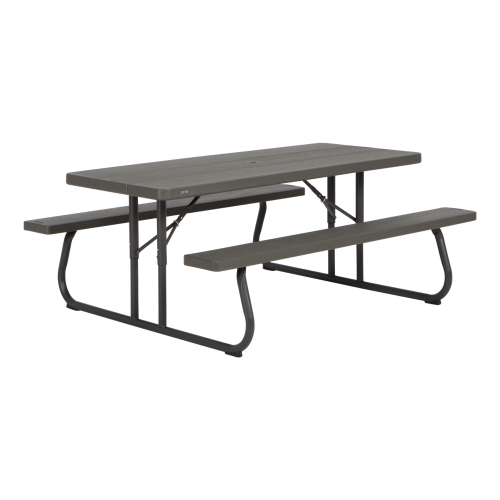 Your price for this item is $369.99
 -
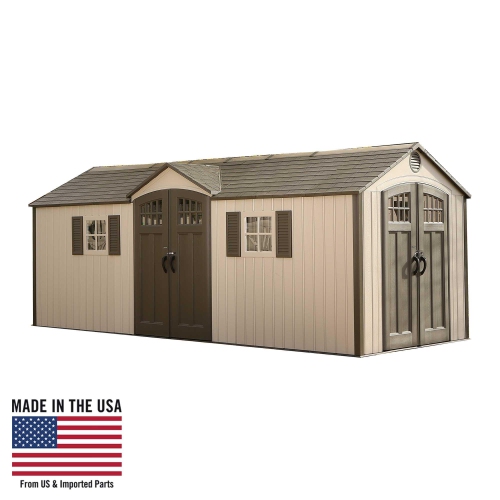 Your price for this item is $5599.99
 -
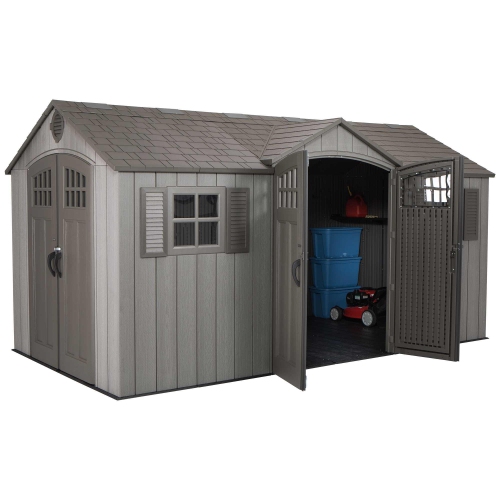 Your price for this item is $4269.99
 -
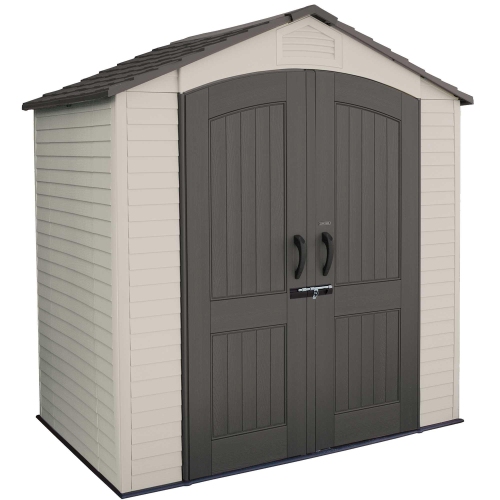 Your price for this item is $1639.99
 -
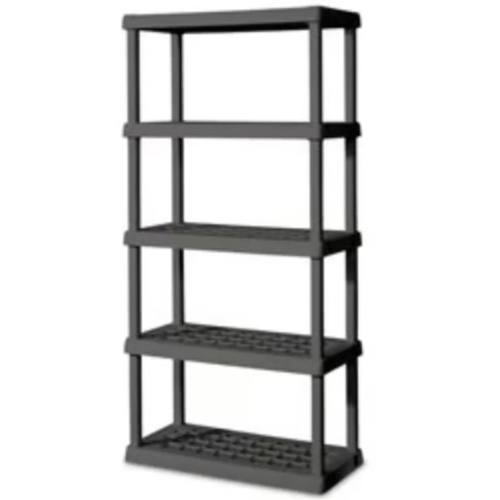 Your price for this item is $967.99
 -
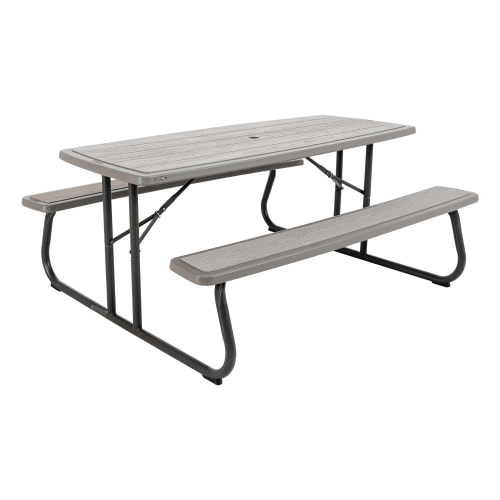 Your price for this item is $369.99
 -
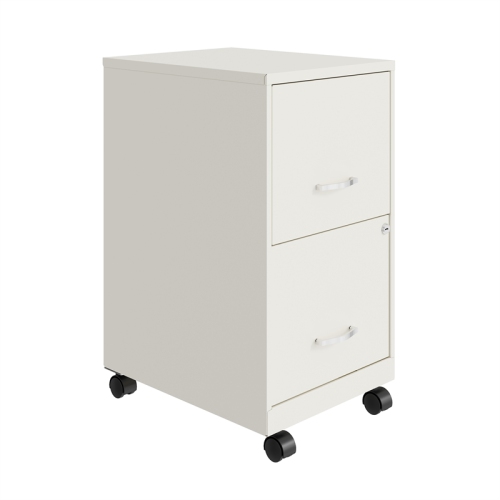 Your price for this item is $399.93
 -
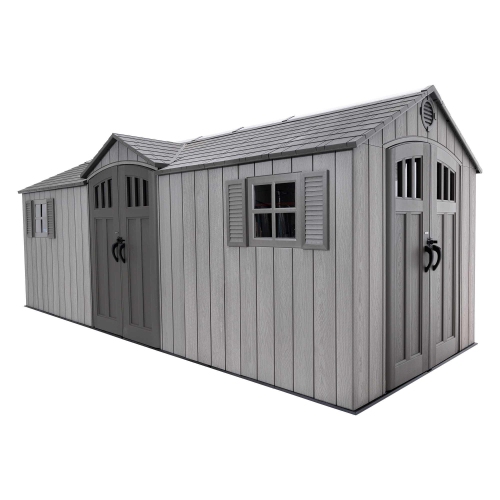 Your price for this item is $5589.99
Discover more categories related to File Management Tools

Top Collections:
Pokemon Centers, Kindle Devices, Best Budget Office Chairs, Apple iPhones 16, Best Laptops for Writers, iPhone 15 Apple, Canon G7X Cameras, Refurbished Apple Laptops, Alarm Clock, Motorola Razr Phones
Some products may be subject to Environmental Handling Fees
(EHF) depending on your province.
Learn more about EHFs.