Minimalist Computer Desks
Create a sleek and stylish workspace with our collection of minimalist computer desks. Perfect for modern homes or offices, these desks are designed to enhance productivity while adding a touch of contemporary flair to your space. Whether you're looking for a compact desk to fit in a small room or a larger option with ample storage, our range of minimalist computer desks offers functionality without sacrificing style. Browse through our selection to find the perfect desk that complements your aesthetic and helps you stay organized while working or studying.
Sort
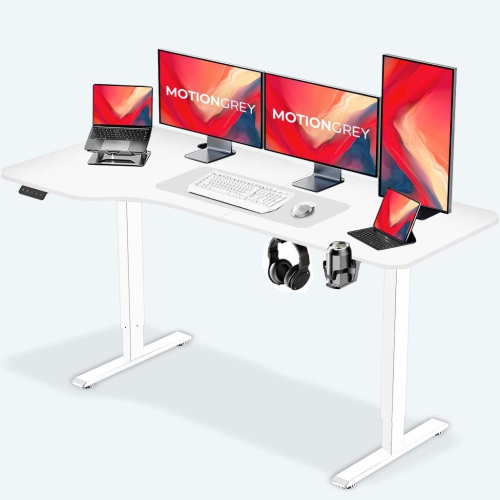
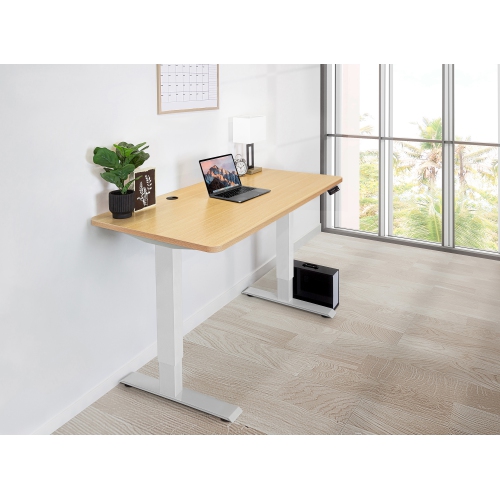
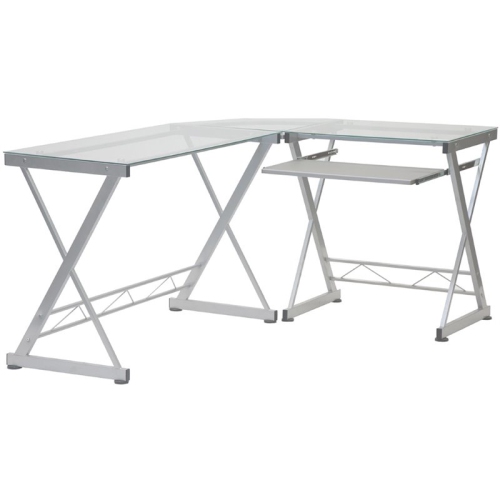
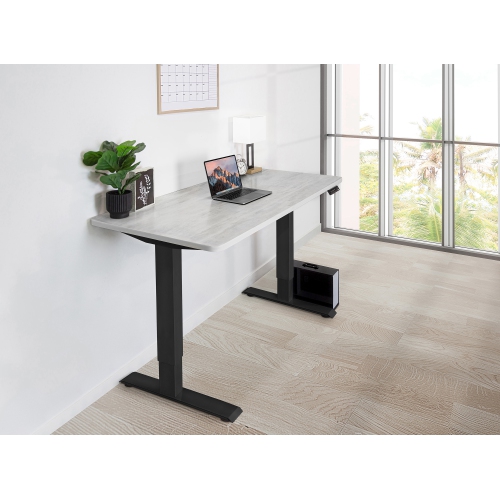
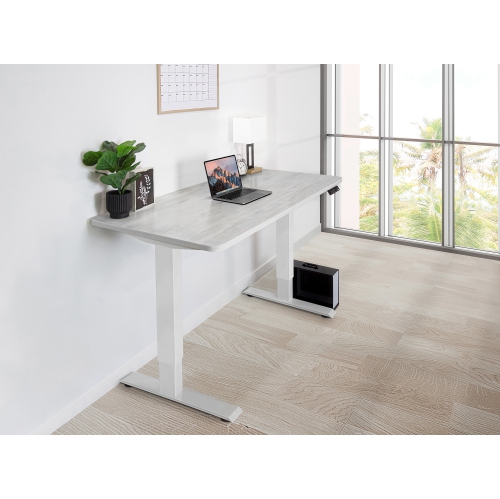
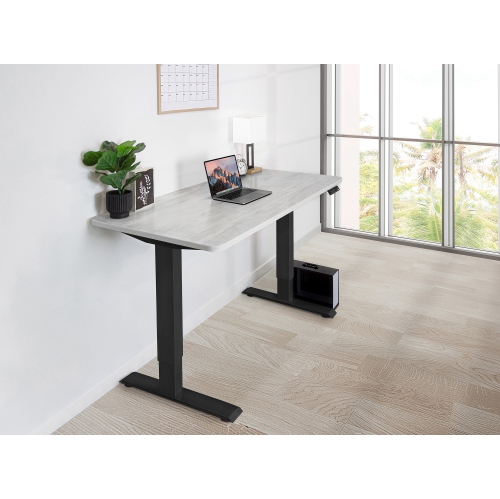
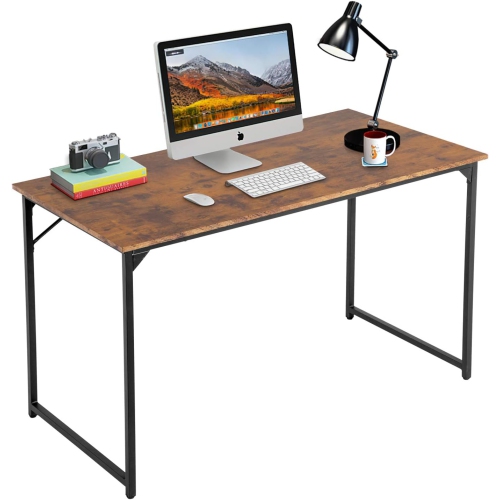
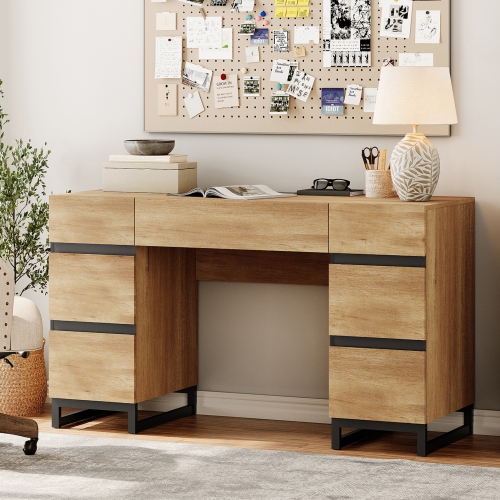
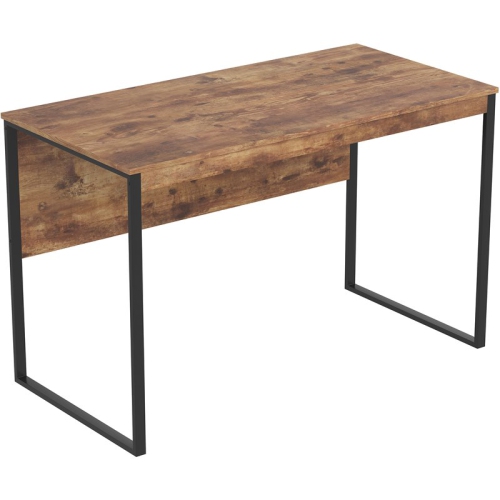
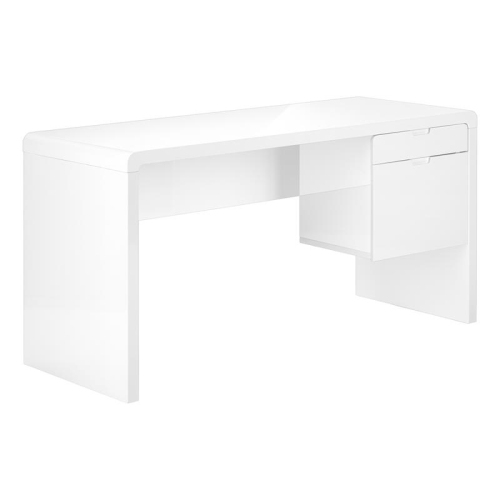
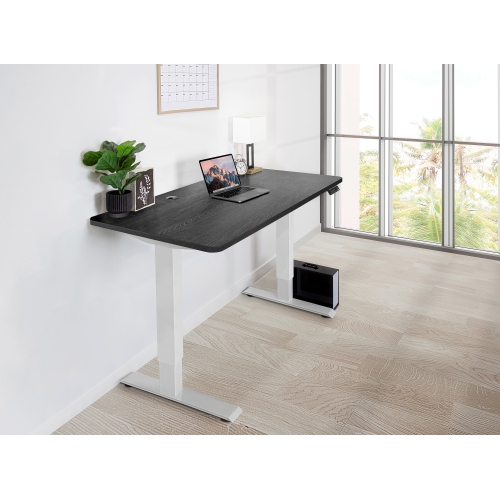

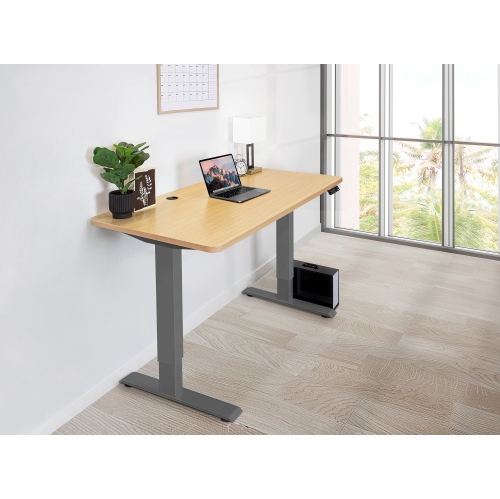
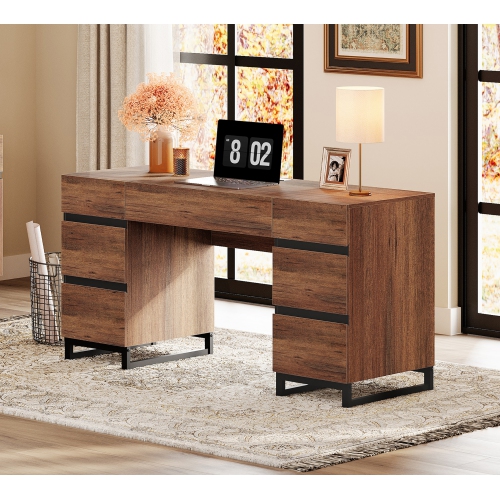
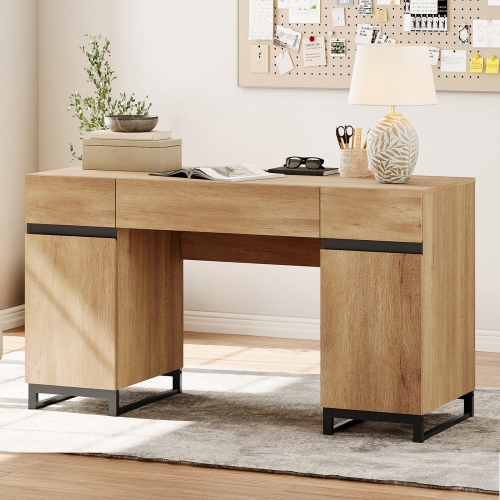
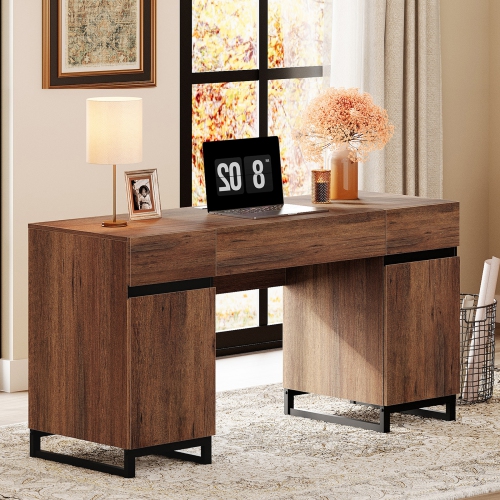
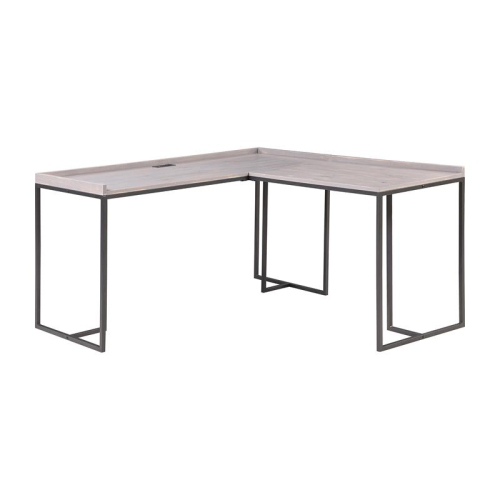
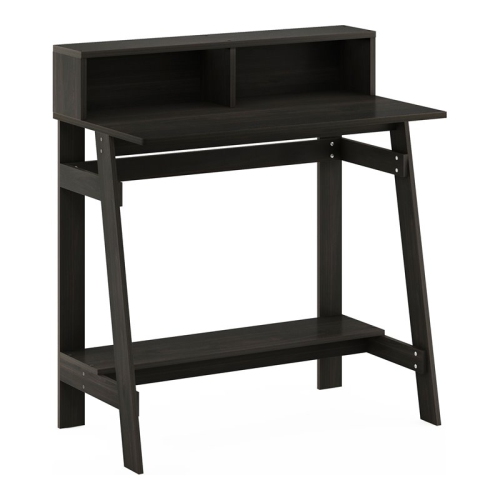
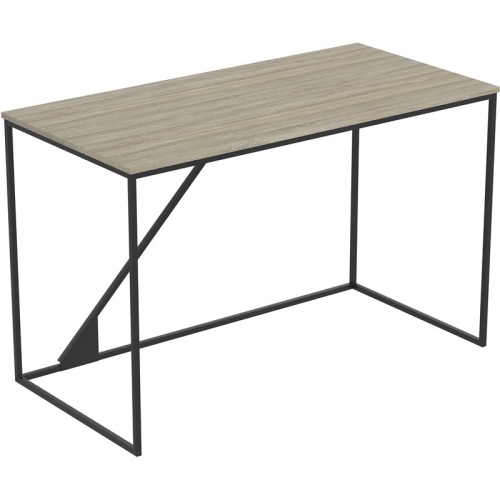

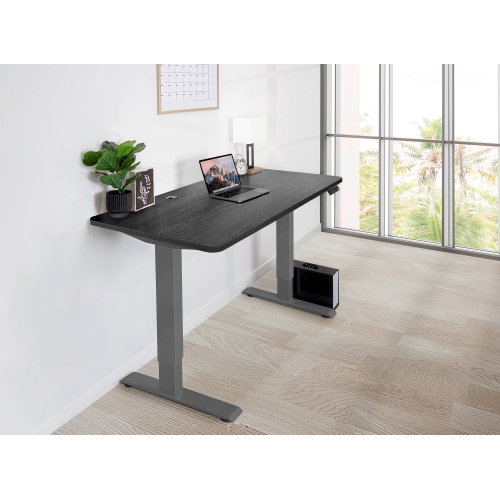
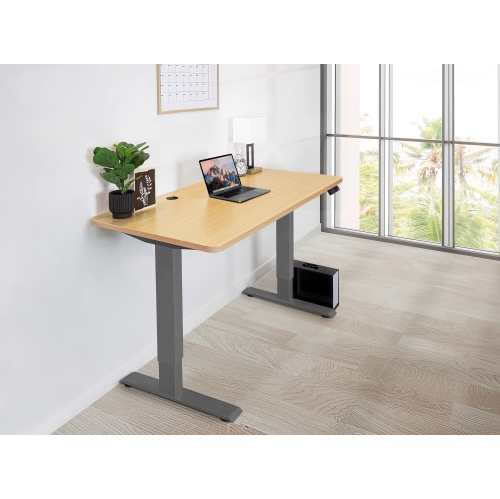
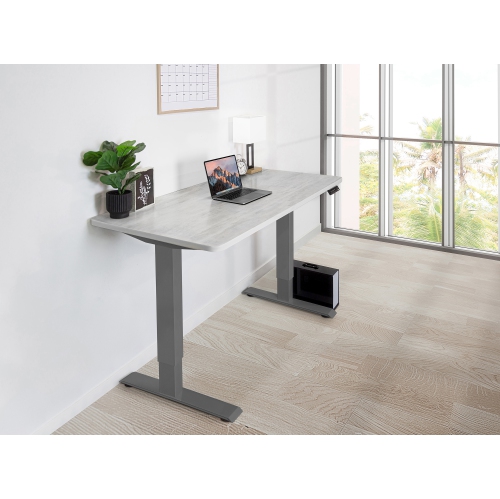
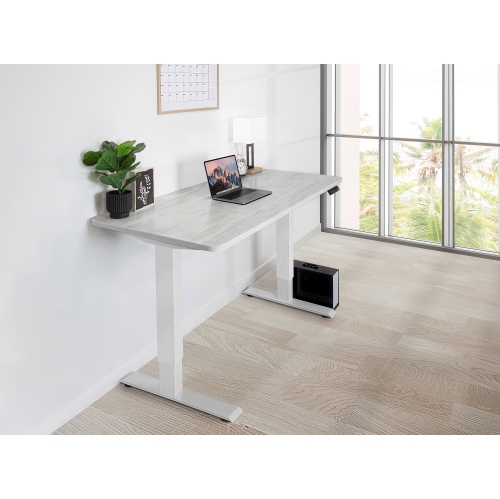
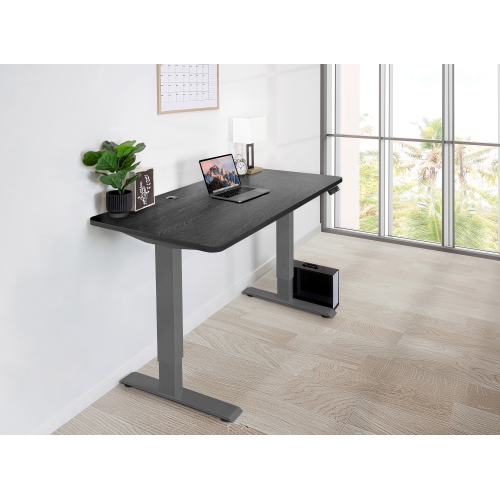
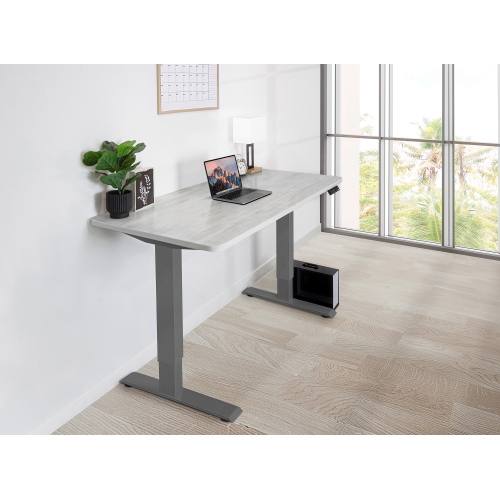
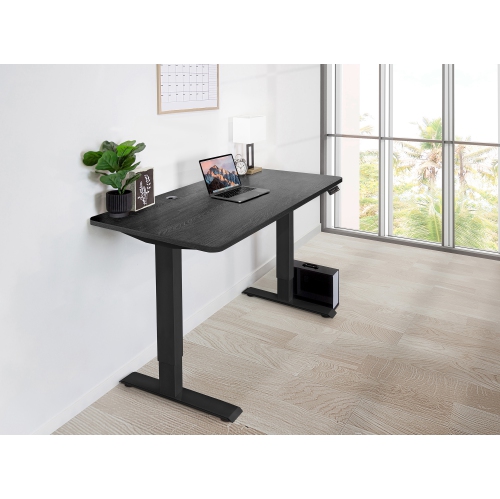
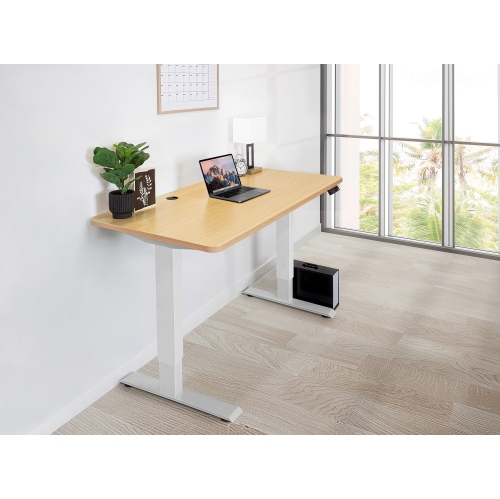
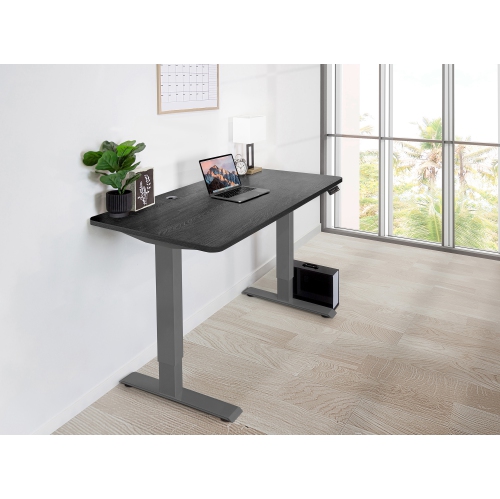
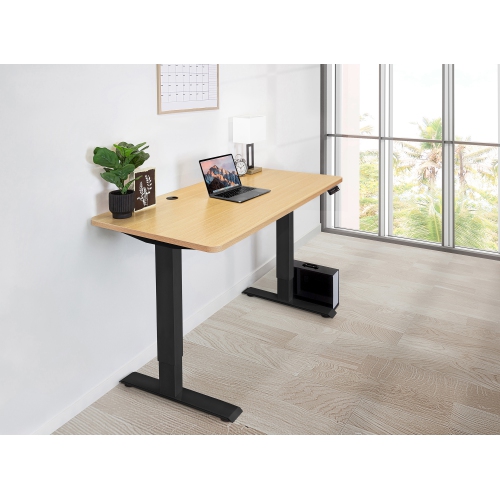
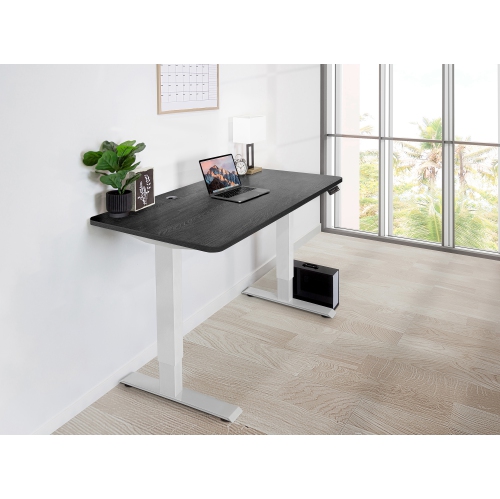
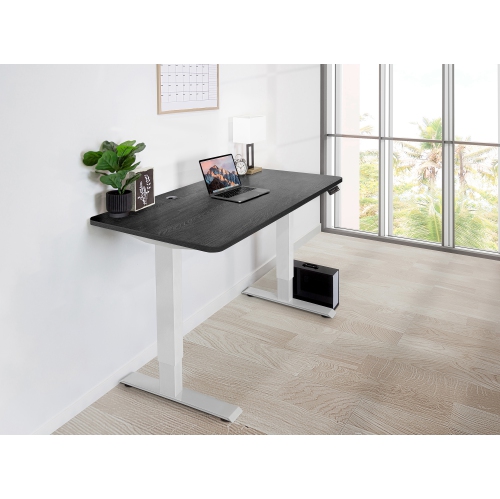

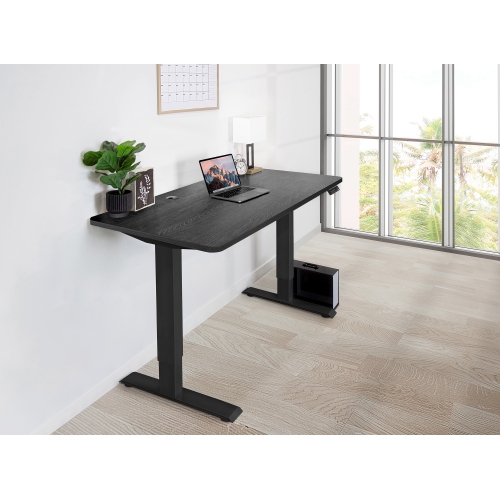
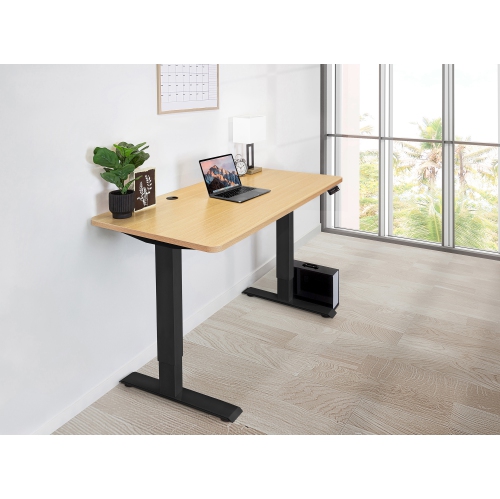
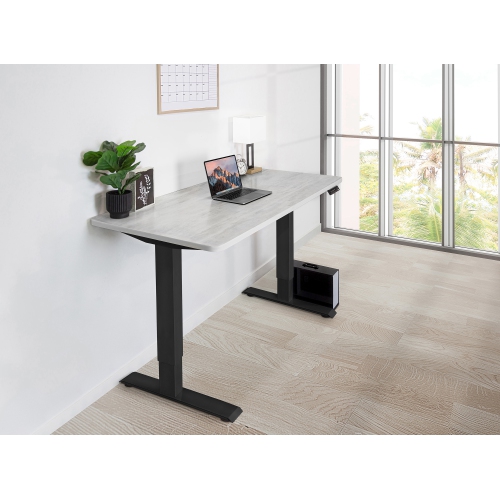


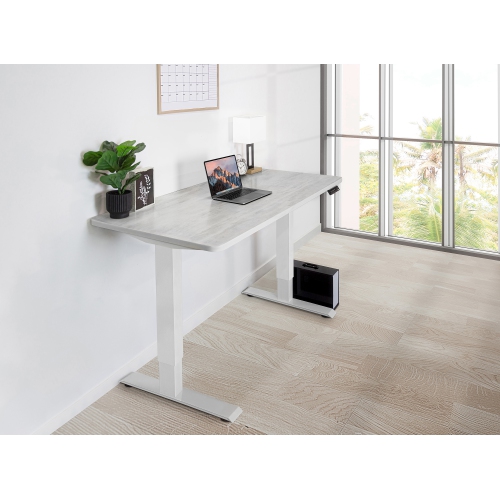
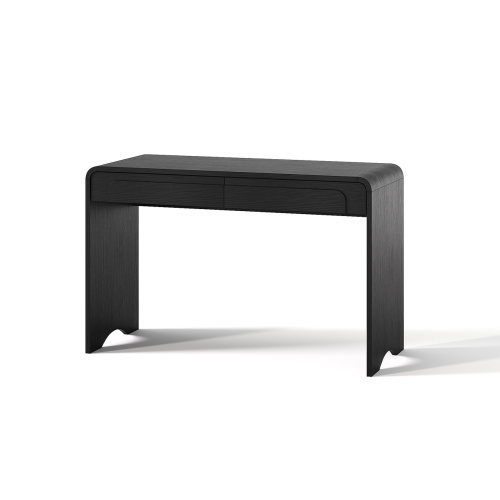
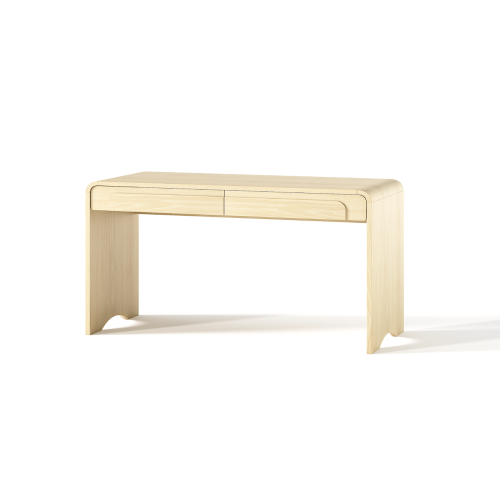
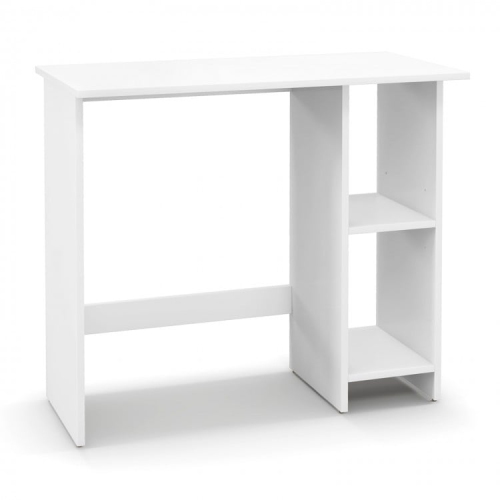
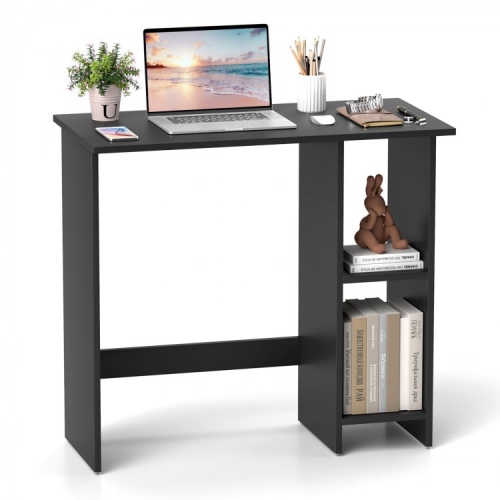
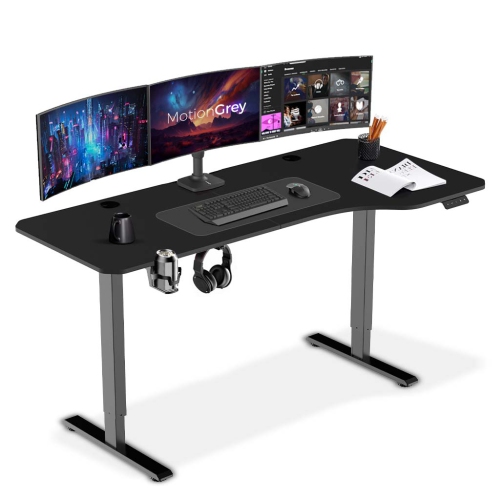
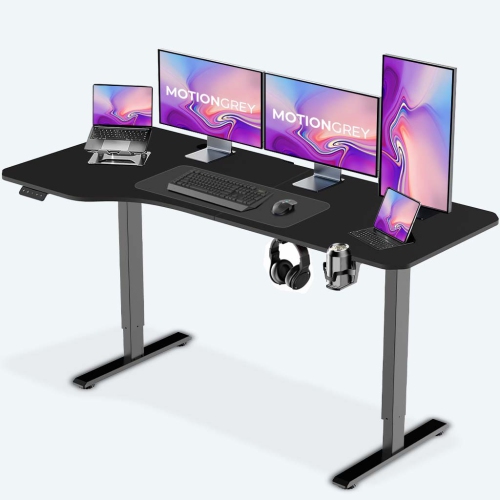
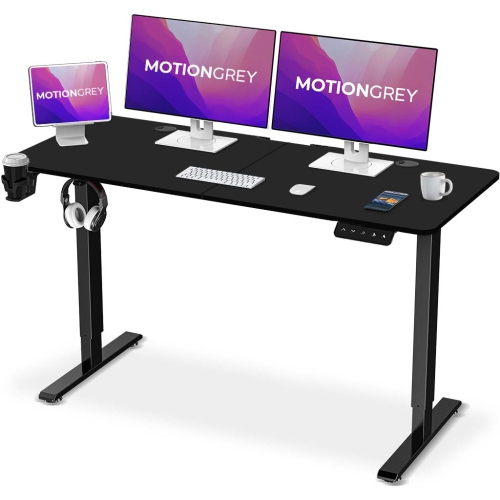
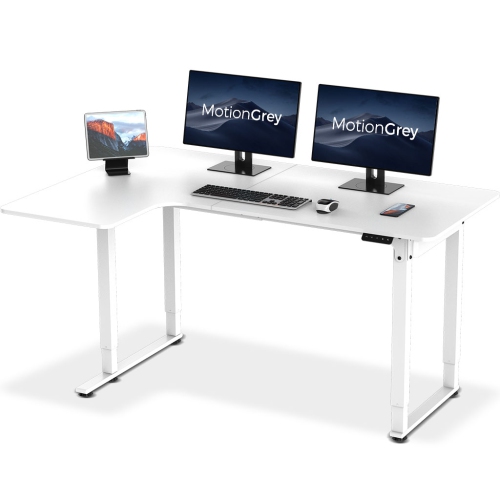
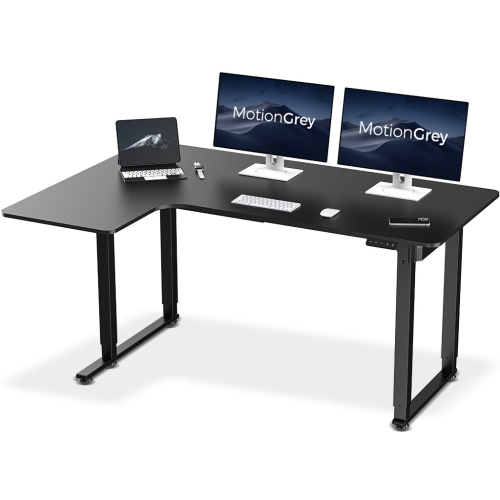
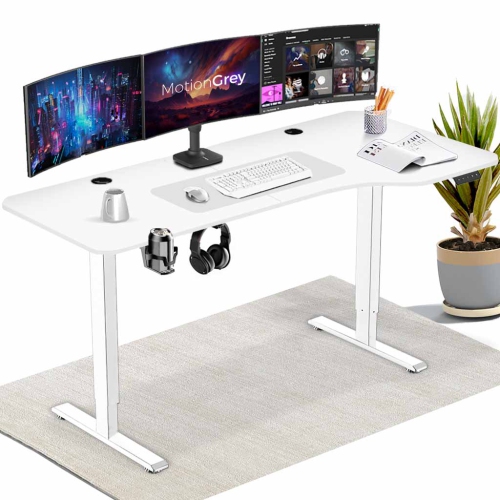
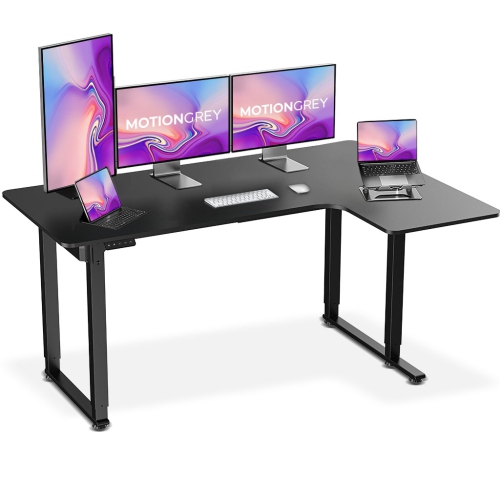
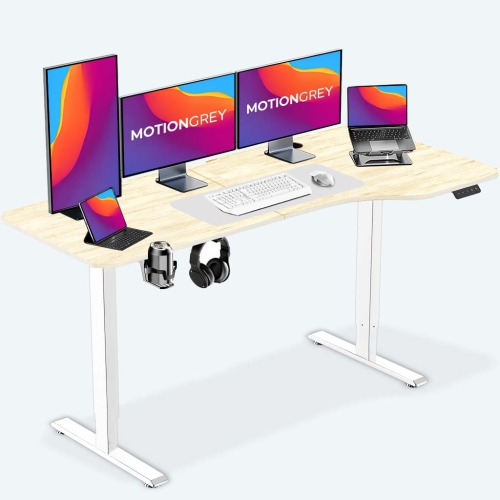
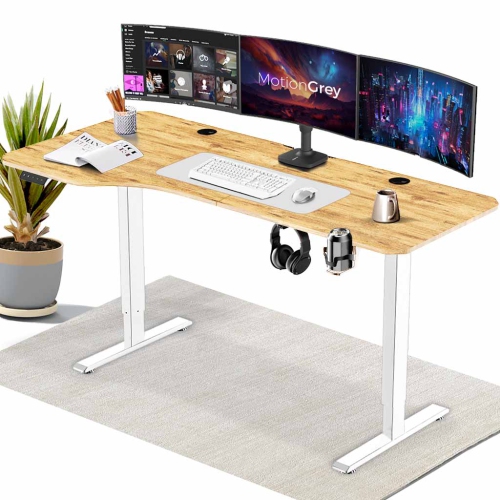
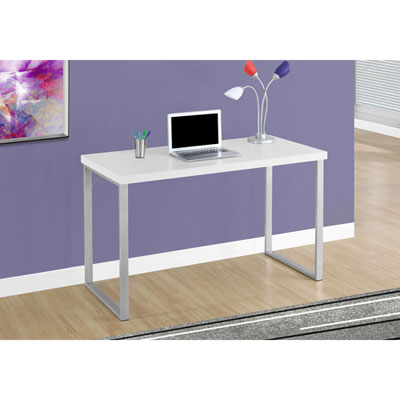
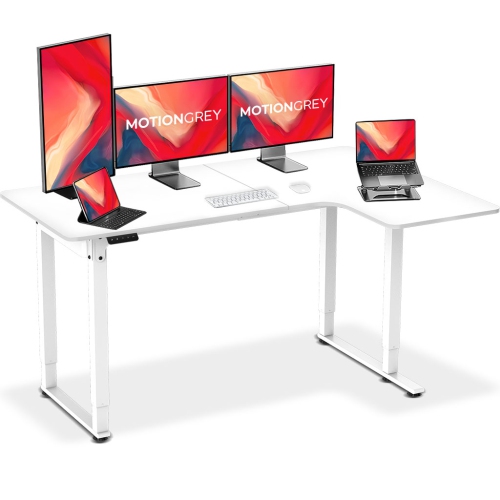
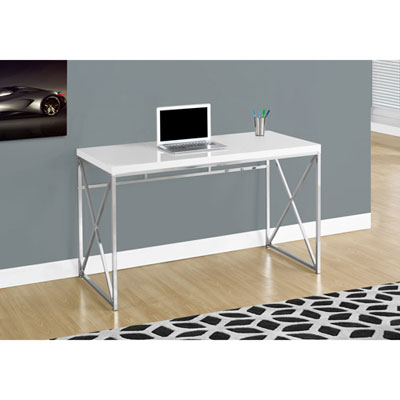
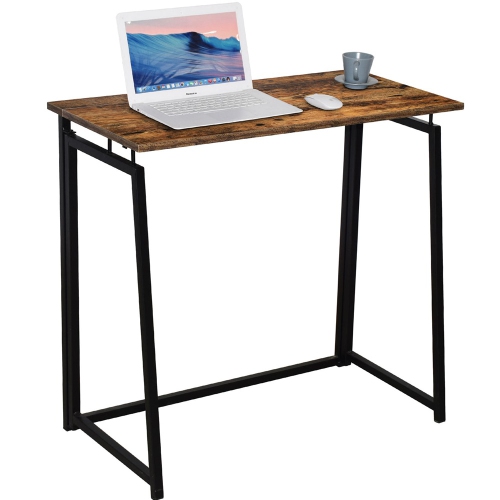
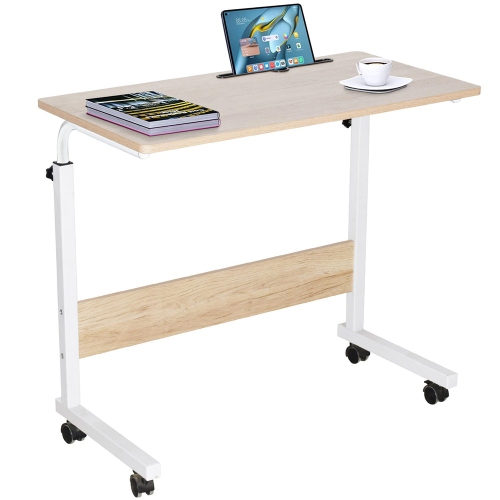
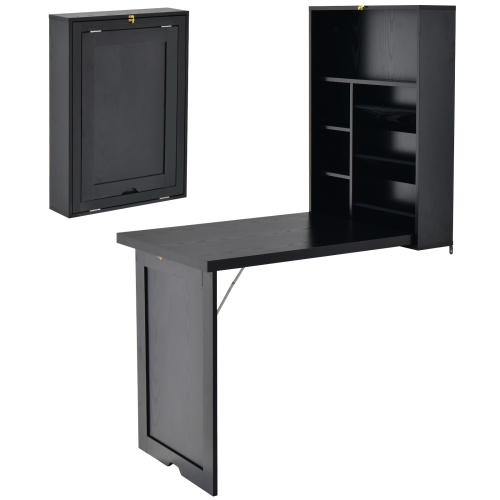
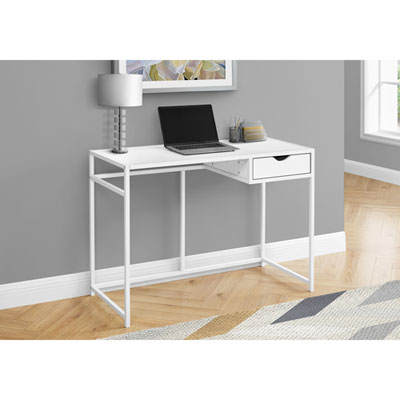
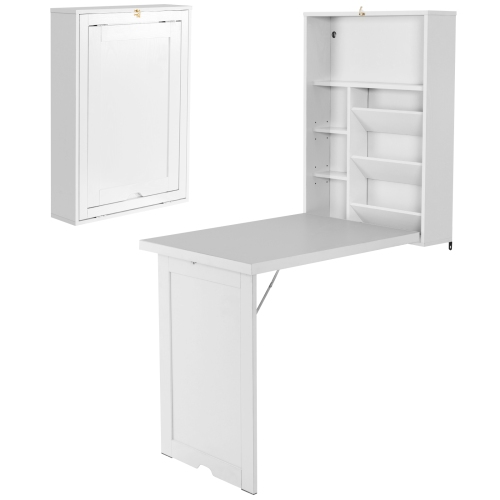
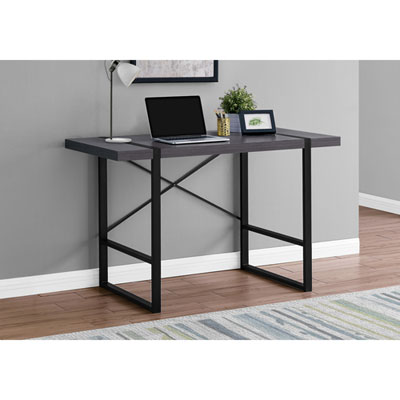
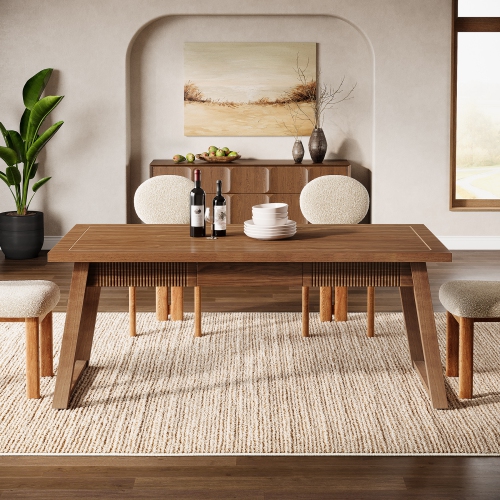
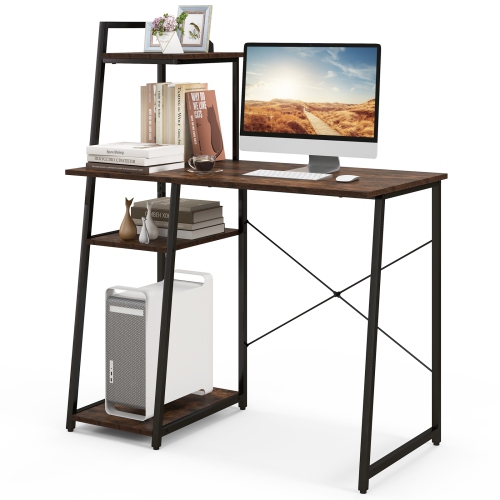
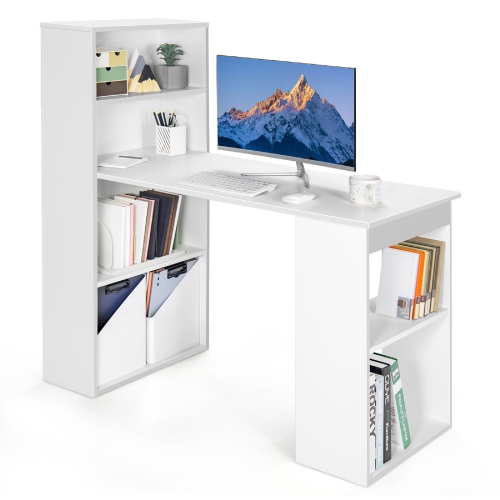
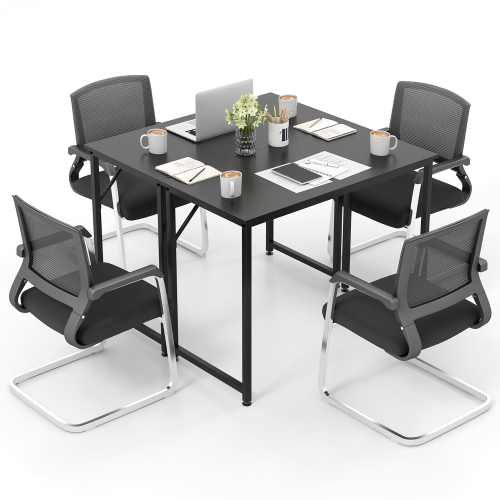
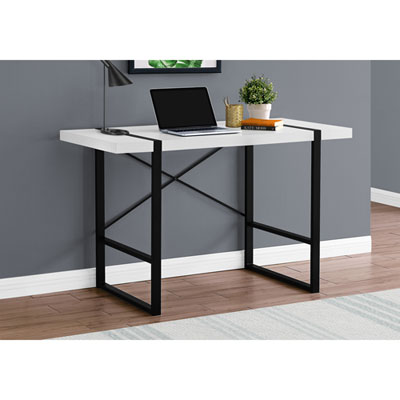
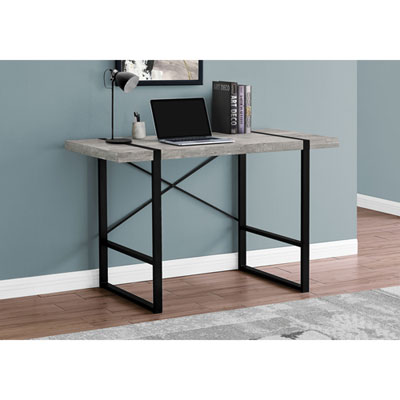
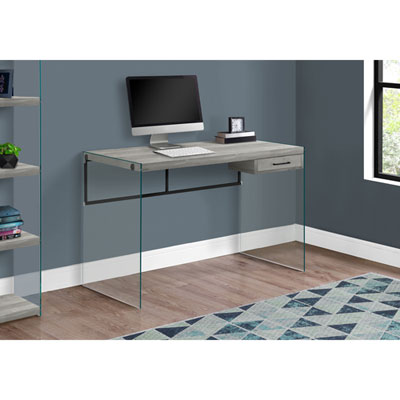
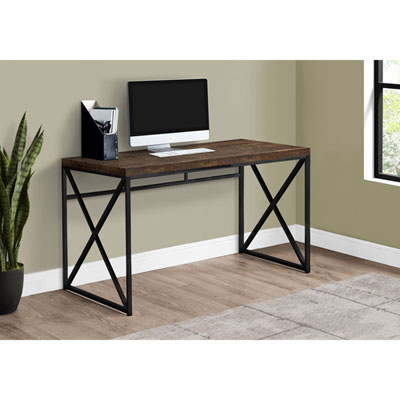
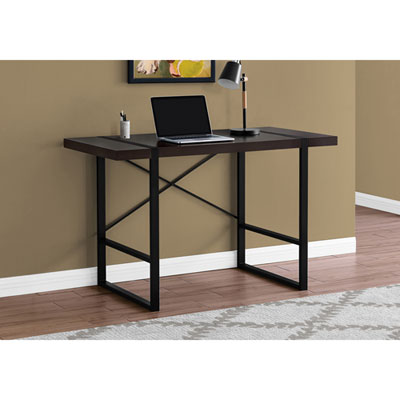
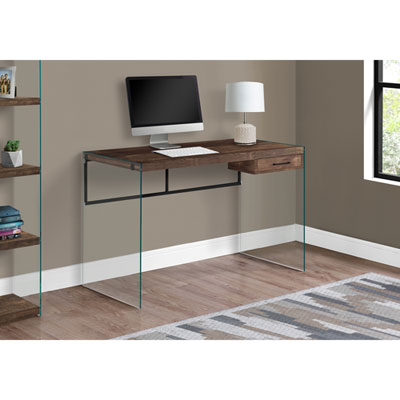
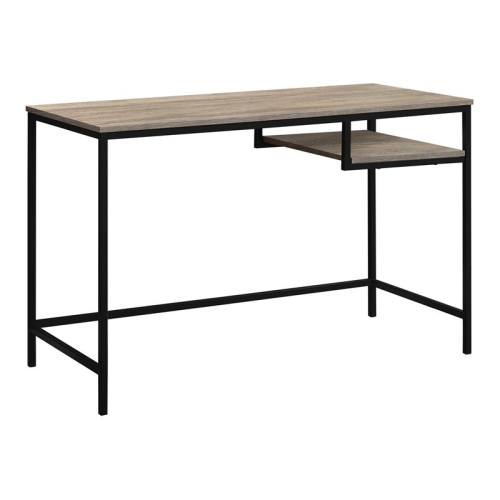

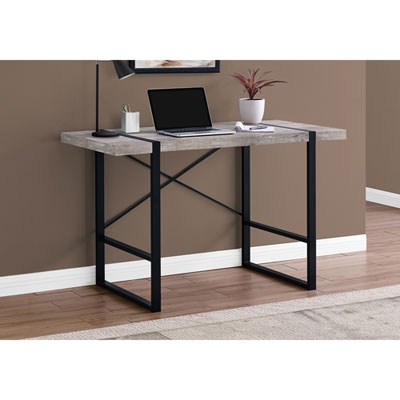
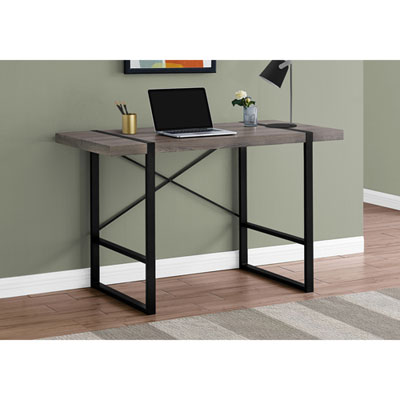
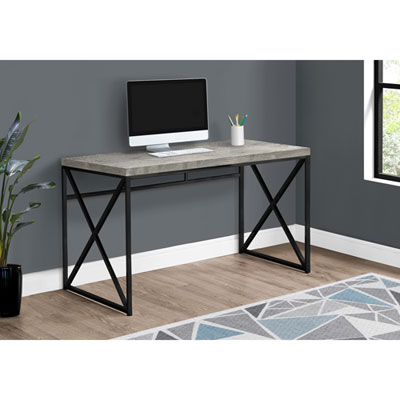
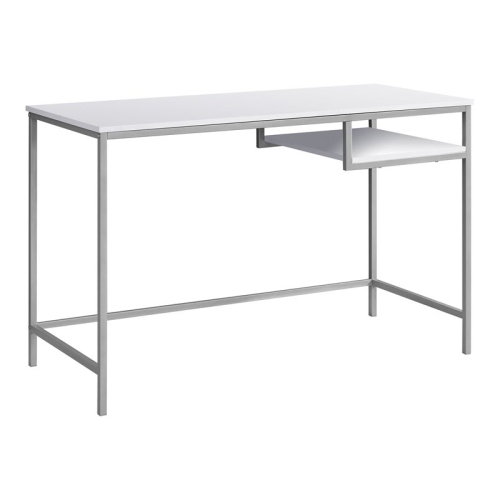

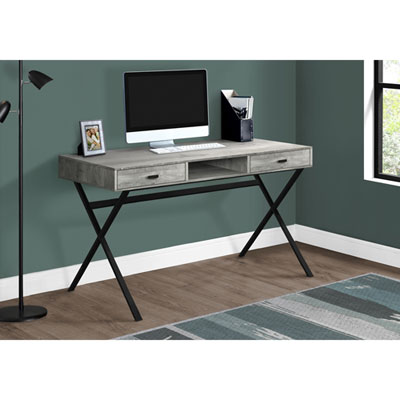
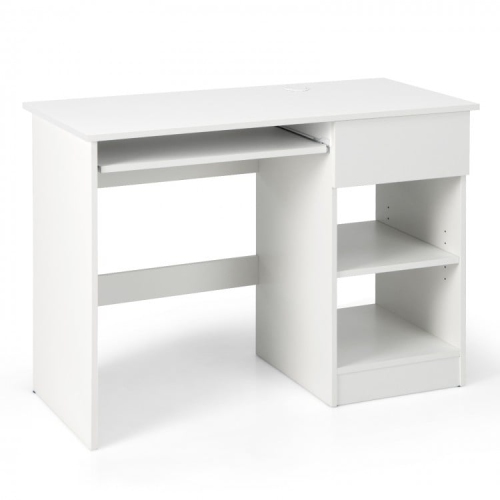
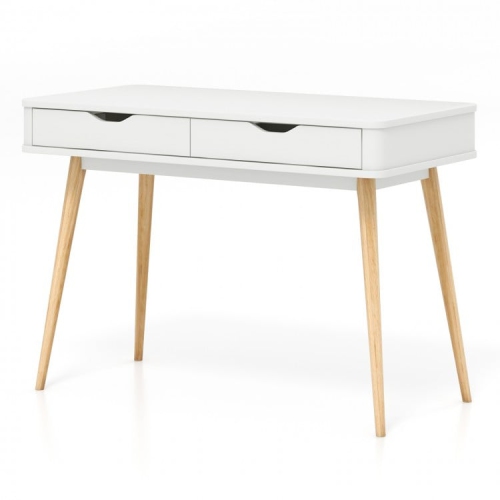
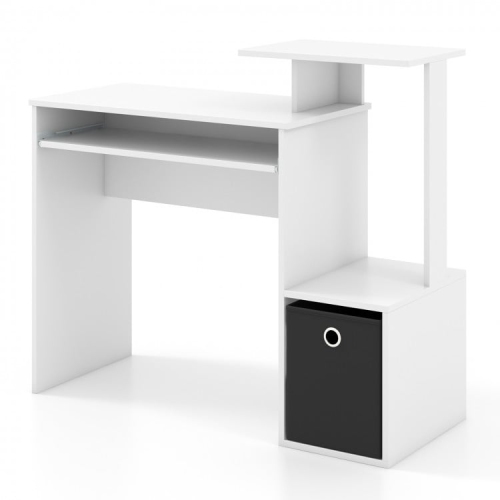
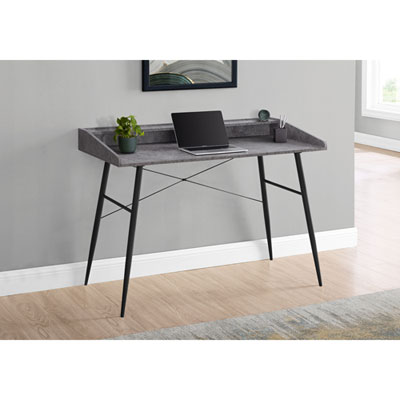
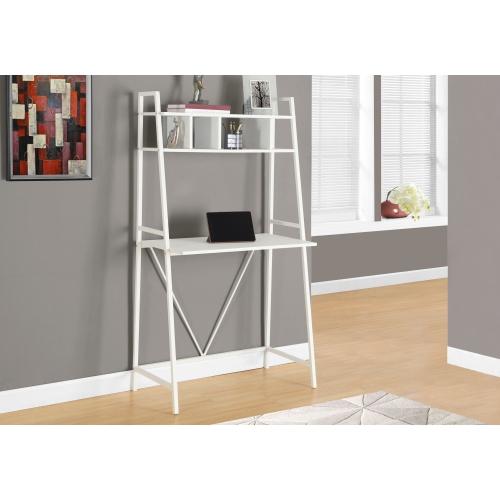
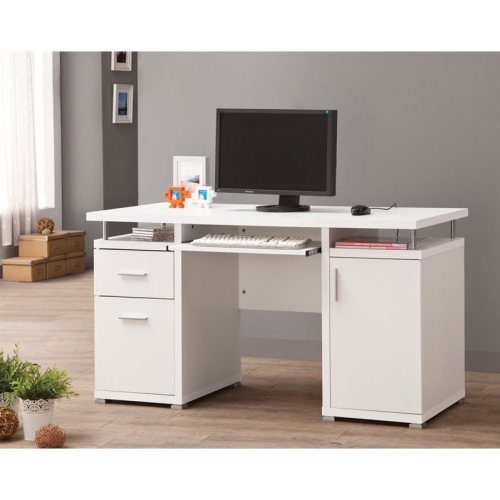
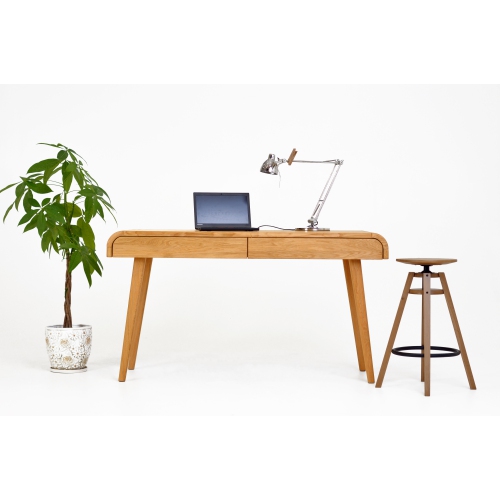
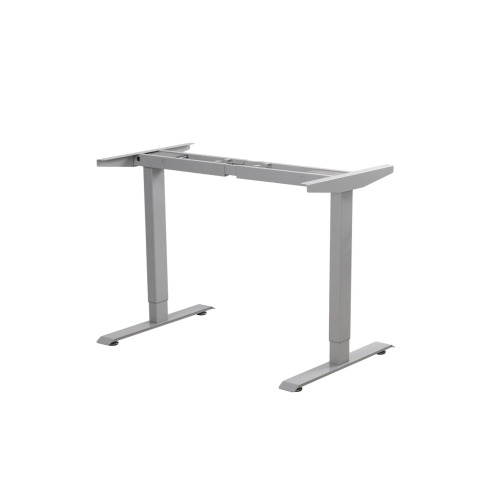

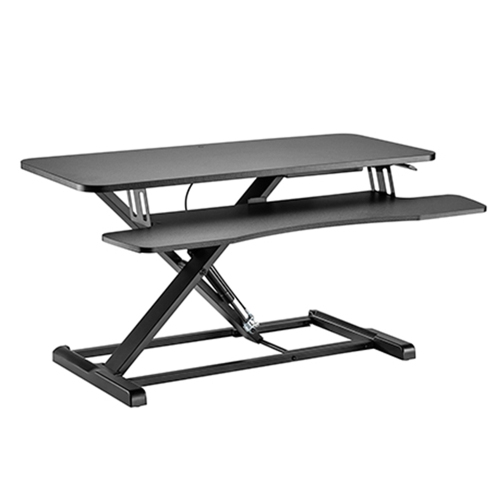
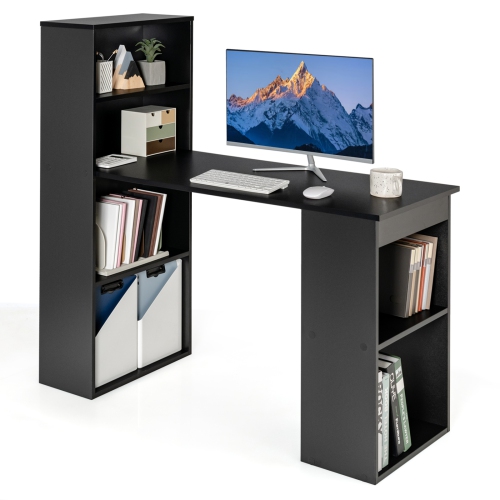
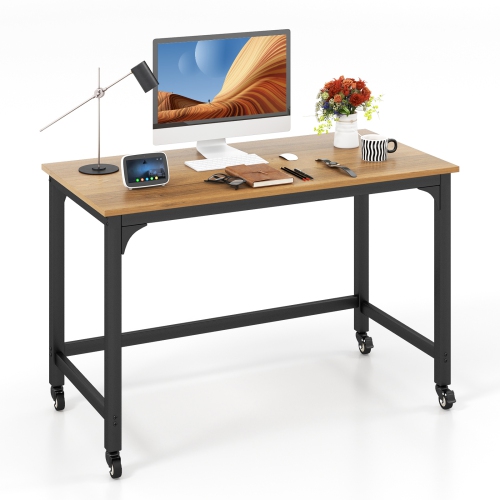
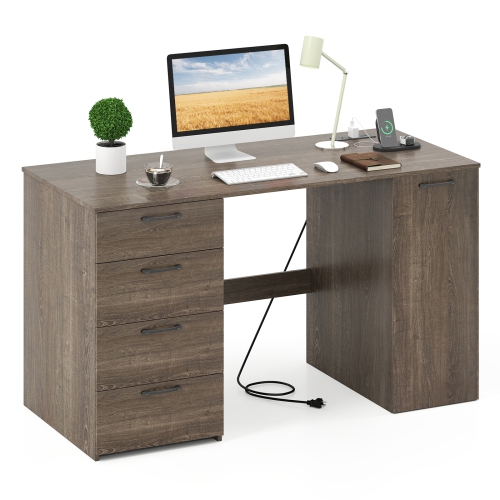
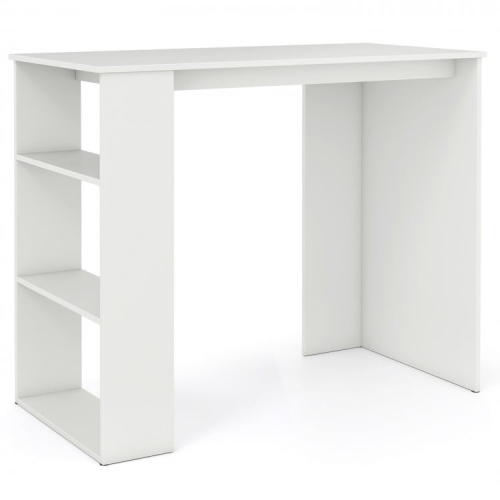
Clean lines with room for your full setup
Minimalist computer desks combine clean lines, restrained details, and practical space for a computer setup without making a room feel crowded. Their defining features often include slim legs, simple rectangular tops, neutral finishes, and discreet cable routing, although the amount of storage and the shape of the frame vary. The style suits dedicated home offices as well as bedrooms, condos, and shared living areas where a desk needs to sit comfortably alongside other furniture. An open base leaves more of the floor visible, while a white, black, or wood-tone surface can blend with nearby shelving and seating. Minimalist does not necessarily mean small: a broad desktop with little ornamentation can look just as understated as a compact workstation. The useful distinction is how much working space the design provides relative to its footprint. A laptop and notebook require less room than two monitors, a full-size keyboard, and a mouse, and desktop depth matters as much as width. A shallow surface may fit neatly against a wall but leave limited separation between a monitor and the front edge. A deeper top offers more flexibility for screen placement and room to rest the forearms without pushing the keyboard too close to the edge. For a desk in a bedroom alcove, the practical fit also includes clearance around baseboards, access to electrical outlets, and enough space to pull out the chair. In a shared room, keeping the desk clear of door swings and walking routes helps it feel like part of the room rather than an obstacle. Legroom deserves equal attention, particularly when a drawer, rear brace, or storage shelf sits beneath the top. A slim-looking desk can still have a low apron that limits chair clearance. Checking the full dimensions, including the space under the work surface, gives a clearer sense of everyday comfort than desktop measurements alone. Rounded corners may also be useful where the desk sits close to a frequently used walkway.
Materials give minimalist computer desks much of their character because there are fewer decorative elements competing for attention. Solid wood brings visible grain and natural variation, with durability that depends on the wood species, construction, and finish. Wood veneer offers a real wood surface over a core material, creating a similar visual warmth with its own care requirements. Laminate and melamine surfaces can provide an even colour or wood-look pattern and are often straightforward to wipe clean, though exposed edges and seams need protection from standing moisture. Powder-coated steel frames create a crisp outline and can support a visually light design, while wooden legs lend a softer appearance that works well beside bedroom or living room furniture. Glass tops have an airy look but tend to show fingerprints, and some mouse sensors work better with a separate mouse pad. Tempered glass still requires careful handling, especially around its edges. Across materials, a desk’s sturdiness depends on more than the thickness of its top. Secure joints, frame bracing, appropriate fasteners, and a suitable weight capacity all matter, particularly when the setup includes multiple displays or other heavy equipment. Levelling feet can help a desk sit evenly on a slightly uneven floor, but they cannot compensate for loose assembly or an overloaded surface. Monitor arms introduce another consideration: the desktop must be compatible with the mounting method, and a rear lip, drawer unit, or cable tray may obstruct a clamp. Thin, hollow-core, and glass tops may require special mounting provisions or may not support clamp-mounted accessories at all. The desk and accessory specifications should agree before equipment is attached. Finish is also a practical choice rather than a purely visual one. A matte top can reduce noticeable reflections from nearby lighting, while a textured finish may make small marks less conspicuous. A smooth, uninterrupted surface is convenient for handwriting, though a desk pad can provide a consistent writing area while protecting the finish from everyday contact.
The most useful minimalist desk features tend to address the small details of daily work. A rear cable opening can guide monitor and charging leads away from the keyboard, while an under-desk tray can gather compatible cables beneath the surface. These features help maintain a clear desktop, but their placement matters: cables need enough reach to connect without tension, and connections should remain accessible. A desk positioned away from the wall benefits from a finished back and cable routing that looks tidy from more than one angle. Storage can be equally discreet. A shallow drawer keeps pens, adapters, and a notebook close at hand, whereas an open-frame design leaves more room for chair movement or a separate storage unit. Neither arrangement is inherently more minimalist; the better fit is the one that accommodates daily essentials without forcing them onto the work surface. Students may need room to alternate between a laptop and textbooks, remote workers may prioritize stable monitor placement and accessible charging, and someone handling household paperwork may prefer a modest surface that does not dominate the room. For spaces used mainly for journalling, correspondence, or occasional laptop work, minimalist writing desks offer a related style with an emphasis on a simple writing surface. Comfort still depends on how the desk works with the chair and equipment. A fixed-height desk should allow relaxed shoulders and comfortable keyboard placement, while a height-adjustable design needs a suitable adjustment range and enough cable slack for movement. Keeping a computer tower in a position with the ventilation clearance specified by its manufacturer helps prevent the clean appearance from coming at the expense of airflow. Everyday care is generally simple but should follow the desk’s finish-specific instructions: remove dust with a soft cloth, wipe up spills promptly, and avoid abrasive cleaners unless expressly permitted. Coasters and desk pads can limit moisture rings and surface wear, while lifting equipment instead of dragging it helps prevent scratches. With proportions, construction, and storage matched to the way the space is used, a minimalist computer desk can provide a comfortable place to work while keeping the room visually uncluttered.
Materials give minimalist computer desks much of their character because there are fewer decorative elements competing for attention. Solid wood brings visible grain and natural variation, with durability that depends on the wood species, construction, and finish. Wood veneer offers a real wood surface over a core material, creating a similar visual warmth with its own care requirements. Laminate and melamine surfaces can provide an even colour or wood-look pattern and are often straightforward to wipe clean, though exposed edges and seams need protection from standing moisture. Powder-coated steel frames create a crisp outline and can support a visually light design, while wooden legs lend a softer appearance that works well beside bedroom or living room furniture. Glass tops have an airy look but tend to show fingerprints, and some mouse sensors work better with a separate mouse pad. Tempered glass still requires careful handling, especially around its edges. Across materials, a desk’s sturdiness depends on more than the thickness of its top. Secure joints, frame bracing, appropriate fasteners, and a suitable weight capacity all matter, particularly when the setup includes multiple displays or other heavy equipment. Levelling feet can help a desk sit evenly on a slightly uneven floor, but they cannot compensate for loose assembly or an overloaded surface. Monitor arms introduce another consideration: the desktop must be compatible with the mounting method, and a rear lip, drawer unit, or cable tray may obstruct a clamp. Thin, hollow-core, and glass tops may require special mounting provisions or may not support clamp-mounted accessories at all. The desk and accessory specifications should agree before equipment is attached. Finish is also a practical choice rather than a purely visual one. A matte top can reduce noticeable reflections from nearby lighting, while a textured finish may make small marks less conspicuous. A smooth, uninterrupted surface is convenient for handwriting, though a desk pad can provide a consistent writing area while protecting the finish from everyday contact.
The most useful minimalist desk features tend to address the small details of daily work. A rear cable opening can guide monitor and charging leads away from the keyboard, while an under-desk tray can gather compatible cables beneath the surface. These features help maintain a clear desktop, but their placement matters: cables need enough reach to connect without tension, and connections should remain accessible. A desk positioned away from the wall benefits from a finished back and cable routing that looks tidy from more than one angle. Storage can be equally discreet. A shallow drawer keeps pens, adapters, and a notebook close at hand, whereas an open-frame design leaves more room for chair movement or a separate storage unit. Neither arrangement is inherently more minimalist; the better fit is the one that accommodates daily essentials without forcing them onto the work surface. Students may need room to alternate between a laptop and textbooks, remote workers may prioritize stable monitor placement and accessible charging, and someone handling household paperwork may prefer a modest surface that does not dominate the room. For spaces used mainly for journalling, correspondence, or occasional laptop work, minimalist writing desks offer a related style with an emphasis on a simple writing surface. Comfort still depends on how the desk works with the chair and equipment. A fixed-height desk should allow relaxed shoulders and comfortable keyboard placement, while a height-adjustable design needs a suitable adjustment range and enough cable slack for movement. Keeping a computer tower in a position with the ventilation clearance specified by its manufacturer helps prevent the clean appearance from coming at the expense of airflow. Everyday care is generally simple but should follow the desk’s finish-specific instructions: remove dust with a soft cloth, wipe up spills promptly, and avoid abrasive cleaners unless expressly permitted. Coasters and desk pads can limit moisture rings and surface wear, while lifting equipment instead of dragging it helps prevent scratches. With proportions, construction, and storage matched to the way the space is used, a minimalist computer desk can provide a comfortable place to work while keeping the room visually uncluttered.
Top selling and popular products
-
 Your price for this item is $304.99
 -
 Your price for this item is $93.99
 -
 Your price for this item is $248.99
 -
 Your price for this item is $83.99
 -
 Your price for this item is $108.99
 -
 Your price for this item is $94.99
 -
 Your price for this item is $74.97
 -
 Your price for this item is $83.95
Discover more categories related to Minimalist Computer Desks
Top Collections:
Pokemon Centers, Kindle Devices, Best Budget Office Chairs, Apple iPhones 16, Best Laptops for Writers, iPhone 15 Apple, Canon G7X Cameras, Refurbished Apple Laptops, Alarm Clock, Motorola Razr Phones
Some products may be subject to Environmental Handling Fees
(EHF) depending on your province.
Learn more about EHFs.