Right Corner Desks
Looking to optimize your workspace? Right-corner desks can be the perfect solution to maximize both productivity and style. Whether you're setting up a home office or revamping your current workspace, corner desks offer a practical and space-saving design that seamlessly fits into almost any room layout. With their ergonomic benefits and ample surface area, right-corner desks provide a comfortable and organized work environment to tackle all your tasks with ease. Here are some great options available.
Sort
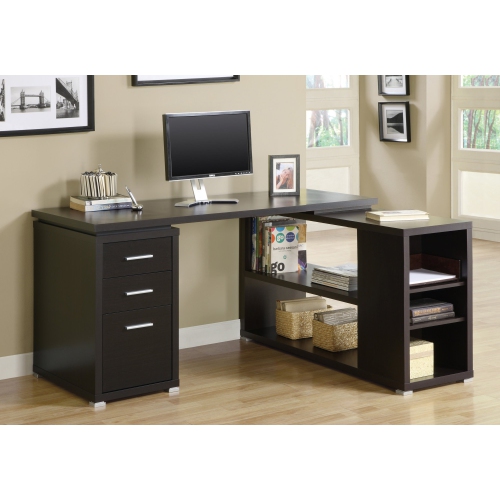
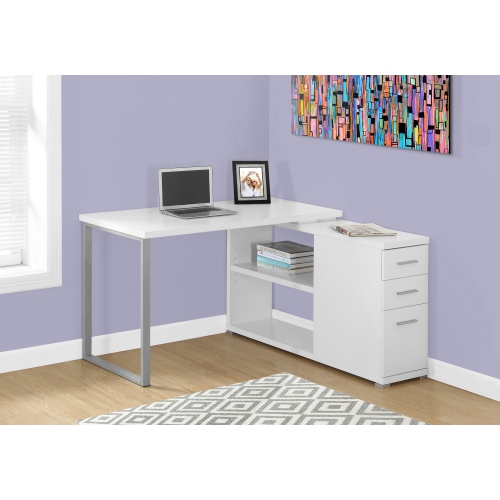
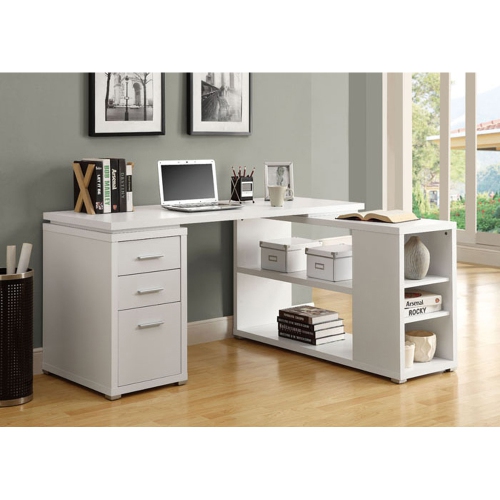
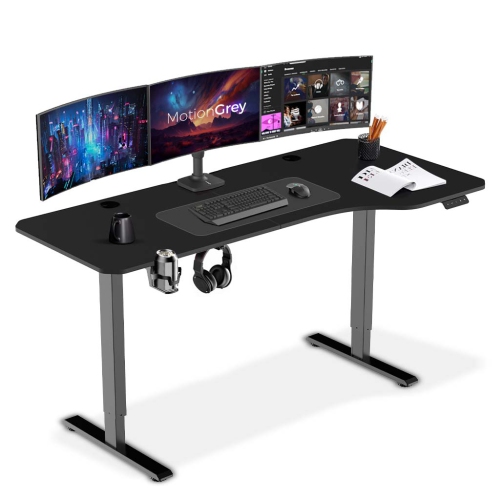
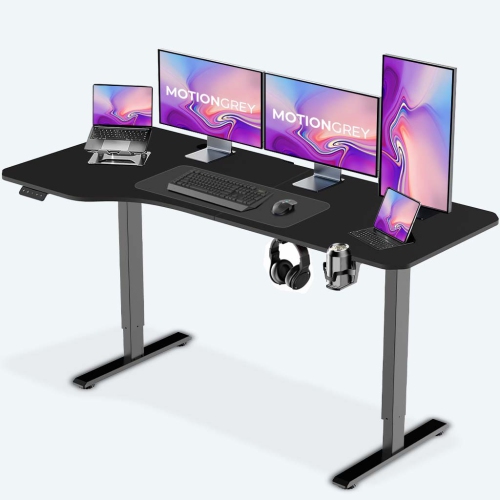
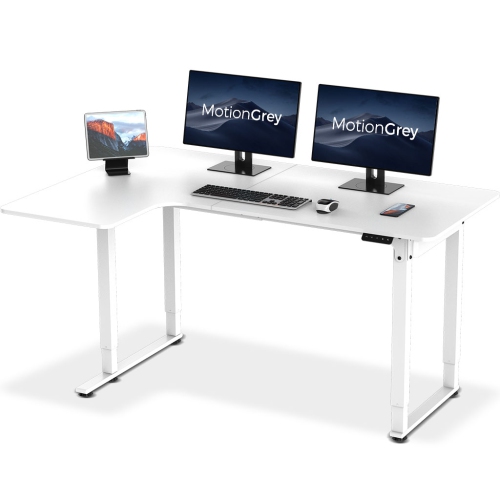
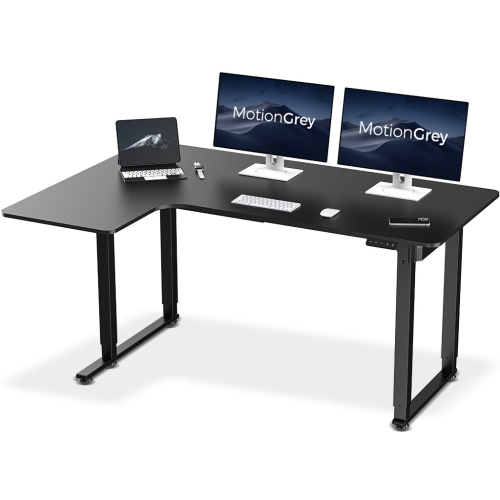
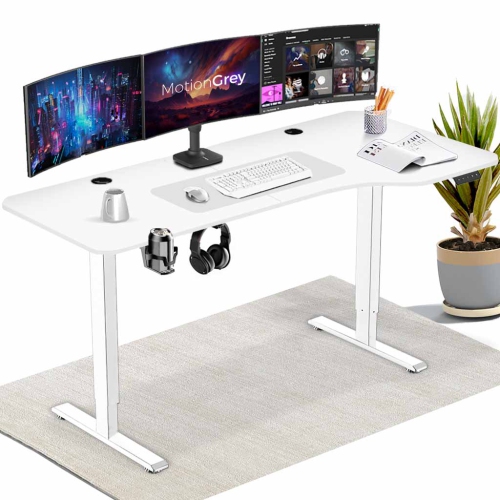
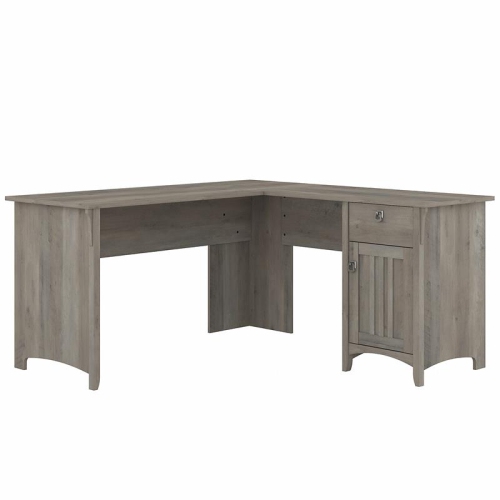
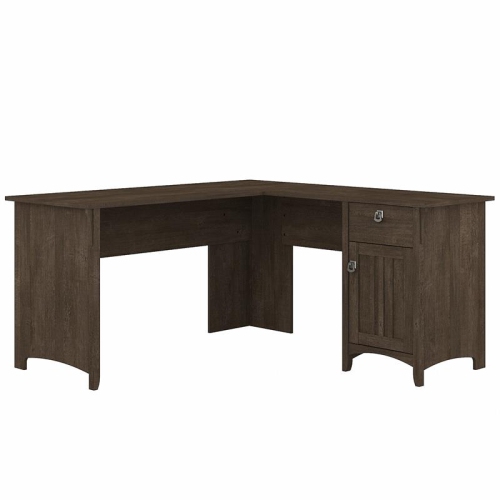
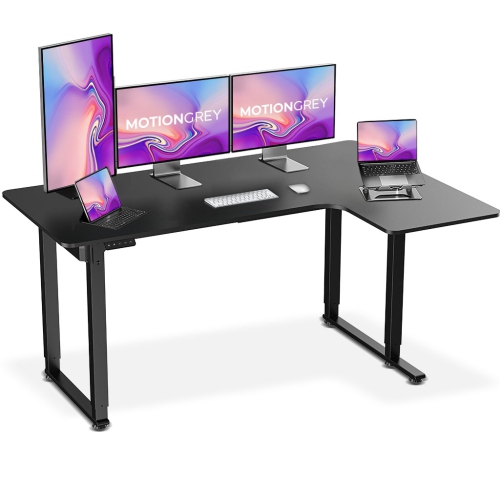
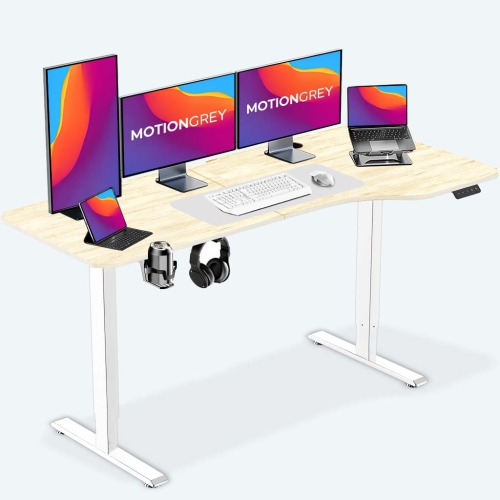

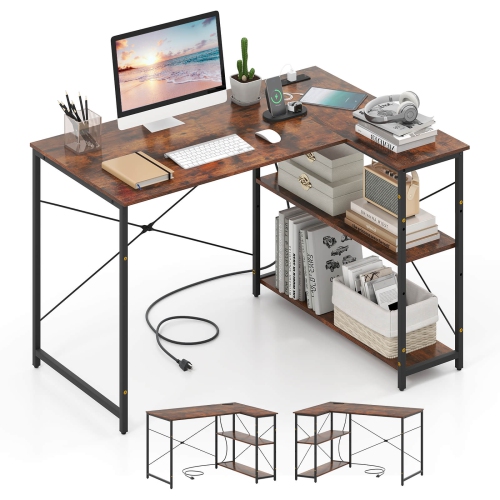
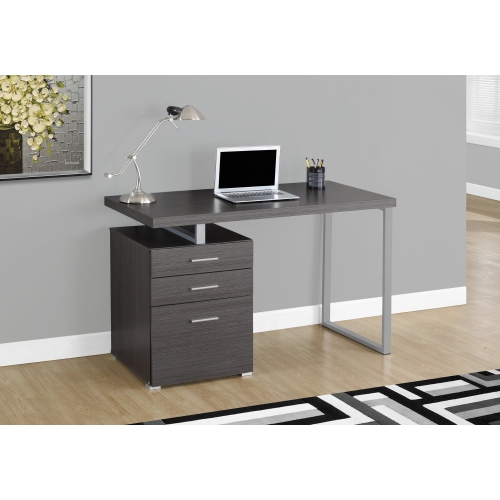
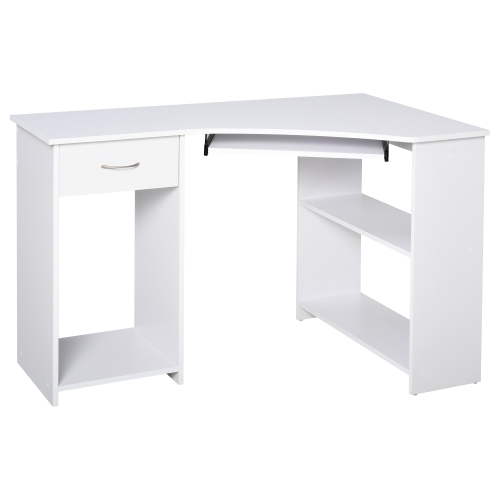
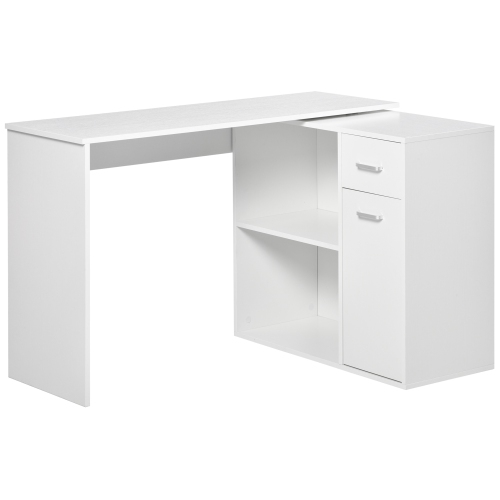
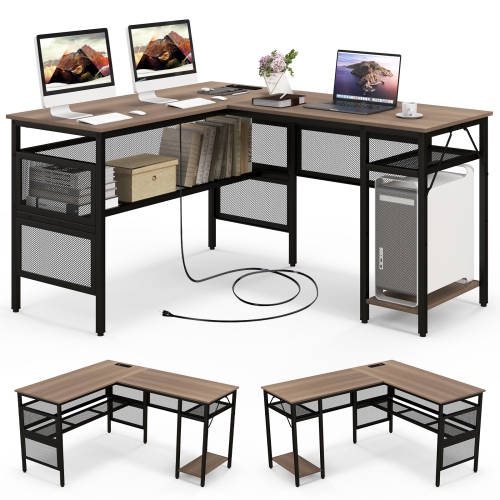
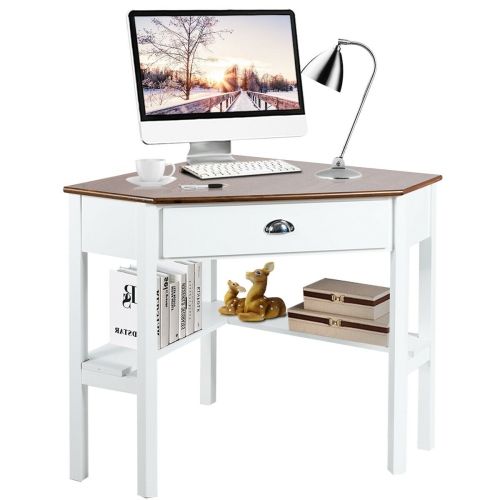
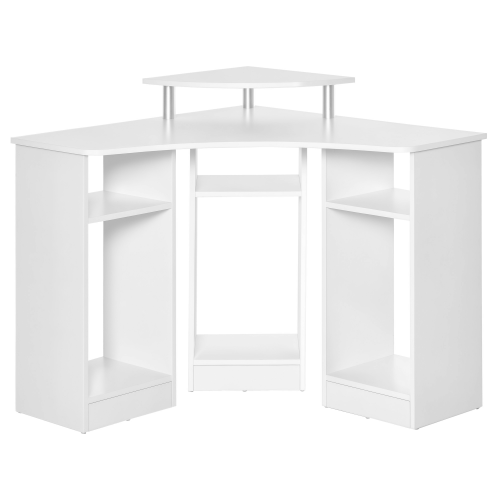
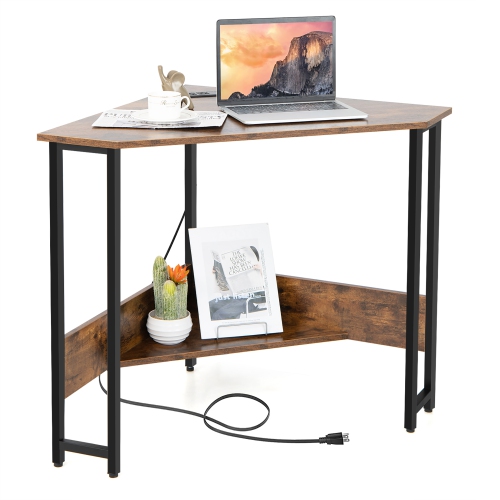
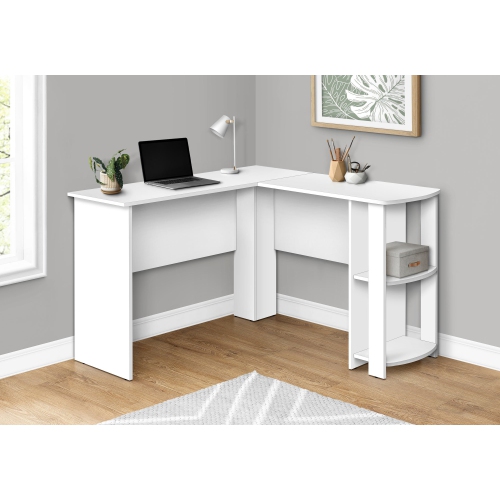
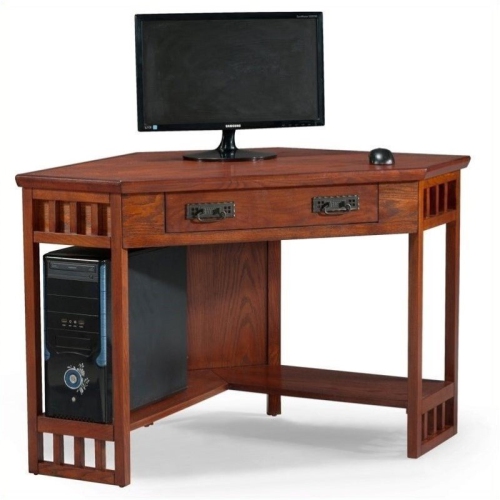
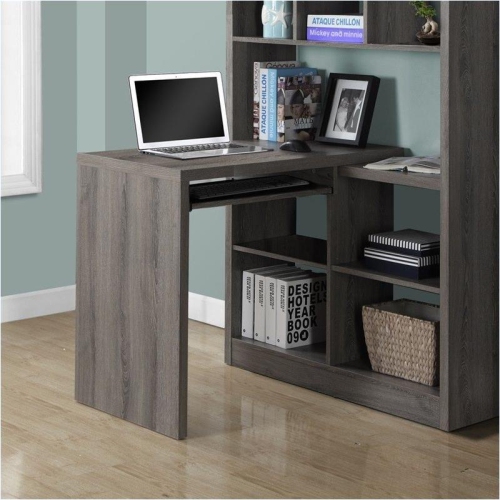
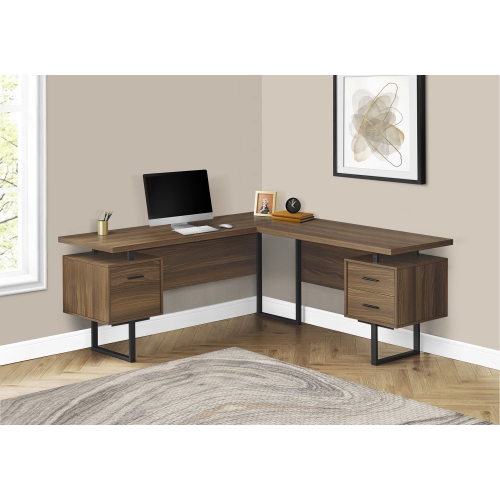
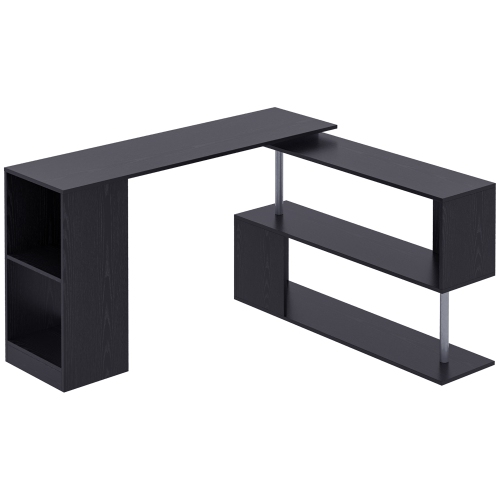
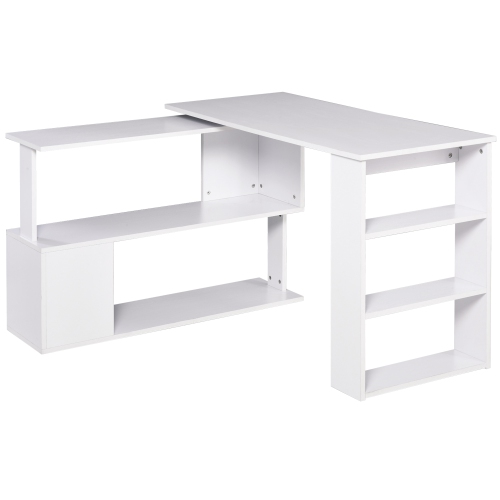
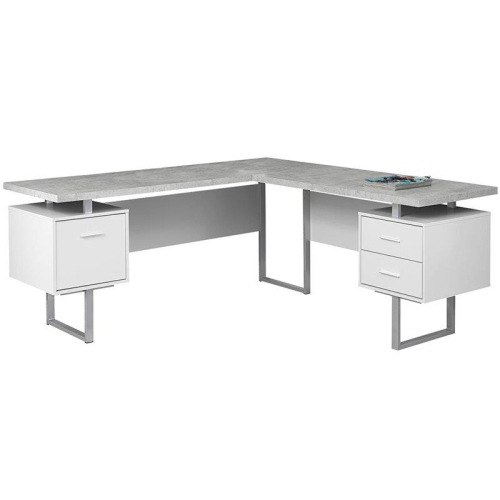
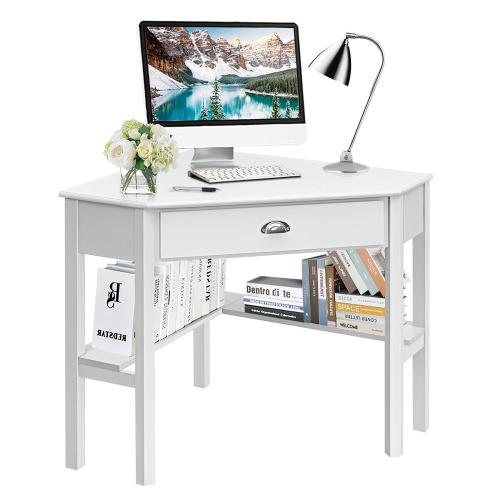
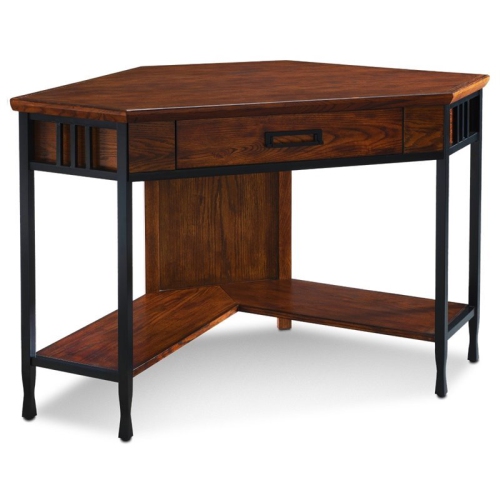
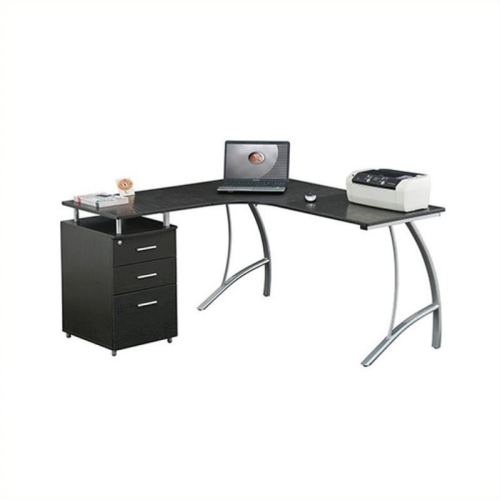
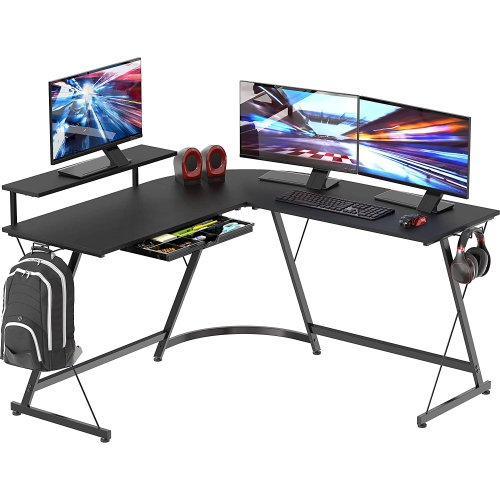
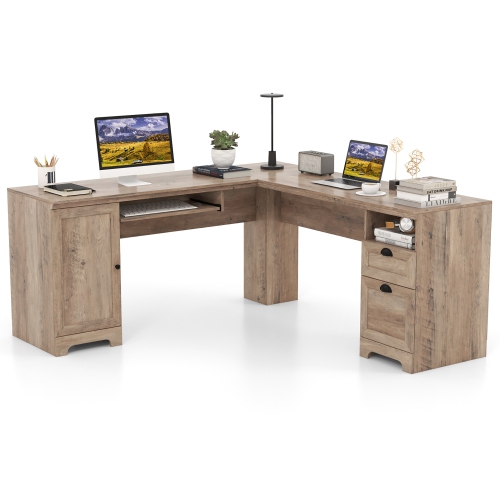
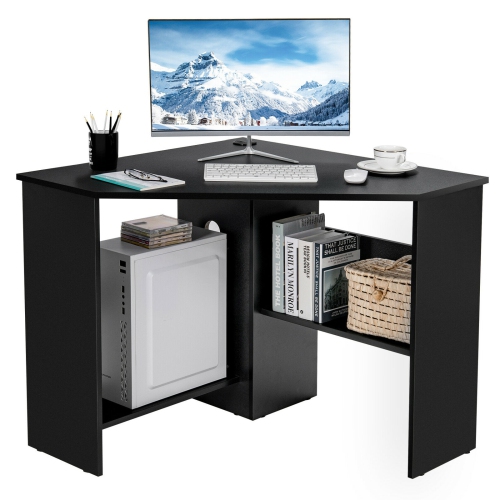
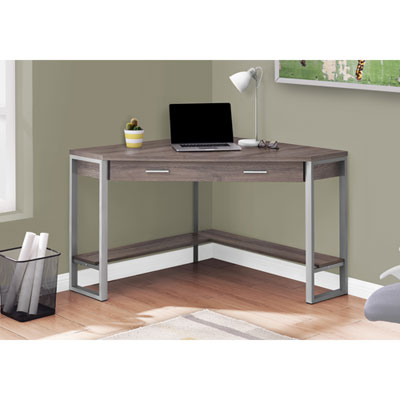
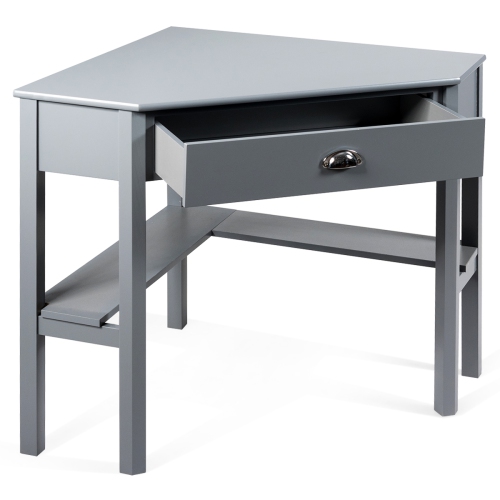
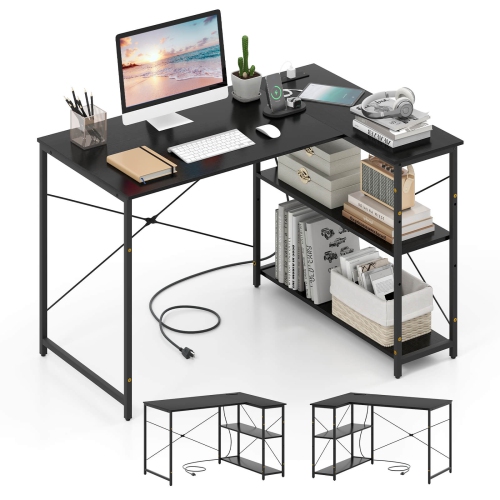
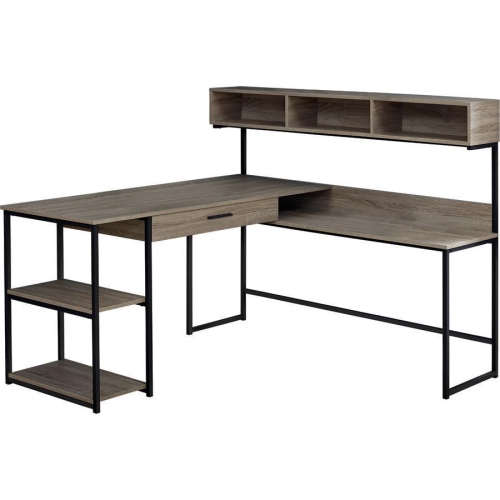
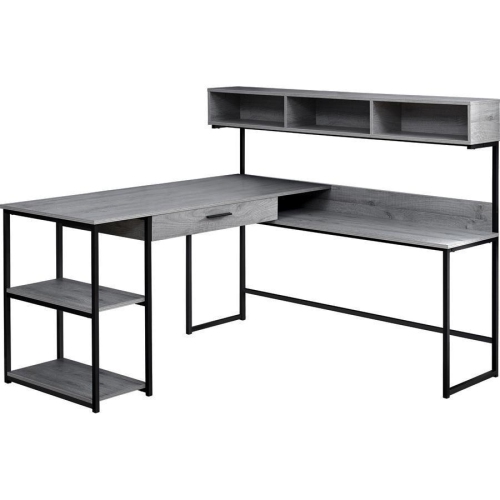
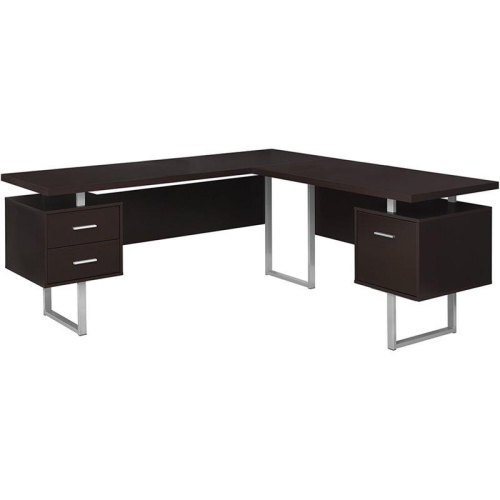
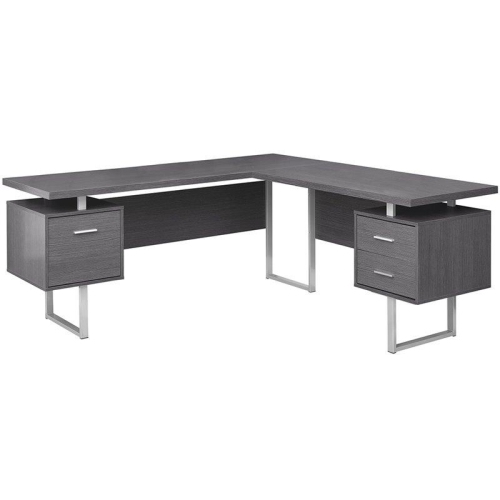
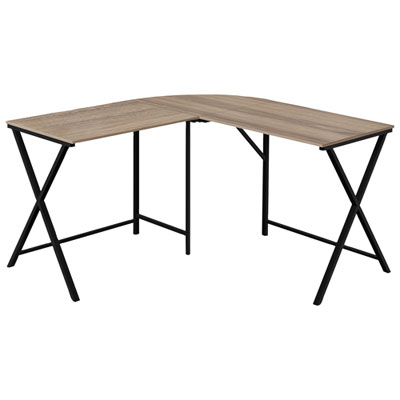
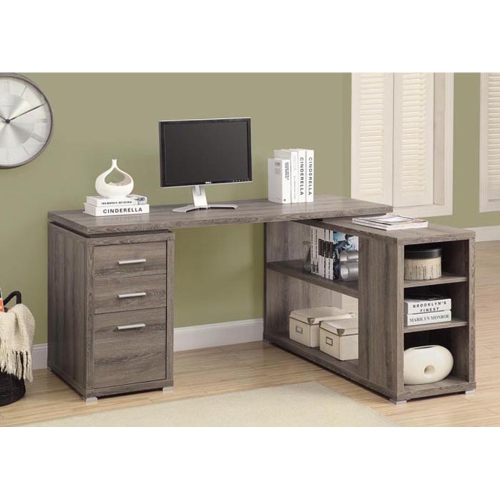
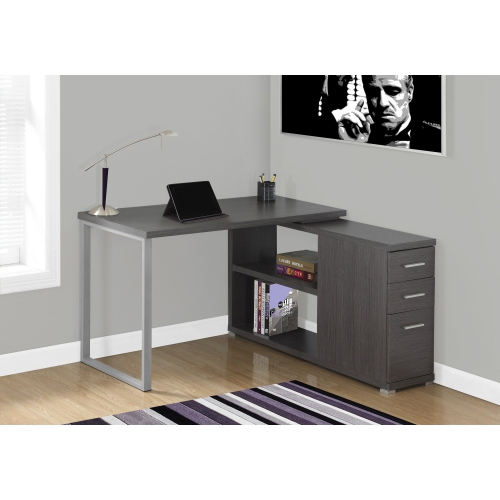
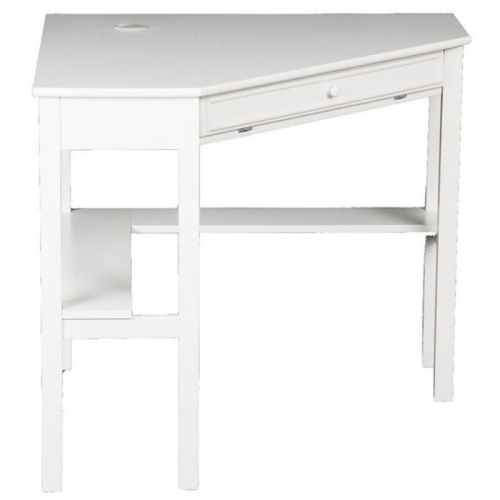
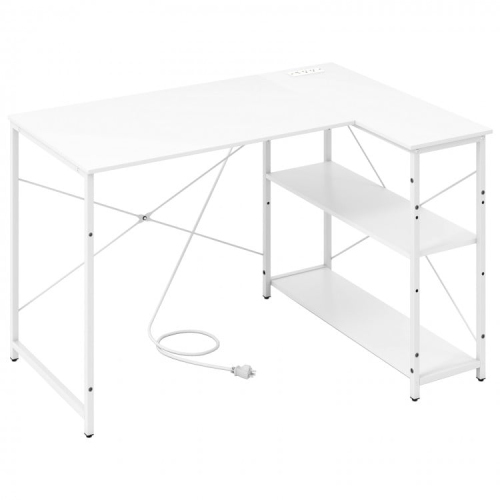
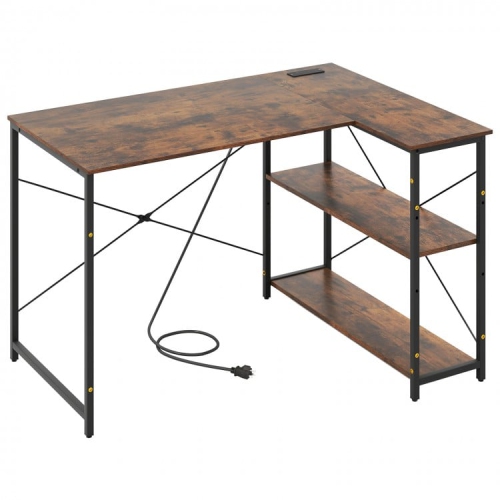

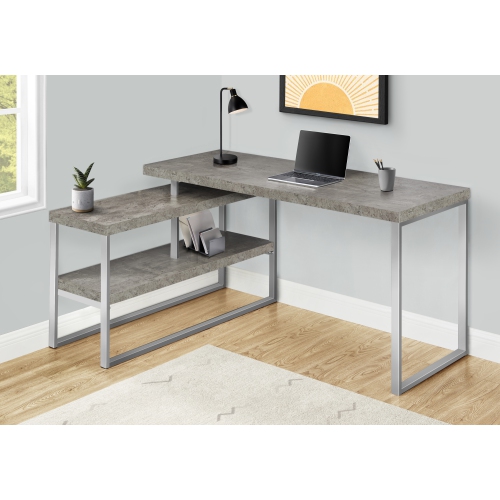
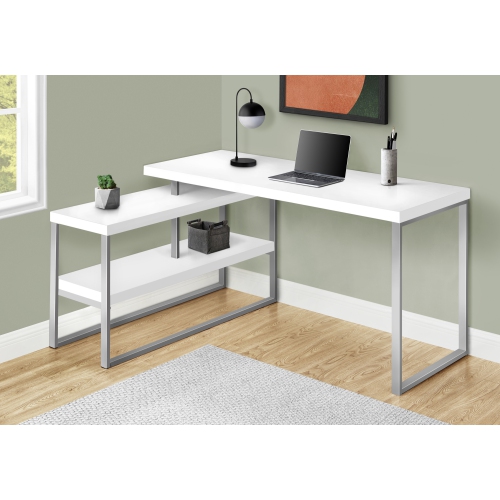
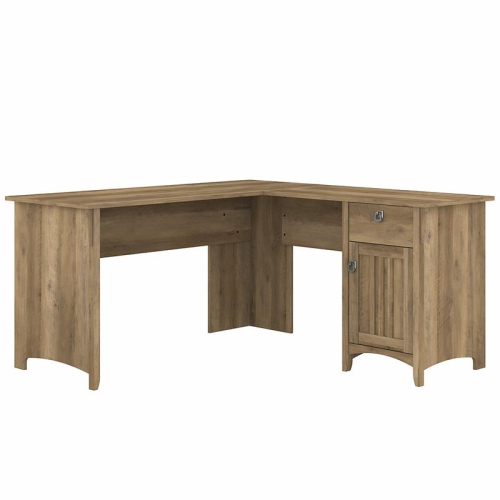
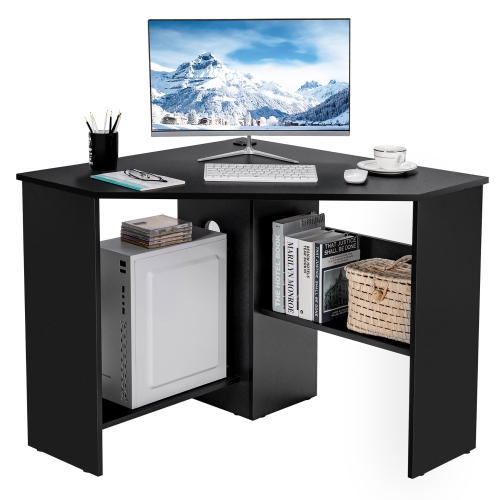
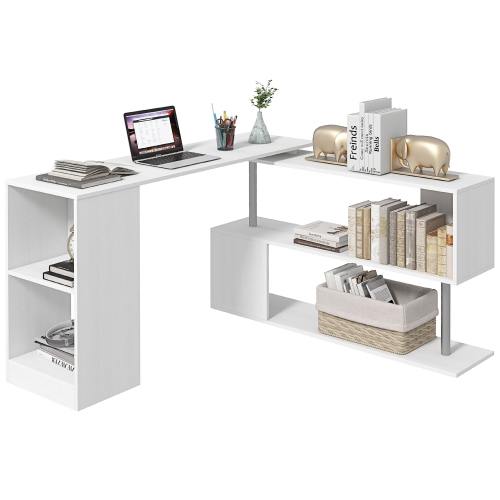
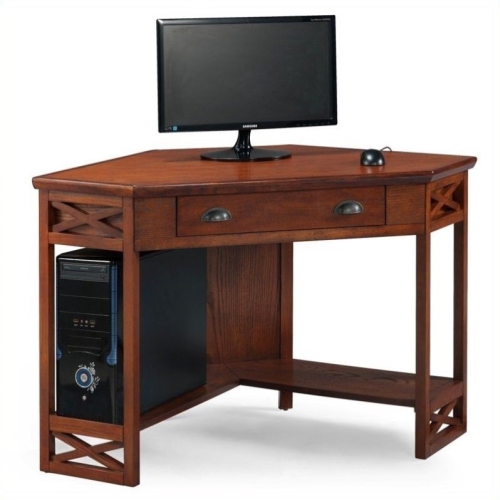
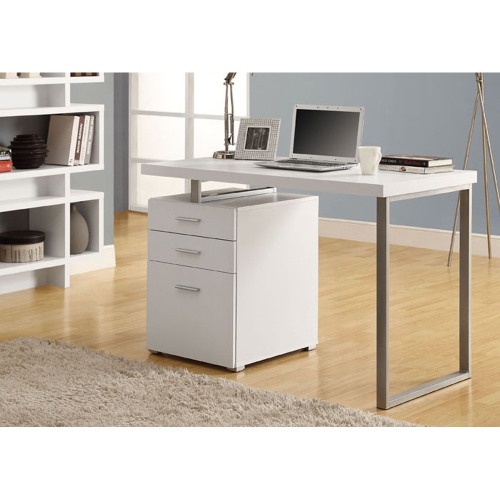
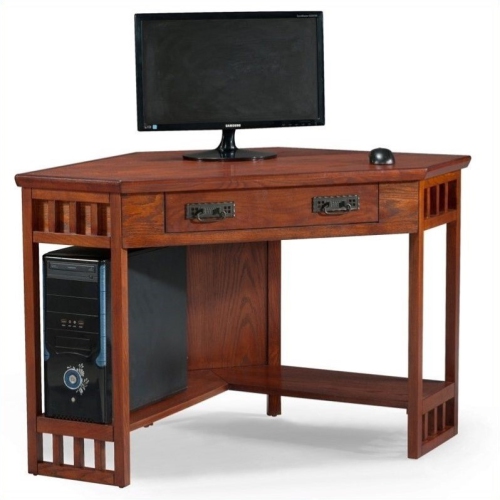
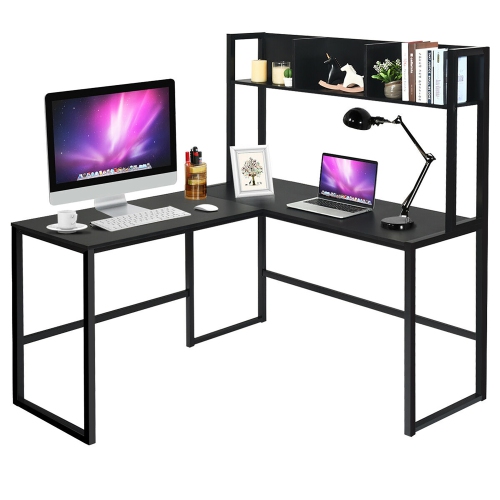
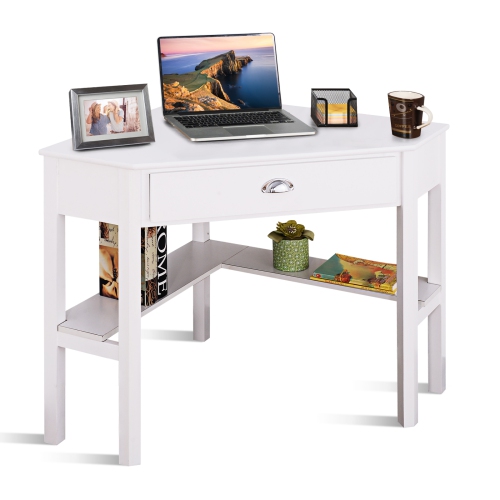
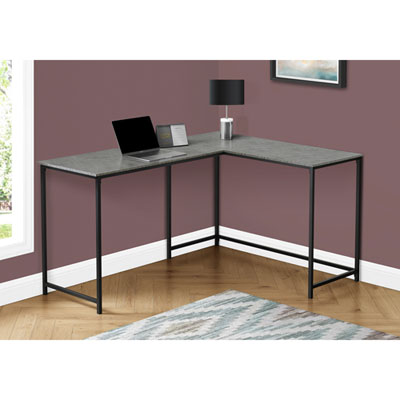
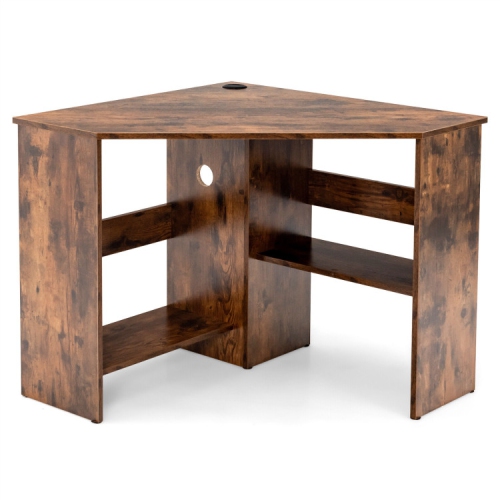
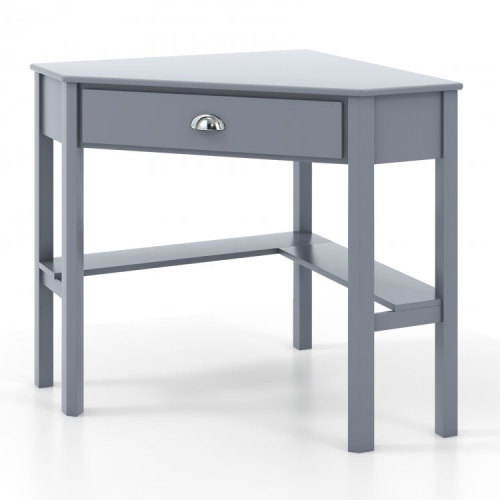
Two connected surfaces with room for separate tasks
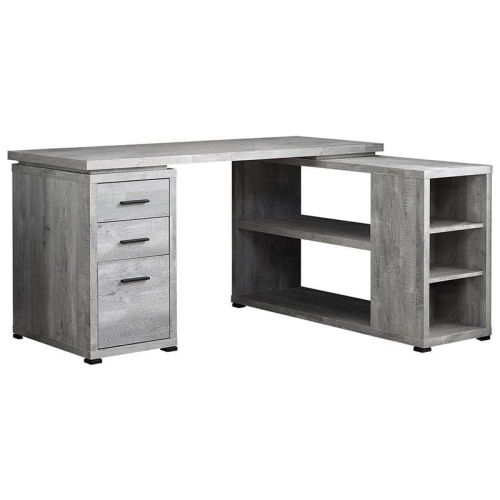
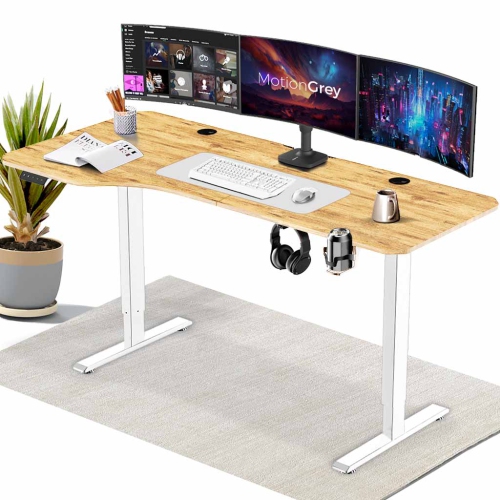
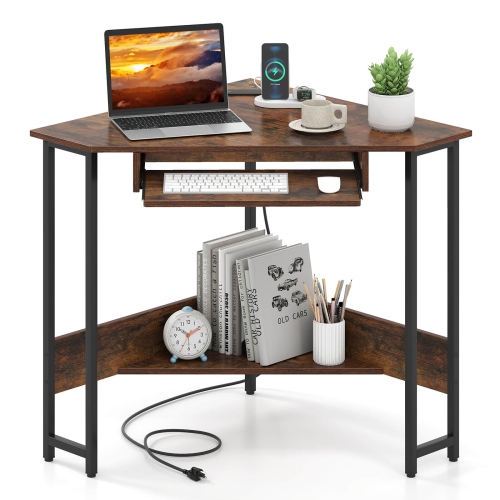
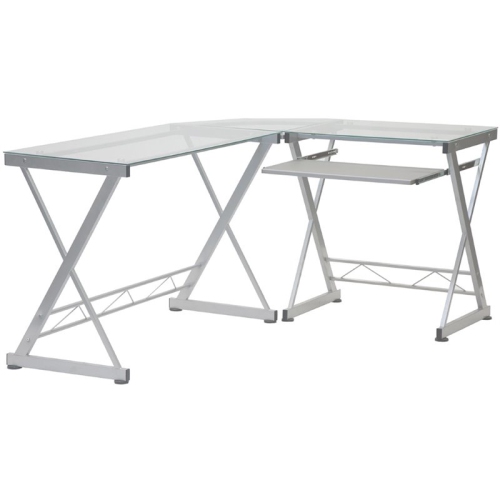
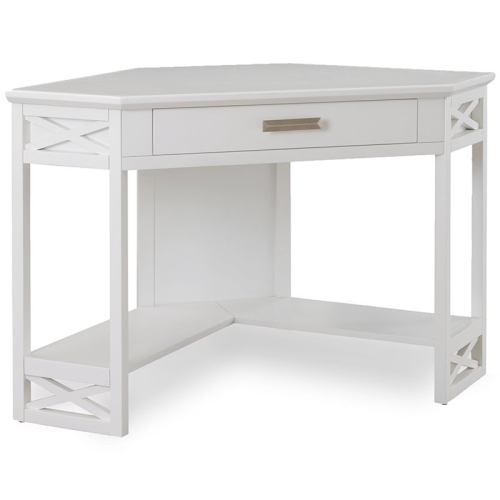
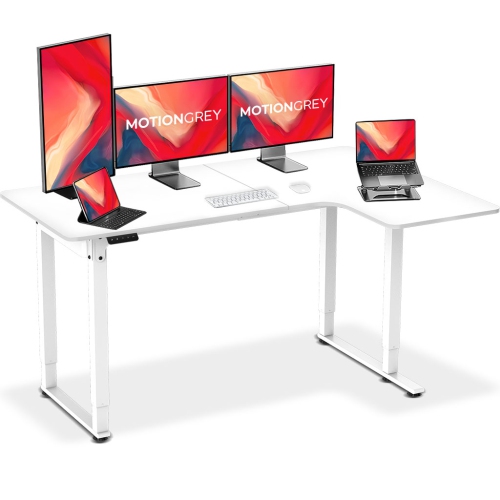
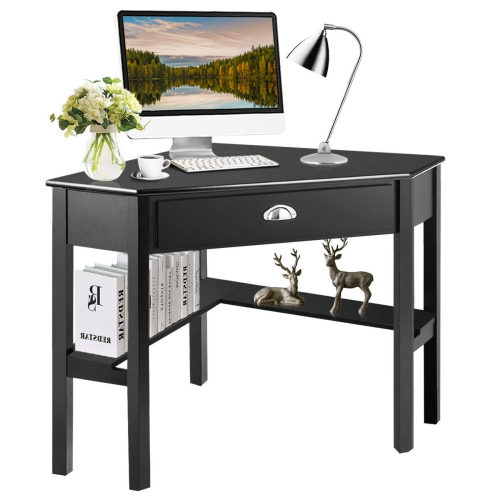
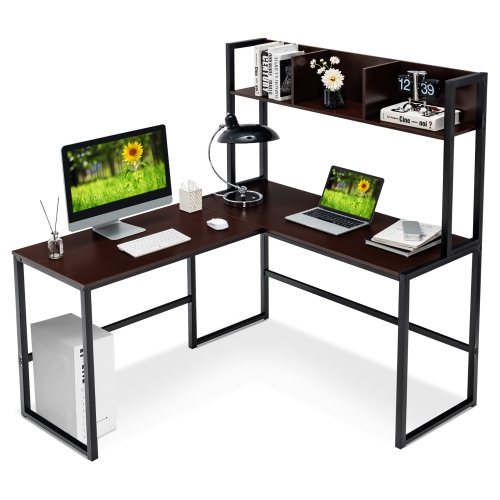
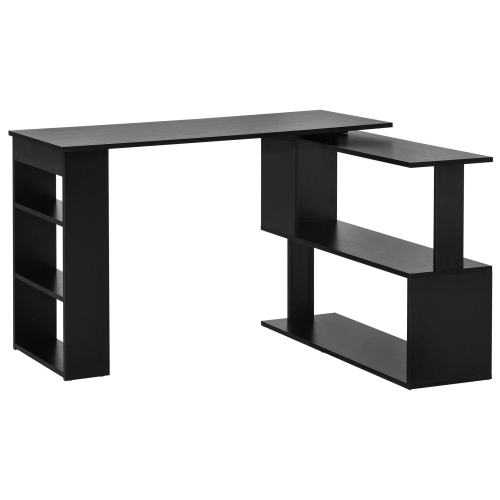
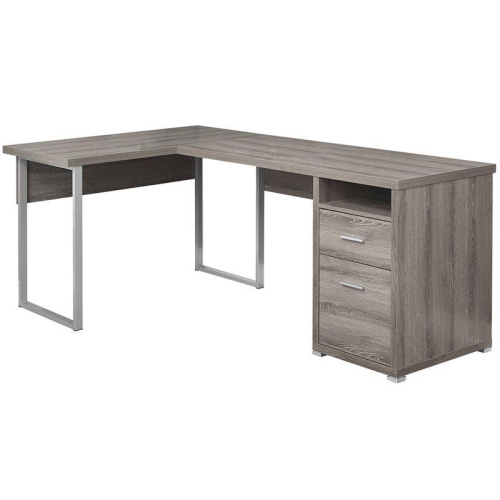
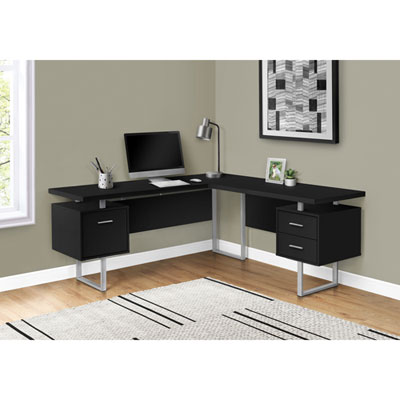
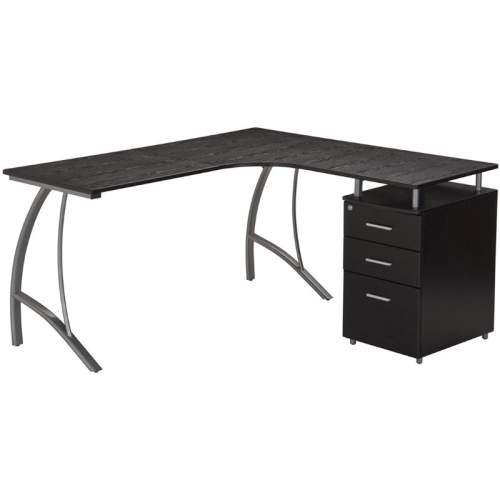
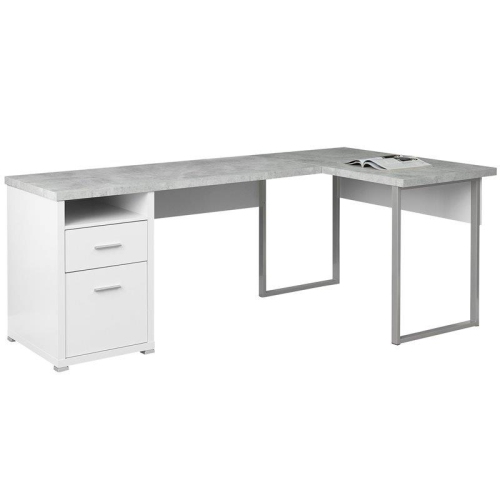
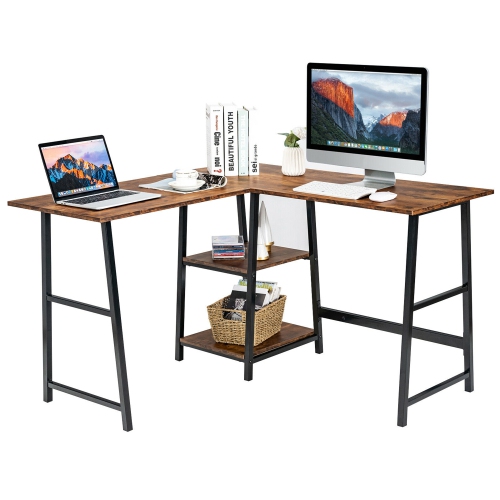
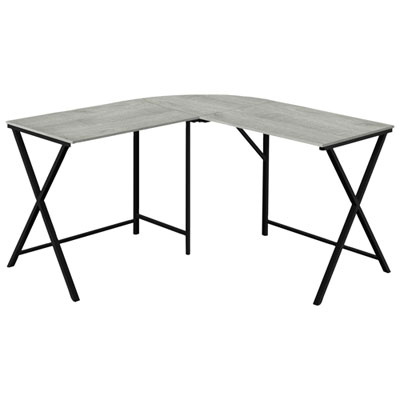
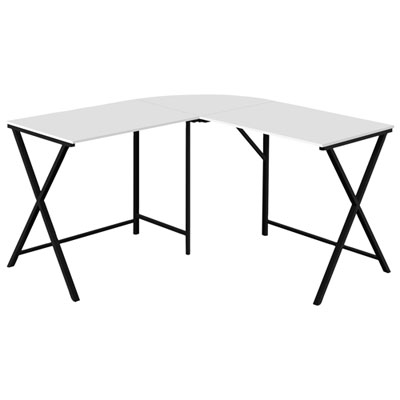
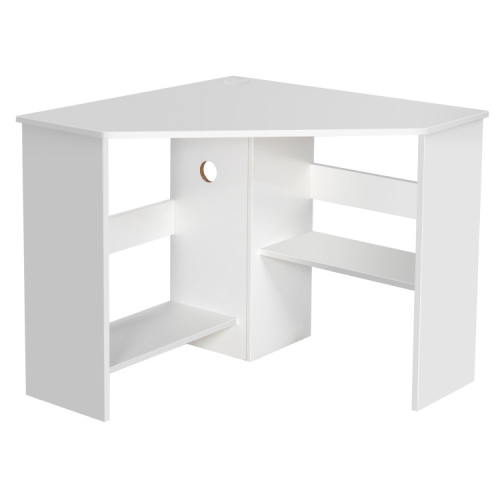
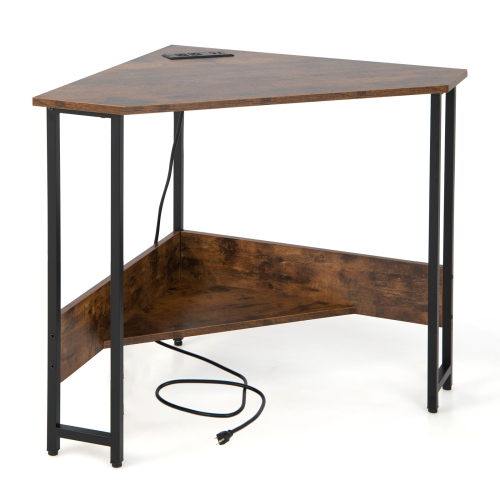
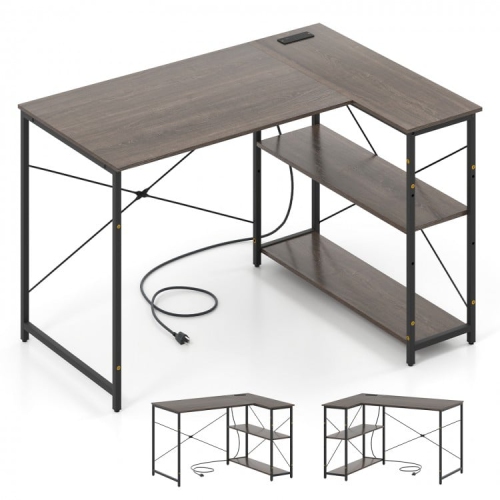
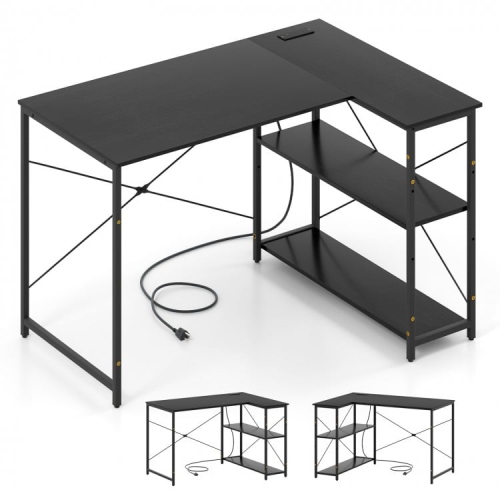
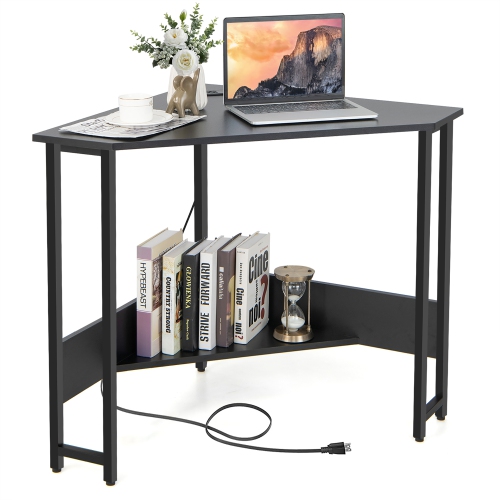
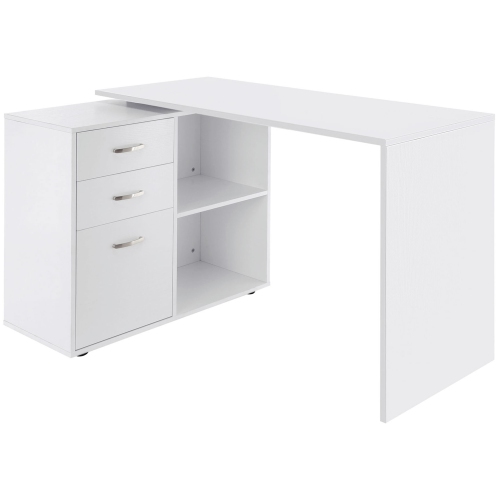
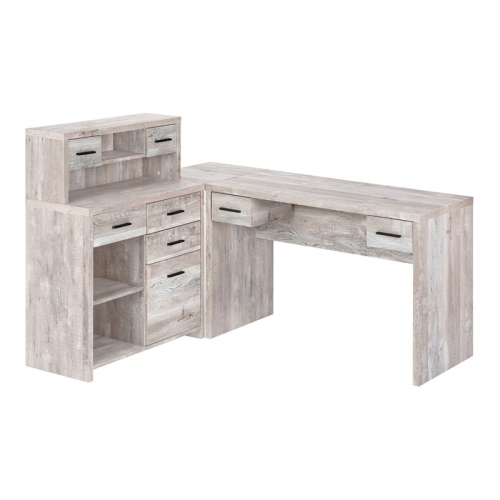
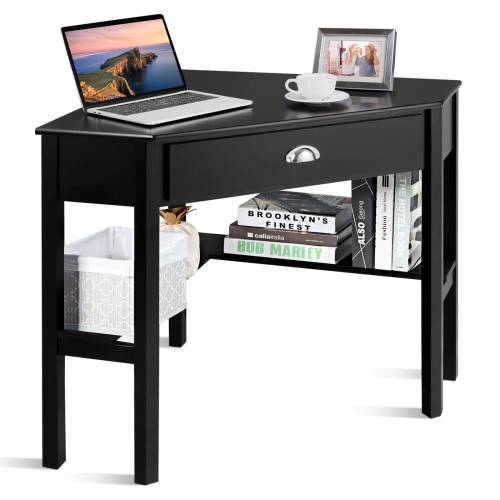
Right corner desks bring two connected work surfaces into an L-shaped layout, with a return that extends to the right of the main seating position. This arrangement can make practical use of a room corner while keeping space for a computer, paperwork, and everyday essentials within reach. The main surface might hold a monitor and keyboard, while the right-hand section provides a place to spread out notes, review drawings, or keep a printer away from the central work area. For someone working from home, that separation helps keep a video-call setup clear even when another task is underway beside it. Students can use the same layout to move between a laptop and open textbooks without repeatedly clearing the desk. A right-hand return is a layout choice rather than a requirement for right-handed users; its suitability depends on the room, the chair position, and how the surface will be used. Some corner desks have a fixed right-facing configuration, while reversible designs allow the return to be fitted on either side during assembly. Adjustable storage placement is a separate feature, so movable drawers do not necessarily mean the entire desk can be reversed. Product diagrams are particularly useful because descriptions of left and right can depend on the viewing position. Compared with a straight desk, a corner layout provides an additional working zone, though it also needs enough floor space for both sections and an unobstructed place to sit. Compact versions suit bedrooms, study nooks, and shared living areas, while wider layouts can support dedicated home offices or computer setups with several screens. The broader range of Desks for Corners offers other configurations for rooms where a fixed right-hand return may not fit. The most useful arrangement places frequently used equipment close to the chair without turning the route into the room into a narrow passage.
Fit involves more than measuring the two walls beside the desk. Overall width and return length establish the footprint, but desktop depth determines whether a screen can sit at a comfortable distance with room left for a keyboard and forearms. Compact corner desks may have sections around 40 to 48 inches long, while larger layouts can extend 55 to 60 inches or more; dimension drawings clarify which measurement belongs to each section. The usable surface can also be smaller than the outer dimensions suggest, especially where shelving, raised platforms, or a curved inner corner occupies part of the top. A floor outline made with removable tape can show whether the return will interfere with a door swing, wardrobe, or nearby cabinet. Space behind the chair matters just as much, particularly when someone needs to walk past while the desk is in use. Beneath the desktop, drawers, support rails, and shelves should leave sufficient knee room at the intended seating position. A pedestal on the right may provide handy storage but limit how easily the chair can turn towards the return. Desk height and chair adjustment work together: relaxed shoulders, supported feet, and a keyboard within easy reach are more important than filling every section of the surface. For a dual-monitor setup, the main working area needs enough width and depth to keep the screens centred around the user rather than forcing a constant twist towards the corner. Monitor arms can free desktop space, but their clamps require a suitable edge, adequate clearance underneath, and a top approved for that mounting method. Cable openings, trays, and accessible outlets help keep cords away from feet and chair wheels. Built-in power connections, where included, can simplify charging, although their placement and electrical ratings still need to suit the equipment. A computer tower also needs ventilation clearance rather than being squeezed into an enclosed compartment simply because it fits.
Materials and construction influence how a right corner desk looks, feels, and stands up to daily use. Solid wood brings natural grain and variation, with care needs that depend on its finish. Wood veneer provides a real-wood surface over a supporting core, while laminate and melamine finishes offer a consistent appearance that is often straightforward to wipe clean. Engineered-wood panels can make practical desktops and storage units, but protected edges and well-fitted joints are important wherever hands, chair arms, or equipment regularly make contact. Metal frames suit both simple and industrial-style spaces, though stability depends on the overall construction, secure connections, and appropriate bracing rather than the frame material alone. Glass surfaces have a lighter visual presence and show fingerprints readily; equipment mounts should only be used when the manufacturer permits them. Weight limits deserve attention on the main top, the return, and any shelves, particularly when the desk will hold several monitors, a desktop computer, or a heavy printer. A return designed for light paperwork may not have the same capacity as the central surface. Storage works best when it matches the objects being stored: shallow drawers keep pens and charging cables contained, deeper drawers need suitable internal dimensions for files, and open shelves make frequently used supplies easy to see. In a shared room, closed storage can keep work materials out of sight after the chair is pushed in, while an open frame may leave more legroom and visual space. Light finishes can blend with pale walls, darker wood tones add contrast, and visible grain can soften a setup dominated by screens and accessories. Routine care usually means removing dust with a soft cloth, wiping spills promptly, and following the finish-specific cleaning instructions. Coasters and desk mats help protect heavily used areas, while lifting equipment rather than dragging it reduces scratches. Assembly details also affect long-term satisfaction: level feet on uneven flooring, secure the return as directed, and check fittings if movement develops. With dimensions, storage, and construction suited to its intended use, a right corner desk can serve as a focused workstation for professional tasks, study, gaming, or creative projects without making the surrounding room difficult to use.
Fit involves more than measuring the two walls beside the desk. Overall width and return length establish the footprint, but desktop depth determines whether a screen can sit at a comfortable distance with room left for a keyboard and forearms. Compact corner desks may have sections around 40 to 48 inches long, while larger layouts can extend 55 to 60 inches or more; dimension drawings clarify which measurement belongs to each section. The usable surface can also be smaller than the outer dimensions suggest, especially where shelving, raised platforms, or a curved inner corner occupies part of the top. A floor outline made with removable tape can show whether the return will interfere with a door swing, wardrobe, or nearby cabinet. Space behind the chair matters just as much, particularly when someone needs to walk past while the desk is in use. Beneath the desktop, drawers, support rails, and shelves should leave sufficient knee room at the intended seating position. A pedestal on the right may provide handy storage but limit how easily the chair can turn towards the return. Desk height and chair adjustment work together: relaxed shoulders, supported feet, and a keyboard within easy reach are more important than filling every section of the surface. For a dual-monitor setup, the main working area needs enough width and depth to keep the screens centred around the user rather than forcing a constant twist towards the corner. Monitor arms can free desktop space, but their clamps require a suitable edge, adequate clearance underneath, and a top approved for that mounting method. Cable openings, trays, and accessible outlets help keep cords away from feet and chair wheels. Built-in power connections, where included, can simplify charging, although their placement and electrical ratings still need to suit the equipment. A computer tower also needs ventilation clearance rather than being squeezed into an enclosed compartment simply because it fits.
Materials and construction influence how a right corner desk looks, feels, and stands up to daily use. Solid wood brings natural grain and variation, with care needs that depend on its finish. Wood veneer provides a real-wood surface over a supporting core, while laminate and melamine finishes offer a consistent appearance that is often straightforward to wipe clean. Engineered-wood panels can make practical desktops and storage units, but protected edges and well-fitted joints are important wherever hands, chair arms, or equipment regularly make contact. Metal frames suit both simple and industrial-style spaces, though stability depends on the overall construction, secure connections, and appropriate bracing rather than the frame material alone. Glass surfaces have a lighter visual presence and show fingerprints readily; equipment mounts should only be used when the manufacturer permits them. Weight limits deserve attention on the main top, the return, and any shelves, particularly when the desk will hold several monitors, a desktop computer, or a heavy printer. A return designed for light paperwork may not have the same capacity as the central surface. Storage works best when it matches the objects being stored: shallow drawers keep pens and charging cables contained, deeper drawers need suitable internal dimensions for files, and open shelves make frequently used supplies easy to see. In a shared room, closed storage can keep work materials out of sight after the chair is pushed in, while an open frame may leave more legroom and visual space. Light finishes can blend with pale walls, darker wood tones add contrast, and visible grain can soften a setup dominated by screens and accessories. Routine care usually means removing dust with a soft cloth, wiping spills promptly, and following the finish-specific cleaning instructions. Coasters and desk mats help protect heavily used areas, while lifting equipment rather than dragging it reduces scratches. Assembly details also affect long-term satisfaction: level feet on uneven flooring, secure the return as directed, and check fittings if movement develops. With dimensions, storage, and construction suited to its intended use, a right corner desk can serve as a focused workstation for professional tasks, study, gaming, or creative projects without making the surrounding room difficult to use.
Top selling and popular products
-
 Your price for this item is $304.99
 -
 Your price for this item is $93.99
 -
 Your price for this item is $248.99
 -
 Your price for this item is $83.99
 -
 Your price for this item is $108.99
 -
 Your price for this item is $94.99
 -
 Your price for this item is $74.97
 -
 Your price for this item is $83.95
Discover more categories related to Right Corner Desks
Top Collections:
Pokemon Centers, Kindle Devices, Best Budget Office Chairs, Apple iPhones 16, Best Laptops for Writers, iPhone 15 Apple, Canon G7X Cameras, Refurbished Apple Laptops, Alarm Clock, Motorola Razr Phones
Some products may be subject to Environmental Handling Fees
(EHF) depending on your province.
Learn more about EHFs.