Training Tables
Looking for the perfect solution to enhance productivity and collaboration in your workspace? Our selection of training tables offers versatile options designed to meet the dynamic needs of modern offices. From sleek and minimalist designs to sturdy and functional models, these tables are crafted to provide a comfortable and efficient environment for meetings, training sessions, workshops, and more. With various sizes, shapes, and finishes available, you can find the ideal training table to create a professional and inviting setting for your team.
Sort
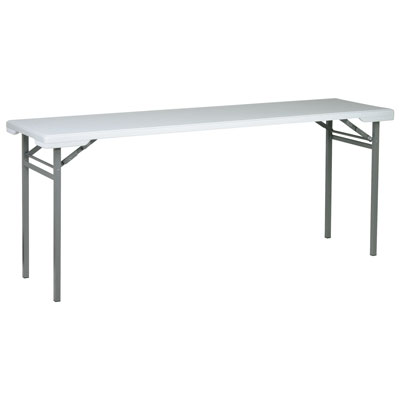
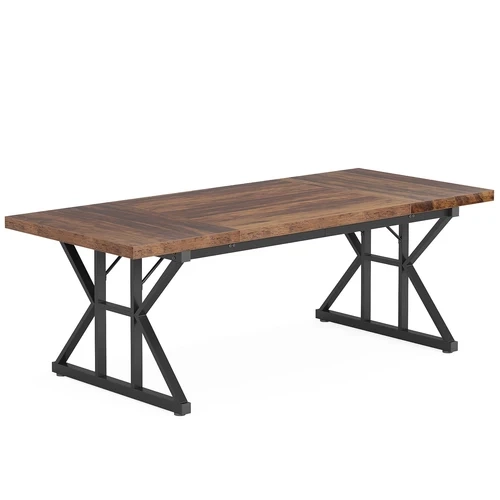
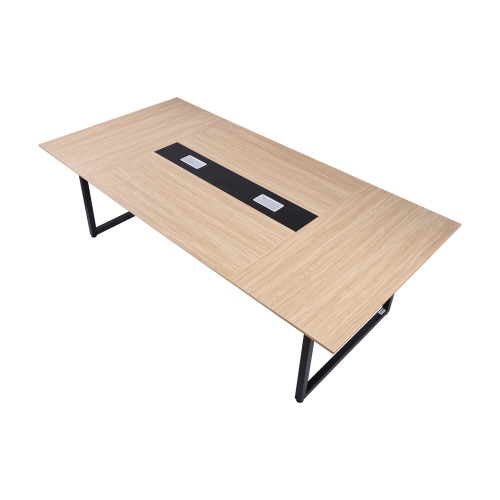
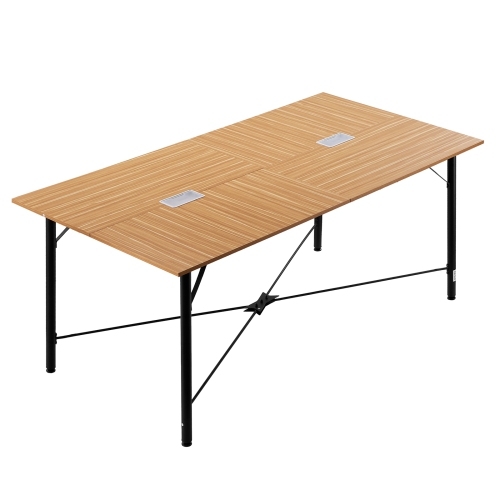
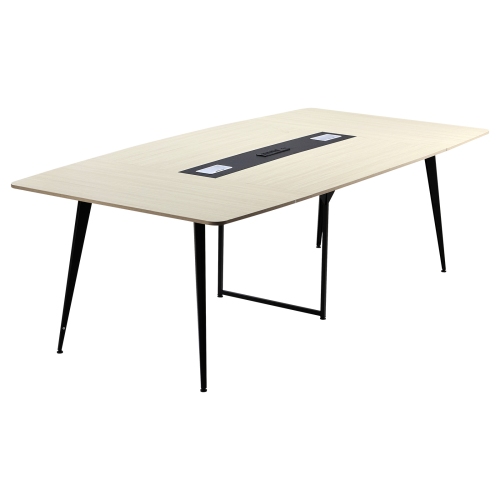
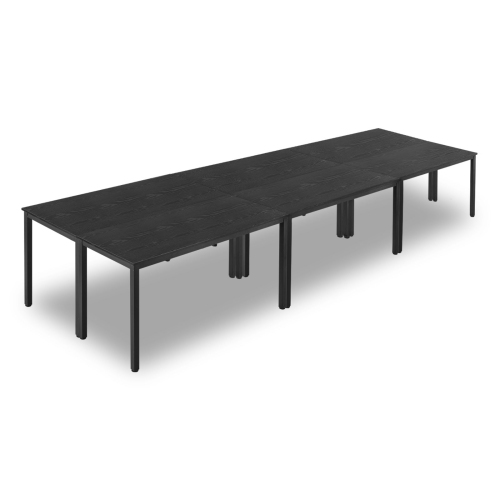
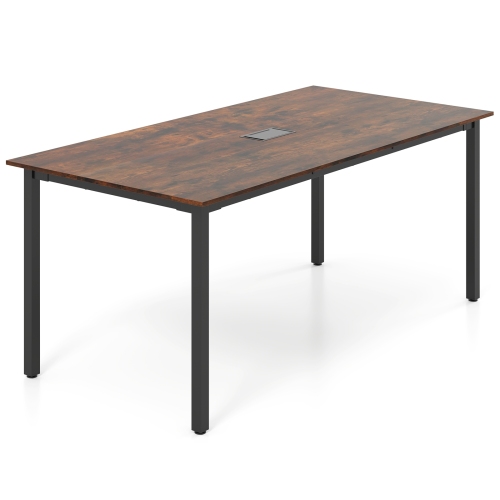
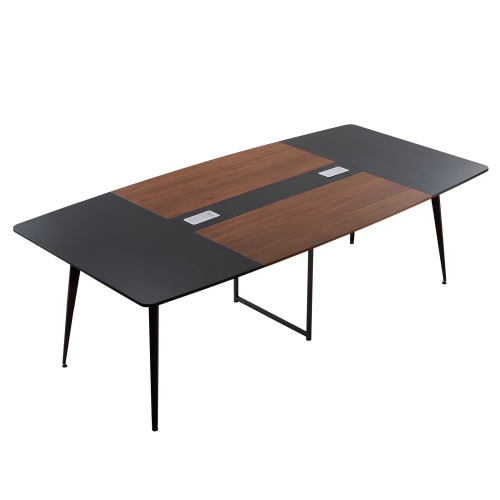




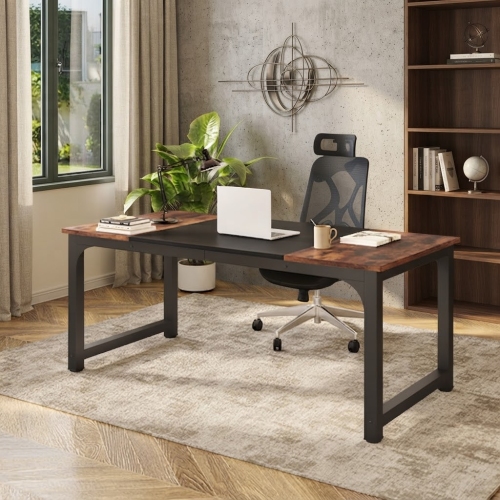
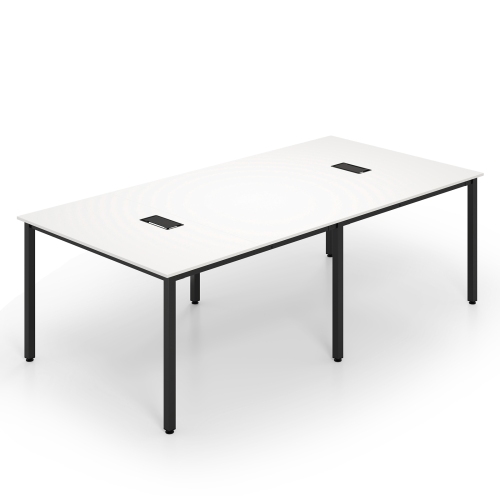
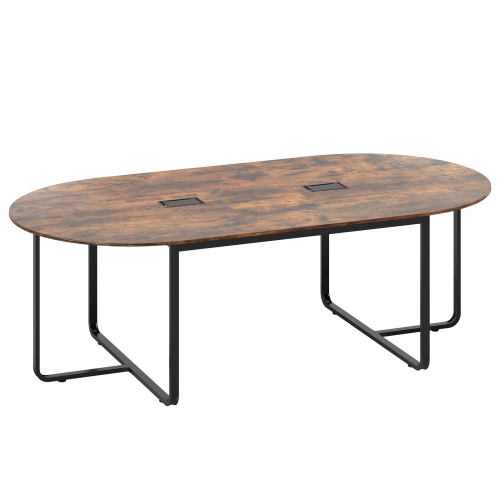
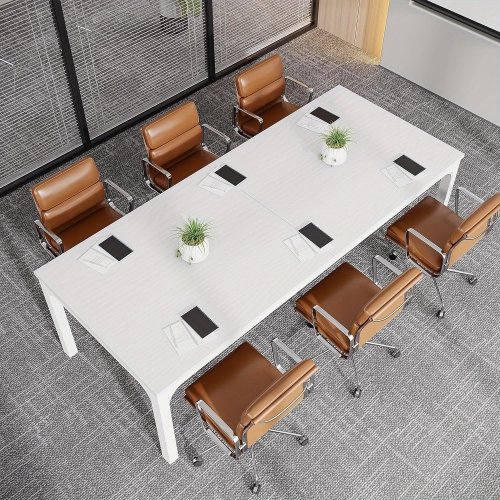
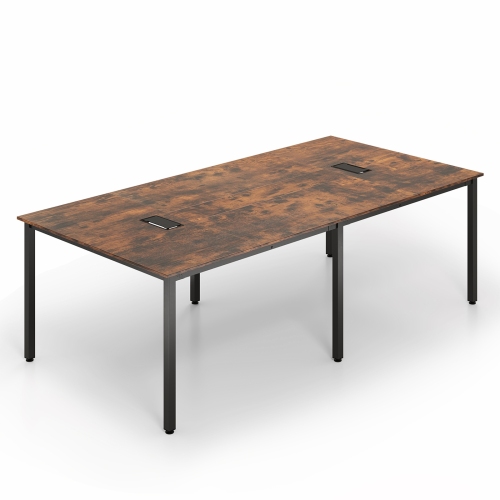
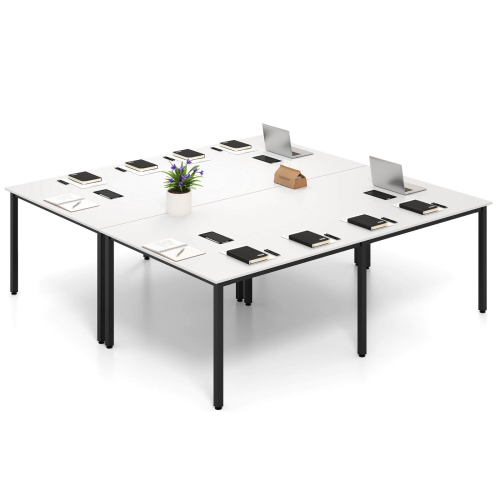
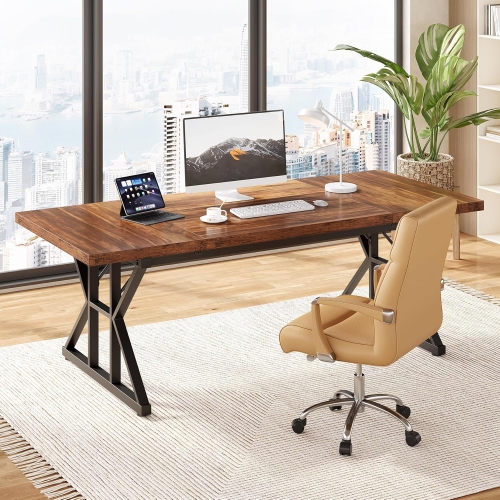
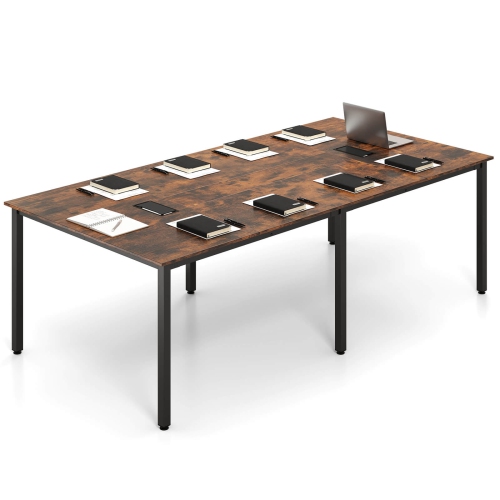
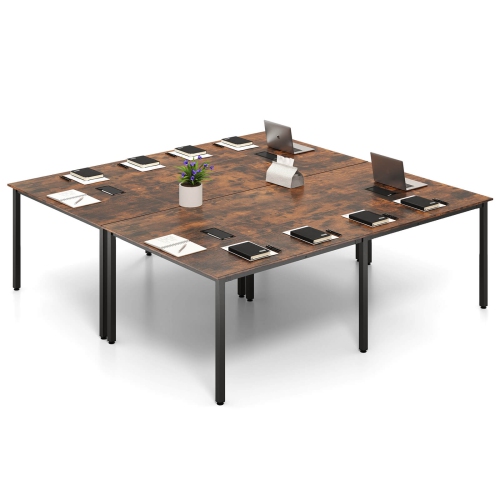
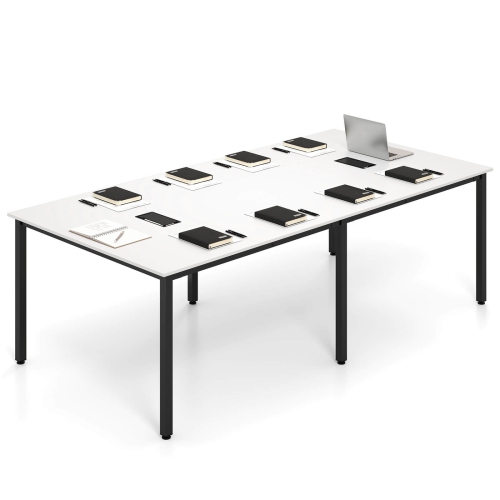
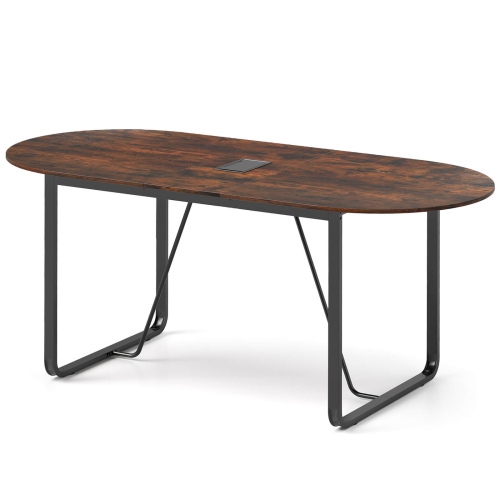
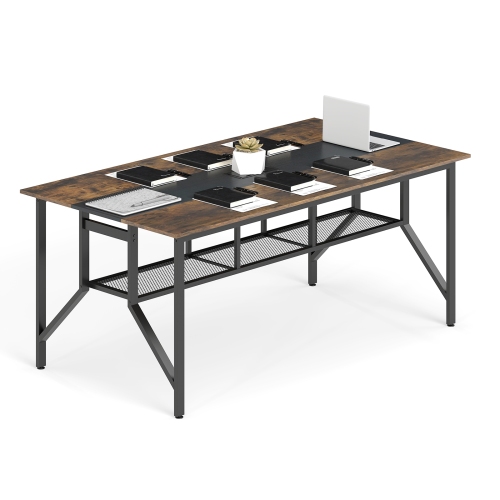

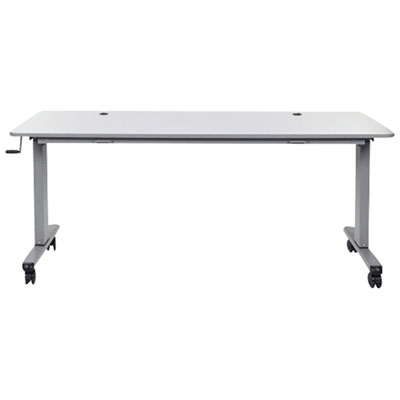
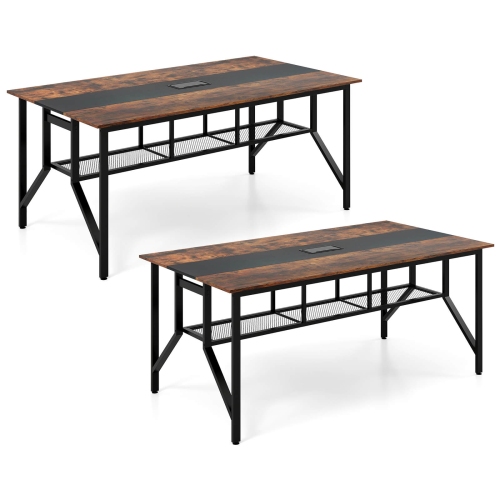
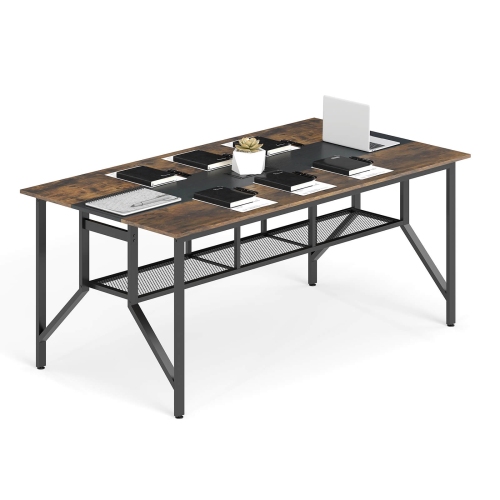

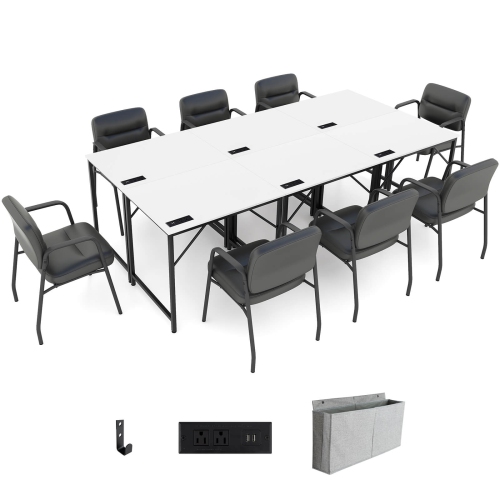
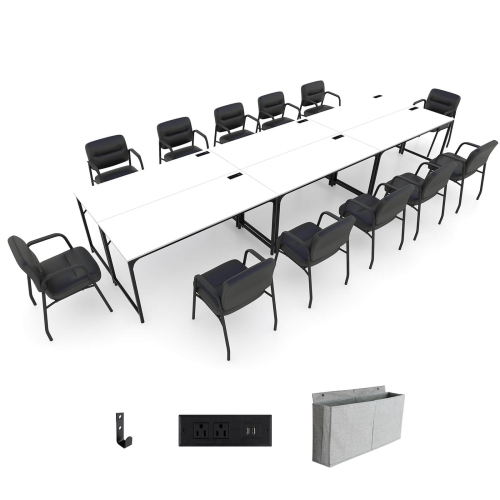
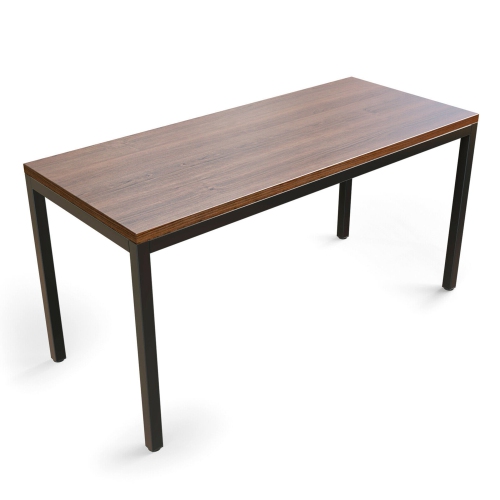
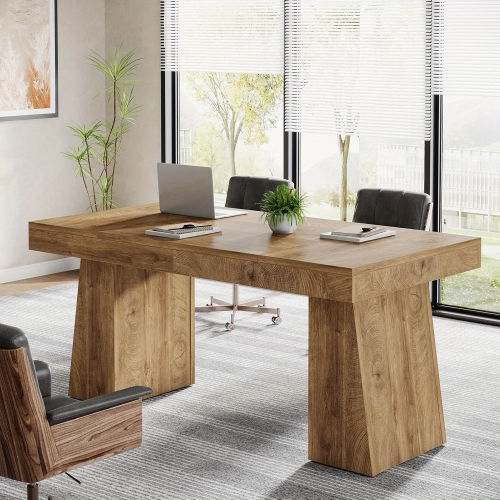
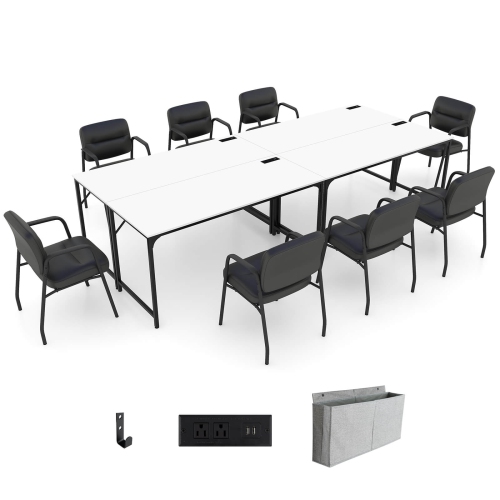
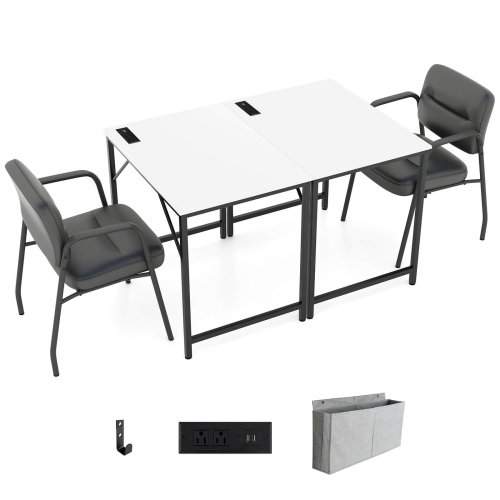


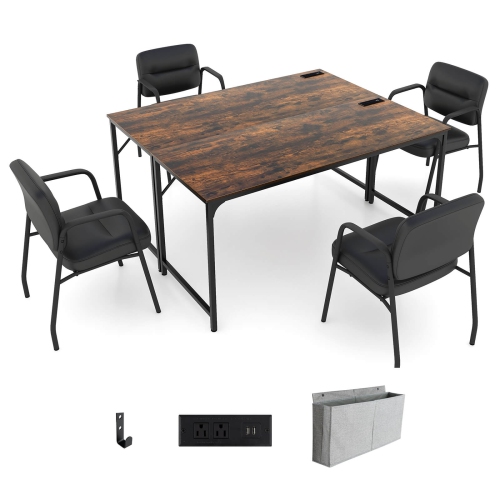
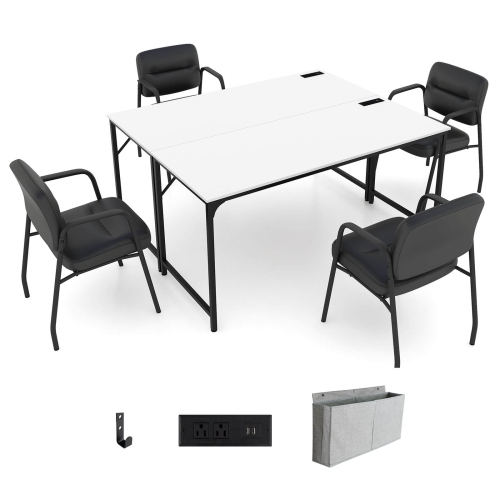
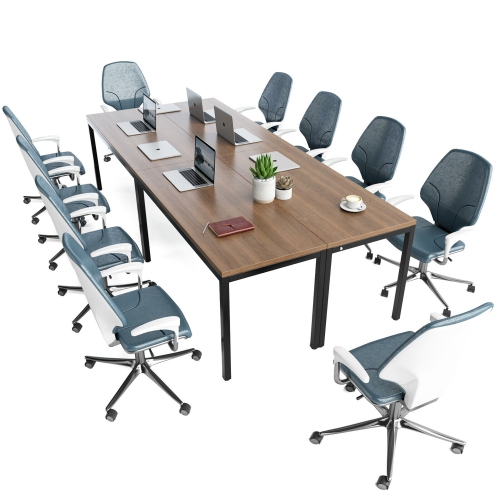
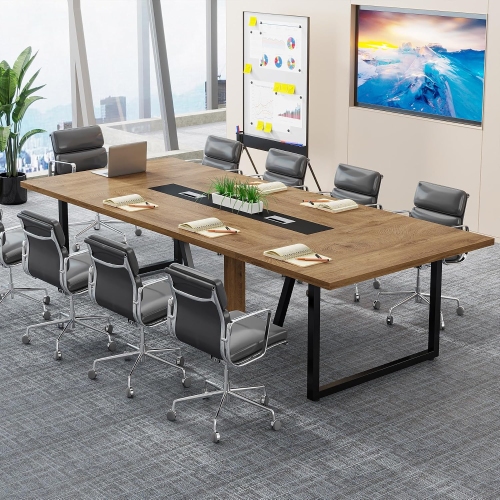
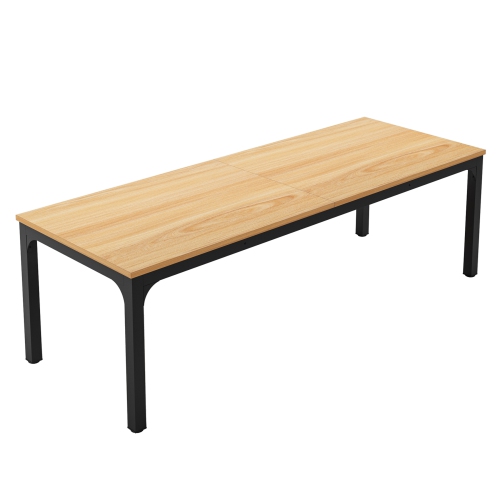
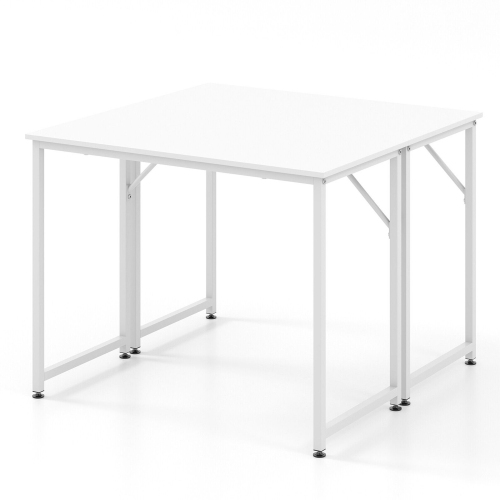
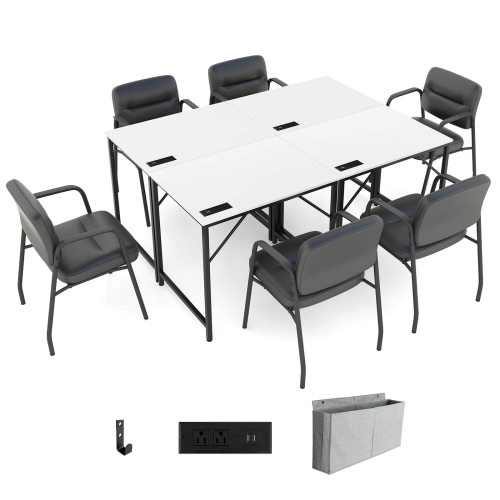
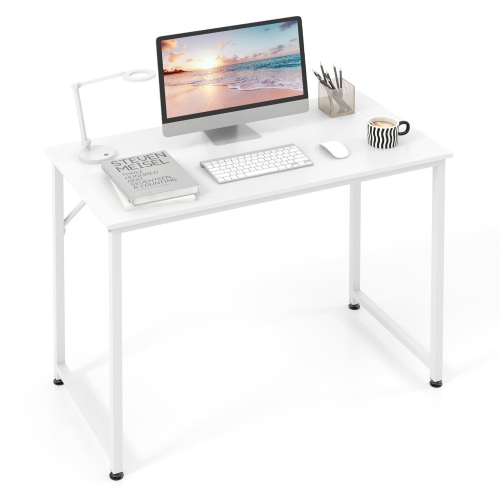

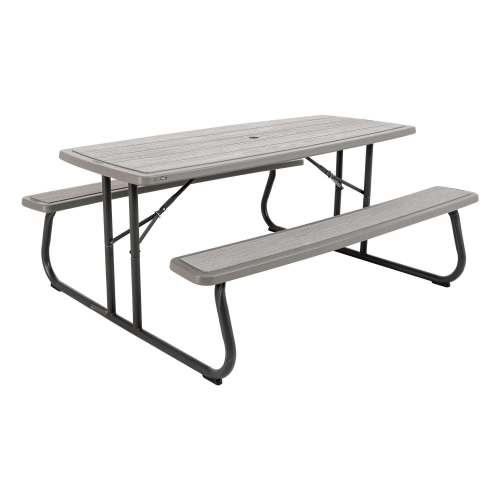
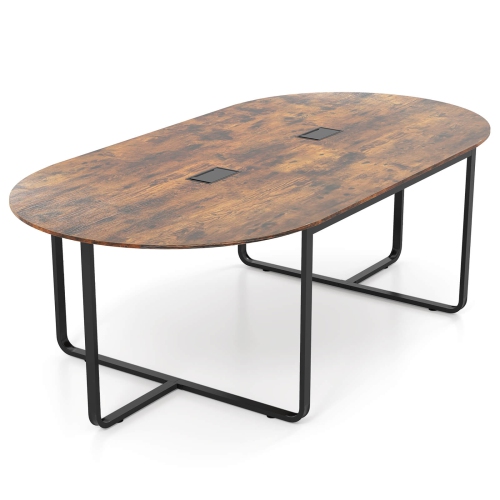
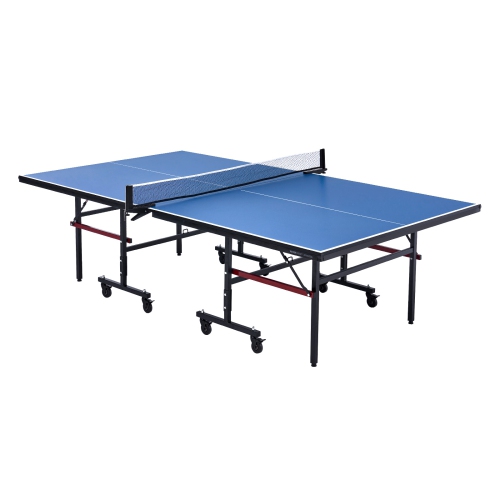

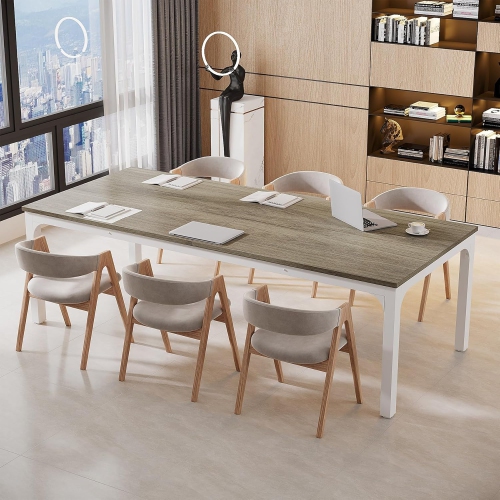
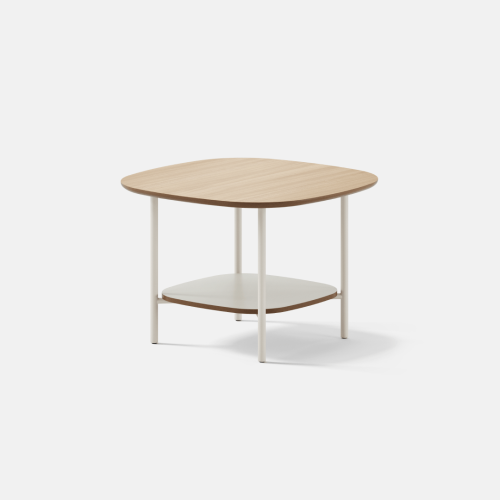
Flexible layouts for presentations that turn into group work
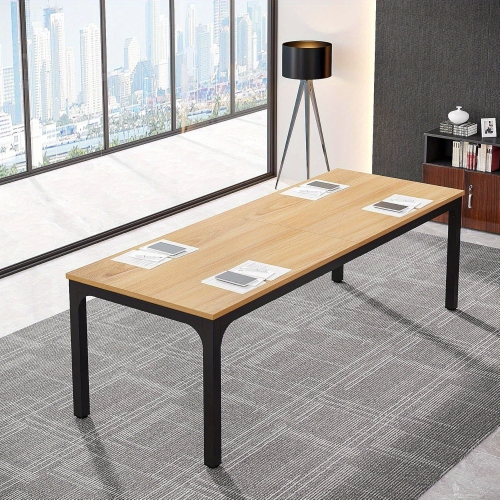
Training tables are versatile work surfaces designed for classrooms, seminars, staff instruction, and other settings where people gather to learn or collaborate. Many designs can be moved, folded, or rearranged, allowing one room to support presentations, small-group discussions, and individual assignments. Unlike a large, fixed conference table, separate training tables make it easier to change the layout as activities change. Straight rows give participants a clear view of a speaker or display, a U-shaped arrangement leaves an open area for demonstrations, and small clusters bring colleagues together for shared tasks. Rectangular tops make efficient use of floor space, while trapezoid and other modular shapes can create angled arrangements or group workstations. These tables suit offices, educational facilities, community centres, libraries, and shared meeting spaces, particularly where a single room serves several purposes. The most useful size depends on what participants need in front of them. A notebook and pen take up relatively little space, but a laptop, printed workbook, mouse, and water bottle need a wider working area. Table depth matters when participants need to keep reference materials open without pushing a computer too close to the front edge. In a teaching room, that extra depth can also separate writing space from equipment used for demonstrations. Seating arrangements deserve equal attention: table legs and support bars should leave enough room for chairs, knees, and comfortable movement. A top that appears spacious may offer less usable seating if its base interrupts legroom. Overall dimensions also need to work with doorways, walkways, and the space required to pull out chairs. Standard-height designs pair with seated activities, while adjustable-height training tables can support a broader range of users and tasks. Depending on their adjustment range, some accommodate both seated work and standing demonstrations. Comfortable reach, suitable chair height, and unobstructed space beneath the surface all contribute to a setup that remains practical through a longer session.
Materials and construction influence how training room tables feel in use and how well they stand up to repeated rearranging. Laminate tops are common because they provide a smooth surface for writing, reading, and working with a computer. A textured finish may make fingerprints less noticeable, while a smoother finish can be easier to wipe after a busy workshop. Scratch and stain resistance vary by construction, so these qualities should not be treated as protection against every sharp tool, spilled drink, or cleaning chemical. Moulded plastic tops can be useful where lighter handling and straightforward cleaning are priorities, although surface texture and rigidity differ between designs. Wood and wood-veneer surfaces bring a different appearance to meeting and learning spaces, with care requirements that depend on the finish. Whatever the material, well-finished edges matter in a room where people repeatedly rest their forearms against the table or move chairs past its corners. Rounded corners can make circulation more comfortable in closely arranged seating areas. Beneath the top, steel frames and securely connected supports help provide stability, while protective frame finishes can reduce visible wear from routine handling. A table should remain steady during ordinary writing and typing, without depending on neighbouring furniture for support. Adjustable feet can help compensate for minor floor unevenness on designs equipped with them. Weight capacity is another consideration, especially when sessions involve shared equipment, boxes of materials, or demonstration supplies; loads should remain within the manufacturer’s stated limits and be distributed as directed. Routine care generally starts with removing loose debris and wiping the surface with a soft cloth and a cleaner suitable for its finish. Excess liquid around seams, exposed edges, and hardware can cause problems on some constructions. Keeping fasteners secure, checking moving parts, and addressing loose components promptly helps preserve everyday usability. Protective pads beneath equipment can also limit scuffs without interfering with the table’s intended function.
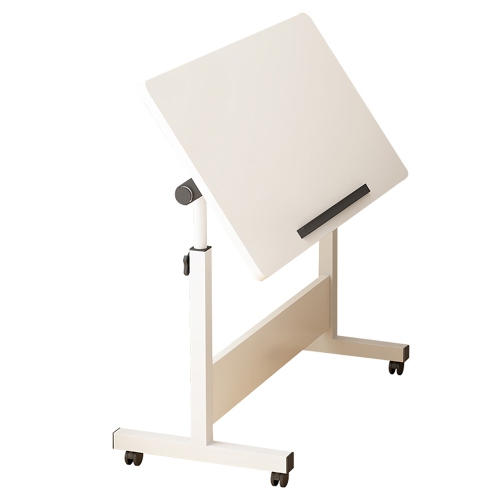
Mobility and storage features are especially valuable when a training space must be cleared between activities. Training tables with casters can move from presentation rows into discussion groups without requiring the same lifting as fixed-leg furniture. Wheel size, floor surface, table weight, and the route between rooms all affect how easily a table rolls; carpet, doorway thresholds, and tight corners can make movement more demanding. Locking casters help hold a table in position once the room is arranged, but the locking mechanism should be engaged as directed before the surface is used. Flip-top training tables have surfaces that tilt upright, often allowing several tables to nest together for storage. Folding-leg designs take a different approach, reducing the table’s profile so it can be stored in a suitable designated area. Nesting and folding are not interchangeable features, and the space needed for stored furniture depends on the complete frame, not just the tabletop dimensions. Secure latches, manageable handling, and clear access to release mechanisms are useful details when staff regularly reset a room. Hands and loose cables need to stay clear of hinges and other moving parts during these changes. For computer-based sessions, cable management can be just as important as mobility. Grommets, cable channels, or under-table trays, where included, help organize cords and keep more of the work surface clear. Routing cables away from walking areas also makes it easier to move chairs and navigate between tables. Modesty panels can provide some screening beneath the top, though their placement may affect access and legroom. Connecting hardware, when supported by the design, can help maintain alignment between adjacent surfaces. For activities that involve spreading out plans or assembling larger materials, Project Tables provide another category of work surface to consider. Training tables are particularly suited to spaces where clear sightlines, comfortable seating, and flexible arrangements need to work together, whether participants are completing an onboarding session, practising a new process, or collaborating on a shared assignment.
Top selling and popular products
-
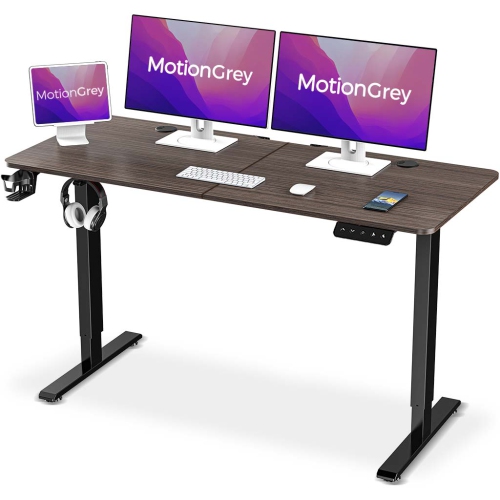 Your price for this item is $97.99
-
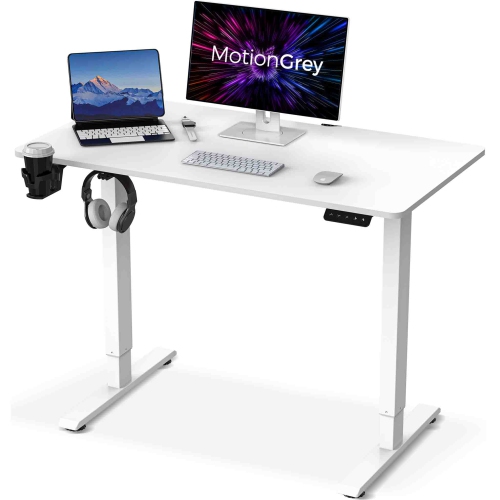 Your price for this item is $89.99
-
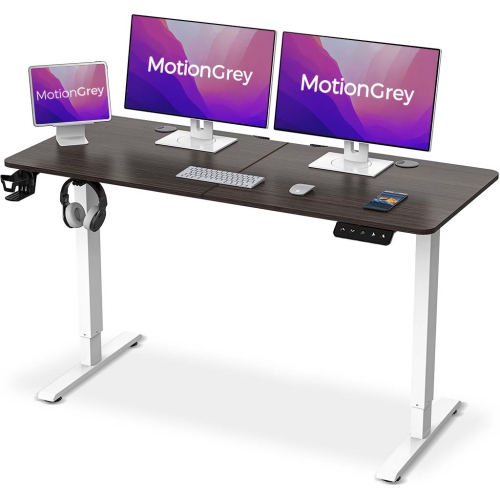 Your price for this item is $84.99
-
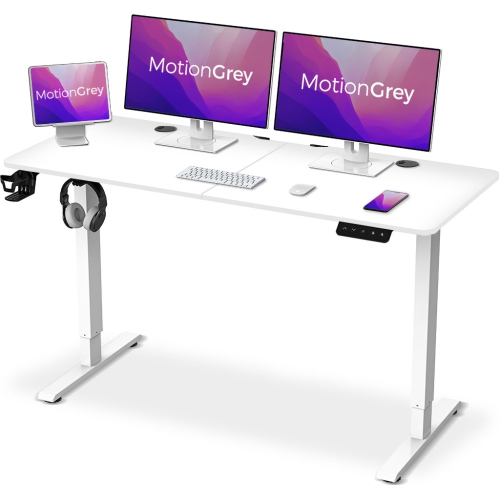 Your price for this item is $97.99
-
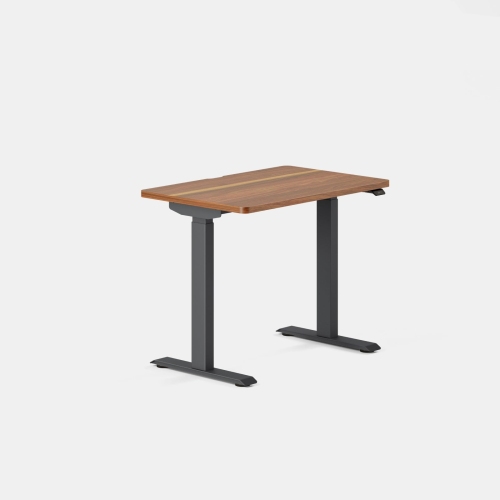 Your price for this item is $649
-
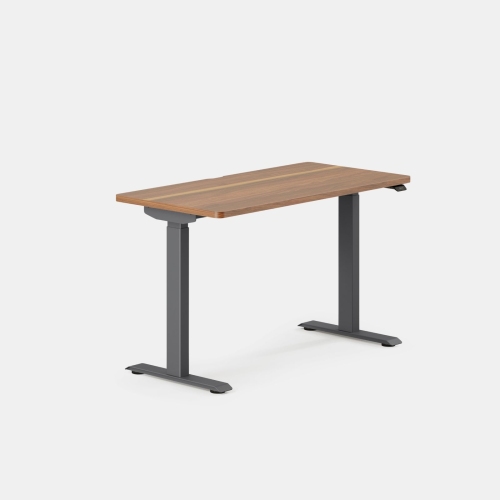 Your price for this item is $749
-
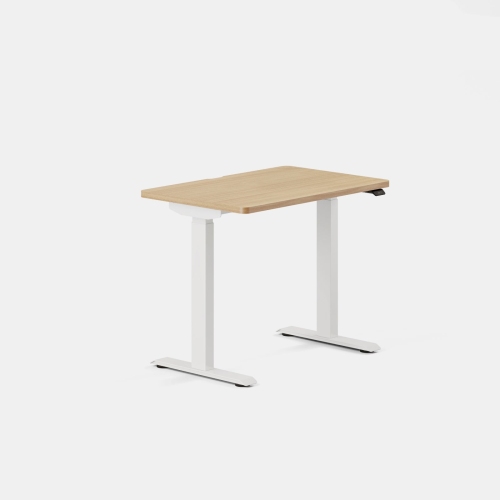 Your price for this item is $649
-
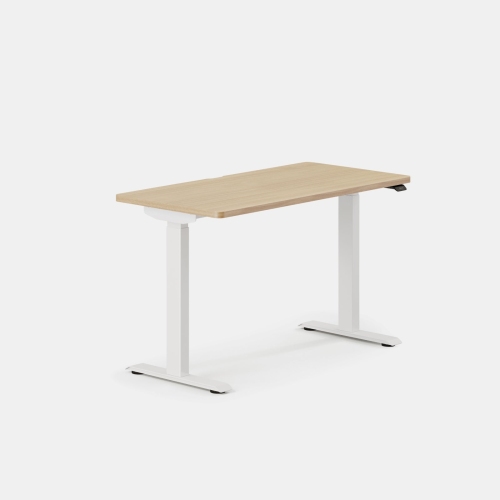 Your price for this item is $749
Discover more categories related to Training Tables

Top Collections:
Best Black Friday Deals This Year, Best Black Friday Deals On Electronics, Kindle Devices, Pokemon Centers, Best Black Friday Deals On Apple Products, Best Cameras for Sports Photography, Dyson Airwrap, Pokémon 30th Celebration Cards, Apple iPhone 17 Pro, Canon G7X Cameras
Some products may be subject to Environmental Handling Fees
(EHF) depending on your province.
Learn more about EHFs.