Useful Gadgets for The Elderly
Useful gadgets for the elderly make daily life more comfortable and enjoyable by offering practical solutions to everyday tasks. Whether you're searching for devices that enhance convenience, safety, or communication, there are a variety of options designed with seniors in mind. Explore a wide selection of innovative products that help support independence and bring peace of mind to both users and their loved ones. Find the perfect useful gadgets for the elderly to suit any lifestyle or need.
Sort
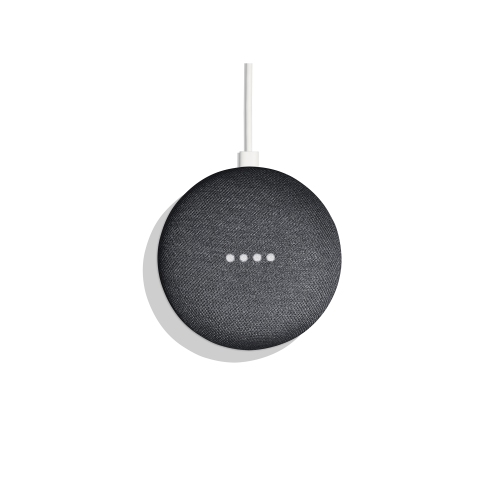

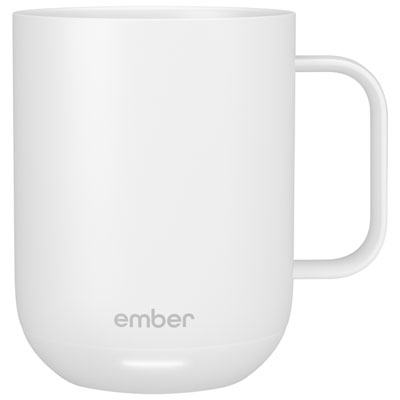
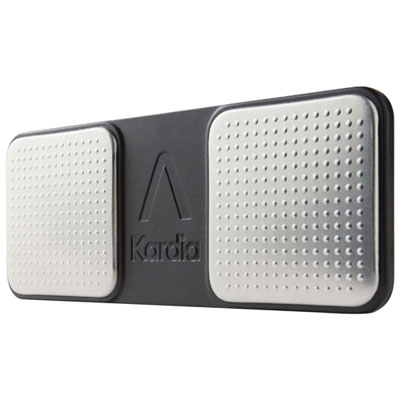
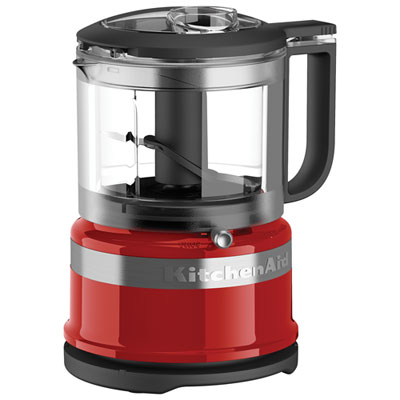

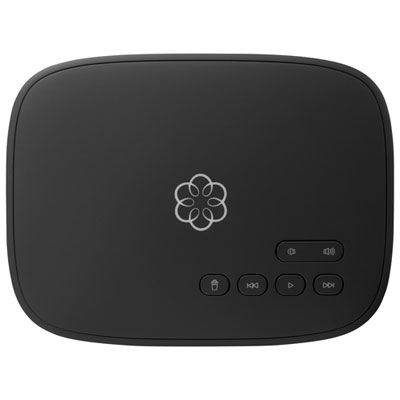
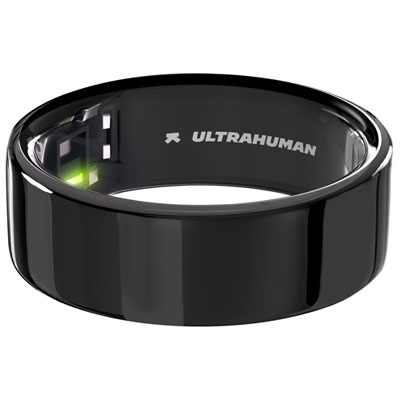

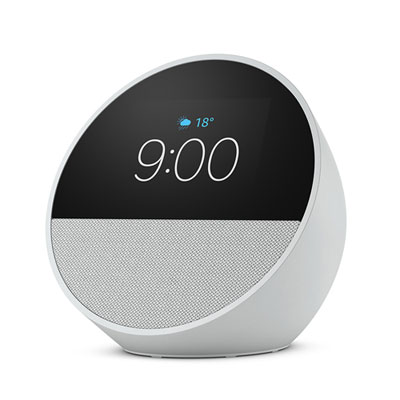
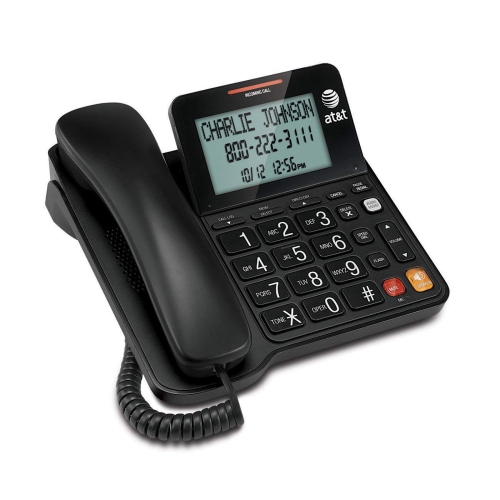
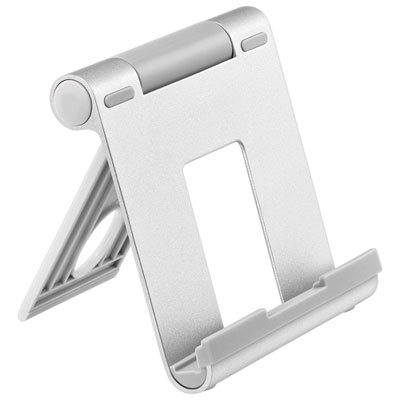
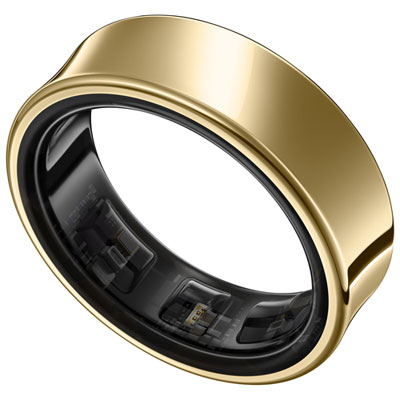
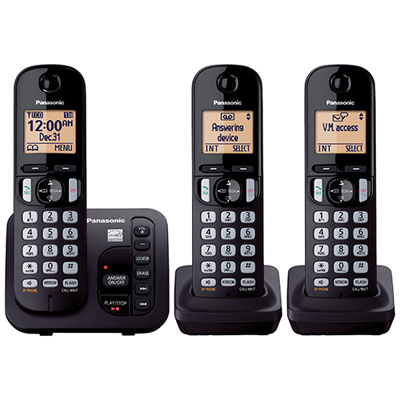
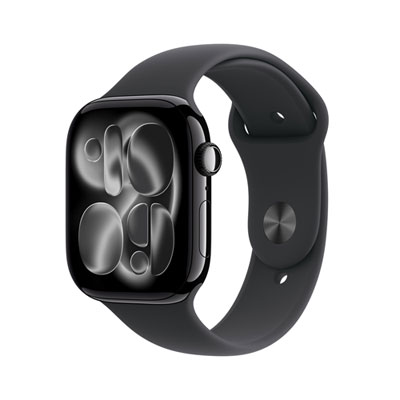
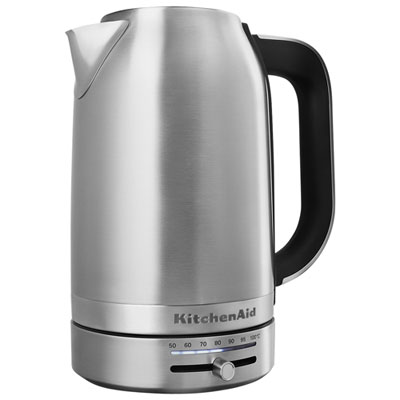
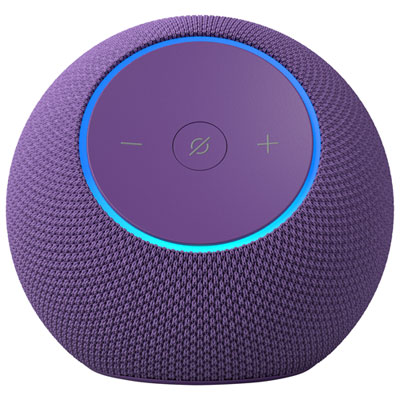
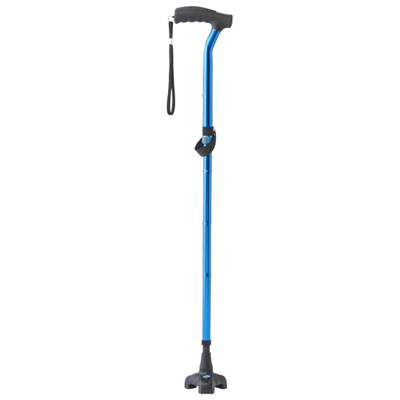
Technology that makes familiar tasks easier to do independently
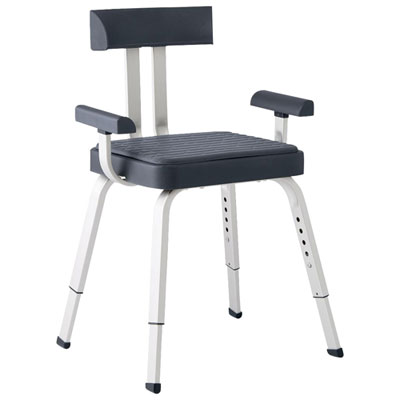
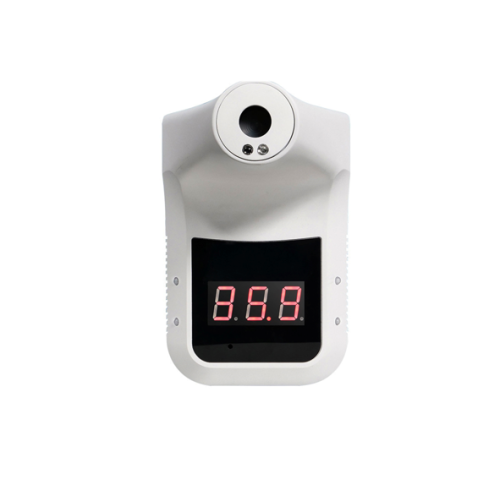
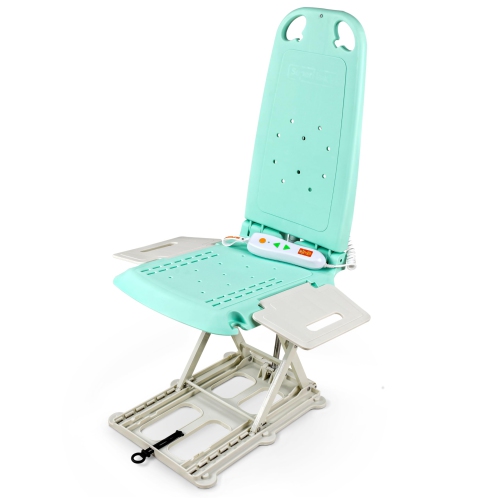
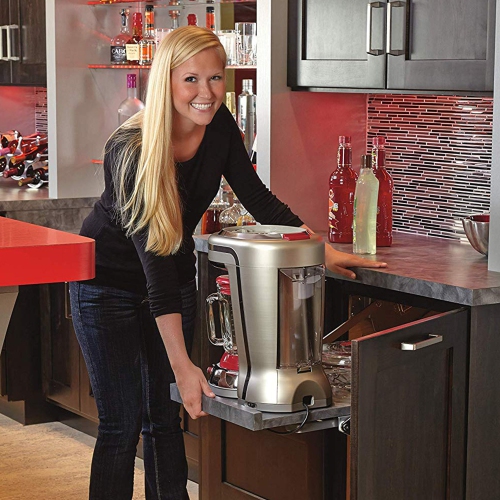
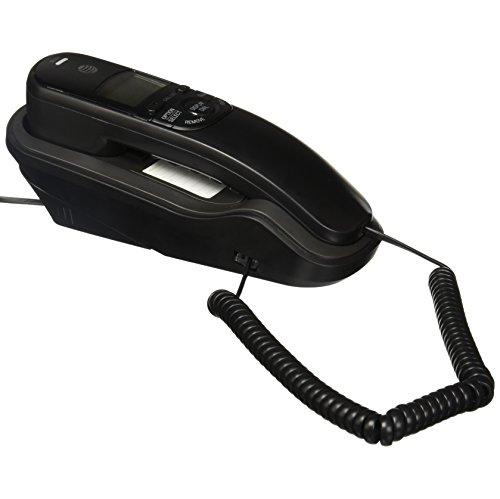
Useful gadgets for the elderly include easy-to-use communication devices, voice-controlled home technology, reminder tools, and wearable devices with optional safety features. Their value lies in making familiar activities more manageable: hearing a caller clearly, reading a message without straining, turning on a light without reaching behind furniture, or remembering an appointment. For older adults, useful technology is not necessarily the device with the most functions. It is often the one that fits comfortably into an established routine and makes a particular task easier to complete independently. Large, high-contrast displays, clearly labelled buttons, adjustable volume, and straightforward menus can make everyday interactions more comfortable. Spoken prompts and tactile controls may offer alternatives when small print or touchscreens are difficult to use, while adjustable text size allows a screen to suit different readers. Devices used for communication can help seniors stay connected with family, friends, and community activities, whether that means a familiar voice on a call or a clear view of grandchildren during a video chat. Compatibility matters here: calling and messaging features are most practical when they work with the services that the intended user and their contacts already use. At home, accessible controls can reduce the need to bend, stretch, or cross a room for a simple adjustment. Voice operation may be helpful when someone has limited dexterity, although physical buttons remain important for people who prefer a more familiar way to interact. Clear feedback also matters. An audible confirmation, a visible indicator, or an easy-to-read status message can show that a command has worked without leaving someone guessing. Useful features vary from person to person, and age alone does not determine comfort with technology. Some older adults enjoy customizing connected devices; others appreciate a focused design with a few dependable functions. The strongest match is technology that supports the person’s habits, abilities, and preferences rather than requiring a complete change in how they do things.
Comfort, construction, and everyday handling are especially important for gadgets that are worn, carried, or used repeatedly throughout the day. A lightweight design may be easier to hold during a lengthy conversation, while a stable base can keep a tabletop device from moving when a button is pressed. Rounded edges, textured grips, and controls with enough space between them can make handling more comfortable for someone with stiff fingers or reduced hand strength. A smooth surface may be easy to wipe clean, but an overly slippery finish can be harder to grasp securely. Materials therefore matter alongside appearance: sturdy housings, flexible straps, and durable buttons can help a device stand up to regular use. For wearables, fit should feel secure without pinching, and the fastening should be manageable for the person who will put it on and take it off. Skin sensitivities, strap materials, and the weight of the device are worth considering when something will be worn for several hours. Water resistance also varies, so care instructions should determine whether a device is suitable near a sink or needs to be removed before bathing. Charging is another practical detail that can shape the entire experience. A small connector may be awkward to align, whereas a clearly positioned charging cradle can make the task simpler. Battery indicators should be easy to understand, particularly when a device supports reminders or communication. The location of a charging station matters too: a reachable surface with neatly arranged cables is more convenient than an outlet hidden behind a heavy cabinet. Routine care generally involves following the manufacturer’s cleaning directions, keeping charging contacts dry, and checking straps or cables for wear. For shared household devices, readable controls and adjustable settings help different users interact comfortably. These details may seem modest, but they influence whether a gadget becomes a dependable part of the day or something that remains tucked away in a drawer.
Safety-related technology can provide an additional way to request assistance or share an alert, but its usefulness depends on the specific features, setup, and connection requirements. Some wearable devices offer fall detection or an emergency calling function; these features may require a compatible phone, cellular service, an internet connection, or a separate service arrangement. Automatic detection cannot identify every fall, and no device guarantees that help will arrive. An accessible manual alert control, an up-to-date contact list, and a clear understanding of who receives notifications are important parts of intended use. Reminder functions can support daily routines by signalling that it is time for an appointment or another planned activity, but they do not confirm that a task has been completed and should not replace professional advice or an established care plan. For connected home technology, reliable Wi-Fi, suitable placement, and compatibility with existing equipment all affect everyday performance. Privacy deserves equal attention, particularly when microphones, cameras, location sharing, or remote access are involved. The older adult using the technology should understand and agree to what is shared, with whom, and how those settings can be changed. Family members and caregivers may appreciate remote features, but the user’s comfort and control remain central. As gifts, practical gadgets are most thoughtful when they respond to something the recipient actually wants, such as easier conversations, clearer reminders, or less effort with a recurring household task. The collection of Useful Gifts for Seniors offers another way to explore that everyday focus. A gift can feel more personal when it reflects a favourite activity or familiar routine rather than an assumption about age. Time spent setting up preferred contacts, adjusting display settings, and practising basic controls can be as valuable as the device itself. Clear instructions kept within reach can help make those first interactions feel familiar, supporting confidence and continued use.
Comfort, construction, and everyday handling are especially important for gadgets that are worn, carried, or used repeatedly throughout the day. A lightweight design may be easier to hold during a lengthy conversation, while a stable base can keep a tabletop device from moving when a button is pressed. Rounded edges, textured grips, and controls with enough space between them can make handling more comfortable for someone with stiff fingers or reduced hand strength. A smooth surface may be easy to wipe clean, but an overly slippery finish can be harder to grasp securely. Materials therefore matter alongside appearance: sturdy housings, flexible straps, and durable buttons can help a device stand up to regular use. For wearables, fit should feel secure without pinching, and the fastening should be manageable for the person who will put it on and take it off. Skin sensitivities, strap materials, and the weight of the device are worth considering when something will be worn for several hours. Water resistance also varies, so care instructions should determine whether a device is suitable near a sink or needs to be removed before bathing. Charging is another practical detail that can shape the entire experience. A small connector may be awkward to align, whereas a clearly positioned charging cradle can make the task simpler. Battery indicators should be easy to understand, particularly when a device supports reminders or communication. The location of a charging station matters too: a reachable surface with neatly arranged cables is more convenient than an outlet hidden behind a heavy cabinet. Routine care generally involves following the manufacturer’s cleaning directions, keeping charging contacts dry, and checking straps or cables for wear. For shared household devices, readable controls and adjustable settings help different users interact comfortably. These details may seem modest, but they influence whether a gadget becomes a dependable part of the day or something that remains tucked away in a drawer.
Safety-related technology can provide an additional way to request assistance or share an alert, but its usefulness depends on the specific features, setup, and connection requirements. Some wearable devices offer fall detection or an emergency calling function; these features may require a compatible phone, cellular service, an internet connection, or a separate service arrangement. Automatic detection cannot identify every fall, and no device guarantees that help will arrive. An accessible manual alert control, an up-to-date contact list, and a clear understanding of who receives notifications are important parts of intended use. Reminder functions can support daily routines by signalling that it is time for an appointment or another planned activity, but they do not confirm that a task has been completed and should not replace professional advice or an established care plan. For connected home technology, reliable Wi-Fi, suitable placement, and compatibility with existing equipment all affect everyday performance. Privacy deserves equal attention, particularly when microphones, cameras, location sharing, or remote access are involved. The older adult using the technology should understand and agree to what is shared, with whom, and how those settings can be changed. Family members and caregivers may appreciate remote features, but the user’s comfort and control remain central. As gifts, practical gadgets are most thoughtful when they respond to something the recipient actually wants, such as easier conversations, clearer reminders, or less effort with a recurring household task. The collection of Useful Gifts for Seniors offers another way to explore that everyday focus. A gift can feel more personal when it reflects a favourite activity or familiar routine rather than an assumption about age. Time spent setting up preferred contacts, adjusting display settings, and practising basic controls can be as valuable as the device itself. Clear instructions kept within reach can help make those first interactions feel familiar, supporting confidence and continued use.
Top selling and popular products
-
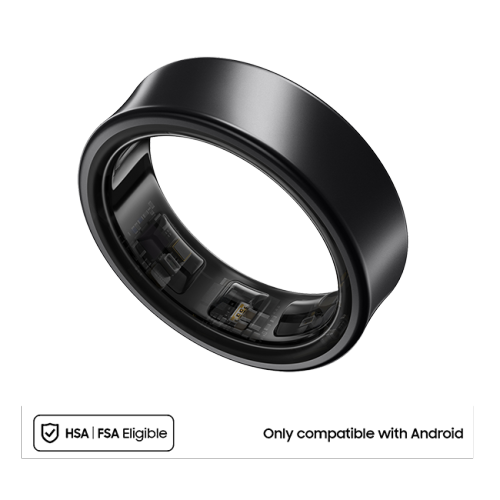 Your price for this item is $599.99
 -
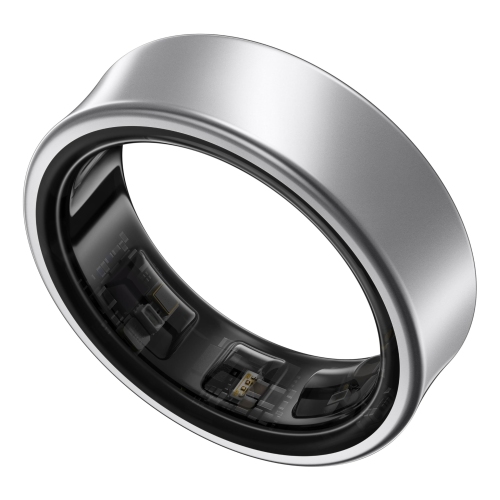 Your price for this item is $599.99
 -
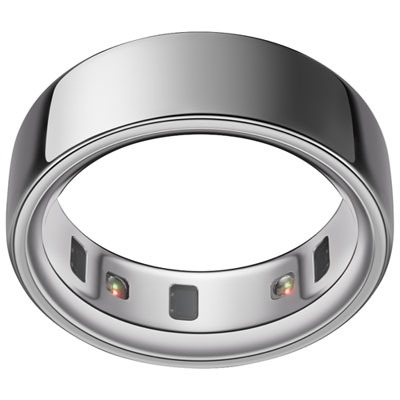 Your price for this item is $328.95
 -
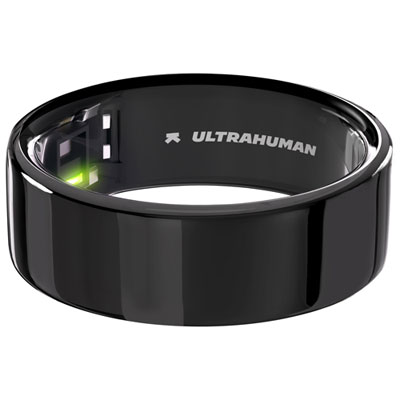 Your price for this item is $479.99
 -
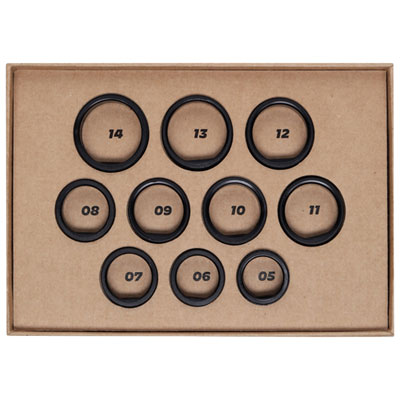 Your price for this item is $10
 -
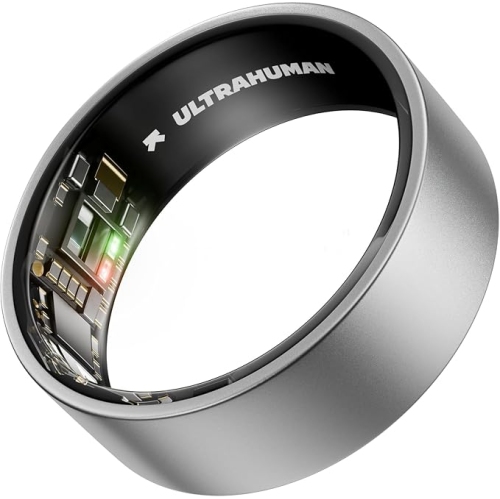 Your price for this item is $329.99
 -
 Your price for this item is $349.99
 -
 Your price for this item is $349.99
Discover more categories related to Useful Gadgets for The Elderly
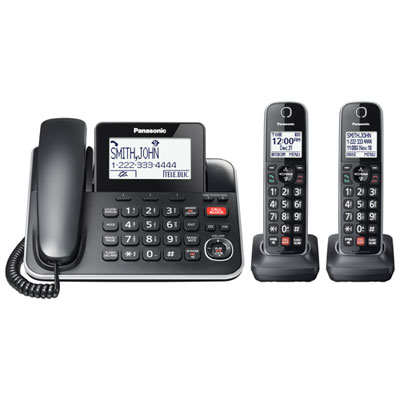
Top Collections:
Pokemon Centers, Kindle Devices, Best Budget Office Chairs, Apple iPhones 16, Canon G7X Cameras, iPhone 15 Apple, Alarm Clock, Refurbished Apple Laptops, Flip Phones, Best Laptops for Writers
Some products may be subject to Environmental Handling Fees
(EHF) depending on your province.
Learn more about EHFs.