Electronics for Elderly
If you're shopping for an older person, it's important to consider their needs as well as their wants. Elderly people may have trouble seeing or hearing, or they may simply not want to spend hours looking for the right product. Here are some electronics that will be useful and easy to use for any elderly person.
Sort
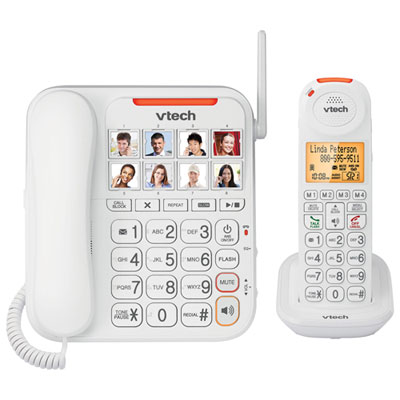
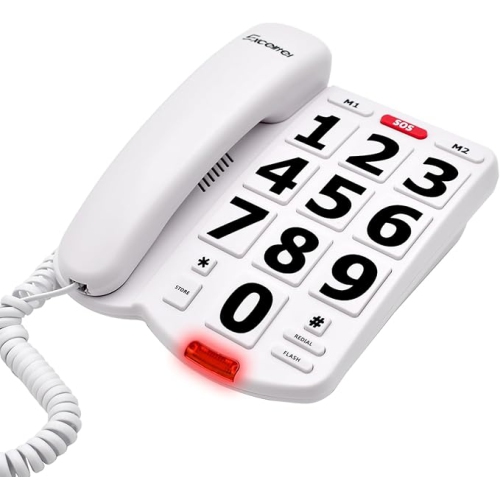
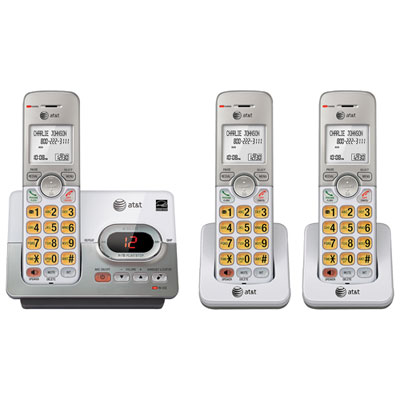
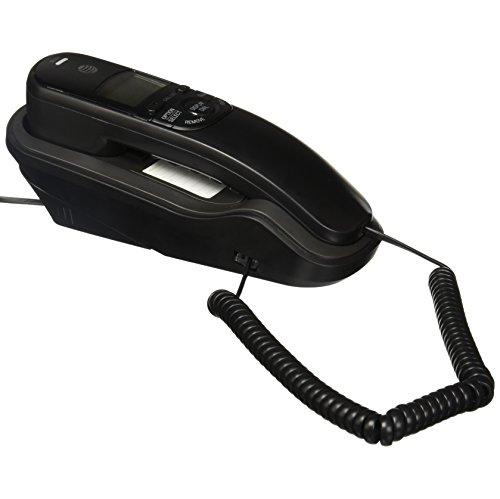
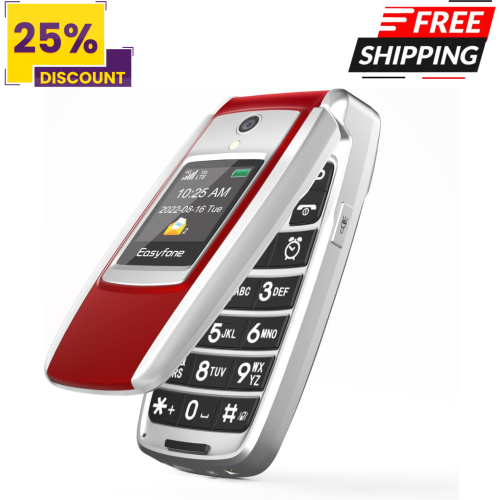
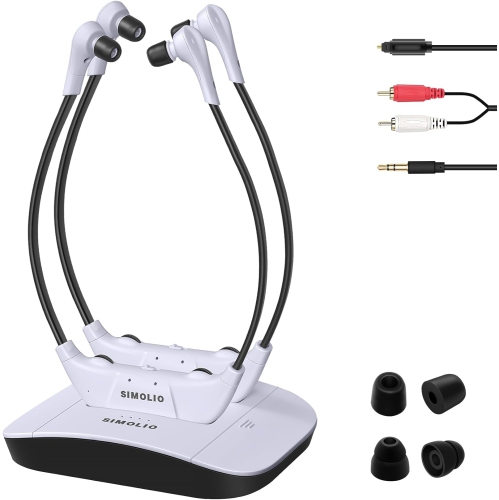
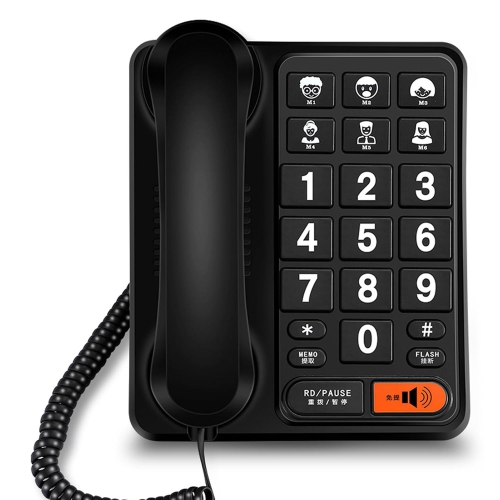
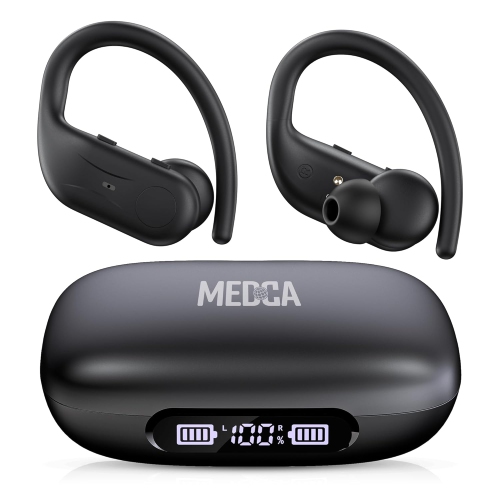
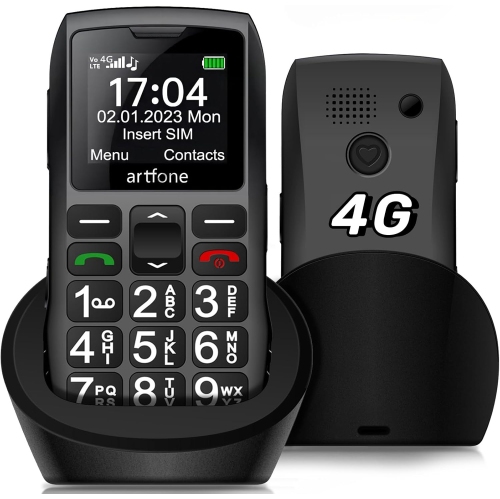
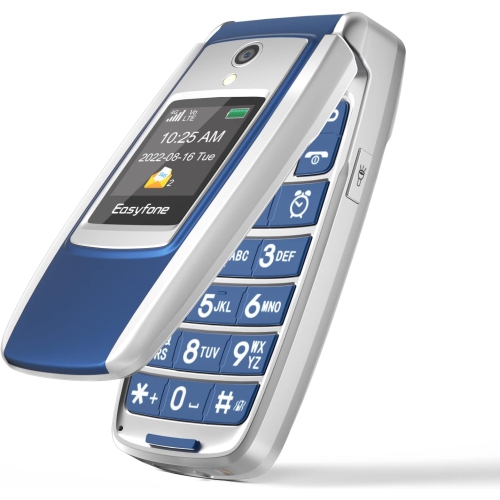
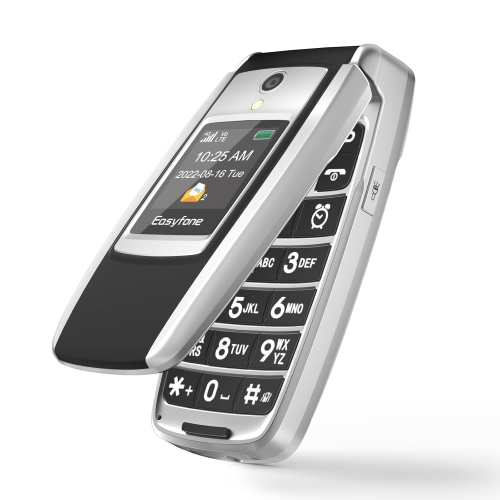
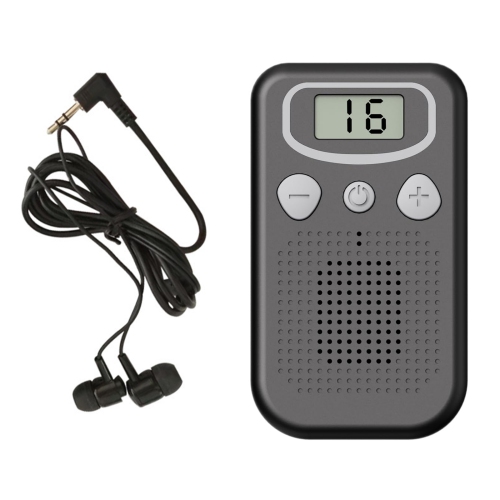
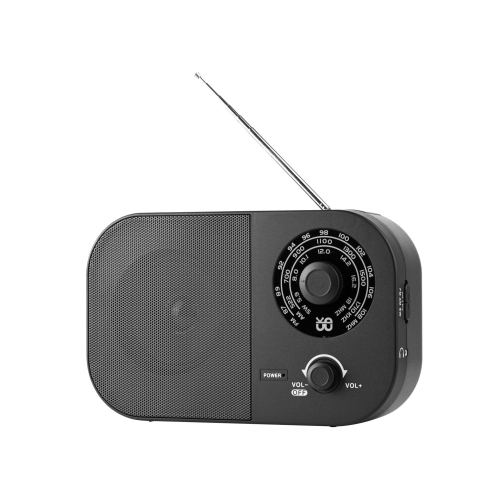
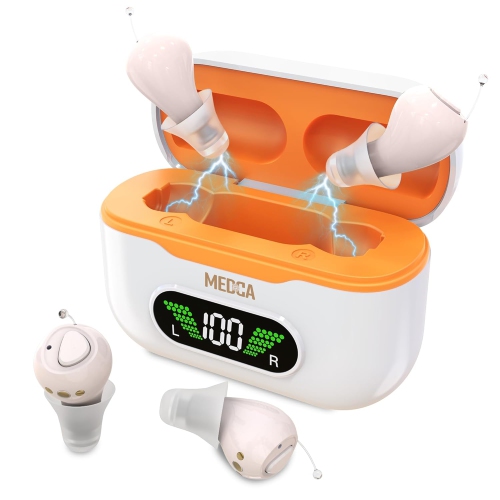
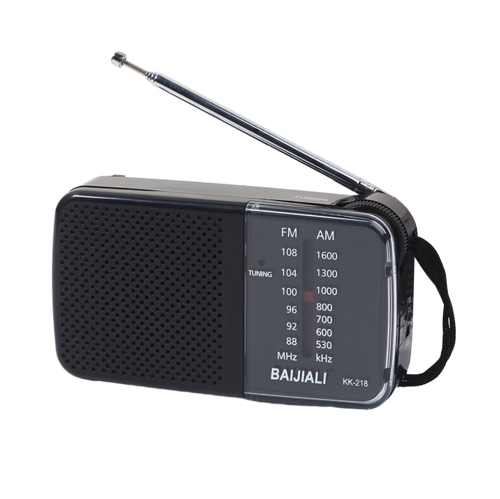
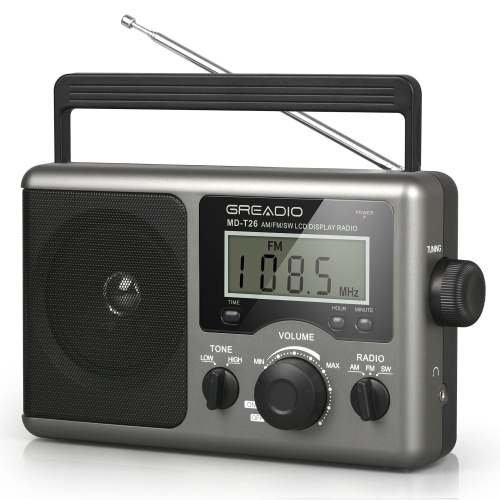
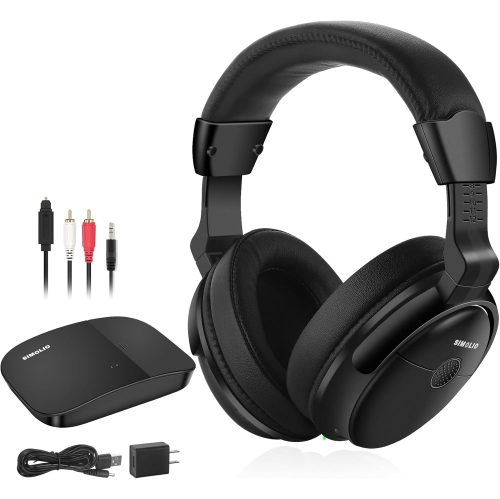
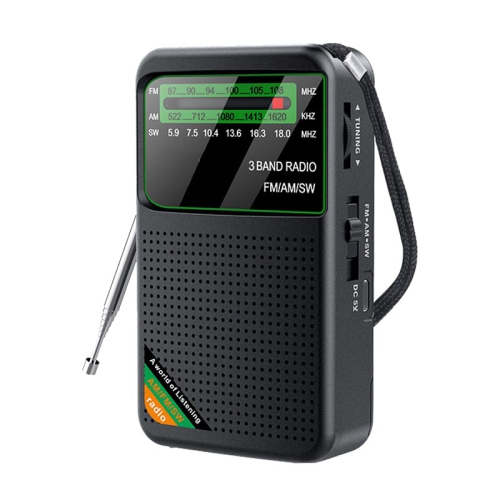
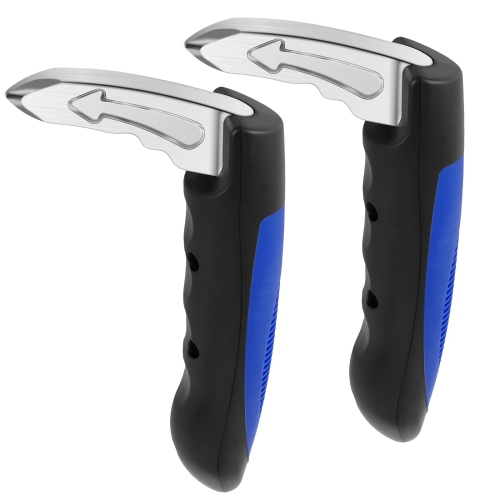
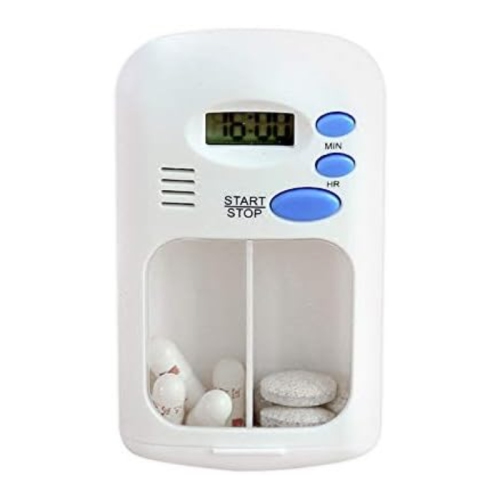
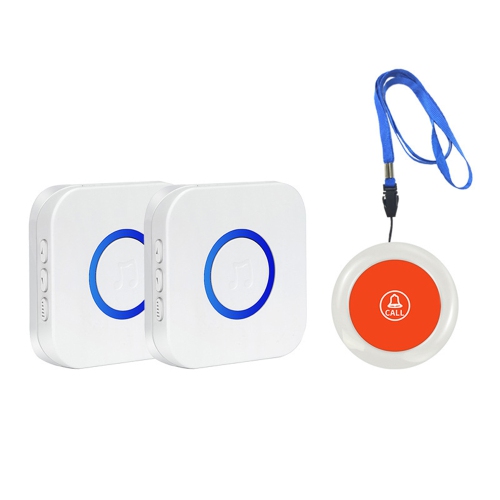
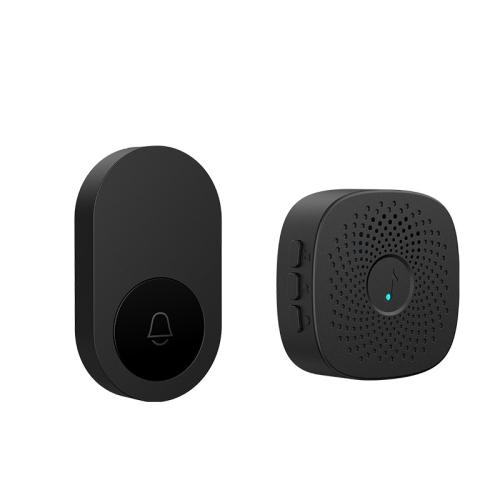



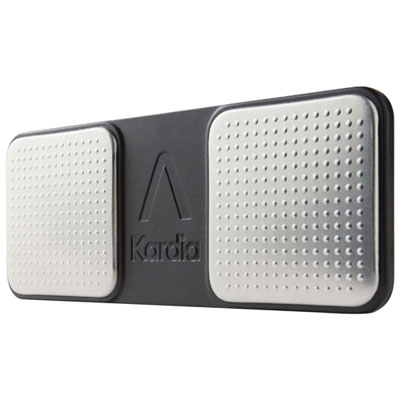

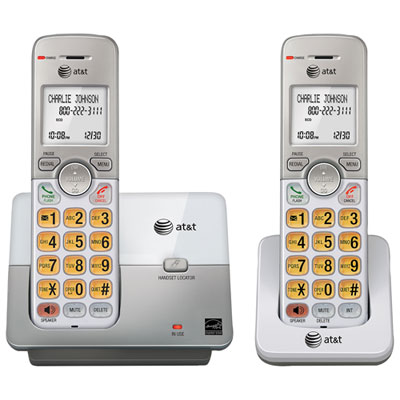
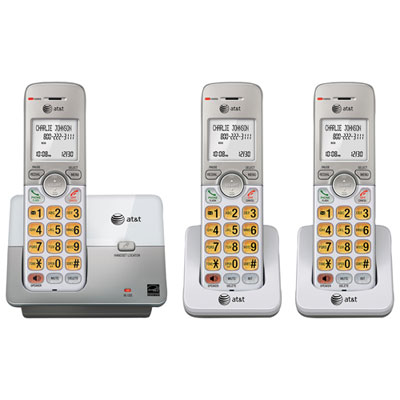
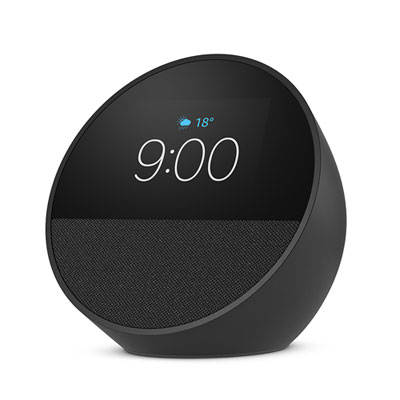
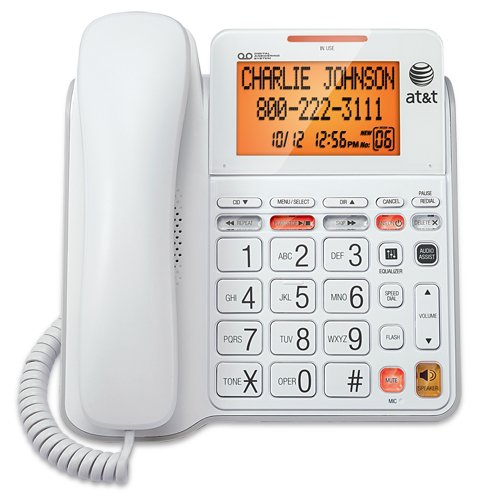
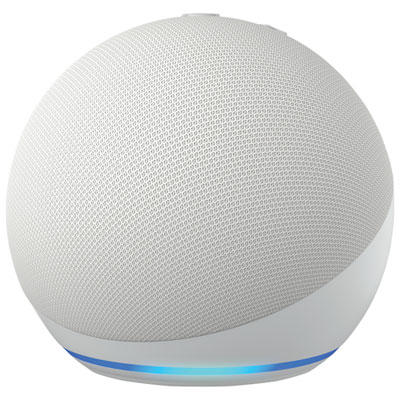
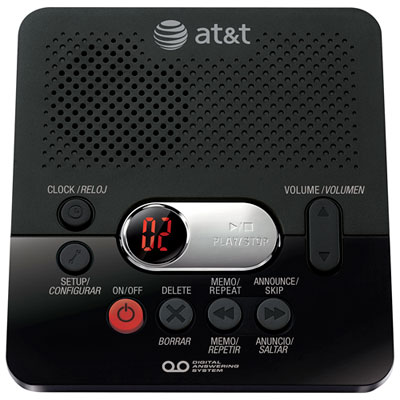

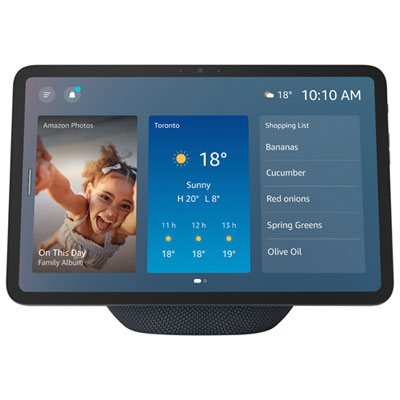
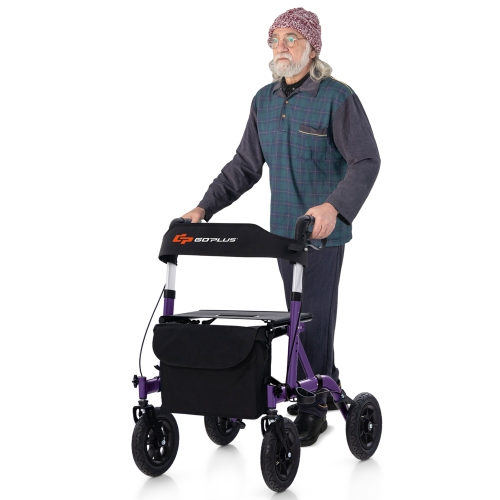
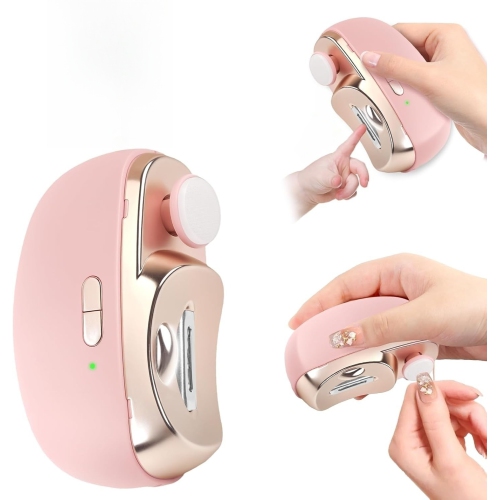

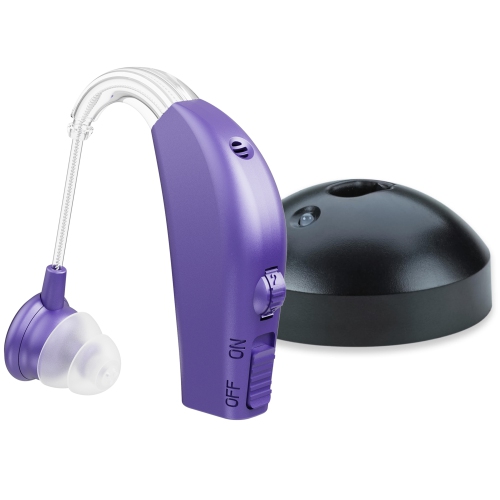
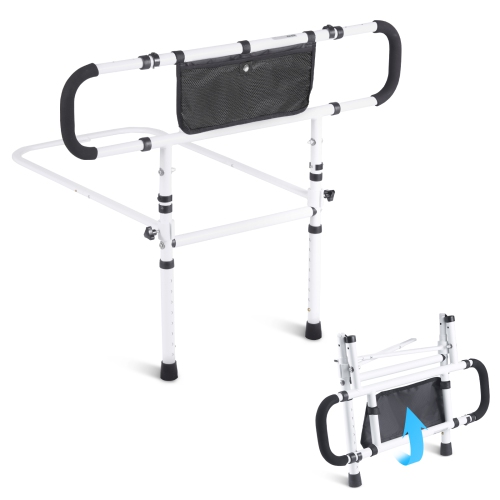
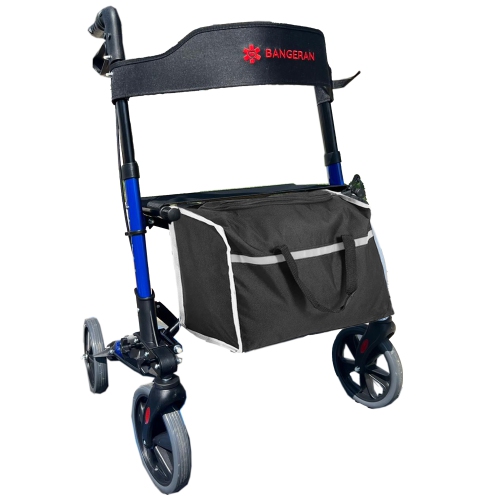
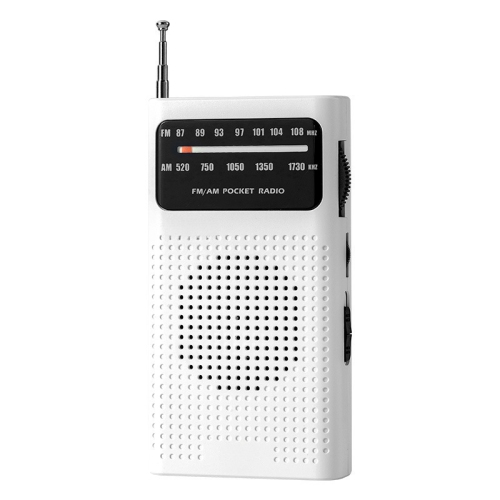

Helpful features for communication, comfort, and everyday routines
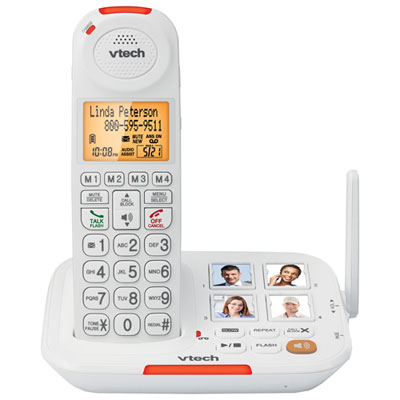
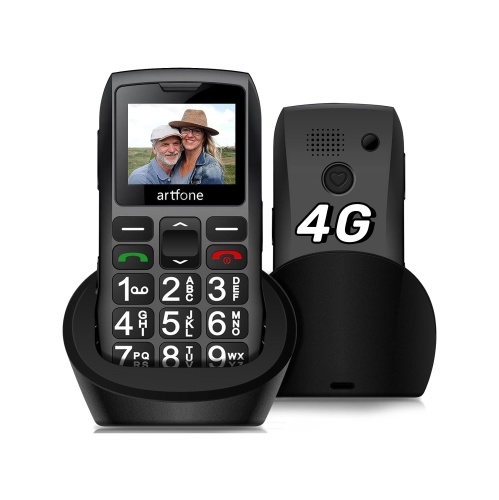
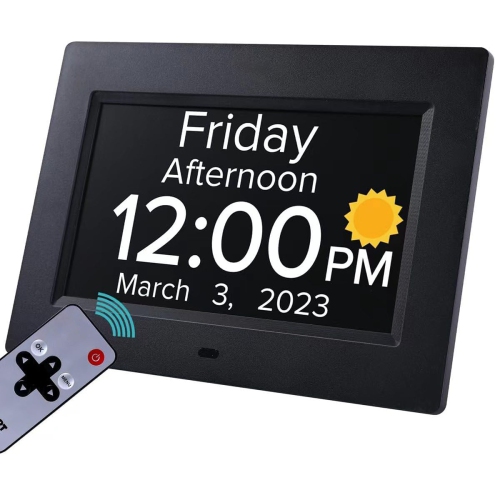
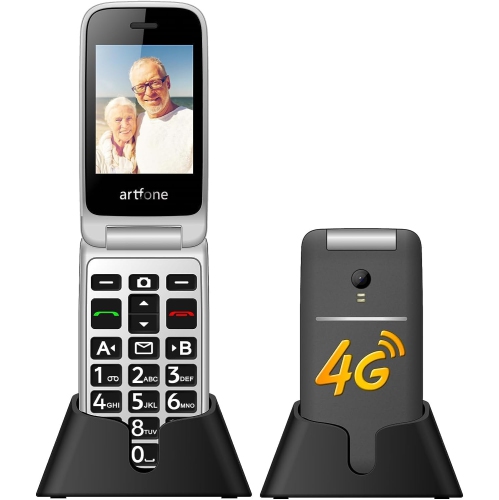
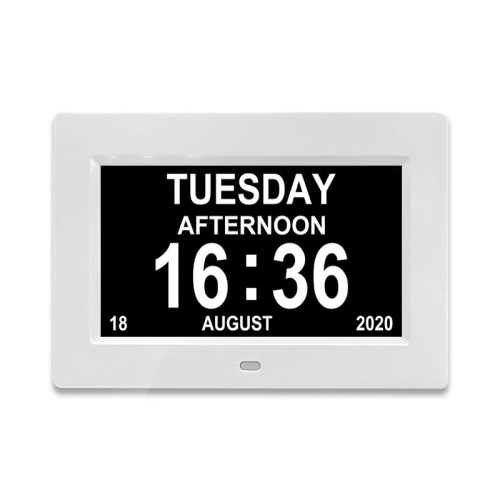
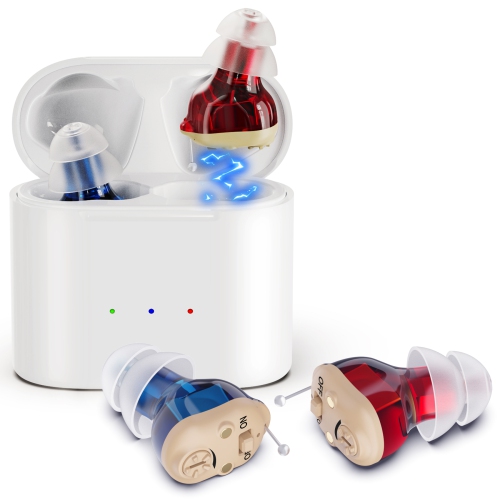
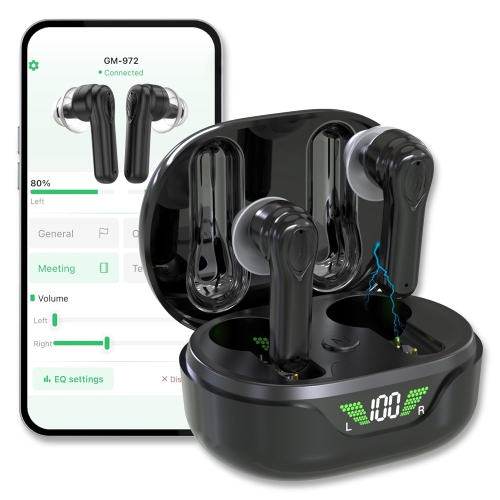
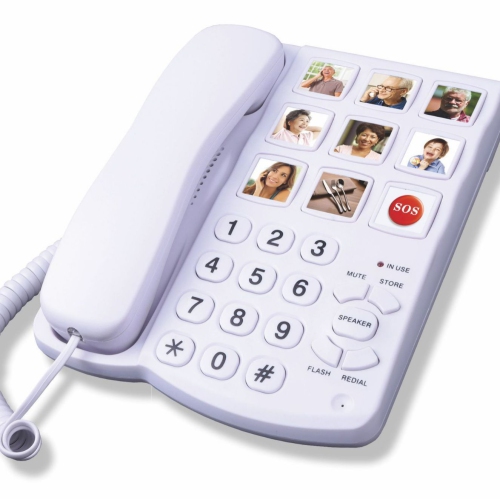
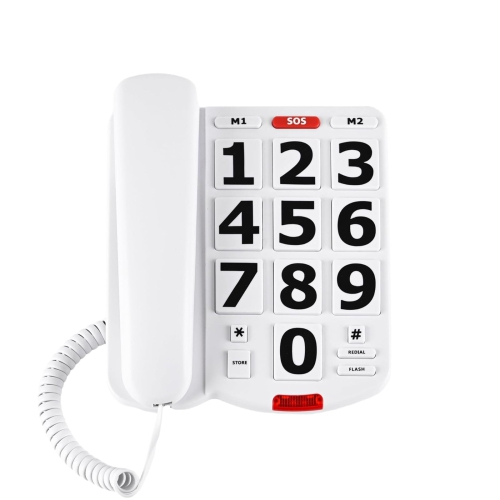
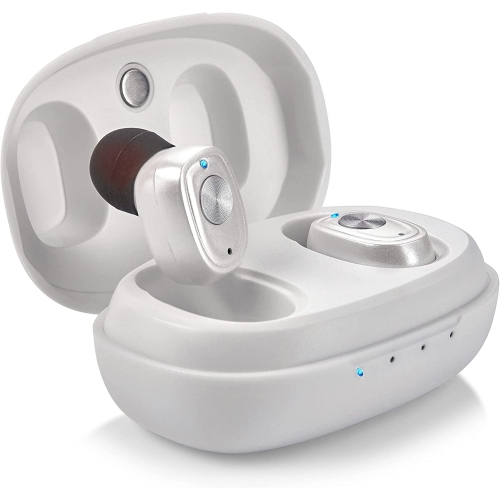
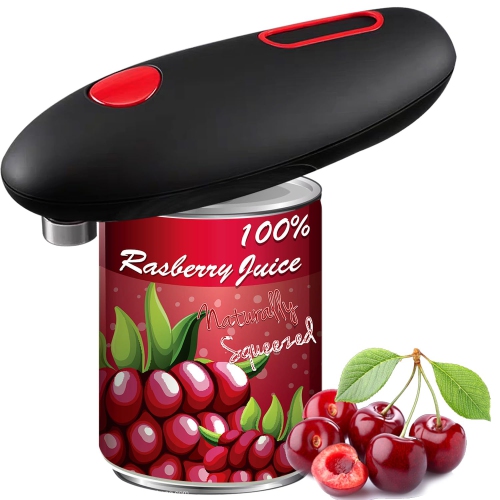
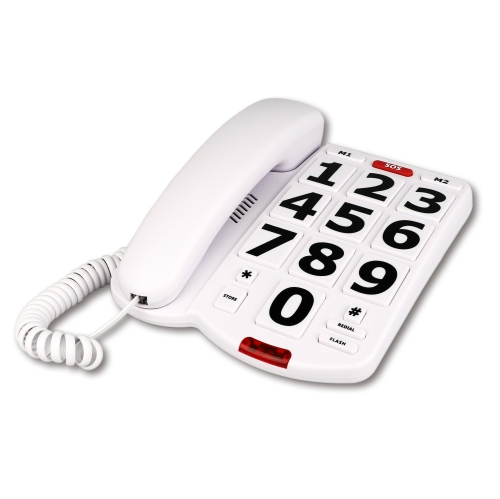
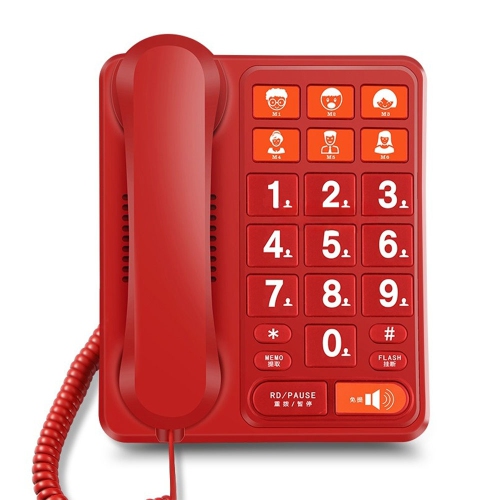
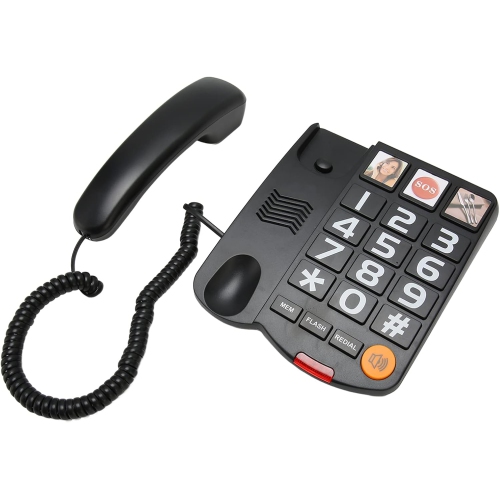
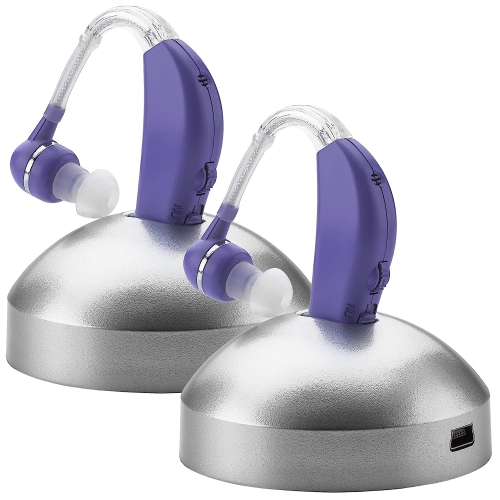
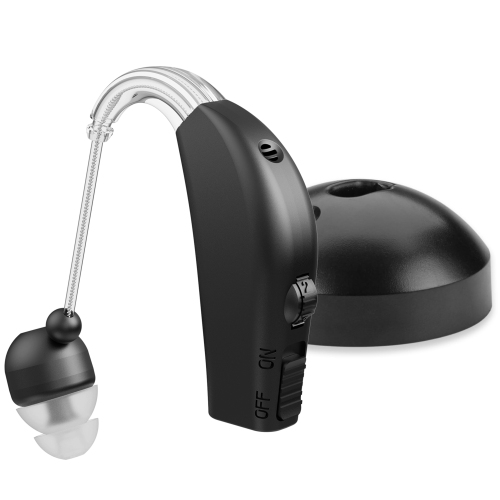
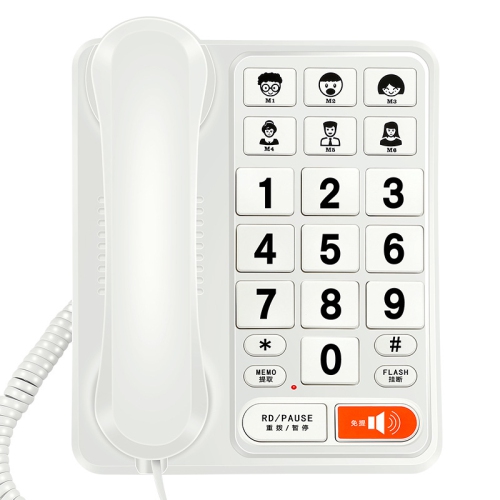
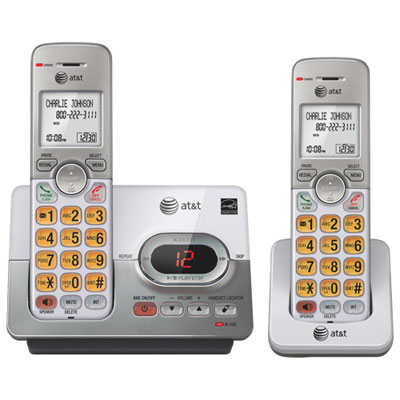
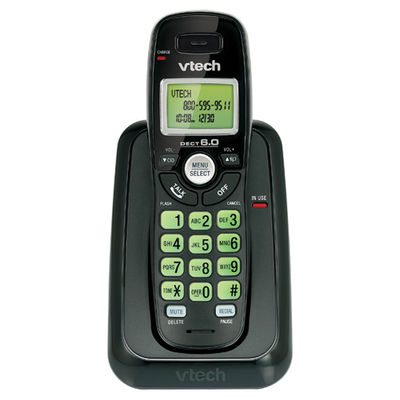
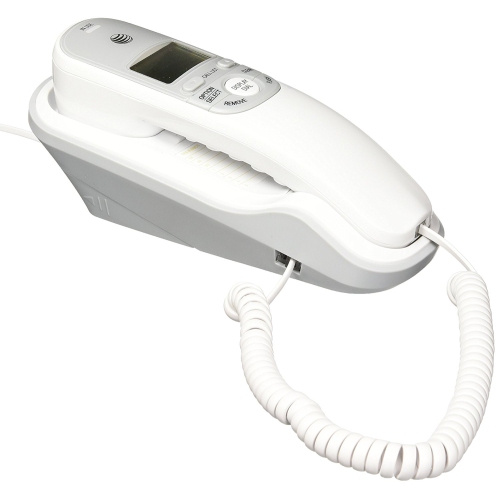
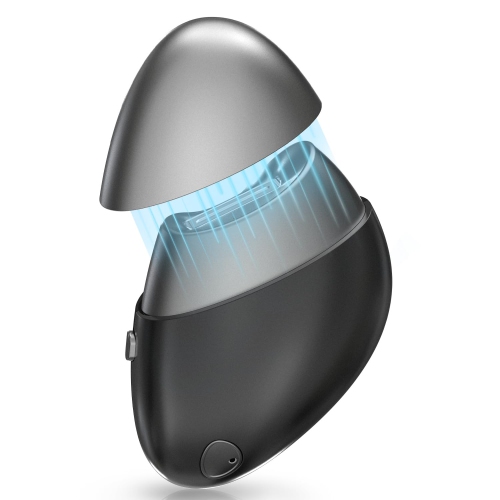
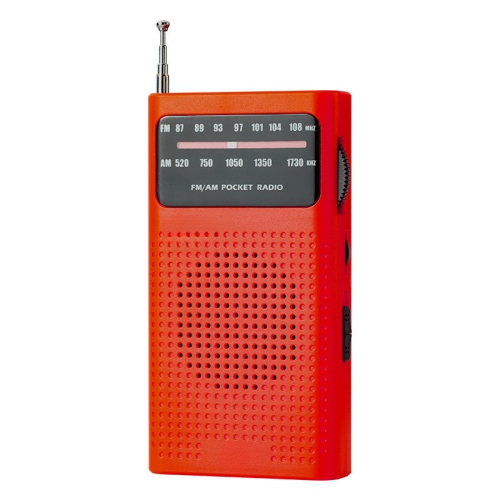
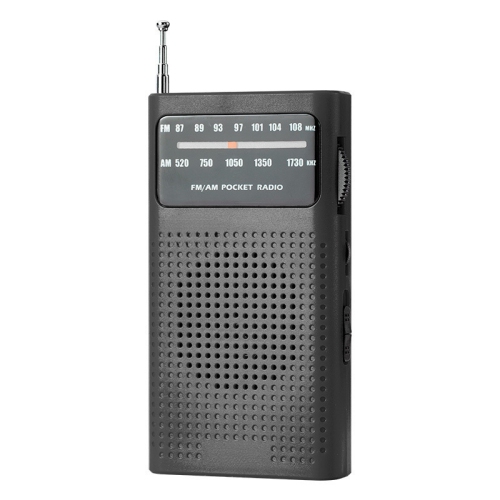
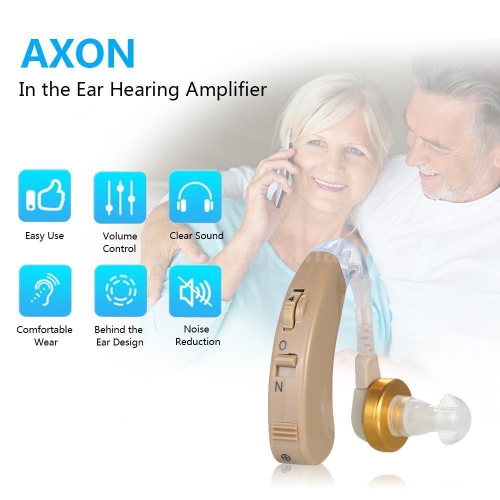
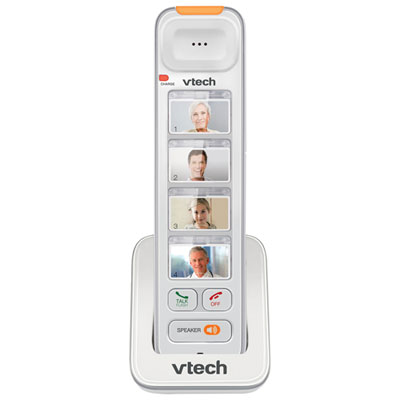
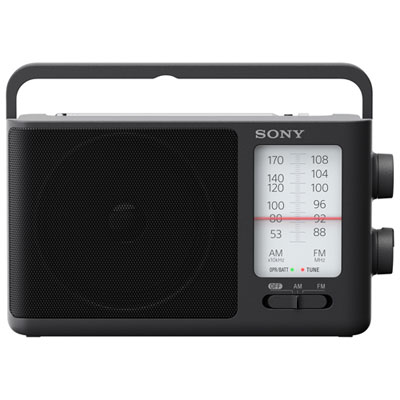
Electronics for elderly family members can make everyday routines feel more manageable, connected, and comfortable, especially when the right features are matched to the person using them. Older adults may appreciate technology that reduces the number of steps needed to complete a task, makes information easier to see or hear, or provides a familiar way to stay in touch with family and friends. Communication devices with large, well-spaced buttons, bright displays, clear menus, strong volume controls, and easy-to-find contact options can be helpful for people who find small text or complicated touchscreens frustrating. Corded and cordless home phones may suit someone who prefers a traditional handset, while simplified mobile phones can support calls and messages without the distractions of a full-featured smartphone. Look for designs with loud, adjustable ringtones, illuminated keypads, high-contrast screens, straightforward charging systems, and an emergency call function when appropriate. For someone who enjoys music, talk programming, or sports coverage, a simple radio with clearly marked controls can be a thoughtful gift and a comforting companion during quiet afternoons, meal preparation, or time spent relaxing at home. Explore Radios for Elderly for options that may be easier to operate than a multifunction audio system. A gift does not have to be complicated to be meaningful: a device that lets a grandparent hear a familiar station, call a loved one, or keep track of the day can become part of a reassuring daily rhythm.
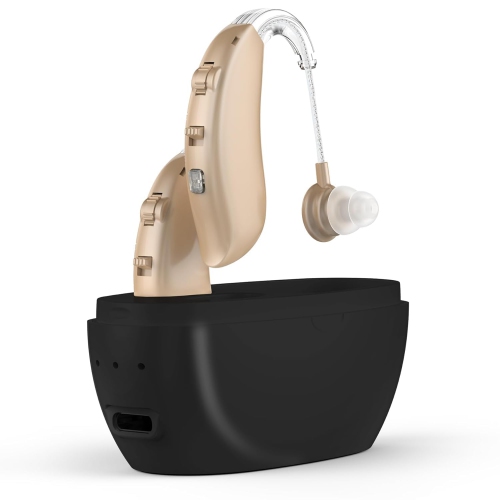
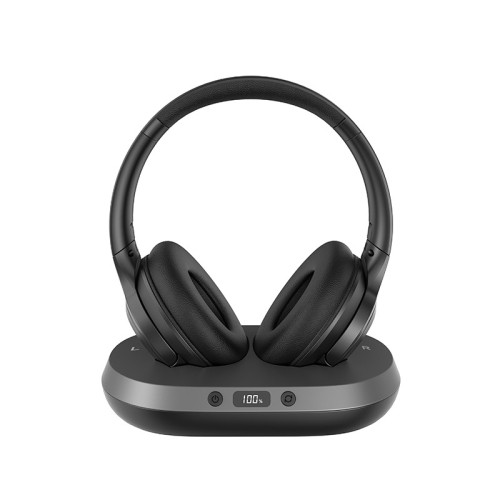
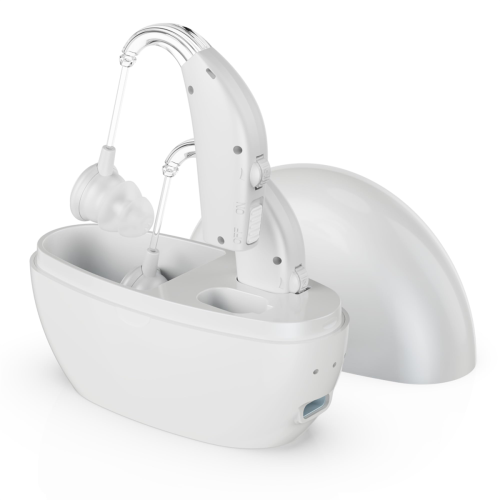
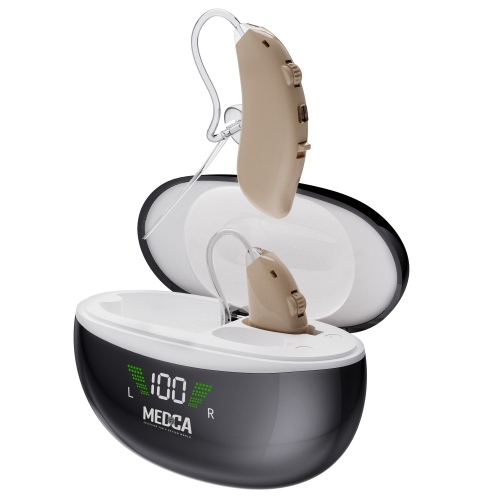
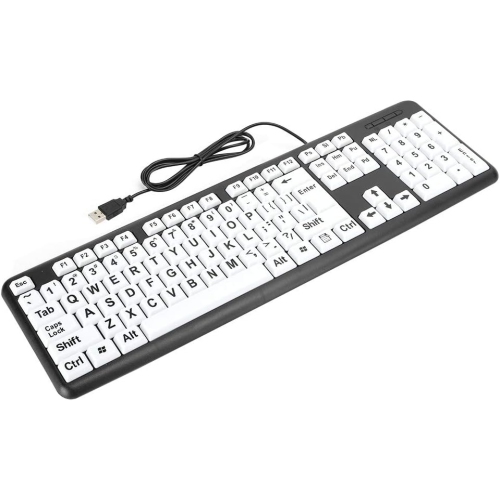
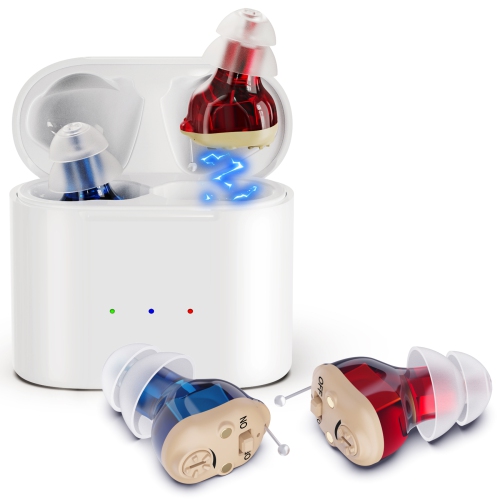
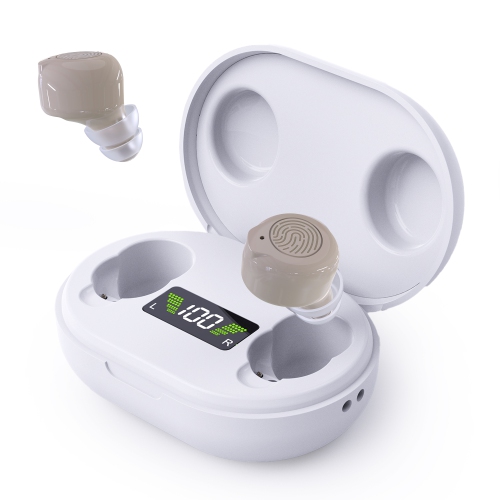
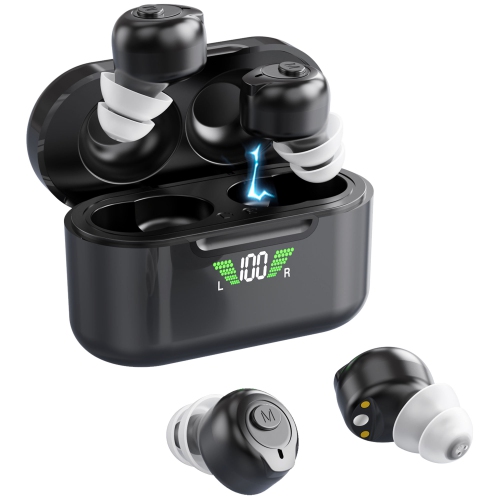
When selecting electronics for an older adult, consider the person’s abilities, habits, home layout, and comfort with technology before focusing on advanced features. Someone with reduced hearing may benefit from amplified sound, adjustable tone controls, compatible headphones, or visual alerts that signal a call or notification. A person with limited vision may find large lettering, high contrast, voice prompts, tactile buttons, and spoken controls more useful than a sleek design with hidden touch controls. For people who have difficulty remembering appointments, medications, or household routines, a large-display clock, calendar device, reminder system, or voice-activated speaker can provide gentle prompts throughout the day. Voice control can be especially convenient for setting timers, checking the weather, creating shopping reminders, or contacting family without navigating several menus. A tablet with a bright display and simplified settings may support video calls, digital photos, reading, games, and access to health or transportation information, provided it is configured in advance and paired with a reliable internet connection. For television viewing, a remote with large buttons and a limited number of essential controls may be easier to manage than a standard remote filled with small keys. Headphones, soundbars, and audio accessories can also help create a more comfortable listening experience without requiring the television volume to be raised throughout the home. When giving electronics as a gift, include time for setup: charge the device, adjust the text size and volume, label important buttons if useful, save key contacts, and write down simple instructions in large print. A familiar demonstration at the kitchen table often does more than a long manual, and a short follow-up visit can help the recipient gain confidence.
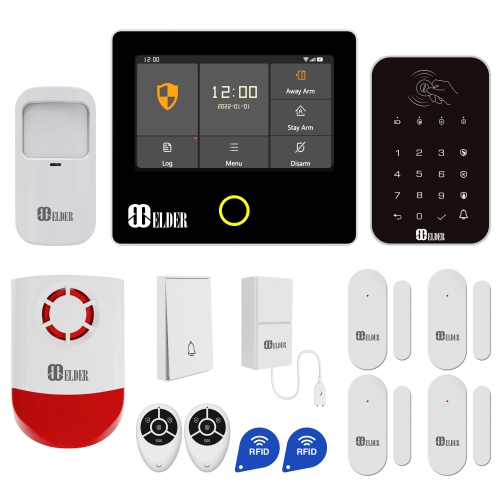
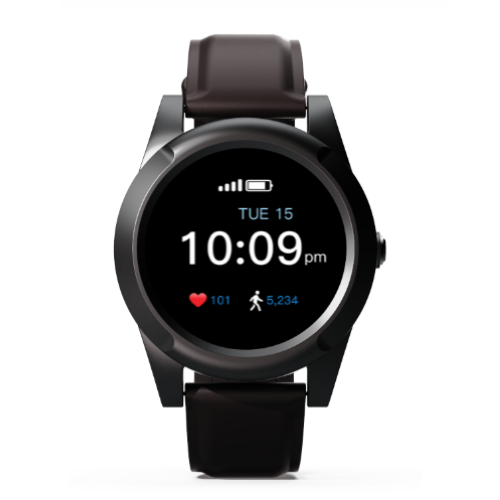
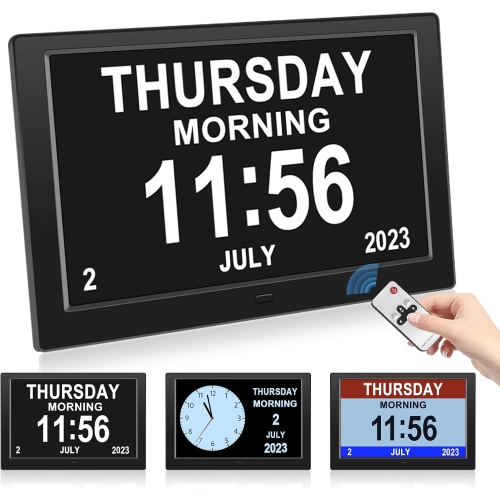
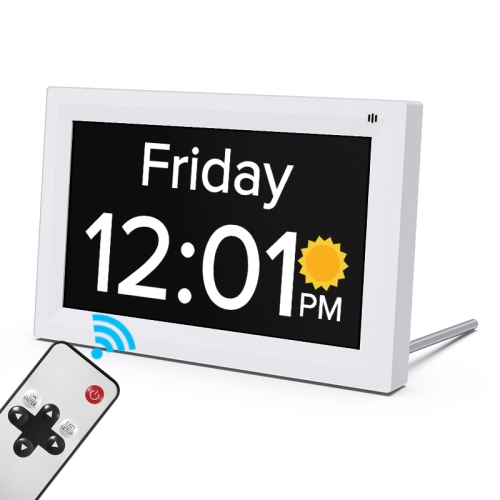
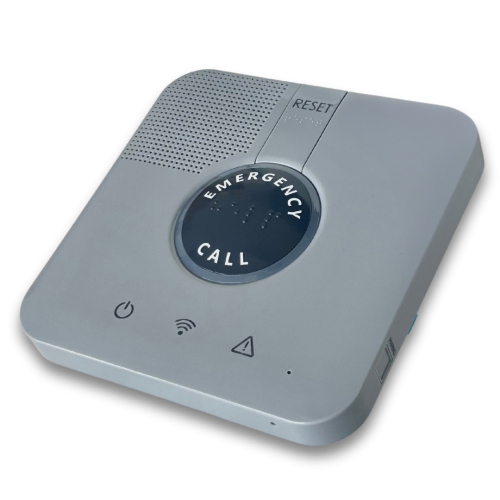
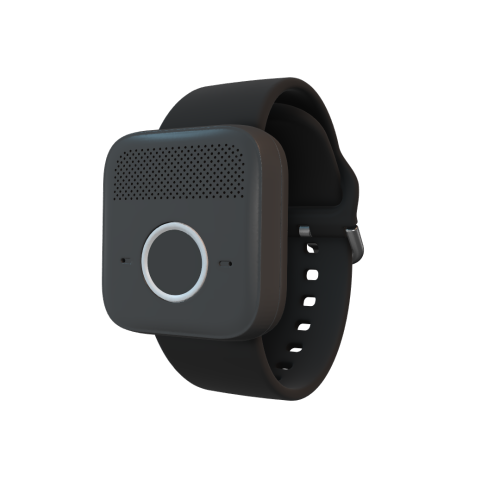
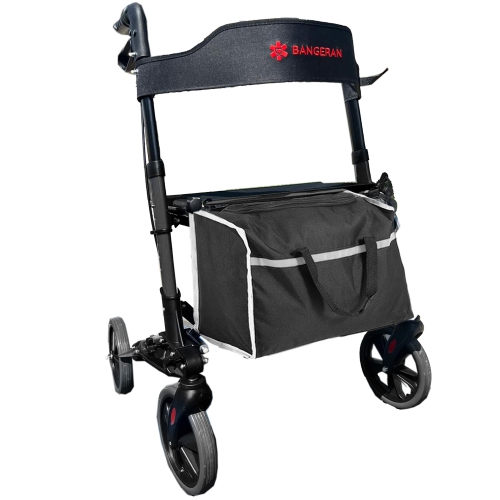
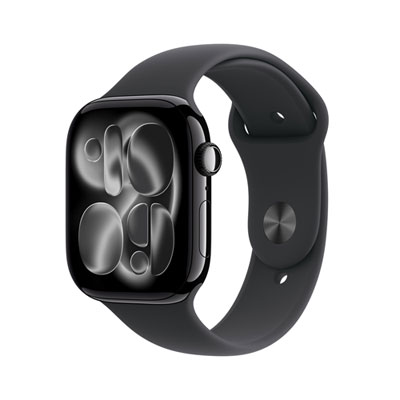
Home electronics can also support awareness, convenience, and connection during the cooler months, when more time may be spent indoors and daylight hours are shorter. Video doorbells and indoor displays can help a resident identify visitors before opening the door, while connected lights, timers, and motion-activated devices may make hallways, entrances, and frequently used rooms easier to navigate. These products should be chosen with privacy, installation, internet access, and the user’s comfort level in mind. A device that sends notifications to a family member may be reassuring, but the older adult should understand what information is shared and who can access it. Simple clocks that show the time, day, and date in large lettering can be useful in bedrooms, kitchens, or living spaces, particularly for someone who occasionally loses track of the day. Personal alert devices and phones with emergency calling features may offer added reassurance for people who live alone, although they should complement—not replace—regular check-ins and an appropriate care plan. Battery life, charging frequency, warranty coverage, return options, compatibility with existing devices, and the availability of technical support are practical details worth reviewing before purchase. The best electronics for elderly users are not necessarily the ones with the longest feature list; they are the ones that feel clear, dependable, and useful in real life. Whether the recipient wants easier conversations with family, more enjoyable entertainment, better visibility around the home, or a simple way to organize daily tasks, a thoughtfully selected device can fit naturally into familiar routines and provide support without making technology feel like a chore.
When selecting electronics for an older adult, consider the person’s abilities, habits, home layout, and comfort with technology before focusing on advanced features. Someone with reduced hearing may benefit from amplified sound, adjustable tone controls, compatible headphones, or visual alerts that signal a call or notification. A person with limited vision may find large lettering, high contrast, voice prompts, tactile buttons, and spoken controls more useful than a sleek design with hidden touch controls. For people who have difficulty remembering appointments, medications, or household routines, a large-display clock, calendar device, reminder system, or voice-activated speaker can provide gentle prompts throughout the day. Voice control can be especially convenient for setting timers, checking the weather, creating shopping reminders, or contacting family without navigating several menus. A tablet with a bright display and simplified settings may support video calls, digital photos, reading, games, and access to health or transportation information, provided it is configured in advance and paired with a reliable internet connection. For television viewing, a remote with large buttons and a limited number of essential controls may be easier to manage than a standard remote filled with small keys. Headphones, soundbars, and audio accessories can also help create a more comfortable listening experience without requiring the television volume to be raised throughout the home. When giving electronics as a gift, include time for setup: charge the device, adjust the text size and volume, label important buttons if useful, save key contacts, and write down simple instructions in large print. A familiar demonstration at the kitchen table often does more than a long manual, and a short follow-up visit can help the recipient gain confidence.
Home electronics can also support awareness, convenience, and connection during the cooler months, when more time may be spent indoors and daylight hours are shorter. Video doorbells and indoor displays can help a resident identify visitors before opening the door, while connected lights, timers, and motion-activated devices may make hallways, entrances, and frequently used rooms easier to navigate. These products should be chosen with privacy, installation, internet access, and the user’s comfort level in mind. A device that sends notifications to a family member may be reassuring, but the older adult should understand what information is shared and who can access it. Simple clocks that show the time, day, and date in large lettering can be useful in bedrooms, kitchens, or living spaces, particularly for someone who occasionally loses track of the day. Personal alert devices and phones with emergency calling features may offer added reassurance for people who live alone, although they should complement—not replace—regular check-ins and an appropriate care plan. Battery life, charging frequency, warranty coverage, return options, compatibility with existing devices, and the availability of technical support are practical details worth reviewing before purchase. The best electronics for elderly users are not necessarily the ones with the longest feature list; they are the ones that feel clear, dependable, and useful in real life. Whether the recipient wants easier conversations with family, more enjoyable entertainment, better visibility around the home, or a simple way to organize daily tasks, a thoughtfully selected device can fit naturally into familiar routines and provide support without making technology feel like a chore.
Top selling and popular products
-
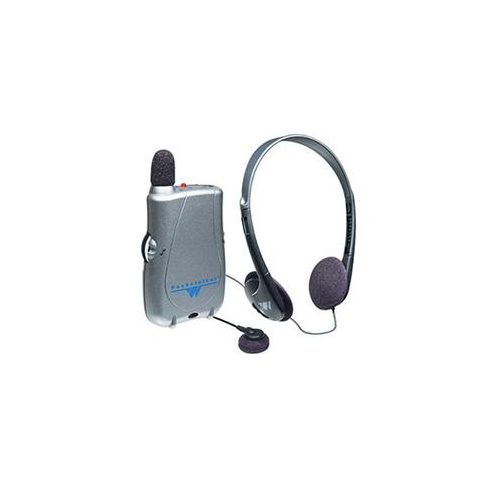 Your price for this item is $331.22
 -
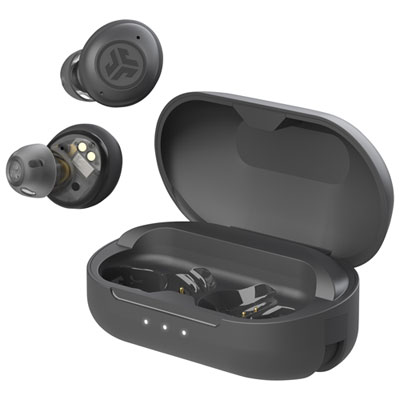 Your price for this item is $159.99
 -
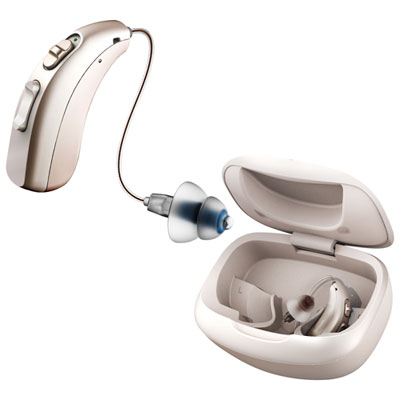 Your price for this item is $499.99
 -
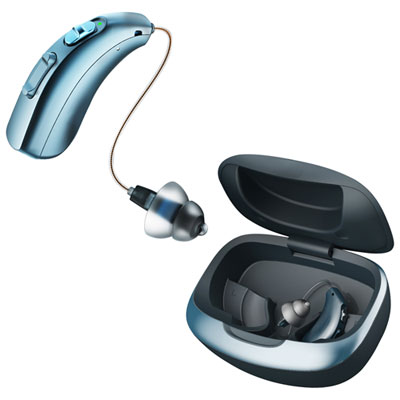 Your price for this item is $349.99
 -
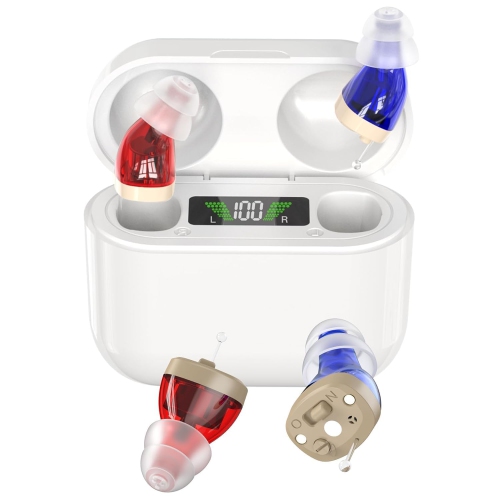 Your price for this item is $289.99
 -
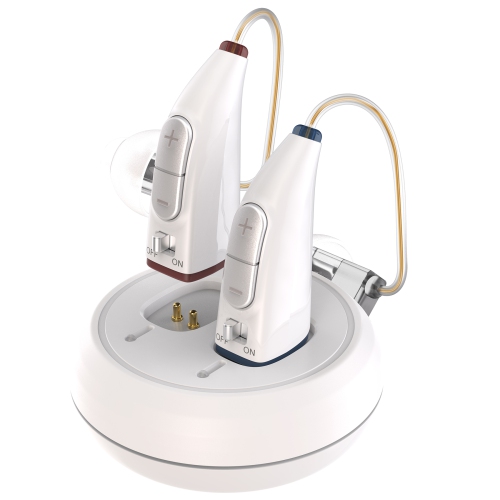 Your price for this item is $259.99
 -
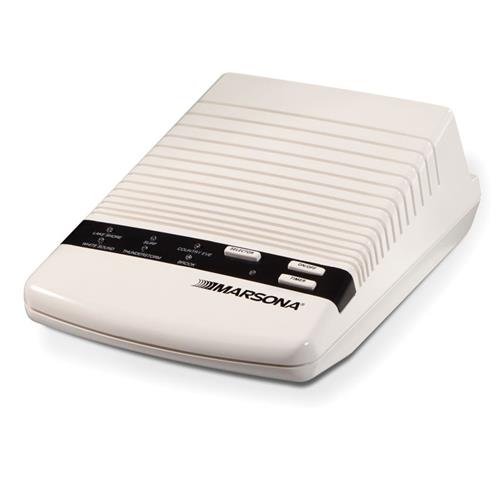 Your price for this item is $36.24
 -
 Your price for this item is $110.45
Discover more categories related to Electronics for Elderly

Top Collections:
Pokemon Centers, Kindle Devices, Best Budget Office Chairs, Apple iPhones 16, Canon G7X Cameras, iPhone 15 Apple, Alarm Clock, Refurbished Apple Laptops, Flip Phones, Best Laptops for Writers
Some products may be subject to Environmental Handling Fees
(EHF) depending on your province.
Learn more about EHFs.