Home Office Desk Phones
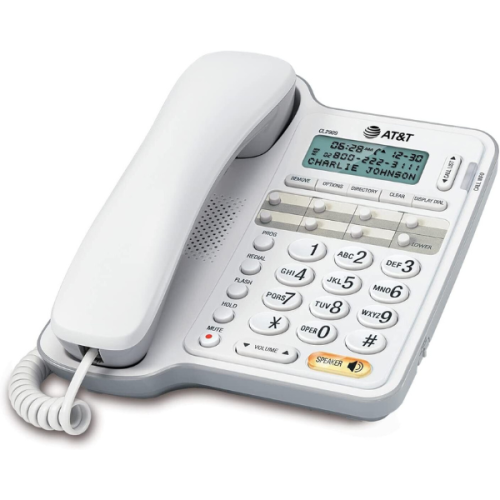
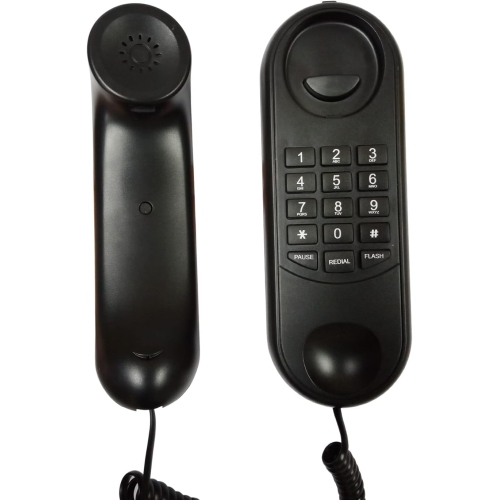
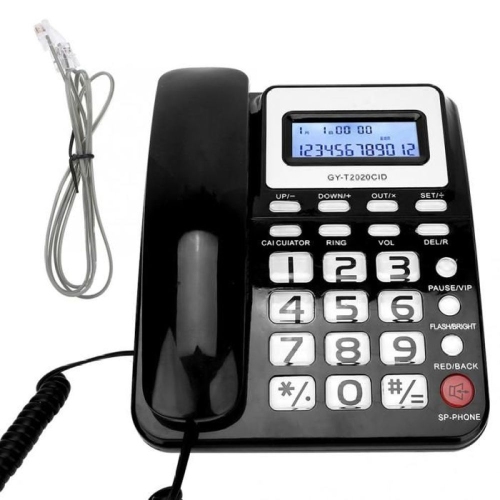
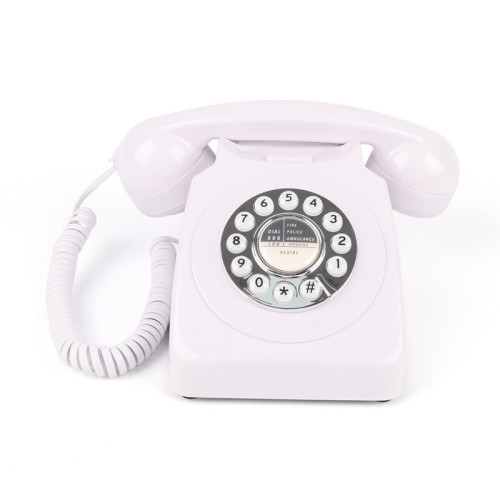
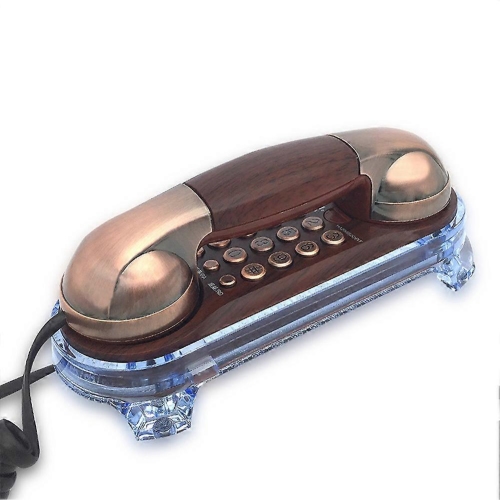
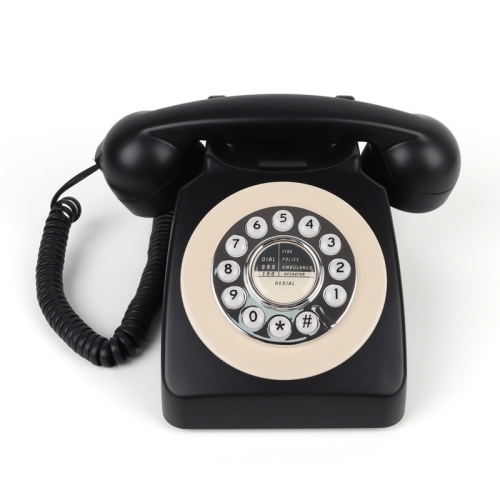
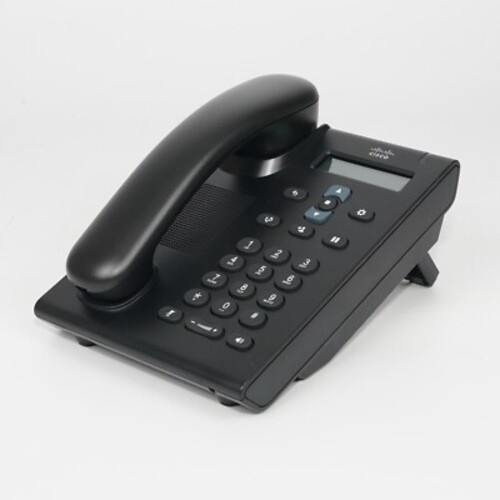
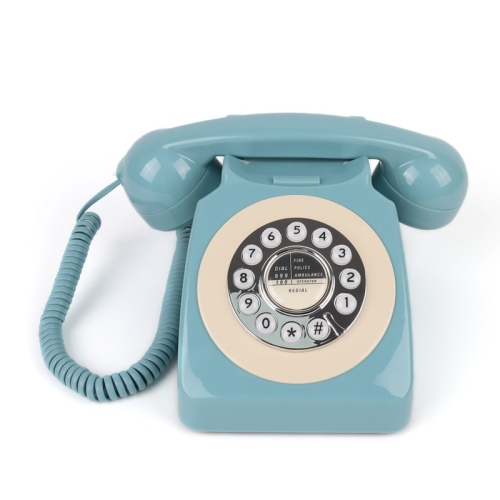
Find home office desk phones for a dedicated calling setup at your workspace. As you compare desktop telephones, check compatibility with your phone service and consider ease of use, desk space, and the calling features you need for your workday.














FAQ
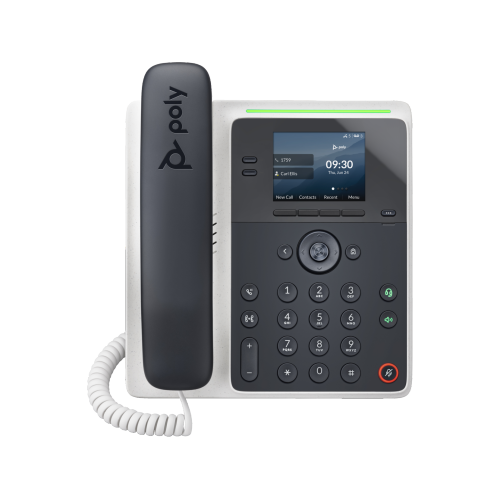
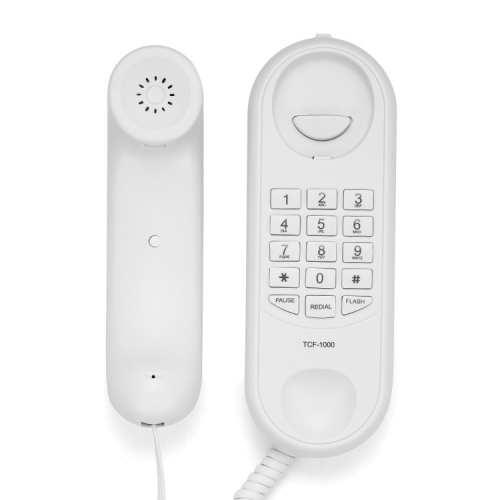
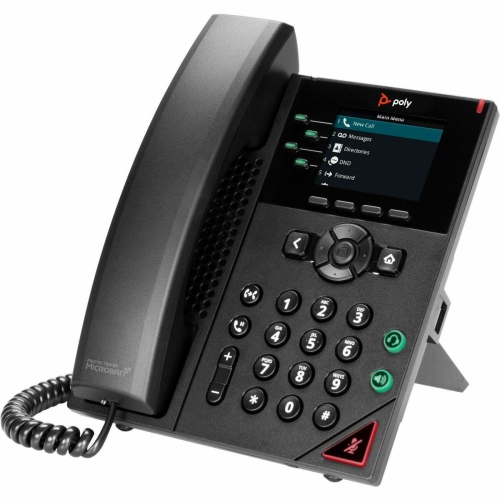
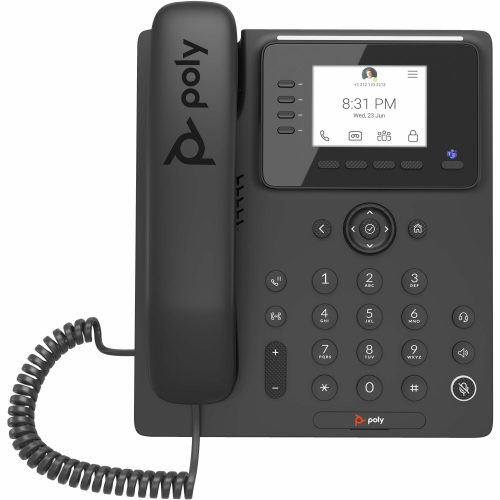
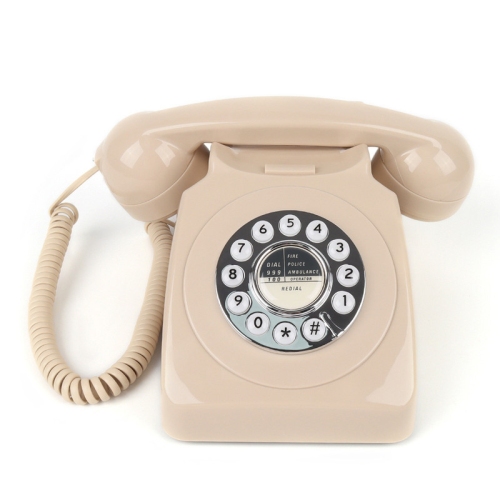
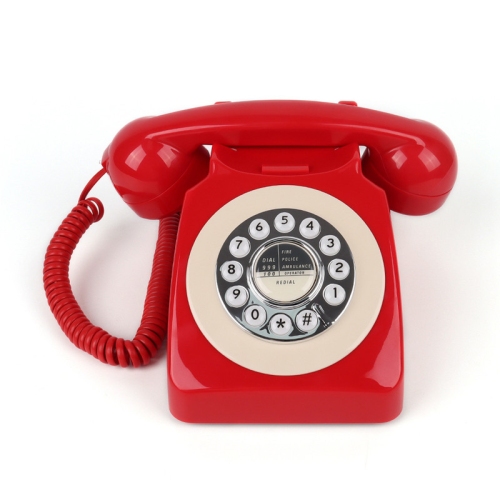
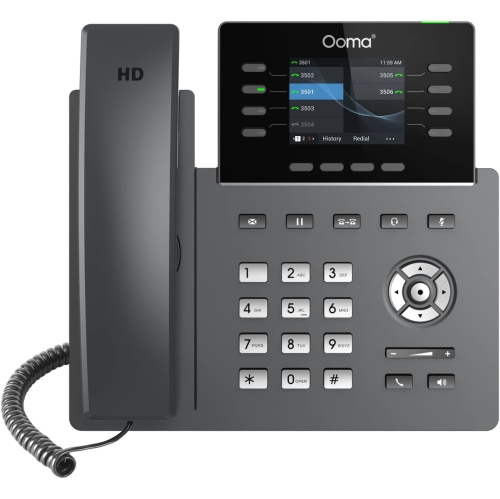
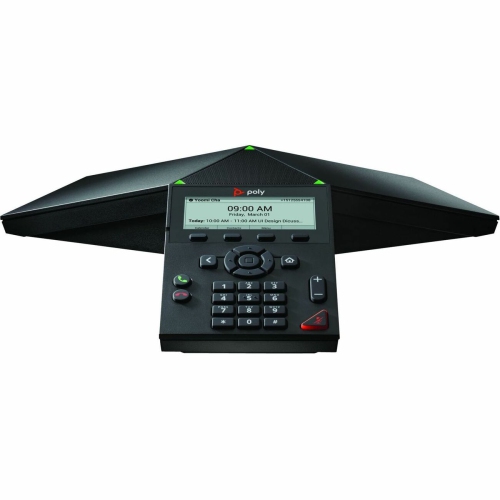
A traditional landline desk phone typically connects to a telephone wall jack and uses a telephone service. A VoIP desk phone connects to a network and places calls through an internet-based phone service. Your phone needs to be compatible with the service you plan to use.
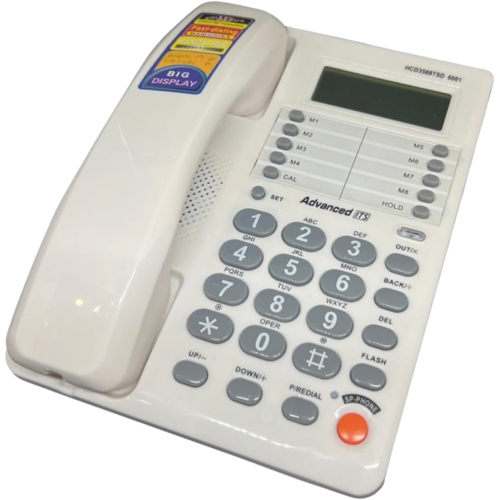
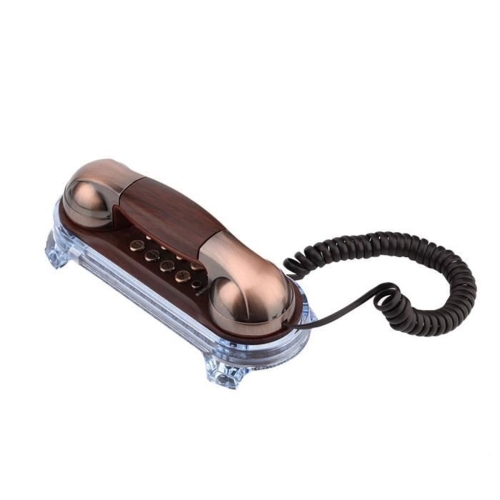
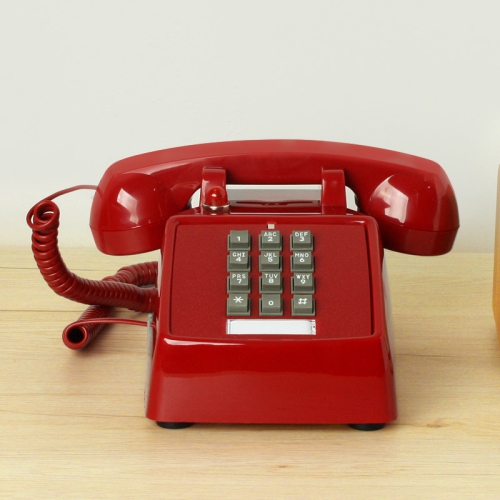
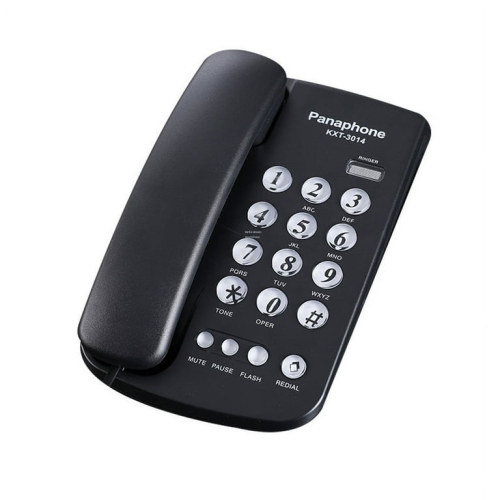
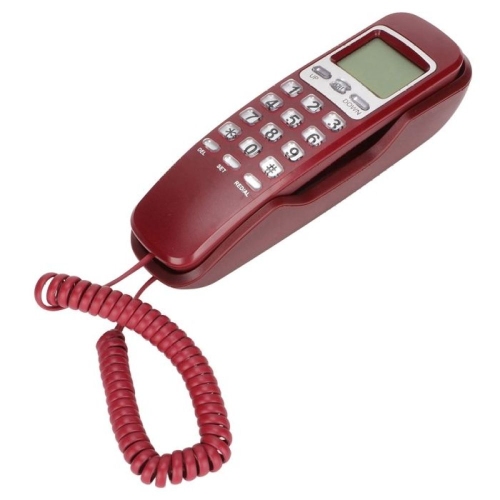
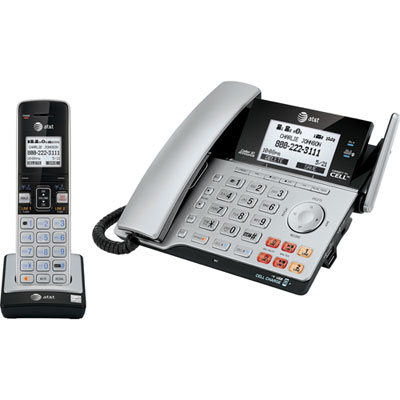
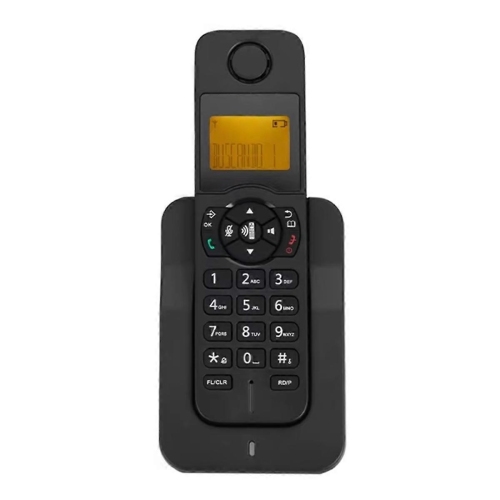
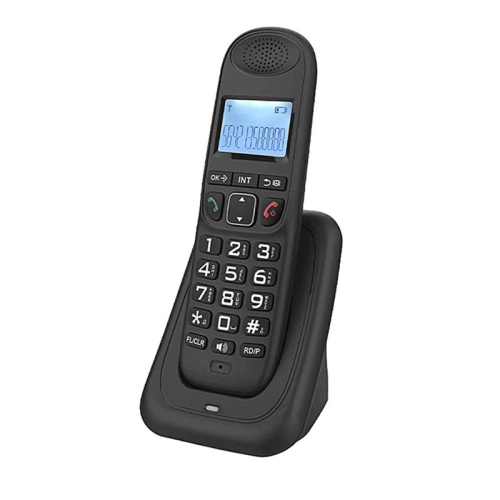
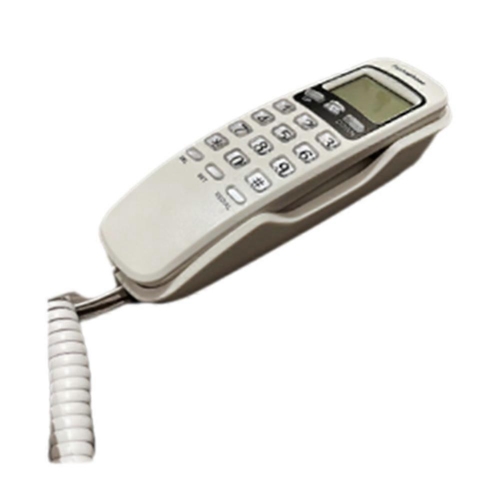
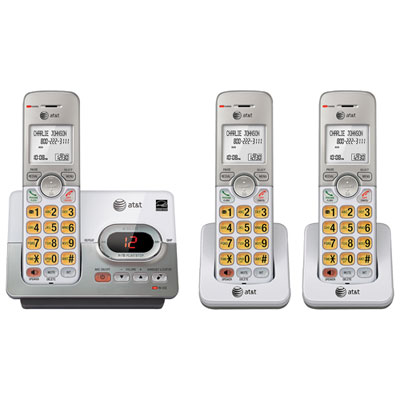
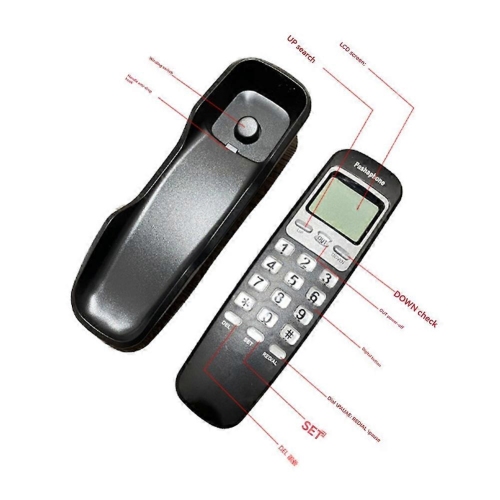
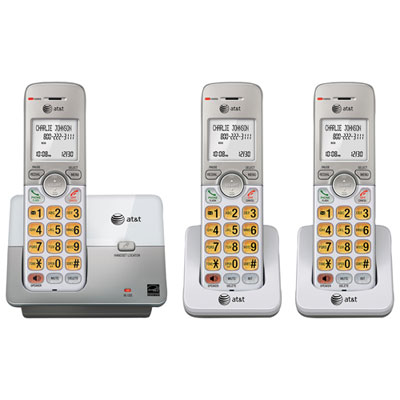
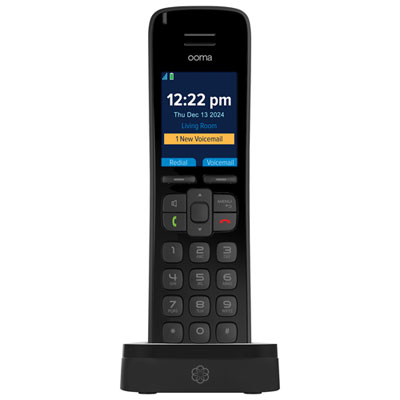
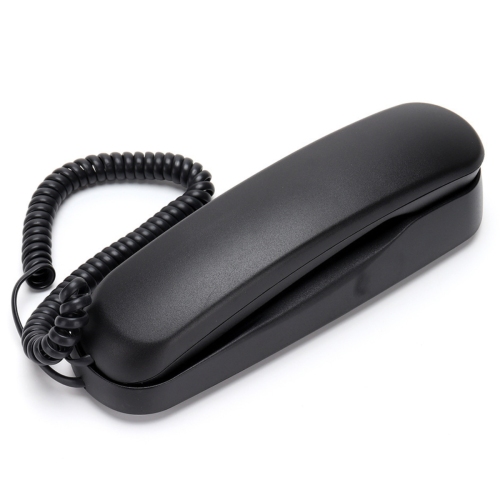
A corded desk phone has a handset attached to its base by a cable. A cordless phone uses a wireless handset that sits in a charging base when not in use. Some phone systems combine a corded desk base with additional cordless handsets.
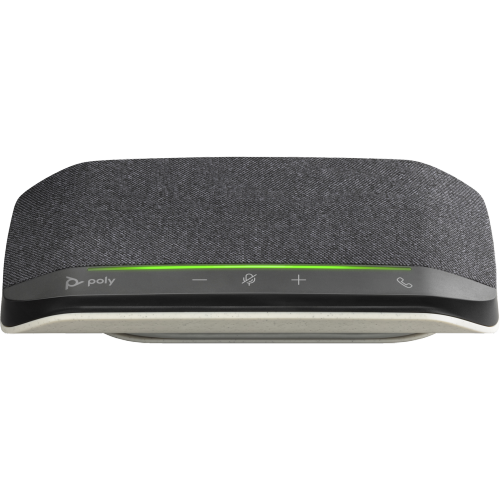
Some desk phones support wired headsets through a dedicated headset port, while others offer Bluetooth connectivity or require a compatible adapter. Check the phone’s supported connections and the headset’s compatibility before choosing a pairing.
Multi-line support lets a desk phone handle more than one telephone line or account, such as separate personal and business numbers. The number of supported lines depends on the phone, and each line or account may require activation through your phone service provider.
A built-in answering machine records messages on the phone’s base, while voicemail stores messages through your phone service provider. Access methods and available features vary, so check whether the phone includes message recording or relies on a separate voicemail service.
Top selling and popular products
Discover more categories related to Home Office Desk Phones

Some products may be subject to Environmental Handling Fees (EHF) depending on your province. Learn more about EHFs.