Home Office Electronics
Transform your workspace with the latest home office electronics designed to boost productivity and comfort. Whether you're setting up a dedicated office or updating your current setup, you'll find a wide range of essentials to help you stay connected and organized. Explore options that cater to your workflow, enhance communication, and support daily tasks, making it easier than ever to achieve your professional goals from the comfort of home. Find everything you need for an efficient and functional workspace with home office electronics tailored to suit every style and need.
Sort





A productive workspace takes more than a computer
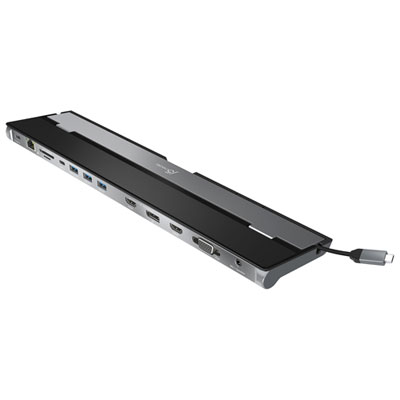
Home office electronics include computers, monitors, keyboards, mice, webcams, headsets, printers, networking equipment, and power protection that support work and study at home. Together, these categories serve everyday tasks such as writing documents, joining video meetings, managing records, and working across several applications. The computing setup often centres on a laptop or desktop. A laptop suits someone who moves between a desk and other work locations, while a desktop can suit a dedicated workspace where portability matters less. Processing power, memory, and storage requirements depend on the work involved: email and word processing place different demands on a computer than large spreadsheets, design software, or video editing. Memory helps keep several active applications responsive, while storage capacity determines how much can be kept locally. A solid-state drive can also make starting the computer and opening files feel quicker than a mechanical hard drive. For employees working remotely, compatibility with employer-approved software and security requirements is just as important as performance. Monitors add usable screen space, whether that means keeping reference material beside a document or spreading a detailed timeline across a larger display. Screen size alone does not determine how comfortably information fits; resolution, text scaling, viewing distance, and desk depth all affect the experience. A high-resolution display can make small text and fine detail appear sharper, but comfortable text sizing remains important. Adjustable stands help position the screen at a suitable height, and a compatible monitor arm can free desk space when the desk and mounting hardware support it. Connections deserve equal attention. HDMI, DisplayPort, and USB-C support different capabilities depending on the devices involved, and a USB-C connector does not automatically provide video output or laptop charging. Docking stations can bring displays, peripherals, and network connections together through fewer cables, provided the computer supports the required functions. Physical fit includes space for the computer itself, room behind plugs, and unobstructed ventilation, rather than only the footprint shown on a desk.
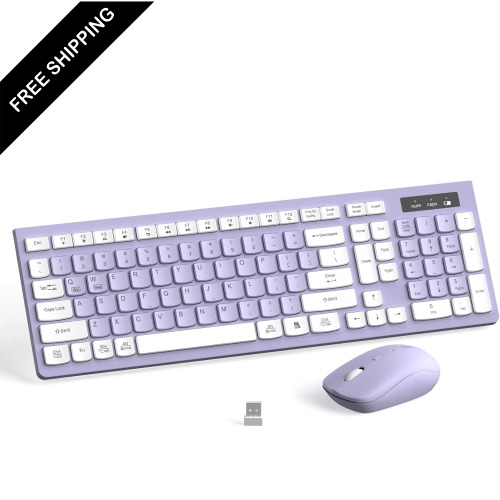
The electronics used throughout the working day often shape comfort as much as the computer does. Keyboard width, key spacing, key travel, and the position of the number pad can affect how naturally a desk arrangement works. A compact keyboard leaves more room for a mouse, while a full-size layout may better suit frequent spreadsheet entry or bookkeeping. Split and curved keyboard designs offer different hand positions, though comfort depends on individual preference, desk height, and how the keyboard is positioned. Mouse size and shape also matter: a device that suits one hand or grip may feel awkward to another person. Wired connections provide a straightforward setup without batteries, while wireless connections allow more freedom to rearrange the workspace. Complementary Home Office Computer Accessories can help bring these pieces together around the available space and the way it is used. For calls, a headset keeps meeting audio close and can limit how much other people in the home hear. Microphone placement and background noise handling influence speech clarity, but no microphone can remove every competing sound. A boom microphone positioned near the mouth can help distinguish speech from more distant noise. Webcam placement makes a difference, too: a camera near eye level usually creates a more natural conversation angle than one looking upward from a low laptop screen. Soft light falling towards the face can produce a clearer picture than a bright window directly behind it. Physical camera shutters and accessible microphone mute controls offer convenient ways to manage privacy between meetings. Materials and construction matter when equipment gets moved, packed, or adjusted frequently. Stable bases, secure hinges, durable key legends, and well-supported cable connections can contribute to dependable daily use. Care is generally simple but device-specific: cleaning with an appropriate cloth, keeping liquids away from openings, and following the manufacturer’s cleaning directions help protect surfaces and components. Directly spraying screens or controls can allow moisture into places it does not belong.
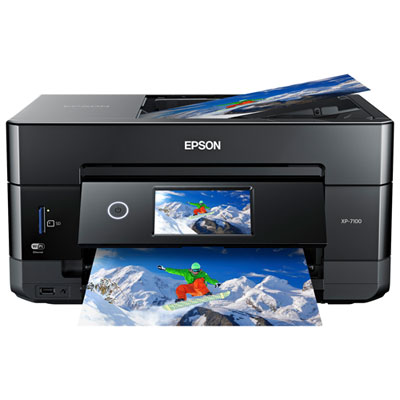
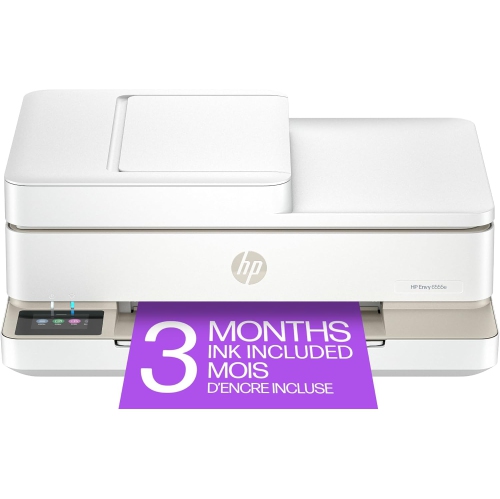
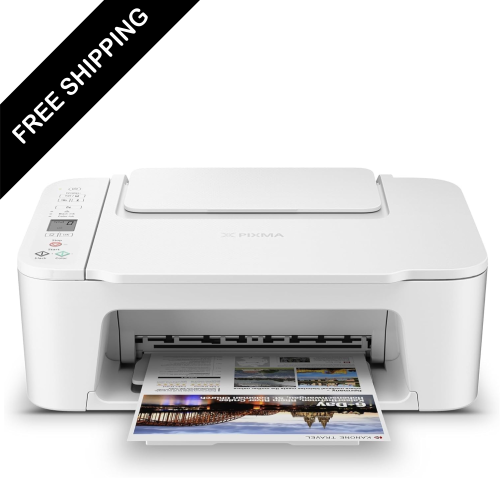
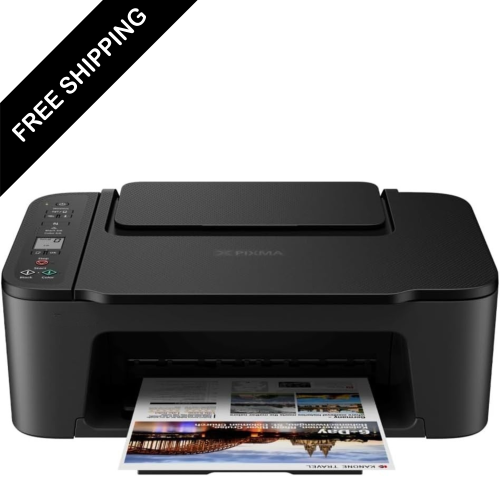
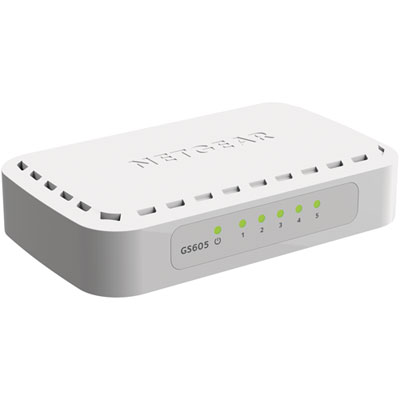
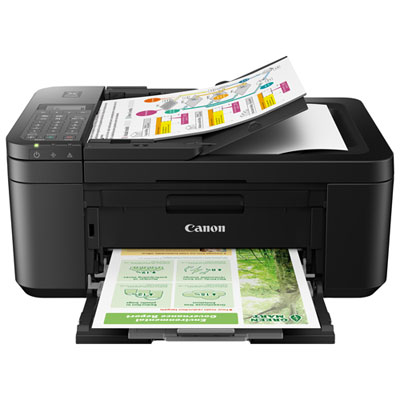
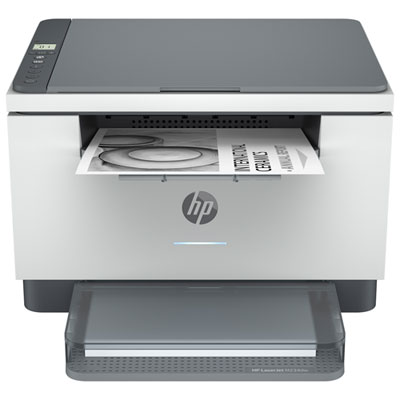
Reliable connections and sensible file handling give a home office setup a foundation beyond the desktop. Wi-Fi performance depends on router placement, the layout of the home, building materials, interference, and the number of connected devices. A fast internet plan cannot by itself resolve a weak wireless signal at a distant desk. Mesh networking can extend coverage across a larger home, while a wired Ethernet connection can provide more consistent performance where wireless traffic is congested. Video meetings, shared files, and remote access also depend on upload capacity and connection stability, not only download speed. Printers and scanners remain useful for signed forms, shipping documents, household paperwork, and business records. Inkjet and laser printing serve different patterns of use, with colour requirements, printing frequency, document type, and ongoing maintenance all influencing suitability. Automatic two-sided printing and document feeders can make multi-page paperwork easier to handle, while scanning functions help turn paper records into searchable digital files when compatible software supports text recognition. Power equipment has a separate role. A surge protector is designed to help protect connected equipment from certain voltage spikes; it does not provide battery backup during an outage. An uninterruptible power supply can keep supported equipment running briefly, allowing time to save work or shut down, with runtime depending on its capacity and the connected load. File protection is another distinct consideration. An external drive can hold a separate backup, while cloud services can provide access across locations; files stored in only one place remain vulnerable if that device fails or an account becomes inaccessible. Password protection, software updates, and separation between work and personal accounts also matter when devices hold confidential information. The right combination varies between a shared family desk, a student’s study area, a freelancer’s workstation, and a full-time remote office. A compact arrangement may prioritize easy storage and quick connections, while a permanent workspace may benefit more from multiple displays, dedicated audio equipment, and organized cabling. The common thread is equipment that fits the tasks, the available space, and the people using it.
The electronics used throughout the working day often shape comfort as much as the computer does. Keyboard width, key spacing, key travel, and the position of the number pad can affect how naturally a desk arrangement works. A compact keyboard leaves more room for a mouse, while a full-size layout may better suit frequent spreadsheet entry or bookkeeping. Split and curved keyboard designs offer different hand positions, though comfort depends on individual preference, desk height, and how the keyboard is positioned. Mouse size and shape also matter: a device that suits one hand or grip may feel awkward to another person. Wired connections provide a straightforward setup without batteries, while wireless connections allow more freedom to rearrange the workspace. Complementary Home Office Computer Accessories can help bring these pieces together around the available space and the way it is used. For calls, a headset keeps meeting audio close and can limit how much other people in the home hear. Microphone placement and background noise handling influence speech clarity, but no microphone can remove every competing sound. A boom microphone positioned near the mouth can help distinguish speech from more distant noise. Webcam placement makes a difference, too: a camera near eye level usually creates a more natural conversation angle than one looking upward from a low laptop screen. Soft light falling towards the face can produce a clearer picture than a bright window directly behind it. Physical camera shutters and accessible microphone mute controls offer convenient ways to manage privacy between meetings. Materials and construction matter when equipment gets moved, packed, or adjusted frequently. Stable bases, secure hinges, durable key legends, and well-supported cable connections can contribute to dependable daily use. Care is generally simple but device-specific: cleaning with an appropriate cloth, keeping liquids away from openings, and following the manufacturer’s cleaning directions help protect surfaces and components. Directly spraying screens or controls can allow moisture into places it does not belong.
Reliable connections and sensible file handling give a home office setup a foundation beyond the desktop. Wi-Fi performance depends on router placement, the layout of the home, building materials, interference, and the number of connected devices. A fast internet plan cannot by itself resolve a weak wireless signal at a distant desk. Mesh networking can extend coverage across a larger home, while a wired Ethernet connection can provide more consistent performance where wireless traffic is congested. Video meetings, shared files, and remote access also depend on upload capacity and connection stability, not only download speed. Printers and scanners remain useful for signed forms, shipping documents, household paperwork, and business records. Inkjet and laser printing serve different patterns of use, with colour requirements, printing frequency, document type, and ongoing maintenance all influencing suitability. Automatic two-sided printing and document feeders can make multi-page paperwork easier to handle, while scanning functions help turn paper records into searchable digital files when compatible software supports text recognition. Power equipment has a separate role. A surge protector is designed to help protect connected equipment from certain voltage spikes; it does not provide battery backup during an outage. An uninterruptible power supply can keep supported equipment running briefly, allowing time to save work or shut down, with runtime depending on its capacity and the connected load. File protection is another distinct consideration. An external drive can hold a separate backup, while cloud services can provide access across locations; files stored in only one place remain vulnerable if that device fails or an account becomes inaccessible. Password protection, software updates, and separation between work and personal accounts also matter when devices hold confidential information. The right combination varies between a shared family desk, a student’s study area, a freelancer’s workstation, and a full-time remote office. A compact arrangement may prioritize easy storage and quick connections, while a permanent workspace may benefit more from multiple displays, dedicated audio equipment, and organized cabling. The common thread is equipment that fits the tasks, the available space, and the people using it.
Top selling and popular products
-
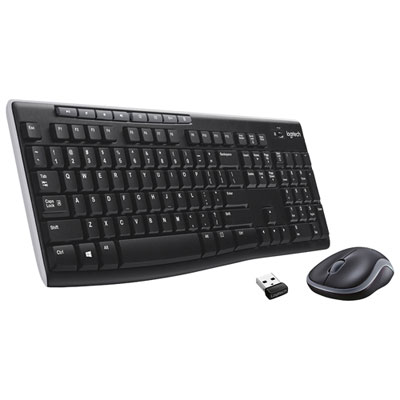 Your price for this item is $39.99
-
 Your price for this item is $50.49
-
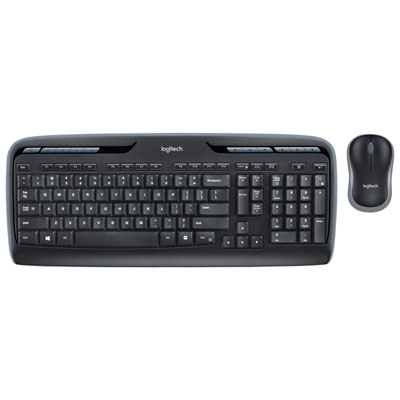 Your price for this item is $59.99
-
 Your price for this item is $59.99
-
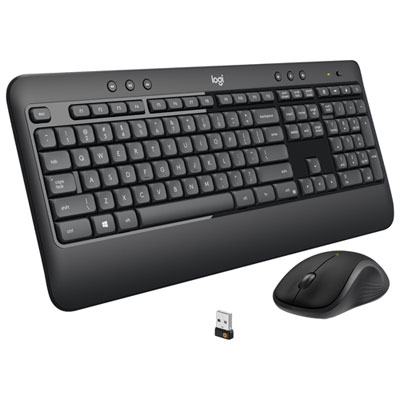 Your price for this item is $69.98
-
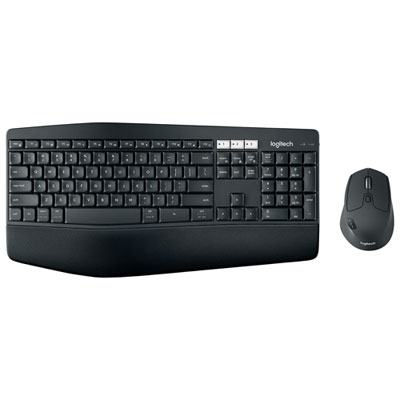 Your price for this item is $119.99
-
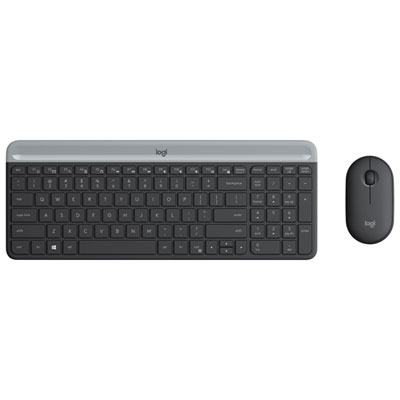 Your price for this item is $69.99
-
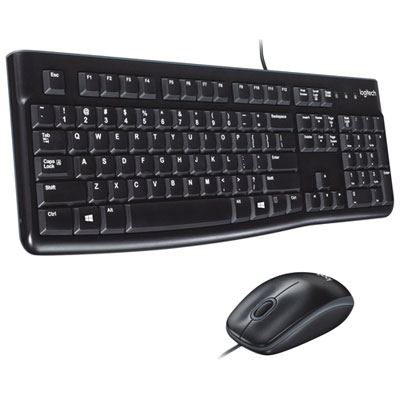 Your price for this item is $20.98
Discover more categories related to Home Office Electronics

Top Collections:
Pokemon Centers, Pokémon 30th Celebration Cards, Best Budget Office Chairs, Kindle Devices, Best Cameras for Sports Photography, Canon G7X Cameras, Best Black Friday Deals On Electronics, Best Laptops for Writers, iPhone 15 Apple, Jackery Power Stations
Some products may be subject to Environmental Handling Fees
(EHF) depending on your province.
Learn more about EHFs.