Home Office Equipment
Elevate your workspace with the right home office equipment to support productivity and comfort throughout your day. Whether you are setting up a new office or upgrading your current setup, choosing the best solutions can help create an efficient and organized area. Explore a wide selection of essentials designed to make working from home easier and more enjoyable, so you can focus on what matters most. Find everything you need to build a space that suits your style and meets your professional needs.
Sort

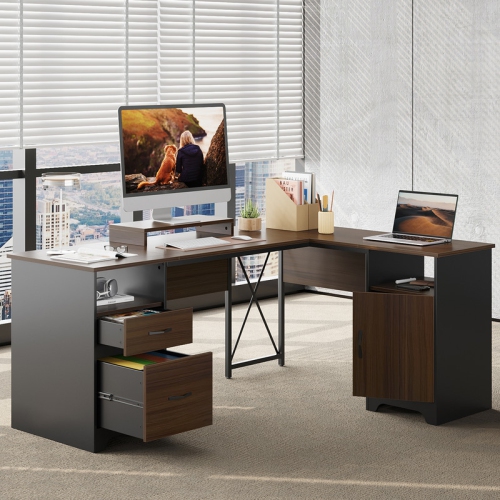
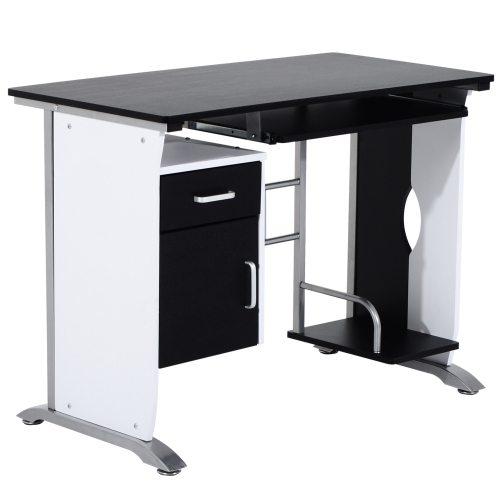
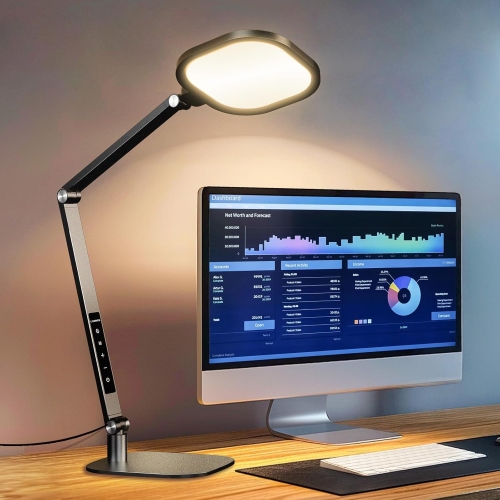

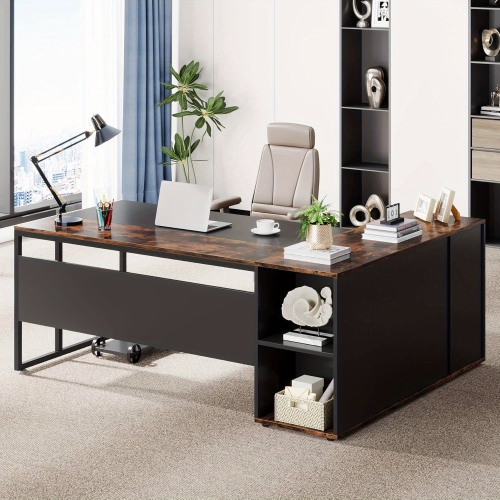
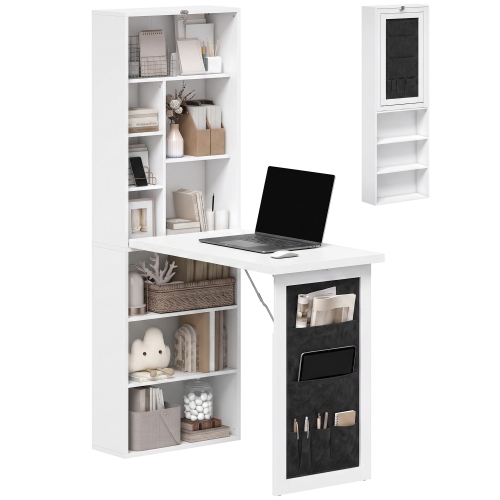
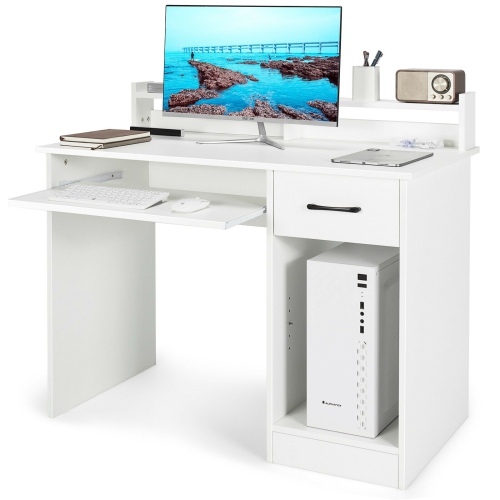
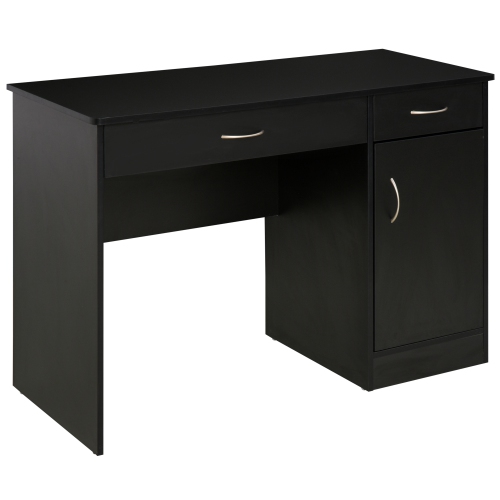
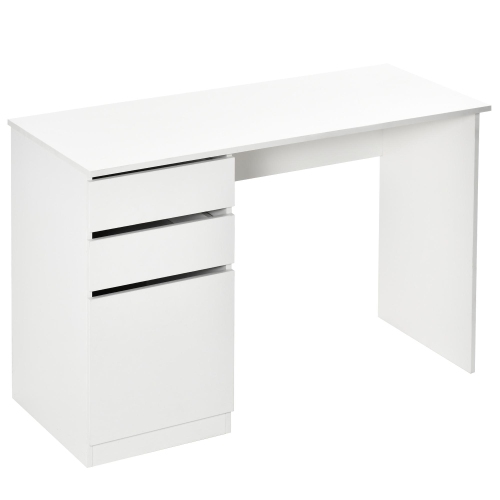
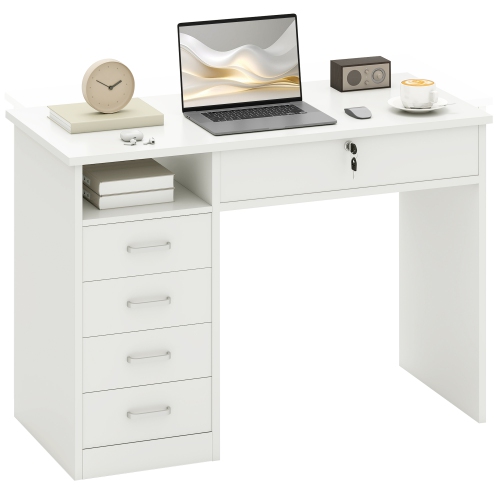
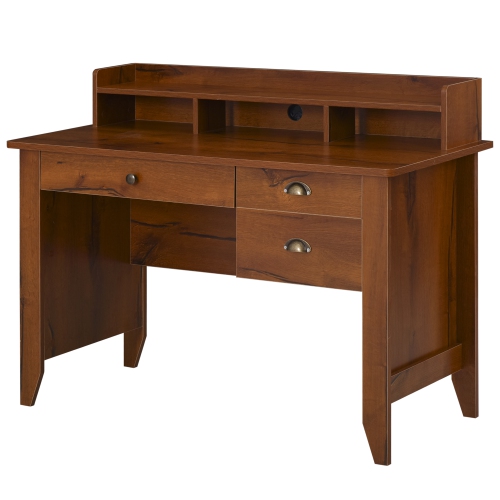
A workspace that fits your space and routine
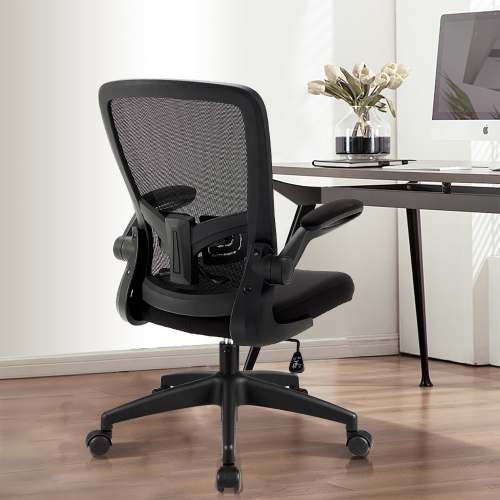
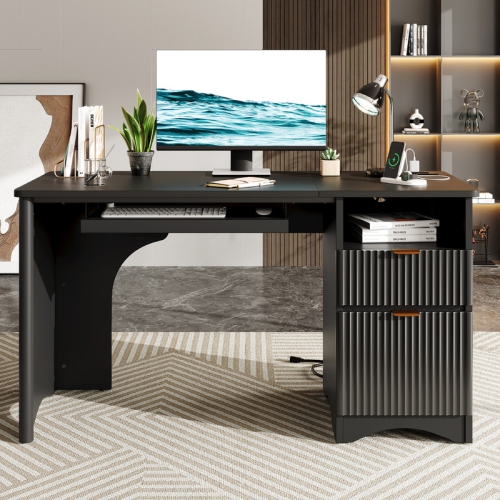
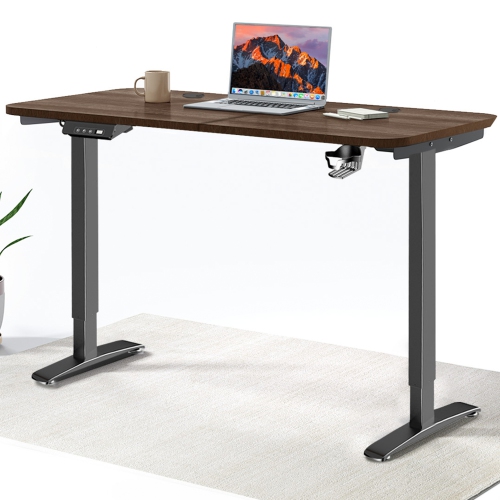
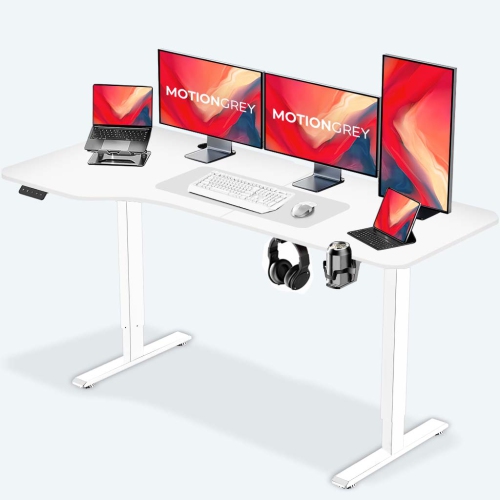
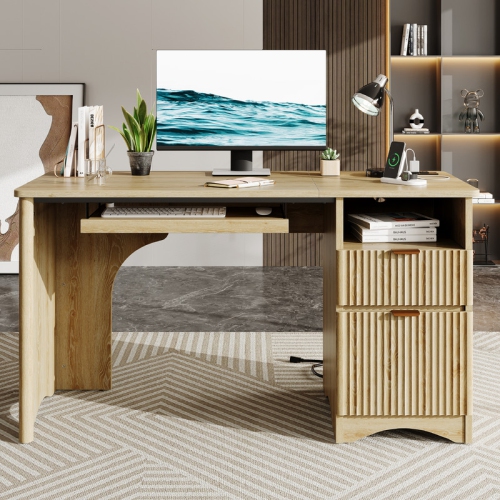
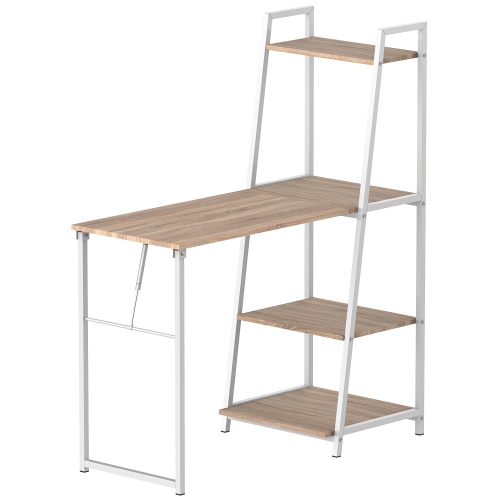
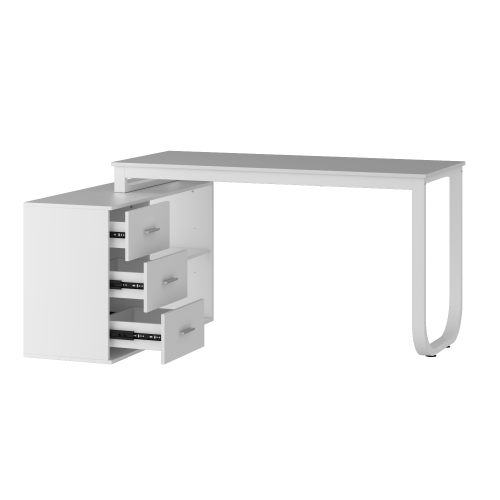
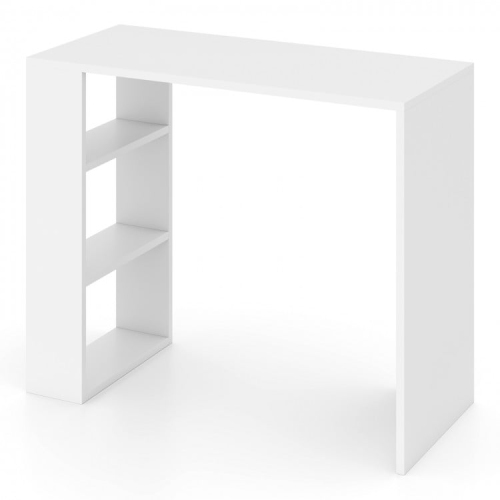
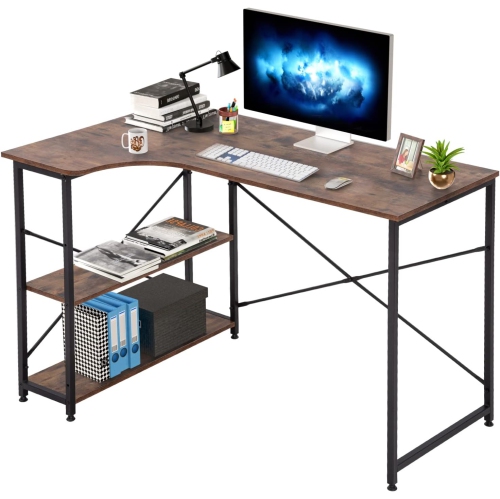
Home office equipment includes the furniture, computers, accessories, and organizational supplies used to create a practical workspace at home. The right combination supports everyday tasks such as writing, video meetings, bookkeeping, research, and managing household paperwork. For someone working remotely full time, that may mean a dedicated desk, an adjustable chair, and enough screen space to keep several documents visible. A student or occasional home-office user may need a smaller setup that fits comfortably into a bedroom or shared living area. Furniture dimensions matter beyond the size of the desktop: chair movement, legroom, storage access, and clearance around doors all affect how comfortably the space functions. A deeper work surface can accommodate a monitor at a suitable viewing distance while leaving room for a keyboard and notes, whereas a compact desk may suit laptop-based tasks. Height-adjustable desks offer flexibility between seated and standing work, but their adjustment range and weight capacity need to suit the user and the equipment placed on them. Chair fit is equally personal. Adjustable seat height, supportive cushioning, armrest positioning, and back support can help users find a comfortable position with feet supported and shoulders relaxed. Materials influence both appearance and upkeep. Solid wood brings natural grain and may require finish-specific care, while laminate surfaces are generally straightforward to wipe clean according to the manufacturer’s directions. Metal frames can provide sturdy support, and fabric, mesh, and upholstered seating each have different cleaning needs and textures. Rounded edges, stable construction, and accessible controls are useful details in spaces shared with family members. A workspace does not have to occupy a separate room to feel organized; a well-proportioned desk, comfortable seating, and nearby storage can establish a clear place for focused work without overwhelming the rest of the home. Durable finishes and replaceable components, where offered, can also matter for furniture that sees daily adjustments, frequent use, or movement between rooms.
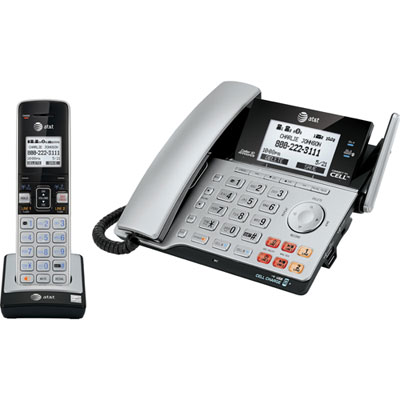
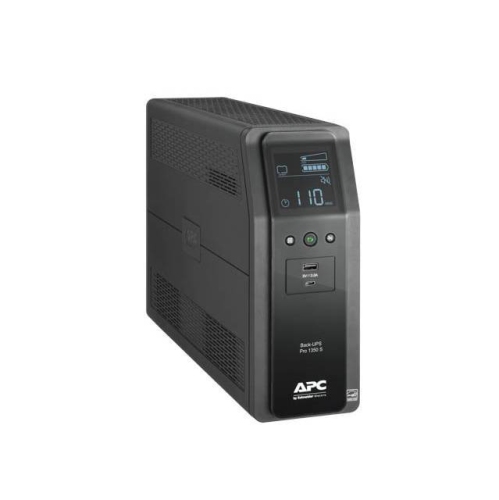
Technology shapes how a home office handles communication, multitasking, and specialized work. A computer used mainly for email, web-based applications, and documents has different demands from one used for large spreadsheets, video editing, design software, or complex calculations. Processor capability, memory, storage capacity, and software compatibility all contribute to whether a setup suits those tasks. A laptop provides flexibility for moving between rooms or taking work elsewhere, while a desktop computer can suit a fixed workspace with multiple peripherals. External monitors give documents, spreadsheets, and meeting windows more room, but screen size needs to work with the desk’s depth and width. Resolution, text scaling, brightness adjustment, and screen positioning affect everyday readability; a larger display is only useful if content remains comfortable to see. Monitor stands and adjustable arms can free up work surface space, provided their mounting requirements and weight limits match the display and desk. Keyboards and mice also deserve attention because hand size, typing habits, and available space vary. A compact keyboard leaves more room for mouse movement, while a number pad can be helpful for frequent data entry. Wireless accessories reduce some visible cables but require charging or replacement batteries. Connection details are especially important when several devices need to work together. The ports on a computer, monitor, hub, and charging equipment must support the intended functions, since connectors with the same shape do not always carry the same capabilities. Reliable internet access supports cloud-based work and calls, with Wi-Fi performance affected by distance, walls, and household usage. A wired network connection may suit a stationary setup where practical. For video meetings, clear microphone pickup, comfortable headphones, and a camera positioned near eye level can make conversations easier to follow. Lighting also plays a practical role: an adjustable task light can illuminate paperwork without casting a bright reflection across a screen, while light directed toward the user rather than from behind can improve visibility on camera.
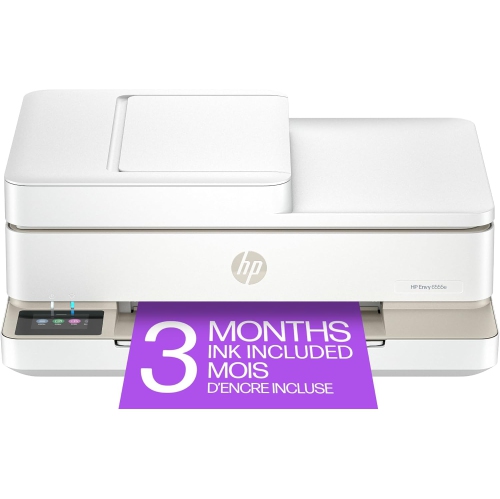
Storage and office supplies help keep that technology-centred workspace useful for the less digital parts of daily life. Paper forms, reference books, charging cables, notebooks, and mailing supplies can quickly compete for desktop space unless each has a convenient place. Drawers suit smaller accessories, shelves keep reference materials within reach, and filing storage separates active paperwork from documents that need to be retained. In a shared room, closed storage can make it easier to put work away at the end of the day, while portable organizers allow a temporary setup to be cleared from a dining table. Storage, lighting, and other Home Office Essentials help connect these practical details into a workspace that supports daily routines. Printing and scanning needs vary considerably: occasional forms call for different capabilities than regular multipage documents, colour presentations, or frequent scanning. Paper handling, two-sided printing, connection options, and compatible supplies are useful considerations alongside the space needed to open trays and access controls. Document shredders can support the disposal of sensitive paperwork, with sheet capacity, accepted materials, and operating limits determining their suitability for the task. Cable management is another small detail with a noticeable effect. Cords need enough slack for chair movement or desk adjustment without trailing across walking routes, and frequently used charging connections should remain easy to reach. Routine care helps preserve the setup: screens, upholstery, desktop finishes, and electronic accessories each need cleaning methods appropriate to their materials, with liquids kept away from electrical openings. Equipment intended for a shared household may benefit from simple adjustments and clearly separated storage, while a dedicated professional workspace may prioritize capacity and specialized connections. Home office accessories can also make thoughtful gifts for a student or someone beginning a remote role when their space, device compatibility, and preferences are known. The most useful equipment fits both the work being done and the person doing it.
Technology shapes how a home office handles communication, multitasking, and specialized work. A computer used mainly for email, web-based applications, and documents has different demands from one used for large spreadsheets, video editing, design software, or complex calculations. Processor capability, memory, storage capacity, and software compatibility all contribute to whether a setup suits those tasks. A laptop provides flexibility for moving between rooms or taking work elsewhere, while a desktop computer can suit a fixed workspace with multiple peripherals. External monitors give documents, spreadsheets, and meeting windows more room, but screen size needs to work with the desk’s depth and width. Resolution, text scaling, brightness adjustment, and screen positioning affect everyday readability; a larger display is only useful if content remains comfortable to see. Monitor stands and adjustable arms can free up work surface space, provided their mounting requirements and weight limits match the display and desk. Keyboards and mice also deserve attention because hand size, typing habits, and available space vary. A compact keyboard leaves more room for mouse movement, while a number pad can be helpful for frequent data entry. Wireless accessories reduce some visible cables but require charging or replacement batteries. Connection details are especially important when several devices need to work together. The ports on a computer, monitor, hub, and charging equipment must support the intended functions, since connectors with the same shape do not always carry the same capabilities. Reliable internet access supports cloud-based work and calls, with Wi-Fi performance affected by distance, walls, and household usage. A wired network connection may suit a stationary setup where practical. For video meetings, clear microphone pickup, comfortable headphones, and a camera positioned near eye level can make conversations easier to follow. Lighting also plays a practical role: an adjustable task light can illuminate paperwork without casting a bright reflection across a screen, while light directed toward the user rather than from behind can improve visibility on camera.
Storage and office supplies help keep that technology-centred workspace useful for the less digital parts of daily life. Paper forms, reference books, charging cables, notebooks, and mailing supplies can quickly compete for desktop space unless each has a convenient place. Drawers suit smaller accessories, shelves keep reference materials within reach, and filing storage separates active paperwork from documents that need to be retained. In a shared room, closed storage can make it easier to put work away at the end of the day, while portable organizers allow a temporary setup to be cleared from a dining table. Storage, lighting, and other Home Office Essentials help connect these practical details into a workspace that supports daily routines. Printing and scanning needs vary considerably: occasional forms call for different capabilities than regular multipage documents, colour presentations, or frequent scanning. Paper handling, two-sided printing, connection options, and compatible supplies are useful considerations alongside the space needed to open trays and access controls. Document shredders can support the disposal of sensitive paperwork, with sheet capacity, accepted materials, and operating limits determining their suitability for the task. Cable management is another small detail with a noticeable effect. Cords need enough slack for chair movement or desk adjustment without trailing across walking routes, and frequently used charging connections should remain easy to reach. Routine care helps preserve the setup: screens, upholstery, desktop finishes, and electronic accessories each need cleaning methods appropriate to their materials, with liquids kept away from electrical openings. Equipment intended for a shared household may benefit from simple adjustments and clearly separated storage, while a dedicated professional workspace may prioritize capacity and specialized connections. Home office accessories can also make thoughtful gifts for a student or someone beginning a remote role when their space, device compatibility, and preferences are known. The most useful equipment fits both the work being done and the person doing it.
Top selling and popular products
-
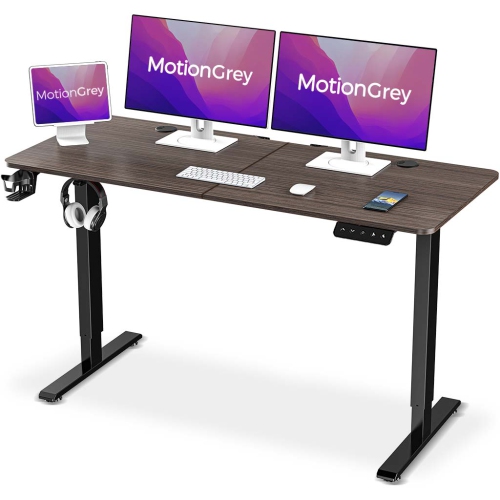 Your price for this item is $144.99
-
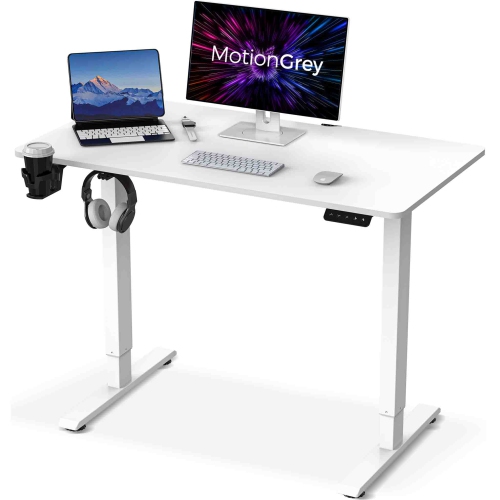 Your price for this item is $133.86
-
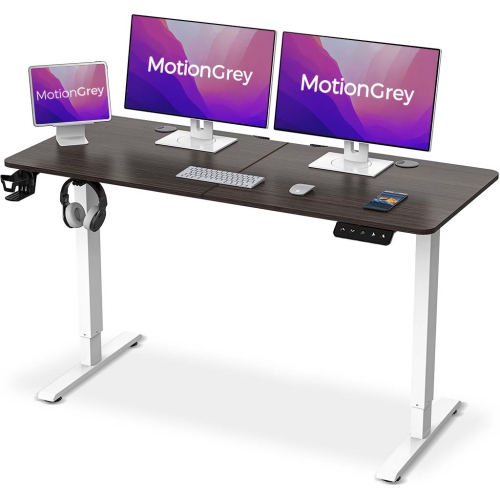 Your price for this item is $149.99
-
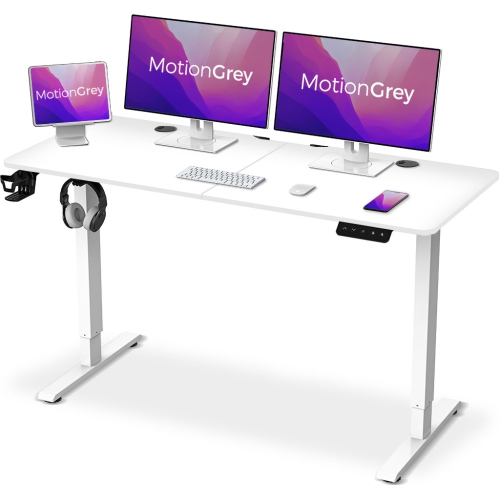 Your price for this item is $144.99
-
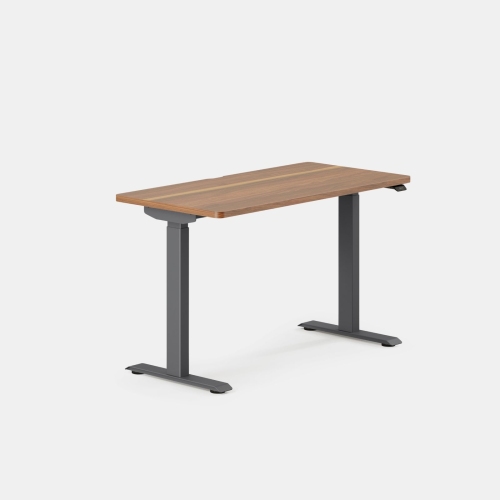 Your price for this item is $749
-
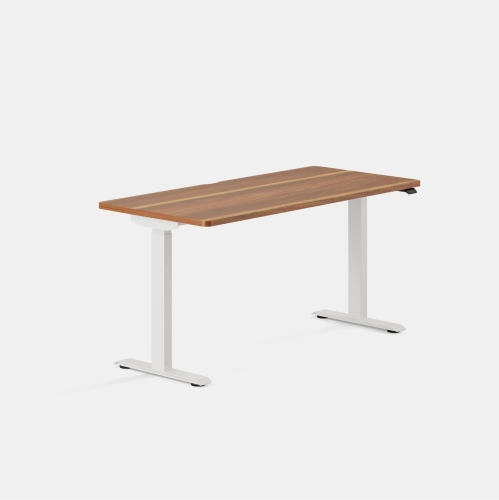 Your price for this item is $849
-
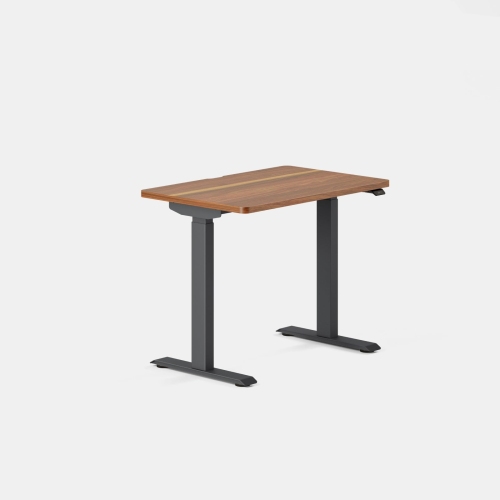 Your price for this item is $649
-
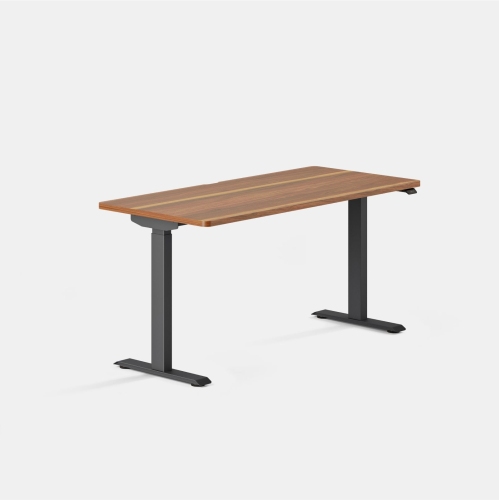 Your price for this item is $849
Discover more categories related to Home Office Equipment


Top Collections:
Pokemon Centers, Pokémon 30th Celebration Cards, Best Budget Office Chairs, Kindle Devices, Best Cameras for Sports Photography, Canon G7X Cameras, Best Black Friday Deals On Electronics, Best Laptops for Writers, iPhone 15 Apple, Jackery Power Stations
Some products may be subject to Environmental Handling Fees
(EHF) depending on your province.
Learn more about EHFs.