Internal SSDs for AI Models and Datasets
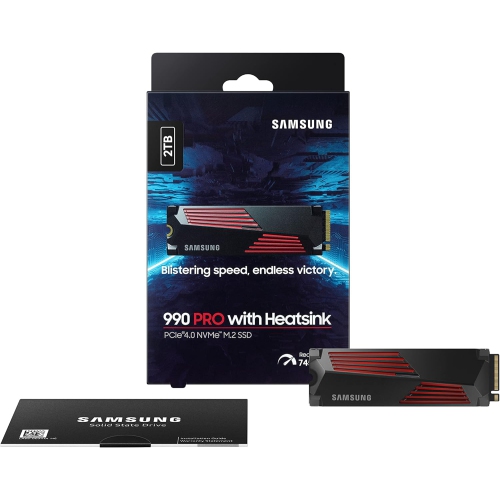
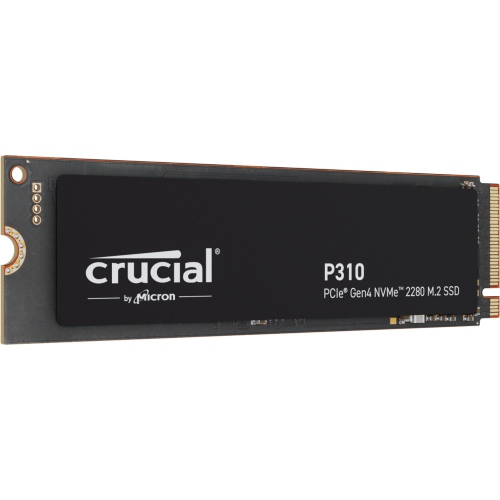
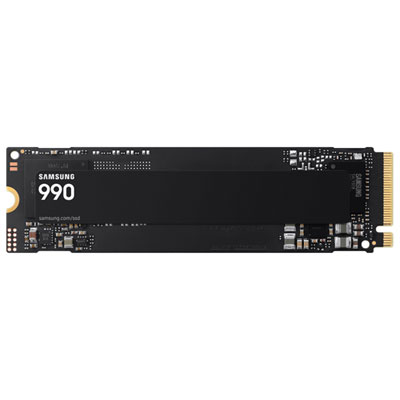
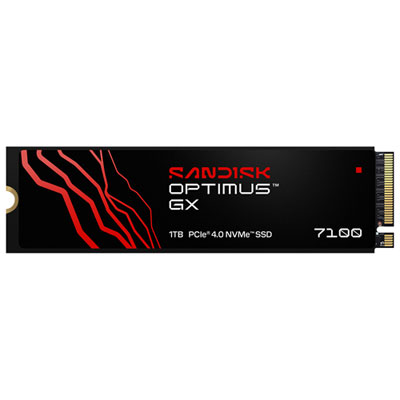
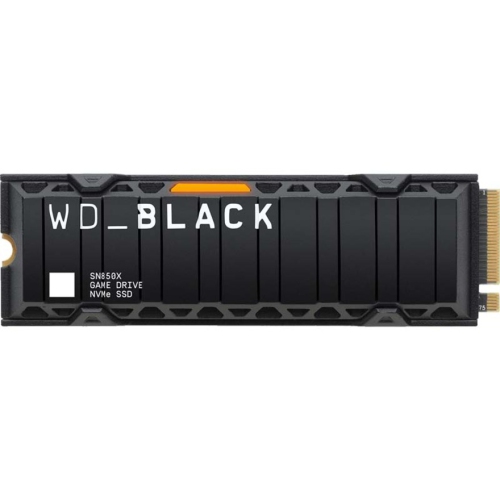
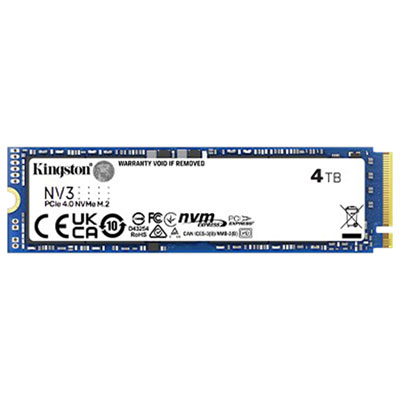
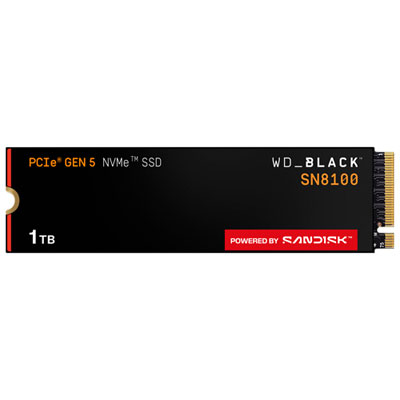
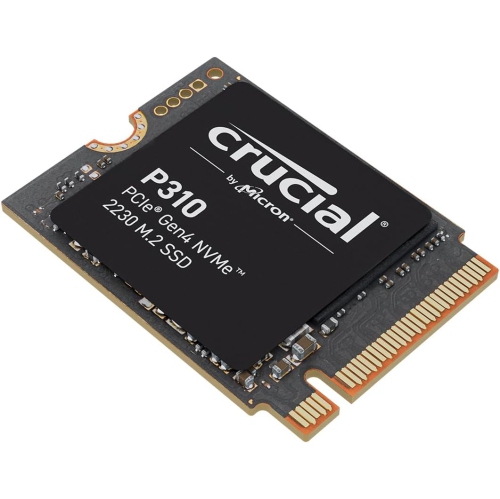
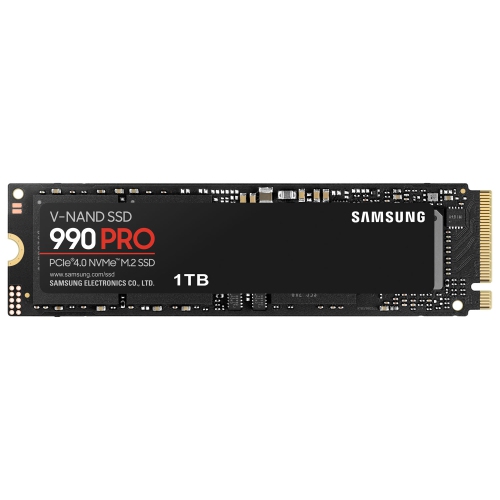
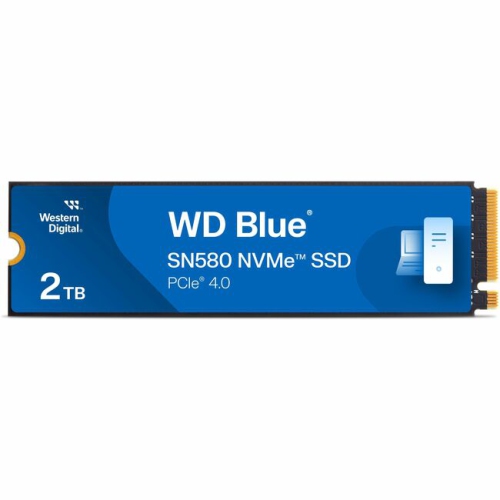
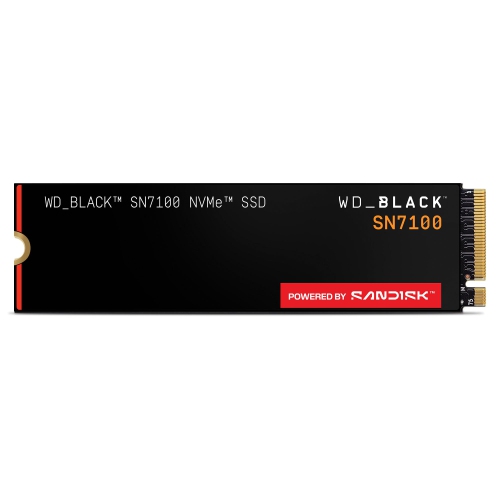
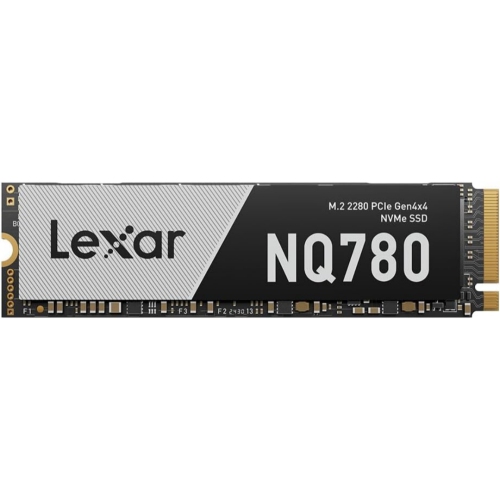
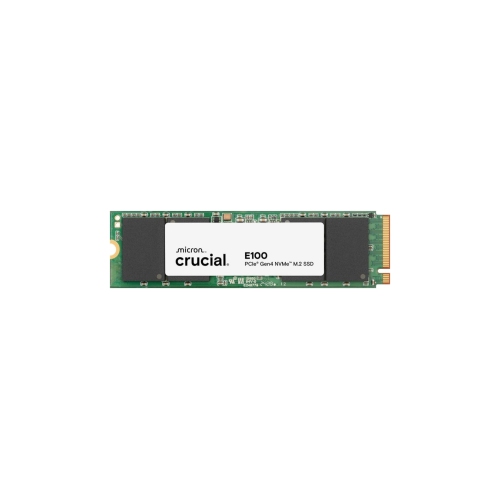
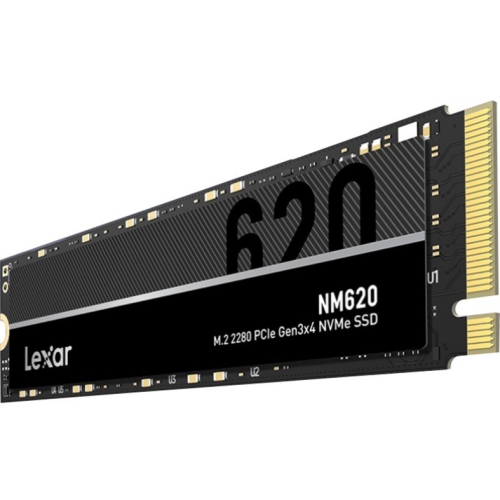
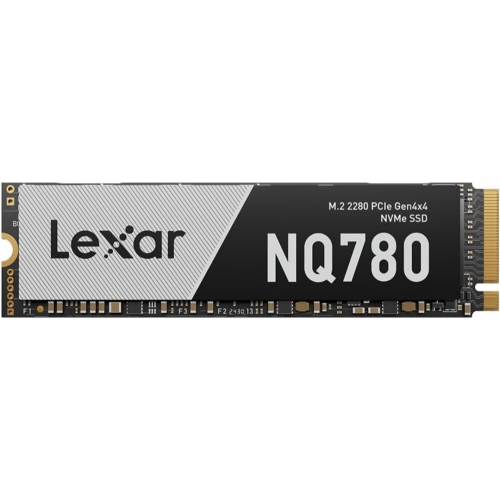
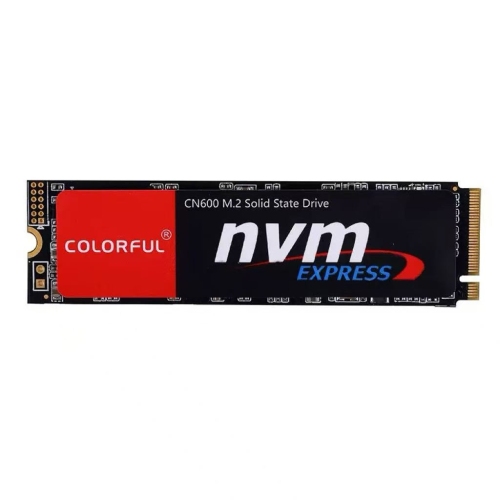
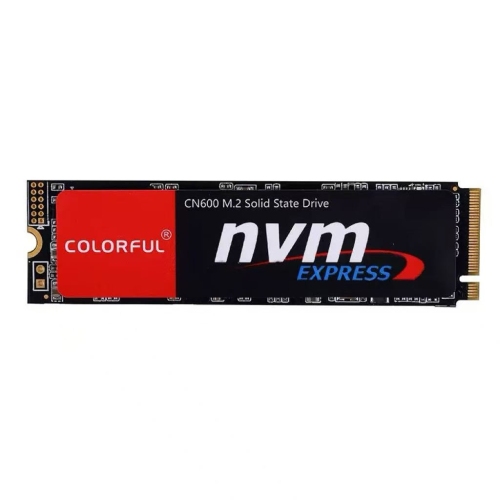
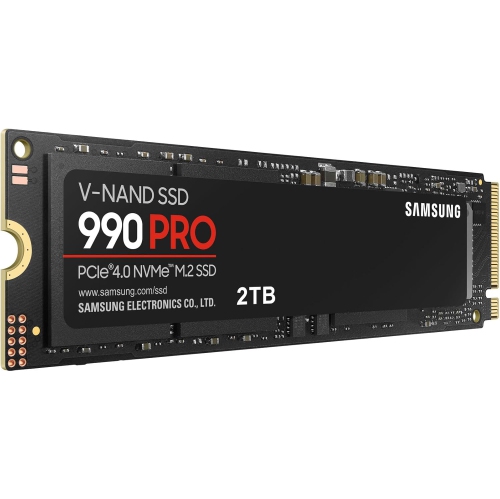
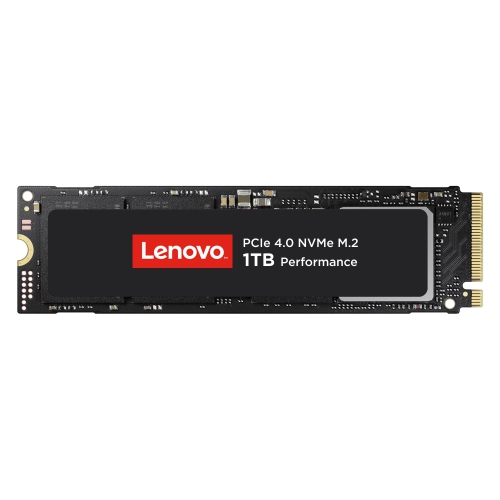
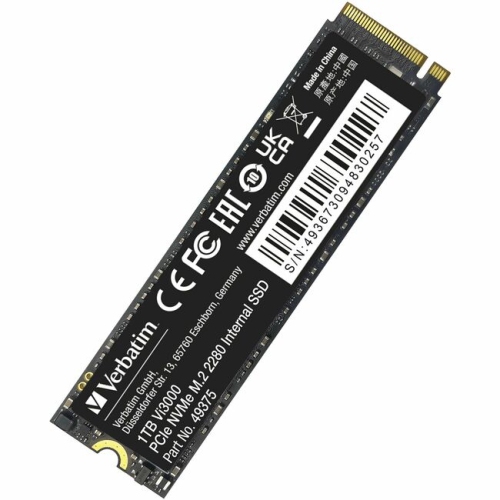
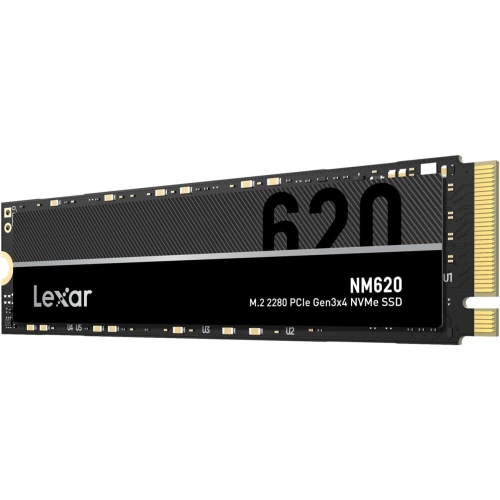
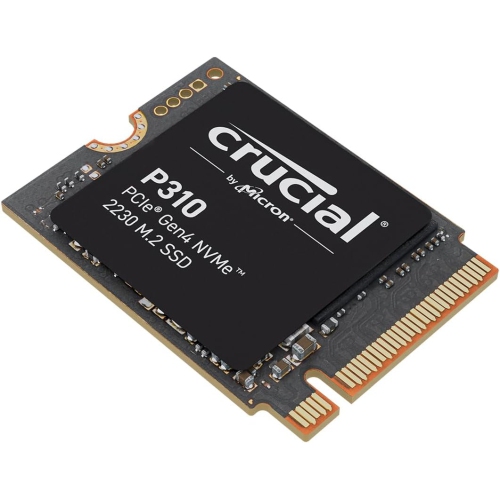
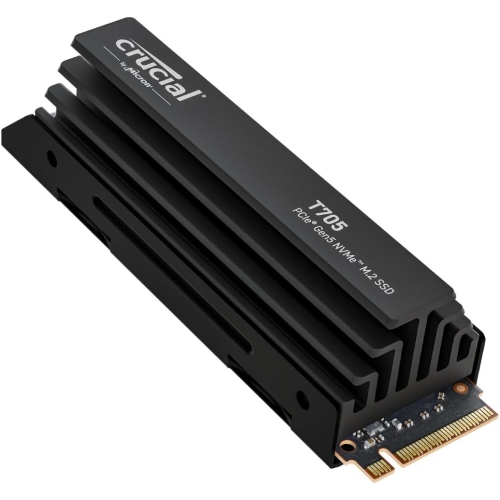
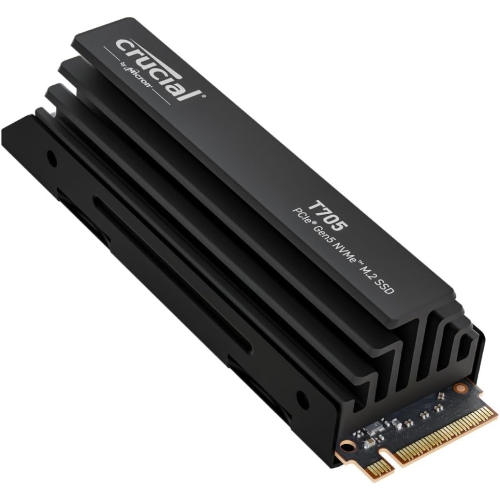
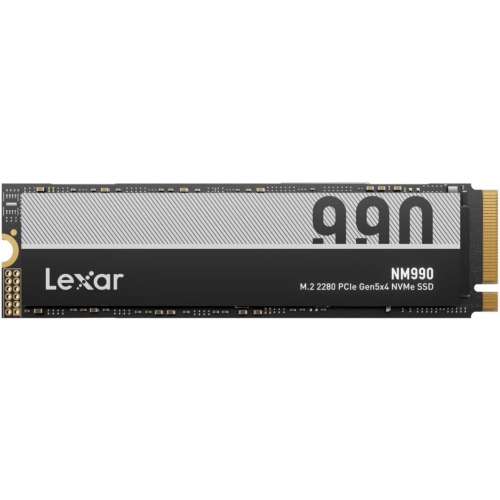
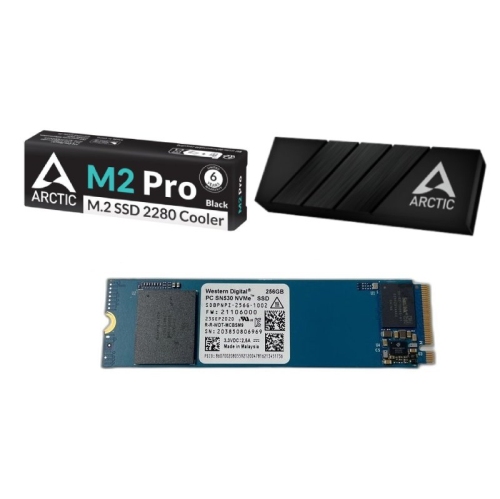
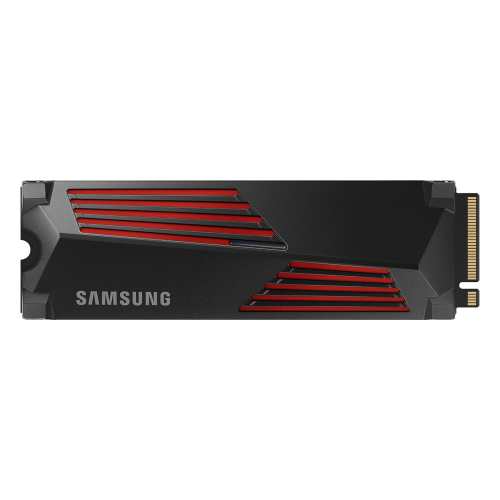
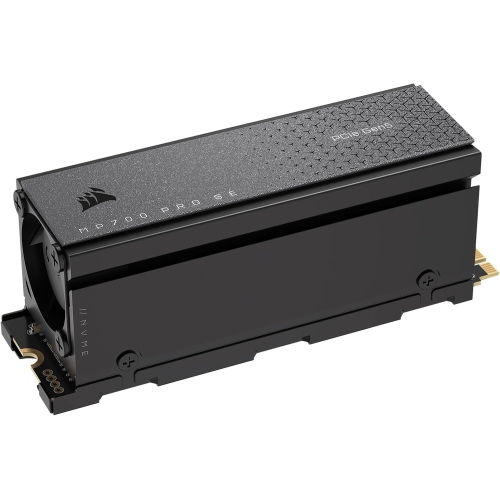
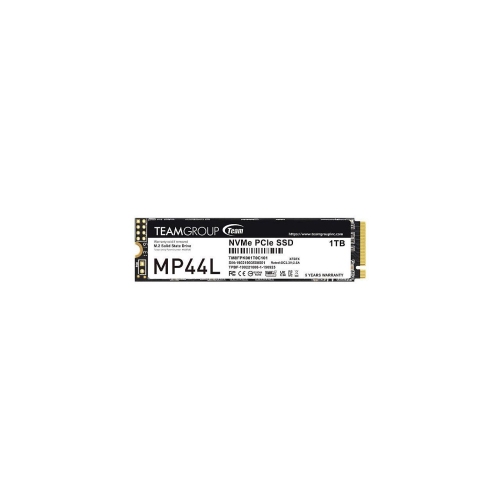
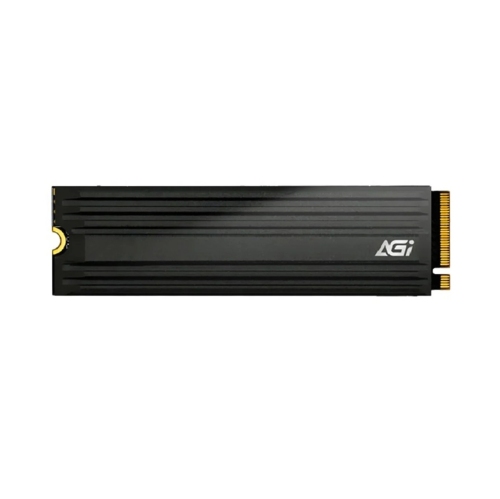
An internal SSD for AI model storage gives downloaded models, datasets and working files a place on your desktop or mini PC. Browse NVMe storage options with your project library and system compatibility in mind, including the available slot and heatsink clearance. SSD capacity stores your files; it does not replace the RAM or graphics memory needed to run a model.
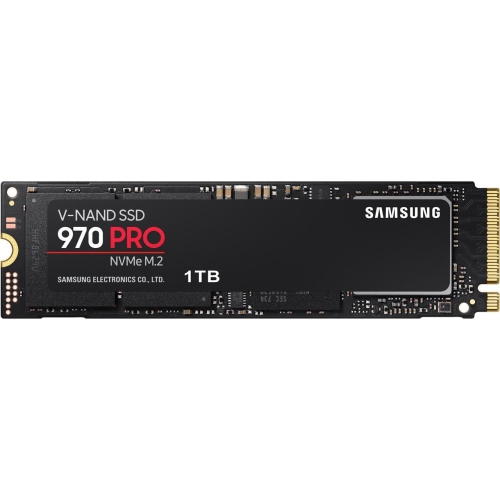
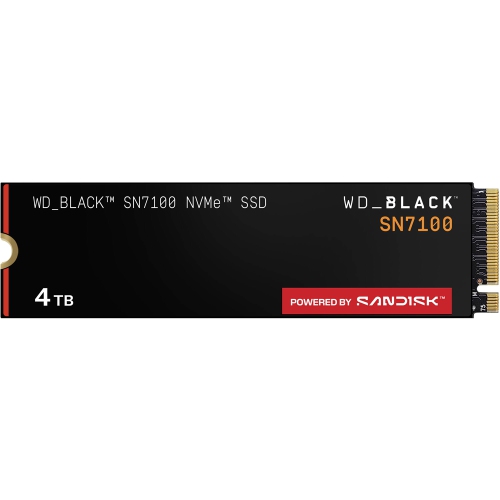

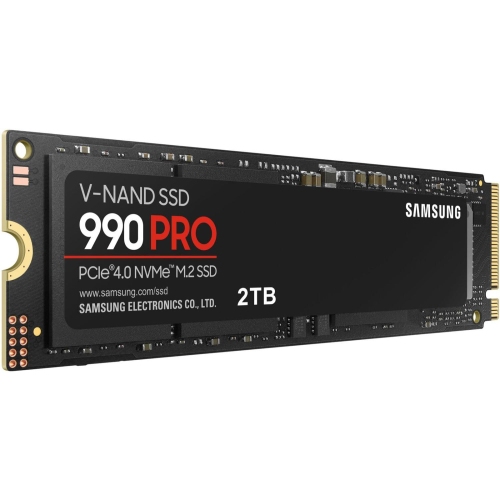
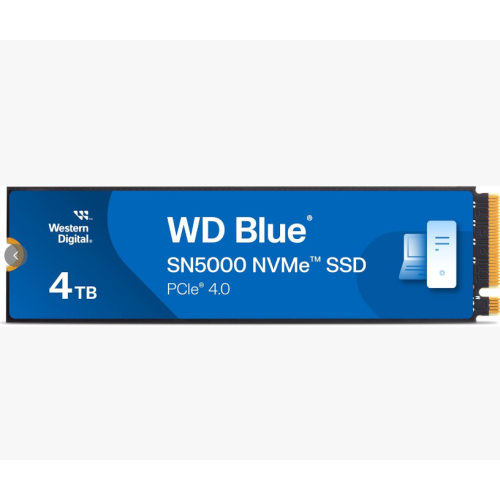

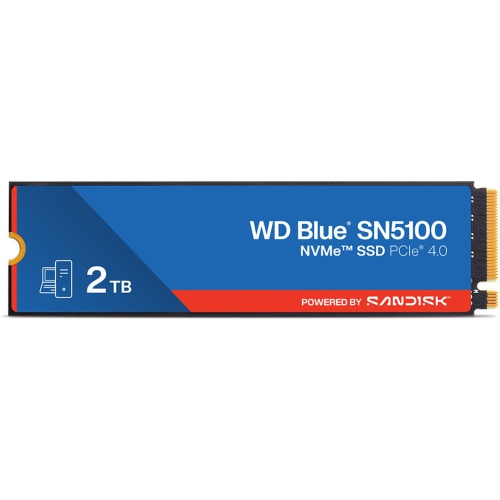
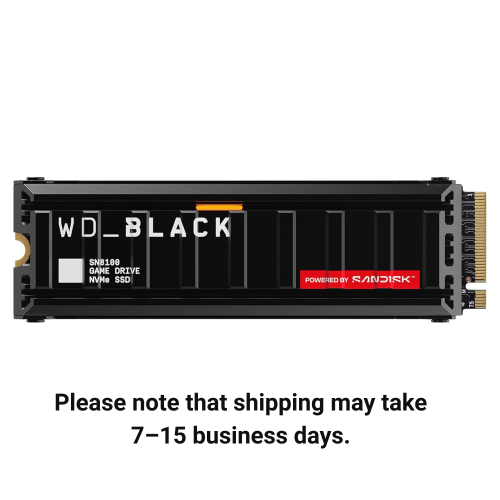
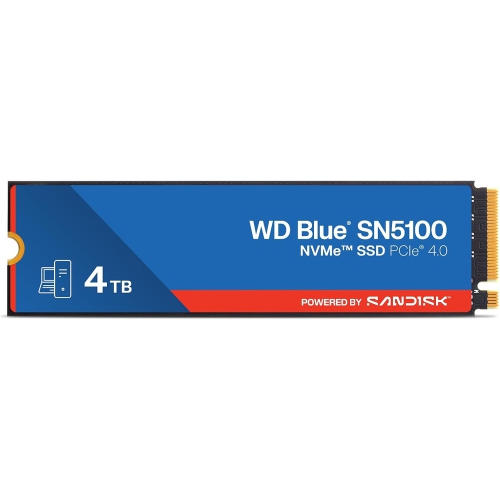
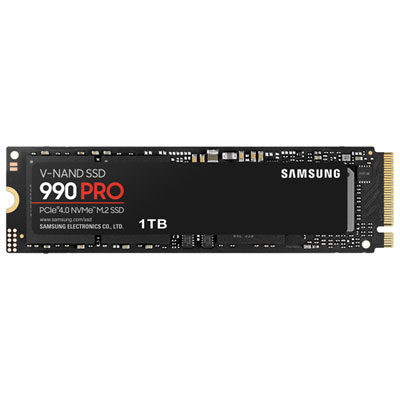

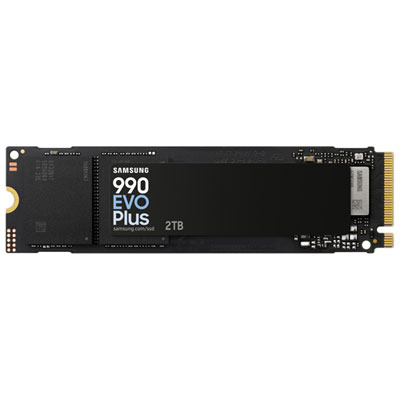
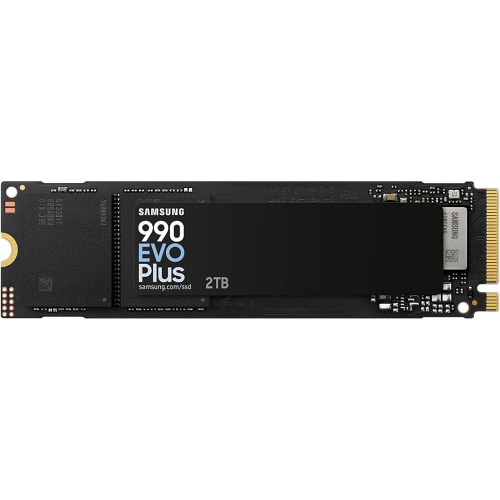
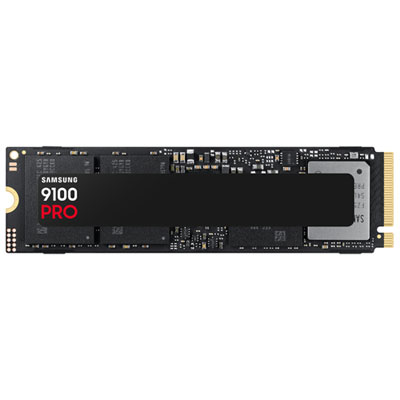


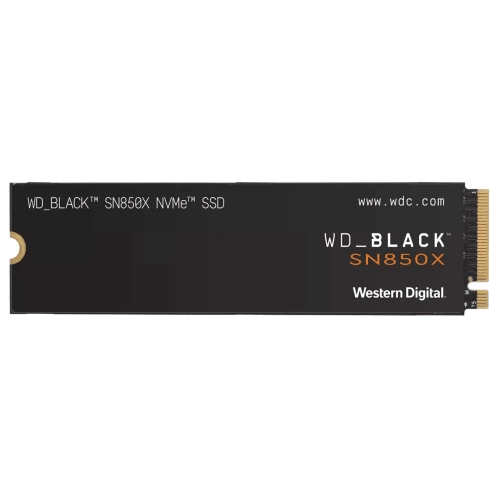
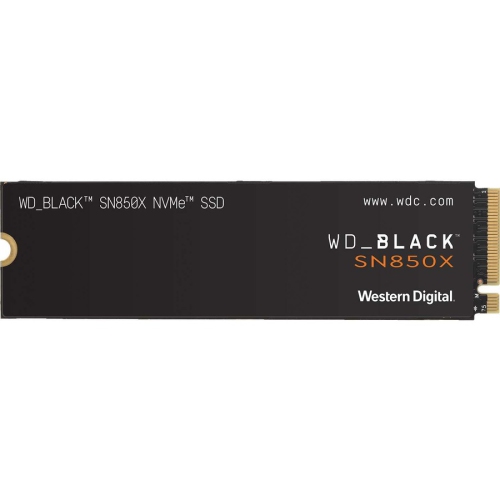
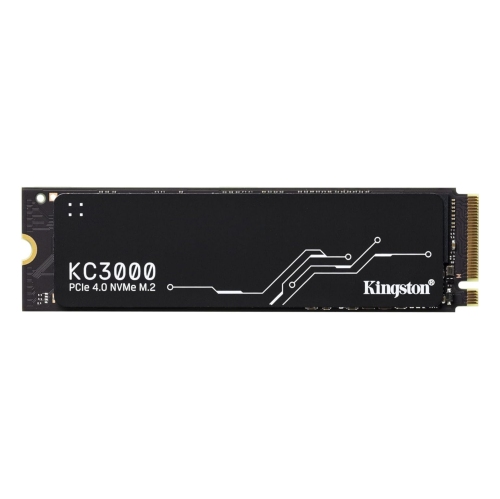
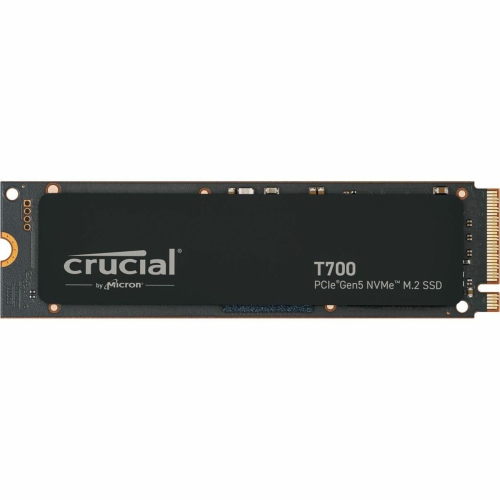
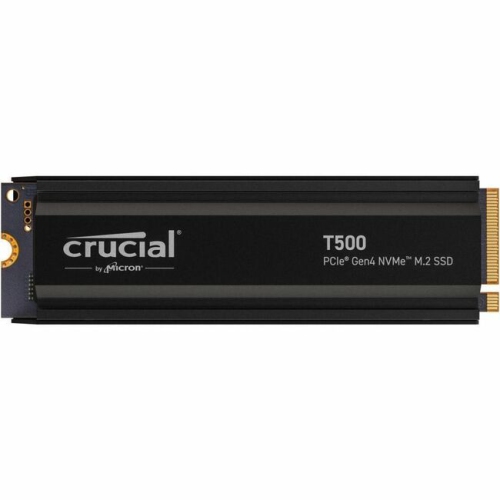
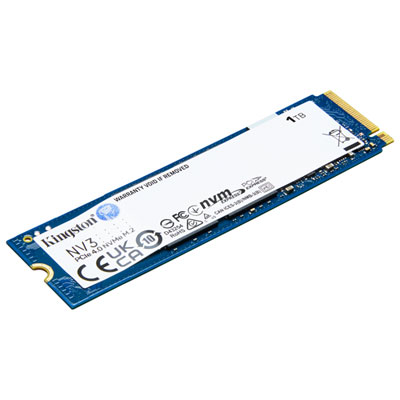

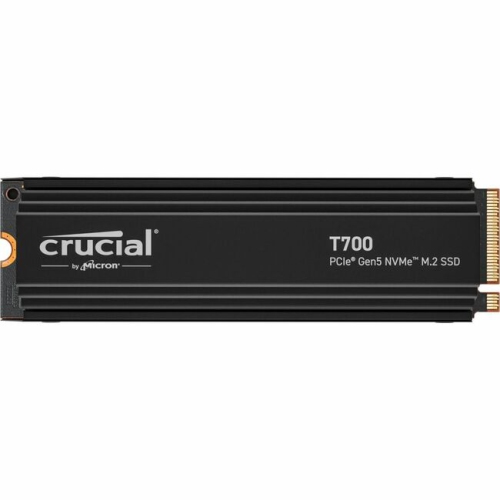
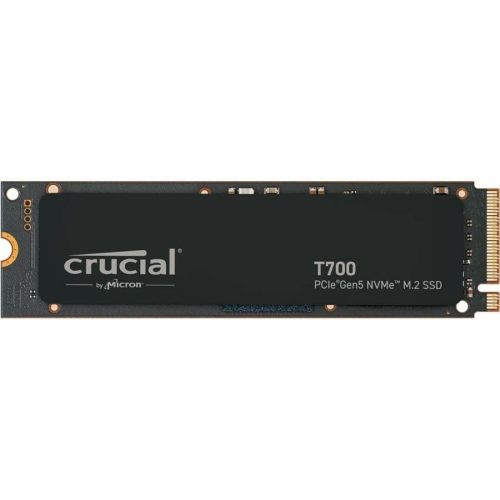





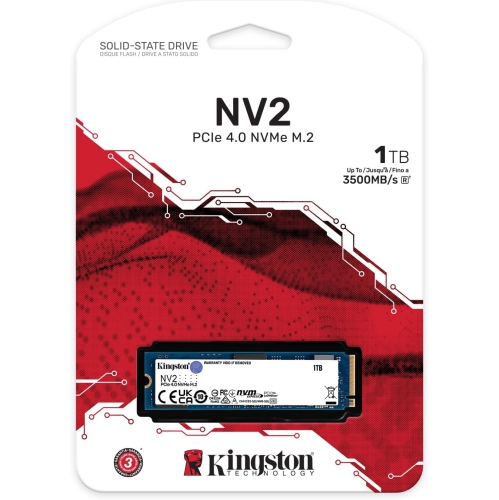
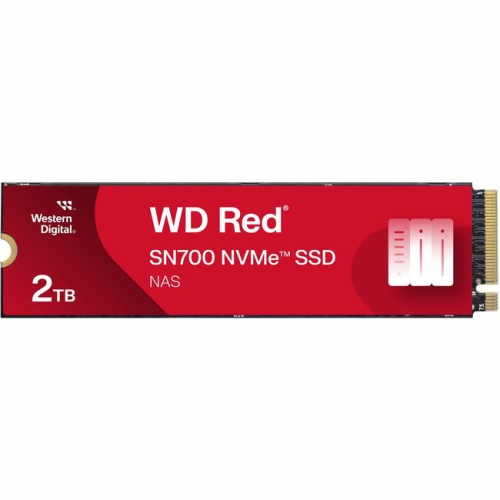
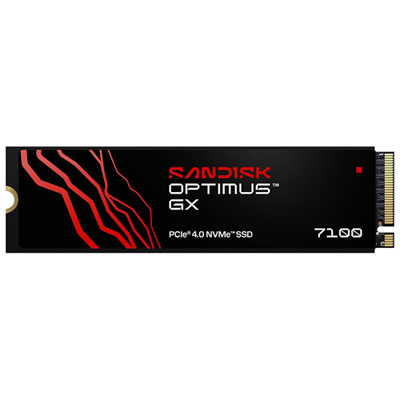
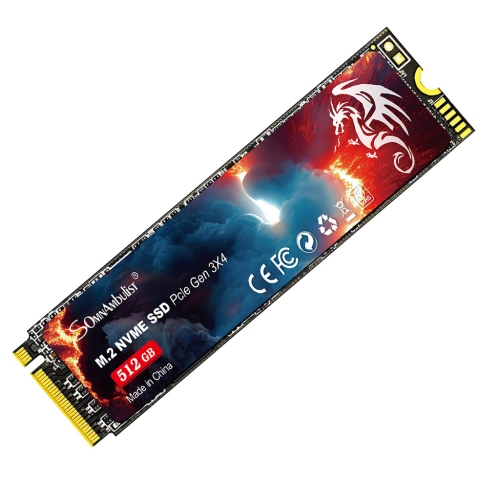
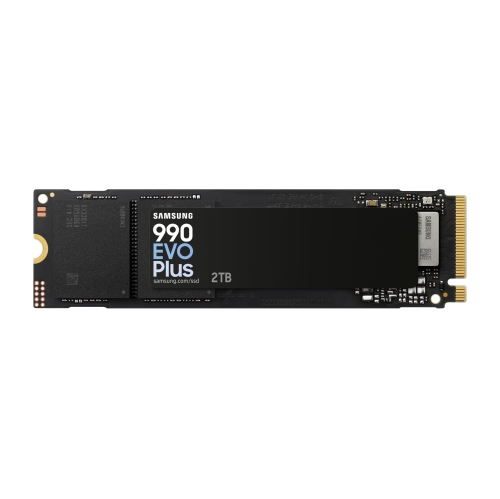

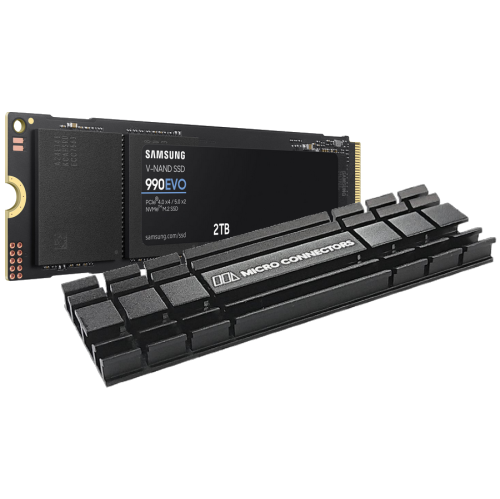
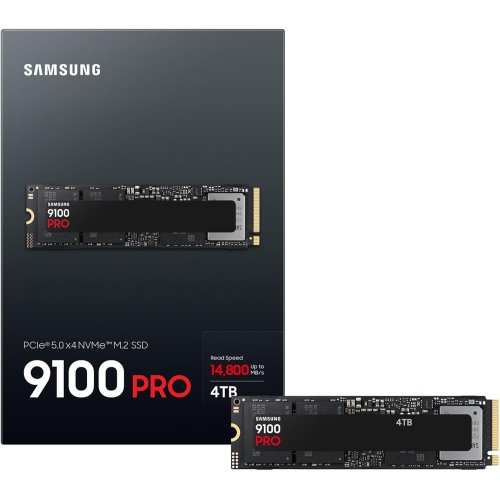
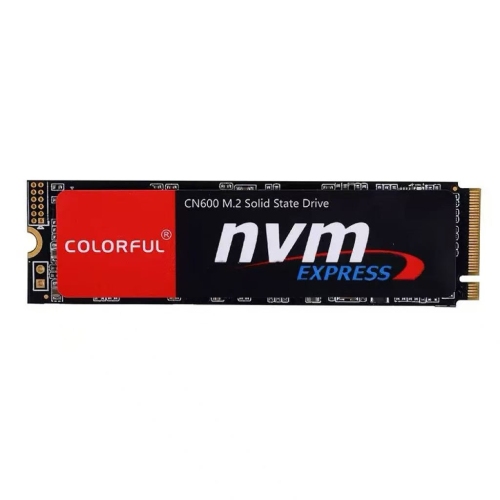

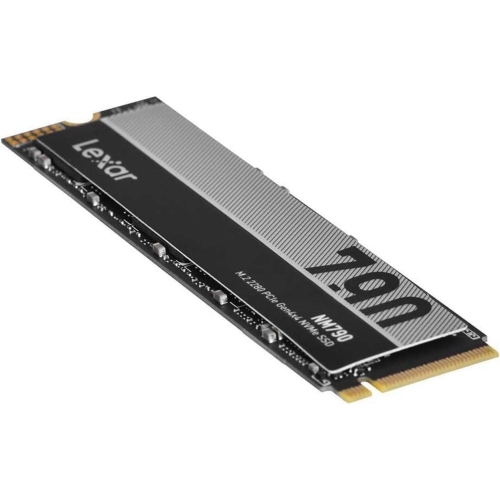
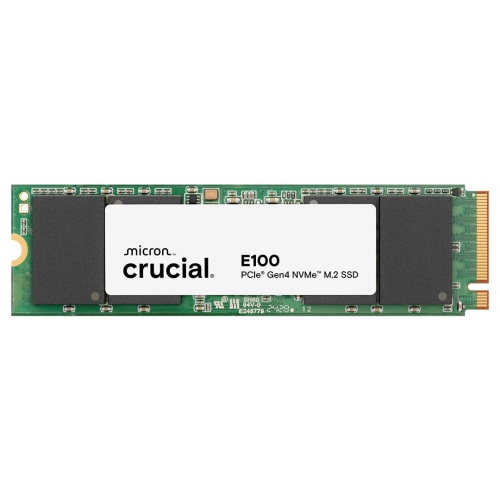

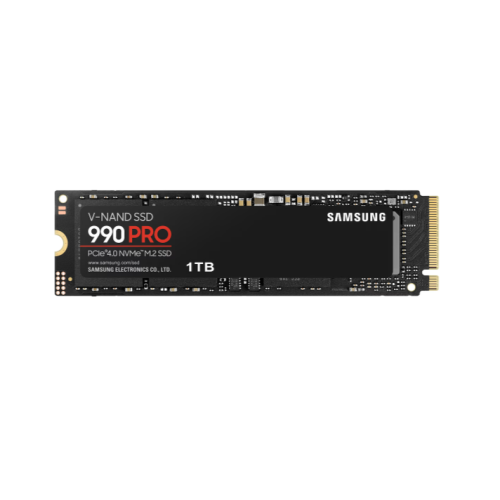
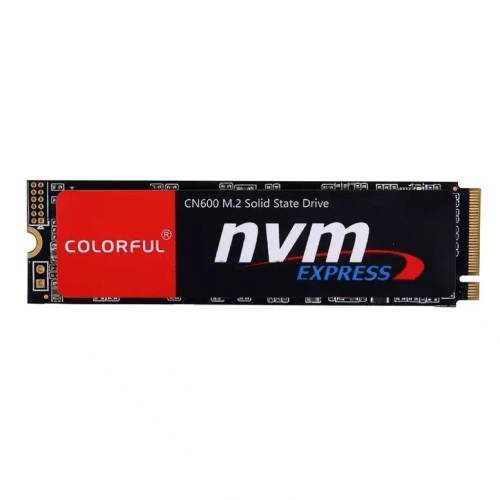
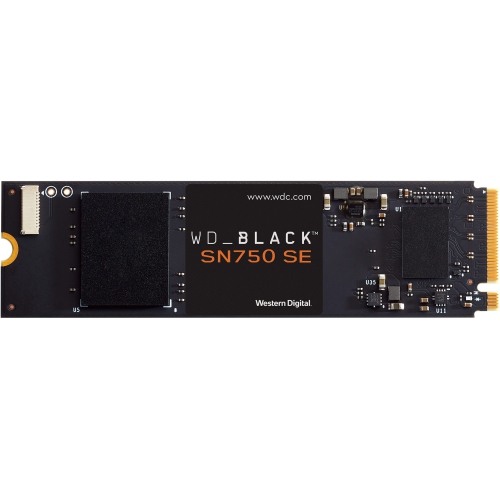
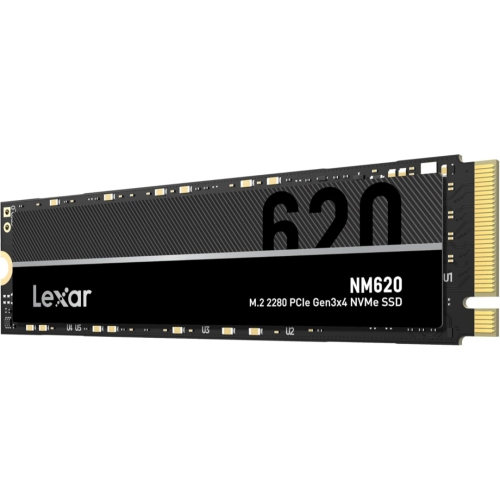
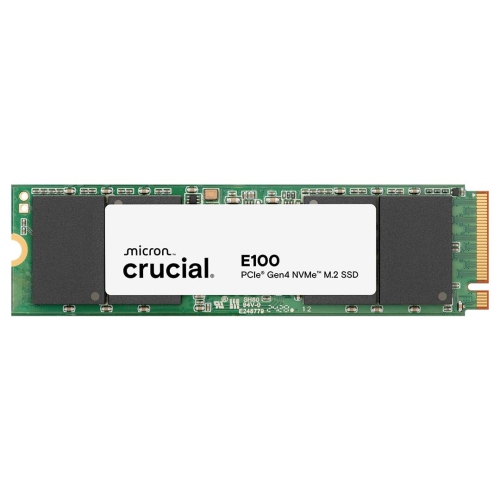
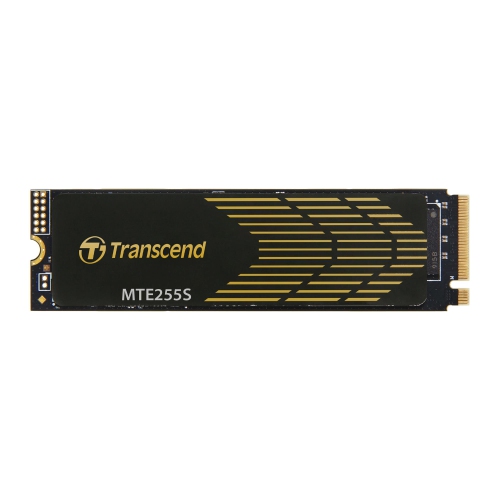



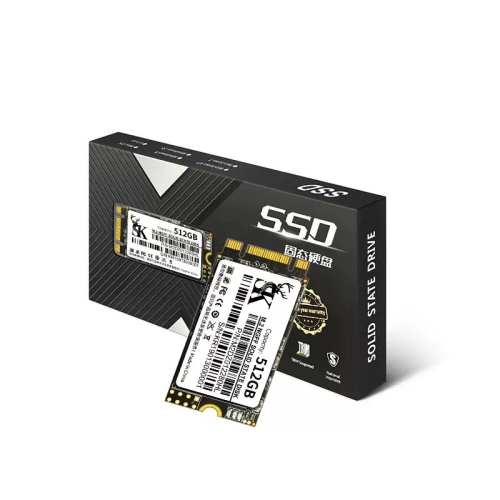

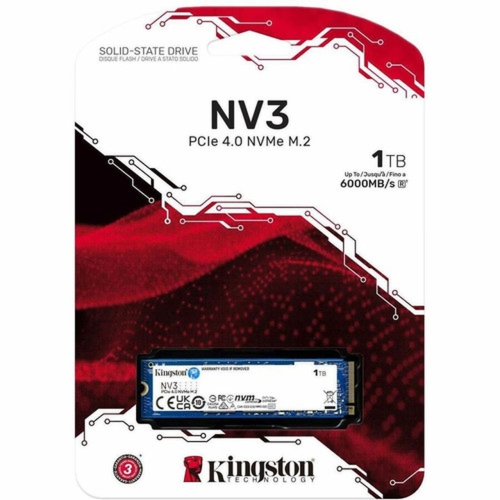

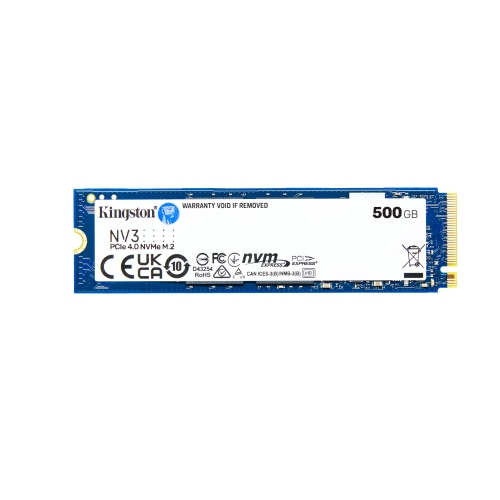
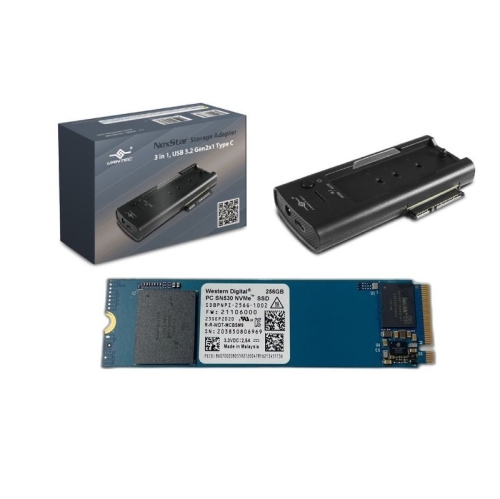





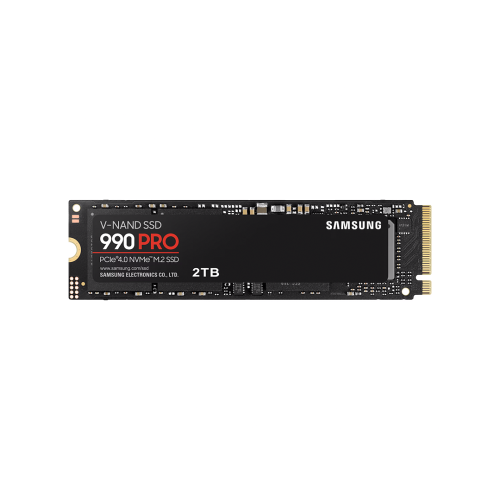
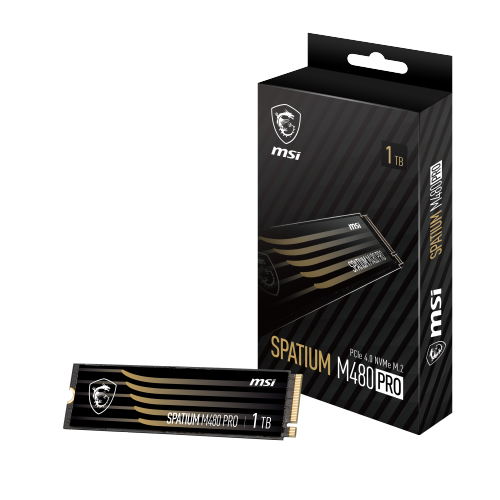

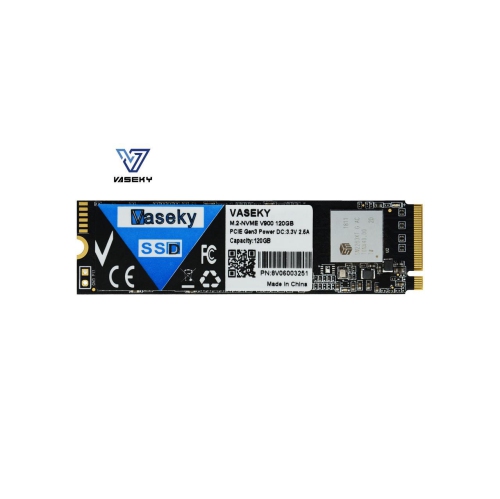
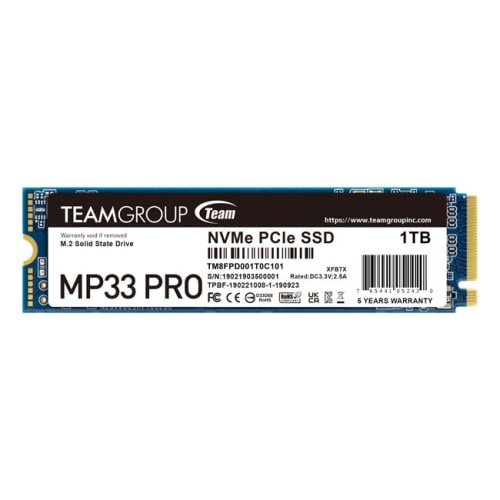

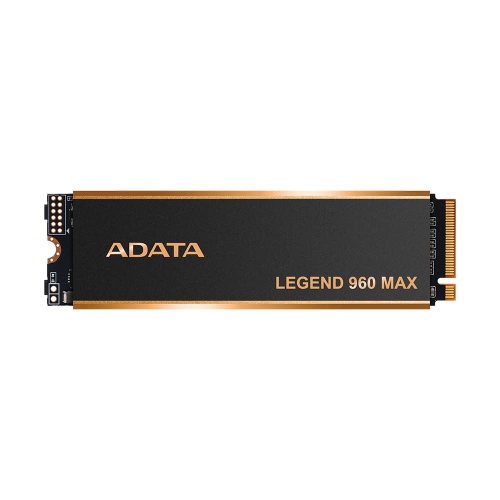
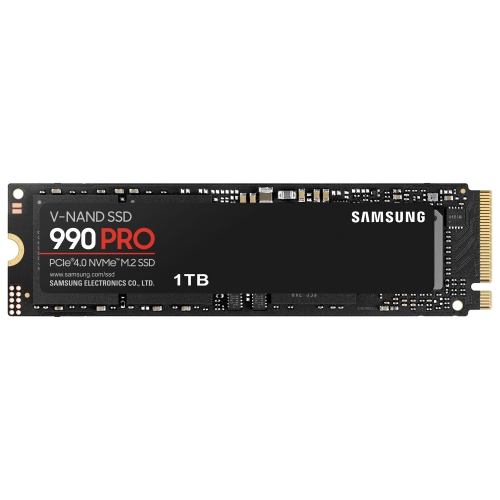
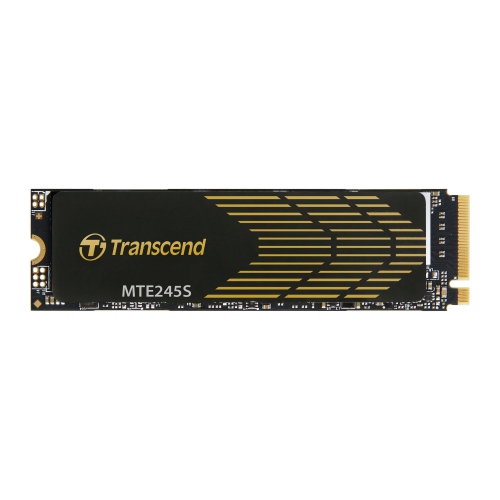
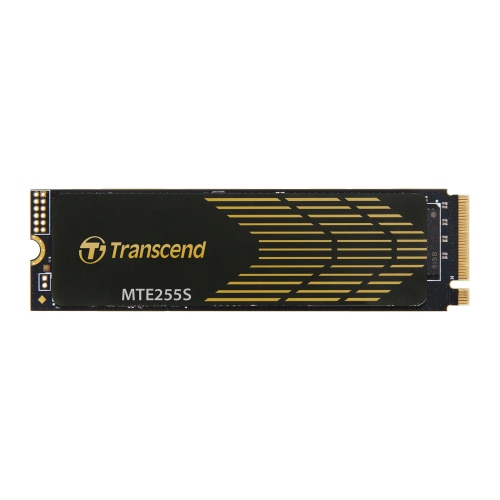





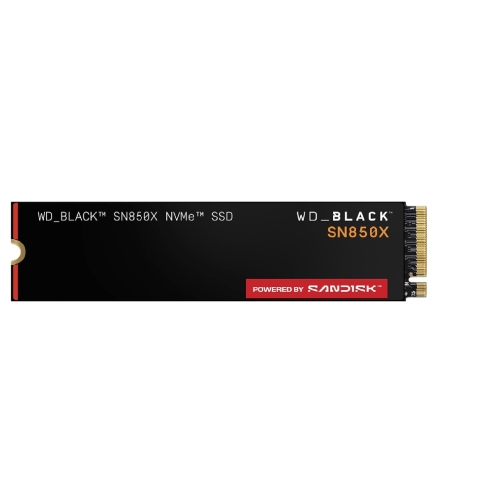
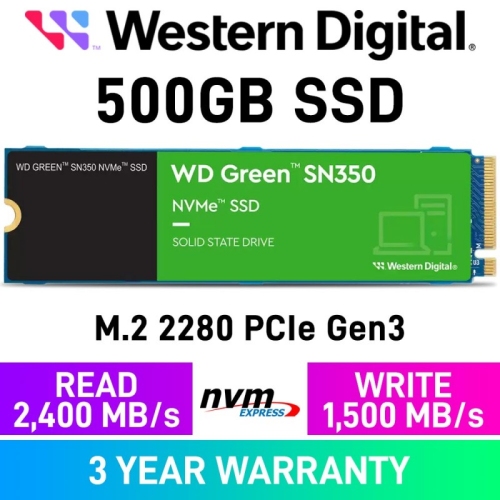
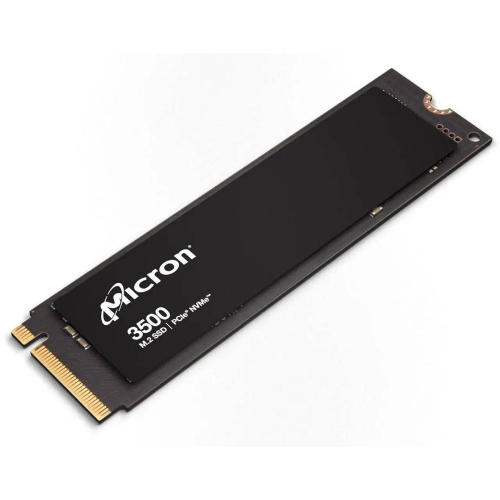
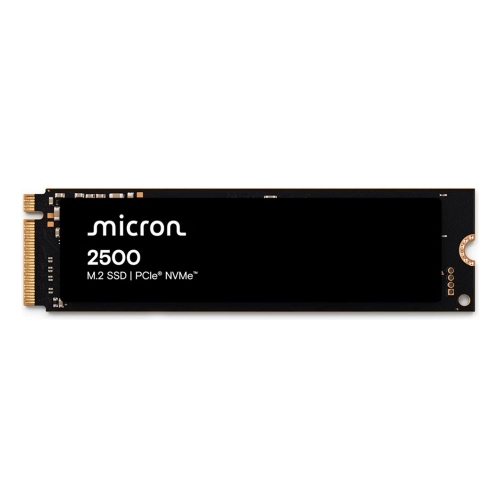
![MICRON 2500 512GB Nvme M.2 (22X80Mm) Non-Sed Client SSD Single Pack]](https://multimedia.bbycastatic.ca/multimedia/products/500x500/198/19877/19877886.jpeg)

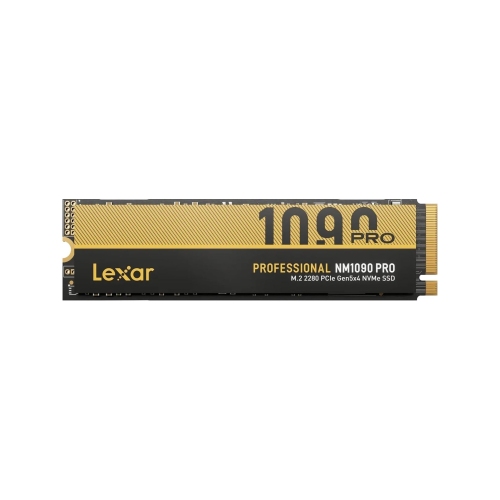
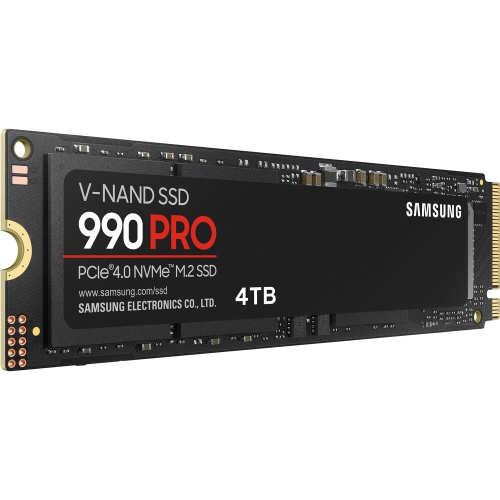


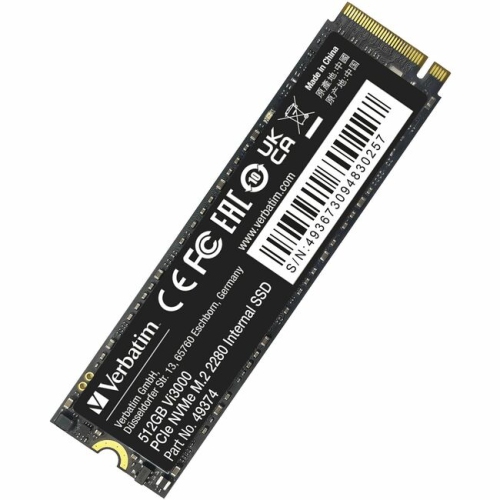
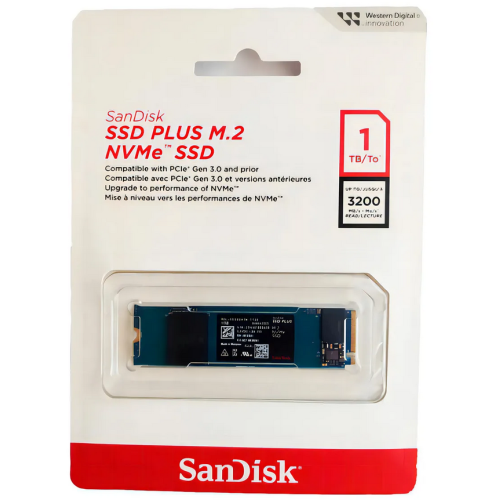

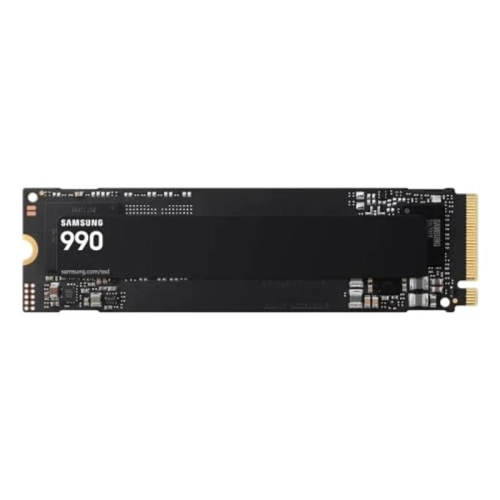
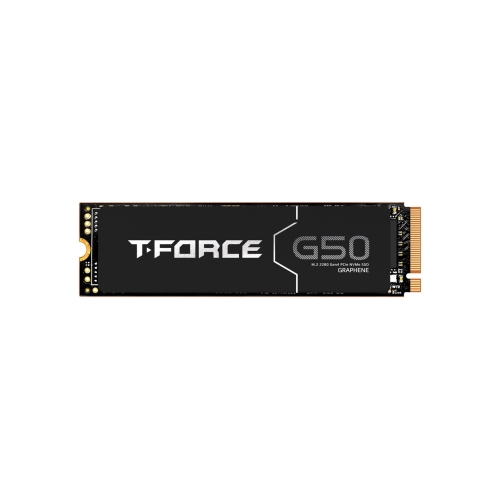
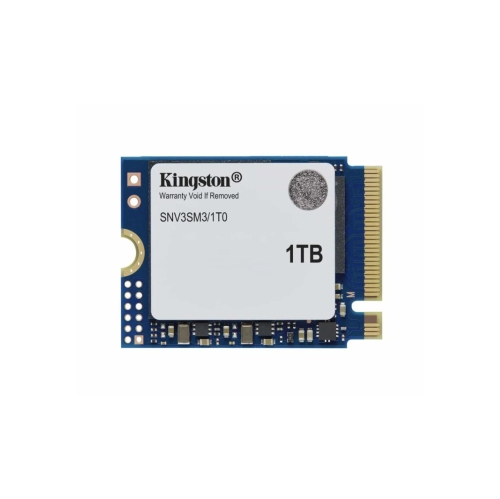




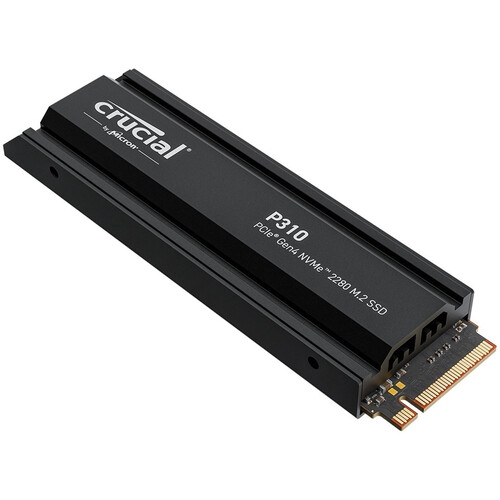
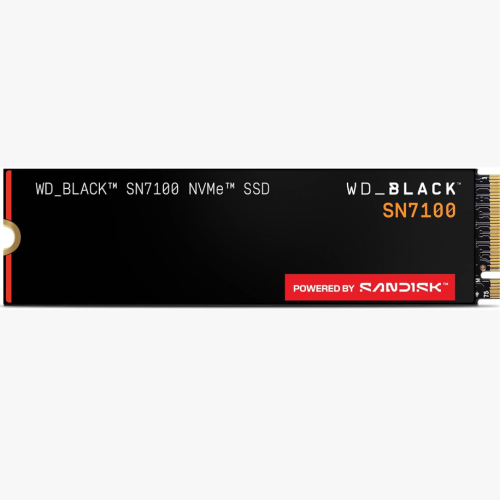
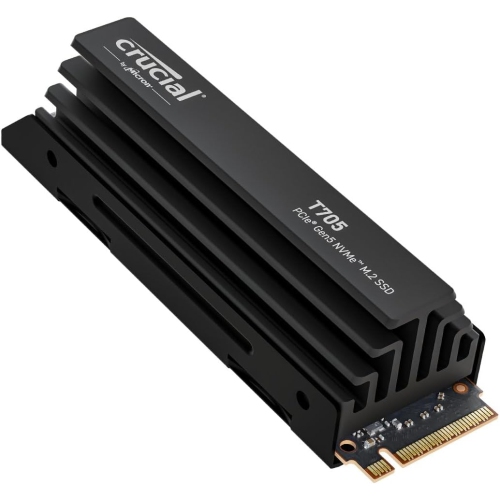
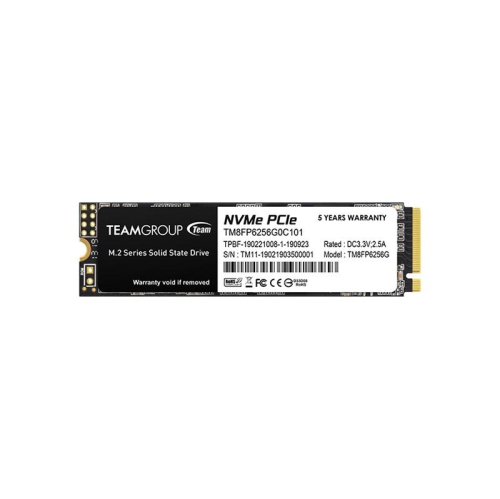



FAQ
You can store downloaded model weights, datasets, prepared data, project code and generated outputs. Your AI applications may also use storage for caches and temporary files, so include those alongside the files you deliberately save.
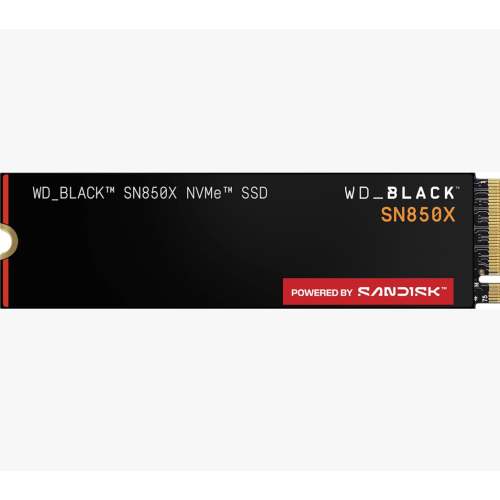
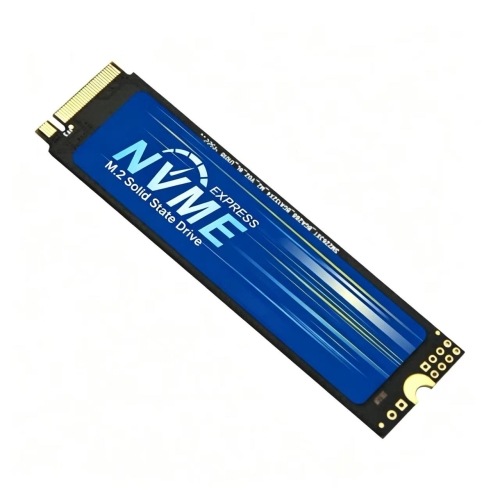
NVMe stands for Non-Volatile Memory Express. It is a storage protocol used by SSDs that communicate over PCIe. Check your computer’s storage specifications for NVMe support rather than assuming any internal SSD will be compatible.
An SSD retains model files and datasets when the computer is off. RAM is system working memory, while VRAM is memory on a dedicated graphics card. Storage and memory serve different roles, so adding SSD capacity is not equivalent to adding RAM or VRAM.
No special AI label is required simply to store model files and datasets. A compatible internal NVMe SSD can serve that role even when it is marketed for general computing or gaming. Compare its specifications with your system’s requirements rather than relying on marketing labels.
Keep separate folders for model weights, source datasets, prepared data and outputs. Clear version names can help distinguish files used by different projects. Where your software allows it, set download and cache locations deliberately so you know which drive holds those files.
Top selling and popular products
Discover more categories related to Internal SSDs for AI Models and Datasets

Some products may be subject to Environmental Handling Fees (EHF) depending on your province. Learn more about EHFs.