Mechanical Keyboards Under $100
Looking to enhance your typing and gaming experience without breaking the bank? Dive into our selection of mechanical keyboards under $100, where you'll find a variety of options that combine durability, tactile feedback, and customizable features. Whether you're a professional typist or a gaming enthusiast, these budget-friendly mechanical keyboards offer a satisfying click with each keystroke and are designed to withstand hours of use. Explore our collection to discover the perfect mechanical keyboard that suits your needs and preferences.
Sort
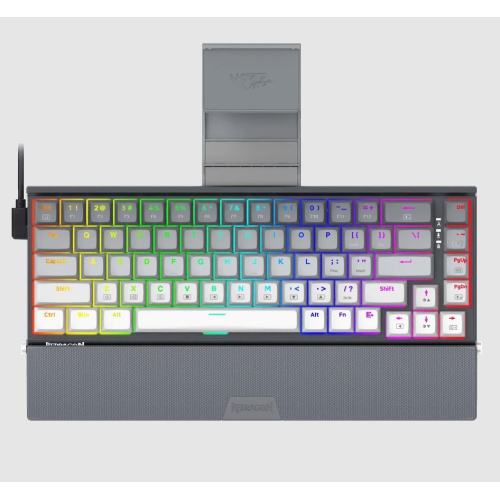
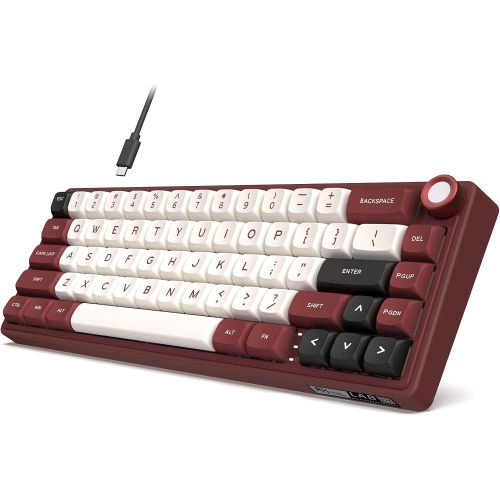
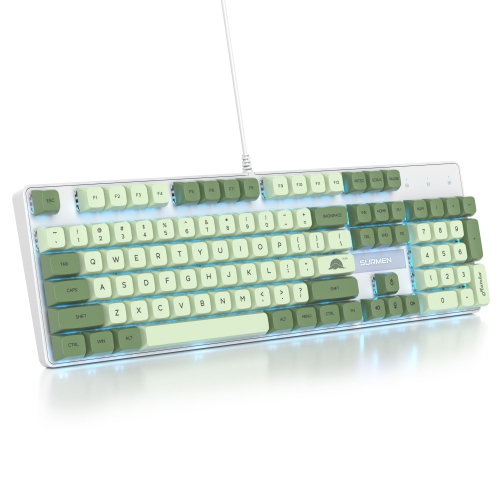
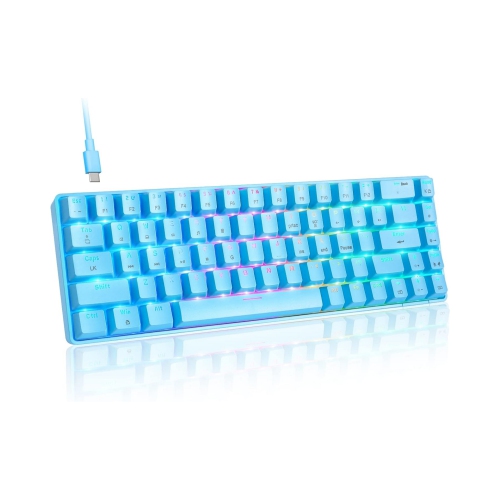
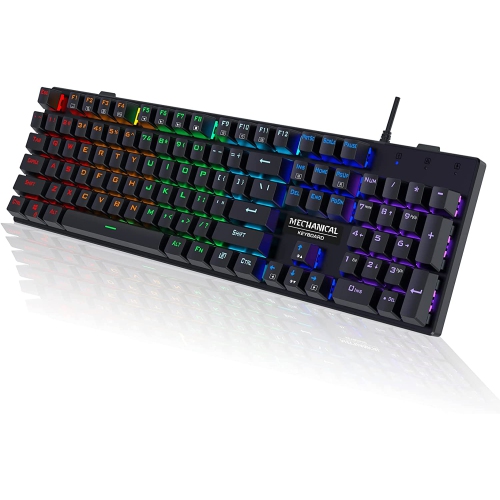
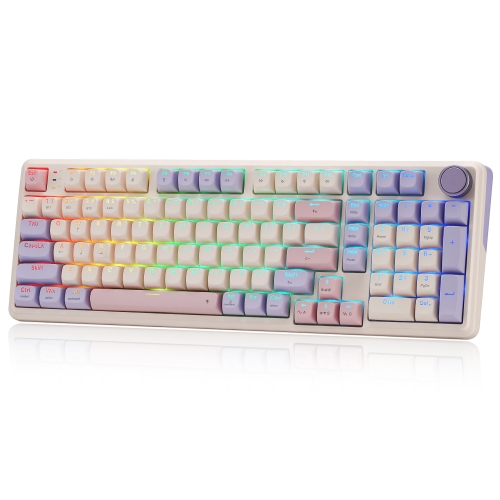
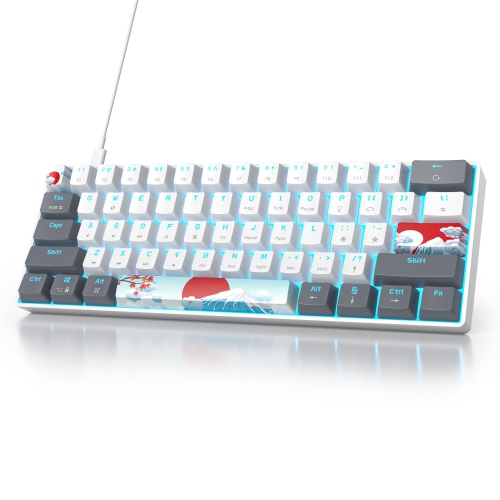
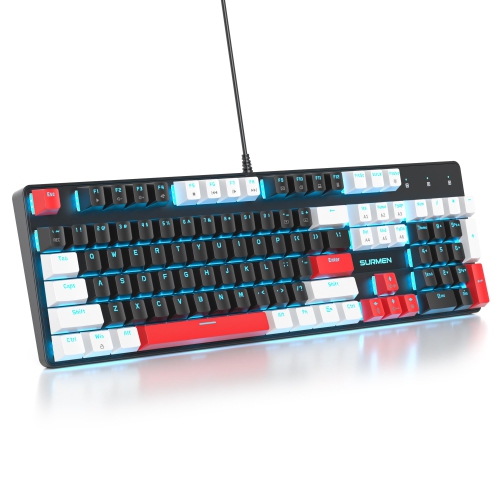

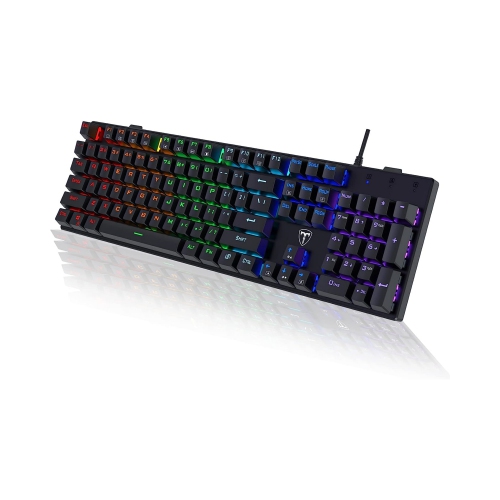
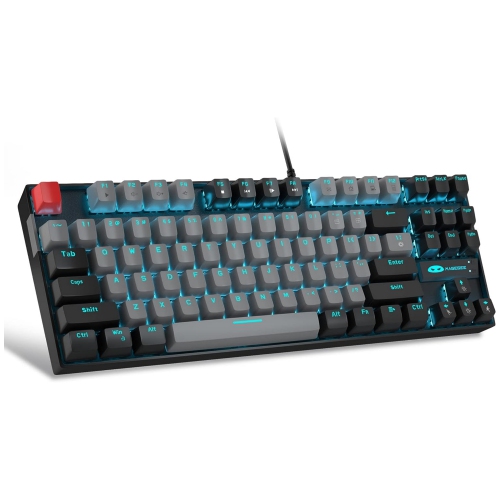
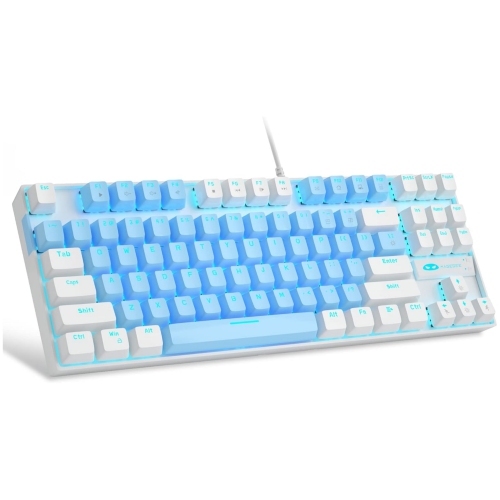
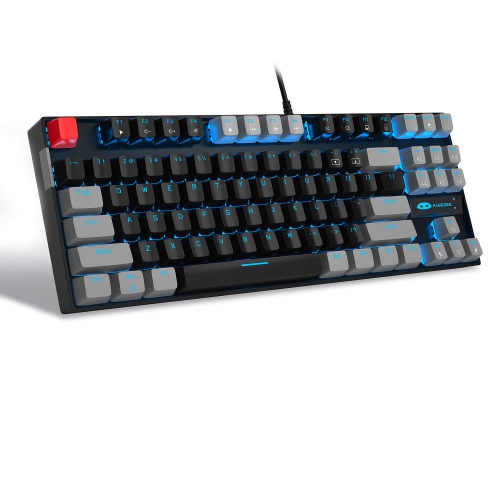

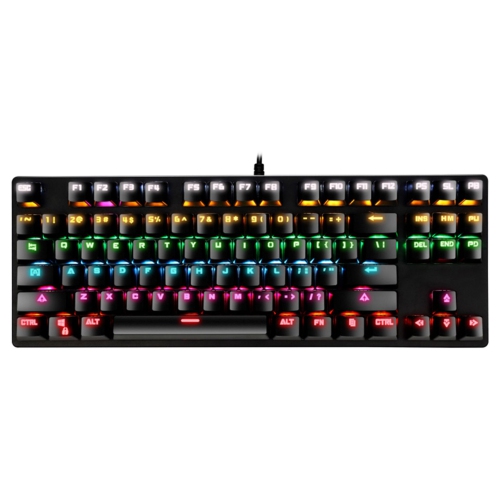
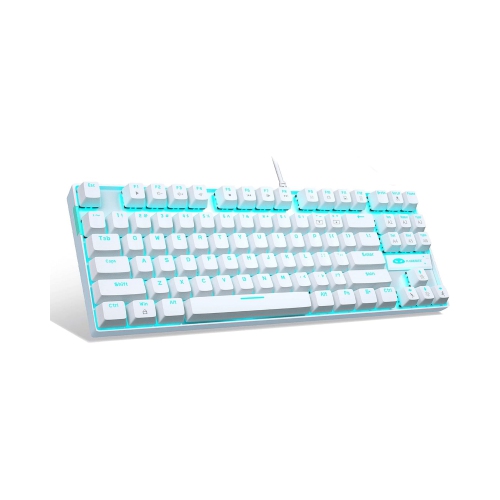
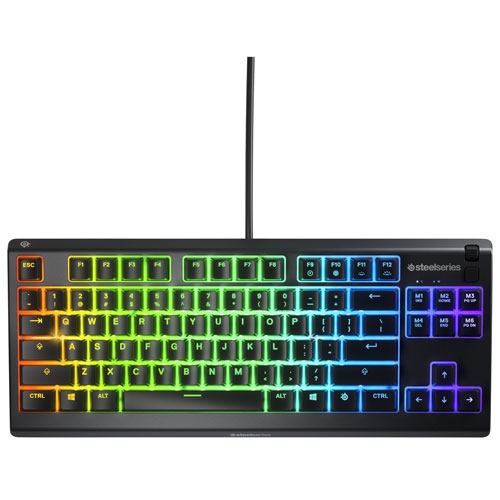
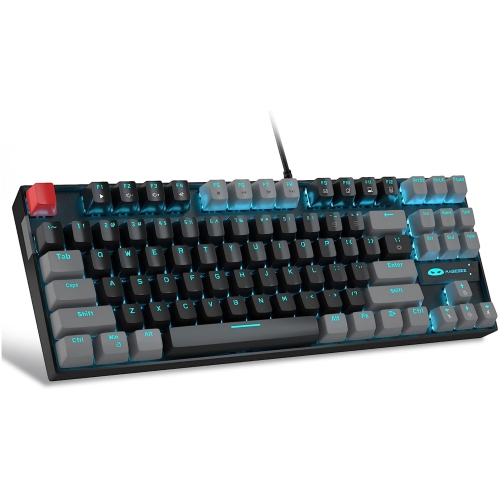



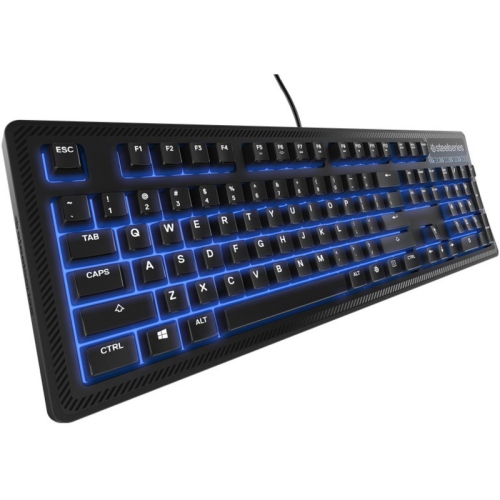
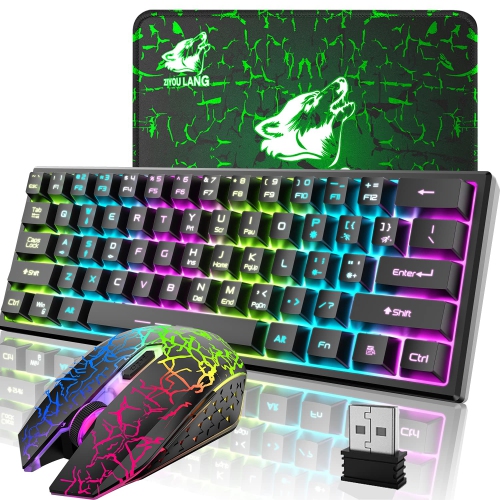
![GREEN SCENIC Mechanical Feel Metal Wired Keyboard Rainbow Light - Wired [Single Keyboard] In Black](https://multimedia.bbycastatic.ca/multimedia/products/500x500/192/19282/19282608.jpeg)
Switch feel, layout, and connectivity shape everyday comfort
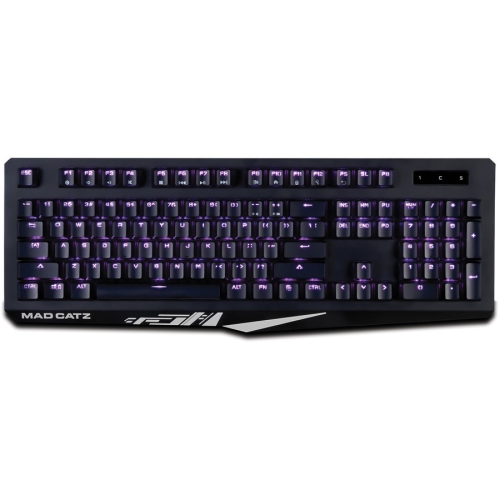
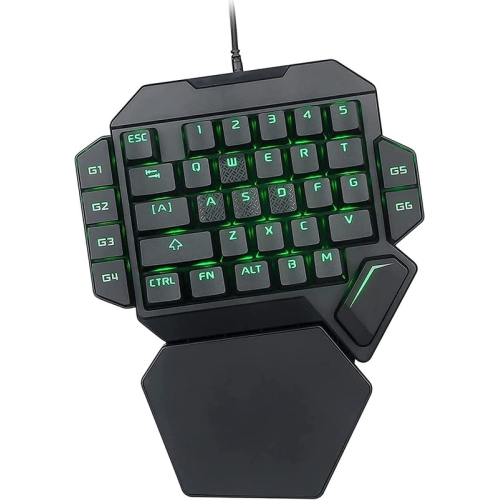
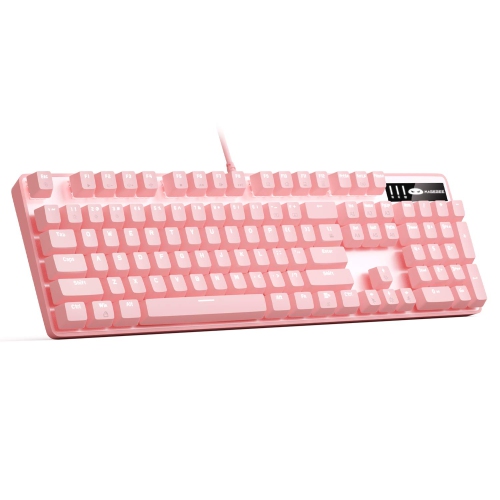
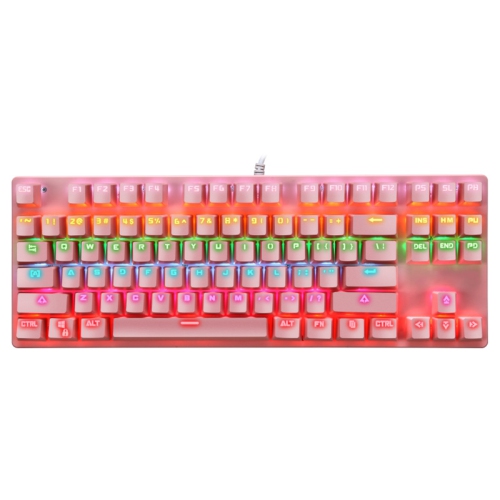
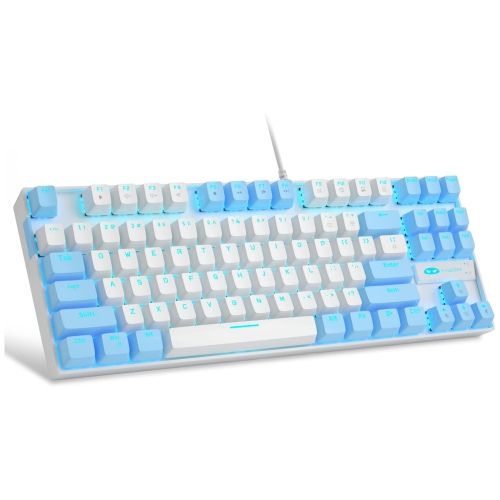
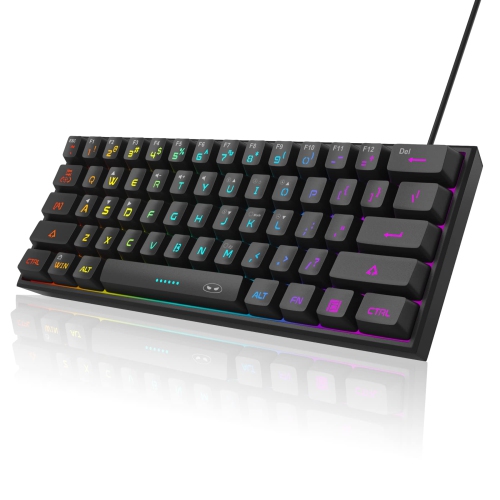
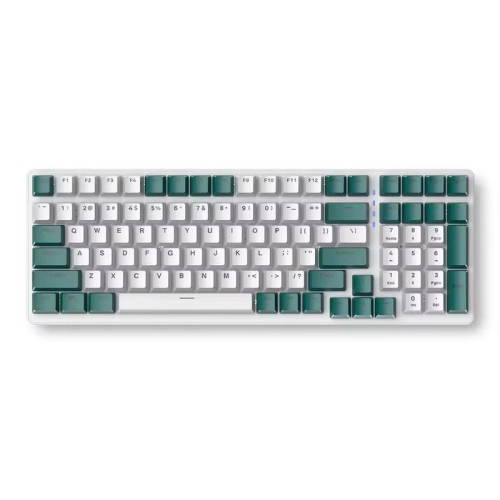
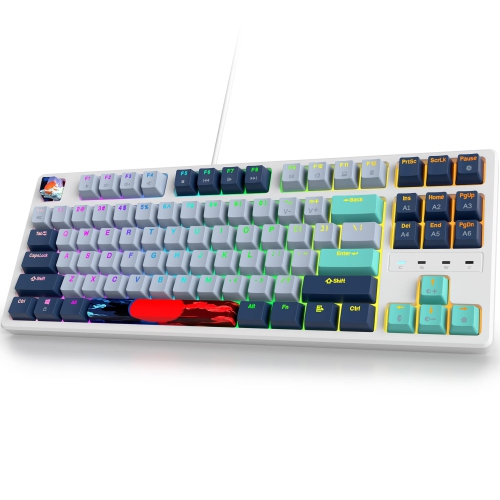
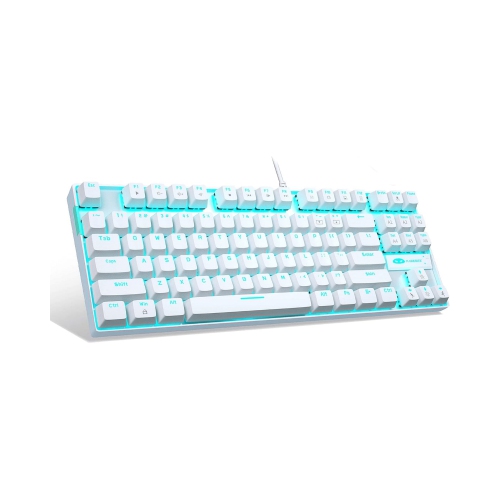
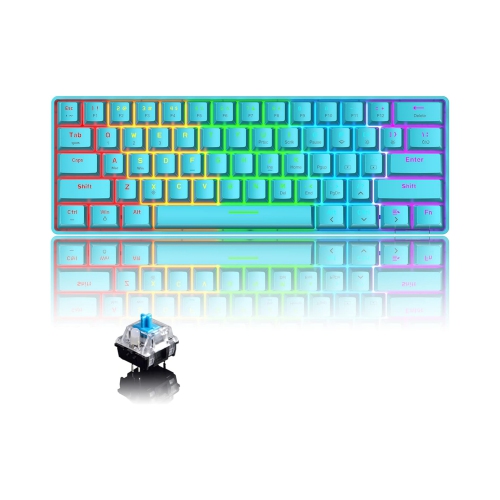
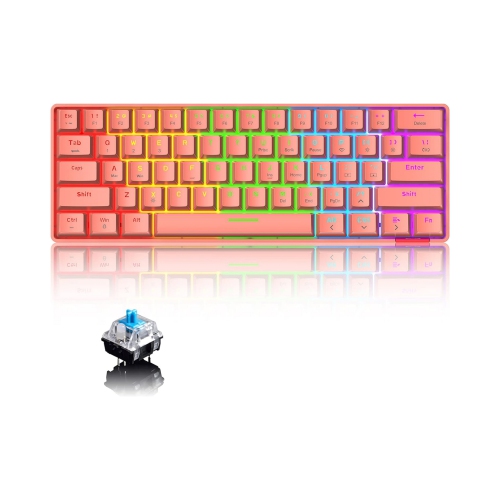
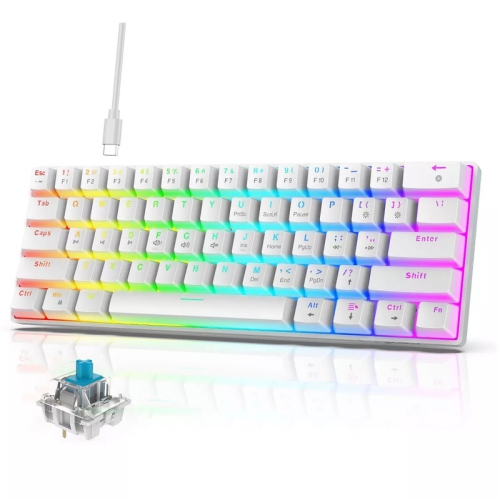
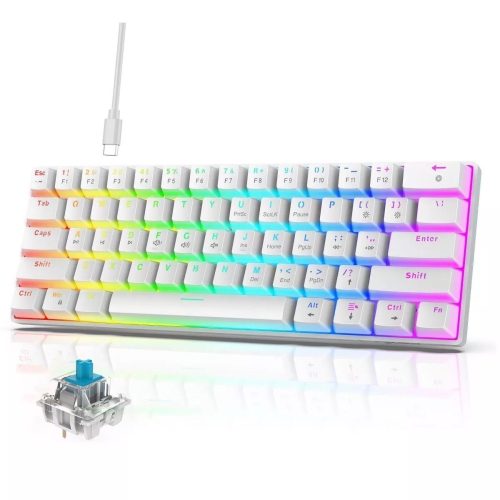
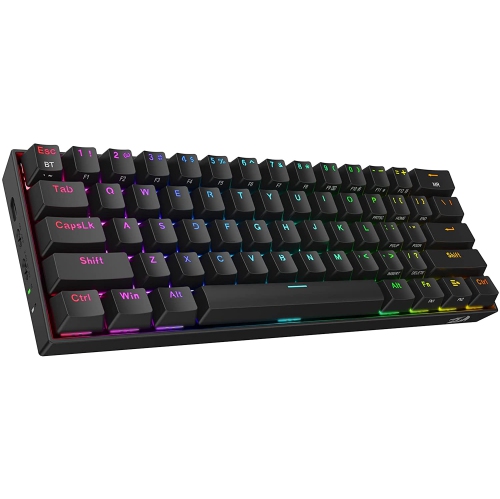
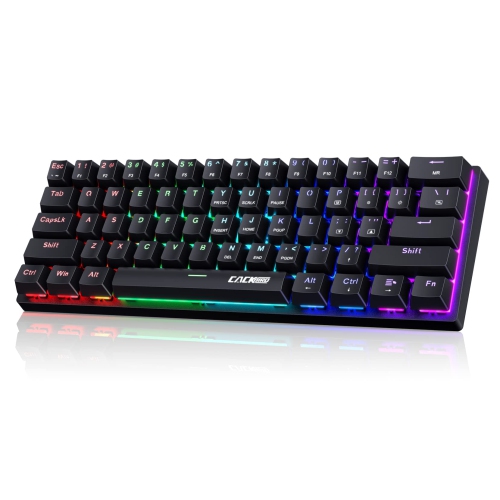
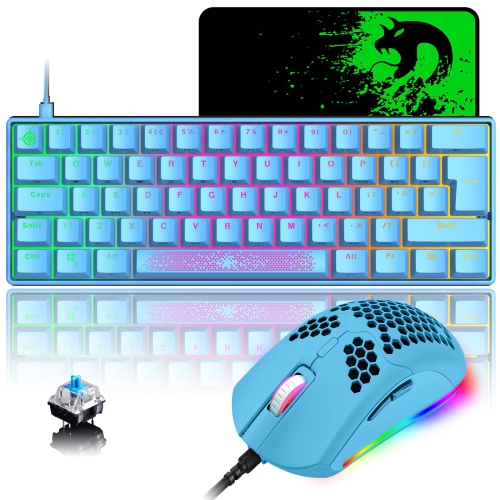
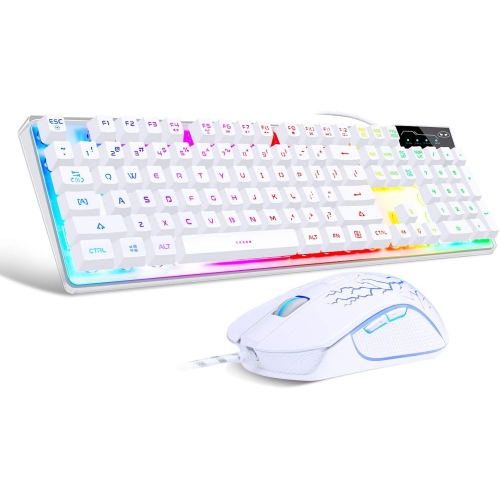
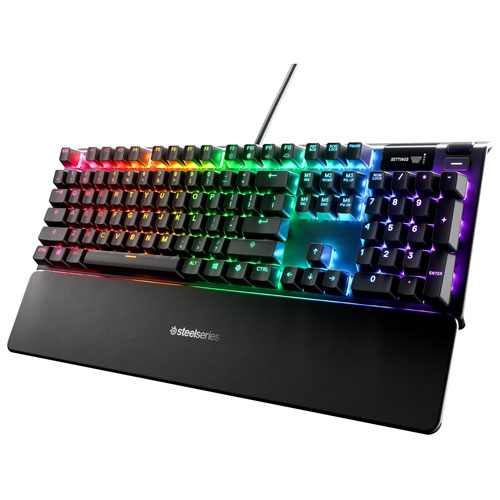
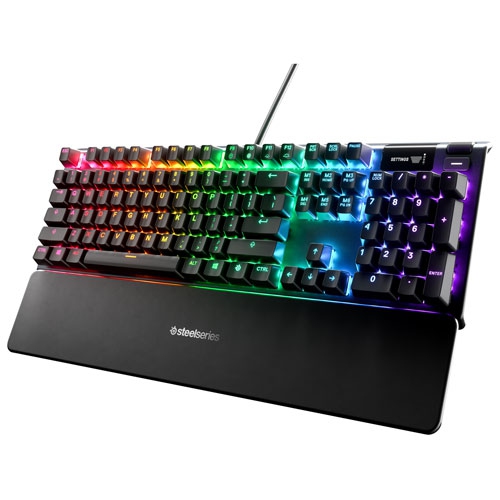
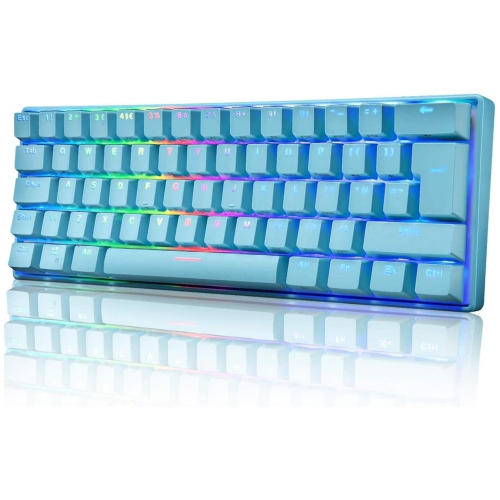
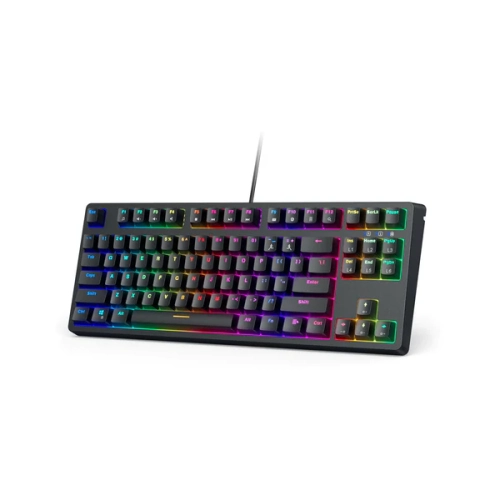
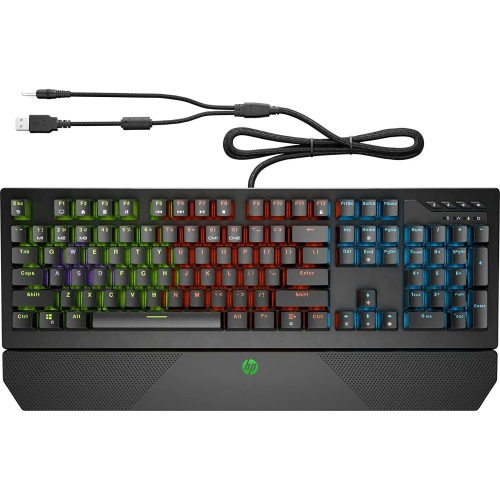
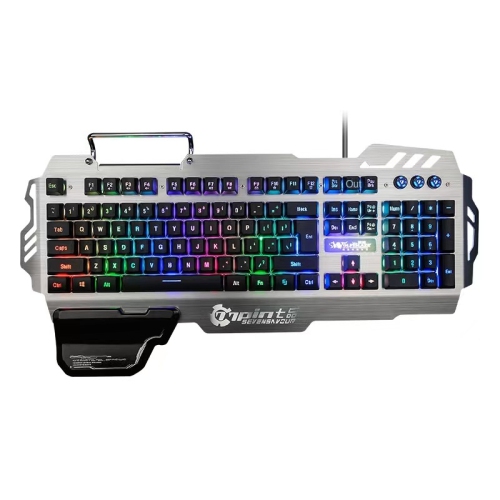
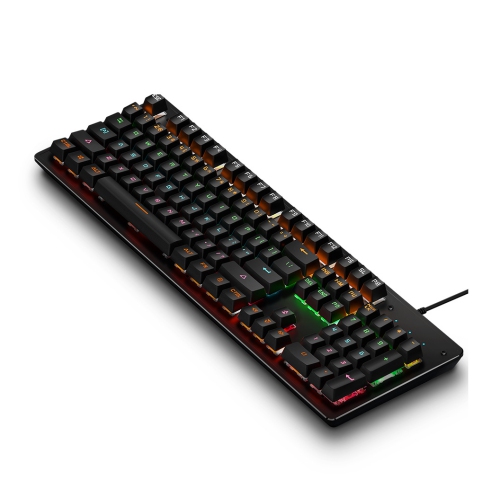
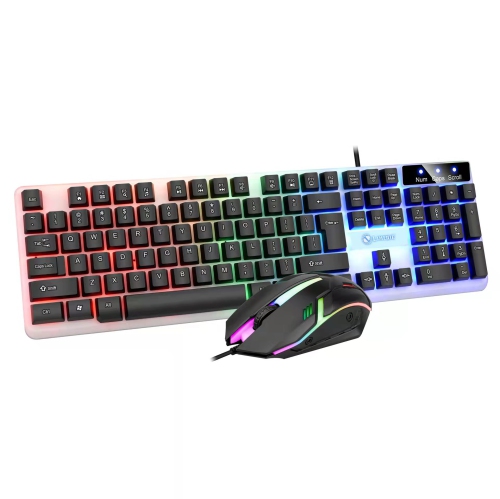
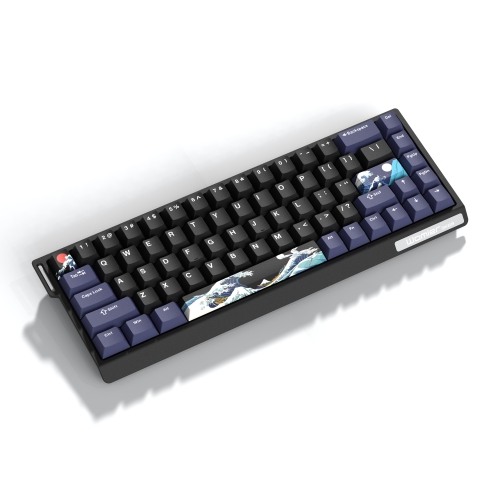
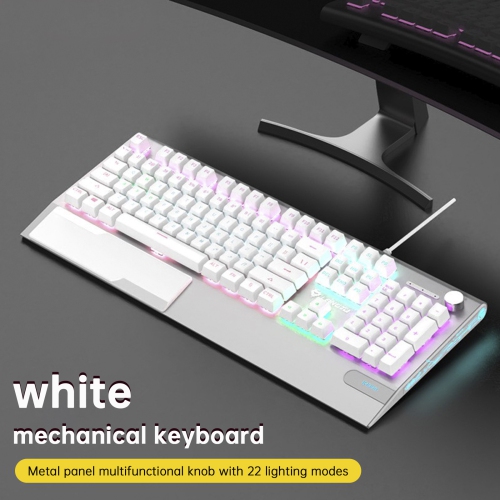
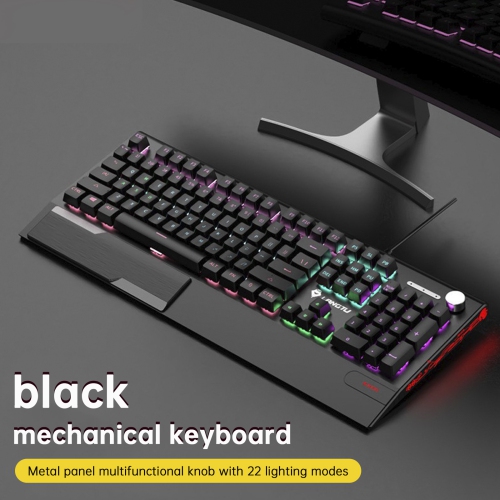
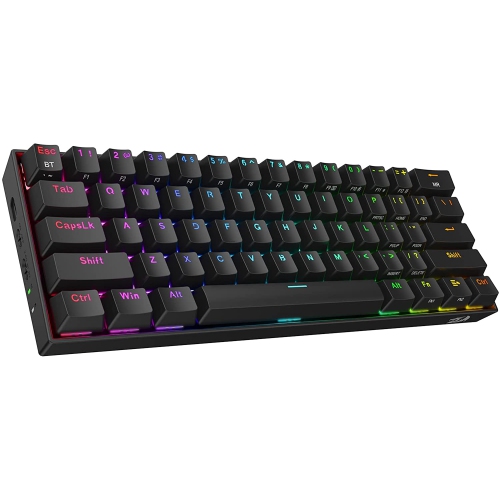
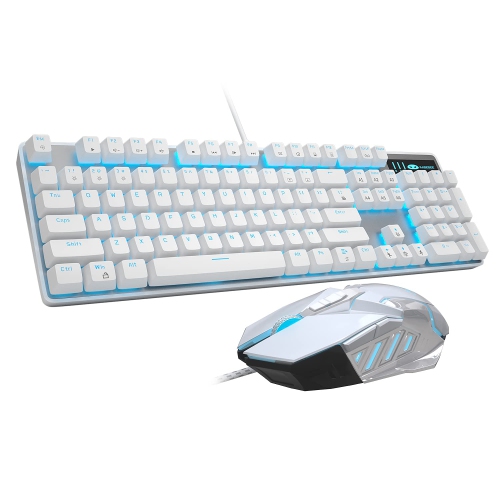
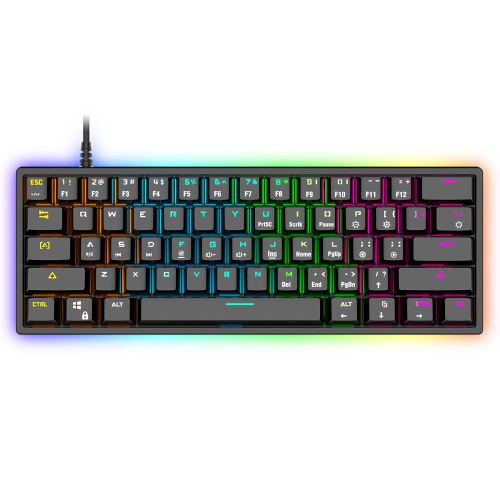
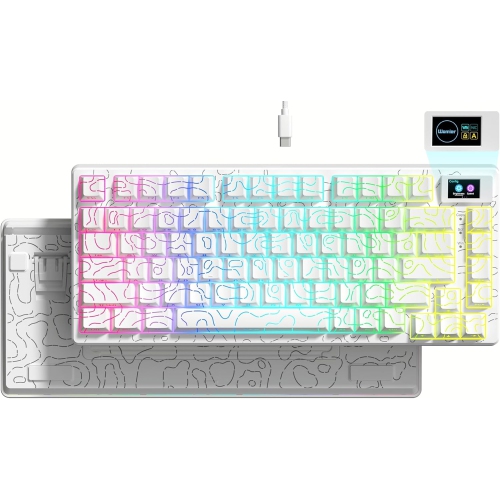
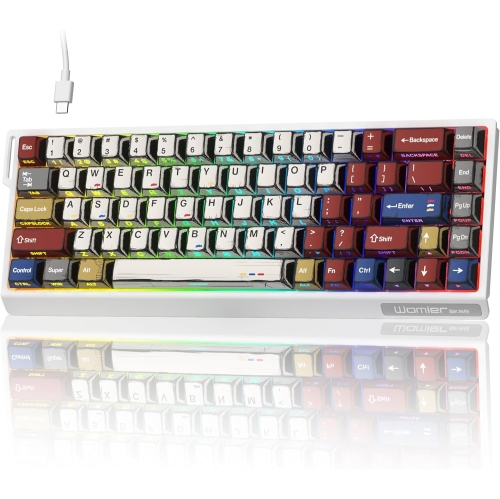
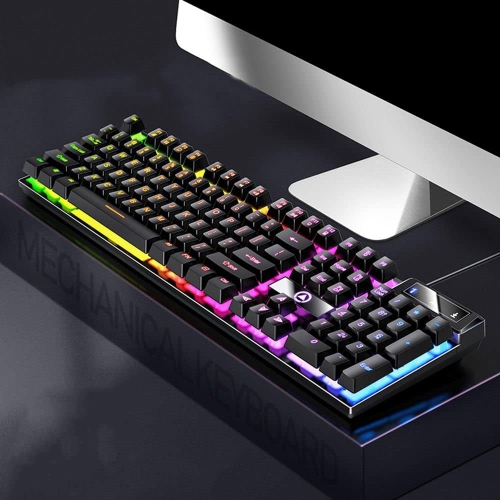
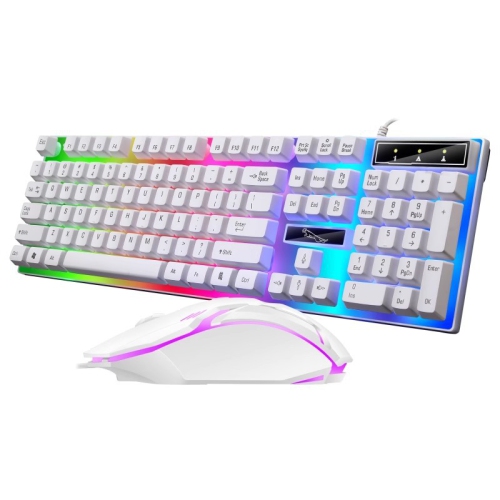
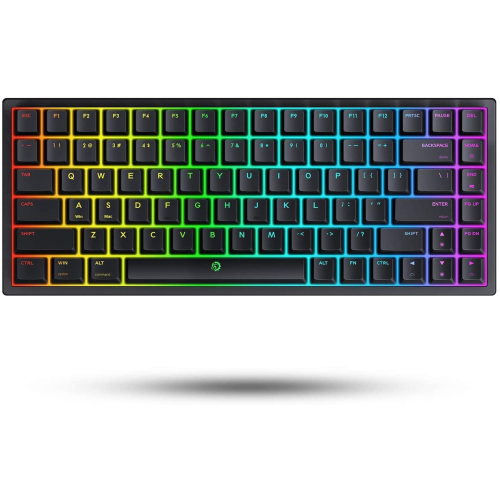
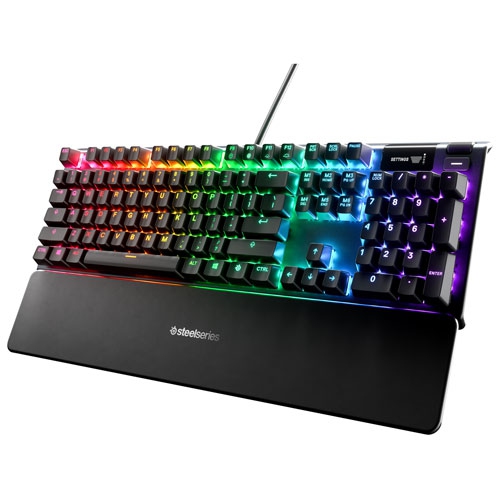
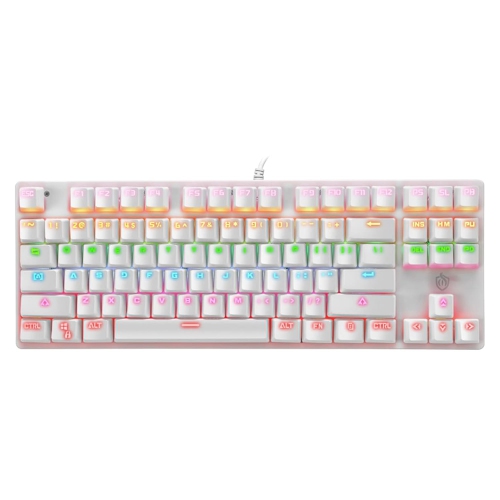
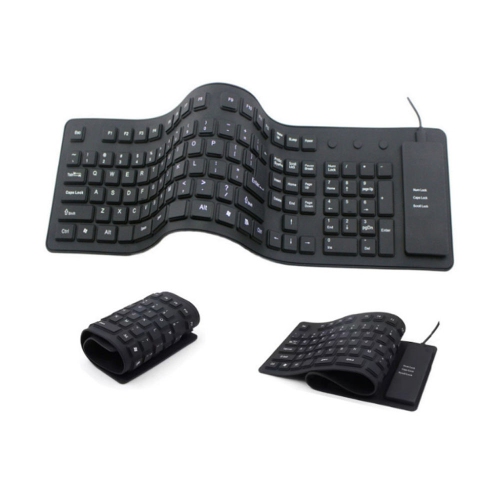
Mechanical keyboards under $100 offer an accessible way to improve the feel, sound, and responsiveness of a computer setup without moving into premium pricing. Unlike a conventional membrane keyboard, a mechanical model uses individual switches beneath each key, giving every press a more distinct and consistent action. That difference can be especially noticeable during long writing sessions, schoolwork, coding, data entry, or gaming, when a soft or mushy keyboard may leave your fingers feeling tired. Some switches are designed to be smooth and quiet, while others provide a noticeable bump or a crisp clicking sound. Linear switches are often favoured by gamers who want an uninterrupted keypress, tactile switches can suit people who appreciate feedback while typing, and clicky switches deliver a pronounced sound that some users find satisfying. Noise levels vary considerably, so it is worth considering shared workspaces, bedrooms, video calls, and nearby family members before choosing a louder style. A mechanical keyboard can also make a thoughtful gift for a student, remote worker, writer, programmer, or PC gamer, particularly when their current keyboard feels worn, cramped, or unresponsive. For someone setting up a desk during the cooler months, a comfortable keyboard adds a practical finishing touch to a space used for work, study, creative projects, and entertainment. When shopping in this price range, compare the switch type, keycap material, build quality, connection options, and included features rather than judging a keyboard by lighting alone. RGB backlighting can add atmosphere and improve visibility in a dim room, but the most important details are the ones that affect everyday typing.
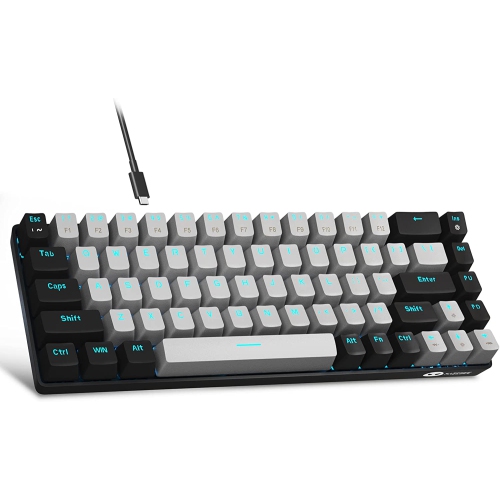
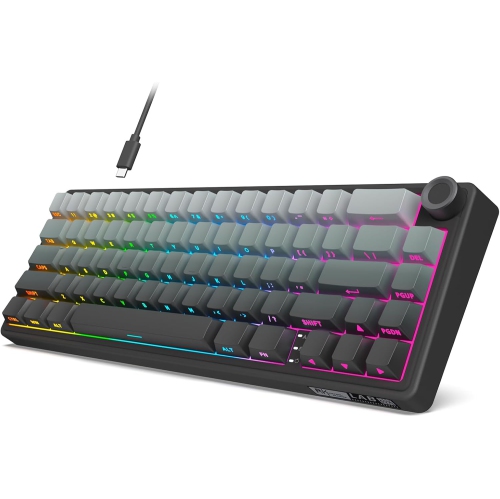
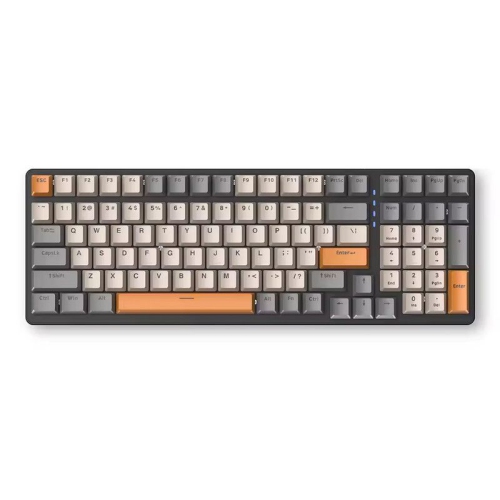
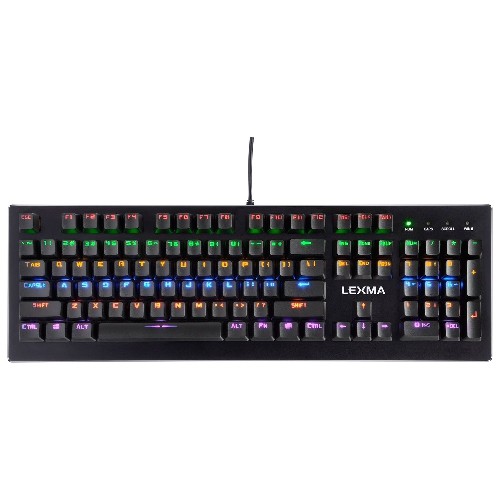
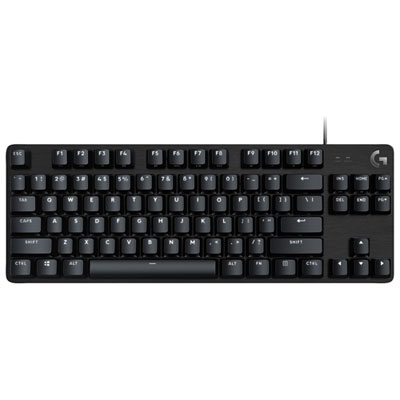
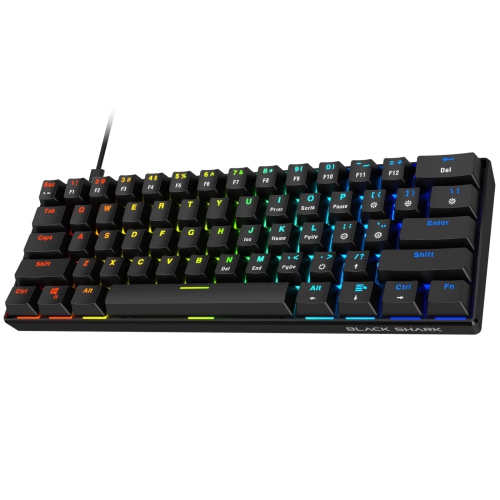
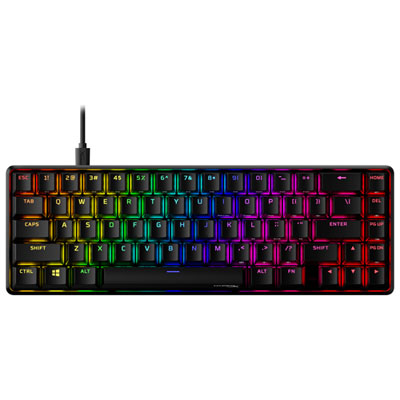
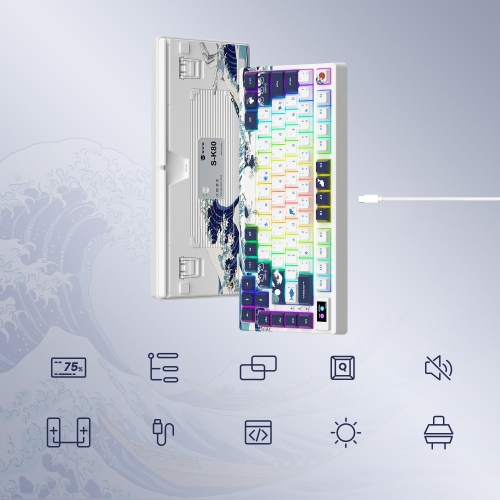
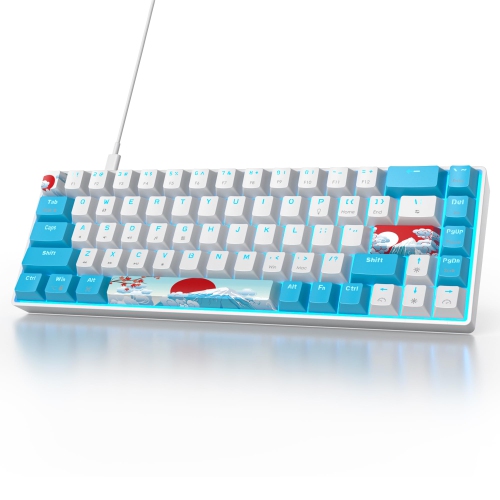
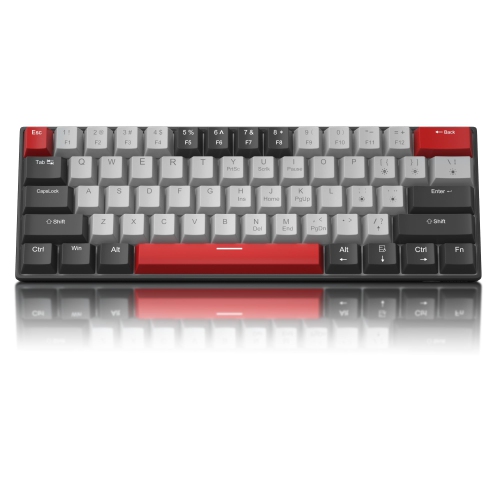
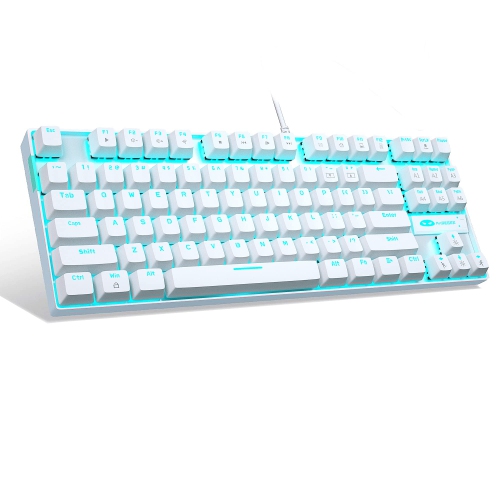
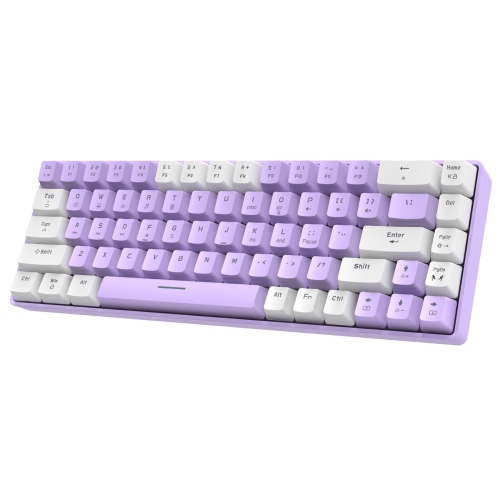
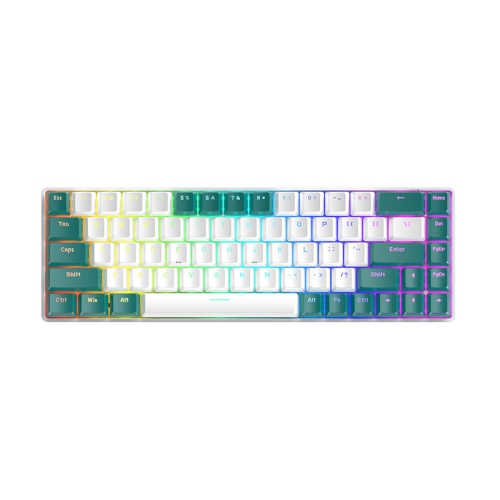
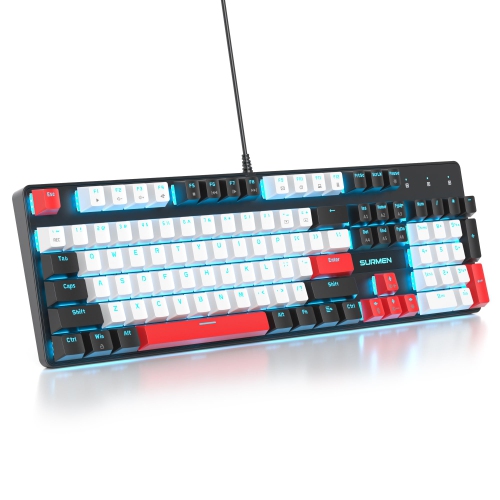
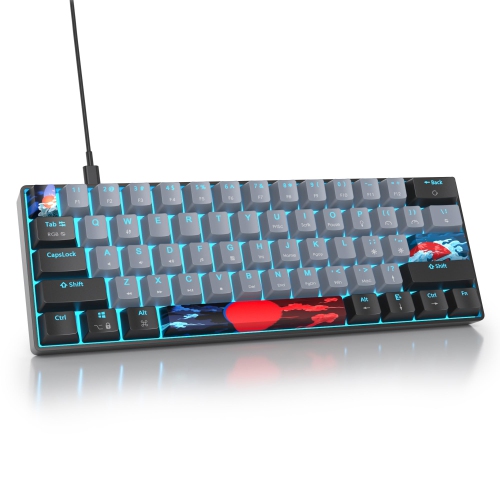
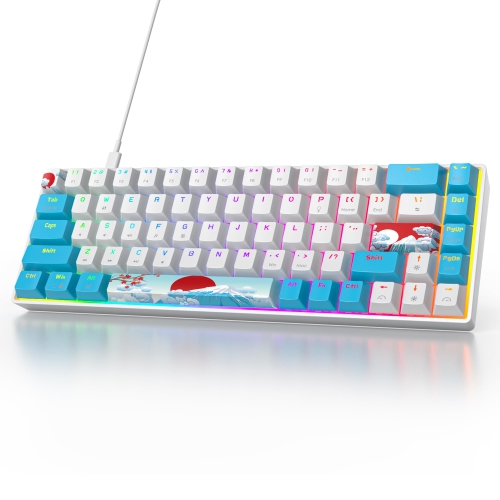
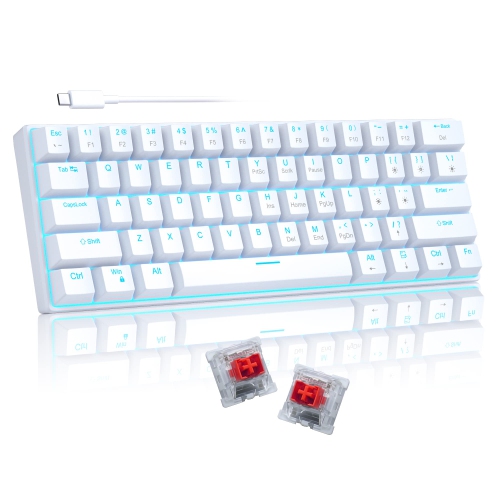
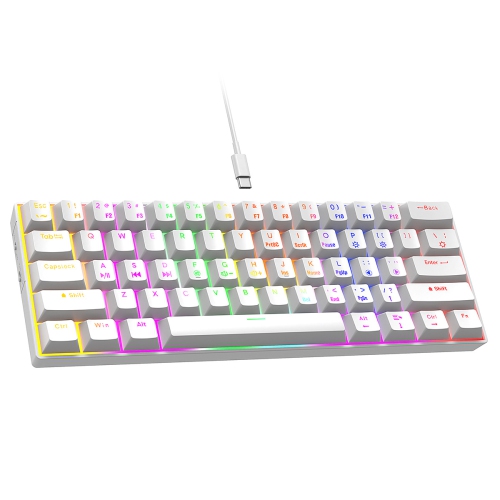
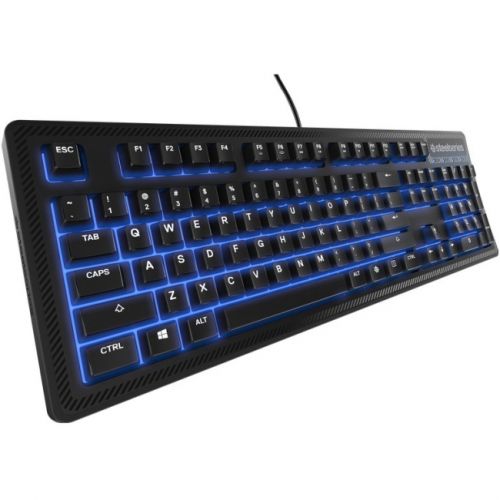
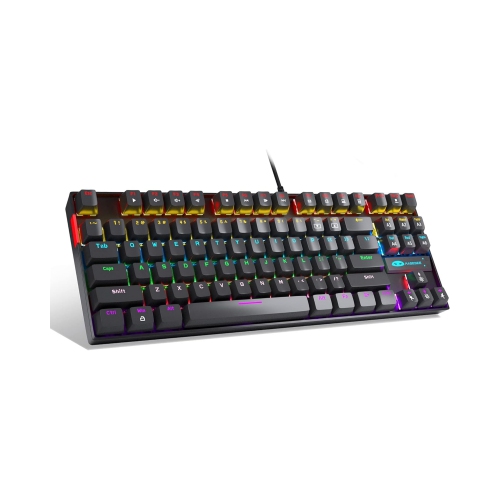
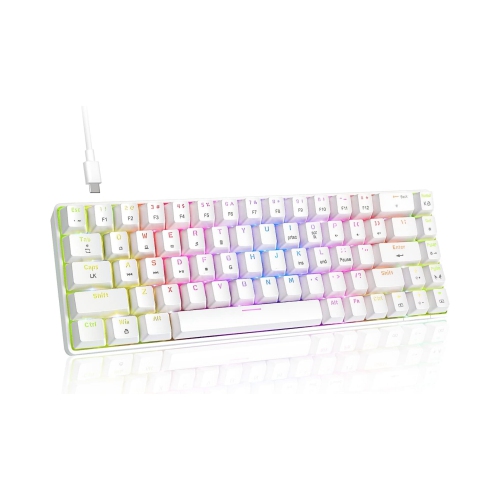
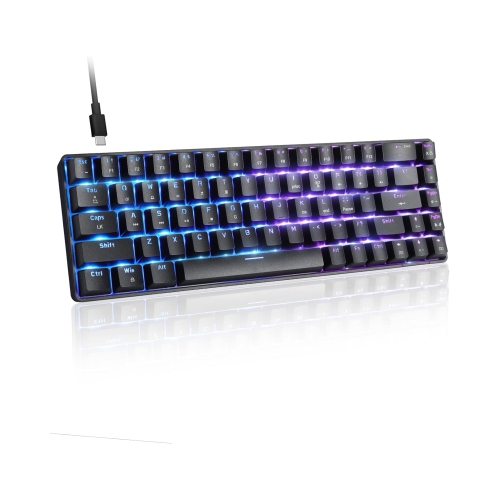
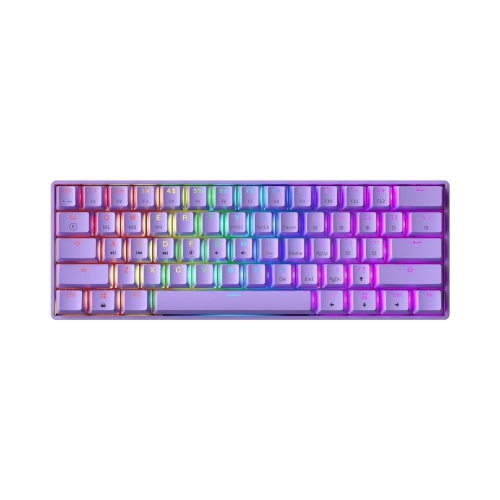
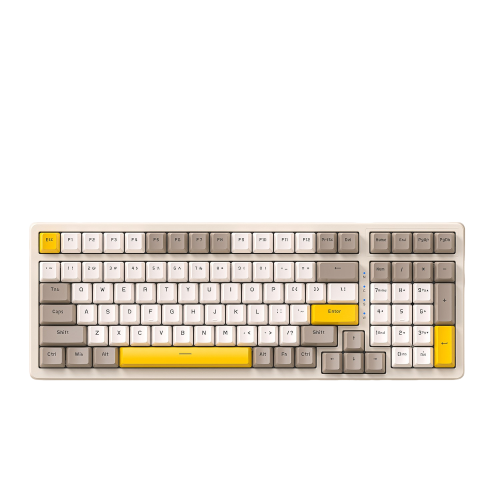
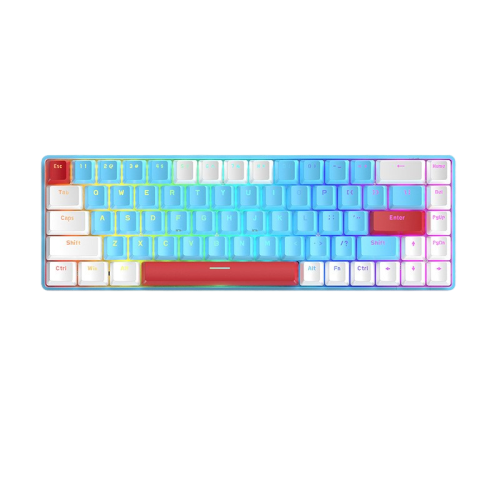
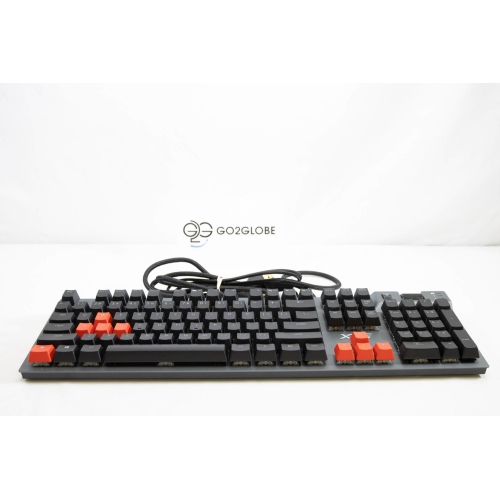
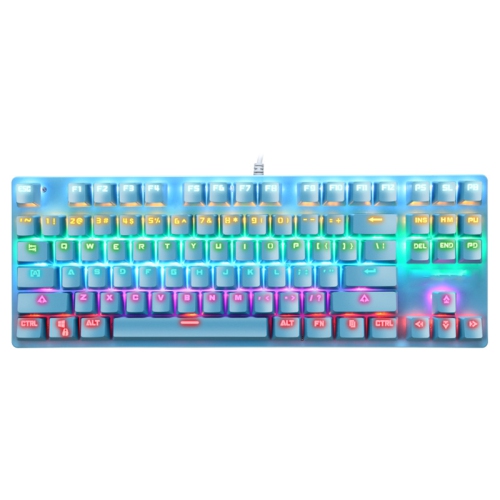
Keyboard size has a direct effect on desk space and the way you work. Full-size layouts include a number pad, making them useful for spreadsheets, accounting, inventory, and frequent number entry. Tenkeyless keyboards remove the number pad while retaining the function row and navigation keys, leaving more room for a mouse and creating a balanced choice for gaming and general productivity. Compact 75% and 65% layouts reduce the footprint further; a 75% design usually keeps the function row in a tighter arrangement, while a 65% model commonly retains dedicated arrow keys and selected navigation controls in a smaller frame. These compact formats can help clear a crowded desk, although some functions may require a shortcut using the Fn key. Check the layout carefully before ordering, especially if you rely on a number pad, full-size arrow-key spacing, or a particular arrangement of Delete, Home, and End keys. Keycap material is another useful point of comparison. PBT keycaps generally resist the smooth, shiny finish that can develop on frequently used ABS keycaps, and they often provide a more substantial texture under the fingertips. A sturdy frame can reduce flex when typing, while a gasket-mounted or cushioned construction may provide a softer, more forgiving feel. Hot-swappable sockets are particularly valuable for anyone who wants to experiment with different switch types, since compatible switches can be changed without soldering. They also make it easier to replace an individual switch if a key eventually develops a problem. Before buying, confirm that the keyboard includes the switch format you prefer and that replacement switches and keycaps will be compatible with its layout. For an even lower-cost selection, explore Mechanical Keyboards Under $50.
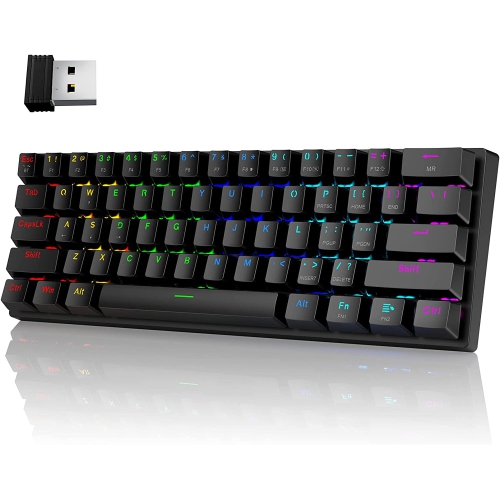
Connection type should match the way the keyboard will be used. Wired models typically provide straightforward plug-and-play setup and consistent performance, making them a natural fit for desktop gaming, office work, and permanent desk arrangements. Wireless models can reduce cable clutter and make it easier to move between a desktop, laptop, or compatible tablet, though battery life, charging, pairing, and connection modes deserve attention. Some keyboards support more than one connection method, which can be convenient for switching between devices. Confirm operating-system compatibility and check whether configuration software is required for remapping keys, adjusting lighting, creating shortcuts, or saving profiles. A detachable cable can make storage and transport simpler, while a built-in wrist rest, adjustable feet, and a suitable typing angle may improve comfort during extended use. Keep the surrounding setup in mind as well: a compact board may leave more room for a mouse, a darker keycap set may be harder to read without backlighting, and a highly audible switch may not be ideal for a shared home office. Mechanical keyboards under $100 can serve as a first step into custom keyboard features or as a dependable replacement for an older board. Whether it is used for late-night gaming, focused writing beside a warm lamp, online learning, or everyday browsing, the right combination of layout, switch feel, keycap texture, connectivity, and comfort can make each keystroke feel more deliberate and enjoyable.
Keyboard size has a direct effect on desk space and the way you work. Full-size layouts include a number pad, making them useful for spreadsheets, accounting, inventory, and frequent number entry. Tenkeyless keyboards remove the number pad while retaining the function row and navigation keys, leaving more room for a mouse and creating a balanced choice for gaming and general productivity. Compact 75% and 65% layouts reduce the footprint further; a 75% design usually keeps the function row in a tighter arrangement, while a 65% model commonly retains dedicated arrow keys and selected navigation controls in a smaller frame. These compact formats can help clear a crowded desk, although some functions may require a shortcut using the Fn key. Check the layout carefully before ordering, especially if you rely on a number pad, full-size arrow-key spacing, or a particular arrangement of Delete, Home, and End keys. Keycap material is another useful point of comparison. PBT keycaps generally resist the smooth, shiny finish that can develop on frequently used ABS keycaps, and they often provide a more substantial texture under the fingertips. A sturdy frame can reduce flex when typing, while a gasket-mounted or cushioned construction may provide a softer, more forgiving feel. Hot-swappable sockets are particularly valuable for anyone who wants to experiment with different switch types, since compatible switches can be changed without soldering. They also make it easier to replace an individual switch if a key eventually develops a problem. Before buying, confirm that the keyboard includes the switch format you prefer and that replacement switches and keycaps will be compatible with its layout. For an even lower-cost selection, explore Mechanical Keyboards Under $50.
Connection type should match the way the keyboard will be used. Wired models typically provide straightforward plug-and-play setup and consistent performance, making them a natural fit for desktop gaming, office work, and permanent desk arrangements. Wireless models can reduce cable clutter and make it easier to move between a desktop, laptop, or compatible tablet, though battery life, charging, pairing, and connection modes deserve attention. Some keyboards support more than one connection method, which can be convenient for switching between devices. Confirm operating-system compatibility and check whether configuration software is required for remapping keys, adjusting lighting, creating shortcuts, or saving profiles. A detachable cable can make storage and transport simpler, while a built-in wrist rest, adjustable feet, and a suitable typing angle may improve comfort during extended use. Keep the surrounding setup in mind as well: a compact board may leave more room for a mouse, a darker keycap set may be harder to read without backlighting, and a highly audible switch may not be ideal for a shared home office. Mechanical keyboards under $100 can serve as a first step into custom keyboard features or as a dependable replacement for an older board. Whether it is used for late-night gaming, focused writing beside a warm lamp, online learning, or everyday browsing, the right combination of layout, switch feel, keycap texture, connectivity, and comfort can make each keystroke feel more deliberate and enjoyable.
Top selling and popular products
-
 Your price for this item is $39.99
 -
 Your price for this item is $76.98
 -
 Your price for this item is $94.99
 -
 Your price for this item is $319.99
 -
 Your price for this item is $364.99
 -
 Your price for this item is $119.99
 -
 Your price for this item is $124
 -
 Your price for this item is $94.99
Discover more categories related to Mechanical Keyboards Under $100

Top Collections:
Pokemon Centers, Budget 4K TVs, Kindle Devices, Canon G7X Cameras, Apple iPhones 16, iPhone 15 Apple, Laptops for Business Work, Flip Phones, Xiaomi Phones, Refurbished Apple Laptops
Some products may be subject to Environmental Handling Fees
(EHF) depending on your province.
Learn more about EHFs.