Mechanical Gaming Keyboards Under $1000
Mechanical Gaming Keyboard Under $1000 is the perfect destination for gamers seeking top-notch performance without exceeding their budget. Explore a wide range of options designed to enhance your gaming experience, all priced under $1000. Whether you’re upgrading your setup or building something new, you’ll find a variety of mechanical gaming keyboards that combine quality and value to suit every play style. Find the ideal keyboard to match your preferences and elevate your gameplay.
Sort
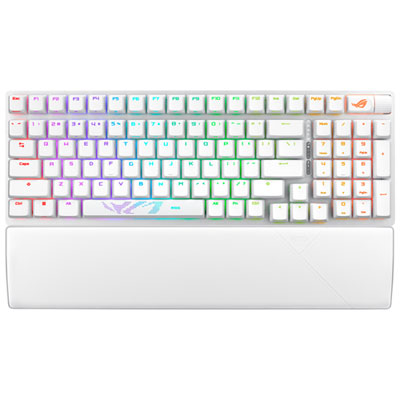
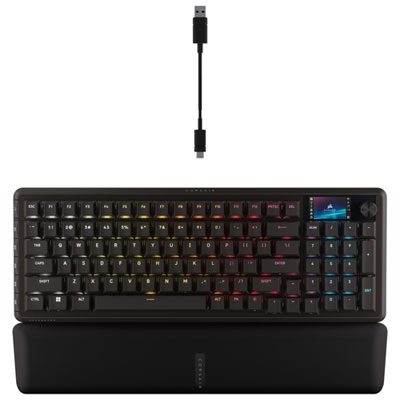
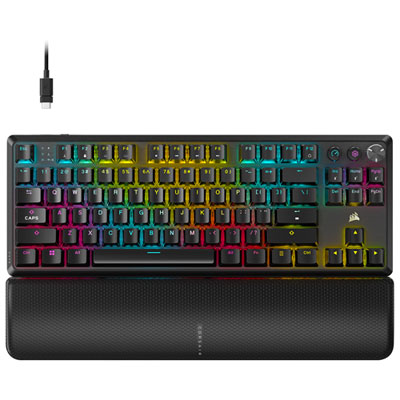
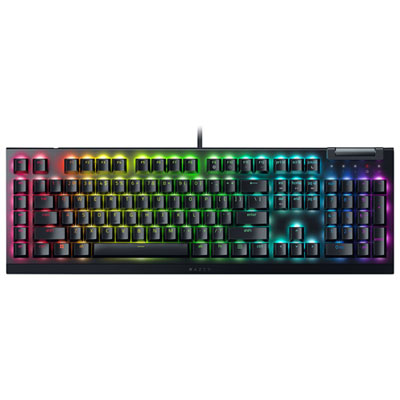
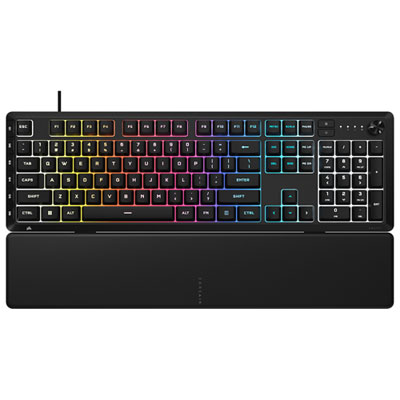
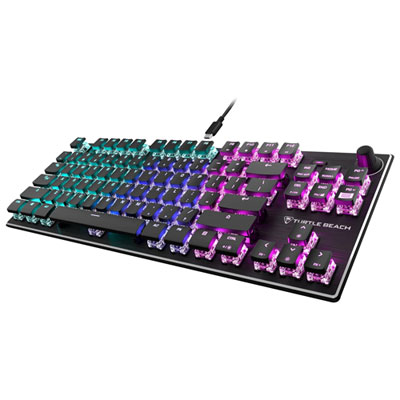
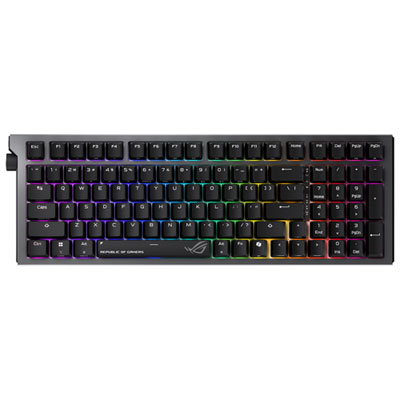
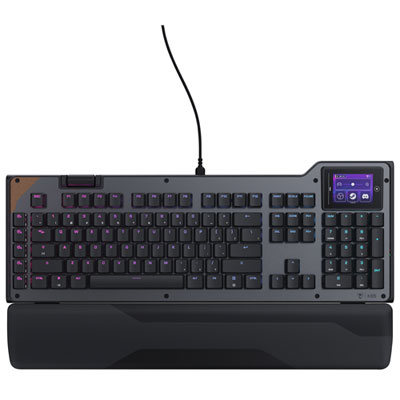
How switch feel and layout shape every session
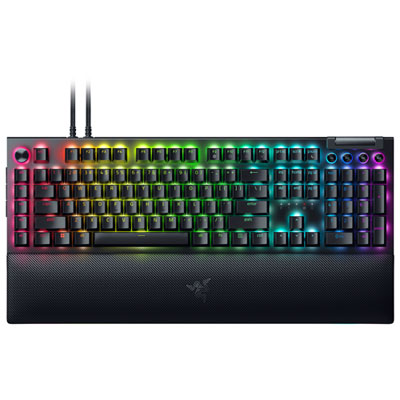
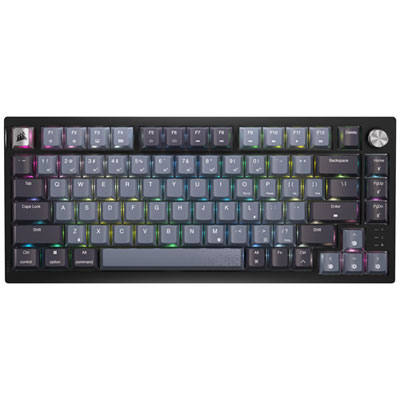
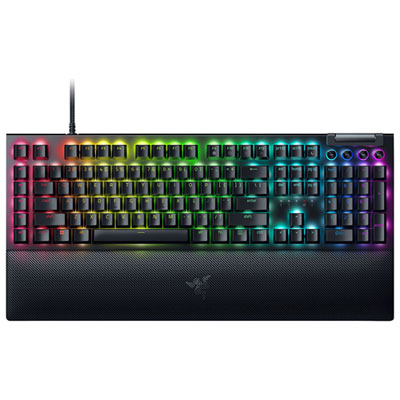
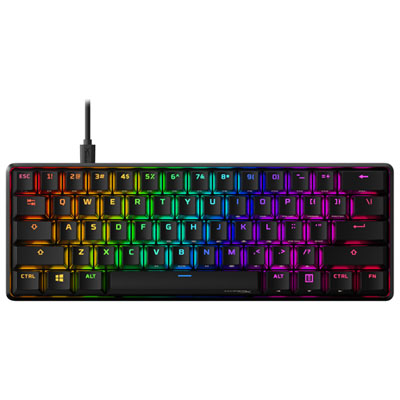
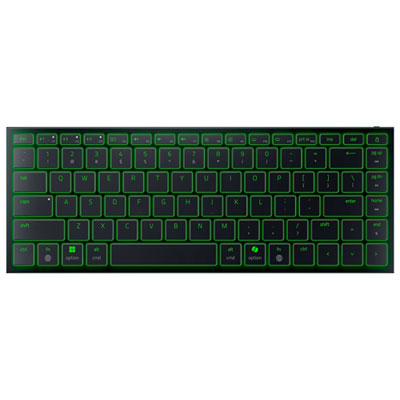
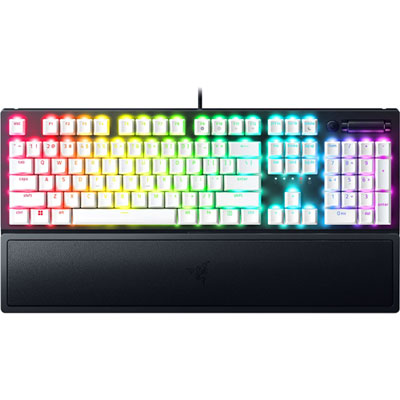
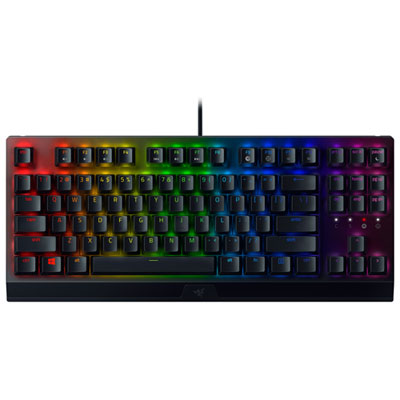
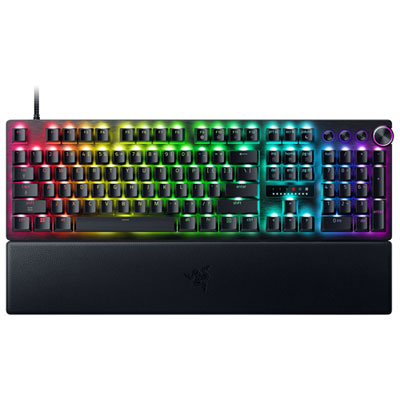
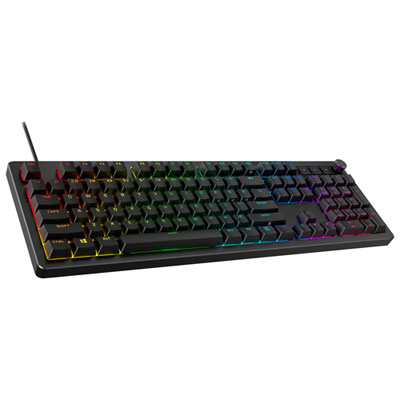
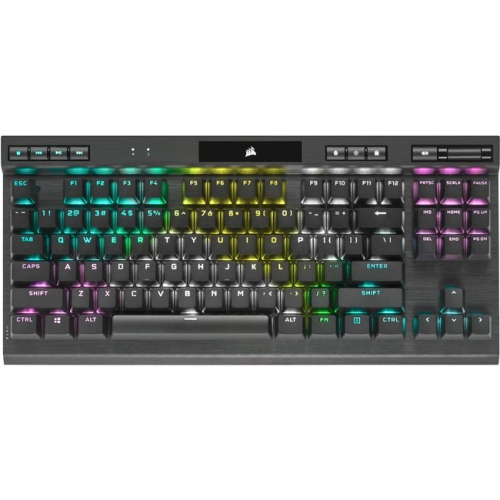
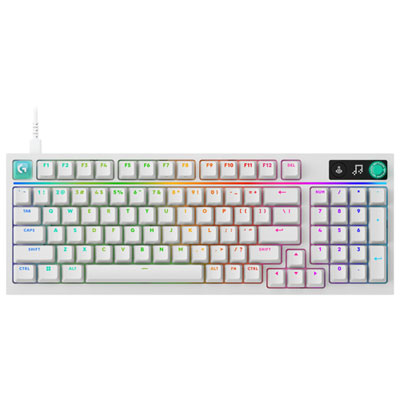
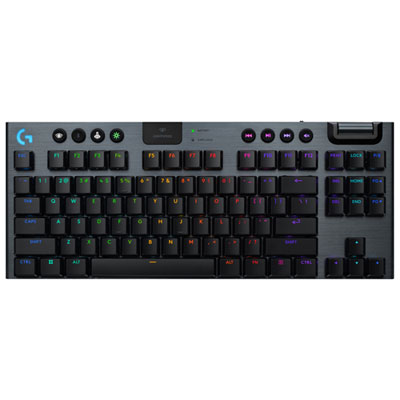
Mechanical gaming keyboards combine individual key switches with layouts and controls designed for responsive play, everyday typing, and a comfortable desktop setup. Their appeal goes beyond lighting: switch feel, keycap construction, connection type, and the space left for mouse movement all shape the experience. A linear switch moves smoothly through its travel without a deliberate tactile bump, making it a familiar choice for players who prefer fluid, repeated inputs. Tactile switches provide a noticeable bump during the press, while clicky switches add a distinct sound that can be satisfying at a private desk but distracting in a shared room. These characteristics describe feel rather than a guaranteed competitive advantage. Actuation force and travel distance also matter, especially during long sessions when a very light switch may register an unintended press or a heavier switch may require more effort than expected. Someone moving between fast-paced matches and lengthy writing assignments may value a different balance from someone using a keyboard mainly for strategy games. Layout affects that balance just as much as switch type. Full-size keyboards include a number pad for spreadsheets, data entry, and games with extensive shortcuts. Tenkeyless layouts remove the number pad while retaining a dedicated function row and navigation keys, creating more room beside the keyboard for broad mouse movements. More compact layouts can free up additional work surface space, although some commands move to secondary layers accessed with a function key. Dedicated arrow keys, clearly marked secondary functions, and accessible volume controls can make the difference between a compact layout that feels convenient and one that interrupts familiar routines. For players who also study, code, or work at the same desk, mechanical gaming keyboards can serve as a single input device throughout the day. The most suitable format supports those everyday tasks as naturally as it supports movement commands, ability shortcuts, and in-game chat, without requiring constant changes to familiar typing habits.
Materials and construction influence how a mechanical gaming keyboard feels after the first few sessions and how well it handles regular use. PBT keycaps are often valued for their textured surface and resistance to developing a polished appearance, while ABS keycaps can offer a smooth feel and vivid colour treatments. Material alone does not determine quality; keycap thickness, surface finish, and the method used to create the legends also contribute. Double-shot legends are formed from separate pieces of plastic rather than simply printed on the surface, helping the characters remain readable through repeated use. Larger keys, including the space bar, Enter, and Shift, rely on stabilizers to support an even press across their width. Well-fitted stabilizers can reduce distracting rattle and make these keys feel more consistent with the rest of the board. Case rigidity, internal plates, mounting design, and sound-dampening layers affect the sound and firmness of each keystroke. A metal case may feel substantial, but its weight does not automatically make it more comfortable or quieter than a well-built plastic case. Similarly, internal foam can soften certain sounds without making a keyboard silent. In a shared home office or a room used for voice chat, switch noise and microphone placement deserve attention alongside the keyboard’s appearance. Physical fit also matters during longer sessions. A tall front edge may feel more comfortable with a suitably positioned palm rest, while adjustable feet change the typing angle rather than necessarily improving it. Relaxed shoulders, accessible keys, and wrists held in a neutral position matter more than a dramatic tilt. Routine care helps preserve both feel and appearance: disconnect the keyboard before cleaning, remove loose debris gently, and follow its cleaning instructions before taking off keycaps. Keeping drinks away from the switches and allowing cleaned components to dry fully before reassembly can help prevent avoidable damage. Replaceable keycaps and compatible hot-swappable switches may also make future maintenance easier, though replacement parts must match the keyboard’s layout and socket requirements.
Connection options and electronic performance complete the picture, particularly when the same keyboard moves between gaming and other tasks. A wired connection avoids battery management and provides a straightforward setup, while a compatible low-latency wireless connection can reduce cable clutter without relying on Bluetooth for gameplay. Bluetooth is useful for switching between supported devices, but its latency and feature support can differ from a keyboard’s dedicated wireless mode. Battery life also varies with lighting brightness, connection mode, and usage, so published figures are most meaningful when their test conditions are clear. Polling rate describes how often the keyboard reports information to the computer. A higher rate can reduce the interval between reports, but the practical benefit depends on the keyboard’s implementation, the computer, and the game; it does not improve an internet connection or replace consistent frame rates. Anti-ghosting and rollover support help the keyboard register intended combinations when several keys are pressed together, such as moving diagonally while holding another command. Programmable keys and remapping can make frequently used actions easier to reach, while onboard memory may retain supported settings when the keyboard is connected to another computer. Software compatibility is important here, since basic typing support does not necessarily mean every lighting effect, macro, or remapping feature works on every operating system. Per-key lighting can highlight movement keys or separate groups of commands, but clear legends and a readable layout remain useful even with the lighting switched off. For a gift recipient, familiar preferences often provide the strongest clues: the sound they enjoy, whether they use a number pad, and whether they prefer a clean wireless desk or a fixed wired setup. A student who games after coursework, a frequent multiplayer teammate, and someone building a dedicated gaming space may each appreciate different combinations of these features. For a separate selection, browse Gaming Keyboards Under $100. Across layouts and connection types, a satisfying mechanical gaming keyboard brings together dependable input, comfortable key feel, durable construction, and controls that suit the way its owner actually plays and types.
Top selling and popular products
-
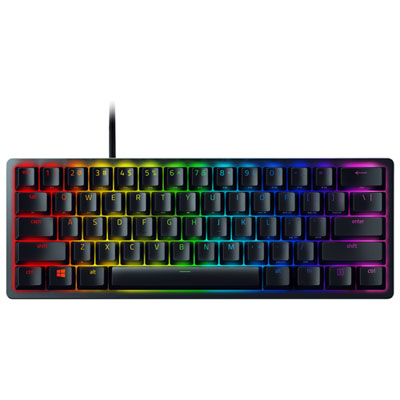 Your price for this item is $94.99
-
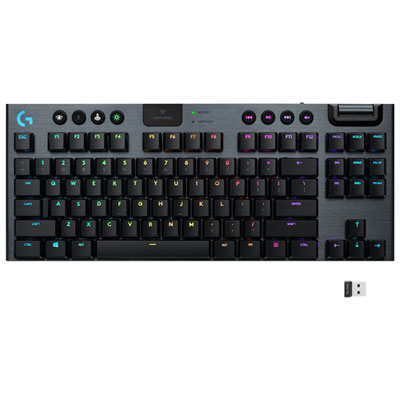 Your price for this item is $319.95
-
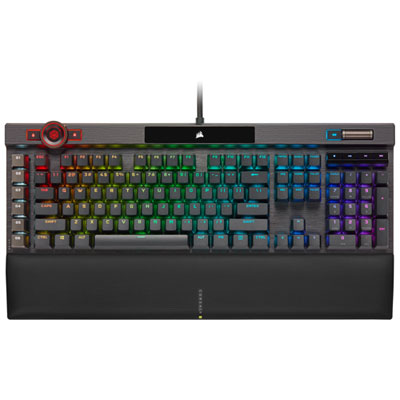 Your price for this item is $364.95
-
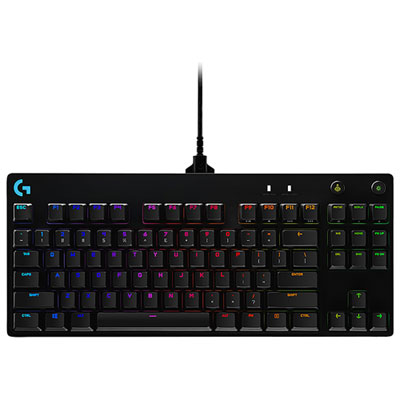 Your price for this item is $149.99
-
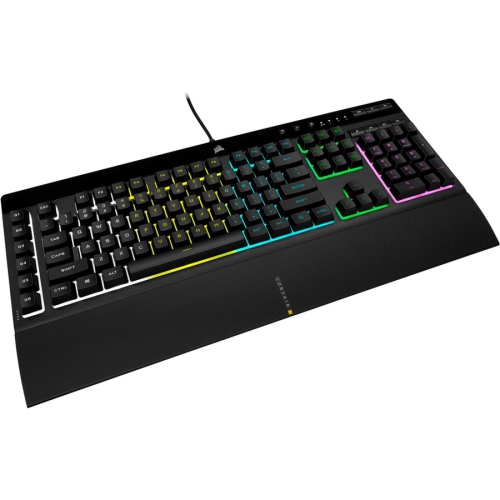 Your price for this item is $113.68
-
 Your price for this item is $94.99
-
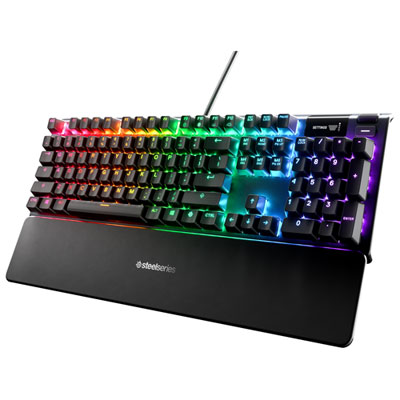 Your price for this item is $139.95
-
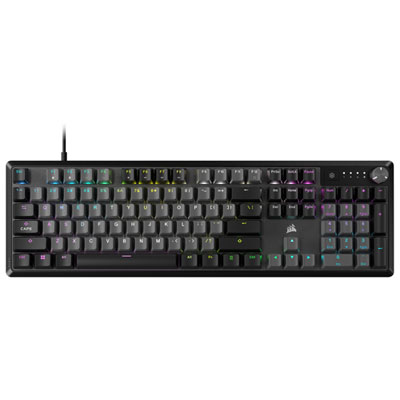 Your price for this item is $99.99
Discover more categories related to Mechanical Gaming Keyboards Under $1000
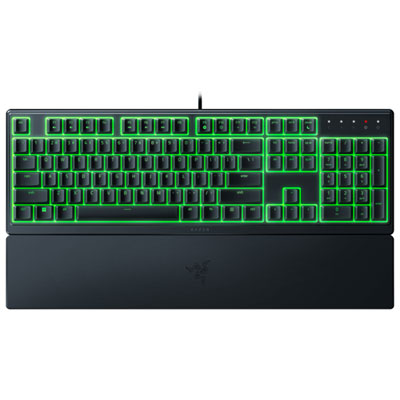
Top Collections:
Best Black Friday Deals This Year, Best Black Friday Deals On Electronics, Kindle Devices, Pokemon Centers, Best Black Friday Deals On Apple Products, Best Cameras for Sports Photography, Dyson Airwrap, Pokémon 30th Celebration Cards, Apple iPhone 17 Pro, Canon G7X Cameras
Some products may be subject to Environmental Handling Fees
(EHF) depending on your province.
Learn more about EHFs.