Mechanical Keyboards Under $50
Mechanical keyboards are a popular choice among gamers and typists alike. They offer a number of advantages, including more responsive keys, greater durability, and better sound quality. Here are some of the best mechanical keyboards under $50.
Sort
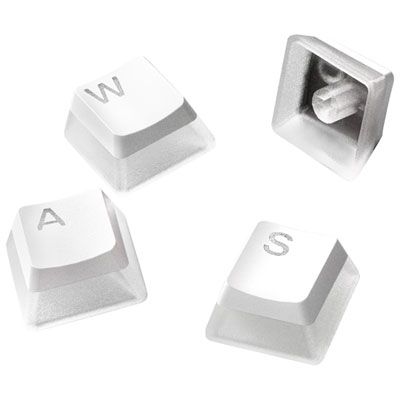
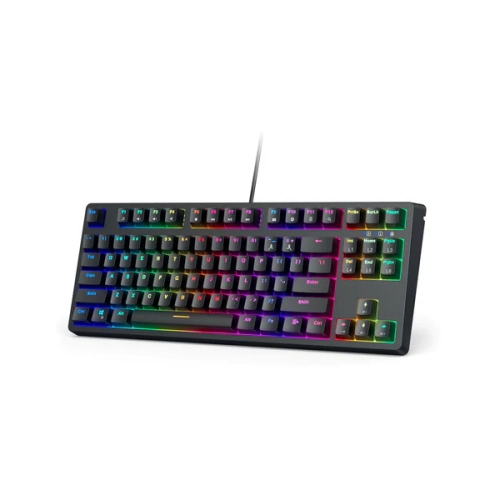
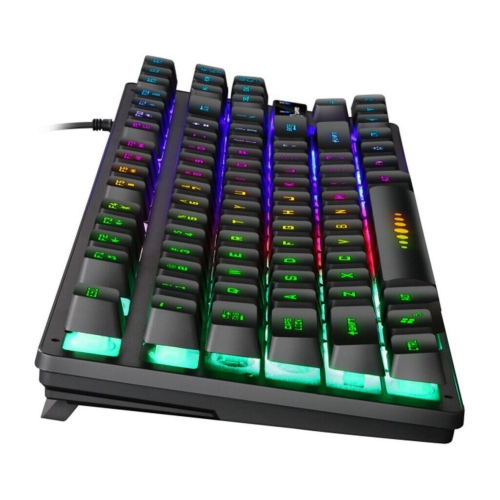
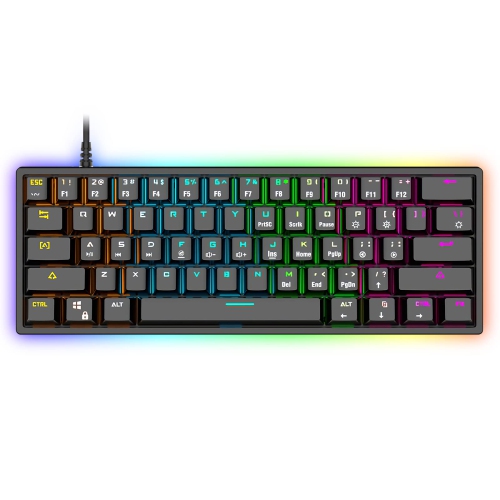
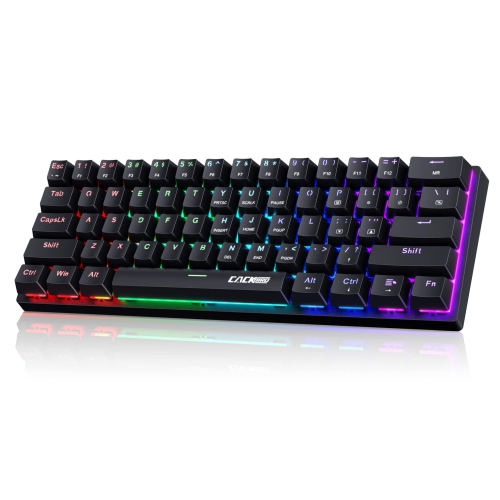
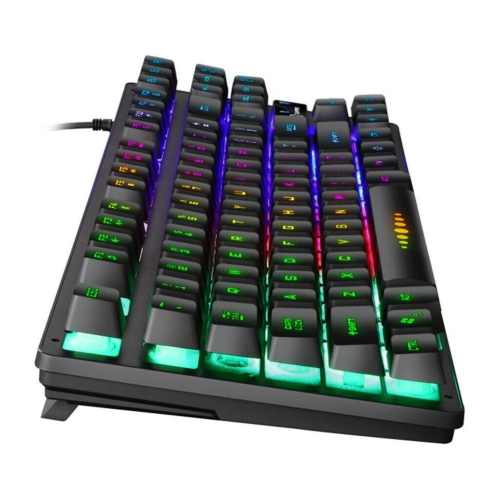
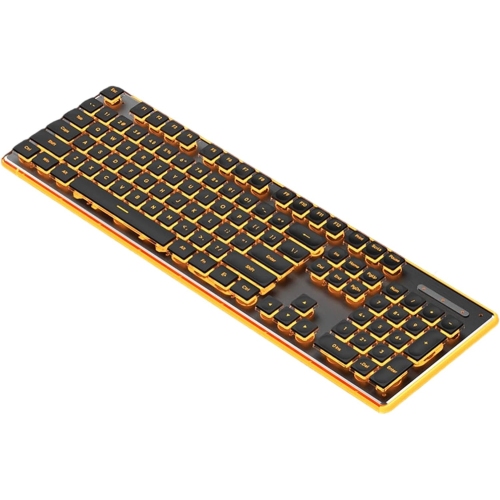
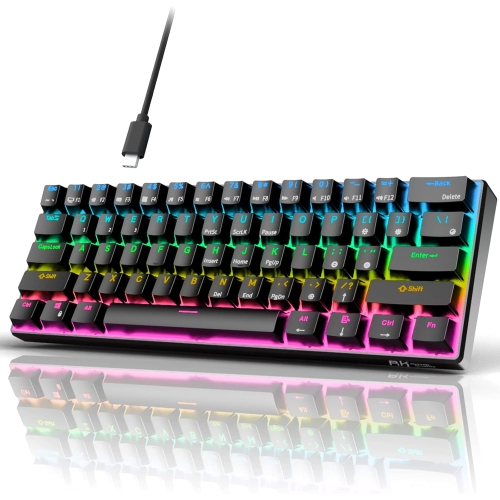
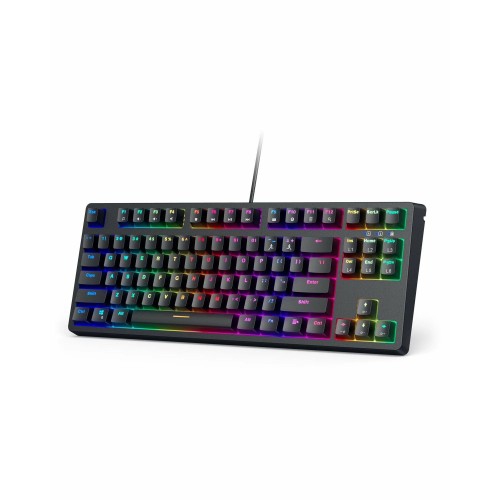
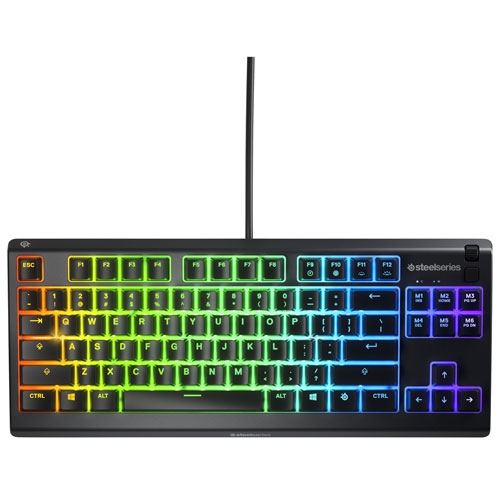
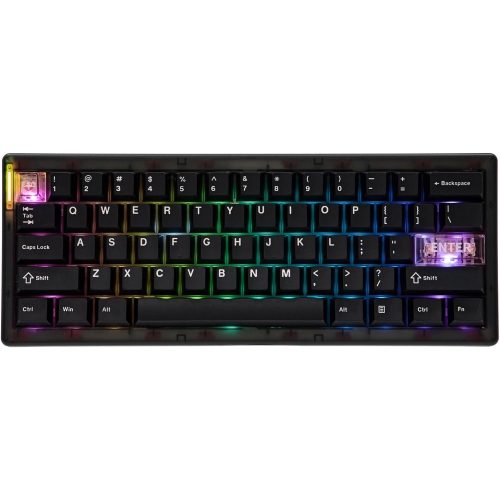
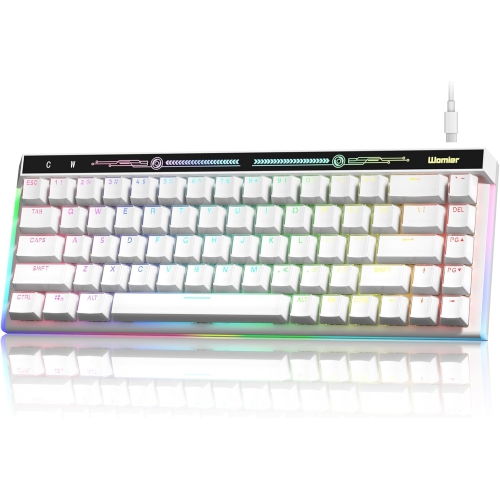
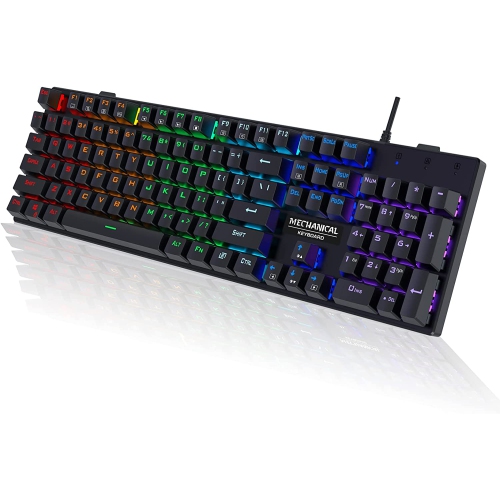
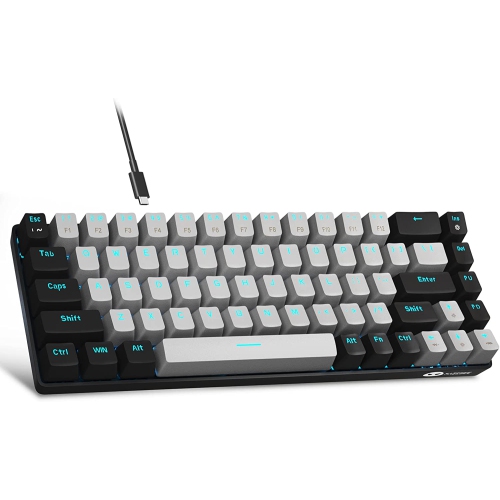
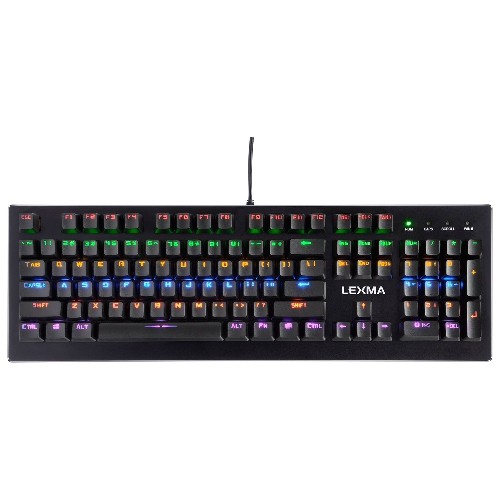
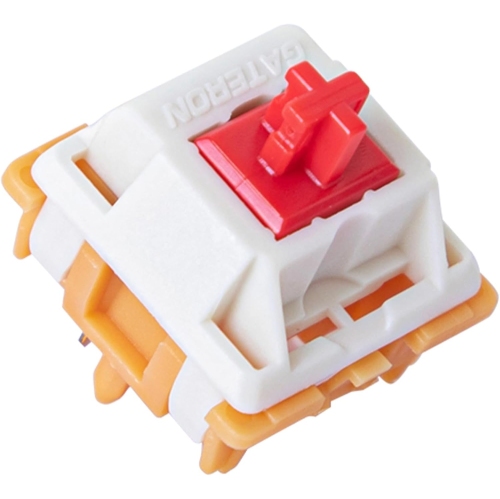
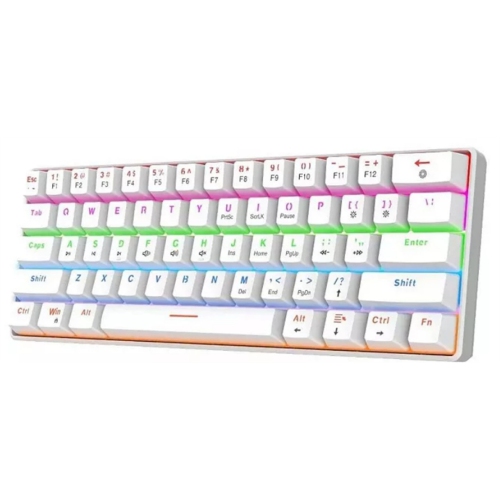
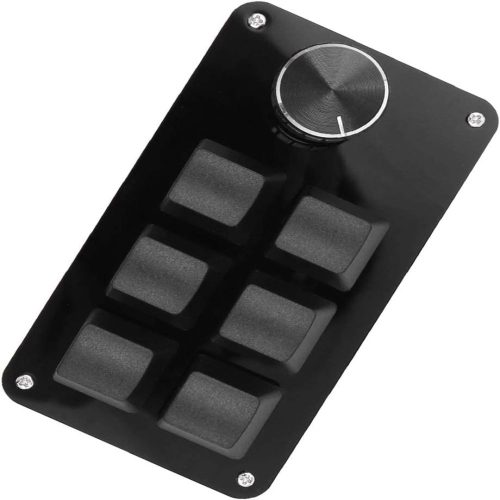

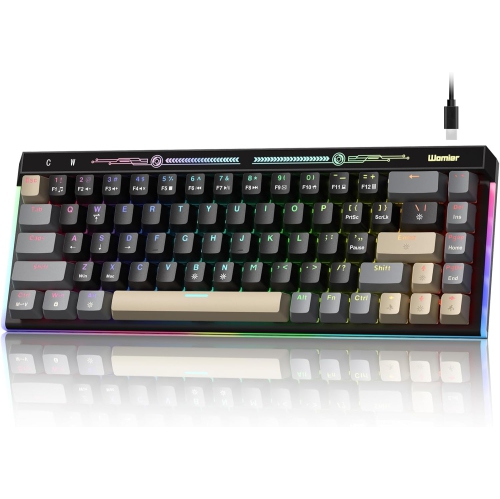
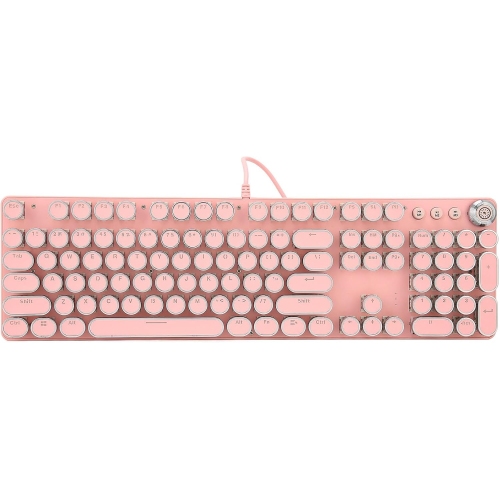
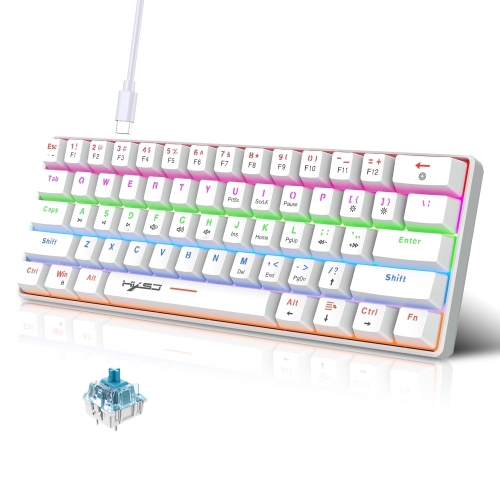

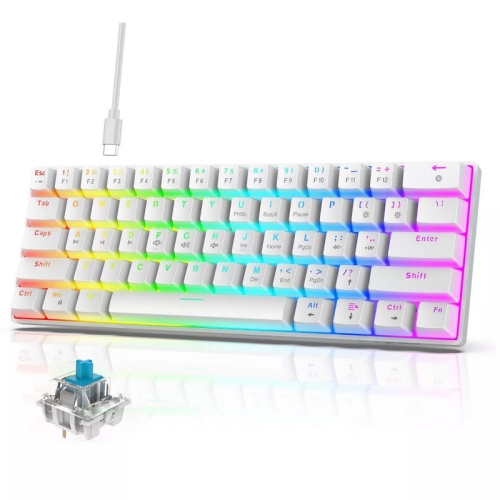
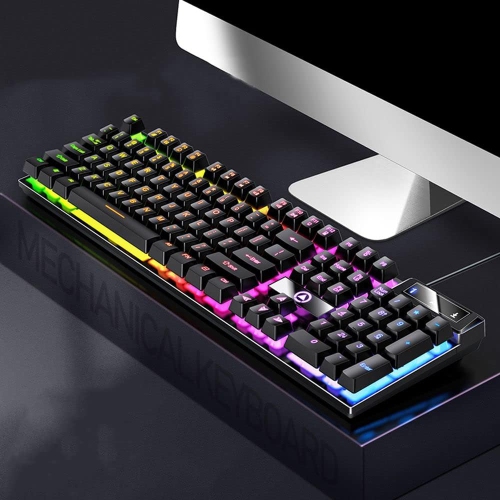
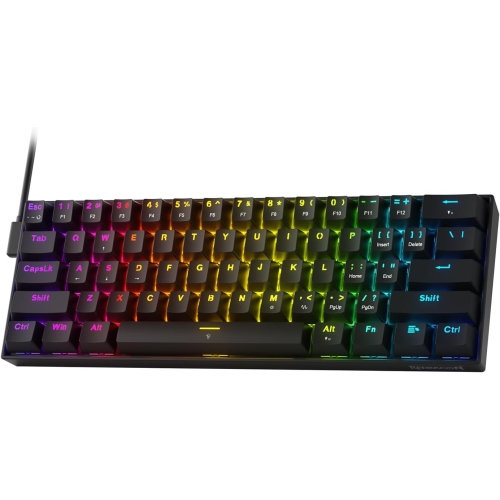
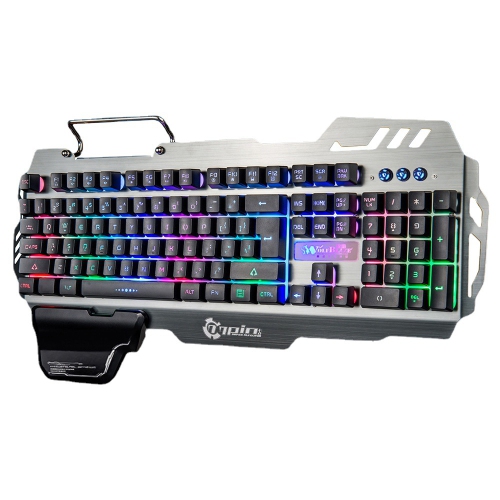
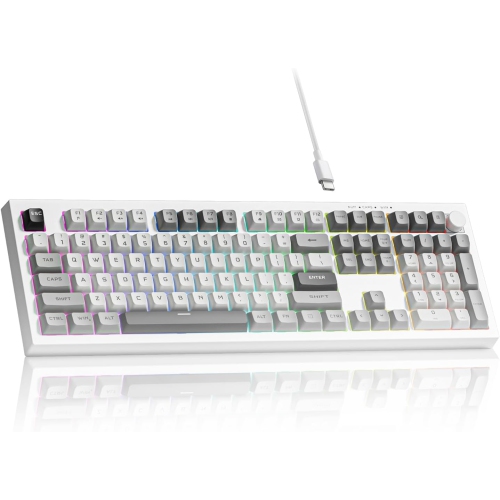
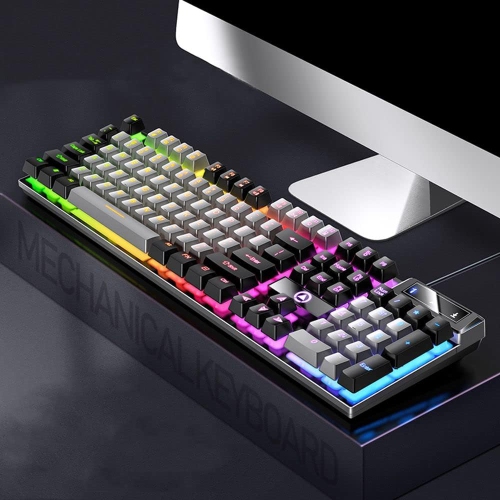
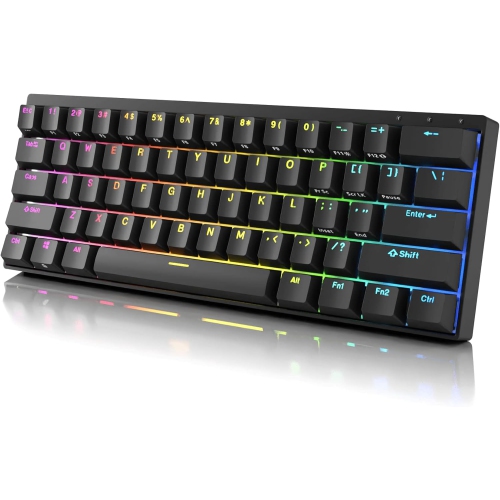
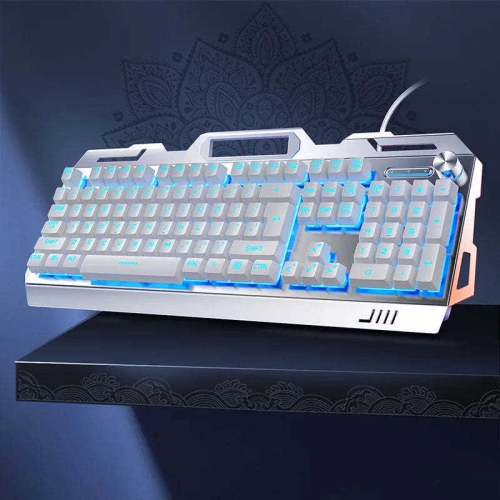
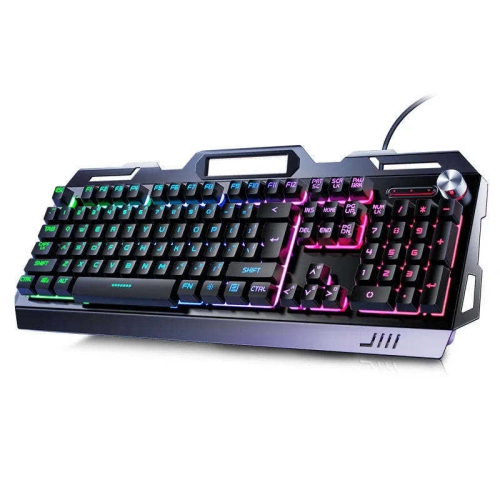
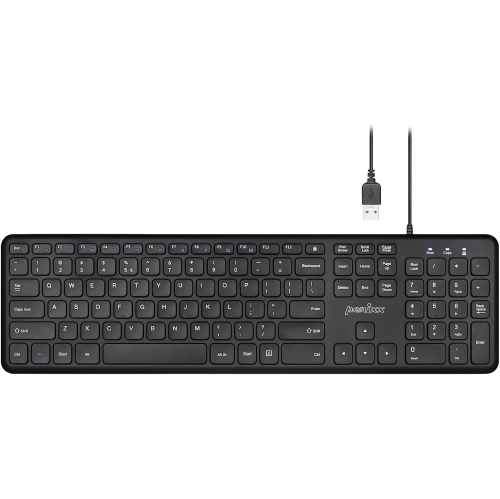
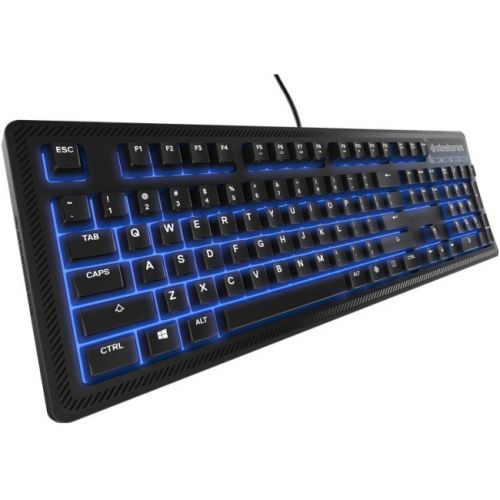
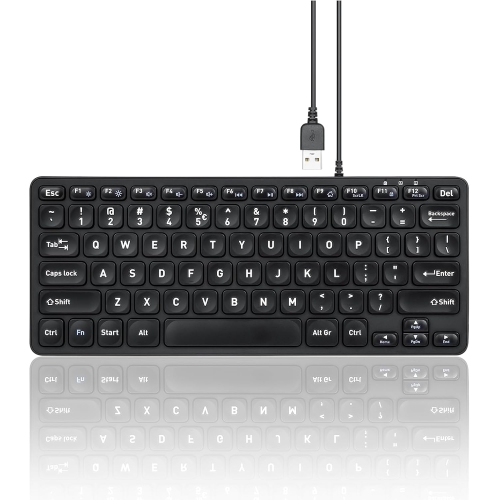
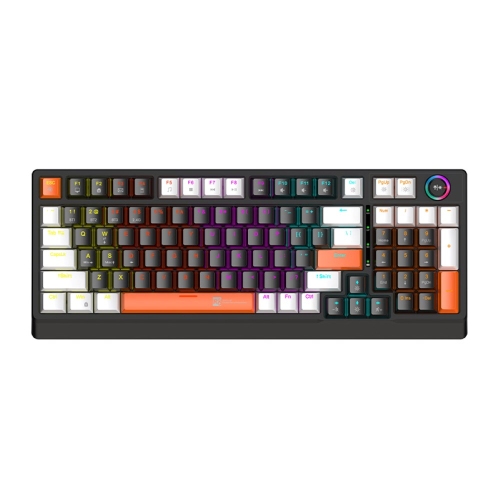
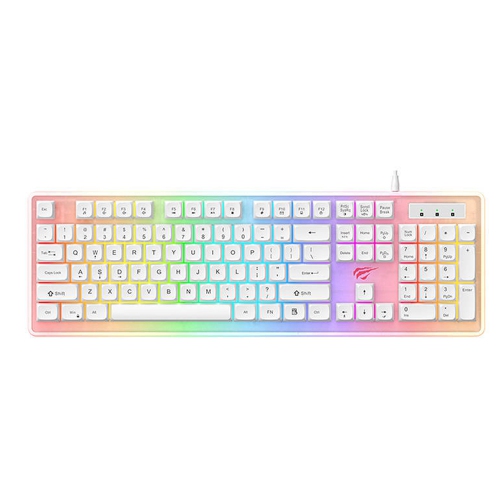
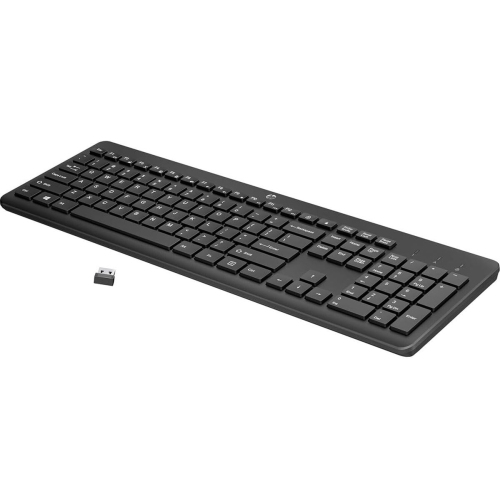
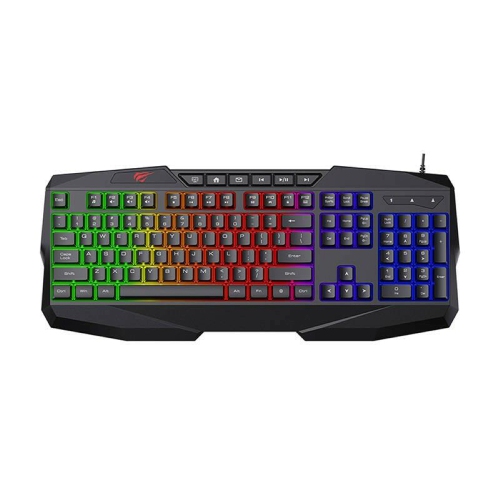
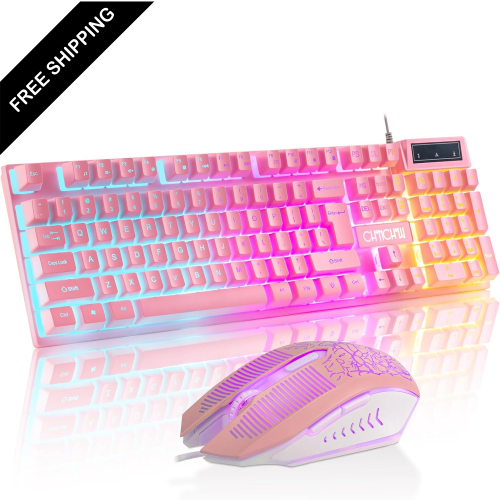
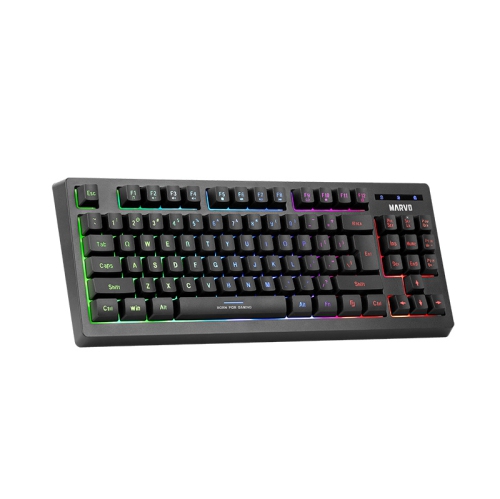
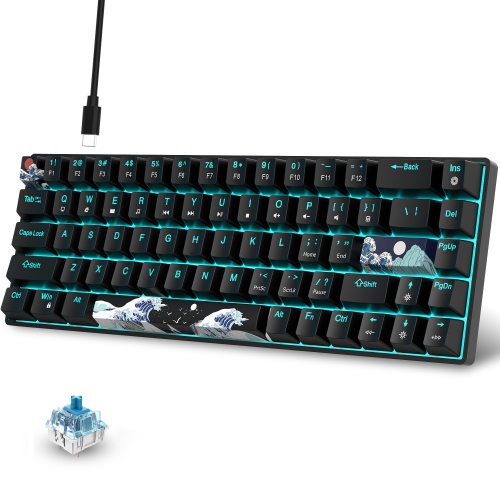
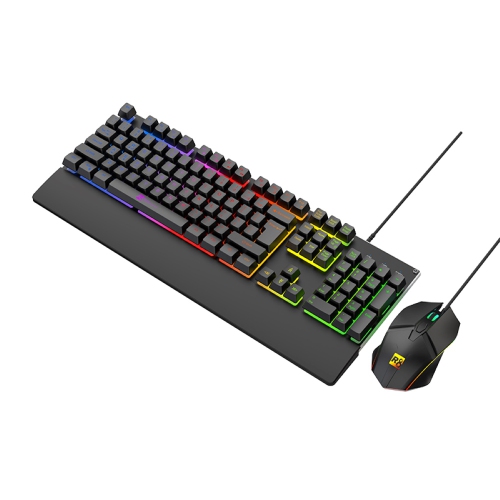
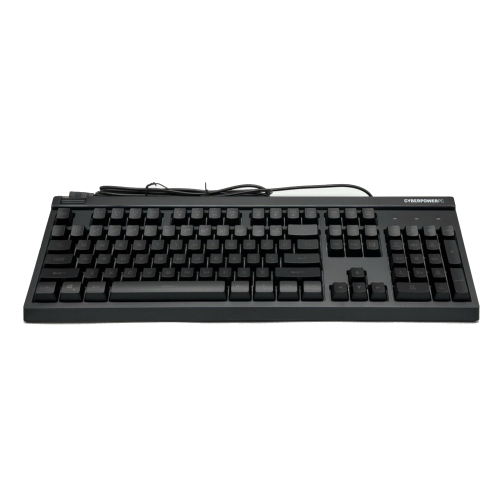
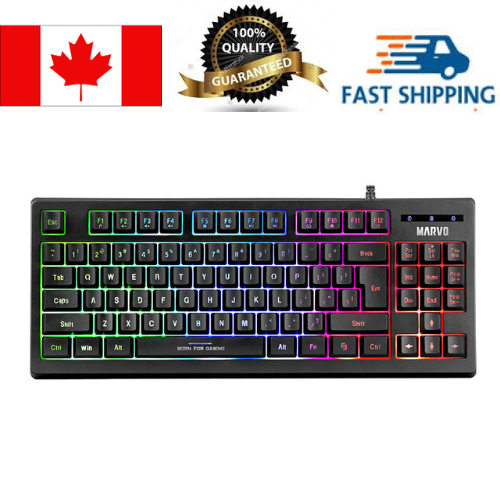
How individual switches change the feel of every keystroke
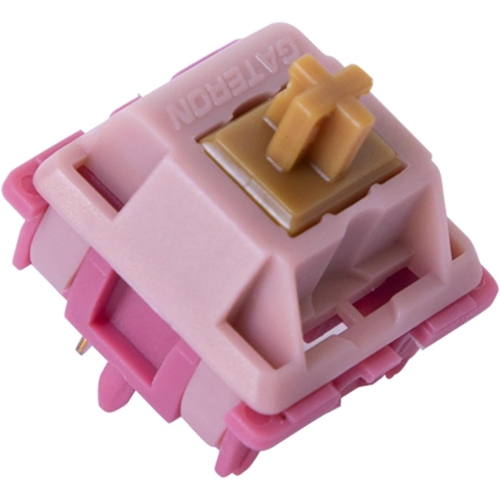
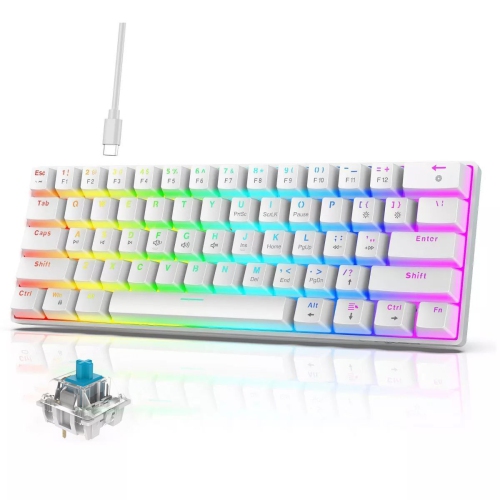
Mechanical keyboards give each key its own switch, creating a distinct feel for typing, gaming, and everyday computer use. That individual switch mechanism is what separates a mechanical keyboard from a typical membrane keyboard, where keys press against a shared flexible layer. The difference is noticeable during ordinary tasks: drafting an assignment, entering figures into a spreadsheet, or holding down movement keys through a long gaming session. Switch feel generally falls into three groups. Linear switches move smoothly through the keystroke without a deliberate tactile bump, making them appealing to people who prefer consistent resistance and repeated key presses. Tactile switches add a small bump near the activation point, giving fingers feedback that a press has registered. Clicky switches combine tactile feedback with an intentional sound, which some typists enjoy but nearby classmates, colleagues, or family members may find distracting. Red, brown, and blue are common switch colour labels associated with these groups, but colour conventions and typing characteristics vary by manufacturer. A linear switch is not automatically silent, either: sound also comes from the keycap hitting the switch housing, the key returning, and vibration through the keyboard case and desk. For a shared workspace or voice chat, the overall sound matters more than the switch label alone. Key resistance is another meaningful distinction. A lighter press can suit someone who types gently, while firmer resistance may feel more controlled to someone who tends to brush neighbouring keys. Neither feel guarantees faster typing or better accuracy; familiarity and personal preference play a larger role. For gaming, support for simultaneous key presses can help a keyboard register movement and action commands together. Rollover and anti-ghosting specifications describe aspects of that behaviour, though their scope varies between keyboards. These details make mechanical keyboards useful beyond any single activity, from writing long documents to switching between coursework, messages, and a favourite game.
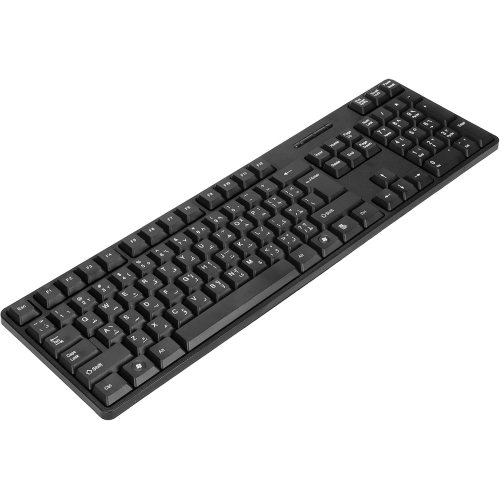
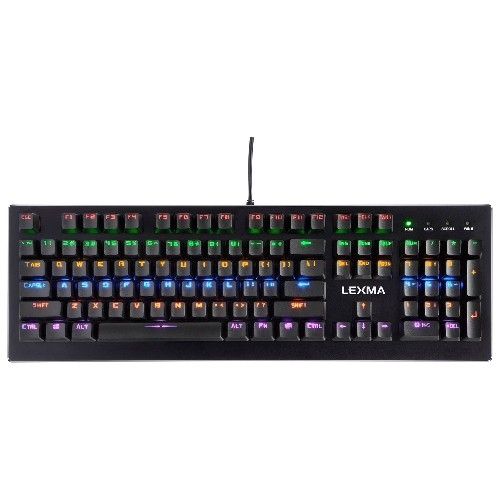
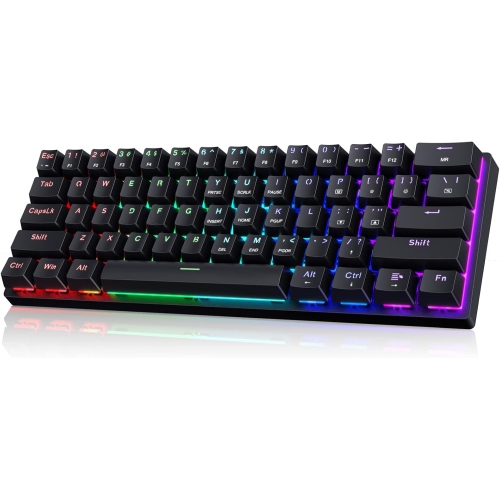
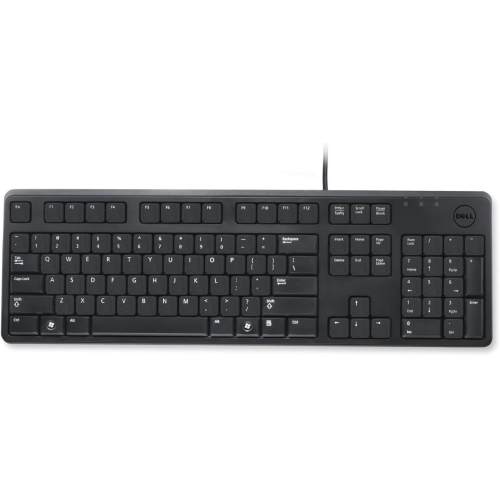
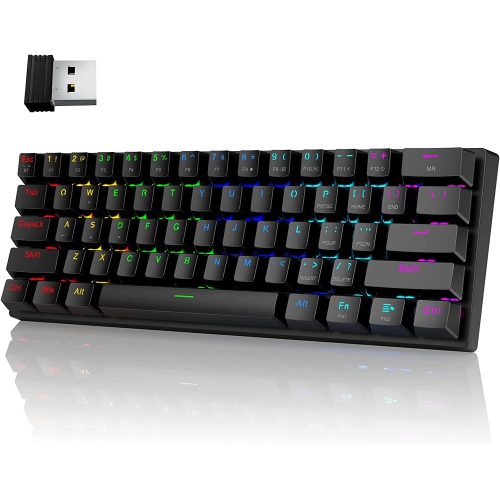
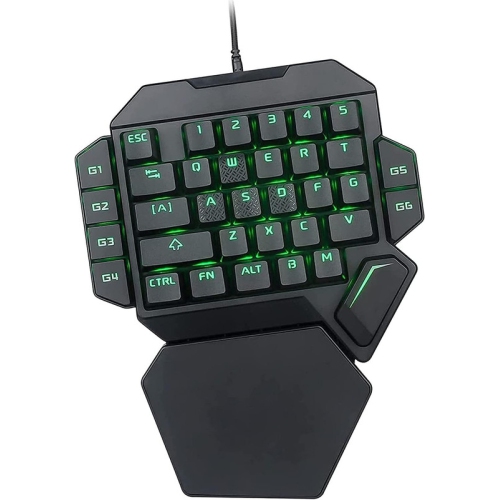
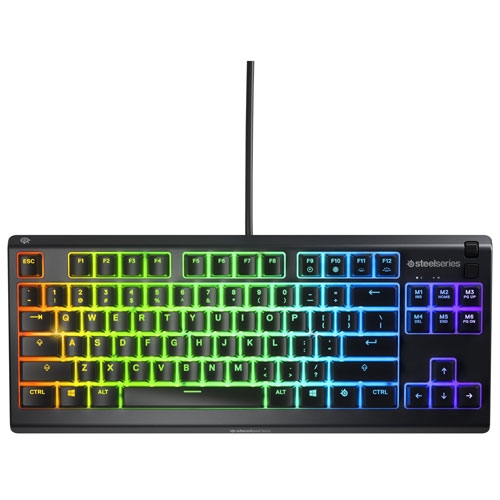
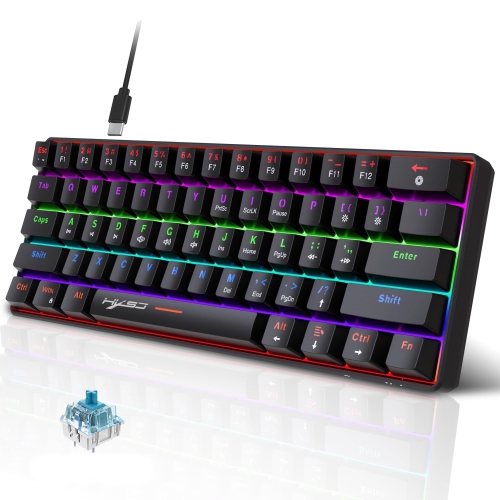
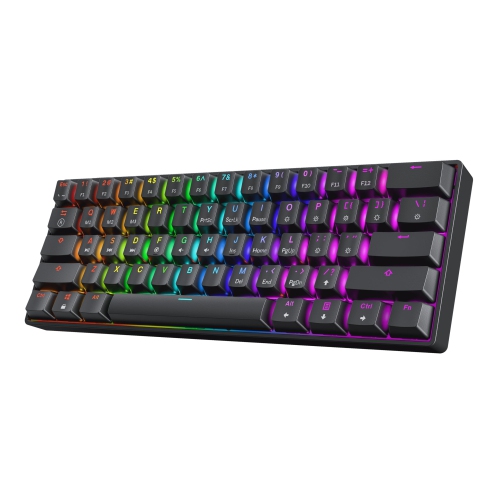
Keyboard size shapes how comfortably everything fits on a desk. A full-size layout includes a number pad, a function row, and a navigation cluster, giving frequent spreadsheet users and anyone entering long strings of numbers dedicated controls. A tenkeyless layout removes the number pad while generally retaining the function row and separate arrow keys. That narrower footprint leaves more room for mouse movement and can bring the mouse closer to the typing position. Compact layouts go further: many 60% keyboards place arrow, navigation, and function commands on secondary layers accessed with a modifier key. The smaller shape can work well on a shallow desk or beside a laptop, but familiar shortcuts may involve different finger movements. A 65% layout typically keeps dedicated arrows while trimming other sections, offering another balance between desk space and direct access. Percentages are broad descriptions rather than guarantees of identical key placement, so the actual layout matters, especially for someone who regularly uses Home, End, Delete, or function shortcuts. Language layout deserves the same attention. English and French Canadian layouts can differ in key legends and punctuation placement, and the computer’s input settings need to match the intended typing arrangement. Connection type also affects daily use. A wired connection avoids battery charging and provides a straightforward link to a compatible computer. Wireless designs, when supported, can reduce cable clutter or allow more flexible positioning, but battery care, pairing, and receiver requirements become part of the setup. A USB-C socket on the keyboard does not necessarily mean that both ends of the included cable use USB-C, so the computer’s available ports remain relevant. Lighting is another practical detail rather than a measure of typing quality. Backlighting can make legends easier to distinguish in a dim room if the keycaps allow light through, while adjustable brightness helps keep the keys readable without drawing attention away from the screen. Lighting controls, shortcut functions, and customization software may have different levels of support across operating systems.
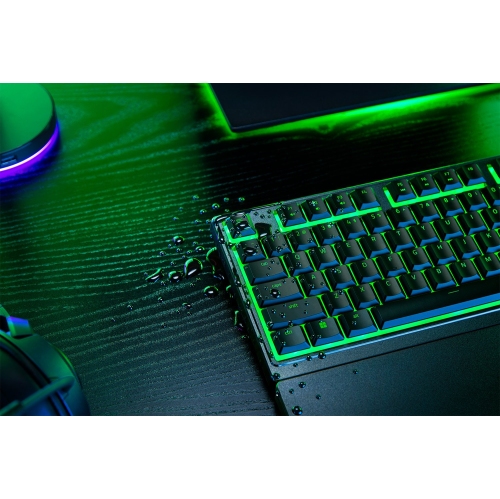
Materials and construction influence how a mechanical keyboard feels after repeated use. Plastic cases can keep a keyboard light enough to move between a desk and a study area, while a well-supported internal assembly helps limit flex during typing. Weight alone is not a reliable measure of durability. Secure feet, a stable base, consistent key movement, and a cable connection that does not sit under tension all contribute to everyday practicality. ABS keycaps often have a smooth surface and can develop a polished appearance with wear; PBT keycaps commonly have a more textured feel and tend to resist that shine. The way the legends are made also matters. Double-shot legends are formed from separate pieces of plastic rather than simply printed on top, although keycap thickness, fit, and finish still vary. Wider keys such as the space bar and Enter use stabilizers to help keep their movement even, and their feel can be noticeably different from the letter keys. For anyone interested in changing switches later, hot-swappable sockets allow compatible switches to be removed without soldering. That feature is not universal, and socket design, pin compatibility, and switch format determine which replacements fit. Routine care is simpler: disconnect the keyboard before cleaning, keep drinks away from the keys, and use a soft brush to lift loose dust and crumbs. Liquid cleaner should not be sprayed directly into the switches, and keycap removal should follow the manufacturer’s care instructions. A comfortable setup also depends on positioning. Keeping the keyboard within easy reach, shoulders relaxed, and wrists in a neutral position is more useful than automatically raising the rear feet to their highest angle. As a gift for a student, writer, gamer, or home-office user, a mechanical keyboard feels more personal when its size, sound, and layout suit the recipient’s habits. For a broader selection that includes other keyboard styles, Best Keyboards Under $50 offers another place to browse.
Top selling and popular products
-
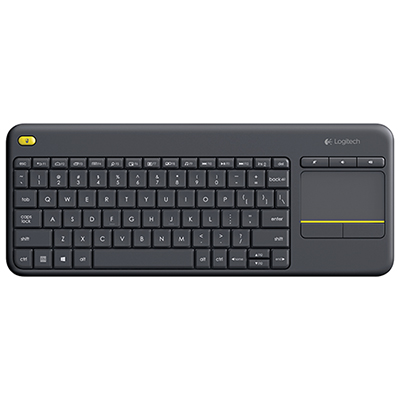 Your price for this item is $44.99
-
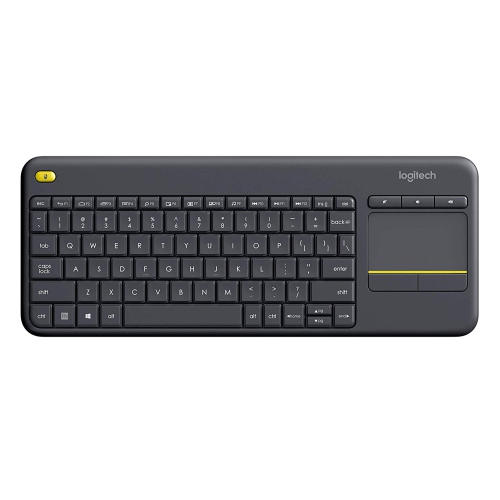 Your price for this item is $49.72
-
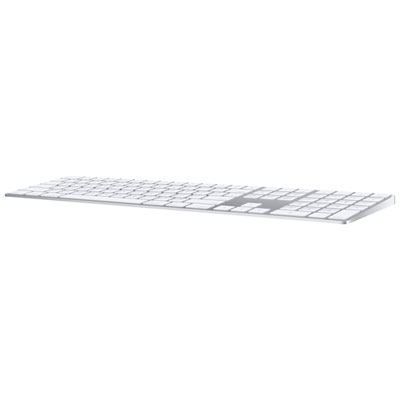 Your price for this item is $159
-
 Your price for this item is $219.99
-
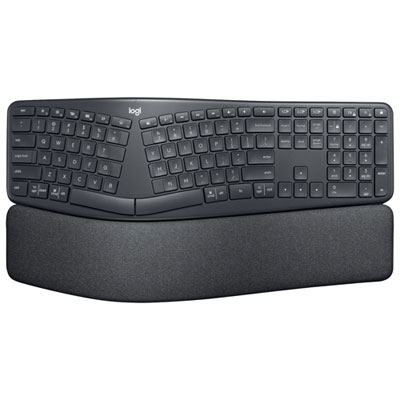 Your price for this item is $199.99
-
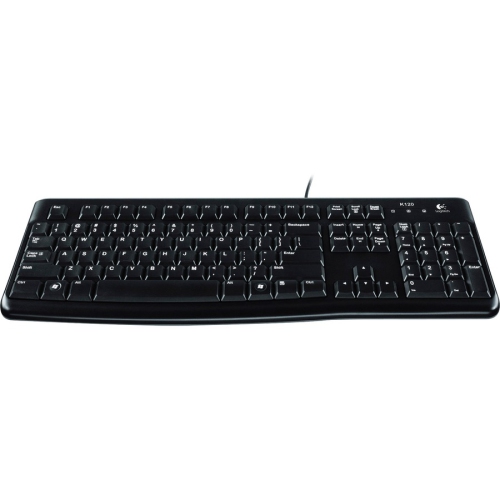 Your price for this item is $44.99
-
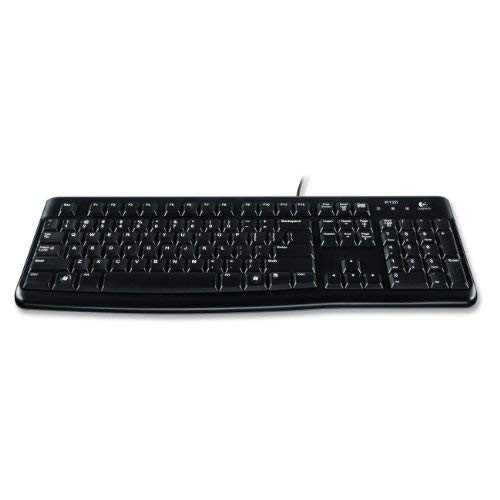 Your price for this item is $29.99
-
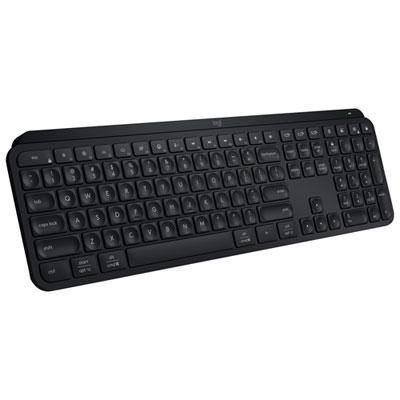 Your price for this item is $169.99
Discover more categories related to Mechanical Keyboards Under $50
Top Collections:
Best Black Friday Deals This Year, Best Black Friday Deals On Electronics, Kindle Devices, Pokemon Centers, Best Black Friday Deals On Apple Products, Best Cameras for Sports Photography, Dyson Airwrap, Pokémon 30th Celebration Cards, Apple iPhone 17 Pro, Canon G7X Cameras
Some products may be subject to Environmental Handling Fees
(EHF) depending on your province.
Learn more about EHFs.