Mouse Compatible With Dell Laptop
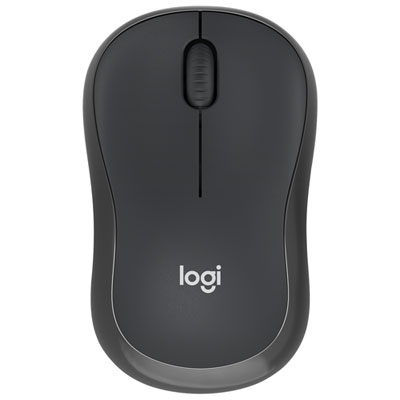
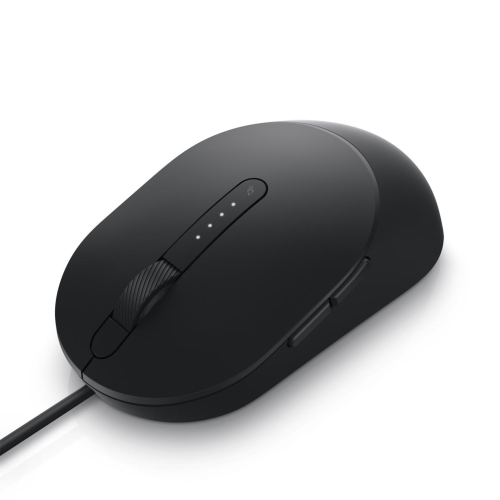
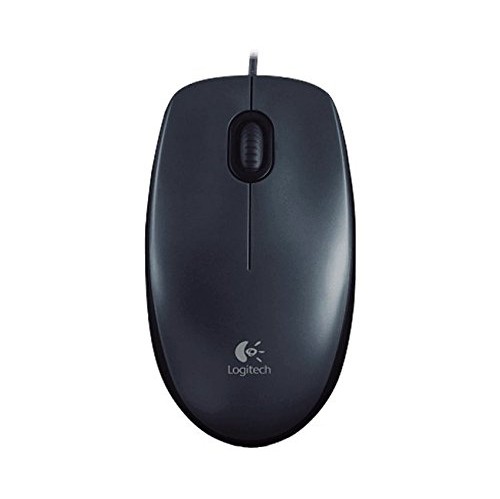
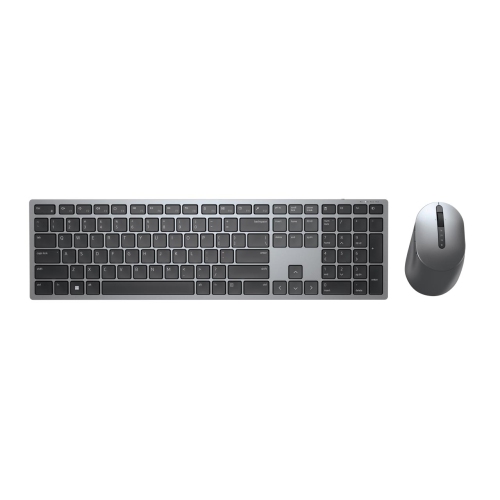
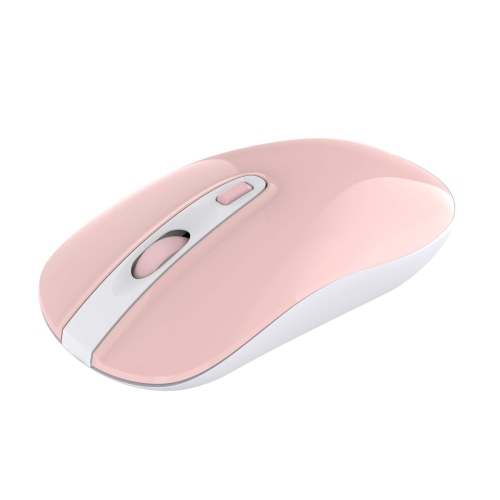
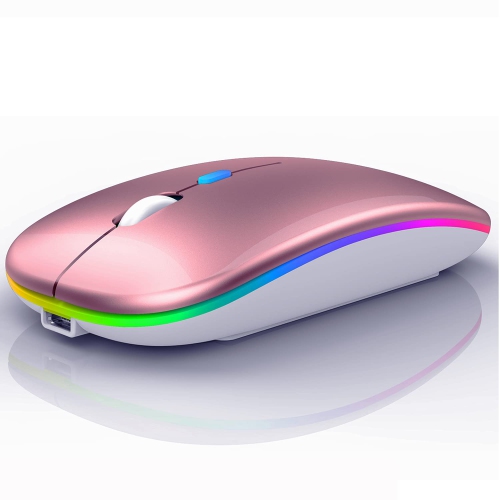
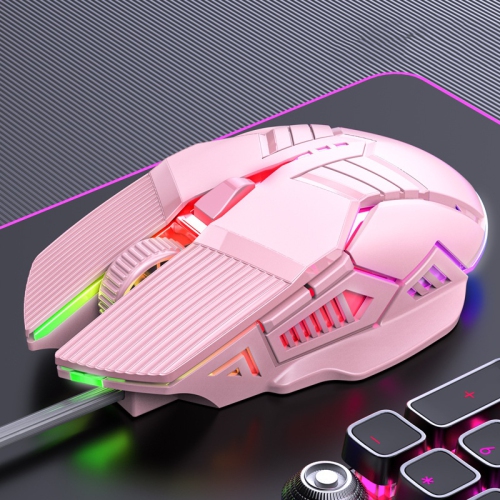
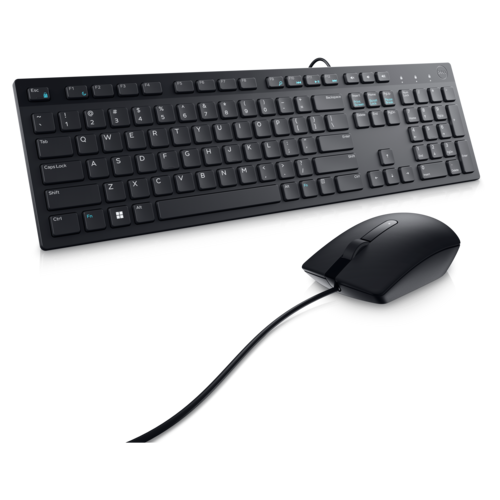
If you're looking for a mouse that will work with your Dell laptop, there are a few things to consider. The first is whether or not the mouse is wireless. If so, you'll need to make sure it works with your computer's Bluetooth functionality. You'll also want to make sure that it has the features you need, like a comfortable grip and programmable buttons. Here are some great options available today.
Sort
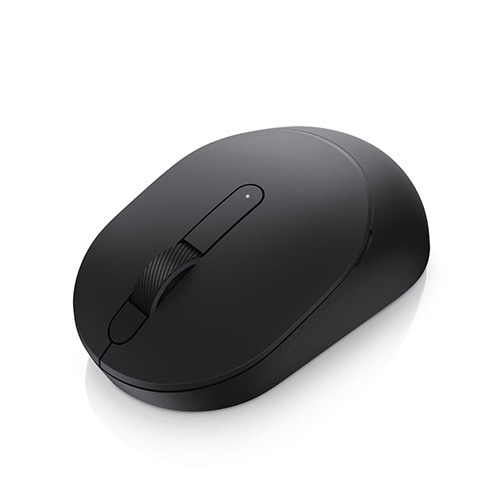
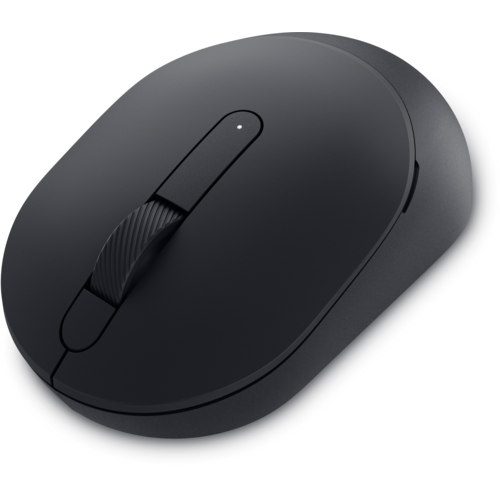
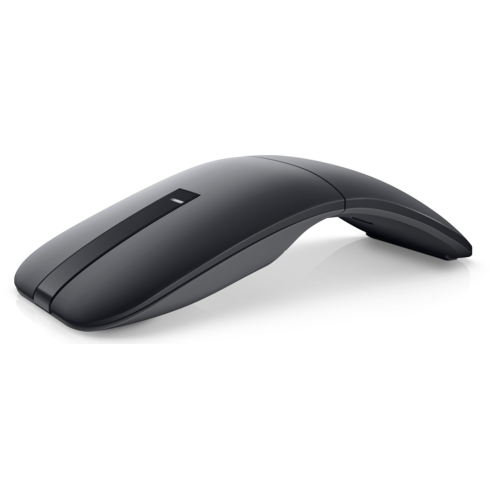
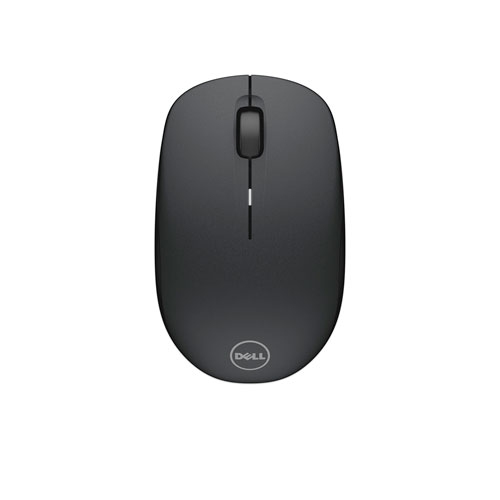




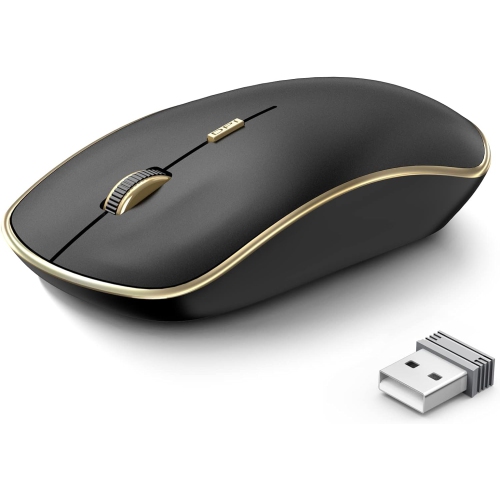
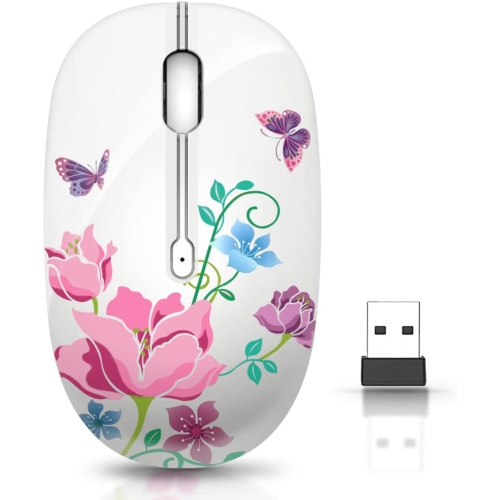
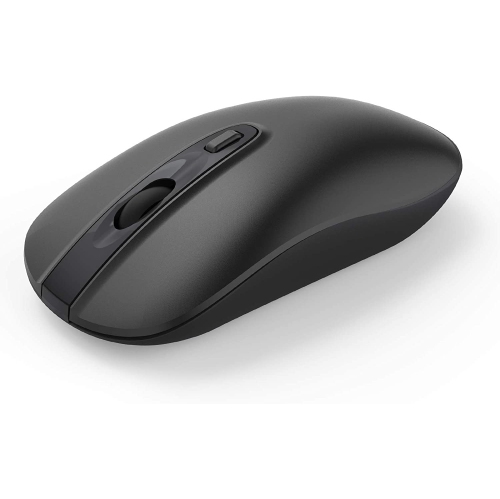
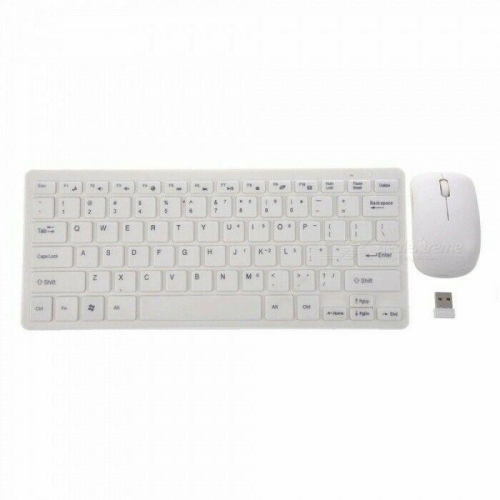
What to consider for comfort, connectivity, and everyday use
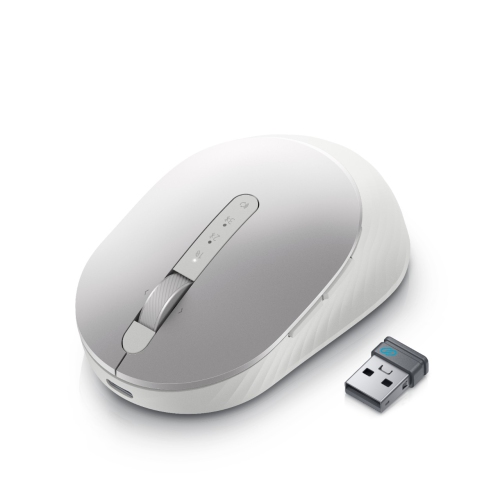
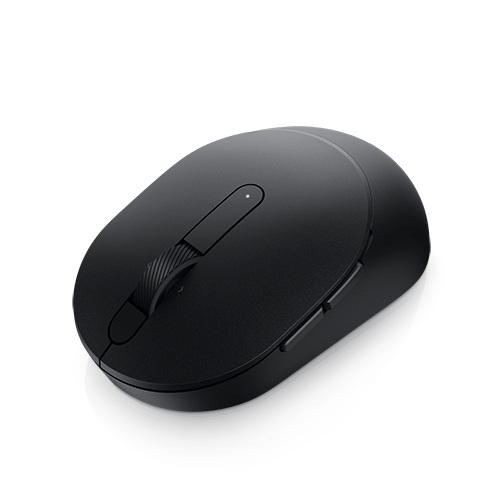
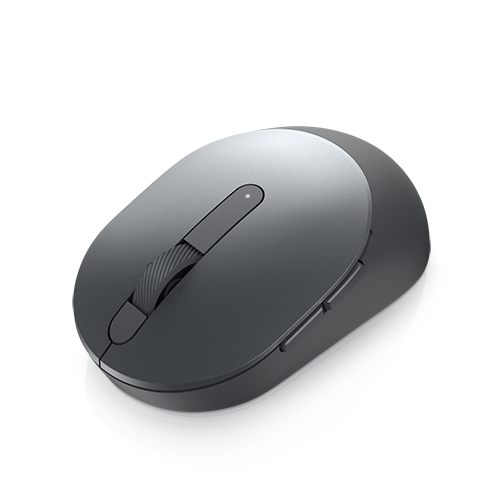
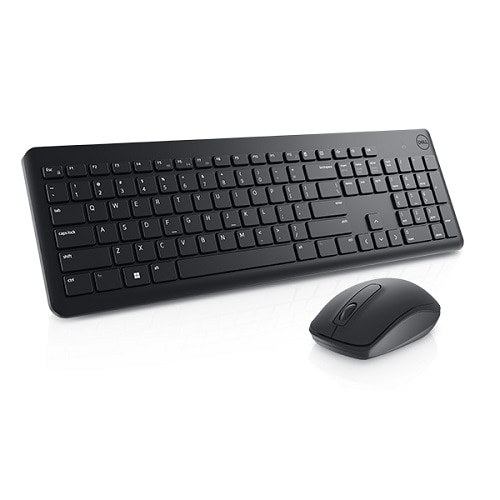
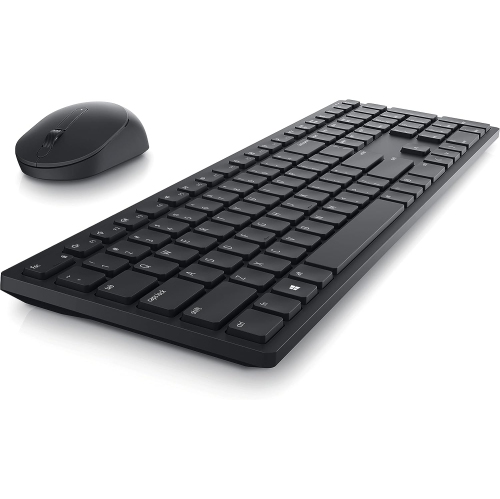
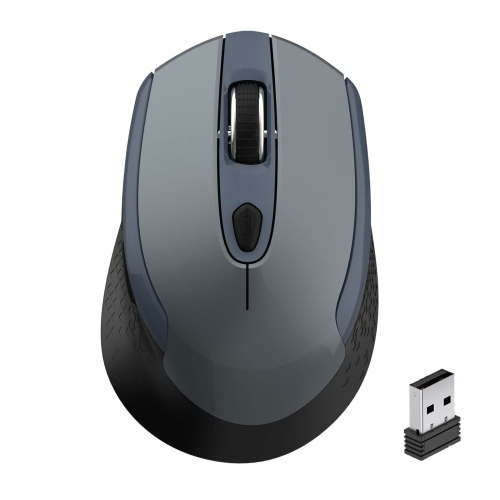
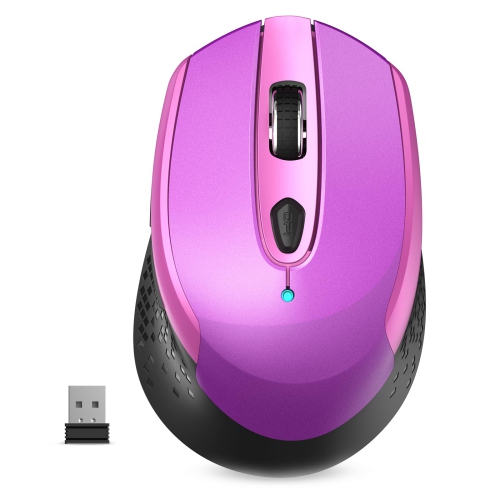
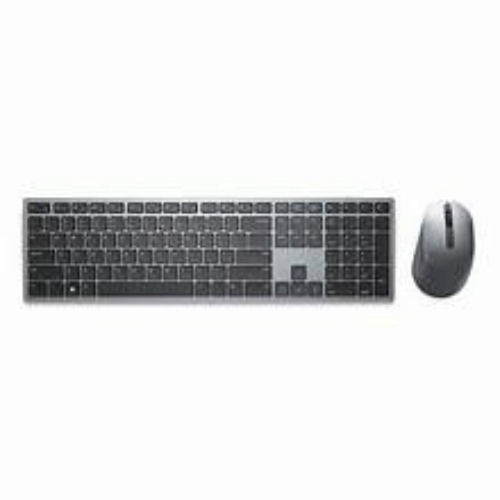
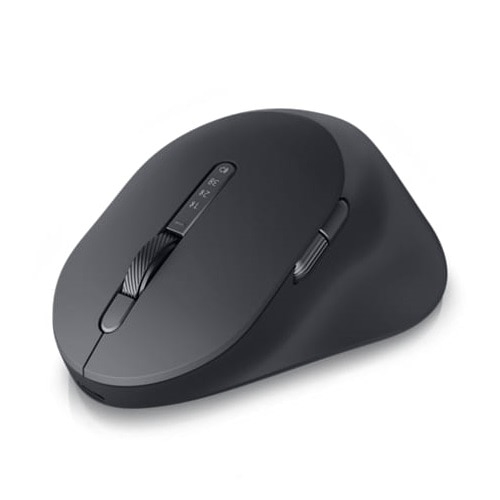
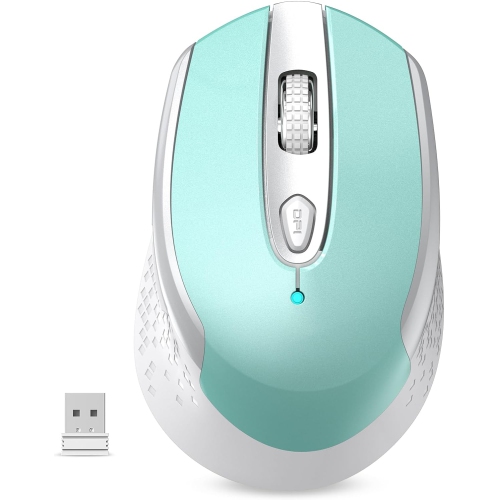
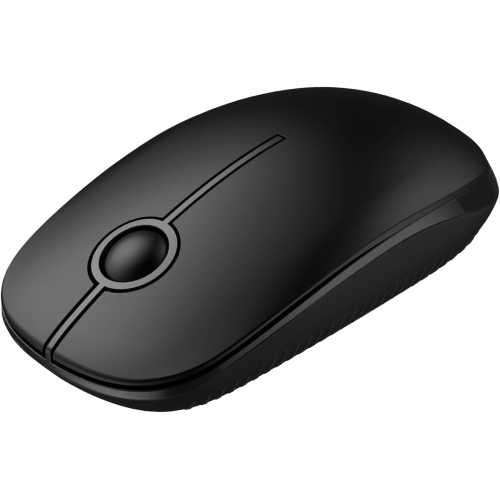
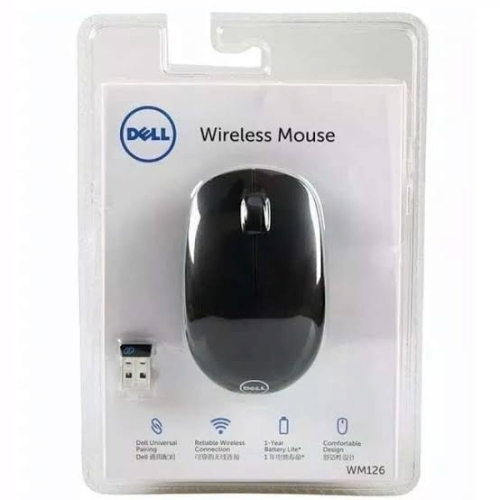
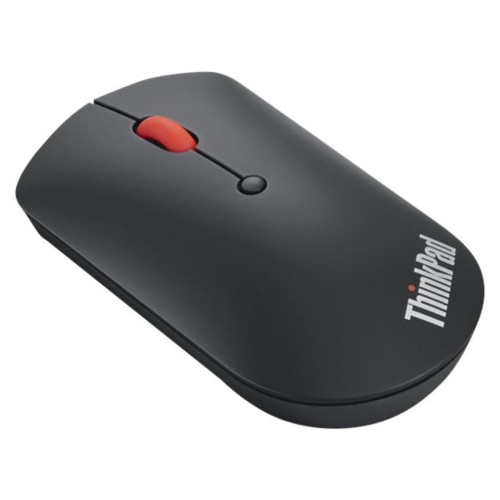
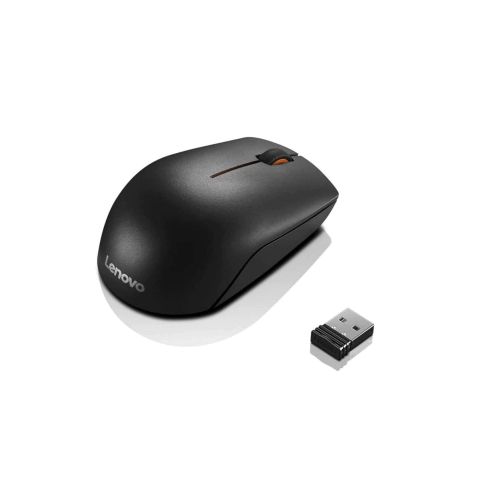
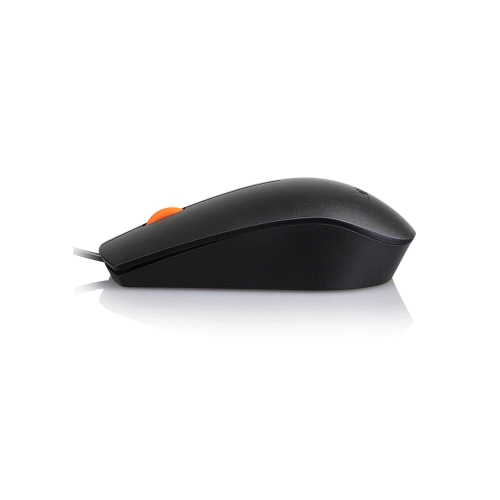
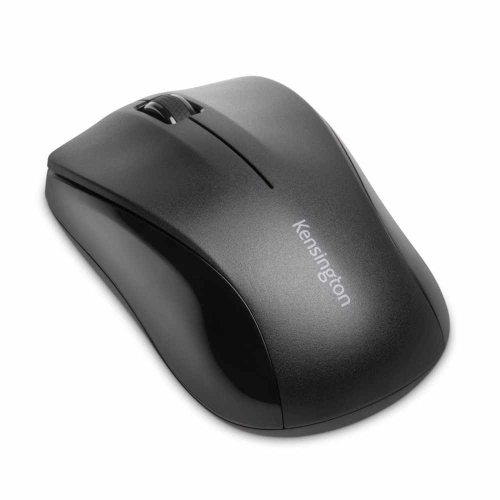
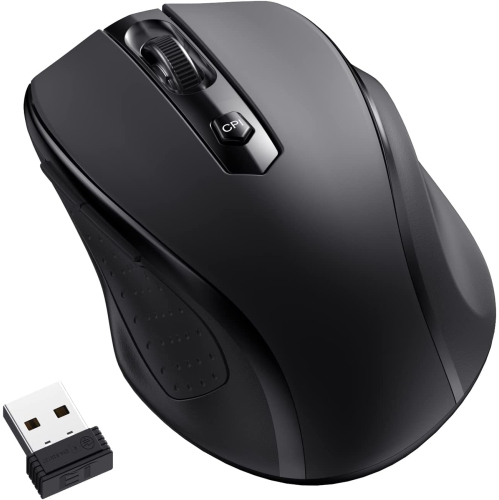
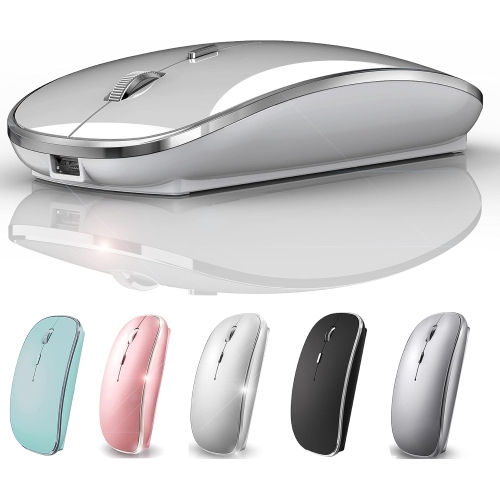
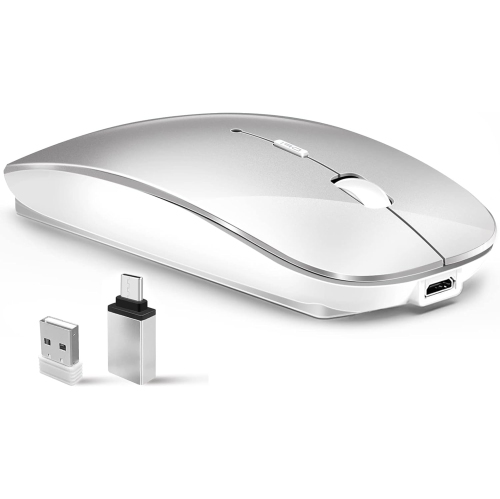
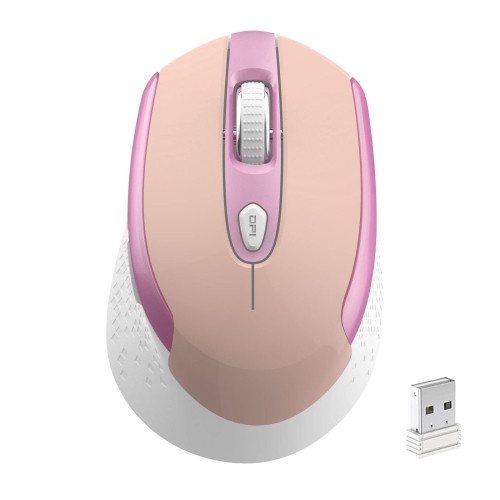
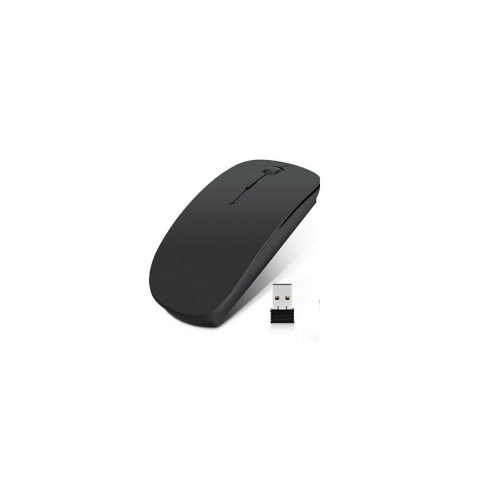
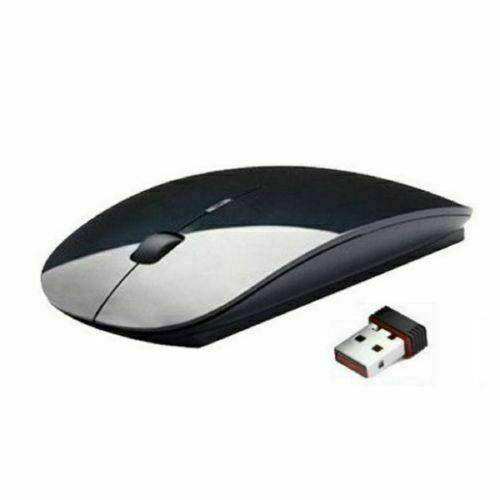
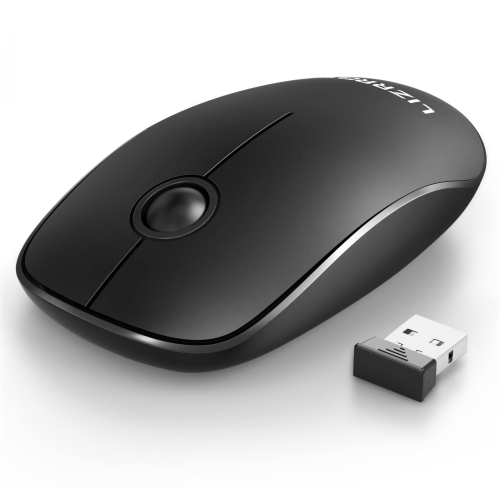
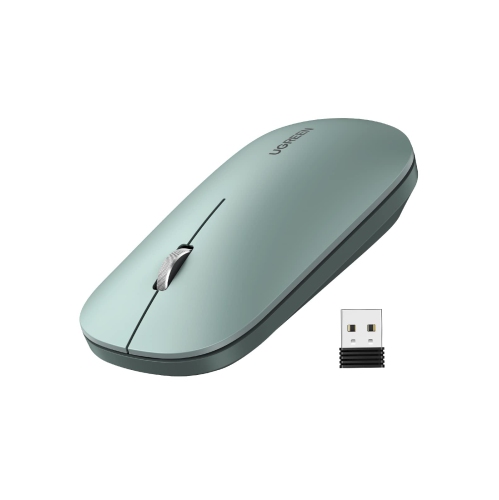
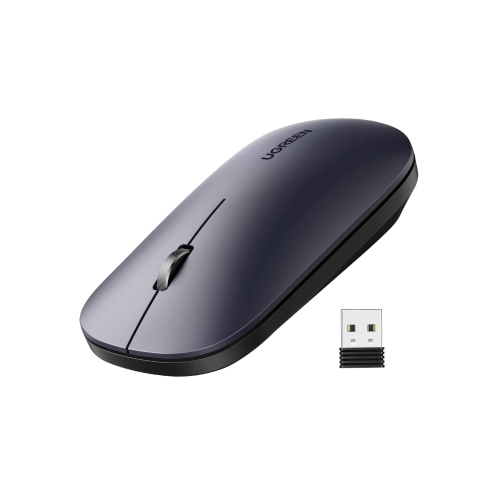
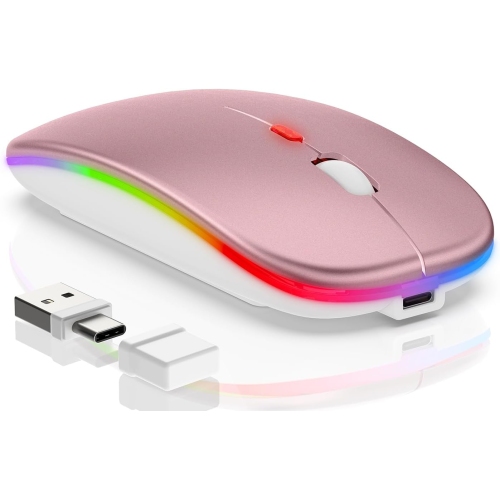
Finding a mouse compatible with a Dell laptop is generally straightforward, as most modern mice connect through USB-A, USB-C, Bluetooth, or a combination of these options. The best choice depends less on the laptop name and more on the ports, operating system, workspace, and daily habits of the person using it. A wired USB mouse is often the simplest option: connect it to an available port and begin navigating without pairing, charging, or replacing batteries. This can be especially useful at a permanent desk, in a home office, or for a shared family computer where reliability matters more than portability. Wireless mice offer a tidier setup and greater freedom of movement. Models that use a small 2.4 GHz USB receiver typically connect through a USB-A port and are designed for quick, dependable operation, while Bluetooth models pair directly with the laptop and leave the USB ports available for storage drives, headsets, or other accessories. Some laptops have a mix of older USB-A and newer USB-C ports, so checking the available connections before buying can prevent the need for an adapter. For an overview of options designed to pair well with Dell computers, browse Dell Computer Mice.
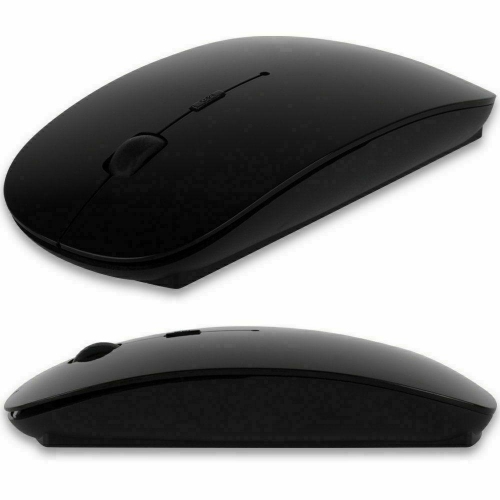
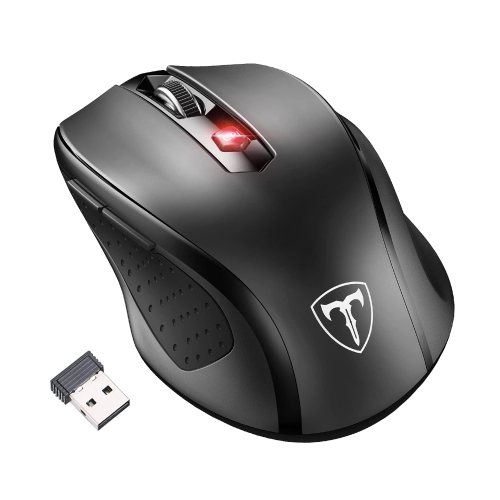
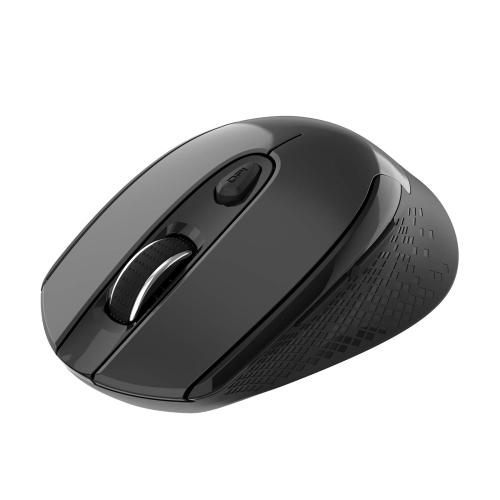
Comfort is another important consideration, particularly for anyone who spends long stretches reading documents, attending video calls, editing photos, studying, or moving between multiple applications. A mouse should feel natural in the hand, with a shape that supports the palm and buttons that can be reached without stretching the fingers. Smaller, lower-profile designs can slip easily into a laptop bag and work well for commuting, classroom use, or travelling between offices. Larger contoured designs may be a better fit for a home workstation, especially when the mouse is used for several hours at a time. Left-handed users may prefer an ambidextrous shape, while right-handed users can choose from a wider range of sculpted forms. Sensitivity is worth considering as well. A moderate resolution is suitable for everyday browsing, email, spreadsheets, and general productivity, while adjustable sensitivity can help people who switch between precise image work and quick movement across a large display. Quiet-click designs can make a noticeable difference in a library, meeting room, bedroom, or shared office, where repeated clicking can become distracting. Additional buttons may be helpful for shortcuts, browser navigation, or creative software, although a simpler layout can feel more intuitive for someone who wants a familiar point-and-click experience. When selecting a wireless model, consider battery life, charging methods, the storage of the receiver, and whether the mouse can continue operating while it is connected to power. A receiver that stores inside the mouse is convenient for travel, while Bluetooth pairing can reduce the number of small accessories that need to be carried.
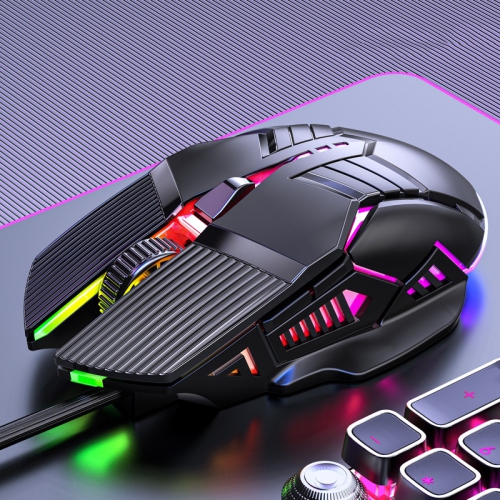
These mice can suit a wide range of Dell laptop users, from students organizing assignments in a busy campus lounge to professionals managing spreadsheets at a kitchen table during the cooler months. A mouse can also be a practical gift for someone starting a new job, setting up a study area, or replacing an uncomfortable accessory that has been used for years. Travellers may appreciate a compact wireless design that fits beside a charger and notebook, while home users may prefer a fuller shape that feels steady during extended sessions. Gamers and creative users may look for responsive tracking, programmable controls, or a higher level of adjustment, whereas someone using a laptop mainly for email and web browsing may value quiet operation and straightforward setup. Surface type matters too: optical sensors usually perform well on a desk, mouse pad, or other solid surface, while very glossy, transparent, or uneven materials can affect tracking. A mouse pad can provide a smoother glide and more predictable cursor movement, particularly on a polished desk. Before completing a purchase, confirm the connection type, port requirements, size, handedness, power source, and compatibility with the laptop’s operating system. A Bluetooth mouse should be paired through the computer’s Bluetooth settings, while a USB receiver or wired model generally works once connected. Keeping the receiver close to the mouse and avoiding crowded wireless areas can also support a steady connection. With the right combination of comfort, connectivity, portability, and controls, a compatible mouse can make a Dell laptop feel more responsive and easier to use for work, learning, creativity, entertainment, and everyday tasks.
Comfort is another important consideration, particularly for anyone who spends long stretches reading documents, attending video calls, editing photos, studying, or moving between multiple applications. A mouse should feel natural in the hand, with a shape that supports the palm and buttons that can be reached without stretching the fingers. Smaller, lower-profile designs can slip easily into a laptop bag and work well for commuting, classroom use, or travelling between offices. Larger contoured designs may be a better fit for a home workstation, especially when the mouse is used for several hours at a time. Left-handed users may prefer an ambidextrous shape, while right-handed users can choose from a wider range of sculpted forms. Sensitivity is worth considering as well. A moderate resolution is suitable for everyday browsing, email, spreadsheets, and general productivity, while adjustable sensitivity can help people who switch between precise image work and quick movement across a large display. Quiet-click designs can make a noticeable difference in a library, meeting room, bedroom, or shared office, where repeated clicking can become distracting. Additional buttons may be helpful for shortcuts, browser navigation, or creative software, although a simpler layout can feel more intuitive for someone who wants a familiar point-and-click experience. When selecting a wireless model, consider battery life, charging methods, the storage of the receiver, and whether the mouse can continue operating while it is connected to power. A receiver that stores inside the mouse is convenient for travel, while Bluetooth pairing can reduce the number of small accessories that need to be carried.
These mice can suit a wide range of Dell laptop users, from students organizing assignments in a busy campus lounge to professionals managing spreadsheets at a kitchen table during the cooler months. A mouse can also be a practical gift for someone starting a new job, setting up a study area, or replacing an uncomfortable accessory that has been used for years. Travellers may appreciate a compact wireless design that fits beside a charger and notebook, while home users may prefer a fuller shape that feels steady during extended sessions. Gamers and creative users may look for responsive tracking, programmable controls, or a higher level of adjustment, whereas someone using a laptop mainly for email and web browsing may value quiet operation and straightforward setup. Surface type matters too: optical sensors usually perform well on a desk, mouse pad, or other solid surface, while very glossy, transparent, or uneven materials can affect tracking. A mouse pad can provide a smoother glide and more predictable cursor movement, particularly on a polished desk. Before completing a purchase, confirm the connection type, port requirements, size, handedness, power source, and compatibility with the laptop’s operating system. A Bluetooth mouse should be paired through the computer’s Bluetooth settings, while a USB receiver or wired model generally works once connected. Keeping the receiver close to the mouse and avoiding crowded wireless areas can also support a steady connection. With the right combination of comfort, connectivity, portability, and controls, a compatible mouse can make a Dell laptop feel more responsive and easier to use for work, learning, creativity, entertainment, and everyday tasks.
Top selling and popular products
-
 Your price for this item is $29.99
 -
 Your price for this item is $50.44
 -
 Your price for this item is $39.99
 -
 Your price for this item is $49.99
 -
 Your price for this item is $159.95
 -
 Your price for this item is $44.68
 -
 Your price for this item is $44.68
 -
 Your price for this item is $31
Discover more categories related to Mouse Compatible With Dell Laptop
Top Collections:
Pokemon Centers, Kindle Devices, Best Budget Office Chairs, Apple iPhones 16, Best Laptops for Writers, iPhone 15 Apple, Canon G7X Cameras, Refurbished Apple Laptops, Alarm Clock, Motorola Razr Phones
Some products may be subject to Environmental Handling Fees
(EHF) depending on your province.
Learn more about EHFs.