Wireless Mice for Dell Laptop
A wireless mouse is a great way to go if you want to be able to move your laptop around your home or office while you work. Wireless mice are also useful for gamers, as they eliminate the need to keep plugging and unplugging a cable from your computer to your controller. Here are some of the best wireless mice for Dell laptops.
Sort
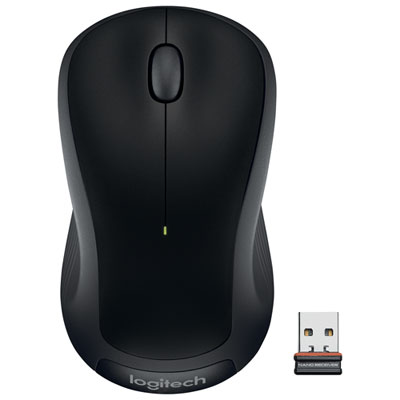
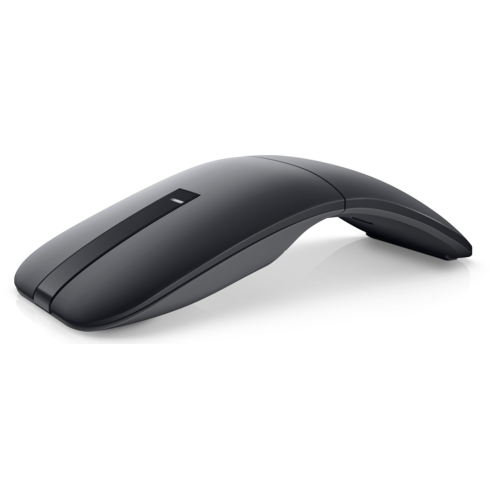
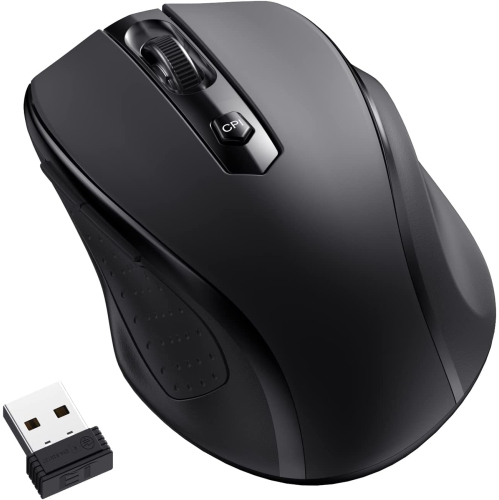
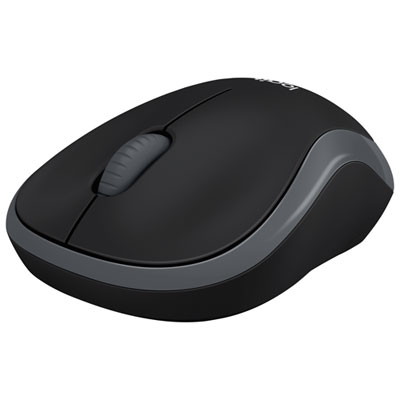
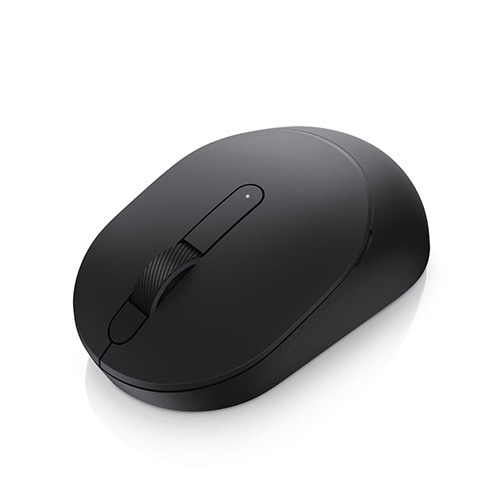
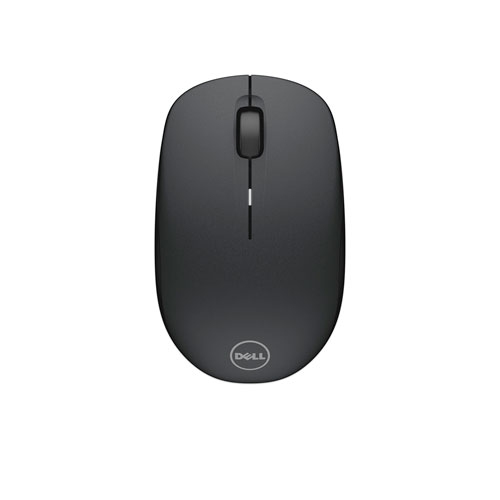
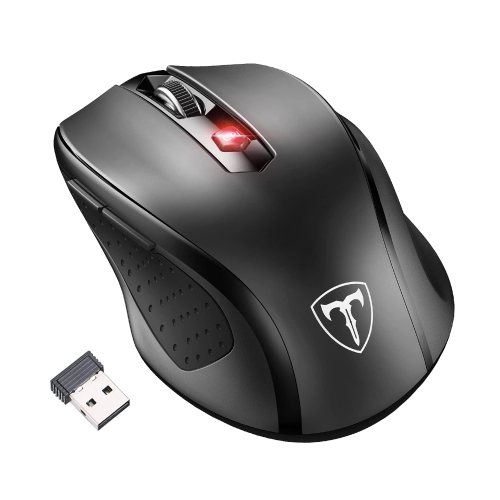
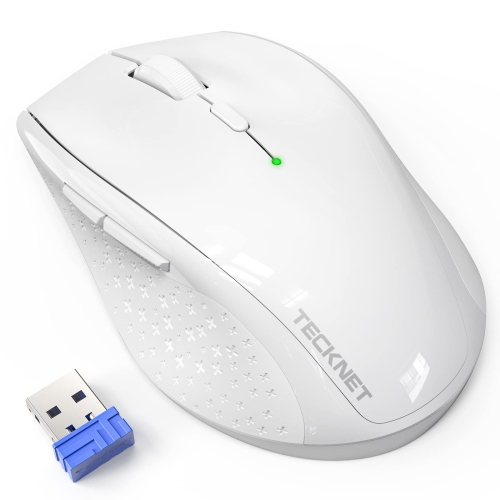
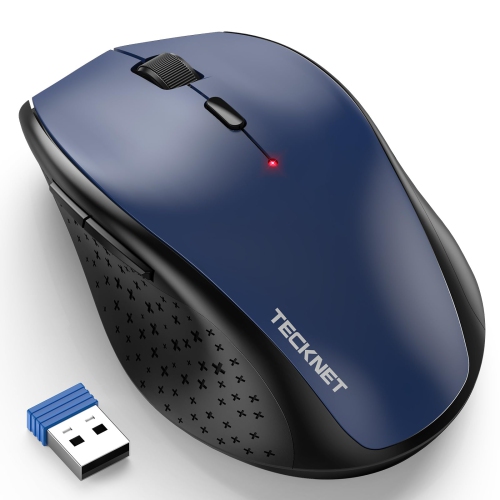

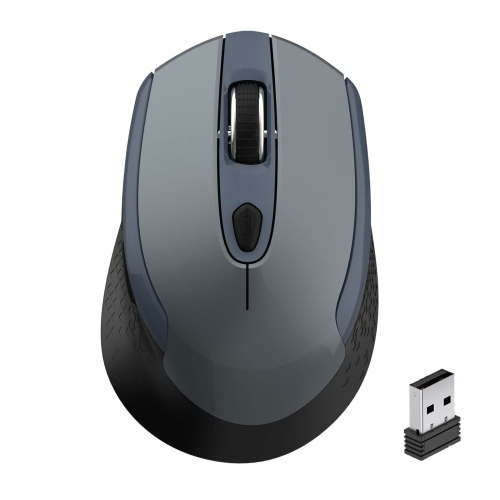
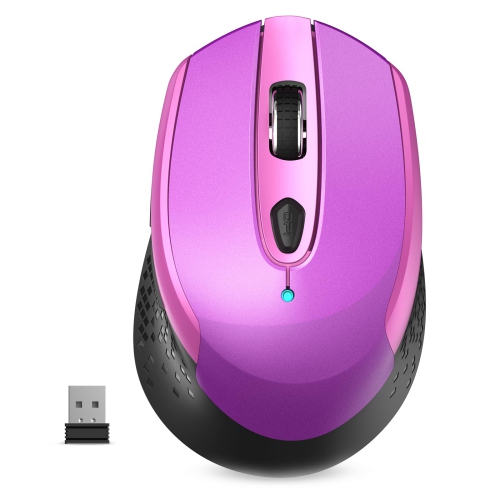

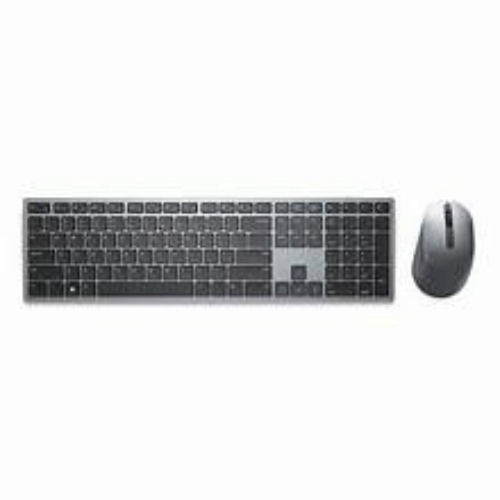
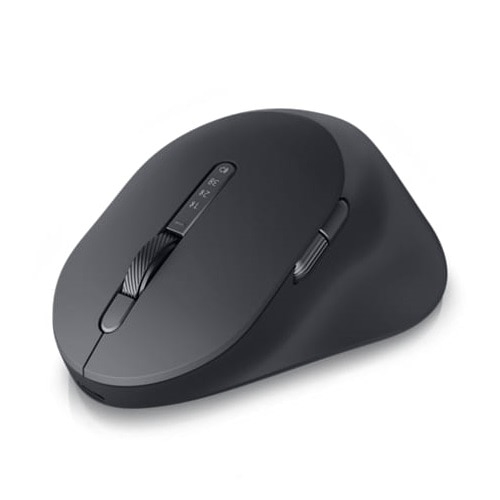
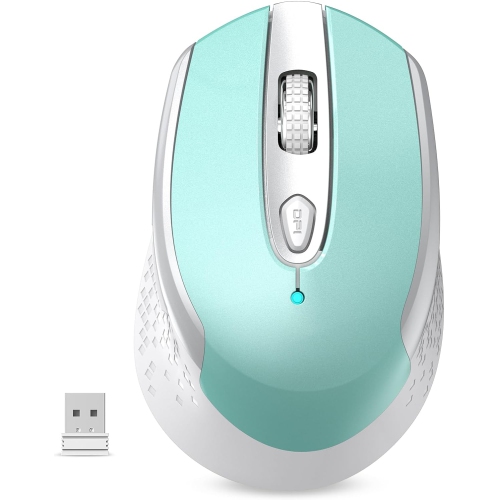
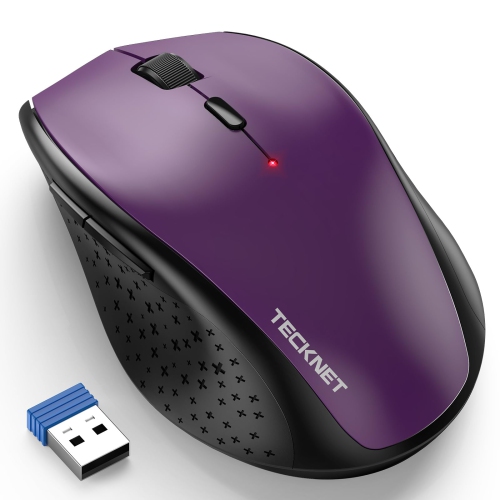
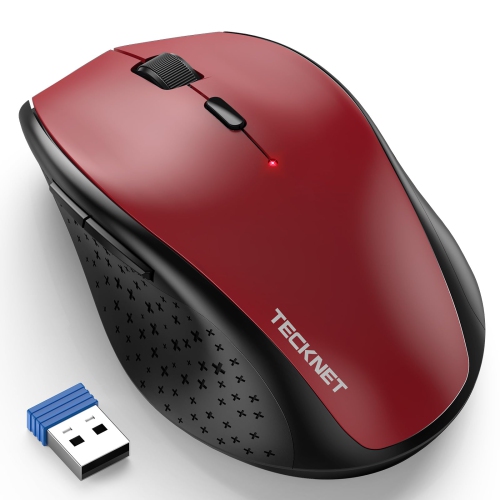
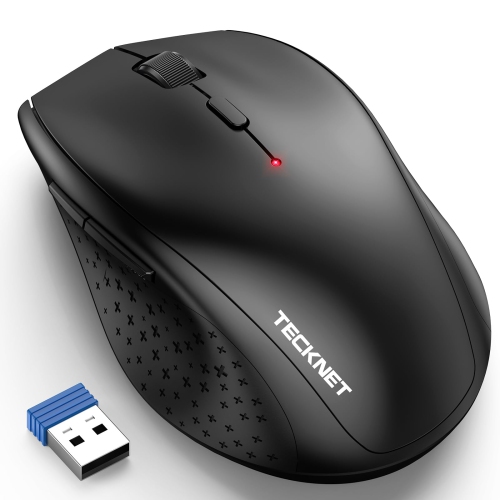
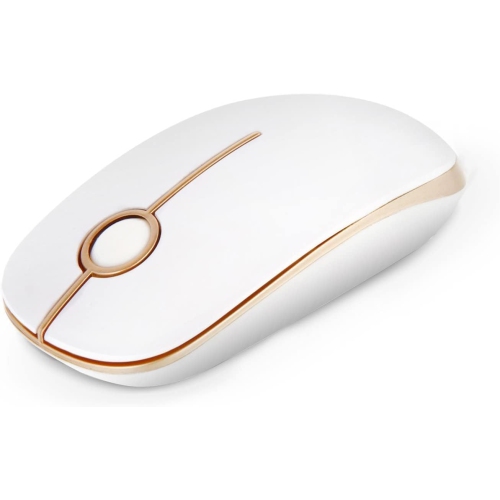
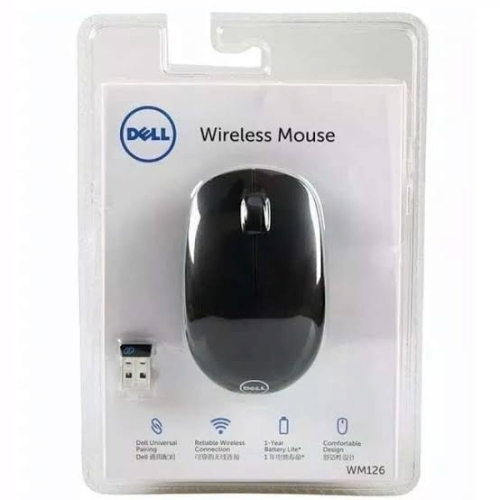
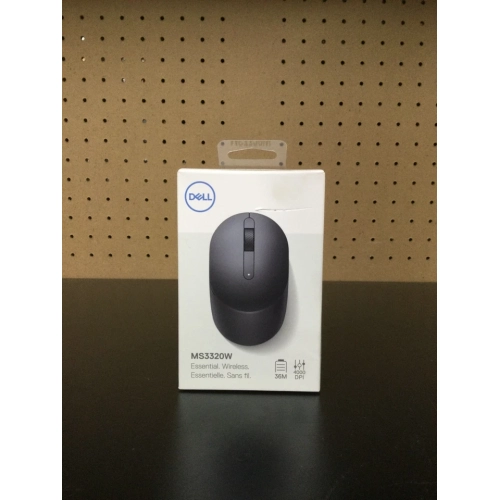
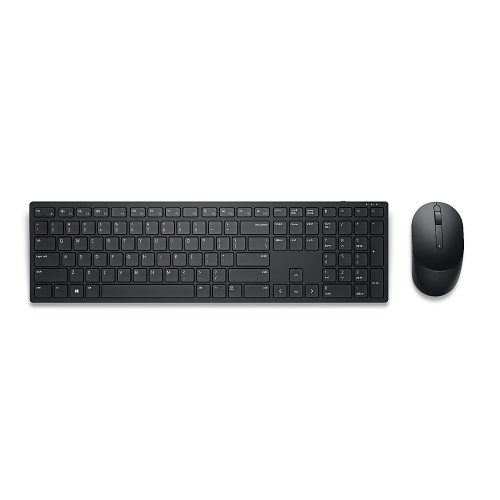
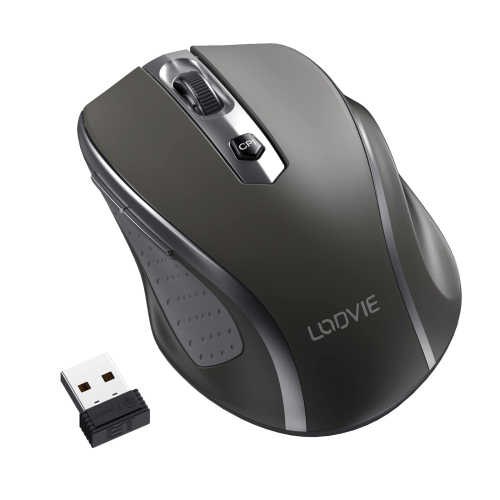
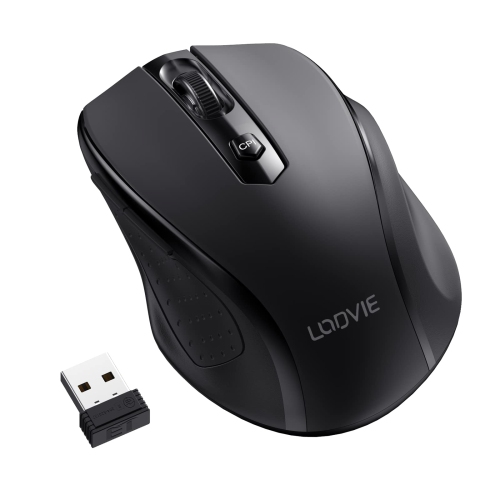
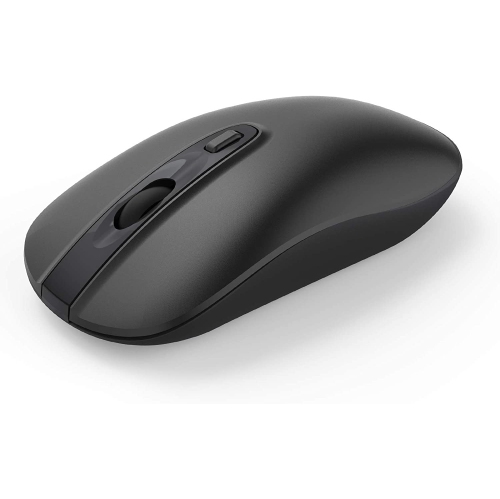
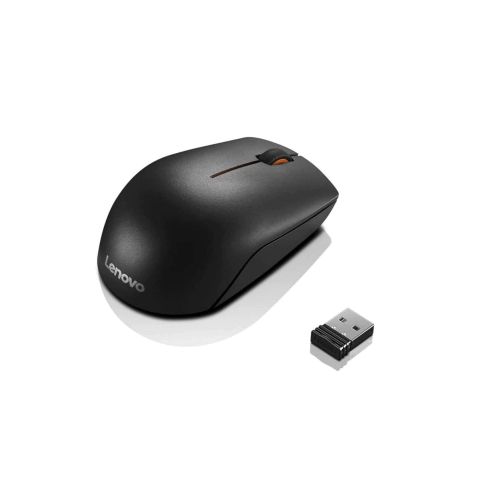
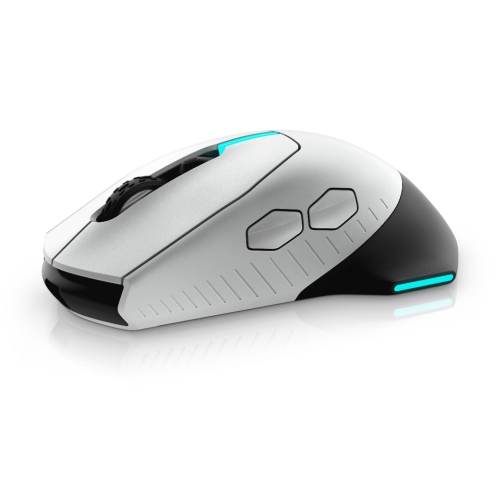
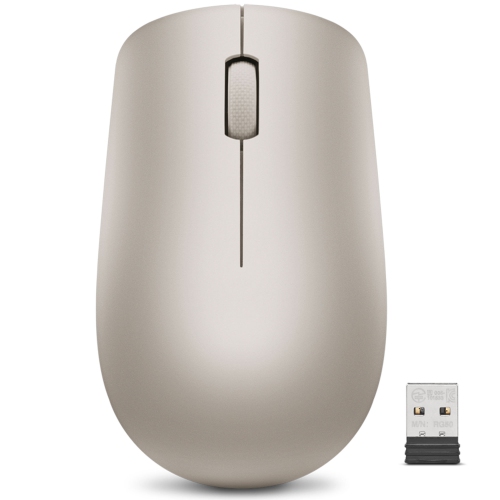
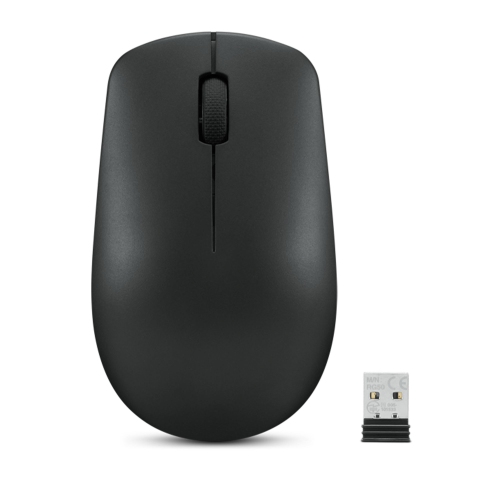
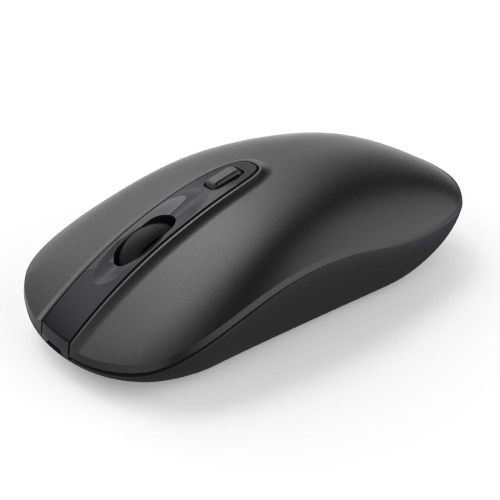
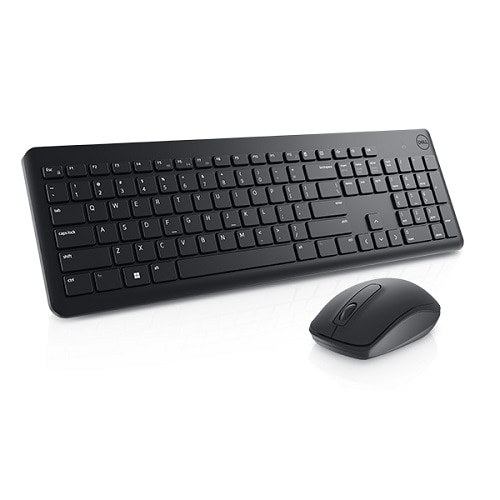
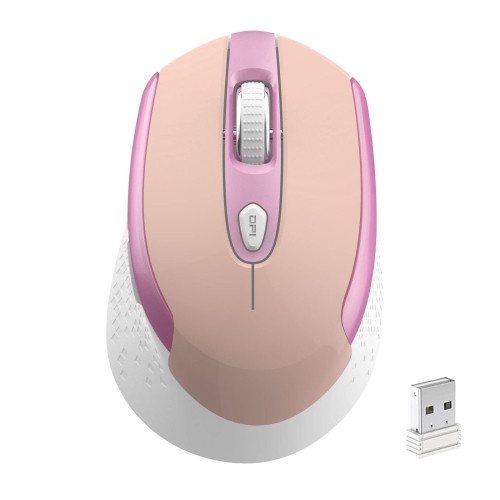
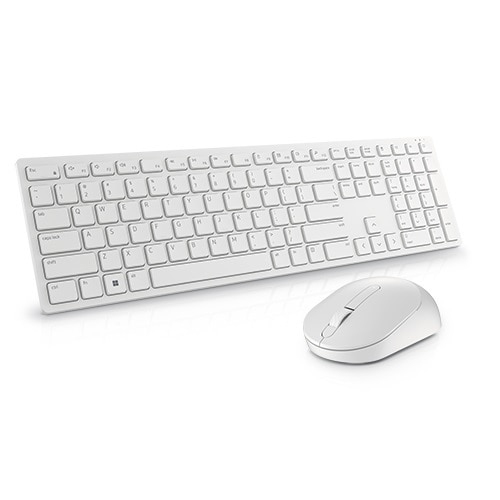
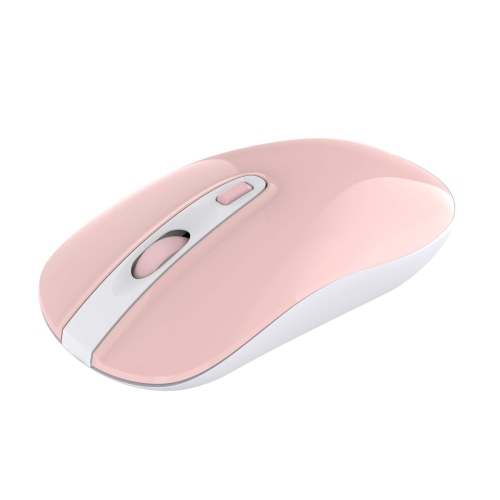
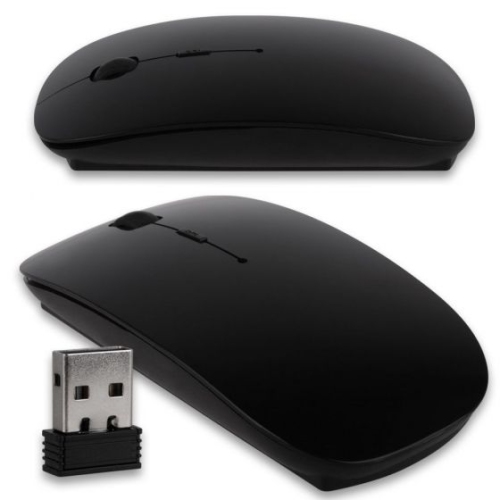
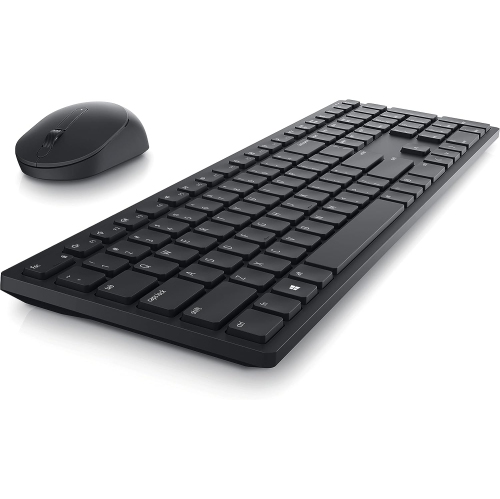
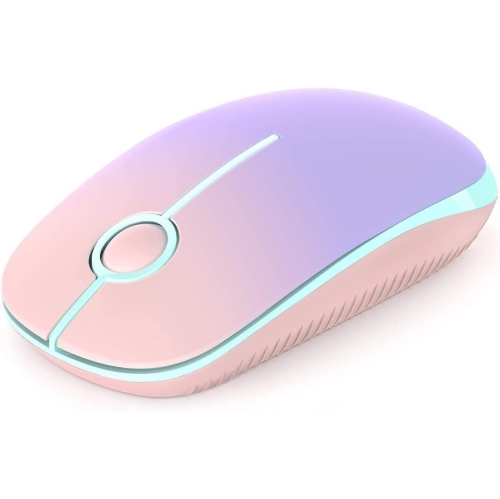


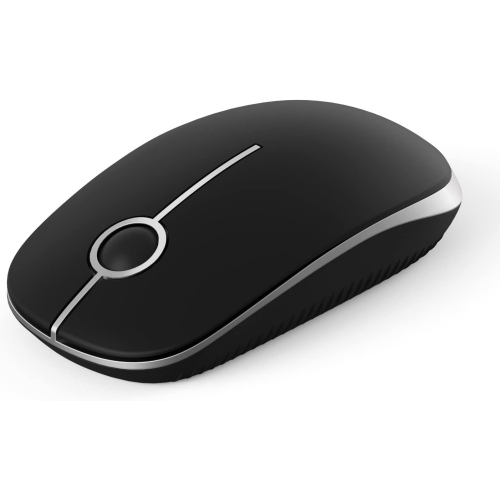
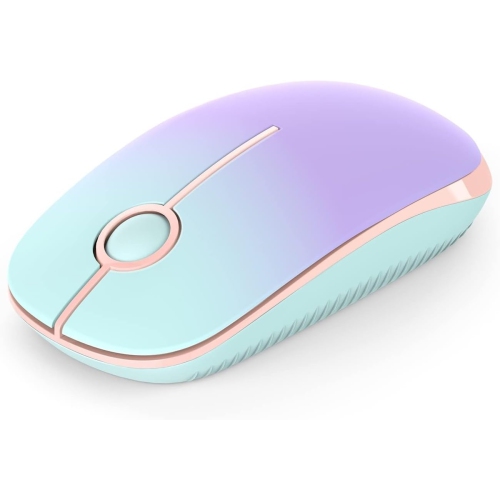
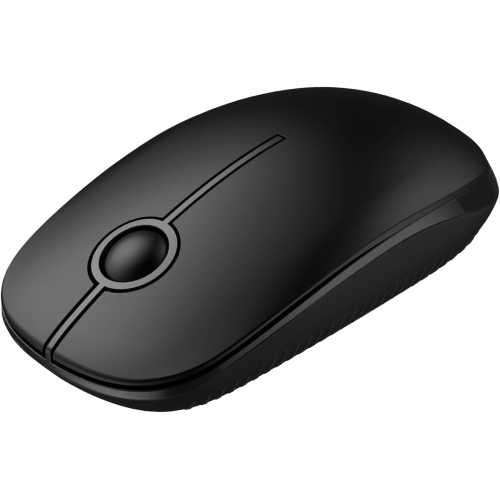
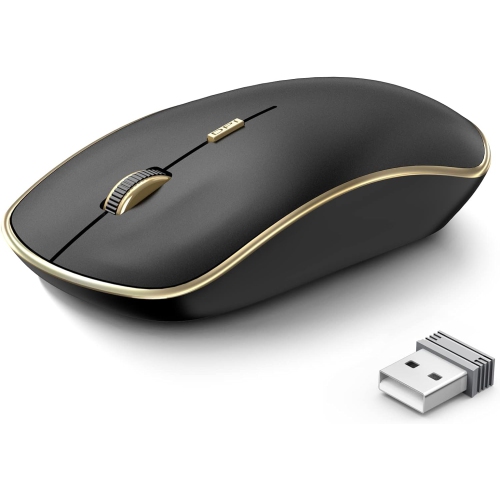
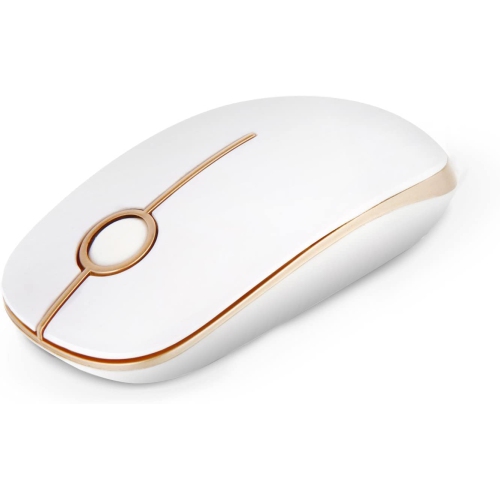
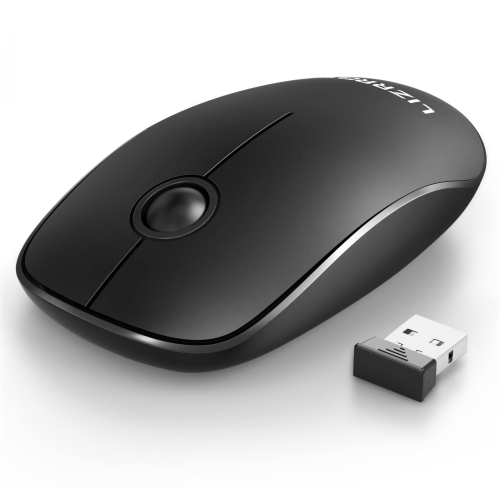
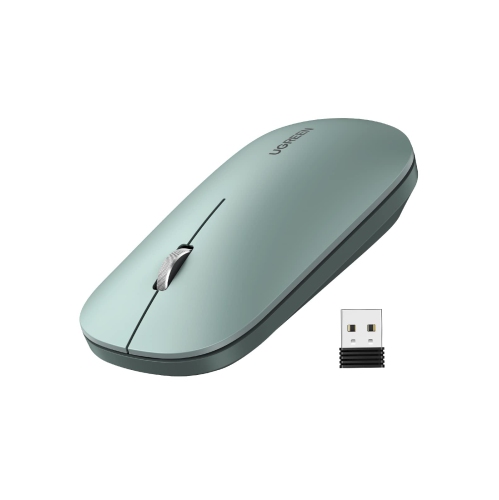
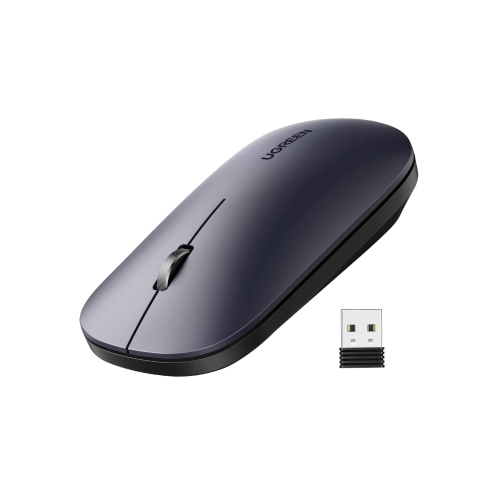
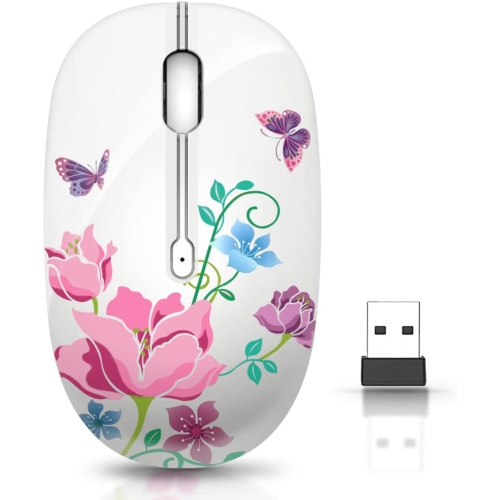
Comfort, connectivity, and control for everyday laptop use
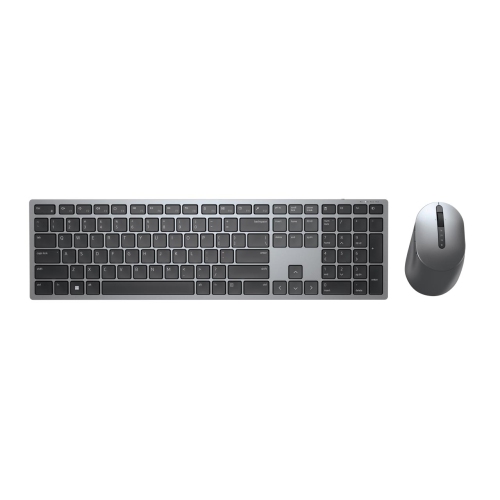
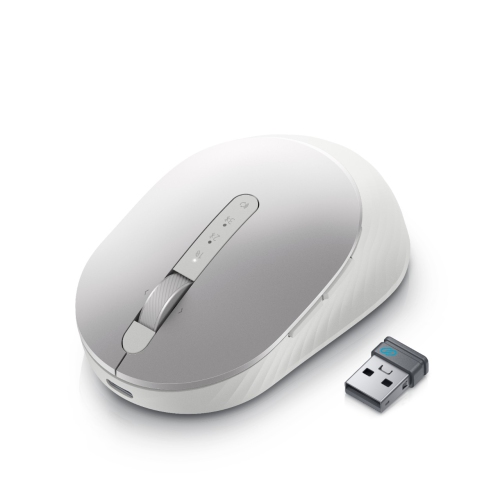
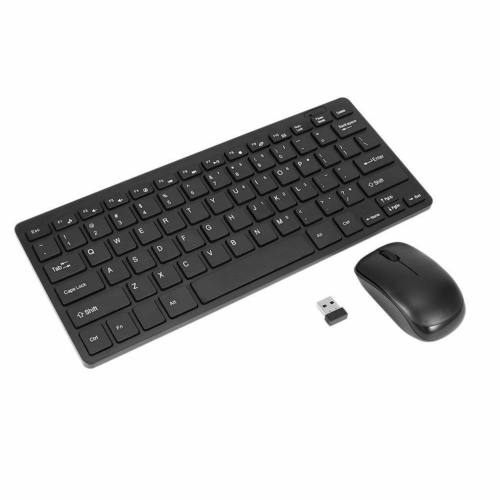
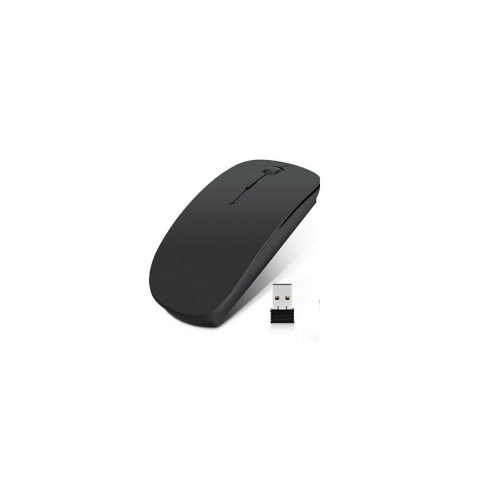
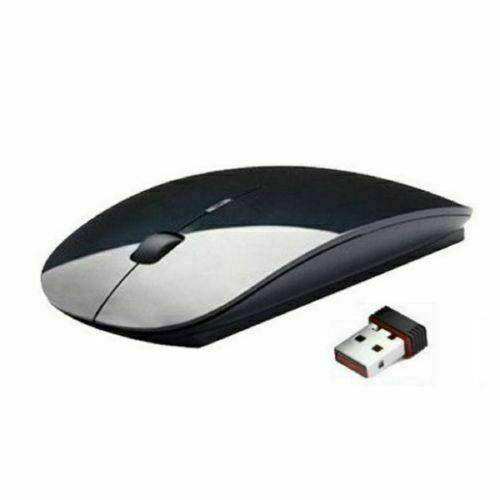
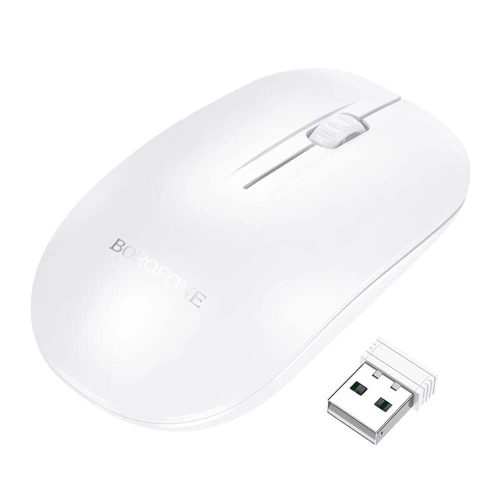
Wireless mice for Dell laptops offer a simple way to make everyday computing more comfortable, precise, and flexible. Instead of relying on a built-in trackpad for every click, scroll, and drag, you can use a mouse that gives your hand a more familiar position and provides smoother control across documents, websites, spreadsheets, creative applications, and video calls. Many wireless models connect through a compact USB receiver using a 2.4 GHz connection, while others support Bluetooth for a receiver-free setup. A USB receiver is often a convenient plug-and-play choice: insert it into an available USB port, switch on the mouse, and begin navigating with minimal setup. Bluetooth models can be especially useful for laptops with limited ports, although it is important to confirm that the computer supports the required Bluetooth connection. Some mice offer both connection methods, giving you the flexibility to use a receiver at a desk or Bluetooth while travelling. When browsing options for a Dell laptop, check the computer’s available ports, operating system compatibility, and whether the mouse includes the type of connection you prefer. You can explore a broader selection through Dell Computer Mice, including options designed for different workspaces, carrying habits, and comfort preferences.
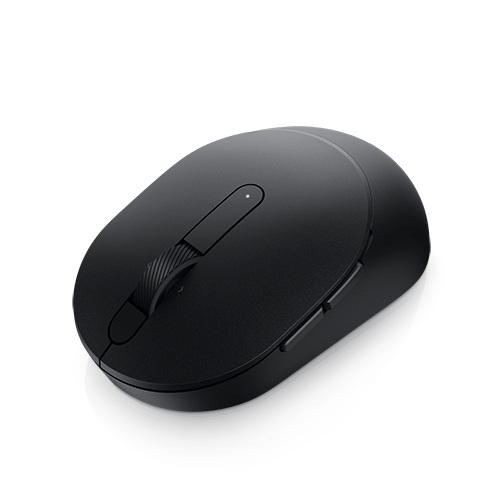
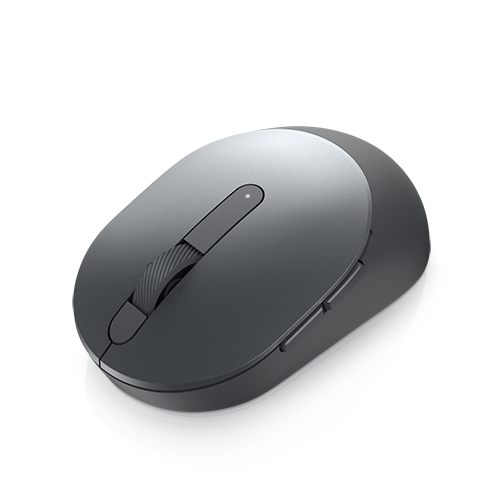
The right shape can make a noticeable difference during a long afternoon of schoolwork, remote work, gaming, photo organization, or general browsing. Compact wireless mice slide easily into a laptop sleeve or small travel pouch, making them practical for commuters, students, and anyone who moves between a kitchen table, shared workspace, classroom, and coffee shop. Their smaller profile can also suit people with smaller hands or those who prefer a lighter accessory. A full-sized mouse may feel more natural for extended use, particularly when its contours support the palm and encourage a relaxed grip. Look for a design that allows your fingers to rest comfortably on the primary buttons without reaching or curling tightly. Textured surfaces and a well-positioned scroll wheel can make regular navigation feel more controlled, while quiet-click buttons may be helpful in libraries, offices, bedrooms, and shared living spaces. For desk-based work, extra side buttons can provide shortcuts for browser navigation, file management, or frequently used commands. Some models allow buttons to be customized through accompanying software, though basic mice with left-click, right-click, and scroll functions remain dependable for everyday tasks. Tracking performance is another consideration. Optical sensors are suitable for most desks and tables, and adjustable sensitivity can help you move between careful, detailed control and faster cursor movement across a larger display. Sensitivity is often listed in DPI, with higher settings moving the pointer farther for the same physical motion. A moderate setting can be comfortable for documents and browsing, while adjustable DPI may appeal to users who switch between design work, presentations, and fast-paced games.
Battery and power features are worth considering when choosing a wireless mouse for a laptop that travels. Some models use a single AA or AAA battery and can operate for many months before replacement, while rechargeable options can be topped up through a cable when needed. Battery life depends on the connection type, usage, sensor settings, and power-saving features, so the advertised estimate is best viewed as a general guide rather than a guarantee. An on/off switch can help conserve power in a bag, and a low-battery indicator can provide useful warning before the cursor stops responding. If you regularly work away from an outlet, extended battery life may be more valuable than a slightly smaller or lighter design. It is also useful to consider where the USB receiver is stored when the mouse is not in use; a built-in storage compartment can reduce the chance of misplacing this small accessory. Wireless mice can be thoughtful gifts for students setting up a study area, family members replacing an uncomfortable trackpad, new laptop owners, or professionals creating a more capable home office. They are also practical for people who spend cooler months working indoors and want a tidy, uncluttered workspace without another cable crossing the desk. Whether your priority is portability, palm support, reliable connection, quiet operation, precise tracking, or fewer battery changes, comparing these features can help you find a wireless mouse that complements your Dell laptop and fits naturally into your daily routine.
The right shape can make a noticeable difference during a long afternoon of schoolwork, remote work, gaming, photo organization, or general browsing. Compact wireless mice slide easily into a laptop sleeve or small travel pouch, making them practical for commuters, students, and anyone who moves between a kitchen table, shared workspace, classroom, and coffee shop. Their smaller profile can also suit people with smaller hands or those who prefer a lighter accessory. A full-sized mouse may feel more natural for extended use, particularly when its contours support the palm and encourage a relaxed grip. Look for a design that allows your fingers to rest comfortably on the primary buttons without reaching or curling tightly. Textured surfaces and a well-positioned scroll wheel can make regular navigation feel more controlled, while quiet-click buttons may be helpful in libraries, offices, bedrooms, and shared living spaces. For desk-based work, extra side buttons can provide shortcuts for browser navigation, file management, or frequently used commands. Some models allow buttons to be customized through accompanying software, though basic mice with left-click, right-click, and scroll functions remain dependable for everyday tasks. Tracking performance is another consideration. Optical sensors are suitable for most desks and tables, and adjustable sensitivity can help you move between careful, detailed control and faster cursor movement across a larger display. Sensitivity is often listed in DPI, with higher settings moving the pointer farther for the same physical motion. A moderate setting can be comfortable for documents and browsing, while adjustable DPI may appeal to users who switch between design work, presentations, and fast-paced games.
Battery and power features are worth considering when choosing a wireless mouse for a laptop that travels. Some models use a single AA or AAA battery and can operate for many months before replacement, while rechargeable options can be topped up through a cable when needed. Battery life depends on the connection type, usage, sensor settings, and power-saving features, so the advertised estimate is best viewed as a general guide rather than a guarantee. An on/off switch can help conserve power in a bag, and a low-battery indicator can provide useful warning before the cursor stops responding. If you regularly work away from an outlet, extended battery life may be more valuable than a slightly smaller or lighter design. It is also useful to consider where the USB receiver is stored when the mouse is not in use; a built-in storage compartment can reduce the chance of misplacing this small accessory. Wireless mice can be thoughtful gifts for students setting up a study area, family members replacing an uncomfortable trackpad, new laptop owners, or professionals creating a more capable home office. They are also practical for people who spend cooler months working indoors and want a tidy, uncluttered workspace without another cable crossing the desk. Whether your priority is portability, palm support, reliable connection, quiet operation, precise tracking, or fewer battery changes, comparing these features can help you find a wireless mouse that complements your Dell laptop and fits naturally into your daily routine.
Top selling and popular products
-
 Your price for this item is $29.99
 -
 Your price for this item is $50.44
 -
 Your price for this item is $39.99
 -
 Your price for this item is $49.99
 -
 Your price for this item is $159.95
 -
 Your price for this item is $44.68
 -
 Your price for this item is $44.68
 -
 Your price for this item is $31
Discover more categories related to Wireless Mice for Dell Laptop
Top Collections:
Pokemon Centers, Kindle Devices, Best Budget Office Chairs, Apple iPhones 16, Best Laptops for Writers, iPhone 15 Apple, Canon G7X Cameras, Refurbished Apple Laptops, Alarm Clock, Motorola Razr Phones
Some products may be subject to Environmental Handling Fees
(EHF) depending on your province.
Learn more about EHFs.