Best Laptops for Video Editing

Bring your creative vision to life with the best laptops for video editing, ranked by user review ratings. Whether you’re trimming clips or working with 4K footage, explore options with powerful processors, dedicated graphics, and ample memory to help keep your workflow running smoothly. Find a laptop that fits your editing needs, budget, and on-the-go setup.

Read More

What to look for in laptops for video editing

1. Processor and Graphics

Choose a recent multi-core processor to help handle effects, timeline playback and exports. A dedicated graphics card or capable integrated graphics can accelerate supported tasks, so check your editing software’s hardware requirements.

2. Memory

Aim for at least 16 GB of RAM for general video editing, or 32 GB or more for demanding 4K projects and multitasking. Check whether the memory is upgradeable, as many laptops have fixed configurations.

3. Storage and Connectivity

A fast SSD helps load footage and access project files, with 1 TB offering useful space for larger projects. Look for ports that support your external drives, monitors and memory card readers.

4. Display Quality

Look for a sharp display with accurate colours and strong coverage of the colour space you work in, such as sRGB or DCI-P3. A larger screen offers more room for your timeline and preview, while a smaller laptop is easier to carry.
Citrus catapult arrow
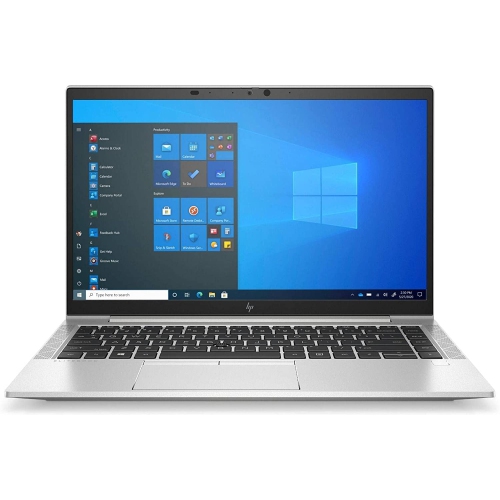
  1. 1

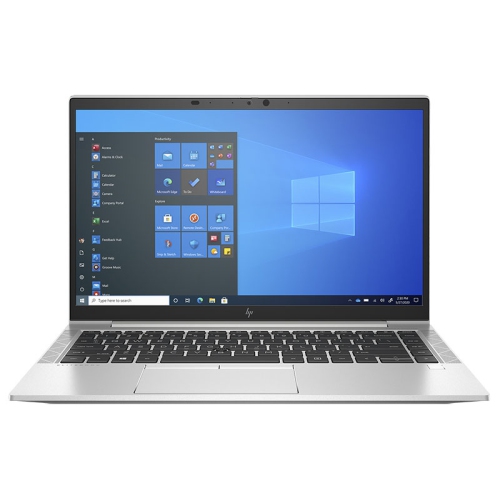
    HP Refurbished (Excellent) - Elitebook 840 G8 14" Laptop, - Intel Core I7-1185G7 - 32GB Ram - 1Tb SSD - Windows 11 Pro - 1 Year Warranty

    About this product

    A high-performance laptop with Intel Core i7, 64GB RAM, 1TB SSD, and Windows 11 Pro.

    $849.99
    SAVE $750
    Your price for this item is $849.99
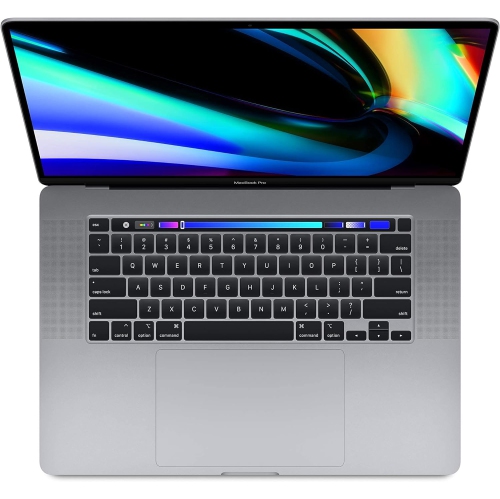
  2. 2

    APPLE Refurbished (Excellent) - Macbook Pro (16-Inch, 2019) Space Core I9-9980Hk 32GB 512GB 16In 3072 X 1920 Amd Radeon Pro 5300M Macos In Gray

    About this product

    A powerful gray laptop featuring an Intel Core i9, 32GB RAM, 512GB SSD, and Radeon Pro 5300M.

    $849.77
    SAVE $449
    Your price for this item is $849.77
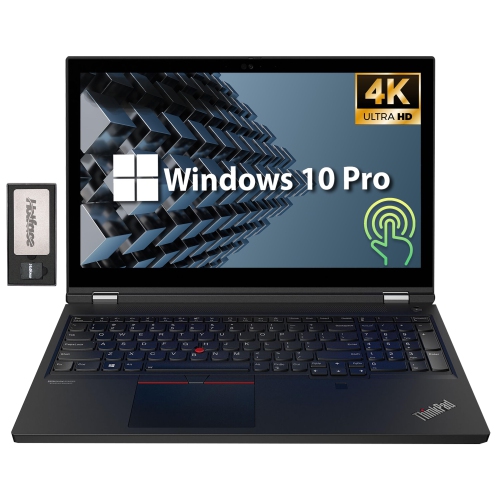
  3. 3

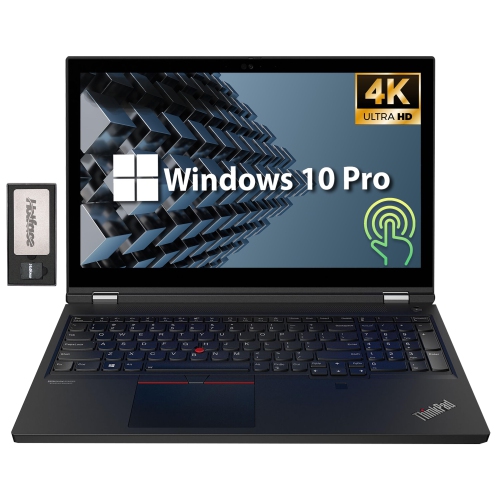
    LENOVO Thinkpad T15G Gen 1 15.6" 4K Touchscreen Laptop - Intel Xeon W-10855M - 32GB Ram - 2Tb SSD - Geforce Rtx 2080 - Windows 10 Pro - - 128GB

    About this product

    A high-performance black laptop featuring a 15.6" 4K touchscreen, Intel Xeon processor, and RTX 2080 graphics.

    $3,469.00
    SAVE $1040
    Your price for this item is $3469
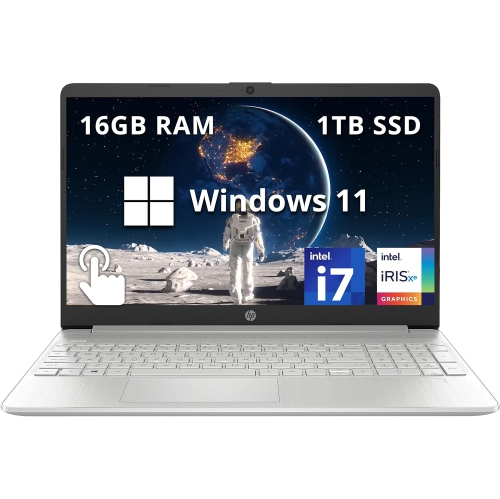
  4. 4

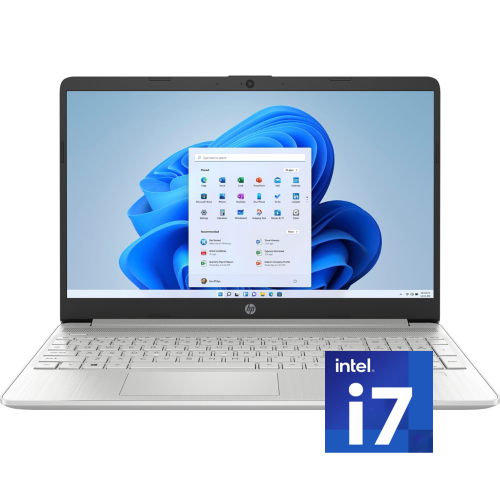
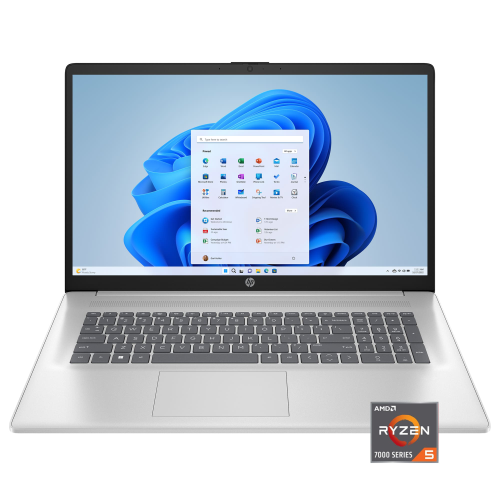
    HP - 15.6" Fhd Touchscreen Laptop - Intel Core I7-1255U - 16GB Ddr4 - 1Tb SSD - Intel Iris Xe - Windows 11 - In Silver

    About this product

    A sleek silver laptop with a 15.6" FHD touchscreen, Intel i7 processor, and 1TB SSD storage.

    What customers like

    • Crisp, high-resolution touchscreen display
    • Ample storage and memory capacity
    • Long battery life and fast charging
    • Fast performance and quick startup
    • Lightweight and portable
    (0)
    $999.00
    SAVE $190
    Your price for this item is $999
  5. 5

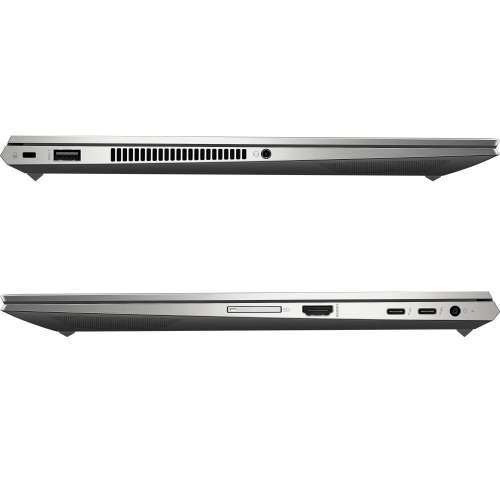
    HP Refurbished (Excellent) - Zbook Studio 15 G8 Touchscreen Business Laptop - Intel Core I9-11900H - 32GB Ram - 32GB SSD - Rtx A3000 - Windows 11 Pro

    About this product

    A powerful laptop featuring a Core i9 processor, 32GB RAM, RTX A3000 graphics, and a FHD touchscreen.

    $2,049.00 Your price for this item is $2049
  6. 6

    LENOVO Thinkpad T15G Gen 1 15.6" 4K Touchscreen Laptop - Intel Xeon W-10855M - 32GB Ram - 1Tb SSD - Geforce Rtx 2080 - Windows 10 Pro - - 128GB

    About this product

    A high-performance black laptop featuring a 4K touchscreen, Intel Xeon processor, 32GB RAM, and RTX 2080 graphics.

    $3,499.00
    SAVE $1080
    Your price for this item is $3499
  7. 7

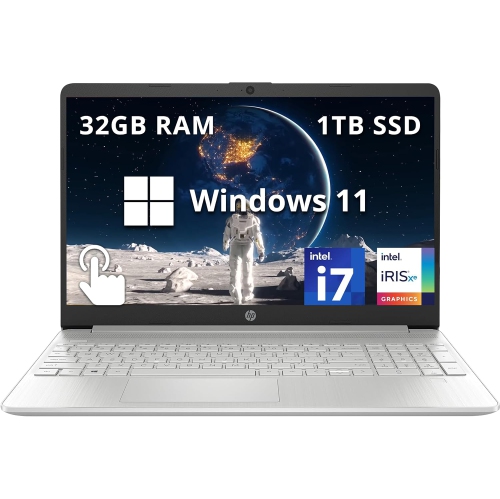
    HP - 15.6" Fhd Touchscreen Laptop - Intel Core I7-1255U - 32GB Ddr4 - 1Tb SSD - Intel Iris Xe - Windows 11 - In Silver

    About this product

    A powerful 15.6" FHD touchscreen laptop with Intel i7, 1TB SSD, 32GB RAM, in natural silver.

    $1,119.00
    SAVE $130
    Your price for this item is $1119
  8. 8

    HP 15.6" Fhd Touchscreen Laptop - Intel Core I7-1255U - 16GB Ddr4 - 1Tb PCie SSD - Windows 11 - In Silver

    About this product

    A sleek silver touchscreen laptop with Intel i7, 16GB RAM, 1TB SSD, and Windows 11.

    $1,549.00
    SAVE $680
    Your price for this item is $1549
  9. 9

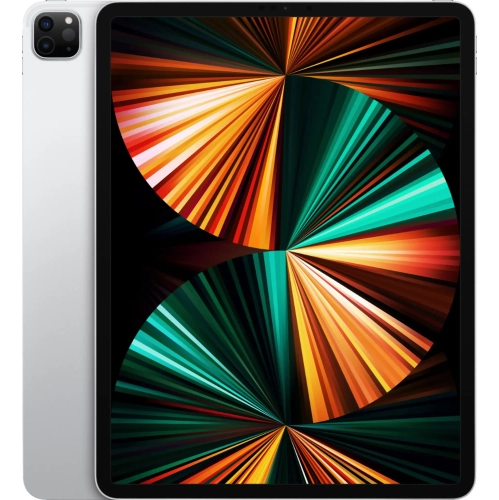
    APPLE - 12.9-Inch Ipad Pro With Wi-Fi - 2Tb - In Silver

    About this product

    A powerful tablet in silver featuring the M1 chip, 2TB storage, and a stunning Liquid Retina XDR display.

    What customers like

    • Large storage capacity
    • Great for creative and professional work
    • Powerful performance
    • Stunning display and resolution
    • Lightweight and portable
    (20)
    $3,299.99 Your price for this item is $3299.99
  10. 10

    HP Refurbished (Excellent) - Elitebook 840 G8 14.1" Business Laptop - Intel Core I7-1185G7 - 64GB Ram - 1Tb SSD - Windows 11 Pro - 1 Year Warranty

    About this product

    A high-performance 14.1" laptop with Intel Core i7, 1TB SSD, 64GB RAM, and Windows 11.

    $1,299.99
    SAVE $400
    Your price for this item is $1299.99

The laptop power your footage actually needs

The best laptops for video editing combine responsive processing, capable graphics, enough memory for the project, and a display that makes colour decisions easier to trust. The right balance depends on the footage and the finished work: trimming a family video in 1080p is a different workload from assembling a documentary with several 4K camera angles, layered audio, and detailed colour adjustments. Video editing laptops suit film students, independent filmmakers, photographers adding motion to their work, and business owners producing demonstrations or social media clips. A capable processor handles much of the work involved in decoding footage, running effects, and preparing exports, while supported graphics acceleration can improve playback, transitions, colour correction, and rendering. Dedicated graphics are useful for demanding effects and compatible editing applications, although some integrated graphics architectures also perform well with supported media formats. Hardware decoding and encoding support matter because two files with the same resolution can place very different demands on a laptop. Highly compressed footage may be harder to play smoothly than a larger file designed for editing. Memory also affects how comfortably a project runs: 16GB can suit basic 1080p editing, 32GB is a practical starting point for many 4K workflows, and 64GB or more can help with complex compositions, large projects, and demanding 8K work. These are useful reference points rather than guarantees, since software, codecs, effects, and project length all influence performance. An editor cutting a short interview may need less memory than someone combining animation, noise reduction, and multiple video tracks. For a broader selection across different creative workloads, Shop Laptops for Video Editing brings the focus back to portable computers built for this kind of work. The strongest match is a laptop that handles the tasks repeated every day, whether that means quickly scrubbing through camera footage, adjusting dialogue without interrupted playback, or exporting finished videos while keeping other applications open.

A laptop screen is both the editing workspace and the reference for how a video looks, so display quality deserves as much attention as processing power. Resolution determines how much detail the panel can show, but screen size and interface scaling affect how comfortably the timeline, preview window, audio meters, and media folders fit together. A 14-inch laptop is easier to carry between classes or filming locations, while a 16-inch or larger model generally provides more room for arranging tools and viewing longer sections of a timeline. Neither size alone determines editing performance. Colour gamut coverage describes the range of colours a screen can reproduce; colour accuracy describes how faithfully it reproduces them. Broad coverage of the colour space used for the final video, reliable calibration, and consistent brightness help keep skin tones and product colours from looking unexpectedly different on another display. A wide-gamut screen is valuable for suitable workflows, but it does not automatically guarantee accurate results. For high dynamic range work, meaningful HDR support involves brightness, contrast, and software compatibility rather than a label alone. Glossy panels can make images appear crisp, while matte finishes reduce distracting reflections under overhead lights. An external monitor can create a more spacious editing setup at a desk, provided the laptop supports the required display resolution and refresh rate through its ports. Storage has an equally practical role. A fast internal solid-state drive helps applications open promptly and supports responsive access to media, project files, and temporary caches. A 1TB drive provides more working room than a smaller drive for many creators, although high-resolution footage can fill it quickly. Fast external storage is useful for active projects when its connection supports sufficient transfer speeds, while separate backups protect against drive failure or accidental deletion. Keeping camera originals, project files, and finished exports organized makes it easier to revisit an edit without hunting through scattered folders. Proxy files—smaller editing copies linked to the originals—can also make demanding footage easier to work with, particularly on a portable system with more modest hardware.

Daily comfort and build quality become especially important when a laptop travels from a shoot to a desk and then spends hours exporting a finished project. A rigid chassis, secure hinges, and a well-supported keyboard help a computer feel dependable through frequent opening, packing, and typing. Metal housings can provide a firm feel, while well-built composite housings may reduce carrying weight; construction quality matters more than the material name alone. Weight should include the charger and any external drives or adapters carried alongside the laptop. A protective sleeve and a separate compartment for accessories help prevent scratches and keep loose connectors from pressing against the screen. For long editing sessions, a comfortable keyboard, precise trackpad, and clear port placement can make small, repeated actions less tiring. Connections deserve a close look: a memory card reader can simplify camera imports, suitable display outputs support an external screen, and high-speed USB connections help move large media folders. Ports that share the same connector shape may offer different transfer speeds, charging capabilities, and display support. Headphone connectivity is useful for checking dialogue and background noise, while fan sound can matter when editing audio in a quiet room. Cooling design also affects how consistently a laptop performs during sustained workloads; a brief burst of speed does not necessarily reflect a lengthy export. Battery life measured during light browsing is not a reliable estimate for rendering or effects-heavy editing, and some laptops reduce performance when unplugged. A firm, clear surface allows ventilation openings to work as intended, and gentle cleaning according to the manufacturer’s directions helps keep the screen and keyboard in good condition. Repair options and memory or storage upgradeability vary, with some components fixed in place, so room for larger projects is worth considering from the outset. Software compatibility, plug-in requirements, and support for existing peripherals should also match the intended workflow. For a student, a new filmmaker, or a creative professional receiving a laptop as a gift, that fit is more useful than impressive specifications in isolation. A well-matched video editing laptop supports the whole process, from reviewing the first take to making the final audio adjustment and saving a finished version ready to share.
Read More

FAQ

Some products may be subject to Environmental Handling Fees (EHF) depending on your province. Learn more about EHFs.