Shop Laptops for Video Editing
Discover the perfect blend of power and performance with our selection of laptops tailored for video editing. Whether you're a seasoned professional or an aspiring content creator, finding the right laptop is crucial for bringing your creative visions to life. Shop laptops for video editing that offer seamless multitasking capabilities, ensuring your editing process is smooth and efficient. Explore a range of Best Buy options designed to handle intensive tasks, so you can focus on crafting stunning visual stories without compromise.
Sort




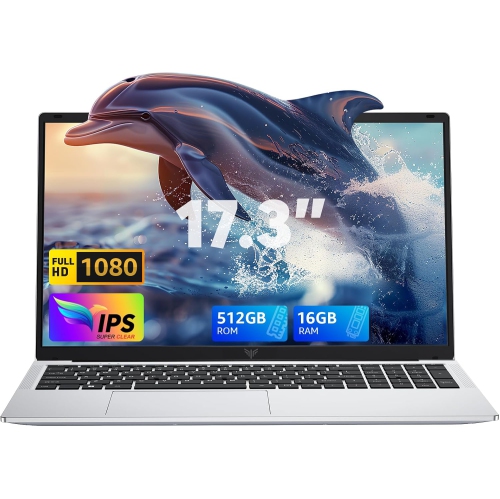
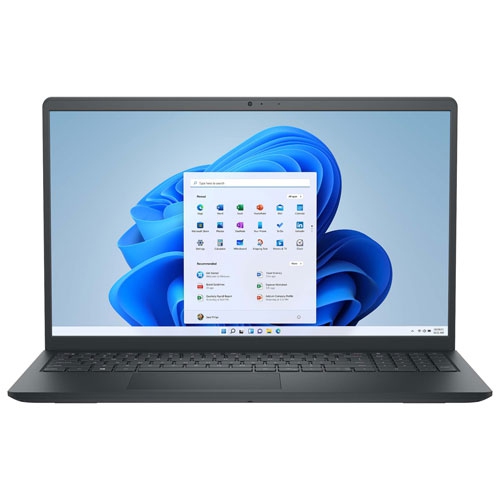
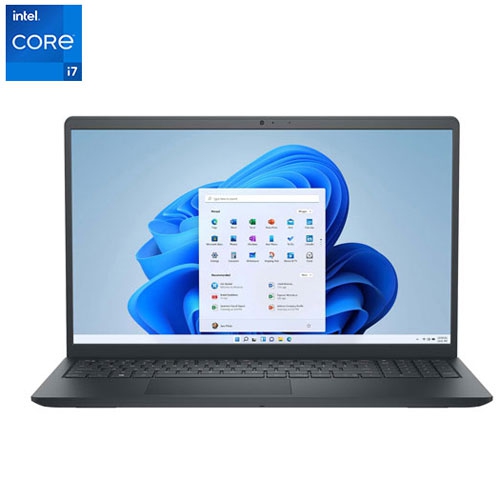
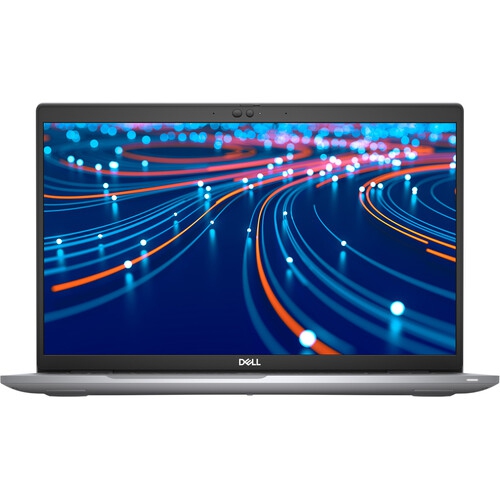
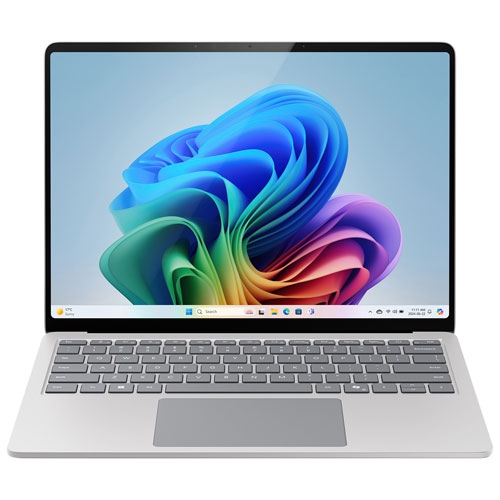
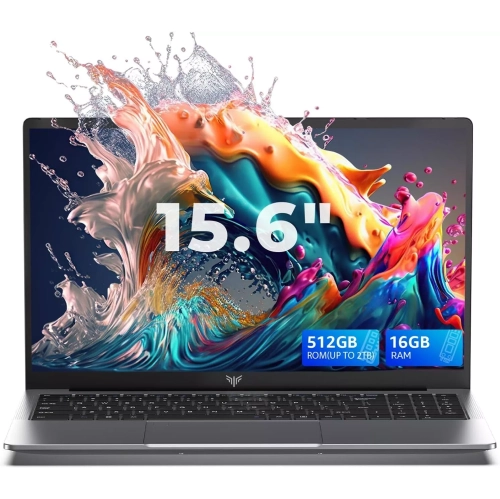
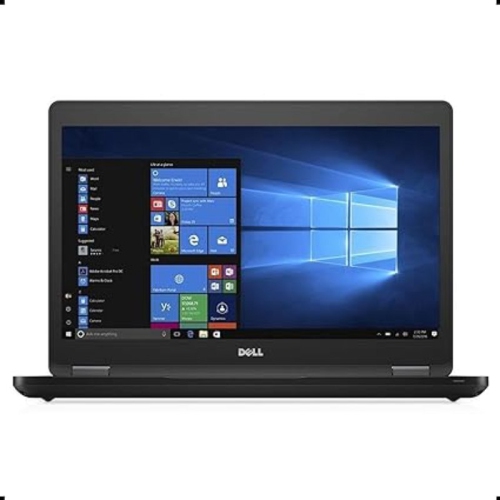
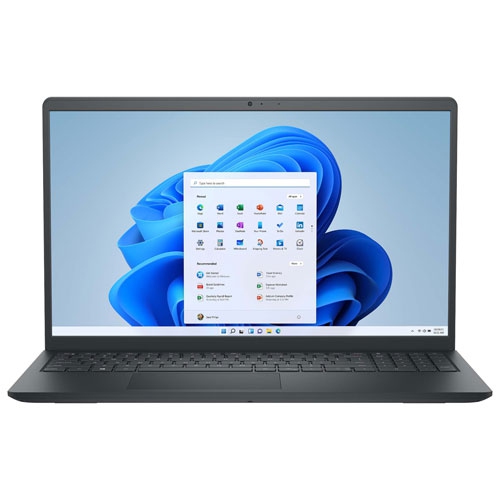
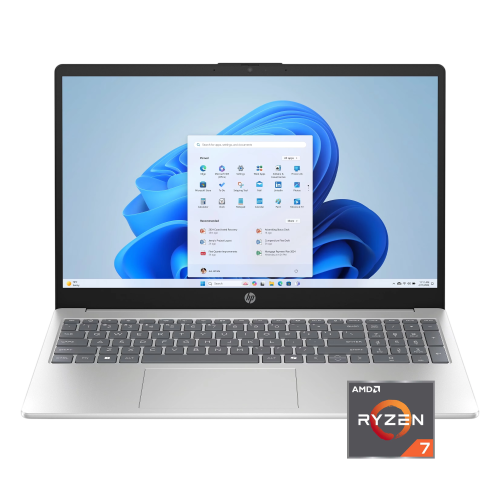
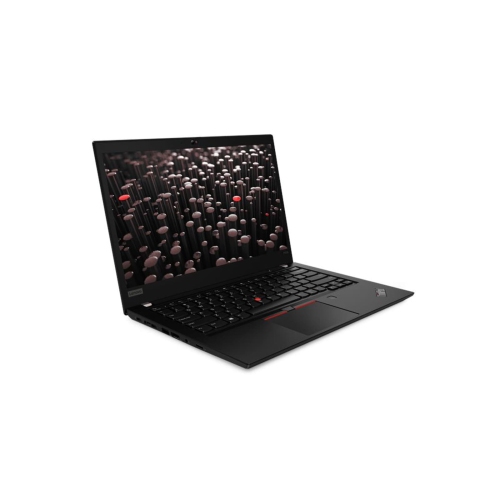
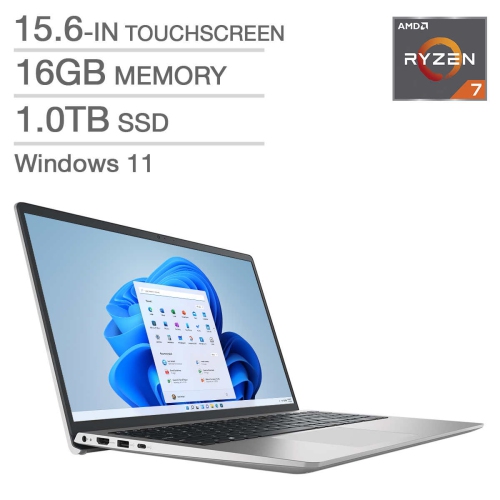
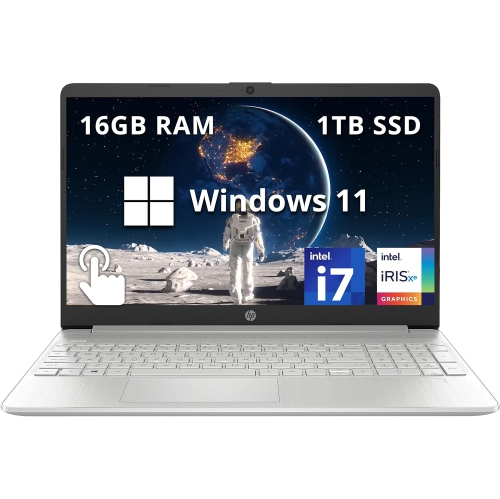
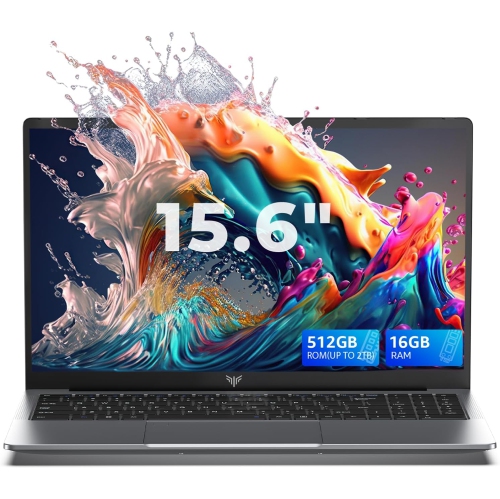
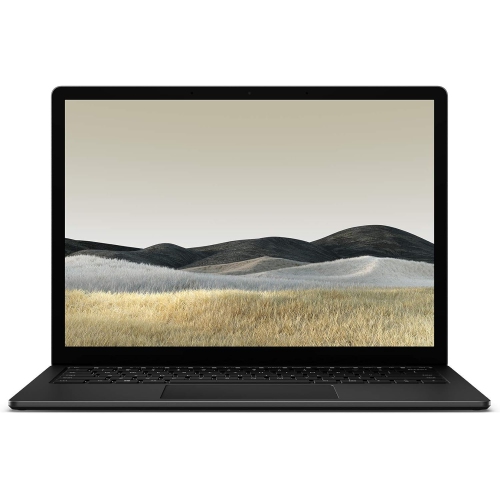
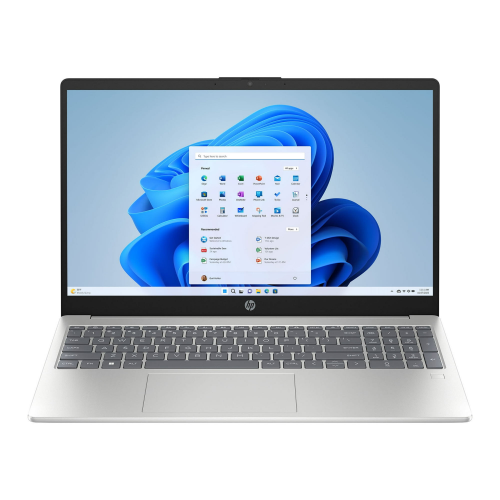
Hardware for smoother video editing wherever work happens
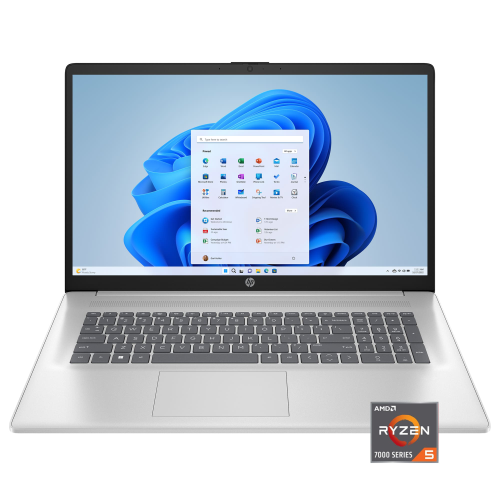
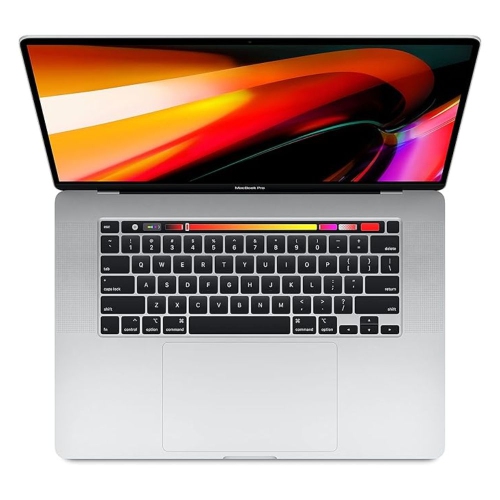
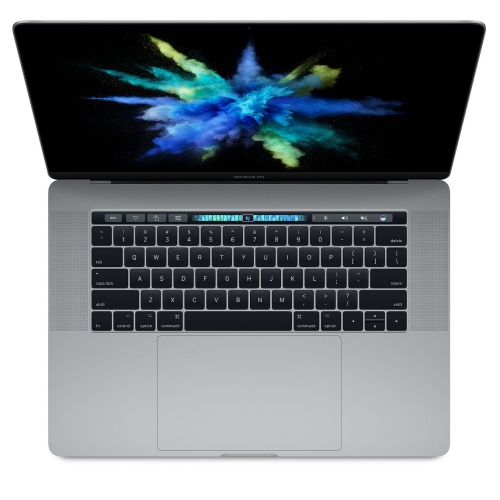
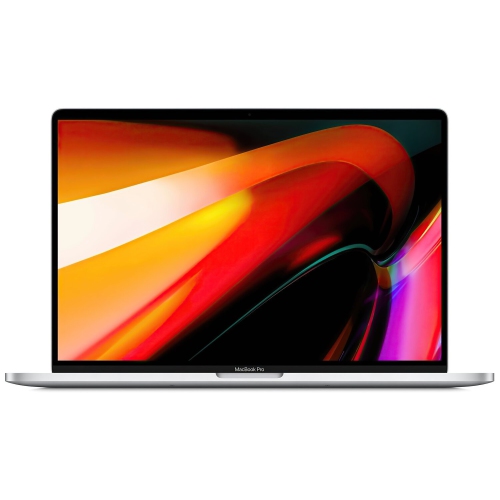
Laptops for video editing are designed to handle demanding creative work while giving you the freedom to work away from a fixed desk. They can be used for everything from trimming family footage and creating short social videos to producing documentaries, music videos, wedding films, online courses, and commercial projects. The best choice depends on the kind of footage you work with, the editing software you prefer, and how often you plan to work while travelling. A laptop for basic 1080p projects may not need the same hardware as one intended for multi-camera 4K footage, complex colour grading, visual effects, or high-resolution exports. For many editors, a powerful multi-core processor is an important starting point because it helps with timeline playback, encoding, exporting, and managing several applications at once. A dedicated graphics processing unit (GPU) can accelerate supported effects, transitions, colour work, and rendering, helping the editing experience feel more responsive. Some systems use integrated or shared graphics architectures that can also deliver strong performance, particularly when the processor, memory, and software are well matched. When comparing options, consider the entire configuration rather than focusing on one specification in isolation. A balanced laptop with capable processing, graphics, cooling, memory, storage, and display quality is more useful than one impressive component paired with limitations elsewhere. For additional ideas, explore Good Laptops for Video Editing and compare the available configurations according to your workflow.
Memory has a noticeable effect on video editing, especially when you are scrubbing through a long timeline, stacking effects, working with high-resolution footage, or keeping a browser, audio application, and graphics tools open together. While lighter projects can run with less, 32GB of RAM is a practical target for smooth 4K editing and more demanding effects work. Editors handling large projects, advanced colour grading, animation, or multiple streams of footage may benefit from even more memory. Storage matters just as much. A fast solid-state drive, particularly an NVMe SSD, can shorten application loading, improve file transfers, and make project libraries and media caches easier to manage. At least 1TB of internal storage gives you more room for source clips, project files, preview renders, and exports, although a portable external drive may still be useful for archiving completed work. Video files can fill a drive quickly: a single afternoon of recording can create hundreds of clips, especially when shooting in 4K or using high-bitrate formats. A simple folder structure, consistent file naming, and a separate backup routine can save hours when a project grows. The display deserves careful attention as well. A high-resolution screen makes it easier to inspect fine detail, while accurate colour reproduction helps you make more dependable decisions about skin tones, shadows, highlights, and saturation. A larger 15-inch or 16-inch display can provide a more comfortable timeline and preview area, while a compact 13-inch or 14-inch laptop may be easier to carry between a home office, classroom, studio, or client meeting. Touch capability, a bright panel, and a wide viewing angle can be helpful extras, but colour accuracy, resolution, and comfortable workspace should remain priorities for editing.
Practical details can shape the experience just as much as raw performance. Video editing can make a laptop work hard for long periods, so an effective cooling system and sturdy construction are valuable for maintaining consistent performance during extended exports. A strong battery is useful when reviewing footage on location or editing during a journey, although demanding rendering and high-resolution playback will generally use more power than everyday tasks. Check the available ports before purchasing, particularly if you use a camera card reader, external display, audio interface, USB accessories, or a fast external storage drive. A comfortable keyboard, precise trackpad, and reliable wireless connectivity can make the many small decisions involved in editing less tiring. Screen size and weight also deserve an honest assessment: a mobile workstation may suit an editor who carries equipment between shoots, while a larger performance-focused laptop may be preferable for someone who works mostly at a desk and values a spacious display. These laptops can be thoughtful gifts for film students, aspiring content creators, photographers expanding into video, musicians creating performance clips, or family members who enjoy documenting trips and milestones. They are also useful for freelancers who need one computer for client work, presentations, communication, and everyday tasks. Before choosing, confirm that the laptop’s operating system supports your preferred editing applications and that the selected memory and storage configuration meet the demands of your projects. Consider the footage you expect to create over the next few years rather than only the files you are editing today. With a capable processor, suitable graphics, at least 32GB of RAM for demanding 4K work, a fast 1TB SSD, and a detailed, colour-accurate display, a laptop for video editing can provide a flexible workspace wherever inspiration, collaboration, or the next memorable scene takes you.
Memory has a noticeable effect on video editing, especially when you are scrubbing through a long timeline, stacking effects, working with high-resolution footage, or keeping a browser, audio application, and graphics tools open together. While lighter projects can run with less, 32GB of RAM is a practical target for smooth 4K editing and more demanding effects work. Editors handling large projects, advanced colour grading, animation, or multiple streams of footage may benefit from even more memory. Storage matters just as much. A fast solid-state drive, particularly an NVMe SSD, can shorten application loading, improve file transfers, and make project libraries and media caches easier to manage. At least 1TB of internal storage gives you more room for source clips, project files, preview renders, and exports, although a portable external drive may still be useful for archiving completed work. Video files can fill a drive quickly: a single afternoon of recording can create hundreds of clips, especially when shooting in 4K or using high-bitrate formats. A simple folder structure, consistent file naming, and a separate backup routine can save hours when a project grows. The display deserves careful attention as well. A high-resolution screen makes it easier to inspect fine detail, while accurate colour reproduction helps you make more dependable decisions about skin tones, shadows, highlights, and saturation. A larger 15-inch or 16-inch display can provide a more comfortable timeline and preview area, while a compact 13-inch or 14-inch laptop may be easier to carry between a home office, classroom, studio, or client meeting. Touch capability, a bright panel, and a wide viewing angle can be helpful extras, but colour accuracy, resolution, and comfortable workspace should remain priorities for editing.
Practical details can shape the experience just as much as raw performance. Video editing can make a laptop work hard for long periods, so an effective cooling system and sturdy construction are valuable for maintaining consistent performance during extended exports. A strong battery is useful when reviewing footage on location or editing during a journey, although demanding rendering and high-resolution playback will generally use more power than everyday tasks. Check the available ports before purchasing, particularly if you use a camera card reader, external display, audio interface, USB accessories, or a fast external storage drive. A comfortable keyboard, precise trackpad, and reliable wireless connectivity can make the many small decisions involved in editing less tiring. Screen size and weight also deserve an honest assessment: a mobile workstation may suit an editor who carries equipment between shoots, while a larger performance-focused laptop may be preferable for someone who works mostly at a desk and values a spacious display. These laptops can be thoughtful gifts for film students, aspiring content creators, photographers expanding into video, musicians creating performance clips, or family members who enjoy documenting trips and milestones. They are also useful for freelancers who need one computer for client work, presentations, communication, and everyday tasks. Before choosing, confirm that the laptop’s operating system supports your preferred editing applications and that the selected memory and storage configuration meet the demands of your projects. Consider the footage you expect to create over the next few years rather than only the files you are editing today. With a capable processor, suitable graphics, at least 32GB of RAM for demanding 4K work, a fast 1TB SSD, and a detailed, colour-accurate display, a laptop for video editing can provide a flexible workspace wherever inspiration, collaboration, or the next memorable scene takes you.
Top selling and popular products
-
 Your price for this item is $449
 -
 Your price for this item is $3099
 -
 Your price for this item is $299.95
 -
 Your price for this item is $664.05
 -
 Your price for this item is $599.68
 -
 Your price for this item is $869.99
 -
 Your price for this item is $259
 -
 Your price for this item is $418.98
Discover more categories related to Shop Laptops for Video Editing

Top Collections:
Pokemon Centers, Kindle Devices, Best Budget Office Chairs, Apple iPhones 16, Best Laptops for Writers, iPhone 15 Apple, Canon G7X Cameras, Refurbished Apple Laptops, Alarm Clock, Motorola Razr Phones
Some products may be subject to Environmental Handling Fees
(EHF) depending on your province.
Learn more about EHFs.