Latest MacBook Air
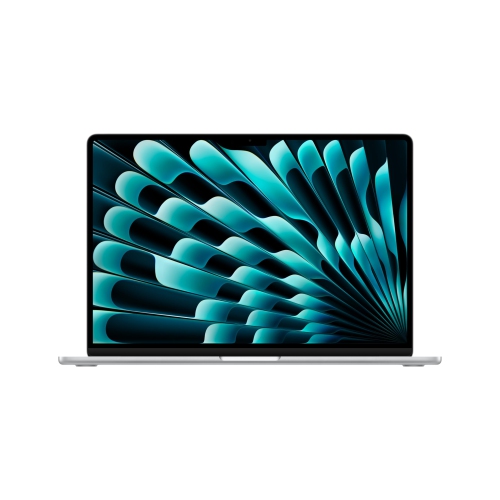
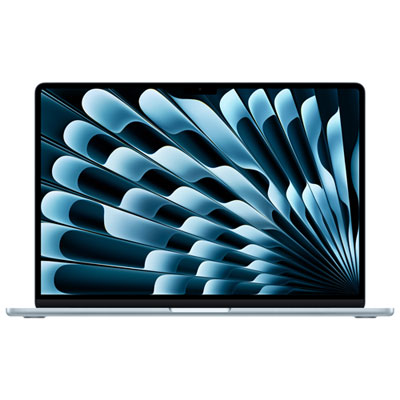
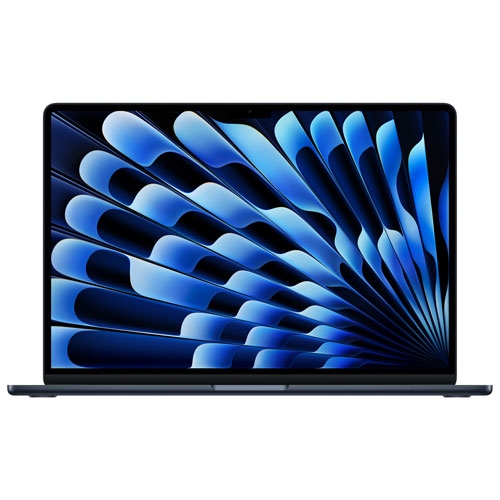
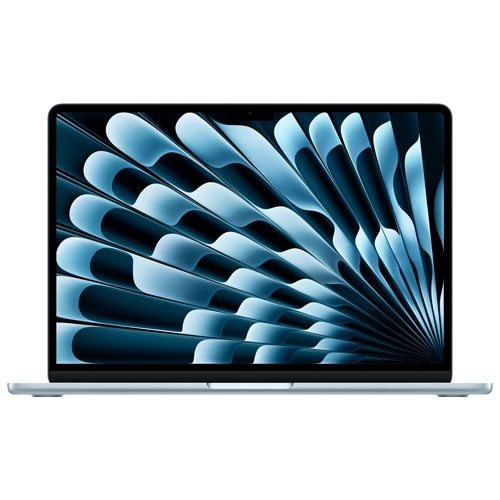
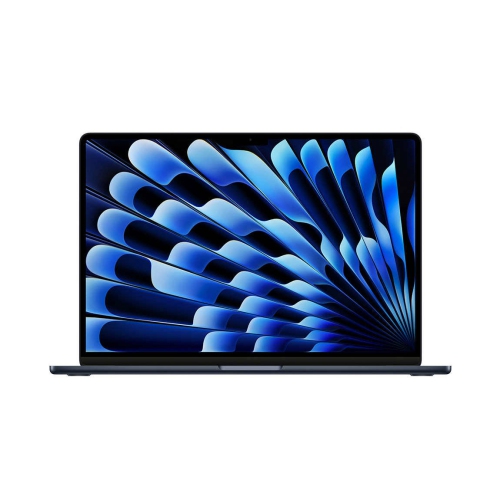
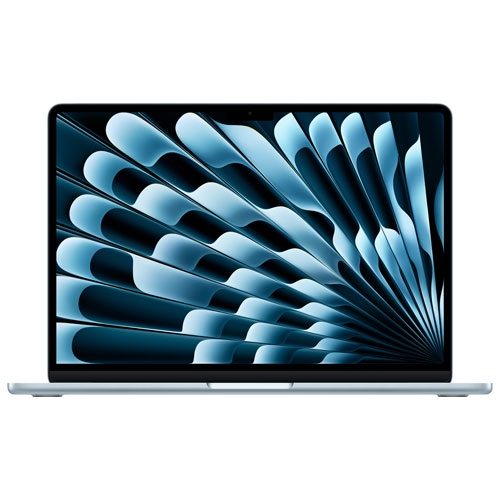
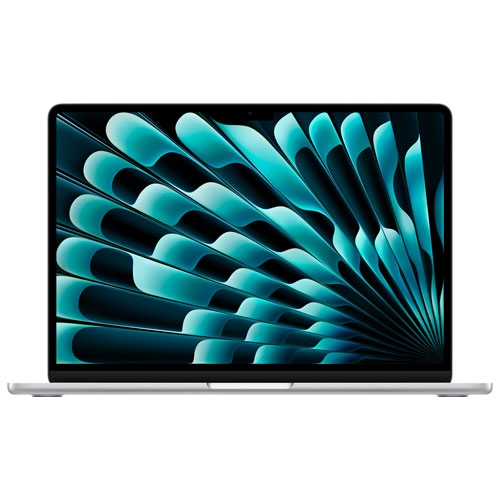
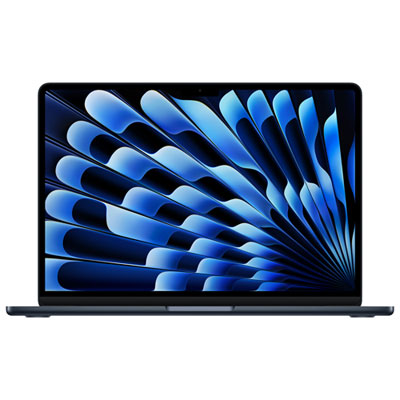
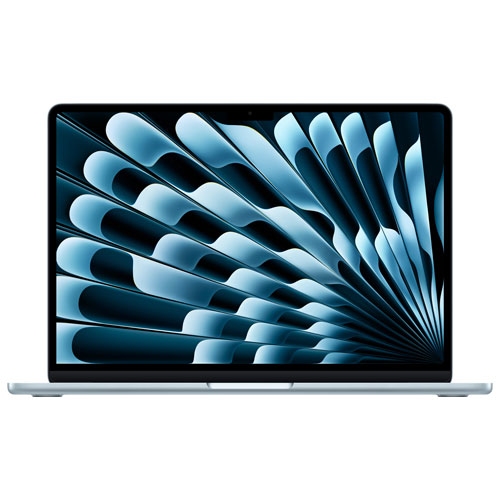
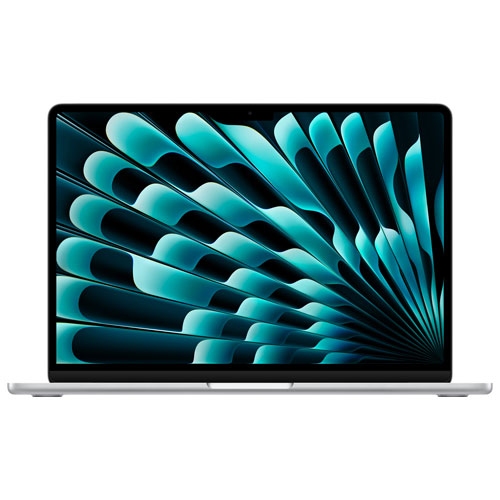
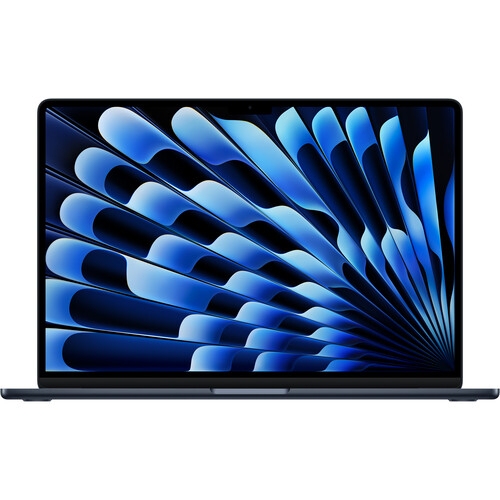
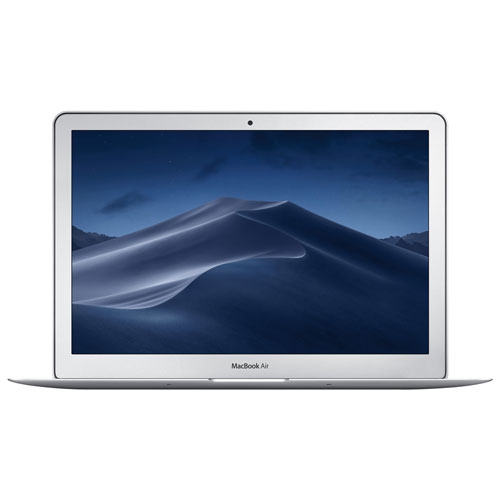
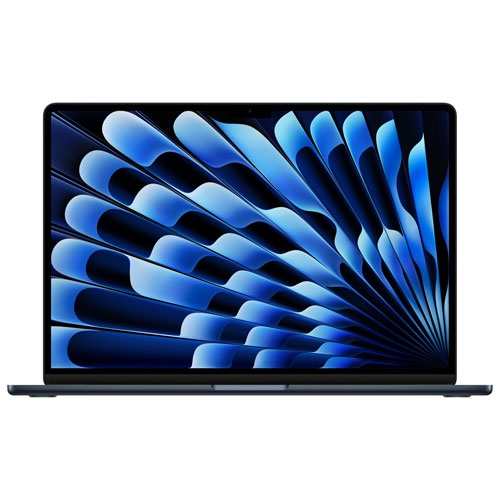
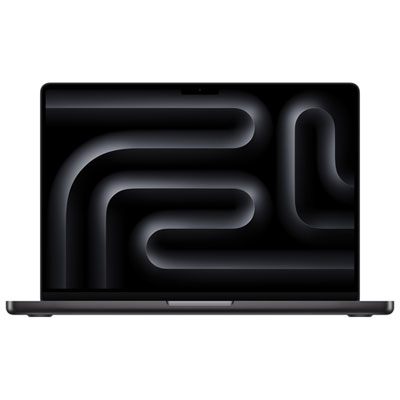
Shop the latest MacBook Air laptops and compare available configurations to find the right fit for work, study, or everyday use. Consider screen size, memory, and storage as you narrow down your options, whether you’re upgrading your current Mac or choosing your first Apple laptop.

FAQ
MacBook Air laptops are designed for tasks such as web browsing, writing documents, managing spreadsheets, attending video calls, and streaming entertainment. They also support creative activities such as photo editing, music production, and video editing, with software requirements helping determine the right configuration.
MacBook Air runs macOS and supports a wide range of productivity, creative, and entertainment apps. Many popular apps offer Mac versions or work through a web browser. Check each app’s macOS and processor requirements, especially if you rely on specialized software or older plug-ins.
Compatible MacBook Air and iPhone devices can share files through AirDrop, copy and paste content using Universal Clipboard, and continue supported tasks with Handoff. Requirements vary by feature and may include signing in to the same Apple Account and enabling Wi-Fi and Bluetooth.
You can connect compatible accessories such as keyboards, mice, headphones, external drives, and displays. Depending on the laptop’s ports and the accessory’s connector, you may need an adapter or dock. Check connection requirements and display support for the model you choose.
Apple’s Migration Assistant can help transfer documents, user accounts, and other supported content from another Mac or a Windows PC. You can also move files using cloud storage or an external drive. Some apps may need to be reinstalled or signed in to after the transfer.
Top selling and popular products
Discover more categories related to Latest MacBook Air
Some products may be subject to Environmental Handling Fees (EHF) depending on your province. Learn more about EHFs.