Mac Mini For Home Office Setup Essentials
Mac Mini For Home Office Setup Essentials brings together everything you need to create a productive and efficient workspace. Whether you’re working remotely, tackling creative projects, or managing daily tasks, finding the right accessories and equipment can make all the difference. Explore a curated selection of monitors, keyboards, mice, storage solutions, and ergonomic furniture designed to complement your Mac Mini and enhance your home office experience.

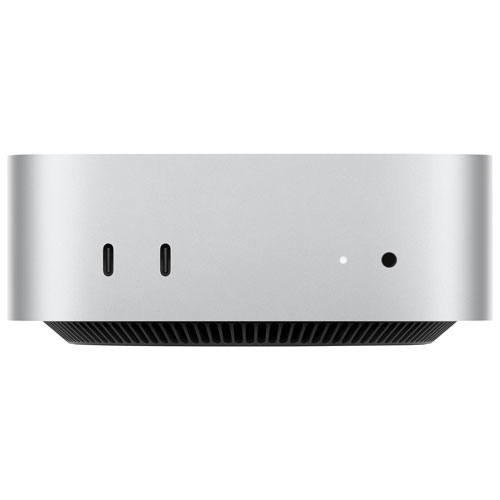

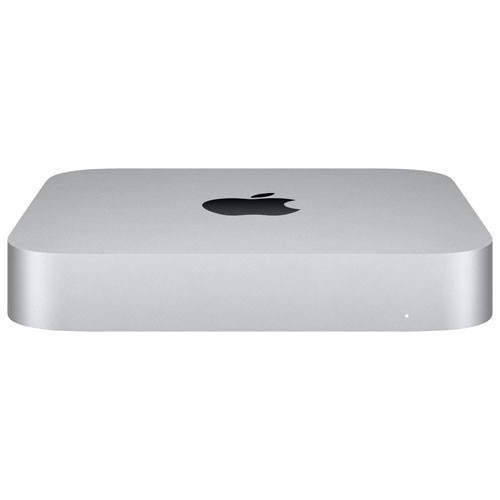
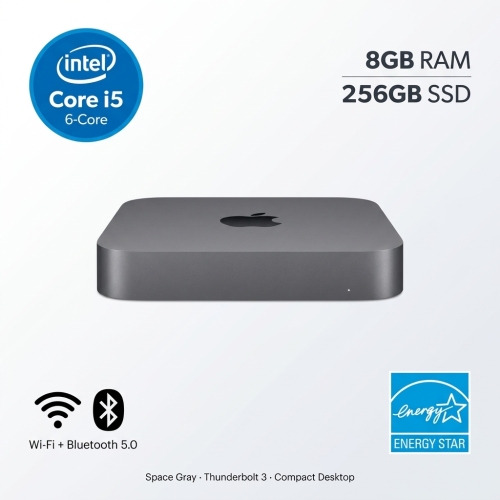
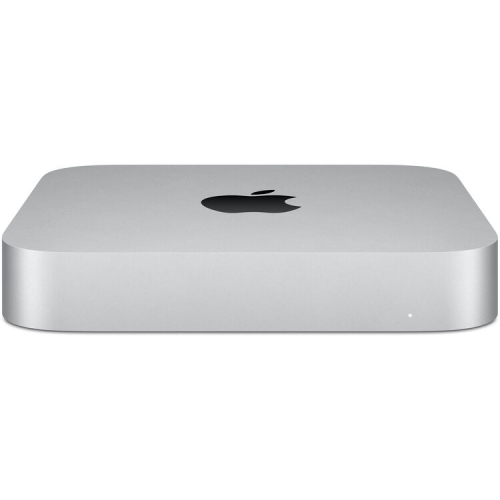
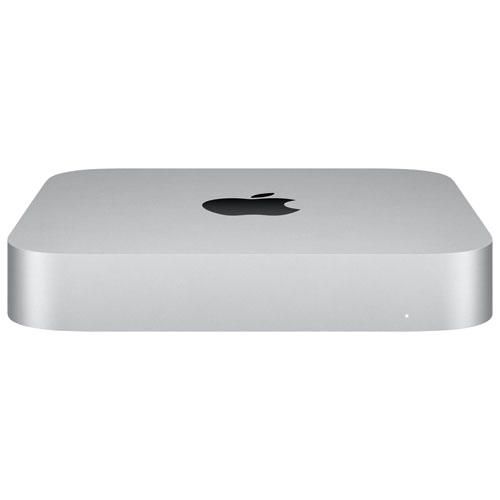

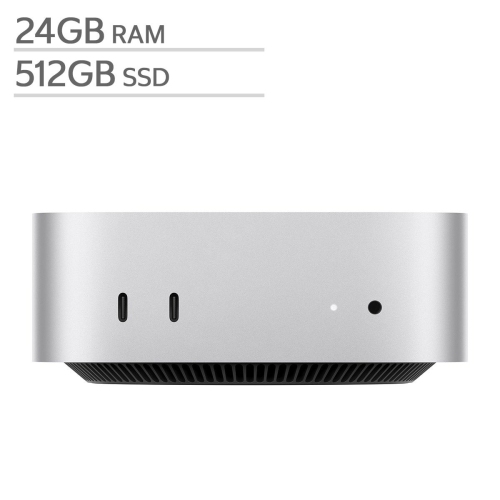


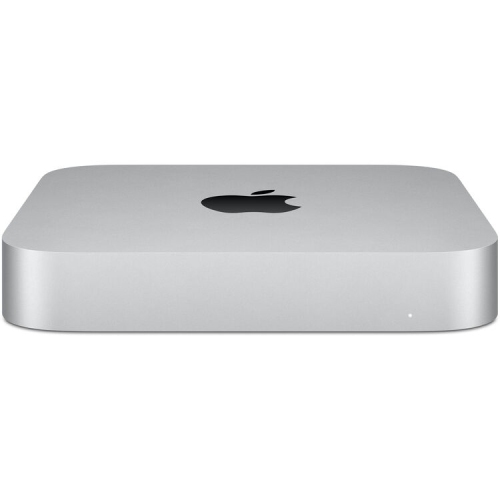

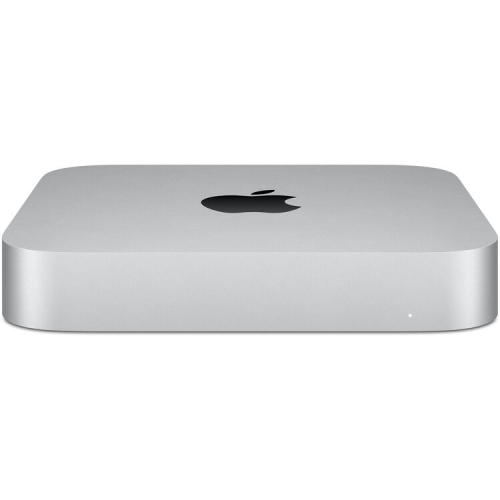


Comfort, focus, and flow for your Mac Mini workspace
When considering home office essentials for the Mac Mini, it’s worth thinking beyond just the basics. Ergonomic accessories like adjustable chairs and monitor stands can make long hours at the desk more comfortable, while high-resolution displays and quality input devices can elevate the entire computing experience. Many find that investing in a responsive keyboard and a precise mouse or trackpad not only boosts productivity but also adds a touch of personal flair to the workspace. For those who rely on video calls or virtual meetings, a reliable webcam and a clear-sounding microphone are key components that help ensure every conversation is crisp and professional. As the weather warms and natural light fills the room, accessories like glare-reducing desk lamps or blackout curtains can help maintain focus, while smart speakers and wireless charging stations keep the workflow smooth and clutter-free. Organizational tools such as cable management systems, desktop organizers, and file storage solutions are popular choices for keeping the workspace tidy, making it easier to transition between tasks and maintain a sense of order. Whether you’re outfitting a full home office or carving out a productive nook in a shared space, these essentials can help create an environment that feels both functional and inviting.
For those looking to explore a wider range of options or customize their setup further, the Mac Mini For Home Office page offers a curated collection of products designed to complement and enhance your Mac Mini experience. With the right combination of essentials, your home office can become a place where ideas flow freely and productivity thrives—whether you’re starting fresh, upgrading your current setup, or searching for the perfect gift for someone special.
FAQ
What are the benefits of using a Mac Mini for a home office setup?
A Mac Mini offers a compact design, powerful performance, and versatility, making it ideal for home office setups. It can easily connect to your preferred monitor, keyboard, and mouse, allowing you to customize your workspace while saving desk space.
Can I use multiple monitors with a Mac Mini in my home office?
Yes, Mac Mini supports multiple monitor setups through its HDMI and Thunderbolt ports. This allows you to expand your workspace and multitask more efficiently in your home office.
What accessories should I consider pairing with a Mac Mini for my home office?
Essential accessories include an external monitor, wireless or wired keyboard and mouse, USB hubs for additional connectivity, and external storage solutions. You may also want to consider speakers or headphones for audio needs.
Is the Mac Mini suitable for video conferencing and remote work tasks?
Absolutely. The Mac Mini is well-suited for video conferencing and remote work thanks to its fast processors and reliable connectivity. Pairing it with a quality webcam and microphone will enhance your virtual meeting experience.
How easy is it to set up a Mac Mini in a home office?
Setting up a Mac Mini is straightforward. Simply connect it to your monitor, keyboard, mouse, and power source. After powering on, follow the on-screen instructions to complete the initial setup and start working efficiently from your home office.
Top selling and popular products
-
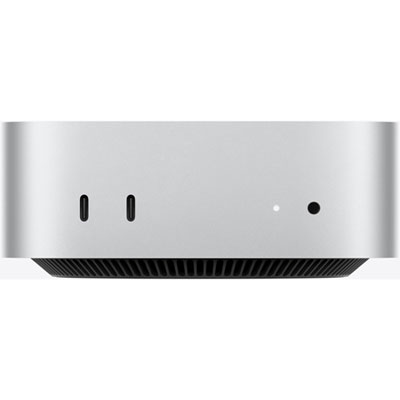 Your price for this item is $1199.99
-
 Your price for this item is $999.77
-
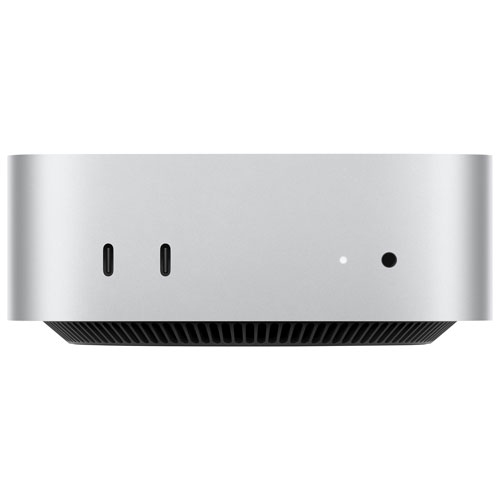 Your price for this item is $1199.99
-
 Your price for this item is $1494.9
-
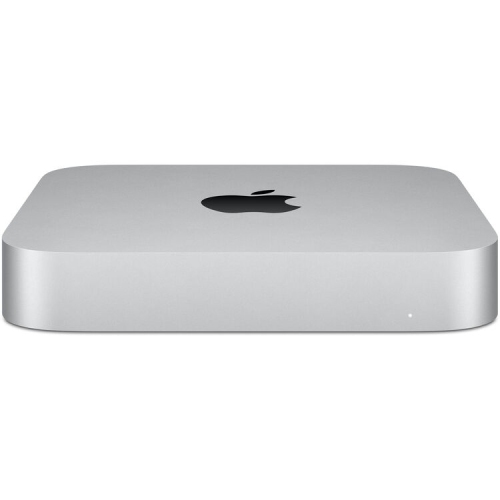 Your price for this item is $999.77
-
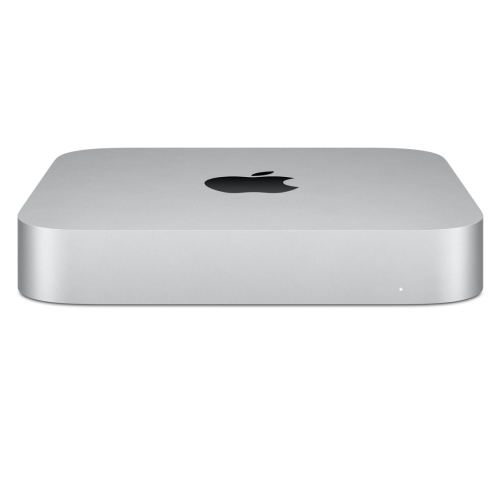 Your price for this item is $688
-
 Your price for this item is $555
-
 Your price for this item is $1094.99