Mac mini Desktop Setup
Create a streamlined and efficient workspace with the right Mac mini desktop setup. Whether you’re upgrading your home office or designing a compact workstation, find Apple Mac mini computers that can anchor your workspace. Build a setup that fits your style and supports your daily tasks with ease.
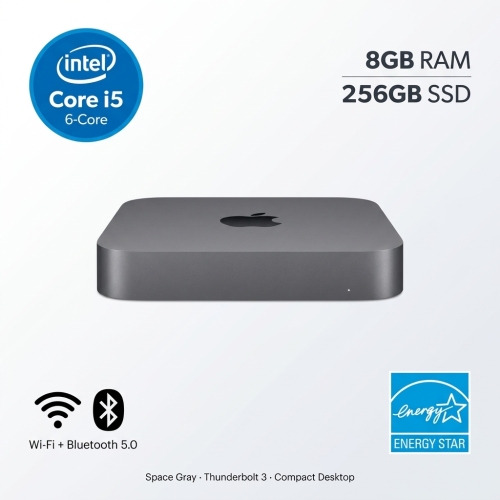


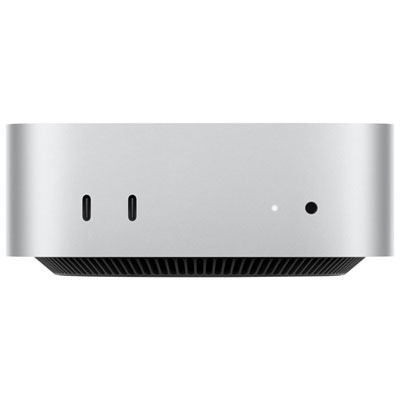
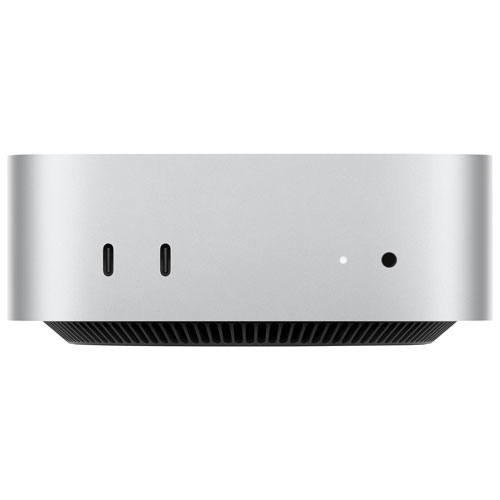

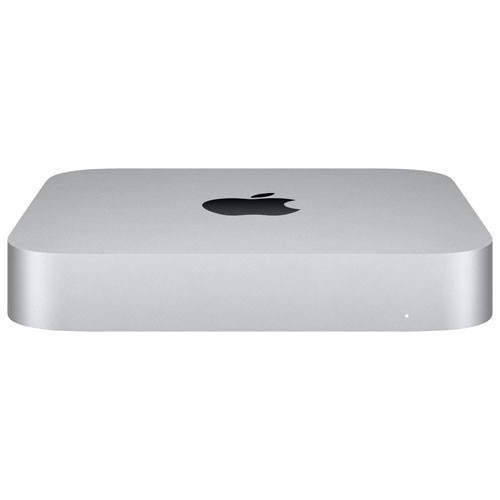
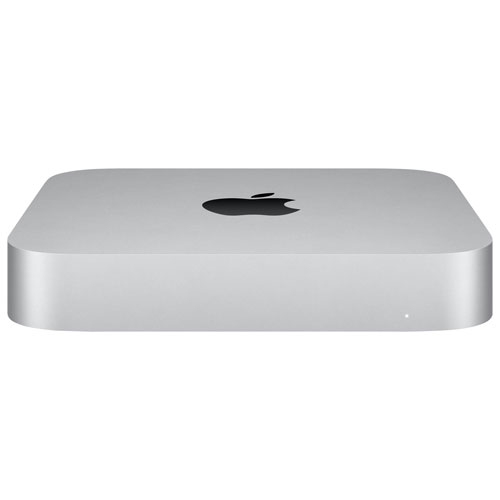
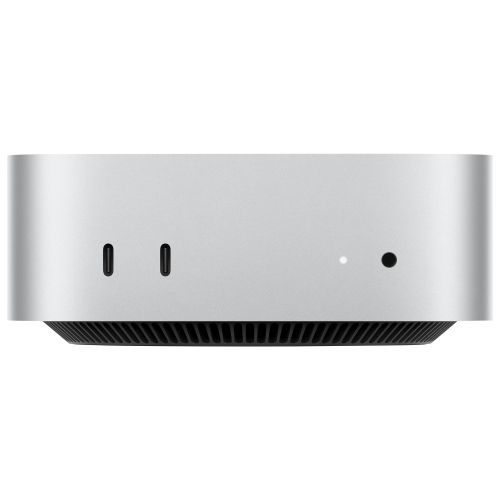
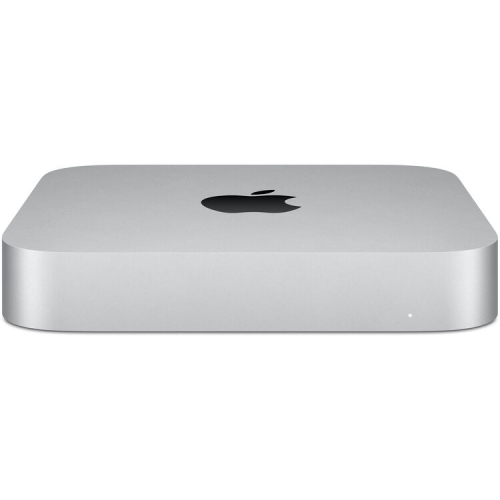
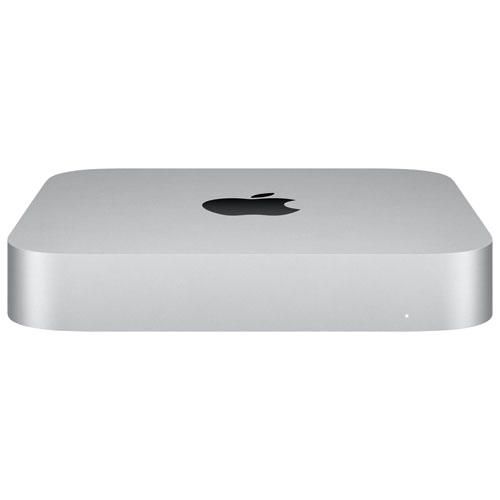
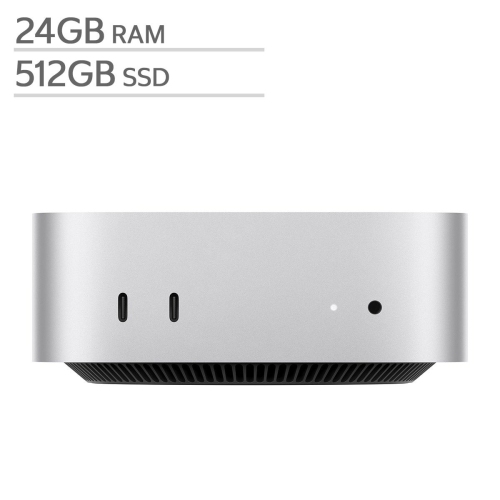


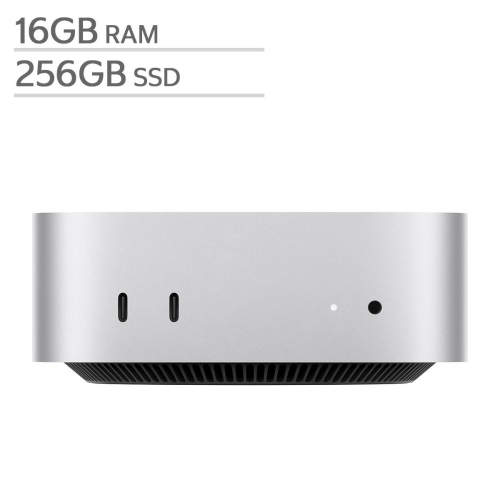
Flexible workspaces built around Mac mini performance
A Mac mini desktop setup also makes a thoughtful gift for graduates, remote workers, or anyone moving into a new home or apartment. The ease of integrating the Mac mini with various accessories means you can personalize the setup to fit individual preferences and requirements. For those who love a tidy workspace, cable management solutions and compact storage options can keep everything neat and accessible. If you’re setting up a shared family area or a creative studio, consider adding adjustable lighting, comfortable seating, and high-quality audio equipment to make the environment inviting and functional every day. The flexibility of the Mac mini means it can serve as the heart of a home office, a media centre, or a study station, adapting as your needs evolve over time. Whether you’re upgrading your own space or helping someone else get started, exploring the Best Buy Mac mini assortment can inspire new ideas for productivity and comfort. For more inspiration and tips on creating the ideal workspace, visit the Mac mini for Home Office Setup page.
FAQ
What accessories do I need for a complete Mac mini desktop setup?
To create a complete Mac mini desktop setup, you'll need a monitor, keyboard, and mouse or trackpad. You may also want to add external speakers, a webcam, and additional storage devices depending on your needs.
Can I use any monitor with a Mac mini?
Yes, the Mac mini is compatible with most modern monitors that support HDMI or USB-C connections. Make sure your monitor has the appropriate ports or use an adapter if needed.
How do I connect peripherals like printers or external drives to my Mac mini?
The Mac mini offers several USB and Thunderbolt ports for connecting peripherals such as printers, external hard drives, and other devices. Simply plug your device into the appropriate port and follow any setup instructions provided by the manufacturer.
Is it possible to use wireless accessories with a Mac mini desktop setup?
Absolutely! The Mac mini supports Bluetooth connectivity, allowing you to pair wireless keyboards, mice, headphones, and other Bluetooth-enabled accessories for a clutter-free workspace.
What are some tips for organizing cables in a Mac mini desktop setup?
To keep your workspace tidy, consider using cable management solutions such as clips, sleeves, or cable boxes. Position your Mac mini close to your monitor and power source to minimize cable length and tangling.
Top selling and popular products
-
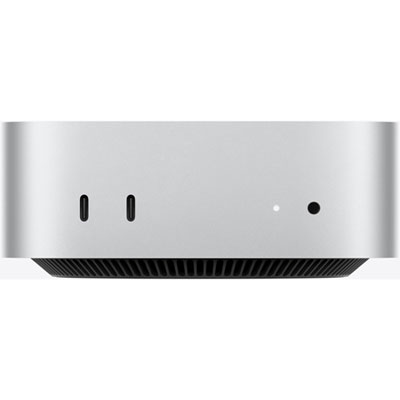 Your price for this item is $1199.99
-
 Your price for this item is $999.77
-
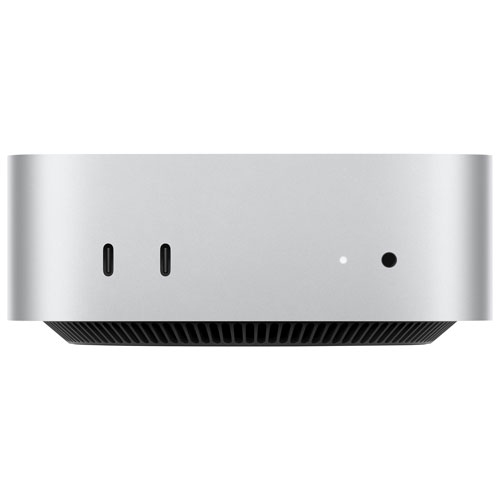 Your price for this item is $1199.99
-
 Your price for this item is $1494.9
-
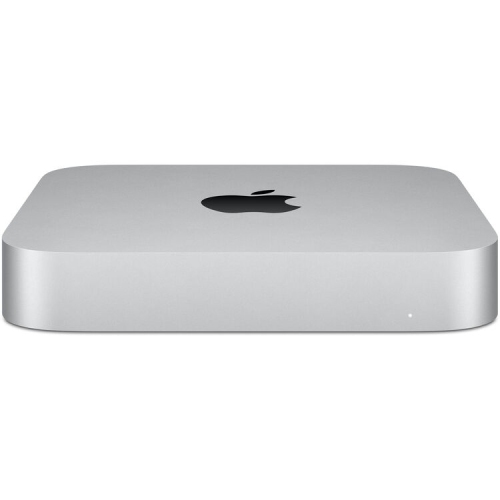 Your price for this item is $999.77
-
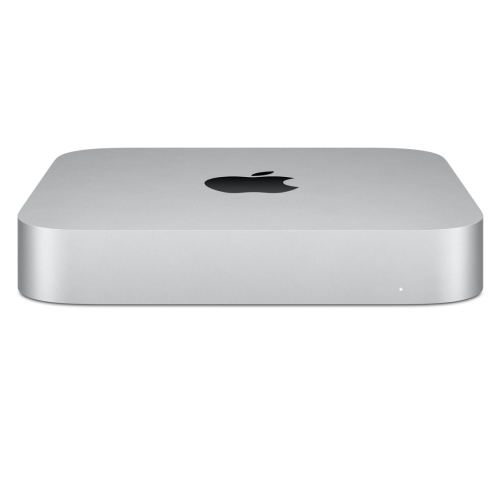 Your price for this item is $688
-
 Your price for this item is $555
-
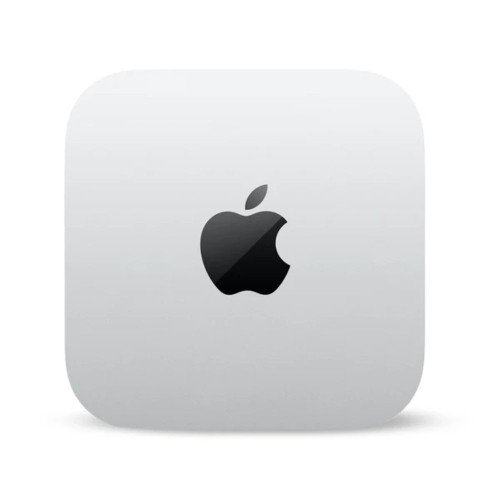 Your price for this item is $1094.99