Mac Mini Desktop Setup for Music Production
Mac Mini Desktop Setup For Music Production brings together essential tools and accessories designed to help you create, edit, and mix music with ease. Whether you're building a home studio or upgrading your current workspace, you'll find everything needed to support your creative process, from high-quality monitors and audio interfaces to MIDI controllers and ergonomic desks. Explore options that complement the power and versatility of your Mac Mini, making it simple to set up a professional-grade music production space right at home.
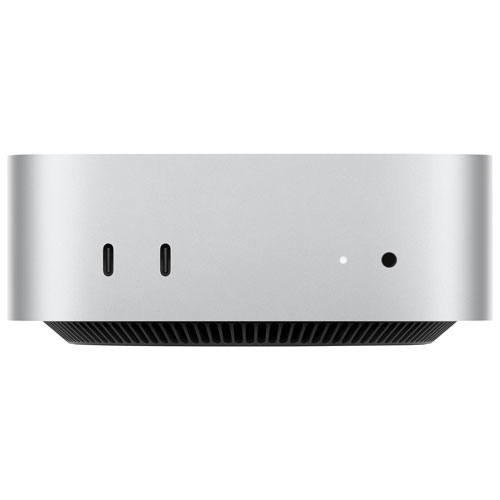

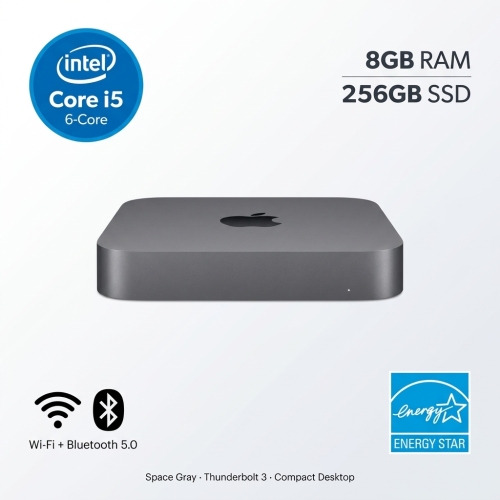
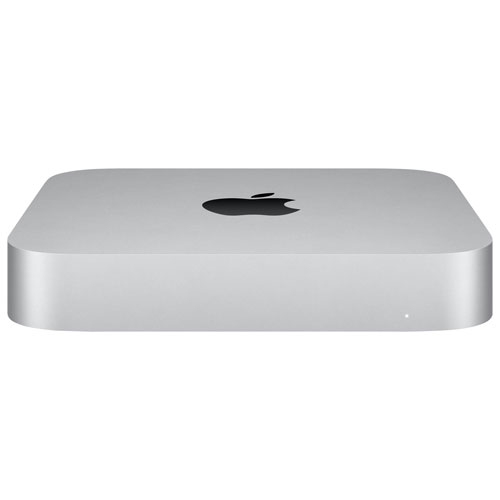
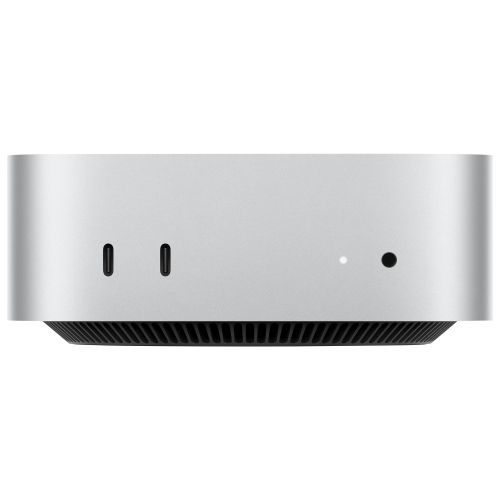
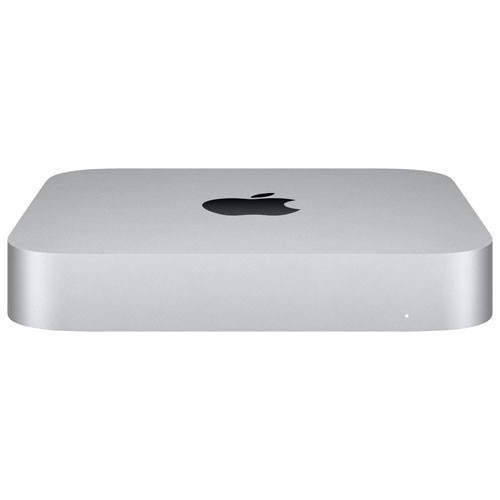
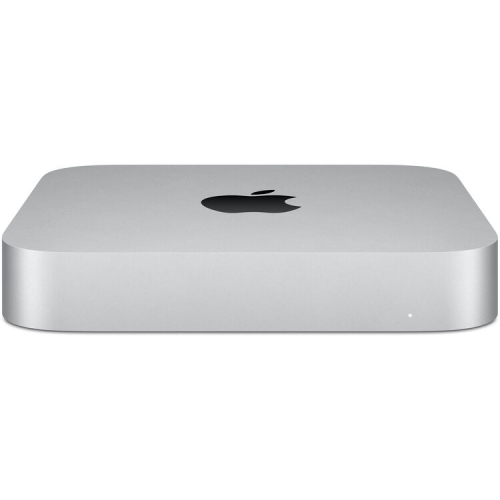
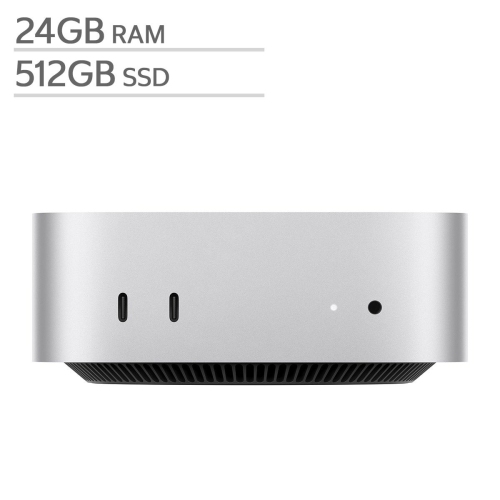
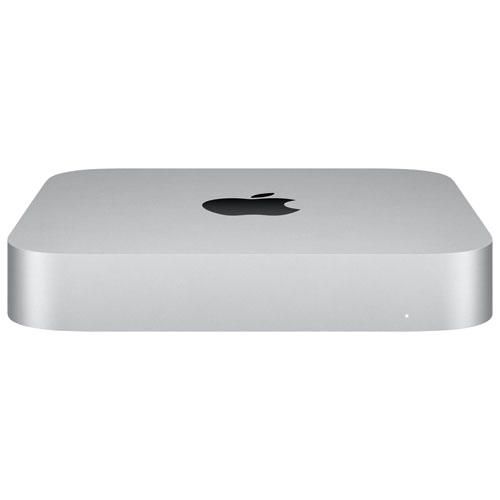


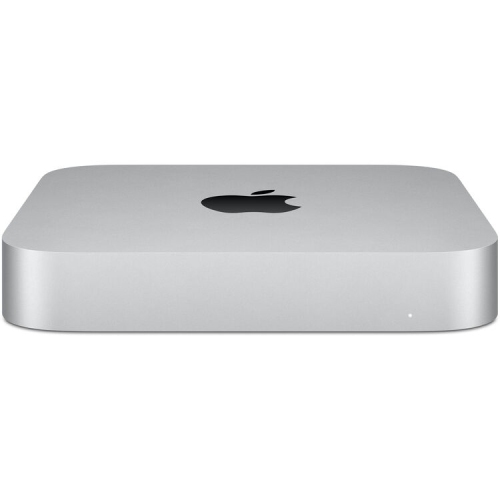
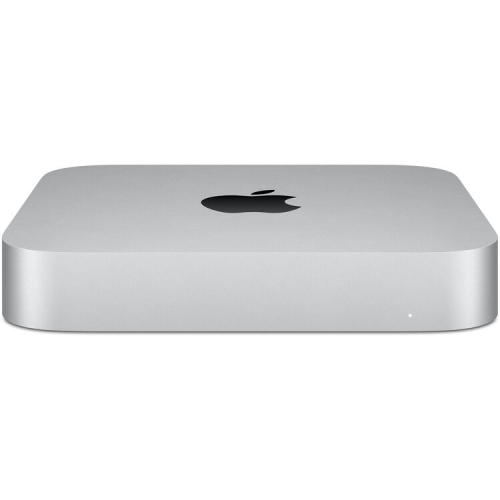
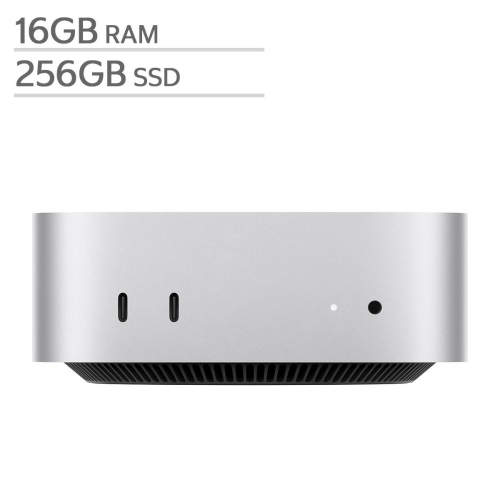

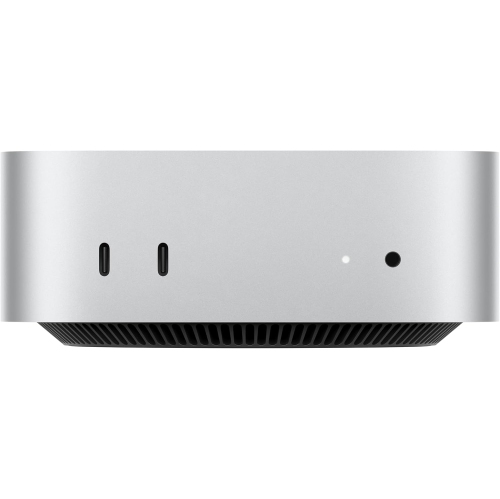


Compact Mac Mini power for focused studio sessions
Selecting the right components for a Mac Mini-based music production station involves a careful balance of function and comfort. Audio interfaces, studio monitors, MIDI controllers, and ergonomic furniture all play a role in shaping the workflow. For those who produce music as a hobby, a thoughtfully chosen setup can transform a spare room or corner into a productive studio, while professionals will appreciate the ability to customize their gear for specific genres or production styles. These setups also make thoughtful gifts for students heading off to university, aspiring producers setting up their first studio, or anyone looking to upgrade their creative toolkit during the cooler months when indoor projects become more appealing. With the right accessories and peripherals, a Mac Mini can serve as the heart of a versatile music production hub, capable of handling everything from composing and mixing to mastering tracks for release.
When building or enhancing a Mac Mini desktop setup for music production, it’s important to consider how each component will contribute to the overall experience. High-quality audio interfaces ensure clean sound conversion, while responsive MIDI controllers and reliable studio monitors provide tactile control and accurate audio playback. Storage solutions such as external SSDs help manage growing project files, and ergonomic seating or adjustable desks support long sessions without fatigue. For more ideas on configuring a space that meets your creative needs, explore the selection of gear available on the Mac Mini for Music Production Studios page, where you’ll find products and inspiration for building a setup that’s ready to capture your next musical breakthrough.
FAQ
What are the key components needed for a Mac Mini desktop setup for music production?
A typical Mac Mini music production setup includes the Mac Mini itself, an external monitor, a MIDI keyboard or controller, studio monitors or headphones, an audio interface, and necessary software such as a digital audio workstation (DAW). Additional accessories like external storage drives and USB hubs can also enhance your workflow.
Is the Mac Mini powerful enough for professional music production?
Yes, the latest Mac Mini models with Apple Silicon chips offer impressive processing power and efficiency, making them suitable for both amateur and professional music production. They handle most DAWs and plugins smoothly, even with complex projects and multiple tracks.
What peripherals should I consider adding to my Mac Mini music production setup?
Common peripherals include a high-quality audio interface for better sound input/output, MIDI controllers for hands-on control of virtual instruments, studio monitors or headphones for accurate sound monitoring, and external SSDs for fast project storage.
Which software is recommended for music production on a Mac Mini?
Popular DAWs compatible with Mac Mini include Logic Pro, Ableton Live, FL Studio, GarageBand, and Pro Tools. The choice depends on your workflow preferences and genre. Most major plugin suites and virtual instruments are also supported on macOS.
How can I optimize my Mac Mini setup for low-latency recording?
To achieve low-latency recording, use a reliable audio interface with updated drivers, connect via USB or Thunderbolt ports, adjust buffer size settings in your DAW to balance performance and stability, and close unnecessary background applications to free up system resources.
Top selling and popular products
-
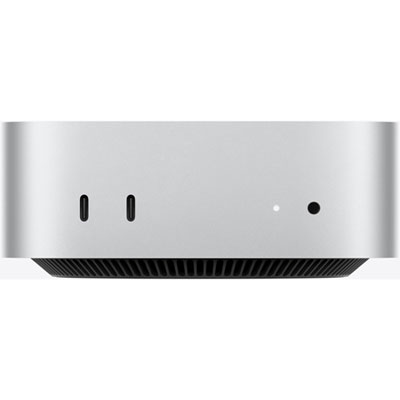 Your price for this item is $1199.99
-
 Your price for this item is $999.77
-
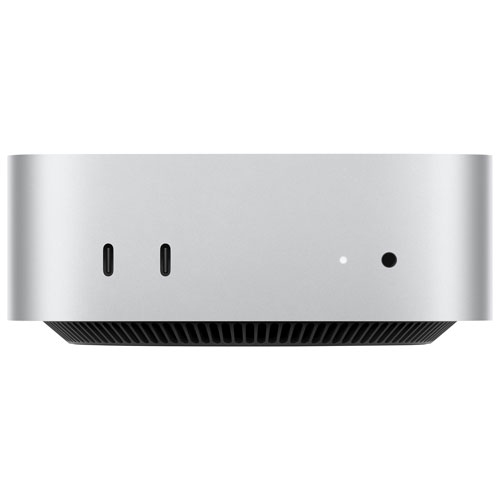 Your price for this item is $1199.99
-
 Your price for this item is $1494.9
-
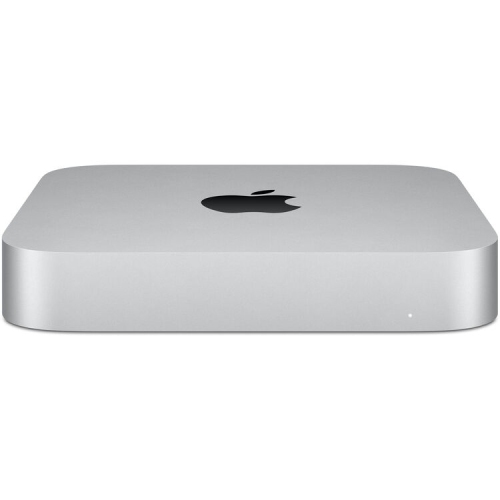 Your price for this item is $999.77
-
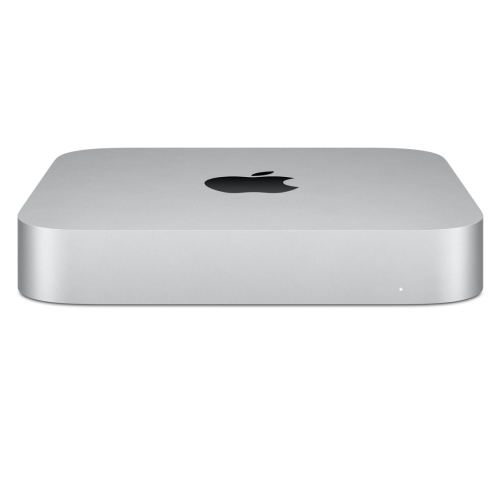 Your price for this item is $688
-
 Your price for this item is $555
-
 Your price for this item is $1094.99