Mac Mini For Home Office
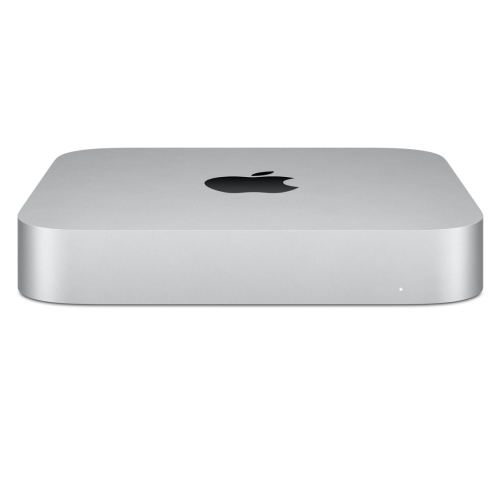
Mac Mini for home office setups offers a streamlined solution for those seeking reliable performance in a compact design. Perfect for fitting into any workspace, these desktops help keep your home office organized and efficient. Whether you’re managing daily tasks, video conferencing, or handling creative projects, Mac Mini for home office provides the versatility needed to support your workflow. Explore a range of options to find the right fit for your productivity needs.

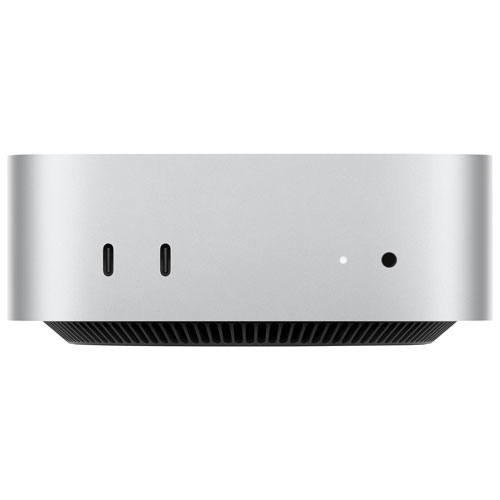

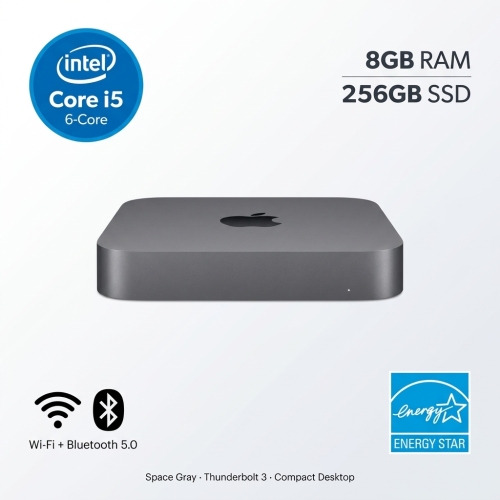
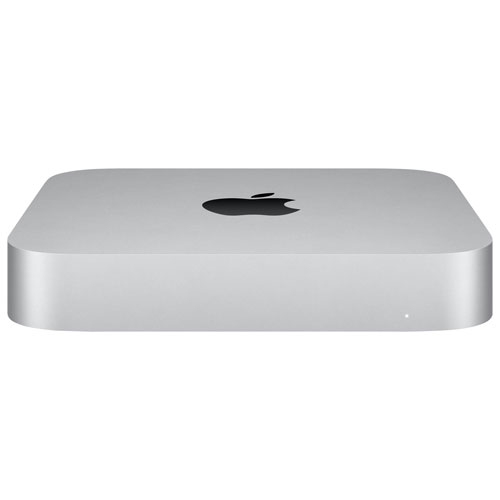
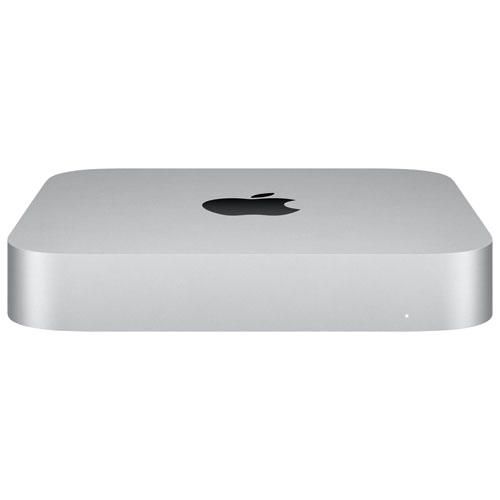
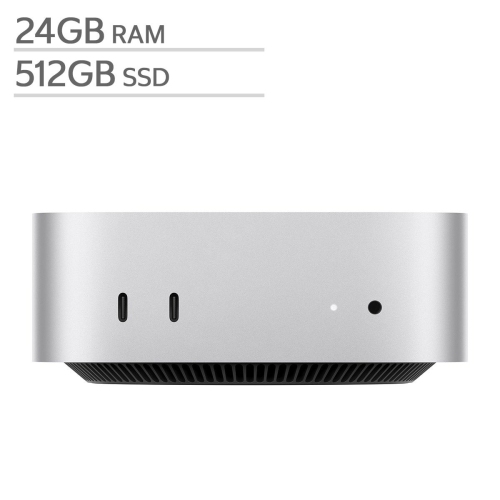
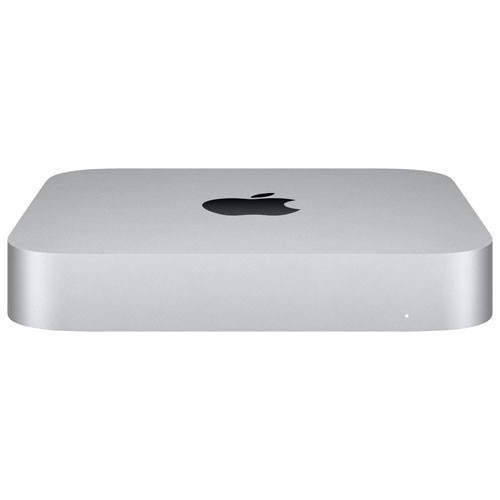


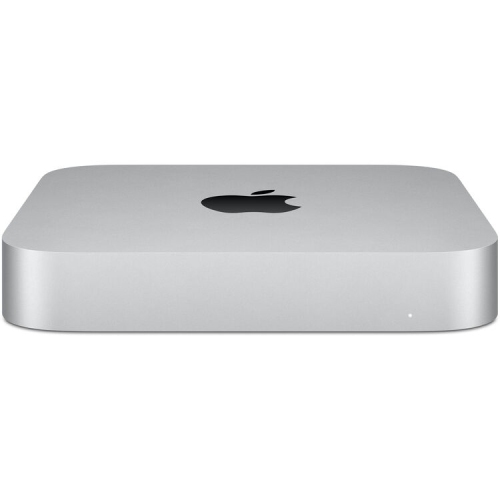


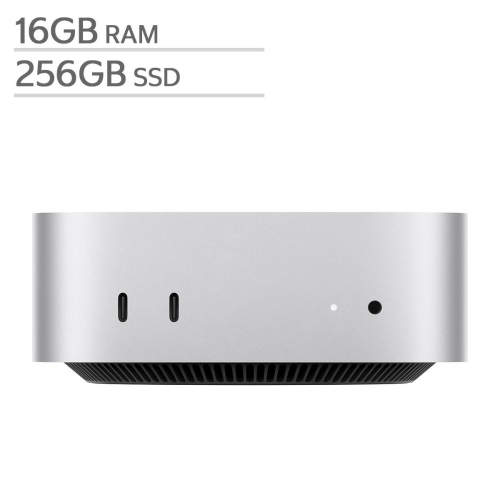

Why a compact Mac Mini suits flexible home office routines
When considering a Mac Mini for your home office, think about the types of tasks you’ll be tackling most often. If your day involves frequent multitasking—jumping from email to web research to video conferencing—a model with more memory and a faster processor can make a noticeable difference in how smoothly your workflow runs. For those who occasionally work with large files, creative software, or multiple monitors, storage and connectivity options are important factors as well. The Mac Mini’s compact design also makes it a thoughtful gift for students heading off to university, remote workers carving out their own productive corners, or anyone looking to upgrade a home office without the bulk of a traditional tower. As the days gradually cool and routines settle back into a steady rhythm, a reliable desktop can help you keep pace with both professional and personal projects. For inspiration on how to create a comfortable, efficient workspace around your new desktop, you can explore the Mac Mini Office Setup page, which offers ideas for pairing your device with ergonomic accessories, monitors, and more to make the most of your home office environment. Whether you’re optimizing your setup for the busy season ahead or gifting a powerful desktop to someone special, choosing the right Mac Mini can transform the way you work and create at home.
FAQ
What are the benefits of using a Mac mini for a home office setup?
A Mac mini offers a compact design, powerful performance, and flexibility to connect with your preferred monitor, keyboard, and mouse. It's ideal for saving space while providing the capabilities needed for multitasking, productivity apps, and seamless integration with other Apple devices.
Can I use multiple monitors with a Mac mini in my home office?
Yes, most Mac mini models support multiple external displays. This allows you to expand your workspace, making it easier to manage documents, video calls, and other tasks simultaneously.
Is the Mac mini suitable for video conferencing and remote work?
Absolutely. The Mac mini is equipped with fast processors and reliable connectivity options, making it well-suited for video conferencing platforms like Zoom or Microsoft Teams. Pairing it with a quality webcam and microphone ensures clear communication during remote meetings.
How easy is it to set up a Mac mini for use in a home office?
Setting up a Mac mini is straightforward. Simply connect your monitor, keyboard, mouse, and power cable. Once powered on, follow the on-screen instructions to complete the macOS setup process and start working right away.
Can I use Windows or other operating systems on a Mac mini for my home office needs?
Yes, you can run Windows or other operating systems on a Mac mini using virtualization software like Parallels Desktop or by setting up Boot Camp (on Intel-based models). This flexibility allows you to access applications that may only be available on other platforms.
Top selling and popular products
-
 Your price for this item is $1199.99
-
 Your price for this item is $999.77
-
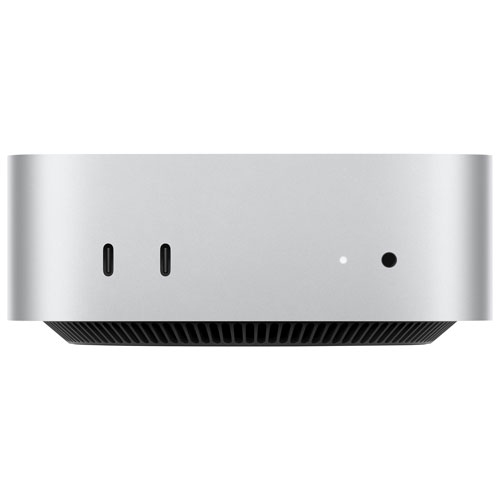 Your price for this item is $1199.99
-
 Your price for this item is $1494.9
-
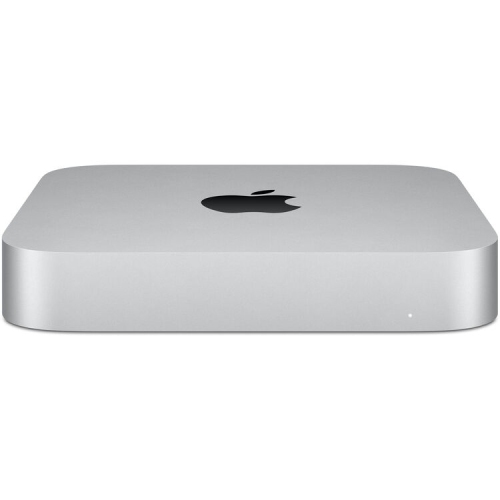 Your price for this item is $999.77
-
 Your price for this item is $688
-
 Your price for this item is $555
-
 Your price for this item is $1094.99