Mac Mini For Video Editing
Mac Mini for video editing offers a compact yet powerful solution for creative professionals and enthusiasts alike. With its small footprint, it fits seamlessly into any workspace while delivering the performance needed for editing tasks. Explore a selection of Mac Mini models designed to help streamline your workflow and bring your video projects to life, whether you’re working on short clips or complex productions. Find the right Mac Mini for video editing to suit your needs and budget.

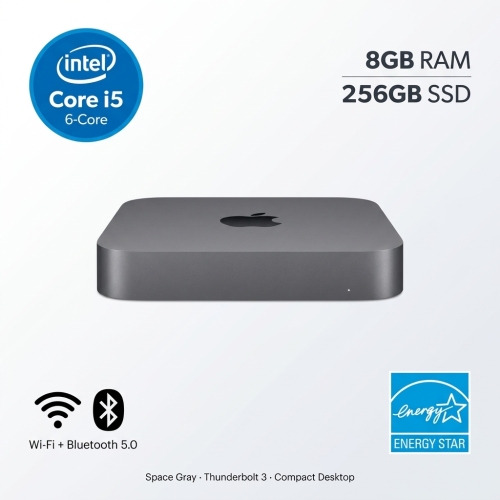
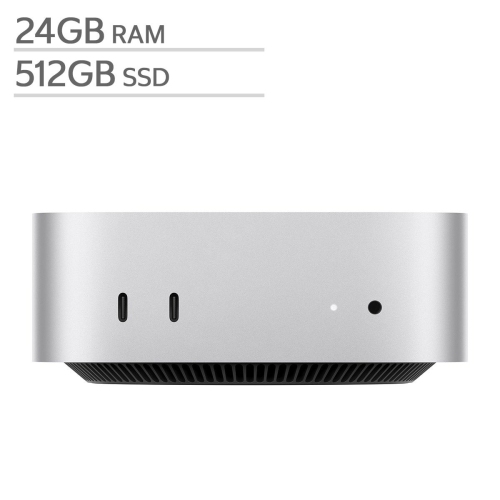
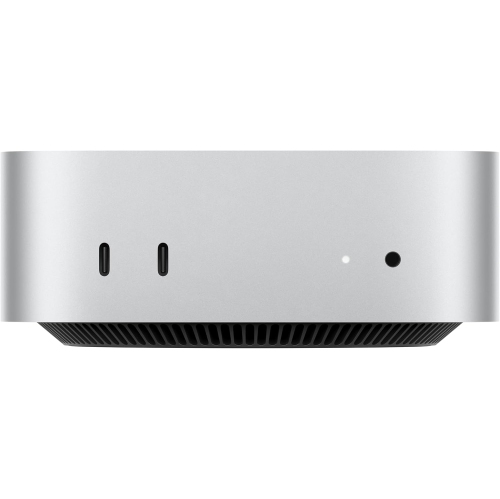
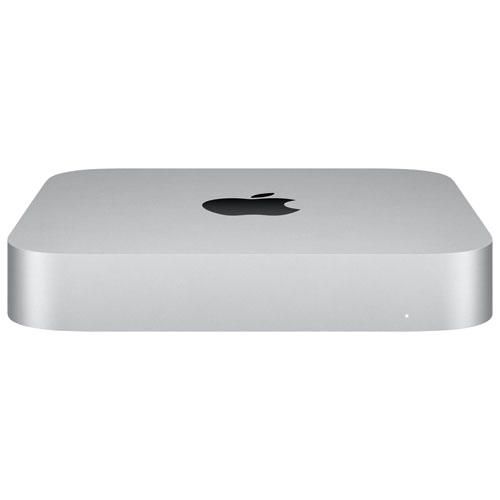
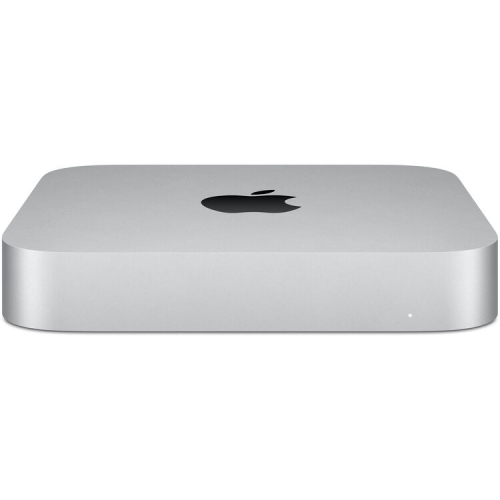

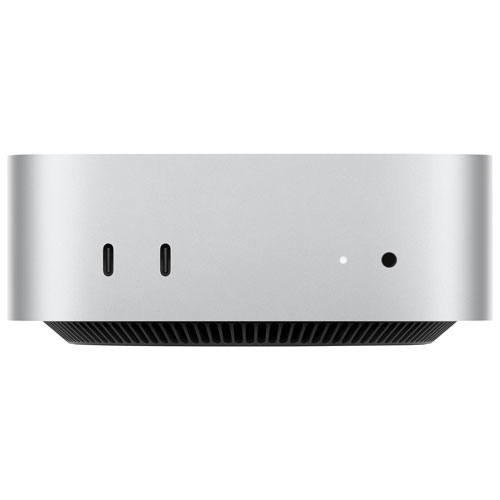
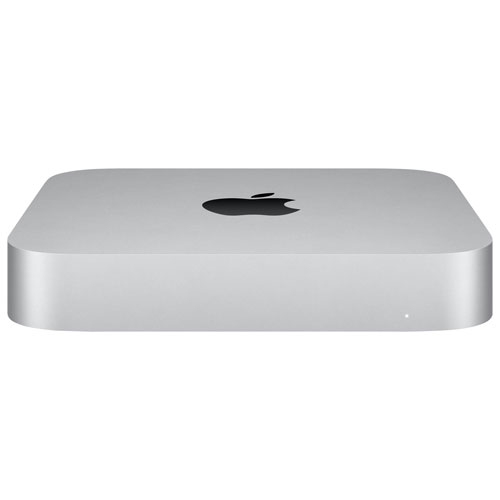
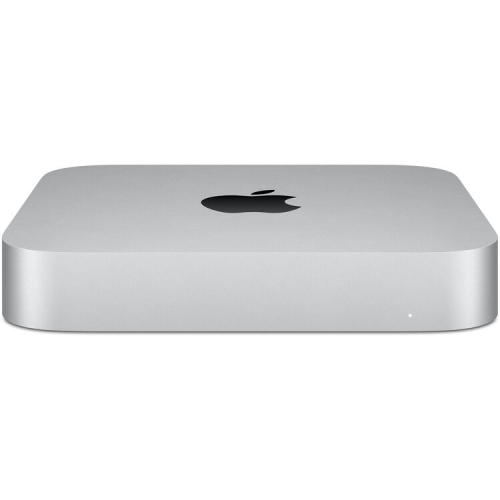


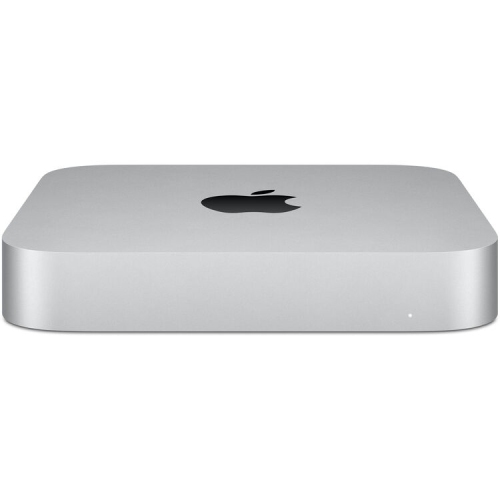
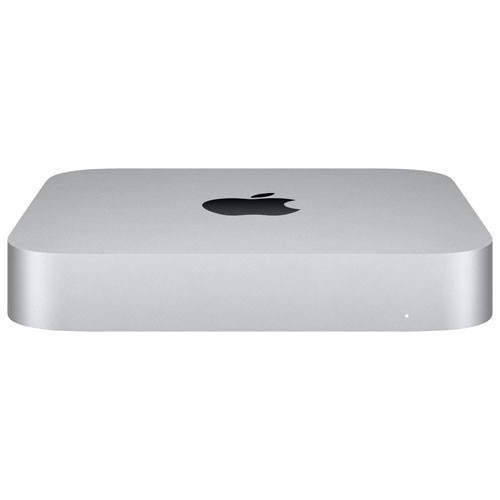

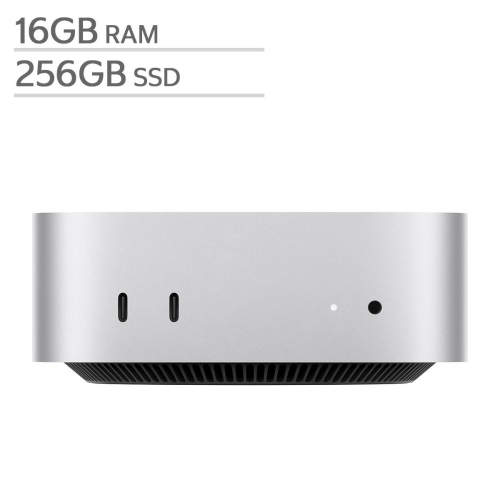

Powerful editing performance fits neatly into creative workspaces
These desktops also make thoughtful gifts for students pursuing media studies, professionals looking to upgrade their home office, or anyone who values a streamlined, clutter-free environment. Their understated design and versatile connectivity options mean they can easily integrate with a range of monitors, peripherals, and audio equipment, adapting to both minimalist and elaborate editing suites. Many users appreciate the quiet operation and energy efficiency, which help maintain a comfortable working atmosphere during long editing sessions, whether you’re working late into the evening or taking advantage of daylight hours. For those building out a dedicated creative space, it’s worth exploring accessories and add-ons that can elevate your workflow, such as external drives for extra storage, colour-accurate monitors, and ergonomic input devices. If you’re interested in configuring a complete editing station tailored to your needs, you can find inspiration and practical advice on the Mac Mini Professional Editing Setup page, which highlights essential components and setup tips for video editors of all skill levels.
As you consider your options, think about the types of projects you’ll be working on and the software you plan to use. Demanding tasks like 4K video editing, motion graphics, and multi-layer compositing benefit from systems with higher RAM and dedicated graphics capabilities, while more basic projects may run smoothly on entry-level configurations. The flexibility of these desktops makes them suitable for a wide range of users, from hobbyists experimenting with new techniques to professionals delivering client projects on tight deadlines. With the right setup, you can enjoy seamless editing experiences, quick rendering times, and the freedom to focus on your creative vision. Whether you’re gearing up for a season of capturing memories or looking to refine your skills with new editing tools, a compact desktop built for video editing can be a reliable companion throughout your creative journey.
FAQ
Is the Mac mini suitable for professional video editing?
Yes, the Mac mini is a popular choice for video editors, especially models equipped with Apple Silicon (M1 or newer). Its powerful processors, fast SSD storage, and support for high-resolution displays make it capable of handling demanding video editing tasks.
What software can I use for video editing on a Mac mini?
The Mac mini supports a wide range of video editing software, including Final Cut Pro, Adobe Premiere Pro, DaVinci Resolve, and iMovie. These programs are optimized for macOS and take advantage of the Mac mini's hardware capabilities.
Can the Mac mini handle 4K or higher resolution video editing?
Recent Mac mini models with Apple Silicon chips are well-equipped to handle 4K and even some 8K video editing workflows. Their advanced GPUs and unified memory architecture provide smooth playback and efficient rendering.
Do I need additional accessories for video editing with a Mac mini?
Since the Mac mini is a compact desktop computer, you'll need to pair it with external accessories such as a monitor, keyboard, mouse or trackpad. For professional video editing, consider using color-accurate monitors and fast external storage solutions.
How much RAM is recommended in a Mac mini for video editing?
For most video editing projects, at least 16GB of RAM is recommended to ensure smooth performance. Larger projects or working with higher resolutions may benefit from even more memory if available in your chosen configuration.
Top selling and popular products
-
 Your price for this item is $1249.99
-
 Your price for this item is $999.77
-
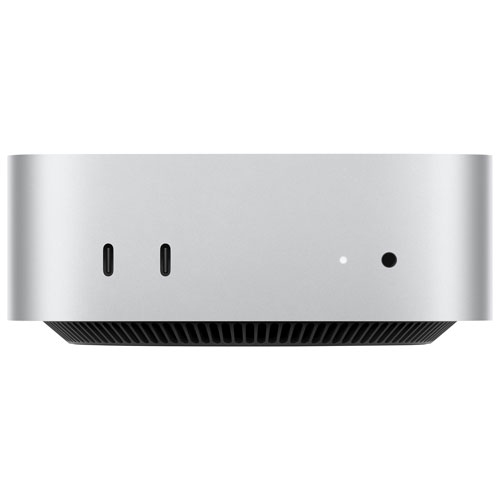 Your price for this item is $1199.99
-
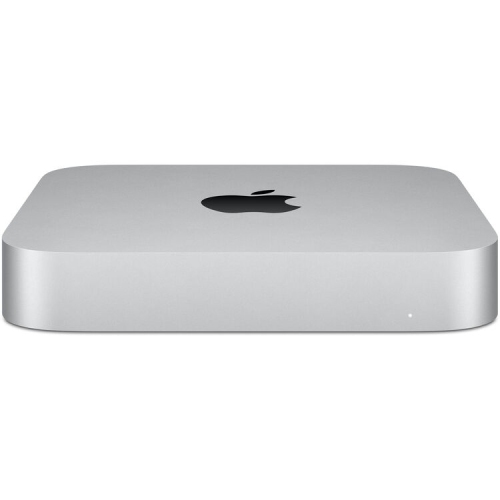 Your price for this item is $999.77
-
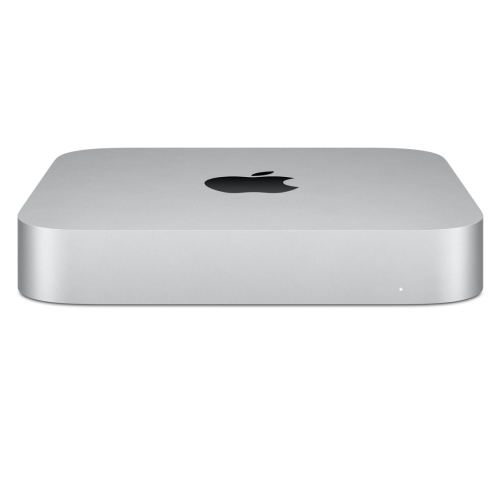 Your price for this item is $688
-
 Your price for this item is $555
-
 Your price for this item is $299.99
-
 Your price for this item is $1069.99
