Mac Mini For Video Editing Projects
Mac Mini For Video Editing Projects offers a compact and powerful solution for creators seeking reliable performance in a streamlined design. Whether working with high-resolution footage or managing multiple editing tasks, these desktops provide the flexibility and efficiency needed for professional and hobbyist video editors alike. Explore a range of options to find the right Mac Mini for your video editing workflow and take your creative projects to the next level.
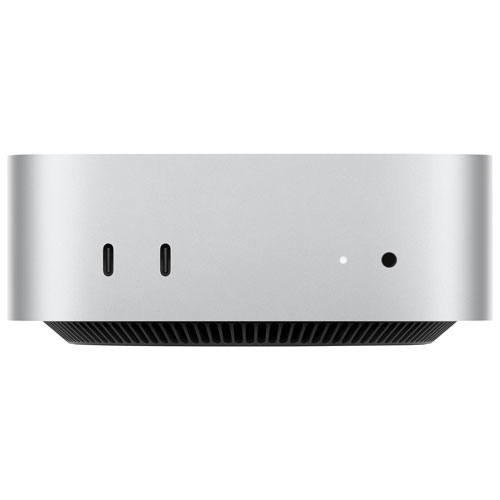

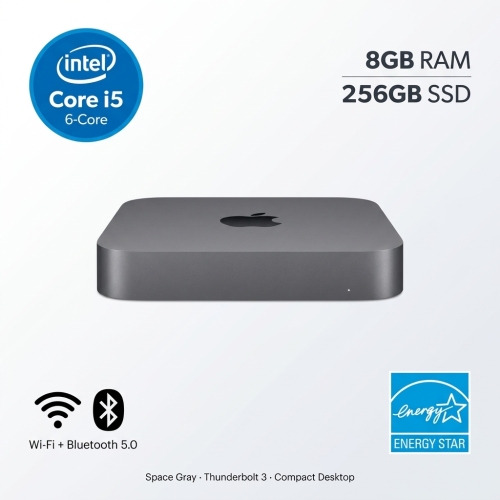
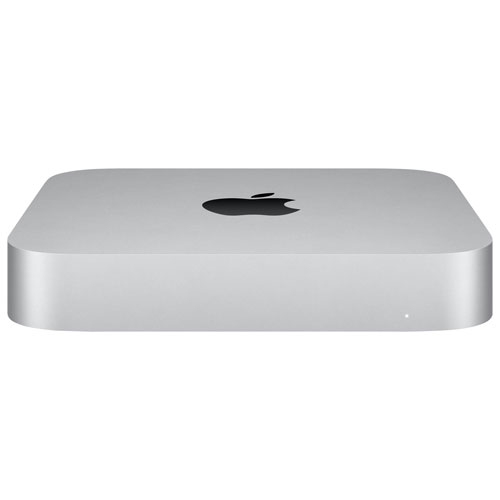
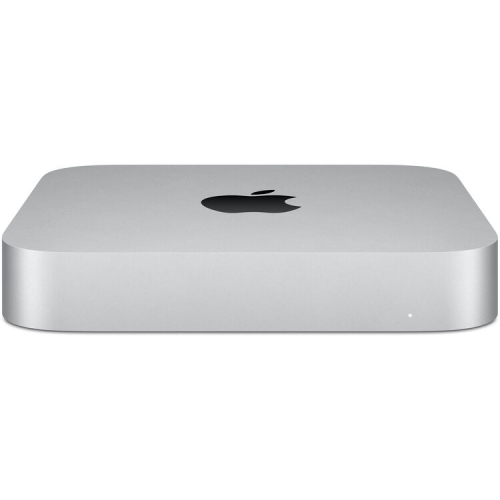
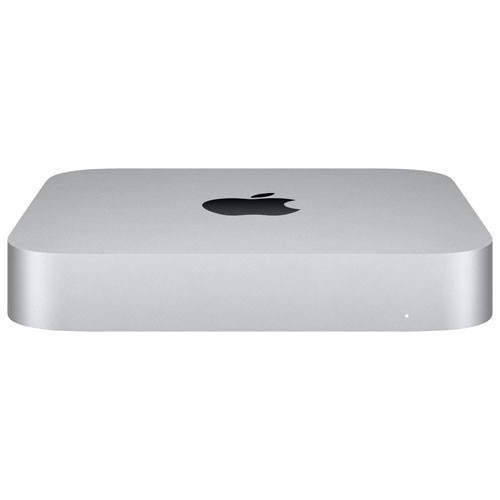
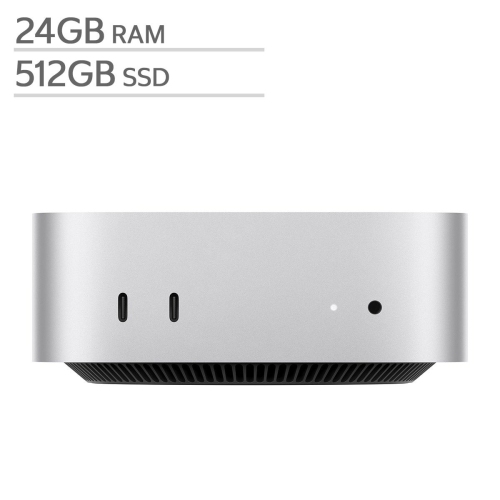
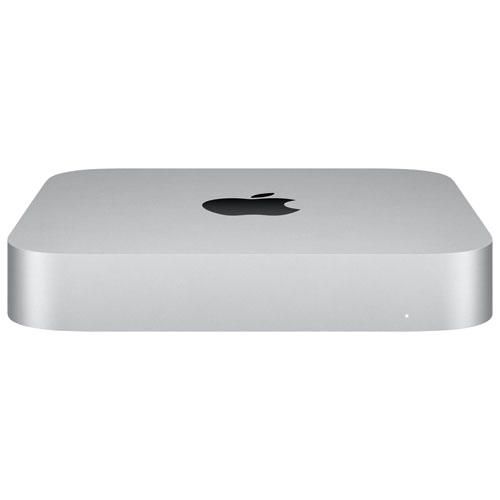
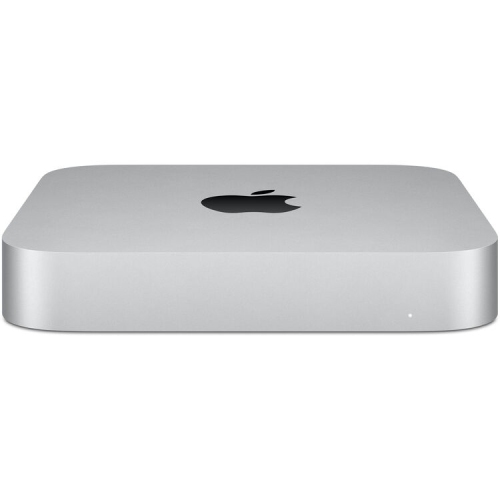


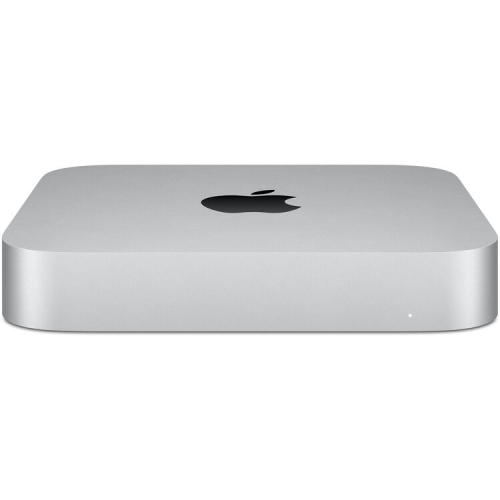
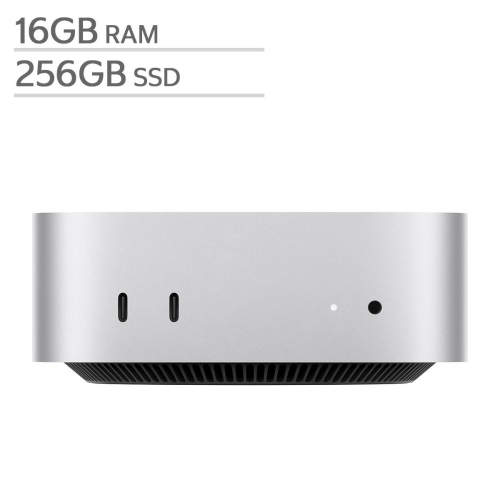
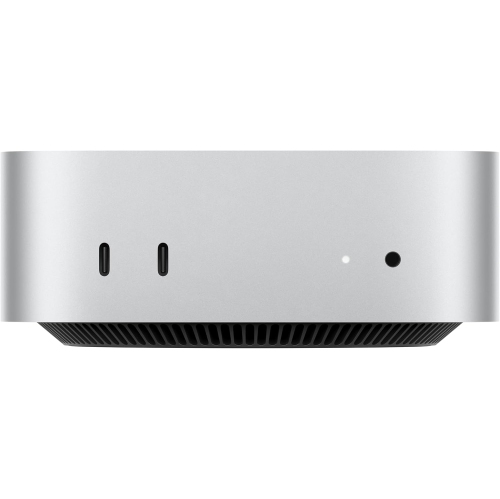


Compact desktops for smooth and versatile video editing workflows
For those looking to gift a Mac Mini, it’s a thoughtful choice for students heading back to school in the fall, aspiring filmmakers, or anyone eager to dive into creative projects. The Mac Mini’s adaptability means it can support a wide range of peripherals, letting users pair it with the monitor, keyboard, and editing tools that best suit their style. It’s also a great fit for shared households or multi-purpose spaces, where a full-sized desktop might be impractical. As creative projects often ramp up during the warmer months—think editing footage from summer weddings, family reunions, or outdoor events—a Mac Mini can help keep pace with demanding timelines and large file sizes. The ability to quickly render previews, export finished videos, and multitask between editing, sound design, and motion graphics makes it a favourite among both beginners and seasoned editors. If you’re comparing desktop and portable solutions for your next editing setup, you might also want to explore the flexibility offered by a MacBook for Video Editing, which blends performance with mobility for creators on the go. With the right setup, you’ll be ready to tackle everything from quick social media edits to full-length film projects, all while enjoying the reliability and user-friendly experience that Mac Mini desktops are known for.
FAQ
Is the Mac mini suitable for professional video editing projects?
Yes, the Mac mini is a popular choice for video editors due to its powerful processors, efficient memory management, and compatibility with leading video editing software like Final Cut Pro and Adobe Premiere Pro.
What features should I look for in a Mac mini for video editing?
When choosing a Mac mini for video editing, consider models with higher RAM (16GB or more), fast SSD storage, and the latest Apple Silicon chipsets such as the M1 or M2 for optimal performance.
Can I connect multiple monitors to a Mac mini for video editing?
Yes, Mac mini models support multiple external displays, which is ideal for video editing workflows that benefit from expanded screen real estate.
Which video editing software is compatible with Mac mini?
The Mac mini supports a wide range of professional video editing software including Final Cut Pro, Adobe Premiere Pro, DaVinci Resolve, and iMovie.
Does the Mac mini have enough ports for connecting video editing accessories?
Mac mini models are equipped with various ports such as Thunderbolt/USB-C, HDMI, and USB-A, allowing you to connect external drives, audio interfaces, and other essential video editing peripherals.
Top selling and popular products
-
 Your price for this item is $1249.99
-
 Your price for this item is $999.77
-
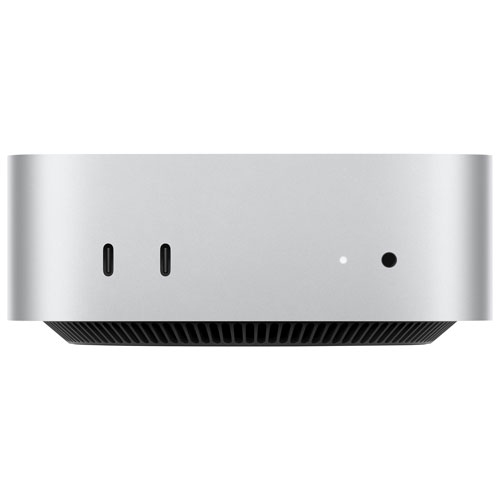 Your price for this item is $1199.99
-
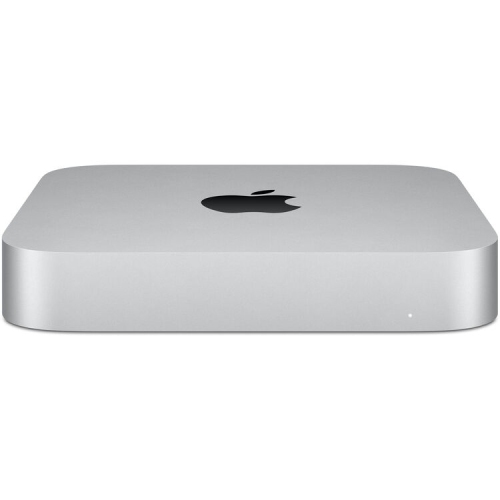 Your price for this item is $999.77
-
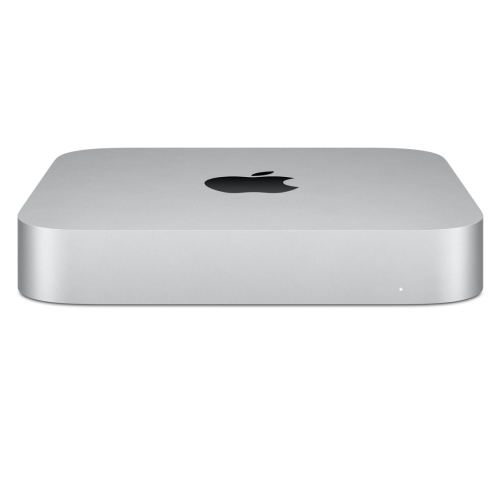 Your price for this item is $688
-
 Your price for this item is $555
-
 Your price for this item is $299.99
-
 Your price for this item is $1069.99