Mac Mini Professional Editing Setup
Elevate your creative workflow with a mac mini professional editing setup designed for efficiency and versatility. Discover a curated selection of essential components and accessories to help you build a seamless workspace, whether you're editing video, audio, or graphics. From high-resolution monitors and precise input devices to reliable storage solutions and ergonomic furniture, find everything you need to optimize your mac mini professional editing setup for productivity and comfort.

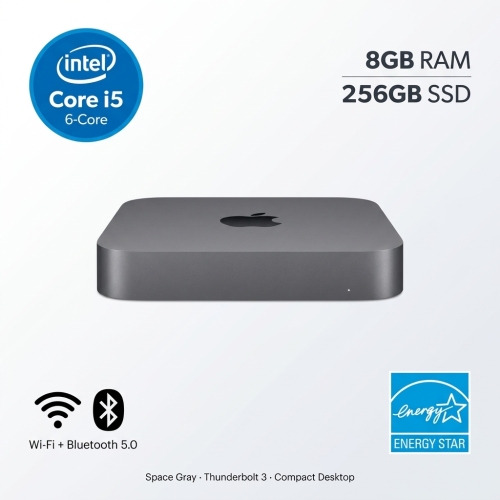
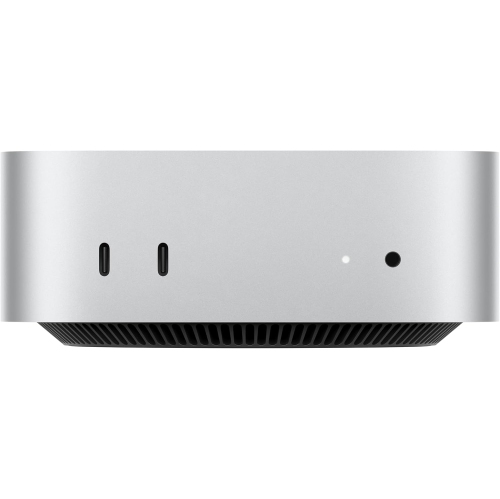
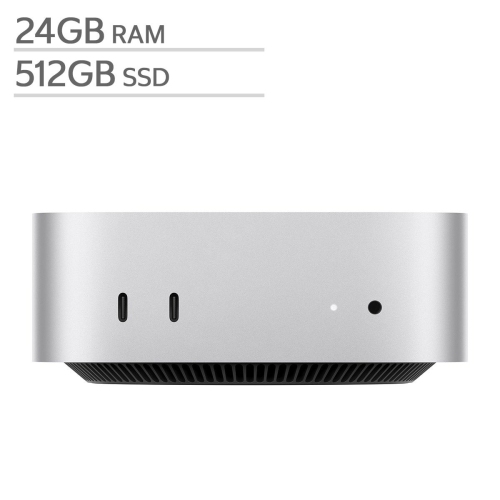

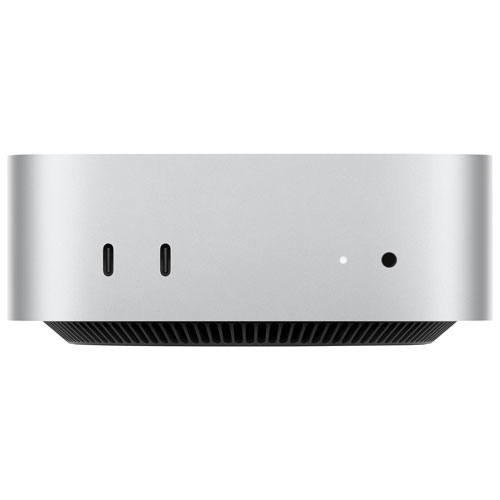
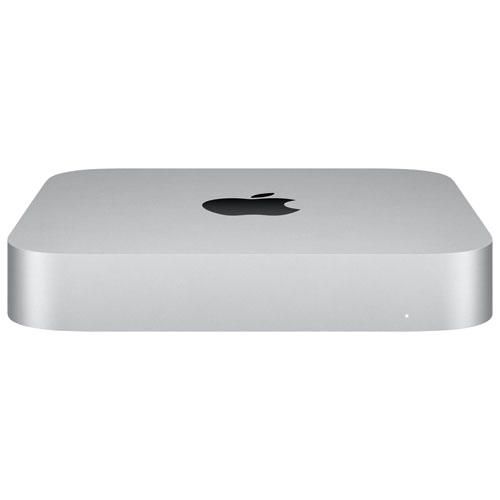
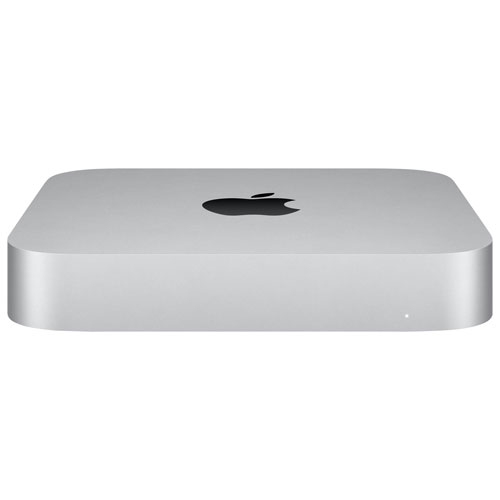


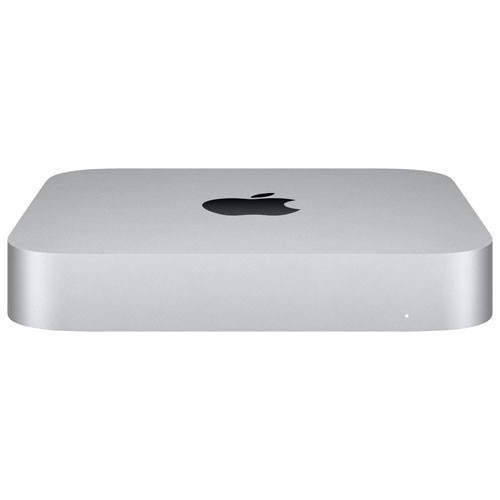


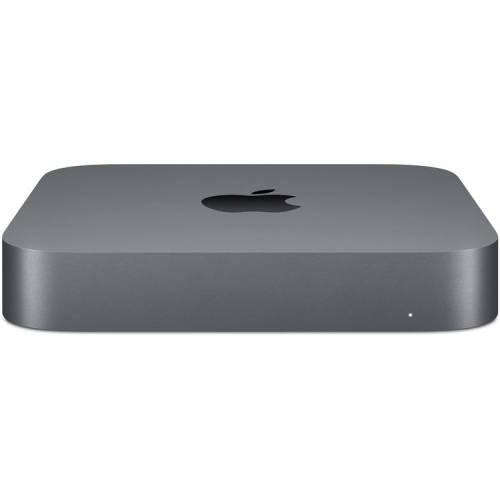

Performance, precision, and comfort for demanding creative workflows
A Mac Mini editing setup is a thoughtful gift idea for students heading back to school, freelancers setting up their first home office, or anyone taking their creative pursuits to the next level. The modular nature of these setups allows for personalization—some might invest in a colour-calibrated display to ensure their graphics work is print-perfect, while others may seek out adjustable monitor arms, comfortable chairs, and ambient lighting to reduce fatigue during long editing sessions. For those who juggle multiple devices, a reliable hub or docking station can simplify cable management and keep everything connected. The flexibility of a Mac Mini setup also appeals to professionals who value a clutter-free workspace; its small size leaves more room for creative tools, sketchpads, or even a favourite mug of coffee. Layering in external drives, high-speed memory cards, and responsive input devices ensures that the setup keeps pace with the demands of modern editing software. As projects grow in complexity and deadlines approach, having a reliable, well-organized editing station becomes not just a convenience but a necessity. For anyone interested in exploring the full potential of these setups, the Mac Mini For Creative Professionals page offers insights and inspiration tailored to the needs of creators across disciplines.
FAQ
What components are essential for a professional Mac Mini editing setup?
A professional Mac Mini editing setup typically includes the Mac Mini itself, a high-resolution monitor, an external SSD or RAID storage for fast file access, a reliable keyboard and mouse, and professional editing software. Additional accessories like audio interfaces, color grading panels, and ergonomic stands can further enhance your workflow.
How can I optimize my Mac Mini for video or photo editing tasks?
To optimize your Mac Mini for editing, ensure you have sufficient RAM and storage space. Use external drives with fast connections like Thunderbolt or USB-C for large media files. Keep your software updated, close unnecessary background apps, and consider using a calibrated monitor for accurate color representation.
What type of monitor is recommended for a Mac Mini editing workstation?
For professional editing, it's best to use a monitor with high resolution (4K or higher), accurate color reproduction (look for IPS panels with wide color gamuts), and adjustable stands for ergonomic comfort. Compatibility with macOS features like True Tone or Night Shift can also be beneficial.
Are there specific peripherals that enhance productivity in a Mac Mini editing setup?
Yes, peripherals such as programmable keyboards, precision mice or trackpads, audio interfaces, and control surfaces can streamline your workflow. External card readers and docking stations also make it easier to manage media files from cameras and other devices.
Can I use multiple displays with my Mac Mini for editing purposes?
Absolutely! The Mac Mini supports multiple monitors via its Thunderbolt and HDMI ports. Using dual or triple displays allows you to spread out your timeline, preview windows, and tool palettes for a more efficient editing experience.
Top selling and popular products
-
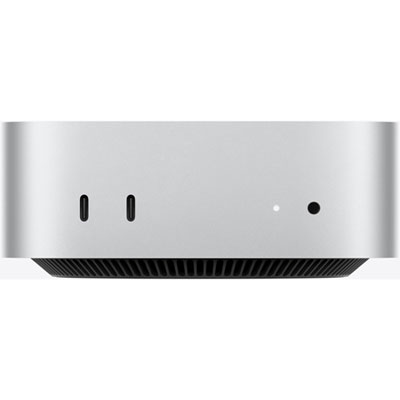 Your price for this item is $1249.99
-
 Your price for this item is $999.77
-
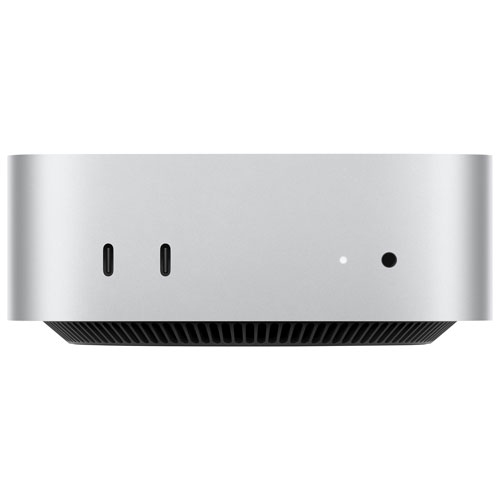 Your price for this item is $1199.99
-
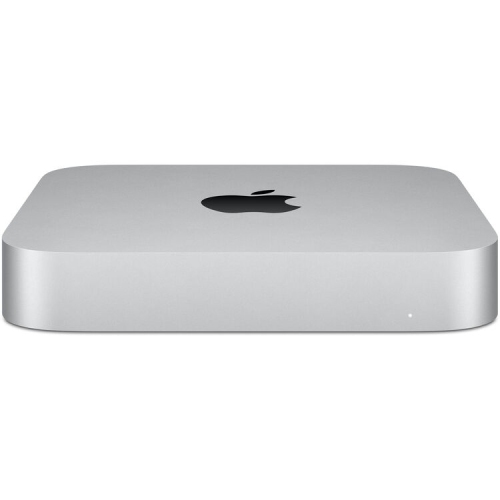 Your price for this item is $999.77
-
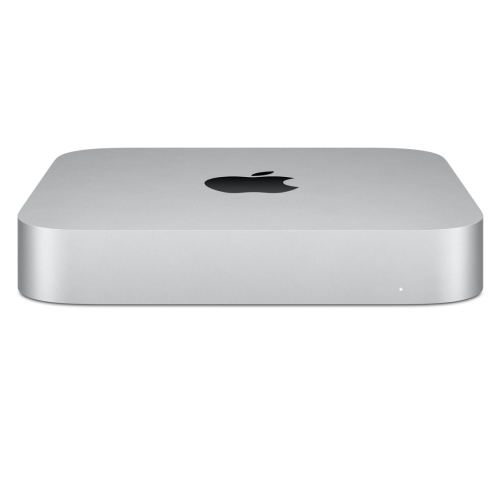 Your price for this item is $688
-
 Your price for this item is $555
-
 Your price for this item is $299.99
-
 Your price for this item is $1069.99