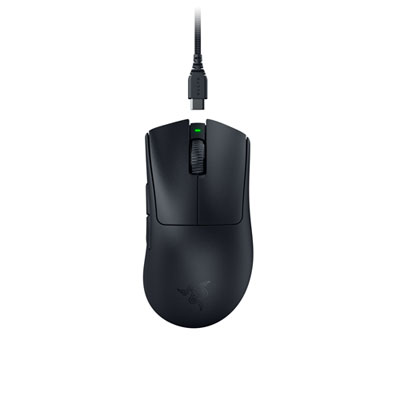
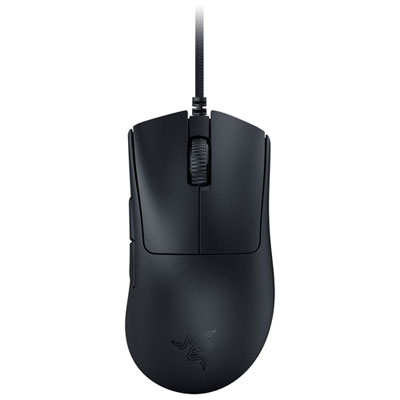
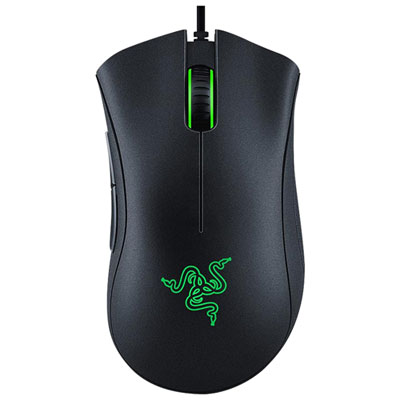
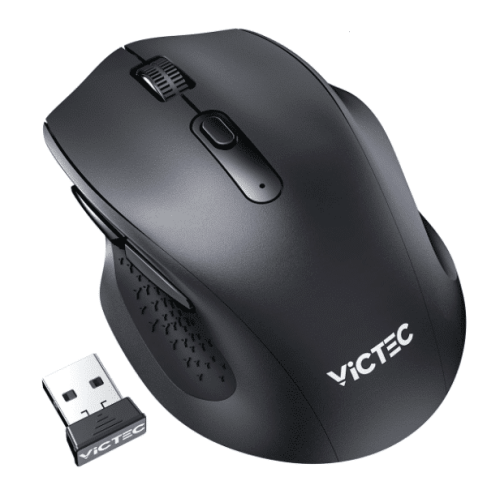
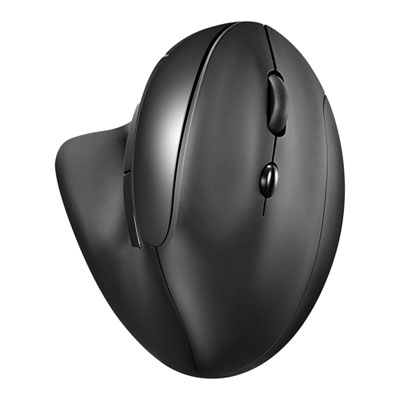
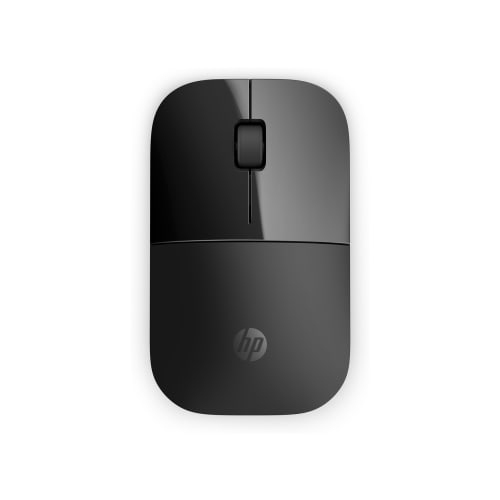
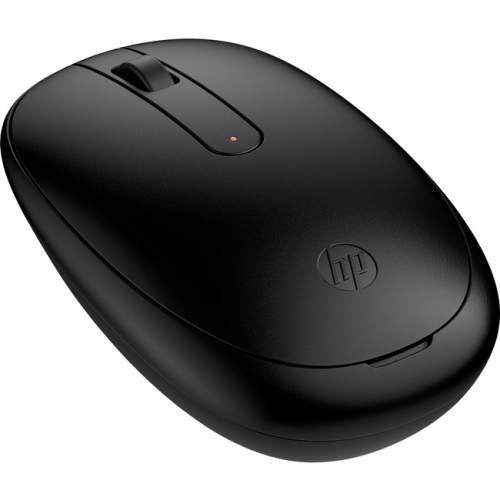
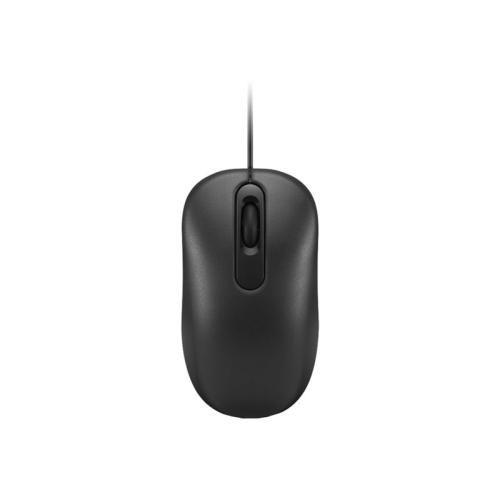
Matte Black Mice

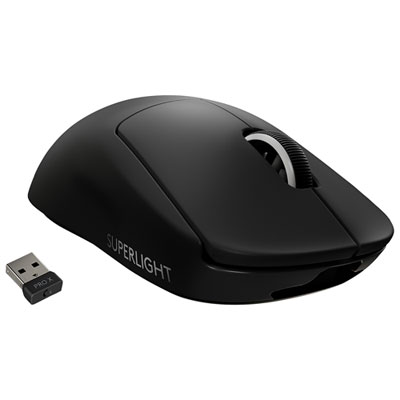
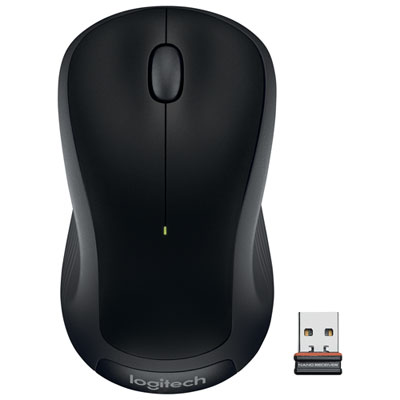
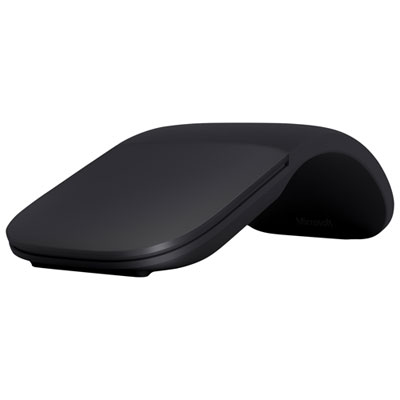
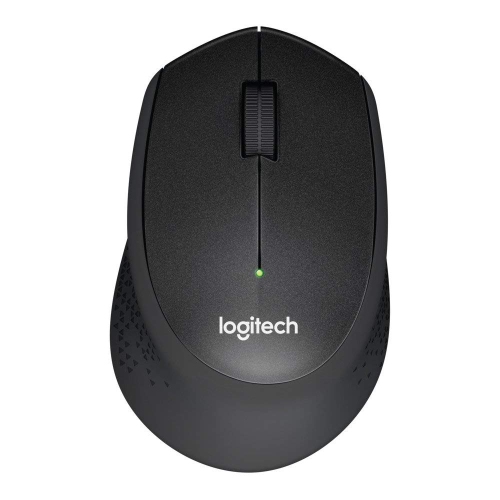
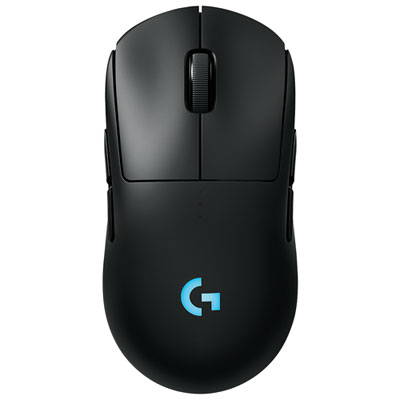
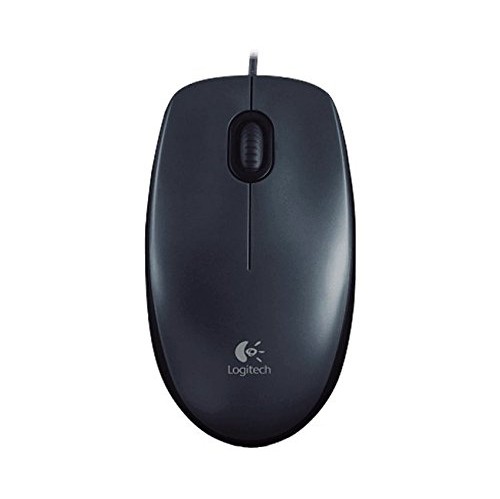
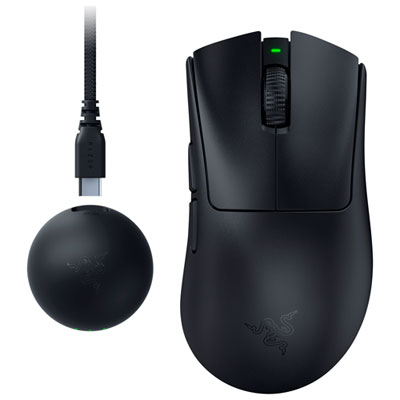
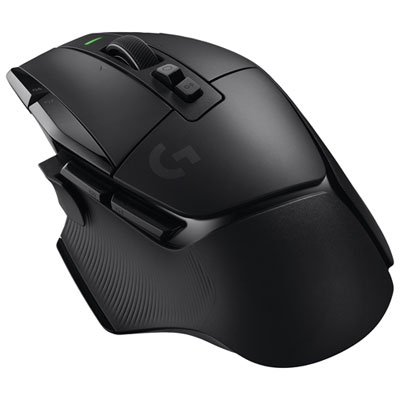
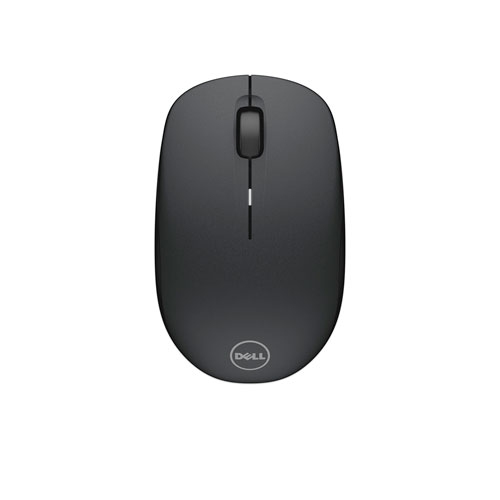
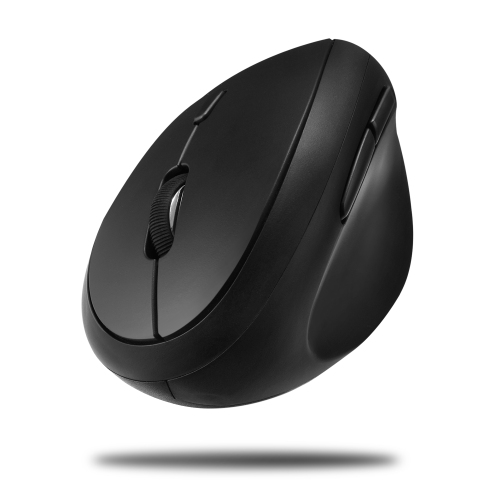
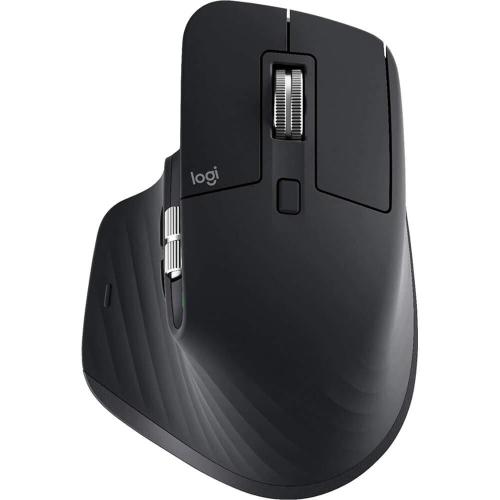
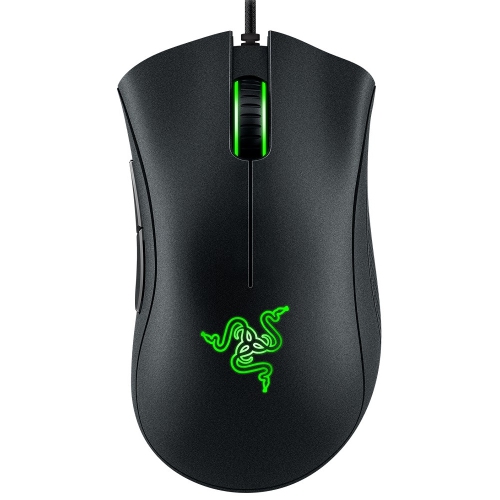
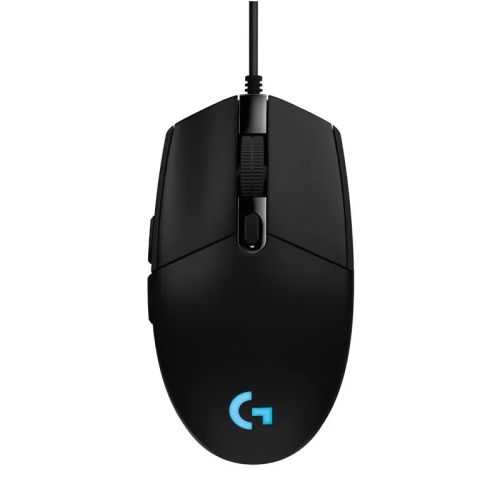
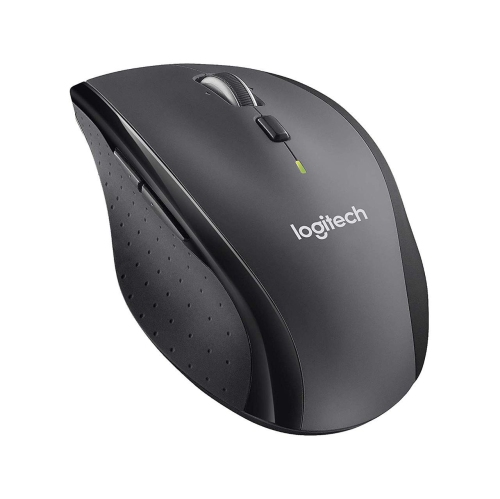
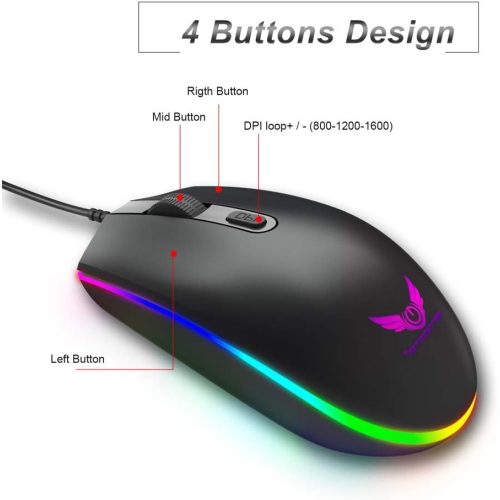
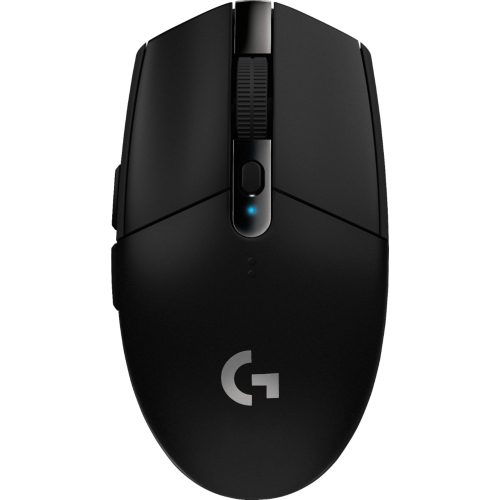
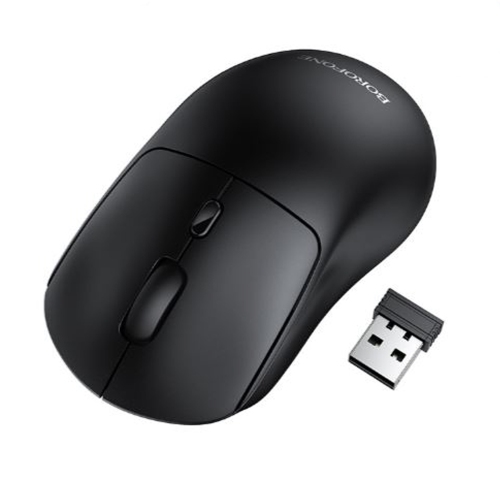
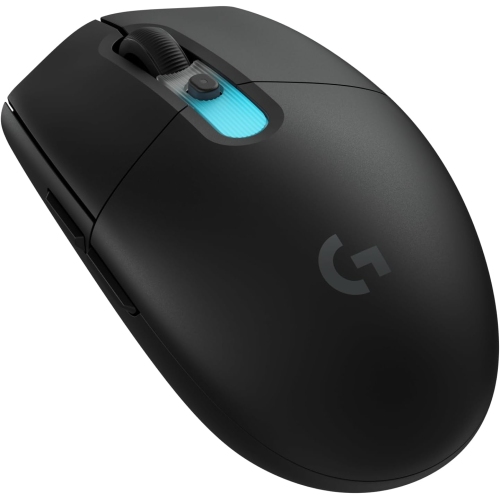
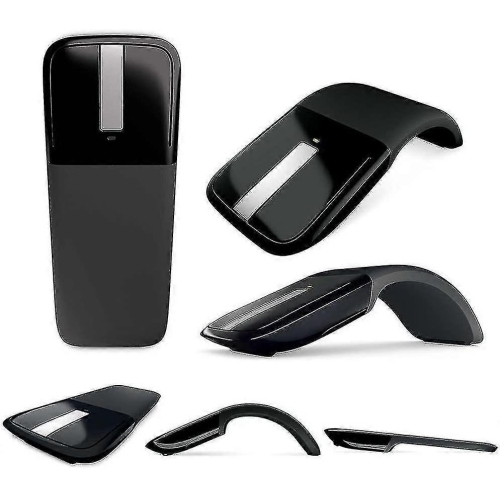
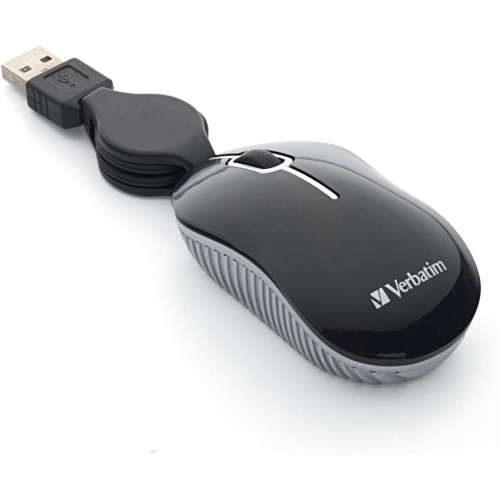
Find matte black mice to complement your computer setup with an understated finish. When comparing options, check device compatibility, connection type, size, and button layout to choose a computer mouse that suits your workspace and how you work or play.

Sort

Comfort and control go beyond a low-sheen finish

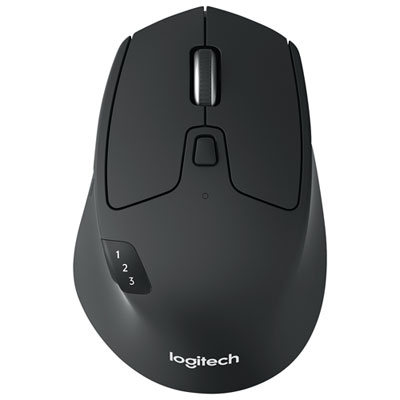
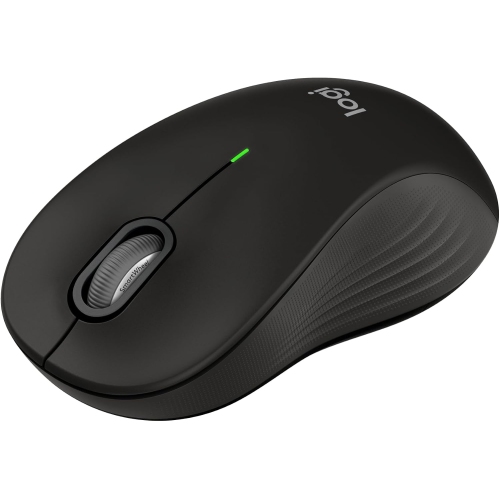
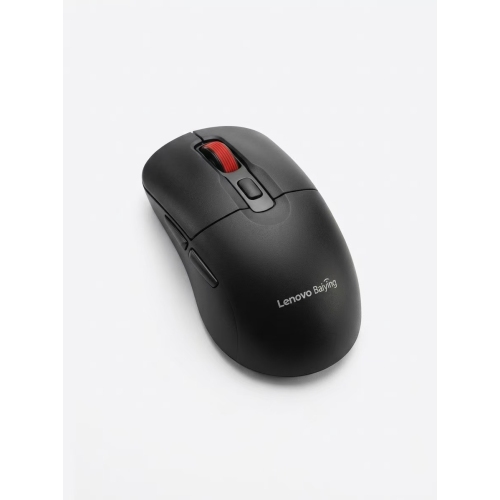
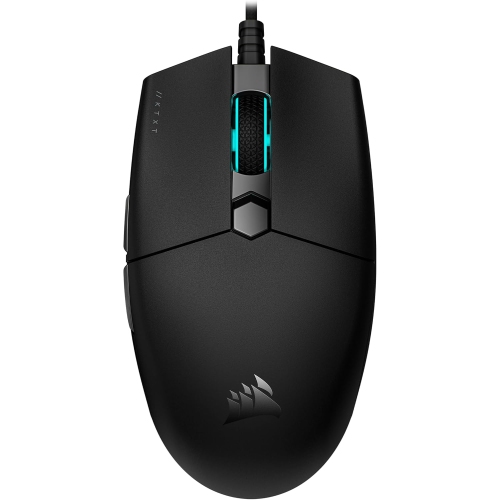
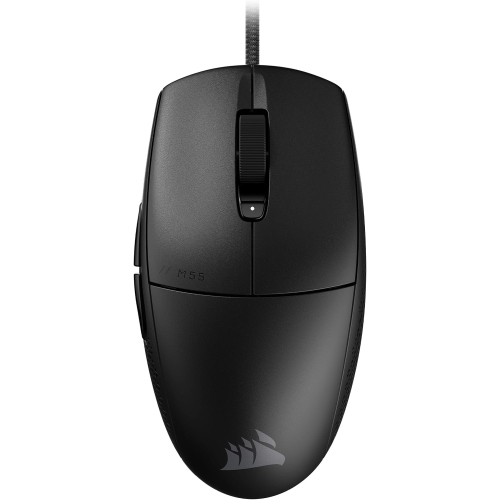
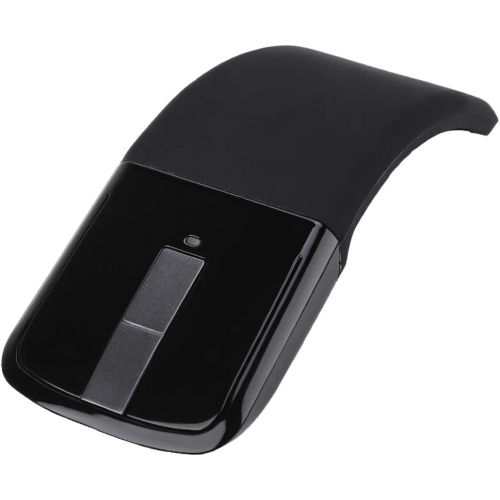
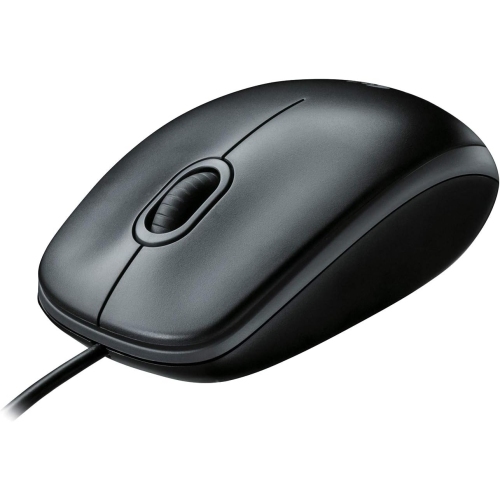
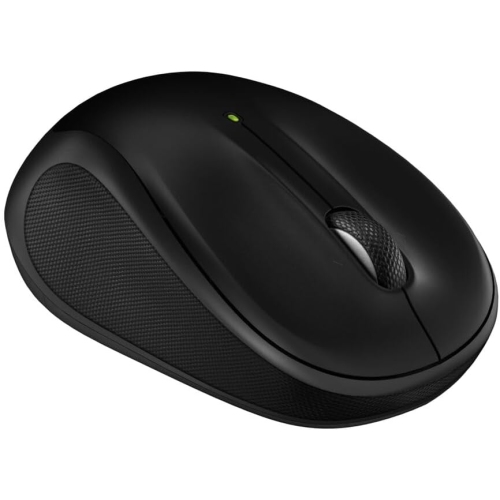
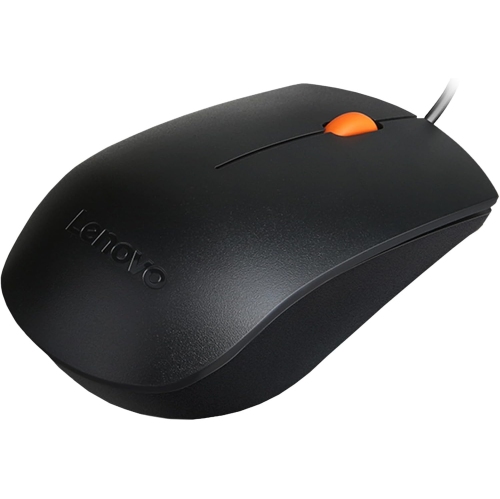
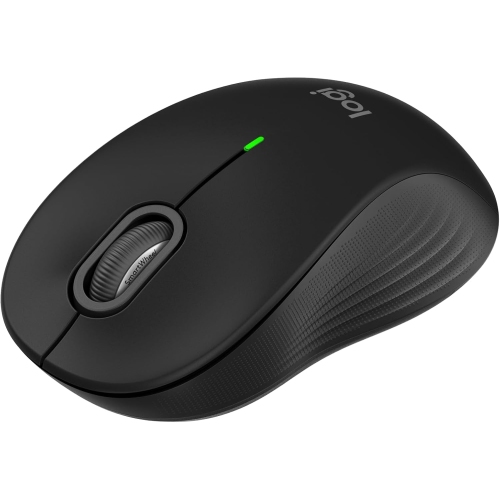
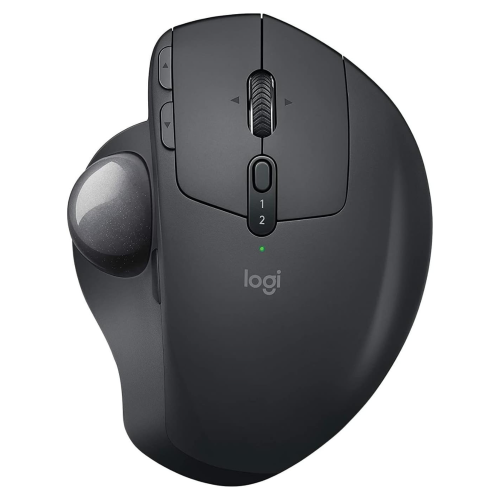
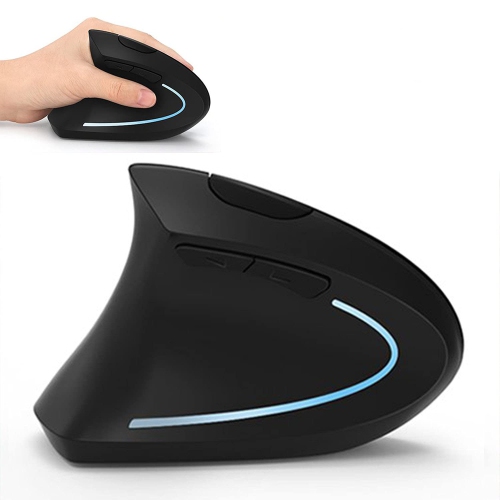
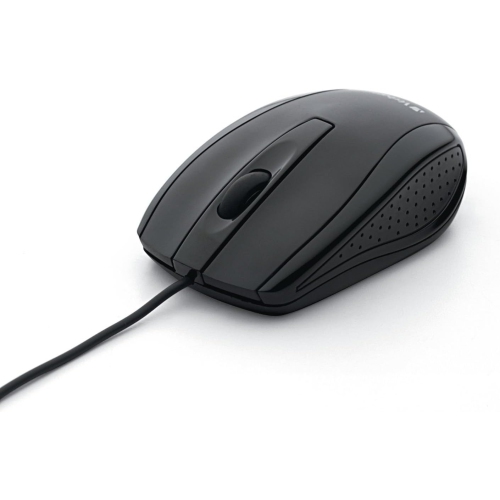
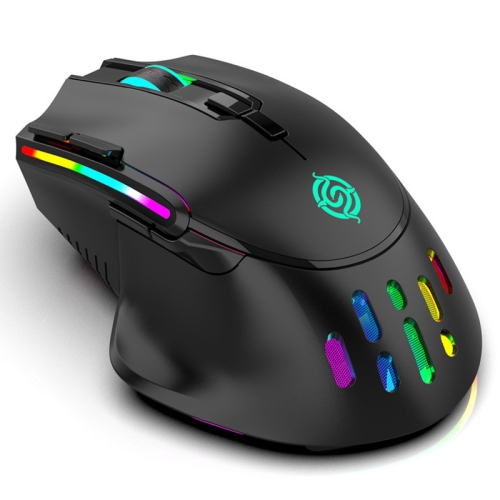
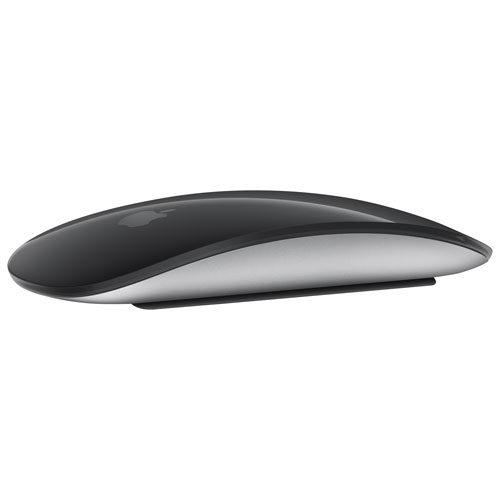
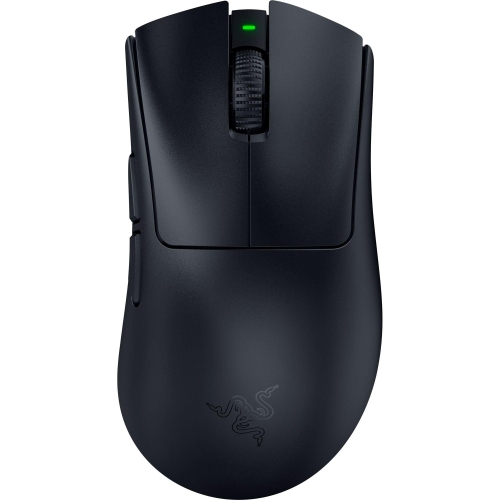
Matte black computer mice combine a low-sheen finish with the everyday control needed for work, study, browsing, and gaming. Their understated colour suits a wide range of desk setups, from a compact laptop station to a full desktop arrangement with multiple monitors. Unlike glossy surfaces, a matte shell scatters reflected light rather than producing a bright shine. Depending on its texture and material, it may also make fingerprints less noticeable, although no finish is completely resistant to skin oils, dust, or wear. The appearance does not determine tracking precision: sensor quality, connection performance, shape, and the surface underneath all play separate roles in how a mouse feels during use. Most shells are made from moulded plastic, with some designs adding textured side panels, rubberized grips, or a soft-touch coating. A fine-grained surface can feel dry and lightly textured, while a coated shell may feel softer under the palm. Those differences become noticeable when moving between a quick email check and an afternoon spent editing a spreadsheet. Fit matters just as much as finish. A taller, rounded body fills more of the palm, while a lower profile leaves more room for fingertip movement. Wider shapes can provide additional support along the thumb side, whereas compact bodies take up less space beside a laptop and slip more easily into a travel pouch. Handedness also affects comfort: a symmetrical outline is not necessarily equally usable in both hands if its extra buttons sit on only one side. Palm, claw, and fingertip grips each place the hand differently, so overall length alone cannot describe the fit. Button reach, side contours, weight, and the position of the scroll wheel all contribute to a natural hold. For someone moving between documents, video calls, and detailed cursor work, a well-matched shape allows the hand to rest without stretching to reach frequently used controls.

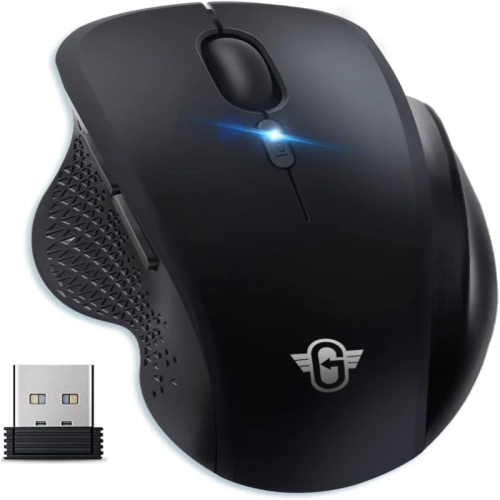
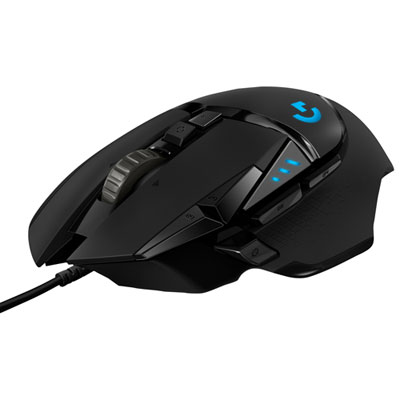
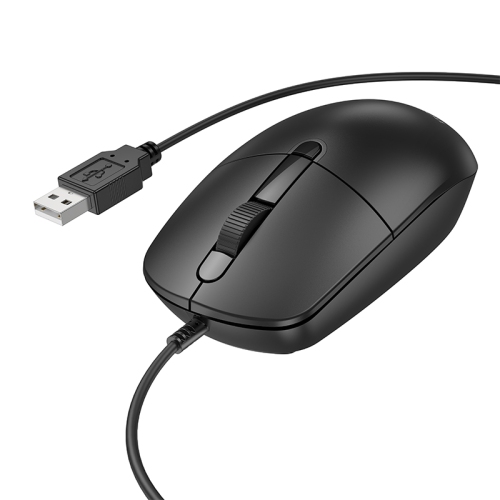
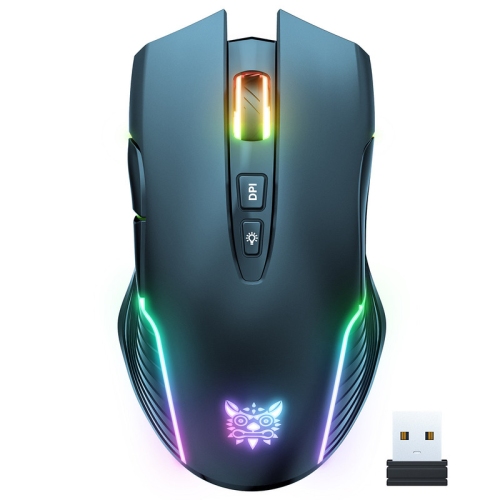
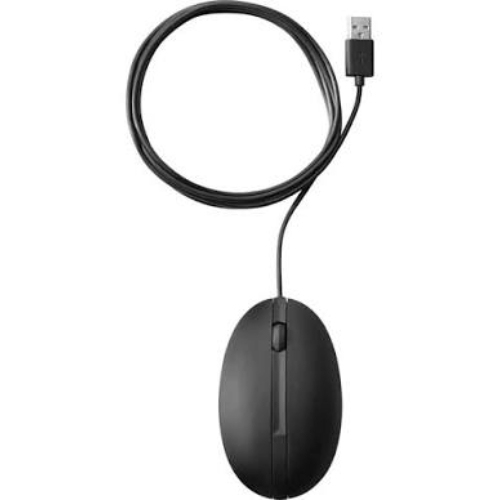
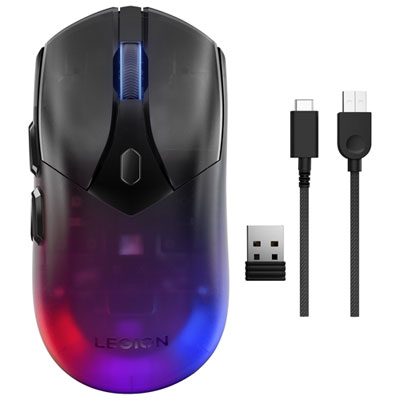
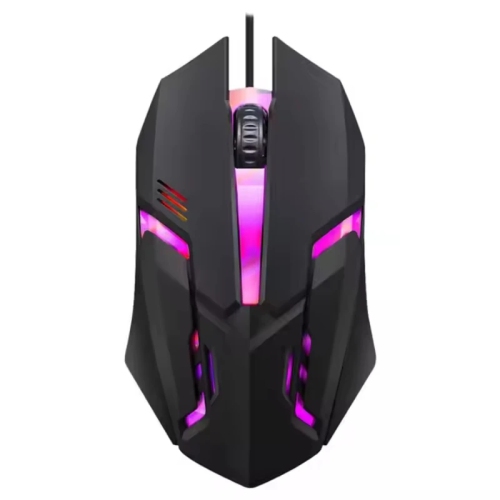
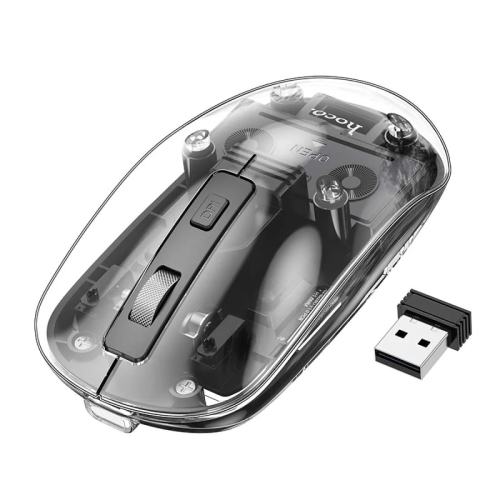
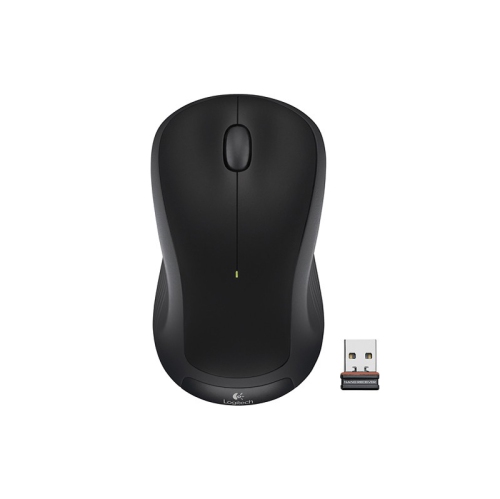
The connection type helps distinguish matte black mice intended for a fixed workstation from those suited to a flexible setup. A wired connection provides power and data through a cable, eliminating charging interruptions, though the cable needs enough room to move without catching on a monitor stand or desk edge. Wireless designs remove that cable from the work surface and may connect through Bluetooth, a dedicated USB receiver, or both. Bluetooth can be useful with a compatible computer when keeping USB ports free matters, while a receiver-based connection may offer lower latency for fast-paced play, depending on the design. Some mice can switch between paired devices, making it easier to move from a work computer to a personal laptop without repeatedly pairing accessories. Port type and operating system support remain important, particularly when a computer has only USB-C connections or when advanced controls require software. Rechargeable batteries and replaceable batteries involve different routines: one needs access to a charging cable, while the other needs an occasional battery change. Battery life varies with usage, lighting, connection settings, and reporting rate. For gaming, weight and balance influence how easily a mouse accelerates, stops, and changes direction. A lightweight body can suit broad arm movements across a desk, while a more substantial feel may appeal to someone who prefers deliberate cursor control. Adjustable sensitivity changes how far the pointer travels relative to physical movement; a higher maximum sensitivity does not automatically mean better accuracy. Sensor consistency, stable tracking, and accessible settings are more useful distinctions than a large specification on its own. A higher polling rate can send movement updates more frequently, but its benefit depends on the computer, display, application, and connection. For office work, predictable scrolling, comfortable clicking, and reliable wake-up behaviour may matter more than competitive gaming features. The matte black finish ties these different designs together visually without implying that every mouse serves the same purpose.

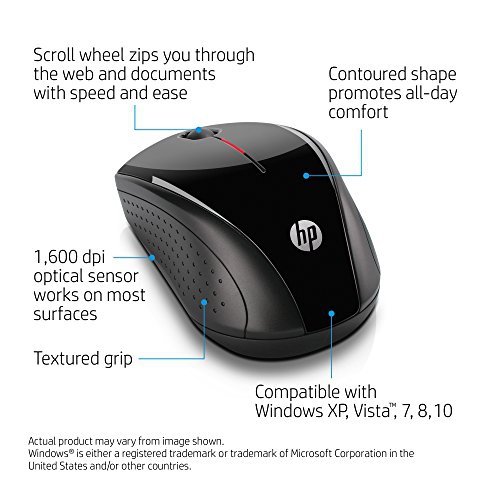
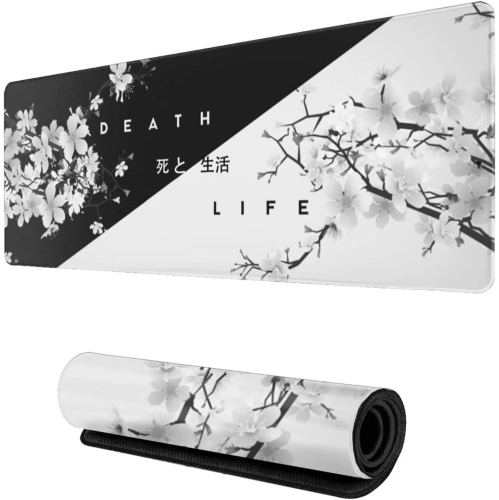
Small details often define how a mouse fits into daily life. Quiet switches can make repeated clicking less intrusive in a shared office or study space, although “quiet” does not always mean completely silent. A scroll wheel with distinct steps offers controlled movement through documents, while free-spinning or horizontal scrolling can be helpful with long pages and wide spreadsheets. Extra buttons may support shortcuts such as moving back through browser pages or switching tools in creative applications, provided the necessary functions are supported by the connected system. Their placement matters: controls are most useful when they are easy to reach deliberately without being pressed accidentally. Underneath, smooth glide feet and a suitable tracking surface help movement feel consistent. A coordinated surface, such as one from the Black Mouse Mats page, can complement the finish while giving the mouse a defined area beside the keyboard. Surface texture affects glide, and sensor performance can vary on reflective glass or highly patterned materials. Keeping that area free of crumbs and grit helps protect both the mouse feet and the work surface. Care for the shell is generally straightforward: disconnect the mouse or switch it off, then follow its cleaning directions using a soft cloth and an approved cleaning method. Excess moisture near buttons, the wheel, or charging ports can cause damage, and harsh cleaners may affect coatings or printed markings. Matte finishes can develop smoother-looking patches where fingers and palms make frequent contact, so appearance alone is not a complete measure of durability. Switch construction, wheel stability, cable strain relief, and the condition of the glide feet also influence long-term use. As a gift, a matte black mouse can suit a student building a study space, someone setting up a home office, or a gamer refining a desktop setup. Matching the recipient’s hand preference, computer connections, and usual activities makes the choice more personal than colour alone, while the restrained finish coordinates easily with existing accessories.
FAQ

Some products may be subject to Environmental Handling Fees (EHF) depending on your province. Learn more about EHFs.