Colorful Wireless Mice
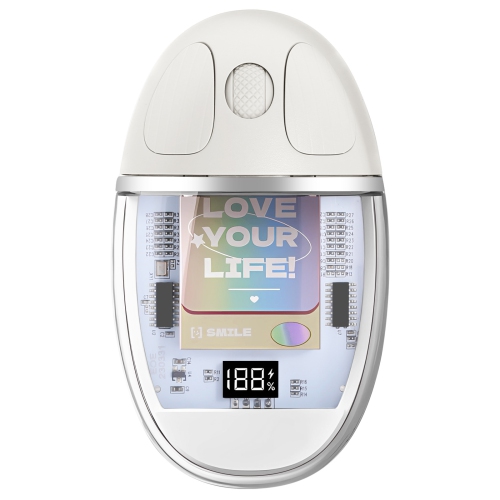
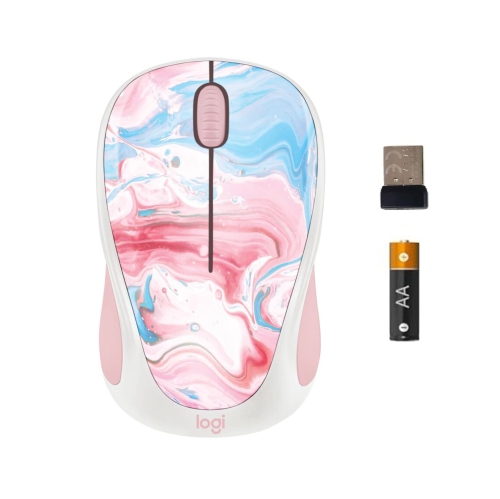
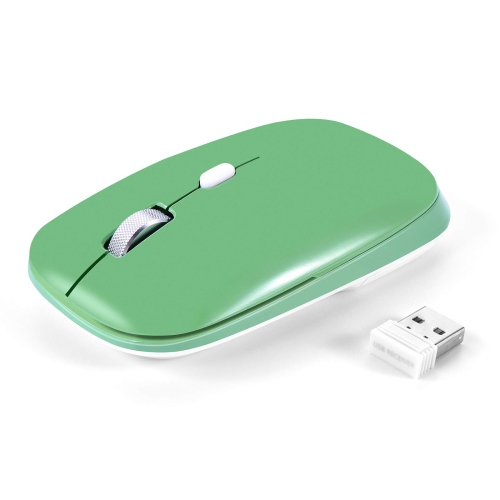
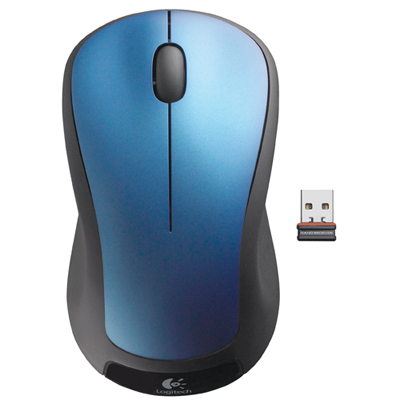
A wireless mouse is a great way to make moving around your desk easier. These colorful wireless mice are also powered by Bluetooth, so they are portable and easier to take with you when you leave your desk. If you want to add some color to your workspace, here are some colorful options available on the market.
Sort
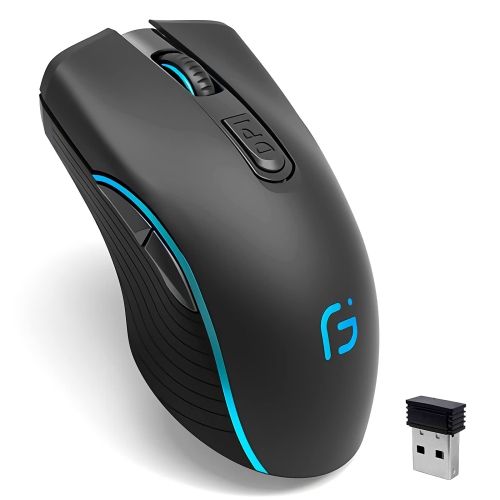
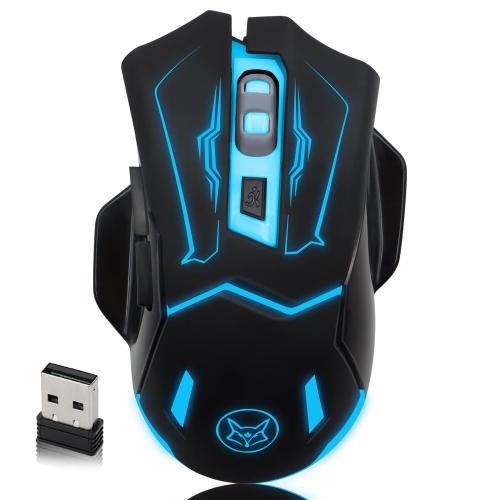
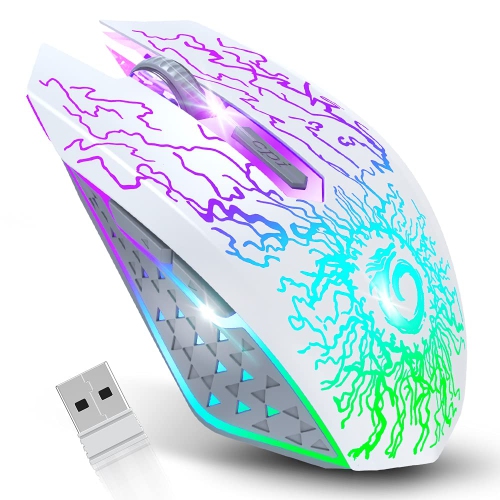
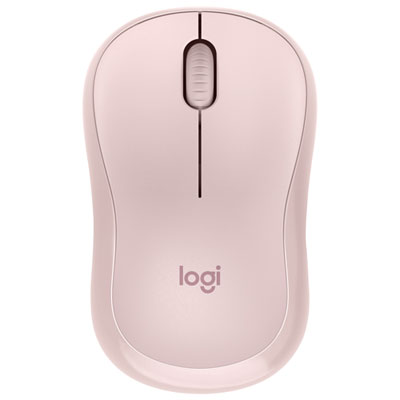
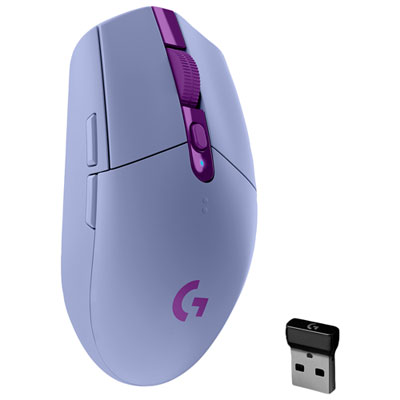
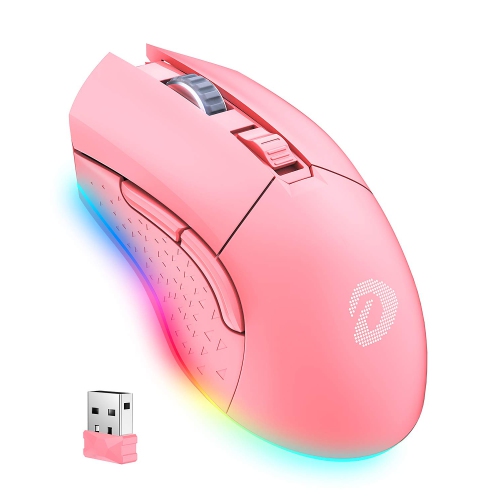
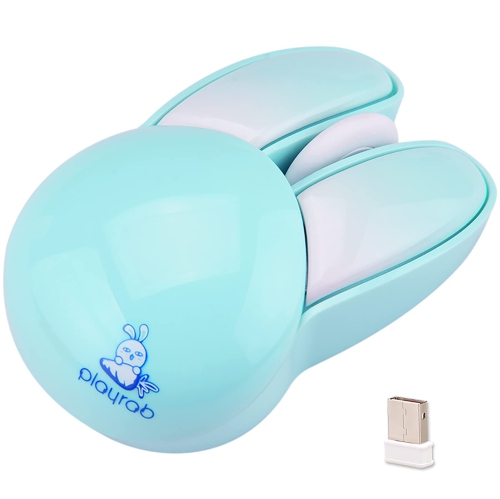

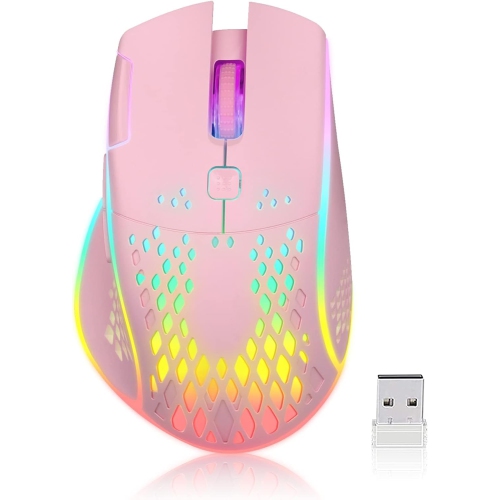
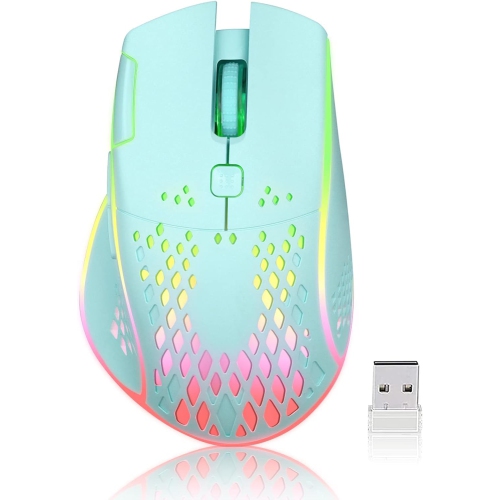
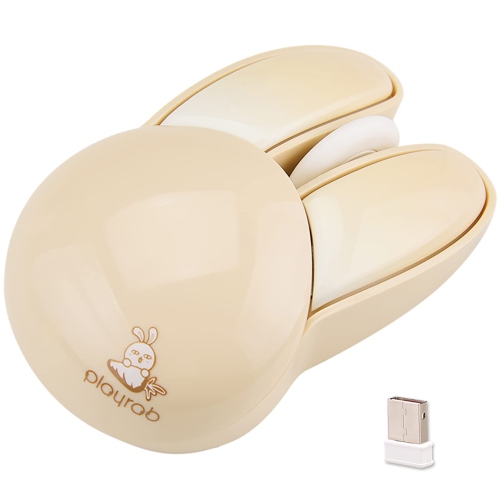
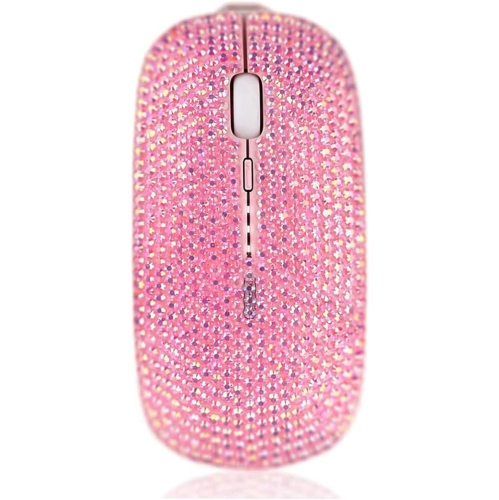
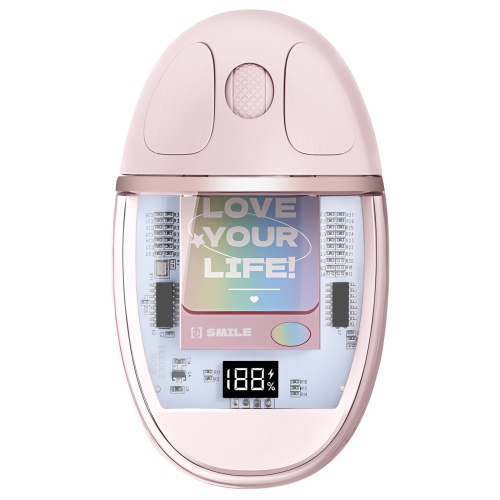
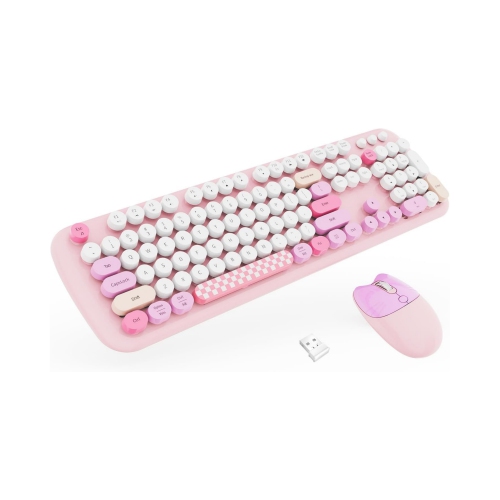
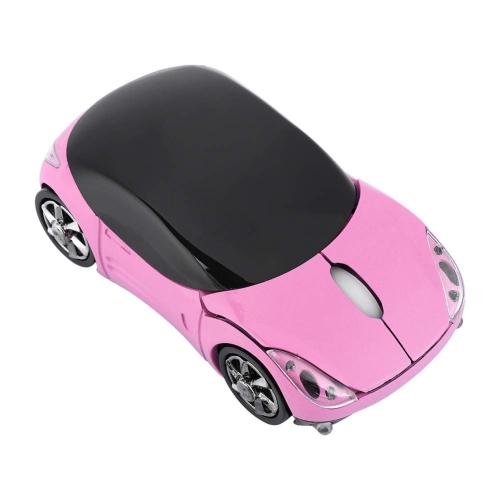
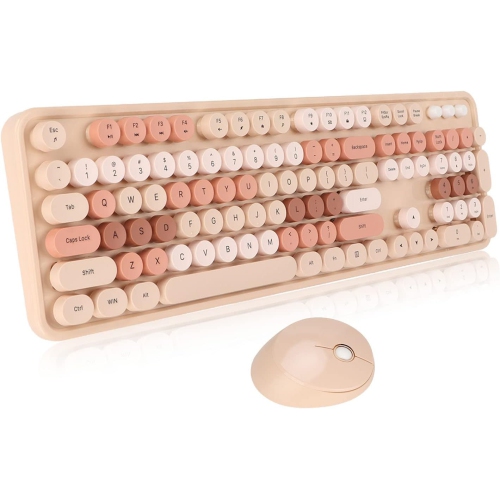
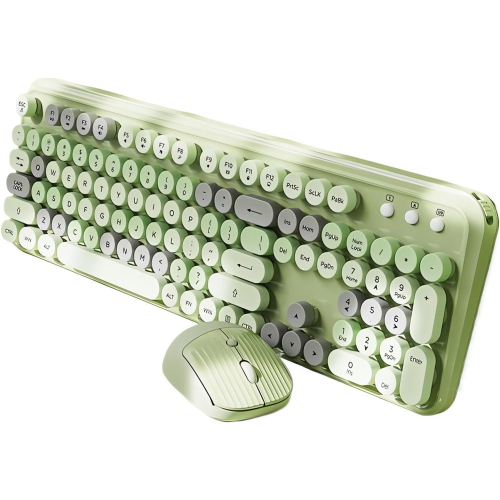
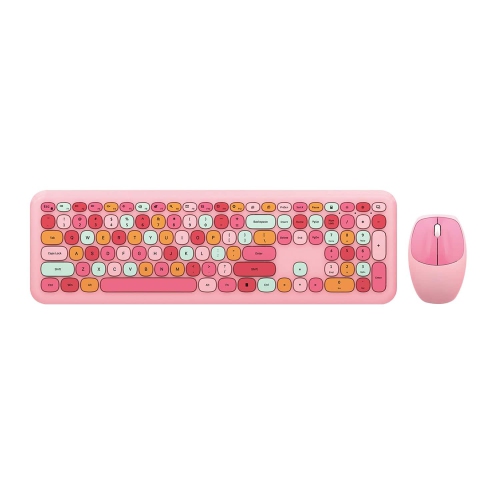
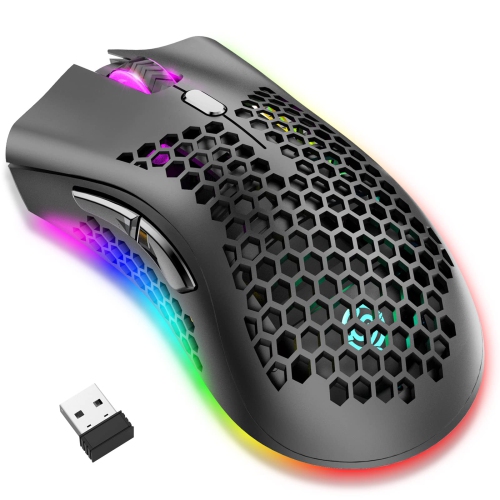
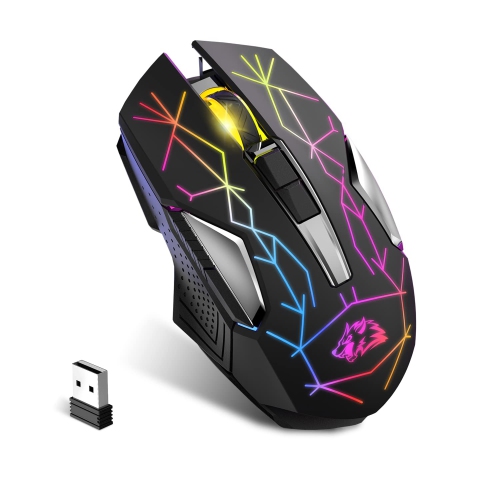
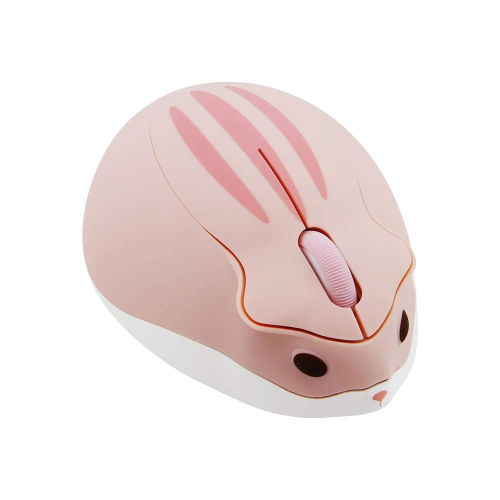
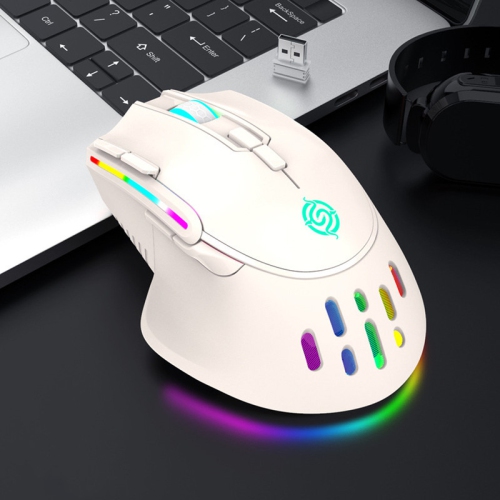
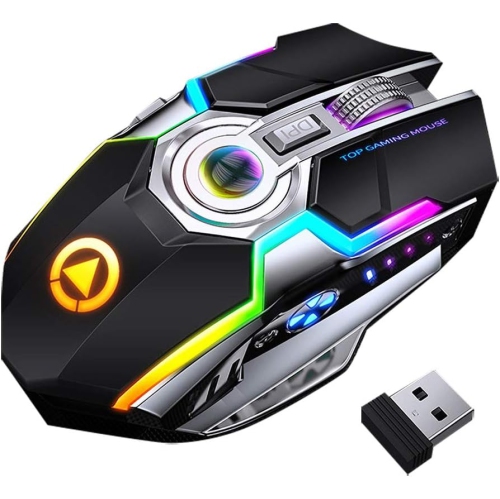
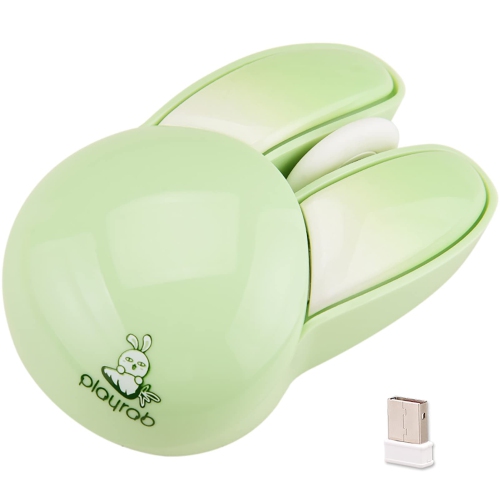
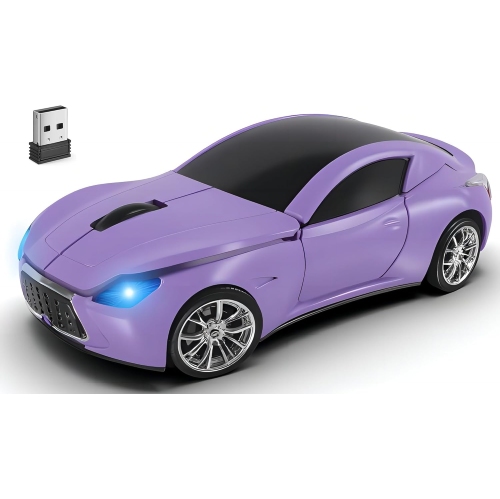
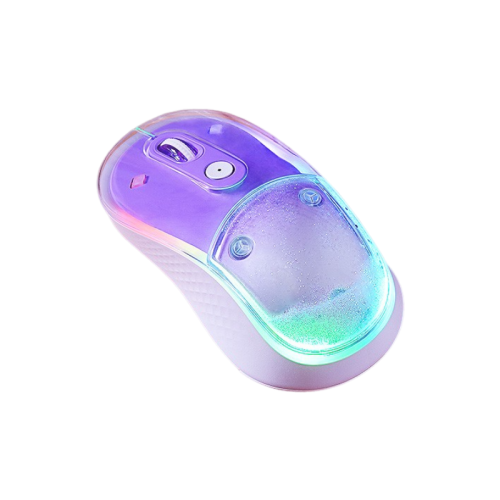
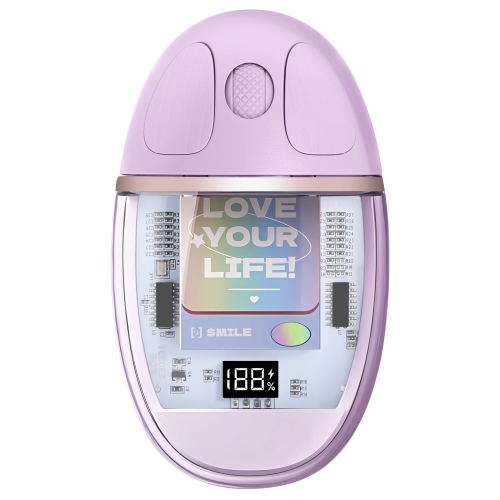
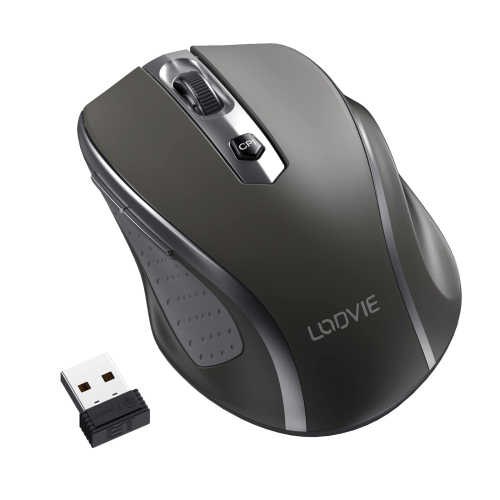
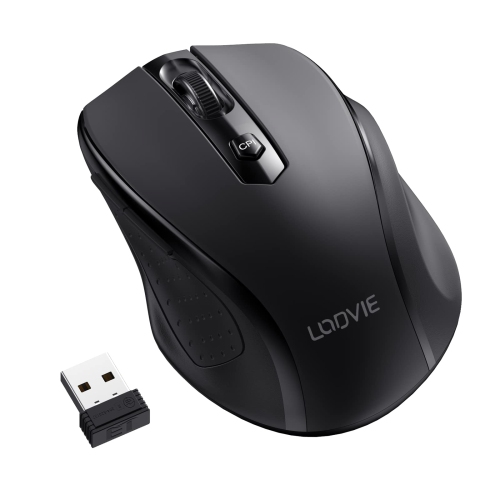
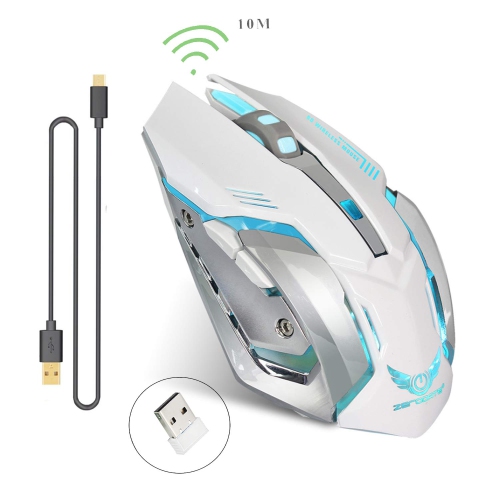
A brighter desk without a cable in the way
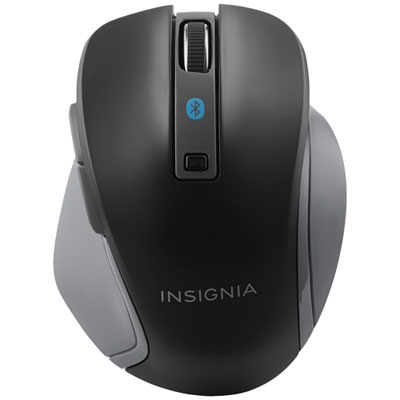
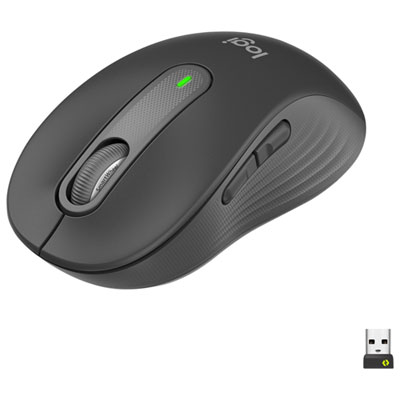
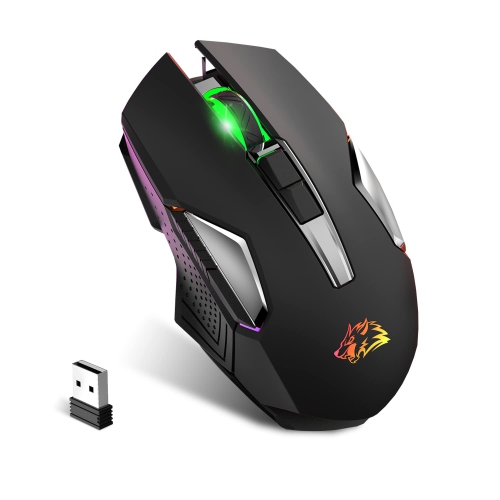
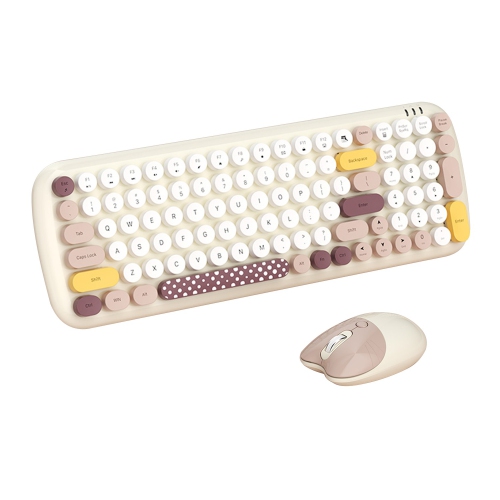
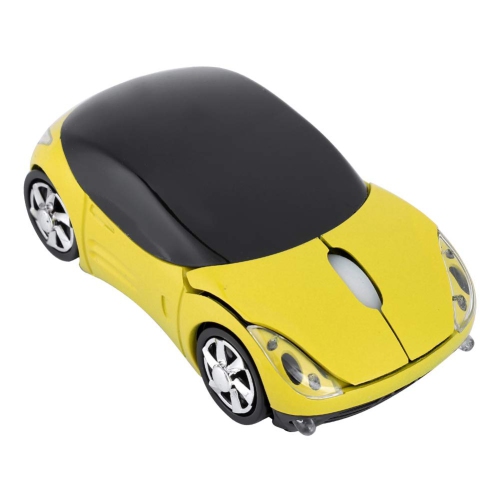
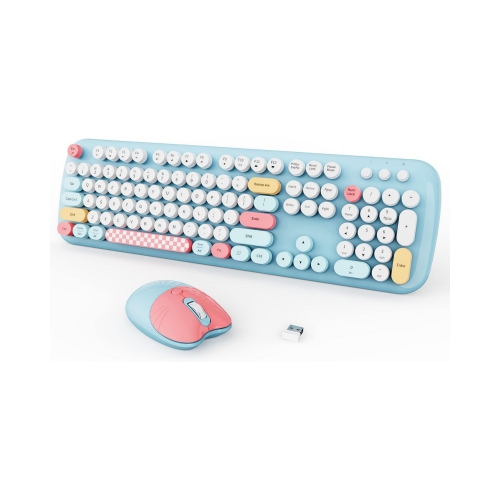
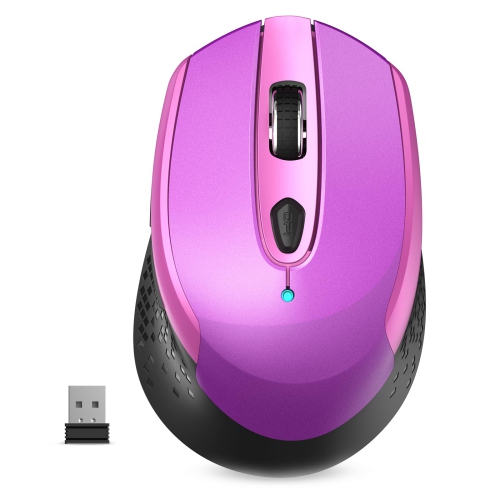
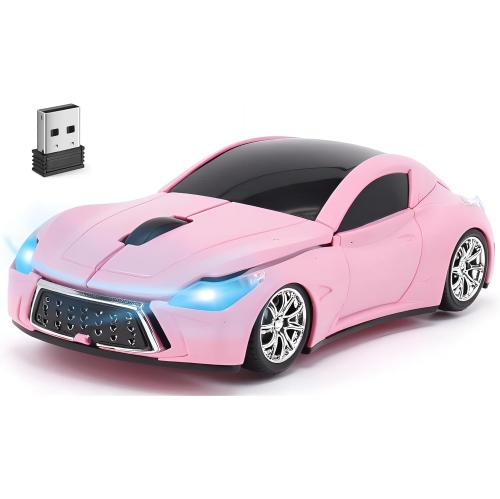
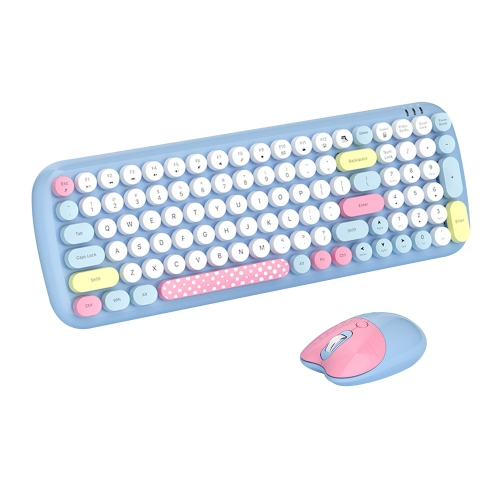
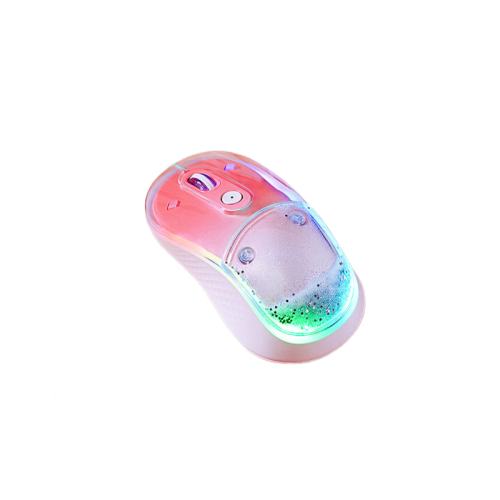
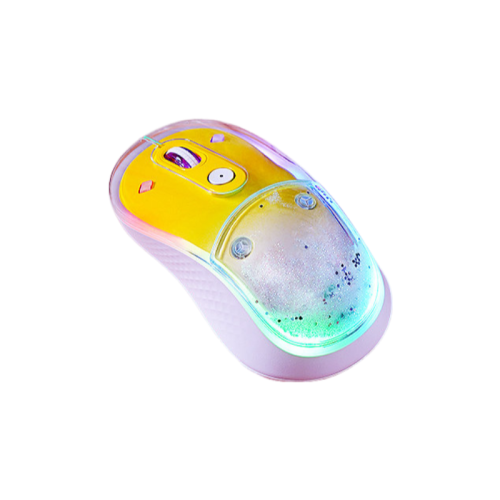
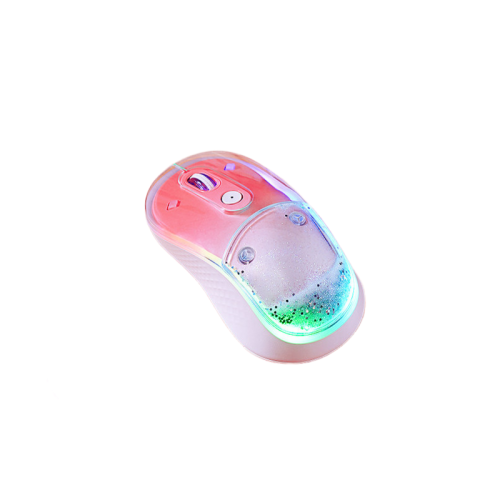
Colourful wireless mice combine everyday cursor control with finishes that bring personality to a desk, study nook, or portable laptop setup. Their appeal goes beyond a bright shell: a cordless design leaves more room for notebooks, keeps a cable from catching on the edge of a desk, and makes it easier to reposition the mouse throughout the day. Colours can range from soft pink, lavender, and mint to vivid blue, red, and multicoloured patterns, with understated pastels offering a different look from bold graphics or contrasting buttons. A solid-colour mouse keeps its appearance whether it is switched on or off, while a mouse with decorative lighting can change its look during use. Lighting and shell colour are separate features, so an illuminated mouse does not necessarily have a colourful body, and a brightly coloured mouse does not necessarily light up. For a coordinated workspace, a mouse can pick up a shade from a keyboard, laptop sleeve, or desk accessory; pairing it with colourful mouse pads also gives the setup a more intentional finish. Shape matters just as much as appearance. Compact, low-profile designs slip neatly into a laptop bag, while fuller shapes can provide more palm support at a fixed workstation. A symmetrical body may suit either hand, although side-button placement can make some designs more convenient for right-handed use. Hand size, finger reach, and grip style all affect how comfortable a mouse feels. Someone who rests their whole palm on the shell may prefer a different profile from someone who moves the mouse mainly with their fingertips. Smooth plastic, textured side panels, and soft-touch coatings each offer a distinct feel, and a matte finish tends to show fingerprints differently from a glossy surface. These details make colourful wireless mice useful for students, home-office users, and anyone who wants a practical accessory that feels personal rather than purely functional.
Wireless connection type helps determine how a mouse fits into an existing computer setup. Bluetooth mice connect to compatible devices without occupying a USB port, which can be useful on a slim laptop with limited connections. Other wireless mice communicate through a small USB receiver, providing a separate connection that does not depend on the computer having Bluetooth. The receiver’s connector needs to match an accessible port, whether USB-A or USB-C, or work through a compatible adapter. Some designs support both Bluetooth and a receiver, while multi-device models can switch between paired computers or tablets using a button. These features are separate, so support for more than one connection method does not automatically mean a mouse can switch among several devices. For someone moving between a work laptop and a personal computer, that distinction can make a noticeable difference in daily convenience. Operating-system compatibility also matters, particularly when extra buttons, lighting controls, or pointer settings rely on companion software. Basic clicking and scrolling may work without that software, while customization can have narrower requirements. Tracking performance is another consideration that sits beneath the colourful exterior. Optical sensors generally work well on suitable desk surfaces and mouse pads, but glass, highly reflective finishes, or uneven textures can cause difficulties unless the sensor is designed for them. Adjustable sensitivity, often expressed as DPI, changes how far the pointer travels in response to physical movement. Lower settings can make small adjustments feel more controlled, while higher settings can reduce the hand movement needed to cross a large display. A higher DPI figure alone does not establish overall accuracy or quality. For documents, spreadsheets, and browsing, predictable tracking and a comfortable scroll wheel often matter more than extreme sensitivity. Gaming places additional emphasis on connection responsiveness, sensor consistency, weight, and button access. A colourful finish can suit either purpose, but colour and decorative lighting do not establish gaming performance.
The everyday details of a wireless mouse become especially noticeable during repeated use: the sound of a click in a shared room, the effort needed to turn the scroll wheel, or the ease of reaching a side button without shifting the hand. Quiet-click designs can reduce distraction during study sessions or calls, although quieter main buttons do not necessarily mean that every control is silent. Side buttons can make moving through web pages more convenient, and programmable controls may help with repeated actions when supported by the device and its software. Power arrangements influence routine care as well. Some wireless mice use replaceable batteries, while others contain a rechargeable battery that charges through a cable. Battery-life estimates vary with usage, connection settings, lighting, and power-saving behaviour; decorative lighting can shorten the time between charges. A rechargeable mouse may or may not remain usable while charging, so that capability is worth distinguishing from charging alone. For travel between classrooms, meeting rooms, or home and office, an on/off switch and built-in receiver storage can be particularly practical. A separate pouch or compartment helps keep the shell from rubbing against keys and other hard objects in a bag. Durability depends on more than the outer finish: button mechanisms, the scroll wheel, battery-compartment fittings, and the underside glide feet all experience wear. Dust around the sensor or debris on the glide feet can interfere with smooth movement, while residue on the shell can change its feel. Routine care generally involves switching the mouse off and wiping it gently with a soft cloth, following the manufacturer’s cleaning directions and keeping moisture away from openings. Coatings and printed patterns may need gentler handling than uncoated plastic, and abrasive cleaners can damage the surface. As a gift, a colourful wireless mouse can be both expressive and useful for a student, a new home-office user, or someone refreshing a well-used desk setup. The most thoughtful match balances a favourite colour with the recipient’s hand size, preferred shape, computer connections, and everyday activities, giving the accessory a place in their routine beyond its visual appeal.
Wireless connection type helps determine how a mouse fits into an existing computer setup. Bluetooth mice connect to compatible devices without occupying a USB port, which can be useful on a slim laptop with limited connections. Other wireless mice communicate through a small USB receiver, providing a separate connection that does not depend on the computer having Bluetooth. The receiver’s connector needs to match an accessible port, whether USB-A or USB-C, or work through a compatible adapter. Some designs support both Bluetooth and a receiver, while multi-device models can switch between paired computers or tablets using a button. These features are separate, so support for more than one connection method does not automatically mean a mouse can switch among several devices. For someone moving between a work laptop and a personal computer, that distinction can make a noticeable difference in daily convenience. Operating-system compatibility also matters, particularly when extra buttons, lighting controls, or pointer settings rely on companion software. Basic clicking and scrolling may work without that software, while customization can have narrower requirements. Tracking performance is another consideration that sits beneath the colourful exterior. Optical sensors generally work well on suitable desk surfaces and mouse pads, but glass, highly reflective finishes, or uneven textures can cause difficulties unless the sensor is designed for them. Adjustable sensitivity, often expressed as DPI, changes how far the pointer travels in response to physical movement. Lower settings can make small adjustments feel more controlled, while higher settings can reduce the hand movement needed to cross a large display. A higher DPI figure alone does not establish overall accuracy or quality. For documents, spreadsheets, and browsing, predictable tracking and a comfortable scroll wheel often matter more than extreme sensitivity. Gaming places additional emphasis on connection responsiveness, sensor consistency, weight, and button access. A colourful finish can suit either purpose, but colour and decorative lighting do not establish gaming performance.
The everyday details of a wireless mouse become especially noticeable during repeated use: the sound of a click in a shared room, the effort needed to turn the scroll wheel, or the ease of reaching a side button without shifting the hand. Quiet-click designs can reduce distraction during study sessions or calls, although quieter main buttons do not necessarily mean that every control is silent. Side buttons can make moving through web pages more convenient, and programmable controls may help with repeated actions when supported by the device and its software. Power arrangements influence routine care as well. Some wireless mice use replaceable batteries, while others contain a rechargeable battery that charges through a cable. Battery-life estimates vary with usage, connection settings, lighting, and power-saving behaviour; decorative lighting can shorten the time between charges. A rechargeable mouse may or may not remain usable while charging, so that capability is worth distinguishing from charging alone. For travel between classrooms, meeting rooms, or home and office, an on/off switch and built-in receiver storage can be particularly practical. A separate pouch or compartment helps keep the shell from rubbing against keys and other hard objects in a bag. Durability depends on more than the outer finish: button mechanisms, the scroll wheel, battery-compartment fittings, and the underside glide feet all experience wear. Dust around the sensor or debris on the glide feet can interfere with smooth movement, while residue on the shell can change its feel. Routine care generally involves switching the mouse off and wiping it gently with a soft cloth, following the manufacturer’s cleaning directions and keeping moisture away from openings. Coatings and printed patterns may need gentler handling than uncoated plastic, and abrasive cleaners can damage the surface. As a gift, a colourful wireless mouse can be both expressive and useful for a student, a new home-office user, or someone refreshing a well-used desk setup. The most thoughtful match balances a favourite colour with the recipient’s hand size, preferred shape, computer connections, and everyday activities, giving the accessory a place in their routine beyond its visual appeal.
Top selling and popular products
-
 Your price for this item is $29.99
 -
 Your price for this item is $50.44
 -
 Your price for this item is $39.99
 -
 Your price for this item is $49.99
 -
 Your price for this item is $159.95
 -
 Your price for this item is $44.68
 -
 Your price for this item is $44.68
 -
 Your price for this item is $31
Discover more categories related to Colorful Wireless Mice

Top Collections:
Pokemon Centers, Kindle Devices, Best Budget Office Chairs, Apple iPhones 16, Best Laptops for Writers, iPhone 15 Apple, Canon G7X Cameras, Refurbished Apple Laptops, Alarm Clock, Motorola Razr Phones
Some products may be subject to Environmental Handling Fees
(EHF) depending on your province.
Learn more about EHFs.