MIDI Keyboards for FL Studio
Unlock your music production potential with MIDI Keyboards for FL Studio. Whether you're composing beats, arranging melodies, or experimenting with new sounds, the right MIDI keyboard can make all the difference in your creative workflow. Explore a wide range of options designed to seamlessly integrate with FL Studio, offering intuitive control and enhanced playability. Find the perfect MIDI keyboard to suit your studio setup and take your tracks to the next level.
Sort
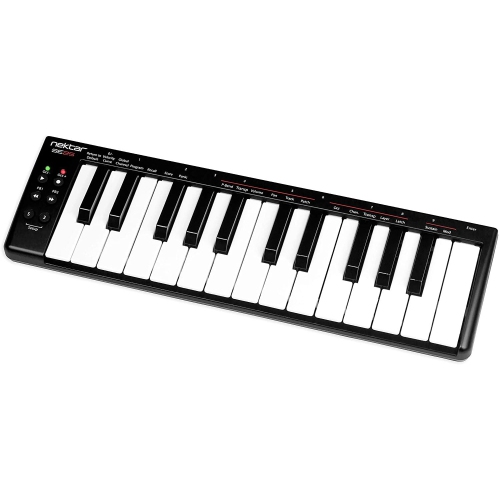
![NOVATION Launchkey Mini 25 [Mk4] — Portable 25 Mini-Key, USB, Midi Keyboard Controller w Daw Integration. Chord Mode, Scale Mode, Drum Pads, And](https://multimedia.bbycastatic.ca/multimedia/products/500x500/196/19623/19623151.jpeg)
![NOVATION Launchkey 25 [Mk4] — Compact 25 Key, USB, Midi Keyboard Controller w Daw Integration. Chord Mode, Scale Mode, 8 Drum Pads, And](https://multimedia.bbycastatic.ca/multimedia/products/500x500/196/19623/19623152.jpeg)
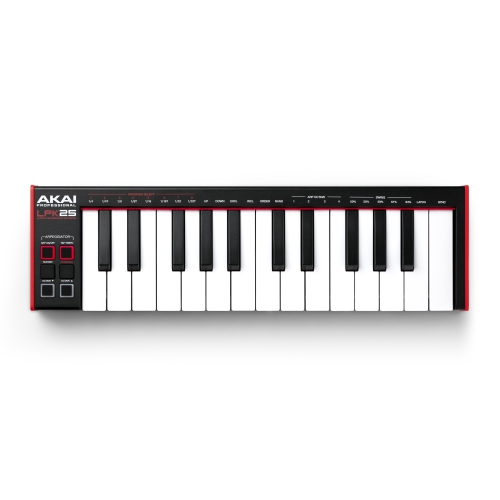
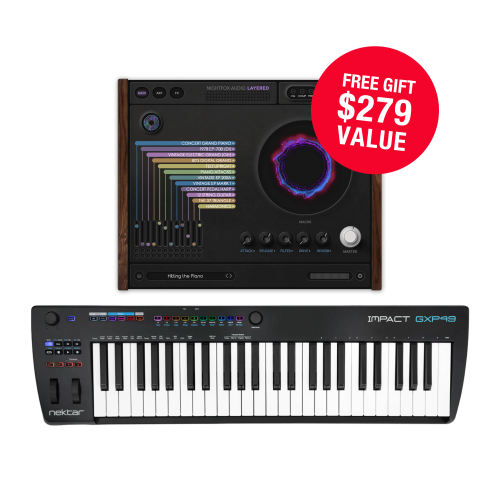
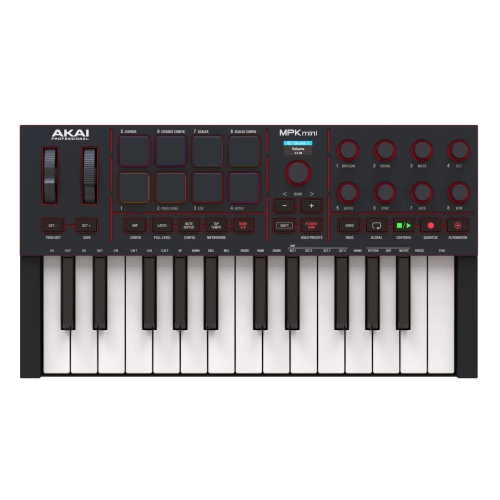
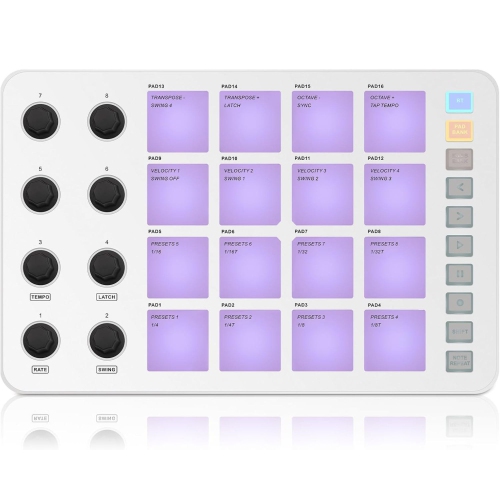
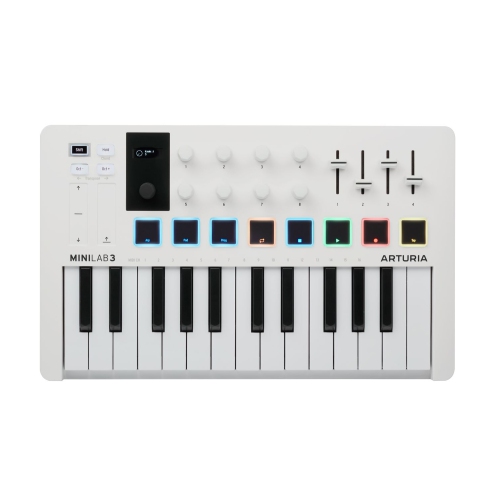
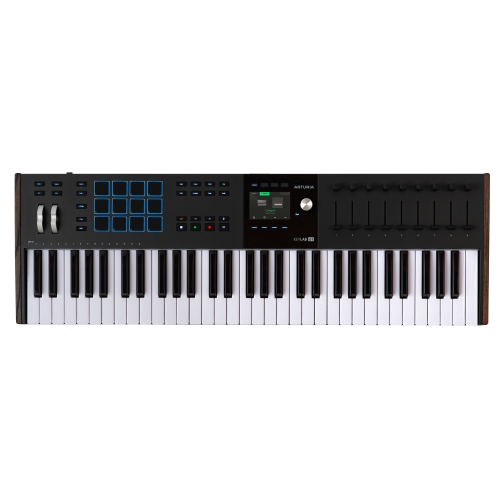
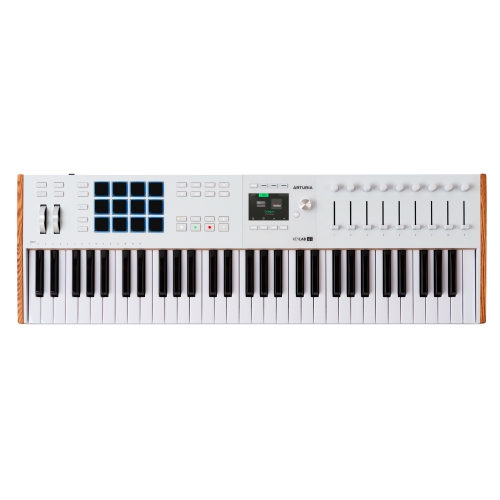
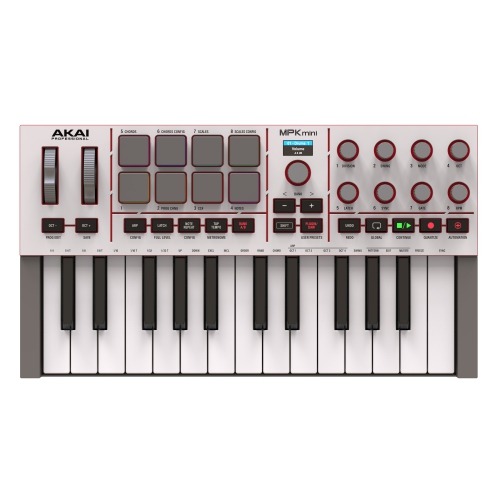
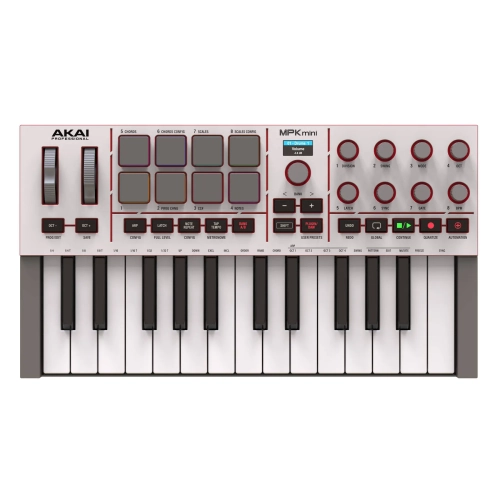
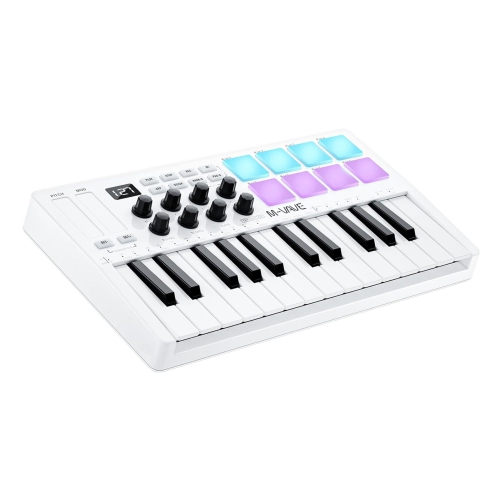
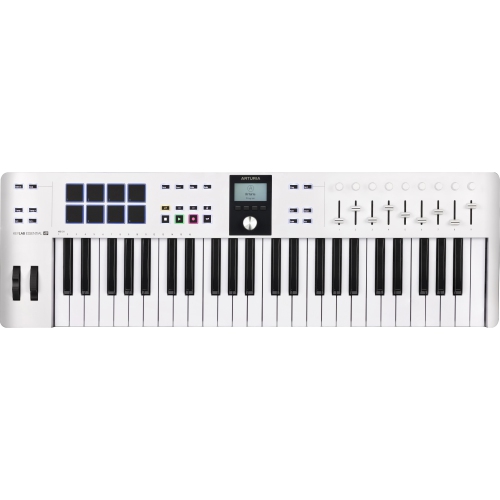
![NOVATION Launchkey 49 [Mk4] – 49 Key Semi-Weighted, USB, Midi Keyboard Controller w Daw Integration. Chord & Scale Modes, 8 Drum Pads, &](https://multimedia.bbycastatic.ca/multimedia/products/500x500/196/19623/19623147.jpeg)
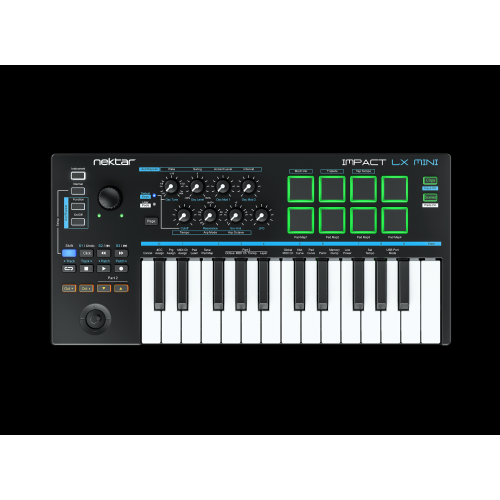
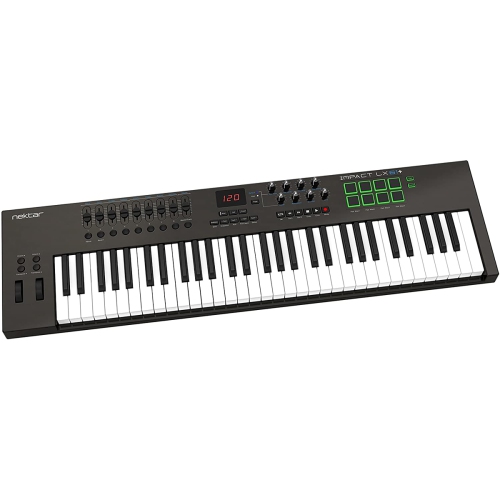
From piano roll clicks to expressive keyboard playing
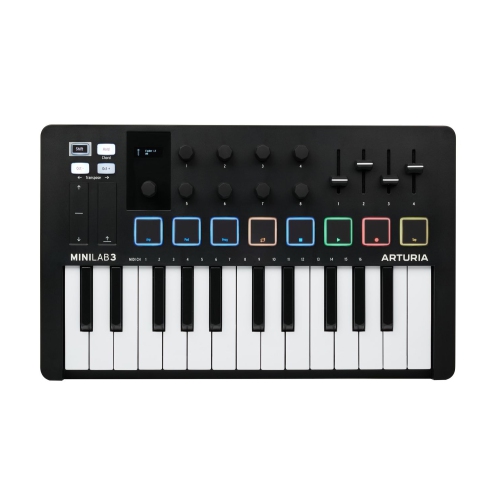
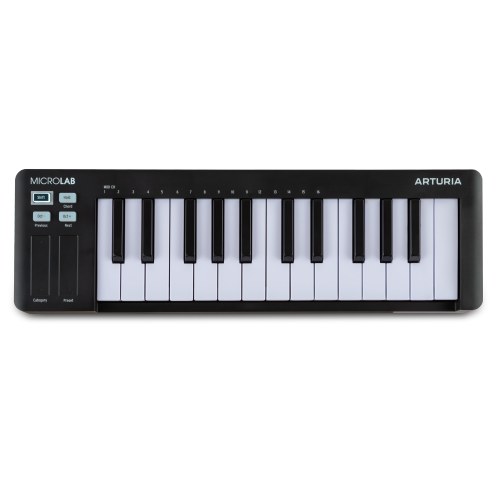
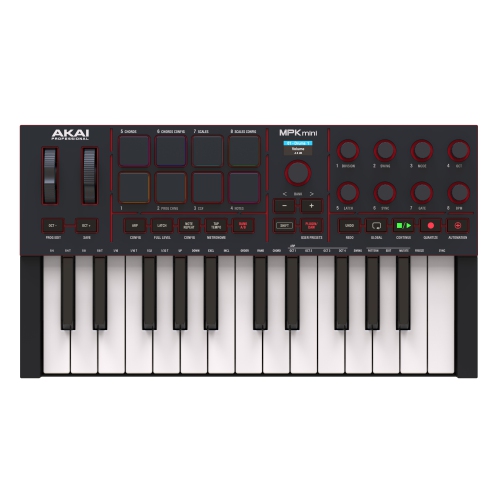
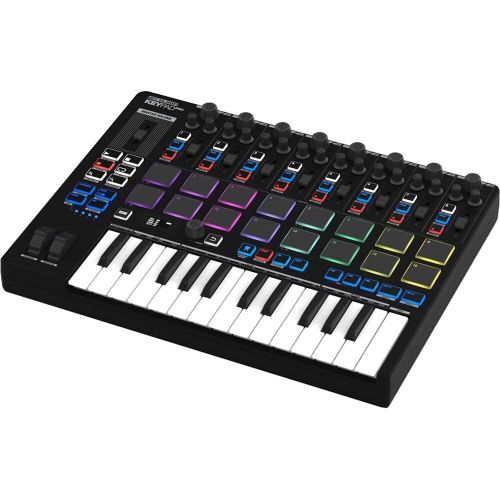
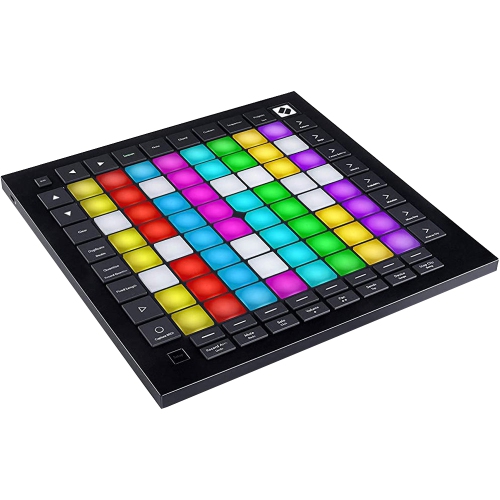
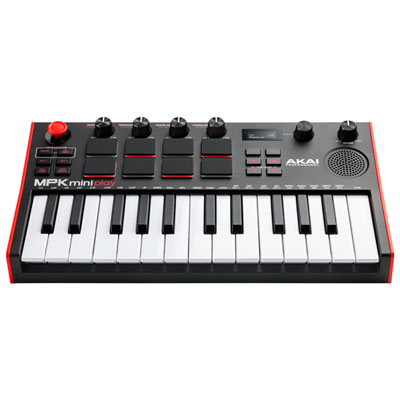
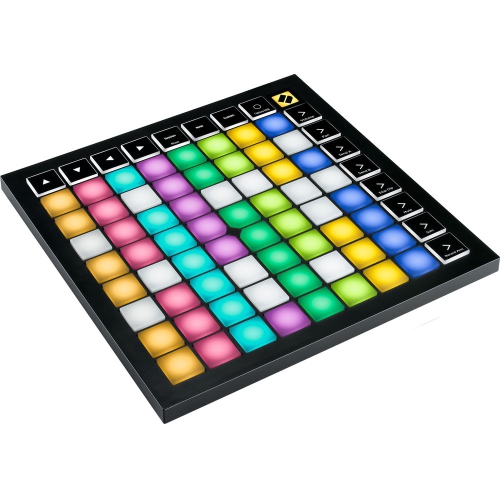
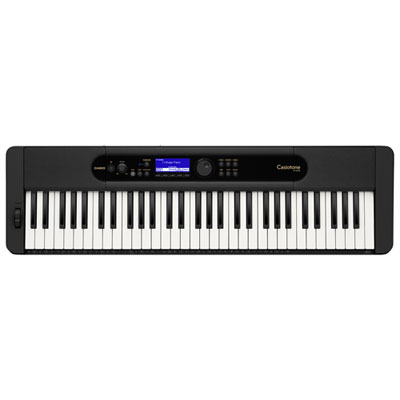
MIDI keyboards for FL Studio bring a hands-on approach to creating melodies, building chord progressions, programming drums, and shaping software instruments. Instead of drawing every note into the piano roll, a keyboard lets a producer play an idea, hear its phrasing, and capture variations in timing and touch. A MIDI controller typically sends performance data rather than producing sound on its own; the instrument loaded in FL Studio supplies the sound through the computer’s audio output or a connected audio interface. The most useful features depend on how that keyboard will fit into a session. Compact keys and responsive pads can suit someone making beats beside a laptop, while a wider keyboard gives a songwriter room to play a bass line and chords together. Common layouts include 25, 37, 49, 61, and 88 keys, with octave buttons extending the accessible note range on smaller models. Those buttons are useful for reaching a deep bass note or a high lead part, but they do not replace the physical space needed for two-handed playing across several octaves. For a typical USB connection, FL Studio receives keyboard input once the connected controller is selected and enabled under Options > MIDI settings. Basic note input and deeper software integration are different capabilities: a keyboard may play instruments successfully without offering dedicated access to the channel rack, step sequencer, mixer, or transport controls. Compatibility therefore includes the computer’s operating system, the connection type, and support for the intended version of FL Studio, not simply the presence of a USB port. Some controllers use a supported control script or a particular controller setting to activate their more specialized functions. For a beginner, straightforward setup and clearly labelled controls can make the first recording session less distracting. For an experienced producer, dependable mapping and quick access to frequently used functions can matter more than a large collection of controls that rarely get touched.
Keyboard feel has a direct effect on how comfortably musical ideas translate into recorded notes. Mini keys help keep a controller narrow and portable, making them practical for small workspaces, simple melodic parts, and travel between recording sessions. Full-size keys provide more familiar spacing for players with piano experience and can make wider chord shapes easier to judge by touch. Key size and key action are separate considerations: full-size keys are not necessarily weighted, and semi-weighted action does not feel the same as a hammer-action piano keyboard. A light synth action suits fast repeated notes and quick lead runs, while greater resistance may appeal to someone recording expressive piano parts. Velocity sensitivity allows playing strength to influence a software instrument’s response, provided that instrument is configured to respond to velocity. Adjustable velocity curves can help match the response to a lighter or heavier touch. Aftertouch, where supported by both the controller and instrument, adds another way to shape a held note without reaching for a mouse. Pads, knobs, faders, and wheels each serve a different purpose. Velocity-sensitive pads offer a tactile surface for finger drumming; knobs can adjust filter cutoff or effect parameters; and faders can provide direct control over mixer levels when mapped appropriately. Dedicated play, stop, and record buttons are especially convenient when the computer keyboard sits beyond easy reach. Scale and chord functions, where included, can support experimentation, although their behaviour and integration vary between controllers. A sustain pedal input is useful for piano-style phrasing, but pedal compatibility and whether a pedal is included deserve attention. Physical fit matters just as much as the feature list. The controller needs enough desk or stand space for its full width and depth, with clearance behind it for cables and access to nearby equipment. A low-profile body may slide comfortably beneath a monitor shelf, while a deeper panel with pads and faders needs more room. Keeping the playing surface at a comfortable height, with relaxed shoulders and space for the wrists to move, helps make longer sessions more enjoyable.
Construction and connections influence how well a MIDI keyboard holds up to its intended use. Moulded plastic housings can keep a portable setup manageable, while metal panels or reinforced frames may provide a firmer feel during frequent transport or energetic playing. Neither material alone guarantees durability; secure sockets, stable knobs, consistent key movement, and a chassis that rests firmly on its supports are also important. Rubber feet help limit movement on a smooth desk, particularly during finger drumming. USB bus power can reduce cable clutter, although power requirements and connections differ, and some setups need a suitable adapter, powered hub, or separate power supply. Traditional MIDI connections can be useful for controlling compatible external instruments, but a MIDI socket does not carry audio. Similarly, adding an audio interface is not usually necessary just to send notes into FL Studio, though suitable audio hardware and driver settings can help achieve responsive monitoring. A noticeable delay between pressing a key and hearing a note may relate to audio buffer settings or processing load rather than the keyboard itself. For a controller that moves between a home setup, rehearsal space, and stage, a padded case with room for protected cable storage helps prevent pressure on keys, pads, and protruding controls. The features associated with MIDI keyboards for live performance are also relevant when dependable hands-on control needs to extend beyond recording. Everyday care is straightforward: disconnect the controller before cleaning, wipe surfaces with a soft, dry cloth, keep liquids away, and follow the manufacturer’s instructions for anything more involved. Supporting cables rather than letting them pull against their sockets can help protect connections over time. As a gift for a music student, beatmaker, or songwriter, a MIDI keyboard is most useful when its size, computer compatibility, and playing style match the recipient’s setup. A compact controller can become a convenient sketchpad for musical ideas, while a larger keyboard can serve as the central playing surface for composing, practising, and recording in FL Studio.
Keyboard feel has a direct effect on how comfortably musical ideas translate into recorded notes. Mini keys help keep a controller narrow and portable, making them practical for small workspaces, simple melodic parts, and travel between recording sessions. Full-size keys provide more familiar spacing for players with piano experience and can make wider chord shapes easier to judge by touch. Key size and key action are separate considerations: full-size keys are not necessarily weighted, and semi-weighted action does not feel the same as a hammer-action piano keyboard. A light synth action suits fast repeated notes and quick lead runs, while greater resistance may appeal to someone recording expressive piano parts. Velocity sensitivity allows playing strength to influence a software instrument’s response, provided that instrument is configured to respond to velocity. Adjustable velocity curves can help match the response to a lighter or heavier touch. Aftertouch, where supported by both the controller and instrument, adds another way to shape a held note without reaching for a mouse. Pads, knobs, faders, and wheels each serve a different purpose. Velocity-sensitive pads offer a tactile surface for finger drumming; knobs can adjust filter cutoff or effect parameters; and faders can provide direct control over mixer levels when mapped appropriately. Dedicated play, stop, and record buttons are especially convenient when the computer keyboard sits beyond easy reach. Scale and chord functions, where included, can support experimentation, although their behaviour and integration vary between controllers. A sustain pedal input is useful for piano-style phrasing, but pedal compatibility and whether a pedal is included deserve attention. Physical fit matters just as much as the feature list. The controller needs enough desk or stand space for its full width and depth, with clearance behind it for cables and access to nearby equipment. A low-profile body may slide comfortably beneath a monitor shelf, while a deeper panel with pads and faders needs more room. Keeping the playing surface at a comfortable height, with relaxed shoulders and space for the wrists to move, helps make longer sessions more enjoyable.
Construction and connections influence how well a MIDI keyboard holds up to its intended use. Moulded plastic housings can keep a portable setup manageable, while metal panels or reinforced frames may provide a firmer feel during frequent transport or energetic playing. Neither material alone guarantees durability; secure sockets, stable knobs, consistent key movement, and a chassis that rests firmly on its supports are also important. Rubber feet help limit movement on a smooth desk, particularly during finger drumming. USB bus power can reduce cable clutter, although power requirements and connections differ, and some setups need a suitable adapter, powered hub, or separate power supply. Traditional MIDI connections can be useful for controlling compatible external instruments, but a MIDI socket does not carry audio. Similarly, adding an audio interface is not usually necessary just to send notes into FL Studio, though suitable audio hardware and driver settings can help achieve responsive monitoring. A noticeable delay between pressing a key and hearing a note may relate to audio buffer settings or processing load rather than the keyboard itself. For a controller that moves between a home setup, rehearsal space, and stage, a padded case with room for protected cable storage helps prevent pressure on keys, pads, and protruding controls. The features associated with MIDI keyboards for live performance are also relevant when dependable hands-on control needs to extend beyond recording. Everyday care is straightforward: disconnect the controller before cleaning, wipe surfaces with a soft, dry cloth, keep liquids away, and follow the manufacturer’s instructions for anything more involved. Supporting cables rather than letting them pull against their sockets can help protect connections over time. As a gift for a music student, beatmaker, or songwriter, a MIDI keyboard is most useful when its size, computer compatibility, and playing style match the recipient’s setup. A compact controller can become a convenient sketchpad for musical ideas, while a larger keyboard can serve as the central playing surface for composing, practising, and recording in FL Studio.
Top selling and popular products
-
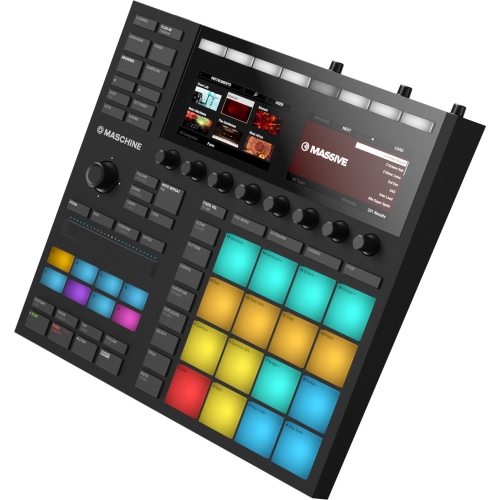 Your price for this item is $609
 -
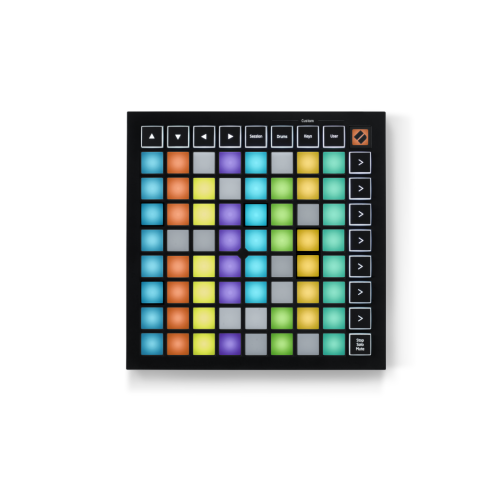 Your price for this item is $129.99
 -
![NOVATION Launchkey 25 [Mk3] Midi Keyboard Controller for Ableton Live](https://multimedia.bbycastatic.ca/multimedia/products/500x500/175/17552/17552265.png) Your price for this item is $169
Your price for this item is $169 -
 Your price for this item is $399.99
 -
 Your price for this item is $189.99
 -
 Your price for this item is $219.99
 -
![NOVATION Launchkey Mini 37 [Mk4] — Portable 37 Mini-Key, USB, Midi Keyboard Controller w Daw Integration. Chord Mode, Scale Mode, Drum Pads, And](https://multimedia.bbycastatic.ca/multimedia/products/500x500/196/19623/19623149.jpeg) Your price for this item is $229
Your price for this item is $229 -
![NOVATION Launchkey 61 [Mk4] – 61 Key Semi-Weighted, USB, Midi Keyboard Controller w Daw Integration. Chord & Scale Modes, 8 Drum Pads, &](https://multimedia.bbycastatic.ca/multimedia/products/500x500/196/19623/19623154.jpeg) Your price for this item is $399.99
Your price for this item is $399.99
Discover more categories related to MIDI Keyboards for FL Studio
Top Collections:
Pokemon Centers, Kindle Devices, Best Budget Office Chairs, Apple iPhones 16, Best Laptops for Writers, iPhone 15 Apple, Canon G7X Cameras, Refurbished Apple Laptops, Alarm Clock, Motorola Razr Phones
Some products may be subject to Environmental Handling Fees
(EHF) depending on your province.
Learn more about EHFs.