Cell Phones With Fingerprint Scanner
Cell Phone With Fingerprint Scanner options offer a convenient and secure way to access your device. Browse a selection of models designed with built-in fingerprint technology, making it easier to unlock your phone and keep your information protected. Whether you’re looking for advanced features or everyday reliability, find the right Cell Phone With Fingerprint Scanner to fit your needs and lifestyle.
Sort
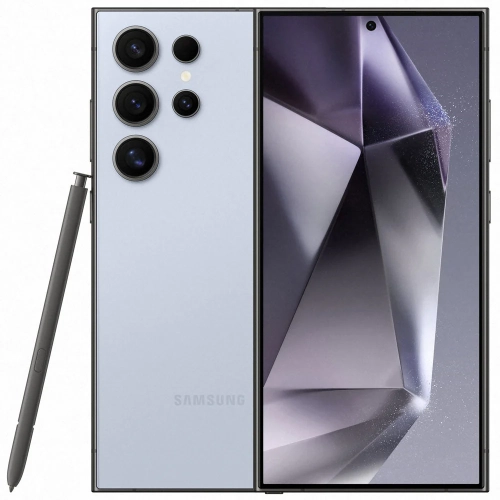
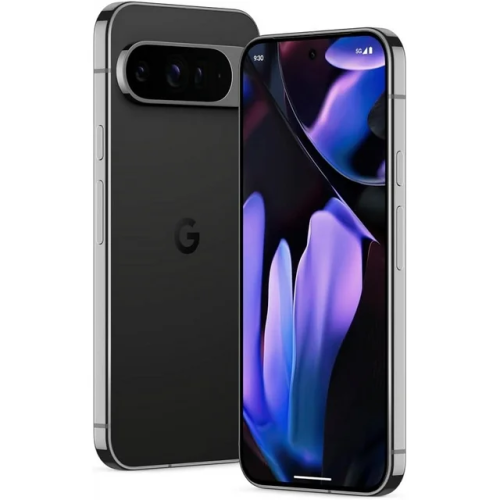
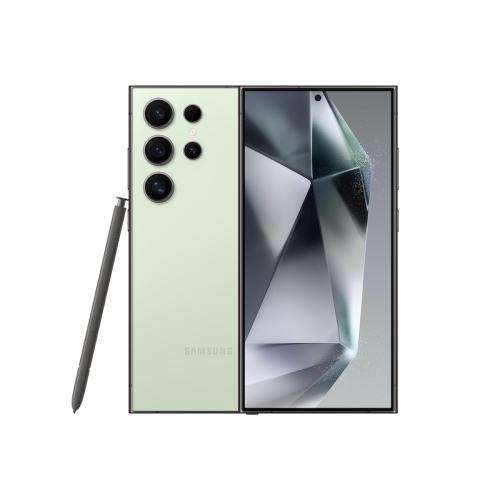
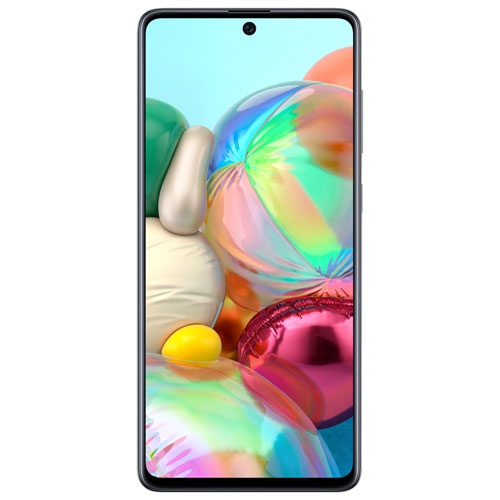



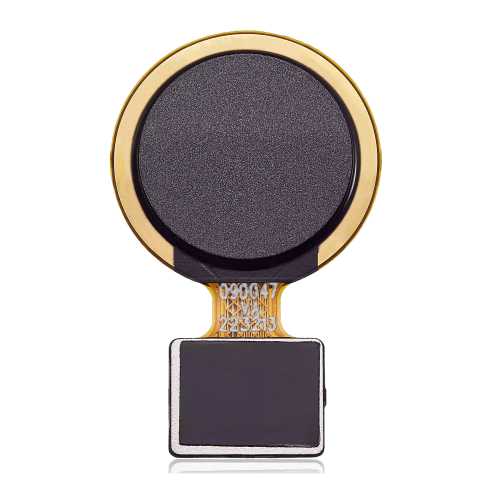
Why fingerprint sensor placement matters for everyday use
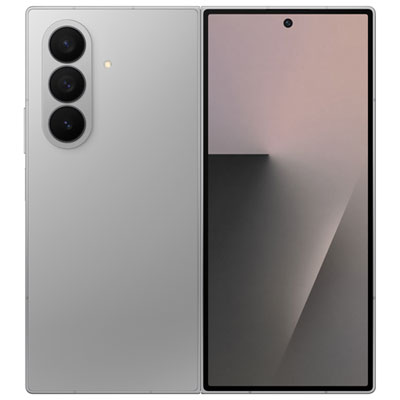
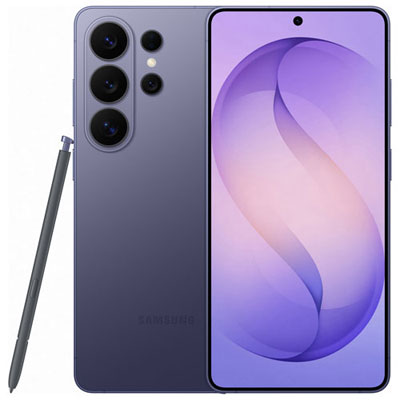
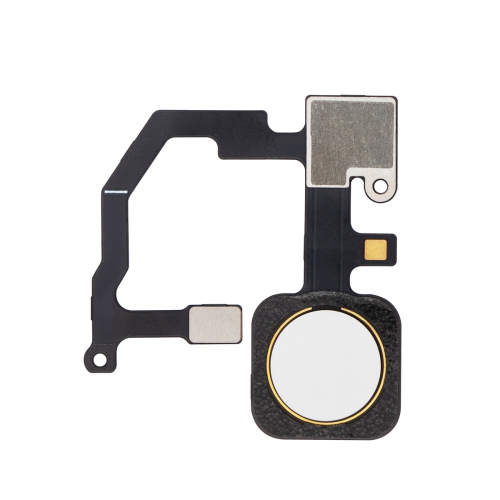
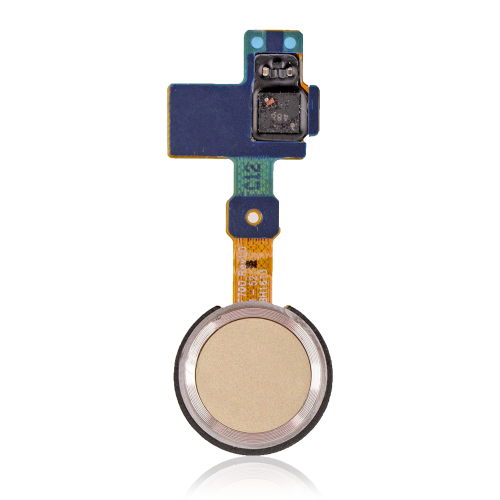
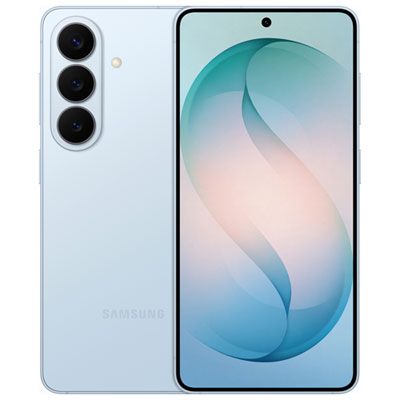
Cell phones with fingerprint scanners use a biometric sensor to compare a fingertip with an enrolled fingerprint, providing a convenient way to unlock the device without entering a passcode every time. The reader may sit beneath the display, inside a side-mounted power button, or on the back of the phone. Under-display readers commonly use optical technology, which captures an image of the fingerprint, or ultrasonic technology, which uses sound waves to detect its surface details. Other readers often use capacitive sensors to detect the pattern of ridges and valleys. Sensor placement can make as much difference to everyday comfort as the technology itself. A side-mounted reader can meet the thumb naturally when the phone is picked up, while an under-display reader can be convenient when the phone rests face up on a desktop. A rear reader may suit someone whose index finger naturally rests against the back of the handset. Beyond opening the lock screen, fingerprint authentication can help approve supported payments, open a password manager, or sign in to compatible banking and other apps. Those functions depend on the phone, operating system, and individual app; having a fingerprint reader does not mean every service accepts it. A PIN, password, or pattern remains important because phones require a backup method after a restart, repeated unsuccessful attempts, or other security checks. Fingerprint information is generally stored as a protected mathematical template rather than an ordinary photograph, although the exact safeguards vary by device. For someone checking messages between errands or opening a transit app with one hand, a well-positioned sensor can remove a small but frequent interruption. It is still one part of phone security, alongside software updates, a strong screen lock, and sensible account settings. Fingerprint access adds convenience, but it does not replace those protections or guarantee that a phone cannot be accessed by someone else.
The best fit also depends on how the phone feels in the hand and how it will be carried. Screen size alone does not reveal whether a handset will be comfortable: overall width, weight, edge shape, and button placement all affect reach. Someone with smaller hands may find a compact body easier to hold securely, especially if the sensor sits high on the side. A larger display can provide more room for reading, maps, and video calls, but reaching a fingerprint target near the bottom of the screen may require a different grip. Registering the thumb used most often, plus another permitted finger if supported, can make unlocking more practical when the phone changes hands or position. Only trusted users should have fingerprints enrolled, since an enrolled print may also authorize supported actions beyond unlocking. Cases deserve attention as well. A raised edge or narrow cut-out around a side reader can interfere with comfortable contact, while a case that covers a rear sensor prevents normal use. Under-display readers may need a compatible screen protector, and thicker glass or certain adhesives can affect recognition. Manufacturer guidance is useful here, including whether fingerprints should be enrolled again after a protector is fitted. Glass, metal, and plastic bodies each have a different feel, but no single material guarantees resistance to drops or scratches. A protective case and careful handling remain worthwhile, particularly for a phone carried with keys or used frequently away from home. Keep the sensor area clean using the device maker’s cleaning recommendations, and avoid abrasive cleaners or spraying liquid directly onto the phone. Dirt, lotion, moisture, or changes to the skin can make recognition less consistent. A clean, dry finger and full contact with the sensing area often help; repeated failures are a reason to use the backup unlock method rather than press harder. Water-resistance ratings, where specified, describe particular test conditions and should not be treated as permission to immerse a phone or ignore care instructions.
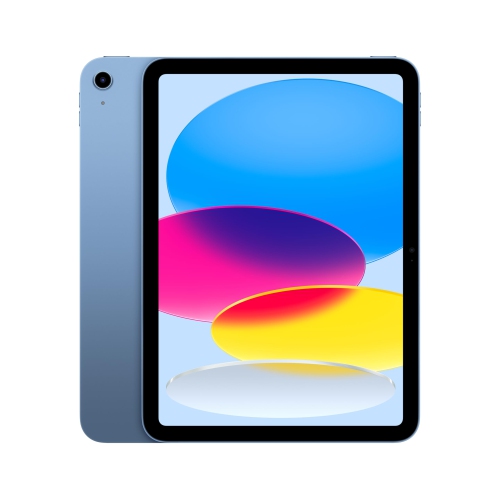
A fingerprint reader should complement the rest of the phone rather than distract from the features used all day. For messaging, calls, navigation, and casual photos, comfortable handling and dependable battery life may matter more than advanced camera controls. Frequent photographers may place greater emphasis on image stabilization, low-light performance, and enough storage for photos and video. Storage requirements also grow with downloaded music, large apps, and saved maps, and memory-card support should not be assumed. For video meetings or watching shows, display clarity, speaker quality, and a front-facing camera can have a more noticeable effect than the sensor’s location. Charging methods, accessory compatibility, and the expected software and security update period are other useful distinctions. Network compatibility matters in Canada, particularly when bringing a phone to an existing carrier: supported cellular bands, SIM or eSIM requirements, and carrier support for features such as Wi-Fi calling should match the intended setup. People who move between personal and work tasks may also need to check workplace rules, since an employer can restrict biometric sign-in or require additional authentication. For a parent, student, commuter, or relative receiving a phone as a gift, the most useful combination is often straightforward unlocking, readable text, manageable size, and familiar accessibility settings. Fingerprint access may be convenient for someone who finds repeated passcode entry cumbersome, but an accessible backup method is essential if the sensor becomes difficult to use. Gift recipients should enrol their own fingerprints and set their own private credentials during setup. For a larger companion device used for reading, browsing, or shared household tasks, Tablets With Fingerprint Sensors offer a related option, with authentication features that also vary by device and app. Across both formats, everyday suitability comes from the complete combination of secure access, comfortable design, useful features, and ongoing software support—not the presence of a fingerprint scanner alone.
Top selling and popular products
-
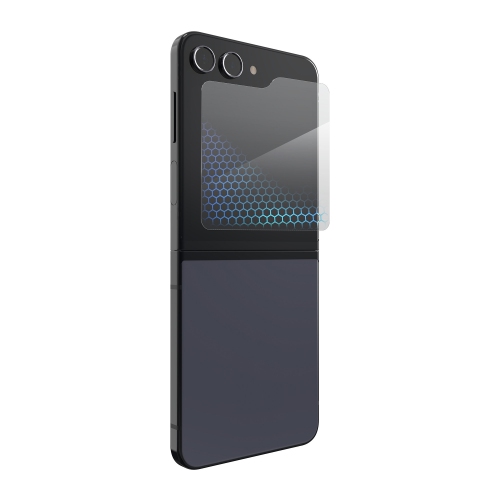 Your price for this item is $59.99
-
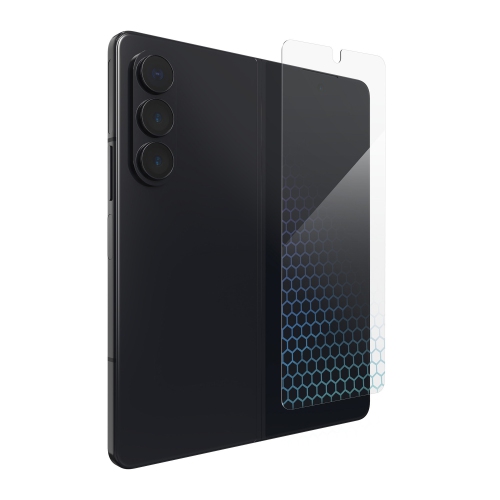 Your price for this item is $59.99
-
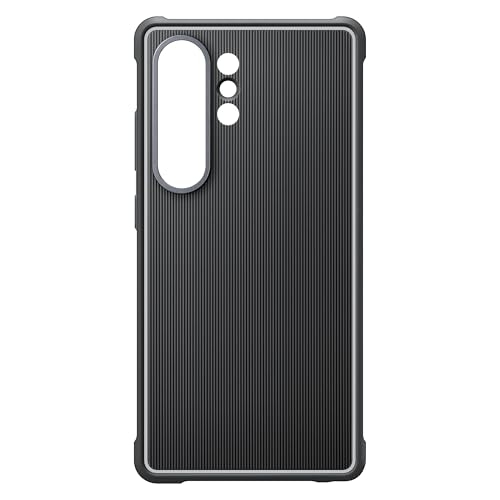 Your price for this item is $69.99
-
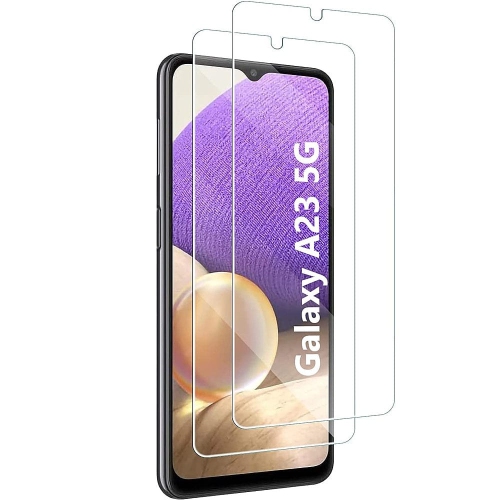 Your price for this item is $52
-
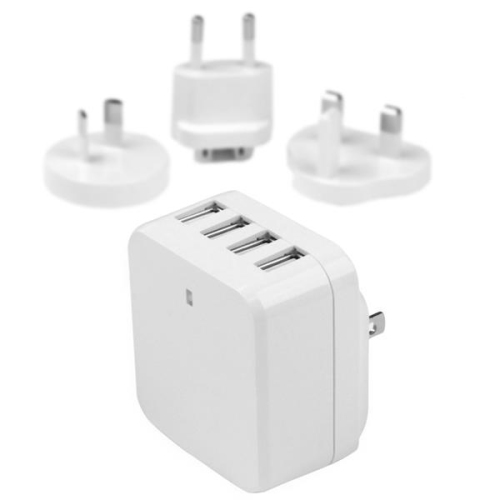 Your price for this item is $49.99
-
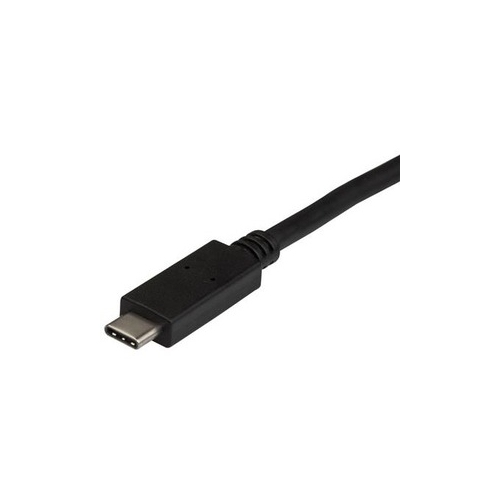 Your price for this item is $14.68
-
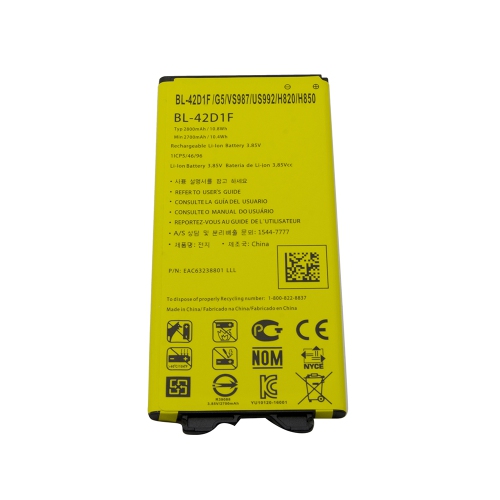 Your price for this item is $14.79
-
 Your price for this item is $16.79
Discover more categories related to Cell Phones With Fingerprint Scanner
Top Collections:
Best Black Friday Deals This Year, Best Black Friday Deals On Electronics, Kindle Devices, Pokemon Centers, Best Black Friday Deals On Apple Products, Best Cameras for Sports Photography, Dyson Airwrap, Pokémon 30th Celebration Cards, Apple iPhone 17 Pro, Canon G7X Cameras
Some products may be subject to Environmental Handling Fees
(EHF) depending on your province.
Learn more about EHFs.