MagSafe Compatible iPhone 17 Pro Cases
MagSafe Compatible iPhone 17 Pro Cases offer seamless integration with your device while providing reliable protection and style. Designed to work effortlessly with MagSafe accessories, these cases make it easy to personalize your iPhone 17 Pro and keep it secure on the go. Explore a variety of colors, materials, and designs to find the perfect fit for your lifestyle and preferences. With options tailored for both everyday use and added flair, MagSafe Compatible iPhone 17 Pro Cases deliver convenience and versatility for your mobile experience.
Sort
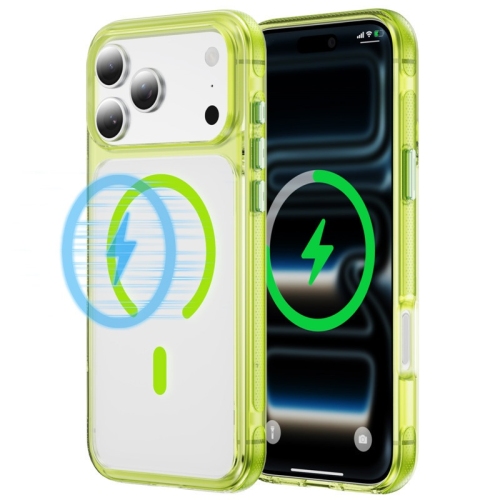
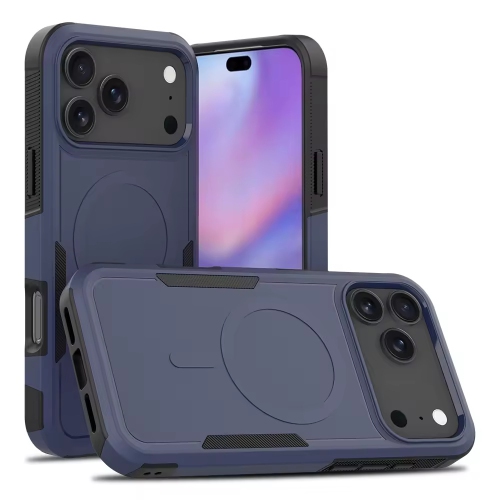
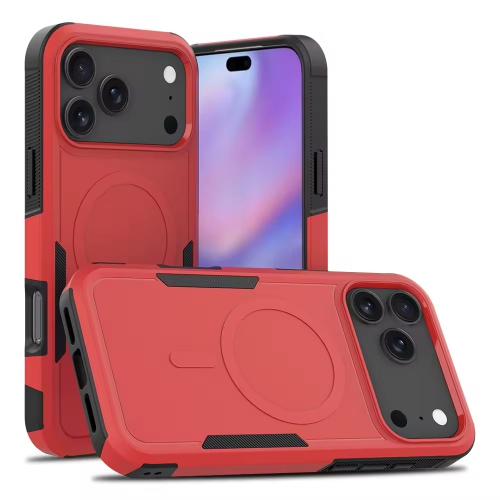
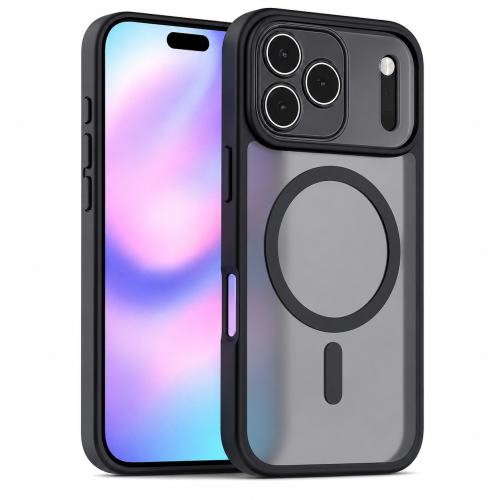
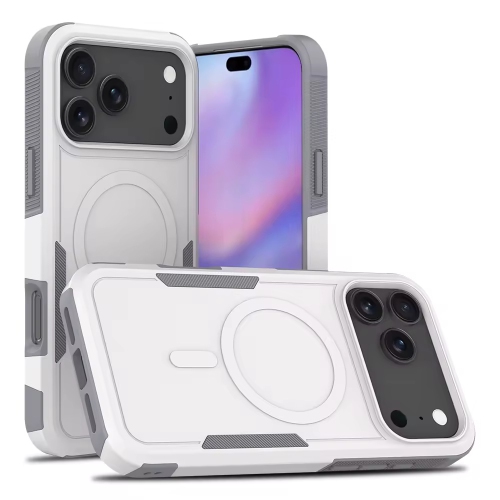
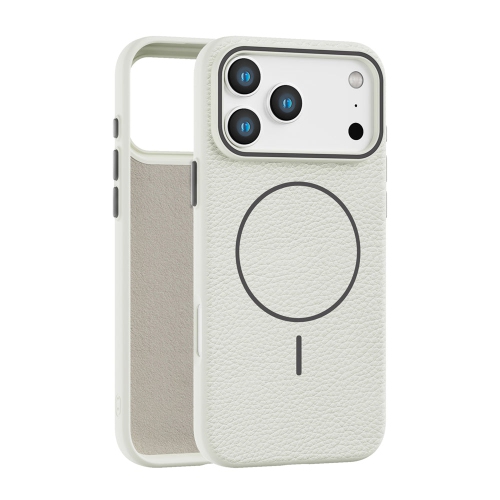
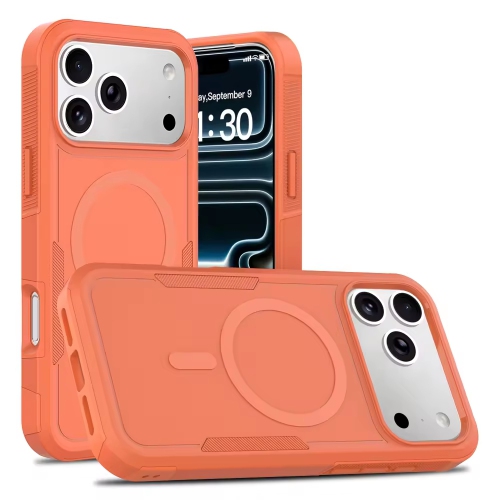
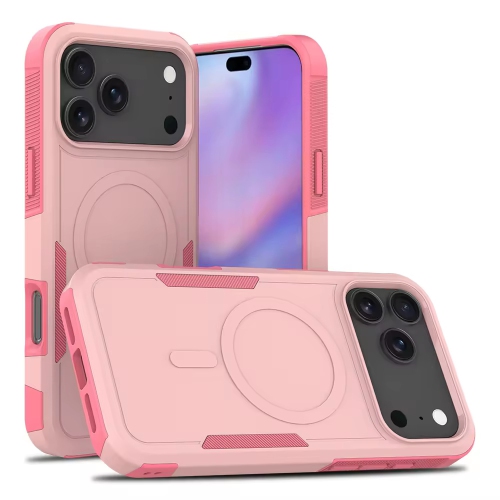
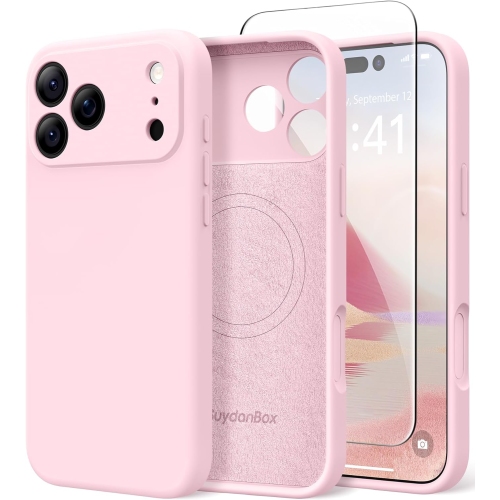
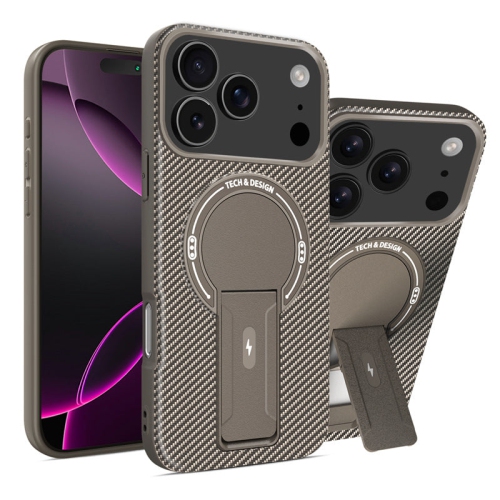
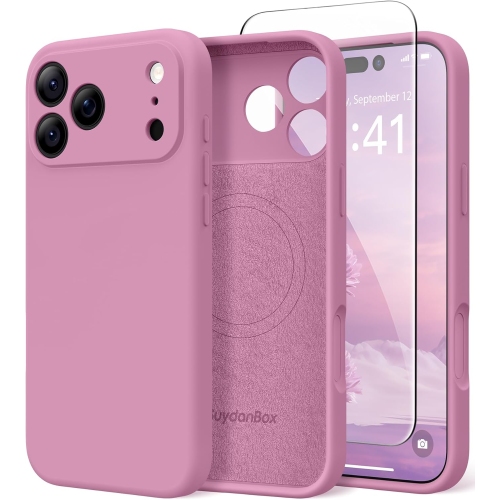
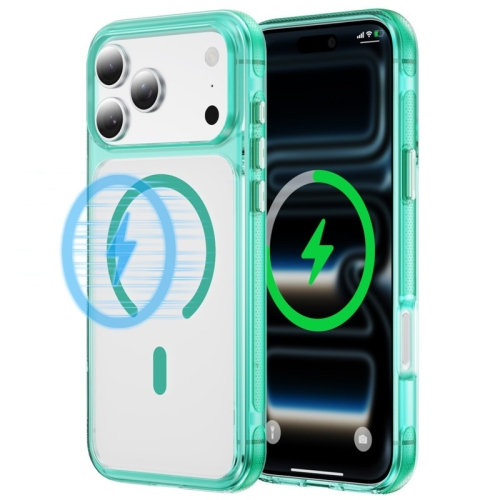
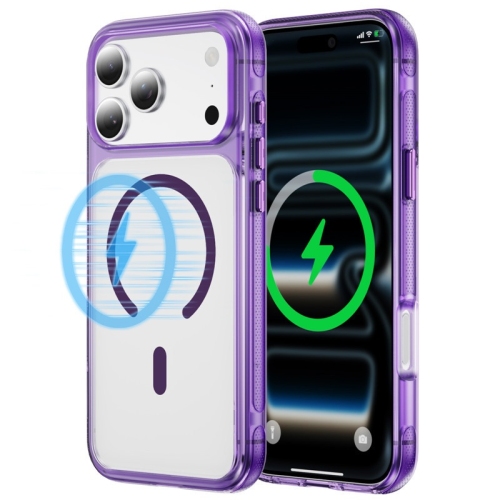
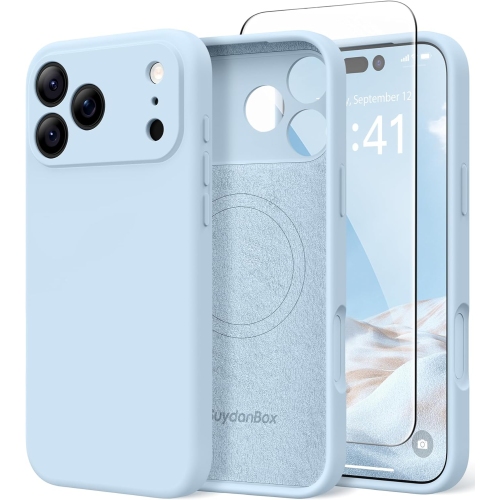
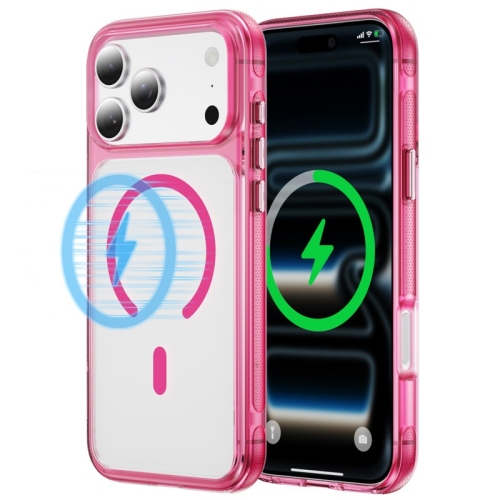
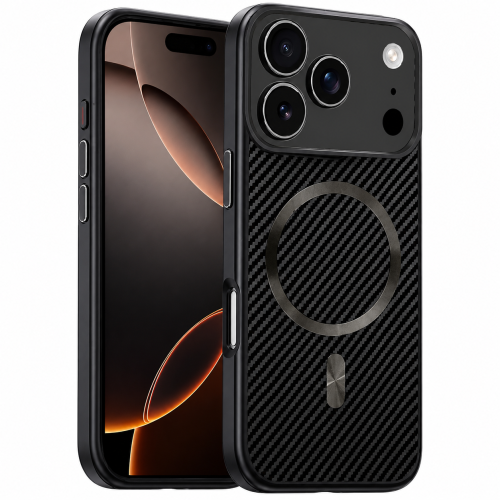
How case design affects grip and magnetic attachment
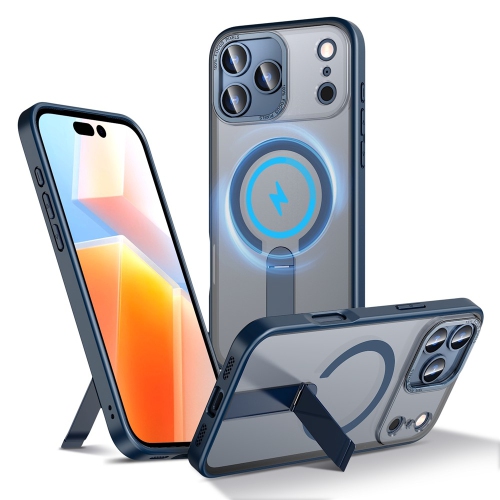
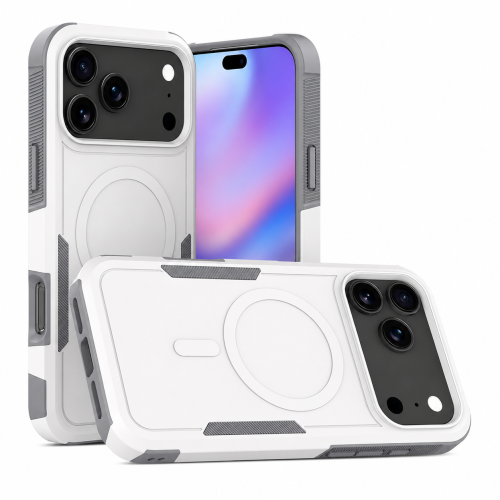
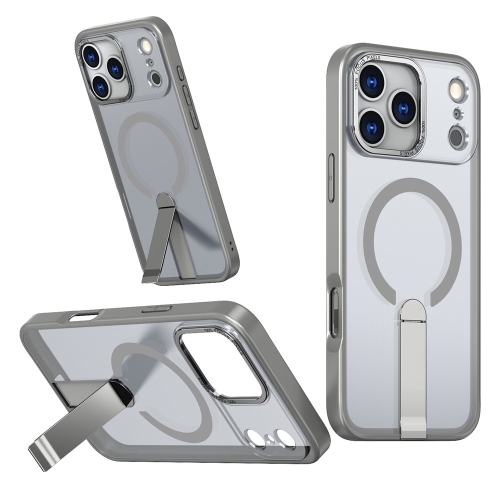
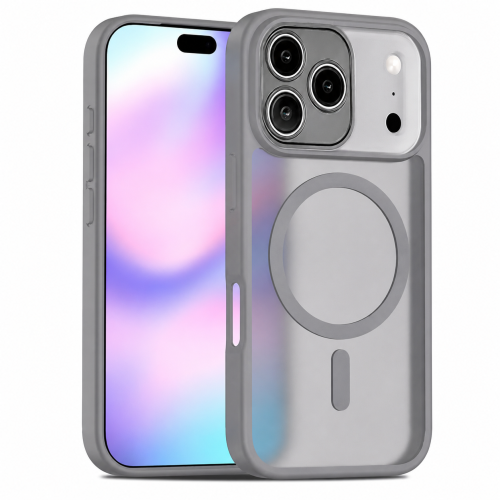
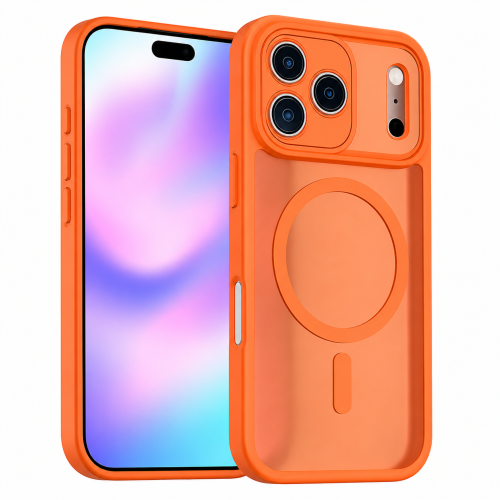
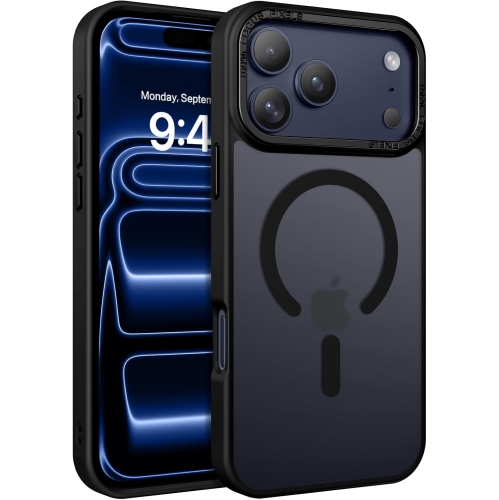
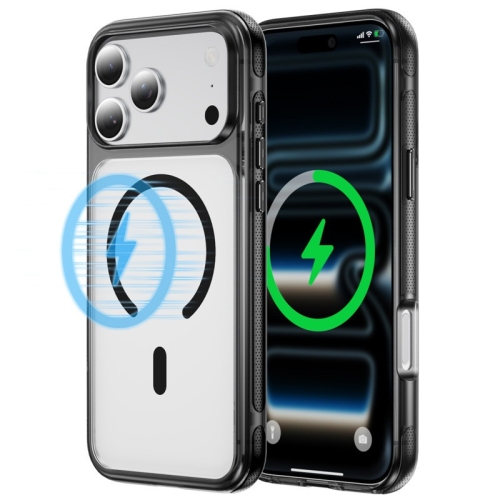
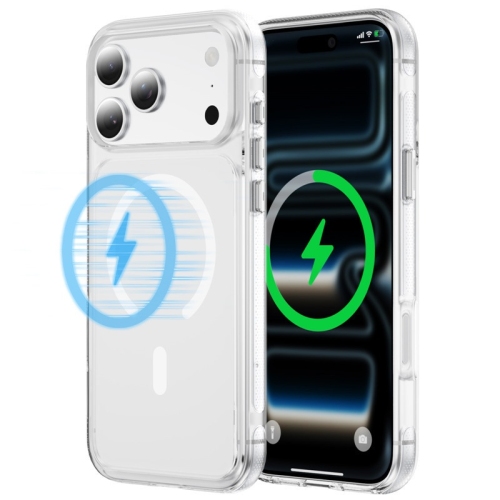
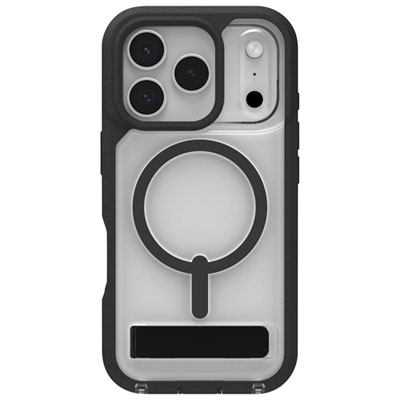
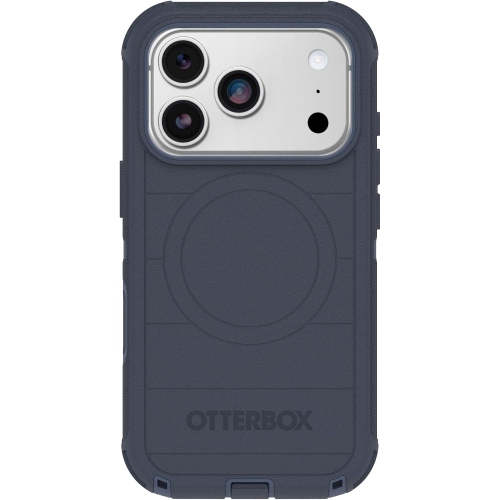
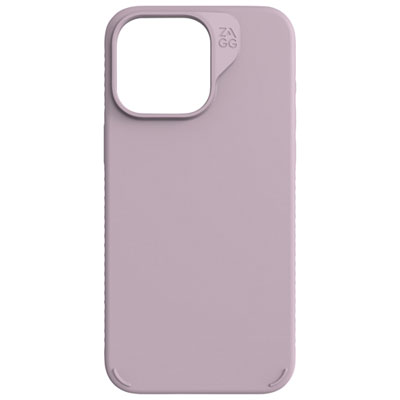
MagSafe-compatible iPhone 17 Pro cases are shaped for the phone’s buttons and raised camera area, with a built-in magnetic ring that lines up with compatible chargers, mounts, wallets and grips. That ring makes a practical difference if the phone moves from a charging stand on a desktop to a mount in the car: each accessory has a defined place to attach, rather than relying on a flat case back to hold it in position. A snug fit is just as important as the magnet. The case should sit flush around the corners, leave enough room around the charging port for a cable plug and keep the controls easy to reach. Around Camera Control, some cases have an opening that leaves the control exposed, while others use a fitted cover designed to pass through presses and finger gestures. A generous opening gives a fingertip more room to move; a responsive cover keeps more of the phone’s edge covered. That difference is noticeable when adjusting a camera setting with one hand. A raised rim can help keep the screen or lenses from touching a flat tabletop, though a deep rim around the display may feel more prominent during edge swipes. It’s also worth checking that the lip leaves room for a screen protector without lifting its corners. MagSafe compatibility describes how accessories attach, but it doesn’t mean every case, mount or charger will behave the same way. A wallet that stays in place while the phone is carried may put different demands on the magnets than a stand that holds the phone at an angle. For wireless charging, the charger and power adapter affect charging speed, and a snap-on wallet should be removed before the phone goes on the charger. For a different phone model, MagSafe Compatible iPhone 16e Cases have a different fit and can add a magnetic attachment point without adding native MagSafe charging to that phone.
Case materials change how an iPhone 17 Pro feels in the hand and how easily it slips into a pocket. A clear polycarbonate back is rigid and shows the phone’s colour, while flexible TPU edges can make the case easier to put on and take off. Clear finishes can pick up fine scratches from keys or grit, and flexible clear edges may discolour over time even when the back still looks clean. A soft-touch silicone exterior usually feels grippier than a smooth shell, which can be handy when reading a message with one hand. That same finish can collect pocket lint or drag against a close-fitting pocket. Some silicone cases have a microfibre lining that cushions contact between the case and the phone’s back. Matte and lightly textured finishes are other options for anyone who wants a steadier grip without the feel of silicone. A matte back tends to show fewer fingerprints than a glossy one, while a ridged edge gives fingers a more defined place to rest. Slim cases keep the phone closer to its original shape and add less bulk when a wallet is attached. More rugged cases put extra material where it matters to some users, such as around the corners, screen and camera area. That added depth can be useful when the phone often shares a bag with other gear, though it can make a deep button cutout harder to reach or prevent a broad stand from sitting flat against the back. Bumpers and raised edges help limit contact with flat surfaces, but they don’t shield the display or lenses from every kind of impact. A stated drop rating reflects particular test conditions; it isn’t a guarantee against damage on tile, a stair edge or another uneven surface.
Everyday habits can make the choice clearer than a list of features. Someone who takes frequent photos may care more about easy access to Camera Control and a stable grip than about having the thinnest possible case. A commuter who uses a magnetic wallet might prefer a slimmer back so the combined thickness still fits comfortably in a jacket pocket or small bag. For a phone that spends much of the workday on a stand, check that the stand sits flush against the case rather than rocking on the raised camera rim. A wrist lanyard can be useful when taking pictures over a railing or carrying the phone alongside several bags, provided the case has a purpose-built attachment point and the strap doesn’t crowd the charging port. For a gift, confirm that the recipient has the iPhone 17 Pro rather than a different model in the range. Similar names don’t mean the body dimensions, button positions or camera openings match. A clear design lets the recipient’s chosen phone colour show through, while a textured or matte finish may suit someone who already favours a less slippery phone. Basic care helps preserve the finish and keep the case fitting properly. Remove it periodically to clear out lint and grit, particularly around the corners and camera opening, where trapped particles can rub against the phone. A soft, lint-free cloth is a good starting point for wiping the case; follow the maker’s directions before using soap or a cleaning solution, and let the case dry fully before putting it back on. It’s worth inspecting the corners and accessory fit after a hard drop. A split corner, a loose edge or an accessory that no longer sits flush can matter more than a cosmetic scuff, since the case and its magnetic attachments depend on a stable fit.
Top selling and popular products
-
 Your price for this item is $24.99
-
 Your price for this item is $52.99
-
 Your price for this item is $44.95
-
 Your price for this item is $74.99
-
 Your price for this item is $59.97
-
 Your price for this item is $41.95
-
 Your price for this item is $89.95
-
 Your price for this item is $190
Discover more categories related to MagSafe Compatible iPhone 17 Pro Cases

Top Collections:
Best Black Friday Deals This Year, Best Black Friday Deals On Electronics, Kindle Devices, Dyson Airwrap, Best Cameras for Sports Photography, Best Budget Office Chairs, Canon G7X Cameras, PS5 Pro Consoles, Best Black Friday Deals On Apple Products, XBOX One S Consoles
Some products may be subject to Environmental Handling Fees
(EHF) depending on your province.
Learn more about EHFs.