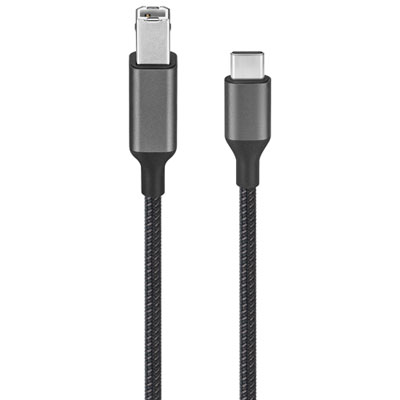
Printer Cables for Offices
Printer Cables for Offices are essential for maintaining reliable connections between printers and computers in busy work environments. Whether setting up a new office or upgrading existing equipment, choosing the right printer cables helps ensure smooth and efficient document printing. Explore a variety of options designed to support different office setups and printer models, making it easy to find the cables that fit your workspace needs.
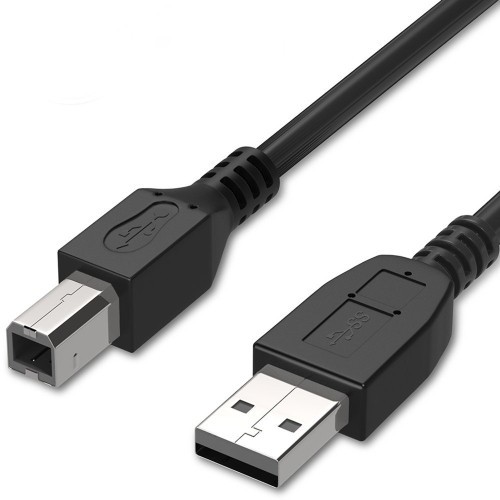
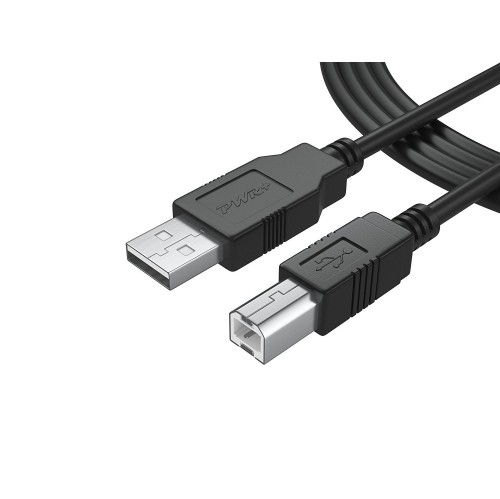
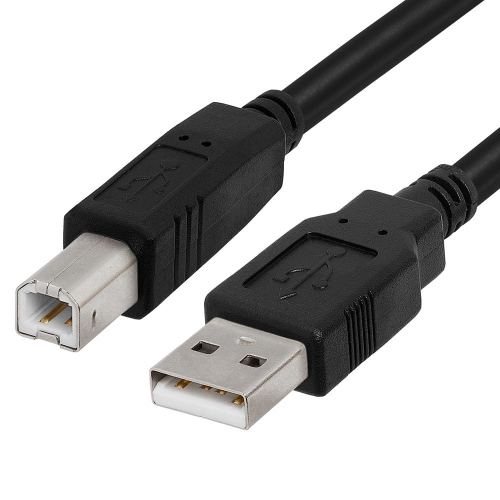
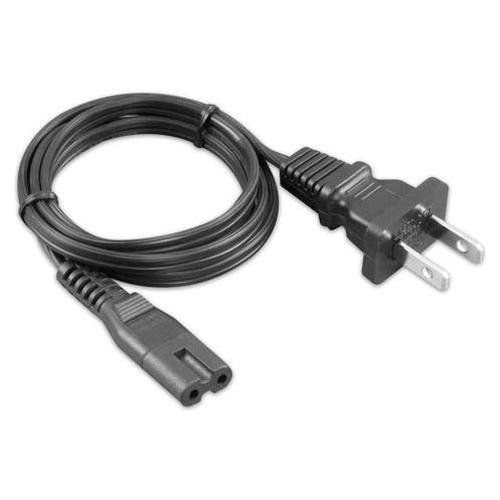
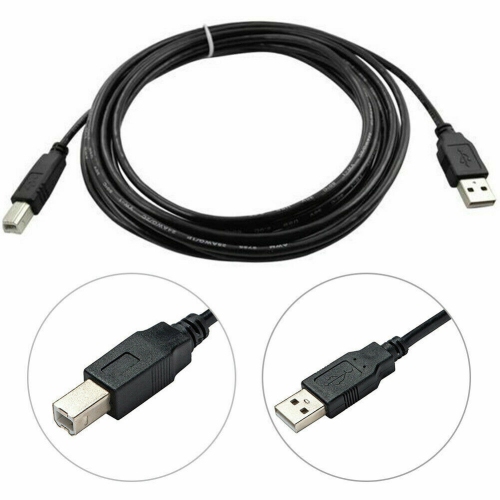

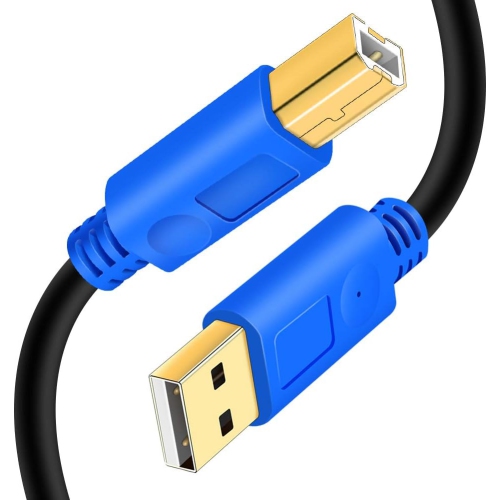
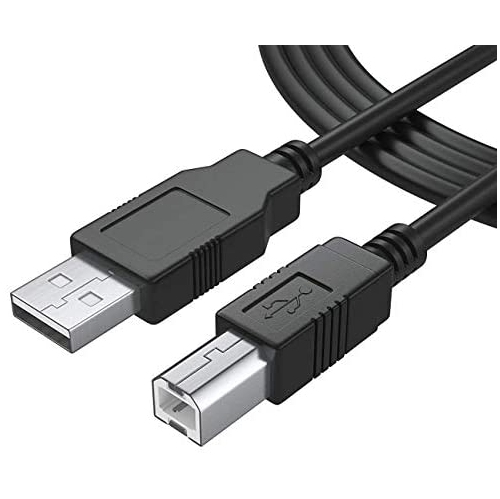
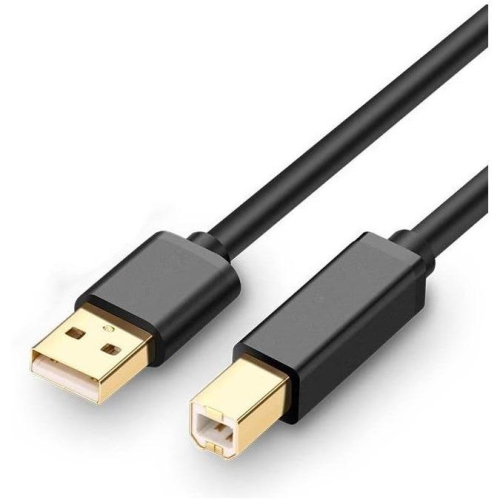

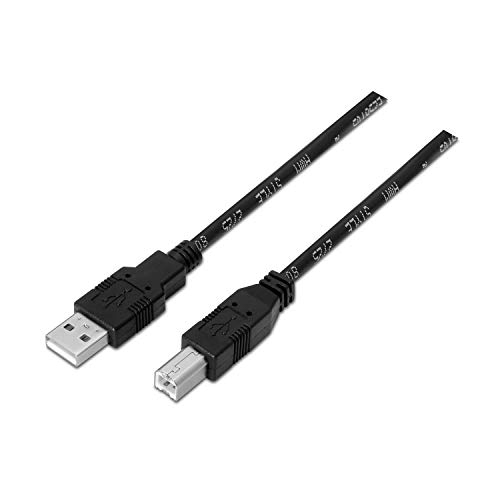
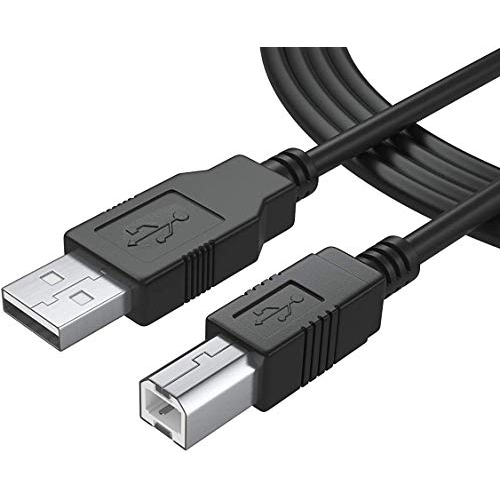
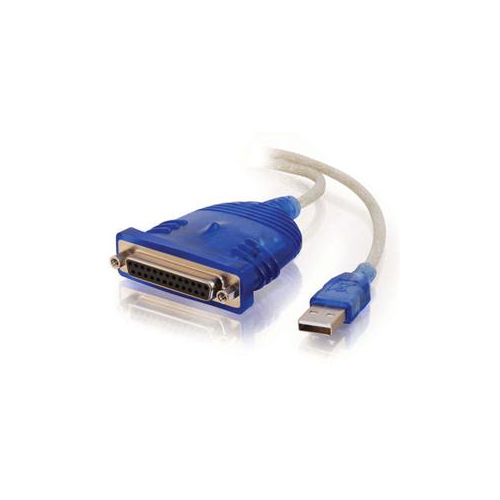
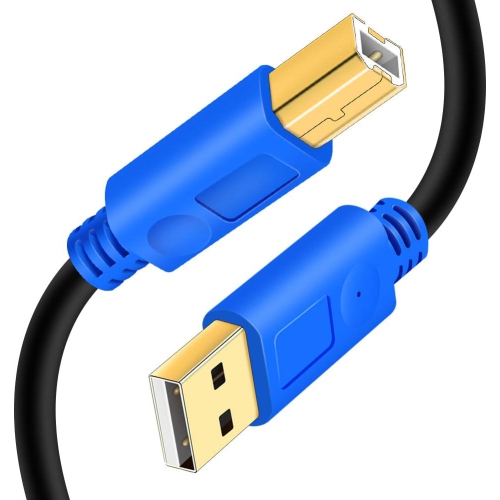
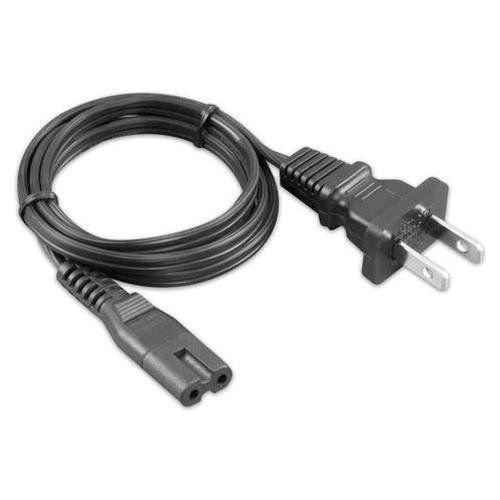
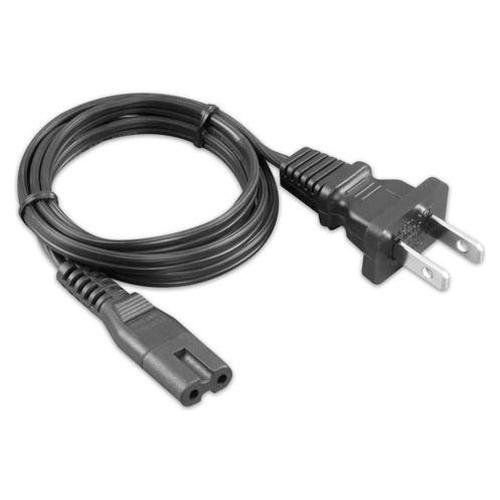
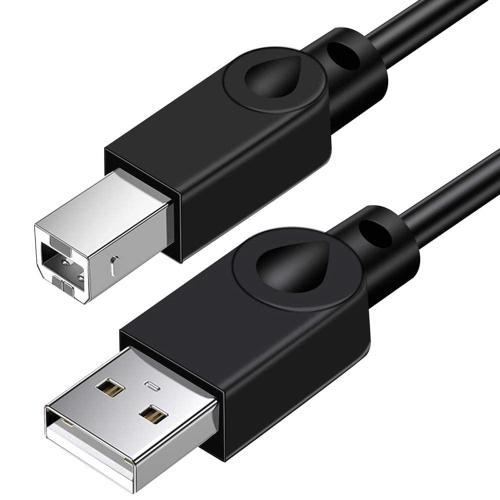
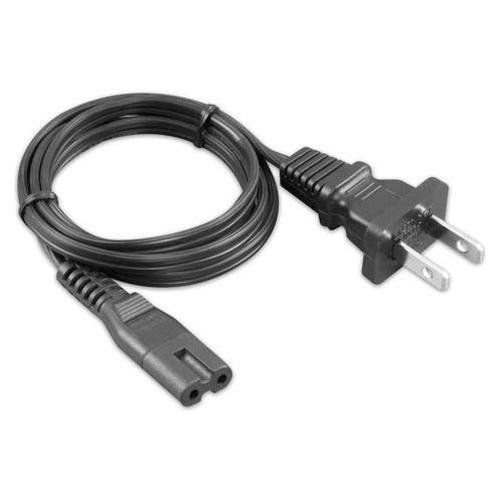

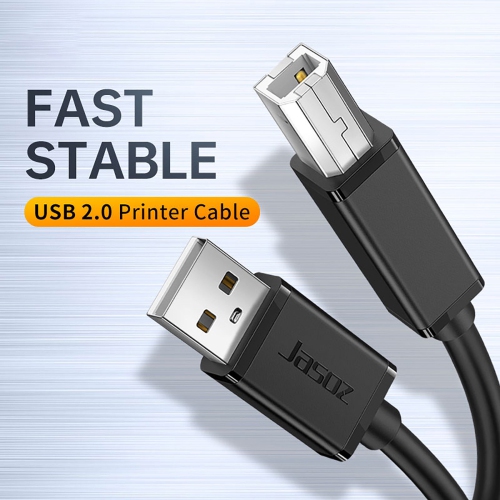
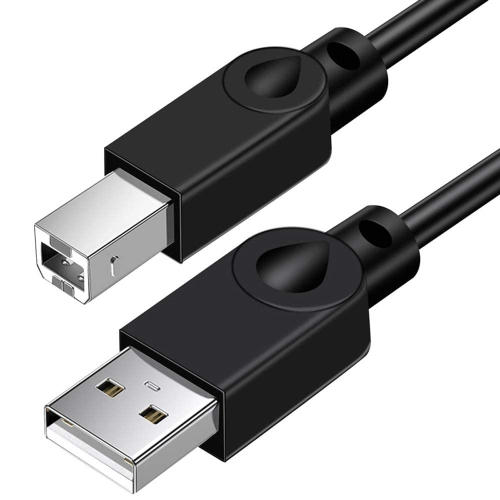
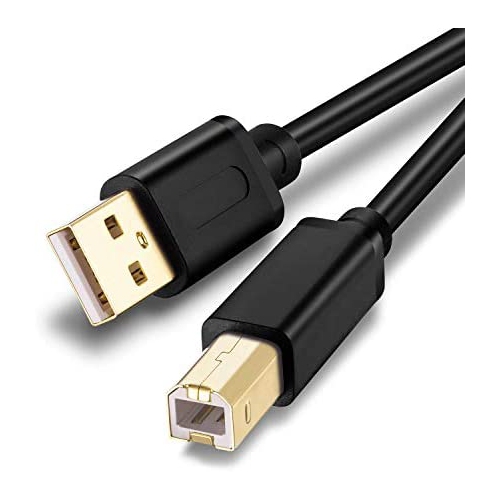
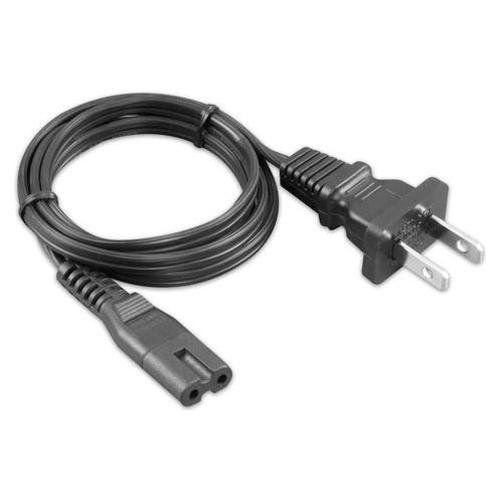
Reliable connections help offices print smoothly and avoid downtime
Printer cables are a thoughtful addition to any office upgrade, whether for a team that’s expanding, a professional working from home, or even as a practical gift for someone starting a new job or launching a small business. They’re also a smart pick for shared workspaces where equipment is used by multiple people throughout the day. As teams prepare for the busy months ahead, the right cable can help avoid frustrating disconnects and wasted time, making everyday tasks run more smoothly. It’s also important to consider ease of installation—some offices benefit from cables with flexible sheathing for routing around furniture or through cable management systems, while others may prioritize compact connectors for tight spaces. If you’re outfitting a space for students or interns, or simply looking for more tailored solutions, you can find a curated selection of Printer Cables For Students to meet specific needs. Investing in quality printer cables is a small but impactful step toward a more reliable and organized office environment, helping teams stay focused on their work as the seasons change.
FAQ
What types of printer cables are commonly used in office environments?
The most common printer cables used in offices include USB cables (such as USB-A to USB-B), Ethernet cables for network printers, and sometimes parallel cables for older models. The choice depends on the printer's connectivity options and the office's setup.
How do I choose the right printer cable for my office printer?
To select the right printer cable, check your printer’s available ports and your computer or network requirements. Most modern printers use USB or Ethernet connections. Refer to your printer’s manual or specifications to determine compatibility.
Can I use a USB extension cable with my office printer?
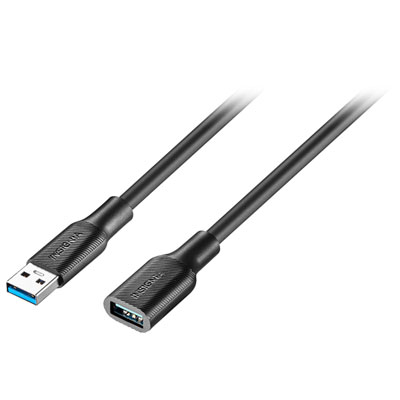
Yes, you can use a USB extension cable if your printer is far from your computer. However, keep in mind that very long extensions may affect signal quality. For best results, use high-quality, shielded cables and avoid exceeding recommended lengths.
What are the benefits of using an Ethernet cable for office printers?
Using an Ethernet cable allows multiple users on the same network to access the printer, making it ideal for shared office environments. It also provides faster data transfer speeds and more reliable connections compared to wireless or some USB setups.
Are there any special considerations when connecting multiple printers in an office?
When connecting multiple printers, ensure each has a unique connection—either via separate USB ports or distinct network addresses if using Ethernet. Using a network switch or hub can help manage several networked printers efficiently.
Top selling and popular products
-
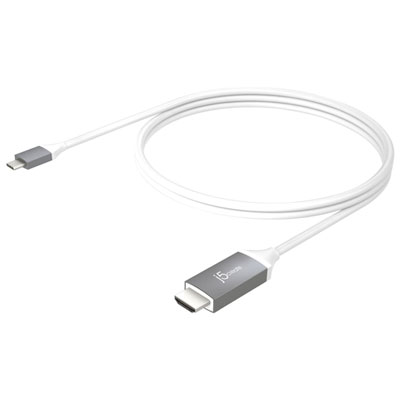 Your price for this item is $39.99
-
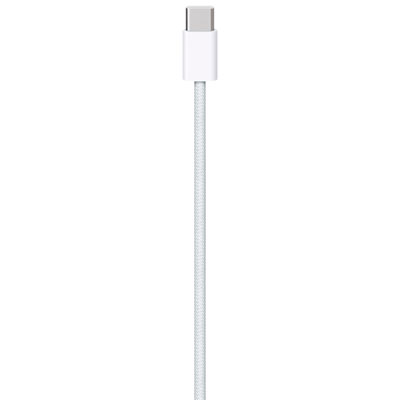 Your price for this item is $24.99
-
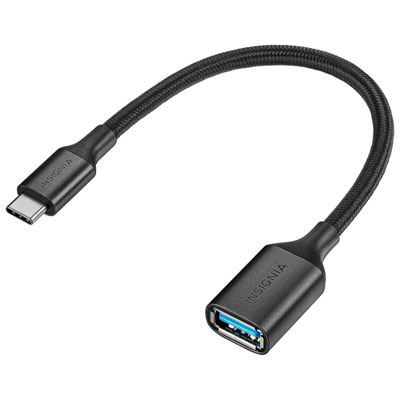 Your price for this item is $19.99
-
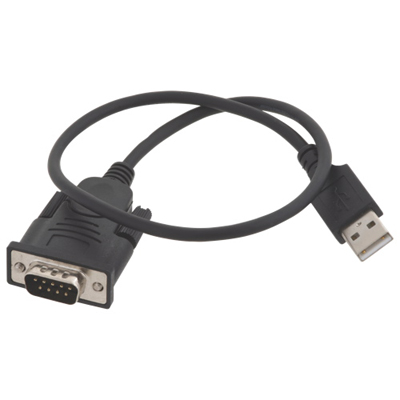 Your price for this item is $29.99
-
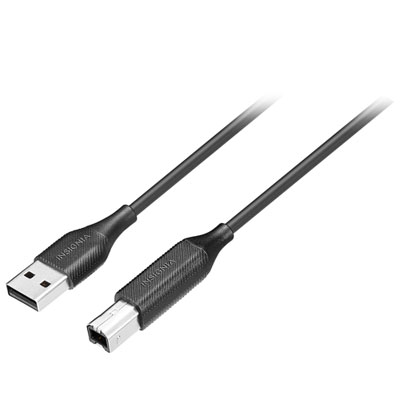 Your price for this item is $29.99
-
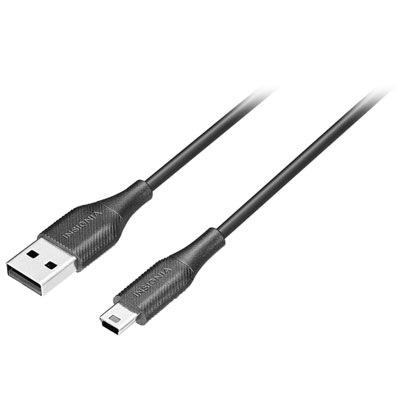 Your price for this item is $19.99
-
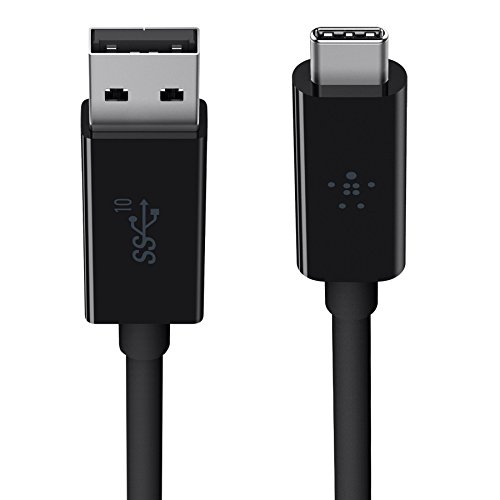 Your price for this item is $31.99
-
 Your price for this item is $24.99